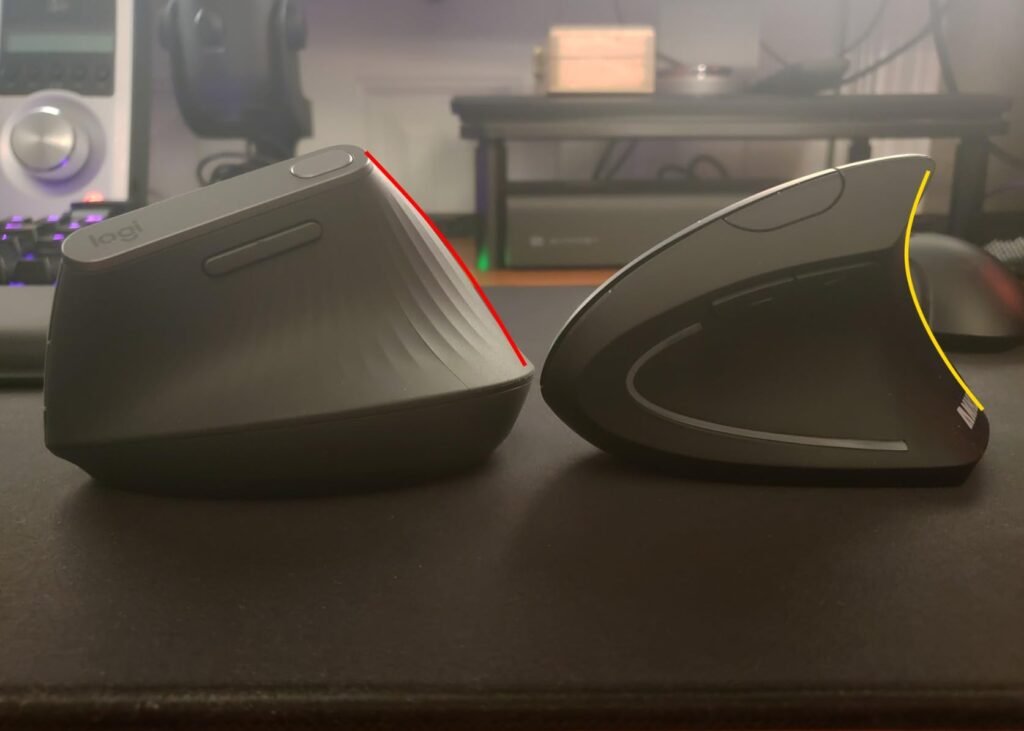
Logitech MX Vertical
8.8Editor score57-degree vertical angle
4000 DPI sensor
Textured rubber surface
Cursor speed button
Find the right vertical mice for 2026. We compare 10 standout options by build quality, useful features, owner feedback, value, and everyday trade-offs.
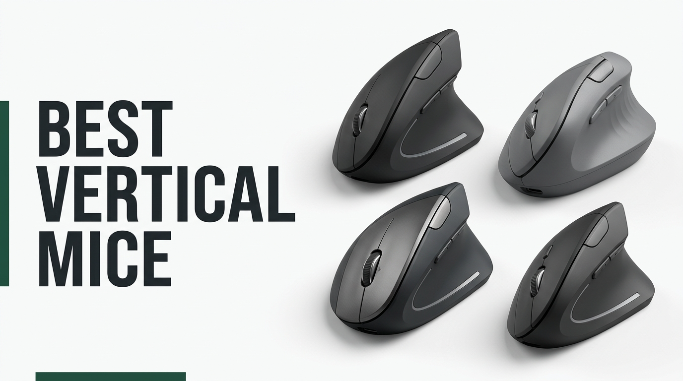
Switching to a vertical mouse can meaningfully reduce wrist strain during long computer sessions, but choosing the right one is more nuanced than it looks. We compare 10 standout options by the factors that matter most in this category: grip angle, hand size fit, connectivity, DPI range, button layout, silent click behavior, battery format, and the learning curve involved when adopting a new pointing device.
Vertical mice range from budget wired models to premium ergonomic-certified designs with adjustable pointer speeds and multi-device pairing. Not every shape suits every hand, and a mouse sized for smaller hands can feel cramped for larger ones. Angle also matters: some models tilt at 52 degrees, others at 57, and the difference changes how much your wrist rotates during daily use.
This guide covers wired and wireless models, right-hand-only and left-hand options, small-medium and full-size shells, plus rechargeable and AA-battery designs. Whether you are recovering from repetitive strain, setting up an ergonomic workstation, or just trying a healthier grip, one of these picks should fit your hand and your workflow.
We compared 10 vertical mice using the details that genuinely affect a purchase: grip angle, hand size fit, connectivity options, DPI range, button count, silent click performance, battery format and life, software support, ergonomic certifications, build quality, warranty length, owner feedback, and value. The notes focus on real-world trade-offs so each recommendation connects to how people actually use vertical mice at the desk day after day.

Compare key features, scores, and current prices side by side. A shorter feature list means fewer details were available, not necessarily fewer capabilities.


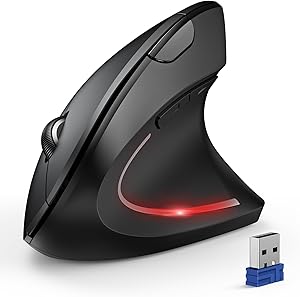


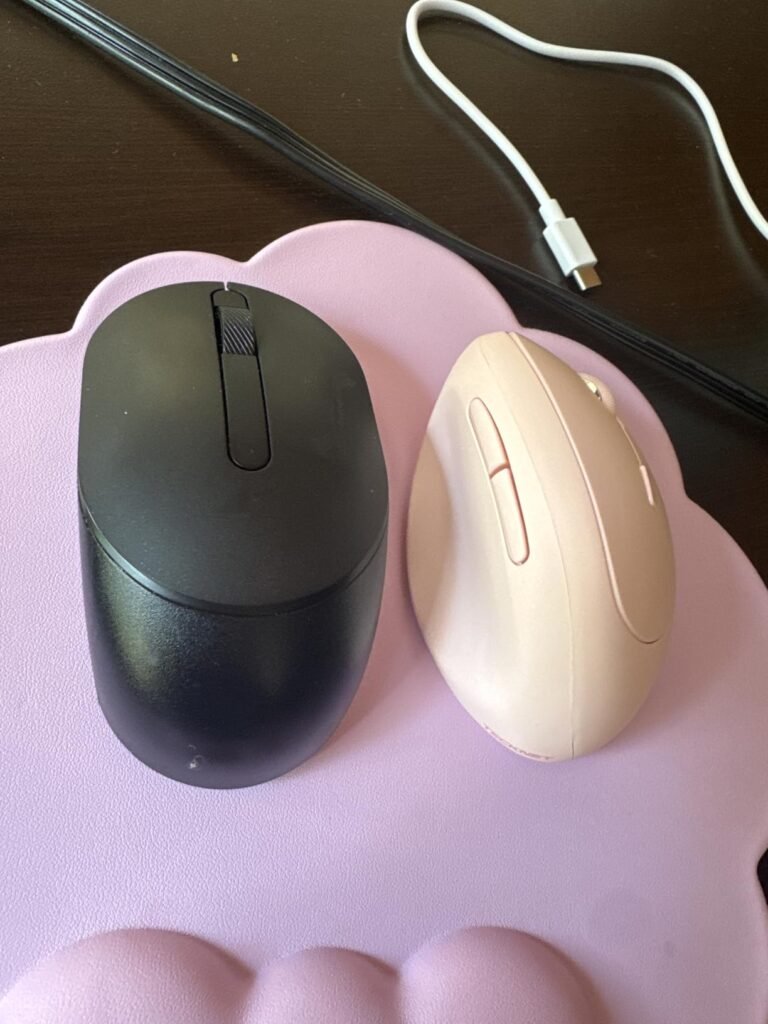
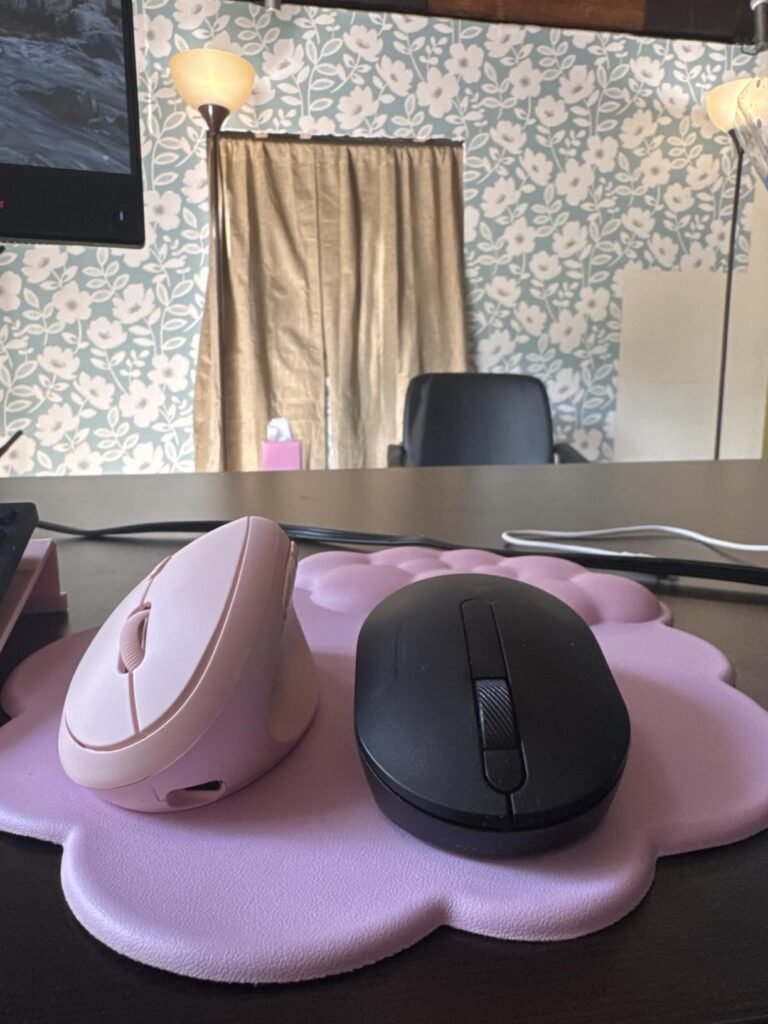
TECKNET's rechargeable vertical mouse combines a slightly less aggressive 52-degree tilt with a built-in 600mAh battery for a modern, cable-free experience. That angle is a middle ground for buyers who find 57-degree models too steep at first, offering meaningful wrist relief with a gentler adjustment period.

We may earn a commission when you buy through this link, at no additional cost to you.
Battery convenience is a real strength. About 1.5 hours of charging via the included Type-C cable delivers up to two months of use, so charging becomes a rare occurrence rather than a routine task. Bluetooth 5.0 and 3.0 support alongside 2.4GHz wireless enables seamless switching between three devices for busy multi-device workflows.
The click switches operate very quietly, which is welcome in shared workspaces or during recorded meetings. Six DPI levels from 800 to 4800 give fine control over cursor sensitivity, and the six-button layout provides navigation shortcuts beyond basic clicking. Small and medium hands should find the shape comfortable, though larger hands may want to try the fit before committing.
A 52-degree tilt is closer to a partial handshake, still delivering ergonomic benefits while feeling less dramatic than a 57-degree pure handshake. Some users adapt more quickly to the shallower angle, while others eventually want the steeper posture for maximum wrist relief. Either angle beats a flat mouse for reducing rotation strain.
Choose this mouse for a modern rechargeable vertical experience with silent operation and multi-device flexibility. The 52-degree angle and long battery life make it particularly attractive as a first vertical mouse for hands that need a gentler ergonomic transition.
Not for left-handed users or those needing Mac side-button support.
We may earn a commission when you buy through this link, at no additional cost to you.
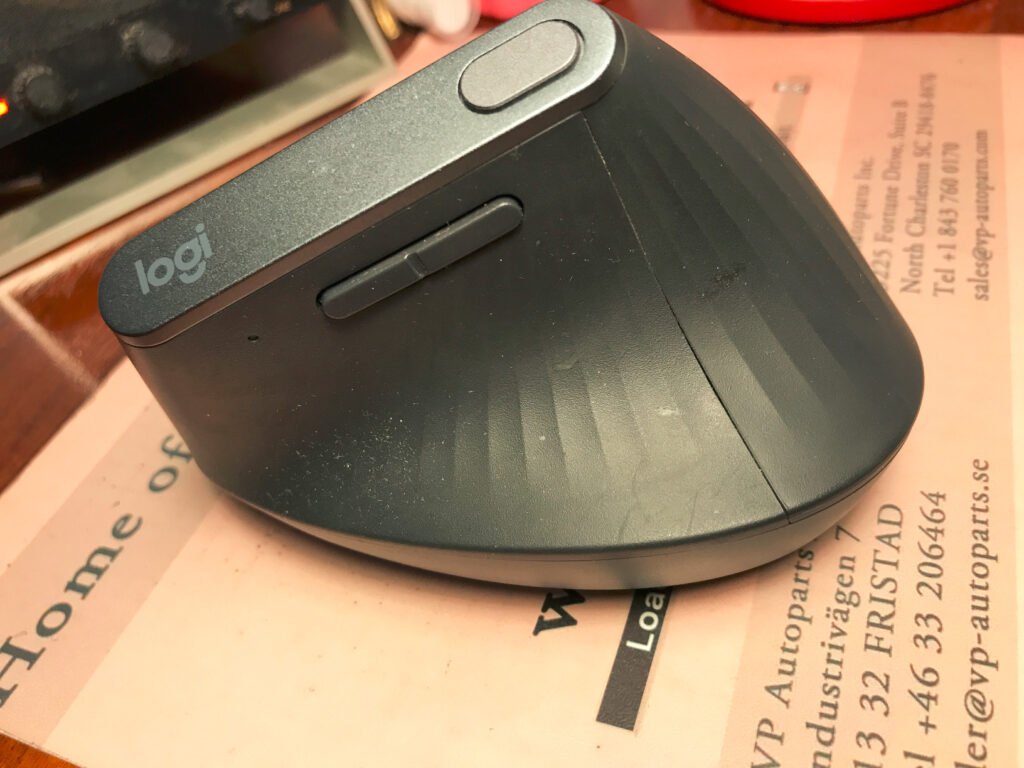
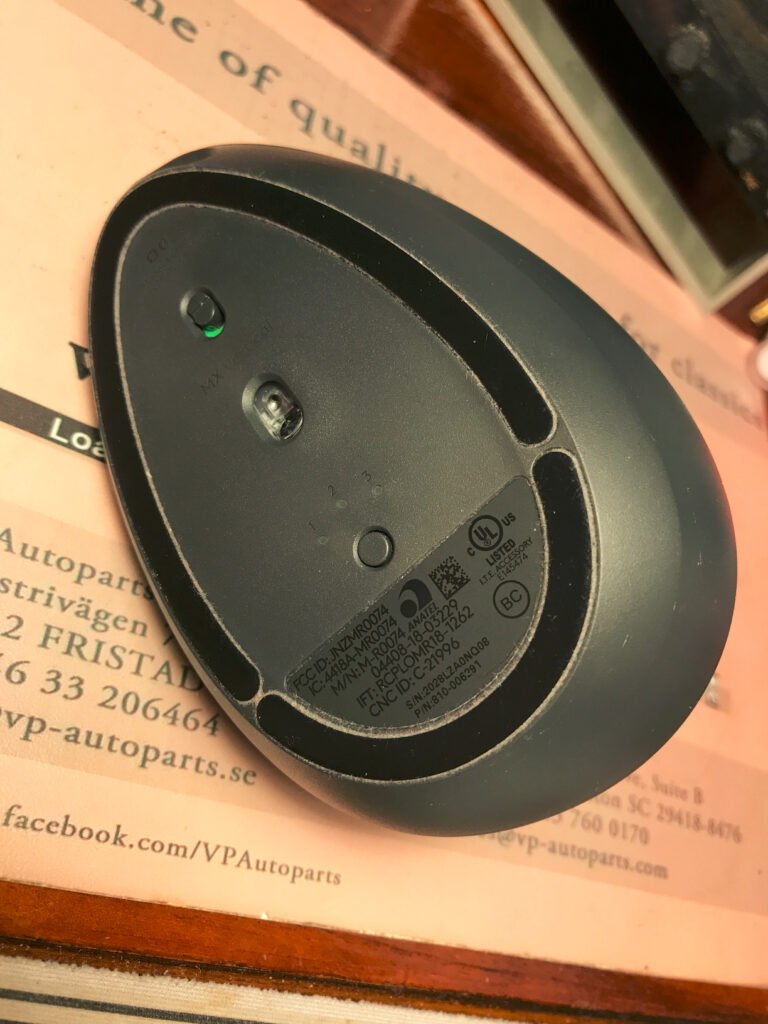
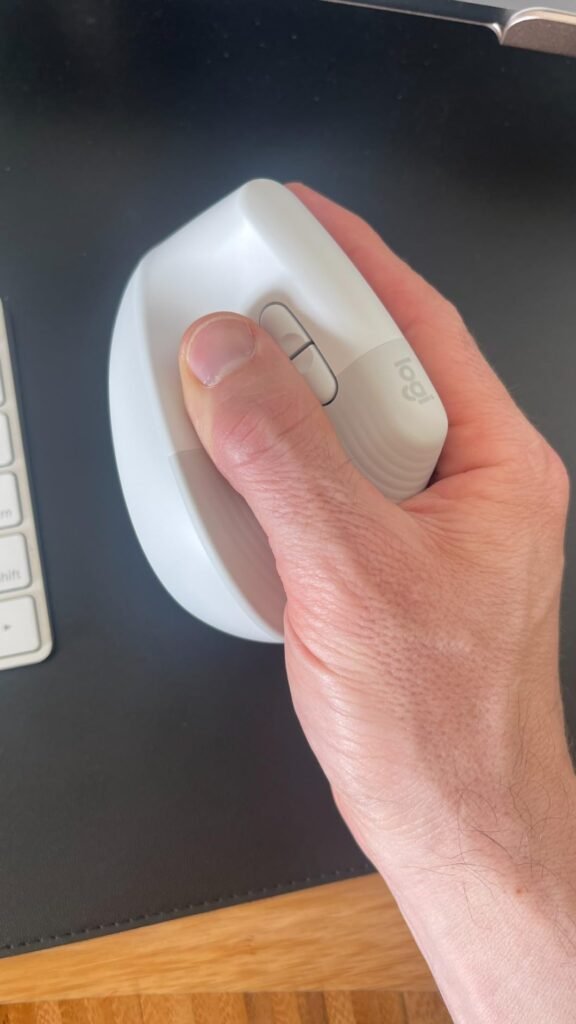
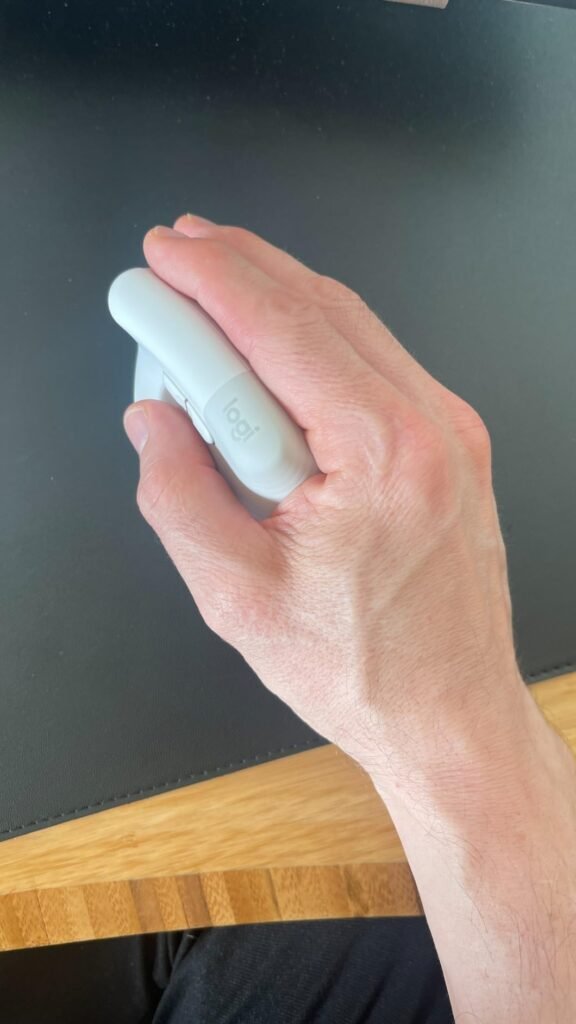
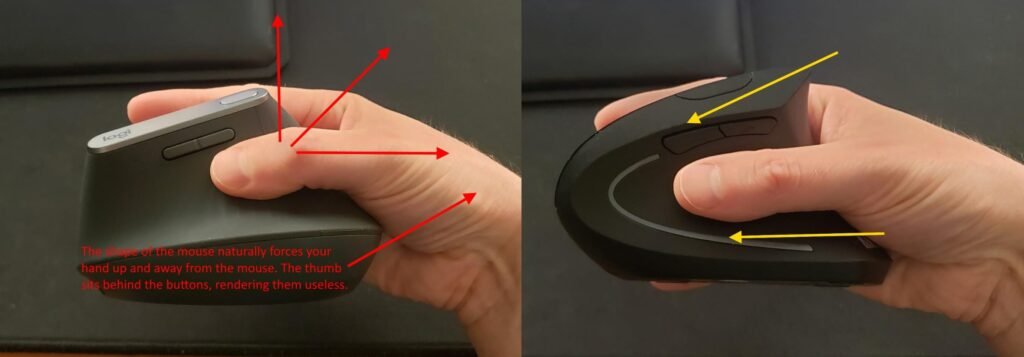
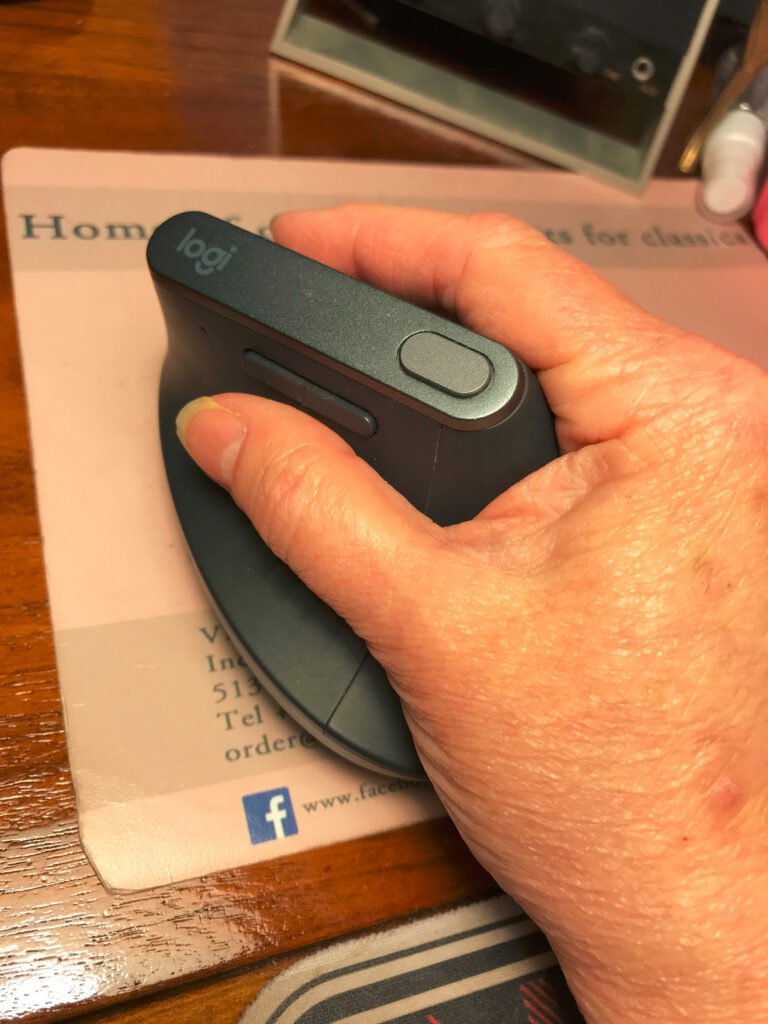
Logitech's MX Vertical remains the reference point for premium ergonomic pointing devices, aimed at professionals who spend long hours at the keyboard and want a serious reduction in wrist strain. The 57-degree tilt places the hand in a natural handshake position, which cuts muscle activity compared to a flat mouse without sacrificing precision.
We may earn a commission when you buy through this link, at no additional cost to you.
The 4000 DPI sensor is the practical difference-maker. Higher DPI means less physical hand movement for the same on-screen distance, which reduces the small repetitive motions that accumulate into discomfort. A cursor speed switch on top lets you toggle sensitivity instantly without diving into software, useful when jumping between precise design work and general navigation.
Connectivity is flexible with Bluetooth or the included USB receiver, and pairing with Logitech Options software unlocks button customization plus Flow, which lets you move the cursor between multiple computers seamlessly. The textured rubber surface improves grip security through long sessions, and the battery lasts long enough that charging becomes a minor routine rather than a daily concern.
Being able to adjust cursor speed without opening software is a small but genuinely useful workflow feature. Precise editing tasks like photo retouching benefit from lower DPI, while quickly moving across multiple monitors calls for higher DPI. A one-touch switch lets you shift gears without breaking concentration.
Choose this mouse if you have medium to large hands, work at a computer daily, and want the most polished vertical mouse experience available. It commands a premium price, and buyers with smaller hands should look at the Logitech Lift instead. For the intended user, though, few products in the category match its overall balance.
Not the best fit for users with smaller hands or tight budgets.
We may earn a commission when you buy through this link, at no additional cost to you.
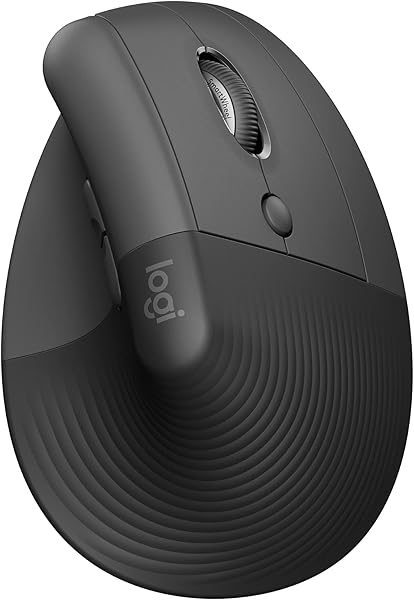
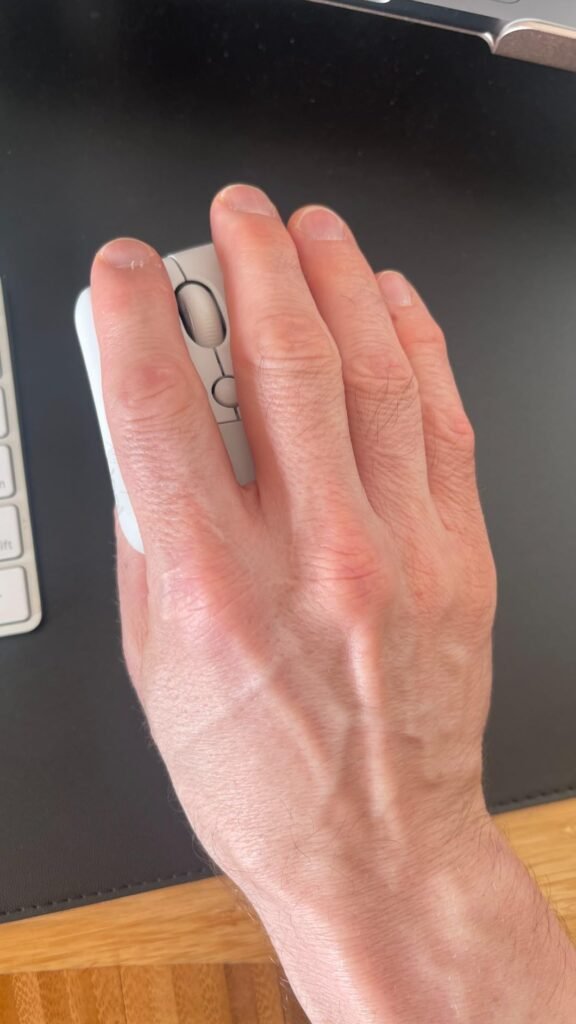
The Logitech Lift addresses one of the biggest complaints about vertical mice: many models are simply too large for small or medium hands. This unit is scaled down and shaped specifically for that user group, offering the same 57-degree tilt as the MX Vertical without the bulk that can create fatigue for anyone with a shorter palm.
We may earn a commission when you buy through this link, at no additional cost to you.
Everyday usability is a strong point. The click switches are notably quiet, which matters in shared workspaces, home offices with sleeping family members nearby, or video calls where mouse noise can be picked up by microphones. The SmartWheel delivers smooth scrolling, and customizable buttons let you assign frequent shortcuts to reduce keyboard trips.
Battery life reaches up to two years on a single set of batteries, which effectively removes charging from the mental checklist. Connectivity works over Bluetooth Low Energy or the Logi Bolt USB receiver, covering Windows, macOS, iPadOS, ChromeOS, and Linux. Post-consumer recycled plastic in the shell adds a small but meaningful sustainability angle.
Measure from the base of your palm to the tip of your middle finger to determine hand length. Vertical mouse sizing is more critical than with flat mice because your hand rests along the shell rather than moving over a flat top. A properly sized shell keeps fingers naturally on the buttons and your thumb comfortably on the thumb rest.
This is the pick if your hand measures around or under seven and a half inches and you want a premium ergonomic experience sized properly. Larger-handed users should choose the MX Vertical instead. Between the two, Logitech covers most of the ergonomic mouse market comfortably.
Not for users with large hands who need a fuller-size shell.
We may earn a commission when you buy through this link, at no additional cost to you.
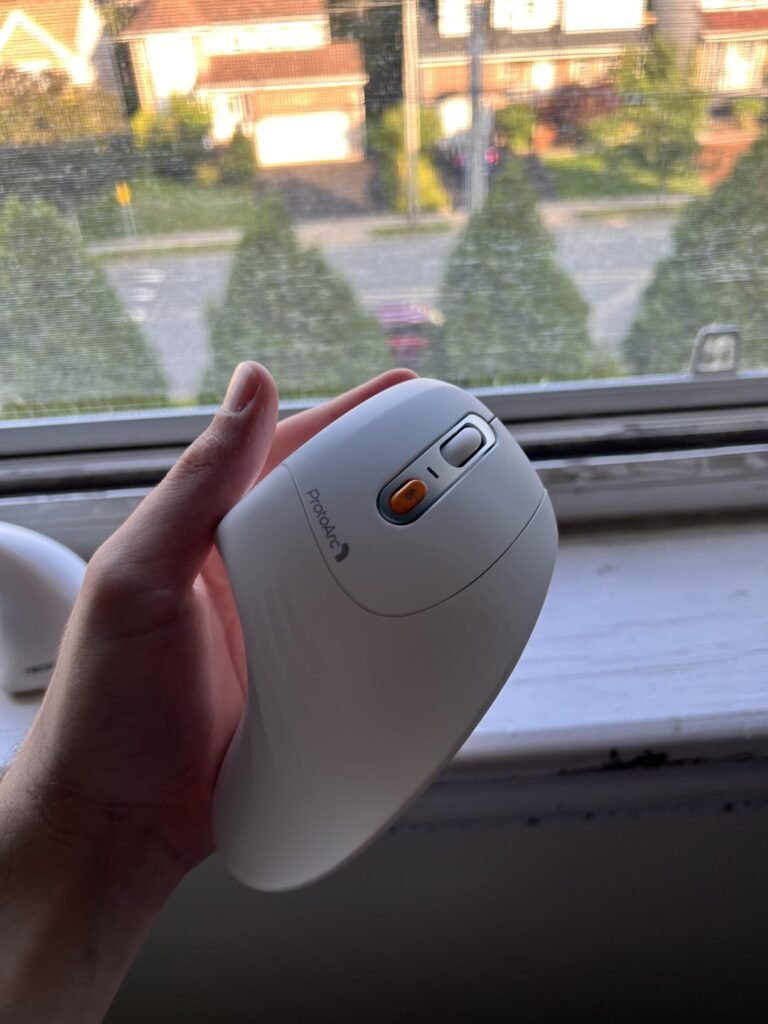
ProtoArc's EM11 NL delivers a lot of ergonomic mouse for a modest price. Aimed at users with hands under seven and a half inches, it pairs a comfortable vertical shell with a built-in 500mAh battery that recharges via USB-C, sparing you the hassle of managing AA or AAA cells over time.

We may earn a commission when you buy through this link, at no additional cost to you.
Multi-device support is a genuine productivity boost. Two Bluetooth channels plus a 2.4GHz USB-A receiver mean you can pair with three devices simultaneously and switch between a laptop, tablet, and desktop with a click. That works across Windows, macOS, and Android, though the forward and back side buttons are not compatible with macOS.
Silent clicks on the left and right main buttons keep the acoustic footprint low, which is welcome in shared home offices or open workspaces. The DPI selector cycles through 1000, 1600, and 2400 settings for different work styles. Adjustment periods with vertical mice tend to take one or two weeks, and this shell is comfortable enough to make the transition smooth for most users.
Rechargeable models eliminate the ongoing cost and environmental footprint of disposable batteries. The trade-off is that once the internal battery ages, you cannot simply swap in fresh cells. For most users, the convenience of USB-C charging over the mouse’s typical service life outweighs that consideration.
This is a smart pick for buyers who want a rechargeable multi-device vertical mouse without paying premium prices. It is not the choice for large hands or users who need programmable button customization software. For everyday productivity in compact hands, it delivers strong value.
Not for large hands or users needing programmable side buttons on macOS.
We may earn a commission when you buy through this link, at no additional cost to you.
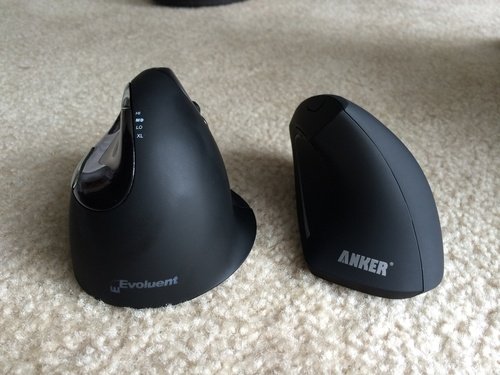
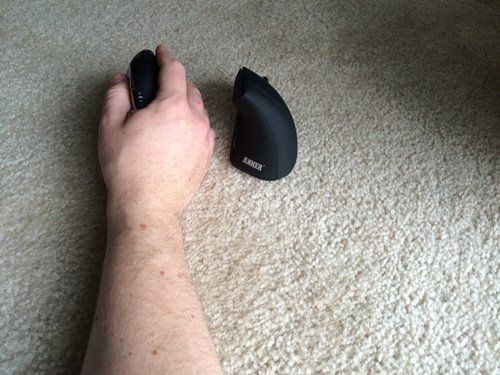
Anker's wireless vertical mouse has been a category staple for years, and it earns that longevity by offering the essentials at a reasonable price. The handshake-position shell reduces the wrist rotation strain associated with flat mice, making it a sensible entry into ergonomic pointing devices for anyone recovering from repetitive strain or trying vertical for the first time.
We may earn a commission when you buy through this link, at no additional cost to you.
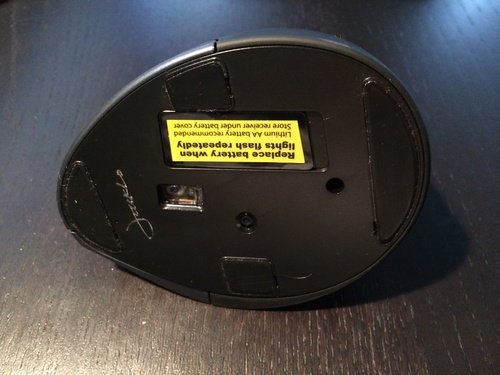
Three DPI settings at 800, 1200, and 1600 cover the sensitivity range most office and web users need. Optical tracking works well across common surfaces, and the next/previous buttons streamline browser navigation without requiring keyboard shortcuts. The 2.4GHz USB receiver stows in the bottom of the mouse when traveling.
Power management is thoughtful for a budget-tier product. The mouse enters a deep power-saving mode after eight minutes of inactivity, wakes instantly on a button press, and helps AAA batteries last considerably longer than they would otherwise. Note that the batteries themselves are not included in the box.
A dedicated 2.4GHz USB receiver typically delivers lower latency and more consistent responsiveness than Bluetooth, especially on older machines. The downside is that it occupies a USB port and can be lost when unplugged. Bluetooth trades a bit of responsiveness for the flexibility to pair without any dongle at all.
Choose this mouse if you want a proven wireless vertical option at a lower price point and do not need Bluetooth or rechargeable convenience. It is a solid gateway product to test whether the vertical form factor works for you before investing in a premium model.
Not for buyers who need Bluetooth or a rechargeable internal battery.
We may earn a commission when you buy through this link, at no additional cost to you.
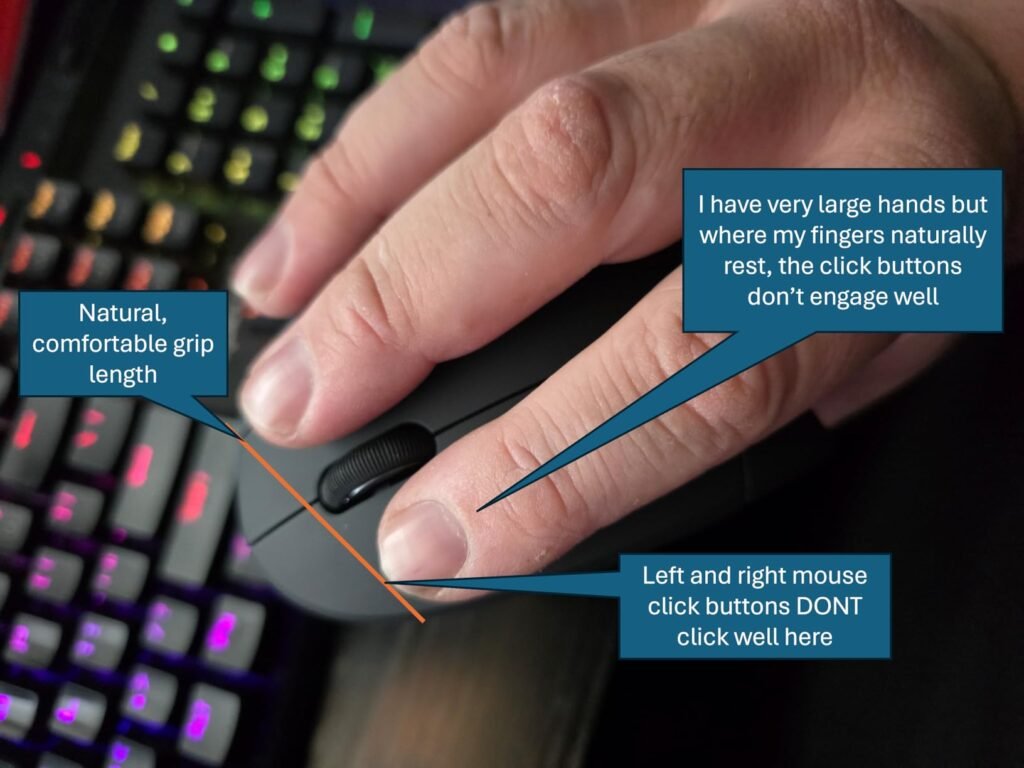
TECKNET's 4800 DPI vertical mouse packs an impressive feature set into a budget-friendly package. Six adjustable DPI levels from 800 all the way to 4800 let you fine-tune sensitivity for very different tasks, from precise pixel work to fast cursor jumps across large or multi-monitor setups.
We may earn a commission when you buy through this link, at no additional cost to you.
Connectivity flexibility stands out at this price. Bluetooth 5.0 or 3.0 handles two devices simultaneously, and the built-in 2.4GHz USB receiver adds a third connection option. Switching between devices takes a quick button press, which makes juggling a work laptop, personal computer, and tablet less disruptive during the day.
Silent clicks on the primary buttons keep the mouse quiet in libraries, shared offices, or during video calls. The vertical shape encourages a relaxed handshake grip that eases wrist tension over long sessions. Other function buttons are not silent, which is worth noting if absolute quiet matters, but the primary clicks are where most of the noise concentration usually is.
Six DPI levels give you fine control over sensitivity across different tasks. Photo and design work benefits from lower settings for pixel-level precision, while spreadsheet navigation and multi-monitor use benefit from higher settings. Being able to nudge between levels rather than jumping between just two or three settings matches how mixed workdays actually flow.
Choose this mouse for a full-featured vertical experience at a modest price, especially if you want the confidence of a 36-month warranty. Left-handed users and Mac users needing macOS side-button support should look elsewhere, but for most Windows workflows it hits a strong balance.
Not for left-handed users or Mac users who rely on side buttons.
We may earn a commission when you buy through this link, at no additional cost to you.
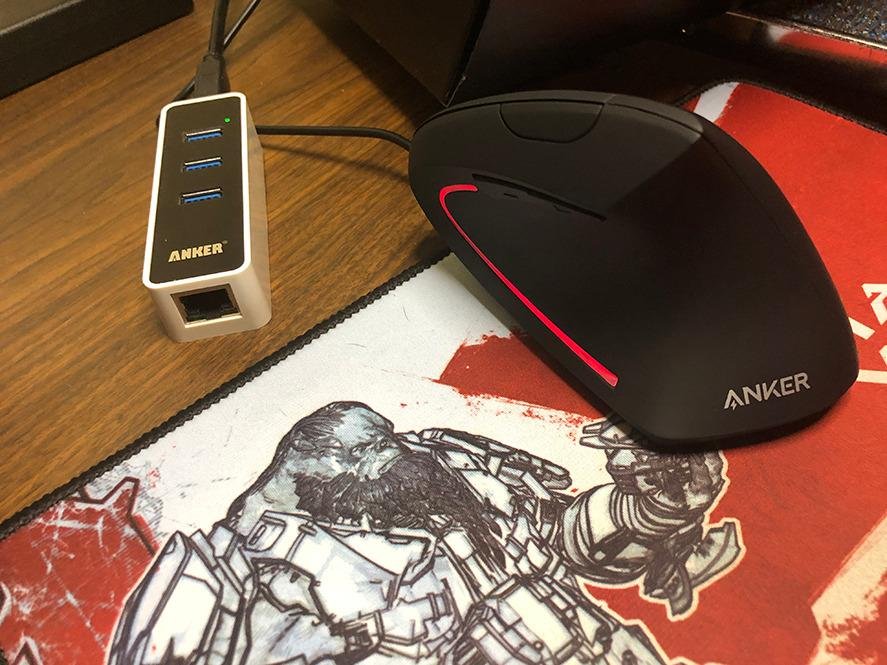
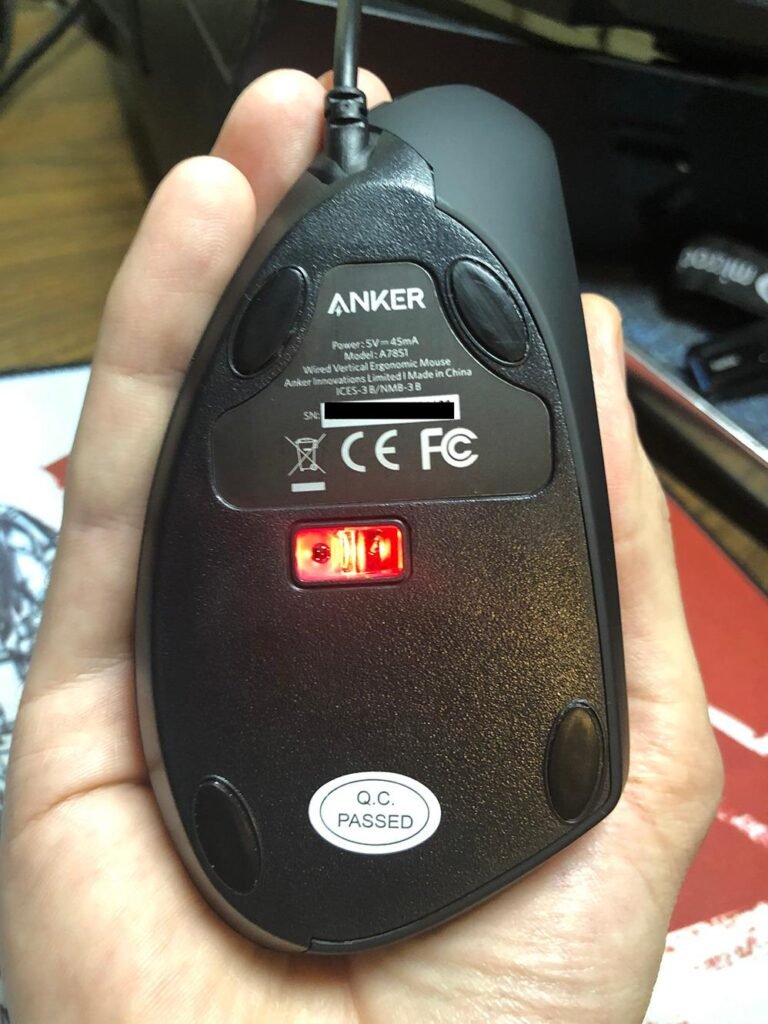
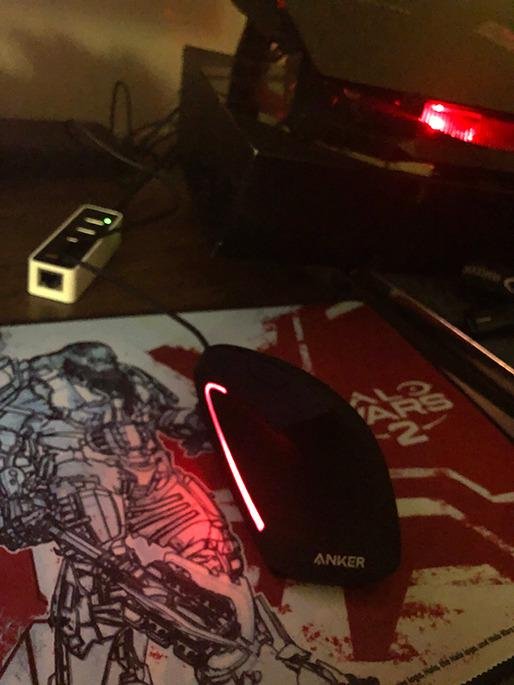
For anyone who does not want to think about batteries, charging cables, or Bluetooth pairing, Anker's wired vertical mouse offers the cleanest possible ergonomic setup. Plug it into a USB port and start working. The design mirrors Anker's wireless model closely, so the ergonomic benefits translate directly.
We may earn a commission when you buy through this link, at no additional cost to you.
At just 5.3 ounces, the mouse feels light in the hand, which helps reduce fatigue during long sessions. Two DPI settings at 1000 and 1600 handle most productivity and browsing tasks without needing complicated switching. The 1.5-meter cable gives enough reach for most desk setups without excessive slack cluttering the workspace.
Next and previous buttons make browser and file navigation faster, and the vertical shell encourages the handshake grip that vertical mice are known for. Because it is wired, there is no latency to worry about, no receiver to lose, and no dead battery to interrupt a project at the worst moment.
Wired mice never run out of power, never disconnect mid-task, and cost less than comparable wireless models. For desktop setups where the mouse rarely moves off the desk, cabling is more of a routing exercise than an ongoing inconvenience. Cable management clips or a mousepad with an integrated cable channel can keep the workspace tidy.
This is the pick for buyers who value simplicity over cutting-edge features. It suits users at a fixed workstation who prefer wired peripherals for reliability. Skip it if you need a portable mouse for laptops or want the aesthetic of a cable-free desk.
Not for laptop users who need portability or cable-free desks.
We may earn a commission when you buy through this link, at no additional cost to you.
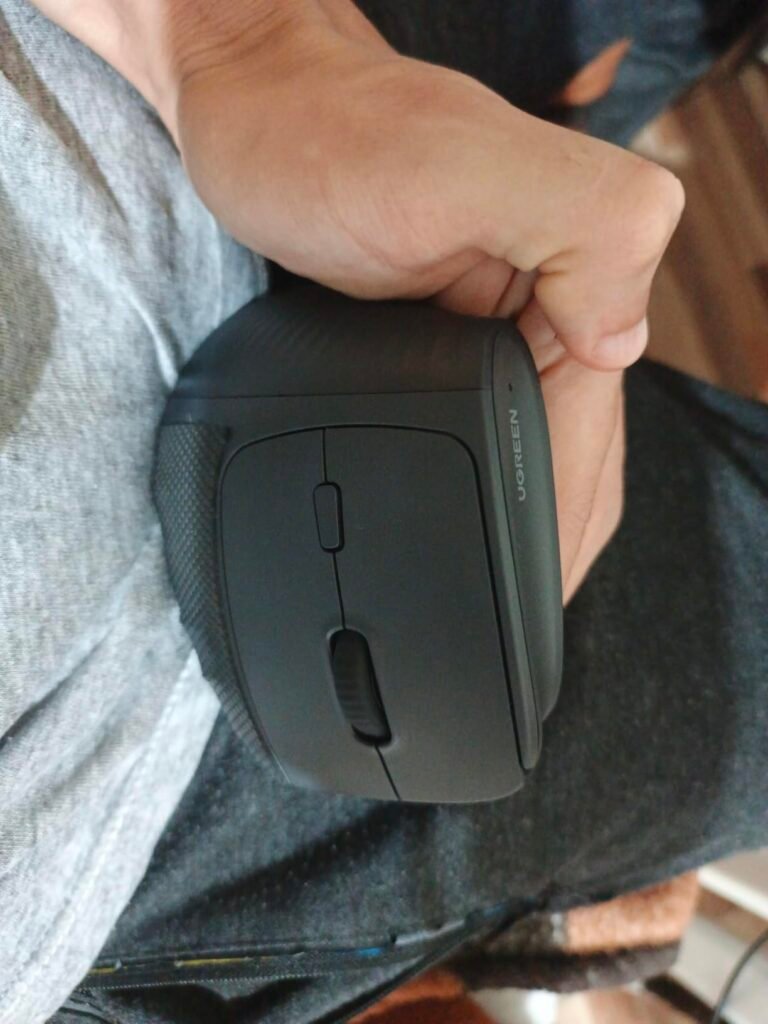
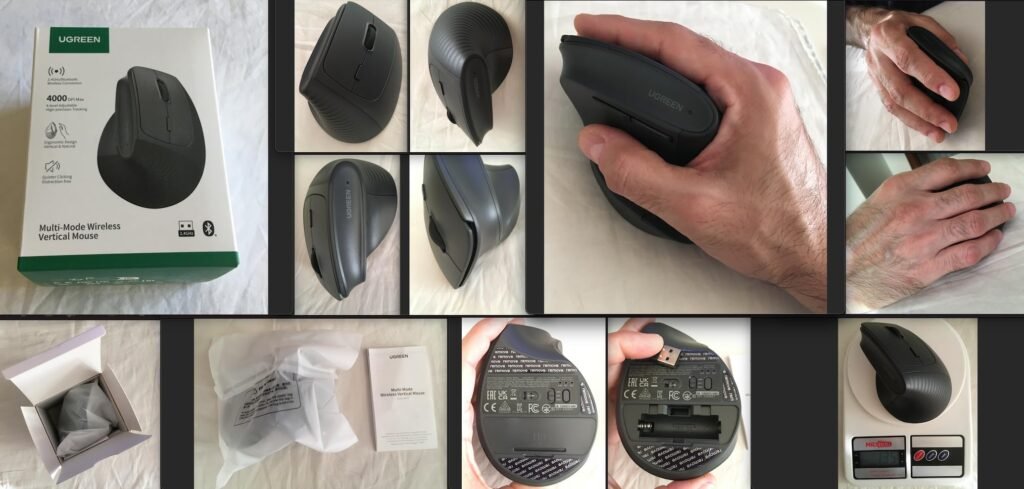
UGREEN's ergonomic wireless mouse punches above its price point by combining silent clicks, dual wireless connectivity, and a comfortable vertical shape at a genuinely budget-friendly cost. For anyone testing a vertical mouse without wanting to commit financially, this is a smart entry point.
We may earn a commission when you buy through this link, at no additional cost to you.
Four DPI levels from 1000 to 4000 cover a wide range of usage scenarios, from precise text editing to fast cursor movements across multiple displays. PTFE glide feet, similar to those found on more expensive gaming mice, reduce friction on the mousepad or desktop for smoother, quieter tracking. The five-button layout adds navigation shortcuts beyond basic click functions.
Dual wireless via Bluetooth or the 2.4GHz USB receiver lets you pair with up to three devices, which is generous at this price. A single AA battery powers the mouse, and smart sleep mode helps stretch battery life. Compatibility spans Windows, macOS, Linux, ChromeOS, and Android, making it usable across most home and office setups.
AA batteries offer the convenience of instant swaps, availability everywhere, and the option to use rechargeable NiMH cells if you want to avoid disposables. The downside is added weight and more frequent replacements compared to a mouse with a built-in lithium battery. For occasional use, AA is often the better format overall.
Choose this pick if you want strong feature coverage at the lowest price. The trade-off is a non-rechargeable AA battery format and a shell that suits larger hands better than smaller ones. For users on tight budgets, few competing options offer this much for the money.
Not for users seeking a lightweight rechargeable premium build.
We may earn a commission when you buy through this link, at no additional cost to you.
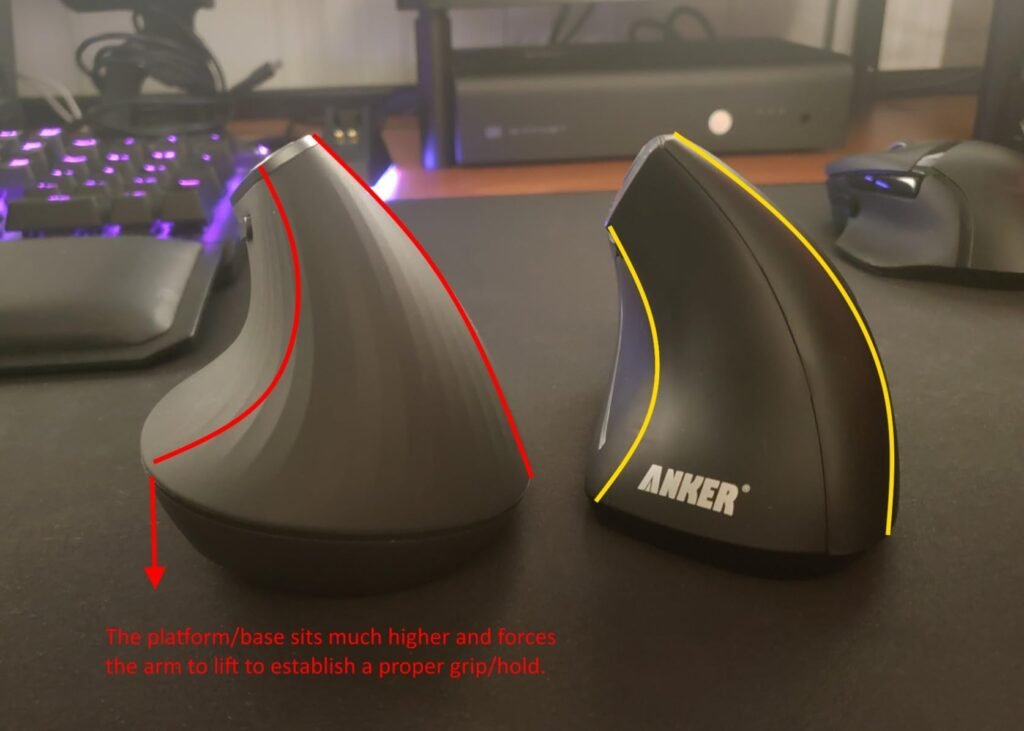
For buyers who want the MX Vertical experience at a lower price, the renewed option is worth considering. These are inspected and refurbished units offered at a discount compared to new, giving access to Logitech's flagship ergonomic mouse design without the full retail commitment.
We may earn a commission when you buy through this link, at no additional cost to you.
The core specifications carry over: Bluetooth or USB receiver connectivity, the 57-degree ergonomic angle that reduces wrist strain, the advanced optical sensor for precise tracking, and the long-lasting battery that averages around four months per charge. Compatibility with both Mac and Windows makes it flexible for mixed-platform households.
Renewed products vary in condition depending on the seller, so buying from a reputable source with a clear return policy is important. Most renewed units function identically to new models but may show minor cosmetic wear. The financial savings are meaningful, particularly if you have been on the fence about the MX Vertical’s premium price.
Look for renewed listings backed by clear warranty language and a return window. Amazon Renewed products typically include some level of quality guarantee. Compare pricing carefully; sometimes new-in-box sales bring the difference between new and renewed to just a few dollars, at which point new becomes the better choice.
Choose this option if you want the top-tier MX Vertical shape and feel but prefer to spend less. Verify the seller’s condition guarantees and warranty terms before purchasing. If those check out, this can be one of the best-value vertical mice available.
Not for buyers uncomfortable with refurbished electronics or shorter warranties.
We may earn a commission when you buy through this link, at no additional cost to you.
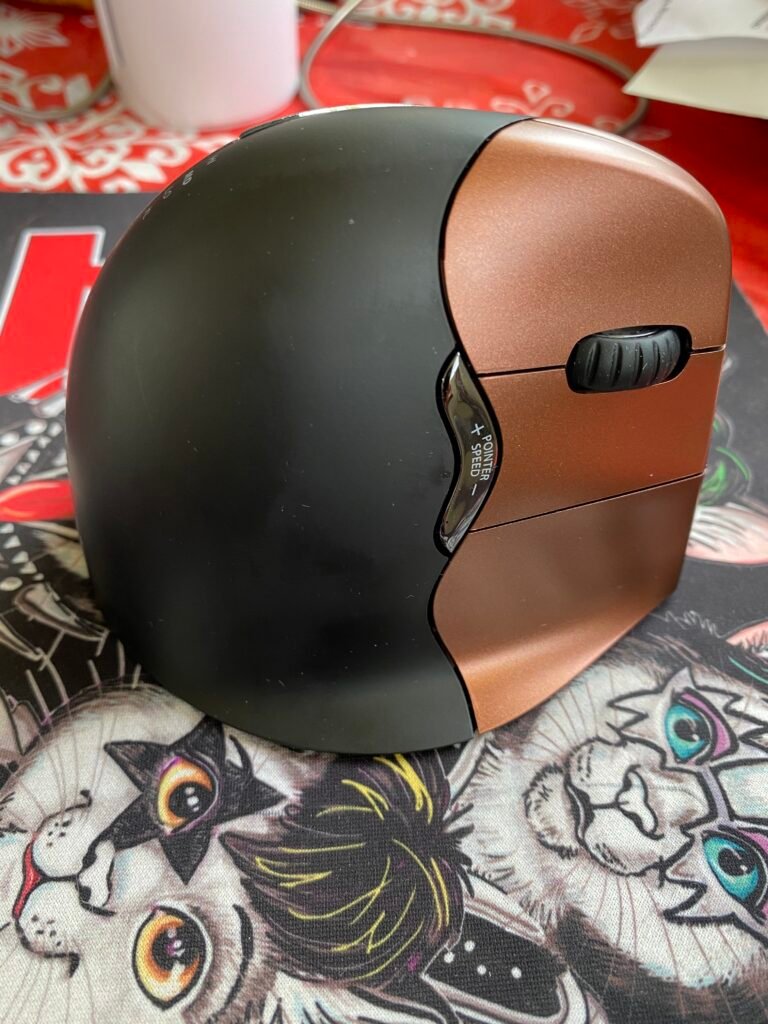
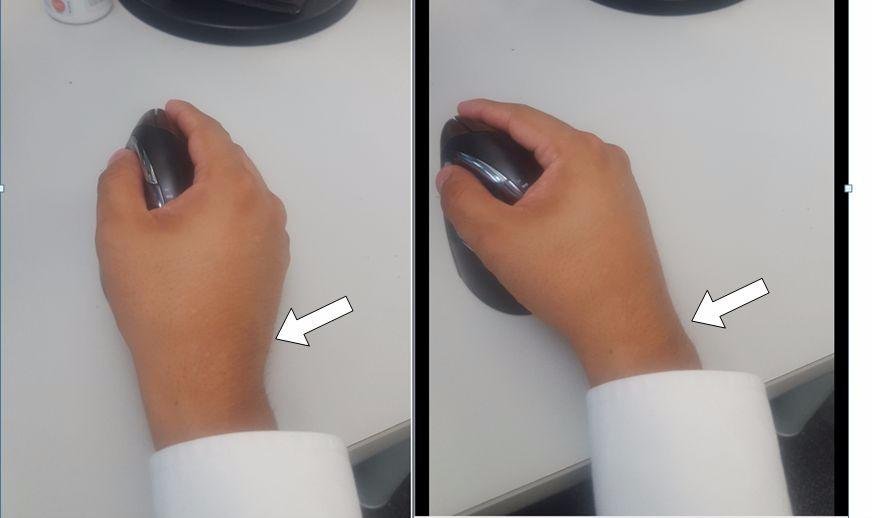
Evoluent invented the vertical mouse category, and the VM4RW reflects that heritage with a sculpted shell shaped over years of ergonomic refinement. The upright neutral position it enforces makes it a common recommendation for users dealing with carpal tunnel symptoms or persistent wrist discomfort from flat mice.
We may earn a commission when you buy through this link, at no additional cost to you.
Six programmable buttons customized through the Evoluent Mouse Manager software give power users deep control. Common assignments include copy, paste, application-switching, or macros tuned for specific creative applications. Four cursor speed settings adjust via a side control without needing to release your grip, useful when switching between detail work and general navigation.
The broad bottom lip is a distinguishing design feature. It provides support to the outside of the palm, which reduces the tendency to slouch the hand downward during long sessions. Compatibility spans Windows, macOS, and Linux, with the deepest software customization available on Windows.
Programmable buttons cut down on keyboard trips for common actions like copy, paste, or switching applications. Over the course of a busy workday, small time savings on frequent actions add up meaningfully. Investing time to configure buttons for your specific workflow pays back quickly in reduced hand movement and improved focus.
Choose this mouse if you want the design philosophy of the vertical mouse category’s original innovator and value programmable customization. It carries a premium price and takes up more desk space than compact rivals. For users seriously committed to workstation ergonomics, the investment is often worth it.
Not for buyers seeking a compact travel mouse or a budget-friendly price.
We may earn a commission when you buy through this link, at no additional cost to you.
Selecting a vertical mouse involves matching the shell to your hand, choosing the right connectivity, and understanding features like DPI, silent clicks, and programmability. The factors below will help you narrow the field with confidence.
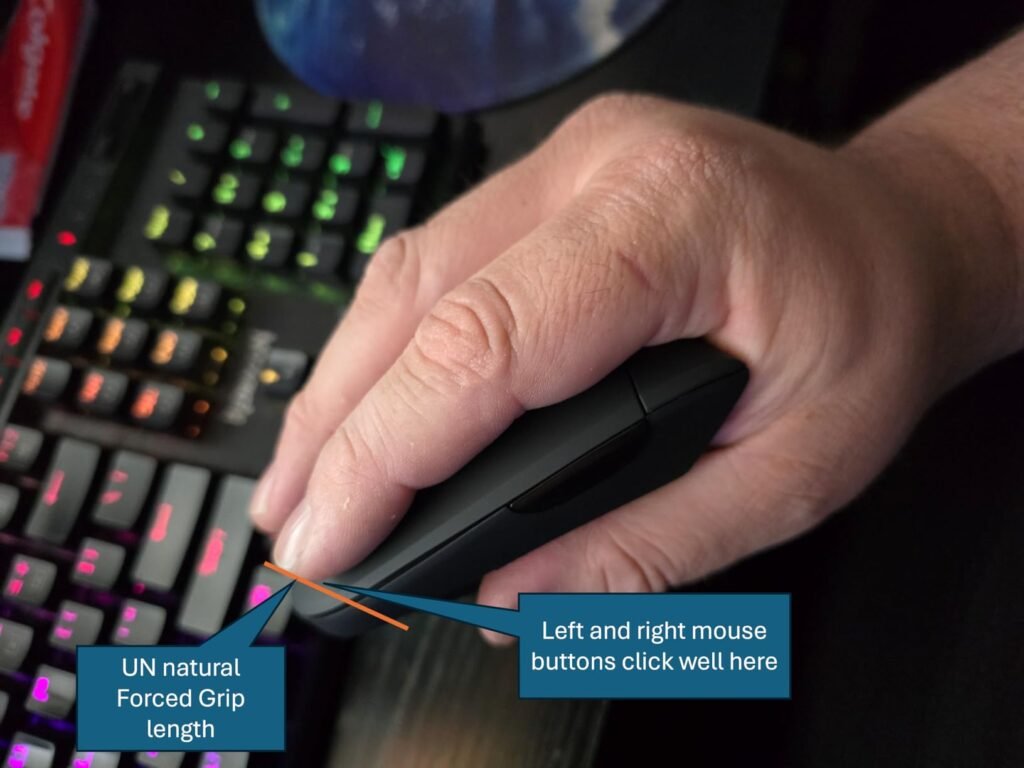
Hand size matters more with vertical mice than with flat mice. A vertical shell must support your palm along its full contact surface for the ergonomic benefit to fully materialize. Manufacturers typically indicate whether a model suits small, medium, or large hands. Measure from the base of your palm to the tip of your middle finger to determine hand length in inches or centimeters.
A shell that is too small forces the hand into a cramped grip, defeating the point of the ergonomic design. A shell that is too large stretches the fingers and causes the hand to hover rather than rest naturally. Neither situation delivers the wrist relief you are seeking, and both can create new discomfort in different muscle groups over time. Take manufacturer sizing recommendations seriously and cross-reference with owner reviews before purchasing.
When in doubt, right-sized shells from established brands like Logitech tend to have more accurate sizing guidance. If your hand length is truly borderline between two sizes, choose the slightly smaller option for a more secure grip.
Vertical mice typically tilt between about 45 and 60 degrees from the flat position. The most common angles are 52 and 57 degrees. A 57-degree angle produces the most upright handshake position, offering the greatest relief from wrist rotation. A 52-degree angle is slightly less extreme, providing meaningful ergonomic benefit with a gentler transition from a traditional flat mouse.
The right angle for you depends on how sensitive your wrist is and how quickly you adapt to new ergonomic positions. First-time vertical mouse users sometimes find the 57-degree angle initially awkward, though most acclimate within a week or two. Users transitioning specifically due to wrist pain often prefer starting with the most upright angle for maximum immediate benefit.
If you are unsure, the 57-degree angle is the more common ergonomist-recommended standard. If you have tried a 57-degree vertical mouse and found it uncomfortable, look for a 52-degree option instead.
Modern vertical mice offer three main connectivity options: wired USB, 2.4GHz wireless via a small USB receiver, and Bluetooth. Many include two of these three, allowing flexibility for different setups. Wired connections offer the lowest latency and no battery concerns but tether the mouse to the desk. 2.4GHz wireless is typically more responsive than Bluetooth but requires a free USB port. Bluetooth is the most flexible for laptops and tablets but can be slightly less responsive on older machines.
Multi-device pairing is a useful feature for anyone juggling a work laptop, personal computer, and tablet. Look for models that can pair with three or more devices and switch between them at the touch of a button. Compatibility with your specific operating system matters too. Most vertical mice work with Windows and macOS, but side-button functionality and software customization vary. Linux and ChromeOS support is common but not universal.
Consider your primary use case. Desktop users at fixed workstations may prefer wired simplicity. Laptop users benefit most from Bluetooth flexibility. Multi-device workers should prioritize models with Bluetooth plus 2.4GHz and multi-device switching.
DPI (dots per inch) controls cursor sensitivity. Higher DPI means the cursor moves further on screen for the same physical mouse movement. Most productivity users are well served by DPI in the 1000-2000 range. Multi-monitor setups, 4K displays, or fast navigation workflows benefit from higher DPI options. Precision tasks like photo editing or CAD often use lower DPI for pixel-level control.
Adjustable DPI is now standard, but the number of levels and the range varies. Some mice offer two or three settings, while others provide five, six, or more with a very wide range. On-mouse DPI switching, without needing software, is a genuine productivity feature for anyone who shifts between task types throughout the day.
Match DPI options to your typical work. If your tasks are consistent, two or three settings suffice. If you shift between varied workflows, look for at least four DPI levels and on-mouse switching.
Click noise matters more than many buyers realize. Standard mouse clicks are audible enough to be picked up by microphones during video calls, disturb sleeping family members in shared spaces, or annoy coworkers in open offices. Silent click mice use dampened switches that produce a much quieter tactile response without eliminating the feedback you need.
Silent clicks typically apply only to the left and right primary buttons. Scroll wheels and side buttons often remain audible. That is usually enough silence for practical purposes, but worth noting if absolute quiet is your goal. Silent switches sometimes feel slightly different tactilely than standard switches, so try one before committing if possible.
If you work in shared environments, take calls frequently, or share a space with others, prioritize silent clicks. If you work solo in a private space, standard clicks are perfectly fine and often feel more satisfying.
Wireless vertical mice use either replaceable batteries (AA or AAA) or built-in rechargeable batteries that charge via USB cable. Each format has trade-offs. Replaceable batteries can be swapped in seconds and never wear out with age, but require keeping spares on hand and generate more waste over time. Rechargeable batteries offer cable-free convenience but eventually degrade after hundreds of charge cycles.
Battery life varies dramatically. Premium models like the Logitech MX Vertical and Lift can last months or even years on a set of batteries. Budget models tend to require more frequent replacements or charges. Look at the manufacturer’s stated life and consider your usage intensity. Heavy daily users benefit more from long-life models.
Choose based on your habits. If you dislike managing charging cables, replaceable AA or AAA batteries with long life work well. If you prefer minimizing disposable waste, rechargeable is the better choice.
Most vertical mice offer five to six buttons: left click, right click, scroll wheel click, and forward/back navigation. Some models offer additional buttons or a top-mounted DPI switch. Premium models often support software-based button remapping through utilities like Logitech Options, Evoluent Mouse Manager, or manufacturer-specific tools.
Programmable buttons let you assign custom shortcuts, macros, or application-specific functions. This is particularly valuable for power users in creative software, spreadsheets, or coding environments. Basic productivity users may never need customization beyond default settings, in which case simpler mice work fine.
Match feature depth to your workflow. Basic web browsing and email are well served by any five-button mouse. Complex professional workflows benefit from programmable buttons and manufacturer software support.
Most vertical mice are designed exclusively for right-handed users. Left-handed vertical mice do exist but represent a small portion of the market. The Logitech Lift, for example, offers both right and left-hand versions in some color options, which is unusual for the category.
Body style matters beyond just handedness. Some models feature a broad thumb rest, others have a narrower channel. Some include a bottom lip that supports the outside of the palm. These design choices affect long-term comfort and how naturally your hand settles into position.
Left-handed users should verify explicit left-hand availability before purchasing. Right-handed users have plenty of choices and should focus on hand size fit and preferred grip style.
Give yourself an adjustment period when first switching to a vertical mouse. Most users need one to two weeks to fully adapt to the new grip, and initial awkwardness is normal. Rest your palm naturally on the shell without gripping tightly, and let your thumb settle onto the thumb rest without pressing. Keep your forearm supported on the desk when possible, since a vertical mouse works best with the arm and wrist in a relaxed, aligned position rather than hovering.
Position the mouse close enough that you do not need to reach for it. Reaching partially undoes the ergonomic benefit by introducing shoulder strain. Adjust cursor speed via DPI settings so you can move across your screen with minimal physical movement. If you use multiple monitors or a high-resolution display, higher DPI reduces the total hand travel required. Take short breaks every 30 to 60 minutes to stretch your hand, wrist, and forearm regardless of how ergonomic your mouse is.
Care for the mouse by keeping the sensor lens clean and free of dust or debris, which can cause tracking issues. Wipe the shell periodically with a soft slightly-damp cloth to remove hand oils and grime. For wireless models, monitor battery life and swap or charge before batteries are completely depleted to avoid mid-task interruptions. Store the mouse on a smooth mousepad or surface that suits its sensor. With basic care, a quality vertical mouse should provide reliable service for several years.
Most users adapt within one to two weeks of consistent daily use. The first few days can feel awkward as your hand learns the new grip and your muscles adjust to the different position. Fighting through this period pays off, since users who persist typically report meaningful wrist comfort improvements. If discomfort persists beyond two weeks, the mouse may not be the right size or angle for your hand.
Vertical mice reduce wrist rotation compared to flat mice, which can help ease the strain associated with repetitive stress and carpal tunnel symptoms. Many users report noticeable relief after transitioning. However, a mouse alone cannot cure medical conditions. Combine ergonomic tools with proper posture, regular breaks, and if needed, consultation with a doctor or occupational therapist for persistent pain.
Vertical mice can work for casual gaming, but competitive gaming typically requires flat gaming mice with very high DPI sensors, fast polling rates, and specialized shapes. The vertical grip is optimized for comfort during long typing and browsing sessions rather than the rapid precise movements competitive shooters demand. For hybrid users, a dedicated gaming mouse alongside a vertical mouse for productivity work is often the best solution.
Most vertical mice work with macOS for basic click, scroll, and navigation functions. Some brands provide macOS software for customization, though feature depth varies. A common limitation is that forward and back side buttons may not function on macOS with certain budget models. Check compatibility notes carefully if you use a Mac and rely on those extra buttons for navigation.
For general productivity, 1000 to 1600 DPI works well for most users on standard displays. Higher DPI in the 2000 to 4000 range helps with multi-monitor setups or 4K displays where the cursor needs to travel further. Precision tasks like photo editing benefit from lower DPI around 800 to 1000. Look for a mouse with multiple DPI levels so you can adjust based on the task.
Wired offers the lowest cost, no battery concerns, and reliable performance for fixed desktop setups. Wireless provides a cleaner desk and portability for laptop users. Wireless models with Bluetooth plus 2.4GHz support are the most versatile. If you rarely move the mouse from your desk, wired is a solid economical choice. Otherwise, invest in a quality wireless model with long battery life.
Measure your hand from the base of the palm to the tip of your middle finger. Compare that measurement against the manufacturer's sizing recommendations. Small-hand models typically suit hands under 7 to 7.5 inches, while medium-large models fit longer hands. When your fingers rest naturally on the buttons without stretching or curling too tightly, the size is right.
Yes, but the selection is smaller than for right-handed users. The Logitech Lift offers a dedicated left-hand version in some finishes. A few other brands also produce left-hand models. Check product listings carefully, since the vast majority of vertical mice are right-hand-only. Left-handed users should confirm handedness explicitly before purchasing.
A quality vertical mouse should provide three to five years of daily use, and premium models often last longer. Common wear points include click switches (often rated for millions of clicks), sensors (very durable), and rechargeable batteries which eventually degrade. Wired models tend to have the longest overall service life since they lack battery aging. Warranty length is a useful signal for expected durability.
Silent clicks are worth prioritizing if you take video calls frequently, share a workspace with others, or use your computer in quiet environments. The clicking noise of a standard mouse is easily picked up by microphones and can be surprisingly disruptive. Silent switches usually feel slightly softer but still provide adequate tactile feedback. For solo home use in your own space, standard clicks are perfectly acceptable.
For most professionals seeking a serious ergonomic upgrade, the Logitech MX Vertical stands out as the strongest all-round choice. Its ergonomist-tested 57-degree angle, high-precision sensor, and refined build quality combine to deliver a genuinely comfortable long-day experience. The premium price is justified by the polished design and long-term reliability that Logitech is known for.
Different needs point to different picks. Users with small to medium hands should choose the Logitech Lift, which delivers premium ergonomics scaled to fit properly. Budget-conscious buyers get remarkable value from the UGREEN Ergonomic Wireless or the Anker 2.4G Wireless, both of which introduce the vertical grip experience without a steep investment. Buyers wanting rechargeable convenience with silent operation should consider the TECKNET Rechargeable model, while workflow customization enthusiasts benefit most from the Evoluent VM4RW's programmable buttons.
Start by measuring your hand and identifying whether you need a small-medium or full-size shell. Then decide between wired simplicity and wireless flexibility, and factor in whether silent clicks or multi-device pairing matter to you. Any product on this list can meaningfully reduce wrist strain when matched thoughtfully to your hand size, workflow, and budget. Just remember to give yourself a couple of weeks to adjust when you first make the switch.