Fire HD 10
9.0Editor score10.1-inch Full HD
Octa-core processor
4GB RAM 32GB
13-hour battery
Find the right tablets for 2026. We compare 10 standout options by build quality, useful features, owner feedback, value, and everyday trade-offs.

Find the right tablet for 2026 whether you need a media companion, a study device, or a serious productivity machine. We compare 10 standout options by the factors that matter most in this category, including display quality, processor performance, RAM and storage, battery life, operating system, stylus support, and long-term value across different budgets.
The tablet market spans from affordable streaming slates under one hundred dollars to premium creative tools built around fast chips and Retina-class displays. The right choice depends on how you plan to use it: watching video, taking notes, gaming, video calling, or handling schoolwork and light office tasks with a keyboard and pen.
Screen size, refresh rate, and ecosystem support often matter more than raw specifications. A 90Hz display feels noticeably smoother for scrolling, while access to Google Play, the App Store, or the Amazon Appstore shapes which apps you can actually run. Read on to match a tablet to your daily routine.
We compared 10 tablets using the factors that shape a real buying decision: display resolution and refresh rate, processor speed, RAM and storage capacity, battery life, operating system and app ecosystem, camera quality for video calls, stylus and keyboard compatibility, build quality, connectivity standards, and overall price-to-performance value. The notes highlight practical trade-offs so each pick reflects how people actually use tablets for streaming, reading, note-taking, gaming, school, and light productivity work.

Compare key features, scores, and current prices side by side. A shorter feature list means fewer details were available, not necessarily fewer capabilities.





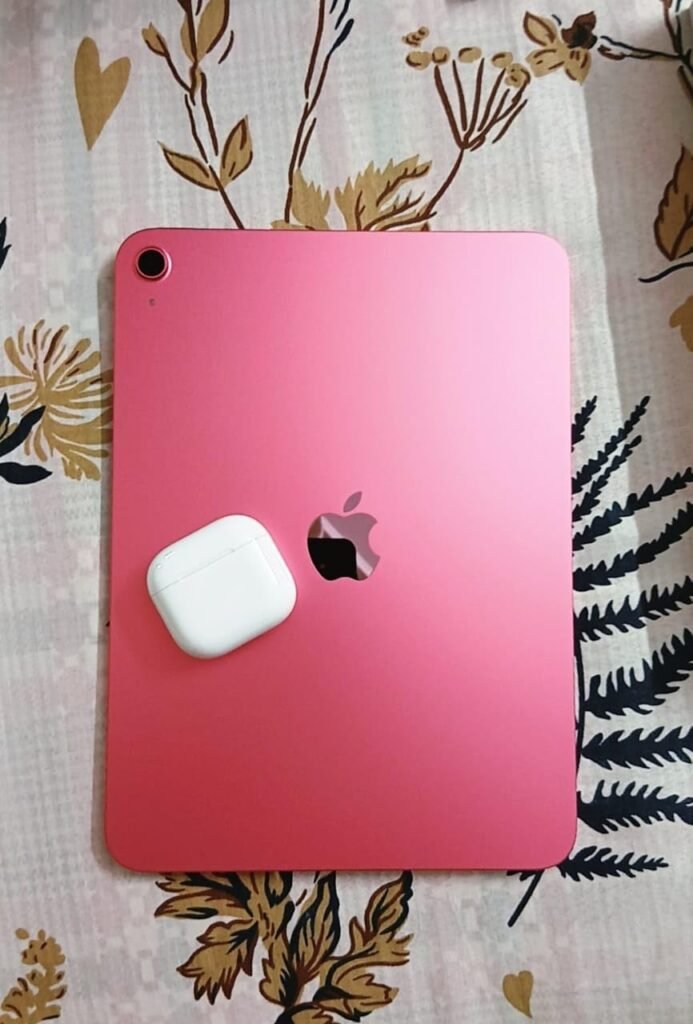
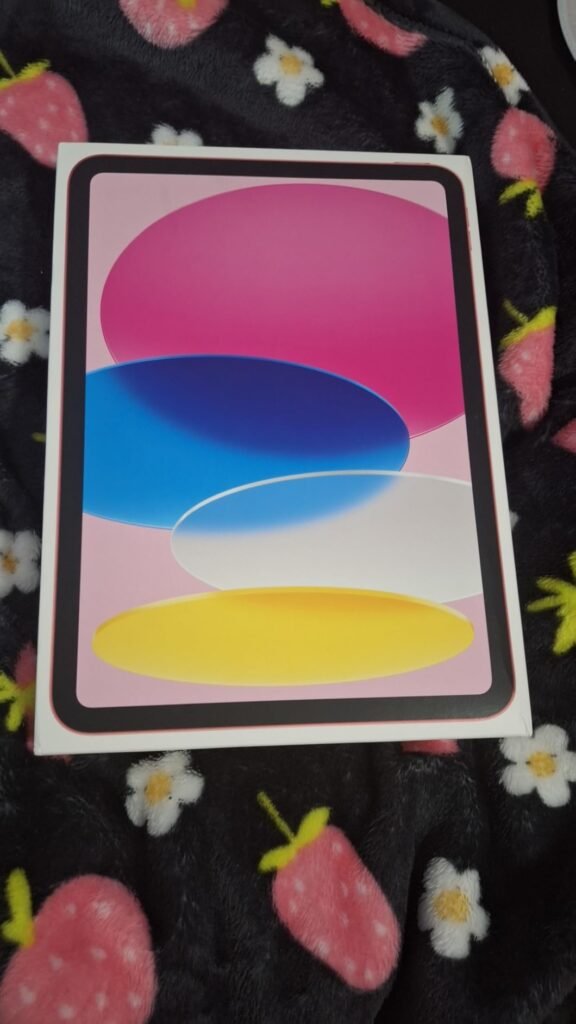
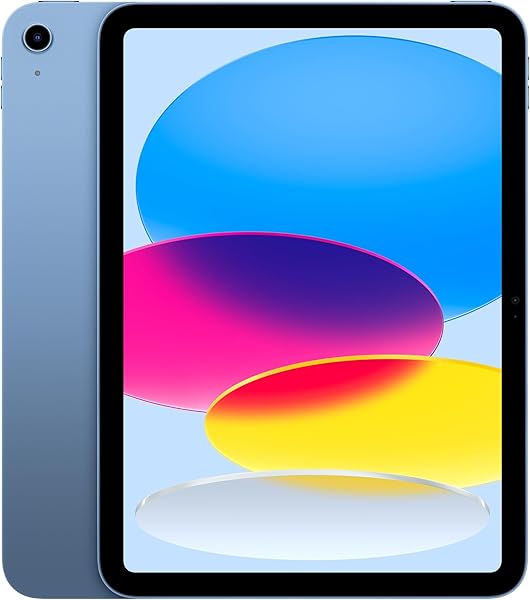
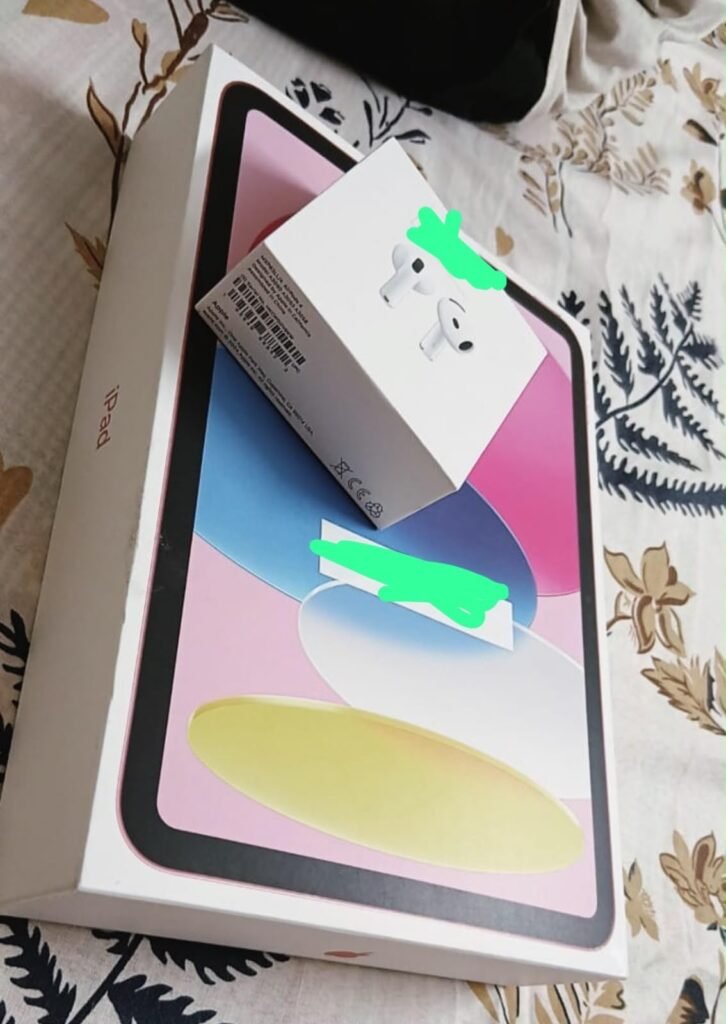
The 11-inch iPad with the A16 chip is the standout choice for buyers who want the smoothest, most polished tablet experience available in this comparison. The combination of Apple silicon, iPadOS, and the unmatched App Store library makes it the most versatile device in the lineup, whether you are drawing, editing photos, taking notes, or handling video calls.
We may earn a commission when you buy through this link, at no additional cost to you.
The A16 chip delivers a real jump in speed for demanding tasks like photo editing in Lightroom, video work in LumaFusion, or graphics-heavy games. The Liquid Retina display is sharp, color-accurate, and includes True Tone to shift white balance based on room lighting, which makes long reading and drawing sessions easier on the eyes. Wi-Fi 6 keeps streaming and downloads quick on modern routers.
The 12MP Center Stage front camera automatically keeps you framed during video calls, which is a genuinely useful feature for remote work and family chats. The rear 12MP wide camera handles document scanning and 4K video capture well. Touch ID in the top button makes unlocking and Apple Pay authentication fast, and USB-C means you can plug in standard cables, drives, and accessories.
iPadOS is built specifically for tablet-sized screens, which means most apps are optimized for the larger canvas rather than stretched from phone layouts. Apple also supports iPads with software updates for many years, so a new iPad typically remains current far longer than most Android tablets. That longevity is a meaningful part of the value calculation.
This iPad makes the most sense for buyers who value long-term software support, want the best available app selection, or already own other Apple devices for AirDrop, Handoff, and iCloud sync. The tradeoffs are price and the fact that Apple Pencil and the Magic Keyboard Folio are separate purchases. For creative pros, students, and anyone who wants the strongest all-around tablet, the investment is well justified.
Not the right choice if you need a low-cost tablet for casual streaming or if you are locked into a Windows or Android ecosystem.
We may earn a commission when you buy through this link, at no additional cost to you.
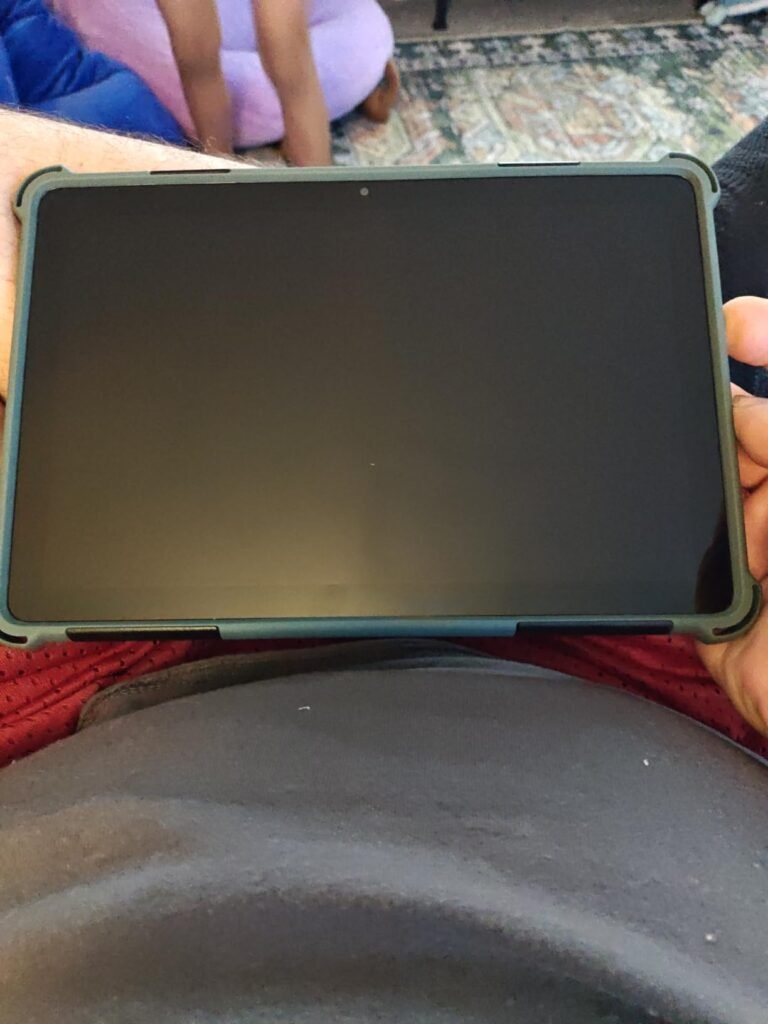
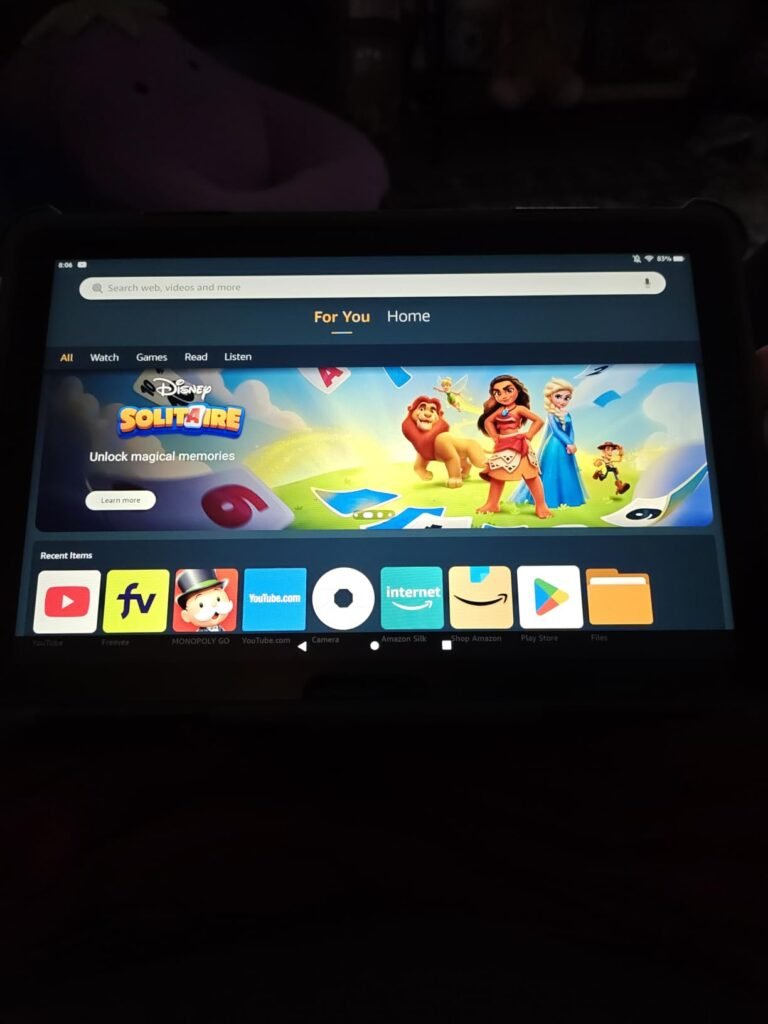
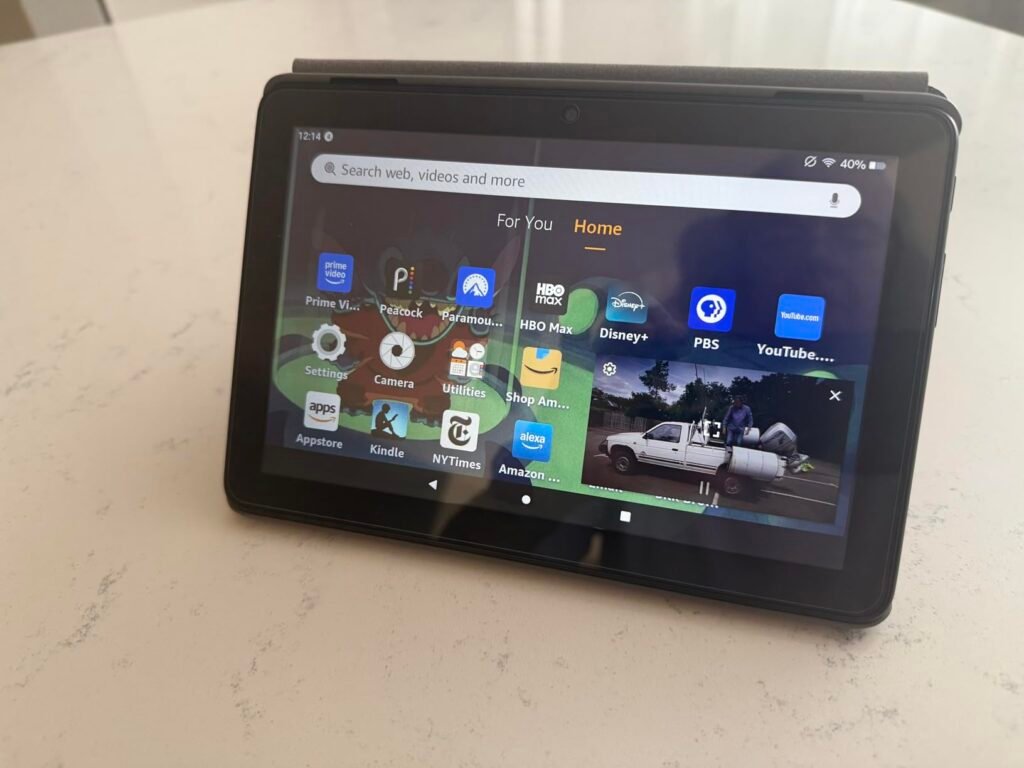
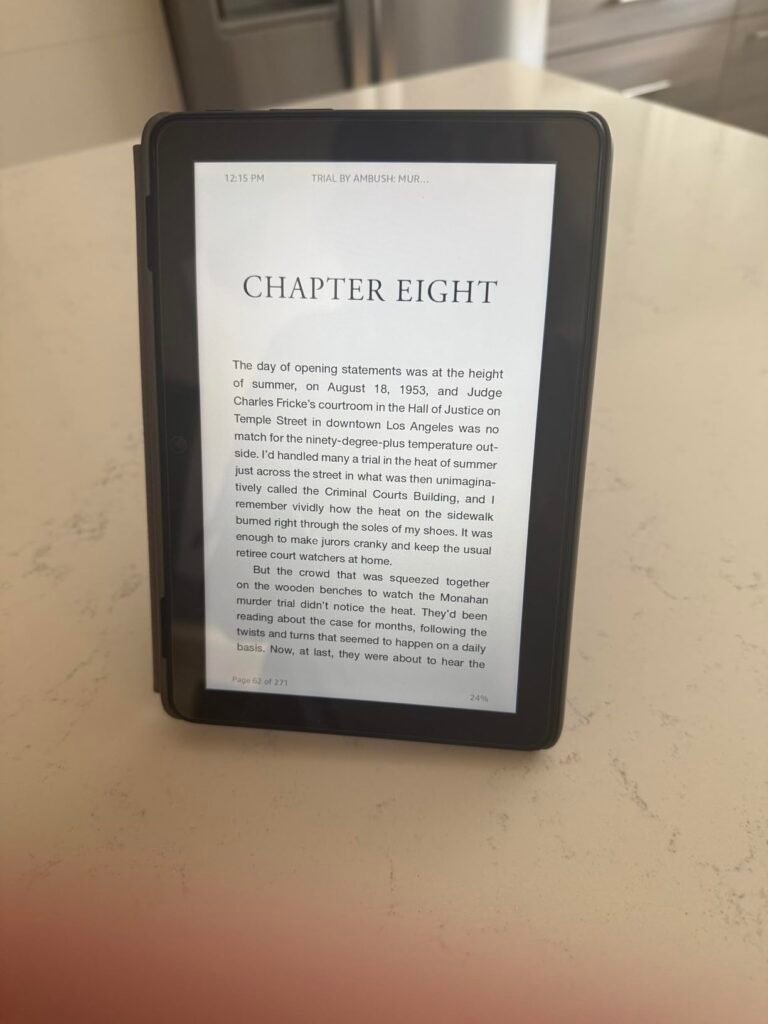
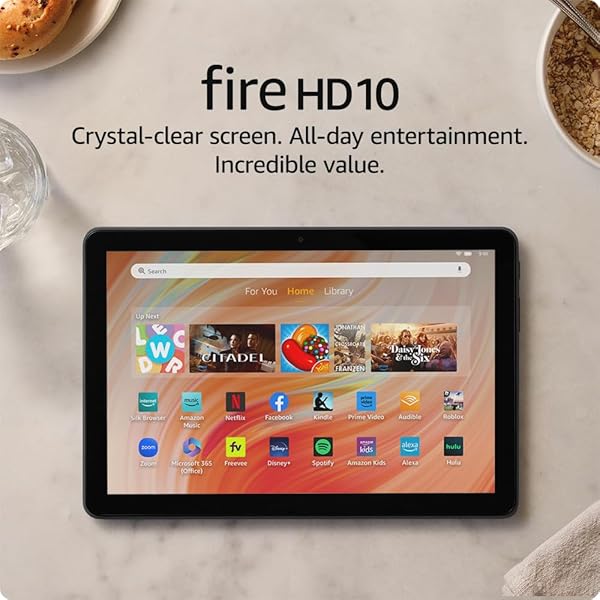
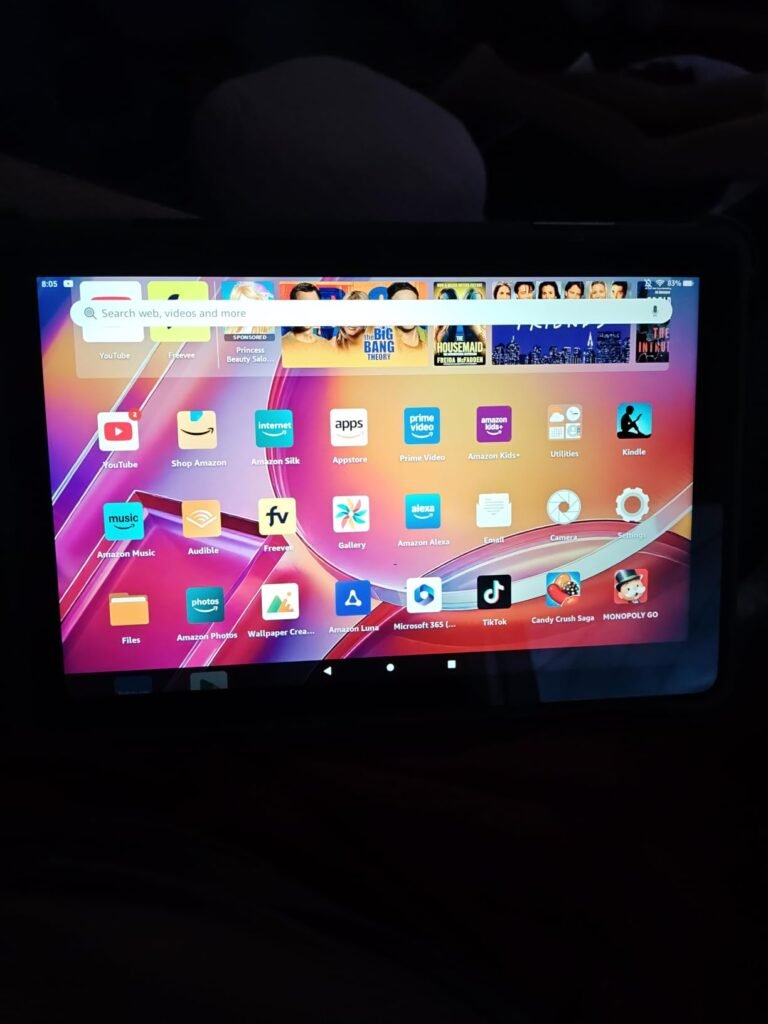
The Fire HD 10 is aimed at buyers who want a large, bright screen for streaming, reading, and casual gaming without spending premium money. It sits at one of the lowest price points in the category while still delivering a 10.1-inch 1080p display, which is a strong combination for movie nights, kitchen recipes, or handing off to a passenger on a long drive.
We may earn a commission when you buy through this link, at no additional cost to you.
Performance comes from an octa-core processor paired with 4GB of RAM, which is a meaningful step up from earlier generations. That extra memory helps apps stay loaded in the background so switching between a video and a browser feels less sluggish. The 32GB base storage is modest, but a microSD slot lets you expand up to 1TB for offline movies, audiobooks, and downloaded games.
Battery life reaches roughly 13 hours of mixed use, which is more than enough for a cross-country flight or a full weekend of light reading. The aluminosilicate glass front is noticeably more resilient than budget plastic screens, which matters if the tablet gets passed around a household. A 5MP front camera handles Zoom calls, and Alexa integration is built in for hands-free control.
Fire OS works best for households already invested in Amazon services. Prime members get frictionless access to their video library, Kindle books, and Audible audiobooks, and the Alexa integration pairs naturally with Echo speakers and smart home devices. If you spend more time in Google Workspace or need niche productivity apps, the Google Play limitation becomes a real inconvenience.
The main tradeoff is the software. Fire OS runs the Amazon Appstore rather than Google Play, so certain apps like YouTube Music, Gmail, and many banking apps require workarounds or simply are not available. If your usage centers on Prime Video, Kindle books, Audible, and web browsing, this tablet is an excellent value. If you rely on the full Google app ecosystem, an Android tablet is a better fit.
Not the best pick if you need Google Play Store access or a full productivity setup with Google services.
We may earn a commission when you buy through this link, at no additional cost to you.
The Galaxy Tab A11+ hits a sweet spot for buyers who want a well-rounded Android tablet without stepping into premium pricing. Samsung's software support, quad-speaker audio, and 90Hz display push it above generic mid-range slates and make it a strong pick for family use, streaming, and light schoolwork.
We may earn a commission when you buy through this link, at no additional cost to you.
The 11-inch screen with a 90Hz refresh rate feels noticeably smoother than standard 60Hz panels during scrolling and animations, which pays off during long social media sessions or ebook reading. Dolby Atmos-tuned quad speakers deliver a wide sound stage that makes movies and music genuinely enjoyable without headphones, a rarity at this price.
With 6GB of RAM and 128GB of storage on the base configuration, multitasking is comfortable and there is room to install a solid app library before needing the microSD slot. Google Gemini and Circle to Search are integrated for on-screen queries and quick translations. The 5MP front camera handles video calls well enough for family chats, though it will not impress anyone using it as a webcam replacement.
A 90Hz display refreshes 50 percent more often than a standard 60Hz screen, which makes scrolling through feeds and web pages feel visibly smoother and reduces motion blur during animations. Once you use a high-refresh tablet, going back to 60Hz feels noticeably choppy. It is one of the most impactful upgrades for everyday comfort.
This tablet suits buyers who want the Google Play ecosystem, longer software support than budget Chinese alternatives, and a display that stays pleasant during extended use. If you need pen input for note-taking or a higher-resolution screen for design work, look at the Lenovo Idea Tab or step up to an iPad.
Not the ideal choice for buyers who need a bundled stylus or a high-end camera for content creation.
We may earn a commission when you buy through this link, at no additional cost to you.
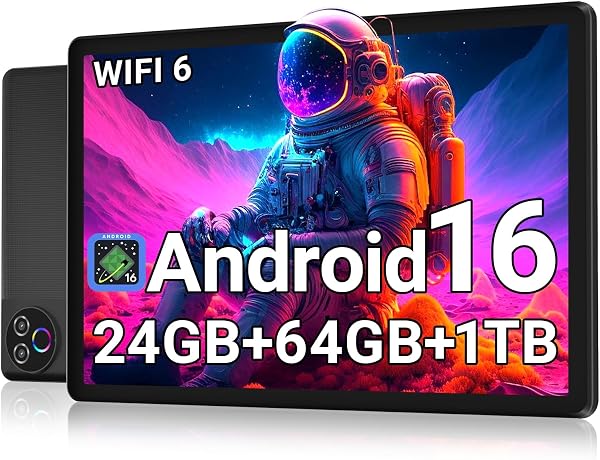
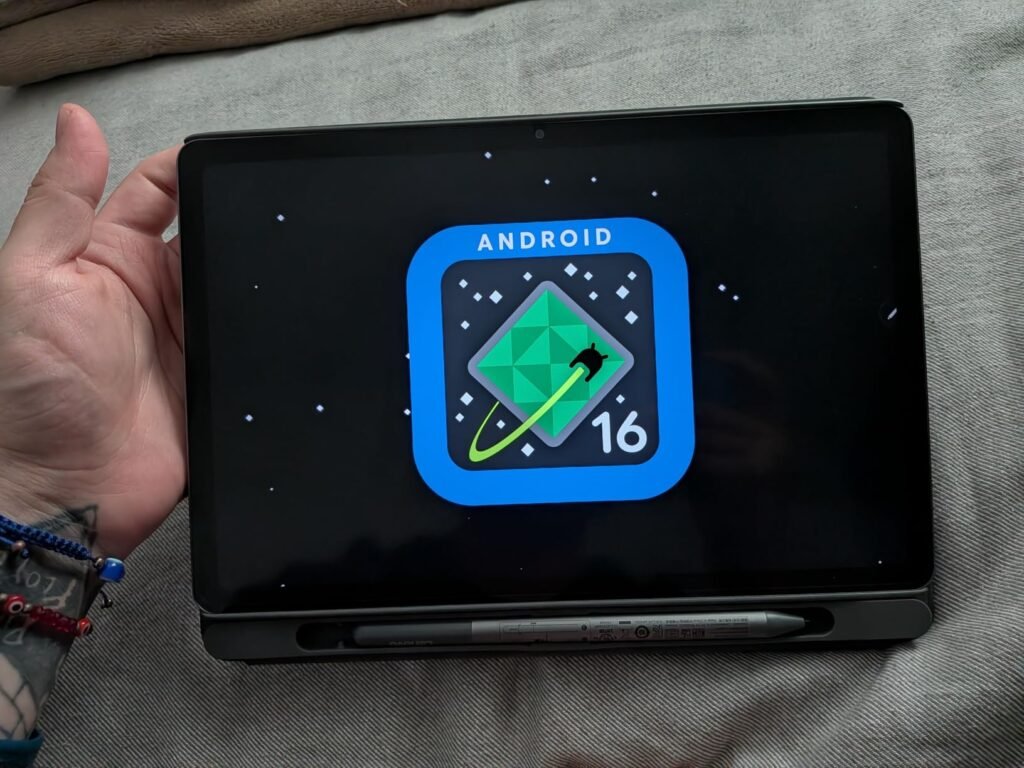
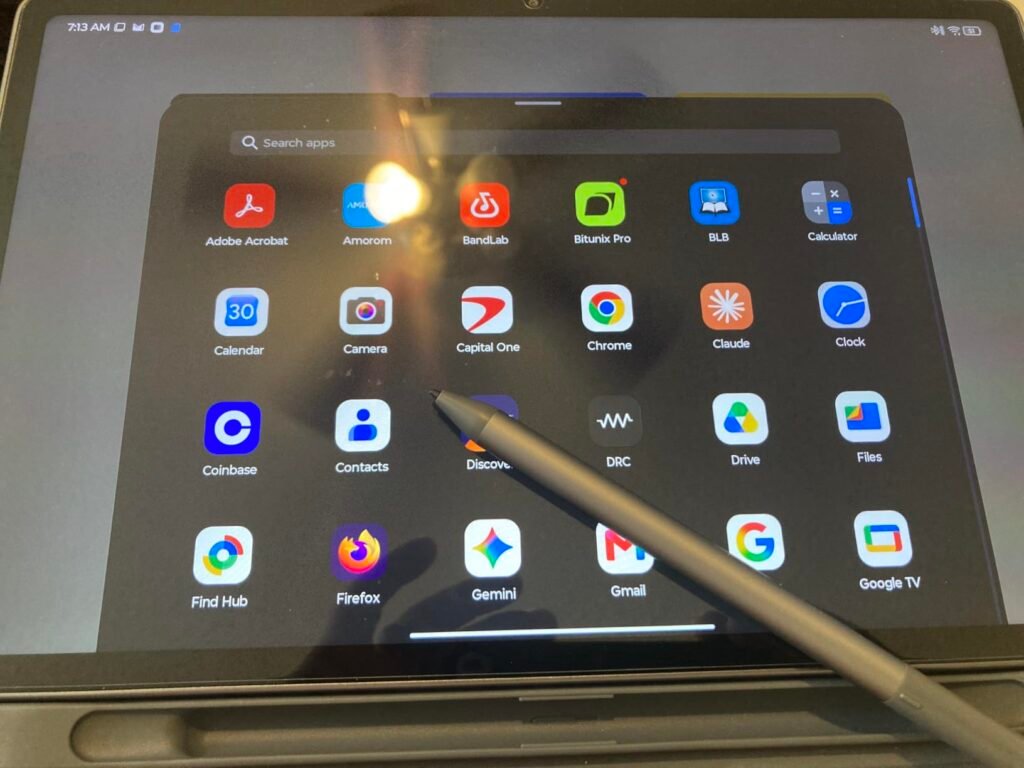
This Evermyth tablet targets buyers looking for a budget Android device with modern connectivity and access to the Google Play Store. It runs Android 16 out of the box, which is a genuine plus given that many low-cost tablets ship with older operating systems that lose support quickly.

We may earn a commission when you buy through this link, at no additional cost to you.
The 24GB RAM figure combines 3GB of physical memory with 21GB of virtual memory borrowed from storage, so real-world multitasking performance sits closer to what you would expect from a 3GB device rather than a true 24GB one. The 5-core processor handles casual apps, streaming, and light gaming, though heavier titles will show its limits. Wi-Fi 6 and Bluetooth 5.4 are welcome inclusions at this price and help with faster downloads and better accessory support.
The 10-inch IPS display uses 1280×800 resolution, which is lower than the Full HD panels on Fire HD 10 or Samsung’s A11+. Text and video still look reasonable, but images will not appear as crisp. A 6000mAh battery delivers up to 8 hours of mixed use, and charging happens through USB-C. Cameras are basic at 5MP front and 8MP rear, adequate for video calls and casual snapshots.
Many budget Android tablets advertise large total RAM figures by adding virtual memory from storage to the physical RAM. Virtual RAM helps prevent apps from being killed in the background but is much slower than physical memory. When comparing tablets, focus on the physical RAM number for a realistic sense of multitasking performance.
This tablet fits buyers who want current Android software, Google Play access, and expandable storage on a very tight budget. The tradeoffs are the modest screen resolution and the marketing-focused RAM figure. If display sharpness is important or you plan to run demanding games, look at the Samsung Galaxy Tab A11+ or a Lenovo Idea Tab instead.
Not suited for buyers who prioritize sharp Full HD or higher displays for movies and detailed reading.
We may earn a commission when you buy through this link, at no additional cost to you.
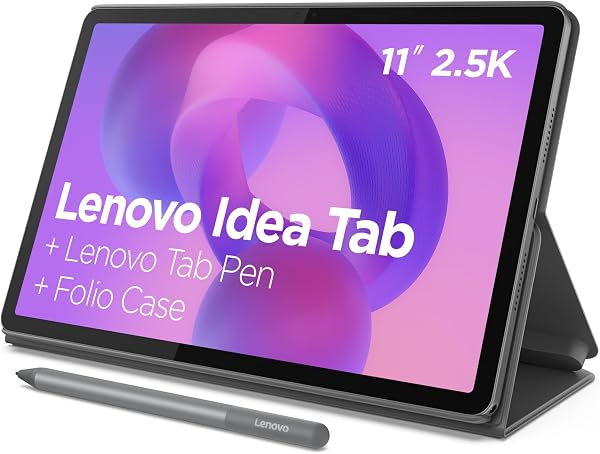
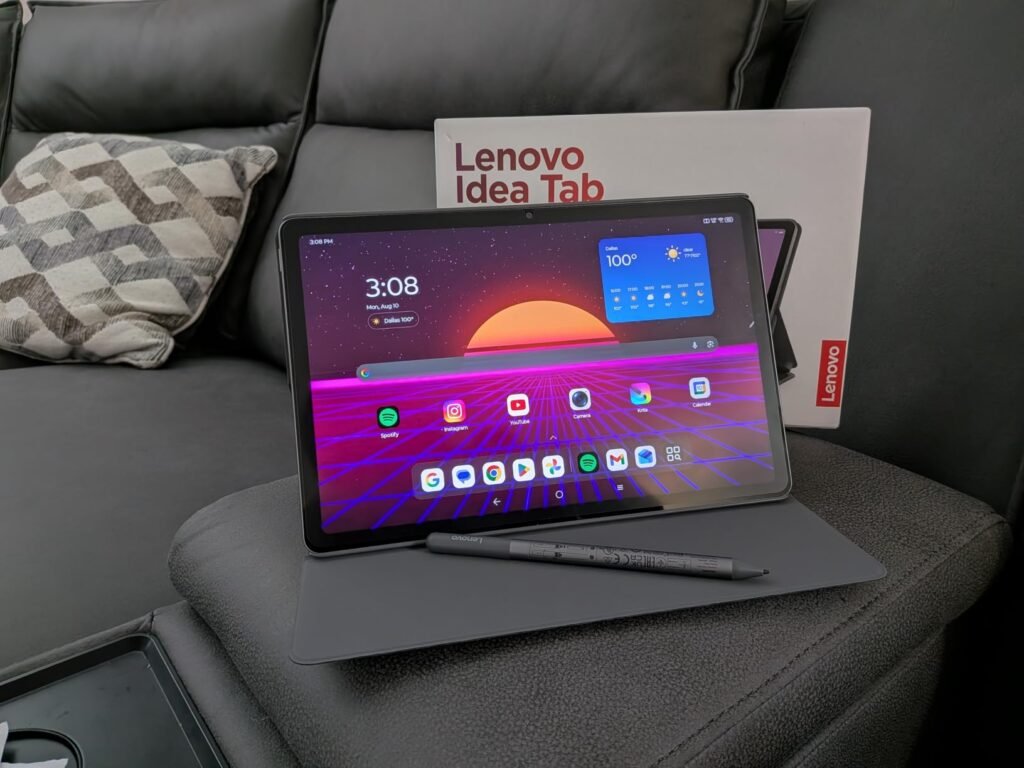
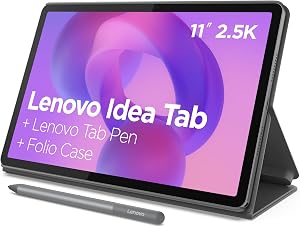
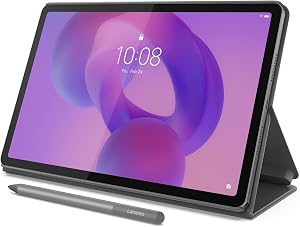
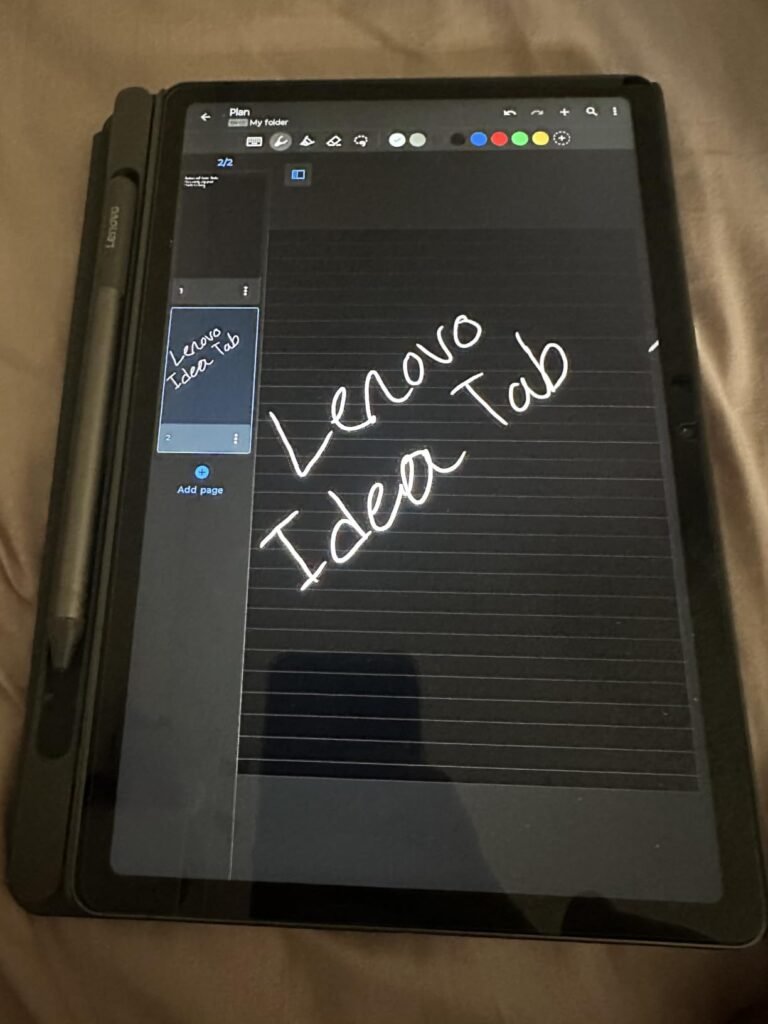
The 4GB configuration of the Lenovo Idea Tab is a strong pick for students who want a large, sharp display and stylus input without paying premium prices. Getting the tab pen and folio case in the box is genuinely useful because those accessories often add significant cost when purchased separately.
We may earn a commission when you buy through this link, at no additional cost to you.
The 11-inch 2.5K IPS panel is the standout feature, offering noticeably sharper text and images than the 1080p or 1200p displays found on most competing tablets in this price range. The 90Hz refresh rate keeps scrolling smooth, and TÜV Rheinland low blue light certification is helpful for long study sessions. Quad Dolby Atmos speakers round out the entertainment experience with clear, spacious audio.
The MediaTek Dimensity 6300 processor with 4GB of RAM handles note-taking apps like Lenovo AI Note, Squid, Nebo, and web browsing without trouble. Heavy multitasking or graphically demanding games will feel the limits of the memory allocation. Battery life reaches up to 12 hours of YouTube streaming, and the 20W charger tops the tablet up quickly between classes.
A 2.5K display packs more pixels into the same 11-inch screen than a standard Full HD panel, which makes text sharper and easier to read for long stretches. That extra clarity matters when you are reading PDFs, textbooks, or lecture slides for hours. It also gives handwritten notes a cleaner appearance when you use the included pen.
This is a compelling pick for buyers who want a large, high-resolution display and pen input at a moderate price. The 4GB RAM limit is the main compromise. If you plan to keep many apps open simultaneously or want more headroom for demanding tasks, the 8GB version of the same tablet is worth the upgrade.
Not the right pick for heavy multitaskers or gamers who need more than 4GB of RAM for demanding apps.
We may earn a commission when you buy through this link, at no additional cost to you.
The Fire HD 8 is designed for buyers who want a small, easy-to-carry tablet primarily for reading, streaming, and light browsing. Its compact 8-inch form factor slips into most bags easily and works well as a bedside device or a travel companion for younger family members.

We may earn a commission when you buy through this link, at no additional cost to you.
The HD display is a step below the Full HD panel on the Fire HD 10, but the smaller screen size makes the lower resolution less noticeable. A hexa-core processor with 4GB of RAM keeps navigation responsive, and 64GB of base storage is generous for a tablet at this price. A microSD slot supports up to 1TB of additional space for downloaded videos and audiobooks.
Up to 13 hours of battery life supports long reading sessions or a full day of intermittent use without needing a charge. The 5MP rear camera handles casual photos and document scans, and Alexa integration allows for hands-free music playback, timers, and smart home control. Zoom and other video call apps run smoothly for keeping in touch with family.
Smaller tablets are much easier to hold one-handed for extended reading and fit comfortably in a jacket pocket or purse. They also tend to weigh less, which reduces fatigue during long ebook sessions. If your primary use is Kindle reading, podcast listening, or streaming during commutes, an 8-inch model is often more comfortable than a 10 or 11-inch alternative.
This tablet is ideal for buyers who want an inexpensive, portable device for Amazon services, ebooks, and simple streaming. The tradeoffs are the same Fire OS app restrictions and a lower-resolution screen. If you want a larger display or Google Play access, the Fire HD 10 or a mid-range Android tablet is a better match.
Not ideal for buyers who want a large screen for movies, split-screen multitasking, or productive work.
We may earn a commission when you buy through this link, at no additional cost to you.
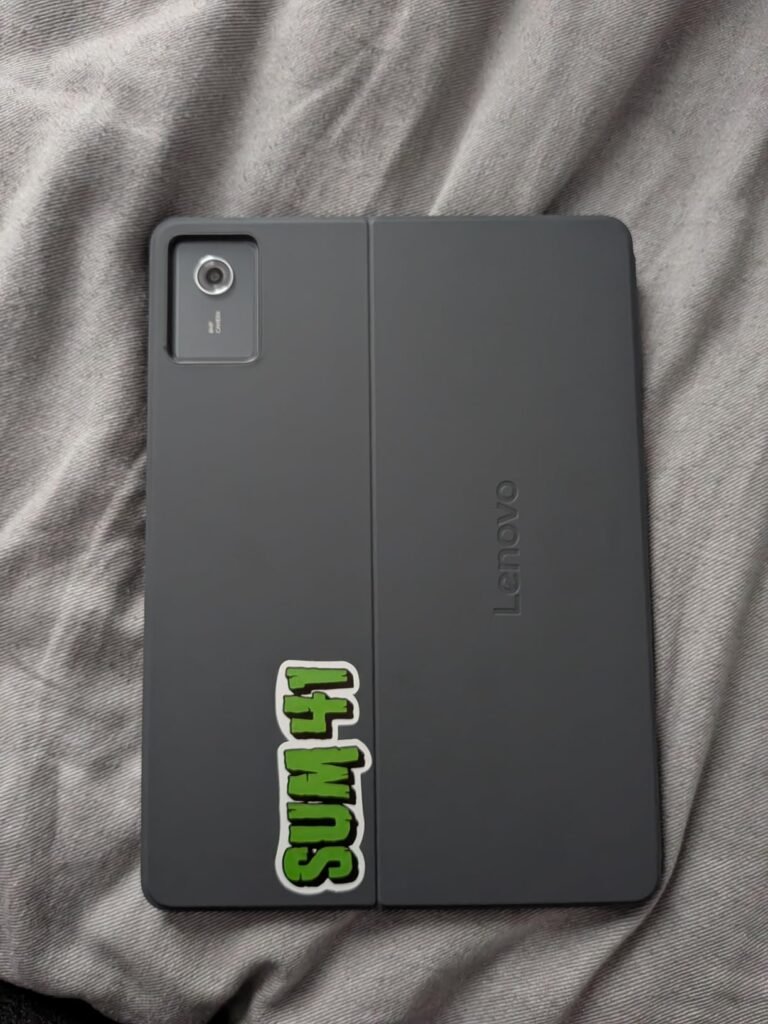
The 8GB version of the Lenovo Idea Tab is the version most students and light professionals will want. Doubling the RAM to 8GB and pushing storage to 256GB transforms this tablet from a good study companion into a genuinely capable multitasking device suitable for research, note-taking, and light document work.
We may earn a commission when you buy through this link, at no additional cost to you.
The 11-inch 2.5K IPS panel with 90Hz refresh rate remains a highlight, offering the sharpness needed for reading dense material and the smoothness that makes navigation feel modern. Quad Dolby Atmos speakers deliver strong audio for lectures, video calls, and entertainment breaks. TÜV Rheinland low blue light hardware helps protect the eyes during extended sessions.
The MediaTek Dimensity 6300 processor is unchanged from the 4GB model, so raw CPU speed is the same. However, the added RAM lets you keep more apps active in the background, which noticeably improves the feel of switching between a browser, a note app, and a video reference. The included tab pen unlocks handwriting features in Lenovo AI Note, Squid, Nebo, and MyScript Calculator for a natural study workflow.
With 4GB of RAM, Android often kills background apps to free memory, which means switching back to a browser tab or note app can require a full reload. At 8GB, most common apps stay in memory, so switching feels near-instant. That single change makes tab-heavy research and multi-app study workflows much smoother.
This tablet is a smart pick for students who want more longevity from their purchase and enough headroom for multiple apps to stay loaded. If you rarely multitask or want to save money, the 4GB version covers the basics. For anyone planning to lean on a tablet for schoolwork over multiple semesters, the 8GB upgrade is worth it.
Not the best value for buyers who only need a tablet for casual streaming and web browsing.
We may earn a commission when you buy through this link, at no additional cost to you.
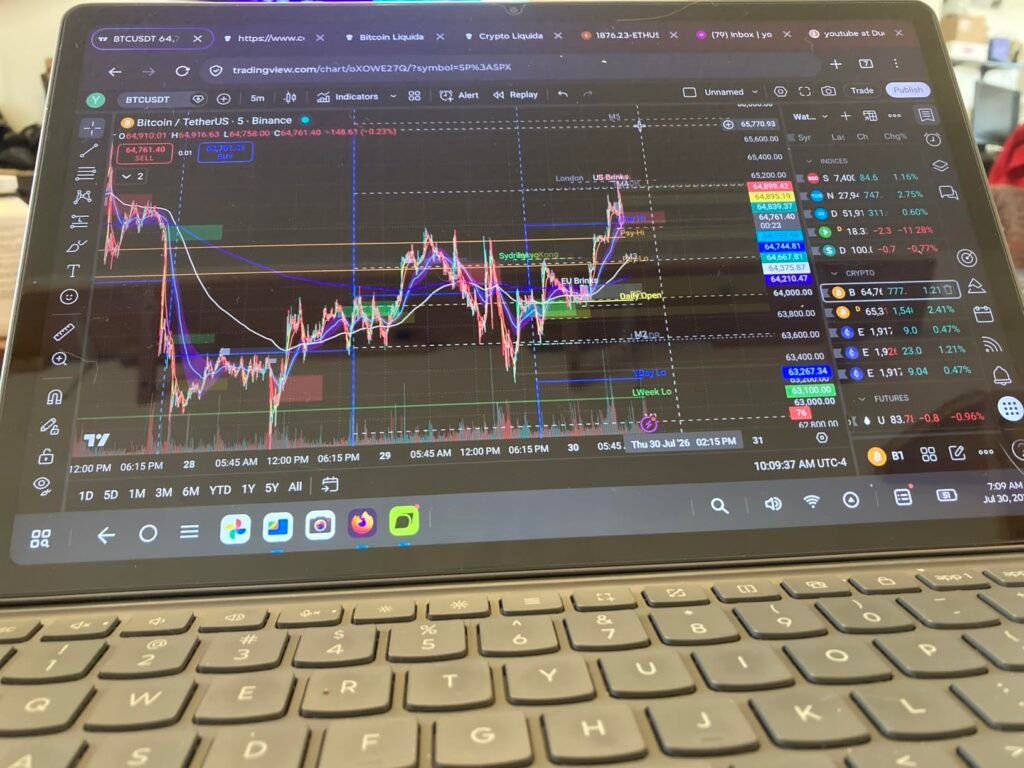
The Idea Tab Plus steps up to a 12.1-inch 2.5K display that transforms video watching, split-screen work, and digital art into a more immersive experience. Despite the larger screen, Lenovo has kept the weight at just over a pound, which is genuinely impressive and makes long handheld sessions manageable.
We may earn a commission when you buy through this link, at no additional cost to you.
The MediaTek Dimensity 6400 processor and 8GB of RAM provide enough performance for smooth navigation, streaming, and productivity apps. The Luna Grey chassis feels premium for the price, and the slim profile slides between notebooks and folders without adding much bulk. TÜV Rheinland low blue light certification and up to 800 nits of brightness make the display comfortable in bright rooms and outdoors under shade.
Quad Dolby Atmos-tuned speakers pair well with the large screen for a satisfying movie experience, and the included tab pen brings handwriting and sketching to the extra canvas space. Circle to Search and Smart Connect help move tasks between devices without cables. Battery life reaches up to 13 hours of YouTube streaming with quick charge support for topping up.
A 12.1-inch display gives you meaningfully more room for side-by-side apps, making split-screen research or comparing documents far more practical. It also creates a more cinematic movie experience without requiring headphones. If most of your tablet time happens at home rather than on the move, the larger screen usually feels worth the extra size.
This tablet is the best choice among the Lenovo lineup for buyers who want a larger canvas for entertainment, split-screen productivity, or digital art. The tradeoffs are a bigger physical footprint and 128GB of storage that might feel tight if you download many videos or games. For most buyers who want a big, bright screen with pen input, it hits the mark.
Not ideal for buyers who want a truly pocketable or one-handed reading tablet.
We may earn a commission when you buy through this link, at no additional cost to you.
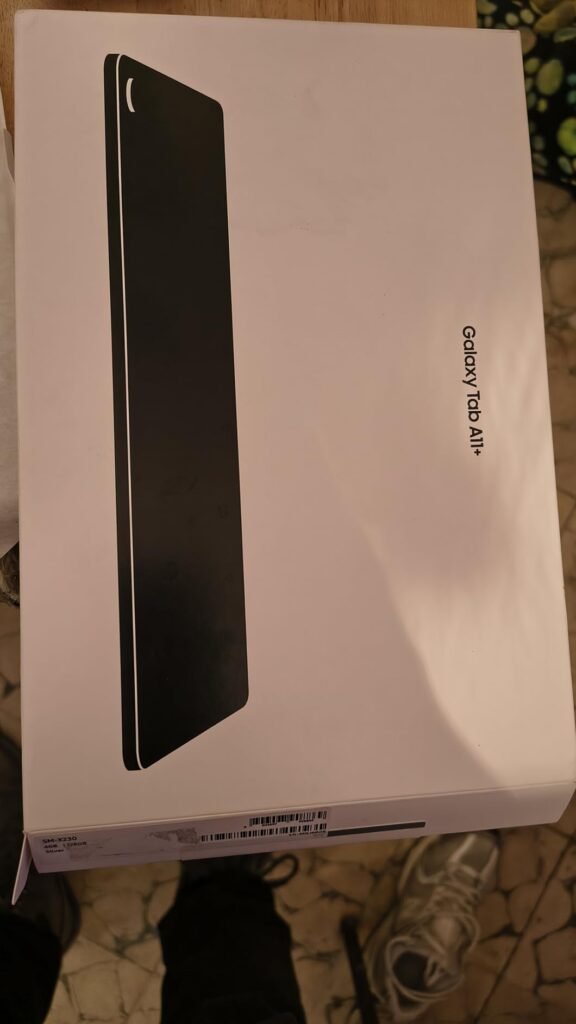
This 2026 international version of the Galaxy Tab A11+ Plus arrives with a newer MediaTek Dimensity 7300 processor built on a 4nm node, which typically offers better performance and efficiency than the chip in the standard A11+. It is aimed at buyers who want a modern Samsung tablet at a competitive price and are comfortable with the tradeoffs of an international unit.
We may earn a commission when you buy through this link, at no additional cost to you.
The 11-inch 90Hz TFT LCD panel delivers a smooth 1920×1200 display experience, and four Dolby Atmos speakers provide surprisingly full audio for the price bracket. A 7040mAh battery is larger than the cell in most competing tablets and translates to genuinely long usage between charges, with a 20W UL fast charger cube included in the bundle for quicker top-ups.
Software is Android 16 running One UI 8, and Samsung is promising up to seven major upgrades for this model, which is a meaningful commitment for long-term use. The rear 8MP autofocus camera and 5MP front camera cover basic photo and video calling needs. USB Type-C 2.0 and Bluetooth 5.1 round out the connectivity for accessories and file transfer.
International tablets are typically manufactured for markets outside the U.S. They usually work on Wi-Fi without issue and support English, but they may not qualify for Samsung’s U.S. warranty service. If something goes wrong, repair options can be limited or require shipping abroad. Buy from a seller with a strong return policy for extra peace of mind.
This is the international variant, which means it ships without a U.S. manufacturer warranty and requires selecting a different region during initial setup. If you value warranty coverage or need cellular data, choose the standard Galaxy Tab A11+ or another regional model. For buyers who want a newer chip and larger battery in a Samsung tablet without paying full retail, this bundle is a strong value.
Not the right pick for buyers who require full U.S. manufacturer warranty coverage or cellular connectivity.
We may earn a commission when you buy through this link, at no additional cost to you.
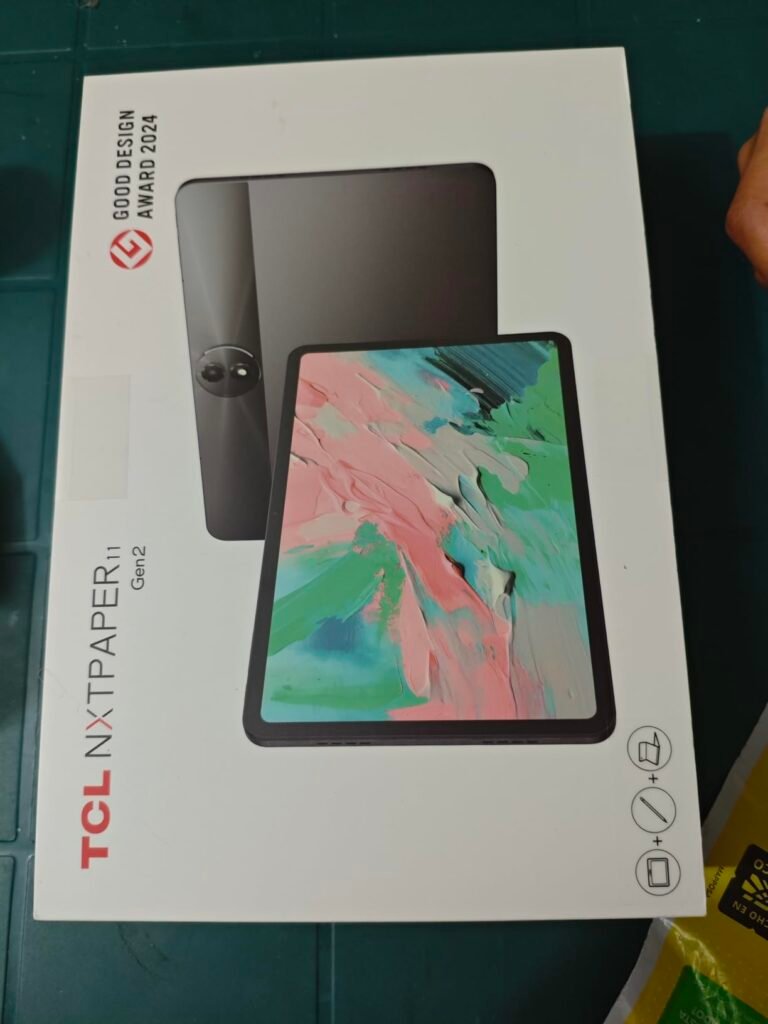
The TCL TAB 10 Gen 4 stands out for its slim metal unibody build, which gives it a more premium feel than plastic-heavy competitors at the same price. It is aimed at buyers who want a well-made, everyday Android tablet with a Full HD screen and a comfortable weight for extended reading or streaming.
We may earn a commission when you buy through this link, at no additional cost to you.
The 10.1-inch IPS FHD display with 1920×1200 resolution and TCL NXTVISION enhancement produces clear visuals suited for movies, ebooks, and web browsing. Dual speakers with Sound Booster amplify audio when headphones are not connected, which helps in shared spaces. Running Android 15, the tablet stays current with modern app requirements.
The octa-core processor paired with 4GB of physical RAM and 8GB of expandable memory keeps daily tasks responsive without stutter. Battery capacity is 6000mAh, and 18W fast charging is supported, though a compatible charger is not included in the box. Face Unlock speeds up access, and the 8MP rear camera with 5MP front handles video calls and casual photos.
A metal unibody tablet typically feels more rigid and premium in the hand than a plastic-shelled equivalent. It also tends to resist flex better under pressure, which can extend the life of internal components. The tradeoff is usually a slightly cooler surface in winter and marginally more weight, though this TCL keeps overall weight low despite the metal construction.
This TCL fits buyers who want a tablet that looks and feels premium without stepping up to the price of a Samsung or Apple device. The main limitations are Wi-Fi 5 rather than Wi-Fi 6 and the lack of an included fast charger. For families who want a durable, good-looking tablet with Family Link controls and expandable storage, it is a solid mid-range choice.
Not the best pick for buyers who need Wi-Fi 6 speeds or a bundled fast charger in the box.
We may earn a commission when you buy through this link, at no additional cost to you.
The best tablet for you depends on how you plan to use it, which ecosystem you prefer, and how much you want to spend. Use these factors to narrow down the field and match a device to your real needs.
The operating system determines which apps you can install, how the tablet integrates with your other devices, and how long you will receive software updates. iPadOS runs on Apple iPads and offers the largest library of tablet-optimized apps, tight integration with iPhones and Macs, and multi-year software support that keeps devices current far longer than most Android tablets. Android tablets from Samsung, Lenovo, TCL, and others use Google Play, which offers a huge app catalog and better flexibility for file management, custom launchers, and multi-user setups.
Amazon’s Fire OS is technically based on Android but does not include Google Play by default. Instead, it uses the Amazon Appstore, which covers most mainstream streaming, reading, and social apps but lacks many productivity tools like Gmail, Google Docs, and various banking apps. Fire OS makes the most sense if your usage centers on Amazon services like Prime Video, Kindle, and Audible, or if you want the lowest possible entry price and can accept the app restrictions.
Match the operating system to your existing devices and app habits. Choose an iPad if you use other Apple products or need premium creative apps, an Android tablet for full Google Play access, or a Fire tablet for the lowest cost and Amazon-focused entertainment.
Tablet screens typically range from 8 inches for compact reading devices to 12 or 13 inches for large-canvas models suited to art, split-screen work, and video. An 8-inch tablet is easy to hold one-handed and slips into most bags, making it ideal for ebooks, podcasts, and travel. A 10 or 11-inch screen strikes a balance between portability and viewing comfort, which is why it is the most common size for general use. A 12-inch or larger tablet gives you meaningful room for productivity and cinematic video but adds bulk and weight.
Resolution matters as much as physical size. Full HD, sometimes labeled 1920×1200, is the current baseline for clear text and video on 10 to 11-inch tablets. 2.5K displays like those on the Lenovo Idea Tab models pack more pixels for sharper text and better handwriting, which pays off during long reading or study sessions. Apple’s Liquid Retina display on the iPad is color-accurate and includes True Tone for comfortable viewing in different lighting.
If you mostly stream video and browse the web, Full HD is enough. If you plan to read dense documents, use a stylus, or work with photos and art, invest in a higher-resolution panel.
Refresh rate refers to how many times per second the display updates its image. Standard tablets use 60Hz panels, which is fine for movies but can feel noticeably choppy when scrolling through long web pages or social feeds. 90Hz panels, found on the Samsung Galaxy Tab A11+, both Lenovo Idea Tab configurations, and the Idea Tab Plus, refresh 50 percent more often and make scrolling and animations feel visibly smoother. Higher refresh rates also reduce motion blur during fast on-screen action.
The tradeoff with higher refresh rates is battery consumption, though modern displays often dynamically adjust the rate based on content to conserve power. For most users, the difference between 60Hz and 90Hz is one of the more noticeable everyday upgrades, especially if you spend hours scrolling news, social media, or ebooks. Gamers benefit as well because higher refresh rates make on-screen motion feel more responsive.
If you scroll a lot or want the most polished feel, prioritize a 90Hz or higher display. If you mainly watch video content, a standard 60Hz screen remains perfectly usable.
Processor power determines how quickly apps launch, how smoothly games run, and how well the tablet handles multitasking. Apple’s A16 chip in the current iPad is the fastest option in this comparison and delivers headroom for demanding creative apps and years of future software updates. Mid-range chips like MediaTek’s Dimensity 6300, 6400, and 7300 handle everyday tasks like streaming, web browsing, note-taking, and casual gaming without difficulty. Budget processors in tablets like the Evermyth focus on lighter workloads.
RAM controls how many apps can stay active in memory at once. 4GB is enough for basic use but forces the system to reload apps when you switch between many at a time. 6GB provides comfortable headroom for typical multitasking, and 8GB or more keeps browsers, note apps, and background tools loaded for a smoother experience. Storage capacity determines how much media, apps, and files you can keep on the device. Most tablets start at 32GB or 64GB, with microSD expansion available on Android and Fire tablets to add up to 1TB more.
Match your hardware to your workload. Casual users can do well with a mid-range chip and 4 to 6GB of RAM, while students, creators, and heavy multitaskers should aim for 8GB and 128GB or more of storage.
Battery life varies significantly across tablets and depends on the panel size, brightness, and processor efficiency. Fire tablets and many mid-range Android models offer around 13 hours of mixed use, which is typically enough for a full day of intermittent use or a long flight. The Lenovo Idea Tab Plus advertises up to 13 hours of YouTube streaming, while the Samsung Galaxy Tab A11+ 2026 model includes a large 7040mAh cell for extended sessions.
Charging speed and connector type also matter for daily convenience. USB-C is now standard across essentially every current tablet, so you can often share a cable with a modern phone or laptop. Fast charging support, such as the 20W chargers included with some Lenovo and Samsung bundles, lets you top up quickly between sessions. Some tablets ship without a charger in the box, so budget for one if needed.
If portability and travel are priorities, aim for at least 10 to 12 hours of real-world battery life. If you use the tablet mostly at home near an outlet, charging speed matters more than raw runtime.
Stylus support transforms a tablet into a genuine note-taking, sketching, and mark-up device. Apple Pencil compatibility on the iPad is the most refined stylus experience available and works seamlessly with apps like GoodNotes, Notability, and Procreate. Both Lenovo Idea Tab models include a Tab Pen and folio case in the box, which is a rare bundle at their price and makes them attractive for students. The Amazon Fire HD 10 supports the Made for Amazon Stylus Pen sold separately.
Keyboard support extends a tablet’s usefulness for typing documents, emails, and school assignments. iPads pair with the Magic Keyboard Folio or third-party Bluetooth keyboards, while Android tablets work with any standard Bluetooth or USB-C keyboard. Samsung’s DeX mode on some tablets even provides a desktop-like interface when a keyboard and mouse are connected. Consider whether the accessories you need are included, sold separately, or require a specific model.
If handwritten notes or sketching are important, choose a tablet with strong stylus support and factor accessory cost into your total budget. If you mainly consume content, stylus support is less critical.
Tablet cameras are less capable than smartphone cameras in most cases, but they matter for video calls, document scanning, and occasional snapshots. Most tablets in this comparison include a 5MP or 8MP front camera and an 8MP rear camera, which cover basic Zoom, Teams, and FaceTime needs. The Apple iPad steps up significantly with a 12MP Center Stage front camera that automatically keeps you framed during calls, which is genuinely useful for remote work and family chats.
Consider camera placement as well. Some tablets place the front camera on the short edge for portrait video calls, while others put it on the long edge, which is more natural when the tablet is docked in landscape orientation with a keyboard. If you plan to use the tablet as a video call station or webcam replacement, look at both the resolution and the camera position before buying.
For occasional video calls, any modern tablet camera is adequate. For frequent remote work or streaming, prioritize higher-resolution cameras and features like Apple’s Center Stage.
Build materials affect both how a tablet feels in the hand and how well it survives daily use. Metal unibody tablets like the TCL TAB 10 Gen 4 and Apple iPad feel more premium and typically resist flex better than all-plastic models. Amazon’s Fire HD 10 uses aluminosilicate glass on the display, which the company claims is significantly more durable than the glass on some competing budget tablets. Weight is another factor, especially if you plan to hold the tablet for long reading or drawing sessions.
A protective case adds real-world durability regardless of the base build. Many tablets ship with a folio case included, such as the Lenovo Idea Tab lineup, which saves you the cost of buying one separately. For tablets used by children or in busy households, a rugged silicone case is often worth the extra investment to guard against drops and spills.
If the tablet will travel with you or get handled by kids, prioritize solid build quality and pair it with a good case. For stationary home use, build quality matters less than display and performance.
Set up your tablet by connecting to Wi-Fi, signing into your account, and enabling automatic software updates. Install a screen protector and a case within the first few days to prevent scratches and drop damage from the start. Take a few minutes to organize your home screen by grouping related apps into folders, which makes navigation faster and reduces visual clutter during daily use. Enable biometric unlock like Face ID, Touch ID, or fingerprint scanning for quick, secure access.
For the healthiest battery life, avoid consistently charging to 100 percent or letting the battery drop to zero. Most modern tablets manage charging automatically, but keeping the charge between roughly 20 and 80 percent when possible can slow long-term battery wear. Use the manufacturer’s included charger or a certified USB-C charger that matches the tablet’s supported wattage. Overnight charging is generally safe on modern devices but is not necessary if you can top up during the day.
Clean the screen regularly with a microfiber cloth and, when needed, a lightly dampened cloth with plain water or a screen-safe cleaner. Avoid ammonia-based cleaners, which can damage anti-reflective coatings. Store the tablet in its case when not in use, and keep it away from prolonged direct sunlight, extreme heat, and moisture. Back up important files to cloud storage or an external drive so you never lose data if the tablet is lost, stolen, or damaged.
For casual users who mainly stream and browse, 32 to 64GB is usually enough, especially with a microSD slot for expansion. If you download movies for offline viewing, install many games, or store large photo libraries, aim for at least 128GB. Creative users working with large files or 4K video should consider 256GB or more. Cloud storage services like iCloud, Google Drive, and OneDrive can help reduce local storage needs.
An iPad typically offers better performance, longer software support, and a wider selection of tablet-optimized apps compared to most Android tablets in the same price bracket. If you already use other Apple devices or rely on specific creative apps like Procreate or Final Cut Camera, the ecosystem benefits add real value. For basic streaming, reading, and browsing, a mid-range Android tablet can deliver a similar experience for significantly less money.
Fire OS is Amazon's customized version of Android that uses the Amazon Appstore instead of Google Play. It offers many popular apps but lacks Google services and various third-party apps that require Google Play integration. Full Android tablets from Samsung, Lenovo, TCL, and others include Google Play by default and provide access to a much larger app catalog. Choose Fire OS for the lowest prices and Amazon-focused use, or Android for maximum flexibility.
Cellular tablets add flexibility for use in cars, coffee shops, and travel where Wi-Fi is unreliable, but they cost more upfront and require a separate data plan. Most people can meet their needs with a Wi-Fi-only tablet paired with a phone hotspot when away from home. If you travel frequently for work or want a tablet that is always online, cellular is worth considering.
A tablet can handle much of what a laptop does for schoolwork, especially with a keyboard case, a stylus, and cloud-based apps like Google Docs or Microsoft 365. However, some specialized software, coding environments, and file management tasks are still easier on a laptop. Tablets work best as laptop replacements for students focused on note-taking, reading, research, and writing rather than heavy programming or software development.
Most quality tablets remain useful for four to six years, depending on the manufacturer's software support and how the hardware holds up. Apple iPads often receive updates for five or more years, while Samsung has committed to multi-year Android upgrades on many models. Budget tablets tend to lose software support faster and may feel slow after two or three years. Choose a reputable brand and invest a bit more if you want your tablet to last longer.
A stylus is essential if you plan to take handwritten notes, sketch, or annotate documents frequently. For streaming, reading, and general browsing, a stylus is unnecessary and would go mostly unused. Check whether a stylus is included in the box, as some tablets like the Lenovo Idea Tab lineup bundle a pen, while others like the iPad require a separate Apple Pencil purchase. Match the accessory to your actual use case rather than buying it by default.
4GB of RAM handles basic streaming, browsing, and single-app use adequately but can feel limited when multitasking. 6GB provides comfortable performance for typical daily use with multiple apps open. 8GB or more is best for students, creators, and anyone who keeps many browser tabs and productivity apps active simultaneously. Watch out for marketing that inflates RAM figures by including virtual memory borrowed from storage, which is much slower than physical RAM.
Screen size affects daily comfort more than chip speed for most casual users, especially if you mainly watch video and read. A larger, sharper display generally improves the everyday experience noticeably. Chip performance matters more if you play demanding games, edit photos or video, or want the tablet to feel fast years from now. Balance both factors against your budget and primary use case.
The Apple iPad with the A16 chip earns the top spot for buyers who want the best overall performance, longest software support, and richest tablet app ecosystem. Its combination of a sharp Liquid Retina display, powerful chip, excellent cameras, and Apple Pencil compatibility makes it the most versatile choice for creative work, note-taking, streaming, and video calls. It is a genuine long-term investment that will feel modern for years.
For buyers with tighter budgets, strong alternatives are easy to find. The Samsung Galaxy Tab A11+ delivers a smooth 90Hz screen and quad speakers at a mid-range price with full Google Play access. The Lenovo Idea Tab models bundle a sharp 2.5K display with a pen and folio case, making them excellent for students. The Amazon Fire HD 10 and Fire HD 8 offer the lowest prices for buyers focused on Amazon services and casual streaming.
Start by identifying which ecosystem matches your existing devices and app habits, then narrow the field by screen size and budget. Add stylus and keyboard needs if you plan to use the tablet for schoolwork or creative projects. With a clear sense of your priorities, any of the tablets in this comparison can serve you well within its intended role.