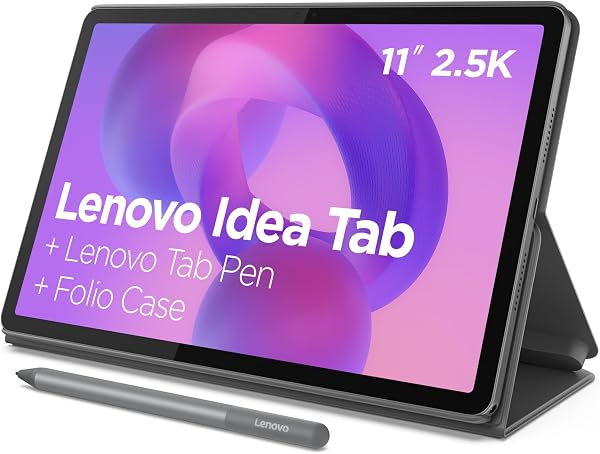
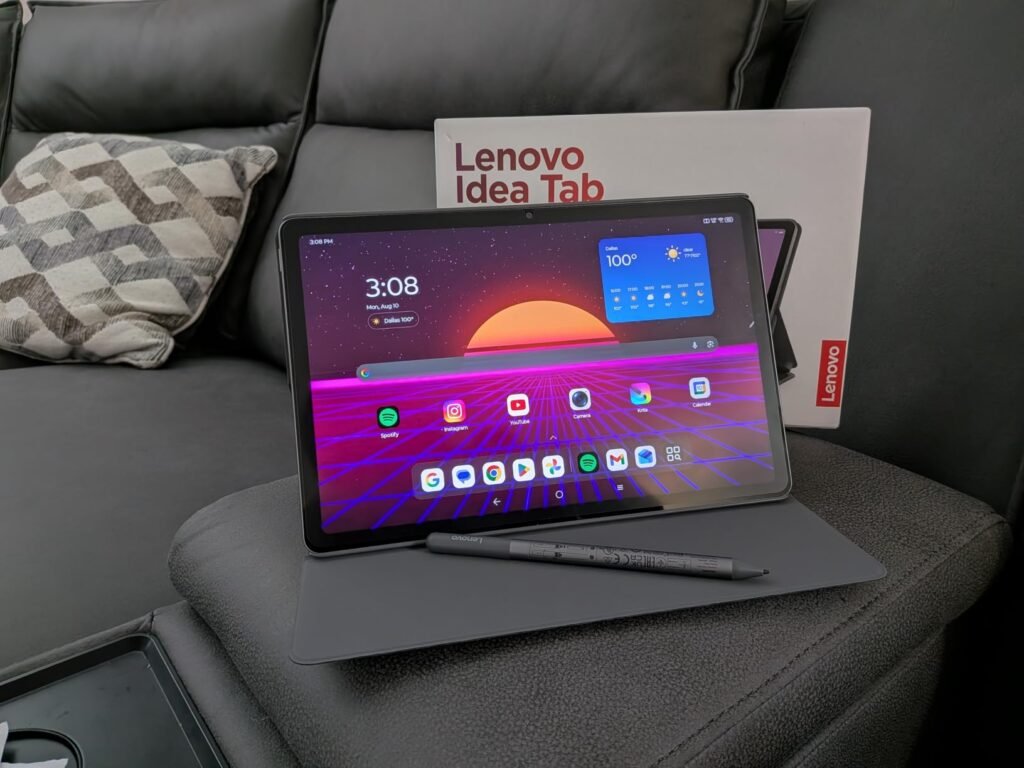
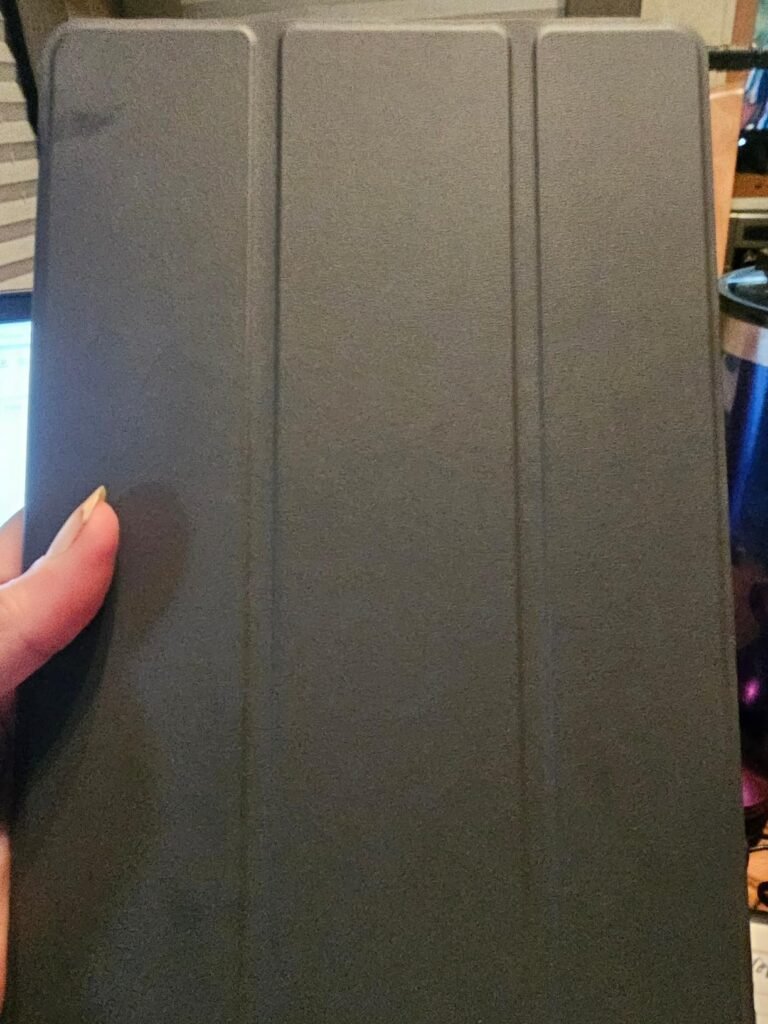
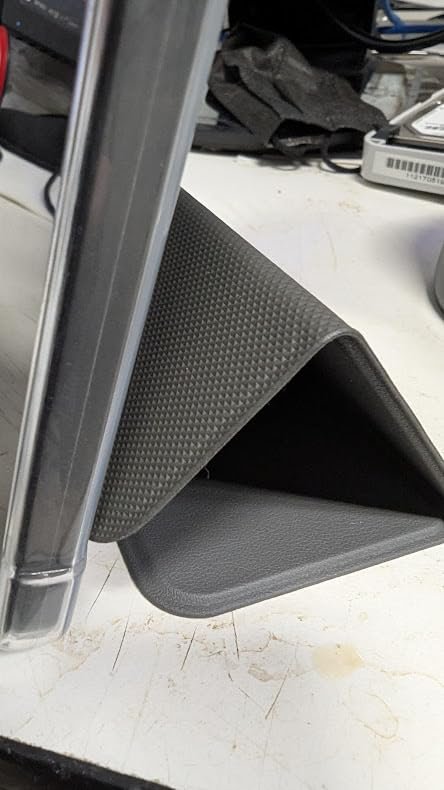
Lenovo Idea Tab
8.6Editor score11-inch 2.5K display
90Hz refresh rate
4GB RAM 128GB
Includes Tab Pen
Compare 10 top student tablets by display, battery, performance, and value. Find the right fit for note-taking, studying, and campus life.

Find the right tablet for school this year. We compare 10 standout options by the factors that matter on campus, including display clarity, battery endurance, processing speed, stylus support, storage capacity, and how well each device handles multitasking during long study sessions.
Student needs vary widely depending on major, workflow, and budget. A digital art student may prioritize pen responsiveness and color accuracy, while a business major might care more about keyboard compatibility and document editing. Understanding these differences helps narrow the field quickly.
This guide breaks down each tablet’s strengths, limitations, and ideal use cases so you can match a device to your actual coursework. Whether you need an affordable reading companion or a full laptop replacement, the options below cover a broad range of campus scenarios.
We compared 10 student tablets using the details that actually help a buyer decide: display resolution and size, processor capability, RAM and storage, battery endurance, stylus and keyboard support, operating system ecosystem, build quality, and real-world value. The notes focus on practical trade-offs so each pick connects to how students actually take notes, research, stream lectures, and manage coursework throughout a semester.

Compare key features, scores, and current prices side by side. A shorter feature list means fewer details were available, not necessarily fewer capabilities.





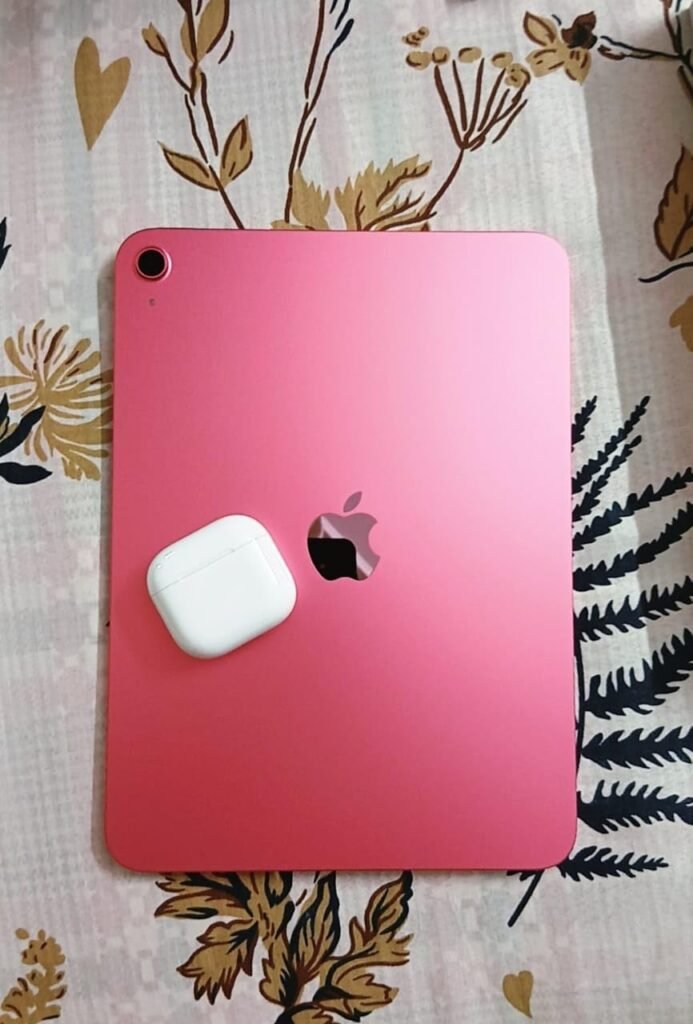
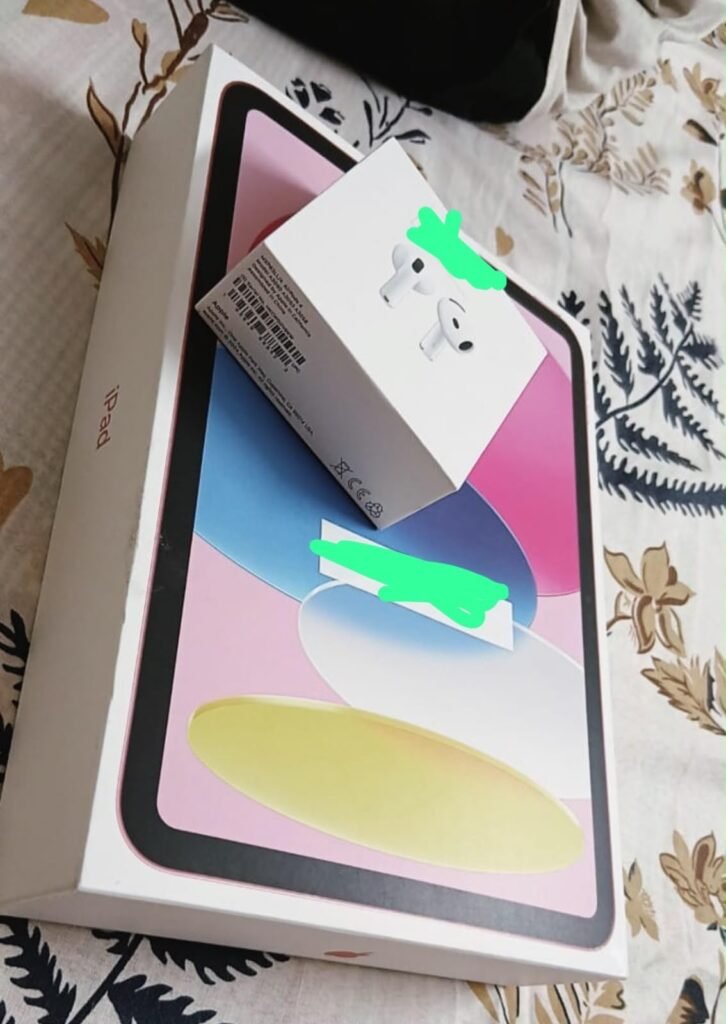
The Apple iPad 11-inch with the A16 chip earns the highest rating in this comparison, and for good reason. Apple's combination of hardware performance, software optimization, and long-term update support creates a tablet that remains capable and secure for many years. For students who want a device that will last through an entire degree program without feeling outdated, the iPad offers a level of longevity that most Android tablets cannot match.
We may earn a commission when you buy through this link, at no additional cost to you.
The Liquid Retina display with True Tone technology adjusts color temperature to match ambient lighting, which reduces eye fatigue during extended reading and writing sessions. The A16 chip handles everything from note-taking and video editing to casual gaming with ease, and the all-day battery life ensures the iPad can survive a full schedule of classes without a midday charge. Wi-Fi 6 provides fast, reliable connectivity across campus networks.
iPadOS gives students access to over a million apps optimized specifically for the iPad’s larger screen, including industry-standard creative tools like Procreate and GoodNotes. The Scribble feature lets you write directly into any text field with an Apple Pencil, turning handwritten notes into typed text automatically. The 12MP front camera with Center Stage keeps you framed during video calls even if you shift position, which is a small but useful detail during virtual study groups.
Apple typically provides iPadOS updates for five to seven years after a device launches, which means this iPad will continue receiving security patches and new features well beyond a typical four-year degree. Many Android tablets receive only two to three years of major updates. For a student buying a tablet as a long-term investment, that extended support window protects both functionality and security throughout their academic career.
The main drawbacks are cost-related. The Apple Pencil and Magic Keyboard Folio are sold separately, which can add significantly to the total investment. Storage is also fixed at 128GB with no microSD option, so cloud storage or careful file management becomes important over time. Despite these considerations, the iPad remains the most versatile and future-proof tablet for students who can accommodate the higher upfront cost.
Students on a strict budget who cannot accommodate the additional cost of an Apple Pencil and keyboard accessories.
We may earn a commission when you buy through this link, at no additional cost to you.
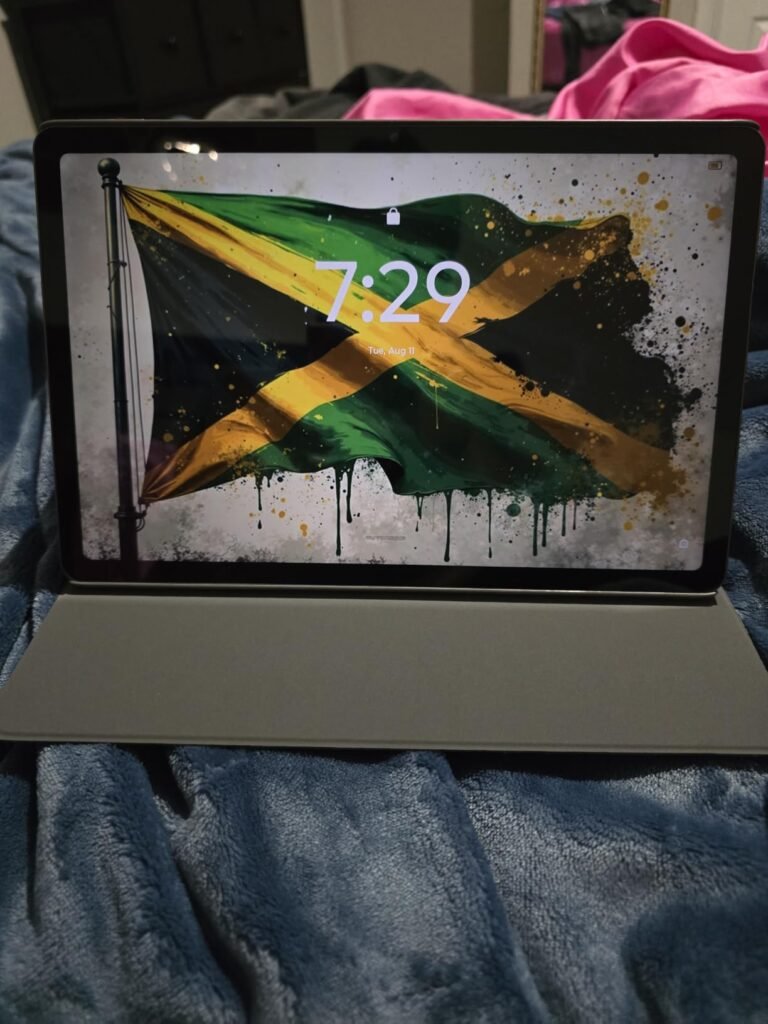
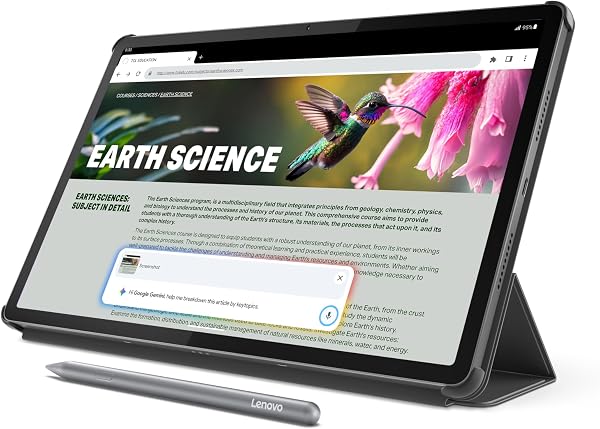
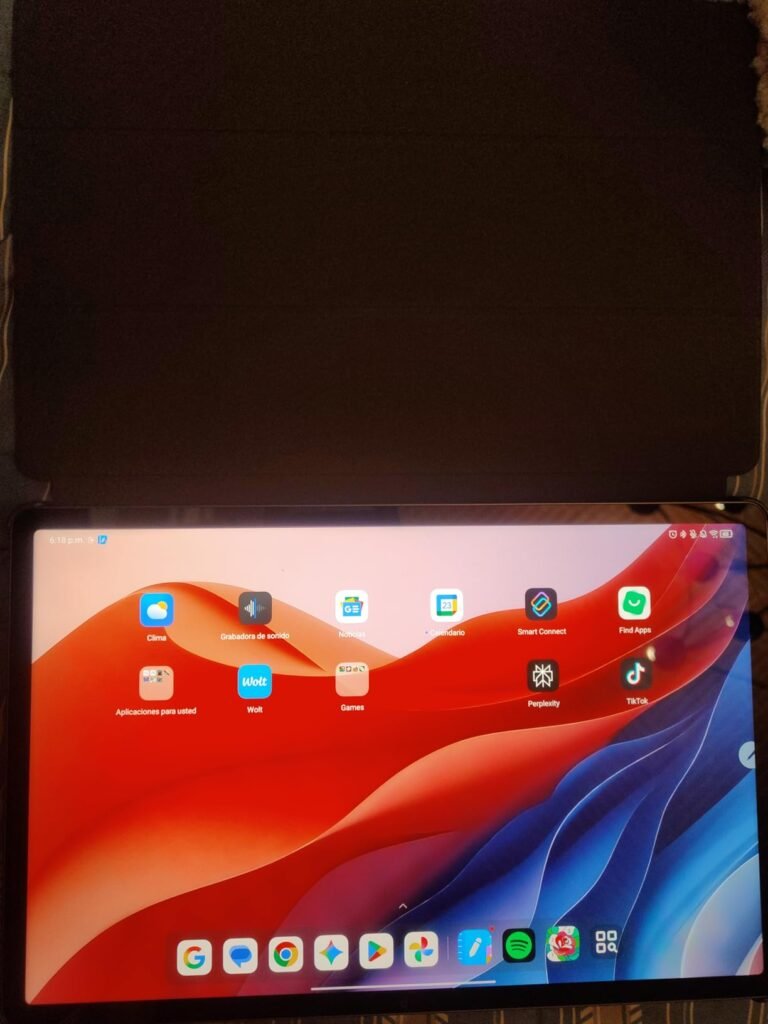
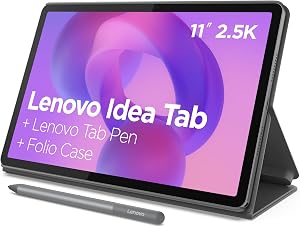
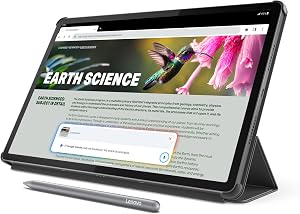
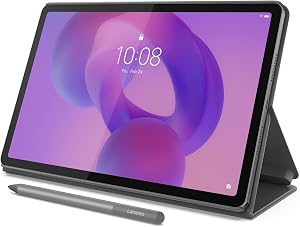
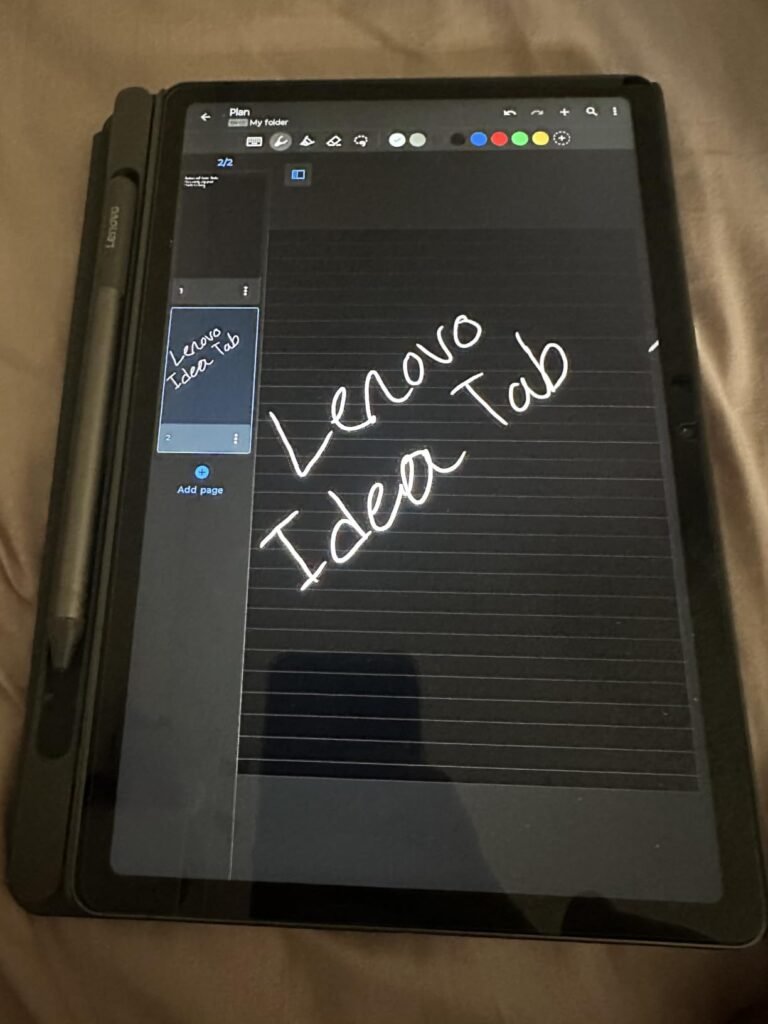
The Lenovo Idea Tab in its 4GB configuration is designed as a turnkey campus solution. It ships with a Tab Pen and folio case in the box, which means you can start taking handwritten notes the moment you open the package without spending extra on accessories. For first-year students who want a simple, all-in-one setup, that bundled convenience is a genuine advantage.
We may earn a commission when you buy through this link, at no additional cost to you.
The 11-inch 2.5K IPS display runs at 90Hz, which makes scrolling through PDFs and web pages feel noticeably smoother than a standard 60Hz panel. The MediaTek Dimensity 6300 handles everyday academic tasks like document editing, video lectures, and web research without breaking a sweat. Circle to Search with Google lets you highlight text or images on screen to pull up instant information, which can speed up research during late-night study sessions.
Battery life is rated at up to 12 hours of video playback, and the 20W charger helps minimize downtime when you do need to plug in. The quad Dolby Atmos speakers are a welcome touch for group project meetings or unwinding between classes. Lenovo also includes four learning-oriented apps such as AI Note and MyScript Calculator, which integrate directly with the pen input for a more cohesive note-taking workflow.
Many tablets require a separate stylus purchase that can add $30 to $100 to the total cost. The Lenovo Idea Tab includes the Tab Pen at no extra charge, and it works with Circle to Search, handwriting recognition, and the preloaded note-taking apps. For students on a tight budget, that bundled value removes a common hidden expense and simplifies the buying decision.
The main tradeoff here is the 4GB of RAM. If your typical workflow involves only a few apps at a time, this configuration works well. However, students who regularly switch between heavy browser tabs, video calls, and note-taking apps may find the 8GB variant more comfortable. At this price point, the included accessories and display quality make it a strong entry-level choice for lighter academic workloads.
Students who routinely run multiple demanding apps simultaneously and need more than 4GB of RAM for smooth multitasking.
We may earn a commission when you buy through this link, at no additional cost to you.
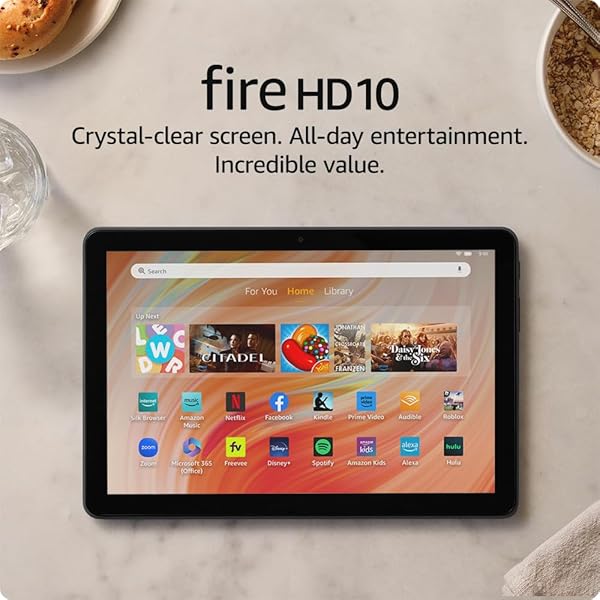
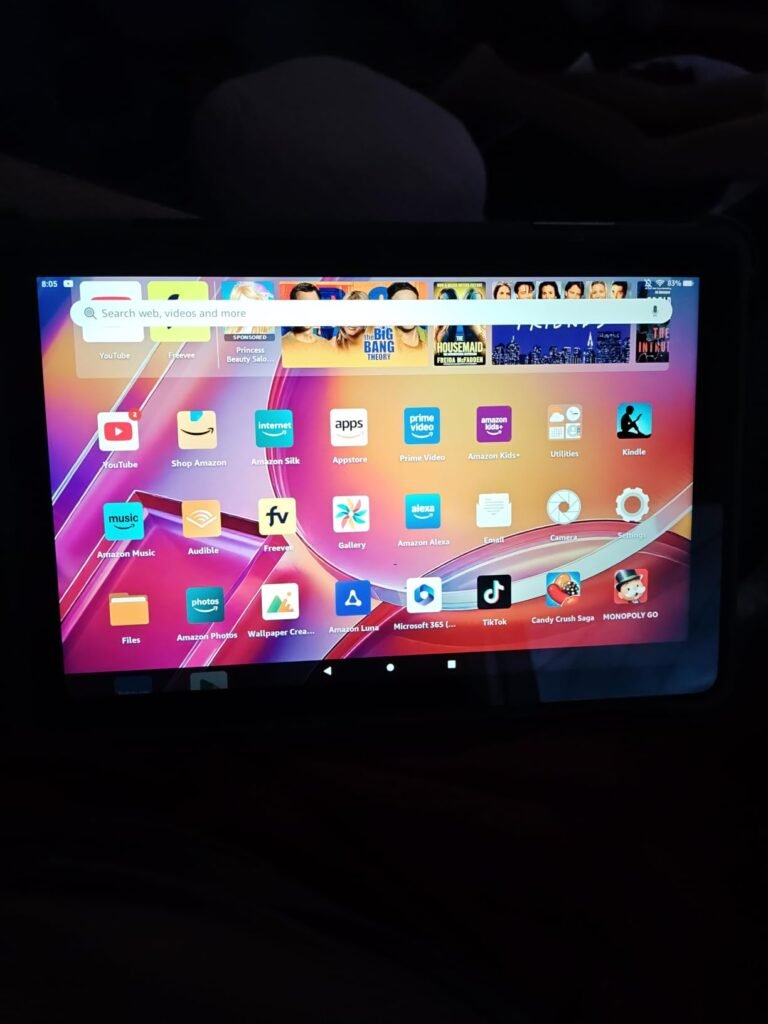
At under $75, the Amazon Fire HD 10 occupies a price bracket that few name-brand tablets can match. For students whose primary needs are reading textbooks, streaming recorded lectures, and browsing the web, this device covers the essentials without straining a semester budget. The 10.1-inch 1080p Full HD screen delivers clear text and vibrant colors for both study materials and entertainment.
We may earn a commission when you buy through this link, at no additional cost to you.
Performance is driven by an octa-core processor paired with 4GB of RAM, which Amazon notes is 25 percent faster than the previous generation. In practical terms, that means apps open more quickly and page transitions feel snappier during everyday use. The 13-hour battery life is one of the longest in this comparison, making it a reliable companion for all-day library sessions where outlets may be scarce.
Durability is another unexpected strength at this price. The strengthened aluminosilicate glass is rated to withstand drops better than several competing budget tablets, which matters when a device is constantly sliding in and out of a backpack. Storage starts at 32GB but can be expanded up to 1TB via a microSD card, giving you plenty of room for downloaded lectures, PDFs, and offline reading material.
With only 32GB of internal storage, a high-capacity microSD card is almost essential for students who download large files. A 128GB or 256GB card costs very little and provides ample space for offline textbooks, recorded lectures, and research papers. Moving media files to the card also keeps the internal storage free for apps and system updates.
The biggest limitation is the Amazon Appstore ecosystem. While it covers major apps like Microsoft Office, Zoom, and Kindle, some specialized academic or creative apps available on the full Google Play Store may not be accessible. If your coursework depends on niche Android apps, verify compatibility before purchasing. For general-purpose studying and media consumption, however, the Fire HD 10 delivers remarkable value.
Students who need access to the full Google Play Store or rely on specialized Android apps not available through Amazon’s ecosystem.
We may earn a commission when you buy through this link, at no additional cost to you.
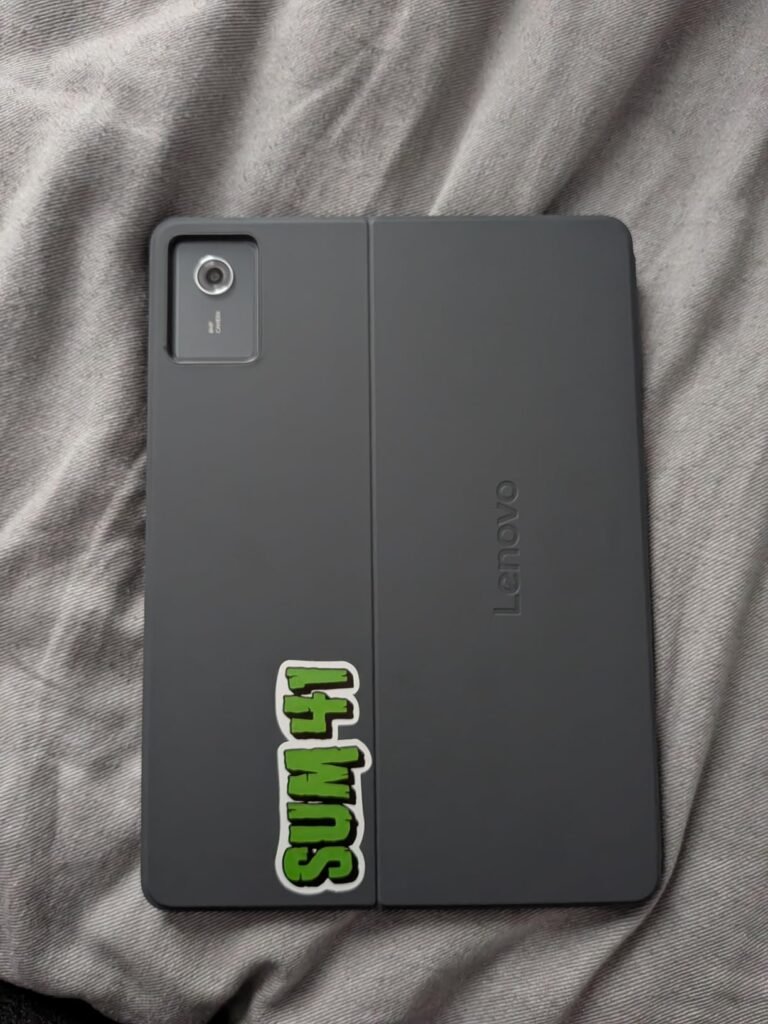
This 8GB variant of the Lenovo Idea Tab shares the same chassis, display, and processor as the 4GB version but doubles both the RAM and internal storage. That upgrade makes a meaningful difference for students who keep multiple browser tabs open while running a note-taking app and a video lecture simultaneously. The jump from 128GB to 256GB of storage also reduces the need to constantly manage file space throughout the semester.
We may earn a commission when you buy through this link, at no additional cost to you.
The 11-inch 2.5K IPS screen at 90Hz remains one of the sharper displays in the mid-range category, and the TÜV Rheinland Low Blue Light certification helps reduce eye strain during marathon reading sessions. The MediaTek Dimensity 6300 is a capable mid-tier chip that handles academic workloads well, and the AI-enhanced multitasking features help the system allocate resources more efficiently when several apps compete for attention.
Like its sibling, this model includes the Tab Pen and folio case, along with Circle to Search and the suite of learning apps. Smart Connect is a particularly useful feature for students who also own a Lenovo laptop, as it allows seamless file transfers and task handoffs between devices without relying on cloud uploads or email attachments. The quad Dolby Atmos speakers add a layer of immersion for both study breaks and group presentations.
The jump from 4GB to 8GB is most noticeable when you regularly split the screen between two or more apps. For example, watching a recorded lecture on one side while taking notes on the other requires enough memory to keep both apps active in the background. With 4GB, the system may reload apps when you switch back, but 8GB keeps them ready and responsive.
The primary consideration is that the processor remains the same Dimensity 6300 found in the less expensive model. The extra RAM helps with multitasking fluidity, but it does not accelerate raw computational tasks like video editing or 3D rendering. If your coursework is primarily document-based, this configuration strikes an excellent balance between price and capability. Students in more demanding programs may want to look at the Idea Tab Pro instead.
Students in engineering, architecture, or media programs who need a more powerful processor for rendering, CAD, or video editing tasks.
We may earn a commission when you buy through this link, at no additional cost to you.
The Lenovo Idea Tab Pro steps into a different performance class with its MediaTek Dimensity 8300 processor and expansive 12.7-inch 3K LCD display. This is the tablet for students who want a near-laptop screen size for reading research papers, annotating slides, and splitting multiple windows without feeling cramped. The included Tab Pen Plus and folio case maintain the bundled-value approach that Lenovo has refined across the Idea Tab lineup.

We may earn a commission when you buy through this link, at no additional cost to you.
The Dimensity 8300 is a substantial upgrade over the 6300 found in the standard models, delivering faster app launches, smoother scrolling through large documents, and better sustained performance during extended use. Wi-Fi 6E support ensures fast downloads and stable connections even in crowded campus networks. The 360Hz touch sampling rate makes pen input feel immediate and precise, which is especially noticeable when writing quickly during lectures.
Google Gemini integration adds an AI layer that can help brainstorm essay topics, summarize long articles, or clarify complex concepts directly on the device. The display also offers mono and chromatic reading modes, allowing you to switch to a distraction-free monochrome view when reading dense academic texts. Battery life reaches 11 hours of video streaming, and the 45W quick charger can replenish the battery much faster than the 20W charger on the standard models.
Moving from an 11-inch to a 12.7-inch display gives you roughly 30 percent more screen area. In practice, that means you can comfortably view a full-page PDF alongside a note-taking app without either window feeling squeezed. For students who frequently reference source material while writing, the extra space reduces the constant toggling that slows down research on smaller screens.
At nearly $390, this is a significant investment for a student tablet, and the 128GB storage may feel limiting given the price. However, for students who use their tablet as a primary study device and value screen real estate above all else, the Pro model delivers a premium experience that bridges the gap between a conventional tablet and a lightweight laptop.
Budget-conscious students who primarily need a tablet for light reading and basic note-taking rather than intensive multitasking.
We may earn a commission when you buy through this link, at no additional cost to you.
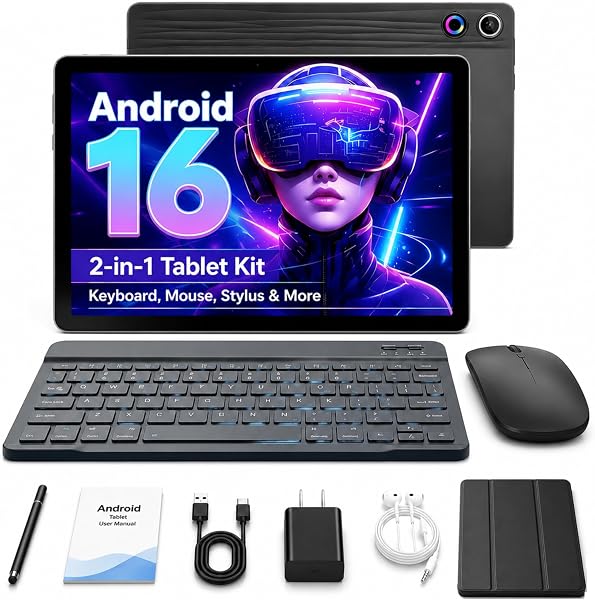
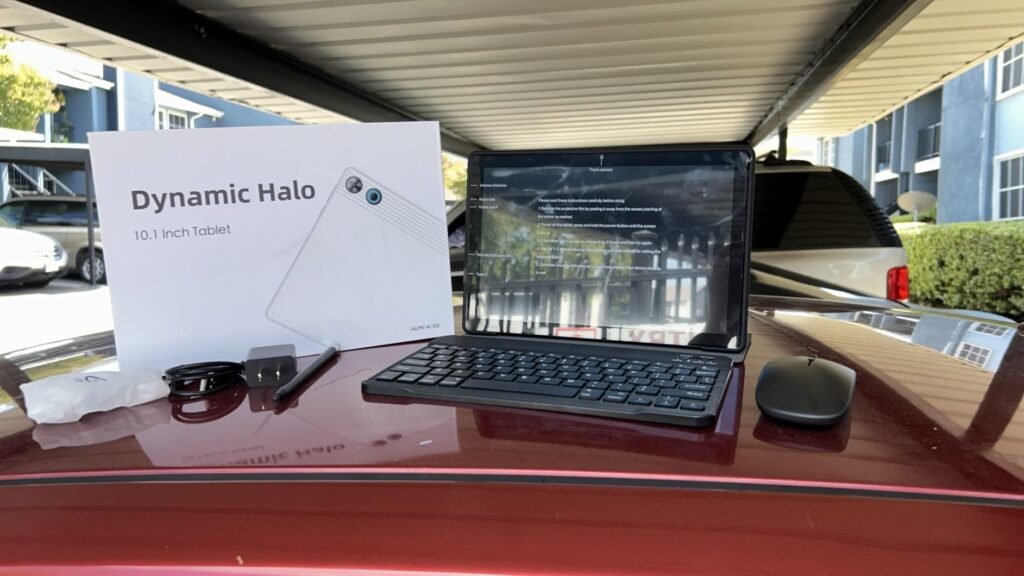
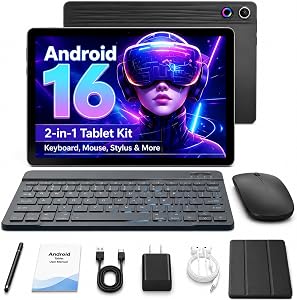
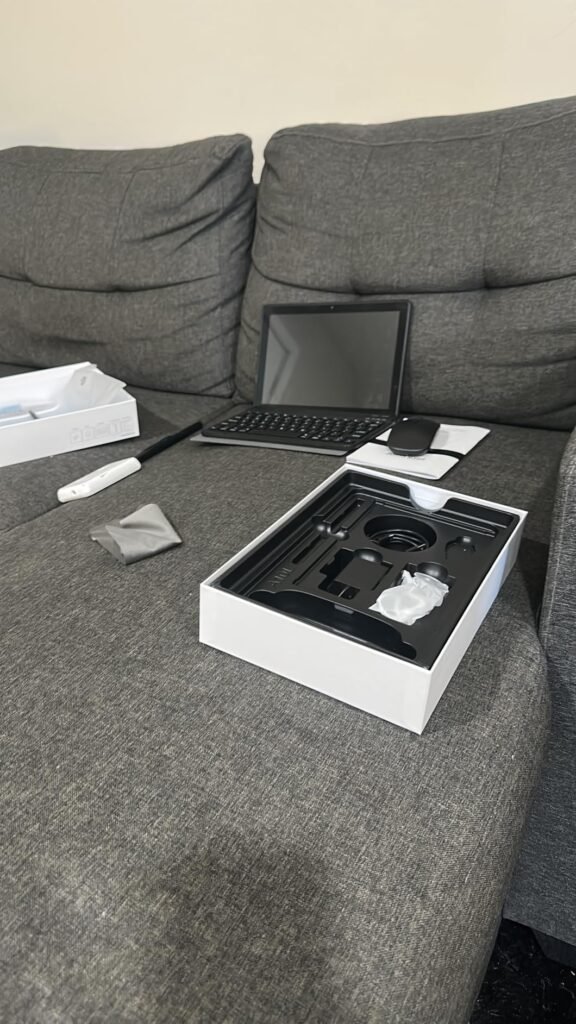
The Jeazans Android 16 tablet takes the all-inclusive approach to an extreme by bundling a Bluetooth keyboard, wireless mouse, capacitive stylus, leather case, and PD fast charger alongside the tablet itself. For under $100, this package effectively creates a 2-in-1 laptop alternative that can handle word processing, email, and web-based coursework right out of the box. Students who need a typing setup but cannot afford a separate laptop and tablet will find this bundle particularly appealing.
We may earn a commission when you buy through this link, at no additional cost to you.
Running Android 16 gives the device access to the latest privacy controls and interface refinements from Google. The advertised 24GB of RAM includes 3GB of physical memory supplemented by 21GB of virtual expansion, which helps with basic multitasking but should not be confused with 24GB of physical RAM found in higher-end devices. The 64GB of internal storage is modest but expandable up to 1TB via microSD, which provides ample room for documents and media.
Connectivity is solid for the price, with dual-band WiFi 6 and Bluetooth for pairing peripherals. The PD fast charging kit reduces recharge times compared to standard USB charging, which is helpful during busy days on campus. The dual cameras handle video calls adequately for virtual office hours and group study sessions, though they are not designed for high-quality content creation.
The 24GB RAM figure combines 3GB of actual hardware memory with 21GB of virtual memory carved from internal storage. Virtual RAM can help keep background apps from closing entirely, but it operates much more slowly than physical RAM. For basic tasks like switching between a browser and a word processor, the difference is minimal. For heavier workloads, physical RAM is the spec that truly matters.
Buyers should temper expectations regarding raw performance. This tablet is built for everyday academic tasks like typing papers, browsing research databases, and attending video lectures. It will struggle with demanding creative software or heavy multitasking. If your needs are straightforward and your budget is tight, the sheer volume of included accessories makes this one of the most practical entry-level options available.
Students who need strong processing power for creative applications, coding environments, or intensive multitasking with many simultaneous apps.
We may earn a commission when you buy through this link, at no additional cost to you.
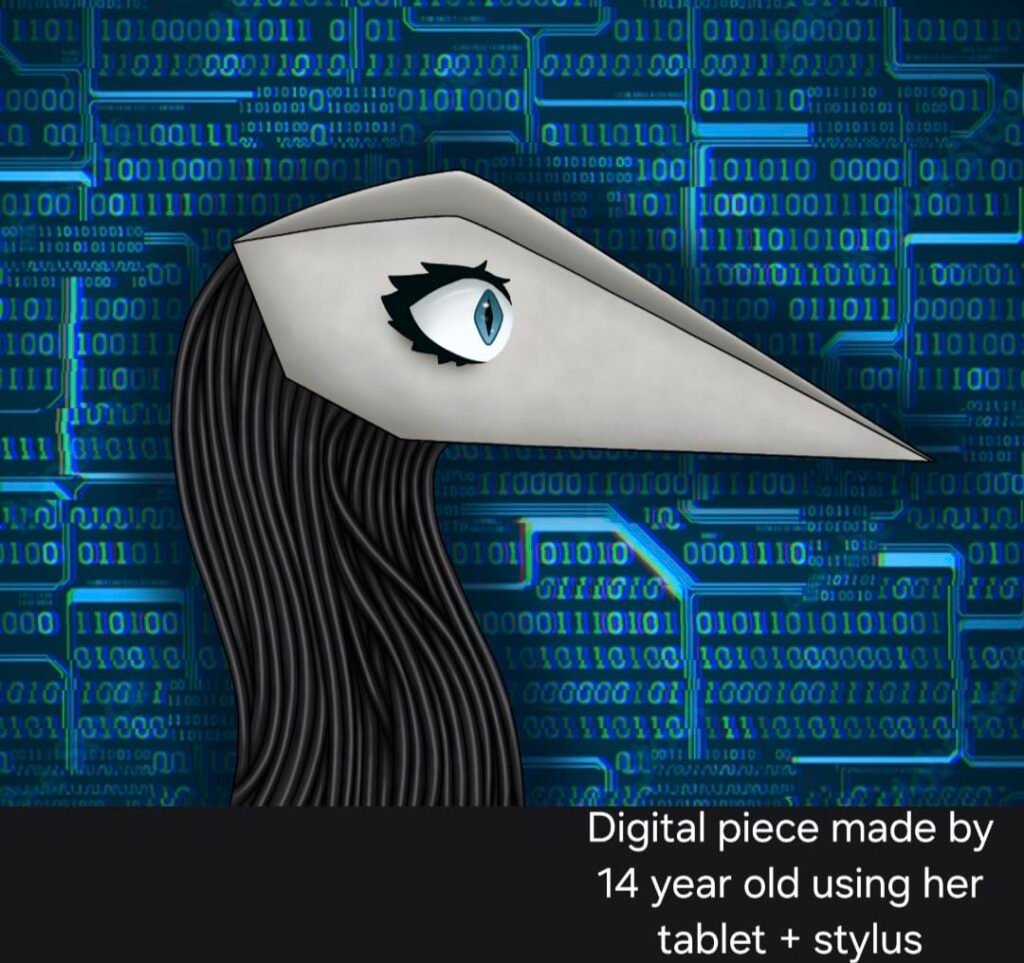
The Samsung Galaxy Tab A11+ sits in a comfortable middle ground, offering a well-rounded set of features at a mid-range price. The 11-inch display with up to 90Hz refresh rate provides smooth scrolling for reading and web browsing, while the slim, lightweight design makes it easy to carry between classes. For students already using a Samsung phone or laptop, the ecosystem integration allows seamless file sharing and clipboard syncing across devices.
We may earn a commission when you buy through this link, at no additional cost to you.
With 6GB of RAM and 128GB of expandable storage, the Tab A11+ handles everyday academic multitasking more comfortably than 4GB tablets. The upgraded chipset keeps apps responsive during typical study workflows, and the fast charging capability minimizes downtime when the battery runs low. Quad speakers with Dolby Atmos deliver rich audio for video lectures and study break entertainment without needing external speakers.
Samsung has integrated several AI-powered tools that can streamline student workflows. Circle to Search lets you quickly look up terms or concepts by drawing around them on screen, and Google Gemini provides on-the-spot assistance for research and writing tasks. The 5MP front camera handles video calls clearly enough for virtual office hours and group project meetings.
If you already own a Samsung Galaxy phone, features like Quick Share, Samsung Flow, and cross-device copy-and-paste can save significant time during research and writing. You can start drafting an outline on your phone during a commute and continue editing on the tablet in the library without manually transferring files. These conveniences add up over a semester and justify choosing Samsung over a competing brand at a similar price.
One important consideration is that Samsung does not include a stylus or keyboard with this model, so budget-conscious buyers should factor in the cost of accessories if they plan to take handwritten notes or type long papers. The processor is capable for general use but will not match the performance of flagship-tier chips. For students who value a polished software experience and Samsung ecosystem benefits, the Tab A11+ is a reliable daily driver.
Students who need a bundled stylus and keyboard out of the box and do not want to purchase accessories separately.
We may earn a commission when you buy through this link, at no additional cost to you.
The ECOPAD 2-in-1 targets the same budget-conscious student demographic as the Jeazans bundle but at an even lower price. It includes a keyboard and mouse for laptop-style typing, and the GMS certification ensures full access to the Google Play Store, which addresses one of the common limitations of ultra-budget Android tablets. For students who need basic word processing and web browsing capabilities, this package covers the fundamentals.

We may earn a commission when you buy through this link, at no additional cost to you.
The 10-inch IPS display runs at 1280×800 resolution, which is adequate for reading documents and watching videos but noticeably less sharp than the 1080p or 2.5K panels found on more expensive tablets. Text may appear slightly softer at smaller font sizes, which is worth considering if you plan to read dense academic PDFs for hours at a time. The 12GB of advertised RAM includes virtual memory expansion, similar to other budget devices in this range.
Connectivity options include WiFi 6 and Bluetooth 5.0, which provide reliable performance for online classes and peripheral pairing. The 6000mAh battery delivers roughly a full day of light use, though heavy streaming or multitasking will drain it more quickly. The dual cameras are functional for video calls but should not be expected to produce high-quality images or recordings.
GMS stands for Google Mobile Services, and certification means the tablet has passed Google’s compatibility requirements to run the Play Store, Gmail, YouTube, and other core Google apps natively. Many ultra-budget tablets lack this certification, which forces users to sideload apps from third-party sources. Having GMS certification simplifies setup and ensures better app compatibility for students who rely on Google Workspace tools.
At under $70, the ECOPAD 2-in-1 is best understood as a supplementary device rather than a primary academic workstation. It works well for typing papers, checking email, and streaming lectures in a pinch. Students with more demanding needs should view this as a secondary option or a temporary solution until a more capable device is within reach.
Students who need a high-resolution display for detailed reading, design work, or extended screen time with sharp text rendering.
We may earn a commission when you buy through this link, at no additional cost to you.
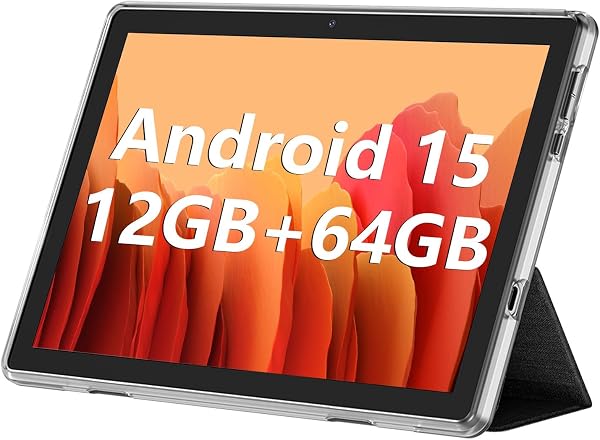
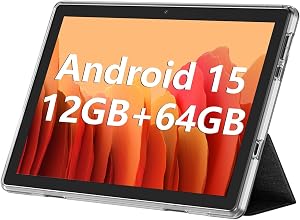
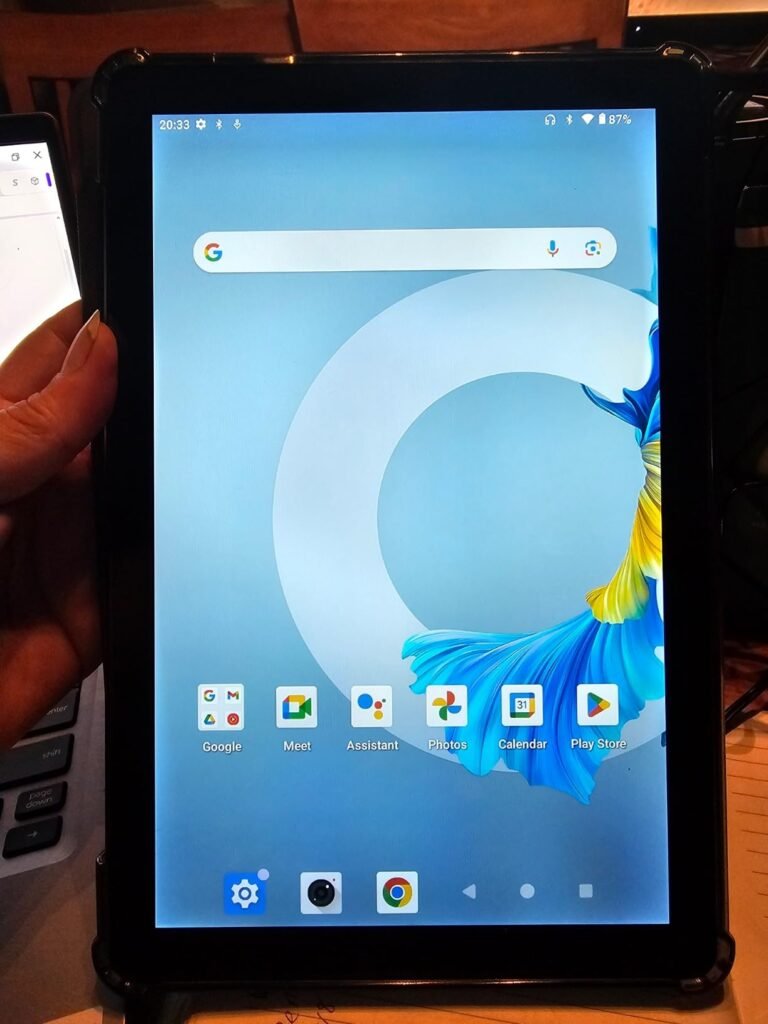
At roughly $66, the standalone ECOPAD is the least expensive tablet in this comparison. It strips away the keyboard and mouse bundle found on the 2-in-1 version to offer a simpler, lighter device for students who primarily need a screen for reading, browsing, and watching recorded lectures. The GMS certification and Android 15 operating system provide access to the full Play Store, which is a significant advantage at this price tier.
We may earn a commission when you buy through this link, at no additional cost to you.
The quad-core processor and 4GB of physical RAM handle basic tasks adequately, though the 12GB figure includes 8GB of virtual memory expansion. In real-world use, this means the tablet performs best when running one or two apps at a time rather than juggling multiple windows. The 10.1-inch IPS display at 1280×800 resolution is functional for casual reading and video playback but lacks the sharpness needed for comfortable long-form document review.
Battery life reaches approximately eight hours of video playback, which covers a typical school day if usage is moderate. The 6000mAh battery is smaller than those found in many competing tablets, so heavy users may need to carry a portable charger for all-day reliability. Storage expansion up to 1TB via microSD provides plenty of room for downloaded materials and offline content.
Ultra-budget tablets excel at single-task scenarios like reading an e-textbook or streaming a lecture. They tend to struggle when asked to run a video call, a browser with multiple tabs, and a note-taking app simultaneously. Understanding this limitation upfront helps avoid frustration and ensures you pair the tablet with a more capable device for demanding coursework.
This tablet is best suited as a secondary device or a dedicated e-reader and media player for students who already have a laptop for their primary academic work. The lower star rating reflects real limitations in performance and display quality that become apparent under heavier workloads. If your budget allows even a modest increase, the Fire HD 10 or the ECOPAD 2-in-1 offer meaningfully better experiences.
Students who need a primary device for multitasking, video conferencing, and running multiple productivity apps at the same time.
We may earn a commission when you buy through this link, at no additional cost to you.
The TABWEE T90 combines Android 16 with Gemini AI 3.5 to create a tablet that leans heavily into AI-assisted productivity. Students can use Gemini to summarize lecture notes, translate foreign-language sources, organize research ideas, and plan study schedules directly on the device. For learners who want built-in AI tools without subscribing to third-party services, this integration offers genuine convenience.
We may earn a commission when you buy through this link, at no additional cost to you.
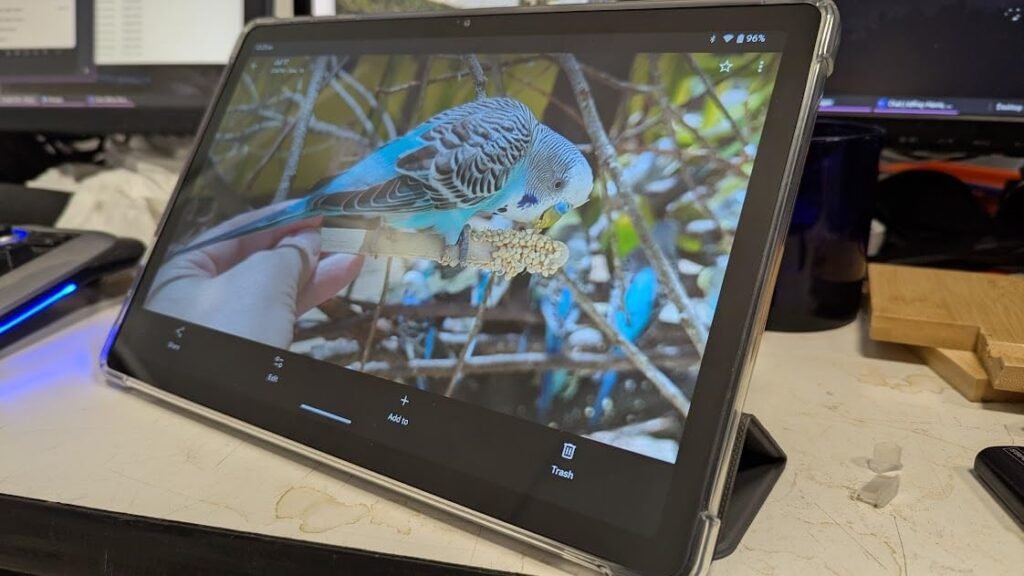
The 11-inch FHD display uses a fully laminated TDDI panel with 1920×1200 resolution and 380-nit brightness, which provides a noticeably sharper and more vibrant viewing experience than the 1280×800 screens on the ultra-budget options. Widevine L1 certification means the tablet supports HD streaming from services like Netflix and Amazon Prime, which is a nice bonus for downtime between classes. The 84.9 percent screen-to-body ratio keeps the bezels slim for a more modern appearance.
The 8000mAh battery is one of the largest in this comparison, supporting up to 11 hours of video playback or 40 hours of music. The included keyboard, mouse, and stylus create a complete 2-in-1 setup, and the Unisoc T615 octa-core processor handles everyday tasks reliably. Dual-band 5G WiFi and Bluetooth 5.0 ensure stable connectivity, while the 13MP rear camera with Google Lens support makes it easy to scan documents and capture whiteboard notes.
Gemini AI 3.5 can be particularly useful during research-heavy semesters. Instead of manually copying and pasting text into a separate summarization tool, you can highlight a passage and ask the AI to condense it into key points. Translation features help with foreign-language sources, and task-planning prompts can break down large assignments into manageable steps. These tools save time but should always be verified for accuracy before submitting academic work.
The main caveat is that the 24GB RAM figure includes 16GB of virtual memory expansion on top of 8GB of physical RAM. The Unisoc T615 is an entry-level processor that performs well for browsing, streaming, and document editing but will not compete with the Dimensity 8300 or Apple A16 in demanding scenarios. For students who want AI features and a complete accessory kit at a mid-range price, the T90 offers a compelling package.
Students who need flagship-level processing power for video editing, 3D modeling, or running resource-intensive development environments.
We may earn a commission when you buy through this link, at no additional cost to you.
Selecting a tablet for school involves more than comparing screen sizes and prices. The right device depends on your major, study habits, software requirements, and how long you need the tablet to last. This section breaks down the most important decision factors so you can match a tablet to your actual academic workflow.
Tablet screens in this comparison range from 10 inches to 12.7 inches, and the difference in usable workspace is more significant than the numbers suggest. A 10-inch display is compact and easy to carry, making it ideal for reading e-textbooks and watching lectures on the go. An 11-inch screen strikes a balance between portability and readability, while a 12.7-inch panel approaches laptop territory and allows comfortable split-screen multitasking with two full-size windows.
Resolution matters just as much as size. A 1280×800 panel is adequate for casual video and basic document viewing, but text can appear slightly soft when reading small-font PDFs or academic journals. Full HD (1920×1080 or 1920×1200) displays render text sharply enough for extended reading sessions, and 2.5K or 3K panels provide even crisper detail that reduces eye strain over long periods. If you spend several hours a day reading on your tablet, investing in a higher-resolution screen pays dividends in comfort.
Choose a 10-inch tablet if portability is your top priority and you mainly consume content. Opt for 11 inches or larger if you plan to take notes alongside readings or split your screen between multiple apps. Prioritize at least Full HD resolution for any serious academic use.
The processor determines how quickly apps launch, how smoothly animations render, and how well the tablet handles demanding tasks like video editing or running complex simulations. In this comparison, chips range from entry-level Unisoc and quad-core processors to mid-range MediaTek Dimensity 6300 and 8300 series chips, all the way up to Apple’s A16 Bionic. For basic note-taking, web browsing, and streaming, even the entry-level options perform adequately. For heavier workloads, the Dimensity 8300 and A16 provide a noticeable advantage in responsiveness and sustained performance.
RAM is equally important for multitasking. Physical RAM of 4GB handles one or two apps comfortably but may reload background apps when you switch between them. Six to eight gigabytes of physical RAM provides a smoother experience when running a browser, a note-taking app, and a video lecture simultaneously. Be cautious of advertised RAM figures that include large amounts of virtual memory, as virtual RAM operates significantly slower than physical hardware and mainly prevents background apps from closing entirely rather than accelerating active performance.
Match the processor and RAM to your actual workload. Liberal arts and business students who primarily write papers and browse the web can save money with mid-range specs. Engineering, design, and computer science students should prioritize the most powerful processor and the highest physical RAM count their budget allows.
Internal storage determines how many apps, documents, videos, and offline resources you can keep on the device without relying on cloud services. The tablets in this guide range from 32GB to 256GB of built-in storage. A 32GB tablet fills up quickly once you install essential apps and download a few textbooks, so a microSD card becomes almost mandatory. A 128GB configuration provides comfortable breathing room for a typical semester, while 256GB is ideal for students who store large media files or extensive offline libraries.
Expandability via microSD is a significant advantage for budget-conscious students. Several Android tablets in this comparison support up to 1TB of additional storage through a cheap memory card, effectively eliminating storage anxiety for the life of the device. Apple iPads do not offer expandable storage, so you must choose your capacity at the time of purchase and rely on iCloud or external drives for additional space. Consider whether your school provides ample cloud storage through Google Workspace or Microsoft 365 before paying a premium for higher internal capacity.
If the tablet supports microSD expansion, a 64GB or 128GB model is usually sufficient. If storage is fixed, aim for at least 128GB to avoid running out of space midway through your degree.
A tablet that dies during a long lecture or a library session is more than an inconvenience; it can mean missing critical information. Battery life in this comparison ranges from roughly eight hours to 13 hours of video playback, which generally translates to a full day of mixed academic use for the higher-end figures. When evaluating battery claims, remember that video playback is a relatively low-power task. Real-world usage involving WiFi browsing, note-taking, and video calls will drain the battery faster, so a 12-hour video rating may yield closer to eight or nine hours of active academic use.
Charging speed is the other half of the equation. A tablet with a 20W charger replenishes the battery at a moderate pace, while 45W fast charging can restore a significant percentage in a short break between classes. If your daily routine includes long stretches away from power outlets, prioritize both a large battery capacity and fast charging capability. Some budget tablets include only basic USB charging, which can take several hours for a full recharge.
Look for at least 10 hours of rated battery life if you plan to use the tablet throughout a full school day. Fast charging is a valuable bonus that reduces the impact of forgetting to plug in the night before.
For many students, a tablet’s usefulness hinges on its ability to accept handwritten notes and typed documents. Stylus support transforms a tablet into a digital notebook, enabling annotation of PDFs, sketching of diagrams, and handwritten calculations that are difficult to replicate with a keyboard alone. Several tablets in this comparison include a stylus in the box, which saves $30 to $130 compared to purchasing one separately. Pay attention to pressure sensitivity levels and palm rejection quality, as these factors determine whether the writing experience feels natural or frustrating.
Keyboard support is equally important for students who write lengthy essays or research papers. Some tablets ship with a Bluetooth keyboard and mouse as part of a bundle, while others require separate purchases of proprietary keyboard accessories that can cost as much as the tablet itself. Proprietary keyboards like Apple’s Magic Keyboard Folio or Samsung’s Book Cover Keyboard tend to offer better typing experiences and more secure attachment mechanisms, but third-party Bluetooth keyboards can provide adequate functionality at a fraction of the cost.
If handwritten note-taking is central to your study routine, choose a tablet that includes a stylus or budget for one upfront. If you write long papers, factor in the cost of a keyboard before comparing total prices across different models.
The operating system shapes every aspect of your daily experience, from the apps you can install to the way you organize files and sync with other devices. iPadOS offers the most polished tablet-specific app ecosystem, with many developers creating versions of their software optimized for the iPad’s larger screen and Apple Pencil input. This is particularly relevant for creative fields like graphic design, music production, and digital illustration, where iPad-exclusive apps like Procreate and GoodNotes set the standard.
Android tablets provide more flexibility in file management, customization, and hardware variety. The Google Play Store offers a vast selection of apps, and Android’s open file system makes it easier to transfer documents between devices without relying on cloud services. However, not all Android tablets are created equal. Devices with GMS certification guarantee full Play Store access, while some budget tablets may run modified versions of Android with limited app compatibility. Amazon’s Fire OS is a fork of Android that restricts users to the Amazon Appstore, which covers major apps but lacks some specialized tools.
Choose iPadOS if your coursework relies on creative or productivity apps that are optimized for the iPad. Choose a GMS-certified Android tablet if you prefer file system flexibility and a wider range of hardware options. Verify app compatibility with Amazon Fire OS before purchasing if you are considering the Fire HD 10.
A student tablet needs to survive daily commutes, crowded backpacks, and the occasional drop onto a lecture hall floor. Build quality varies significantly across the price spectrum. Premium tablets like the Apple iPad and Samsung Galaxy Tab use metal unibody construction and high-quality glass that resists scratches and minor impacts. Budget tablets often use plastic housings that are lighter but less durable over time. The Amazon Fire HD 10 stands out in the budget category with its aluminosilicate glass, which Amazon rates as significantly more durable than competing budget tablets in drop tests.
Weight and thickness also affect daily comfort. A tablet that feels fine during a 15-minute commute can become burdensome when carried across campus all day alongside textbooks and a water bottle. Most 10-inch tablets weigh between 400 and 500 grams, while larger 12-inch models can exceed 600 grams. If you plan to hold the tablet in one hand for extended reading sessions, a lighter device reduces wrist fatigue.
Prioritize durability features like strengthened glass and solid construction if your tablet will travel extensively. If the device will mostly stay on a desk, weight and build quality are less critical, and you can allocate more of your budget toward performance or display quality.
Reliable connectivity is essential for students who attend online classes, submit assignments through learning management systems, and collaborate on cloud-based documents. All tablets in this comparison support WiFi, but the specific standard matters. WiFi 6 and WiFi 6E provide faster speeds and better performance in congested environments like lecture halls and campus libraries, where dozens of devices compete for bandwidth. Older WiFi 5 connections may struggle in these scenarios, leading to buffering during live video lectures or slow file uploads.
Bluetooth version affects how reliably peripherals like keyboards, mice, and headphones connect and stay connected. Bluetooth 5.0 and later versions offer improved range and stability compared to older standards. Some tablets also include GPS and other satellite navigation systems, which can be useful for campus mapping apps but are not essential for most academic use cases. USB-C ports have become the standard for charging and data transfer, and they also enable connections to external displays and storage drives for more advanced workflows.
Ensure the tablet supports at least WiFi 6 if your campus network is modern and heavily used. Bluetooth 5.0 or later is recommended for reliable peripheral pairing. USB-C is strongly preferred over older micro-USB connectors for faster charging and broader accessory compatibility.
Set up your tablet for academic success by organizing your home screen around your daily workflow. Place your most-used apps like your note-taking tool, learning management system, calendar, and cloud storage in a prominent dock or folder for quick access. Enable automatic cloud backups for your notes and documents so that a lost or damaged device does not mean a lost semester of work. If your tablet supports split-screen multitasking, practice dividing the display between your reading material and your note-taking app to build an efficient study habit from the start.
Protect your tablet’s battery health by avoiding extreme temperatures and keeping the charge between 20 and 80 percent when possible. Leaving a tablet plugged in overnight occasionally is fine, but consistently charging to 100 percent and draining to zero can accelerate battery degradation over the course of a multi-year degree. Use the original charger or a reputable third-party charger with the correct wattage rating to avoid slow charging or potential damage. If your tablet supports fast charging, reserve it for situations where you genuinely need a quick top-up, as slower charging generates less heat.
Keep the display clean by wiping it with a soft, lint-free microfiber cloth rather than paper towels or rough fabrics that can scratch the glass. If you use a stylus, clean the tip periodically and replace it when it becomes worn to maintain smooth writing performance and prevent screen damage. Store the tablet in a protective case or sleeve when transporting it in a backpack, and avoid placing heavy textbooks directly on top of the screen. Regularly check for operating system and app updates, as these often include security patches and performance improvements that keep your device running smoothly throughout the school year.
A tablet can replace a laptop for many students, particularly those in humanities, business, or social science programs whose work centers on reading, writing, and web research. However, students in engineering, computer science, or design fields may still need a full laptop for specialized software that does not run on tablet operating systems. Consider your specific course requirements before making the switch.
For most students, 128GB of storage provides a comfortable balance between capacity and cost. If the tablet supports microSD expansion, 64GB of internal storage is usually sufficient because you can offload large files to a memory card. Students who work with large media files, such as video or high-resolution images, should aim for 256GB or higher.
Neither platform is universally better; the right choice depends on your needs and existing devices. iPads offer a more polished app ecosystem, longer software support, and superior creative tools. Android tablets provide more hardware variety, expandable storage, and generally lower prices. If you already use an iPhone or Mac, an iPad integrates more seamlessly. If you use a Windows PC or Android phone, an Android tablet may fit your workflow better.
A stylus is highly recommended if you prefer handwritten notes, annotate PDFs frequently, or study subjects that involve diagrams and equations. Handwriting notes has been shown to improve information retention compared to typing for many learners. Several tablets in this guide include a stylus in the box, which eliminates the extra cost. If your workflow is primarily typed, a keyboard may be a better investment.
A well-chosen tablet should last at least three to five years of active academic use. Apple iPads typically receive software updates for five to seven years, while Android tablets generally receive two to four years of major updates depending on the manufacturer. Physical durability also plays a role, so investing in a protective case and screen protector can extend the device's usable lifespan significantly.
Many online proctoring platforms now support tablet browsers, but compatibility varies by institution and software provider. Some proctoring tools require a desktop or laptop operating system and may not function correctly on iPadOS or Android. Check with your school's IT department or exam platform requirements before relying on a tablet as your only device for proctored assessments.
Physical RAM is actual hardware memory built into the tablet, and it operates at full speed for active tasks. Virtual RAM borrows space from the internal storage to simulate additional memory, which helps keep background apps from closing but operates much more slowly. When comparing tablets, focus on the physical RAM figure rather than the combined total, as it more accurately reflects real-world multitasking performance.
Budget tablets under $100 can be worthwhile for students who need a secondary device for reading, streaming lectures, and light web browsing. They are not ideal as a primary academic workstation because their processors, displays, and multitasking capabilities are limited. If your budget allows, spending $150 to $250 provides a dramatically better experience in display quality, performance, and accessory support.
A higher refresh rate like 90Hz makes scrolling through documents and web pages feel smoother and more responsive compared to a standard 60Hz display. While it is not essential for academic work, it does reduce the perception of lag during everyday interactions and can make long reading sessions feel less fatiguing. If two tablets are otherwise similar in price and specs, the one with the higher refresh rate is generally the better choice.
The Apple iPad 11-inch stands out as the strongest overall choice for students who want a reliable, long-lasting device with access to the best tablet app ecosystem. Its A16 chip, Liquid Retina display, and multi-year software support make it a worthwhile investment for anyone planning to use their tablet throughout an entire degree program. The main tradeoff is the higher total cost once you add an Apple Pencil and keyboard.
For students on tighter budgets, the Amazon Fire HD 10 delivers impressive battery life and a solid 1080p display at a remarkably low price, while the Lenovo Idea Tab 8GB offers a more complete package with an included stylus and folio for mid-range buyers. The Lenovo Idea Tab Pro and Samsung Galaxy Tab A11+ fill the gap for students who need larger screens or deeper ecosystem integration without stepping into Apple's price range.
Ultimately, the best tablet for your studies is the one that matches your specific coursework, workflow, and budget. Start by identifying the three or four tasks you will perform most often, then choose the device that handles those tasks most comfortably. A well-matched tablet can genuinely improve your productivity and make studying more efficient, so take the time to evaluate your needs before committing to a purchase.