Fire HD 10
9.0Editor score10.1-inch Full HD
Octa-core processor
4GB RAM 32GB
13-hour battery
Find the right tablets for reading for 2026. We compare 10 standout options by build quality, useful features, owner feedback, value, and everyday trade-offs.
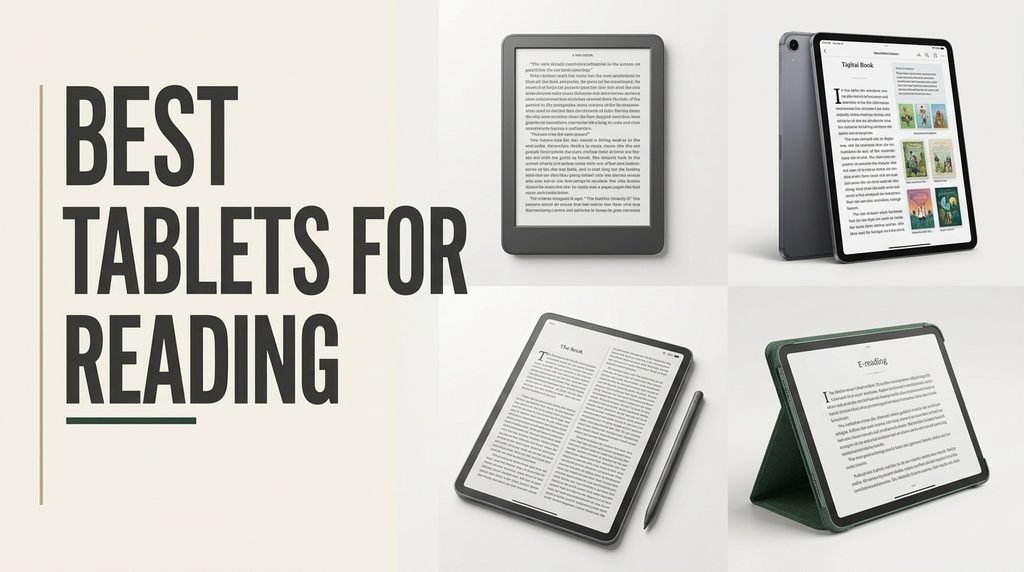
Choosing the right tablet for reading means balancing display comfort, battery life, portability, and how often you plan to use the device for other tasks. We compare 10 standout options spanning dedicated e-readers, paper-like LCD tablets, and full-featured Android and Fire slates, so you can match the right device to your reading habits, lighting conditions, and budget.
The devices in this guide range from compact 6-inch e-ink Kindles designed purely for distraction-free reading to large 12.2-inch tablets with paper-like displays that handle books, PDFs, note-taking, and streaming equally well. Screen technology, weight, and software ecosystem all affect how comfortable long reading sessions feel in real daily use.
This guide breaks down each option with clear specs, honest pros and cons, and practical buying advice. Whether you want a lightweight bedtime reader, a glare-free tablet for outdoor reading, or a versatile slate that doubles as a study and entertainment device, you will find a model that fits your reading style and budget.
We compared 10 tablets for reading using the details that actually help a reader decide: display technology and eye comfort, screen size and weight, battery life, storage for libraries, glare and sunlight readability, text clarity, software ecosystem, note-taking support, and overall value. The notes focus on practical trade-offs so each pick connects to how people actually read novels, textbooks, PDFs, and comics for long stretches without eye strain or fatigue.

Compare key features, scores, and current prices side by side. A shorter feature list means fewer details were available, not necessarily fewer capabilities.





The Samsung Galaxy Tab A11+ brings mainstream Android reliability to the reading tablet category with an 11-inch display and a 90Hz refresh rate that makes page turns and scrolling feel noticeably smoother than standard 60Hz screens. For readers who scroll through long-form articles, PDFs, or digital magazines, that smoothness reduces visual fatigue during extended use.
We may earn a commission when you buy through this link, at no additional cost to you.
The upgraded chipset paired with 6GB of RAM handles multitasking confidently, so you can keep a reading app, note-taking tool, and web browser running simultaneously without slowdowns. Storage starts at 128GB and expands further through microSD, which is important if you store large PDF libraries, textbooks with embedded images, or audiobook collections locally.
Audio quality stands out thanks to quad speakers tuned with Dolby Atmos, delivering surprisingly immersive sound for audiobook listeners and anyone who alternates between reading and watching video content. Google Gemini AI assistance and Circle to Search add productivity tools that help with research, translation, and quick lookups while reading. A 5MP front camera handles video calls with family and classmates clearly.
A higher refresh rate benefits readers more than most people realize. Scrolling through long articles, swiping between pages in a PDF reader, and flipping through a reading app all feel smoother at 90Hz compared to 60Hz. The reduced motion blur means your eyes work less to track moving text, which can translate to less fatigue during long sessions.
This tablet is a solid pick for readers who want a full-featured Android slate with reading as a primary but not exclusive use case. The combination of smooth display, Google Play app access, and strong audio makes it versatile for families and students. Dedicated reading-only buyers may prefer the lower price and eye comfort of a Kindle.
Minimalist readers who want a dedicated distraction-free device with no notifications or apps.
We may earn a commission when you buy through this link, at no additional cost to you.
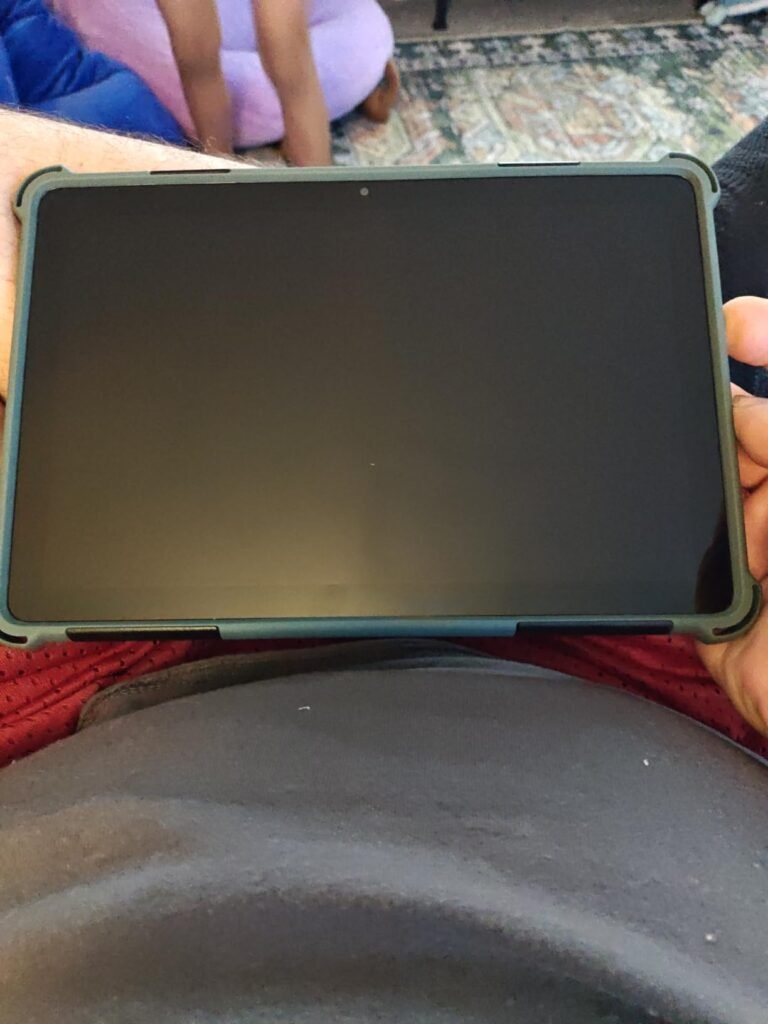
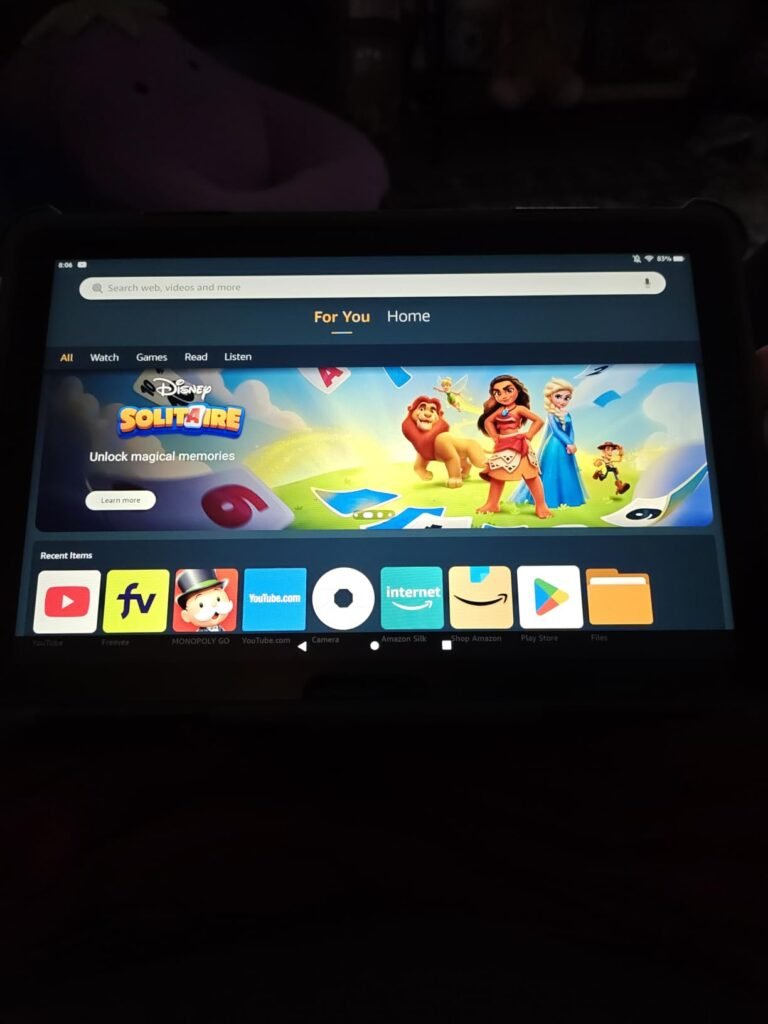
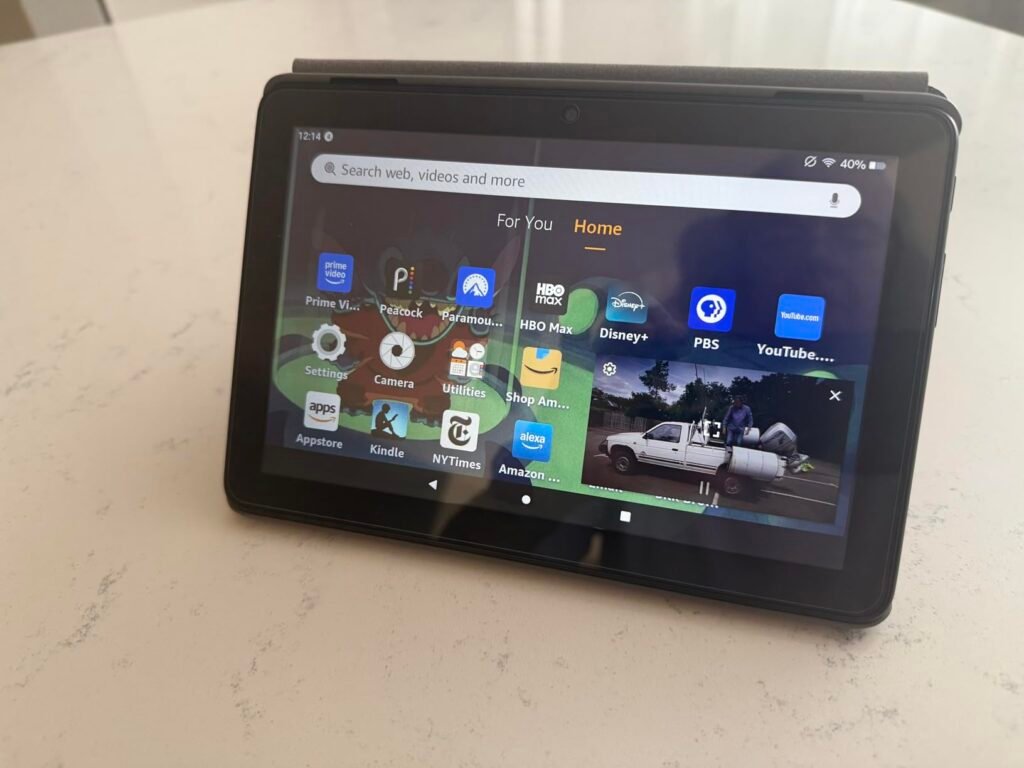
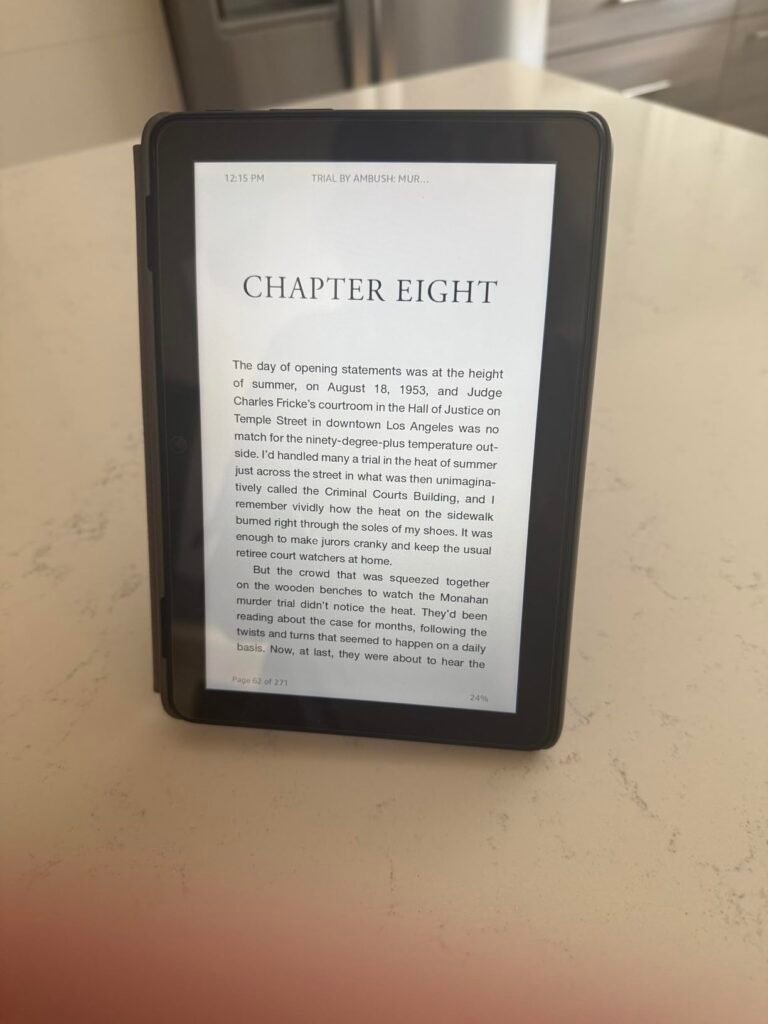
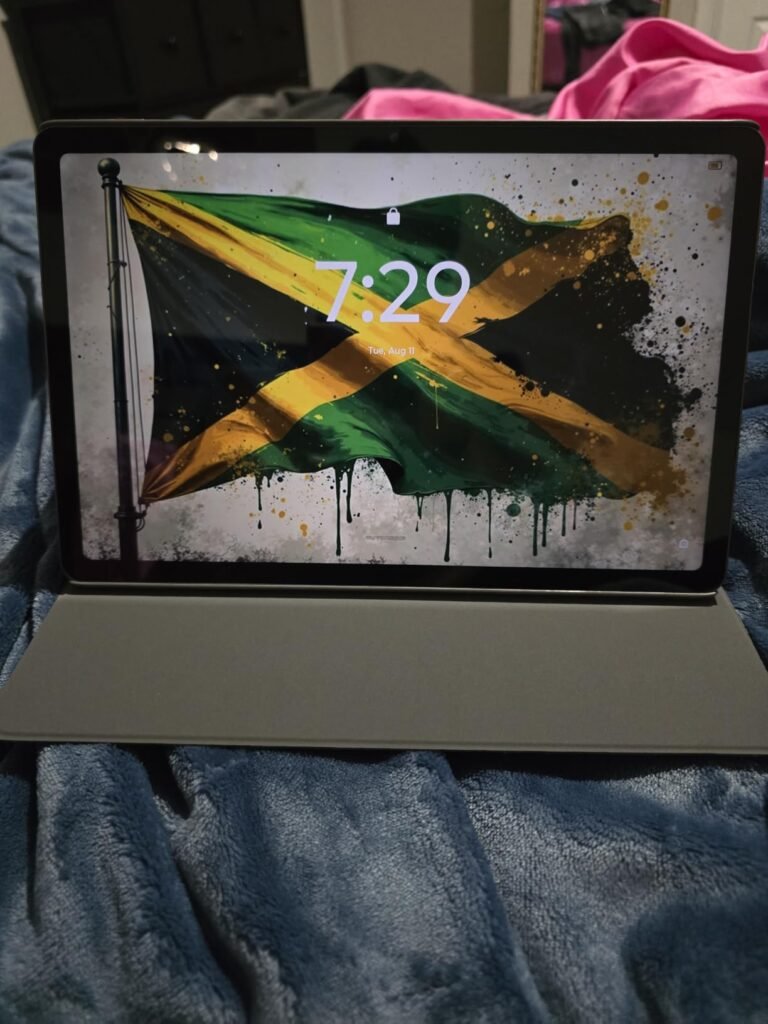
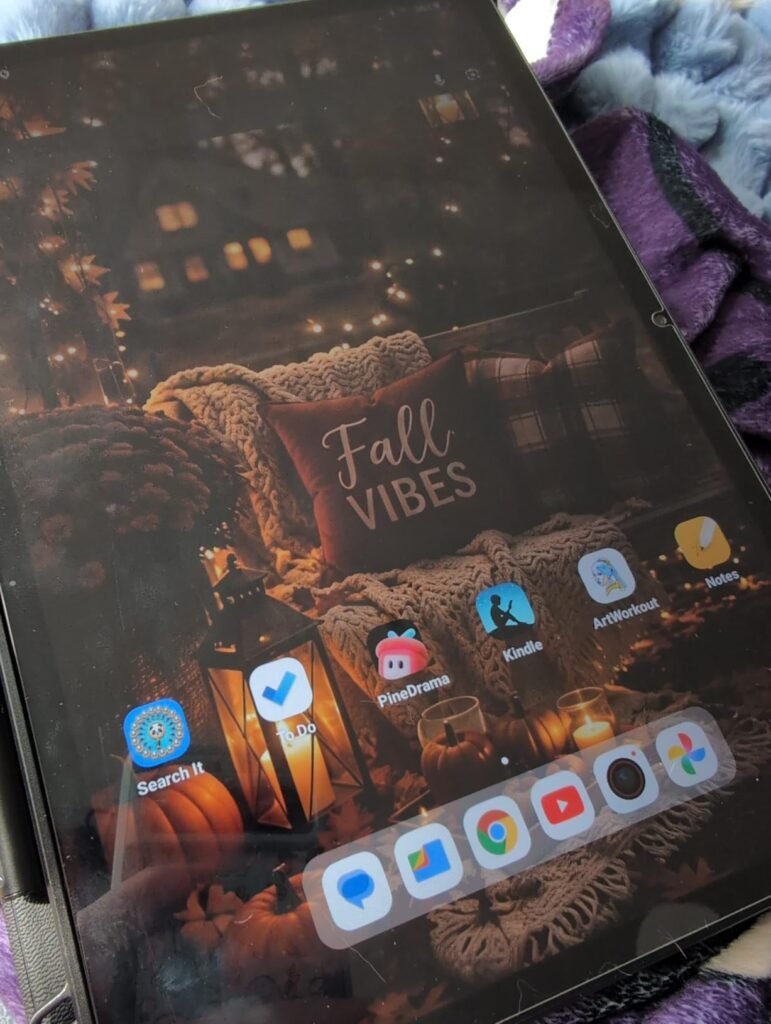
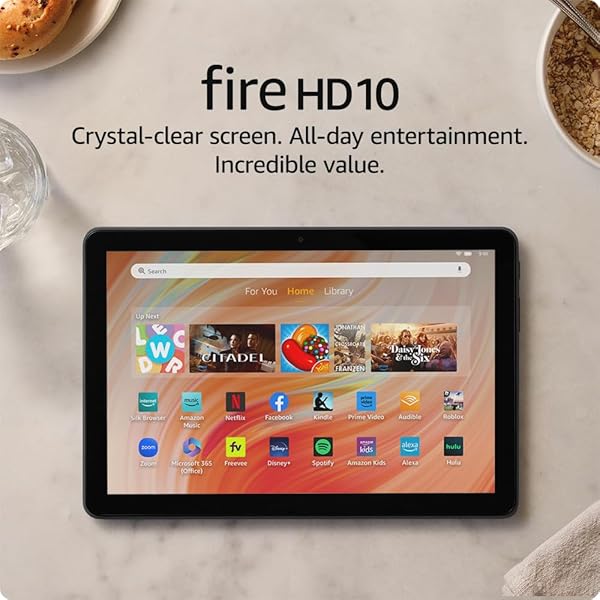
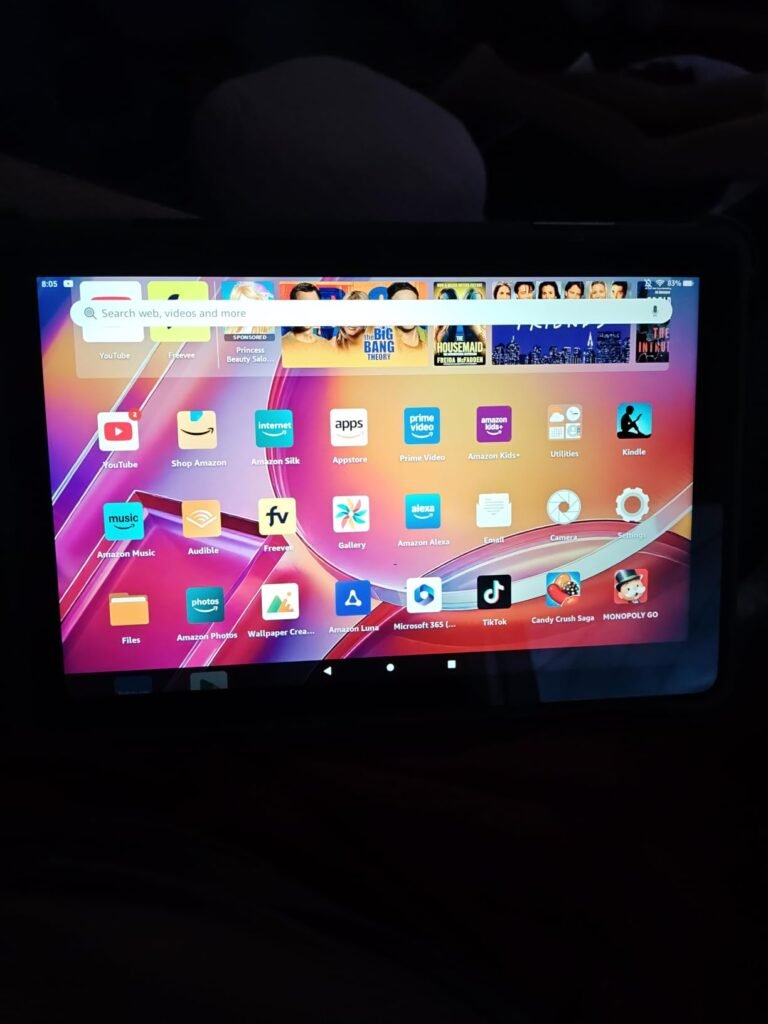
The Fire HD 10 is a strong choice for readers who want a large, colorful screen that handles ebooks, magazines, and comics alongside video streaming and casual gaming. The 10.1-inch 1080p Full HD display delivers brilliant color reproduction, which makes it especially well-suited to graphic novels, children's picture books, and illustrated nonfiction where visual richness matters.
We may earn a commission when you buy through this link, at no additional cost to you.
Performance comes from an octa-core processor paired with 4GB of RAM, delivering 25% faster response than the previous generation. This matters for readers who multitask between reading apps, web browsing, and media playback. Storage starts at 32GB and expands to 1TB via microSD, giving you plenty of room for a large ebook library plus downloaded shows for travel.
Build quality includes aluminosilicate strengthened glass that holds up to drops and daily handling, and the 13-hour battery life carries you through long reading sessions without a charger. A 5MP front camera supports video calls through apps like Zoom, and Alexa integration lets you ask the tablet to read books aloud or control smart home devices hands-free.
The 1080p color display is a significant advantage for comic readers and anyone with illustrated children’s books. E-ink readers show these in grayscale, which strips out much of the visual appeal. If a meaningful portion of your library includes color content, a vibrant LCD tablet like this one preserves the artist’s intent far better than monochrome e-ink.
This tablet makes sense for readers who want versatility beyond pure book reading. If you plan to watch movies, play games, or video chat alongside your reading, the Fire HD 10 covers all those needs at a reasonable price. Dedicated readers who want the eye comfort of e-ink should look at a Kindle instead.
Pure book readers who want maximum eye comfort and multi-week battery life from a dedicated e-reader.
We may earn a commission when you buy through this link, at no additional cost to you.
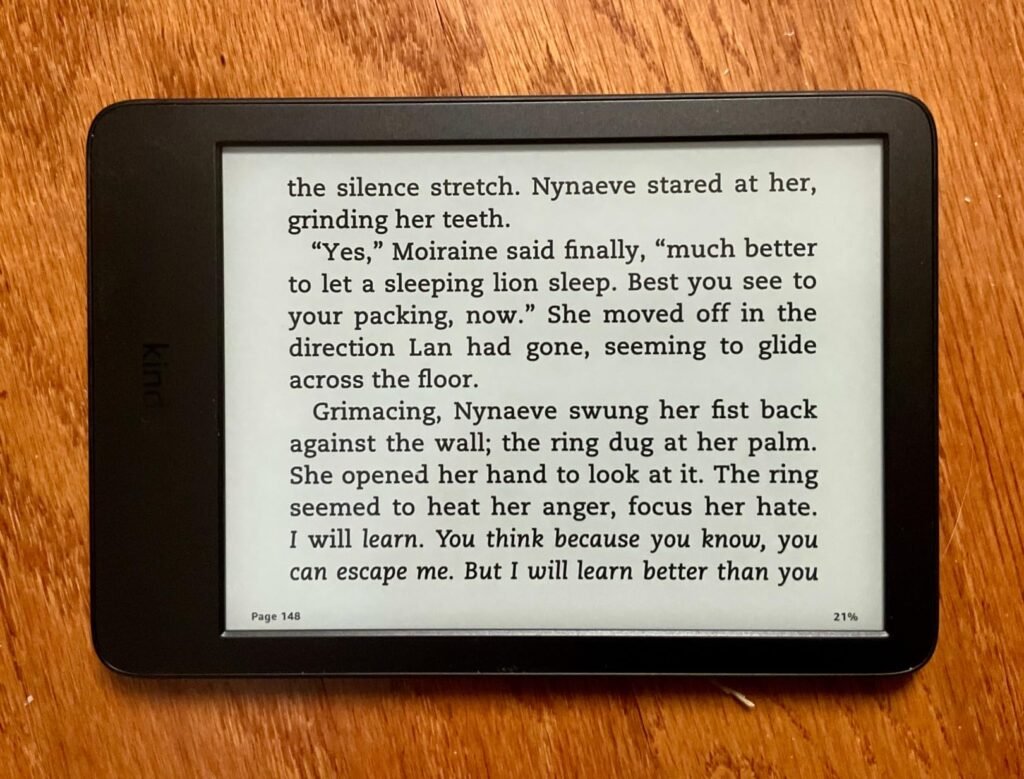
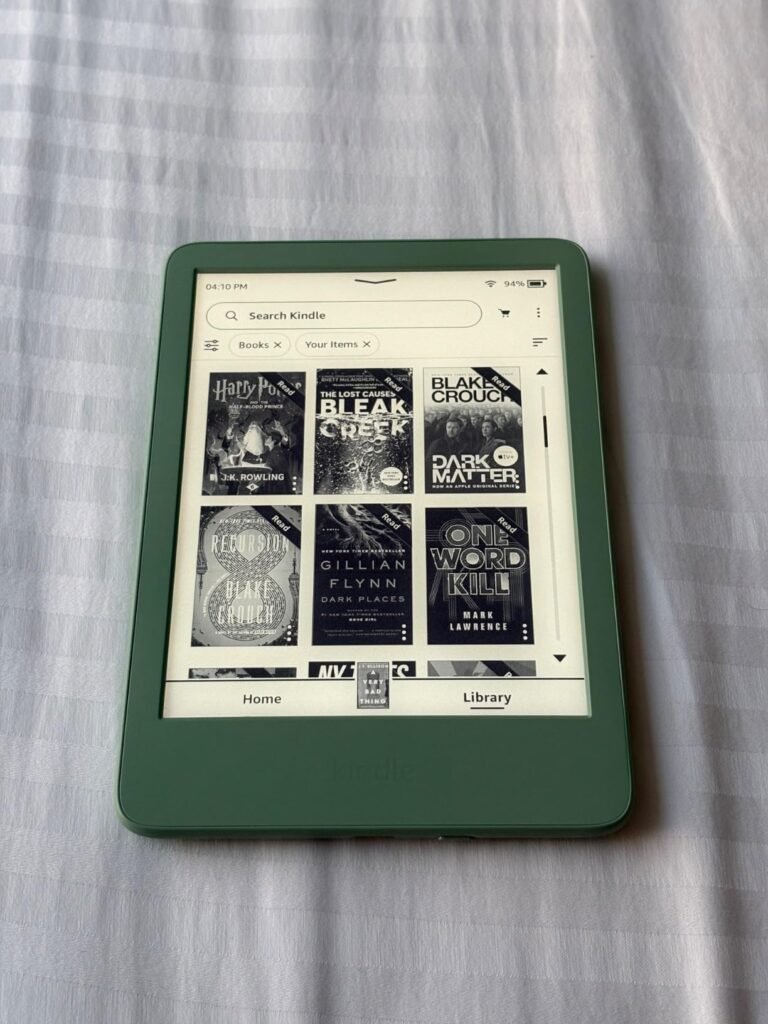
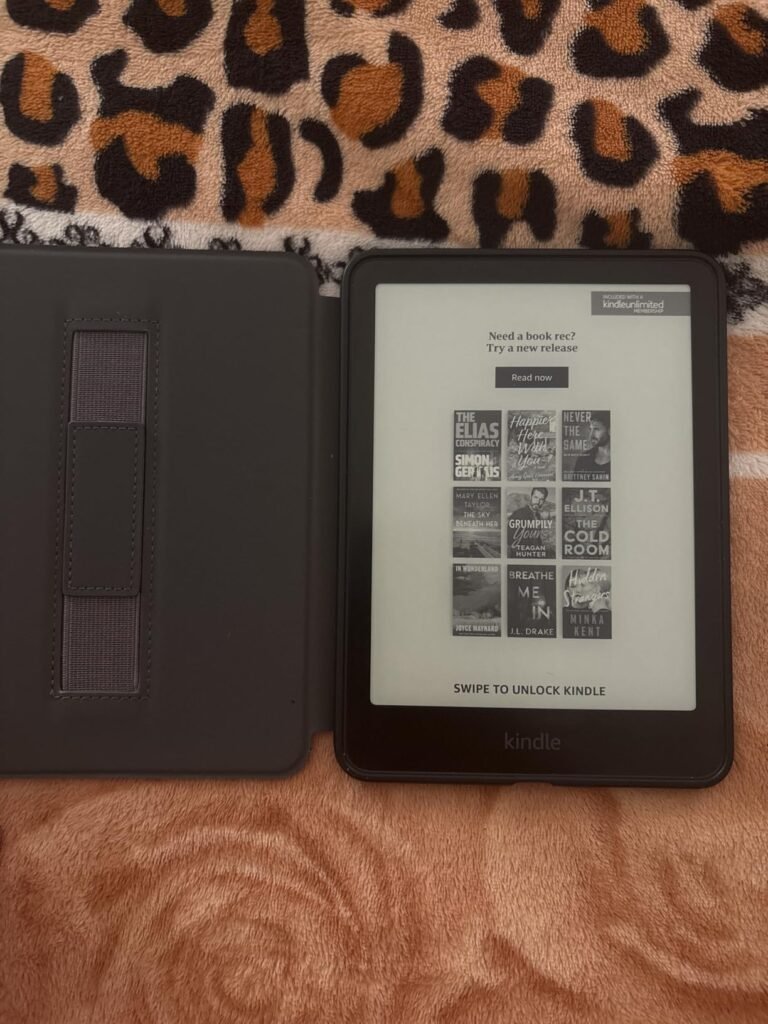
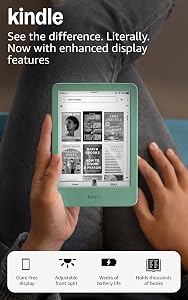
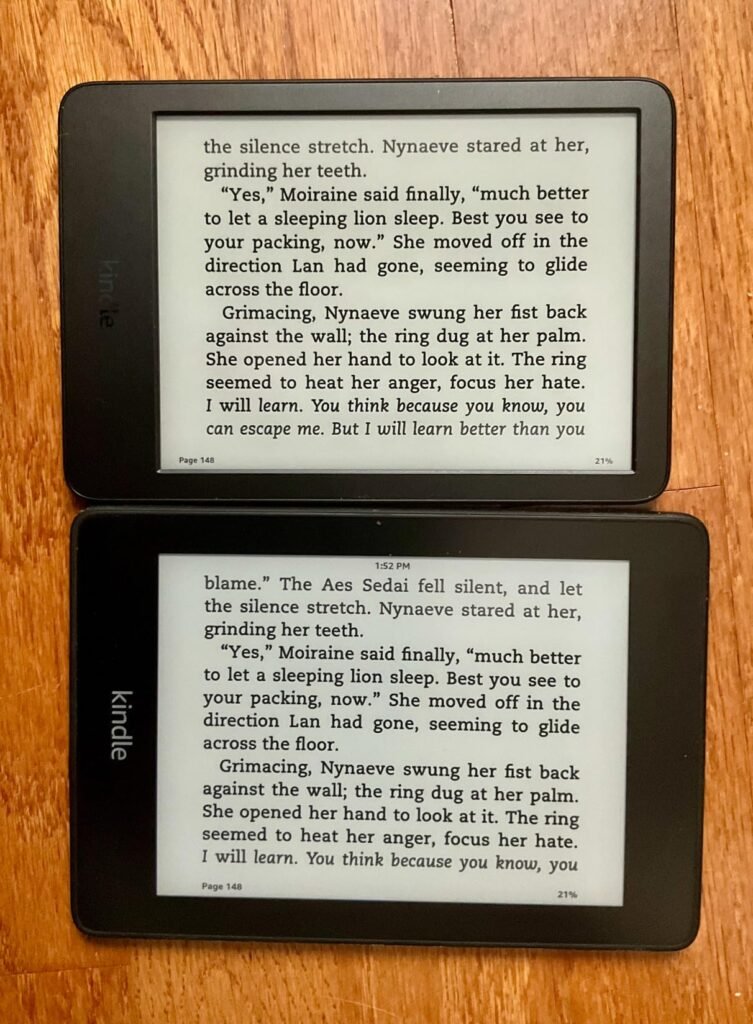
The 2024 Kindle refines a simple, focused reading experience that has made Amazon's base e-reader a long-standing favorite. The 6-inch glare-free e-ink display looks and feels like printed paper, with no backlight shining into your eyes and no notifications pulling your attention away from the story.
We may earn a commission when you buy through this link, at no additional cost to you.
The new adjustable front light is 25% brighter at its maximum setting, which helps in dim rooms and makes dark mode noticeably more readable when you prefer light text on a dark background. The high contrast ratio and fast page turns make reading feel responsive, closer to flipping pages in a physical book than previous generation Kindles.
Battery life extends to roughly six weeks on a single charge with typical reading, so you can leave the charger at home for weekend trips or long vacations. The 16GB internal storage holds thousands of ebooks, and the device syncs seamlessly with the Kindle app on your phone so you can switch between devices without losing your place.
E-ink displays reflect ambient light rather than emitting it, which mimics how your eyes read printed paper. This reduces the visual fatigue that comes from staring at a backlit LCD screen for hours. If you read novels for an hour or more at a stretch, the difference in eye comfort between e-ink and LCD becomes very noticeable, especially before bed.
This Kindle is the right pick for readers who want a dedicated, distraction-free reading device at a lower price than the Paperwhite. The smaller 6-inch screen suits novels and standard-format books better than textbooks or PDFs. If you want waterproofing or a larger screen, step up to the Paperwhite instead.
Readers who want color content, video playback, or app flexibility beyond pure book reading.
We may earn a commission when you buy through this link, at no additional cost to you.
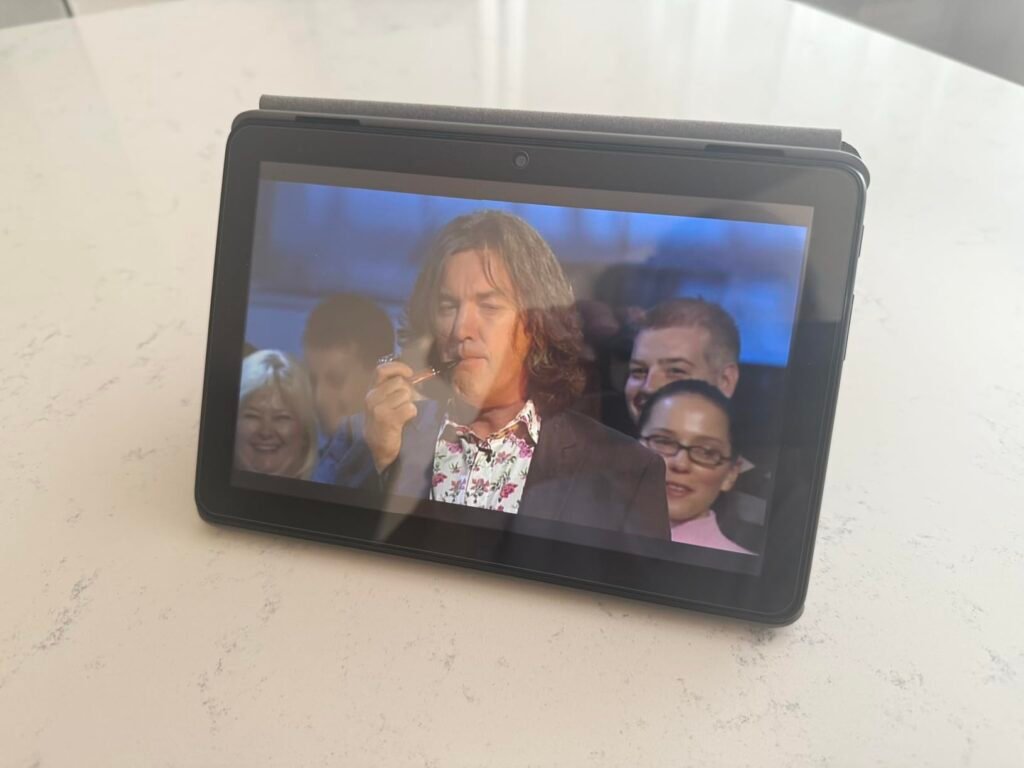
The Fire HD 8 strikes a middle ground between pocket-size e-readers and full-size tablets. Its 8-inch HD display is large enough to show a full page of text comfortably without the bulk of a 10-inch slate, making it a practical travel companion that fits in a jacket pocket or small bag.
We may earn a commission when you buy through this link, at no additional cost to you.
The newest model doubles the RAM to 4GB compared to the 2022 release, and a hexa-core processor keeps the Kindle app, Libby for library books, and web browsing responsive. Internal storage of 64GB handles sizable ebook and audiobook collections, and microSD expansion up to 1TB covers downloaded video content for long flights or road trips.
Battery life reaches up to 13 hours of mixed reading, browsing, and video playback, which is enough for a full day of travel without needing a charger. The 5MP rear camera handles document photos and casual snapshots, and Alexa integration enables voice commands for hands-free control while reading in bed or during meals.
An 8-inch tablet weighs less than a hardcover book and fits easily into a cross-body bag, backpack side pocket, or large coat pocket. For commuters, frequent flyers, and travelers who want to carry an entire library plus movies and apps in one compact device, this size strikes a practical balance between screen area and portability.
This tablet is ideal for frequent travelers and anyone who wants a secondary reading device that disappears into their bag. Readers who prioritize eye comfort will prefer a Kindle, and those who want a larger reading canvas should step up to the Fire HD 10. For portable multipurpose use at an accessible price, the Fire HD 8 earns its spot.
Readers who need maximum eye comfort for multi-hour sessions or a larger screen for textbooks and PDFs.
We may earn a commission when you buy through this link, at no additional cost to you.
The 2024 Kindle Paperwhite is Amazon's most refined dedicated e-reader, combining a larger 7-inch glare-free display with faster page turns, a higher contrast ratio, and the ultra-thin design that makes long reading sessions genuinely comfortable. The extra screen real estate compared to the standard Kindle shows more text per page and reduces how often you tap to advance.

We may earn a commission when you buy through this link, at no additional cost to you.
Page turns are 25% faster than the previous Paperwhite generation, which eliminates the slight lag that could pull you out of a story during fast-paced reading. The adjustable warm light shifts from white to amber, so you can read comfortably in bright sunlight by the pool and switch to warm amber tones at bedtime to reduce blue light exposure before sleep.
Waterproofing to IPX8 means the Paperwhite handles bath reading, poolside sessions, and accidental splashes without concern. Battery life stretches to roughly 12 weeks on a single USB-C charge with typical use, so you rarely think about charging. The device also connects to Audible for audiobooks via Bluetooth headphones, adding versatility beyond pure text reading.
Smartphones and tablets can read ebooks, but they also deliver notifications, social media, and the temptation to switch tasks. A dedicated e-reader with no apps and no distractions creates a focused reading environment that mirrors the experience of a physical book. For readers who struggle to put down their phones at night, a Paperwhite can genuinely restore reading time.
This Paperwhite earns its editor’s choice spot as the sweet-spot e-reader for most dedicated readers. The combination of larger screen, waterproofing, faster performance, and long battery life justifies the step up from the base Kindle for anyone who reads daily. Occasional readers who want to spend less will do fine with the standard Kindle instead.
Readers who want color content, video apps, or a general-purpose tablet experience alongside reading.
We may earn a commission when you buy through this link, at no additional cost to you.
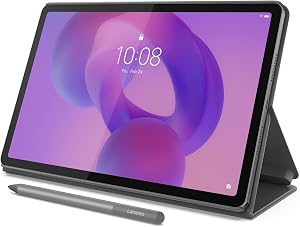
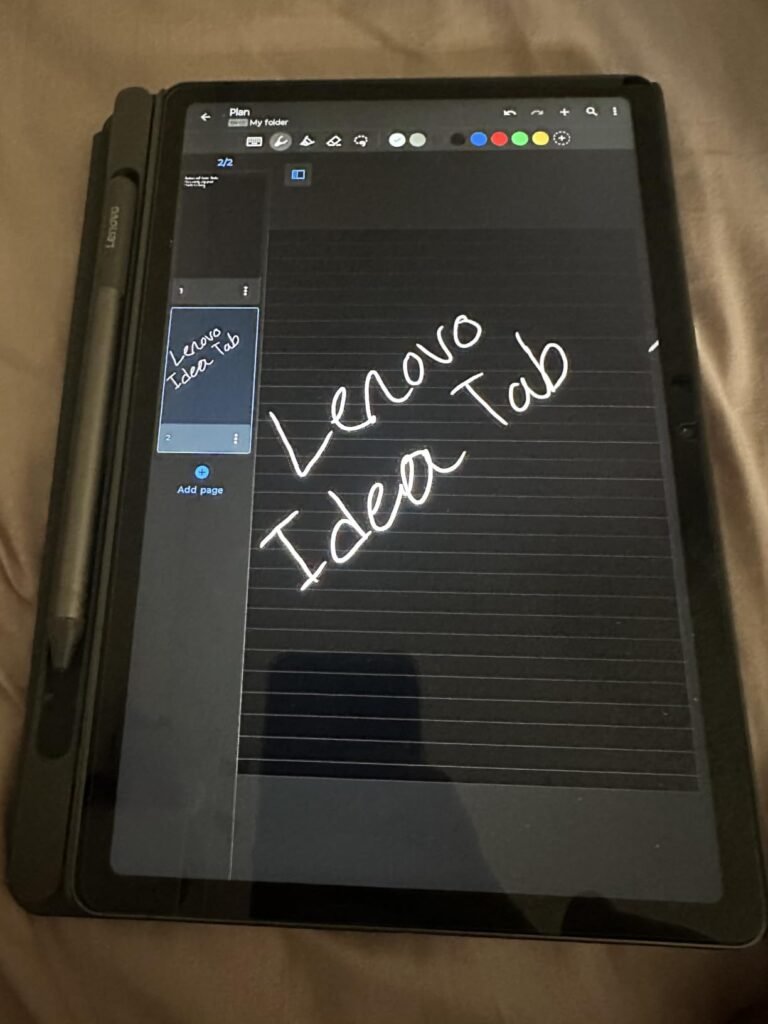
The Lenovo Idea Tab targets students who need a capable reading tablet that doubles as a note-taking and study device. The 11-inch 2.5K IPS display delivers sharp text that renders textbook pages, lecture slides, and PDF annotations with impressive clarity, and the 90Hz refresh rate keeps scrolling and page turns smooth.
We may earn a commission when you buy through this link, at no additional cost to you.
A standout value here is that the Tab Pen and folio case ship in the box, saving you 80 to 120 dollars compared to accessories you would otherwise buy separately. The pen pairs with four preinstalled learning apps including Lenovo AI Note, Squid, Nebo, and MyScript Calculator, giving students a complete handwritten note-taking workflow out of the box.
TÜV Rheinland low blue light certification is a meaningful eye-care feature for readers who spend long hours with the device. Combined with the 72% NTSC color coverage and quad Dolby Atmos-tuned speakers, the tablet handles streaming breaks and video lectures nearly as well as it handles study sessions. Battery life reaches up to 12 hours of YouTube playback, and the 20W charger speeds up top-ups between classes.
TÜV Rheinland low blue light hardware certification confirms the display emits reduced blue light at the panel level rather than relying only on software filters. This matters for readers who spend hours with the screen because blue light exposure can contribute to eye strain and sleep disruption. Hardware-level reduction works consistently regardless of software settings.
This tablet is a strong pick for college and high school students who want reading, note-taking, and streaming in one package. The included accessories make it a complete setup without hidden costs. Pure book readers who want eye-friendly e-ink should still choose a Kindle, but for students juggling textbooks, PDFs, and handwritten notes, the Idea Tab delivers excellent value.
Readers who want a dedicated single-purpose e-reader with no apps or notifications.
We may earn a commission when you buy through this link, at no additional cost to you.
The Like-New Amazon Fire HD 10 offers the same core reading and media experience as the current Fire HD 10 at a lower price point by shipping as a certified refurbished unit. These devices are tested and inspected to work and look like new, and they carry the same limited warranty as new Fire tablets, which removes most of the risk typically associated with refurbished electronics.
We may earn a commission when you buy through this link, at no additional cost to you.
The 10.1-inch 1080p Full HD display delivers the same vibrant color quality as the current-model Fire HD 10, so your reading experience with graphic novels, illustrated books, and digital magazines remains essentially identical. The octa-core processor keeps the Kindle app and browsing responsive, though the 3GB RAM instead of 4GB may become noticeable during heavy multitasking.
Storage includes 32GB internally with microSD expansion up to 1TB, covering ebook libraries and downloaded videos. The 13-hour battery life, aluminosilicate strengthened glass, 5MP front camera, and Alexa integration all match the current model, so the only meaningful difference beyond price is the slightly reduced RAM and potentially generic Amazon-branded packaging.
Amazon’s Like-New program tests and certifies refurbished devices to meet the same functional and cosmetic standards as new products. The included warranty matches the new-device warranty, which is a meaningful consumer protection that many third-party refurbished sellers do not offer. For buyers who prioritize value, this program removes much of the uncertainty around refurbished tech.
This tablet makes sense for budget-conscious buyers who want a 10-inch reading and media tablet without paying full price. If you can accept the slightly lower RAM and refurbished origin, you get essentially the same experience for less money. Buyers who need maximum performance headroom or want factory-fresh packaging as a gift should choose the new Fire HD 10 instead.
Buyers who want the latest RAM configurations or need factory-sealed packaging as a gift.
We may earn a commission when you buy through this link, at no additional cost to you.
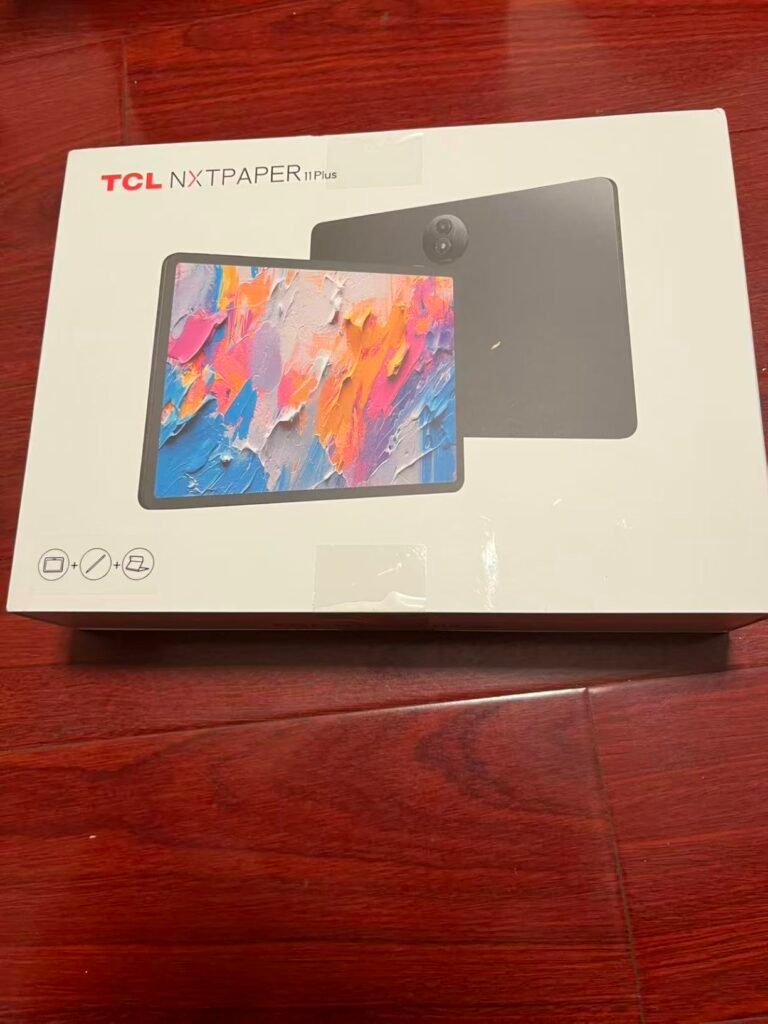
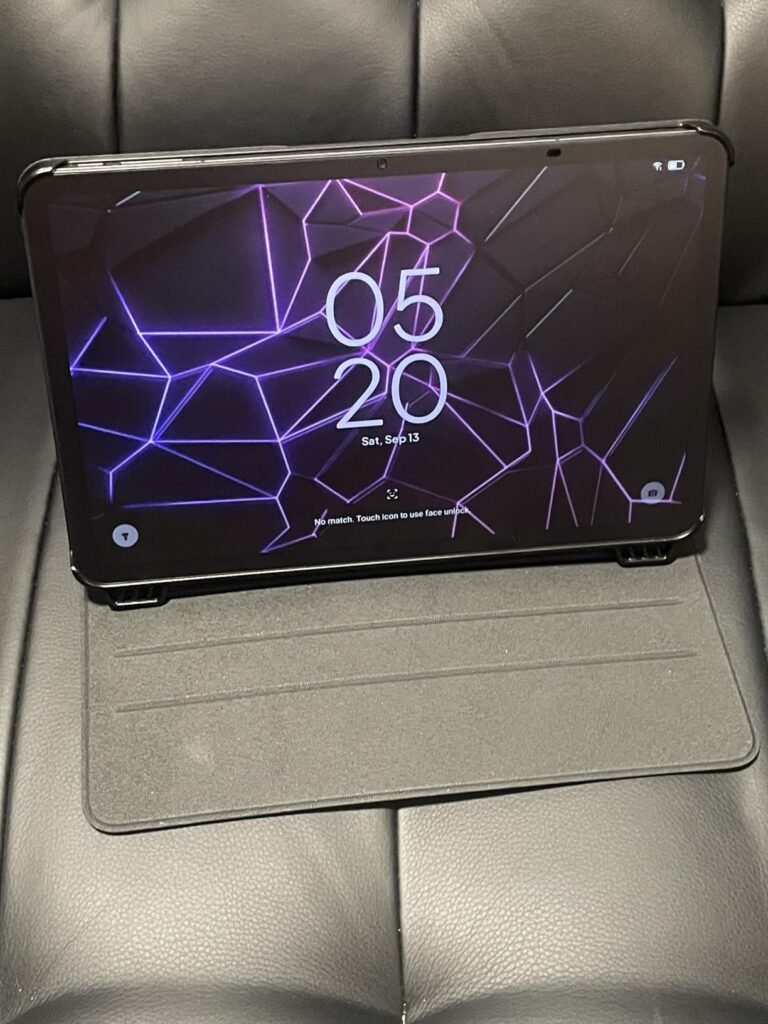
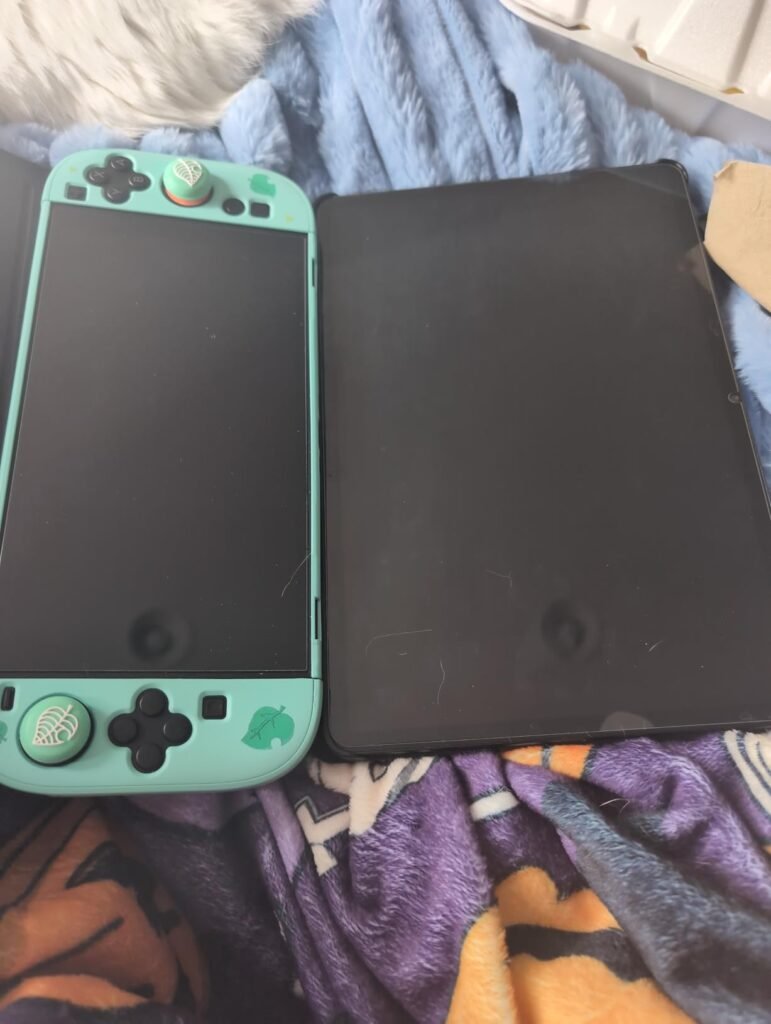
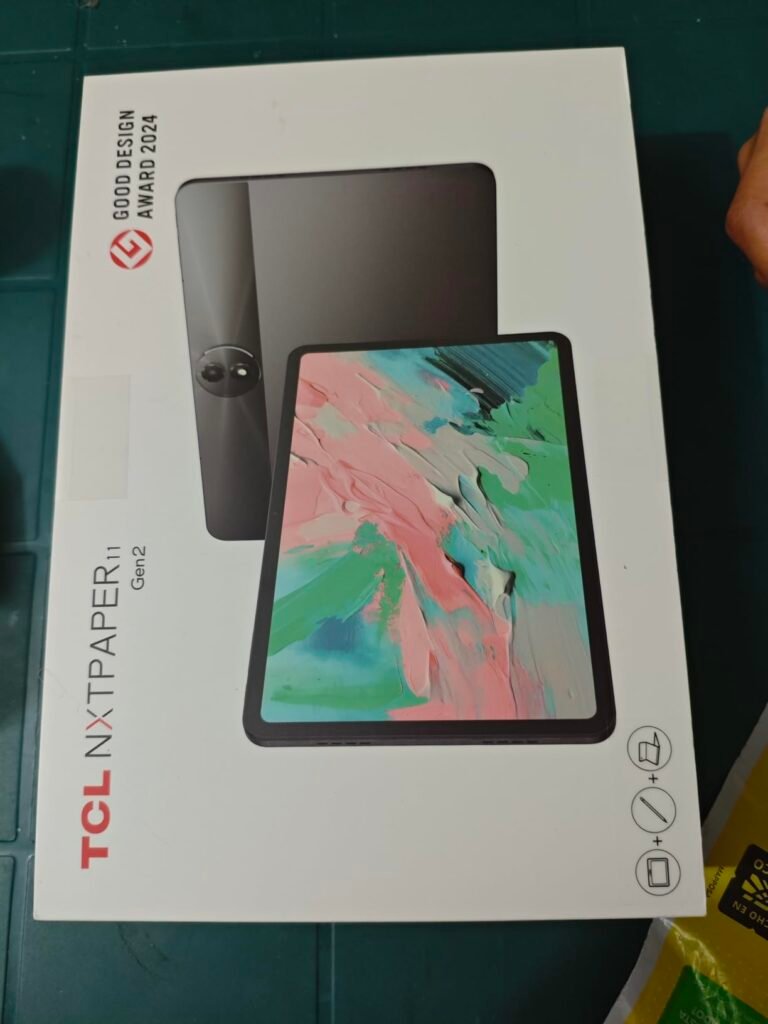
The TCL NXTPAPER 11 Gen 2 bridges the gap between traditional LCD tablets and dedicated e-readers by using NXTPAPER 4.0 display technology that mimics the matte, anti-glare feel of printed paper while retaining the color and video playback capabilities of a full tablet. For readers who want eye comfort without giving up a general-purpose tablet, this approach makes a lot of sense.
We may earn a commission when you buy through this link, at no additional cost to you.
The three VersaView modes let you switch the display character to match your task. Regular Mode delivers crisp, vibrant visuals for streaming and video calls. Ink Paper Mode transforms the screen into an e-reader-like monochrome view for extended reading sessions. Color Paper Mode delivers softer, low-saturation colors ideal for digital art and comics. The TÜV-certified low blue light and DC dimming reduce eye strain during long sessions.
The included T-PEN stylus with 4096 pressure levels enables natural note-taking and sketching, and the Eye Care Assistant automatically adjusts brightness and color temperature based on ambient conditions. The 8000mAh battery supports full days of reading, and the 18W PD fast charging gets you back online quickly. Reverse charging lets you top up a phone or earbuds from the tablet when needed.
NXTPAPER uses an etched matte surface and specific panel technology to diffuse light and reduce glare, giving the screen a paper-like feel under your touch and in bright environments. This is not the same as true e-ink, which uses no backlight at all. However, NXTPAPER noticeably reduces reflections and eye strain compared to glossy LCD panels, especially during long reading sessions.
This tablet is an excellent compromise for readers who want LCD versatility with reduced eye fatigue. If you read for hours daily and also want video, apps, and note-taking in one device, the NXTPAPER 11 Gen 2 covers all those needs well. Pure book readers who want the simplest, longest-battery experience should still consider a Kindle Paperwhite.
Readers who want pure e-ink technology with multi-week battery life and zero backlight.
We may earn a commission when you buy through this link, at no additional cost to you.
The TCL TAB 10 Gen 4 appeals to readers who want a slim, lightweight tablet that feels comfortable to hold during long reading sessions. At just 0.87 pounds and 0.30 inches thick, this 10.1-inch tablet is noticeably easier on the wrists than heavier slates, which matters more than specs might suggest when you hold a device for an hour or two of reading.
We may earn a commission when you buy through this link, at no additional cost to you.
The 10.1-inch IPS FHD display at 1920 by 1200 resolution delivers clear text and comfortable viewing for ebooks, PDFs, and web articles. TCL NXTVISION display enhancement improves color and contrast dynamically, and Eye Comfort mode reduces blue light during extended sessions. Running Android 15 with Google Play access, the tablet handles the Kindle app, Libby, Google Play Books, and other reading apps without issue.
The octa-core processor and 4GB of physical RAM plus 8GB of expandable RAM manage multitasking adequately for reading, browsing, and video playback. Storage includes 128GB internally with microSD expansion up to 1TB. The 6000mAh battery supports a full day of mixed use, and 18W fast charging works when you have a compatible charger, though the charger itself is not included.
A tablet that feels light in a store display can start to feel heavy after 30 minutes of reading. The difference between 0.87 pounds and 1.2 pounds translates to noticeable wrist fatigue during long sessions. If you read in bed, on the couch, or while commuting, prioritize lighter tablets. For desk reading with the device propped on a stand, weight matters less.
This tablet is a solid pick for readers who prioritize comfortable hand feel and a premium build at a reasonable price. The slim metal unibody looks and feels more expensive than its price point suggests. Readers who want paper-like display technology should step up to a NXTPAPER model, and dedicated book readers will still prefer a Kindle for eye comfort.
Readers who want a dedicated e-reader experience or paper-like display technology.
We may earn a commission when you buy through this link, at no additional cost to you.
The TCL TAB A1 Plus is the premium pick in this guide for readers who want a large, versatile tablet with paper-like display technology and genuine productivity capabilities. The 12.2-inch 2.4K display with a 3:2 aspect ratio shows more of a textbook page, PDF, or digital magazine spread than smaller tablets, and the 120Hz refresh rate keeps scrolling and page turns exceptionally smooth.
We may earn a commission when you buy through this link, at no additional cost to you.
The industry-exclusive NXTPAPER Key instantly switches the screen between Ink Paper Mode for reading, Color Paper Mode for soft color content, and Regular Mode for streaming or video calls. This hardware shortcut makes the mode switch effortless rather than requiring menu digging. Upgraded VersaView adds app-level control, so your book app stays paper-like while your video app remains vivid in the same session.
The included T-Pen 2 stylus offers 4096 pressure levels and two interchangeable tips, pairing with TCL Note for realistic pen-on-paper writing. The 10000mAh battery with 33W fast charging keeps the device running through long sessions, and the slim 0.26-inch, 1.23-pound metal unibody with IP54 protection handles everyday hazards. Stereo quad speakers with Sound Booster deliver immersive audio for audiobooks and video content.
Larger tablets excel for PDF-heavy reading, two-page book spreads, textbooks with diagrams, and sheet music. The extra screen real estate reduces zooming and panning on complex documents, which saves time and reduces frustration during long study sessions. For novel reading, a 12-inch tablet is often larger than needed and may feel bulky in hand.
This tablet is the top choice for readers who want a large-screen device for textbooks, PDFs, and research, combined with note-taking and streaming flexibility. The combination of NXTPAPER eye comfort, large screen, and included stylus makes it especially appealing to students and professionals. Casual readers and those who want pure portability should look at smaller tablets or dedicated e-readers instead.
Casual novel readers who want a lightweight, pocketable device for simple ebook reading.
We may earn a commission when you buy through this link, at no additional cost to you.
Choosing a reading tablet involves balancing display technology, size, battery life, and software ecosystem against your actual reading habits and budget. Here is what to prioritize before you buy.
The single most important decision for a reading tablet is display technology. E-ink displays like those on Kindle devices use electronic paper that reflects ambient light the way printed pages do, which eliminates the backlight glare that causes eye fatigue during long sessions. LCD and OLED tablets use backlit screens that are brighter and show color, but they can tire your eyes after an hour or two of reading, especially in dim rooms.
A middle ground is emerging in the form of paper-like LCD technology like TCL’s NXTPAPER panels, which use matte, anti-glare surfaces and software-driven display modes to mimic the feel of e-ink while retaining color and video capability. These displays are more comfortable than standard glossy LCDs for long reading, though they still cannot match true e-ink for multi-hour sessions in low light.
If you read novels for an hour or more daily, prioritize e-ink. If you want a general-purpose tablet that handles reading comfortably alongside video and apps, a paper-like LCD like NXTPAPER is a strong compromise. Standard LCD tablets work for shorter reading sessions and when color content matters more than extended eye comfort.
Reading tablets range from compact 6-inch e-readers to large 12-inch slates. Smaller devices like the base Kindle fit easily in a jacket pocket or small bag and feel light during one-handed reading, but they show less text per page and require more frequent page turns. Larger tablets like the 10 to 12-inch models show more content at once and work better for PDFs, textbooks, and comics, but they can tire your wrists during long sessions.
Weight matters more than specifications might suggest. A tablet that feels light in a store display can feel heavy after 30 minutes of propped-up reading. Devices under one pound are generally comfortable for extended handheld reading, while anything over 1.2 pounds benefits from a stand or case for long sessions. Thickness also affects grip comfort, with slimmer profiles feeling more natural in hand.
Match the size to your typical content and reading posture. Novel readers who hold the device in bed benefit from compact, lightweight 6 to 7-inch e-readers. Students and professionals who read PDFs, textbooks, and reference materials often prefer 10 to 12-inch screens that reduce zooming.
Battery life expectations differ dramatically between device categories. Dedicated e-readers typically run for weeks on a single charge because e-ink only uses power when the page changes. LCD tablets measure battery life in hours of continuous use, usually 10 to 13 hours of reading or video playback before needing a charge.
For travelers and anyone who wants to leave the charger behind for weekends or vacations, e-ink’s multi-week battery life is a meaningful advantage. For home use where a USB-C cable is always nearby, LCD battery life of 10 to 13 hours covers a full day easily and remains practical for most readers. Fast charging support also matters, with some tablets offering 18W to 33W charging that tops up the battery in under two hours.
If you travel frequently or dislike thinking about charging, choose e-ink. If you primarily read at home with charging accessible, modern LCD tablet battery life is more than sufficient.
The apps your tablet supports determine where you can buy books, borrow library ebooks, and access reading subscriptions. Kindle devices lock you into the Amazon Kindle Store, which is the largest ebook catalog but does not natively support ePub files from other sources. Fire tablets use Amazon’s Appstore, which includes major reading apps but lacks some Google Play titles.
Android tablets with Google Play access, including Samsung, Lenovo, and TCL models, support virtually every major reading app including Kindle, Google Play Books, Apple Books through workarounds, Libby for library ebooks, Hoopla, Scribd, Audible, and dedicated PDF readers. This flexibility matters if you borrow library books, buy from multiple ebook stores, or use specialized reading apps for comics, manga, or technical documents.
If your reading comes exclusively from the Kindle Store, a Kindle device offers the simplest experience. If you mix ebook sources or want library access through Libby, choose an Android tablet with Google Play. Fire tablets fall in between with Kindle integration and Amazon Appstore access.
Ebook files are small, so even 16GB of storage holds thousands of standard novels. PDFs, graphic novels, and audiobooks consume much more space, with a single textbook or audiobook potentially using 500MB to 2GB. If your reading includes heavy PDFs, comics, or downloaded audiobooks, prioritize tablets with at least 64GB internal storage and microSD expansion.
Cloud sync through services like Kindle, Google Books, and Dropbox reduces local storage needs by letting you download and remove books as needed. However, offline reading during flights, commutes, or travel to areas with poor connectivity requires enough local storage to hold your active reading list.
For novel-only readers, 16GB is sufficient. For readers who mix PDFs, textbooks, comics, and audiobooks, choose at least 64GB with microSD expansion for peace of mind. Students and professionals with large reference libraries should prioritize 128GB or higher.
Reading in different lighting conditions reveals the strengths and weaknesses of different display technologies. E-ink shines in bright sunlight because it reflects ambient light the way paper does, and it adds adjustable front lights for dim rooms and nighttime reading. Many modern e-readers now include warm light modes that shift from cool white to warm amber to reduce blue light exposure before sleep.
LCD and OLED tablets struggle in bright sunlight because glossy screens reflect glare that washes out text. Matte or paper-like displays like NXTPAPER improve outdoor readability significantly, but still cannot match true e-ink. Anti-glare coatings and matte screen protectors can help with glossy LCDs, though they slightly reduce color vibrancy.
If you read outdoors frequently at the beach, pool, or park, prioritize e-ink or paper-like LCD technology. If your reading happens primarily indoors, standard LCD displays work well with their adjustable brightness and color accuracy.
Many modern reading tablets support stylus input for highlighting, annotating, and taking notes alongside your reading. This matters for students, professionals, and anyone who reads for research or active learning. Pen support varies widely, with some tablets including a stylus and others requiring a separate purchase.
Pressure sensitivity levels affect how natural writing feels, with 4096 pressure levels being a common premium specification. Dedicated note-taking apps like Nebo, Squid, and OneNote add handwriting recognition, search within notes, and organization features that transform the tablet into a digital notebook. Some reading apps also support stylus annotations directly on PDFs and ebooks.
If you take notes while reading or annotate PDFs regularly, prioritize tablets that include a stylus in the box or support an affordable optional pen. Pure book readers who do not annotate can save money by skipping stylus support entirely.
When you first set up your reading tablet, take time to install your preferred reading apps and sign in to your ebook accounts before loading content. For Kindles, your Amazon library syncs automatically after you sign in. For Android tablets, install the Kindle app, Google Play Books, Libby for library ebooks, and any other reading apps you use. Adjust the display brightness, text size, and warm light settings to find your preferred reading comfort level before starting your first long session.
During daily reading, use the device’s built-in features to protect your eyes. Enable warm light or blue light reduction after sunset to reduce sleep disruption. Set the brightness to match ambient lighting conditions rather than leaving it at maximum, which strains your eyes and drains the battery. Take short breaks every 20 to 30 minutes to look away from the screen and reset your focus, which reduces fatigue during long sessions.
For long-term care, store the device in a protective case or sleeve to prevent screen scratches and drops. Clean the display with a microfiber cloth and avoid harsh chemicals or paper towels, which can damage anti-glare coatings and screen protectors. Keep the device charged between 20% and 80% when possible, as deep discharges and constant 100% charging can shorten battery lifespan over several years. If you plan to store the tablet unused for weeks, charge it to about 50% first and power it down fully to preserve battery health.
Kindles offer unmatched eye comfort for long reading sessions because e-ink mimics printed paper and eliminates backlight glare. They also deliver weeks of battery life and no distractions. Tablets offer more versatility, color displays for comics and magazines, and access to multiple reading apps and other software. If you read novels for hours daily, a Kindle wins. If you want one device for reading plus video, apps, and web browsing, a tablet makes more sense.
Novel readers typically prefer 6 to 7-inch e-readers or compact 8-inch tablets for comfortable one-handed holding. PDF and textbook readers benefit from 10 to 12-inch screens that reduce zooming on complex documents. Comic and magazine readers often prefer 10-inch or larger screens to see full pages clearly. Match the size to your typical content and reading posture rather than defaulting to the largest option.
Kindles support PDFs but their smaller screen sizes make complex PDFs with multiple columns or diagrams difficult to read without constant zooming and panning. The Kindle Paperwhite with its 7-inch screen handles simple PDFs better than the 6-inch base Kindle. For heavy PDF use, consider a larger tablet with a 10 to 12-inch screen that shows full pages without zooming.
Paper-like LCD technology like NXTPAPER reduces glare and eye strain compared to standard LCDs, but still cannot match true e-ink for extended reading comfort. The advantage of paper-like LCD is retaining color, video capability, and app flexibility while improving reading comfort over glossy screens. For readers who want versatility with better eye comfort than standard LCDs, paper-like displays are a strong compromise.
Dedicated e-readers like Kindles last six to twelve weeks per charge with regular reading. LCD tablets typically deliver 10 to 13 hours of mixed reading and media use before needing a recharge. For home readers with a charger nearby, LCD battery life is more than sufficient. Travelers and anyone who dislikes charging will appreciate the multi-week battery life of e-ink devices.
Yes, most reading tablets support library ebook borrowing through apps like Libby and OverDrive. Kindles integrate with library borrowing through the Libby app and your library's Overdrive catalog. Android tablets with Google Play access support Libby, Hoopla, and other library services directly. Fire tablets support Libby through the Amazon Appstore. Check your local library's supported platforms before buying.
A stylus is useful for annotating PDFs, highlighting passages, and taking handwritten notes alongside your reading. Students, researchers, and professionals who actively engage with texts benefit most from stylus support. Casual novel readers rarely need a stylus. If you want note-taking capability, prioritize tablets that include a stylus in the box like the Lenovo Idea Tab or TCL TAB A1 Plus.
For many readers, tablets and e-readers effectively replace physical books while adding features like adjustable text size, built-in dictionaries, highlighting that syncs across devices, and the ability to carry thousands of books in one lightweight device. However, physical books remain preferred by some readers for their tactile feel, no-battery convenience, and ease of lending or gifting. Most dedicated readers end up using both formats depending on the situation.
Many tablets in this guide include family-friendly features like Amazon Kids, Google Kids Space, or Samsung Kids with parental controls, content filtering, and screen time limits. Fire tablets offer especially strong parental controls through Amazon Kids and the optional Amazon Kids+ subscription. For young readers, consider the Fire HD 8 or Fire HD 10 with Amazon Kids setup, or a dedicated Kids Edition tablet with added case protection.
The base Kindle has a smaller 6-inch screen, slightly less front light brightness, and shorter battery life compared to the Paperwhite. The Paperwhite adds a larger 7-inch screen, 25% faster page turns, 12-week battery life instead of 6 weeks, waterproofing to IPX8, warm light adjustment, and USB-C charging. Both devices read the same ebooks from the Kindle Store. Choose the Paperwhite for premium features or the base Kindle for lower cost and lighter weight.
The Kindle Paperwhite 2024 stands out as the strongest overall choice for most dedicated readers, combining a larger 7-inch glare-free display, 12-week battery life, waterproof construction, and 25% faster page turns in a focused device built for distraction-free reading. For anyone who reads daily and wants maximum eye comfort for long sessions, it represents the sweet spot of features, performance, and price in the current e-reader market.
Budget-conscious buyers who want pure book reading will do well with the base Kindle 2024, which delivers the same distraction-free experience in a smaller 6-inch form factor at a lower price. Readers who want color content, apps, and video alongside reading should consider the Samsung Galaxy Tab A11+ for premium Android capability or the Fire HD 10 for a vibrant 10-inch display at a budget price. Students and professionals who need a large reading canvas with note-taking should look at the TCL TAB A1 Plus with its 12.2-inch NXTPAPER display and included T-Pen 2 stylus, or the Lenovo Idea Tab for a 2.5K display with pen and case included.
Start by honestly assessing how you actually read. If you spend an hour or more daily with novels, prioritize e-ink and choose a Kindle. If you want flexibility across reading, streaming, apps, and web browsing, a paper-like LCD or standard tablet fits better. Match the screen size to your typical content, factor in battery life based on your travel habits, and pick the ecosystem that supports the apps and ebook stores you already use. The right tablet transforms reading from occasional screen time into a comfortable daily habit.