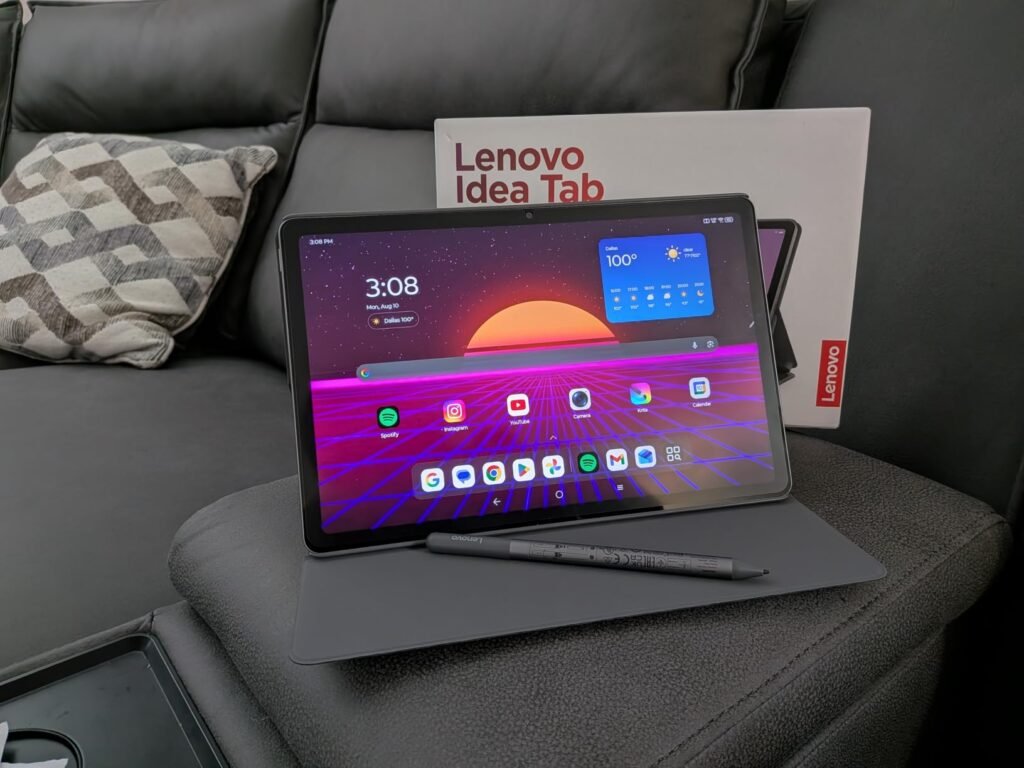
Lenovo Idea Tab
9.2Editor score12.1in 2.5K 90Hz Display
8GB RAM 128GB Storage
Dimensity 6400 Octa-Core
Includes Pen and Folio
Compare 10 business tablets across iPadOS, Android, and Windows 11. Practical research on screen size, productivity accessories, security, and battery life.
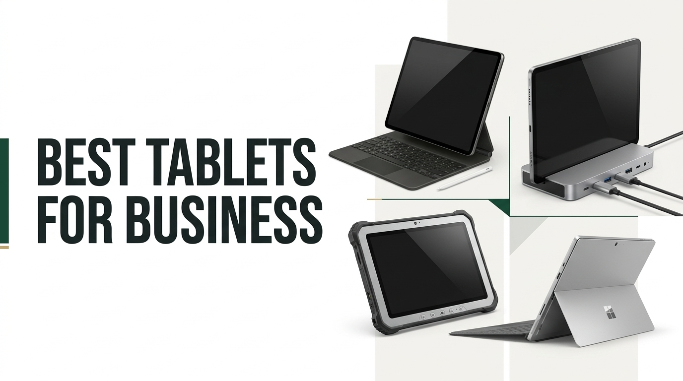
Selecting the right tablets for business in 2026 requires balancing operating system compatibility, display quality, security infrastructure, and accessory ecosystems. We compare 10 standout tablets by processing power, memory capacity, digital pen precision, keyboard integration, battery runtime, and real-world enterprise value.
Business mobile devices must handle far more than video streaming; they serve as mobile POS terminals, digital note-taking stations, document scanners, and portable remote desktop clients. Finding the optimal device depends on whether your workflow favors desktop Windows software, seamless iPadOS ecosystem integration, or flexible Android multitasking.
This guide reviews top business options from Apple, Samsung, Lenovo, Fusion5, and Jeazans. Each review breaks down critical trade-offs in screen brightness, expansion ports, warranty protection, and bundled productivity tools so you can deploy the right fleet or solo workstation confidently.
We compared 10 business tablets using criteria that directly affect professional productivity: operating system ecosystem, processor speed, RAM capacity for multitasking, display resolution and brightness, digital stylus integration, keyboard accessory options, battery endurance, build durability, warranty coverage, and overall value. Our analysis highlights practical trade-offs like desktop app compatibility versus ultra-portable battery efficiency.

Compare key features, scores, and current prices side by side. A shorter feature list means fewer details were available, not necessarily fewer capabilities.





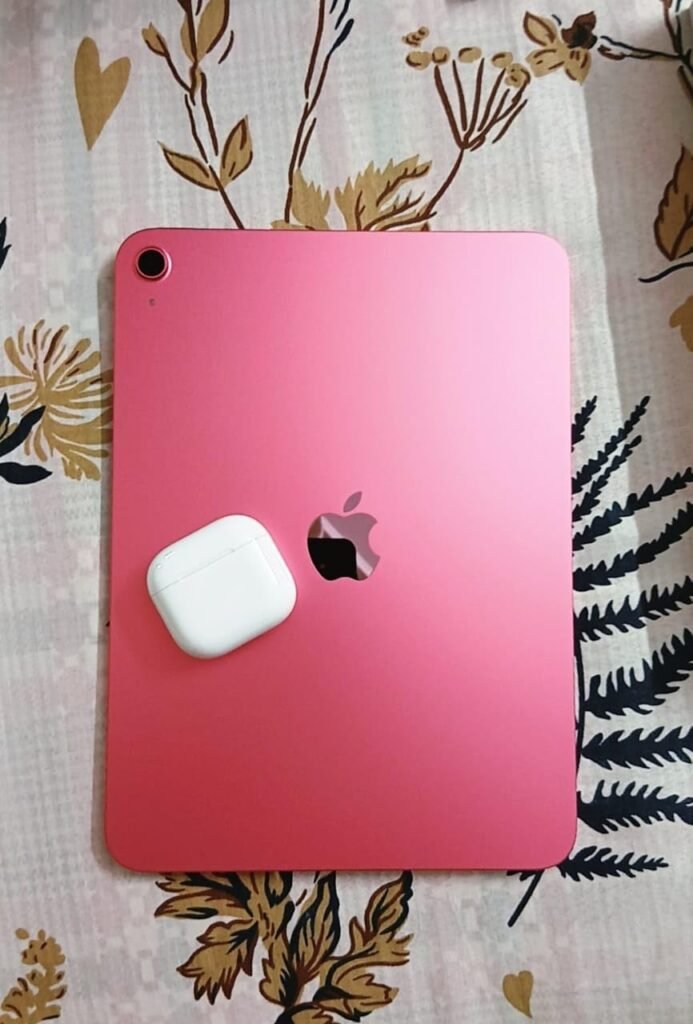
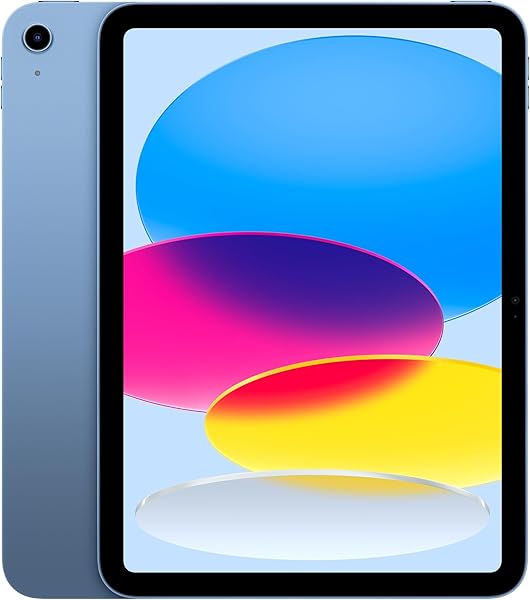
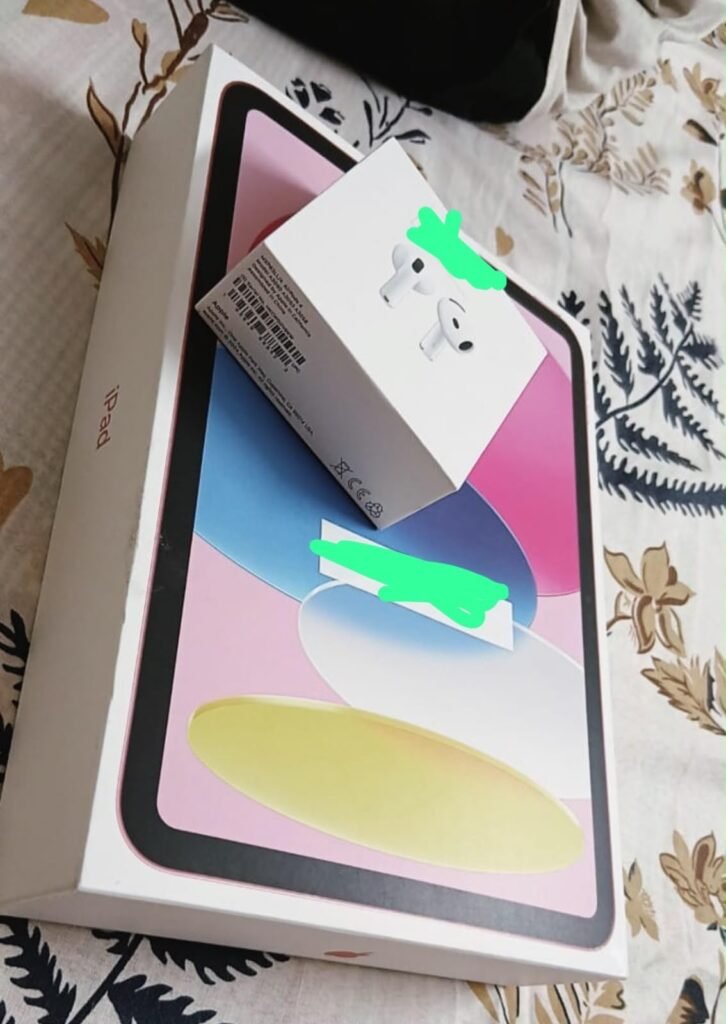
The 11-inch Apple iPad powered by the A16 Bionic chip remains a top recommendation for businesses integrated into the Apple software ecosystem. Delivering exceptional single-core and multi-core processing speeds, the A16 chip handles complex spreadsheets, photo editing, and multi-app multitasking via iPadOS without hesitation, while maintaining efficient all-day battery performance.
We may earn a commission when you buy through this link, at no additional cost to you.
The 11-inch Liquid Retina display utilizes True Tone technology to automatically adjust screen color temperature based on room lighting, reducing eye fatigue during long workdays. For remote meetings and client consultations, the landscape-oriented 12MP Center Stage front camera uses machine learning to automatically pan and zoom, keeping you perfectly centered in the frame as you move around.
On the back, a 12MP camera with True Tone flash functions as an efficient document scanner, digitizing physical receipts, contracts, and forms instantly into cloud storage. Touch ID integrated into the top power button provides fast, secure biometric authentication for corporate logins, app access, and mobile Apple Pay transactions.
Center Stage uses the ultra-wide front camera lens and neural processing to track your movement dynamically during Zoom or Microsoft Teams calls. If a colleague joins you in the room, the camera smoothly zooms out to frame both presenters automatically.
While accessories like the Magic Keyboard Folio and Apple Pencil require additional investment, the sheer quality of iPadOS applications, class-leading security updates, and high resale value make this 11-inch iPad a cornerstone asset for modern business mobility.
Not recommended for enterprises requiring direct USB file management flexibility or expandable MicroSD card storage.
We may earn a commission when you buy through this link, at no additional cost to you.
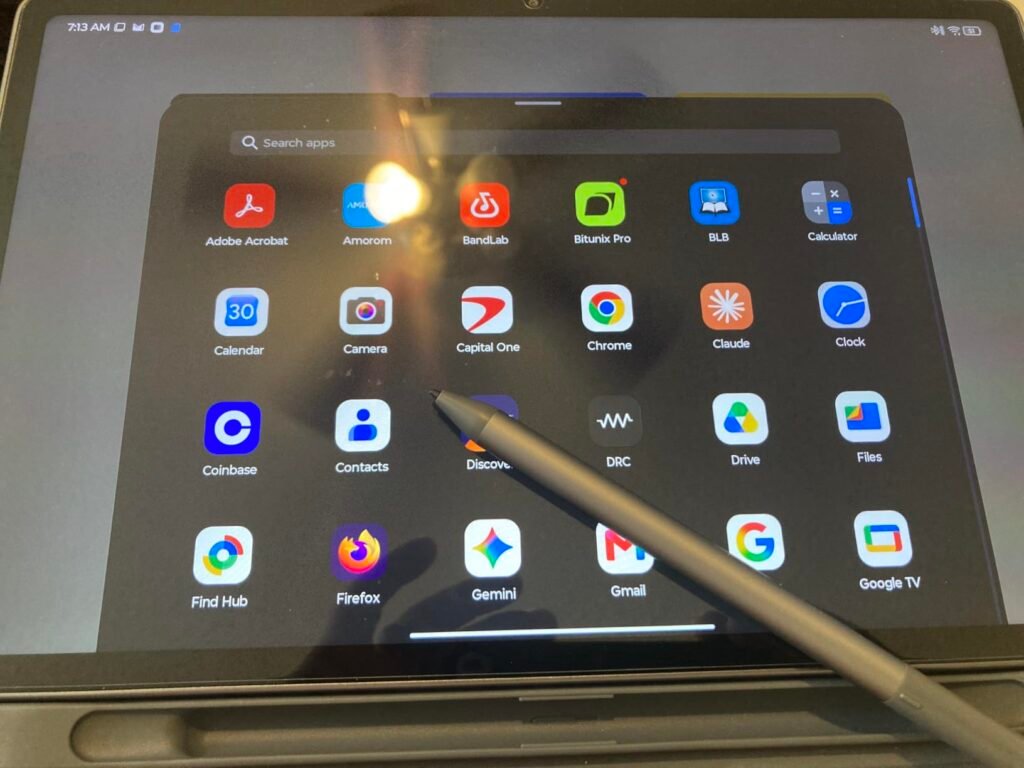
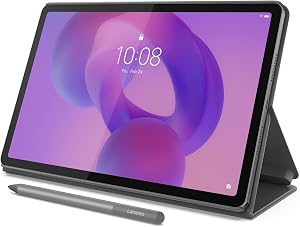
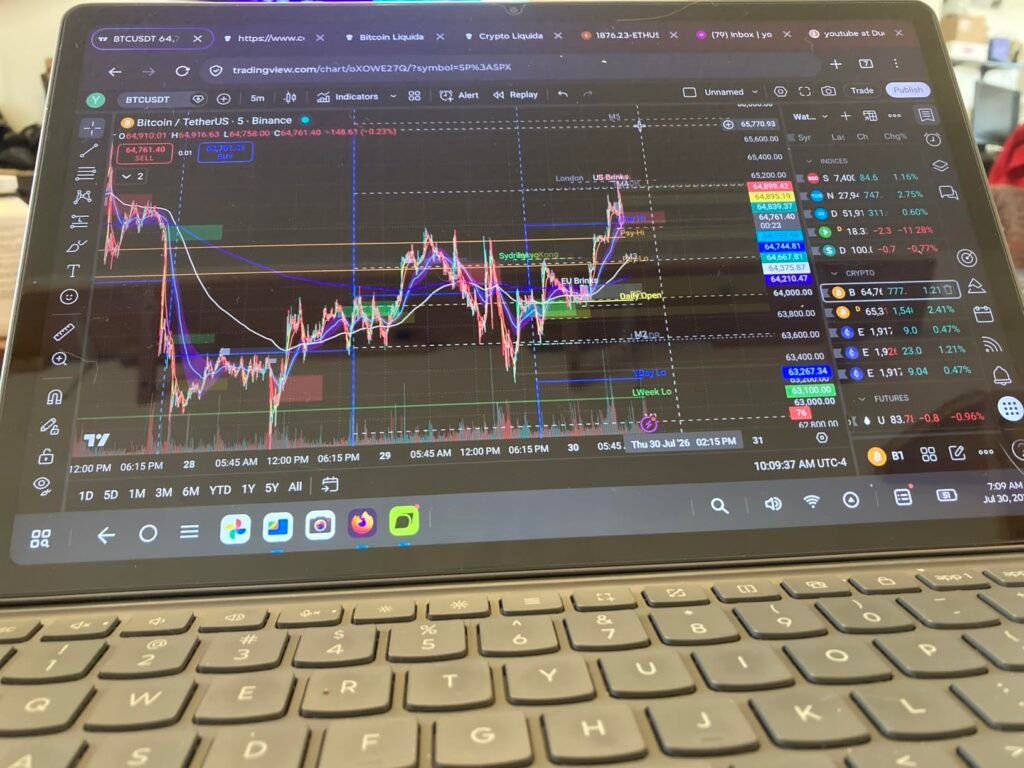
The Lenovo Idea Tab Plus caters directly to business professionals, educators, and field consultants who require a spacious visual canvas for viewing spreadsheets, reviewing PDF contracts, and presenting slide decks. Featuring an expansive 12.1-inch 2.5K IPS display with a smooth 90Hz refresh rate and up to 800 nits of brightness, this tablet ensures text remains razor-sharp and legible whether indoors or under outdoor sunlight.
We may earn a commission when you buy through this link, at no additional cost to you.
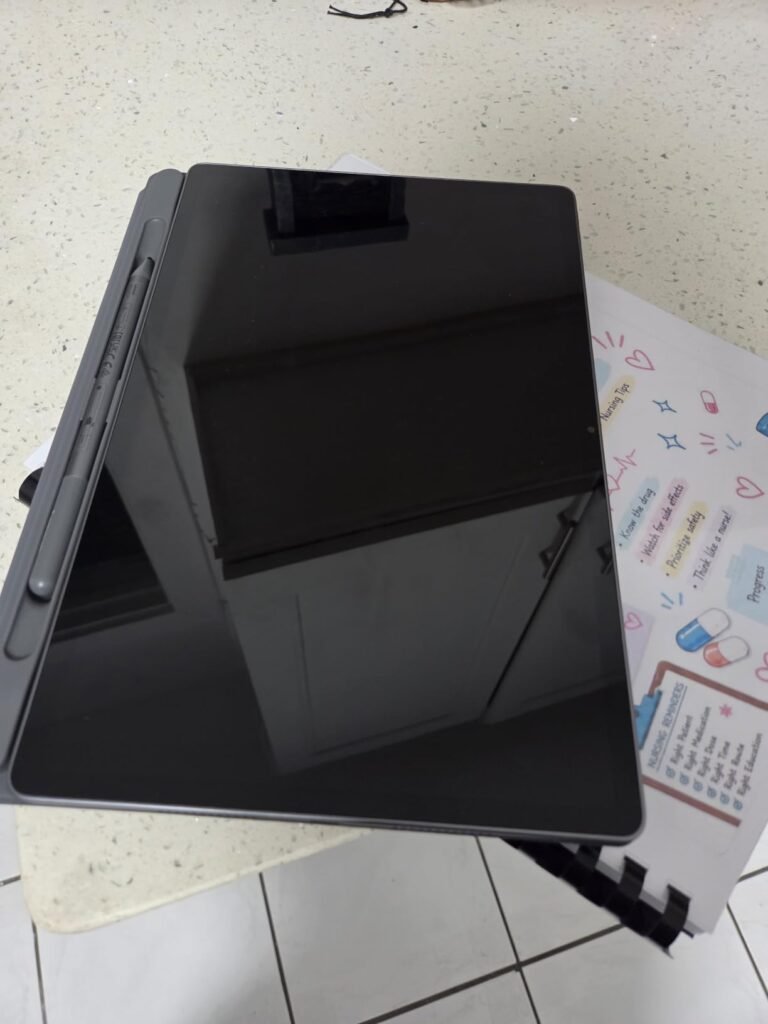
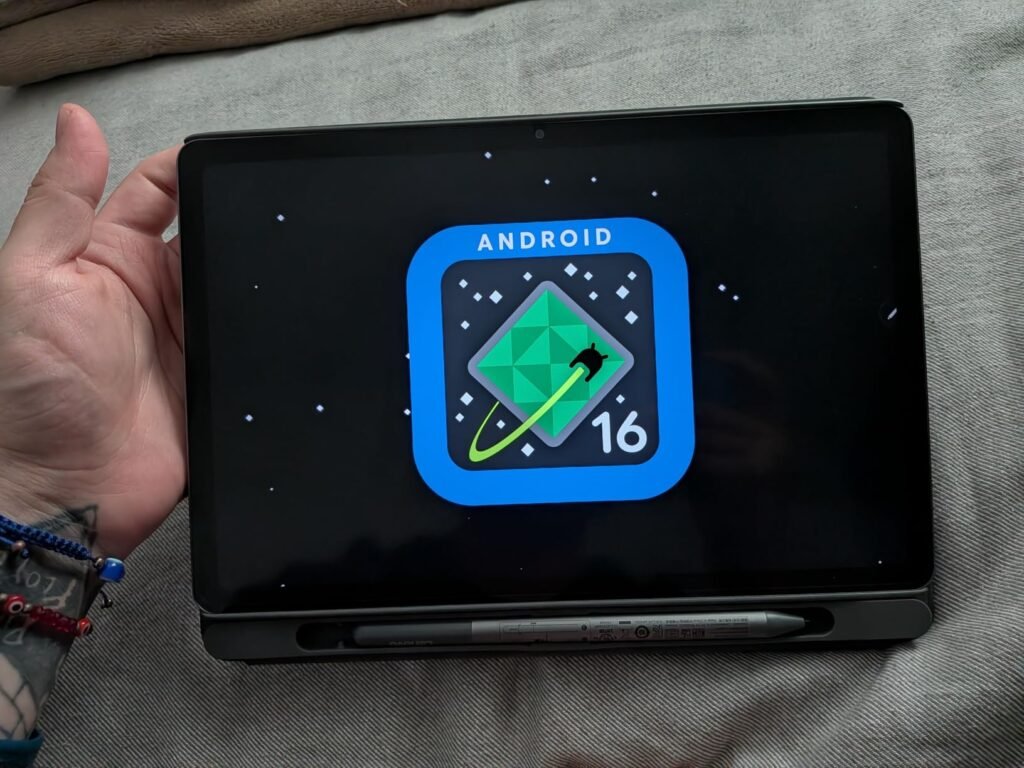
Performance is driven by a MediaTek Dimensity 6400 processor paired with 8GB of memory, providing snappy application switching and reliable split-screen multitasking. The inclusion of Lenovo’s active Tab Pen and a protective folio case right out of the box eliminates the need to purchase expensive aftermarket accessories for digital signatures, markup tasks, or handwritten notes.
Software integration focuses heavily on productivity workflows. Built-in tools like Circle to Search with Google allow quick data lookups, while dedicated note-taking and math applications match professional brainstorming needs. Cross-device file sharing enables effortless drag-and-drop transfers of heavy documents between your phone, tablet, and office PC without requiring extra cables.
The 12.1-inch panel is wide enough to run two full-sized portrait mobile applications side by side comfortably. Opening a video conferencing client on one side while taking stylus notes on the other eliminates constant app-switching during remote client meetings.
While 128GB of internal storage is standard, professionals handling large offline media archives will want to leverage cloud integration or expansion options. Overall, its combination of screen real estate, eye-comfort display certification, and out-of-the-box pen productivity makes it an exceptional value for business operations.
Not suited for field workers needing a ultra-compact one-handed device or traditional x86 legacy desktop software.
We may earn a commission when you buy through this link, at no additional cost to you.
The Samsung Galaxy Tab A11+ offers a practical, high-value solution for companies deploying mobile devices to sales teams, field service workers, or retail staff. Outfitted with 8GB of memory and a substantial 256GB internal storage drive, this 11-inch tablet handles resource-intensive business applications and offline document databases without lagging or running out of disk space.
We may earn a commission when you buy through this link, at no additional cost to you.
Its 11-inch screen features a smooth 90Hz refresh rate that makes navigating dense PDF reports, inventory databases, and web portals fluid and responsive. For virtual collaboration, quad speakers tuned by Dolby Atmos deliver crisp, intelligible voice audio during video calls in noisy office environments, while fast-charging capabilities ensure minimal downtime between shifts.
Samsung’s refined Android interface supports AI-assisted task management and intuitive multi-window workflows. Mobile professionals can keep email, calendar schedules, and messaging channels active on screen simultaneously. The slim grey metal body presents a clean, professional aesthetic suitable for executive boardrooms and client-facing roles.
Offsite professionals frequently work in locations with unreliable cellular data or Wi-Fi connectivity. Having 256GB of local storage allows field teams to keep full product catalogs, offline databases, and high-resolution CAD schematics downloaded directly on the device.
While users who require heavy digital sketching will need to source a compatible stylus separately, the tablet’s generous built-in storage and memory capacity make it one of the most reliable workhorses for everyday business administration.
Not ideal for creative professionals who require an included active stylus out of the box.
We may earn a commission when you buy through this link, at no additional cost to you.
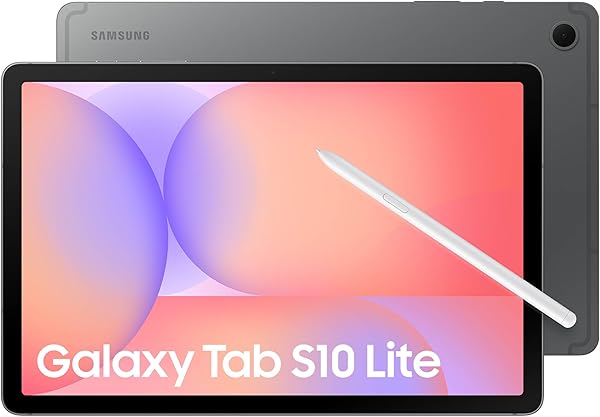
The Samsung Galaxy Tab S10 Lite strikes an impressive balance between professional productivity and sensible fleet pricing. Equipped with an Exynos 1380 octa-core processor and a bright 10.9-inch display, this tablet is built for professionals who frequently take handwritten meeting notes, mark up architectural plans, or execute digital contracts in the field.
We may earn a commission when you buy through this link, at no additional cost to you.
Unlike many competing business tablets that charge extra for digital pens, the Tab S10 Lite ships with Samsung’s highly responsive S Pen. Integrated AI software features like Note Assist automatically organize, summarize, and clean up messy handwritten notes, while Circle to Search enables instantaneous web lookups of text or images displayed on screen.
Storage flexibility is a major highlight: while the internal drive holds 128GB, the microSD slot supports card expansion up to an extraordinary 2TB. This allows field technicians and video producers to store massive project archives locally. The battery delivers up to 16 hours of usage on a single charge, supported by Super Fast Charging for quick mid-day top-ups.
During client briefings, scribbling handwritten points with the S Pen can look disorganized. Note Assist converts your handwriting into clean digital text, auto-formats headings, and generates concise bullet-point summaries that can be emailed to team members immediately after the meeting.
With 6GB of system memory, it is best suited for single-task efficiency and moderate multitasking rather than heavy 3D rendering. For sales representatives, project managers, and mobile administrators who rely on pen input and expandable storage, it offers outstanding daily utility.
Not suited for power users who require 12GB+ RAM for heavy video editing or complex virtual machine execution.
We may earn a commission when you buy through this link, at no additional cost to you.
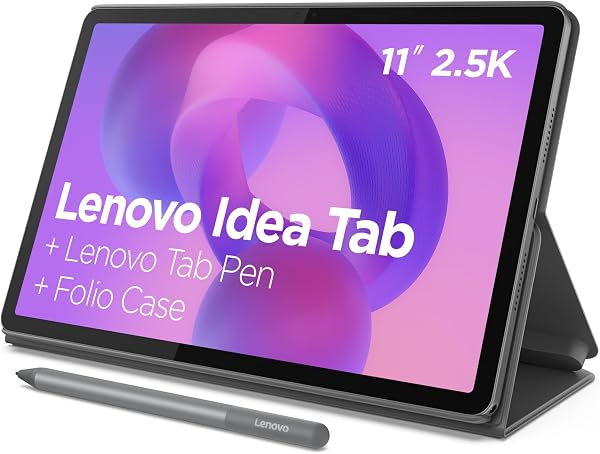
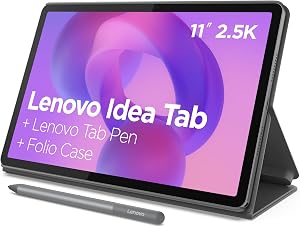
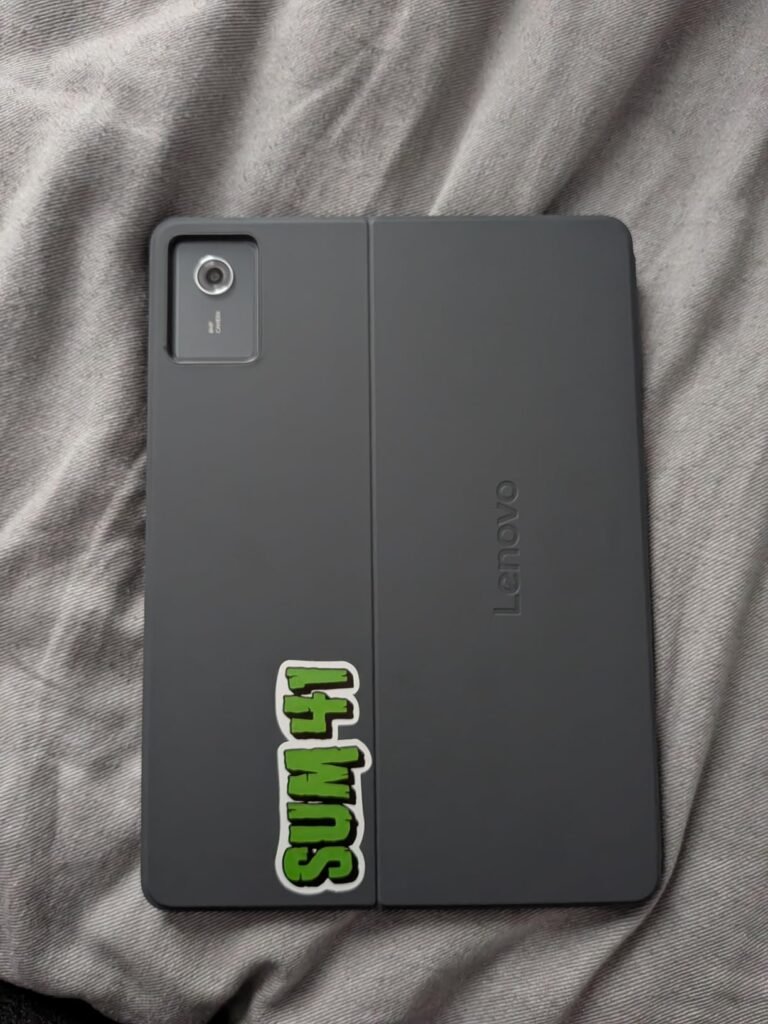
This configuration of the Lenovo Idea Tab 11-inch provides an ideal out-of-the-box solution for corporate departments and independent contractors who want a complete tablet setup without ordering separate accessories. Combining 8GB of RAM with 256GB of onboard storage, it has the memory capacity and headroom needed for smooth multitasking across office suites, PDF editors, and communication apps.
We may earn a commission when you buy through this link, at no additional cost to you.
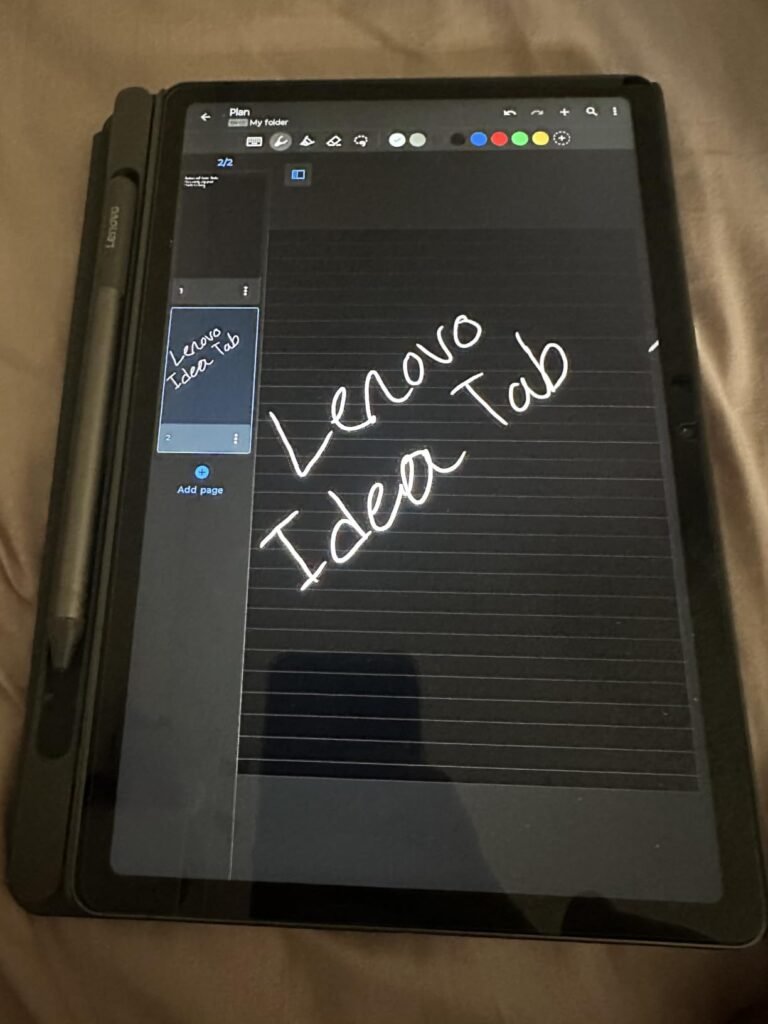
The 11-inch 2.5K IPS touchscreen operates at 90Hz, delivering crisp typography and smooth scrolling. TÜV Rheinland Low Blue Light hardware protection helps prevent eye fatigue during late-night document reviews. The tablet includes both Lenovo’s active Tab Pen and a protective folio case in the box, turning the device into an instant digital notepad and presentation display.
Efficiency is boosted by Lenovo’s Smart Connect ecosystem, which allows users to transition tasks between their laptop, tablet, and phone without mess, cables, or email self-attachments. Four learning and productivity applications (AI Note, Nebo, Squid, MyScript Calculator) come pre-installed to streamline professional workflows.
Smart Connect lets you use your Lenovo tablet as a secondary wireless display for your Windows laptop or copy text on your phone and paste it directly onto the tablet screen, removing friction from multi-device office setups.
While the 20W charger takes a little time to fully replenish the battery, the 12-hour operational life easily lasts through a full business day. It represents a highly cost-effective, fully equipped tablet bundle for professional deployment.
Not suited for users needing ultra-fast 45W+ fast charging or intensive graphical rendering capabilities.
We may earn a commission when you buy through this link, at no additional cost to you.
For organizations operating under strict procurement budgets that still require digital pen input, the 128GB variant of the Lenovo Idea Tab 11-inch delivers core functionality at an attractive price point. Featuring the same high-quality 11-inch 2.5K IPS 90Hz touchscreen as its higher-tier sibling, it provides clear text rendering and responsive touch controls for essential business tasks.
We may earn a commission when you buy through this link, at no additional cost to you.
Powered by the MediaTek Dimensity 6300 processor with 4GB of RAM, this model is designed for straightforward business applications such as digital form sign-offs, web-based portal navigation, inventory checking, and email communication. Crucially, Lenovo includes the active Tab Pen and folio case even in this lower-cost configuration.
The quad Dolby Atmos speaker system delivers clear audio during remote training modules and team calls, while the TÜV certified low blue light panel protects worker eye health during prolonged screen time. Integrated software tools like MyScript Calculator and Nebo support structured note-taking and quick calculations.
In medical clinics, real estate offices, and service centers, client intake forms require a simple touchscreen with stylus support. This budget Lenovo bundle provides a professional digital signature terminal at a fraction of the cost of premium enterprise tablets.
With 4GB of memory, keeping dozens of heavy browser tabs open alongside video streaming may cause minor reloading. However, as a dedicated mobile terminal, customer intake station, or budget field tablet, its complete accessory bundle offers undeniable economic value.
Not recommended for power users running memory-intensive CAD software or heavy multi-window desktop workflows.
We may earn a commission when you buy through this link, at no additional cost to you.
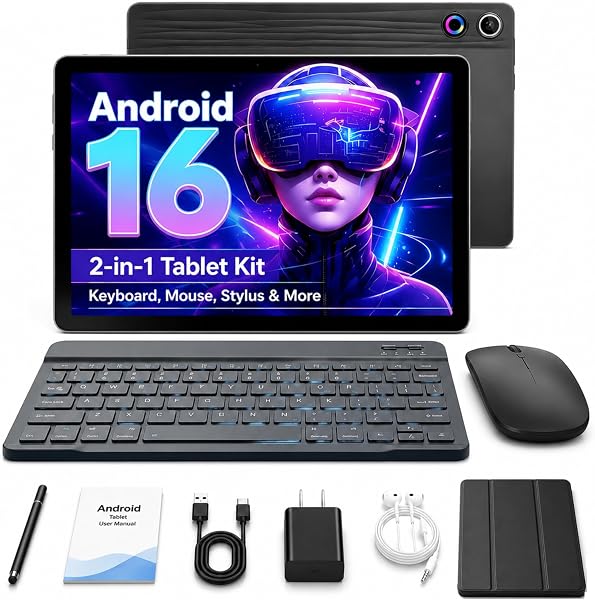
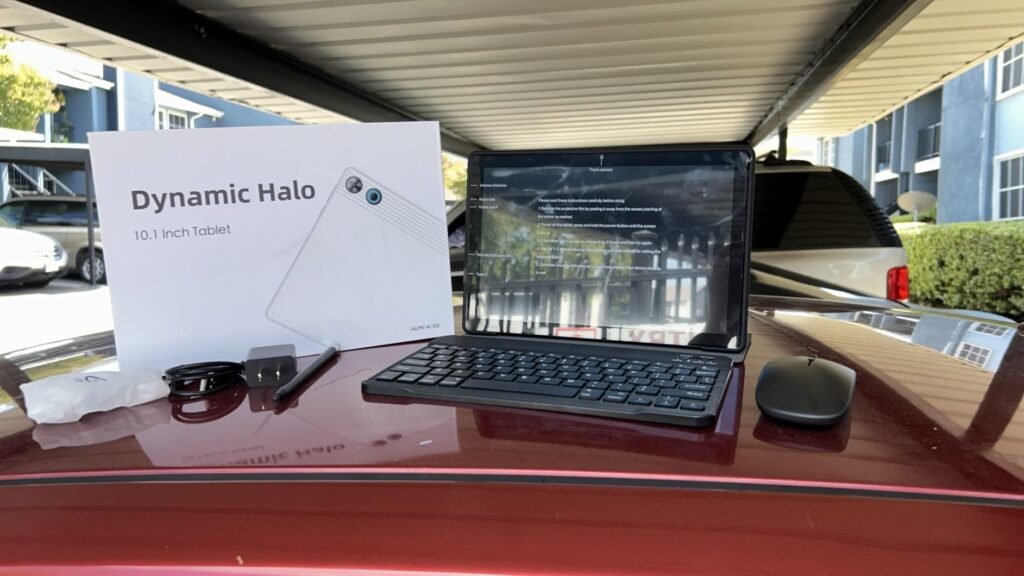
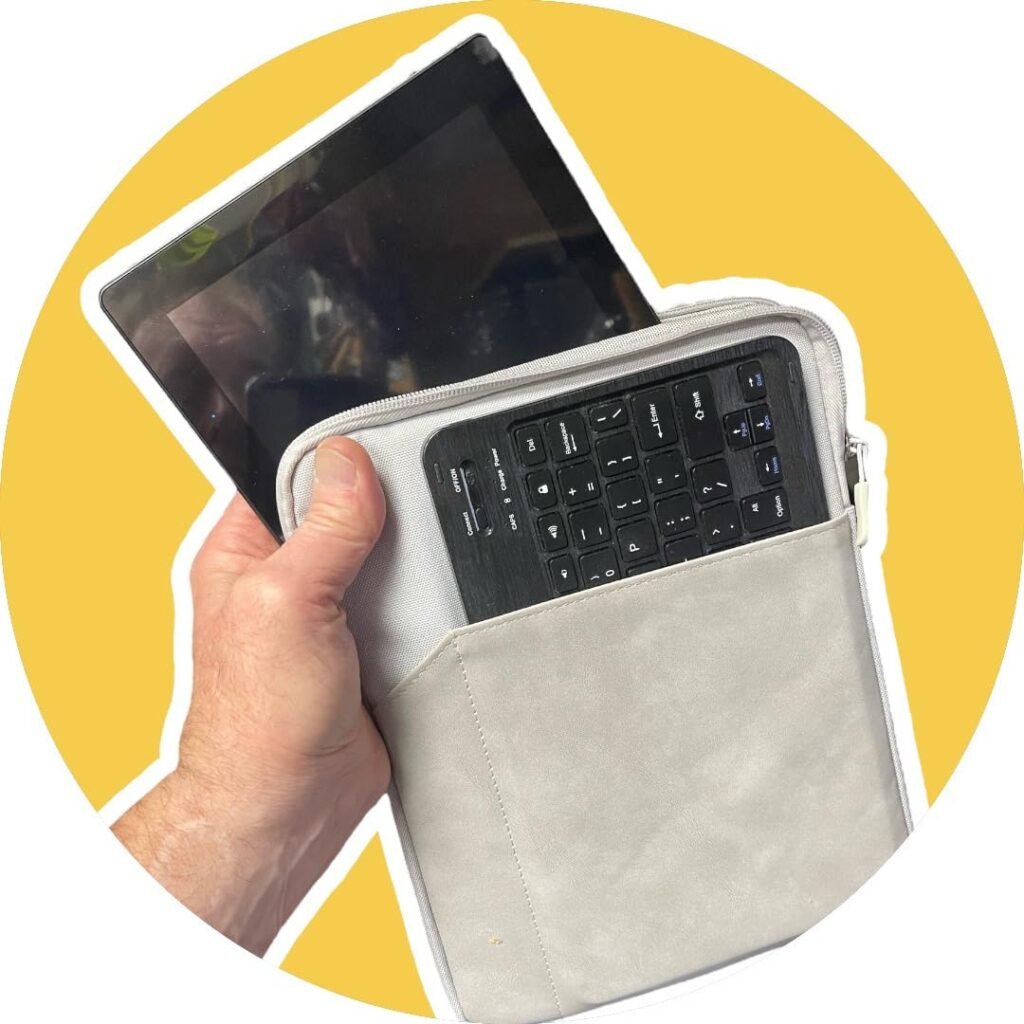
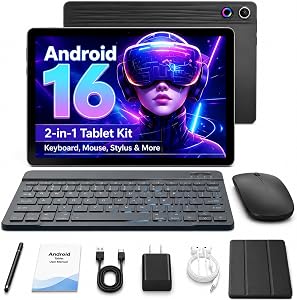
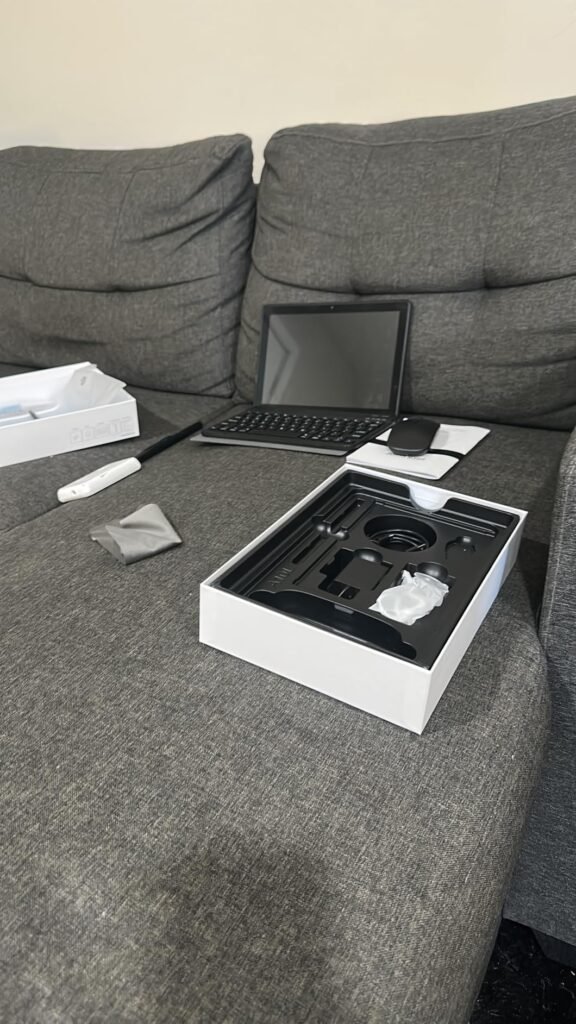
The Jeazans 10.1-inch Android tablet bundle is engineered for extreme affordability, providing a complete 2-in-1 laptop-style setup under $100. Designed for light business administrative tasks, email management, and travel document review, the package includes a Bluetooth keyboard, a silent wireless mouse, a capacitive stylus, a protective folding leather case, and a Power Delivery (PD) fast charger.
We may earn a commission when you buy through this link, at no additional cost to you.
Running Android with expanded virtual memory management, the device handles standard web browsing, spreadsheet viewing, and video calls via Zoom or Microsoft Teams smoothly. Dual HD cameras provide clear video output for remote check-ins, while onboard Wi-Fi 6 ensures stable wireless network connectivity in hotels and coffee shops.
While internal base storage is modest at 64GB, the built-in card slot supports expansion up to 1TB via MicroSD, giving users plenty of room for documents and offline media. The included leather case features an adjustable stand that holds the tablet securely at comfortable typing angles during travel.
Having a physical Bluetooth keyboard and silent mouse in your bag transforms quick document editing in transit. Instead of struggling with an onscreen virtual keyboard, you can type emails and update spreadsheets with laptop-like speed.
The 10.1-inch display offers standard HD resolution rather than the ultra-high densities found on premium tablets, making it less suited for detailed graphic design. However, as an emergency backup workstation, travel email terminal, or field entry tool, its all-inclusive accessory kit delivers unmatched budget versatility.
Not intended for professionals requiring high-resolution displays, intensive graphic design, or heavy 3D rendering.
We may earn a commission when you buy through this link, at no additional cost to you.
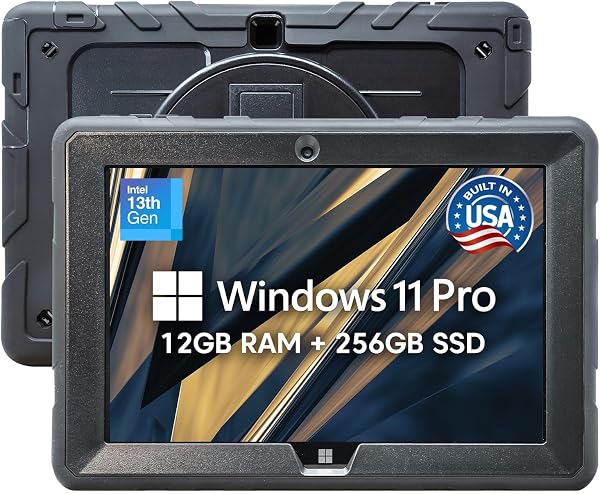
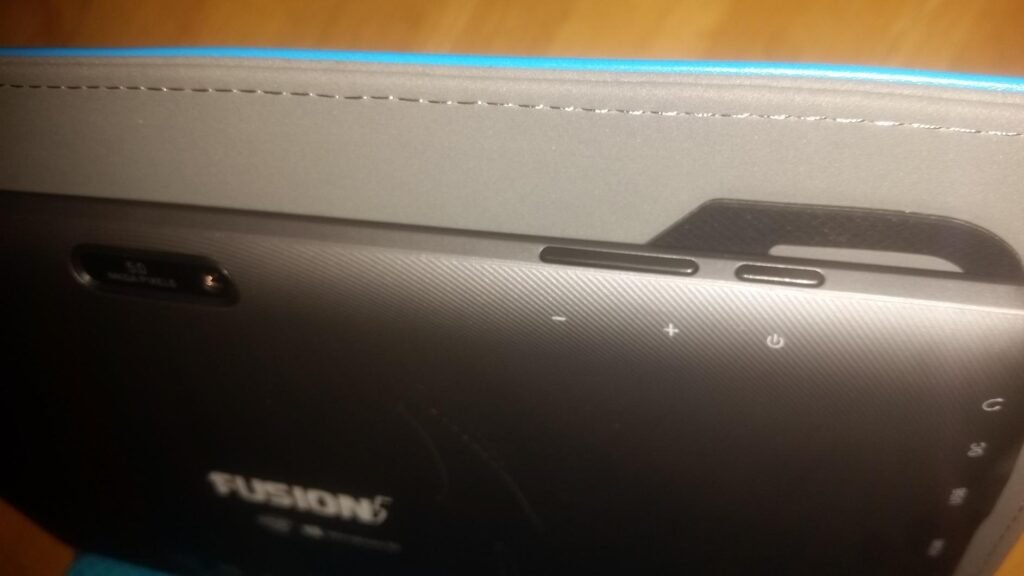
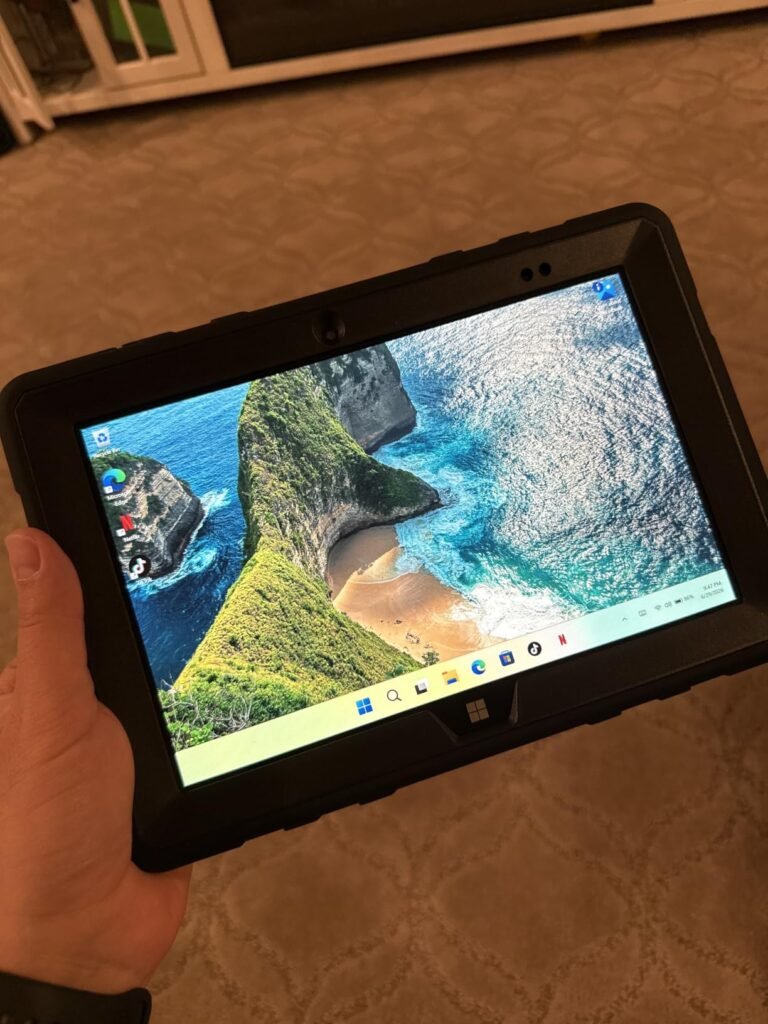
Assembled in Florida, USA, the Fusion5 FWIN232 PRO Rugged is built specifically for demanding industrial, field service, construction, and warehouse environments where fragile consumer tablets routinely fail. Wrapped in a shockproof, dustproof outer casing with port covers and a hands-free strap, this tablet withstands accidental drops, spills, and rough handling on active job sites.
We may earn a commission when you buy through this link, at no additional cost to you.
Under the hood, it runs full Windows 11 Professional powered by Intel’s 13th Gen Alder Lake N100 processor, 12GB of RAM, and a fast 256GB SSD. This allows field technicians, surveyors, and inspectors to run full legacy x86 desktop applications, specialized diagnostic software, and enterprise ERP tools that mobile Android or iOS tablets simply cannot execute.
The 10.1-inch Full HD IPS touchscreen delivers 500 nits of brightness for outdoors visibility, protected by 2.5D G+G glass. Physical connectivity is extensive, featuring covered Micro HDMI, USB Type-C, and USB 3.0 ports. Fusion5 backs this rugged unit with a standout 2-year warranty that includes coverage for up to two accidental damage incidents like drops or liquid spills.
Replacing cracked screens on enterprise tablets can cost hundreds of dollars per incident. The included 24-month warranty covering two accidental drops or spills gives fleet managers predictable hardware costs without expensive secondary insurance policies.
The ruggedized chassis makes the device noticeably thicker and heavier than standard sleek tablets. However, for field workers who need real x86 Windows software compatibility combined with drop protection, it provides unmatched operational security.
Not suitable for office workers seeking ultra-thin, lightweight media consumption devices.
We may earn a commission when you buy through this link, at no additional cost to you.
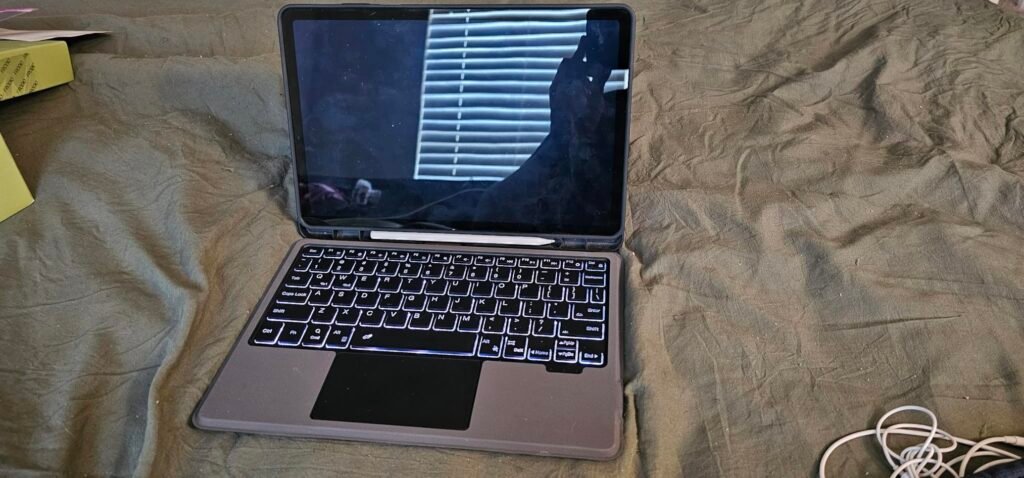
The Samsung Galaxy Tab S11 represents the pinnacle of Android tablet engineering for high-level executives, creative directors, and mobile professionals. Boasting a breathtaking 11-inch Dynamic AMOLED 2X display with Vision Booster technology, it offers unmatched color vibrancy, deep contrast ratios, and sharp clarity for reviewing high-resolution marketing materials and complex data models.
We may earn a commission when you buy through this link, at no additional cost to you.
Multi-tasking performance is exceptional thanks to 12GB of RAM, allowing seamless switching between heavy productivity applications, video editing suites, and web browsers. Crucially, the Galaxy Tab S11 features a ultra-thin 5.5mm aluminum body with an IP68 water and dust resistance rating, protecting your device against accidental coffee spills, rain during travel, or dusty outdoor environments.
The bundled S Pen offers pen-on-paper precision, enhanced by Galaxy AI capabilities such as Drawing Assist for rough concept mock-ups and Gemini Live integration for real-time contextual screen analysis. The microSD card slot allows easy expansion of your offline storage capacity whenever required.
An IP68 rating guarantees protection against dust ingress and continuous water immersion up to 1.5 meters for 30 minutes. An accidental coffee spill during a meeting or rain during an outdoor site visit will not destroy critical business data.
While its flagship pricing requires a larger budget, its combination of an AMOLED screen, IP68 protection, 12GB RAM, and S Pen productivity makes it the definitive premium Android tablet for business leaders.
Not intended for budget-conscious buyers seeking simple entry-level email terminals.
We may earn a commission when you buy through this link, at no additional cost to you.
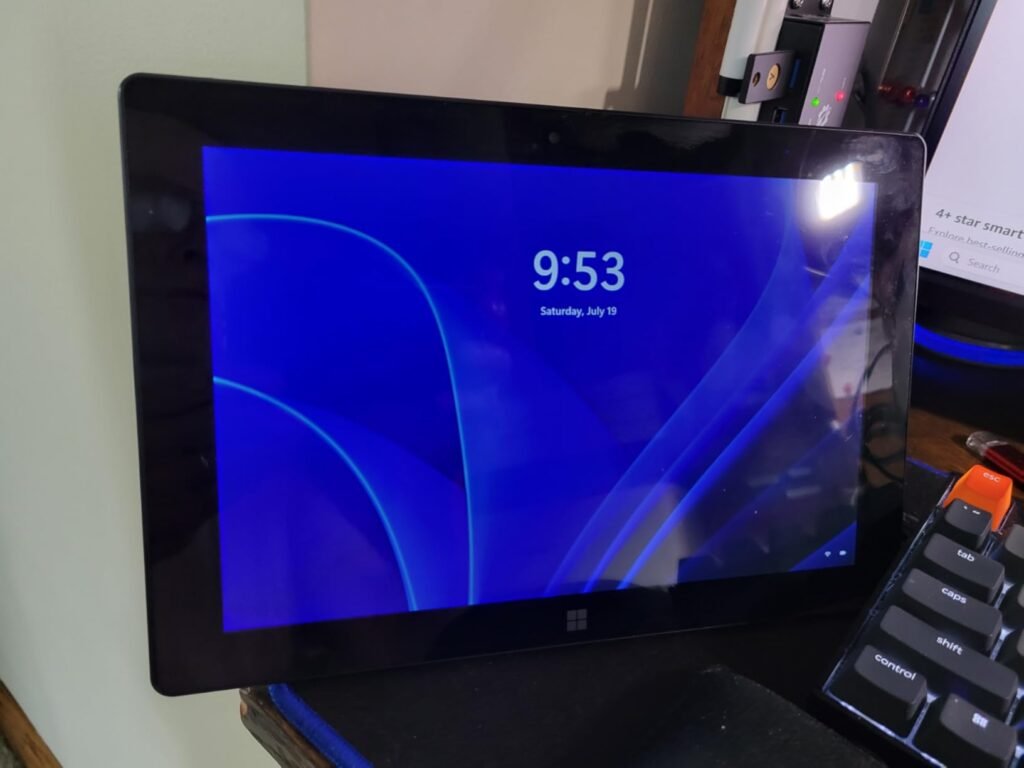
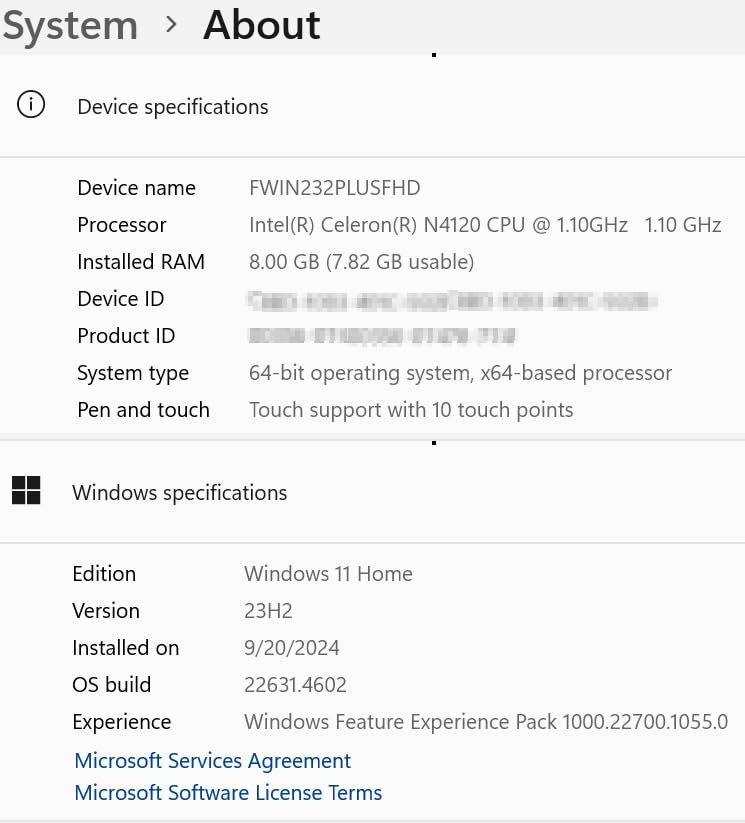
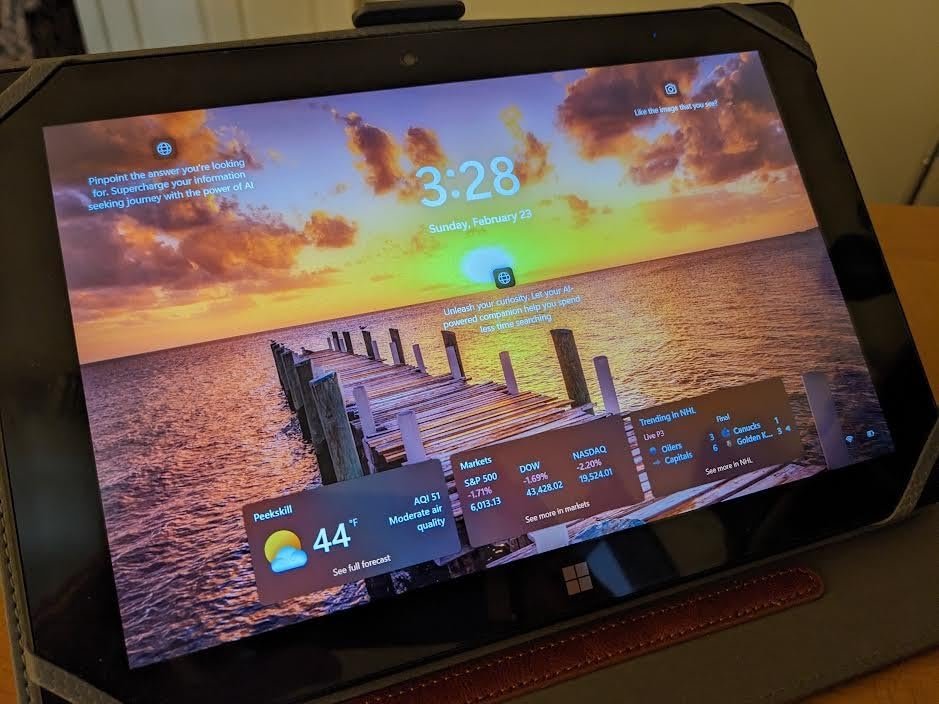
The standard edition Fusion5 FWIN232 PRO offers the full power of Windows 11 in a sleeker, lighter form factor than its ruggedized sibling. Assembled in Pasco County, Florida, this 10.1-inch tablet is built for business professionals, remote workers, and students who need a portable Windows PC capable of running native desktop applications like full Microsoft Excel, accounting software, and web portals.
We may earn a commission when you buy through this link, at no additional cost to you.
Powered by Intel’s 13th Gen Alder Lake N100 quad-core processor, 12GB of RAM, and a high-speed 256GB SSD, the tablet boots quickly and handles multi-app office productivity efficiently. The 10.1-inch 1920×1080 IPS touchscreen outputs a bright 500 nits, making video calls on Zoom or Microsoft Teams via dual Full HD cameras crisp and professional.
Physical connectivity is a standout advantage over iPad and Android competitors. Featuring full USB-C, USB-A, Micro HDMI, a headphone jack, and a MicroSD card slot, you can easily connect legacy USB flash drives, external monitors, and office peripherals without carrying dongles. Fusion5 includes their signature 2-year warranty with accidental damage protection.
Having built-in USB-A and Micro HDMI ports means you can walk into a conference room, plug directly into an external projector or legacy flash drive, and begin presenting immediately without hunting for USB-C adapters.
While demanding 3D gamers will need dedicated discrete GPUs, this tablet serves as an outstanding portable Windows workstation for business administration, presentation output, and full desktop app compatibility on the go.
Not recommended for creative professionals needing dedicated graphics processing or high-end 3D CAD design.
We may earn a commission when you buy through this link, at no additional cost to you.
Selecting the best business tablet requires matching your organization’s software requirements with the right hardware platform. Rather than evaluating devices purely on consumer media features, business buyers must focus on operating system app compatibility, multitasking memory, digital pen precision, physical connectivity, security management, and long-term durability.
The choice of operating system dictates which business applications your team can run natively. Windows 11 tablets, such as the Fusion5 FWIN232 PRO models, act as true x86 desktop replacements capable of running legacy enterprise software, specialized accounting tools, full desktop Microsoft Excel macros, and corporate ERP systems. They integrate seamlessly into existing Active Directory and Windows management environments.
Apple’s iPadOS, featured on the 11-inch iPad (A16), provides an unmatched mobile application ecosystem with ultra-polished productivity, document scanning, and creative apps. It offers robust corporate security, high resale value, and seamless integration for teams already using MacBooks and iPhones. Android tablets like the Samsung Galaxy Tab S11 and Lenovo Idea Tab series offer superb multi-window multitasking flexibility, expandable MicroSD storage, and cost-effective fleet deployment options.
Assess your critical software stack before purchasing. If your workflow relies on proprietary Windows desktop executables, choose a Windows 11 tablet. If your team relies on web portals, mobile CRM apps, and digital note-taking, iPadOS or Android platforms offer excellent battery efficiency and sleeker designs.
System memory (RAM) directly determines how many applications, browser tabs, and documents your tablet can keep active simultaneously without reloading. For basic mobile terminals or intake stations running single applications, 4GB of RAM (found in entry-level Lenovo models) is sufficient. However, for general business productivity, 8GB of RAM should be considered the baseline standard.
Power users, field managers, and creative professionals who run split-screen applications, video conference calls, and large spreadsheets concurrently should target 12GB of RAM. Flagship models like the Samsung Galaxy Tab S11 and Fusion5 Windows 11 tablets include 12GB of memory, ensuring smooth switching between heavy applications without lagging or tab refreshing.
Prioritize higher RAM allocations over raw storage capacity if your budget is constrained, as cloud storage solutions can easily supplement internal disk space, whereas system memory cannot be upgraded after purchase.
Display size involves a trade-off between mobility and visual real estate. Compact 10.1-inch displays, like those on the Fusion5 and Jeazans models, offer exceptional portability and easy one-handed holding during site inspections. Standard 10.9-inch to 11-inch displays strike the ideal balance for typing, reading reports, and packing into briefcase sleeves.
Larger 12.1-inch panels, featured on the Lenovo Idea Tab Plus, provide a noticeably larger canvas that allows side-by-side document editing without shrinking text size. Display brightness is equally vital for business travel: panels outputting 500 to 800 nits (such as Lenovo’s 800-nit screen or Fusion5’s 500-nit panel) ensure clear visibility when working outdoors, in bright client lobbies, or near office windows.
Check the display panel type as well: IPS panels offer wide viewing angles for sharing presentations with clients, while AMOLED screens (like Samsung’s Tab S11) deliver superior contrast and rich color accuracy for creative review.
For digital note-taking, contract sign-offs, architectural markup, and graphic proofing, active digital pens are essential business tools. Tablets like the Samsung Galaxy Tab S11, Tab S10 Lite, and Lenovo Idea Tab series include active styluses directly in the box, providing immediate pen-on-paper precision and AI handwriting cleanup without extra expense.
If physical typing is required for drafting long emails and reports, look for 2-in-1 bundles or devices with dedicated keyboard dock pins. Bundled options like the Jeazans 2-in-1 include Bluetooth keyboards and mice right out of the box, whereas iPad and Microsoft Surface models require purchasing keyboard folios separately.
If your workers frequently sign digital forms on site, choose a tablet bundle that includes an active stylus and protective case upfront to avoid hidden accessory costs later.
Physical connectivity determines how easily your mobile workers can interface with external projectors, monitors, flash drives, and office peripherals. Windows tablets like the Fusion5 series lead this category by incorporating full USB-A, USB-C, and Micro HDMI ports directly into the chassis, allowing direct connection without carrying USB dongles or hub adapters.
Wireless connectivity is equally important for remote productivity. Modern tablets featuring Wi-Fi 6 or Wi-Fi 6E ensure lower latency and faster download speeds in congested office environments, airport lounges, and hotel networks. Bluetooth 5.0+ guarantees stable pairing with wireless headsets and card readers.
For field workers who frequently transfer physical files via SD cards or USB drives, verify that the tablet includes a MicroSD card slot or standard USB ports.
Device downtime on active job sites quickly translates into lost revenue. Industrial environments, construction sites, and outdoor operations require ruggedized protection against drops, dust, and water. Devices like the Fusion5 FWIN232 PRO Rugged feature shockproof drop casings and sealed port covers designed specifically for severe environments.
Sleek executive tablets are also adding environmental protection: the Samsung Galaxy Tab S11 features an IP68 water and dust resistance rating, ensuring full survival against coffee spills or rain during travel. Additionally, examine the manufacturer’s warranty terms. Fusion5’s inclusion of a 2-year warranty covering accidental drop and spill damage provides exceptional financial predictability for fleet managers.
Match device ruggedness to the working environment: standard sleek tablets excel in corporate office settings, while IP68 or drop-rated rugged tablets are mandatory for warehouse and field operations.
When deploying new business tablets, establish a structured device management setup before handing them to employees. Enable full-disk encryption (such as BitLocker on Windows 11 or built-in iPadOS/Android hardware encryption) and enforce strong PIN or biometric authentication (Touch ID or fingerprint scanners). Configure remote wipe capabilities through your corporate Mobile Device Management (MDM) portal so lost or stolen units can be erased immediately to protect sensitive client data.
To maximize battery health across corporate fleets, instruct users to avoid leaving tablets plugged into chargers continuously once at 100 percent capacity. Most modern operating systems (including Samsung One UI, iPadOS, and Windows 11) include battery protection settings that limit maximum charge thresholds to 80 or 85 percent for devices permanently docked at desks or POS stands, significantly extending overall lithium-ion lifespan.
Maintain device cleanliness and display clarity by wiping touchscreens regularly with a clean microfiber cloth slightly dampened with 70 percent isopropyl alcohol or dedicated screen cleaner. Avoid applying harsh household glass sprays directly onto displays, as ammonia can strip oleophobic anti-fingerprint coatings. Ensure protective port covers on rugged tablets remain firmly closed when operating in dusty outdoor environments.
It depends on your software needs. Windows 11 is best if you need native x86 desktop app compatibility, full Excel macros, and corporate Active Directory integration. iPadOS is ideal for polished mobile apps, seamless Apple ecosystem integration, and high security. Android offers flexible split-screen multitasking, expandable storage, and cost-effective fleet pricing.
8GB of RAM is the recommended minimum for standard business multitasking, web browsing, and document editing. If your team frequently runs resource-intensive CAD apps, multi-window video calls, or heavy background processes, upgrading to 12GB of RAM ensures smooth performance without app reloading.
Yes, especially when paired with a keyboard folio and mouse. Windows 11 tablets function as true 2-in-1 laptops running all desktop software. iPadOS and Android tablets can handle 90 percent of general business tasks like email, document review, and video calling, though specialized desktop software may still require a PC.
An IP68 rating guarantees that the tablet is dust-tight and can survive complete submersion in water up to 1.5 meters for 30 minutes. This protects the device against accidental coffee spills in meetings, rain during client visits, and dusty outdoor site conditions.
Some brands include active styluses in the box—for example, Samsung includes the S Pen with the Tab S11 and Tab S10 Lite, while Lenovo bundles the Tab Pen with the Idea Tab series. Apple iPads and Fusion5 Windows tablets require purchasing digital pens separately.
Field workers often operate in locations with poor cellular connectivity. Having expandable MicroSD storage (up to 1TB or 2TB on supported models) allows teams to keep large video files, architectural blueprints, and offline databases stored locally without running out of internal memory.
Screen brightness measured in nits determines outdoor readability. Standard indoor screens output around 300 to 400 nits, which can wash out under sunlight. Displays offering 500 to 800 nits (like the Lenovo Idea Tab Plus or Fusion5 Rugged) remain clear and legible outdoors.
Full-sized USB-A and Micro HDMI ports on Windows tablets allow users to plug into legacy flash drives, office projectors, and desktop monitors directly without carrying extra USB-C dongles or adapter hubs.
Warranties with accidental damage protection (like Fusion5's 2-year warranty) cover repair or replacement costs for drops, screen cracks, and liquid spills up to a set number of incidents, eliminating unexpected repair expenses for mobile fleets.
The Samsung Galaxy Tab S11 stands out as the ultimate flagship Android recommendation, combining a vibrant Dynamic AMOLED 2X display, an IP68 water-resistant aluminum design, 12GB of RAM, and an included precision S Pen. It delivers unmatched versatility, performance, and durability for corporate executives and mobile professionals alike.
For organizations with specific ecosystem requirements, the Apple iPad 11-inch (A16) provides industry-leading processor speeds, Center Stage camera technology, and an unmatched iPadOS business app library. Meanwhile, the Fusion5 FWIN232 PRO Rugged is the top choice for industrial field teams needing full Windows 11 Pro desktop app compatibility backed by drop protection and a 2-year accidental damage warranty.
When making your final purchasing decision, carefully evaluate your critical application software, necessary physical ports, stylus requirements, and working environment. Investing in the right business tablet ensures your team remains productive, connected, and secure wherever work takes them.