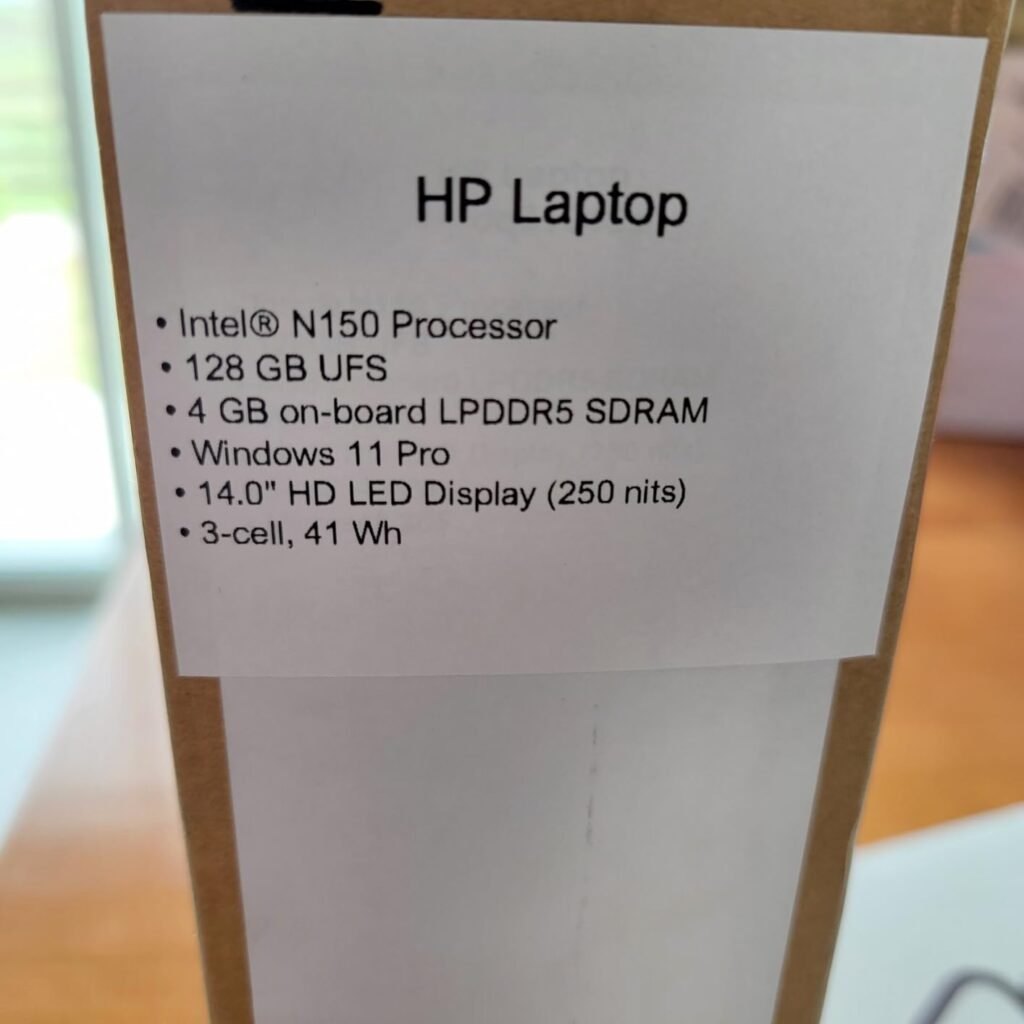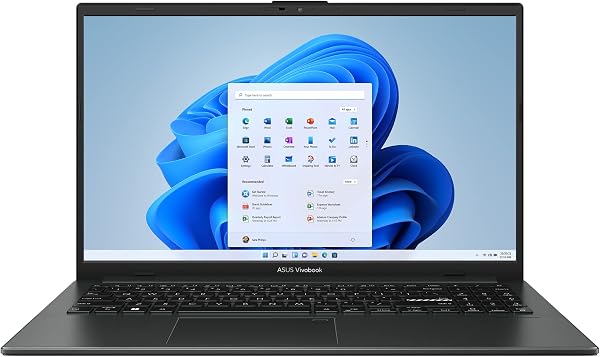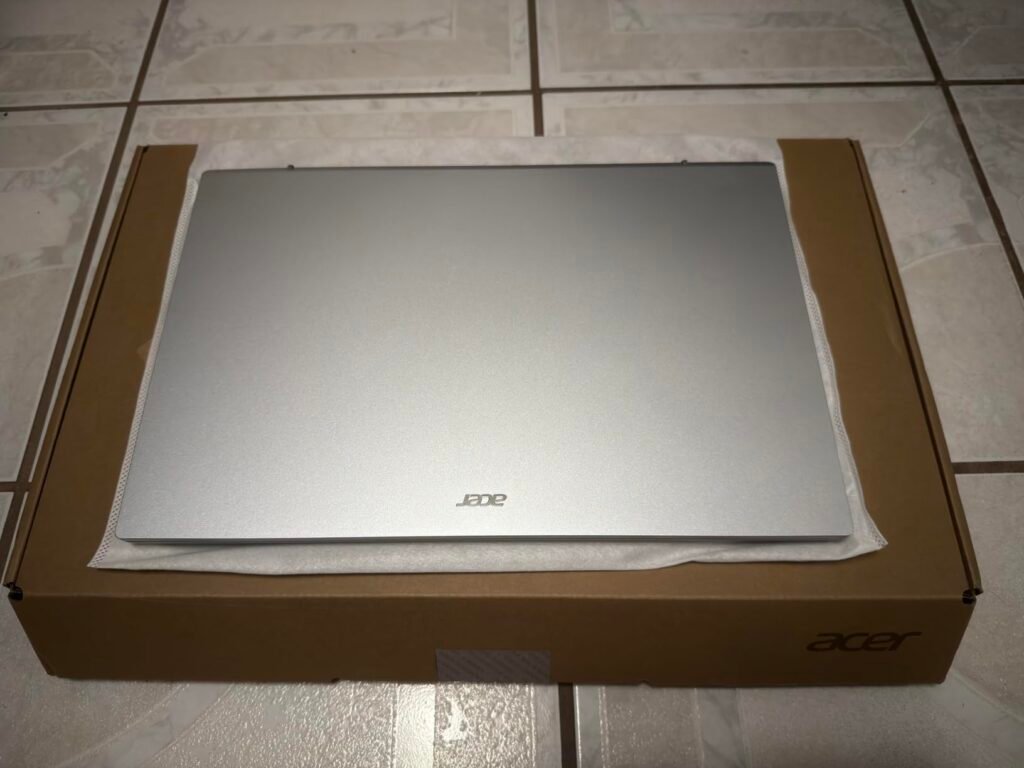
HP Ultrabook 14
8.4Editor scoreIntel N150 processor
14-inch anti-glare display
16GB DDR4 RAM
628GB combined storage
Compare 10 laptops for writers including MacBook Air, HP OmniBook, Lenovo Yoga, and more. Expert reviews on keyboards, battery life, displays, and portabil...
Choosing the right laptops for writers in 2026 means prioritizing keyboard comfort, long battery endurance, glare-free displays, and quiet operation over raw graphics horsepower. We compare 10 standout options by the factors that matter most to authors, journalists, and content creators, such as typing feel, screen readability, portability, storage capacity, connectivity, and daily working comfort.
Writers face distinct hardware demands compared to gamers or video editors. A quiet fanless design, a hinge that stays open at odd angles, and eye-friendly panels matter far more than dedicated GPUs or aggressive refresh rates. Understanding which specifications truly support long writing sessions saves you from overspending on features that never benefit your daily work.
This guide covers models spanning ultraportable MacBooks, versatile 2-in-1 Windows convertibles, budget-friendly HP notebooks, and Snapdragon-powered Copilot+ PCs. Each review explains the practical strengths and trade-offs so you can select a machine that fits your writing routine, travel habits, and long-term productivity needs.
We compared 10 laptops for writers using the details that actually help authors and journalists decide: keyboard quality, screen comfort during long reading sessions, battery endurance, portability weight, processor efficiency, RAM headroom for browser research, storage capacity, port selection, quiet operation, owner feedback, and value. The notes focus on practical trade-offs so each pick connects to how writers actually draft manuscripts, research topics, edit revisions, and travel with their gear.

Compare key features, scores, and current prices side by side. A shorter feature list means fewer details were available, not necessarily fewer capabilities.






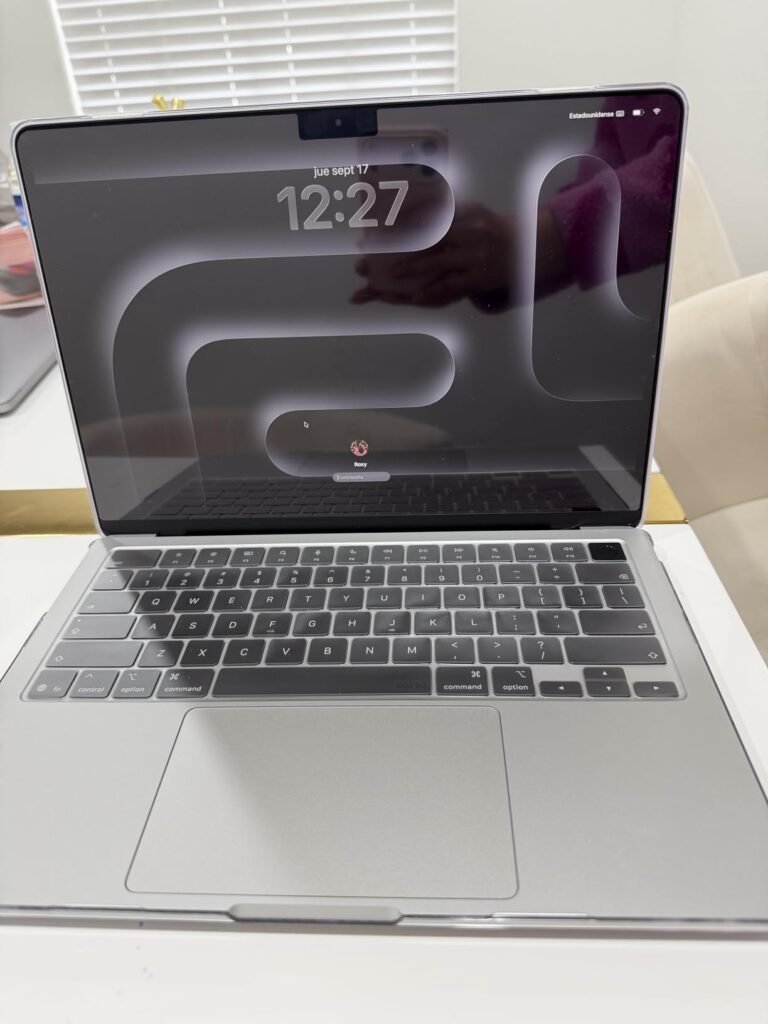
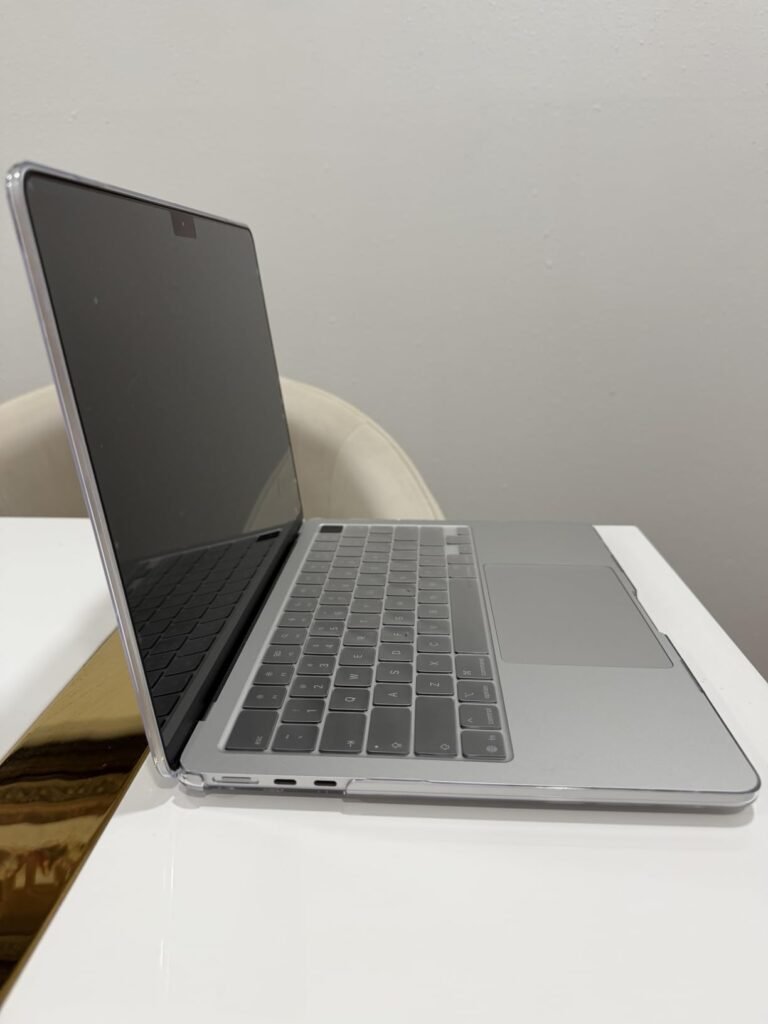
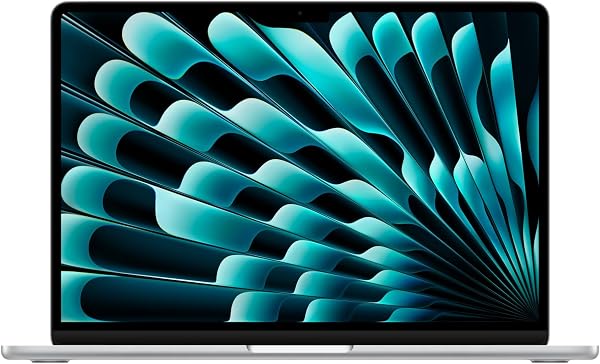
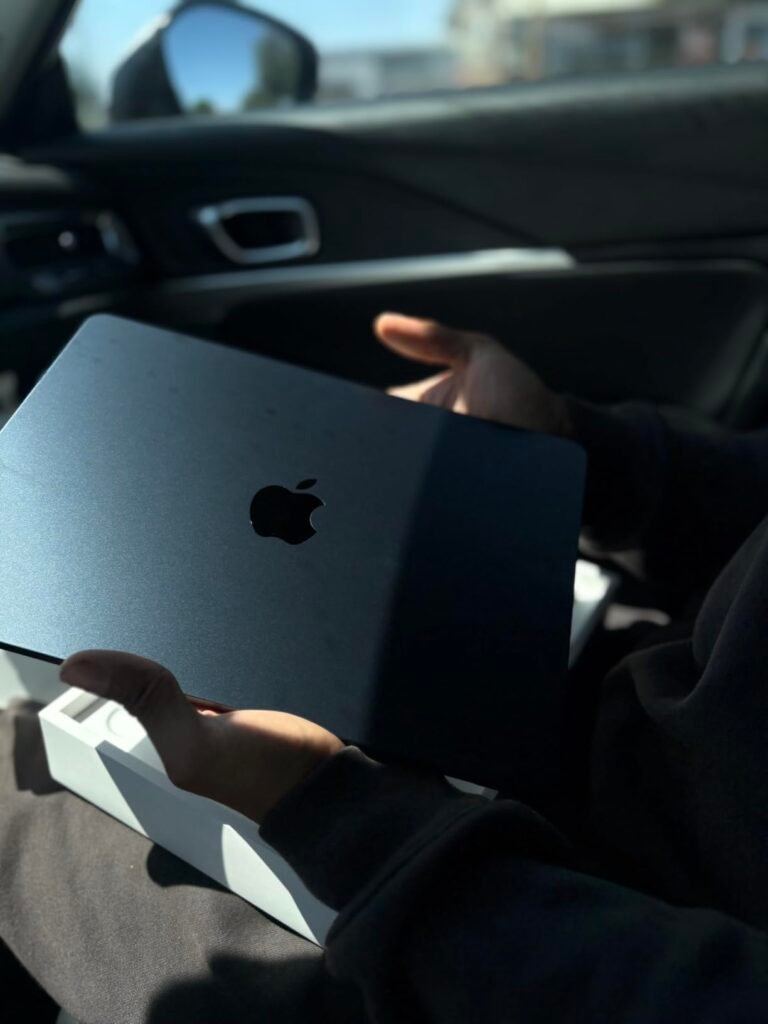
The 13-inch MacBook Air powered by the M5 chip is a strong match for professional writers who value silence, portability, and reliability above all else. Its fanless architecture means there is no whirring noise to disrupt your concentration during long drafting sessions in quiet libraries, coffee shops, or hotel rooms, letting you stay fully immersed in your work.
We may earn a commission when you buy through this link, at no additional cost to you.
Performance is driven by Apple’s efficient M5 processor paired with 16GB of unified memory, providing plenty of headroom for research browsers, cloud writing tools, and reference PDFs to stay open simultaneously without slowing down. The 13.6-inch Liquid Retina display renders text with exceptional sharpness across 1 billion colors, reducing eye strain during marathon editing sessions.
Connectivity is thoughtfully arranged with two Thunderbolt 4 ports, a MagSafe charging port, a headphone jack, and the latest Apple N1 wireless chip supporting Wi-Fi 7 and Bluetooth 6. The 12MP Center Stage camera automatically keeps you framed during editor video calls, while the three-mic array captures clear audio for author podcasts and remote interviews.
Fan noise from traditional laptops can subtly break creative flow, especially during quiet writing environments where every sound is amplified. A fanless design eliminates this distraction entirely, allowing your subconscious to stay focused on words rather than mechanical humming or spinning.
The primary consideration is the premium price tag, which sits above many Windows alternatives. For serious writers who prize silent operation, exceptional battery life extending to 18 hours, and a polished macOS environment, however, the MacBook Air M5 is worth every penny.
Not recommended for writers who rely on Windows-only publishing software or need extensive USB-A legacy connectivity.
We may earn a commission when you buy through this link, at no additional cost to you.
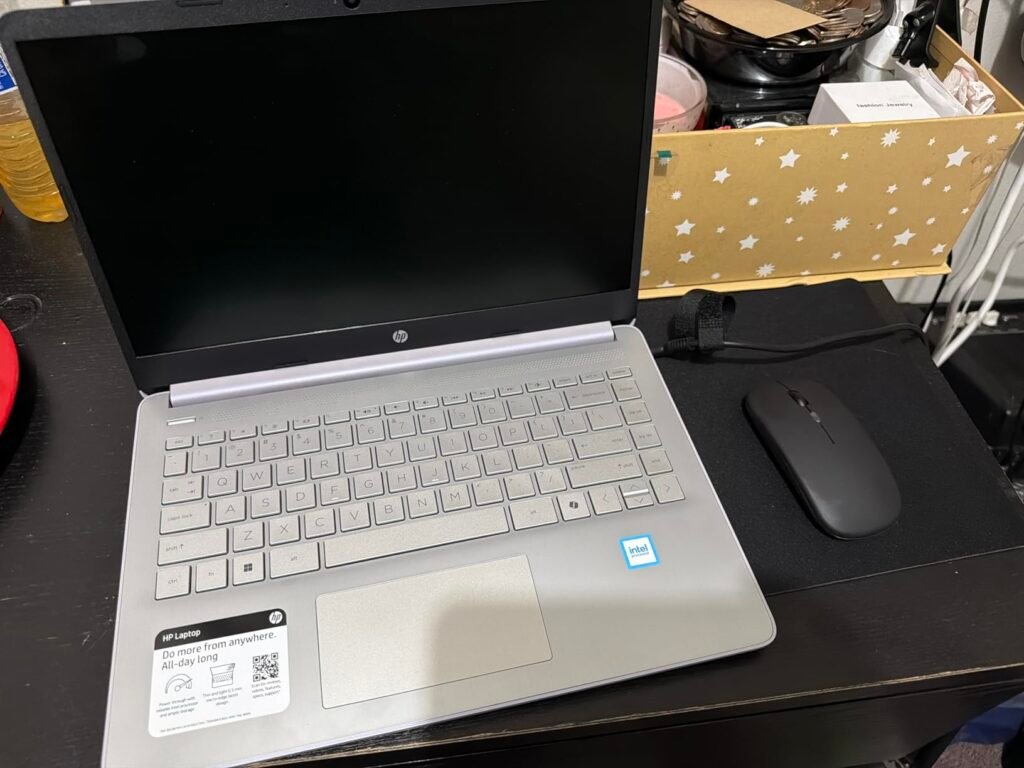
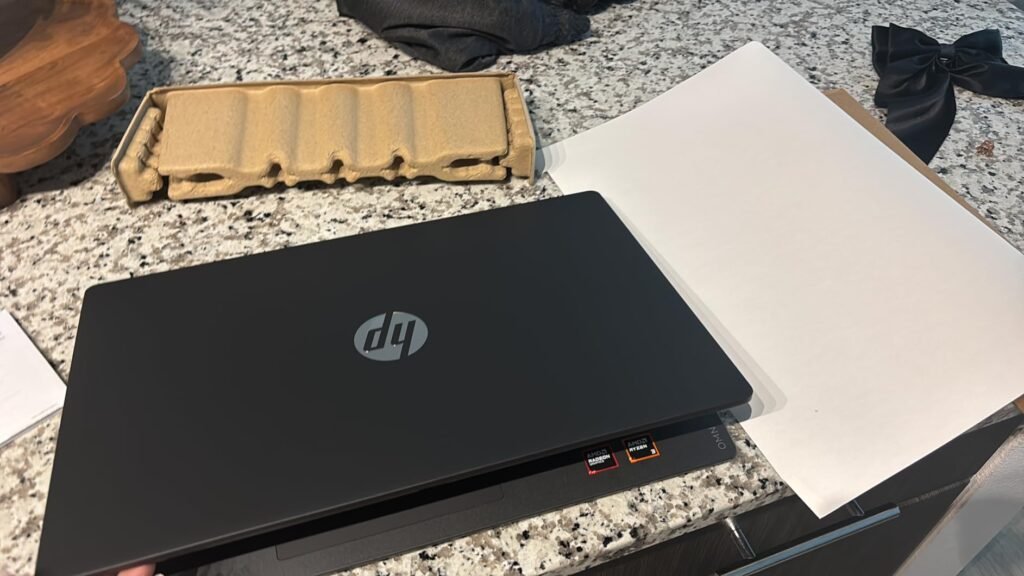
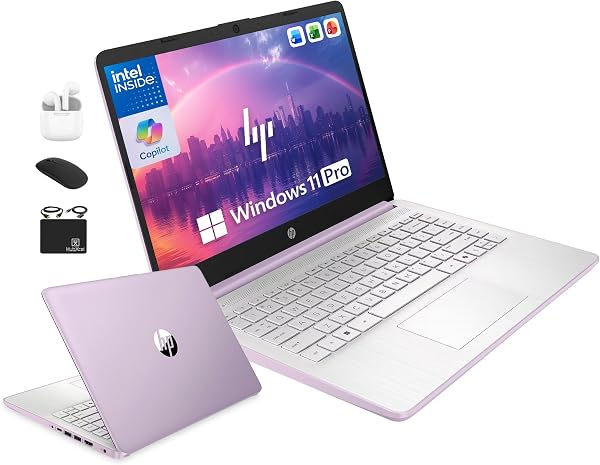
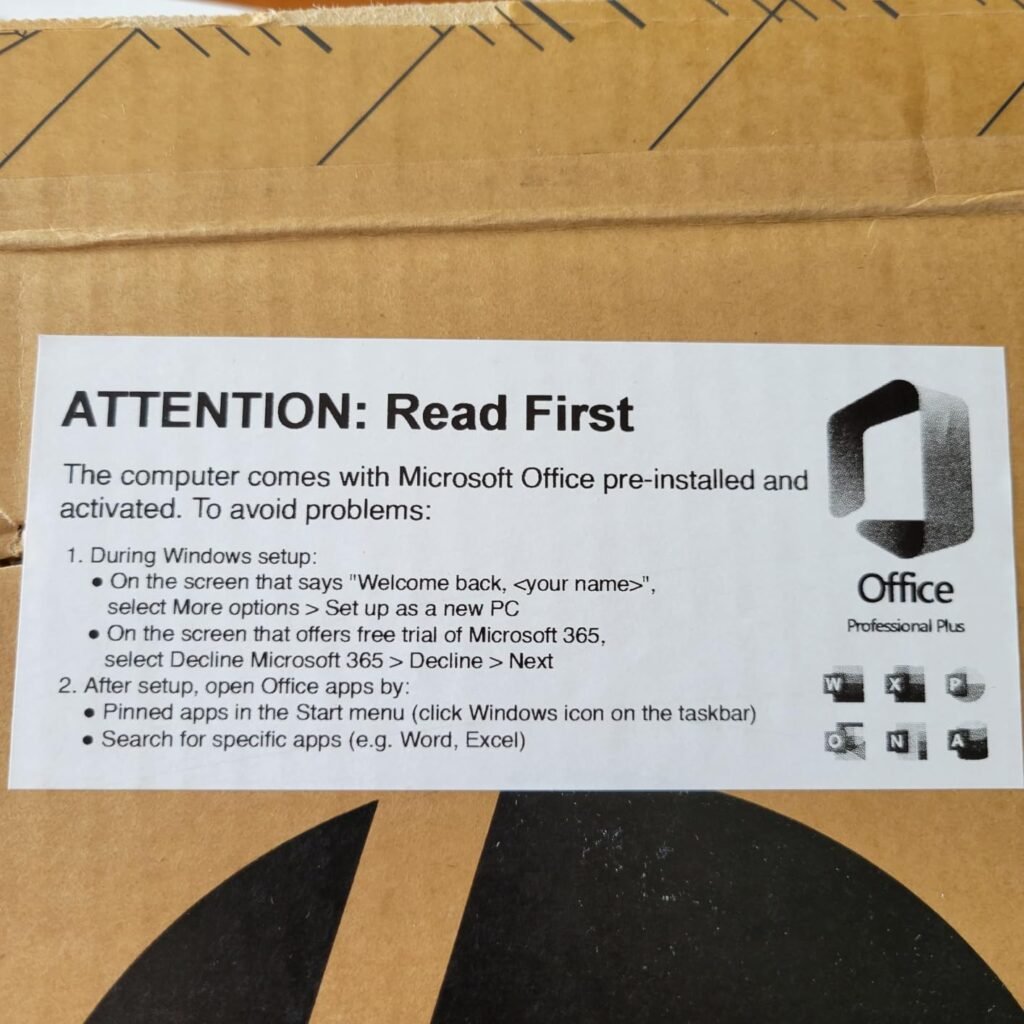
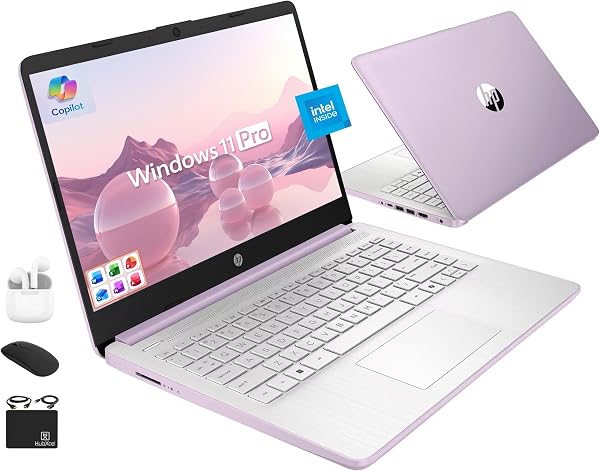
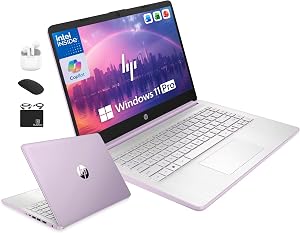
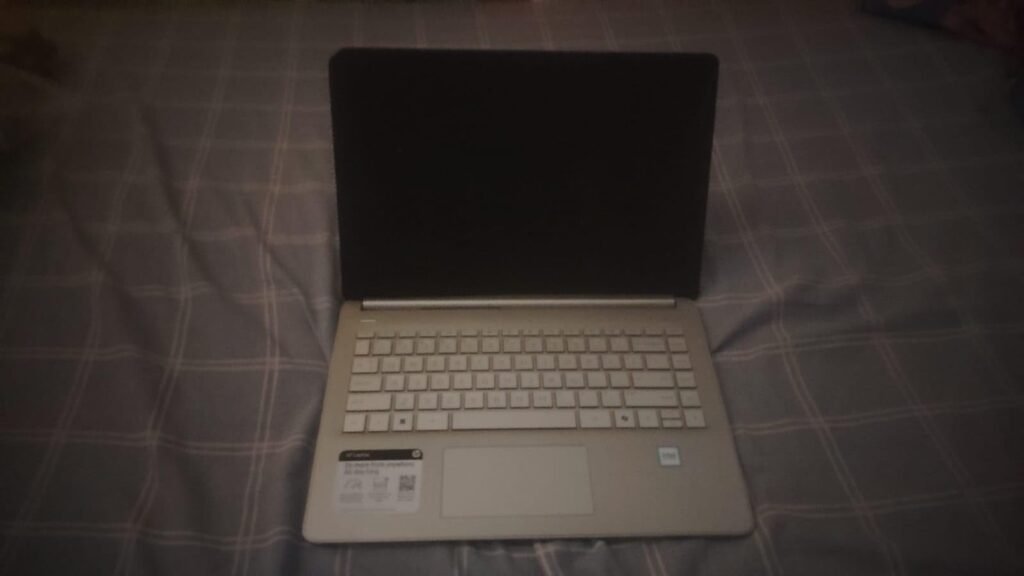
The HP Ultrabook 14 is an excellent choice for writers who need a fully equipped, ready-to-use workstation without piecing together extra software and accessories. The bundle includes lifetime Microsoft Office 2024 (Word, Excel, PowerPoint, and Outlook), eliminating the need for annual Microsoft 365 subscription fees over the years to come.
We may earn a commission when you buy through this link, at no additional cost to you.
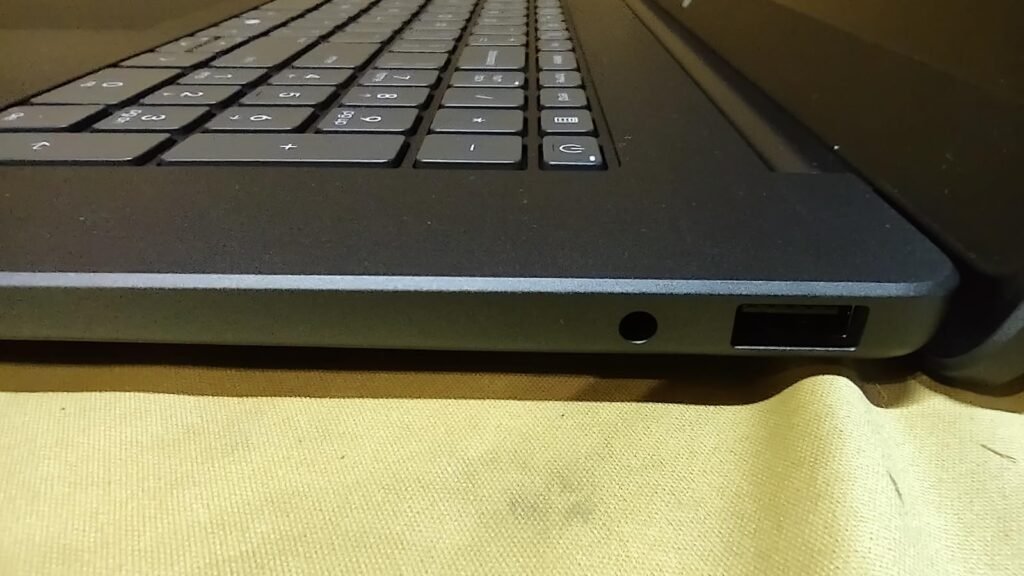
Under the hood, a quad-core 13th Gen Intel N150 processor is paired with 16GB of DDR4 RAM, providing enough responsiveness for switching between Word documents, browser research tabs, and cloud syncing tools. Storage includes a snappy 128GB internal UFS drive plus a 500GB portable external drive, giving writers a solid combination of fast local storage and generous archive capacity.
Comfort during extended writing sessions is supported by a 14-inch anti-glare display that helps reduce reflections in bright cafes or sunlit home offices. The included accessory bundle features wireless earbuds, USB extension cord, HDMI cable, mouse pad, and wireless mouse—everything needed to set up a productive workspace instantly.
Microsoft 365 subscriptions typically cost around $70-100 per year, adding up quickly over a laptop’s lifespan. A lifetime Microsoft Office 2024 license included with your laptop purchase pays for itself within the first year and eliminates recurring annual charges from your budget entirely.
The main consideration is that the entry-level Intel N150 processor is optimized for efficiency rather than heavy computational tasks, so writers working with massive video projects should consider a more powerful CPU. For authors and journalists prioritizing an all-inclusive bundle at an accessible price, the HP Ultrabook 14 delivers exceptional value.
Not suited for writers who also do heavy video editing or need cutting-edge processing power.
We may earn a commission when you buy through this link, at no additional cost to you.
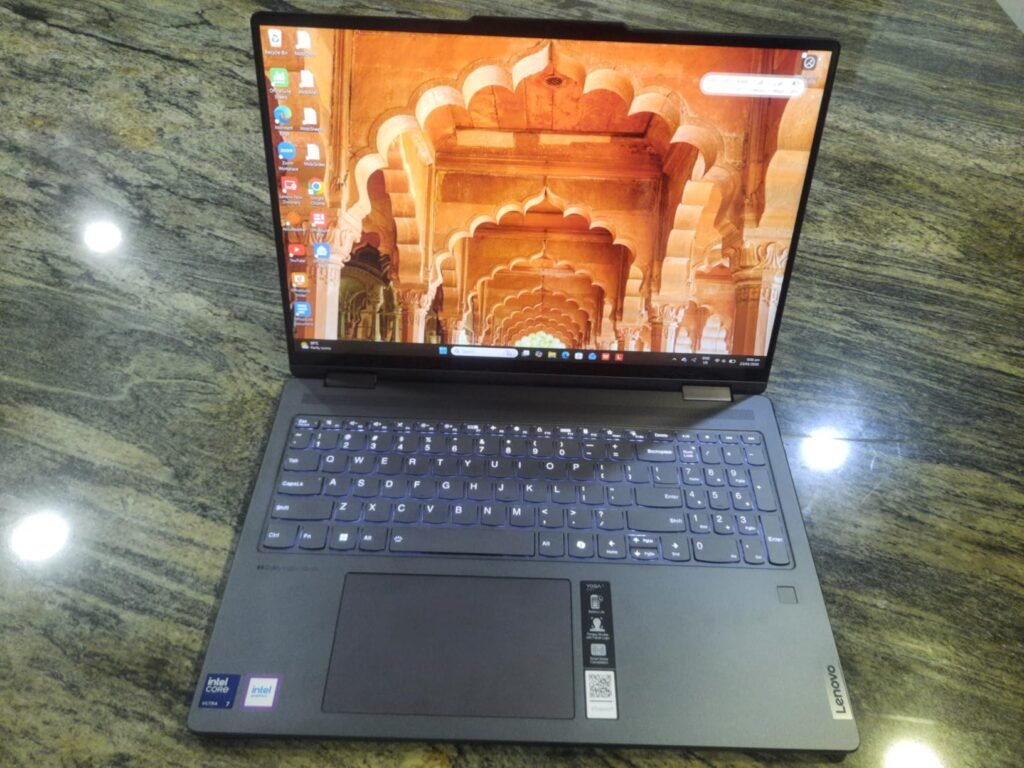
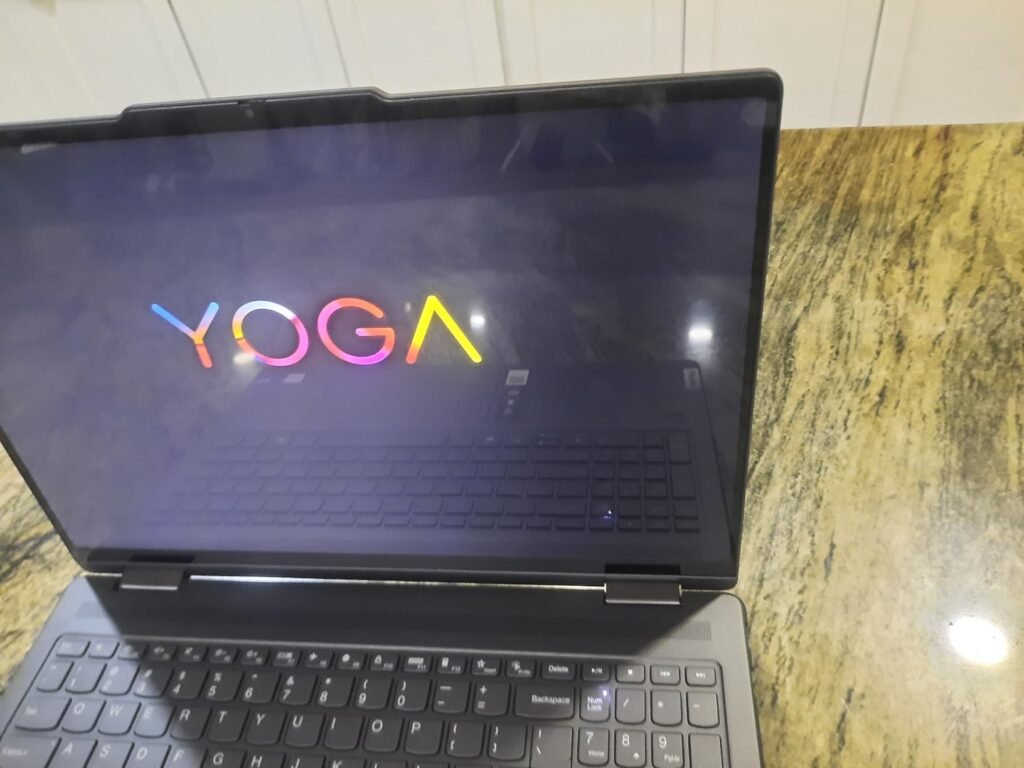
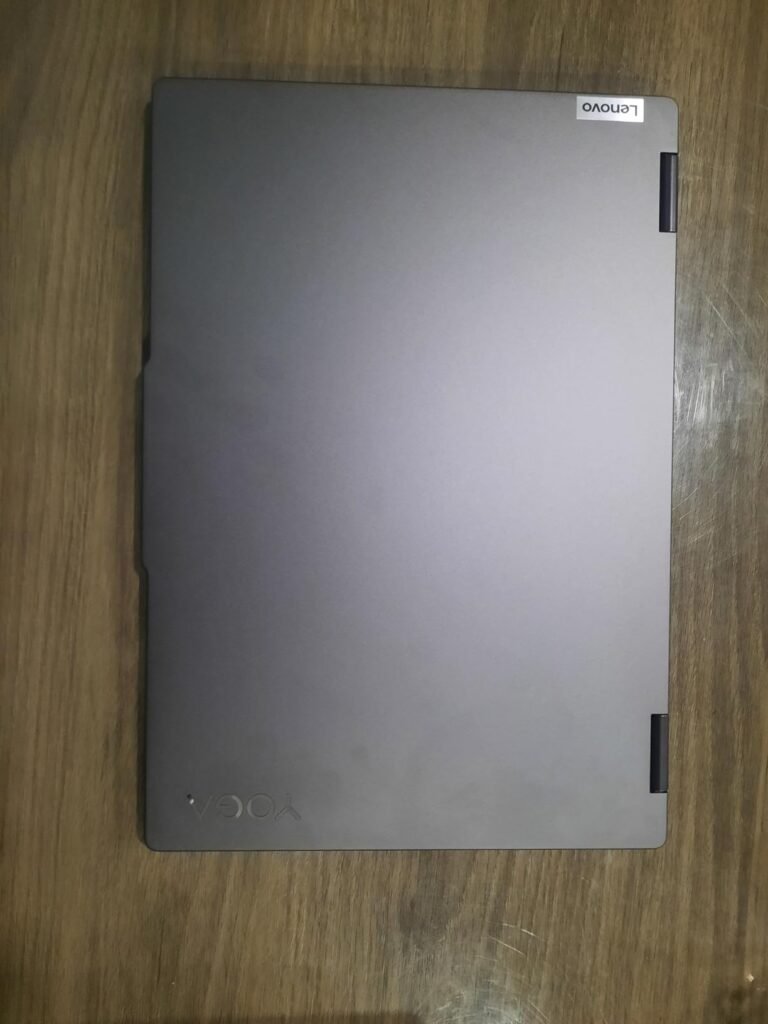
The Lenovo Yoga 7i is tailored for writers who value display real estate and versatility, offering a spacious 16-inch 2K touchscreen and a 360-degree convertible hinge. The generous screen size lets you split your workspace into side-by-side windows, keeping your draft manuscript open next to research notes without constantly toggling apps.
We may earn a commission when you buy through this link, at no additional cost to you.
Powering the Yoga 7i is a smart 12-core Intel Core Ultra 7 155U processor featuring 14-way processing with Intel Turbo Boost for extra power when tackling heavy multi-tab research. The IPS panel provides sharp 1920 x 1200 resolution with wide viewing angles, allowing collaborators to review edits alongside you without color distortion.
The 360-degree flip design offers four flexible modes—laptop, tablet, tent, and stand—accommodating different creative situations from typing at a desk to sketching outlines with a stylus. Enhanced connectivity includes WiFi 6E for reduced latency in crowded coffee shops, a Gigabit LAN port for rock-solid uploads, and generous ports including USB-A, USB-C, HDMI, and a microSD reader.
A 16-inch touchscreen lets you work with two full-size documents side by side, dramatically reducing the mental overhead of constantly switching windows. The touch capability also makes it easier to quickly scroll, highlight, and annotate reference materials during research sessions.
The primary trade-off is that a 16-inch chassis is noticeably heavier and less pocketable than 13-inch ultraportables, so it works best for home-based writers who occasionally travel. For authors, screenwriters, and technical writers who benefit from a large touchscreen and convertible flexibility, the Yoga 7i offers exceptional performance.
Not ideal for writers who travel frequently and need ultra-portable, lightweight hardware.
We may earn a commission when you buy through this link, at no additional cost to you.
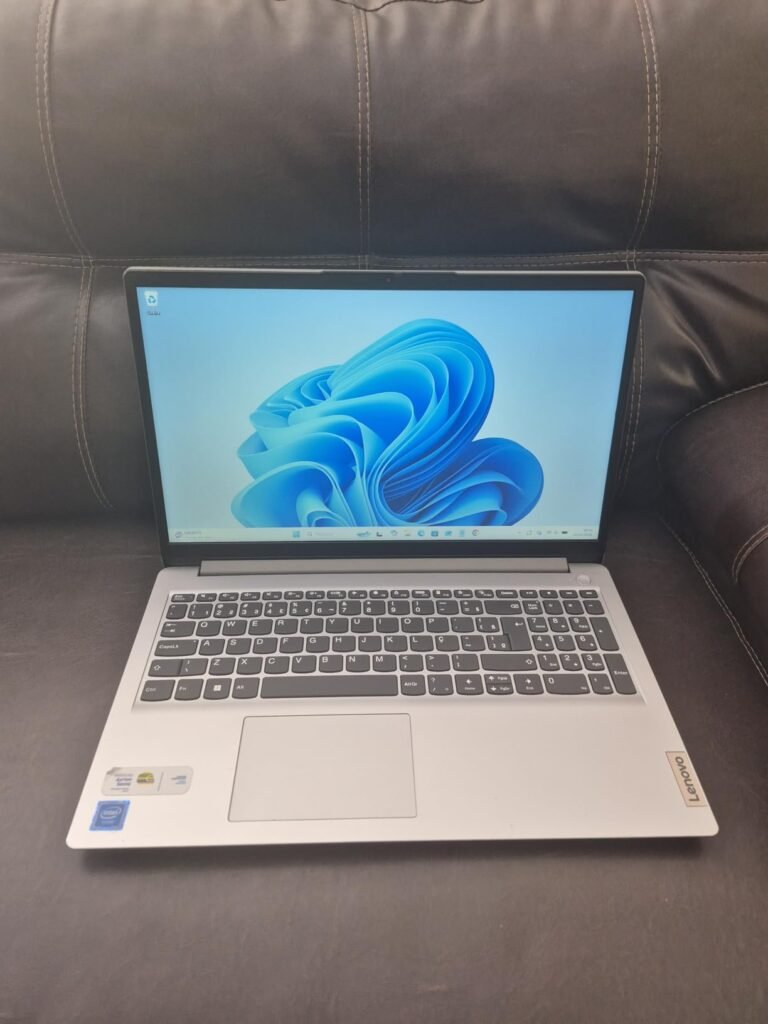
The Lenovo Business 15.6-inch laptop is a practical choice for writers who need a durable, everyday workhorse that stands up to real-world use in cafes, libraries, and travel. Certified against 21 military-grade tests (MIL-STD-810H), the frosty blue chassis is built with a PC-ABS construction that withstands accidental bumps and slight temperature swings.
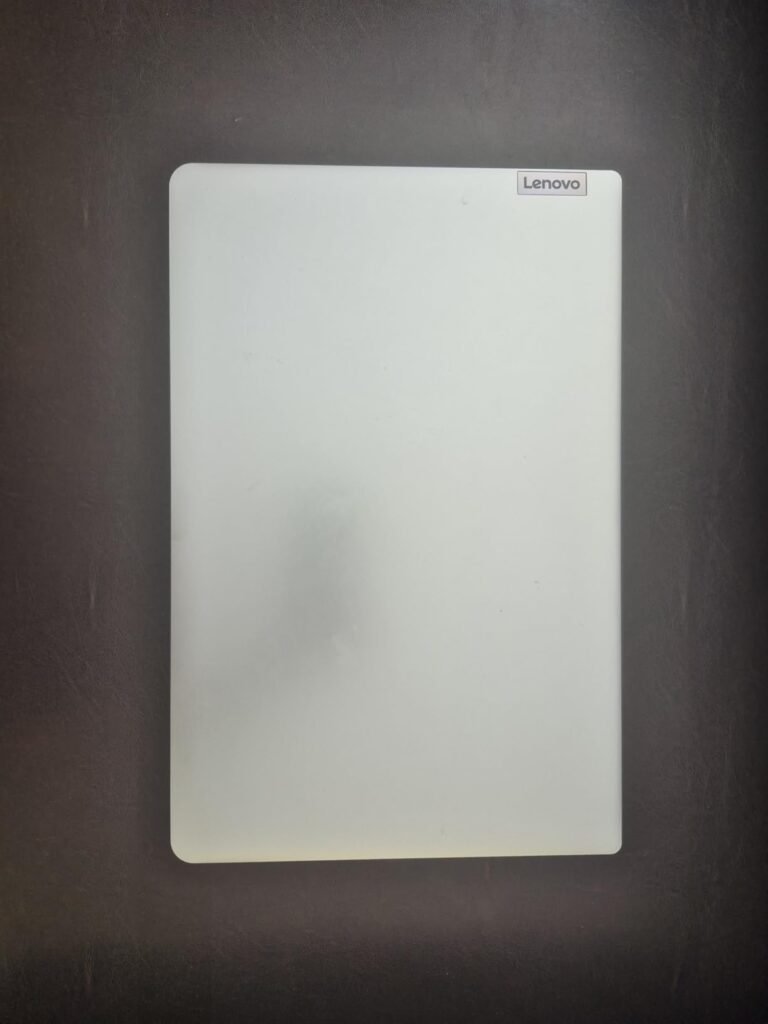
We may earn a commission when you buy through this link, at no additional cost to you.
Powered by an efficient Intel N150 quad-core processor with 8GB of LPDDR5 memory, this laptop handles document editing, web research, video streaming, and casual multitasking smoothly. The 15.6-inch Full HD anti-glare display renders text sharply at 1920×1080 resolution with 250 nits of brightness, and the anti-glare coating helps reduce eye fatigue during long writing sessions.
Practical features writers will appreciate include a webcam privacy shutter that physically covers the camera lens when not in use, dual-array microphones for clear video calls with editors, and a one-year Microsoft 365 Personal subscription that includes 1TB of OneDrive cloud storage. The 65W fast charging ensures you can quickly refill the battery during short breaks.
MIL-STD-810H certification means the laptop has passed rigorous drop tests, humidity resistance trials, dust ingress tests, and thermal shock evaluations. For writers who travel regularly or work in variable environments, this durability certification translates to greater peace of mind against everyday accidents.
The main consideration is the modest 128GB of internal UFS storage, which fills up quickly if you save large research libraries locally. For writers who leverage cloud storage effectively and want a slim, durable, and affordable everyday laptop, this Lenovo model delivers excellent utility.
Not ideal for writers who store extensive local media files without cloud offloading.
We may earn a commission when you buy through this link, at no additional cost to you.
The HP OmniBook 3 17.3-inch laptop is designed for writers who prioritize screen real estate and comfortable viewing over portability. Its expansive 17.3-inch Full HD IPS display with 178-degree wide viewing angles provides an immersive workspace that comfortably holds a full-page manuscript alongside a browser research window.
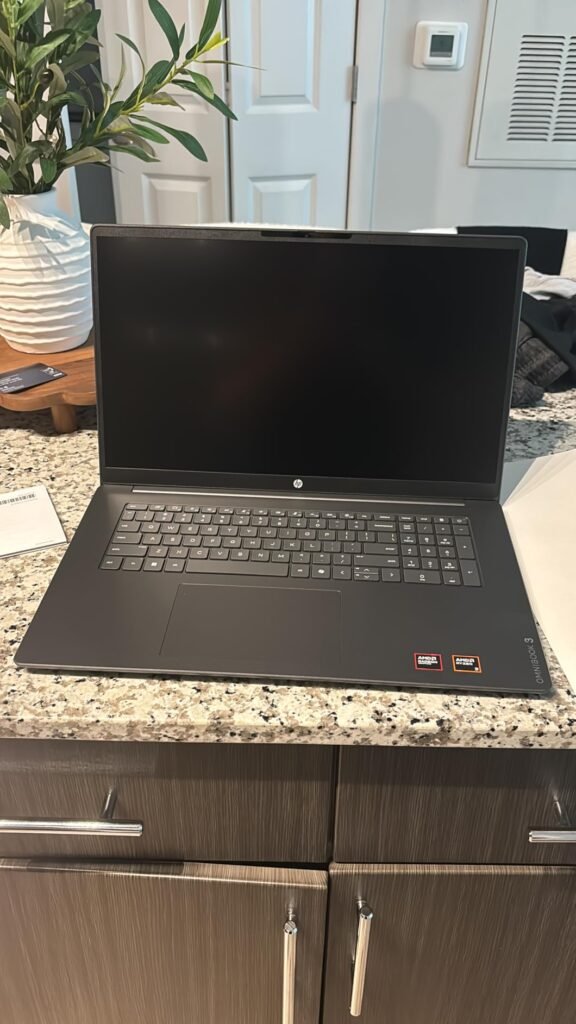
We may earn a commission when you buy through this link, at no additional cost to you.
Performance comes courtesy of an AMD Ryzen 3 30 processor paired with 8GB of LPDDR5 memory and a fast 512GB PCIe NVMe SSD. This combination handles everyday writing tasks, document editing, casual photo editing, and web research responsively. Battery life reaches up to 14 hours and 15 minutes, and HP Fast Charge technology brings the battery from 0 to 50% in approximately 45 minutes.
For remote writers who join editorial video calls, the FHD camera includes an HDR auto-switch that balances contrast in challenging backlight conditions. The advanced AI noise reduction with Personal Mode tracks only your voice during conference calls while filtering out background noises and other speakers, ensuring focused conversations.
Remote writers frequently join editorial team calls from cafes, home offices with pets, or apartments with street noise. AI-powered noise cancellation isolates your voice while suppressing background distractions, ensuring clear professional communication without requiring a dedicated recording space.
The main trade-off is that a 17-inch chassis is significantly heavier and larger than 13-inch or 14-inch ultraportables, making it less ideal for daily commuting. For home-based writers who work primarily at a desk and benefit from a spacious viewing area, this HP OmniBook is an excellent choice.
Not suitable for writers who need a lightweight machine for daily travel or coffee shop hopping.
We may earn a commission when you buy through this link, at no additional cost to you.
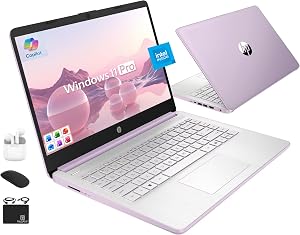
The HP 14-inch student laptop targets budget-conscious writers, freelancers, and college authors who need dependable performance for basic writing tasks without breaking the bank. Windows 11 Pro comes preinstalled alongside lifetime Microsoft Office and Copilot AI integration, providing a productive writing environment right out of the box.
We may earn a commission when you buy through this link, at no additional cost to you.
Under the hood, a quad-core 13th Gen Intel N150 processor runs at up to 3.6 GHz with Turbo Boost, paired with 4GB of power-efficient LPDDR5 memory. The system handles document editing, web browsing, and email management smoothly, though heavy multitaskers should manage their open browser tabs to avoid memory constraints.
The 14-inch HD anti-glare display renders text clearly in bright environments, and the HP True Vision 720p webcam with dual-array mics makes it suitable for Zoom classes, remote work, and online writing workshops. Storage includes 128GB fast internal UFS space plus a 500GB portable external drive for archiving old drafts and reference materials.
Windows 11’s built-in Copilot AI assistant can help writers overcome creative blocks by suggesting outlines, rephrasing sentences, or summarizing dense research materials. Having a dedicated Copilot key on the keyboard makes it easy to summon assistance without breaking your creative flow.
The main consideration is the modest 4GB RAM allocation, which is adequate for writing and web browsing but can feel constrained if you routinely keep dozens of tabs open. For writers on a tight budget who want a working laptop with lifetime Office and Copilot AI included, this HP model offers outstanding value.
Not ideal for writers who need to run multiple heavy applications or edit large multimedia files simultaneously.
We may earn a commission when you buy through this link, at no additional cost to you.
The ASUS Vivobook Go 15 is engineered with the writer's daily typing comfort at its core. The precisely measured and fine-tuned ErgoSense keyboard is designed to reduce strain on the hands and wrists during prolonged writing sessions, making it a smart choice for authors drafting book-length manuscripts.
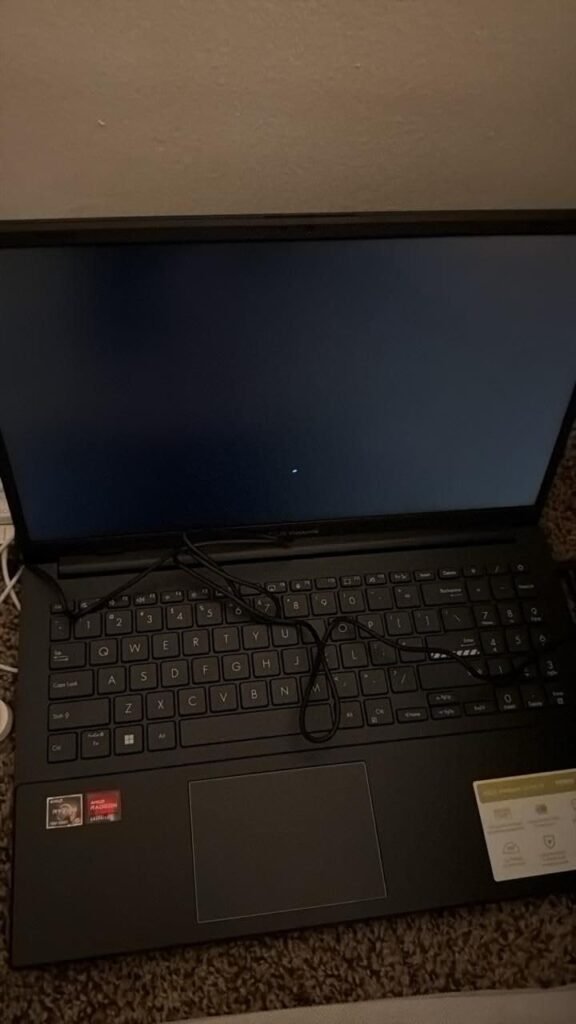
We may earn a commission when you buy through this link, at no additional cost to you.
Performance is driven by an AMD Ryzen 5 7520U processor and 512GB SSD, providing an ultrafast, smooth working experience with excellent responsiveness across word processors, browsers, and cloud sync tools. The 15.6-inch Full HD display features ultra-slim NanoEdge bezels that offer an immersive visual canvas for editing and revising text.
Practical everyday features include ASUS fast-charge technology that restores battery to 50% in just 30 minutes and AI Noise-Cancelling Technology that isolates unwanted background sounds during video calls. Multiple ports including USB-A, USB-C, and HDMI let you connect external monitors and legacy peripherals without adapters, and built-in Wi-Fi 6E ensures stable connectivity.
Writers who type for hours daily are prone to repetitive stress injuries, including carpal tunnel syndrome and tendonitis. A keyboard designed with proper key spacing, travel depth, and tactile feedback significantly reduces the physical toll of daily typing, helping preserve your hand health over years of writing.
The primary trade-off is that its webcam and display specifications are functional rather than class-leading. For writers who prioritize typing ergonomics and want a durable machine meeting US military-grade standards, the Vivobook Go 15 offers reliable daily performance.
Not ideal for writers demanding cutting-edge display resolutions or premium webcam quality.
We may earn a commission when you buy through this link, at no additional cost to you.
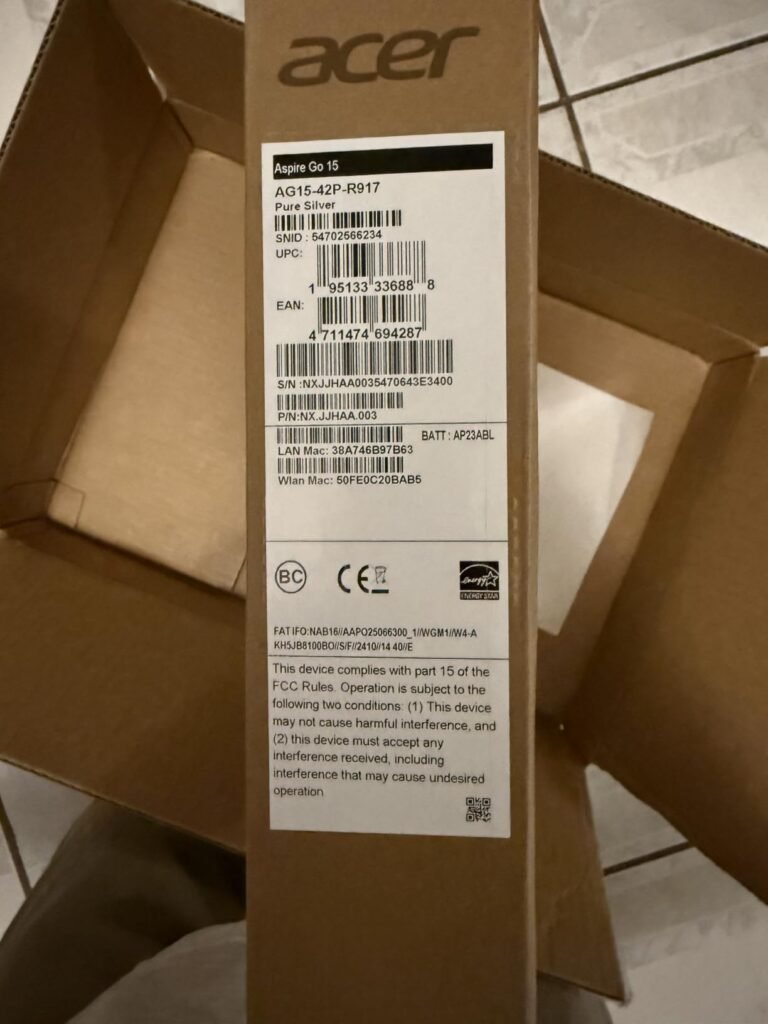
The Acer Aspire Go 15 combines a powerful AMD Ryzen 7 7730U processor with 16GB of memory and generous 512GB SSD storage, giving writers the horsepower to run demanding research workloads alongside their manuscript drafts. The processor's efficient architecture also supports extended productivity thanks to exceptional battery life.
We may earn a commission when you buy through this link, at no additional cost to you.
This AI-ready laptop features a dedicated Copilot key on the keyboard, letting you summon Windows 11’s generative AI assistant with a single touch. Copilot can help brainstorm article outlines, suggest revisions, and summarize dense reference documents—valuable capabilities for professional content creators who write across multiple topics daily.
The 15.6-inch Full HD IPS display features narrow bezels for immersive text reading, and Acer BluelightShield technology reduces blue light emissions to lessen eye strain during evening writing sessions. Practical connectivity includes a full-function USB Type-C port, HDMI 2.1, and Wi-Fi 6, while Acer TNR and PurifiedVoice technologies enhance video call clarity.
Excessive blue light exposure late in the day can disrupt sleep patterns and cause eye fatigue. BluelightShield technology lowers blue light emissions from the display, helping preserve your circadian rhythm and reducing eye strain during those late-night deadline sprints.
The main consideration is that while the display is functional, it doesn’t match the vibrancy of premium OLED panels. For writers who want raw processing power, generous RAM, and integrated AI assistance in a well-priced 15-inch chassis, the Aspire Go 15 is an excellent choice.
Not suitable for writers who need premium OLED display quality for color-critical work.
We may earn a commission when you buy through this link, at no additional cost to you.
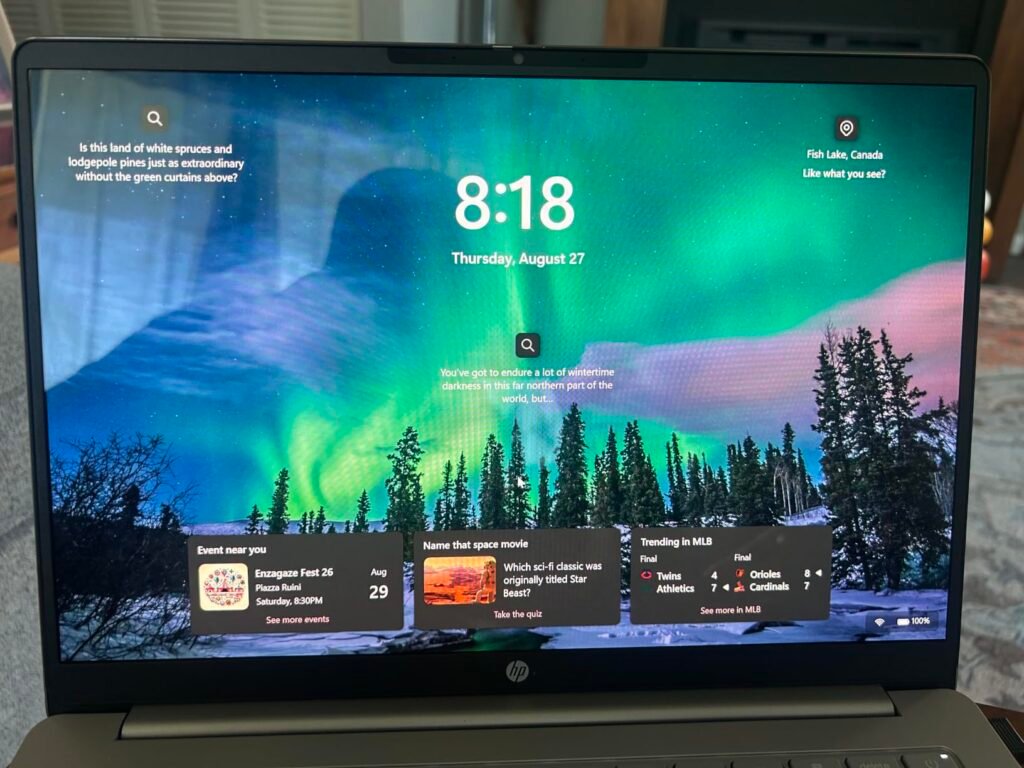
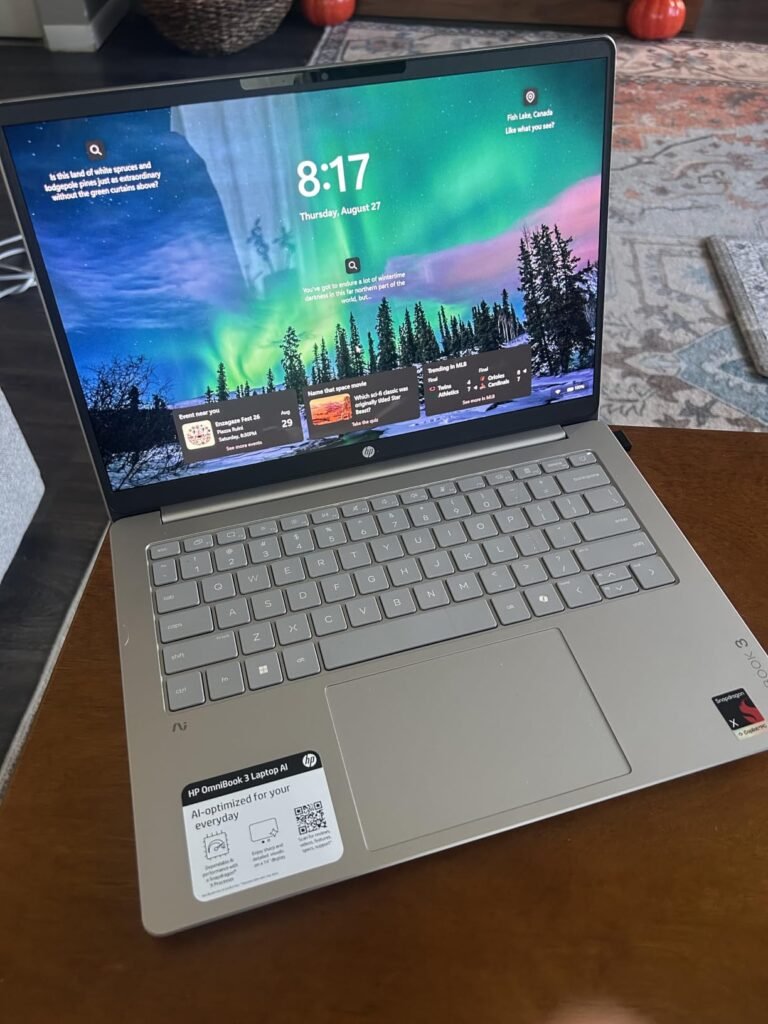
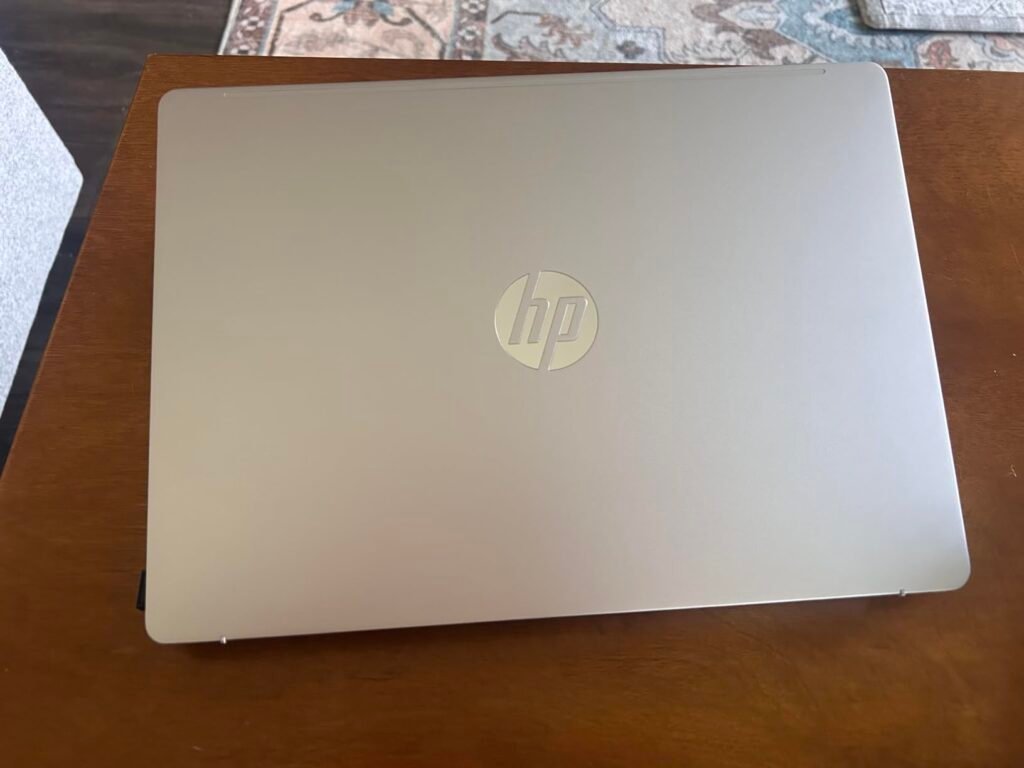
The HP OmniBook 3 14-inch is a game-changer for writers who value marathon battery endurance and stunning display quality. Powered by the Qualcomm Snapdragon X X1-26-100 processor, this Copilot+ PC delivers up to an incredible 41 hours and 45 minutes of battery life, effectively eliminating range anxiety during multi-day travel or intense writing retreats.
We may earn a commission when you buy through this link, at no additional cost to you.
The 2K OLED display renders text with exceptional contrast and vivid colors at 1920×1200 resolution with up to 300 nits of brightness, making it a joy for extended reading and detailed editing. Under the hood, 16GB of fast LPDDR5x RAM ensures smooth multitasking, while the Qualcomm Adreno GPU handles casual creative tasks and video playback efficiently.
Writers will especially appreciate the included Otter.ai integration, which records audio, writes notes, transcribes conversations, and generates automatic meeting summaries. This is invaluable for journalists conducting interviews, researchers documenting sources, or content creators capturing brainstorming sessions on the go. The FHD IR camera with HDR auto-switch delivers professional-quality video calls.
Traditional laptops require frequent charging that interrupts creative flow and limits work locations. A laptop that runs for 41+ hours on a single charge lets you work outdoors, on trains, in remote cabins, or during international flights without ever hunting for outlets. It also extends your writing sessions to nearly the maximum possible.
The main consideration is that the ARM-based Snapdragon architecture, while efficient, may have varying compatibility with certain legacy x86 Windows applications. For most modern writing tools, Microsoft 365, and browser-based work, however, compatibility is excellent. Writers wanting exceptional battery life paired with a gorgeous OLED display should look no further.
Not ideal for writers who need to run legacy x86-specific Windows applications that lack ARM optimization.
We may earn a commission when you buy through this link, at no additional cost to you.
Selecting the ideal laptop for writing requires looking past flashy gaming specifications and focusing on the ergonomic and productivity factors that support long, focused writing sessions. Whether you are drafting novels, crafting journalistic articles, or producing marketing copy, understanding key laptop attributes ensures your investment enhances your daily craft.
The keyboard is the single most important component on a writer’s laptop because your hands touch it for hours every day. Look for keyboards with adequate key travel depth (typically 1.3mm or more), well-spaced keys, and satisfying tactile feedback. Machines with ergonomic keyboard designs like the ASUS Vivobook Go 15’s ErgoSense keyboard reduce the risk of repetitive strain injuries during marathon drafting sessions.
Additionally, backlit keyboards are essential for late-night writers who work in dim environments. Test key layouts before purchasing whenever possible, paying special attention to critical keys like the Enter key, Shift keys, and arrow cluster. A cramped or mushy keyboard will cost you productivity and physical comfort over the years, no matter how powerful the internal specifications may be.
Prioritize a keyboard that feels natural under your fingers, as no amount of processing power can compensate for typing discomfort.
Writers stare at their screens for extended periods, making display quality a top priority. Look for high-resolution panels (at least 1920×1080 Full HD, with 2K or 2.5K resolution being ideal) that render text crisply without pixelation. Anti-glare matte coatings, found on models like the HP Ultrabook 14, minimize distracting reflections when working in bright cafes or sunlit rooms.
Screen size preference varies by writer. Ultraportable 13-inch to 14-inch laptops like the MacBook Air offer maximum portability, while 15.6-inch and 17-inch models like the HP OmniBook 3 17.3 provide expansive workspaces ideal for split-screen research and drafting. Additionally, consider blue light reduction technologies (like Acer’s BluelightShield or TÜV Low Blue Light certifications) that help protect your eyes during long writing days.
Balance portability against screen real estate based on where you primarily write and whether you often work with reference materials open beside your document.
Portability and battery endurance directly impact where you can work productively. Writers who love drafting in coffee shops, on trains, or during travel need laptops offering at least 10-12 hours of realistic battery life. Some standouts like the HP OmniBook 3 Snapdragon deliver up to 41 hours, while Apple’s MacBook Air M5 provides up to 18 hours—both eliminating outlet anxiety.
Weight also matters significantly. Sub-3-pound ultraportables slip effortlessly into any bag, while 15-inch and 17-inch models can weigh 4-6 pounds, becoming burdensome during long commutes. Consider your daily routine: if you primarily work at home, screen size and comfort trump portability; if you travel frequently or hop between locations, minimizing weight and maximizing battery life is essential.
Verify realistic battery ratings under mixed usage rather than idle test scores, and always factor in weight if you carry your laptop daily.
Writing itself is not computationally demanding, but modern writers do far more than type. Web research with dozens of open tabs, cloud syncing, video conferencing with editors, and running distraction-blocking apps all consume system resources. Look for laptops with at least 8GB of RAM for casual writing, with 16GB being the sweet spot for professional writers who multitask heavily.
Processor architecture matters less than you might think for pure writing tasks. Efficient chips like the Intel N150, AMD Ryzen 5, or Apple M-series handle everything a writer needs while extending battery life. Powerful chips like the Intel Core Ultra 7 in the Lenovo Yoga 7i or AMD Ryzen 7 in the Acer Aspire Go 15 provide additional headroom for writers who also edit multimedia content or use resource-intensive research tools.
Never sacrifice RAM to save money, as memory constraints will slow your workflow far more than a slightly less powerful CPU.
Storage needs vary widely among writers. Novelists and journalists working primarily with text files can survive comfortably on 128GB to 256GB of local SSD storage, especially when paired with cloud services like OneDrive, Dropbox, or iCloud. Bundles like the HP Ultrabook 14 include portable external drives, offering flexible archive space for old drafts and research libraries.
Writers who work with heavy multimedia—such as podcasters, video content creators, or those maintaining extensive photo libraries alongside their text work—should prioritize 512GB or 1TB of SSD storage to keep large files locally accessible. Always favor fast NVMe SSDs over slower alternatives, as boot times, application launches, and file save operations feel dramatically snappier.
Consider your working habits: pure text writers can prioritize speed over capacity, while multimedia creators should invest in higher storage tiers.
Your operating system choice shapes your daily writing experience. macOS on the MacBook Air offers a refined interface, exceptional trackpad experience, and seamless integration with iPhones and iPads for cross-device drafting. Windows 11 provides broader software compatibility, including full support for Scrivener, ProWritingAid, Word macros, and various publishing tools that may lack Mac counterparts.
Windows 11 Pro versions found on models like the HP Ultrabook 14 add advanced security features like BitLocker encryption, useful for writers handling confidential client materials or unpublished manuscripts. Additionally, consider whether bundled software like lifetime Microsoft Office licenses provide long-term value versus paying for annual subscriptions.
Match your OS to the software you actually rely on daily, rather than choosing based purely on aesthetics or brand loyalty.
When setting up a new writing laptop, take the time to optimize it for distraction-free productivity. Uninstall any unnecessary preinstalled trial software and manufacturer utilities that consume background resources. Configure your writing applications like Microsoft Word, Scrivener, or Google Docs with your preferred fonts, spacing, and autosave intervals. Enable cloud syncing to services like OneDrive, iCloud, or Dropbox so your works-in-progress are automatically backed up across devices, protecting years of creative work from unexpected hardware failures.
Adopt healthy typing habits and take care of your hands during long writing sessions. Position the laptop at a comfortable height that keeps your wrists neutral rather than bent upward, and consider using an external keyboard and monitor at your primary desk to reduce hunched posture. Follow the 20-20-20 rule for eye health: every 20 minutes, look at something 20 feet away for at least 20 seconds. Keep your screen brightness matched to your ambient lighting to reduce eye strain during late-night writing sprints.
Maintain long-term laptop health with routine physical and software care. Clean your keyboard regularly using compressed air to remove crumbs and dust that can jam keys, and wipe the display with a microfiber cloth using screen-safe cleaner. For battery longevity, avoid keeping the laptop plugged in at 100% for extended periods—ideally, cycle the charge between 20% and 80%. Update your operating system and antivirus regularly to protect valuable manuscripts from ransomware and other emerging security threats.
Not for typing itself, which requires minimal computing power. However, modern writers routinely multitask with web browsers containing dozens of research tabs, cloud syncing services, video conferencing tools, and productivity apps. A moderately powerful laptop with at least 8GB of RAM (16GB is ideal) ensures smooth performance without frustrating slowdowns during heavy multitasking.
Both platforms work excellently for writing. macOS on MacBooks like the M5 Air offers refined typing feel, silent fanless operation, and seamless Apple ecosystem integration. Windows laptops provide broader software compatibility, especially for specialized publishing tools, and offer more hardware variety at every price point. Choose based on your existing software ecosystem and personal preference.
For basic writing with a few open documents, 4GB is functional but constrained. Most modern writers should aim for 8GB minimum to comfortably handle their word processor, browser research tabs, and cloud syncing apps. Writers who research heavily, edit multimedia, or run multiple apps simultaneously should invest in 16GB for years of smooth performance without upgrade regrets.
Yes, especially for writers who work in coffee shops, libraries, on trains, or during travel. A laptop with 10+ hours of realistic battery life eliminates outlet anxiety and lets you work productively without interruption. Standout models like the HP OmniBook Snapdragon offer 41+ hours, while the MacBook Air M5 provides up to 18 hours of solid endurance.
13-inch to 14-inch screens strike the ideal balance between portability and workspace comfort for most writers. 15-inch or 17-inch displays like the HP OmniBook 3 17.3 offer expansive workspace for split-screen research and drafting but sacrifice portability. Consider whether you write primarily at a desk (larger screens) or on the go (smaller ultraportables).
Touchscreens are not necessary for pure writing tasks, but they offer versatility for research, quick scrolling through long documents, and annotation. Convertible 2-in-1 laptops like the Lenovo Yoga 7i provide multiple use modes ideal for reviewing manuscripts or sketching outlines with a stylus. Standard non-touch laptops save weight and cost if you primarily type.
Keyboard comfort is subjective, but look for models with at least 1.3mm of key travel, adequate key spacing, and tactile feedback. Machines with ergonomic keyboard designs like the ASUS Vivobook Go 15 (ErgoSense) or premium build like the MacBook Air are consistently praised by writers. When possible, test keyboards in person before purchasing to confirm personal comfort.
Pure text writers can manage with 128GB to 256GB, especially when supplemented with cloud storage like OneDrive or Dropbox. Multimedia content creators who work with images, videos, or audio should invest in at least 512GB. Bundles like the HP Ultrabook 14 include portable external drives, giving you flexible expansion options without paying for higher-tier internal storage.
The Apple MacBook Air with the M5 chip stands out as our top overall recommendation for professional writers. Its silent fanless design, up to 18 hours of battery life, gorgeous Liquid Retina display, and premium keyboard create an environment tailored for distraction-free deep work. It excels for authors, journalists, and content creators who value quiet reliability and long-term durability.
For writers with different priorities, excellent alternatives are available. The HP OmniBook 3 Snapdragon offers unmatched 41-hour battery life with a stunning OLED display, the Lenovo Yoga 7i provides versatile 360-degree flip functionality with a large 2K touchscreen, and budget-conscious writers will appreciate the HP Ultrabook 14 with its lifetime Microsoft Office license and complete accessory bundle.
Start by identifying your primary writing environment, keyboard comfort preferences, and required software ecosystem. Selecting a laptop with the right balance of screen quality, battery endurance, and typing comfort ensures your writing hardware supports your craft rather than getting in the way—for years of productive drafting, editing, and publishing ahead.