AGM PAD P2
8.6Editor score11-inch 90Hz display
MTK G99 processor
8000mAh battery capacity
IP68 IP69K rated
Find the right rugged tablets for 2026. We compare 10 standout options by build quality, useful features, owner feedback, value, and everyday trade-offs.
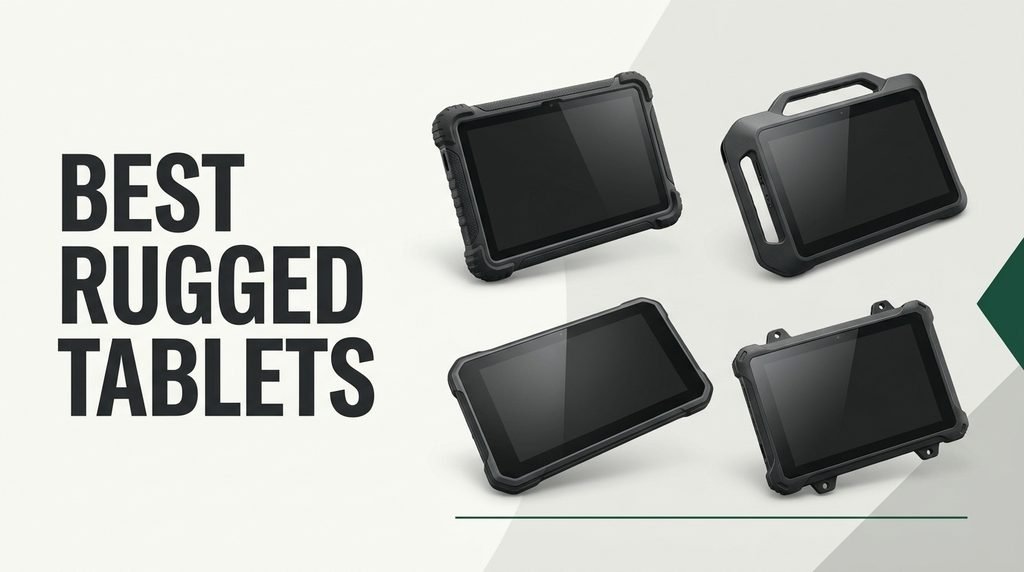
Find the right rugged tablet for demanding environments in 2026. We compare 10 standout models by the factors that matter most on job sites and trails: IP and MIL-STD durability ratings, battery endurance, sunlight-readable displays, cellular connectivity, processing power, and real-world trade-offs.
Rugged tablets span a wide range, from compact renewed enterprise units to heavy-duty 5G models with 20,000mAh batteries. The best choice depends on whether you need Windows or Android, how long you work away from outlets, and what kind of physical abuse the device will face daily.
This guide organizes the top options by practical strengths so you can match a tablet to your actual workflow. Whether you are a field engineer, warehouse manager, construction supervisor, or outdoor adventurer, the breakdowns below highlight the specs and limitations that shape long-term satisfaction.
We compared 10 rugged tablets using the details that actually help a buyer decide: IP and MIL-STD durability certifications, battery capacity and charging speed, display brightness and resolution, processor performance, storage flexibility, cellular and GPS connectivity, camera usefulness, operating system compatibility, and owner feedback. The notes focus on practical trade-offs so each pick connects to how people actually use these devices on job sites, trails, and in harsh weather.


Compare key features, scores, and current prices side by side. A shorter feature list means fewer details were available, not necessarily fewer capabilities.


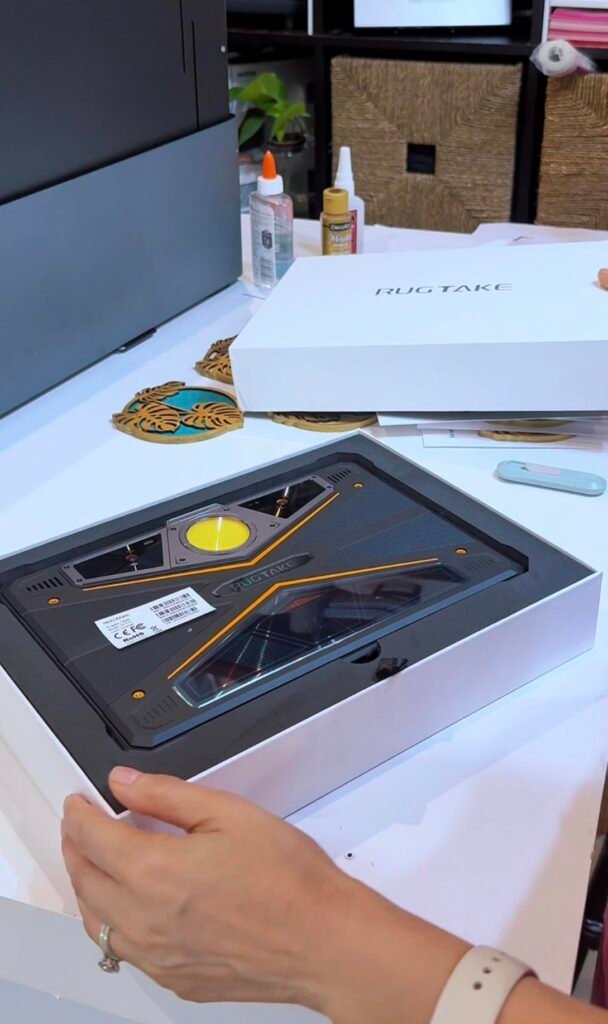
The RUGTAKE T5 Pro shares a similar hardware foundation with the ORCATAB WT1 Pro but distinguishes itself with Android 16 out of the box and a dedicated 20MP night vision camera. That night vision sensor is a genuine differentiator for security patrols, wildlife researchers, and emergency responders who need to document scenes in near-total darkness without relying on external flash equipment.

We may earn a commission when you buy through this link, at no additional cost to you.
The 11-inch 2K display at 120Hz with 450-nit brightness provides clear visibility for maps and reports during the day, while the 6nm Unisoc T8200 processor and 32GB of combined RAM keep demanding apps responsive. Widevine L1 certification enables HD streaming on major platforms during downtime, and the 256GB of internal storage with 2TB expansion handles large offline map libraries and project files.
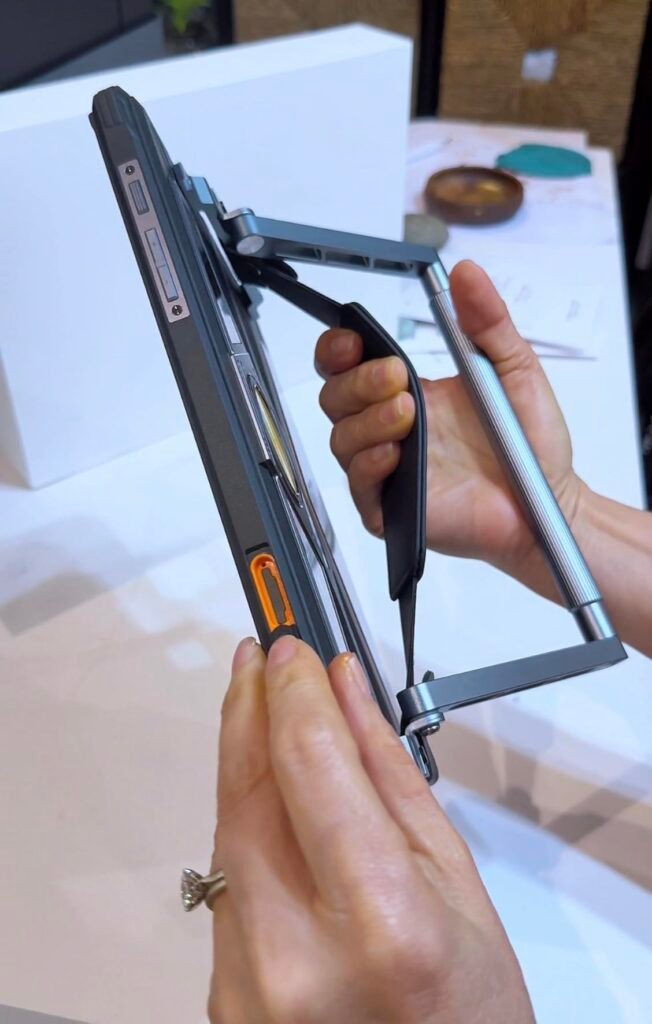
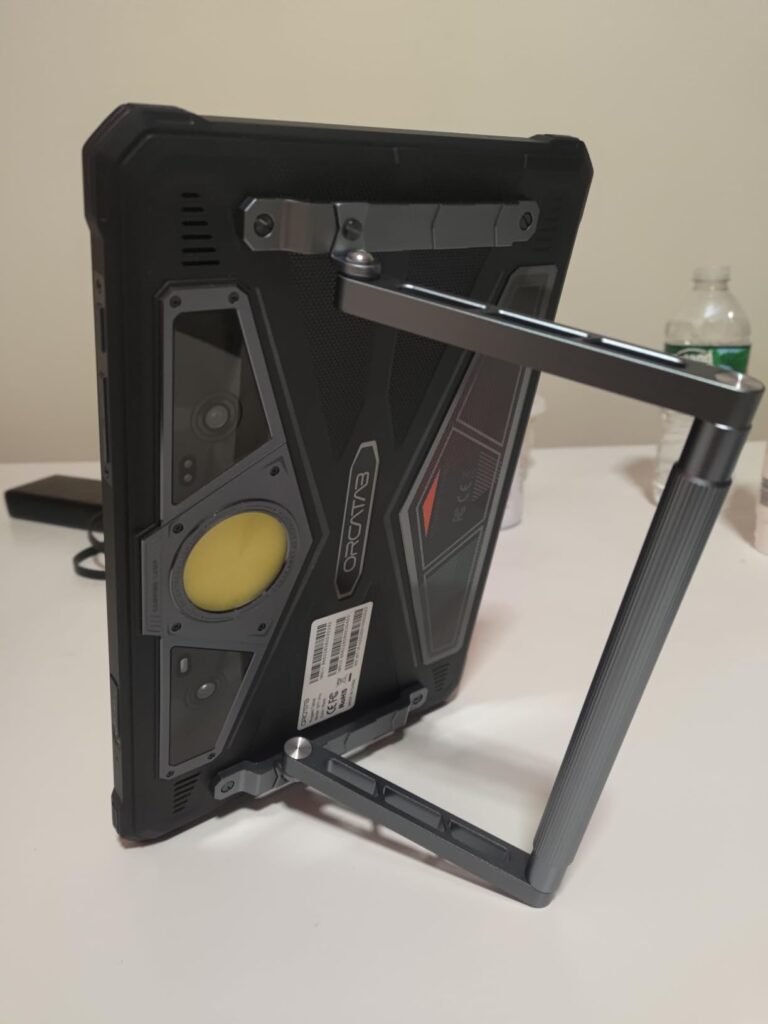
Battery life is exceptional thanks to the 20080mAh cell, which supports up to 120 days of standby and 33W fast charging for quick top-ups. The 380-lumen camping light with SOS mode, OTG reverse charging, and an adjustable aluminum kickstand round out a feature set that leans heavily toward outdoor and field use. The leather hand strap adds security when working at heights or on uneven terrain.
A dedicated night vision camera uses infrared illumination to capture images in conditions where standard sensors produce only noise. On the RUGTAKE T5 Pro, the 20MP night vision module is useful for documenting equipment readings in dark utility rooms, recording wildlife activity, or capturing evidence during nighttime security rounds. The resulting images will have a greenish or monochrome tint typical of IR photography, but the detail is far superior to using a regular camera with flash in complete darkness.
If your work regularly extends into nighttime hours or low-light environments, the T5 Pro offers a combination of night vision, massive battery, and 5G connectivity that is hard to match. Just confirm carrier compatibility with T-Mobile or a supported MVNO before purchasing, as AT&T and Verizon are not supported.
Users on AT&T, Cricket, or Verizon networks, or those who need a lightweight tablet for extended handheld use.
We may earn a commission when you buy through this link, at no additional cost to you.
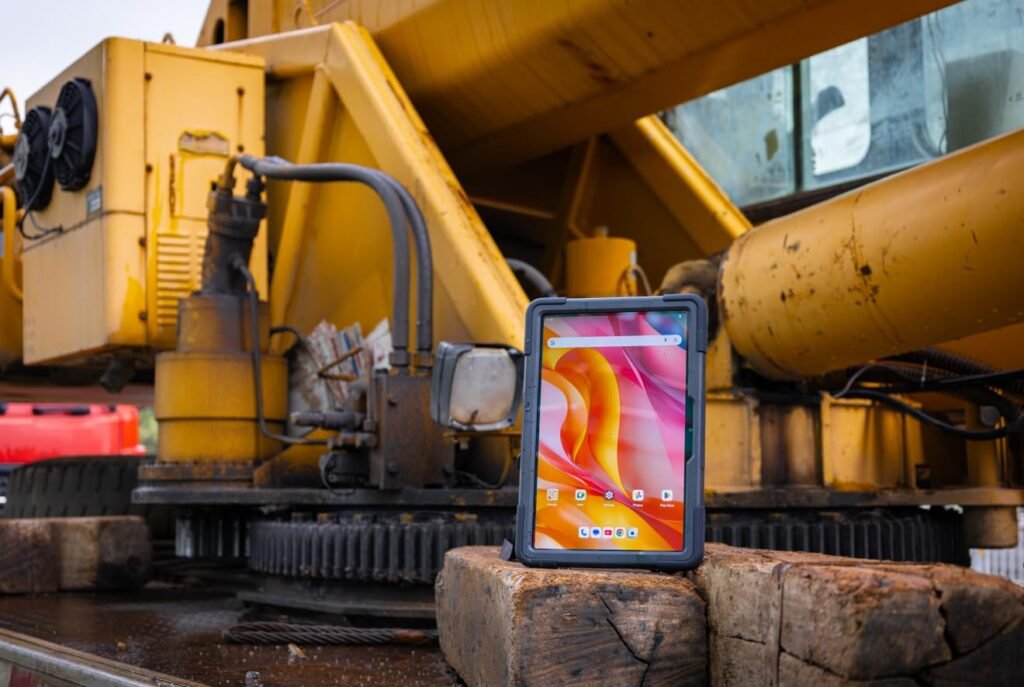
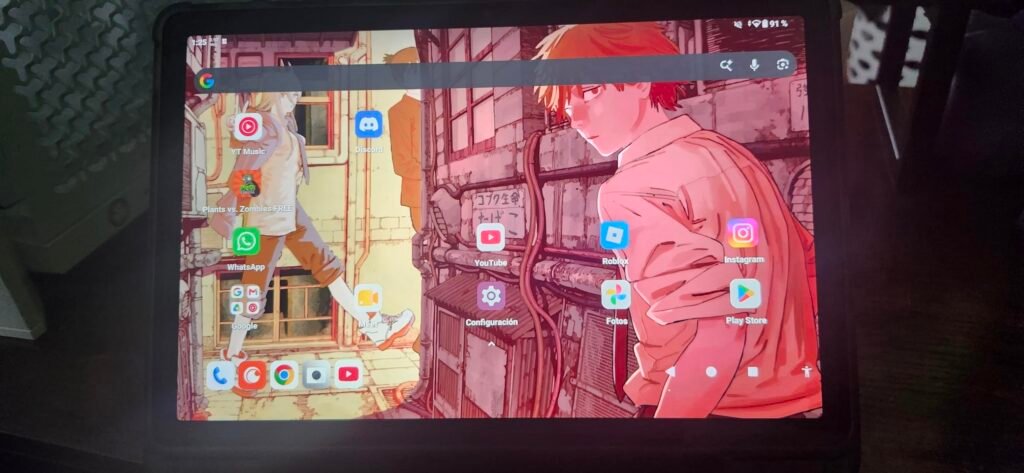
The AGM PAD P2 Active targets workers and adventurers who want a durable Android tablet that also handles entertainment during downtime. Its combination of IP68 and IP69K water resistance with 1.8-meter drop protection places it among the tougher options in this lineup, and the included case adds an extra layer of security right out of the box.
We may earn a commission when you buy through this link, at no additional cost to you.
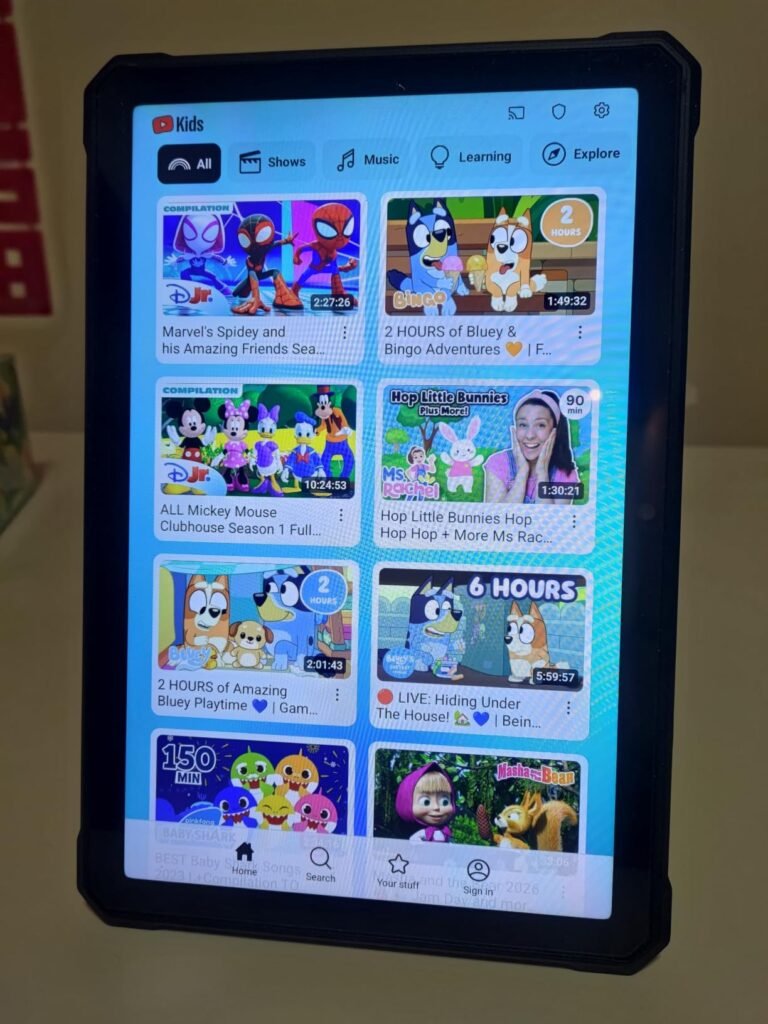
The 11-inch Full HD display runs at 90Hz and reaches 480 nits of brightness, which is a meaningful advantage when you need to read maps or inspection forms under direct sunlight. Widevine L1 certification means Netflix, Prime Video, and similar services stream in full HD rather than dropping to standard definition, a detail that matters if you plan to use this tablet for both work and relaxation.
Under the hood, the MediaTek Helio G99 handles everyday multitasking and moderate app loads without noticeable lag. The 8000mAh battery will comfortably cover a full workday of mixed use, though it falls short of the 20,000mAh cells found in several competitors. Storage starts at 256GB with microSD expansion up to 2TB, and the 50MP rear camera captures detailed site photos in good lighting.
Many rugged tablets lack the DRM certification needed for HD streaming, limiting video playback to 480p on major platforms. The AGM PAD P2 Active carries Widevine L1, which unlocks 1080p streaming on Netflix, Hulu, and similar services. If you spend evenings in a tent or a job-site trailer and want crisp video quality, this certification is a small spec that makes a noticeable difference in everyday enjoyment.
This tablet is a strong fit for buyers who prioritize a bright, streaming-capable screen and solid all-around protection without paying a premium price. If your shifts regularly extend beyond 10 hours away from power, you may want to consider a model with a larger battery, but for typical daily use the AGM PAD P2 Active delivers dependable performance at a reasonable cost.
Buyers who need multi-day battery life without access to charging or who require a Windows operating system for specialized software.
We may earn a commission when you buy through this link, at no additional cost to you.
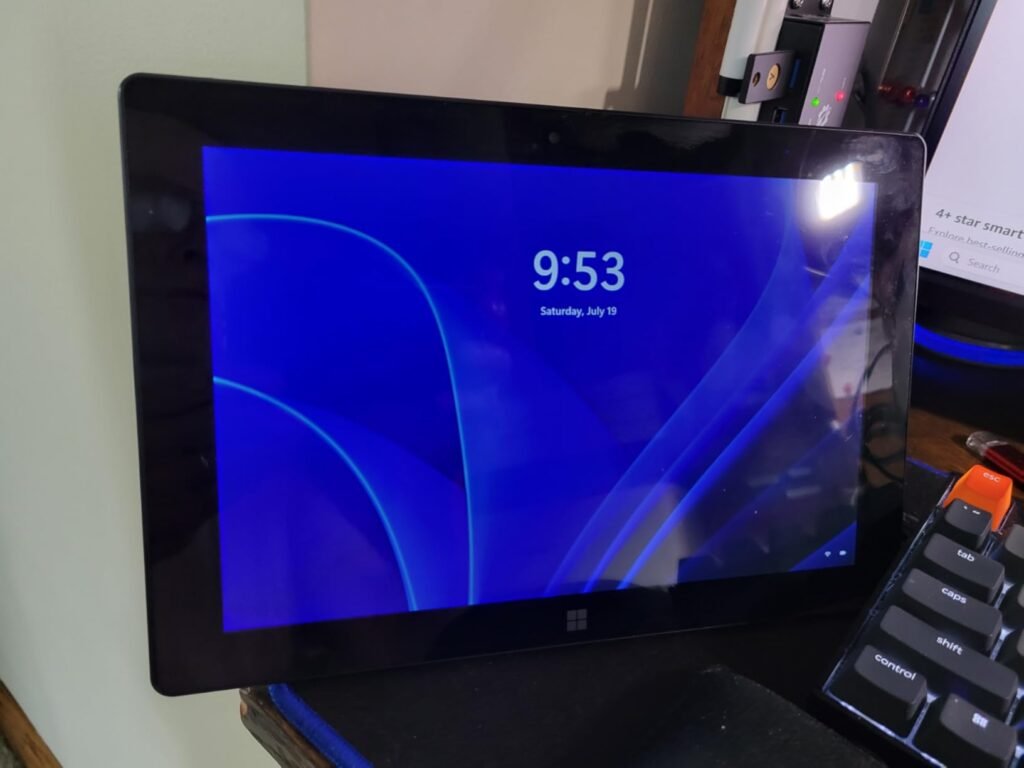
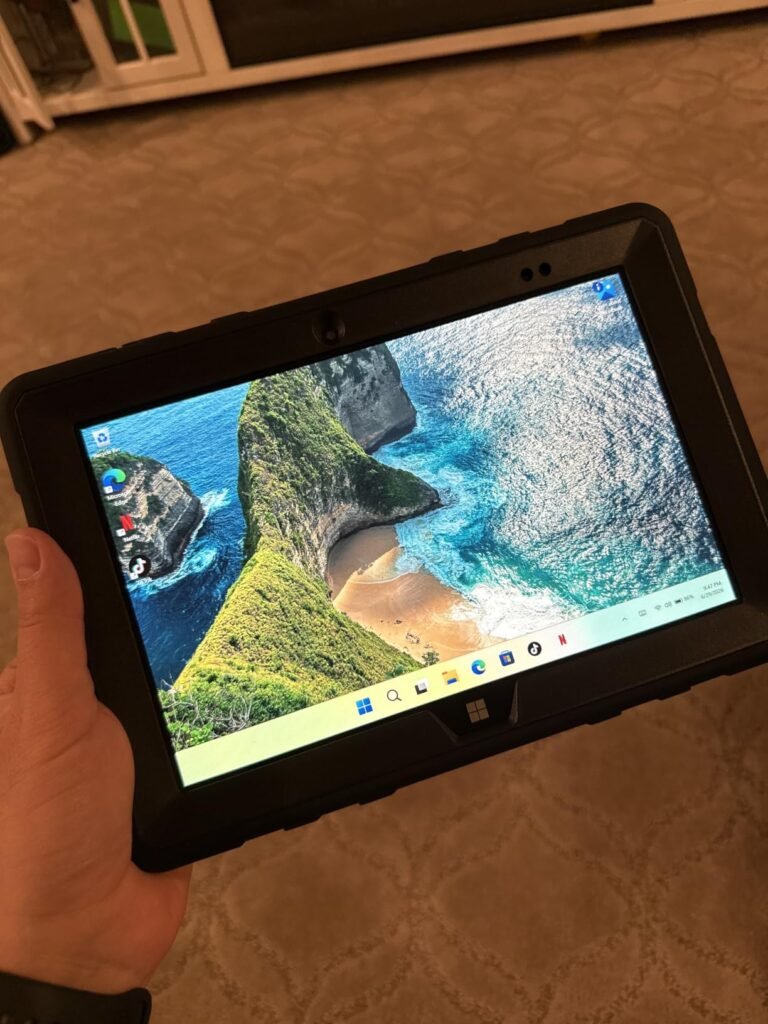
The Fusion5 FWIN232 PRO stands out as one of the few rugged tablets in this group running Windows 11 Professional, making it a natural choice for professionals who rely on desktop-class applications like full Microsoft Office, AutoCAD viewers, or proprietary enterprise software that simply is not available on Android.
We may earn a commission when you buy through this link, at no additional cost to you.
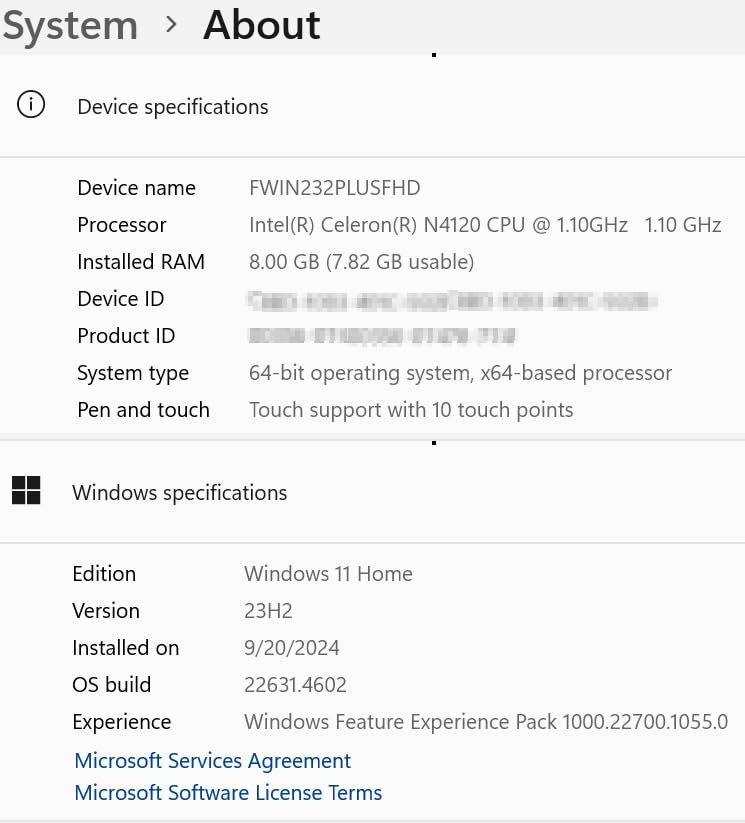
Its Intel 13th Gen Alder Lake N100 processor paired with 12GB of RAM and a 512GB SSD provides genuinely useful computing power for a tablet form factor. You can run multiple browser tabs, spreadsheets, and line-of-business apps simultaneously without the sluggishness that plagues lower-spec Windows tablets. The 10.1-inch Full HD IPS touchscreen reaches 500 nits, which helps with outdoor readability.
Practical touches include covered ports for Micro HDMI, USB Type-C, and USB 3.0, a hands-free strap, and a kickstand for field use. The 6000mAh battery with 30W fast charging will get you through a standard shift, though heavy Windows workloads will drain it faster than lighter Android tasks. The two-year warranty with accidental damage coverage adds meaningful peace of mind for rough environments.
The decision between Windows and Android often comes down to software compatibility. If your company uses legacy Windows programs, Active Directory, or full desktop browsers with specific extensions, a Windows tablet like the Fusion5 is essential. Android tablets offer longer battery life and lower prices for the same hardware tier, but they cannot run .exe files natively. Clarify your software requirements before choosing an operating system.
Choose this tablet if your workflow demands Windows and you need a machine assembled in the United States with strong warranty protection. The higher price reflects the operating system and internal hardware, so buyers who only need Android apps will find better value elsewhere, but for Windows-dependent professionals this is a compelling rugged option.
Budget-conscious buyers who only need Android apps or who require multi-day battery endurance without charging access.
We may earn a commission when you buy through this link, at no additional cost to you.
The ORCATAB WT1 Pro is built for users who need fast cellular data far from Wi-Fi and cannot afford to run out of power. Its 5G dual-SIM capability lets field engineers and remote workers download large files, stream live video feeds, and join cloud-based meetings at speeds that 4G-only tablets simply cannot match.

We may earn a commission when you buy through this link, at no additional cost to you.
The 11-inch 2K display at 120Hz delivers smooth scrolling through technical documents and GPS logs, while 450 nits of brightness keeps the screen legible outdoors. Under the hood, the 6nm Unisoc T8200 octa-core processor with 32GB of combined RAM handles navigation apps, data loggers, and office suites running simultaneously without stuttering.
The 20080mAh battery is the real headline here, providing days of use on a single charge and supporting 33W fast charging when you do find an outlet. OTG reverse charging turns the tablet into a power bank for phones and handheld GPS units. The built-in 380-lumen light doubles as a work lamp and SOS beacon, and the 64MP camera with a 20MP night vision sensor captures usable images in near-darkness.
Not all 5G tablets support the same frequency bands, and carrier compatibility varies widely. The ORCATAB WT1 Pro works with T-Mobile and compatible networks but does not support AT&T, Cricket, or Verizon. Before purchasing any 5G rugged tablet, check the specific bands your carrier uses in your work area. In many rural regions, 5G coverage is still limited, so having dual-SIM 4G fallback remains important for consistent connectivity.
This tablet is ideal for surveyors, pipeline inspectors, and backcountry adventurers who need reliable connectivity and enormous battery reserves. The main limitation is carrier compatibility, so verify that your network is supported before ordering. If you work primarily on T-Mobile or compatible MVNOs, the WT1 Pro is one of the most capable rugged tablets available at this price point.
Users on AT&T, Cricket, or Verizon networks, or buyers who prioritize a lightweight tablet for handheld use over long periods.
We may earn a commission when you buy through this link, at no additional cost to you.
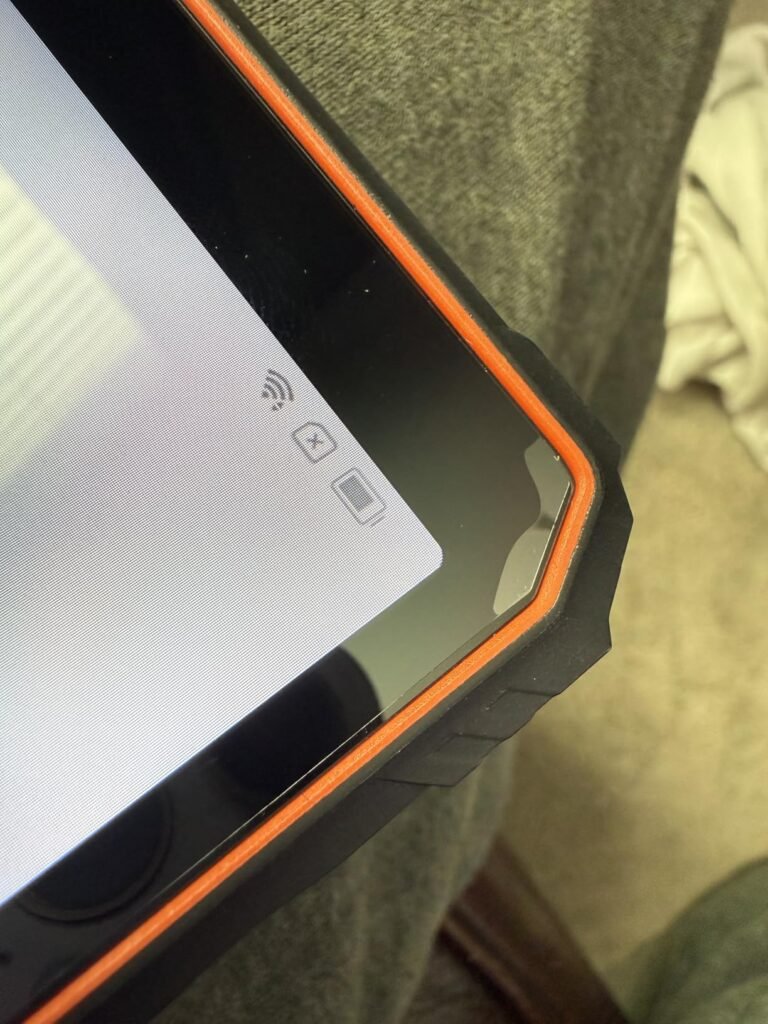
At under $200, the Blackview Active 5 is the most affordable rugged tablet in this comparison, yet it still carries IP68, IP69K, and MIL-STD-810H certifications. That combination of low price and genuine military-grade protection makes it an attractive entry point for small businesses, solo contractors, or anyone who wants a durable device without a major investment.
We may earn a commission when you buy through this link, at no additional cost to you.
The 9-inch 90Hz HD IPS display is smaller than the 11-inch panels on pricier models, which means less screen real estate for split-screen multitasking but also a more compact footprint that is easier to hold with one hand. The 360-nit brightness is adequate for overcast outdoor conditions, though direct midday sun may require shading the screen. Glove mode is a practical addition for cold-weather job sites.
Battery capacity sits at 6600mAh with 18W charging, which is enough for a standard workday of GPS navigation and light app use. The quad-GPS system covering GPS, GLONASS, BeiDou, and Galileo provides fast satellite locks for outdoor positioning. Dual BOX speakers with 8-ohm drivers push enough volume to hear navigation prompts over machinery noise, a detail that matters on construction sites.
Standard capacitive touchscreens do not respond to gloved fingers, which forces workers to remove gloves in cold or hazardous conditions. The Blackview Active 5 includes a dedicated glove mode that increases touch sensitivity, allowing operation with work gloves on. If you work in refrigerated warehouses, winter construction, or chemical handling environments, this feature alone can justify choosing this tablet over a cheaper consumer model.
This tablet is best suited for buyers on a tight budget who need basic rugged protection and reliable GPS for field navigation. If you regularly review large blueprints or need multi-day battery life, stepping up to a larger model will serve you better, but for everyday tasks the Active 5 punches well above its price.
Users who need a large display for detailed blueprint review or who require multi-day battery life without charging access.
We may earn a commission when you buy through this link, at no additional cost to you.
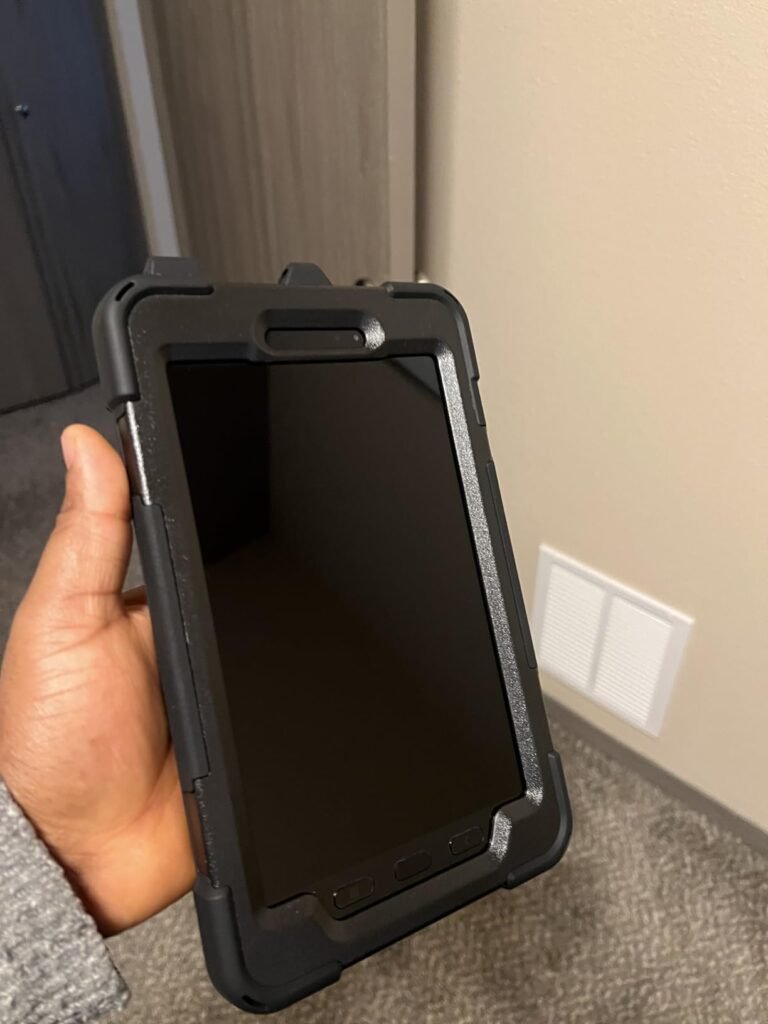
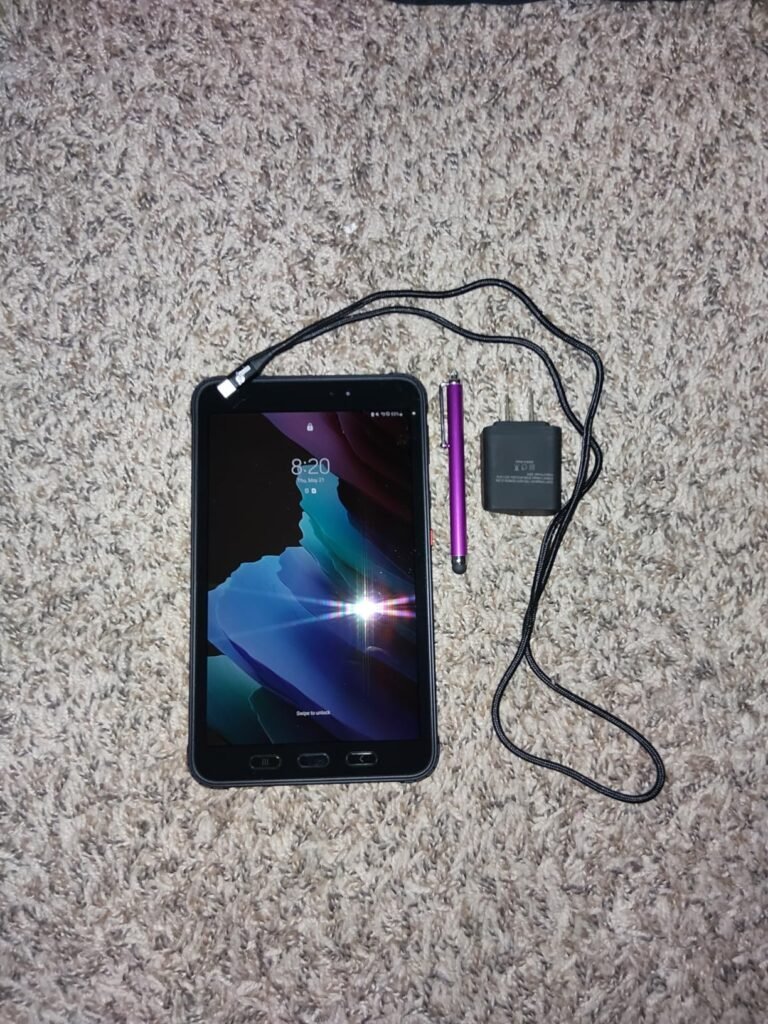
The Samsung Galaxy Tab Active3 is the only renewed device in this guide, and it shows up at a significantly lower price than a new Samsung rugged tablet would command. For buyers who trust the Samsung ecosystem and need a compact, pocketable device for warehouse scanning, delivery routing, or point-of-sale tasks, this 8-inch model fills a niche that larger tablets cannot.
We may earn a commission when you buy through this link, at no additional cost to you.
As an Enterprise Edition device, it supports Samsung Knox security, biometric authentication, and mobile device management platforms that IT departments rely on for fleet deployments. The LTE-unlocked connectivity means you can insert any compatible SIM card without carrier restrictions, which is useful for international travel or multi-carrier operations.
Keep in mind that this is a renewed unit, so cosmetic condition may vary and the included S Pen is generic rather than original Samsung hardware. The rugged case is also not included, which means you will need to budget for a compatible protective cover separately. The 64GB of storage is modest by modern standards, though cloud-based workflows can offset that limitation.
Renewed devices have been inspected, tested, and restored to functional condition by the seller or a third-party refurbisher. They typically carry a shorter warranty than new products and may show minor cosmetic wear. For rugged tablets, the key question is whether the waterproof seals and drop-protection components have been verified after refurbishment. If the device will face extreme conditions, a new unit with full manufacturer warranty may be the safer long-term investment.
This tablet makes the most sense for businesses that already manage Samsung devices and want an affordable, compact unit for light-duty field tasks. Individual buyers should weigh the savings against the renewed condition and missing accessories before committing.
Buyers who want a brand-new device with full manufacturer warranty or who need a large screen for detailed document review.
We may earn a commission when you buy through this link, at no additional cost to you.
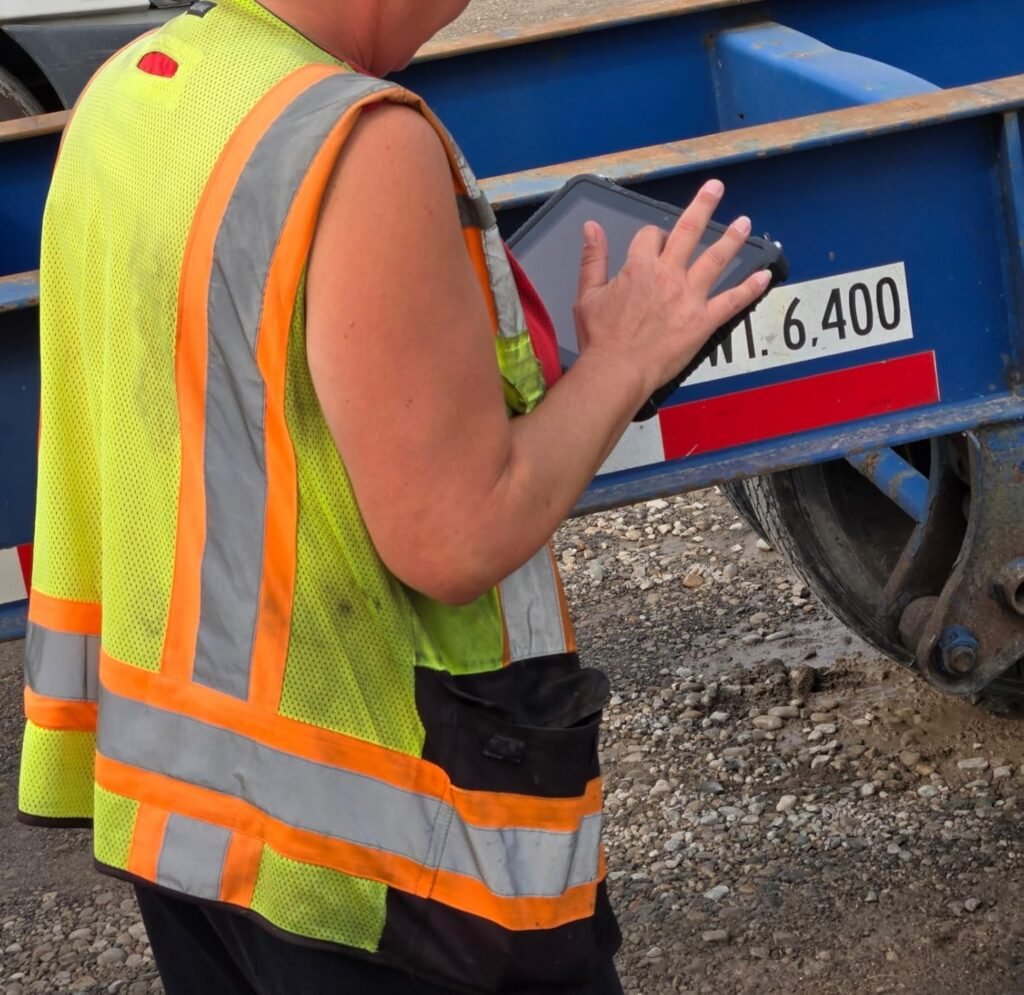
The MUNBYN IRT08 is the most expensive tablet in this guide, and its price reflects a feature set aimed squarely at industrial and enterprise users. Running Windows 11 Pro on an Intel Jasper Lake N5100 processor with 8GB of RAM, it can handle GIS software, AutoCAD Map 3D, and other specialized Windows applications that Android tablets simply cannot run.
We may earn a commission when you buy through this link, at no additional cost to you.
The standout hardware feature is the detachable battery, which can be swapped without a screwdriver in seconds. This is critical for workers on continuous shifts who cannot afford downtime for charging. The U-Blox NEO-7 GPS module integrates with professional geographic information systems like Esri ArcGIS and QGIS, providing the positioning accuracy that surveyors and environmental scientists require.
The 10.1-inch sunlight-readable display uses a specialized visibility film to maintain legibility under intense direct sun, and the MIL-STD-810G certification covers 4-foot drop resistance and high-pressure water jet exposure. Connectivity includes dual-band WiFi, 4G LTE via SIM card, and Bluetooth 5.1 with a 32.8-foot range for peripheral connections.
A detachable battery design allows you to carry spare charged cells and swap them in seconds without shutting down the device or waiting for a recharge. For surveyors, utility inspectors, and logistics workers on back-to-back shifts, this eliminates the single biggest bottleneck of mobile computing. The trade-off is that each individual cell tends to be smaller than the massive sealed batteries in consumer rugged tablets, so you will need to plan your spare battery rotation carefully.
This tablet is designed for professionals who need Windows compatibility, precision GPS, and hot-swap battery capability in a single rugged package. The high price and modest 5000mAh battery capacity mean it is not the best choice for casual outdoor use, but for industrial deployments where software compatibility and positioning accuracy are non-negotiable, the IRT08 justifies its cost.
Casual users, budget shoppers, or anyone who does not need Windows-specific software or professional-grade GPS integration.
We may earn a commission when you buy through this link, at no additional cost to you.
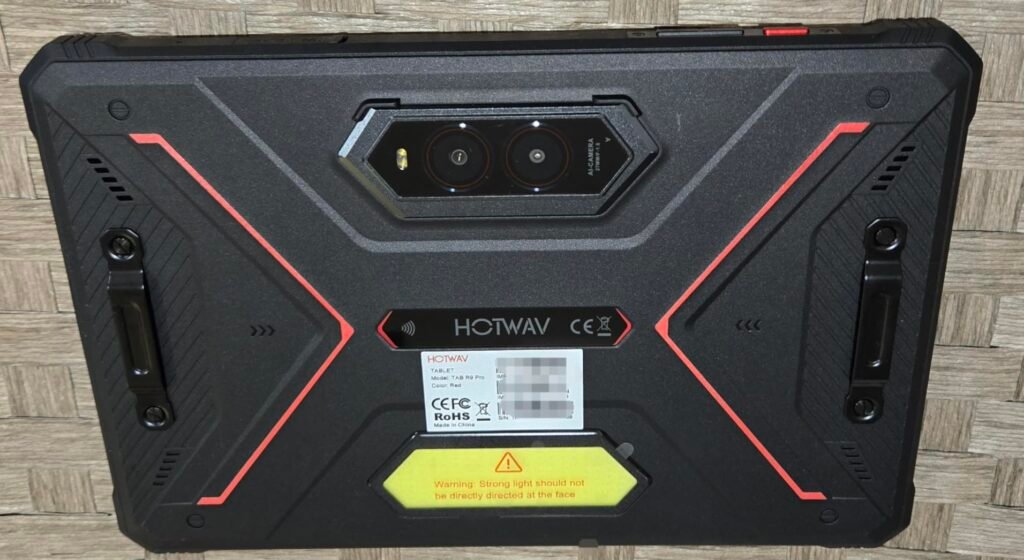
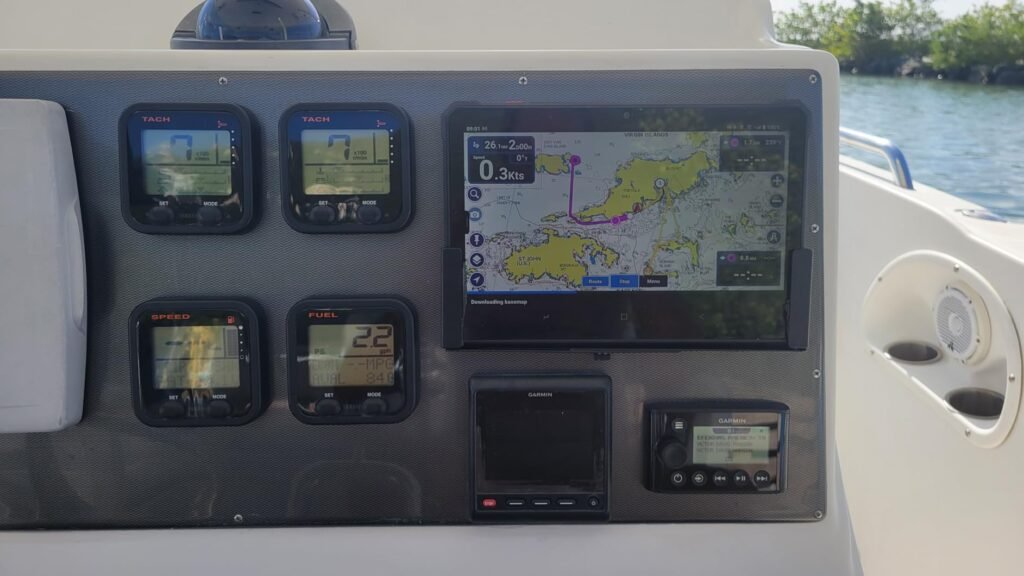
The HOTWAV R9 Pro is a feature-packed rugged tablet that leans into outdoor and adventure use with a 20080mAh battery, underwater camera mode, and a built-in camping light rated for 14 hours of continuous use. If you spend extended periods away from civilization, this combination of endurance and practical accessories reduces the number of separate gadgets you need to carry.
We may earn a commission when you buy through this link, at no additional cost to you.
The 11-inch 2K FHD+ display at 450 nits provides good outdoor visibility for trail maps and navigation apps, while the 64MP rear camera captures detailed landscape and site photos. The underwater shooting mode lets you take photos at shallow depths without a separate waterproof housing, which is a fun and practical feature for kayakers, snorkelers, and shoreline workers.
Performance comes from the Unisoc T606 octa-core processor with 20GB of combined RAM, which handles everyday tasks smoothly but may struggle with heavy gaming or intensive multitasking compared to tablets with more powerful chipsets. The 20W fast charging and OTG reverse charging mean the tablet can double as a power bank for your phone or headlamp during multi-day trips.
OTG reverse charging allows the tablet to output power through its USB-C port to charge smaller devices like smartphones, GPS handhelds, or headlamps. With a 20080mAh battery, the HOTWAV R9 Pro has enough capacity to fully recharge a typical phone multiple times before its own battery is depleted. This is especially valuable on multi-day camping trips or remote job sites where the tablet serves as both a computing device and a centralized power source.
This model is a strong choice for outdoor enthusiasts and field workers who prioritize battery life and versatile camera features over raw processing speed. The two-year warranty and lifetime technical support add long-term value, though buyers on AT&T or Verizon will need to look elsewhere for carrier compatibility.
Power users who need flagship-level processing speed or buyers locked into AT&T, Cricket, or Verizon networks.
We may earn a commission when you buy through this link, at no additional cost to you.
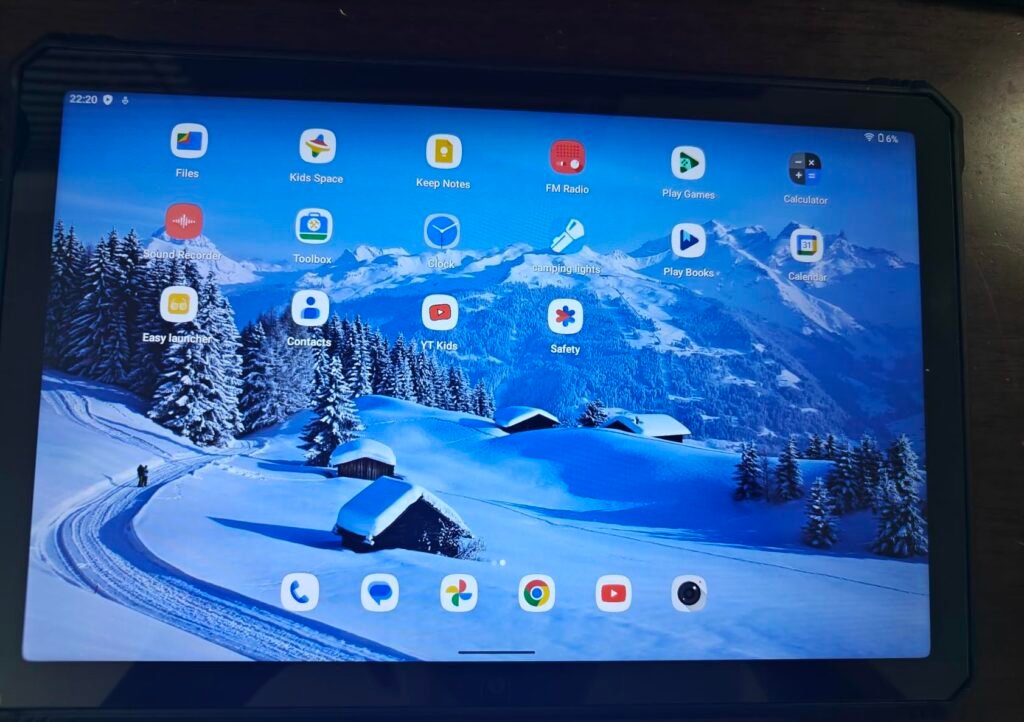
This variant of the HOTWAV R9 Pro distinguishes itself with a Corning Gorilla Glass display, offering superior scratch and impact resistance compared to standard glass panels. For workers in environments where the screen is likely to encounter sand, gravel, or metal tools, Gorilla Glass provides an extra layer of confidence that the display will remain clear and functional over time.
We may earn a commission when you buy through this link, at no additional cost to you.
The 11-inch FHD+ panel runs at 60Hz with 400 nits of brightness, which is adequate for most outdoor conditions but noticeably less smooth than the 90Hz and 120Hz displays on competing models. The Unisoc T606 processor and 20GB of combined RAM handle standard productivity and navigation tasks without issue, and the 256GB of storage with 2TB expansion provides plenty of room for offline maps and media.
Battery life matches the other HOTWAV models at 20080mAh with 20W fast charging and up to 3000 hours of standby. The underwater shooting mode, 64MP main camera, and 14-hour camping light are all present, making this a well-rounded outdoor companion. IP68, IP69K, and MIL-STD-810H certifications cover drops from 1.2 meters and 30 minutes of submersion.
Corning Gorilla Glass is chemically strengthened to resist scratches from keys, sand, and other common abrasives that would mar ordinary glass surfaces. On a rugged tablet used in construction, mining, or beach environments, this can mean the difference between a screen that stays clear for years and one that develops a web of fine scratches within months. While a screen protector can help on any device, Gorilla Glass provides baseline protection that does not rely on an additional accessory.
Choose this version of the R9 Pro if screen durability is your top priority and you can accept a 60Hz refresh rate. The Gorilla Glass upgrade is a meaningful advantage in abrasive environments, and the overall feature set remains competitive at this price point for outdoor and field use.
Users who prioritize smooth scrolling and high refresh rates for gaming or fast document review, or those on AT&T networks.
We may earn a commission when you buy through this link, at no additional cost to you.
The HOTWAV R9 Plus is the upgraded sibling of the R9 Pro models, and it earns the highest rating in this comparison at 4.7 stars. The key improvements are a more powerful Unisoc T7280 octa-core processor, 24GB of combined RAM, and 512GB of internal storage, which together provide noticeably smoother performance for gaming, multitasking, and large file handling compared to the T606-based Pro variants.

We may earn a commission when you buy through this link, at no additional cost to you.
The 11-inch 2K FHD+ IPS display delivers sharp visuals with a 14.5:9 aspect ratio that works well for both landscape video and portrait document viewing. The 20080mAh battery with 20W fast charging and OTG reverse charging provides the same exceptional endurance as the Pro models, and the built-in camping light with adjustable modes adds practical utility for nighttime use.
Connectivity includes 4G LTE dual SIM, dual-band WiFi, Bluetooth 5.0, and quad-satellite GPS positioning. The aluminum alloy kickstand is a step up from the plastic stands on cheaper models, providing a more stable hands-free setup for video calls or reference viewing on uneven surfaces. Face ID unlock and Gemini AI integration round out a feature set that feels premium for the price.
The R9 Plus advertises 24GB of RAM, but it is important to understand that 8GB is physical hardware RAM while the remaining 16GB is virtual memory allocated from storage. Virtual RAM helps keep more apps suspended in the background without reloading, but it does not match the speed of physical RAM for active processing tasks. Even so, 8GB of physical RAM is generous for a rugged tablet in this price range and will handle most multitasking scenarios smoothly.
With the highest owner rating in this guide and a meaningful performance upgrade over its siblings, the HOTWAV R9 Plus is the strongest all-around choice for most buyers. If you need 5G connectivity, look at the ORCATAB or RUGTAKE options, but for 4G users who want the best combination of speed, storage, battery life, and durability, the R9 Plus is hard to beat.
Users who require 5G cellular speeds or who are locked into AT&T, Cricket, or Verizon networks.
We may earn a commission when you buy through this link, at no additional cost to you.
Selecting a rugged tablet involves more than comparing screen sizes and prices. The environment where you will use the device, the software you need to run, and how long you work away from power outlets all shape which model will serve you best. The factors below cover the most important decision points.
Rugged tablets carry two main types of durability ratings: IP codes and MIL-STD certifications. The IP rating consists of two digits, where the first indicates dust protection and the second indicates water resistance. IP68 means the device is fully dust-tight and can survive continuous submersion in water beyond one meter, while IP69K adds protection against high-pressure, high-temperature water jets. Most of the tablets in this guide carry both ratings, which covers everything from rain and splashes to accidental drops in puddles or brief submersion.
MIL-STD-810H is a U.S. military standard that tests devices against a range of environmental stresses including drops, vibration, temperature extremes, humidity, and altitude. A tablet certified to MIL-STD-810H has passed controlled laboratory tests for these conditions, though the specific test parameters can vary between manufacturers. Drop resistance is typically rated at 1.2 to 1.8 meters onto hard surfaces, which covers most accidental falls from hand height or a workbench.
When comparing durability claims, look for specific numbers rather than vague marketing language. A tablet that states IP68 and 1.5-meter drop resistance gives you more actionable information than one that simply says military grade. If your work involves high-pressure washdowns, prioritize IP69K. If you work at extreme altitudes or temperatures, verify that the MIL-STD testing covers those specific conditions.
Screen brightness is measured in nits, and for outdoor use you generally want at least 400 nits to read the display comfortably in direct sunlight. The tablets in this guide range from 360 nits on the budget Blackview Active 5 to 500 nits on the Fusion5 Windows model. Higher brightness improves readability but also consumes more battery power, so there is a practical tradeoff to consider based on how much time you spend outdoors versus indoors.
Resolution and refresh rate affect clarity and smoothness. A 2K display at 1920×1200 pixels provides sharper text and more detailed images than a standard HD panel, which matters when you are reviewing site photos, reading small print on blueprints, or navigating detailed maps. Refresh rates of 90Hz or 120Hz make scrolling through documents and web pages feel noticeably smoother than 60Hz, though the difference is less critical for static content like forms and spreadsheets.
If you work primarily outdoors in bright conditions, prioritize brightness over resolution. A 450-nit HD screen will be more usable in direct sun than a 300-nit 2K screen. For indoor or mixed use, the higher resolution and refresh rate of a 2K 120Hz panel will provide a more pleasant everyday experience. Consider whether you will use the tablet with gloves, as some models include a dedicated glove mode that increases touch sensitivity.
Battery capacity in rugged tablets ranges from around 5000mAh on compact Windows models to over 20,000mAh on the largest Android units. As a rough guideline, a 6000-8000mAh battery will cover a standard 8-10 hour workday of mixed use, while a 20,000mAh cell can extend to multiple days of moderate use or provide enough reserve to charge other devices via OTG reverse charging. The tradeoff is weight and bulk, as larger batteries add significant mass to the tablet.
Charging speed matters when you have limited access to power. A 33W fast charger can replenish a large battery much more quickly than a standard 10W adapter, turning a lunch break into a meaningful recharge opportunity. Some models like the MUNBYN IRT08 offer detachable batteries that can be swapped in seconds, which is the most efficient solution for continuous-shift operations where downtime is not an option.
Before choosing a battery size, estimate your typical daily usage pattern. If you return to a vehicle or office every evening, an 8000mAh battery with fast charging is usually sufficient. If you spend multiple days in the backcountry or on remote job sites without reliable power, the extra weight of a 20,000mAh model is a worthwhile tradeoff for the peace of mind it provides.
The choice between Android and Windows is often the most consequential decision when buying a rugged tablet, because it determines which software you can run. Android tablets are generally more affordable, offer longer battery life for the same hardware tier, and provide access to millions of mobile apps through the Google Play Store. They are ideal for navigation, data collection, communication, and media consumption in the field.
Windows tablets run full desktop applications including Microsoft Office, AutoCAD, GIS platforms, and proprietary enterprise software that has no mobile equivalent. They also integrate more easily with corporate IT infrastructure, Active Directory, and mobile device management systems. The tradeoff is higher cost, shorter battery life under comparable workloads, and typically heavier hardware due to the cooling and storage requirements of a desktop operating system.
Start by listing the specific applications you need to run. If everything on your list is available as an Android app or through a web browser, an Android tablet will save you money and provide better battery life. If even one critical application requires Windows, you will need to choose a Windows model regardless of the other tradeoffs. Do not assume that a web-based version of your software will work offline in areas with poor connectivity.
Many rugged tablets include SIM card slots for 4G LTE or 5G cellular data, which is essential for field workers who operate beyond Wi-Fi range. However, carrier compatibility varies significantly between models. Several tablets in this guide work only with T-Mobile and compatible MVNOs like Mint Mobile and Google Fi, and explicitly do not support AT&T, Cricket, or Verizon. This limitation is due to the specific frequency bands and network technologies each tablet supports.
5G connectivity provides faster download and upload speeds than 4G LTE, which matters when you need to transfer large files, stream live video, or access cloud-based applications in real time. However, 5G coverage is still limited in many rural and remote areas, so having reliable 4G fallback is equally important. Dual-SIM capability lets you maintain separate work and personal lines or switch between carriers depending on coverage in your work area.
Before purchasing, check your carrier’s frequency bands against the tablet’s supported bands, which are usually listed in the product specifications. If you travel internationally, look for models with broad global band support. Remember that even a 5G-capable tablet will fall back to 4G in areas without 5G coverage, so do not pay a premium for 5G if your work locations primarily have 4G service.
Rugged tablets designed for outdoor and field use typically include multi-satellite GPS receivers that support GPS, GLONASS, BeiDou, and Galileo constellations. Using multiple satellite systems simultaneously improves positioning accuracy and reduces the time needed to acquire a fix, especially in challenging environments like dense forests, urban canyons, or mountainous terrain where a single satellite system may have limited visibility.
Some models go further with professional-grade GPS modules like the U-Blox NEO-7 found in the MUNBYN IRT08, which integrates with GIS software for surveying, mapping, and environmental monitoring. These modules provide sub-meter accuracy that is sufficient for many professional applications, though they come at a higher price than consumer-grade GPS chips. Built-in compass sensors and barometric altimeters add additional navigation data for backcountry use.
If you need the tablet primarily for turn-by-turn driving navigation or basic location tracking, any model with quad-satellite GPS will be adequate. If your work requires precise geospatial data collection, invest in a model with a professional GPS module and verify that it is compatible with the specific GIS software your organization uses.
Storage and RAM requirements depend heavily on your use case. For basic navigation, communication, and form filling, 128GB of storage with 6-8GB of RAM is sufficient. If you need to store large offline map libraries, high-resolution site photos, or video recordings, look for 256GB or more of internal storage with microSD expansion up to 2TB. Many rugged tablets advertise inflated RAM figures that combine physical and virtual memory, so check the physical RAM specification separately.
Processor choice affects how smoothly the tablet handles multitasking and demanding applications. The MediaTek Helio G99 and Unisoc T8200 are capable mid-range chips that handle everyday tasks well, while the Intel N5100 and 13th Gen Alder Lake processors in Windows tablets provide the x86 architecture needed for desktop software. For Android users who plan to run heavy games or complex data visualization apps, a more powerful processor will provide a noticeably smoother experience.
Be cautious of headline RAM numbers that include large amounts of virtual memory. A tablet advertising 32GB of RAM may actually have only 6-8GB of physical RAM with the rest allocated from storage. Virtual RAM helps with background app retention but does not improve active processing speed. Focus on the physical RAM figure and the processor model when comparing performance between models.
Rugged tablet cameras have improved significantly, with main sensors now reaching 50-64 megapixels on several models in this guide. While these cameras will not replace a dedicated DSLR, they are more than capable of capturing detailed site documentation, inspection photos, and evidence images in good lighting. Front cameras in the 8-16MP range handle video calls and selfies adequately.
Some models include specialized camera features that go beyond standard photography. Night vision cameras use infrared illumination to capture images in near-total darkness, which is valuable for security patrols and wildlife observation. Underwater shooting modes allow you to take photos at shallow depths without a separate waterproof housing, useful for marine inspections and water sports. These features add versatility but should not be the primary reason for choosing a tablet unless they directly support your workflow.
If photography is a secondary use case, any of the 50-64MP cameras in this guide will serve you well for documentation purposes. If you need professional-quality images in challenging lighting, consider whether a dedicated camera or smartphone might be a better tool, and choose your rugged tablet based on its computing and durability strengths instead.
Before heading into the field, take time to configure your tablet for the conditions you will encounter. Enable glove mode if your device supports it, download offline maps for your work area, and adjust screen brightness to balance visibility with battery conservation. Set up any required VPN connections, mobile device management profiles, or enterprise security certificates while you still have reliable Wi-Fi access, as configuring these in the field with a weak cellular signal can be frustrating and time-consuming.
Regular maintenance extends the life of your rugged tablet significantly. After exposure to saltwater, mud, or chemical dust, rinse the device with clean freshwater and dry it thoroughly before charging. Inspect port covers and seals periodically for cracks or debris that could compromise waterproofing. Clean the display with a microfiber cloth rather than abrasive materials, and avoid using harsh chemical cleaners that could degrade the oleophobic coating or damage rubber gaskets around buttons and ports.
Battery longevity benefits from smart charging habits. Avoid letting the battery drain completely on a regular basis, as deep discharge cycles accelerate capacity loss over time. If your tablet supports fast charging, use it when you need a quick top-up but consider slower charging overnight when time allows, as high-wattage charging generates more heat that can stress the battery cells. Store the tablet in a cool, dry place when not in use, and if you plan to leave it unused for several weeks, charge it to approximately 50 percent before powering it down.
IP68 means the tablet is fully dust-tight and can survive continuous submersion in water beyond one meter depth, typically for 30 minutes or more. IP69K adds protection against high-pressure, high-temperature water jets, which is important for environments where equipment is regularly washed down with industrial cleaning equipment. A tablet with both ratings offers the most comprehensive liquid and dust protection available.
Most IP68-rated rugged tablets can survive brief submersion at shallow depths, and some models include dedicated underwater camera modes for photography. However, waterproof ratings are tested under controlled laboratory conditions with fresh water, and real-world factors like saltwater, chlorinated pools, and water pressure from depth can affect performance. Always check the specific depth and duration limits for your model before intentionally submerging it.
No, carrier compatibility varies significantly between models. Many rugged tablets in this guide support T-Mobile and compatible MVNOs like Mint Mobile and Google Fi but do not work with AT&T, Cricket, or Verizon due to differences in supported frequency bands and network technologies. Always verify the specific carrier compatibility listed in the product specifications before purchasing, especially if you rely on a particular network for coverage in your work area.
Battery life depends on capacity and usage patterns. A 6000-8000mAh battery typically covers a full 8-10 hour workday of mixed use, while a 20,000mAh battery can extend to two or three days of moderate use. Heavy GPS navigation, continuous cellular data, and high screen brightness will drain the battery faster. Many large-battery models also support OTG reverse charging, allowing the tablet to serve as a power bank for other devices.
The choice depends on your software requirements. If you need to run desktop applications like full Microsoft Office, AutoCAD, GIS platforms, or proprietary enterprise software, a Windows tablet is necessary. If your workflow relies on mobile apps, web-based tools, and navigation software, an Android tablet will provide better battery life and lower cost. List your critical applications first, then choose the operating system that supports them.
MIL-STD-810H is a U.S. military standard that tests equipment against environmental stresses including drops, vibration, temperature extremes, humidity, sand and dust exposure, and altitude changes. A tablet with this certification has passed controlled laboratory tests for these conditions, though the specific test parameters can vary between manufacturers. Look for details on drop height, temperature range, and specific test methods to understand what the certification actually covers for a given model.
Some rugged tablets include a dedicated glove mode that increases touchscreen sensitivity to detect input through work gloves. This feature is essential for cold-weather operations, chemical handling, and construction sites where removing gloves is impractical or unsafe. Check the product specifications for glove mode support, as not all rugged tablets include this feature even if they meet other durability standards.
Inspect port covers, SIM card trays, and charging port seals regularly for cracks, debris, or wear that could compromise waterproofing. After exposure to saltwater or muddy conditions, rinse the tablet with clean freshwater and dry it thoroughly. Avoid opening sealed compartments unnecessarily, and ensure all covers are firmly closed before exposing the device to water. If a seal appears damaged, contact the manufacturer for replacement parts before using the tablet in wet conditions.
Physical RAM is the actual hardware memory installed in the tablet, while virtual RAM is storage space temporarily allocated to act as additional memory. Virtual RAM helps keep more apps suspended in the background without reloading, but it operates at storage speeds rather than true RAM speeds. When comparing tablets, focus on the physical RAM figure for active performance and treat virtual RAM as a supplementary benefit for multitasking.
If your tablet will be exposed to drops, water, dust, extreme temperatures, or rough handling, a rugged model is a worthwhile investment that can prevent costly replacements and data loss. For office-only use in controlled environments, a standard consumer tablet with a protective case may be sufficient. Consider the replacement cost and downtime risk of a broken consumer tablet versus the upfront premium of a purpose-built rugged device when making your decision.
The HOTWAV R9 Plus stands out as the strongest all-around choice for most buyers, combining a powerful processor, generous storage, a 20080mAh battery, and the highest owner rating in this comparison. Its 24GB of combined RAM and 512GB of internal storage provide headroom for demanding multitasking, and the aluminum kickstand and camping light add practical value for field use. If you need 4G connectivity on a T-Mobile-compatible network, this tablet delivers the best balance of performance and endurance.
For buyers with different priorities, the lineup offers strong alternatives. The ORCATAB WT1 Pro and RUGTAKE T5 Pro add true 5G speeds and night vision cameras for users who need fast cellular data and low-light documentation. The Blackview Active 5 provides genuine rugged protection at the lowest price point, while the Fusion5 and MUNBYN models serve professionals who require Windows 11 Pro for desktop-class software. The Samsung Galaxy Tab Active3 offers a compact, enterprise-ready option at a renewed price for budget-conscious fleet deployments.
Before making your final decision, confirm carrier compatibility with your specific network, verify that the operating system supports your critical applications, and honestly assess how long you typically work away from power sources. Matching the tablet to your actual workflow rather than chasing the highest specifications will lead to the most satisfying long-term purchase. Any of the 10 models in this guide can serve you well when aligned with the right use case.