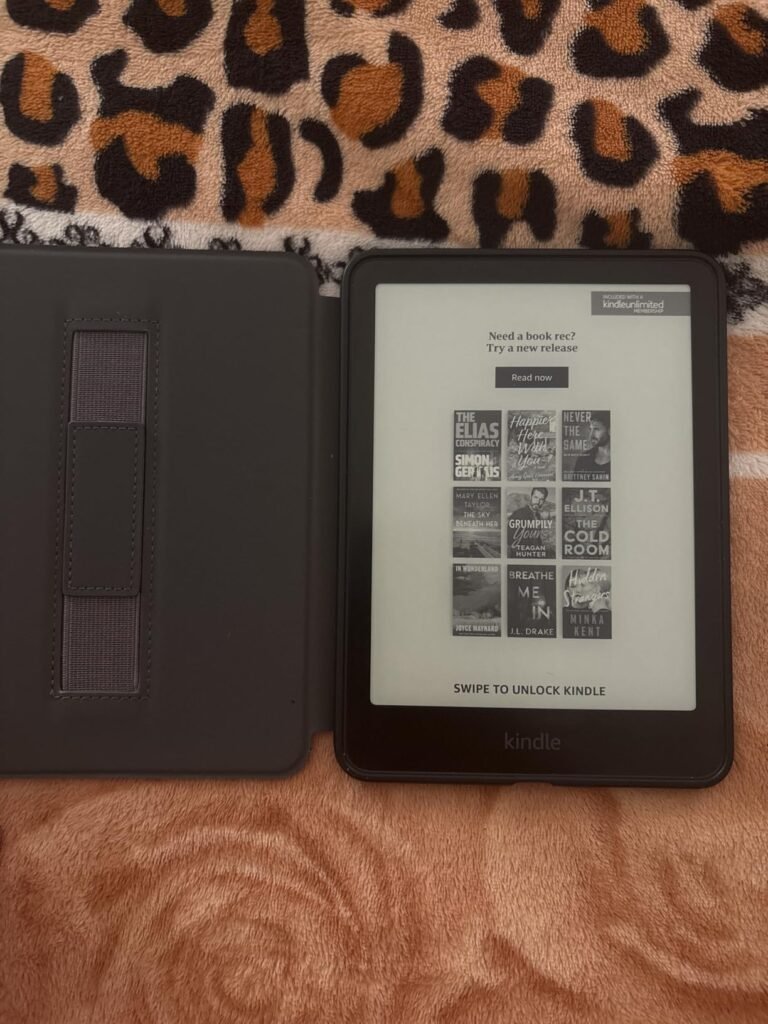
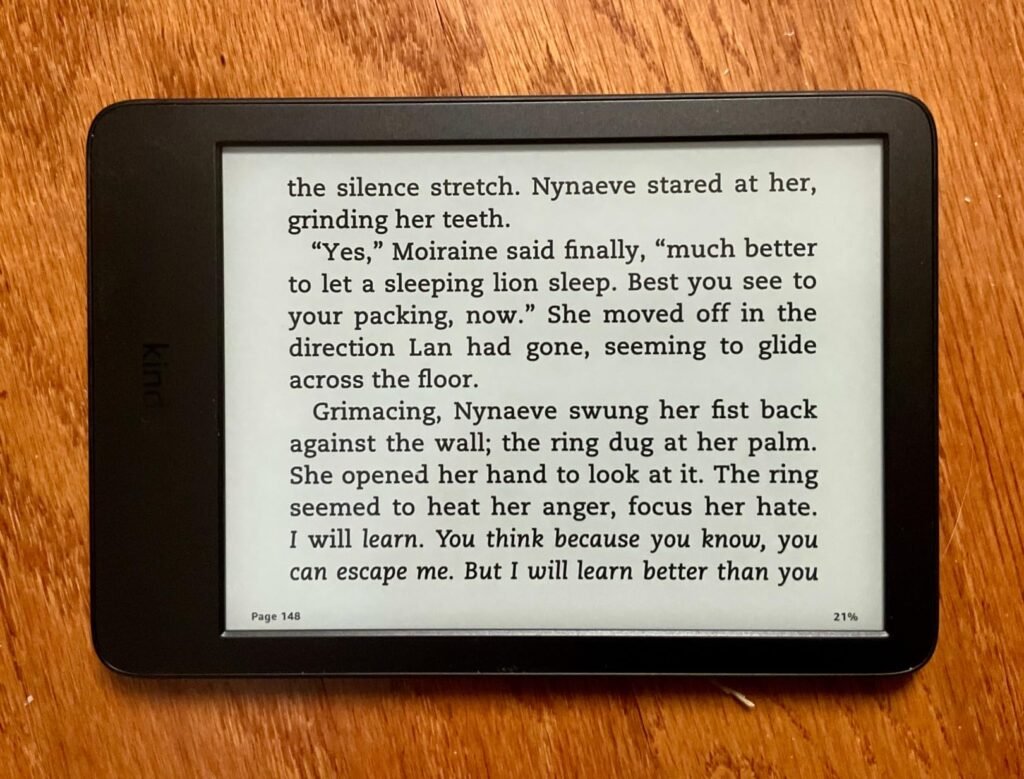
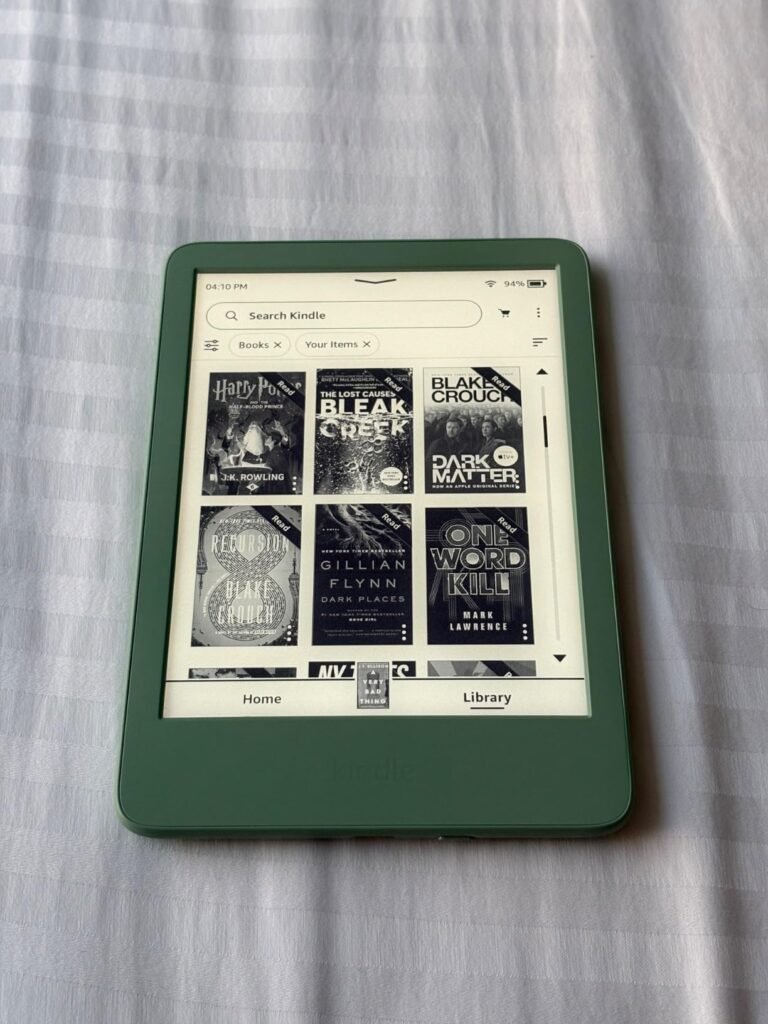
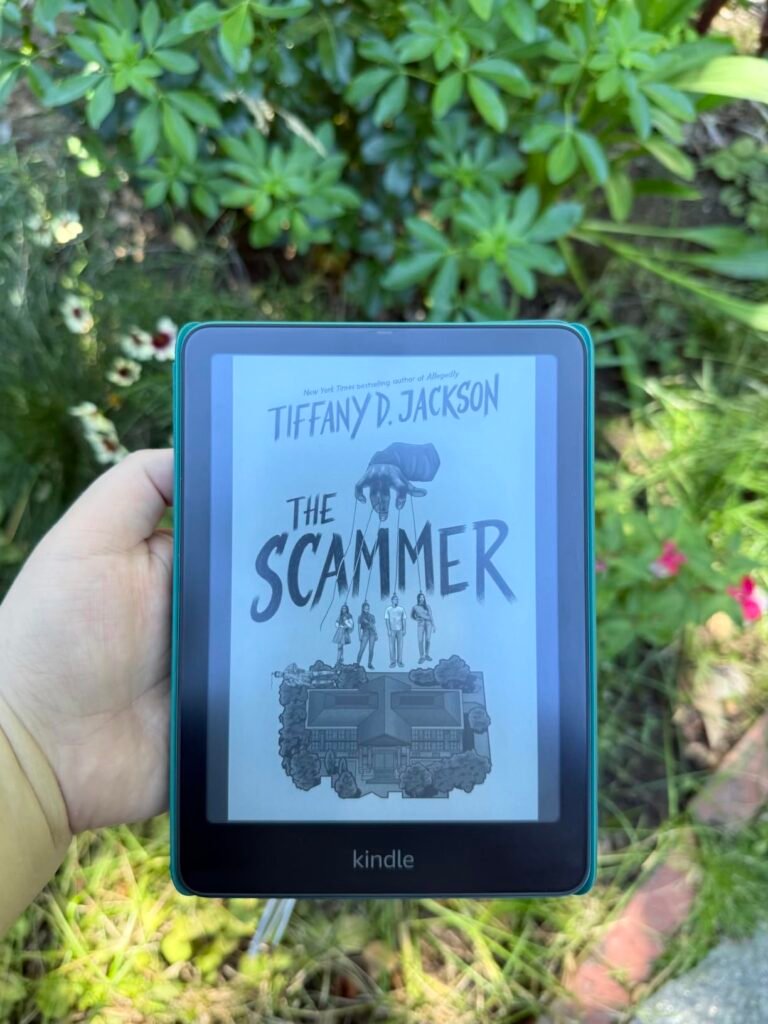
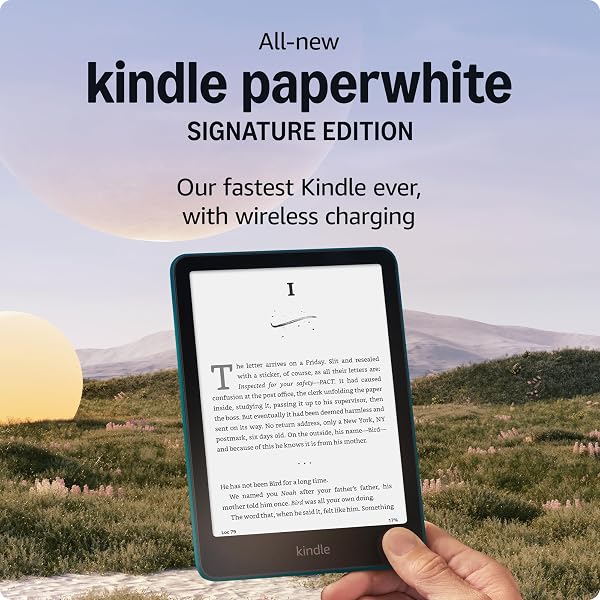
Kindle Paperwhite 2024
9.2Editor score7-inch glare-free display
16GB internal storage
12-week battery life
IPX8 waterproof rating
Find the right kindle e readers for 2026. We compare 10 standout options by build quality, useful features, owner feedback, value, and everyday trade-offs.

Find the right Kindle e-readers for 2026. We compare 10 standout models by the factors that matter most in this category, including display size and contrast, storage capacity, battery life, waterproofing, front light adjustability, wireless charging support, weight, refurbished value, and how well each device fits different reading habits and lifestyles.
The Kindle lineup now spans compact entry-level readers, the flagship Paperwhite, a color Colorsoft edition, and the large 11-inch Scribe with pen input. Choosing the right one depends on where you read, how long your sessions run, whether you want color or note-taking, and how much you value premium extras like wireless charging.
This guide breaks down each Kindle with clear specifications, honest limitations, and practical guidance so you can match a device to your reading routine without overpaying for features you will not use or missing an upgrade that would genuinely improve your daily experience.
We compared 10 Kindle e-readers using the details that actually help a buyer decide: display size and resolution, contrast ratio and page-turn speed, storage capacity, battery life, waterproof rating, front-light quality and warm-light adjustability, wireless charging, weight and thickness, warranty coverage, refurbished versus new value, and owner feedback. The notes focus on practical trade-offs so each pick connects to how people actually read at home, travel with an e-reader, or take handwritten notes during study and work sessions.


Compare key features, scores, and current prices side by side. A shorter feature list means fewer details were available, not necessarily fewer capabilities.


This refurbished Signature Edition earns the highest owner rating of any Kindle in this guide at 4.8 stars, suggesting that the like-new refurbishment process consistently delivers a device that meets or exceeds owner expectations. If you want the top-tier Paperwhite features at a discount and are comfortable with refurbished hardware, this is a compelling value.

We may earn a commission when you buy through this link, at no additional cost to you.
The specifications match the new Signature Edition exactly: 7-inch Paperwhite display with higher contrast ratio and 25% faster page turns, auto-adjusting front light, wireless charging support, 32GB of storage, and up to 12 weeks of battery life per charge. The metallic black finish gives the device a subtle, professional look that pairs well with a range of cover options.
The auto-adjusting front light is arguably the most useful upgrade over the standard Paperwhite, especially for anyone who reads throughout the day across changing light conditions. Combined with the warm-light option that shifts screen tone from white to amber, the device essentially manages its own display comfort without requiring you to change settings manually. Wireless charging with a compatible dock (sold separately) adds a small but genuine convenience for bedside use.
A 4.8-star rating on a refurbished device suggests that most buyers receive units in genuinely like-new condition and are satisfied with both the hardware and the packaging experience. High owner ratings on refurbished electronics are often an even stronger positive signal than on new devices because buyers actively evaluate whether the refurbishment quality meets expectations.
Refurbished devices go through Amazon’s inspection and certification process and carry the same limited warranty as new units. Packaging may be generic Amazon-branded boxes rather than retail packaging, which matters primarily for gift-giving. For personal use where warranty protection and cost savings are the priorities, this refurbished Signature Edition represents the strongest value in the current Signature tier.
Not the right choice if you specifically need retail packaging for gift-giving purposes.
We may earn a commission when you buy through this link, at no additional cost to you.
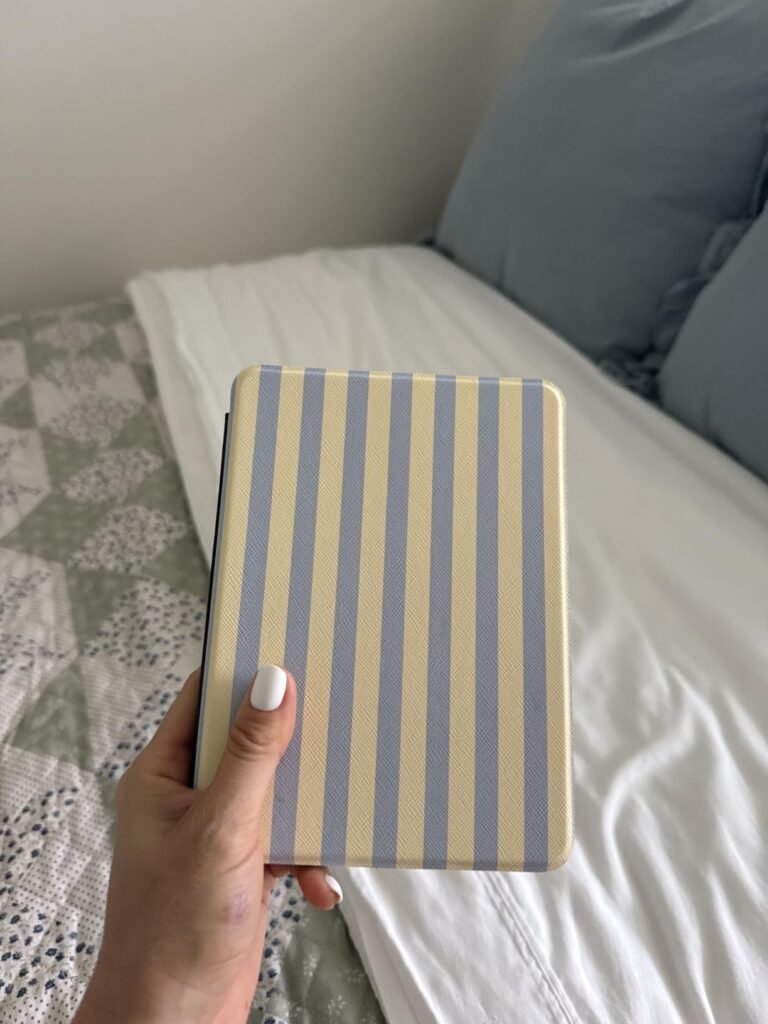
The current-generation Kindle Paperwhite is the model most readers should consider first. It hits the sweet spot in the lineup with a 7-inch glare-free display, 16GB storage, waterproofing for poolside or bathtub reading, and the fastest page turns yet on a Paperwhite. For most buyers, it delivers everything you actually need without paying for extras that might go unused.
We may earn a commission when you buy through this link, at no additional cost to you.
The display is the star of the show. The higher contrast ratio produces crisper text against the paper-like background, and the 25% faster page turns compared to the previous generation reduce the small hitch that can pull you out of a story. The 7-inch screen is noticeably more spacious than the base 6-inch Kindle while remaining light and easy to hold one-handed for long stretches.
Battery life stretches up to 12 weeks per charge, which realistically means you charge it monthly unless you read for hours daily. USB-C charging matches modern phones and laptops, so you can travel with fewer cables. The waterproof rating gives you real freedom to read in the bath, by the pool, or at the beach without constant worry about splashes and spills.
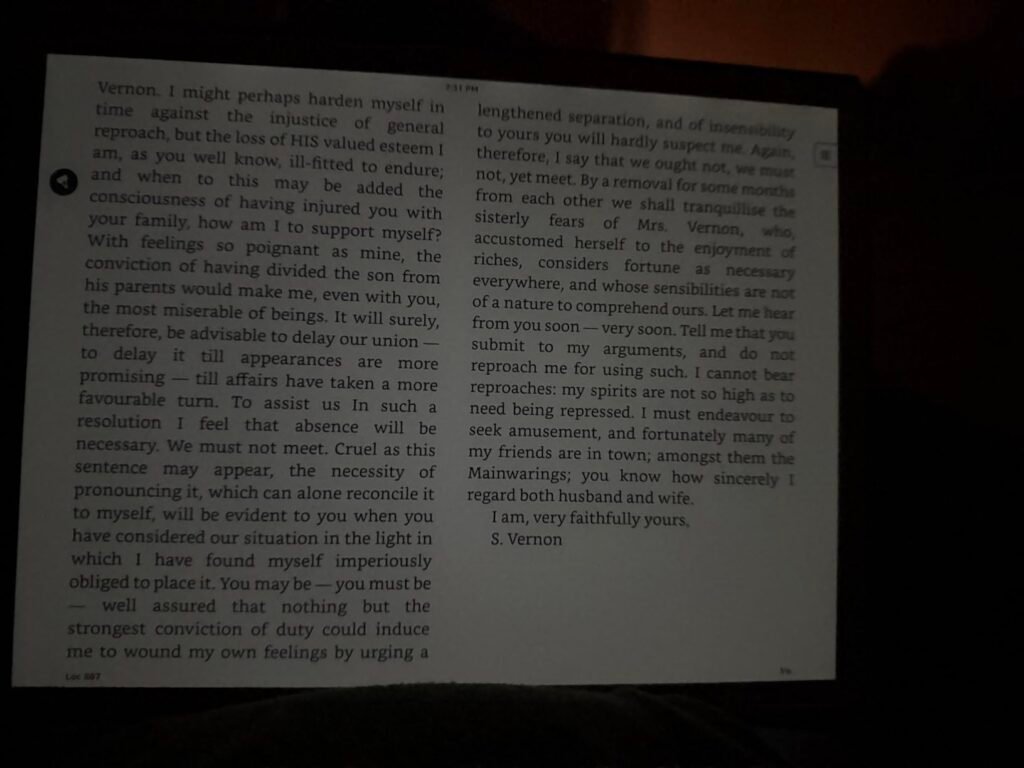
The adjustable warm light lets you shift the display from a cool white to an amber tone that mimics the effect of dimming and warming a bedside lamp. This reduces the blue light exposure that can interfere with sleep and simply feels more comfortable during evening reading sessions. Most readers who try it end up leaving warm light enabled after sunset as a default.
The main things you give up compared to the Signature Edition are wireless charging, the auto-adjusting front light, and the larger 32GB storage. If you rarely change light settings manually and do not need a charging dock, this base Paperwhite delivers essentially the same reading experience for meaningfully less money. For most Kindle shoppers, this is the model to buy.
Not the best fit for buyers who want wireless charging, auto-brightness, or color display capability.
We may earn a commission when you buy through this link, at no additional cost to you.
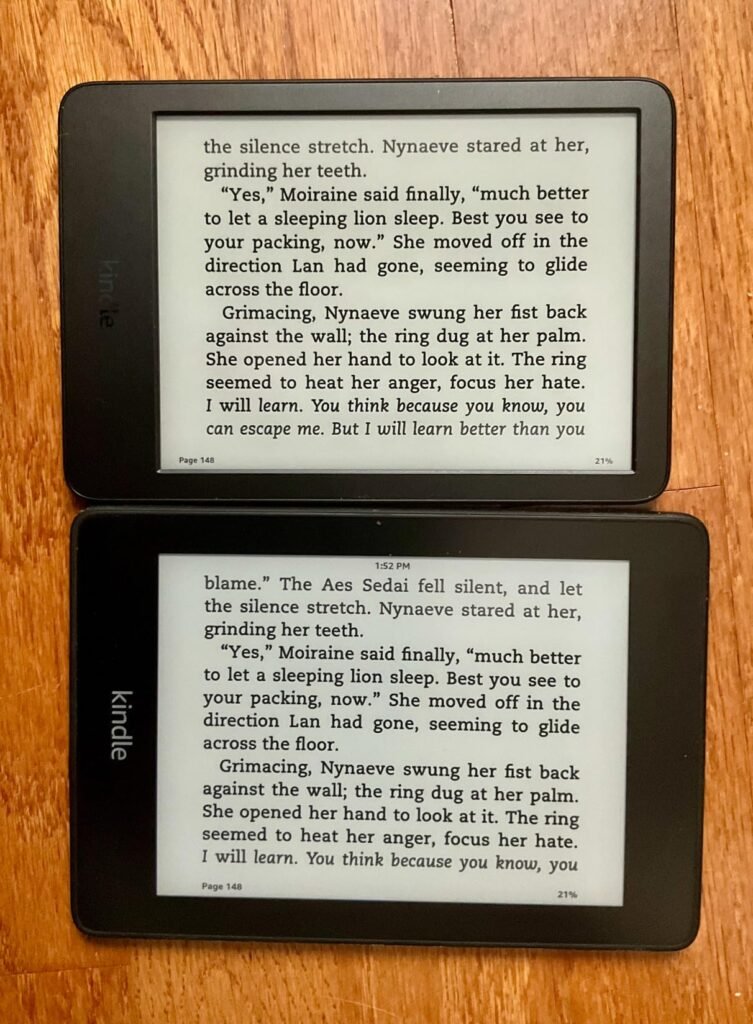
The current-generation base Kindle is the most affordable entry point into the current lineup and delivers the essential Kindle experience in the smallest, lightest package available. If you primarily read at home or during commutes and do not need waterproofing or a large screen, this model provides genuine long-term reading enjoyment at a lower cost than the Paperwhite.
We may earn a commission when you buy through this link, at no additional cost to you.
The updated model brings meaningful improvements over its predecessor: 25% brighter front light at maximum setting, higher contrast ratio for sharper text, and faster page turns. The 6-inch display is compact but perfectly readable, and the reduced size makes it easier to slip into a coat pocket, a small purse, or a carry-on side pouch when you travel.
Battery life reaches up to six weeks per charge, so occasional readers may go months between charges. The 16GB storage holds thousands of books, which is far more than most readers will ever need. Amazon has also emphasized sustainability with this generation, using 75% recycled plastics and 90% recycled magnesium, plus fully recyclable packaging.
Choose the base Kindle if you primarily read indoors on a couch, in bed, or during commutes; if a lower purchase price matters more than premium features; and if you rarely take your e-reader to environments where water exposure is a real risk. It is also an excellent first Kindle for a child or teenager who is developing a reading habit.
The main compromises are the lack of waterproofing and no warm-light adjustment. If you read in the bath, poolside, or by the beach, upgrade to the Paperwhite. If you read at night and value warm-tone lighting for better sleep, that is another reason to step up. For everyone else, this base Kindle delivers the core Amazon reading experience at the best price in the current lineup.
Not suitable for pool, bath, or beach reading, and lacks the warm-light option for late-night sessions.
We may earn a commission when you buy through this link, at no additional cost to you.
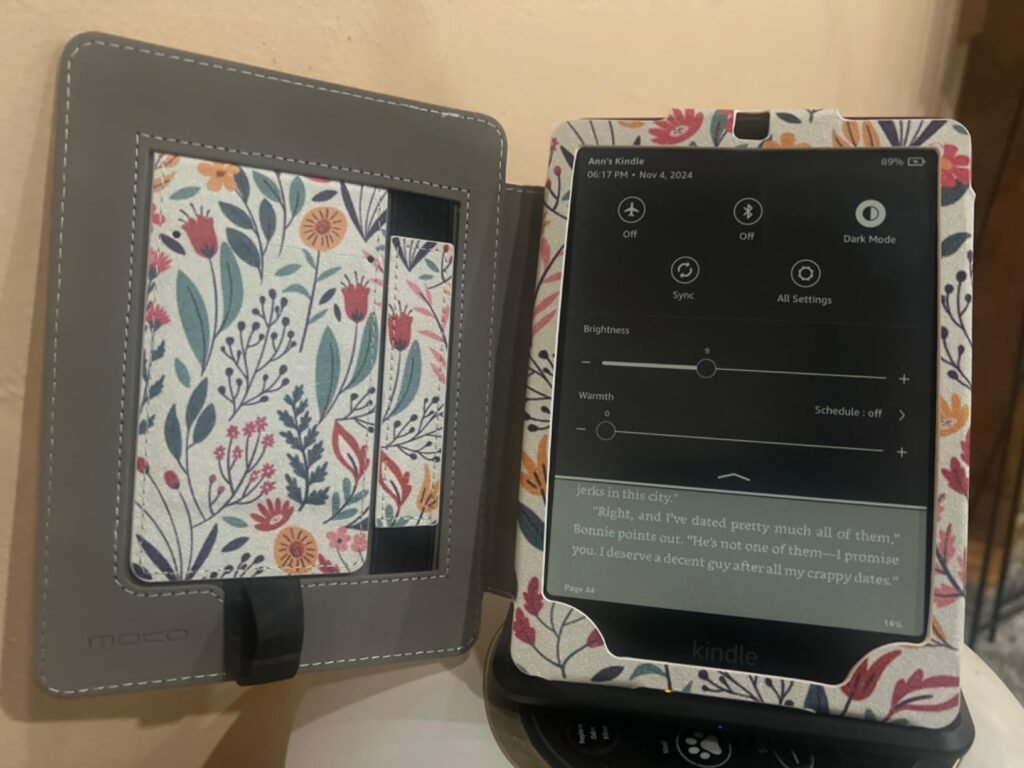
The Paperwhite Signature Edition builds on the standard Paperwhite with three meaningful upgrades: an auto-adjusting front light that responds to ambient brightness, wireless charging support, and 32GB of storage. If you often move between bright outdoor light and dim indoor environments, these upgrades can genuinely improve daily use.
We may earn a commission when you buy through this link, at no additional cost to you.
The auto-adjusting front light is the most practical upgrade. Instead of manually raising and lowering brightness as you move from a sunny patio to a shaded room to a dark bedroom, the device handles this automatically. Combined with the warm-light option, this creates a hands-off reading experience that adapts throughout the day and night without pulling you out of your book to fiddle with settings.
Wireless charging support pairs with a compatible Qi charging dock (sold separately) to let you set the Kindle down on a bedside stand without plugging in a cable. It is a small convenience, but paired with the 12-week battery life, most owners charge so infrequently that the dock becomes a subtle luxury rather than a necessity. The 32GB storage doubles the capacity of the base Paperwhite, which matters most if you download many audiobooks or maintain a large library of illustrated titles.
The Signature Edition includes a small ambient light sensor that measures the brightness of your surroundings and automatically raises or lowers the front-light intensity to match. This mimics how a well-designed printed book naturally reflects available light without ever becoming too dim or too glaring. It is especially useful during outdoor reading, where light conditions can change throughout an afternoon.
The main question is whether the roughly 50-dollar upgrade over the base Paperwhite is worth it for your reading style. If you read primarily indoors under consistent light and rarely change brightness manually, the standard Paperwhite delivers essentially the same reading experience for less. If you value hands-off convenience and want the flexibility of wireless charging, the Signature Edition is a worthwhile step up.
Not the best choice for buyers who read in consistent indoor lighting and rarely need to adjust brightness.
We may earn a commission when you buy through this link, at no additional cost to you.
The Kindle Colorsoft Signature Edition brings color e-ink to the Kindle lineup, opening up new possibilities for reading illustrated books, cookbooks, comics, magazines, and children's titles that lose impact in black and white. This like-new refurbished unit offers the same experience as a new device with the same limited warranty, at a lower price point.

We may earn a commission when you buy through this link, at no additional cost to you.
The 7-inch color display uses a paper-like coating designed for extended reading rather than the vivid saturation of a tablet. Colors appear softer and more muted, which is intentional: the goal is comfortable reading rather than eye-catching brightness. Book covers, character illustrations, and diagrams gain meaningful visual character, and the four-color highlighting option (yellow, orange, blue, and pink) lets you organize notes visually across a book.
Battery life reaches up to eight weeks per charge, which is shorter than the black-and-white Paperwhite’s 12 weeks due to the color display’s additional demands. That is still exceptional compared to a tablet or phone, and most readers will only need to charge monthly. The device supports wireless charging with a compatible dock, includes 32GB of storage, and provides waterproofing for the same worry-free reading in wet environments.
Amazon’s Like-New program refurbishes returned or lightly used devices, tests them to certified working condition, and sells them with the same limited warranty as new devices. Packaging may be generic Amazon-branded boxes rather than retail packaging. For buyers comfortable with these differences, refurbished Kindles offer meaningful savings without sacrificing warranty protection.
Color e-ink is a relatively new technology and the trade-offs are real. Colors are noticeably less saturated than LCD or OLED screens, and if you primarily read text-only novels, you gain little from the color capability. For readers who consume graphic novels, cookbooks, art books, magazines, or children’s illustrated titles, the Colorsoft is the only Kindle that makes those experiences work properly. For everyone else, the standard Paperwhite is a better value.
Not the best choice for readers who consume mostly text-based novels and would not benefit from color capability.
We may earn a commission when you buy through this link, at no additional cost to you.
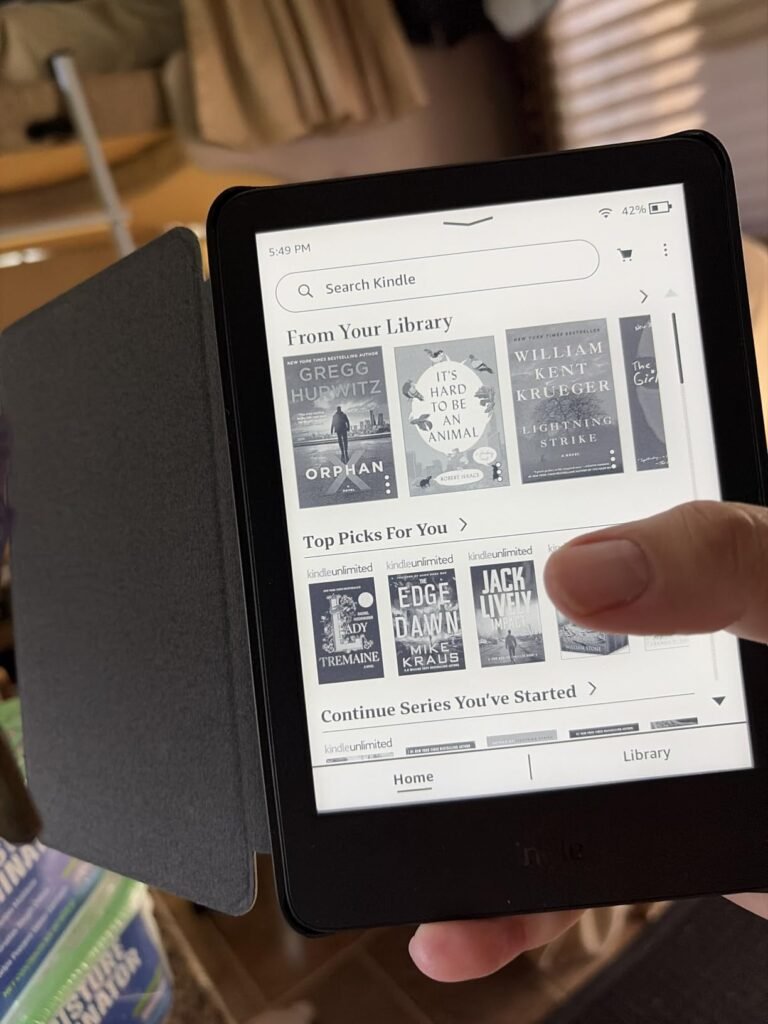
This Like-New Kindle offers the same current-generation base model at a refurbished discount, backed by Amazon's warranty and certification process. If you want the smallest, most affordable current Kindle and are comfortable with a refurbished device, this is a smart way to save on the entry point to Kindle ownership.
We may earn a commission when you buy through this link, at no additional cost to you.
The specifications match the new version exactly: 6-inch glare-free display, 25% brighter front light, higher contrast ratio, faster page turns, up to 6 weeks of battery life, and 16GB of storage. Dark mode is available for evening reading, and the compact size makes this the most portable Kindle in the current lineup. Every unit is tested and certified to work like new before shipping.
The refurbishment process typically involves inspecting returned devices, replacing any worn components, updating software, and repackaging. Packaging may be generic Amazon-branded boxes rather than retail packaging, which is a minor consideration if you plan to use the device rather than give it as a gift. The limited warranty coverage matches new devices, so you have the same protection if something goes wrong.
Refurbished Kindles from Amazon go through inspection, testing, and certification before being sold. The savings are typically 10 to 20 percent versus new. If the packaging appearance does not matter to you and you want warranty protection, refurbished is a smart way to reduce the purchase price. For gifting or if unopened retail packaging is important, buy new.
As with the new base Kindle, the trade-offs are the lack of waterproofing and no warm-light adjustment. For anyone who reads primarily at home or on commutes and wants the lowest current-Kindle price with warranty protection, this like-new option delivers strong value. If gifting is the goal and unopened retail packaging matters, choose the new version instead.
Not ideal for gift-giving where retail packaging matters or for readers who need waterproofing.
We may earn a commission when you buy through this link, at no additional cost to you.
The previous-generation Kindle Paperwhite remains one of the most highly rated e-readers in the entire Amazon catalog, earning a 4.7-star average from owners. If availability, price, or a strong owner-review history matter to you, this earlier Paperwhite continues to deliver an excellent reading experience even after the newer model launched.

We may earn a commission when you buy through this link, at no additional cost to you.
The 6.8-inch flush-front display with 300 ppi resolution and adjustable warm light delivers text quality that most readers find indistinguishable from the current 7-inch generation. Page turns are 20% faster than the model it replaced, and battery life reaches up to 10 weeks per charge. The waterproof design lets you take the device to the bath, pool, or beach without concern.
This model also supports Audible pairing over Bluetooth, letting you connect headphones or speakers and switch between reading and listening seamlessly. This is particularly useful for switching from silent reading at home to audio playback during a commute or workout without needing a separate device. USB-C charging keeps cable requirements simple.
Pairing a Kindle with an Audible subscription and Bluetooth headphones lets you switch between reading and listening to the same book across formats. This is especially useful for long commutes, exercise, or household chores when your hands or eyes are occupied. Your progress syncs across formats so you never lose your place when switching between reading and listening.
The main differences versus the current Paperwhite are the slightly smaller display, 8GB of storage instead of 16GB, and older-generation hardware. If you find this model at a strong price and appreciate the strong owner-review history, it remains a genuinely excellent Kindle. For most new buyers, the current-generation model offers meaningful improvements worth the modest price difference.
Not the best pick if you want the latest hardware generation or need larger 16GB or 32GB storage.
We may earn a commission when you buy through this link, at no additional cost to you.
The Kindle Scribe is a fundamentally different product from other Kindles. Its 11-inch display, included pen, and built-in notebook features transform the device into a note-taking and document-annotation tool that also happens to be an excellent e-reader. For students, professionals, and anyone who takes handwritten notes, the Scribe is in a category of its own.

We may earn a commission when you buy through this link, at no additional cost to you.
The textured display surface combined with the responsive pen creates a genuinely paper-like writing feel that most digital styluses cannot match. The pen never needs charging, includes a built-in eraser, and has a shortcut button for tools like the highlighter. AI features can convert handwriting to text, generate summaries of your notes, and answer questions about what you have written, adding meaningful functionality beyond basic digital paper.
Document handling is a standout capability. You can import files from Google Drive or Microsoft OneDrive, add handwritten markup, and export as PDFs. Notebooks can also be sent to Microsoft OneNote for editing on other devices, creating a cross-platform workflow that few dedicated e-readers offer. For reading, the 11-inch display shows more text per page than any other Kindle and supports handwritten margin notes that shift text to make room.
The Scribe’s AI tools can search across all your handwritten notes, generate summaries of long notebooks, and answer questions about your written content. It can also clean up messy handwriting or convert it to typed text for exporting. These features turn handwritten notes into searchable, editable content without the friction of manual typing, which is a significant productivity gain for heavy note-takers.
The trade-offs are size, weight, and price. At 11 inches, the Scribe is not a one-handed reading device; it works best on a lap, desk, or with a stand. The price is also the highest in the lineup by a wide margin. For students, executives, researchers, and anyone who consistently combines reading with note-taking or document review, the Scribe justifies its cost. For pure reading, a Paperwhite is more practical and less expensive.
Not the best choice for readers who want a compact, one-handed e-reader focused purely on reading.
We may earn a commission when you buy through this link, at no additional cost to you.
The Kindle Oasis remains a favorite among Kindle enthusiasts for its unique combination of physical page-turn buttons and an ergonomic asymmetric grip. If you have wrist fatigue from touchscreens or simply prefer the tactile feedback of pressing a physical button to advance pages, no current-generation Kindle matches the Oasis for this specific reading experience.

We may earn a commission when you buy through this link, at no additional cost to you.
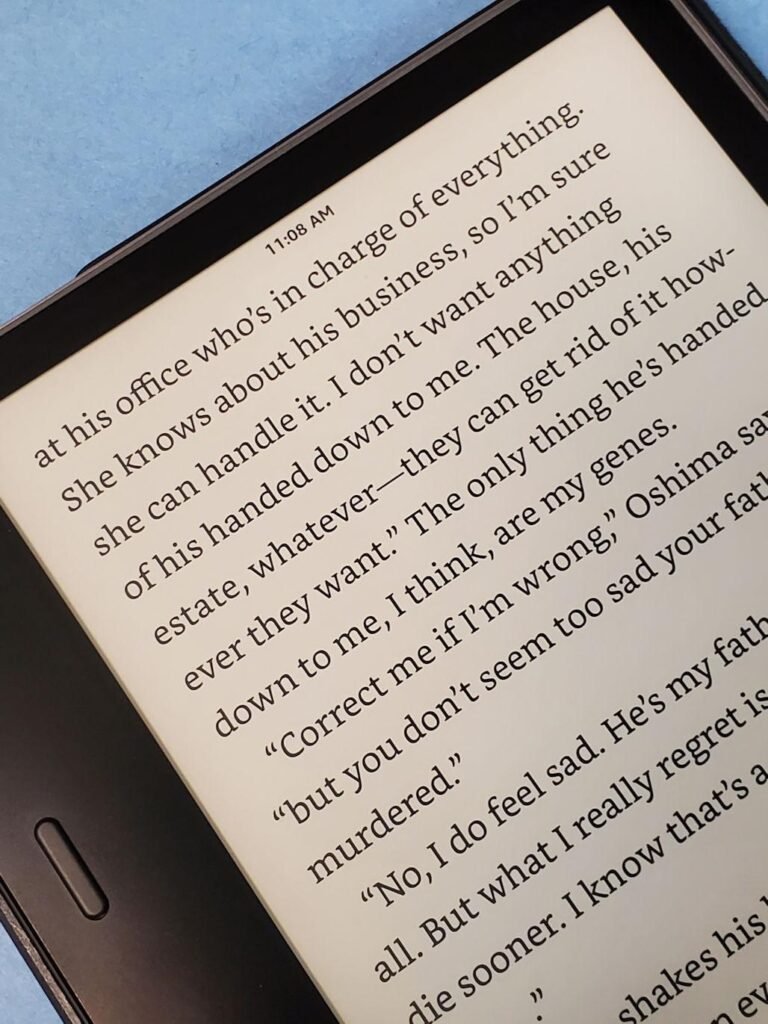
The 7-inch flush-front display uses the same 300 ppi resolution that made Paperwhite screens the standard for e-ink reading quality. Adjustable warm light lets you shift from cool white daytime reading to warm amber evening sessions, and the IPX8 waterproof rating means the device can survive accidental immersion in water. The thin, light design combined with the grip section makes single-handed reading comfortable for extended periods.
Audible support through Bluetooth headphones or speakers gives you the same read-and-listen flexibility available on newer Paperwhite models. Instant access to millions of books, newspapers, and audiobooks through the Kindle Store keeps content variety strong even though the hardware is from an earlier generation.
Physical page-turn buttons let you advance pages without lifting your thumb or reaching across the screen, which reduces hand fatigue during long reading sessions and prevents accidental page turns from resting fingers. Some readers with arthritis or hand injuries strongly prefer buttons over touchscreens, and buttons work reliably even when your hands are damp from bath or pool reading.
The main considerations are that the Oasis is older hardware and typically priced higher than the current Paperwhite despite offering fewer generational improvements. What you pay the premium for is the physical buttons and ergonomic design, which no current Kindle offers. For buyers who specifically want physical page-turn buttons, the Oasis is the only option in the lineup and remains worth considering. For everyone else, the current Paperwhite delivers better value with newer hardware.
Not the best value if you do not specifically need physical page-turn buttons or the ergonomic grip design.
We may earn a commission when you buy through this link, at no additional cost to you.
This bundle packages the Paperwhite Signature Edition in jade with a matching fabric cover and a wireless charging dock, delivering the complete premium Kindle experience in a single purchase. If you plan to buy the cover and dock separately anyway, the bundle typically saves money compared to purchasing each item individually.

We may earn a commission when you buy through this link, at no additional cost to you.
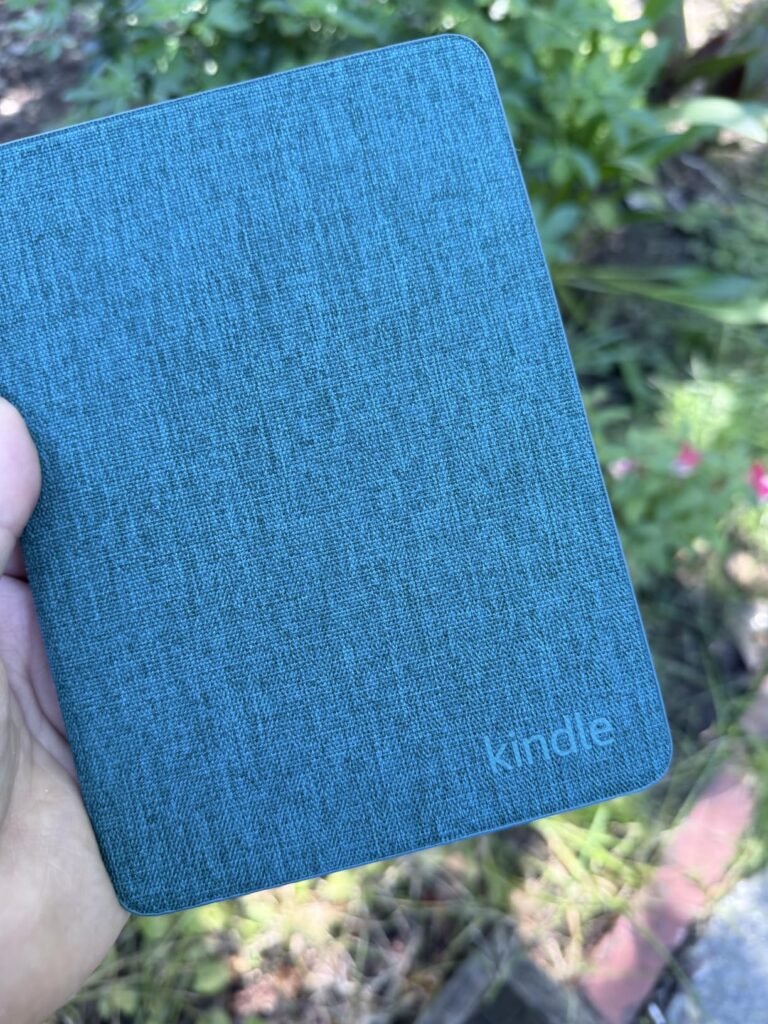
The Signature Edition core specifications include the 7-inch Paperwhite display with 25% faster page turns and higher contrast ratio, auto-adjusting front light, 32GB storage, up to 12 weeks of battery life, and waterproofing. The fabric cover opens and closes like a book, automatically waking and sleeping the device, and folds back for comfortable one-handed reading. The wireless charging dock lets you set the Kindle down on a bedside table without connecting a cable.
The jade colorway extends across all three bundle components, giving the setup a cohesive premium appearance that many owners appreciate. The fabric material of the cover provides a more tactile feel than plastic cases and pairs well with the metallic finish of the device itself. Assembled together, the setup transforms the Kindle into a bookshelf-worthy object rather than a functional gadget.
Bundles are worth considering when the combined price is meaningfully lower than buying each component individually and when you would purchase every included item anyway. If you would skip the wireless charging dock or prefer a cheaper third-party cover, buying the standalone Signature Edition and choosing accessories individually may serve you better. Compare the bundle price against separate purchases before deciding.
The main considerations are the higher total price and the limited color choice. If you prefer a different color, want to choose a specific third-party cover style, or already own a compatible Qi charging dock, buying the Signature Edition alone will save money. For anyone who wants a complete, coordinated setup without piecing components together, this bundle simplifies the purchase and typically offers modest bundle savings.
Not the best pick if you prefer a different color or want to choose your own cover and charging accessories.
We may earn a commission when you buy through this link, at no additional cost to you.
Selecting the right Kindle involves balancing display size, features, storage, and price against your actual reading habits. The right model depends on where you read, how often you travel, whether you take notes, and how much you value premium extras like wireless charging or color display.
Display size is one of the most impactful factors in choosing a Kindle because it affects both reading comfort and portability. The base Kindle uses a 6-inch screen that is the most compact and pocket-friendly option in the lineup. The current Paperwhite line steps up to 7 inches, which shows more text per page and reduces the frequency of page turns without becoming unwieldy. The Kindle Scribe pushes to 11 inches, transforming the device into a large-format reader and writing tablet.
Screen quality is equally important. All current Kindles use glare-free e-ink displays that read clearly in bright sunlight, unlike LCD tablet screens that wash out outdoors. The 300 ppi resolution found on Paperwhite and Oasis models produces text that most readers find indistinguishable from printed pages. Contrast ratio also matters: the current-generation Paperwhite improved contrast for crisper text against the background, which makes long reading sessions more comfortable.
For most buyers, the 7-inch Paperwhite display hits the sweet spot between portability and reading comfort. Choose the 6-inch base Kindle for maximum portability or the 11-inch Scribe if you also need note-taking capability.
Storage capacities in the current Kindle lineup range from 8GB on the previous-generation Paperwhite up to 64GB on the Scribe, with most current models offering 16GB or 32GB. Text-based books are surprisingly small, typically 1 to 3 MB each, so even 8GB holds thousands of novels. Storage becomes meaningful when you download many audiobooks, illustrated books, comics, magazines, or PDF documents, which can each occupy 50 to 500 MB.
The 16GB storage on the base Kindle and standard Paperwhite is plenty for text-focused readers who maintain a rotating library of a few hundred titles. The 32GB on Signature Edition models suits readers who mix audiobooks with text, download entire book series to have offline, or use the device for illustrated content. The 64GB on the Scribe accommodates handwritten notebooks, imported PDFs, and OneDrive or Google Drive documents in addition to your book library.
Assess your current library size and content types honestly. If you primarily read text novels, 16GB is more than enough. If you use audiobooks heavily or plan to download illustrated content, step up to 32GB.
Waterproofing is a genuinely useful feature that changes where and how you can read. All current Paperwhite and Colorsoft models, along with the Kindle Oasis, are rated to withstand accidental immersion in water. This means you can read in the bath, poolside, or at the beach without the constant worry that a splash or drop will destroy your device. The base Kindle and Scribe are not waterproof and should be kept away from water exposure.
The practical impact of waterproofing depends on your reading habits. If you frequently read in the bath, at the pool, on the beach, or in the kitchen while cooking, waterproofing prevents accidents that would otherwise be catastrophic. Even for readers who never intentionally take their device near water, waterproofing provides insurance against spilled drinks, sudden rain, or dropping the device in a sink. The peace of mind alone is often worth the upgrade.
If you read in any environment where water contact is possible, prioritize a waterproof model. If you read only in dry, controlled indoor settings, the base Kindle’s savings may be more valuable than the waterproof rating.
Front-light technology illuminates the e-ink display so you can read in low light without external lamps. All current Kindles include front lights, but the sophistication varies. The base Kindle offers adjustable brightness with a maximum setting that is 25% brighter than the previous generation. Paperwhite and Oasis models add warm-light adjustment, which shifts the screen tone from cool white to warm amber, mimicking the effect of dimming a bedside lamp for evening reading.
The Signature Edition Paperwhite and Colorsoft go further with auto-adjusting front lights that respond to ambient brightness automatically. Instead of manually raising and lowering the light as you move between environments, the device measures surrounding light and adjusts continuously. This hands-off convenience matters most for readers who move frequently between bright outdoor settings and dim indoor spaces throughout the day.
For evening reading, prioritize warm-light adjustment, available on all Paperwhite and Oasis models. For hands-off convenience across changing light conditions, upgrade to a Signature Edition with auto-adjusting light.
Kindle battery life is one of the category’s biggest advantages over tablets and phones. Current models offer up to 6 weeks (base Kindle), 8 weeks (Colorsoft), 10 weeks (previous Paperwhite), or 12 weeks (current Paperwhite) of reading on a single charge based on 30 minutes of daily reading. Real-world battery life varies with light-setting brightness, page-turn frequency, and wireless connectivity usage, but even heavy readers typically charge weekly rather than daily.
All current Kindles charge via USB-C, which matches modern phones and laptops for cable convenience during travel. Signature Edition models and the Colorsoft add wireless Qi charging support, letting you set the device on a compatible charging dock or pad without connecting a cable. The wireless charging dock is sold separately, so factor that into your total cost if the feature matters to you.
For most readers, USB-C charging is entirely sufficient given the multi-week battery life. Wireless charging is a nice-to-have convenience worth the upgrade only if you value dock-based bedside charging or already own compatible Qi accessories.
The Kindle Scribe stands alone in the current lineup for handwritten note-taking with an included pen. If you take notes during study, review documents, annotate books extensively, or want a paper replacement for meetings and journaling, the Scribe transforms the Kindle experience. Its 11-inch display, paper-like writing surface, AI-powered note tools, and Google Drive or Microsoft OneDrive integration create a workflow that no other Kindle offers.
Other Kindles support basic highlighting and typed notes on virtual keyboards, which is sufficient for occasional annotation. All models support Kindle Unlimited subscription for all-you-can-read access to millions of titles, Audible integration through Bluetooth for hands-free listening, and access to the Kindle Store’s 15 million titles. Reading progress syncs across devices through your Amazon account, so you can switch between Kindle hardware and the Kindle app on phones or tablets without losing your place.
Choose the Scribe if handwritten notes and document markup are important to your workflow. For pure reading, any current Paperwhite or base Kindle handles the core features excellently.
Amazon offers Like-New refurbished versions of several current Kindle models, typically at savings of 10 to 20 percent versus new. These refurbished devices go through inspection, testing, and certification before sale and carry the same limited warranty as new units. Packaging may be generic Amazon-branded boxes rather than retail packaging, which is the primary practical difference.
Refurbished Kindles make sense for personal use where warranty protection and cost savings are the priorities. The refurbishment process is thorough enough that many refurbished units earn owner ratings equal to or higher than new units, suggesting consistent quality. If you plan to keep the device for years and use it heavily, the savings can be meaningful without long-term risk.
Choose new Kindles for gift-giving where retail packaging matters or if you want the exact certainty of never-used hardware. Choose refurbished for personal use where the savings outweigh packaging preferences.
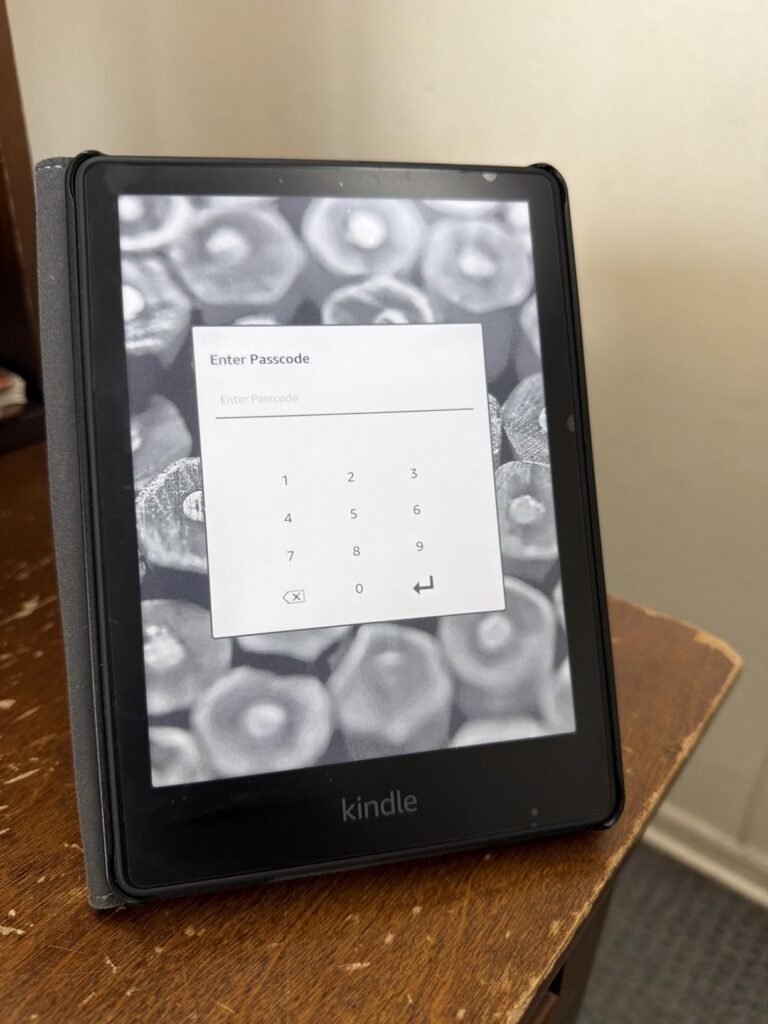
When you first receive your Kindle, charge it fully before setup and then complete the initial account linking through the on-screen prompts. Connect to your home Wi-Fi network, sign in with your Amazon account, and your existing library will populate automatically. Take a few minutes to explore the settings menu to adjust font size, line spacing, margins, and light preferences to match your reading habits. Enabling warm light after sunset and dark mode in low-light settings both reduce eye strain during extended sessions.
For daily use, keep the device away from extreme temperatures. E-ink displays can be damaged by prolonged exposure to direct sunlight in a hot car or by freezing temperatures. Use a protective cover if you carry the Kindle in a bag with keys, pens, or other items that could scratch the screen or damage the device. Clean the screen periodically with a soft, dry microfiber cloth. Avoid abrasive cleaners, alcohol, or excess moisture, even on waterproof models, since the ports are the most vulnerable to water intrusion.
For long-term care, charge the battery when it drops to around 20 percent rather than routinely running it to zero. Lithium batteries last longest with partial charge cycles rather than deep discharges. When storing the Kindle for extended periods, charge it to about 50 percent, power it off completely, and keep it in a cool, dry location. Update the device’s software when prompted, since Amazon regularly releases updates that improve performance, add features, and fix bugs. Register the device to your Amazon account so purchased books are automatically backed up in the cloud and can be re-downloaded to any Kindle or Kindle app.
The current-generation Kindle Paperwhite 16GB is the right choice for most buyers. It offers a 7-inch glare-free display, waterproofing, adjustable warm light, up to 12 weeks of battery life, and modern USB-C charging at a mid-tier price. It hits the sweet spot between the base Kindle's affordability and the Signature Edition's premium extras, making it the safest recommendation for typical readers.
Yes, for most readers the Paperwhite is worth the upgrade. It adds a larger 7-inch display, waterproofing for pool and bath reading, adjustable warm light for evening comfort, and longer battery life. If you never read near water and always read indoors under consistent light, the base Kindle saves money without meaningful compromises. Otherwise, the Paperwhite's upgrades justify the price difference.
No. The Colorsoft uses color e-ink technology optimized for paper-like reading rather than the vivid saturation of a tablet screen. Colors appear softer and more muted, which is intentional for comfortable extended reading. It works well for book covers, illustrations, and highlighted notes but will not match an iPad or Android tablet for color richness. Choose it primarily if you read illustrated content.
Real-world battery life depends on brightness, page-turn frequency, and wireless connectivity usage. The current Paperwhite is rated for up to 12 weeks with 30 minutes of daily reading. Heavy readers who use maximum brightness and read for hours daily might charge every two to three weeks. Even in worst-case scenarios, Kindles last many days per charge, which is dramatically better than any tablet or phone.
Yes, all Kindles support PDFs, but the reading experience varies by screen size. On smaller 6-inch and 7-inch displays, PDFs designed for letter-size paper often require zooming and panning to read comfortably. The 11-inch Kindle Scribe is much better suited for PDF reading because the larger display can show full pages at readable size. For heavy PDF use, choose the Scribe.
The Scribe is worth its higher price if you take handwritten notes regularly, annotate books extensively, review PDFs and documents, or want a paper replacement for meetings and journaling. Its included pen, 11-inch display, and AI-powered note features create capabilities no other Kindle offers. If you primarily read novels, a Paperwhite delivers a better focused reading experience for much less money.
Yes, Amazon's Like-New refurbished Kindles are inspected, tested, and certified to work like new, and they carry the same limited warranty as new devices. Owner ratings on refurbished units often match or exceed new devices, suggesting consistent quality. The main practical difference is that packaging may be generic rather than retail. For personal use where warranty matters more than packaging, refurbished offers real value.
Yes, most US public libraries offer Kindle-compatible ebook borrowing through OverDrive or the Libby app. You browse your library's digital collection, borrow titles, and send them to your Kindle wirelessly. This can dramatically reduce book costs for regular readers. Check your local library's digital lending program to confirm Kindle support and available titles before assuming compatibility.
A cover is highly recommended to protect the screen from scratches and drops, especially if you carry the device in a bag or backpack. Amazon's branded covers integrate features like automatic wake and sleep when opened or closed, and they fold back for comfortable one-handed reading. Third-party covers offer more style choices at lower prices. Bundle purchases can save money over buying the Kindle and cover separately.
Both use 7-inch 300 ppi displays with warm light and waterproofing. The Oasis adds physical page-turn buttons and an ergonomic asymmetric grip designed for extended one-handed reading. The current Paperwhite offers newer hardware, faster page turns, higher contrast ratio, and better value. Choose the Oasis specifically if physical buttons matter to you; otherwise the current Paperwhite is the smarter purchase.
The current-generation Kindle Paperwhite 16GB stands out as the strongest overall choice for most readers. It combines a 7-inch glare-free display, waterproofing, adjustable warm light, weeks of battery life, and modern USB-C charging at a mid-tier price that balances affordability with meaningful premium features. For anyone who wants a straightforward recommendation without overthinking the decision, this Paperwhite delivers everything a typical reader needs.
For different priorities, the Kindle Scribe is the clear choice for note-takers, students, and professionals who need pen input and document markup on an 11-inch display. The base Kindle 16GB offers the most affordable path to a modern Kindle for indoor readers who do not need waterproofing. The Colorsoft Signature Edition serves readers who consume illustrated books, cookbooks, or comics, and the Paperwhite Signature Editions add auto-adjusting front light and wireless charging for buyers who want the most polished daily experience.
Start by matching the device to your actual reading habits. Consider where you read most often, whether you need waterproofing, how much you value hands-off light adjustment, and whether you take handwritten notes. If cost is a priority, refurbished Like-New models from Amazon deliver the same core experience with warranty protection at meaningful savings. Whichever Kindle you choose, the ecosystem's library access, sync features, and multi-week battery life will keep you reading for years to come.