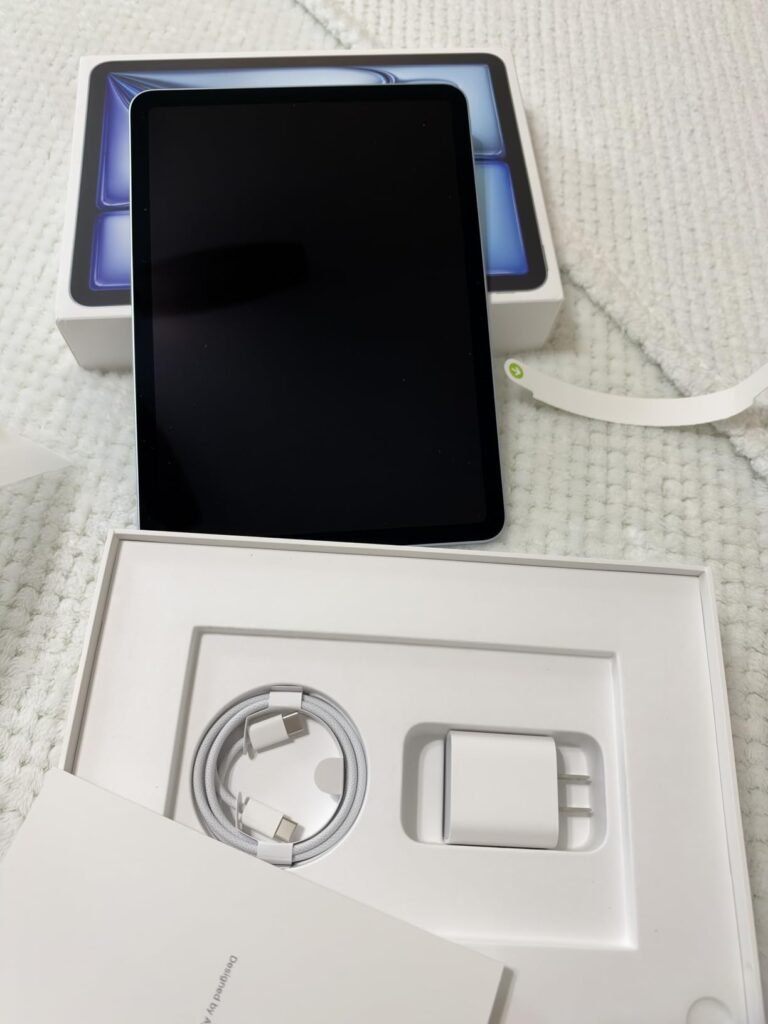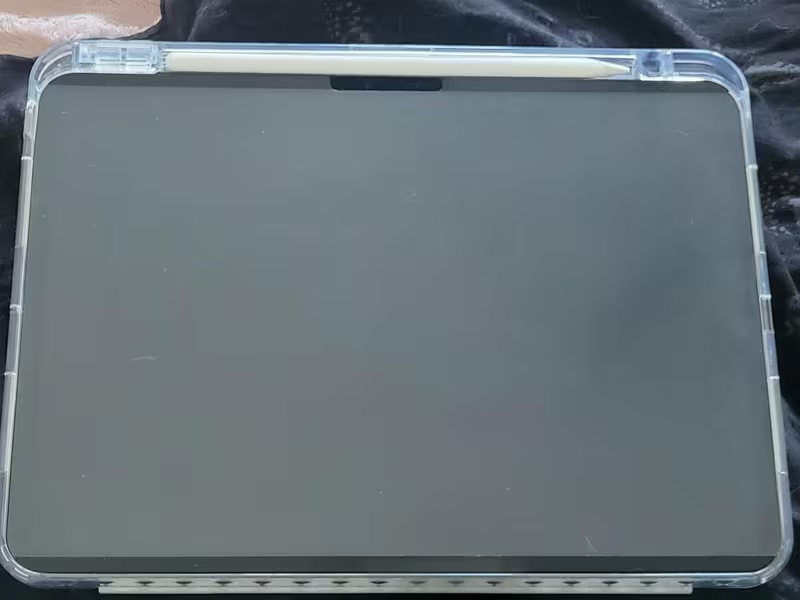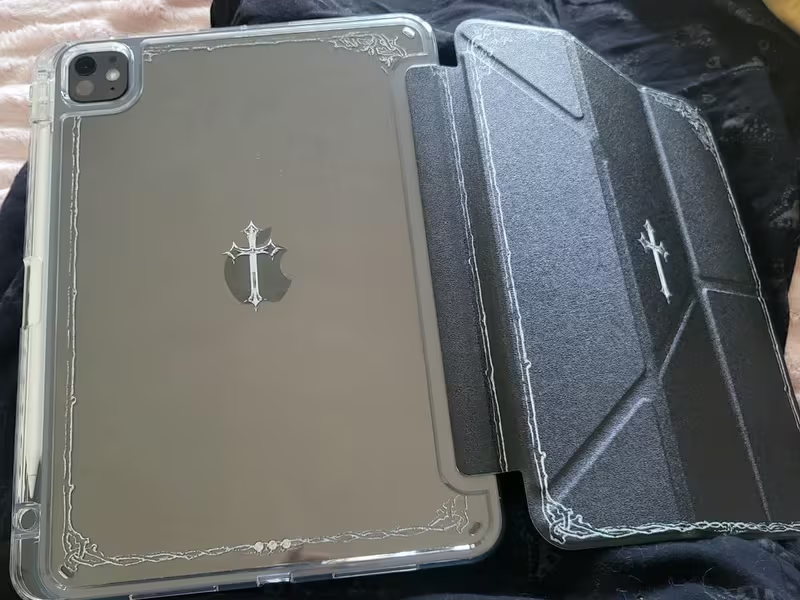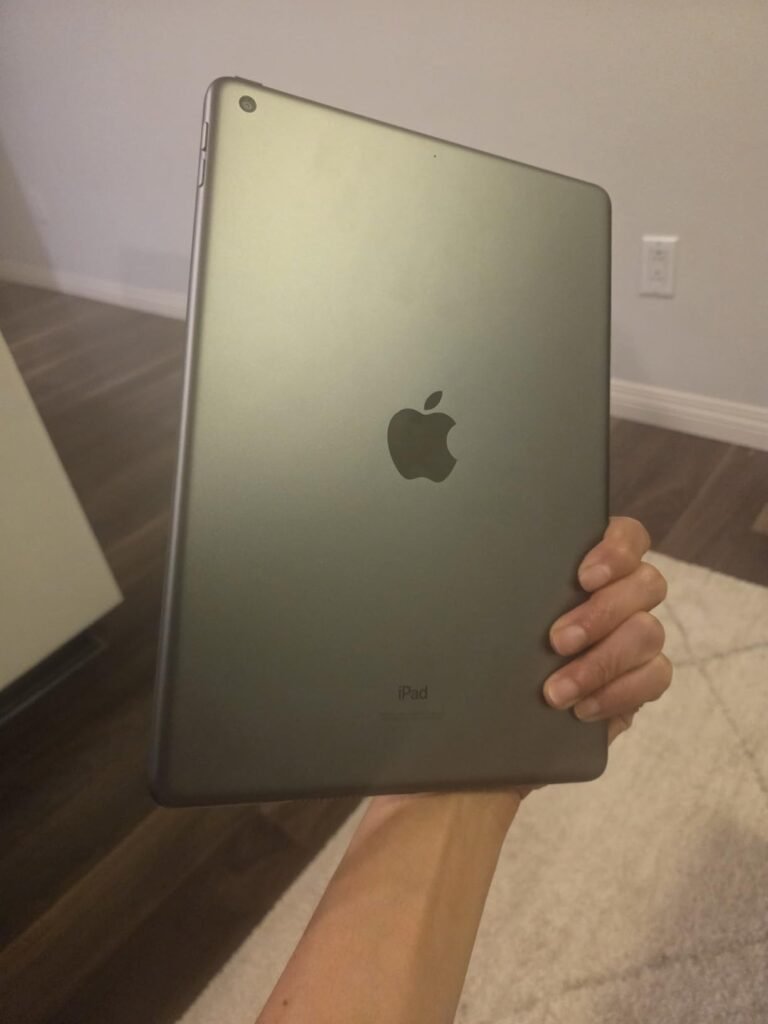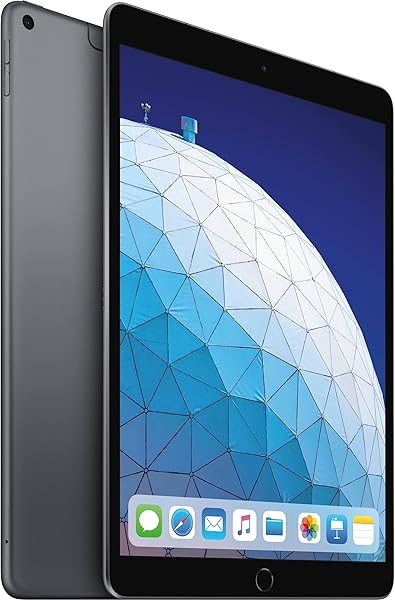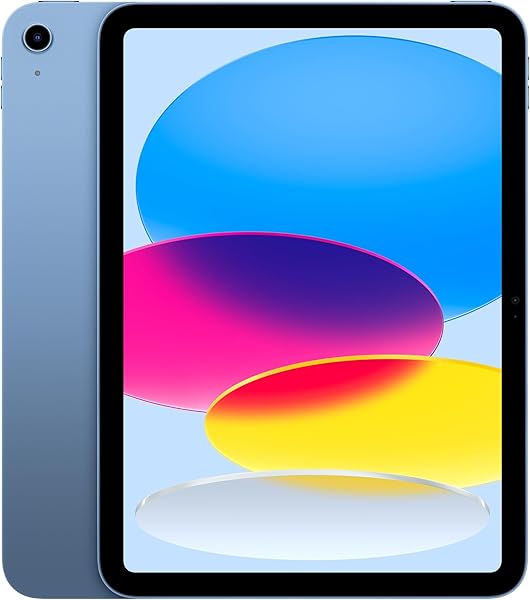
Apple iPad 11-inch
9.4Editor scoreA16 chip
Liquid Retina display
128GB storage
12MP Center Stage camera
Find the right ipads for 2026. We compare 10 standout options by build quality, useful features, owner feedback, value, and everyday trade-offs.
Find the right iPads for 2026. We compare 10 standout models across the specifications that shape real daily use, including chip performance, display technology, storage capacity, camera quality, Apple Pencil compatibility, connectivity standards, biometric security, and long-term value, so you can match a tablet to how you actually plan to work, create, and stay entertained.
The iPad lineup has grown wide enough that choosing the right model is genuinely confusing. A base 11-inch iPad handles browsing and streaming beautifully but lacks the M-series chip needed for professional creative work. An M5 iPad Pro delivers desktop-class performance but represents a significant investment. Understanding where you actually land on that spectrum saves both money and frustration.
This guide walks through 10 current and renewed iPad options with a focus on practical trade-offs. Whether you’re a student, casual user, content creator, or professional, the reviews below highlight which model fits your specific workload, what limitations to expect, and how to avoid overspending on features you won’t use or underspending on hardware you’ll quickly outgrow.
We compared 10 iPads using the details that actually help a buyer decide: chip generation and performance, display size and technology, storage capacity, camera capabilities, Apple Pencil and keyboard compatibility, wireless connectivity, biometric authentication, condition (new versus renewed), owner feedback, and value at each price point. The notes focus on practical trade-offs so each pick connects to how real people use iPads for productivity, creative work, entertainment, and everyday tasks across different budgets and use cases.


Compare key features, scores, and current prices side by side. A shorter feature list means fewer details were available, not necessarily fewer capabilities.



The 13-inch iPad Pro with the M4 chip and 512GB storage earns the highest customer rating in this comparison, and for good reason. It combines the extraordinary Ultra Retina XDR display, powerful M4 performance, and generous storage in a package that professional creators, developers, and power users have widely embraced. For many buyers, choosing this model over the newer M5 version is a smart way to save money without compromising real-world capability.

We may earn a commission when you buy through this link, at no additional cost to you.
The M4 chip remains extremely capable for demanding creative workflows, from 4K video editing with ProRes to complex 3D work and professional audio production. The 512GB storage capacity accommodates large project files, extensive media libraries, and multiple heavy creative apps without constant storage juggling. The Ultra Retina XDR display delivers the extreme brightness, ProMotion 120Hz refresh, and color accuracy that professional work demands.
Practical connectivity is a real strength. The USB-C connector supports Thunderbolt and USB 4, enabling fast connections to external displays, high-speed storage arrays, and pro audio interfaces. The four studio-quality microphones and four-speaker audio system produce genuinely impressive audio for content creation and consumption. Apple Pencil Pro compatibility adds squeeze gestures, barrel roll, and haptic feedback for creative apps.
The M5 chip adds dedicated Neural Accelerators for improved on-device AI performance and marginal general performance improvements. For most current pro workflows in video editing, illustration, and productivity, the M4 remains extremely capable and the performance difference is often not noticeable in daily use. AI-heavy workflows benefit more from the M5, but many creators will find the M4 delivers everything they need.
The trade-offs versus the newer M5 model are the previous-generation chip and Wi-Fi 6E instead of Wi-Fi 7. For real-world workflows today, these differences rarely matter meaningfully. The M4 chip has plenty of performance headroom, and Wi-Fi 6E remains extremely fast. If the M4 model is available at a meaningful discount versus the M5, it represents excellent value for professional creators who need Pro-tier capability.
Users who specifically need Wi-Fi 7 or dedicated Neural Accelerators for AI-heavy workflows.
We may earn a commission when you buy through this link, at no additional cost to you.
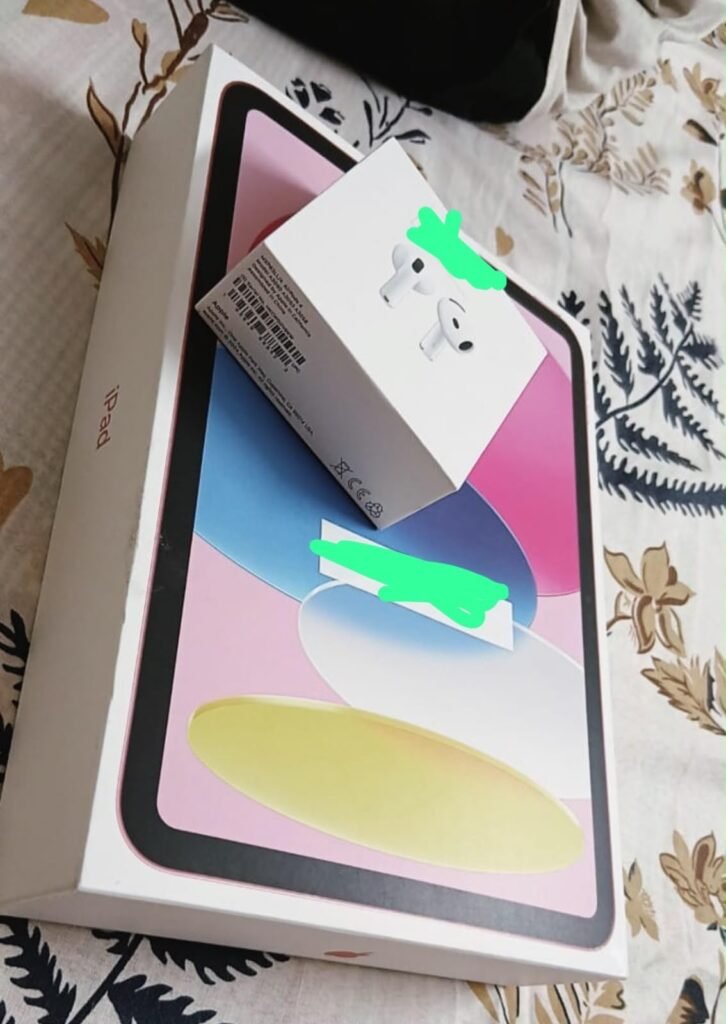
The 11-inch iPad with the A16 chip is the model that fits most people. It handles the everyday tasks that make up 90 percent of iPad use, from browsing and streaming to email and light note-taking, without the significant premium of the M-series lineup. For students, casual users, and anyone whose main goal is a great screen for content and general productivity, this is the practical starting point.
We may earn a commission when you buy through this link, at no additional cost to you.
The A16 chip is the same processor family that powered recent iPhone models, giving this iPad plenty of horsepower for apps, multitasking, and even light photo editing. The 11-inch Liquid Retina display looks clean and vivid, with True Tone that adjusts color temperature to your surroundings for more comfortable long viewing sessions. Storage now starts at 128GB, which is a meaningful improvement over the 64GB base that older entry-level iPads shipped with.
Practical everyday features are well covered. The 12MP Center Stage front camera keeps you in frame during video calls even as you move, which matters for online classes and remote meetings. The 12MP wide back camera handles document scanning and 4K video capture surprisingly well. Touch ID built into the top button is faster than typing a passcode dozens of times per day, and Wi-Fi 6 delivers reliable speeds for streaming and downloads.
Apple’s decision to double the base storage from 64GB to 128GB is a meaningful practical upgrade. Modern apps, photo libraries, and offline content quickly fill 64GB, forcing users to constantly manage what stays on the device. With 128GB, most casual users can store their apps, downloaded media, and a full photo library without ever thinking about storage limits.
The trade-offs are the absence of Apple Intelligence features and the standard 60Hz display refresh rate rather than the smoother 120Hz ProMotion found on Pro models. For heavy creative work, an iPad Air or iPad Pro delivers noticeably more capability. For the vast majority of users who want a fast, capable tablet without paying premium prices, this A16 iPad hits the value target squarely.
Professional creators who need M-series chip performance or ProMotion 120Hz displays for demanding workflows.
We may earn a commission when you buy through this link, at no additional cost to you.
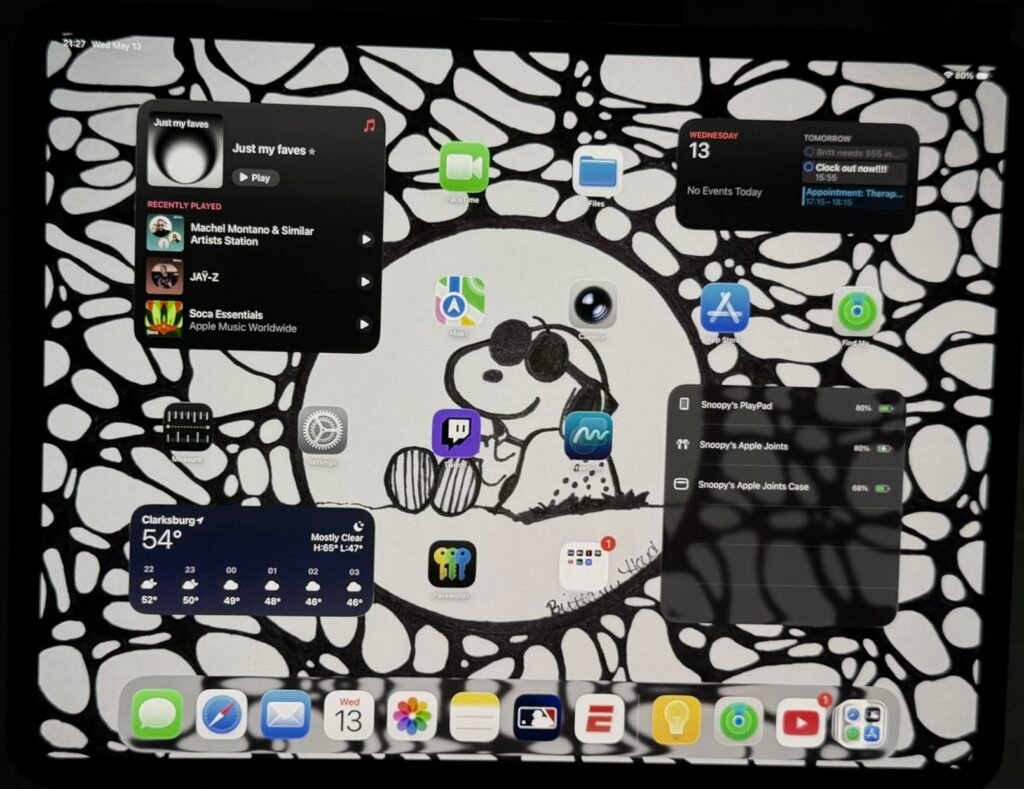
The 13-inch iPad Pro with the M5 chip is aimed squarely at creative professionals, developers, and power users who genuinely benefit from desktop-class performance in a portable form factor. If you edit video in LumaFusion or DaVinci Resolve, work with large Photoshop or Procreate files, run pro audio apps, or need to run demanding productivity tools alongside creative workflows, this iPad delivers headroom that lower-tier models can't match.
We may earn a commission when you buy through this link, at no additional cost to you.
The M5 chip brings next-generation performance and dedicated Neural Accelerators for on-device AI workloads, including Apple Intelligence features and third-party AI tools. Configurations up to 2TB of storage and 16GB of memory match what many laptops offer, and the M5 lets you sustain that performance during long editing sessions without the throttling common on thinner devices. The 13-inch canvas is transformative for creative apps that benefit from screen real estate.
The Ultra Retina XDR display is genuinely the standout feature here. Extreme brightness, precise contrast, and ProMotion 120Hz refresh combine with P3 wide color and True Tone to make photo and video editing feel accurate and responsive. Optional nano-texture display glass on 1TB and 2TB configurations further reduces glare for professional color work. Face ID unlocks the device instantly, and the landscape front camera finally positions well for how most people actually use iPads on keyboards.
ProMotion doubles the display refresh rate from 60Hz to 120Hz, making scrolling, animation, and Apple Pencil input feel dramatically smoother. It matters most for creative work where the reduced latency between pencil movement and screen response feels more like drawing on paper, and for productivity workflows where quick scrolling through long documents feels less tiring on the eyes.
The trade-off is straightforward: this is expensive. For casual browsing, streaming, and light productivity, the M5 chip is genuinely more than needed. For professionals whose income or creative practice depends on responsive performance and accurate color, the investment pays back in daily productivity and long device lifespan. If your workflow demands it, this is the iPad to buy.
Casual users, students on a budget, or anyone whose iPad use centers on browsing, streaming, and light apps.
We may earn a commission when you buy through this link, at no additional cost to you.
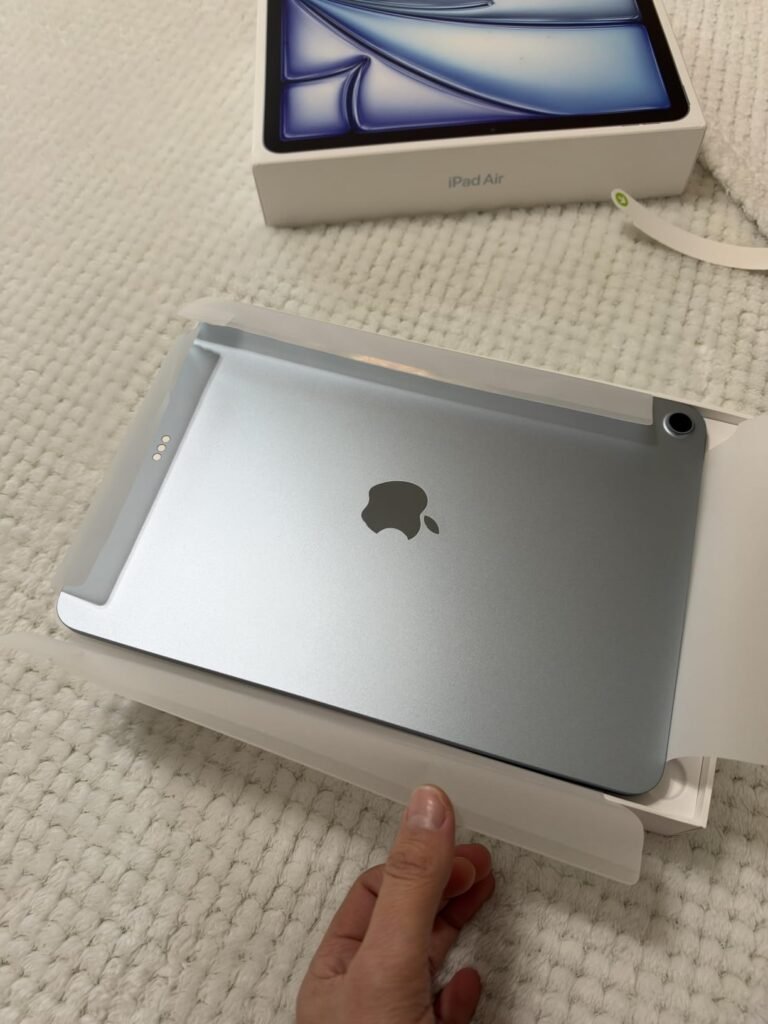
The 11-inch iPad Air with the M4 chip earns Editor's Choice because it delivers the most important benefits of the Pro line at a significantly lower price. Real creative professionals can and do use the M4 Air for serious work, and casual users get a tablet that will feel fast and current for many years to come. This is the model most buyers should seriously consider.
We may earn a commission when you buy through this link, at no additional cost to you.
The M4 chip provides advanced graphics and processing power that handle complex apps and multitasking without breaking a sweat. Crucially, this iPad supports Apple Intelligence, Apple’s on-device AI system for writing assistance, image generation, and privacy-focused personal intelligence features. That capability matters for future-proofing since many iPadOS features increasingly leverage on-device AI.
The 11-inch Liquid Retina display features P3 wide color, True Tone, and ultralow reflectivity, delivering excellent image quality for productivity, streaming, and creative work. Wi-Fi 7 with Apple’s own N1 wireless chip brings faster wireless speeds and better efficiency than older standards. Compatibility with Apple Pencil Pro adds premium input options including squeeze gestures and barrel roll for advanced brush control in creative apps.
The iPad Air occupies the sweet spot in Apple’s lineup for many years now. It shares the same M-series chip family as the Pro line, supports Apple Pencil Pro and Magic Keyboard, includes Apple Intelligence, and delivers a beautiful display. The Pro adds ProMotion, Face ID, and XDR brightness, but at meaningful cost. For most professional and prosumer needs, the Air simply makes more financial sense.
The main trade-offs versus the Pro line are the standard 60Hz display refresh rate rather than 120Hz ProMotion and the absence of Ultra Retina XDR technology. For most users, those differences are noticeable only during side-by-side comparison. For the price gap between the M4 Air and M5 Pro, most buyers will get more value putting the difference toward accessories like the Apple Pencil Pro and Magic Keyboard, or simply saving several hundred dollars.
Professional videographers, photographers, or artists who need Ultra Retina XDR displays and ProMotion for color-critical work.
We may earn a commission when you buy through this link, at no additional cost to you.
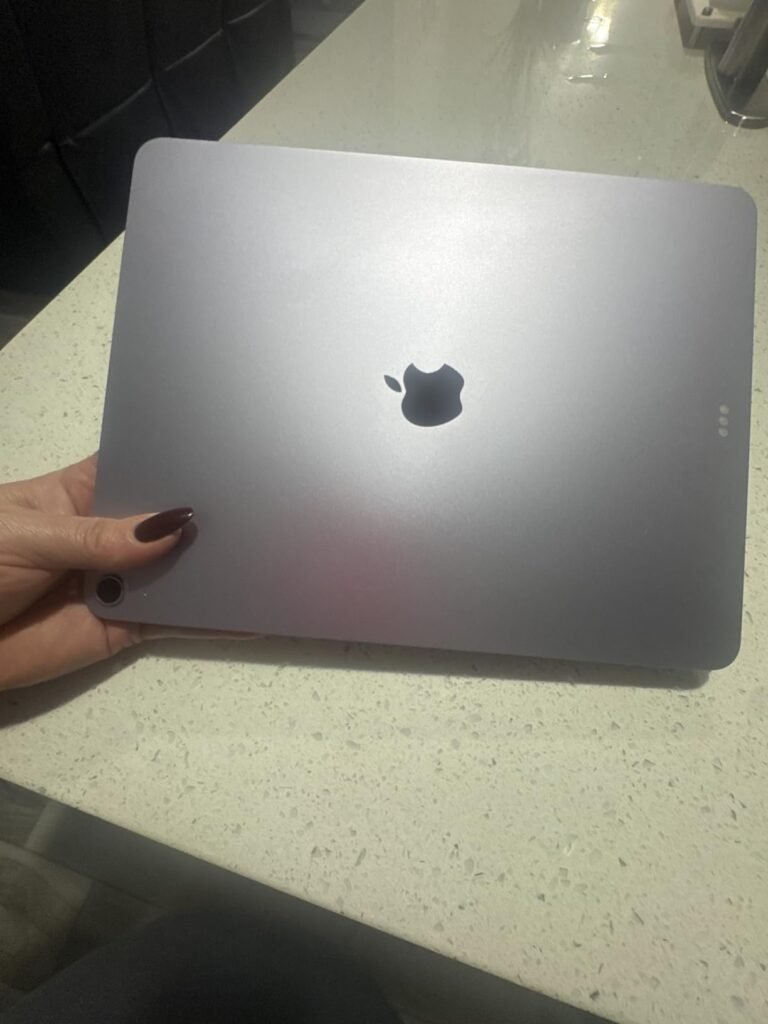
The 13-inch iPad Air takes everything appealing about the 11-inch version and adds a significantly larger display for users who spend more time on split-screen productivity, creative apps, or media consumption. If you regularly work with two apps side by side, edit photos and video, or want a bigger canvas for drawing and note-taking, the extra screen area transforms the experience.
We may earn a commission when you buy through this link, at no additional cost to you.
Performance is identical to the smaller Air thanks to the same M4 chip, so you’re paying for size and display area rather than processing power. That’s a genuinely different value proposition than choosing between an Air and a Pro. The 13-inch canvas provides real estate for meaningful multitasking, with room for a document, reference materials, and communication tools all visible simultaneously.
The Liquid Retina display retains all the color accuracy and True Tone benefits of the smaller version, and Wi-Fi 7 connectivity keeps wireless speeds fast for downloads, cloud sync, and streaming. Apple Pencil Pro compatibility means artists and note-takers get premium input options on a spacious drawing surface. Battery life remains strong for all-day use, and Touch ID handles authentication reliably.
The 11-inch iPad Air is more portable and easier for handheld use, while the 13-inch offers meaningfully more space for productivity and creative work. If you’ll primarily use the iPad on a table, desk, or keyboard case, the 13-inch is worth the extra cost. If you value carrying the device everywhere and holding it for extended periods, stick with the 11-inch.
The trade-offs are the reduced portability and increased weight compared to the 11-inch model. For handheld reading, commuting, and travel, the 11-inch is easier to manage. For desk-based work, home use, and situations where the iPad primarily rests on a stand or keyboard case, the extra size is a genuine benefit. Match the size to how you actually use the device day to day.
Users who prioritize maximum portability or primarily use their iPad handheld during commuting and travel.
We may earn a commission when you buy through this link, at no additional cost to you.
The 11-inch iPad Pro with the M5 chip offers the same top-tier performance and premium features as its 13-inch sibling in a more portable form factor. For creative professionals and power users who value carrying their pro workflow anywhere, this size delivers desktop-class capability without the additional size and weight of the larger model.

We may earn a commission when you buy through this link, at no additional cost to you.
The M5 chip with dedicated Neural Accelerators handles the same demanding workloads as the 13-inch Pro, from advanced video editing to complex 3D modeling and on-device AI tasks. The 256GB base storage is generous, and configurations extend up to 2TB with 16GB of memory for the most demanding creative pipelines. Everything you can do on the 13-inch Pro, you can do here.
The Ultra Retina XDR display shrinks to 11 inches but retains extreme brightness, precise contrast, ProMotion 120Hz refresh, and P3 wide color. The landscape 12MP front camera is a genuinely useful improvement for how most professional users actually orient their iPad on keyboards during video calls. Wi-Fi 7 with Apple N1, four studio-quality microphones, a four-speaker audio system, and the LiDAR scanner round out the pro feature set.
The LiDAR scanner on iPad Pro models enables advanced augmented reality experiences, precise depth mapping for photography, and enhanced spatial awareness in supported apps. For architects, designers, and AR developers, it’s a genuinely useful capability. For most users, it’s a nice-to-have that rarely matters day to day but occasionally enables impressive AR experiences.
The main trade-off is size for users who genuinely benefit from more display real estate for creative and productivity work. For anyone who values portability, uses their iPad on the go frequently, or already works primarily with an external display connected via USB-C, the 11-inch Pro delivers uncompromised performance in a more manageable form. Face ID authentication feels fast and reliable, especially compared to Touch ID during multi-hour work sessions.
Budget-conscious buyers or users whose workflow doesn’t demand ProMotion, XDR brightness, or M-series performance.
We may earn a commission when you buy through this link, at no additional cost to you.
The renewed 2021 iPad occupies the entry-level slot for buyers who want a functional Apple tablet without spending several hundred dollars. It's an especially reasonable choice for kids' first iPads, secondary household devices, or basic-use scenarios like kitchen recipes, reading, and simple streaming. Renewed condition brings the price down significantly while still providing a professionally inspected device.
We may earn a commission when you buy through this link, at no additional cost to you.
The A13 Bionic chip is capable enough for everyday tasks including web browsing, video streaming, casual games, and basic productivity apps. Performance won’t match current-generation iPads, but for the intended use cases, it handles daily work smoothly. The 10.2-inch Retina display remains sharp and vivid, delivering the essential Apple tablet experience.
This model uses the older Lightning connector rather than USB-C, which affects charging cables and accessory compatibility with newer devices. Battery life remains solid for a full day of typical use, and the classic Home button with Touch ID provides familiar navigation for users transitioning from older iOS devices. The 64GB storage is the main practical limitation, requiring more careful management of apps and media than newer 128GB base models.
Renewed iPads work well for kids, secondary household devices, and users with basic needs who want to minimize spending. The savings can be substantial. The main considerations are storage limitations, older ports and accessories, potentially reduced battery life, and shorter remaining software update support compared to new devices. Set realistic expectations before buying.
The trade-offs come with the renewed designation. Cosmetic condition varies based on the seller’s grading, and battery health may not match a brand-new device. For buyers who understand these trade-offs and want basic iPad functionality at the lowest reasonable price, this 2026 model delivers meaningful value. For anyone planning to keep the iPad three or more years, spending more on a current-generation model with more storage and modern connectivity is usually the better long-term choice.
Buyers who need the latest features, USB-C accessories, or many more years of software support.
We may earn a commission when you buy through this link, at no additional cost to you.
The renewed 2022 iPad brings the modern flat-edge design and Liquid Retina display to a much more accessible price point. For buyers who want the current visual style and USB-C connectivity without paying full price for a new iPad, this generation strikes an appealing balance. It's a strong choice for students, secondary household devices, or anyone upgrading from a very old iPad.

We may earn a commission when you buy through this link, at no additional cost to you.
The A14 Bionic chip provides capable performance for daily productivity, streaming, casual gaming, and light creative work. The 10.9-inch Liquid Retina display looks vivid and sharp, and True Tone adjusts color to your environment for more comfortable extended viewing. The USB-C connector is a meaningful upgrade over older Lightning ports, allowing easier charging with modern accessories and compatibility with a wider range of dongles and adapters.
The landscape 12MP Ultra Wide front camera with Center Stage is a practical improvement for how most users actually orient their iPad on a keyboard case or stand during video calls. Wi-Fi 6 support keeps wireless speeds current, and 5G cellular models are available if you need connectivity beyond home Wi-Fi. Battery life remains strong for a full day of typical use.
USB-C offers meaningful practical advantages over Lightning: it’s the same connector used by most Android phones, most laptops, and modern accessories, so cables and chargers work across many devices. It also supports faster data transfer and reversible orientation. For any iPad you plan to keep several years, USB-C is worth prioritizing.
The trade-offs are the 64GB base storage, which fills quickly with modern apps and media, and compatibility with only the first-generation Apple Pencil rather than newer USB-C or Pencil Pro versions. For users who don’t need premium Apple Pencil features and can manage storage carefully, this renewed 2026 model offers modern design and reliable performance at a genuinely attractive price.
Users who need current-generation Apple Pencil support or more than 64GB of storage.
We may earn a commission when you buy through this link, at no additional cost to you.
The renewed 2019 iPad targets buyers who need a functional Apple tablet at the absolute lowest reasonable price. For basic use cases like kitchen recipes, kids' educational apps, e-reading, and light streaming, this generation still delivers a workable experience at a fraction of the cost of current models. It's a reasonable entry point when budget is the primary constraint.

We may earn a commission when you buy through this link, at no additional cost to you.
The A10 Fusion chip is several generations behind current iPads, but it handles basic tasks including web browsing, media consumption, and simple apps adequately. Complex modern apps and demanding games will feel sluggish, so set expectations accordingly. The 128GB storage capacity is a genuine benefit at this price point, providing enough room for apps, media, and photos without immediate storage pressure.
The 10.2-inch Retina display remains sharp and vivid for content consumption, and the classic Home button with Touch ID provides straightforward navigation. Battery life supports a full day of typical use. The Lightning connector requires older-style cables and accessories, which is worth planning for if you already own USB-C peripherals.
Apple typically supports iPads with iPadOS updates for 5 to 6 years after their release. A 2019 iPad is nearing the end of that window, meaning it will eventually stop receiving major new features and security updates. This is fine for basic use but worth factoring into your buying decision if you want the device to remain fully current for many years.
The most important trade-off is limited future software update support. Apple has been gradually dropping older iPads from its latest iPadOS versions, meaning this 2026 model may not receive major software updates for many more years. For buyers who prioritize maximum useful lifespan, spending more on a newer model makes sense. For short-term or basic-use needs at the lowest possible price, this renewed 2019 iPad remains a functional choice.
Users who need modern performance, USB-C accessories, or many more years of software update support.
We may earn a commission when you buy through this link, at no additional cost to you.
The renewed 8th generation iPad slots between the 2019 and 2026 models in this guide, offering a step up in chip capability with the A12 Bionic and its Neural Engine for machine learning tasks. For buyers who want basic modern iPad functionality with slightly better future-proofing than the 2026 model at a similar entry-level price, this is a reasonable middle-ground choice.

We may earn a commission when you buy through this link, at no additional cost to you.
The A12 Bionic chip handles daily tasks including web browsing, video streaming, casual games, and basic productivity apps with reasonable smoothness. The included Neural Engine helps with photo processing, augmented reality apps, and other machine learning features that older chips can’t handle as efficiently. The 10.2-inch Retina display is sharp and vivid for content consumption and everyday work.
128GB of storage is generous for this price tier, providing enough space for apps, downloaded media, and photos without immediate storage anxiety. Touch ID via the Home button offers fast, familiar authentication, and the up-to-10-hour battery life supports full days of typical use. Compatibility with the first-generation Apple Pencil enables basic note-taking and sketching functionality.
When buying any renewed iPad, check the seller’s grading system, battery health guarantee, and return policy carefully. Reputable renewed devices should come professionally inspected with a warranty of at least 90 days. Verify the model year and generation match what you’re expecting, and confirm the storage capacity and connectivity type before purchase.
The main limitations are the Lightning connector, which requires older-style cables and accessories, and the older 802.11ac Wi-Fi 5 standard rather than Wi-Fi 6. Neither issue prevents basic use, but they’re worth planning for. For buyers who want a step up from the oldest renewed iPads without paying newer-model prices, this 8th generation model offers a solid combination of capability and affordability.
Users who need modern USB-C connectivity, current-generation Apple Pencil support, or the latest iPadOS features.
We may earn a commission when you buy through this link, at no additional cost to you.
Choosing the right iPad comes down to matching chip capability, display quality, storage, and accessories to how you actually plan to use the device. The factors below cover what genuinely matters when making this decision.
The chip inside an iPad determines what you can do with it and how many years the device will remain fully current. Apple currently uses three chip tiers across the iPad lineup: A-series chips like the A16 in the standard 11-inch iPad, M-series chips like the M4 in the Air and M5 in the Pro, and older chips in previous-generation models available renewed. Each tier represents a meaningful performance jump for demanding tasks.
A-series chips handle everyday tasks including browsing, streaming, productivity apps, and casual games with plenty of headroom. M-series chips add substantial performance for creative applications like video editing, 3D work, and pro audio production. The M5 Pro adds dedicated Neural Accelerators for on-device AI workloads. For most users, an A16 or M4 chip provides more than enough performance, while the M5 makes sense specifically for AI-heavy workflows.
Match chip tier to your actual workload. Don’t pay for M5 performance if your primary use is browsing and streaming, but don’t try to save money on an A-series chip if you need serious creative headroom that only M-series delivers.
iPad displays vary in size from 10.2 inches on older models to 13 inches on current Pro and Air models. Size directly affects how you can use the device: 10 to 11-inch iPads are highly portable and comfortable for handheld reading and note-taking, while 13-inch models offer meaningfully more space for split-screen productivity, creative apps, and media consumption.
Display technology matters as much as size for demanding uses. Standard Liquid Retina displays on the entry iPad and iPad Air offer excellent color and clarity for everyday work. Ultra Retina XDR displays on iPad Pro models add extreme brightness, ProMotion 120Hz refresh, precise contrast, and P3 wide color for professional creative work where accuracy and responsiveness matter. Nano-texture glass on 1TB and 2TB Pro configurations further reduces glare for color-critical work.
Choose based on how you’ll use the device. For everyday use, a Liquid Retina display is excellent. For professional creative work, ProMotion and XDR technology provide meaningful daily benefits worth paying for.
iPad storage ranges from 64GB on older renewed models up to 2TB on current Pro configurations. Storage cannot be expanded or upgraded after purchase, so choosing the right capacity is important. 64GB is genuinely limiting for modern apps, media downloads, and photo libraries. 128GB is the practical minimum for most users. 256GB provides comfortable headroom for typical use with photo libraries and downloaded media.
Higher capacities become important for specific use cases. Video creators working with 4K or ProRes footage quickly consume storage. Professional artists with large brush libraries and complex project files benefit from 512GB or more. Users who download extensive offline media, complete game libraries, or professional audio samples should consider 1TB or higher. iCloud can help offload some content, but active project files and frequently used apps still need local storage.
For casual use, 128GB is a reasonable minimum. For creative work, 256GB or 512GB provides comfortable headroom. For serious professional workflows, 1TB or more prevents ongoing storage management headaches.
Apple Pencil compatibility varies significantly across the iPad lineup. Current iPad Pro and Air models support Apple Pencil Pro with squeeze gestures, barrel roll for brush control, and haptic feedback for premium creative input. The current standard iPad supports Apple Pencil USB-C and Apple Pencil first-generation. Older renewed iPads support first-generation Pencil only. If you’re an artist or note-taker who values pencil quality, this compatibility matters significantly.
Keyboard options include the Magic Keyboard for iPad Pro and iPad Air, which offers a premium typing experience with a haptic feedback trackpad, and the Magic Keyboard Folio for the standard iPad with a two-piece design. Third-party keyboard cases work with any iPad but sacrifice the seamless Apple ecosystem integration. If you plan to use your iPad as a laptop replacement for extended typing sessions, a first-party keyboard is worth budgeting for.
Factor accessory costs into the total budget. A full iPad Pro setup with Pencil Pro and Magic Keyboard can add significantly to the base tablet price. If you don’t need premium accessory features, a lower-tier iPad with basic pencil support saves meaningful money.
iPad wireless capabilities have advanced significantly across recent generations. Current iPad Air and Pro models feature Wi-Fi 7 with Apple’s own N1 wireless chip, providing the fastest wireless speeds and best efficiency. The standard iPad uses Wi-Fi 6, still very fast for typical needs. Older renewed iPads use Wi-Fi 6 or Wi-Fi 5 depending on the generation.
Wi-Fi generation matters most for users who frequently transfer large files, work with high-resolution video, use cloud-based workflows extensively, or rely on the iPad for streaming to external displays. For basic browsing, streaming, and communication, even older Wi-Fi 5 provides adequate speeds. Cellular models add 5G connectivity for use beyond home Wi-Fi, useful for professionals who work in the field or travel frequently.
For most users, Wi-Fi 6 or newer is more than sufficient. Only prioritize Wi-Fi 7 if you have infrastructure to support it and workflows that benefit from the additional speed. Cellular models make sense only if you actually need connectivity away from Wi-Fi.
Current iPads use either Touch ID built into the top button or Face ID via the front camera. Both provide secure, fast authentication for unlocking the device, signing into apps, and making purchases with Apple Pay. Touch ID is available on the standard iPad and iPad Air, while Face ID is exclusive to iPad Pro models.
Face ID feels slightly faster in daily use since it authenticates just by looking at the device, but Touch ID works reliably when wearing sunglasses, in low light, or when the iPad sits at odd angles that Face ID doesn’t recognize as easily. Neither option is significantly better than the other for most users. Both provide strong security backed by hardware-level protection.
Don’t let biometrics alone drive your decision. Face ID is a nice benefit on Pro models but shouldn’t push you to pay significantly more if you don’t need other Pro features.
Renewed iPads offer meaningful savings compared to new models, but come with real trade-offs. Renewed devices are professionally inspected, tested, and refurbished, typically with a warranty from the seller. They may show minor cosmetic wear, and battery health may be somewhat reduced compared to new units. Software update support is also shorter for older generations that are nearing the end of their supported lifespan.
Renewed makes sense for buyers with tight budgets, kids’ devices, secondary household iPads, or basic use cases where the latest features aren’t necessary. New iPads make more sense for buyers who want the latest features, maximum useful lifespan, full warranty coverage, and consistent condition. Consider how long you plan to keep the device when weighing these options.
For long-term primary devices, buying new is usually the better value despite the higher upfront cost. For short-term or supplementary uses, renewed offers real savings without sacrificing basic functionality.
Apple Intelligence, Apple’s on-device AI system, requires M-series chips to run. It powers writing tools, image generation, personal intelligence features, and increasingly integrates across iPadOS. iPads with A-series chips like the standard 11-inch iPad cannot run Apple Intelligence features, which may become increasingly limiting as more apps rely on these capabilities.
If you’re buying an iPad you plan to keep for many years, or if you want access to current AI-powered features, an M-series iPad is worth prioritizing. Older renewed iPads will continue receiving software updates for their remaining supported lifespan but will lack the newest AI capabilities. This is a genuine consideration for future-proofing.
For buyers who prioritize longevity and access to current features, invest in an M-series iPad. For budget-conscious buyers focused on basic functionality, an A-series or renewed iPad remains a reasonable choice with fewer future benefits.
Initial setup starts with signing in to your Apple ID, which links the device to iCloud for automatic backup, photo sync, and access to purchased apps and content. Choose a screen passcode, enable Touch ID or Face ID, and configure automatic updates so your iPad stays current with the latest iPadOS features and security patches. Set up Screen Time controls if the iPad will be used by children, and enable Find My so you can locate the device if misplaced. Take advantage of the initial setup process to migrate from a previous iPad or iPhone using Quick Start for the fastest transition.
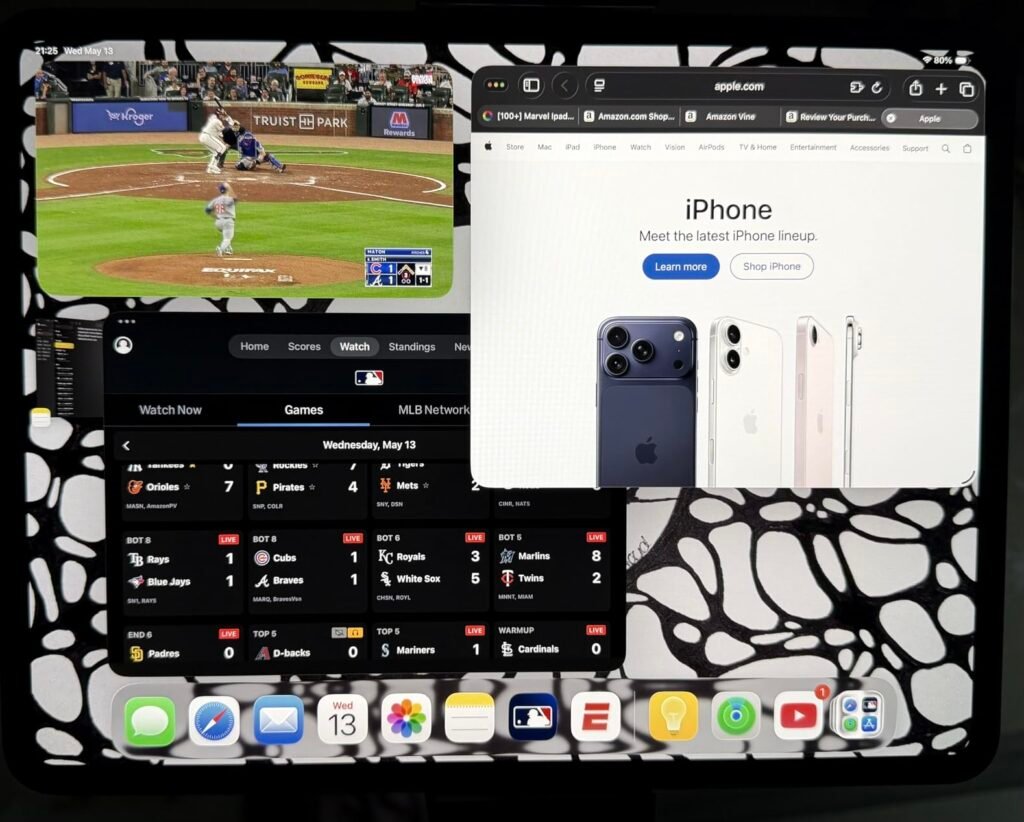
During daily use, take advantage of iPadOS multitasking features like Split View, Slide Over, and Stage Manager on supported models to work efficiently with multiple apps. Use the Files app to organize documents across local storage and cloud services like iCloud Drive, Dropbox, and Google Drive. If you use an Apple Pencil, enable Scribble for handwriting recognition in any text field. Customize Control Center for quick access to the settings and shortcuts you use most, and organize your Home Screen with folders and app library to reduce visual clutter.
Long-term care keeps your iPad performing well for many years. Clean the display regularly with a soft, lint-free cloth slightly dampened with water. Avoid harsh cleaning chemicals that can damage the oleophobic coating. Use a protective case if you carry the iPad frequently or use it around children, and consider a screen protector for extra display protection. Charge with an appropriate USB-C or Lightning charger and cable, and avoid leaving the device in extreme heat or cold. Enable Optimized Battery Charging to preserve long-term battery health, and update to the latest iPadOS versions to receive the newest features, security fixes, and battery management improvements.
For most users, the 11-inch iPad Air with the M4 chip strikes the best balance of performance, price, and future-proofing. It supports Apple Intelligence, works with Apple Pencil Pro, and delivers the M-series performance that will remain current for many years. For budget-conscious buyers, the standard 11-inch iPad with the A16 chip is an excellent value that handles everyday tasks smoothly at a lower price.
The iPad Pro makes sense specifically for creative professionals, developers, and power users who benefit from the Ultra Retina XDR display, ProMotion 120Hz refresh, and top-tier M-chip performance. For most users, an iPad Air delivers the same M-series performance and Apple Intelligence support at significantly lower cost. Choose Pro only if your workflow genuinely benefits from its premium display and features.
For casual browsing, streaming, and light productivity, 128GB is the practical minimum. For photo libraries, downloaded media, and moderate app collections, 256GB provides comfortable headroom. Professional creators working with video, high-resolution photos, or large project files should consider 512GB or more. Storage cannot be upgraded after purchase, so it's usually better to buy more than you think you need.
Renewed iPads offer meaningful savings and work well for kids' devices, secondary household use, or basic-use scenarios where the latest features aren't important. Buy from reputable sellers that offer professional inspection, warranty coverage, and clear return policies. Consider that older renewed models have shorter remaining software update support, so they're best for short-term or supplementary use rather than as long-term primary devices.
The M5 chip adds dedicated Neural Accelerators for improved on-device AI performance and modest general performance improvements over the M4. The M5 models also feature Wi-Fi 7 versus Wi-Fi 6E on the M4. For current pro workflows in video editing, illustration, and productivity, the M4 remains extremely capable. Choose M5 specifically for AI-heavy workflows or if you want the newest generation for maximum longevity.
Apple Pencil Pro adds squeeze gestures, barrel roll for brush control, and haptic feedback that professional artists and heavy note-takers appreciate. Apple Pencil USB-C or first-generation Pencil handles basic writing and drawing well at lower cost. If you're a casual note-taker or occasional sketcher, the standard Pencil options are sufficient. If you're a serious digital artist or use pencil input daily for professional work, Pencil Pro's premium features are worth the additional investment.
Modern iPads with M-series chips and Magic Keyboards can genuinely replace laptops for many users, especially those focused on productivity, communication, media consumption, and creative work. iPadOS 26 with its flexible windowing system makes multitasking more capable than ever. However, some professional workflows requiring specific desktop software, advanced developer tools, or intensive multi-monitor setups still work better on a Mac or PC. Consider your specific application needs carefully.
Apple typically supports iPads with iPadOS updates for 5 to 6 years after release, though the exact timeline varies. Current-generation iPads will receive updates for many years to come. Older renewed models are closer to the end of their support windows and may stop receiving major new features and security updates sooner. If long-term software support matters, prioritize newer models.
Wi-Fi models are less expensive and work perfectly for use at home, school, work, and other locations with Wi-Fi access. Cellular models add the ability to connect to mobile networks anywhere with signal, useful for professionals who work in the field, travelers, or users who want internet access on the go. Cellular adds meaningful cost plus ongoing service fees, so choose it only if you'll actually use the connectivity regularly.
The 11-inch iPad Air with the M4 chip stands out as the strongest overall choice because it delivers M-series performance, Apple Intelligence support, Wi-Fi 7, and Apple Pencil Pro compatibility at a price significantly below the Pro line. For most buyers, it hits the sweet spot between capability and cost, and it will remain fully current for many years thanks to its modern chip and full feature set.
For buyers on tighter budgets, the standard 11-inch iPad with the A16 chip provides excellent everyday performance and generous 128GB storage at a much lower price. Creative professionals who need the Ultra Retina XDR display and top-tier performance should look at the iPad Pro M5 or the highly-rated M4 Pro at potential discounts. Users who want the largest screen for productivity and creative work will benefit from either the 13-inch iPad Air or 13-inch iPad Pro. Budget-focused buyers can find real value in renewed models from recent years.
Your final decision should start with an honest assessment of how you'll actually use the iPad day to day. Match chip tier to your workload, display size to your usage style, storage capacity to your content library, and connectivity standards to your practical needs. Don't overpay for professional features you won't use, but don't underspend on a device you'll quickly outgrow. A well-matched iPad delivers years of enjoyable, productive use across work, creativity, and everyday life.