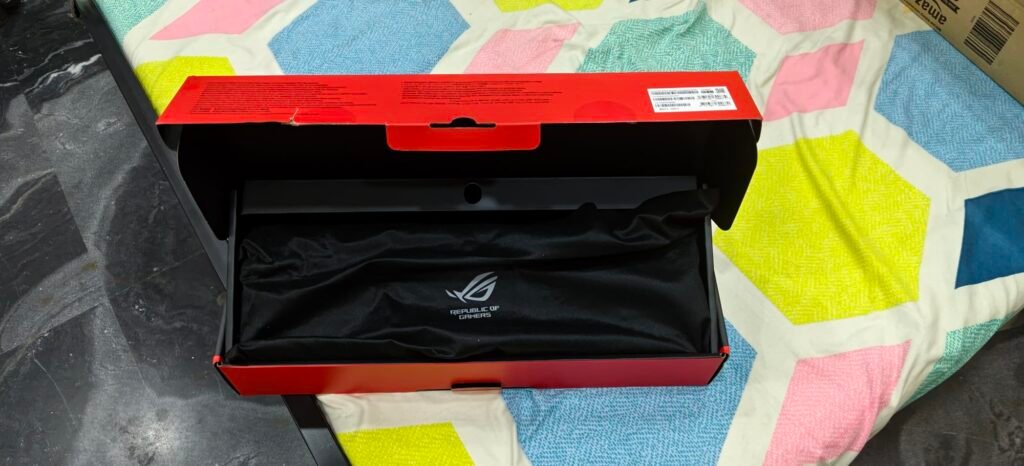
AULA F75 Pro
9.2Editor score75% compact layout
Tri-mode wireless connection
Hot-swappable PCB sockets
4000mAh internal battery
Compare 10 top gaming keyboards by switch type, layout, connectivity, RGB, and value to find the right board for your setup and playstyle.
Choosing the right gaming keyboard in 2026 comes down to matching switch feel, layout, and connectivity to how you actually play. This guide compares 10 standout boards across the factors that shape everyday use: switch technology, polling rate, build quality, wireless options, RGB lighting, keycap material, sound dampening, and honest value at each price tier.
Gaming keyboards vary far more than they used to. Hall effect and analog magnetic switches now compete with traditional linears and clicky mechanicals, while 60%, 75%, TKL, 96%, and full-size layouts each carry real trade-offs. Wireless boards with tri-mode connectivity have also matured, giving you fewer cables without the latency penalty older designs suffered from.
The right pick depends on your priorities. Competitive shooter players may want adjustable actuation and rapid trigger features. Typists often prefer thocky gasket-mounted builds with lubricated stabilizers. Streamers may benefit from integrated displays or macro keys. This guide breaks down which board fits which buyer, so you can spend confidently without paying for features you will never use.
We compared 10 gaming keyboards using the details that matter most to buyers: switch type and feel, actuation and polling performance, layout and footprint, wired versus wireless connectivity, keycap material, sound dampening, RGB implementation, software customization, build quality, and price-to-performance value. Owner feedback and category-specific trade-offs were weighed alongside spec sheets so each pick reflects real use in gaming, typing, and mixed daily workloads rather than marketing highlights alone.


Compare key features, scores, and current prices side by side. A shorter feature list means fewer details were available, not necessarily fewer capabilities.


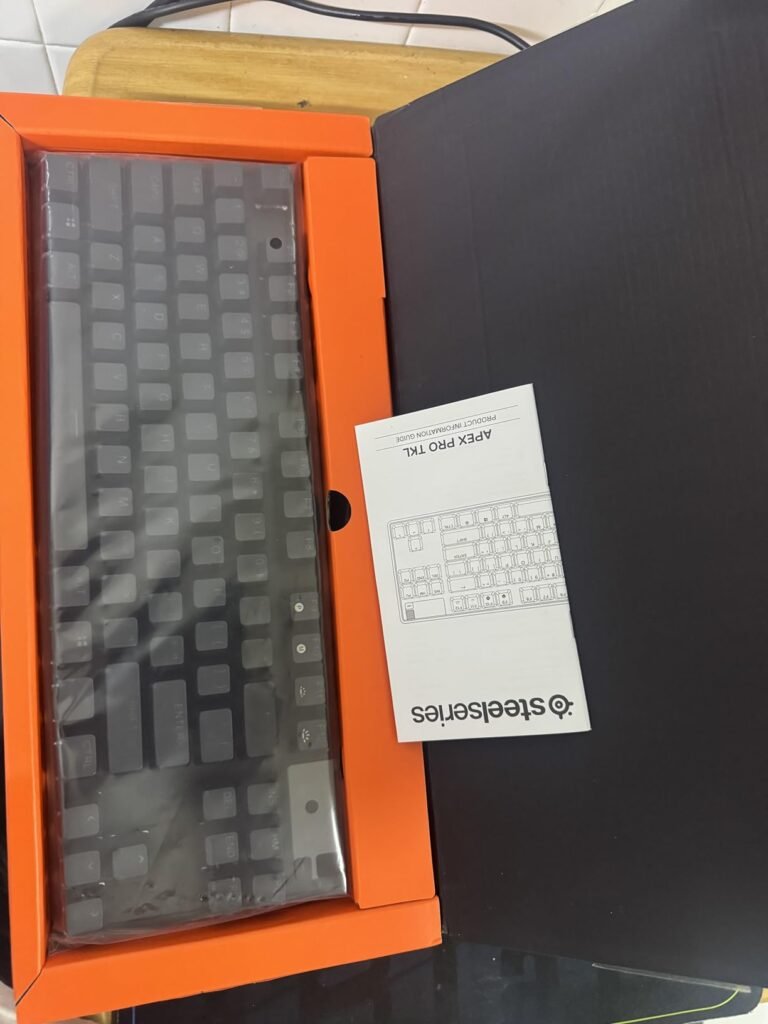
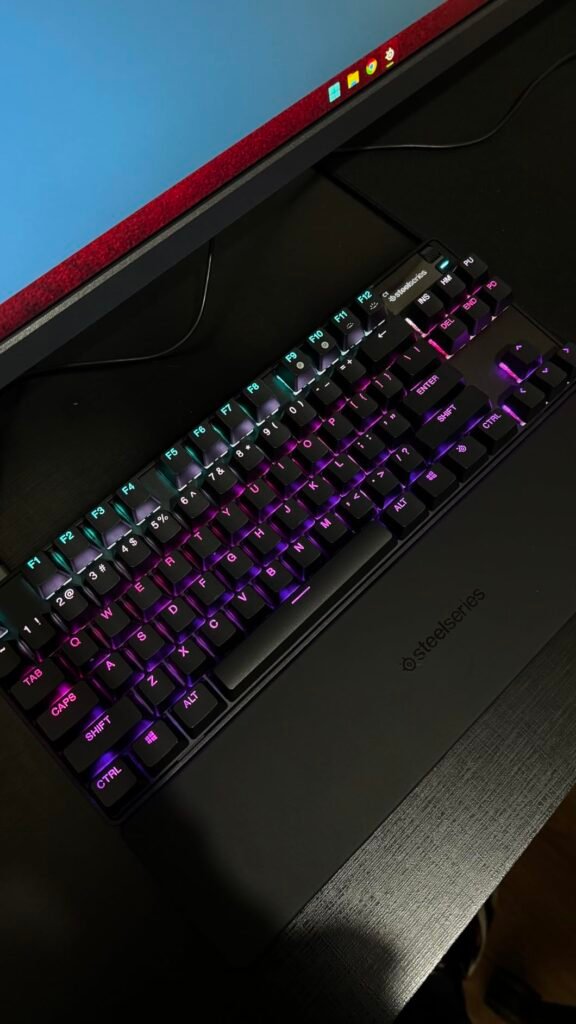
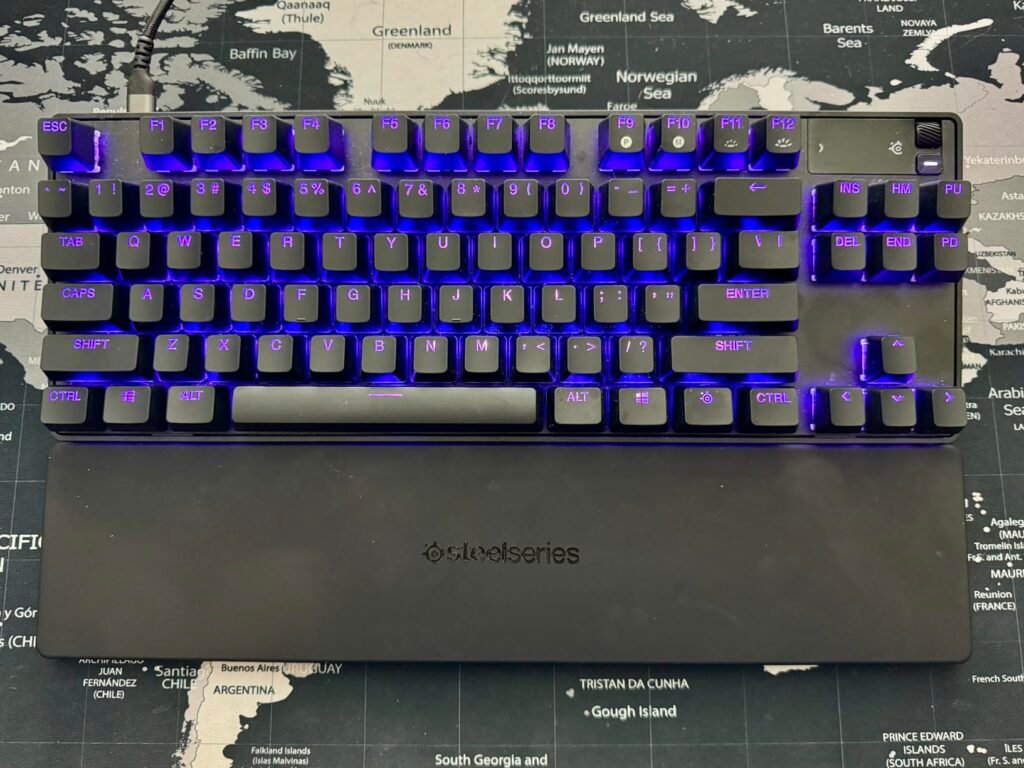
The Apex Pro TKL Gen 3 is engineered for competitive players who take performance seriously. Its magnetic OmniPoint 3.0 switches use Hall effect sensors instead of physical contact, meaning actuation points are fully adjustable and inputs can register faster than on traditional mechanical switches.
We may earn a commission when you buy through this link, at no additional cost to you.
The killer combination here is Rapid Trigger, Rapid Tap, and Protection Mode. Rapid Trigger resets the moment you release a key, so counter-strafing in shooters feels crisper. Rapid Tap snaps to your latest input for cleaner strafing and dodging. Protection Mode reduces accidental presses on adjacent keys, which is a genuine problem when you crank actuation as low as 0.1mm. Quickset auto-presets let games load configurations automatically.
The OLED display isn’t a gimmick either. It lets you tweak settings, switch profiles, and confirm mode changes without leaving your game. Combined with 45g bottom-out force and PBT keycaps that resist shine and wear, the board feels premium during long sessions. The TKL layout leaves room for wider mouse sweeps in low-sensitivity FPS play.
Start conservative around 1.5mm to avoid ghost presses, then lower actuation on WASD once your fingers adjust. Save separate profiles for shooters and typing so you don’t fight accidental inputs when writing.
If you play competitive titles like CS2, Valorant, or Apex Legends and want technology that measurably improves reaction and movement, this is the pick. It’s less compelling if you mostly type or play slower single-player games, since much of what you’re paying for is the analog magnetic system.
Not for casual gamers or typists who don’t need adjustable actuation or advanced FPS-focused features.
We may earn a commission when you buy through this link, at no additional cost to you.
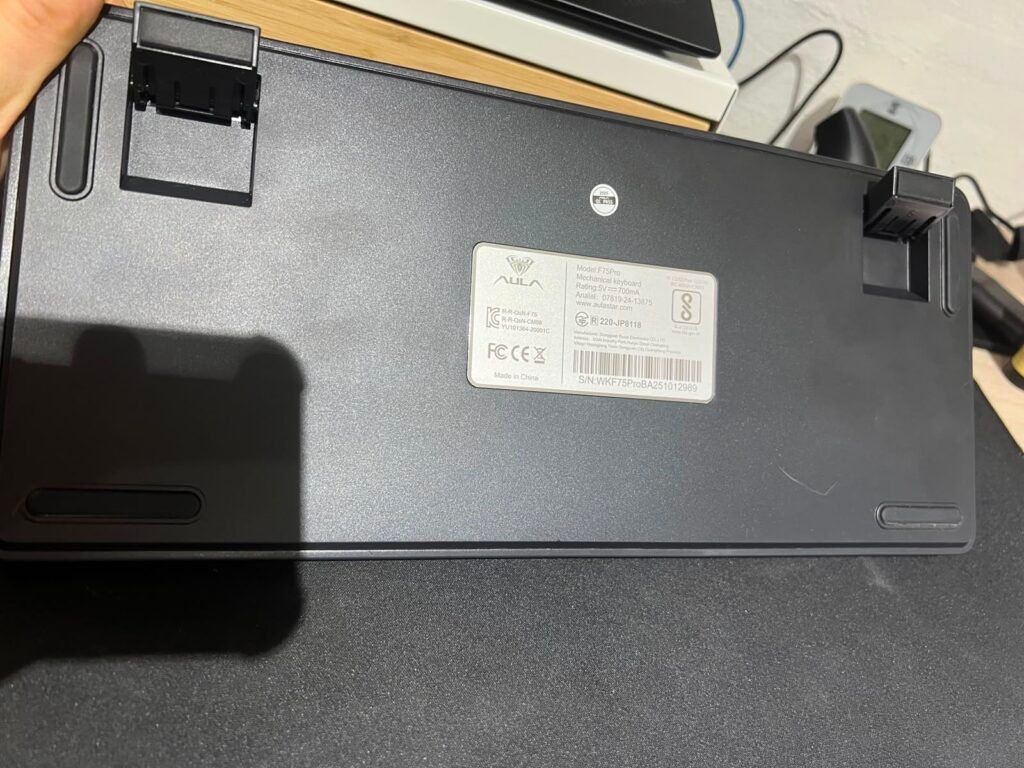
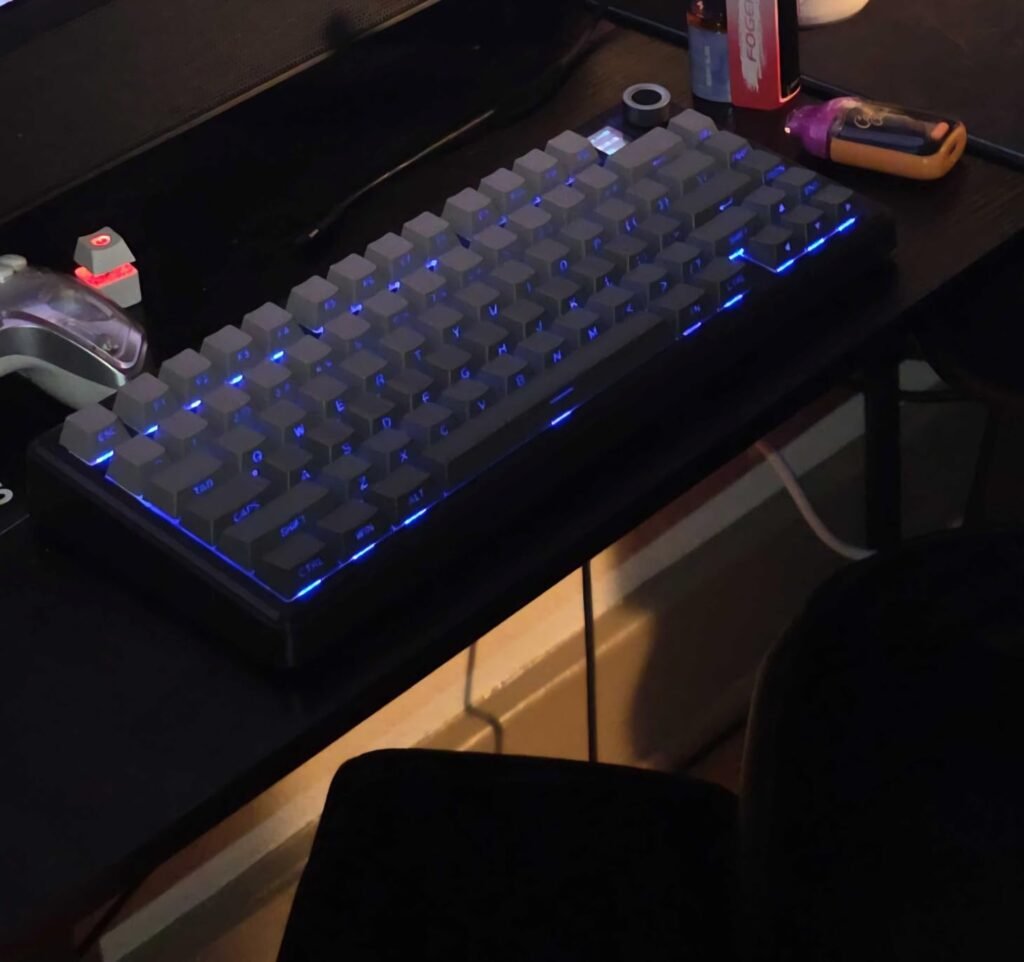
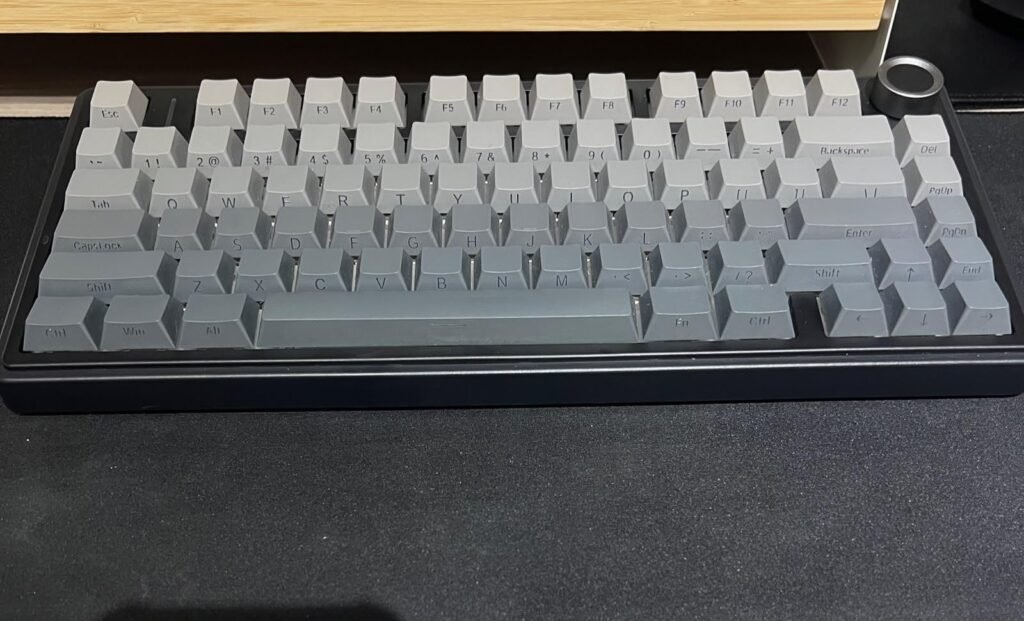
The AULA F75 Pro is aimed at buyers who want a modern custom-keyboard experience without paying flagship prices. It condenses a lot of enthusiast-friendly features into a 75% layout that keeps arrow keys and a function row while trimming the numpad, which is a sweet spot for most gamers who also type all day.
We may earn a commission when you buy through this link, at no additional cost to you.
Performance-wise, the pre-lubed LEOBOG Reaper linear switches paired with lubed stabilizers deliver a smoother, quieter stroke than most keyboards near this price. Five layers of internal foam and a silicone gasket layer help tame ping and cavity noise, producing that softer, thocky sound signature enthusiasts look for. The hot-swappable PCB accepts 3-pin and 5-pin switches, so you can experiment later without soldering.
Everyday convenience is where this board shines. Tri-mode connectivity handles Bluetooth 5.0, 2.4GHz wireless, and wired USB-C, and it can pair with up to five devices at once. The multi-function knob toggles between game mode (brightness and lighting effects) and office mode (volume and playback), while the 4000mAh battery keeps it running for extended sessions without frequent charging.
Rotary controls are underrated in gaming keyboards. Being able to fine-tune volume or lighting without alt-tabbing keeps you in-game, and the F75 Pro’s dual-mode knob doubles its usefulness across gaming and work sessions.
For the money, this is one of the most complete wireless keyboards on the list. It is best suited to gamers and typists who want a customizable 75% board, respectable acoustics, and flexible connectivity without stepping into $150+ territory. Buyers who need the most refined software ecosystem or wireless competitive performance may want to look at the SteelSeries or ASUS models instead.
Not ideal for competitive players who need certified low-latency wireless or heavily customized macro software.
We may earn a commission when you buy through this link, at no additional cost to you.
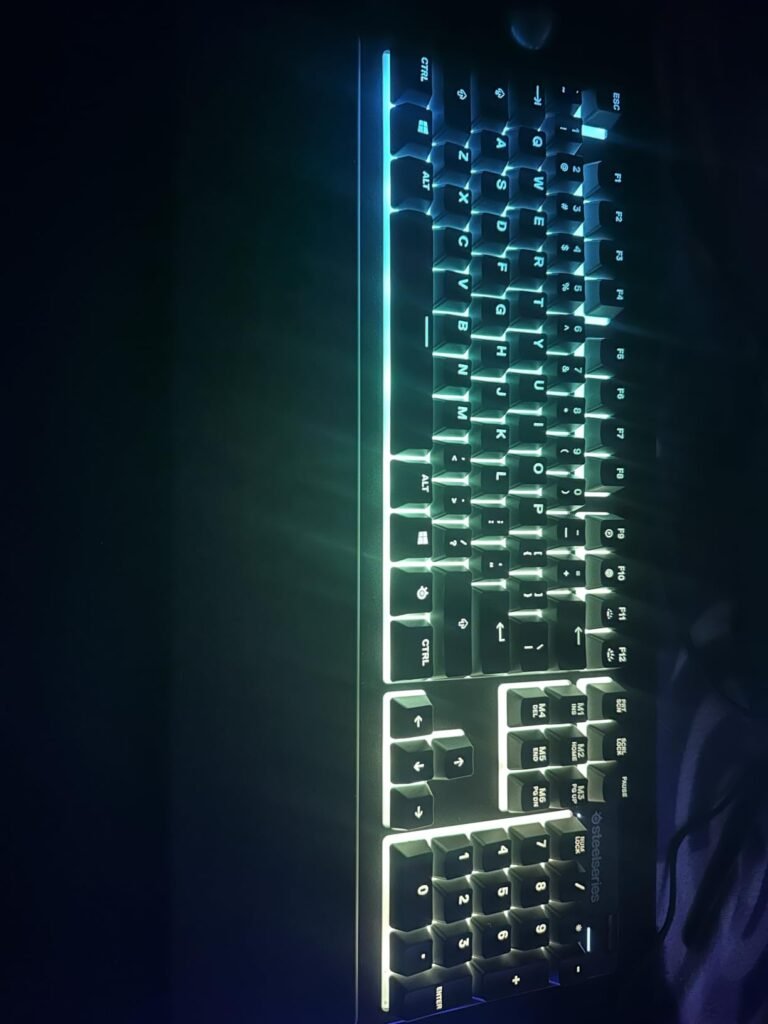
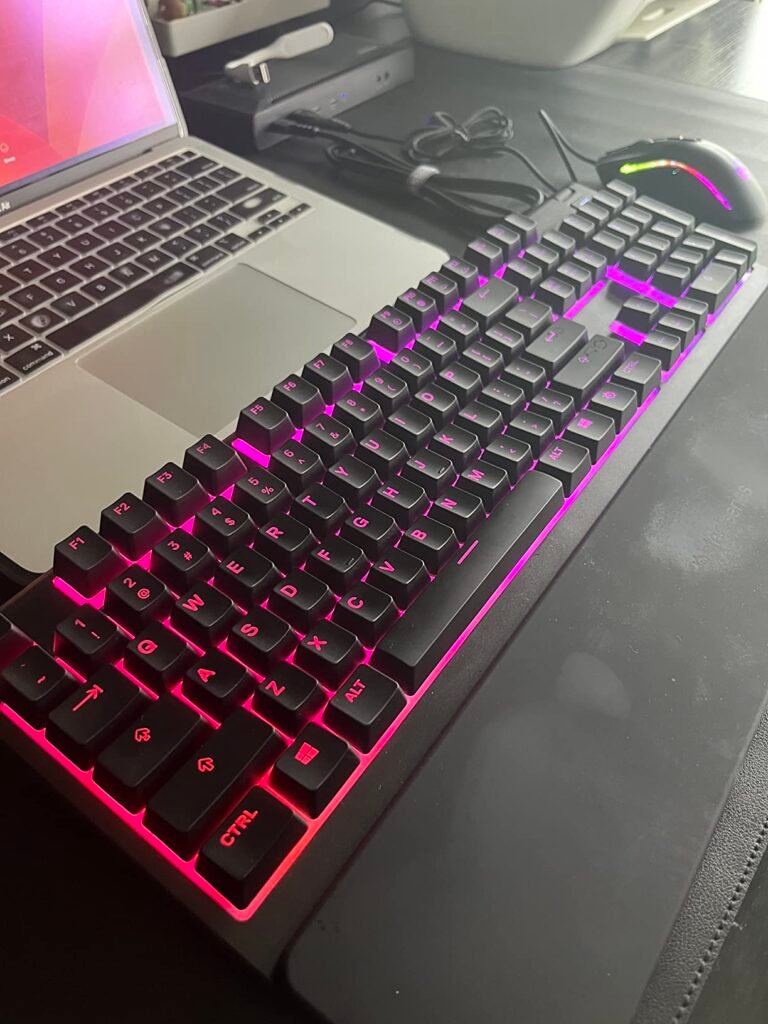
The SteelSeries Apex 3 targets budget-conscious gamers who want a dependable, easy-to-live-with keyboard from an established brand. Rather than mechanical switches, it uses whisper-quiet gaming switches rated for 20 million presses, which trade some tactile feedback for quiet operation and lower cost.
We may earn a commission when you buy through this link, at no additional cost to you.
For everyday use, the IP32 water resistance is a genuinely useful feature. A knocked-over drink is one of the fastest ways to kill a keyboard, and this rating provides a real buffer against accidental splashes. Dedicated multimedia controls let you handle volume and playback without leaving your game, and the board supports Windows, macOS, PlayStation, and Xbox consoles.
Comfort is another strength. The included magnetic wrist rest attaches instantly and supports the palm during long sessions, which many keyboards at this price omit entirely. The 10-zone RGB lighting delivers pleasant reactive effects without the cost of per-key illumination, and the SteelSeries GG software offers reasonable customization for the price.
Membrane keyboards feel softer and quieter, which some users prefer for shared spaces. If you’re new to gaming, this is a low-risk way to start before deciding whether you want to invest in a mechanical board later.
This is the right choice for new gamers, secondary setups, or anyone who prefers a quieter typing sound. Enthusiasts who want the tactile feedback of true mechanical switches or per-key RGB will need to move up a tier, but for reliable everyday gaming under $50 the Apex 3 is hard to beat.
Not for users who specifically want mechanical switch feel or per-key RGB customization.
We may earn a commission when you buy through this link, at no additional cost to you.
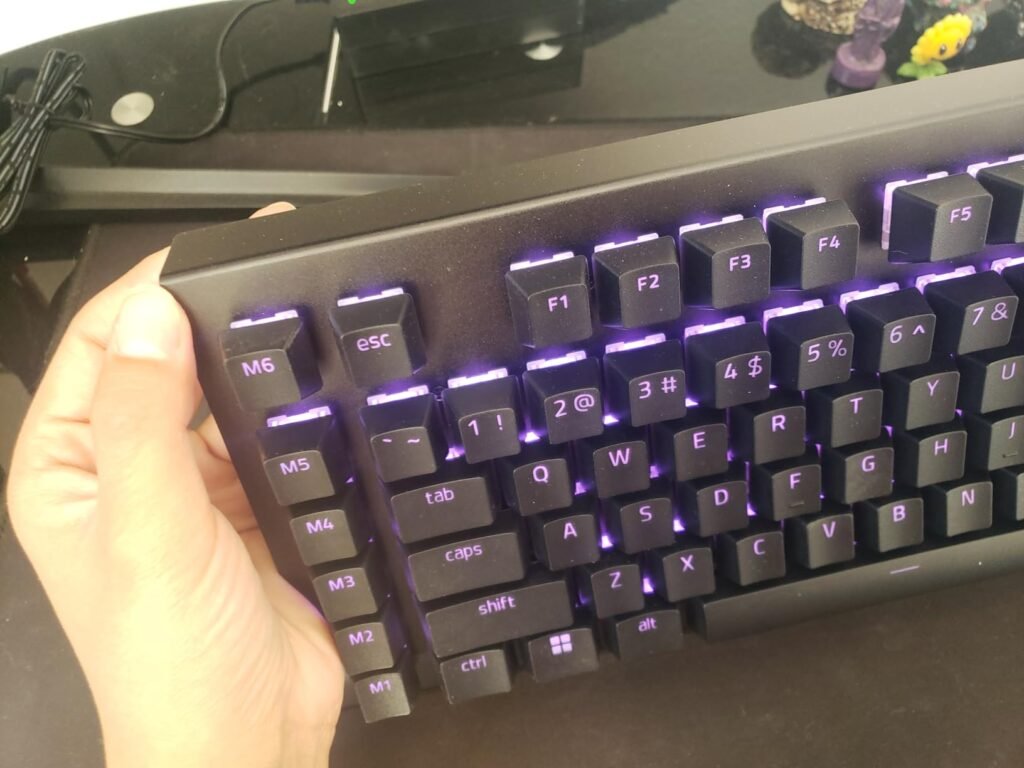
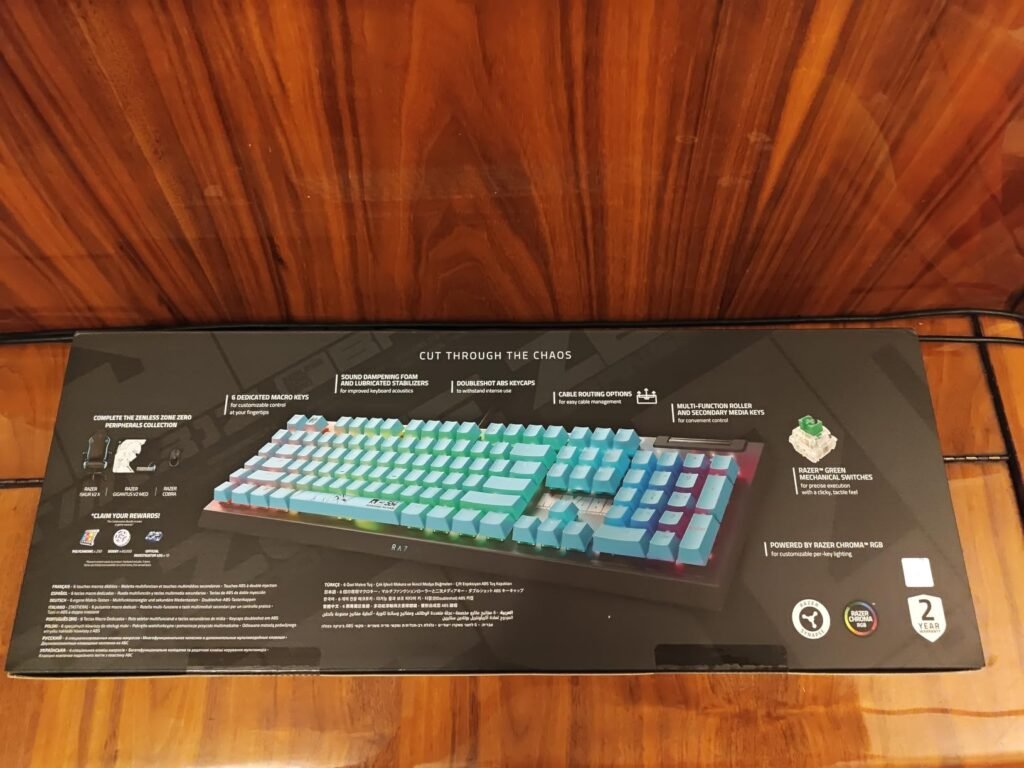
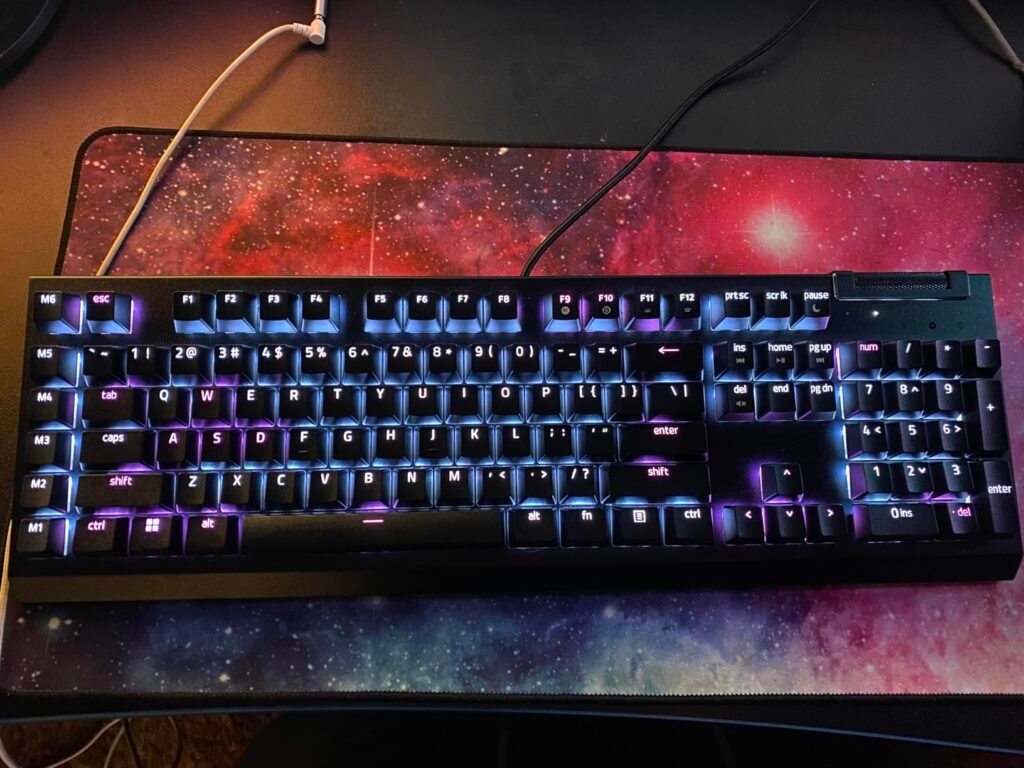
The Razer BlackWidow V4 X is built for players who want more onboard functionality than a standard full-size keyboard offers. Six dedicated macro keys along the left edge give MMO players, streamers, and productivity users room to bind complex commands without sacrificing standard keys.
We may earn a commission when you buy through this link, at no additional cost to you.
Razer’s Yellow linear switches actuate at 1.2mm with just 45g of force, giving fast, quiet inputs suited to competitive games. Built-in sound dampeners keep the acoustics reasonable, and a layer of foam under the PCB plus lubricated stabilizers help the board avoid the hollow ping that plagues older Razer designs. Chroma RGB integrates with hundreds of games for reactive lighting effects.
The multi-function roller and secondary media keys are genuinely useful daily. You can scrub volume, adjust brightness, or skip tracks quickly, which matters when you’re mid-match. Doubleshot ABS keycaps have thicker walls to survive heavy use, though ABS will eventually shine compared to PBT alternatives.
Assign macros to common combos: push-to-talk, streaming scene switches, or MMO ability chains. Synapse profiles can auto-switch when you launch specific games, so the same six keys can serve multiple titles.
Pick this if you value macros, per-key RGB, and Razer’s software ecosystem, especially if you already own other Chroma products. It’s a great fit for streamers who need one-touch scene switching. Buyers focused on the absolute quietest board or long-term keycap durability may prefer PBT-equipped competitors.
Not for players who want a compact layout or the longest-lasting PBT keycap finish.
We may earn a commission when you buy through this link, at no additional cost to you.
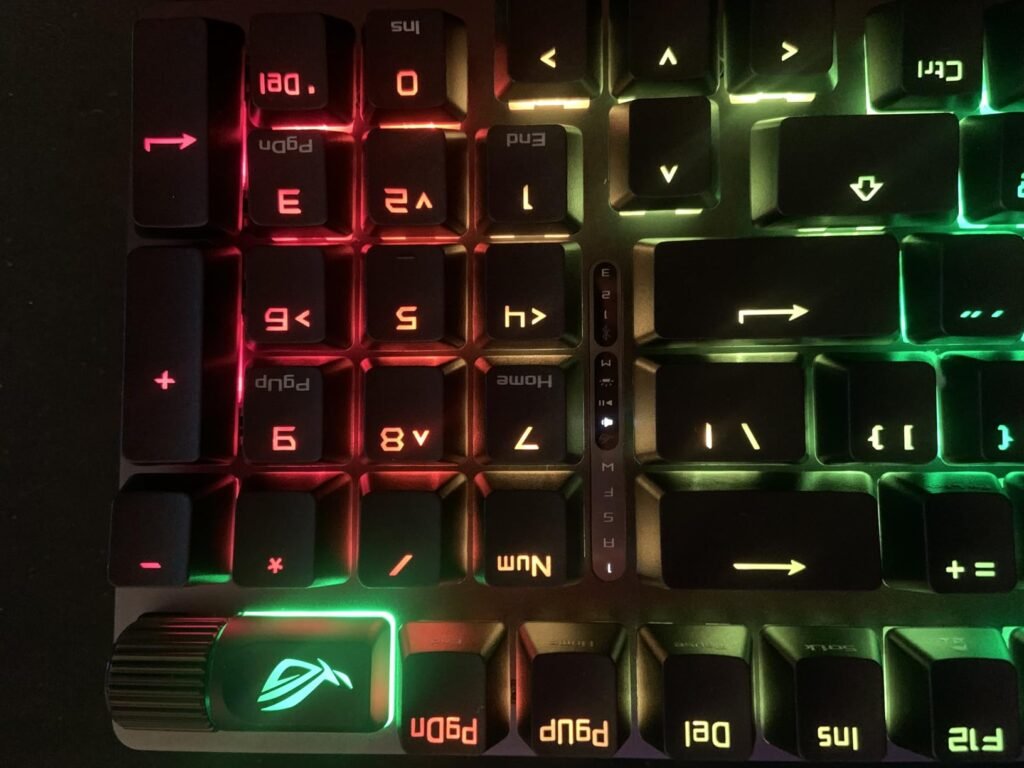
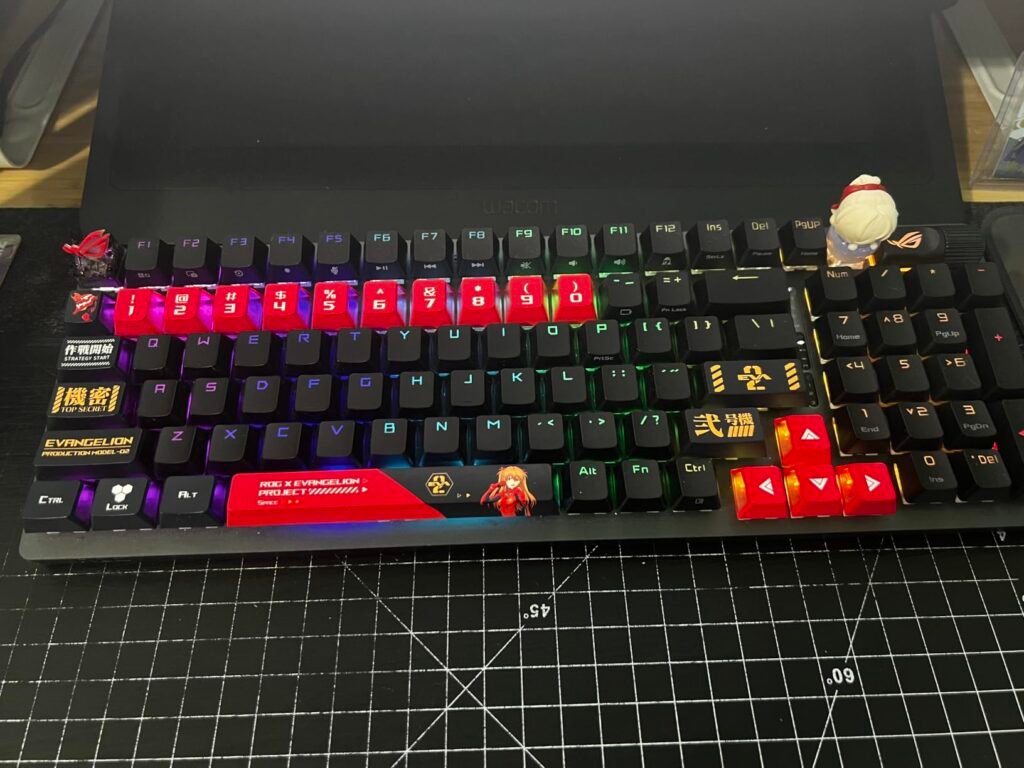
The Strix Scope II 96 is designed for buyers who don't want to give up the numpad but hate the desk sprawl of full-size boards. At just 1 cm wider than a standard TKL, it packs 96% functionality into a footprint that feels remarkably compact once you use it.
We may earn a commission when you buy through this link, at no additional cost to you.
Wireless performance leans on ROG SpeedNova technology, which pushes battery life up to 1,500 hours in 2.4GHz mode with lighting off. That’s the kind of number that means you charge every few weeks, not every few days. Tri-mode connectivity covers 2.4GHz, Bluetooth for up to three devices, and reliable wired USB when you want to eliminate any wireless variables.
Typing acoustics are strong for a wireless board. The pre-lubed ROG NX Snow linear switches are smooth out of the box, sound-dampening foam absorbs echo, and PBT doubleshot keycaps avoid the greasy shine of ABS. Hot-swap sockets let you change switches without soldering, and the multi-function wheel plus F1-F5 hotkeys handle media, lighting, and Xbox Game Bar shortcuts.
96% layouts keep the numpad tight against the arrow cluster, saving desk space without abandoning the number entry that spreadsheet users and simulator players rely on. It’s a genuinely underrated middle ground.
This board suits gamers and mixed users who want numpad access, wireless freedom, and a refined feel without going full custom. If you prefer a smaller 60% or 75% board for pure gaming, look elsewhere, but few wireless keyboards balance layout, battery, and sound this well.
Not for players who want a minimalist 60% or 75% layout for maximum mouse room.
We may earn a commission when you buy through this link, at no additional cost to you.
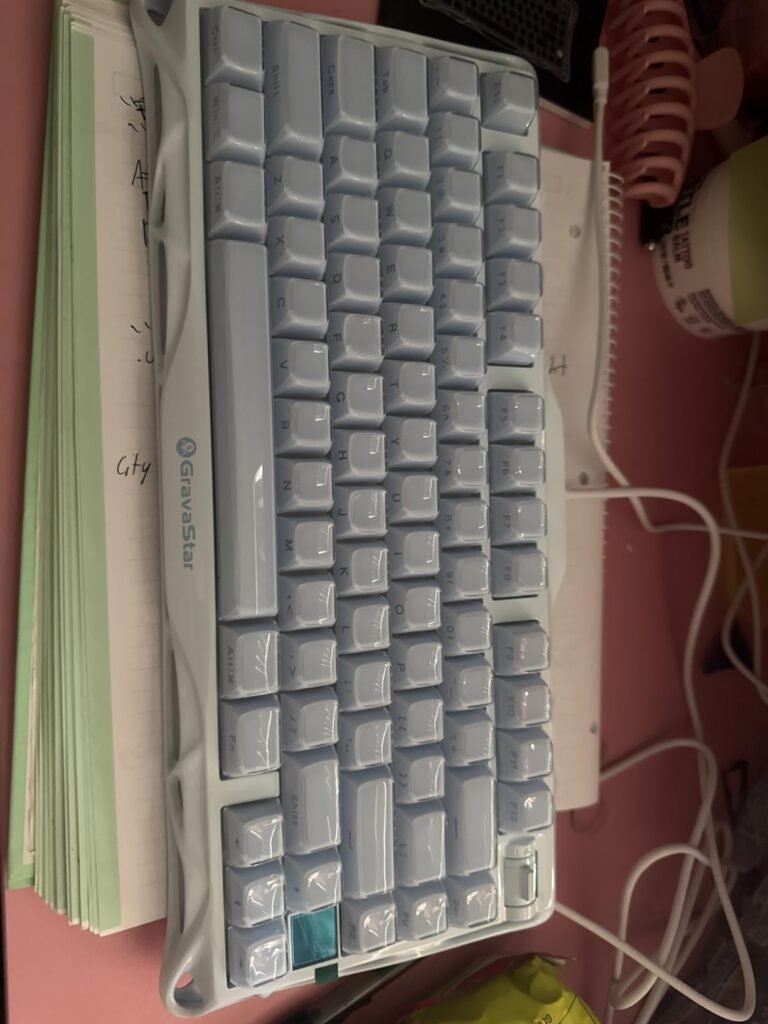
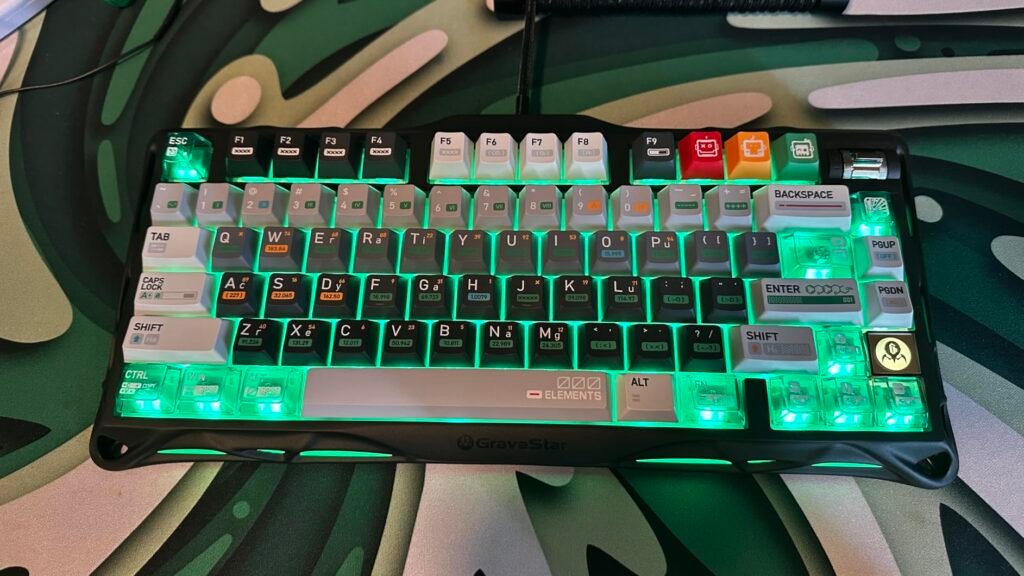
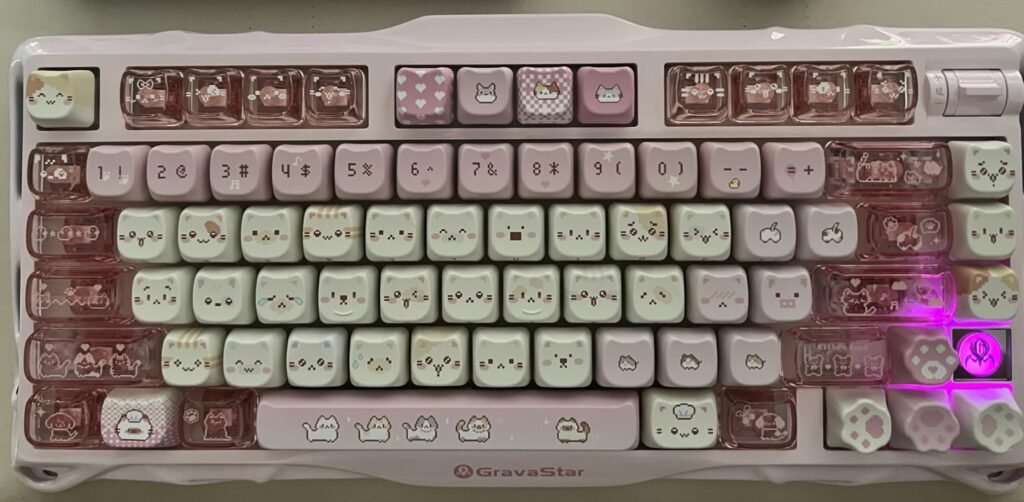
The Mercury K1 aims squarely at buyers who value aesthetics and acoustics as much as raw performance. Its aluminum alloy exoskeleton with a gradient black finish gives it a sculptural, industrial look that stands out from the usual gaming keyboard shell.
We may earn a commission when you buy through this link, at no additional cost to you.
Under the hood, the gasket-mounted structure cushions each keystroke through a flexible polycarbonate plate, softening bottom-out impact. Five layers of dampening foam address the hollow sound that ruins cheaper boards, and the exclusive GravaStar x Kailh linear switches (40gf actuation, 1.5mm pre-travel, 3.5mm total travel) feel light and responsive without being twitchy.
Connectivity covers wired USB-C, Bluetooth 5.0, and 2.4GHz wireless, and it plays nicely with both Windows and Mac. The dual independent RGB lighting systems create depth that per-key-only boards can’t match, and the accompanying software gives you 13 backlight modes plus deeper customization for those who want to fine-tune everything.
Gasket mounts sandwich the switch plate between soft gaskets rather than screwing it rigidly to the case. The result is a slightly bouncy, cushioned typing feel that reduces finger fatigue and dampens sound.
Choose the K1 if you want the visual and tactile experience of a custom-built keyboard without sourcing parts yourself. It’s ideal for users who care about desk aesthetics and typing feel. Weight and price mean it’s less suited to portability-focused buyers or those who see keyboards as pure input devices.
Not for buyers on a tight budget or those who prefer lighter plastic-body keyboards.
We may earn a commission when you buy through this link, at no additional cost to you.
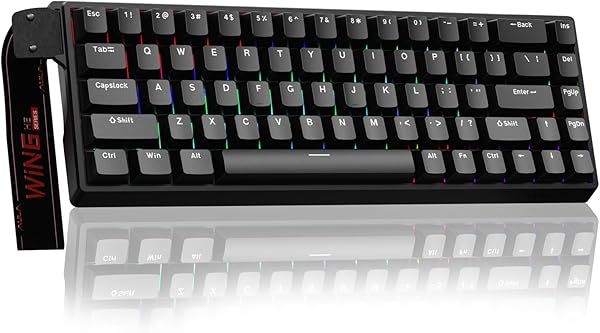
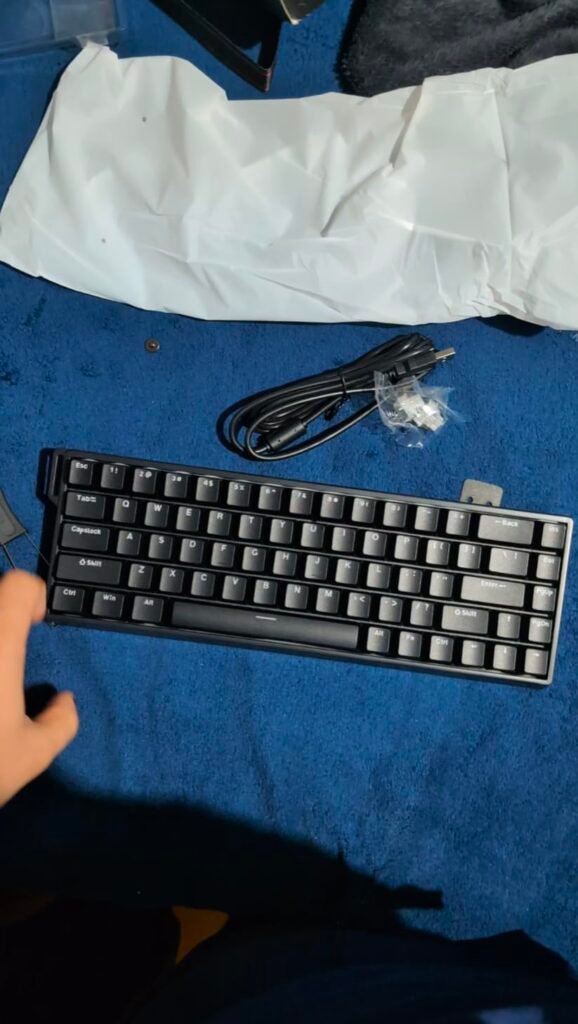
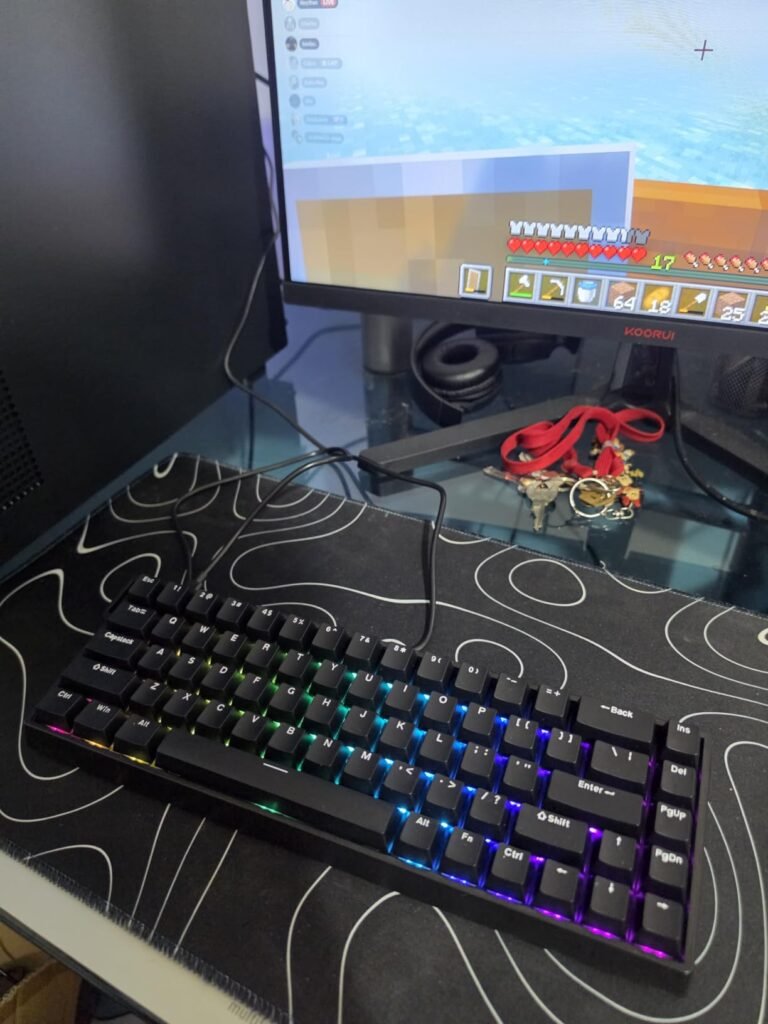
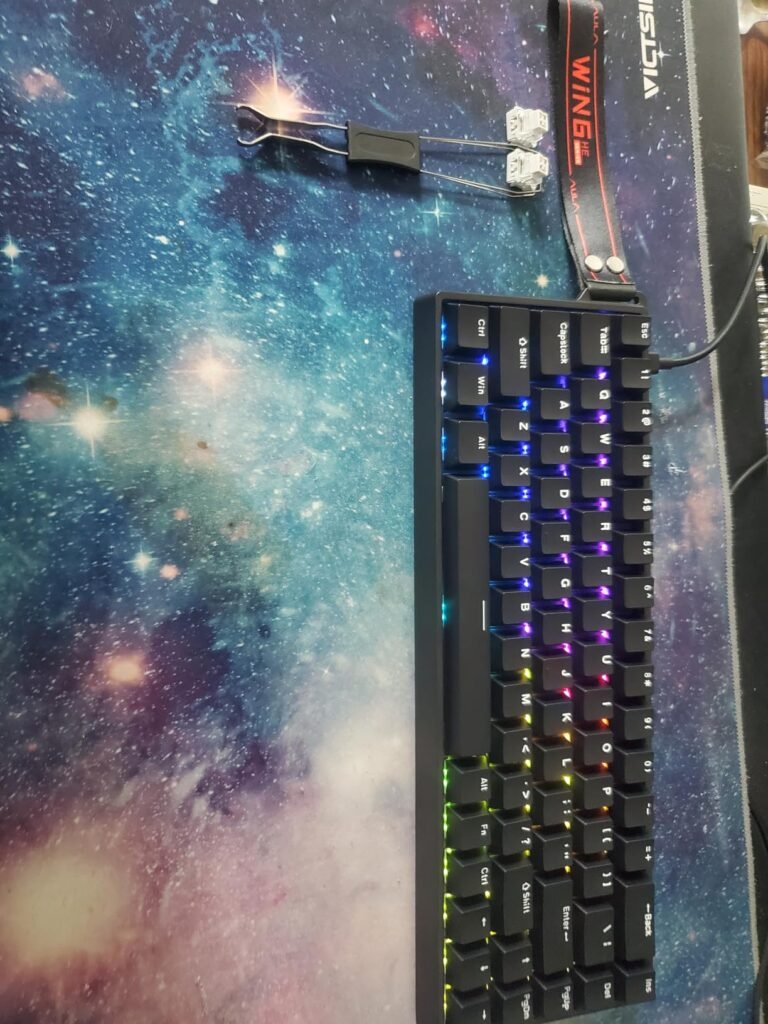
The AULA WIN68 HE brings enthusiast FPS technology to a price that used to be impossible. Hall effect magnetic switches deliver an adjustable actuation range from 0.02mm to 3.44mm per key, giving competitive shooter players tools that were once reserved for keyboards three times the price.
We may earn a commission when you buy through this link, at no additional cost to you.
The 8,000Hz polling rate is the headline spec, and paired with 0.3ms latency it minimizes the delay between physical press and in-game action. Whether that’s noticeable to every player is debatable, but for high-refresh setups it removes one more variable from the input chain. Rapid Trigger, SOCD, dynamic key stroke, MT, and toggle functions are all configurable through a browser-based driver.
The 60% layout is polarizing but purposeful. It maximizes desk space for wide low-sensitivity mouse movement, which matters in shooters. Basic keys, arrows, and function shortcuts are reached through FN combinations, and the detachable USB-C cable makes transport easier. South-facing LEDs give better keycap illumination than standard north-facing setups.
Give yourself a week to adapt. Function-layer keys become second nature quickly, and the extra mouse space genuinely helps in low-sensitivity FPS play. Keep a numpad or full board nearby for spreadsheet-heavy days.
This is the pick for competitive shooter players who want Hall effect features on a budget. It’s not ideal for those who rely on the function row daily, need macOS support, or want wireless freedom. As a dedicated gaming board for FPS enthusiasts, though, it punches far above its weight.
Not for Mac users, typists who need dedicated function keys, or anyone who wants wireless.
We may earn a commission when you buy through this link, at no additional cost to you.
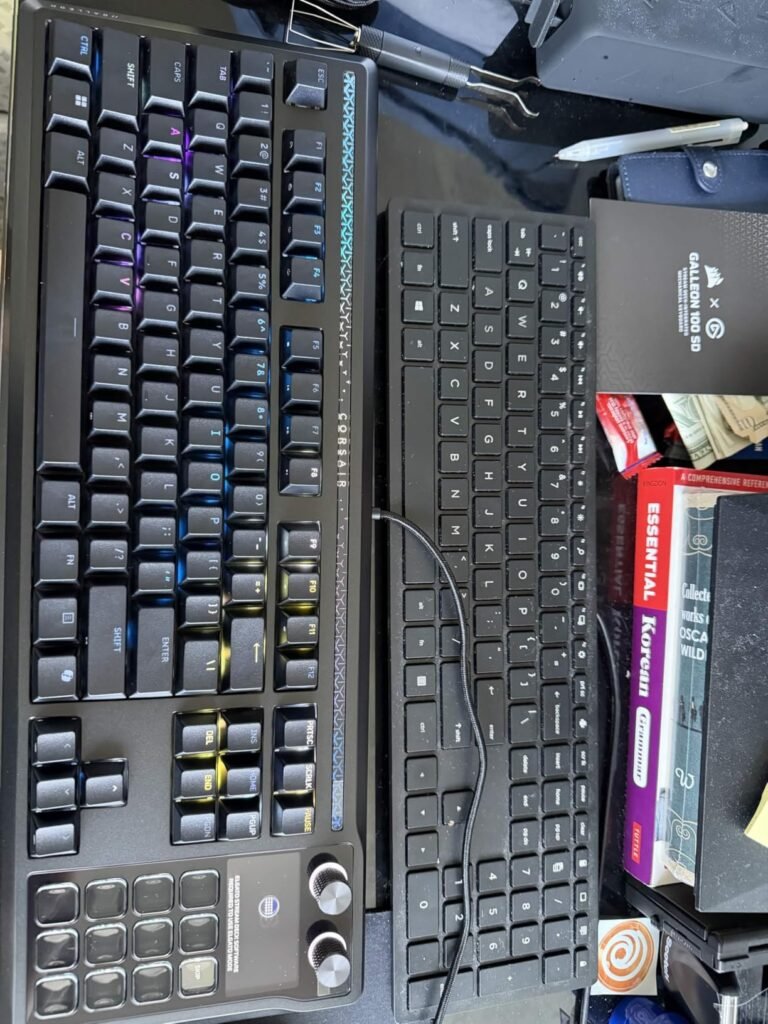
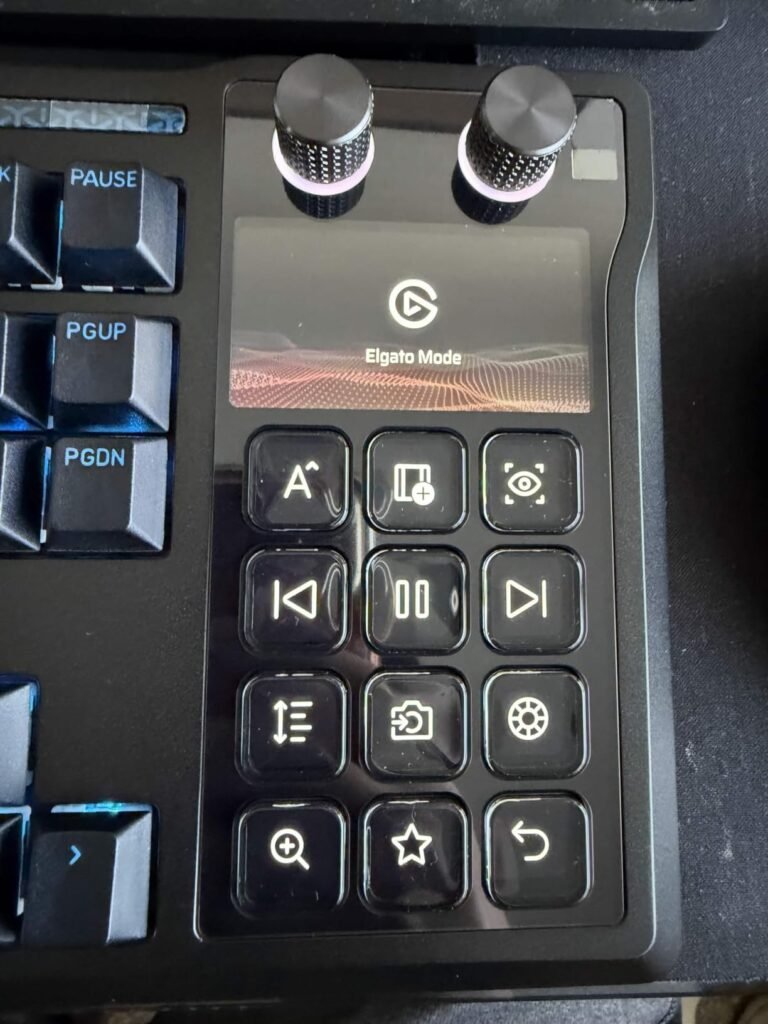
The Corsair Galleon 100 SD is unlike anything else on this list. It fuses a high-end gaming keyboard with a full Elgato Stream Deck and a 5-inch color LCD, giving streamers and power users a control center that eliminates the need for additional peripherals on the desk.

We may earn a commission when you buy through this link, at no additional cost to you.
On the performance side, 8,000Hz hyperpolling and FlashTap SOCD put it in the same conversation as dedicated competitive boards. FlashTap lets you cancel opposing directional inputs instantly, which is important for advanced strafing techniques in tactical shooters. It’s rare to see this level of gaming spec on a device also aimed at productivity.
The Stream Deck integration is the real differentiator. Customizable keys and dials let you switch scenes, launch apps, control Discord, manage Spotify, and pull live info from Twitch and hardware monitors, all from the keyboard. Plugins from the Elgato Marketplace extend that functionality significantly, and the LCD keeps status information visible without alt-tabbing.
If you already own or plan to buy a Stream Deck XL, the combined cost starts to make sense. If you don’t stream or need advanced macro workflows, the additional hardware may go underused.
This is a specialized tool at a specialized price. It makes the most sense for streamers, content creators, and productivity enthusiasts who would otherwise buy a separate Stream Deck. Pure gamers will find better value elsewhere, and the price puts it firmly in premium territory where early owner feedback should be reviewed carefully before committing.
Not for buyers on a budget or gamers who don’t need Stream Deck or LCD features.
We may earn a commission when you buy through this link, at no additional cost to you.
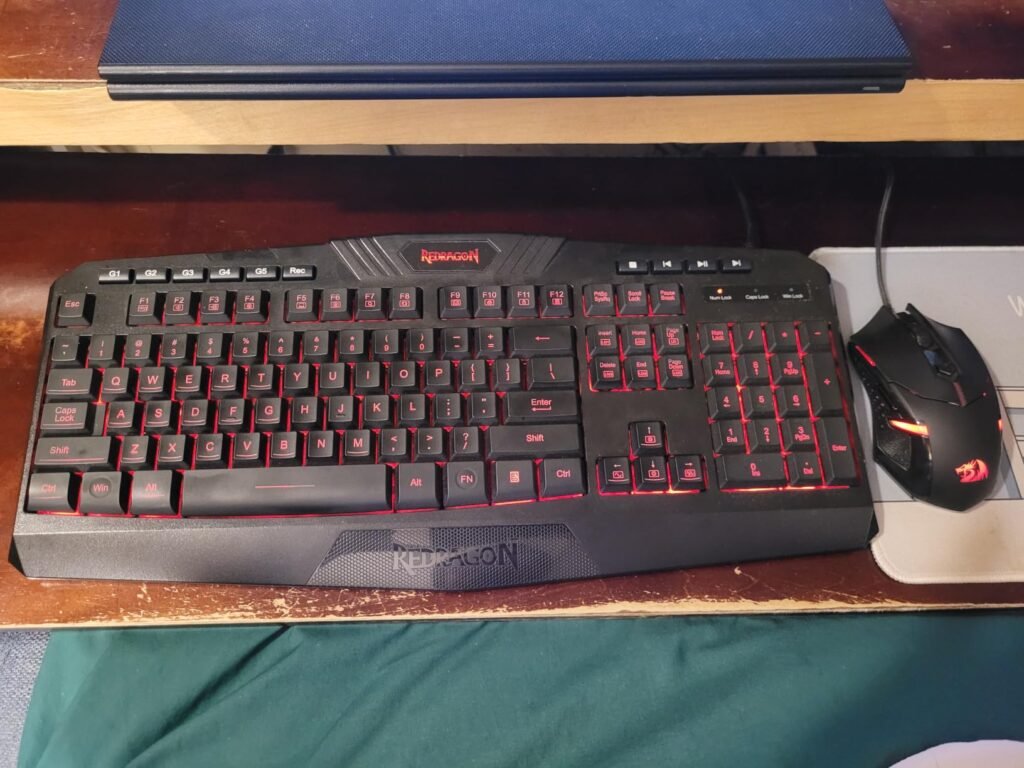
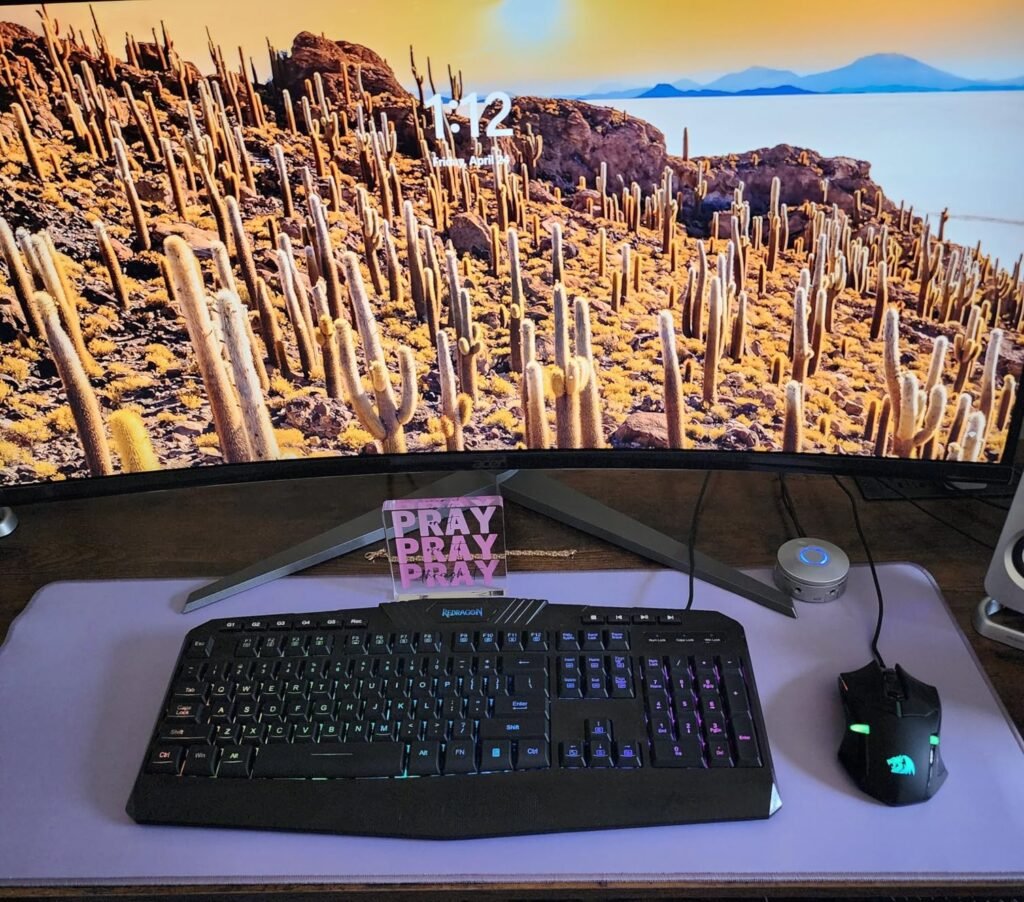
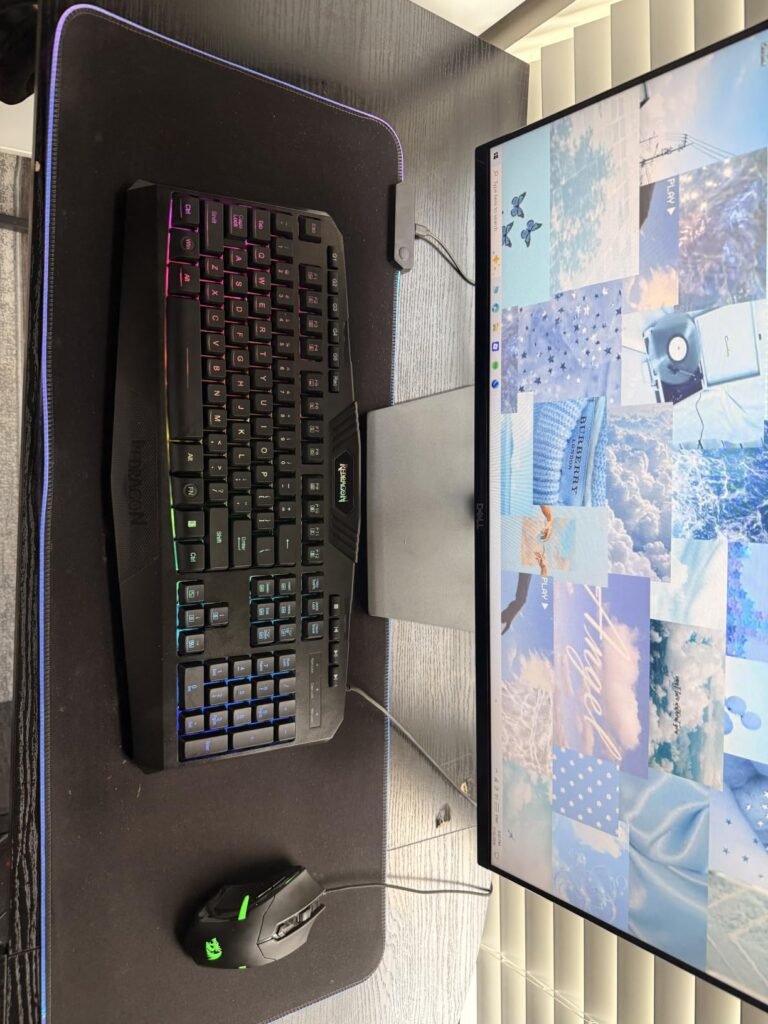
The Redragon S101M-KS is aimed at gamers who want to outfit an entire setup at once without buying peripherals separately. You get a full-size wireless keyboard and a 4800 DPI gaming mouse that both share a single 2-in-1 2.4GHz receiver, simplifying cable-free setups.
We may earn a commission when you buy through this link, at no additional cost to you.
Connectivity is the standout feature. Tri-mode support means you can run wired, Bluetooth, or 2.4GHz wireless as needed, and the shared receiver keeps USB port use to a minimum. The keyboard offers up to 300 hours of battery life with RGB off, so recharge cycles are infrequent, and a battery indicator keeps you informed of levels.
The mouse has five DPI presets from 800 to 4800, adjustable via a dip button or software, and seven remappable buttons cover most gaming needs. The keyboard adds 10 independent multimedia keys, WIN lock, and splash resistance. RGB effects on both devices can be synchronized for a cohesive look.
Combos work best for secondary rigs, family PCs, or first-time gaming setups. If you’re serious about competitive play, buying keyboard and mouse separately usually yields better long-term satisfaction.
This bundle suits new PC gamers, budget builds, or secondary setups where individual premium peripherals aren’t justified. Enthusiasts will want mechanical switches and dedicated flagship mice, but as a complete wireless combo at this price it’s a strong starting point. Value seekers building their first gaming station should give it real consideration.
Not for enthusiasts who want mechanical switches or a flagship-tier gaming mouse.
We may earn a commission when you buy through this link, at no additional cost to you.
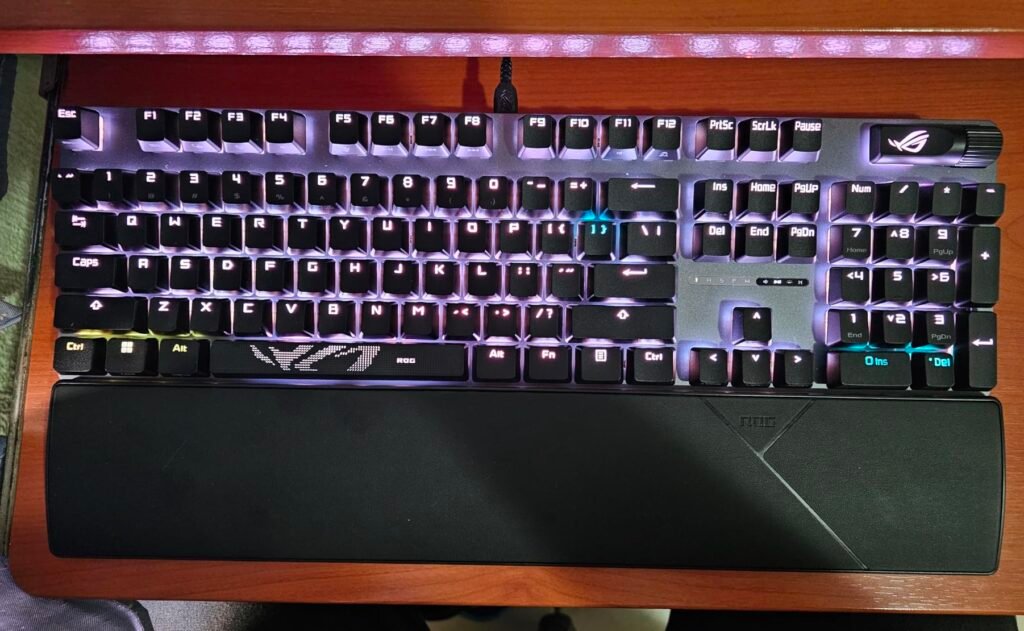
The Strix Scope II X is the wired sibling of ASUS's Scope II 96, aimed at players who want a durable full-size mechanical board and don't need wireless. Its aluminum top plate adds structural rigidity and a premium feel, while PBT doubleshot keycaps stay matte and legend-crisp far longer than typical ABS.
We may earn a commission when you buy through this link, at no additional cost to you.
The V2 iteration of the ROG NX switches keeps the dust-proof, wall-stem design of the original but adds an LED lens for brighter, more even RGB illumination. Buyers can choose between NX Snow linear switches for smooth thocky keystrokes or NX Storm clicky switches for crisp tactile feedback, and hot-swap sockets make future switch upgrades painless.
Everyday usability is well thought out. Sound-dampening foam and switch pads reduce ping and echo, the multi-function wheel makes media and lighting control effortless, and pre-programmed F1-F5 hotkeys tie into Xbox Game Bar for streamers and recorders. Three angle adjustments plus a detachable wrist rest handle ergonomics for long sessions.
Wired boards eliminate battery management, cut input latency to the minimum, and typically cost less than wireless equivalents. For desktop gamers who never move their setup, it’s often the smarter choice.
Choose this board if you want a refined full-size wired gaming keyboard with room to modify switches down the road. It’s a strong pick for gamers who prefer wired reliability and don’t need a numpad-compact 96% form factor. If wireless matters or desk space is tight, the Scope II 96 is a better fit.
Not for buyers who need wireless connectivity or want a smaller compact layout.
We may earn a commission when you buy through this link, at no additional cost to you.
Gaming keyboards span an enormous range of prices, layouts, and technologies. Focusing on the factors below will help you avoid overpaying for features you don’t need and identify the details that actually change your daily experience.
Switch technology is the single biggest factor in how a keyboard feels and performs. Traditional mechanical switches use physical metal contacts and come in linear (smooth), tactile (bumpy), and clicky (bumpy with audible click) variants. Membrane keyboards use rubber domes for a softer, quieter feel at lower cost but with less tactile precision. Hall effect switches use magnets and sensors to detect keypresses without physical contact, allowing adjustable actuation and faster response.
For most gamers, linear mechanical switches (like Razer Yellow, ROG NX Snow, or Kailh linears) provide the best balance of speed and comfort. Competitive FPS players increasingly favor Hall effect switches because per-key actuation tuning enables techniques like Rapid Trigger and SOCD. Membrane boards remain valid for casual users who want a quiet, spill-friendly board at entry pricing.
If you’re unsure, start with pre-lubed linears in the 40-50g range. They handle both gaming and typing without extremes, and switching to Hall effect later becomes an informed upgrade rather than a shot in the dark.
Layout determines both desk footprint and which keys are readily available. Full-size (100%) boards include everything from function row to numpad. TKL (tenkeyless) drops the numpad. 96% keeps the numpad but pushes everything tight. 75% removes the numpad and compresses navigation keys. 60% strips everything below the function row, leaving only alphanumeric, modifiers, and arrows accessed through function layers.
Competitive FPS players often prefer smaller layouts because they free up mouse space for low-sensitivity sweeps. Productivity users and spreadsheet-heavy workflows benefit from full-size or 96% for numpad access. 75% is a popular sweet spot that balances compactness with retained arrow keys and function row, which is why it dominates enthusiast custom keyboard designs.
Measure your desk and think about how you use your keyboard beyond gaming. Numpad users rarely enjoy switching to 60%, while pure gamers may find a numpad wasteful.
Wireless keyboards have matured dramatically. Modern 2.4GHz implementations from major brands offer latency indistinguishable from wired for most players, and Bluetooth adds convenient device switching for laptops and tablets. Wired keyboards, however, remain simpler, cheaper, and never require charging.
Tri-mode keyboards (wired, 2.4GHz, and Bluetooth) offer the most flexibility. They let you use 2.4GHz for gaming performance, Bluetooth for pairing with a work laptop or tablet, and wired mode when the battery runs low or when eliminating any wireless variable matters. Battery life varies enormously, from 100 hours to over 1,500 hours with lighting off.
If your keyboard never leaves your desk, wired usually wins on price and simplicity. If you value a clean setup or use multiple devices, tri-mode wireless is worth the modest premium.
Keycaps come primarily in ABS or PBT plastic. ABS is smoother out of the box but develops a greasy shine over months of use. PBT is more textured, resists shine and wear far better, and generally sounds slightly deeper. Doubleshot keycaps mold the legend directly into a second piece of plastic, so it never wears off. Dye-sublimated PBT prints legends into the material with heat, also preventing wear.
Case materials matter too. Aluminum plates and cases add weight and rigidity, which changes typing acoustics and reduces flex. Gasket-mounted designs cushion the switch plate for softer bottom-out feel and reduced fatigue. Sound-dampening foam layers absorb the hollow ping that plagues cheap boards.
For long-term satisfaction, prioritize PBT keycaps and some form of internal foam. Aluminum construction is a bonus rather than a requirement, but it noticeably elevates feel.
RGB lighting ranges from single-zone effects to per-key illumination with millions of colors. Per-key RGB enables reactive lighting effects tied to specific games and lets you highlight WASD or macro clusters. Zoned lighting (like the SteelSeries Apex 3’s 10-zone system) is cheaper and looks fine for ambient effects but can’t do per-key highlights.
Software quality varies widely. SteelSeries GG, Razer Synapse, ASUS Armoury Crate, and Corsair iCUE are established platforms with deep customization but require background processes. Smaller brands may offer browser-based drivers (like AULA’s web configurator) that are lighter but sometimes less polished. Onboard memory lets you take profiles between PCs without reinstalling software.
If you already use one ecosystem, sticking with it simplifies life. If you’re new, ASUS and SteelSeries currently offer some of the most stable software experiences.
Polling rate measures how often the keyboard reports inputs to your PC. Standard rates are 1,000Hz (once per millisecond), while modern gaming boards push 4,000Hz or 8,000Hz. Combined with low-latency switches, this reduces the delay between physical press and in-game response.
Whether you can perceive the difference depends on your monitor refresh rate, game engine, and personal sensitivity. On a 240Hz or 360Hz monitor playing competitive titles, 4,000Hz+ polling has measurable advantages. On a 144Hz monitor in single-player games, the difference is largely academic.
Don’t overspend on polling rate if the rest of your setup can’t take advantage. It’s a legitimate feature, but only one piece of the responsiveness puzzle.
Dedicated macro keys, media wheels, OLED displays, and Stream Deck integrations turn keyboards into full command centers. MMO players benefit from macro-heavy layouts. Streamers gain from OLED or LCD displays and integrated scene controls. Everyone appreciates a media wheel that adjusts volume without alt-tabbing.
Wrist rests matter more than most buyers assume. A magnetic or plush wrist rest reduces fatigue during long sessions, and hot-swap sockets let you experiment with switches without soldering, extending the useful life of a keyboard significantly.
Decide which extras genuinely fit your workflow. Paying for six macro keys you’ll never bind is money better spent on switches, keycaps, or a better mouse.
Set up your keyboard on a flat, stable surface with your forearms roughly parallel to the floor when your hands rest on the home row. If your board includes a wrist rest, position it so it supports the base of your palms rather than your wrists directly, which reduces strain during long sessions. For wireless models, keep the 2.4GHz receiver within a few feet of the keyboard and avoid heavy USB extension setups that can introduce interference.
Clean your keyboard regularly to keep switches feeling smooth and keycaps looking new. Weekly, unplug or power off the board and use compressed air to blow debris from under the keycaps. Every few months, pull keycaps with a puller (many keyboards include one), wash them in warm soapy water, dry them thoroughly, and wipe the case with a slightly damp microfiber cloth. Avoid spraying cleaners directly on the board, and never submerge non-waterproof keyboards.
For wireless boards, keep the battery healthy by avoiding constant full discharges and by turning off RGB lighting when maximum battery life matters. Update firmware through the manufacturer’s software when new releases arrive, since these often fix polling stability, wireless performance, or key remapping issues. Store your keyboard in a dry area away from direct sunlight, which can yellow keycaps over time, and keep drinks in cups with lids nearby to protect against accidental spills.
For most players, yes. Mechanical switches offer more consistent actuation, better tactile feedback, and longer lifespans than membrane keyboards. They also tend to have features like N-key rollover that prevent missed inputs during rapid presses. That said, entry-level membrane boards like the SteelSeries Apex 3 remain solid choices for casual gaming or shared spaces where quiet operation matters.
A 75% or TKL layout is a safe starting point for most gamers. Both keep arrow keys and a function row while removing the numpad, giving you more desk space for mouse movement without sacrificing keys you'll actually miss. If you use spreadsheets regularly or play games requiring number entry, consider a 96% or full-size layout instead.
Hall effect switches offer real advantages for competitive shooters, particularly through Rapid Trigger and SOCD features that reduce counter-strafe timing. However, they're not required to play well. If you're ranked and looking for every edge, they're worth the investment. Casual and mid-tier competitive players will do fine with traditional linear mechanical switches from any reputable brand.
Polling rates of 4,000Hz or 8,000Hz reduce input latency by a few milliseconds compared to 1,000Hz. On high-refresh monitors playing competitive shooters, this can be perceptible. On standard 144Hz displays or in casual games, the difference is largely imperceptible. Don't let polling rate be a deciding factor unless your monitor and games can benefit.
Modern 2.4GHz wireless from established brands like SteelSeries, ASUS, and Razer performs essentially indistinguishably from wired for the vast majority of players. Bluetooth adds more latency and isn't ideal for competitive play, but works fine for productivity and casual gaming. Choose tri-mode boards to get all three options in one device.
PBT keycaps are generally superior for long-term satisfaction. They resist the greasy shine that develops on ABS after months of use, feel slightly more textured, and typically produce a deeper sound signature. ABS keycaps can look sharper initially with brighter RGB shine-through, but for a board you'll use daily for years, PBT is the smarter choice.
Most gaming keyboards work perfectly for basic typing and gaming without software. However, features like custom RGB effects, macro programming, adjustable actuation on Hall effect boards, and profile saving typically require the manufacturer's software. Many boards store profiles onboard, so you can configure once and unplug the software afterward if you prefer minimal background processes.
Combos like the Redragon S101M-KS deliver solid value for new gaming setups, secondary rigs, or budget-focused builds. You get functional peripherals for the price of a mid-tier keyboard alone. Enthusiasts and competitive players will generally prefer buying keyboard and mouse separately to get top-tier performance in each, but for many buyers a combo is a sensible starting point.
A quality mechanical keyboard should last five years or more of daily use. Mechanical switches are typically rated for 50-100 million presses, and PBT keycaps resist wear indefinitely. Hot-swappable boards extend usable life further by letting you replace switches as they age or as your preferences change. Cheaper membrane keyboards typically show wear within one to two years of heavy gaming use.
For sessions longer than an hour, yes. A wrist rest reduces strain by keeping your wrists in a neutral position rather than bent upward. Some keyboards include magnetic or plush rests in the box, while others require separate purchase. Palm rests (supporting the palm base rather than the wrist itself) are ergonomically preferable to hard wrist rests.
For most competitive gamers seeking the best all-around experience, the SteelSeries Apex Pro TKL Gen 3 stands out as the strongest overall pick. Its OmniPoint 3.0 magnetic switches, adjustable per-key actuation, Rapid Trigger, and onboard OLED display combine into a package that genuinely improves how you play shooters. It's the kind of keyboard that reveals new features the longer you use it.
Buyers with different priorities have excellent alternatives. The AULA F75 Pro delivers remarkable value with tri-mode wireless and enthusiast-friendly features under $70. The ASUS ROG Strix Scope II 96 offers premium wireless in a compact numpad layout with exceptional battery life. The GravaStar Mercury K1 appeals to buyers who want aluminum construction and gasket-mounted acoustics. For streamers, the Corsair Galleon 100 SD's integrated Stream Deck and LCD reshape how you control your setup, and the AULA WIN68 HE brings Hall effect performance to a budget price point.
Match your keyboard to how you actually play. Competitive shooter players should prioritize Hall effect switches and low latency. Typists and mixed users benefit most from PBT keycaps, gasket-mounted feel, and quality sound dampening. MMO and productivity users need macro keys and useful layouts. Casual gamers can save significantly with entry-level options like the Apex 3 or Redragon combo. Whatever your setup, the right keyboard on this list should serve you well for years.