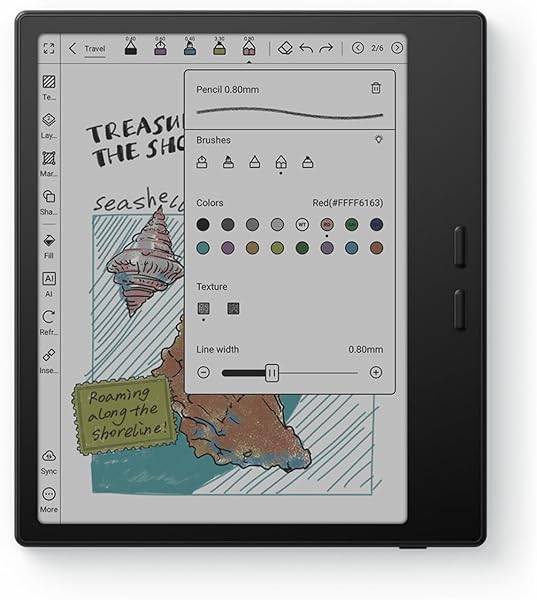
BOOX Go Color
8.0Editor score7 inch Kaleido 3
4GB RAM 64GB
Android 13 OS
195g lightweight body
Find the right e ink tablets for 2026. We compare 9 standout options by build quality, useful features, owner feedback, value, and everyday trade-offs.
Choosing an e ink tablet in 2026 means weighing screen size, writing feel, color versus black-and-white displays, note-taking software, third-party app support, storage, and how the device fits your actual workflow. We compare 10 standout models from reMarkable, BOOX, Amazon, and specialty brands so you can match paper-like display quality, stylus experience, and price to your reading, writing, and document review needs.
E ink tablets vary far more than they used to. Focused writing devices like reMarkable Paper Pure prioritize a distraction-free notebook feel, while Android-based BOOX tablets add third-party apps and versatility. Amazon’s Kindle Scribe Colorsoft anchors the reading-plus-notebook space, and dedicated notebooks like the Penstar eNote 2 emphasize handwriting quality. The right pick depends on how much you’ll read versus write.
This roundup covers compact 7-inch readers, mid-size 10.3-inch notebooks, and the largest 11.8-inch color paper tablets. Each entry highlights ideal use, meaningful tradeoffs, and buyer fit, so whether you want a lightweight color reader, a serious digital notebook, or a distraction-free writing surface, you’ll find a match that suits your priorities and budget.
We compared 10 e ink tablets using the criteria that shape real daily use: display size and resolution, color versus black-and-white technology, writing latency and stylus feel, note-taking software depth, third-party app support, file format compatibility, storage capacity, battery life, weight and portability, ecosystem lock-in, owner feedback, and value at each price point. The notes focus on practical tradeoffs so each pick connects to how people actually read, take notes, and review documents.


Compare key features, scores, and current prices side by side. A shorter feature list means fewer details were available, not necessarily fewer capabilities.


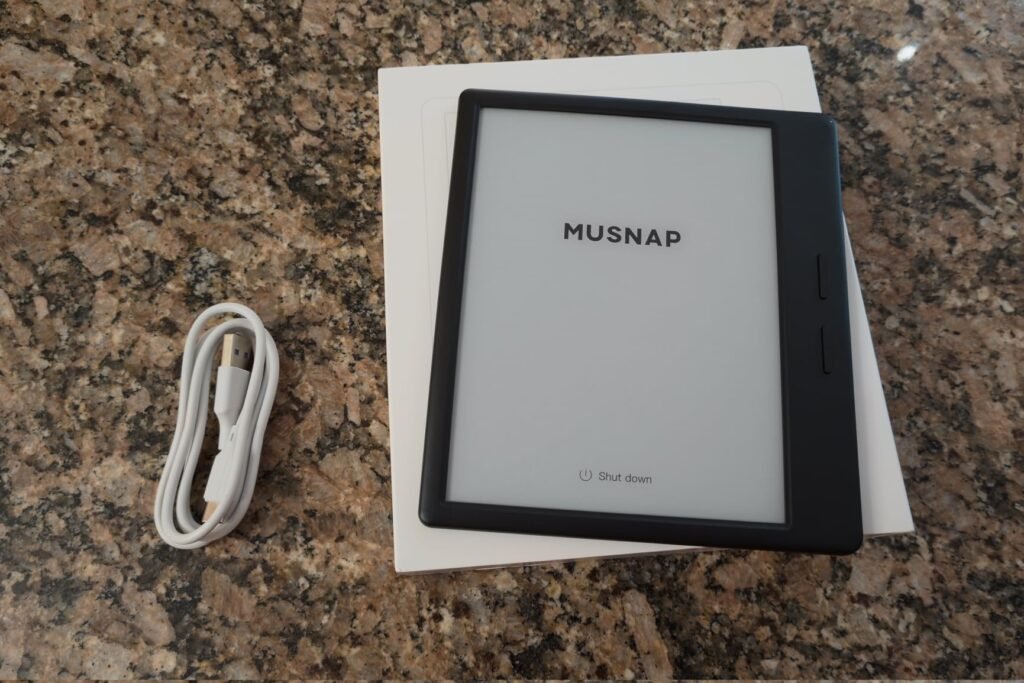
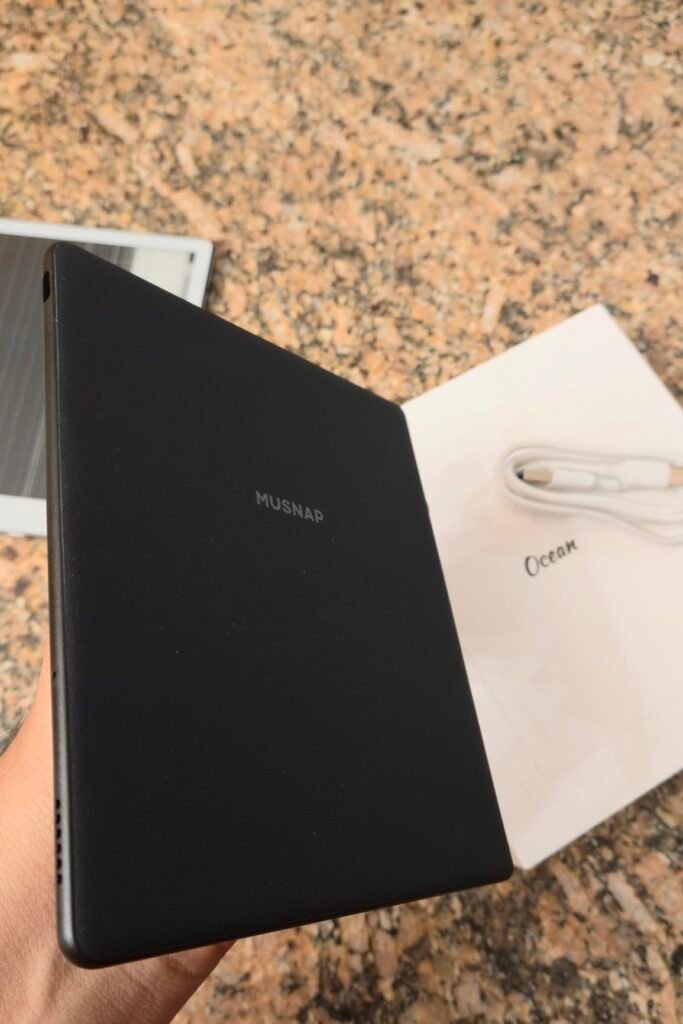
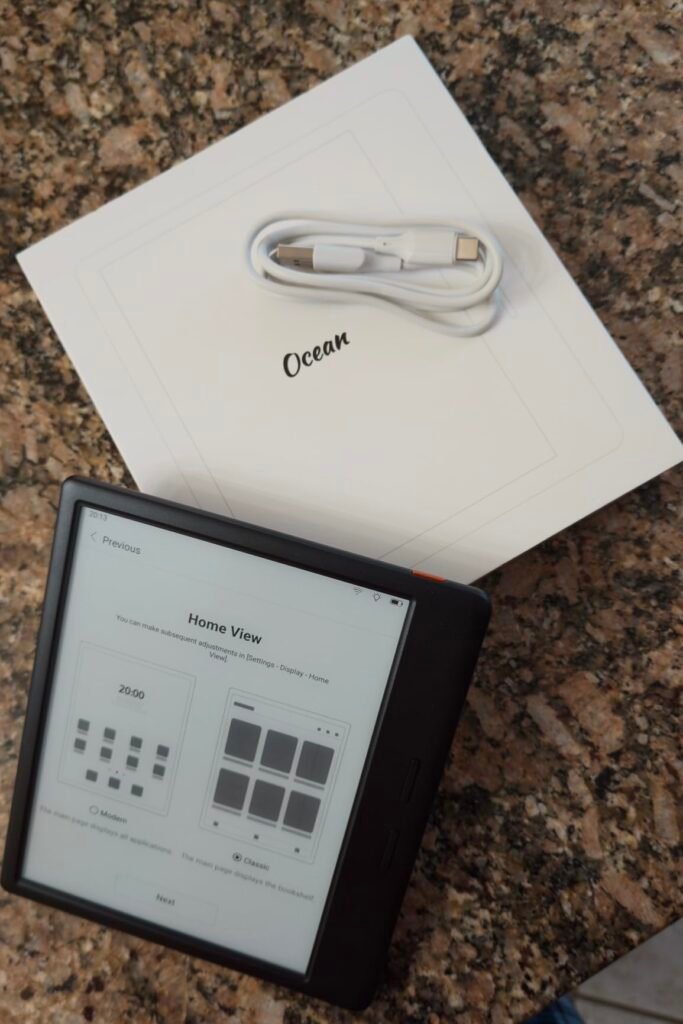
The Ocean 7-inch eBook reader is a compelling mid-budget pick for readers who want a compact tablet with strong specs and handwriting capability. At 7 inches with a glare-free touchscreen, it hits a similar size class to the BOOX Go 7 but earns notably higher user ratings, suggesting the brand has done well on execution.
We may earn a commission when you buy through this link, at no additional cost to you.
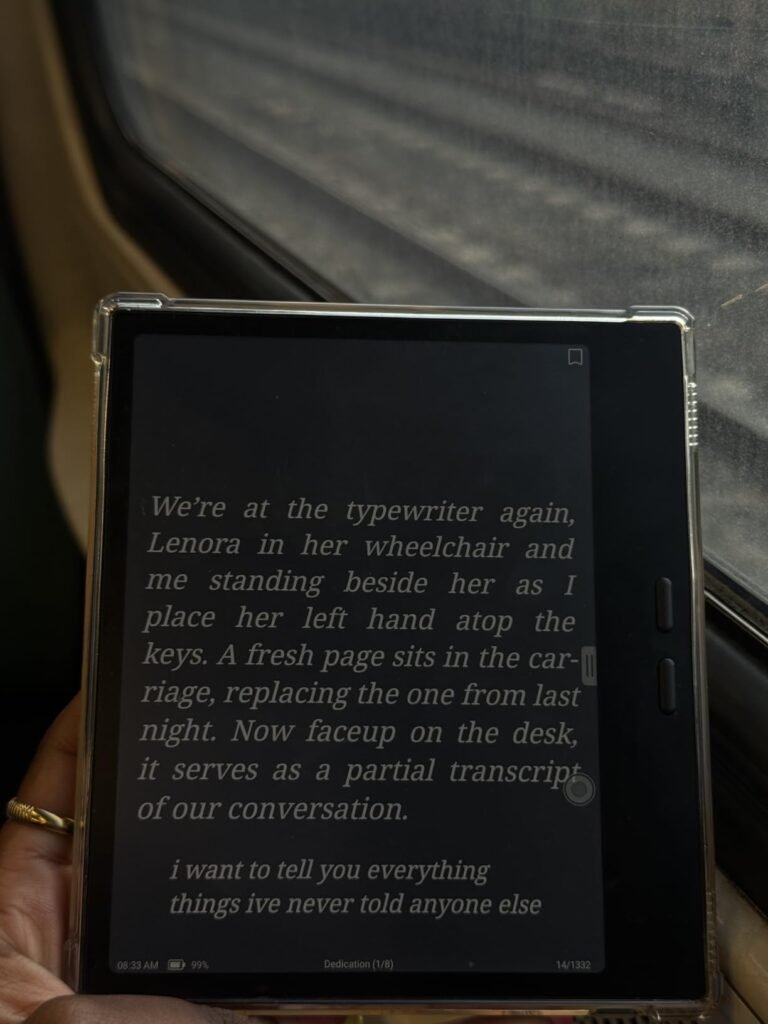
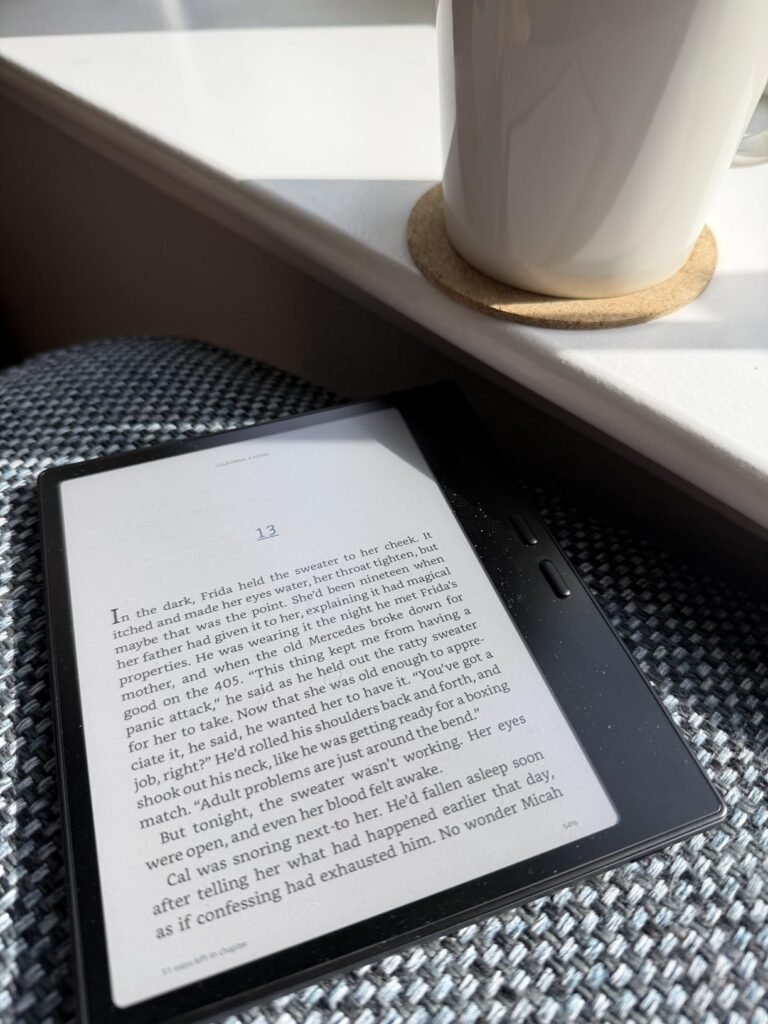
Powered by an octa-core 2.2GHz processor with 4GB of RAM and 64GB of storage, the tablet runs Android for seamless multitasking and third-party app support. It handles a broad range of formats including PDF, EPUB, MOBI, AZW3, TXT, PPT, DOC, and image formats, plus audio files, so it works as a versatile reader for whatever library you bring to it. Fast page turns and adjustable brightness and color temperature support comfortable reading.
The device supports handwriting when paired with the Musnap Stylus Pen, which is sold separately. When you add the pen, the screen mimics paper texture for natural writing, with responsive tip tracking that suits both note-taking and marking up PDFs. Wi-Fi, Bluetooth, and USB connectivity round out the options, and battery life is designed for extended reading between charges.
A 7-inch display is easy to hold one-handed for long reading sessions and fits in most jacket pockets. It’s ideal for novels, articles, and casual reading. If you plan to mark up PDFs regularly or take dense handwritten notes, a 10-inch or larger device gives you significantly more comfortable working space.
Consider the Ocean 7 if you want a small, capable reader with room to grow into handwriting later. It’s priced below the premium BOOX Go 7 while offering similar core capabilities. Skip it if you specifically want the BOOX ecosystem or need the stylus in the box; factor in the cost of adding the Musnap pen to your total budget.
Buyers who want a large writing canvas or need premium ecosystem support.
We may earn a commission when you buy through this link, at no additional cost to you.
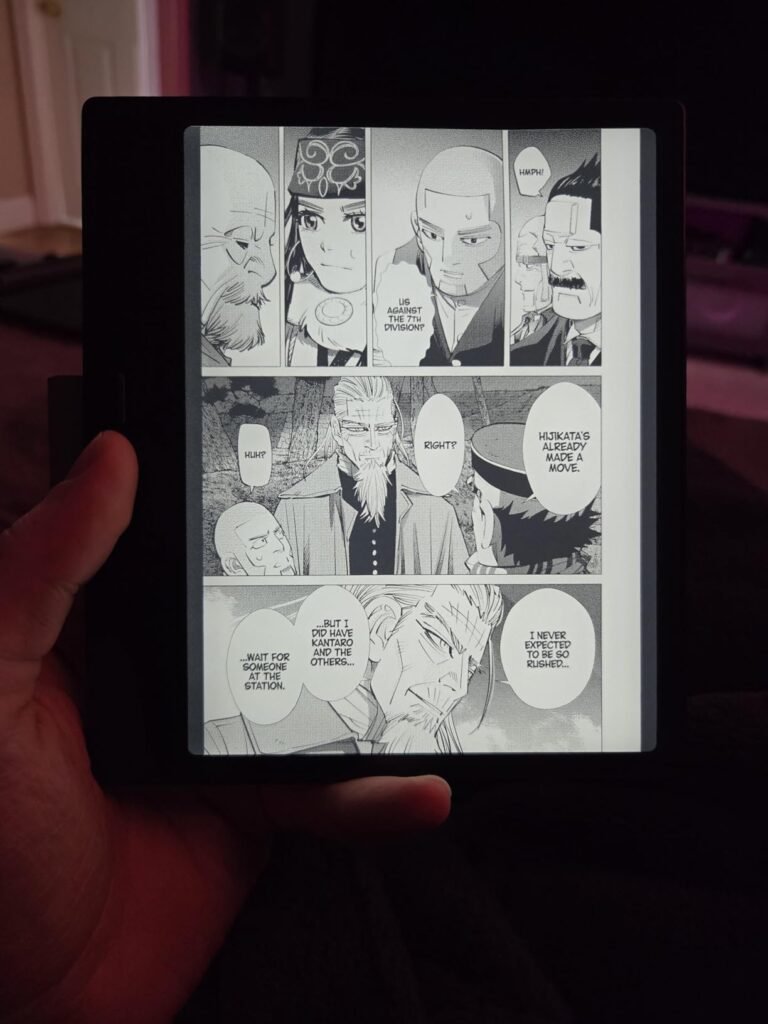
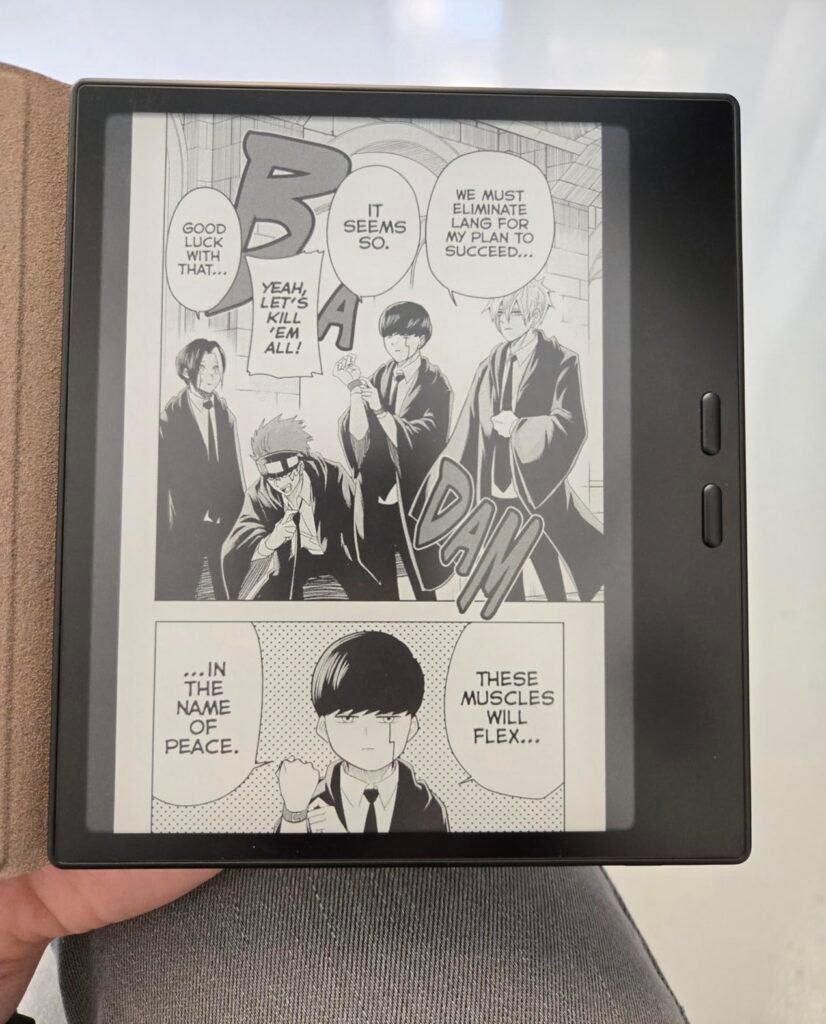
The BOOX Go Color 7 Gen II is a smart pick for readers who want a compact color e ink tablet with the flexibility of Android. The 7-inch Kaleido 3 display shows 4,096 colors, and at about 195 grams it's easy to hold one-handed for long reading sessions. If you prioritize portability over a large canvas, this size hits a sweet spot for comics, magazines, and general reading.
We may earn a commission when you buy through this link, at no additional cost to you.
Under the hood, an octa-core processor with 4GB of RAM and Android 13 opens up third-party apps like Kindle, Kobo, Libby, and general reading tools. The device supports a wide range of document formats including PDF, EPUB, MOBI, DOCX, and comic formats like CBR and CBZ, making it flexible for whatever library you already have. A microSD slot adds storage headroom beyond the built-in 64GB.
Practical touches matter for a portable reader. Warm and cold front lighting adjusts to reading environments and time of day, physical page-turn buttons speed up comic and manga sessions, and a G-sensor handles auto rotation for landscape use. USB-C, Bluetooth 5.1, and a built-in speaker and microphone round out connectivity. The 2,300mAh battery supports typical week-long reading use between charges.
Kaleido 3 adds a color filter layer over standard e ink, which enables color display at the cost of a darker overall appearance. Text stays at 300 ppi in black and white, while color content renders at 150 ppi. It’s ideal for comics, magazines, and study materials with color diagrams, but pure text reading looks slightly less crisp than monochrome e ink.
Keep expectations realistic about Kaleido 3 color e ink. The color layer adds a subtle screen door texture and makes the display appear darker than pure monochrome e ink. Combined with front lighting, colors look natural rather than vivid. Choose this tablet if compact color reading with Android app support matters. For pure black-and-white sharpness, the BOOX Go 7 B/W below is a better fit.
Buyers who want maximum text contrast or a large canvas for note-taking.
We may earn a commission when you buy through this link, at no additional cost to you.
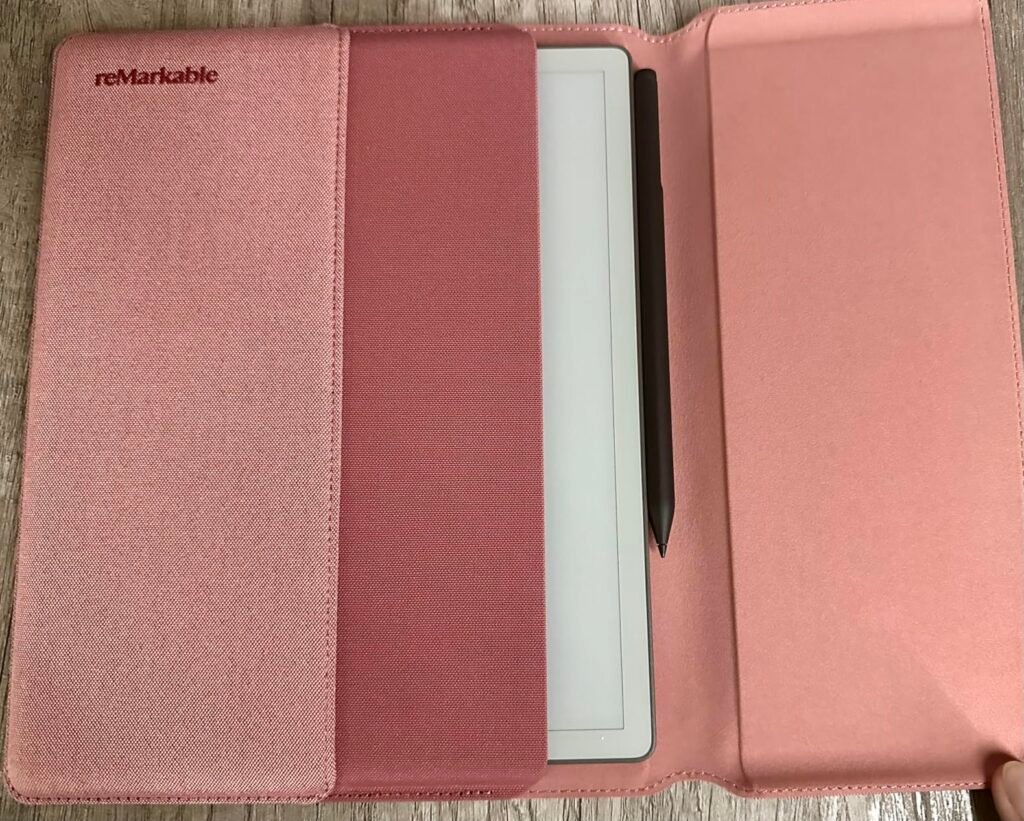
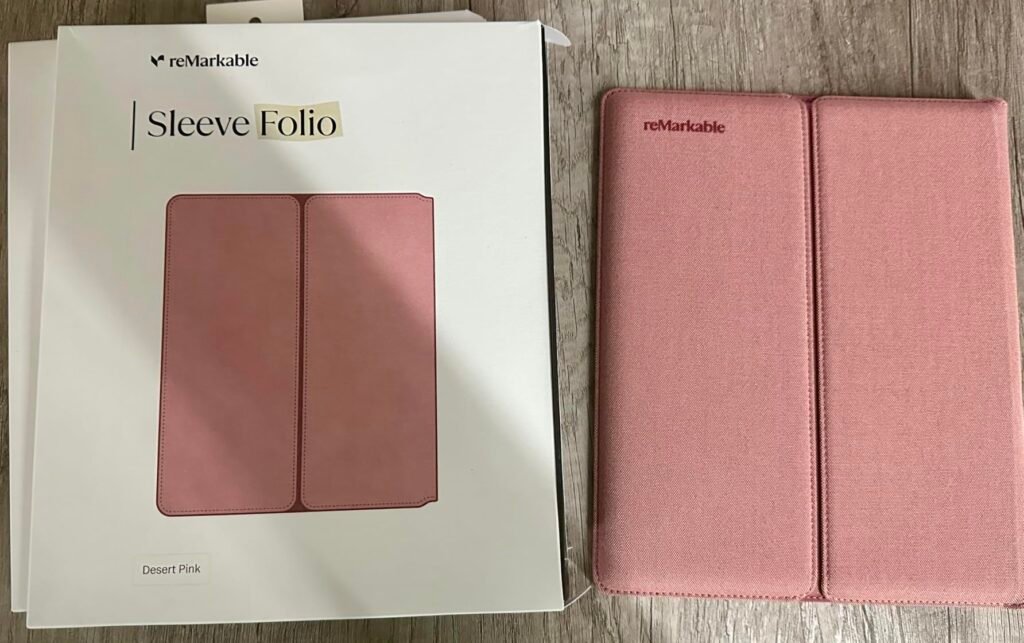
The reMarkable Paper Pure bundle is aimed at professionals and students who want a serious digital notebook without the distractions of a full tablet. The 10.3-inch monochrome display is the third generation of reMarkable's writing panels, delivering whiter whites and higher contrast than earlier versions. The bundle includes Marker Plus with built-in eraser and an Ocean Blue Sleeve Folio for protection.
We may earn a commission when you buy through this link, at no additional cost to you.
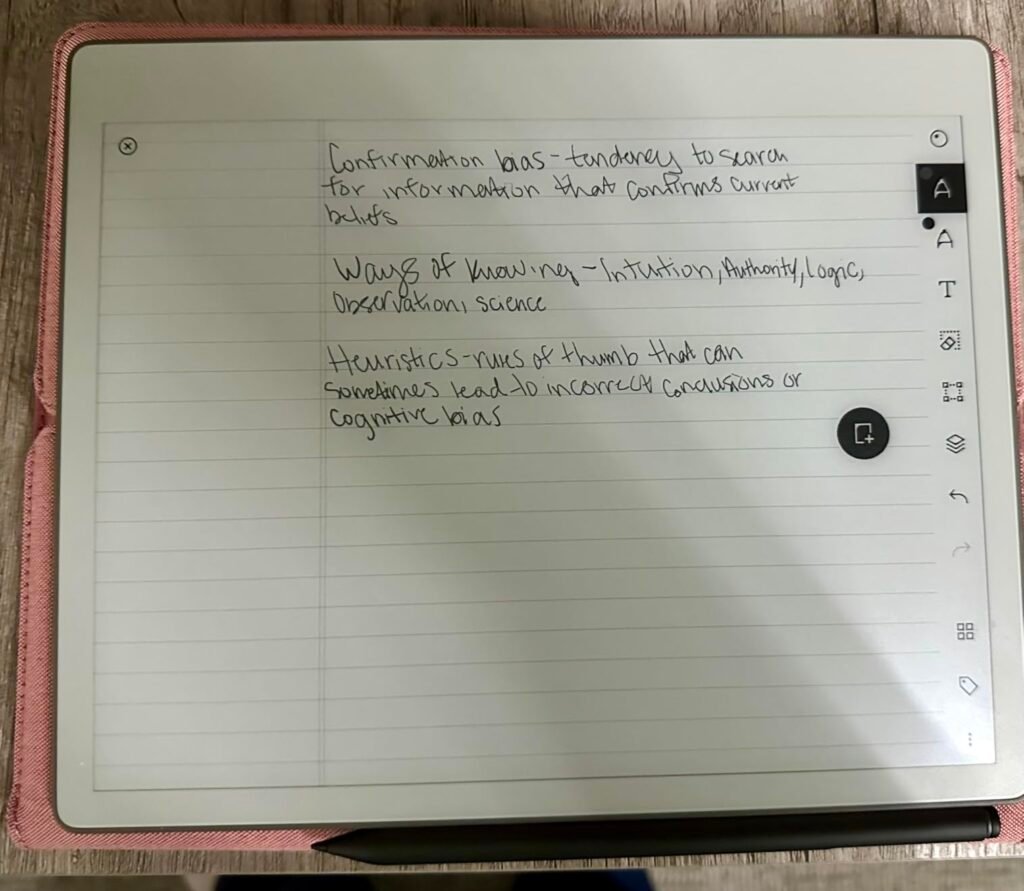
Writing feel is the standout attribute. Digital ink appears in about 21 milliseconds, which is fast enough to feel genuinely responsive under a pen. Combined with the textured writing surface and Marker Plus tip friction, the experience closely mimics writing on actual paper. Dozens of note-taking templates cover lined, dot grid, planners, and calendars, and folders and tags keep documents organized.
Software features handle real work well. Handwriting can be converted to typed text, notes and PDFs sync to companion apps, and documents from Google Drive, Dropbox, Microsoft Word, and other sources can be sent to the tablet for markup. Once you’re done, share notes directly via email or send them back to cloud storage. Subscribing to Connect unlocks unlimited cloud storage and additional features.
Marker Plus includes a built-in eraser on the top of the pen that lets you flip and erase like a real pencil. The standard Marker requires switching tools in software to erase. For heavy notebook users, the physical eraser meaningfully speeds up the writing workflow, and this bundle includes Marker Plus without the upgrade cost.
Choose this bundle if you want the complete Paper Pure experience out of the box, without adding accessories separately. It’s ideal for meeting-heavy professionals, students taking handwritten notes, and anyone who wants a serious digital notebook. Skip it if you need a general tablet that runs third-party apps or if you don’t want to be tied to reMarkable’s ecosystem.
Users who need third-party apps, color support, or a general-purpose Android tablet.
We may earn a commission when you buy through this link, at no additional cost to you.
The reMarkable Paper Pro is the flagship pick for professionals who want the largest possible color paper tablet with the polish of the reMarkable ecosystem. The full 11.8-inch Canvas Color display gives you room to lay out documents, side-by-side notes, or large sketches without cramping, and it's the first reMarkable to combine color with the brand's signature paper-like writing feel.
We may earn a commission when you buy through this link, at no additional cost to you.
Writing quality carries forward what makes reMarkable respected. Marker Plus works with the color display to deliver realistic friction, precise control, and responsive tracking. The included pen has a built-in eraser at the top and six spare tips in the box. For heavy note-takers, this is the most refined writing experience currently available on an e ink surface at this scale.
Practical touches make it work as a daily driver. An adjustable reading light lets you keep working after the room lights go down, folders and tags organize notes and documents, handwriting converts to typed text, and you can write directly on imported PDFs. The low-glare display reflects natural light so reading outdoors or in bright rooms is comfortable, which matters for long work sessions.
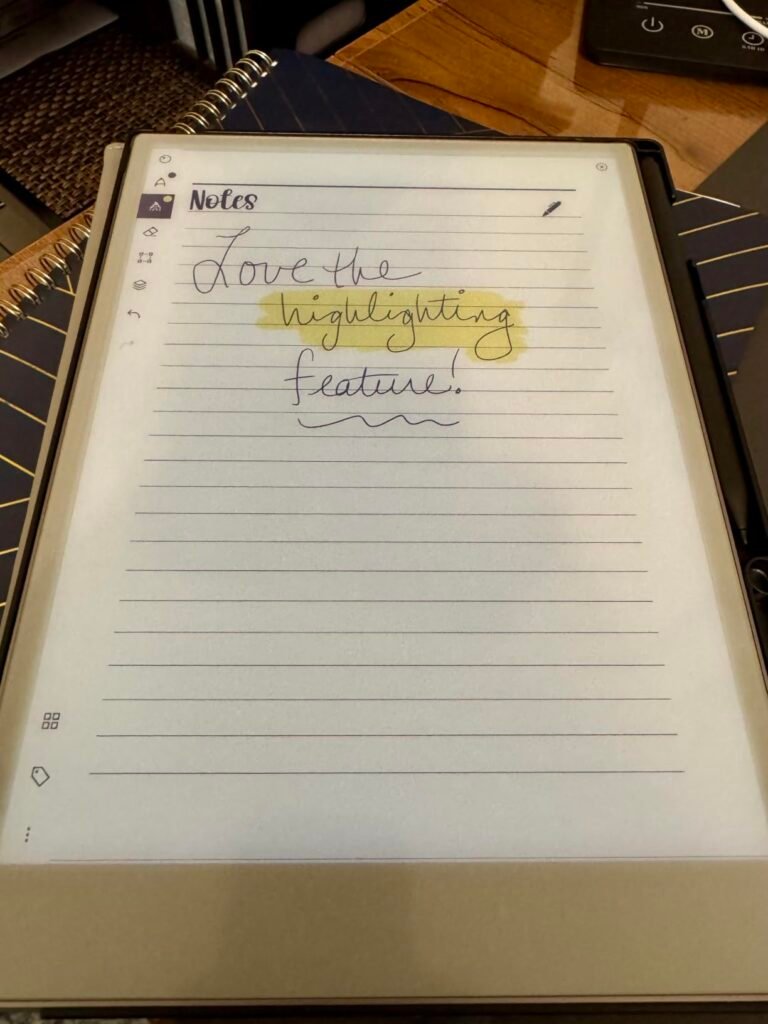
Color e ink on the Paper Pro is subdued compared to LCD screens, but that’s the point. Colors read like a printed page rather than a glowing screen, which supports long work sessions without eye strain. Highlighters, colored pens for markup, and color-coded organization all work naturally, without the distractions of a full tablet.
Consider the Paper Pro if you want the largest, most refined color e ink notebook available and can justify the premium price. Casual users or those on tighter budgets get most of the writing benefit from the smaller Paper Pure. For serious professionals whose workflow revolves around handwritten notes and document review in color, this is the current benchmark.
Buyers who need a general-purpose tablet or want to keep the entry price down.
We may earn a commission when you buy through this link, at no additional cost to you.
The Kindle Scribe Colorsoft is the pick for Kindle readers who want the entire Amazon reading ecosystem plus meaningful writing capability. Amazon's custom Colorsoft display shows high-contrast paper-like color without the distracting flashes that plague some color e ink devices, and the 11-inch canvas gives you room to work comfortably.
We may earn a commission when you buy through this link, at no additional cost to you.
Writing feels genuinely good. The textured surface pairs with a responsive display to create a paper-like experience, and the included pen never needs charging. It includes a built-in eraser and a shortcut button that can launch tools like the highlighter. You can take notes in the built-in notebook, jot notes directly on Kindle book pages between the lines (with text shifting to make room), and mark up imported documents.
AI-powered notebook features add real utility. You can generate summaries of handwritten notes, ask questions about what you’ve written, clean up handwriting, or convert it to typed text. Documents import from Google Drive or Microsoft OneDrive, and notebooks can be sent to Microsoft OneNote for editing across devices. Battery life stretches to weeks between charges, matching what Kindle readers expect.
Amazon’s Colorsoft display is engineered specifically for this device rather than using the standard Kaleido 3 color filter approach. The result is high-contrast color without the pronounced screen door texture some Kaleido displays show. For Kindle-focused users, it delivers a cleaner reading experience than most third-party color e ink tablets.
Choose the Colorsoft if you’re already invested in the Kindle library or want the smoothest reading-plus-note-taking experience with strong Amazon integration. It’s less flexible than Android-based tablets for third-party apps but far more polished for readers. At 5.4mm thin and 400 grams, it’s remarkably portable for an 11-inch device.
Users who want third-party app flexibility or aren’t invested in Amazon’s ecosystem.
We may earn a commission when you buy through this link, at no additional cost to you.
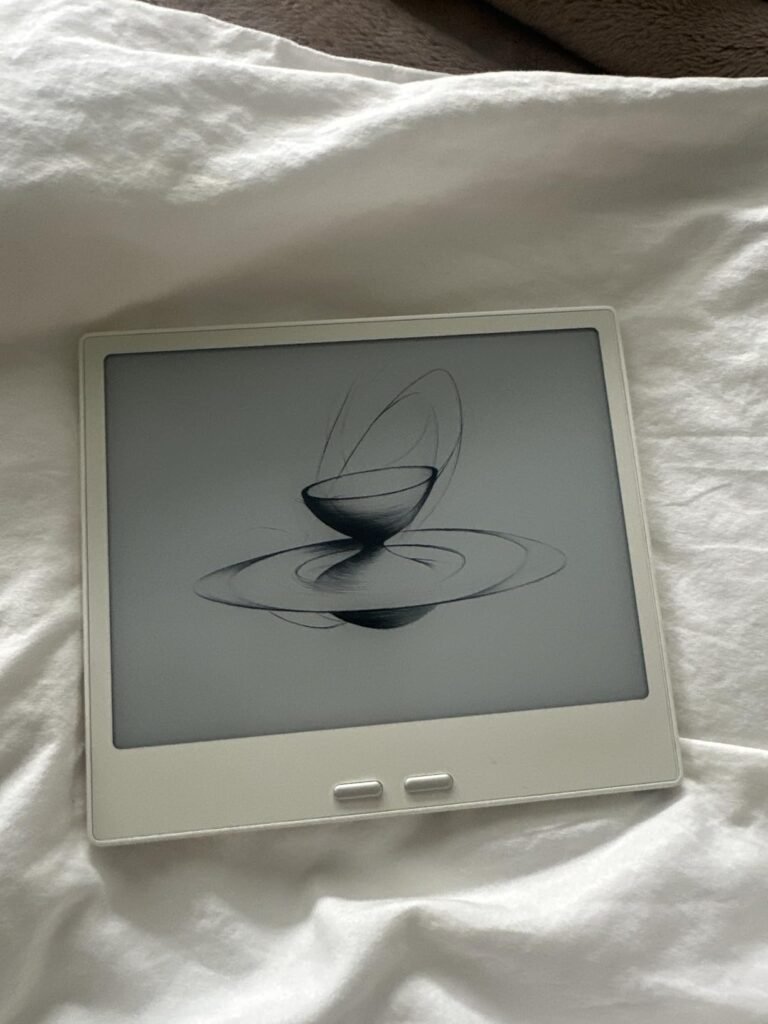
The BOOX Go 7 B/W is the monochrome sibling to the Go Color 7 Gen II, and it's the pick for readers who prefer maximum text sharpness over color capability. The 7-inch HD ePaper glass display renders at 300 ppi, which delivers the crispest text this size class of e ink can produce. At 195 grams, it's easy to hold for hours of reading.
We may earn a commission when you buy through this link, at no additional cost to you.
Because there’s no color filter layer, text contrast is noticeably better than color Kaleido 3 devices. That’s a significant advantage for readers who mainly consume novels, academic papers, or dense text content. Warm and cold front lighting adjusts to any environment, and physical page-turn buttons speed up navigation without lifting your thumb from a natural grip.
Android 13 with 4GB of RAM and an octa-core processor opens the door to Kindle, Kobo, Libby, and third-party reading apps. The device supports the same broad format list as the Go Color 7, including PDF, EPUB, MOBI, AZW3, DOCX, and comic formats. USB-C, Bluetooth 5.1, a microSD slot, and built-in speaker and microphone round out the connectivity picture.
Monochrome e ink displays offer sharper text and better contrast than color e ink, plus longer battery life. For text-heavy reading, they remain the clear choice. Color e ink becomes worth the tradeoff mainly for comics, magazines, textbooks with color diagrams, or reading materials where color adds meaningful information.
Choose the B/W version if you prioritize text sharpness and don’t need color rendering. If comic books, color textbooks, or magazines are core to your reading, the Go Color 7 Gen II is worth the small price bump. Both tablets share the same physical dimensions, battery, and Android platform.
Readers who need color for comics, textbooks, or magazine content.
We may earn a commission when you buy through this link, at no additional cost to you.
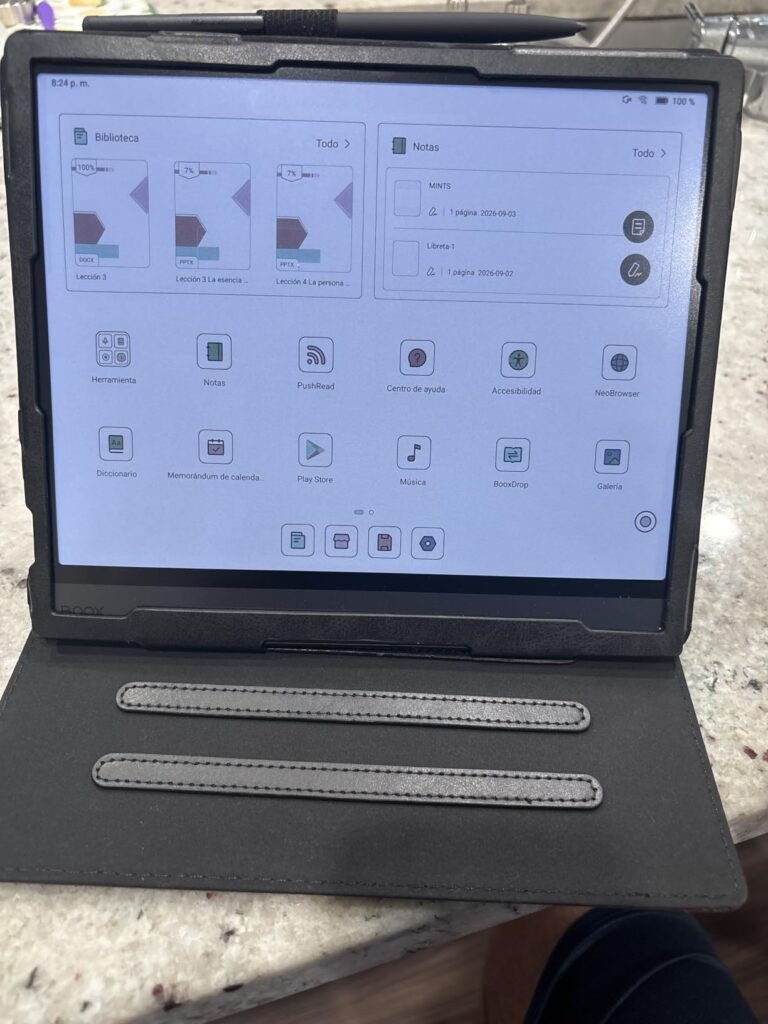
The BOOX Note Air 5 C is aimed at buyers who want a 10.3-inch color e ink notebook with the full flexibility of Android. Running Android 15 with 6GB of RAM and an octa-core processor plus BSR chip, it handles third-party apps, PDF editing, and note-taking with more headroom than typical e ink devices. The Kaleido 3 display shows 4,096 colors alongside sharp 300 ppi monochrome text.
We may earn a commission when you buy through this link, at no additional cost to you.
Writing capability supports 4,096 levels of pressure sensitivity via BOOX stylus touch, with capacitive touch for finger navigation. That gives you natural pressure response for sketching, note-taking, and PDF markup. The 10.3-inch canvas provides comfortable room for two-page PDF viewing or side-by-side notes, and Android 15 opens up apps like Kindle, Notion, OneNote, and general productivity tools.
Practical features include a fingerprint-recognition power button, USB-C with OTG support, microSD card slot, dual speakers, and built-in microphone. The 3,700mAh battery keeps the 430-gram device running through extended sessions, and adjustable warm and cold front lighting supports reading in any environment. At 5.8mm thin, it’s slim for its class.
Android apps are designed for LCD or OLED displays with high refresh rates and rich colors. On e ink, animations and interfaces can feel sluggish, and app design isn’t optimized for the display’s strengths. Use BOOX’s refresh mode presets to match app types, but expect a different experience from a standard tablet.
Consider this tablet if you want a Kaleido 3 color notebook with Android app flexibility and don’t mind the slightly muted color e ink appearance. The 3.8-star rating is lower than most competitors, so read recent buyer feedback carefully. For a smoother writing-first experience, the reMarkable Paper Pro is a stronger option; for pure Android flexibility on a budget, this is a distinctive choice.
Buyers who prioritize the smoothest writing experience or want the highest rated devices.
We may earn a commission when you buy through this link, at no additional cost to you.
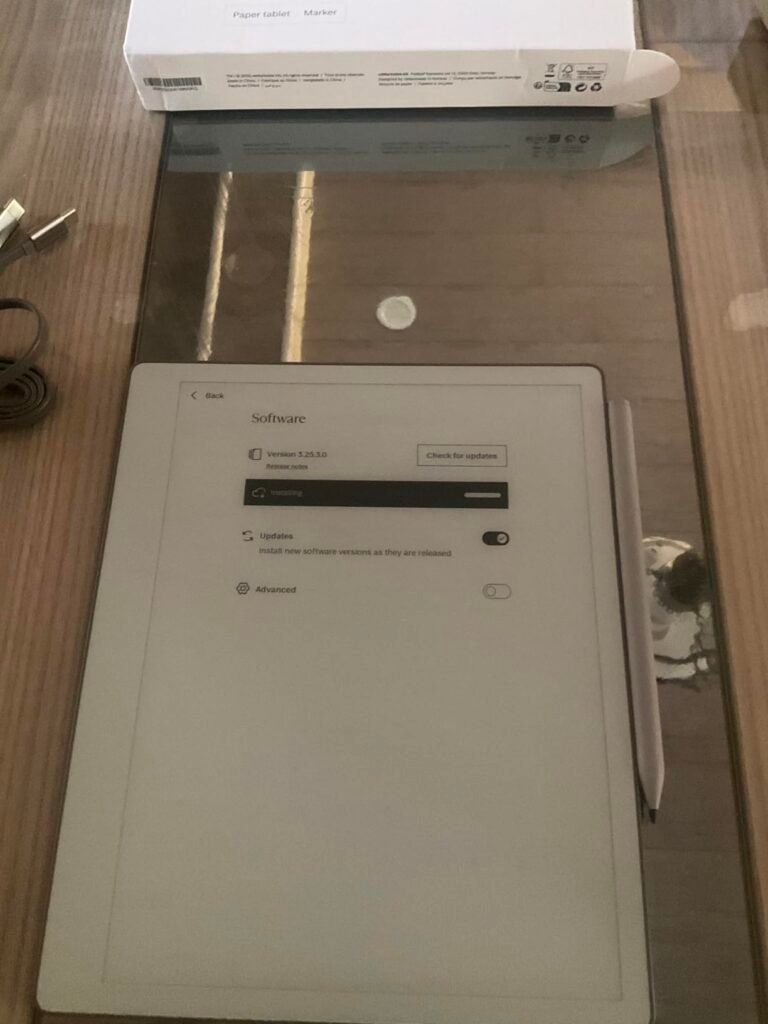
The reMarkable Paper Pure with the standard Marker is the entry point into the reMarkable ecosystem, giving you the core writing experience at a lower price than the Marker Plus bundle. If the physical eraser isn't essential to your workflow, this is the smartest way to try the platform without stretching your budget.
We may earn a commission when you buy through this link, at no additional cost to you.
You get the same 10.3-inch third-generation display with whiter whites, higher contrast, and 21-millisecond digital ink latency. That fast response combined with the textured writing surface delivers the paper-like feel that has made reMarkable a favorite among writers and professionals. Dozens of built-in templates cover most note-taking needs from planners to project pages.
The software experience matches the more expensive bundles: handwriting to text conversion, folders and tags for organization, direct markup on imported PDFs, and syncing to companion apps for reading and editing on other devices. You can send documents from Google Drive, Dropbox, or Microsoft Word directly to the tablet, and share notes back via email once you’re done.
The standard Marker requires you to switch tools in software to erase, while Marker Plus has a physical eraser button on the top of the pen. For light note-takers, the standard Marker works fine. For heavy annotators or people who erase frequently, the physical eraser saves meaningful time. You can always upgrade the pen later without replacing the tablet.
Choose this configuration if the standard Marker (without the eraser button) works for your style, or if you want the flexibility to add Marker Plus later. The 3.9-star rating reflects buyer expectations around price versus features and the reMarkable subscription model, so understand the ecosystem before committing. For focused writing without the extra bundle cost, this is a genuinely good deal.
Heavy note-takers who erase frequently, or buyers who want color support or third-party apps.
We may earn a commission when you buy through this link, at no additional cost to you.
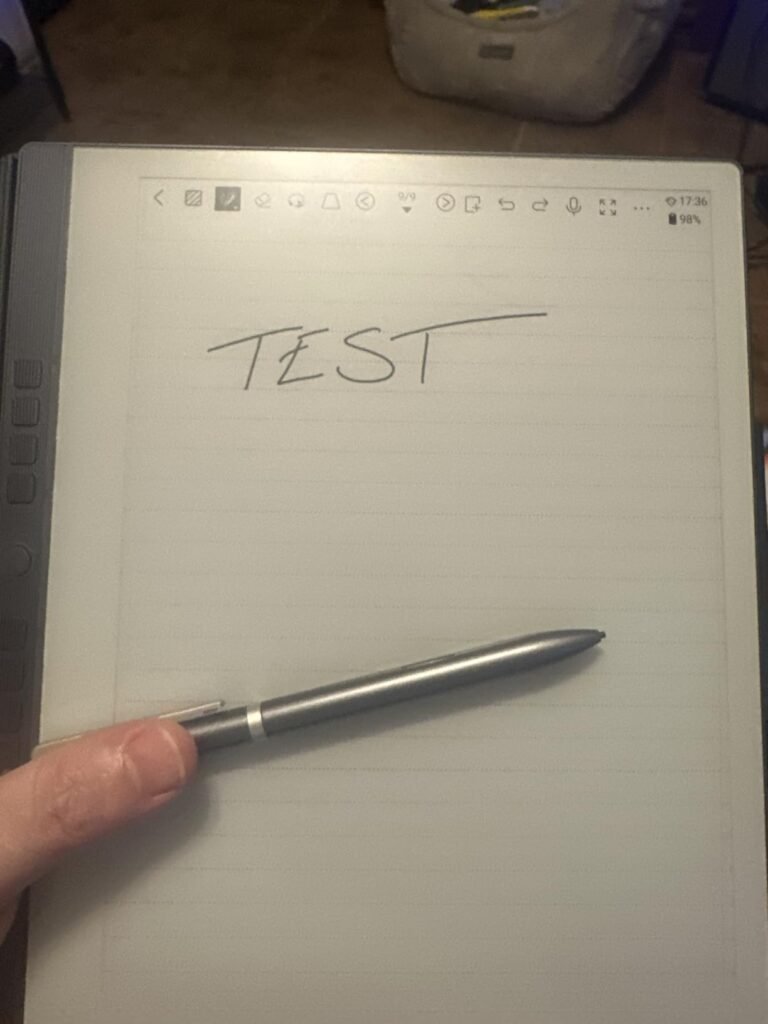
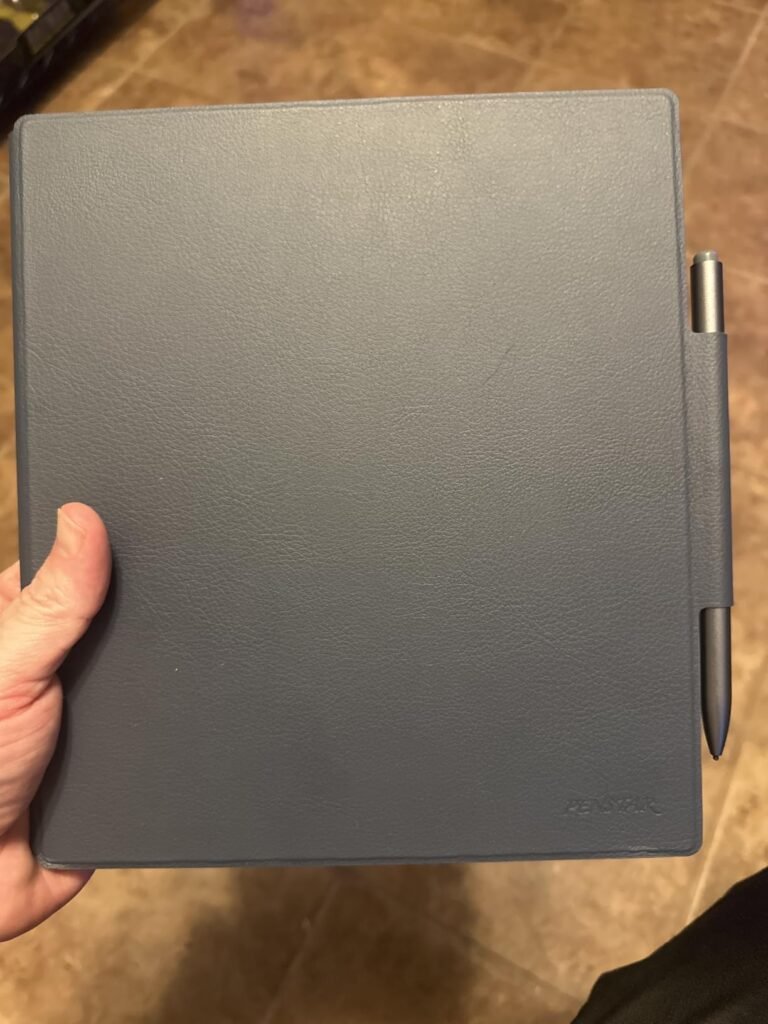
This entry focuses on the Penstar eNote 2 from the perspective of students and knowledge workers who want a complete, ready-to-use kit with real productivity features. Beyond the notebook and stylus discussed above, it's worth highlighting the Android 14 platform, 10.3-inch 300 ppi display, and the practical accessory bundle that makes it a smart alternative to piecing together a system.
We may earn a commission when you buy through this link, at no additional cost to you.
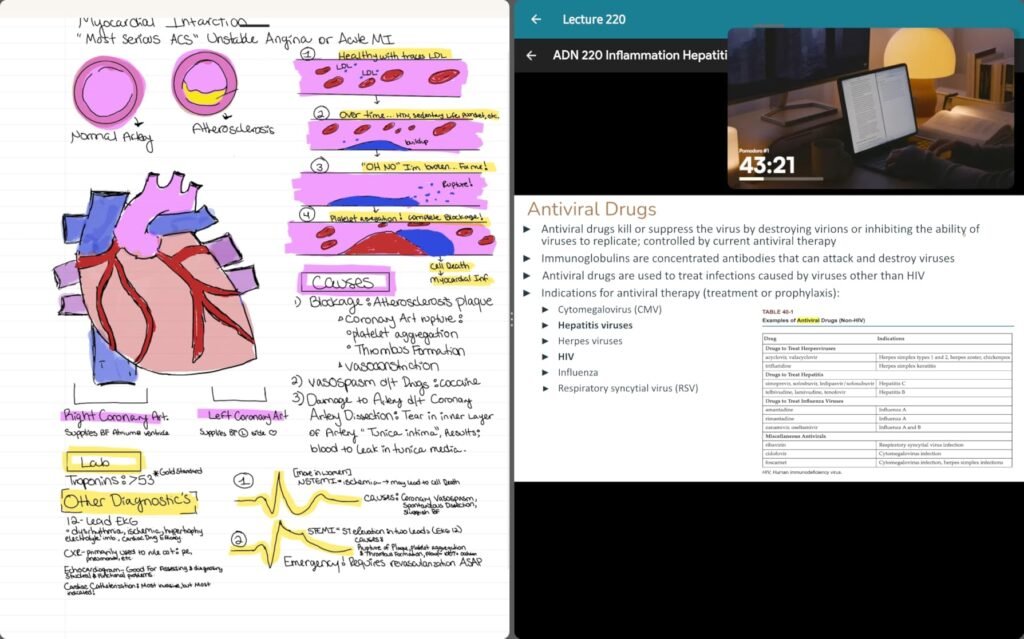
For classroom or study use, the split-screen feature is genuinely useful. You can read a textbook on one half of the display and take handwritten notes on the other, which mirrors how students naturally work. Combined with AI voice-to-text and handwriting-to-text conversion, the tablet supports both live lecture note-taking and later review workflows.
Hardware details make it comfortable for extended use. Four built-in speakers deliver clearer audio than typical single-speaker e ink tablets for audiobook and podcast listening, and the built-in microphone captures voice notes clearly. Nine customizable stylus buttons let you assign shortcuts to speed up common tasks. USB-C charging and the 6,500mAh battery keep it running through long sessions.
Split-screen mode is one of the most underrated features in e ink notebooks. Reading a textbook or PDF on one side while writing notes on the other mimics traditional study habits and reduces the need to constantly switch documents. For students or researchers reviewing dense material, it’s a genuine productivity win.
Consider this kit if you want a productivity-focused e ink notebook with everything included and don’t need the brand recognition of reMarkable or Kindle. It’s a strong all-in-one solution for students and note-takers who want fast setup, robust storage, and real AI-enhanced workflow features. For those who prioritize the polished ecosystem and simpler interface of reMarkable, that remains the higher-end choice.
Users committed to major-brand ecosystems or those who prioritize the simplest possible interface.
We may earn a commission when you buy through this link, at no additional cost to you.
E ink tablets range from $250 compact readers to $700 large color notebooks. The right pick depends on how you’ll use it, whether reading, writing, or document review dominates your workflow, and how much you value ecosystem polish versus raw flexibility. Here are the factors that shape a smart buying decision.
Display size dramatically shapes how the tablet fits into your life. 7-inch models like the BOOX Go 7 and Ocean eBook Reader are pocket-friendly and comfortable for one-handed novel reading, but tight for note-taking or PDF markup. 10.3-inch tablets like the reMarkable Paper Pure and BOOX Note Air 5 C hit the sweet spot for most users, offering room to write comfortably while still feeling portable. 11-inch and 11.8-inch flagships like the Kindle Scribe Colorsoft and reMarkable Paper Pro give you the most working canvas but sacrifice pocketability.
Screen type breaks down into monochrome and color e ink. Monochrome displays (used in the reMarkable Paper Pure, BOOX Go 7 B/W, and Penstar eNote 2) deliver the sharpest text contrast, longest battery life, and most paper-like appearance. Color displays use either Kaleido 3 technology (BOOX color models) or custom implementations like Amazon’s Colorsoft, which allow color content but appear somewhat darker and less crisp than pure monochrome.
Choose a compact monochrome device for pure reading, a 10.3-inch monochrome for writing focus, or a large color model for mixed reading, writing, and document review that includes color content.
Writing feel matters more than any spec sheet suggests. reMarkable’s tablets have set the benchmark with textured surfaces and low-latency displays that closely mimic pen on paper. The 21-millisecond latency on the Paper Pure and the responsive Marker Plus create a genuinely natural writing experience. Amazon’s Kindle Scribe Colorsoft also delivers a strong paper-like feel with its textured display and included pen.
Pressure sensitivity ranges from around 4,096 levels on BOOX devices to 8,192 on the Penstar eNote 2. For pure handwriting note-taking, differences above 4,096 are barely perceptible. For sketching, drawing, or artistic work, higher pressure resolution becomes more meaningful. The stylus itself matters too: some come with the tablet (Kindle Scribe, reMarkable bundles, Penstar), while others like BOOX Go models sell them separately as additional purchases.
For writing-focused buyers, prioritize reMarkable, Kindle Scribe, or Penstar. For casual note-taking on a reading tablet, BOOX’s included capacitive support is fine.
Where you buy books shapes the right choice significantly. Amazon Kindle library users benefit enormously from the Kindle Scribe Colorsoft’s native access to millions of titles, seamless syncing, and highlighting features. Users invested in Kobo, library apps like Libby, or DRM-free EPUB collections benefit from Android-based BOOX and Ocean tablets that support third-party reading apps flexibly.
Format support varies. BOOX and Ocean tablets handle broad format lists including PDF, EPUB, MOBI, AZW3, TXT, DOCX, comic formats like CBR and CBZ, and image and audio files. reMarkable is more focused, supporting primarily PDF and EPUB with strong markup capability. Kindle Scribe sticks to Amazon-supported formats with document conversion available through Send to Kindle.
For a diverse library across sources, choose BOOX or Ocean. For deep Amazon investment, choose Kindle. For focused PDF and EPUB reading with heavy markup, choose reMarkable.
reMarkable takes a deliberately focused approach with a distraction-free interface built around note-taking and document review. There are no third-party apps, no email, no browser, no social media. That focus is exactly what appeals to buyers who want a purpose-built writing tool. BOOX tablets run full Android with the Play Store, offering flexibility but also the potential for distraction that some buyers explicitly avoid.
Kindle Scribe sits in the middle: a focused reading and writing experience with useful AI features for notebook management, but without third-party apps. Penstar eNote 2 offers Android 14 with strong note-taking features and AI capabilities. Each approach has genuine merits depending on what you want the tablet to be.
Choose reMarkable or Kindle Scribe for focused work. Choose BOOX or Ocean for maximum flexibility. Choose Penstar for a balanced middle ground with productivity focus.
Storage capacity varies widely across the lineup. Most tablets here offer 64GB of built-in storage, which handles thousands of books and hundreds of PDFs comfortably. The Penstar eNote 2 stands out with 128GB, which becomes valuable if you store large PDF collections or extensive scanned document libraries. reMarkable relies on cloud sync (with subscription for unlimited storage) to supplement local capacity.
MicroSD expansion is worth noting. BOOX Go models, the BOOX Note Air 5 C, and the Ocean eBook Reader all include microSD slots for expandable storage. reMarkable and Kindle Scribe do not, relying instead on cloud services. If you carry large local libraries or want to sideload extensive collections, microSD expansion adds real flexibility.
For large local libraries, choose Penstar or BOOX models with microSD. For cloud-synced workflows, reMarkable and Kindle Scribe work well without expandable storage.
Battery life on e ink tablets is generally excellent because the displays only draw power during refreshes. Kindle Scribe Colorsoft advertises weeks of use between charges, and the Penstar eNote 2 claims up to four weeks with its 6,500mAh battery. BOOX 7-inch tablets use smaller 2,300mAh batteries but still deliver typical week-long reading use because of the low power draw.
Charging is USB-C across the entire lineup, which is convenient for travelers who already carry USB-C cables. reMarkable uses proprietary charging via USB-C. Front lighting, active writing, and heavy PDF work all reduce battery life meaningfully, so real-world runtime depends heavily on use patterns.
Match battery expectations to your travel patterns. Heavy travelers benefit from longer-battery Penstar and Kindle Scribe options; daily home users get plenty from any device on this list.
How you use the tablet with other devices matters. reMarkable offers Connect subscription for unlimited cloud storage, handwriting search, cross-device editing, and integrations with Google Drive, Dropbox, and Microsoft Word. Kindle Scribe syncs seamlessly with Amazon’s cloud and integrates with Microsoft OneNote and Google Drive. BOOX offers its own cloud service and works with third-party sync via Android apps.
Consider the ongoing costs. reMarkable’s advanced features require the Connect subscription. Amazon services are largely included with the device (though certain features require Prime or specific subscriptions). BOOX-based Android workflows depend on whichever apps you install and their subscription models.
Factor subscription costs into total ownership. For subscription-averse buyers, BOOX’s Android approach avoids ecosystem fees; reMarkable Connect is worth it for heavy users.
Physical dimensions affect daily comfort. The Kindle Scribe Colorsoft is remarkably thin at 5.4mm and weighs 400 grams, making it one of the most portable 11-inch devices available. BOOX 7-inch models weigh about 195 grams, which is genuinely pocketable. The BOOX Note Air 5 C weighs 430 grams at 5.8mm thin, and reMarkable devices sit in similar ranges for their sizes.
For daily commuting or travel, weight matters enormously. A 195-gram 7-inch device is barely noticeable in a bag or coat pocket, while a 430-gram 10.3-inch tablet feels more like a hardcover book. Consider whether you’ll carry the device daily and whether you’ll hold it for extended reading sessions.
Commuters and casual readers benefit from 7-inch models. Serious note-takers should accept the extra weight of 10.3-inch or 11-inch devices for the writing canvas.
Start by charging the tablet fully before initial setup, then complete the required account creation and sync with any cloud services you’ll use. Import a few sample documents and books to verify format support and adjust display settings like brightness, front light warmth, and refresh mode for your typical reading environment. Take time to explore the note-taking templates, folder structure, and stylus button assignments so the interface matches your natural workflow. For Android-based tablets, install the reading and productivity apps you actually need rather than loading everything at once.
Optimize for e ink strengths. Use refresh modes appropriately: HD mode for static reading, balanced mode for browsing PDFs and books, and faster modes only for content that genuinely needs quick refresh like scrolling websites. Ghosting (faint images left from previous content) is normal on e ink and can be reduced by manually triggering a full refresh occasionally. Front lighting supports reading in dim environments, but use it moderately to preserve battery. Adjusting warm and cold light throughout the day can reduce eye strain during long sessions.
Care for the display and hardware. Clean the screen with a soft microfiber cloth and avoid harsh chemicals or paper towels that can scratch the surface. Store the tablet in a folio or sleeve when not in use to protect from drops, dust, and pressure damage. Replace stylus tips when they show visible wear, since worn tips can scratch the writing surface over time. Update firmware through the companion app periodically to get performance improvements and new features, and back up important notes to cloud storage regularly to protect against hardware failure or lost devices.
For pure reading, yes. E ink displays reflect ambient light rather than emitting their own, which reduces eye strain during long sessions and stays readable in direct sunlight. Battery life is measured in weeks rather than hours, and the paper-like appearance is genuinely restful compared to backlit LCD or OLED screens. For video, gaming, or heavy multitasking, a regular tablet is still the better choice.
Color e ink like Kaleido 3 and Amazon's Colorsoft displays real color but appears more subdued than a backlit tablet. Colors look like a printed page rather than a glowing screen. That's actually the point: color e ink supports comics, textbooks, and color-coded notes without the eye strain of bright displays. Don't expect vivid color for gaming or video, but for reading and note-taking with color, it works well.
It depends on your use. For pure reading, finger touch is fine on any of these tablets. For any handwriting, PDF markup, or note-taking, a stylus is essential. Some tablets include the stylus in the box (reMarkable bundles, Kindle Scribe, Penstar), while BOOX Go models and Ocean sell it separately. Factor stylus cost into your total budget if it's not included.
For heavy note-takers and professionals who want a focused writing tool, reMarkable delivers the best paper-like writing experience currently available. The 21-millisecond latency, textured surface, and refined interface justify the price for the right user. For casual note-taking or if you want third-party app support, BOOX or Kindle Scribe offer better value. Also consider that some advanced reMarkable features require the Connect subscription.
On Android-based tablets like BOOX and Ocean, yes. You can install the Kindle app from the Google Play Store and access your Kindle library, sync progress, and read as usual. reMarkable does not support third-party apps, so Kindle books can only be read after conversion to PDF or EPUB and manually transferred. Kindle Scribe naturally offers the deepest Kindle integration.
Real-world battery life depends heavily on use. Light reading can stretch to weeks on any modern e ink tablet. Heavy writing, front light use, PDF markup, and Wi-Fi syncing reduce that significantly. Expect 1 to 2 weeks of typical mixed use on 10-inch tablets and 2 to 4 weeks on devices with larger batteries like the Penstar eNote 2. Compact 7-inch tablets typically last a week or more with regular reading.
Yes, PDF markup is one of the strongest use cases for e ink tablets, especially 10-inch and larger models. reMarkable, Kindle Scribe, Penstar eNote 2, and BOOX Note Air 5 C all support importing PDFs and writing directly on them with a stylus. Marked-up PDFs can typically be exported back to email or cloud storage. For heavy PDF workflows, a larger display like the 11.8-inch reMarkable Paper Pro or 11-inch Kindle Scribe gives you more comfortable working space.
Most modern e ink tablets do. reMarkable, Kindle Scribe, and Penstar eNote 2 all convert handwritten notes to typed text, either on-device or through cloud services. Accuracy depends on handwriting legibility and language support. BOOX Android tablets can use third-party apps like Nebo for handwriting conversion. This feature is genuinely useful for turning meeting notes into shareable text documents.
Yes, and for many users they're the best tool available. The distraction-free nature keeps you focused on the meeting rather than the device, handwriting feels natural, and the display doesn't glow distractingly in dim conference rooms. 10-inch models like the reMarkable Paper Pure or Penstar eNote 2 hit the sweet spot for comfortable writing without excessive bulk. Just verify that your typical workflow (cloud sync, format compatibility) fits the ecosystem you're considering.
Paper Pure has a 10.3-inch monochrome display and is more affordable, focused on distraction-free writing and PDF review. Paper Pro has a larger 11.8-inch Canvas Color display with an adjustable reading light, adding color capability and a bigger working canvas. Both share the same writing feel and software. Choose Paper Pure for budget-conscious focused writing; choose Paper Pro if color and canvas size justify the significant price jump.
For most serious note-takers and professionals, the reMarkable Paper Pro stands out as the strongest overall choice. Its combination of the largest color e ink canvas, refined paper-like writing feel, adjustable reading light, and included Marker Plus with eraser delivers a premium notebook experience that justifies its flagship price. The polished reMarkable ecosystem and focused interface make it a genuine productivity tool rather than a distraction.
Different priorities point to different picks. The Amazon Kindle Scribe Colorsoft is unbeatable for Kindle library users who want top-tier reading plus meaningful writing capability. The reMarkable Paper Pure bundle delivers the signature reMarkable experience at a lower price. BOOX Go 7 models offer compact Android flexibility for readers who want third-party app support, and the Ocean 7 eBook Reader provides similar capability with higher owner ratings at a slightly lower price. The Penstar eNote 2 packages a full notebook experience with stylus, folio, and premium features included at a competitive price.
Start by defining how you'll actually use the tablet. If pure reading matters most, prioritize display sharpness and ecosystem fit. If writing and PDF markup drive the purchase, prioritize a 10-inch or larger display with quality stylus support. Weigh subscription costs, format compatibility, and case size for daily comfort. Any tablet in this roundup can be the right choice for the right user, and the picks above should help you match capability to workflow without overspending on features you won't use.