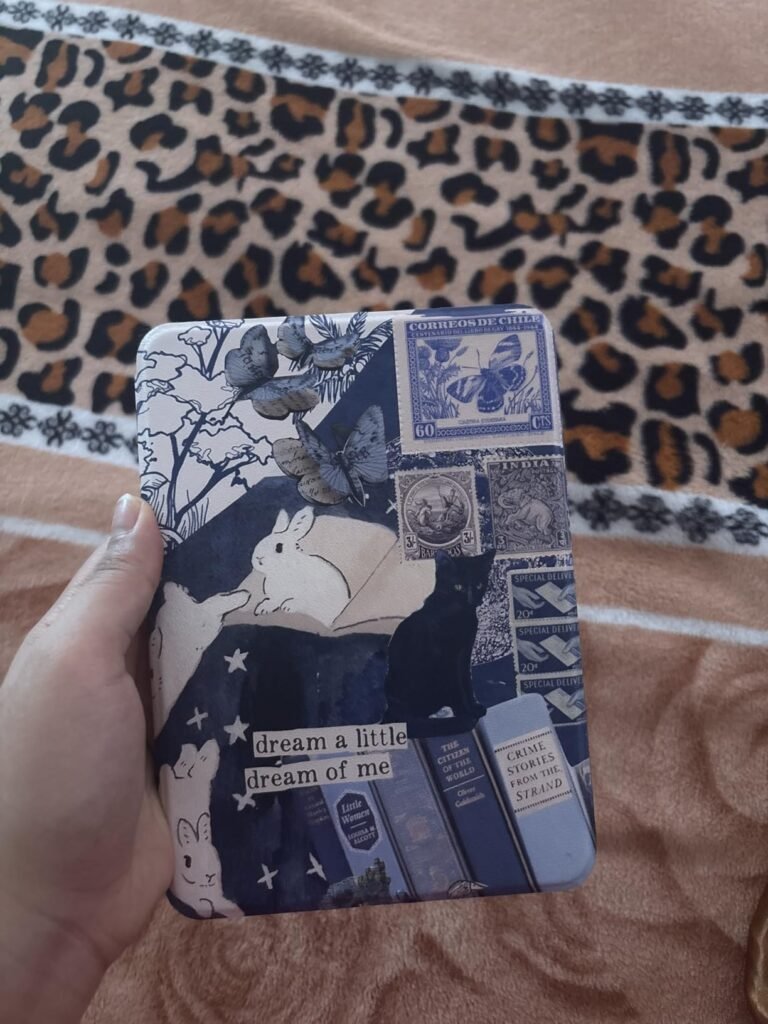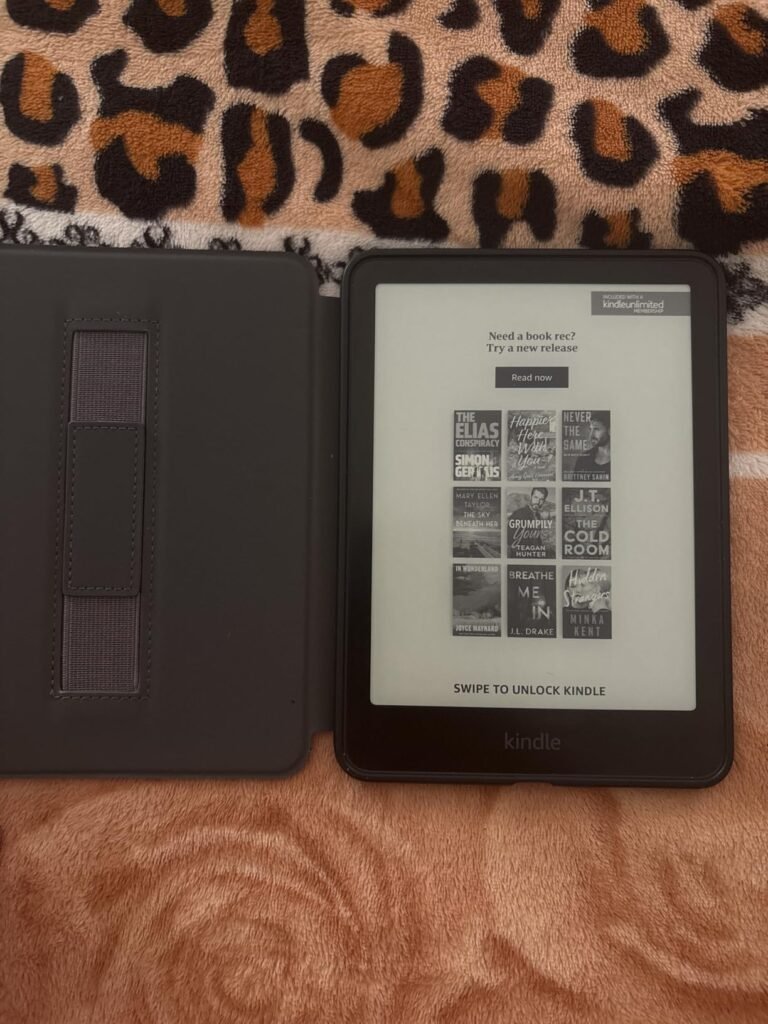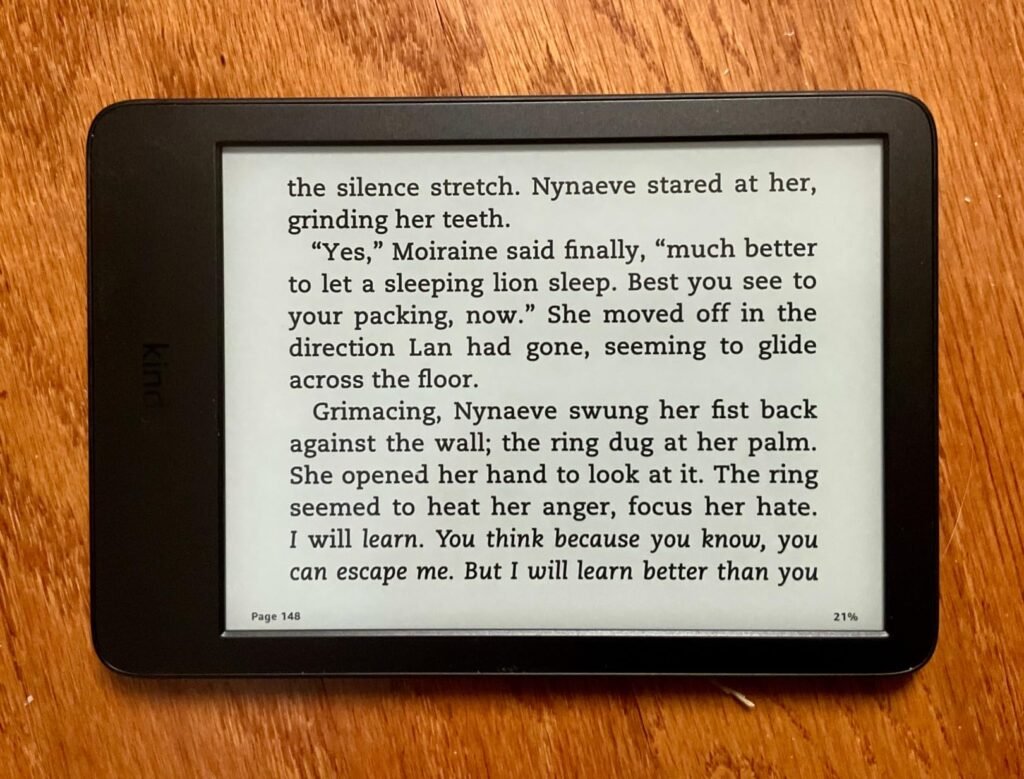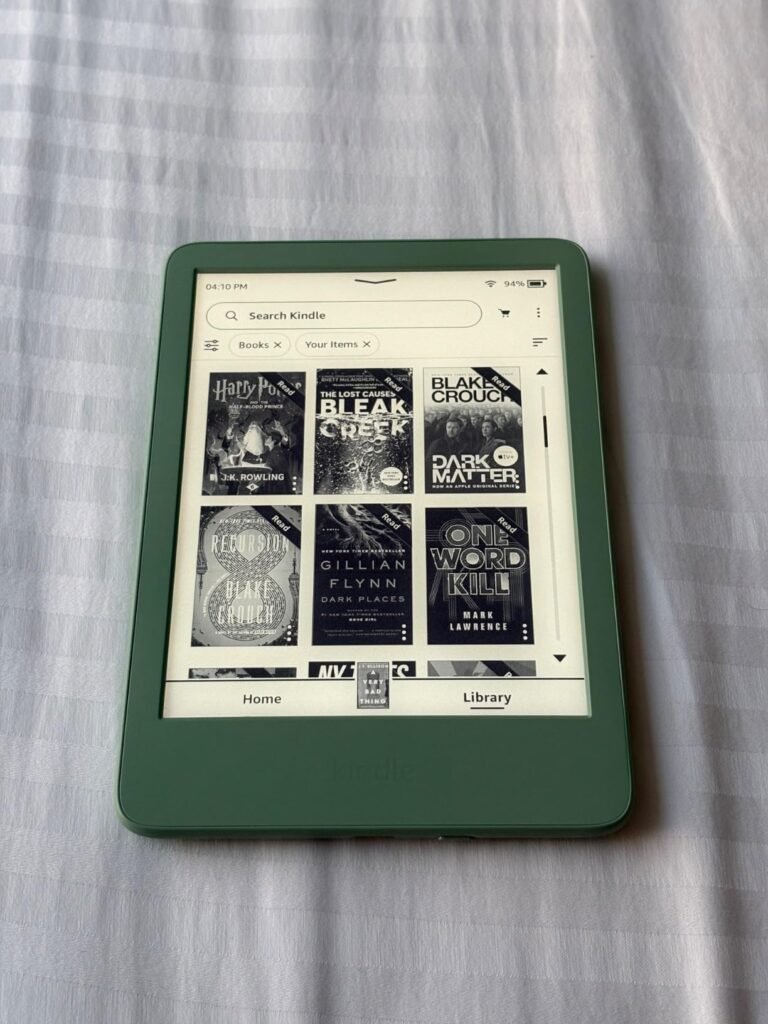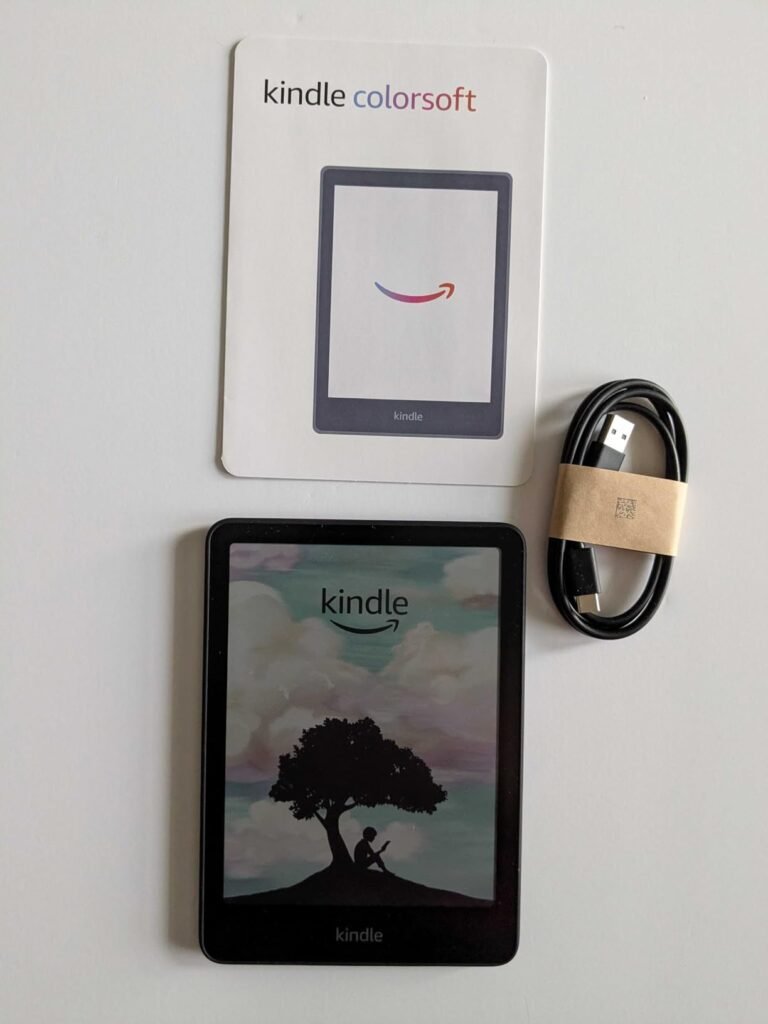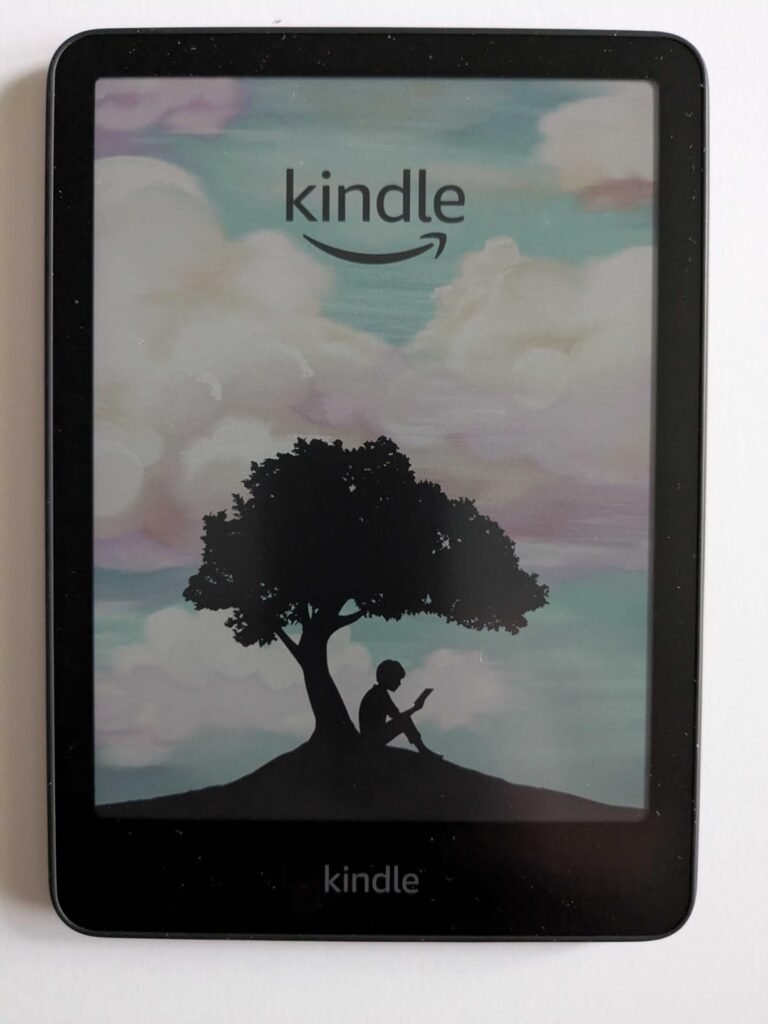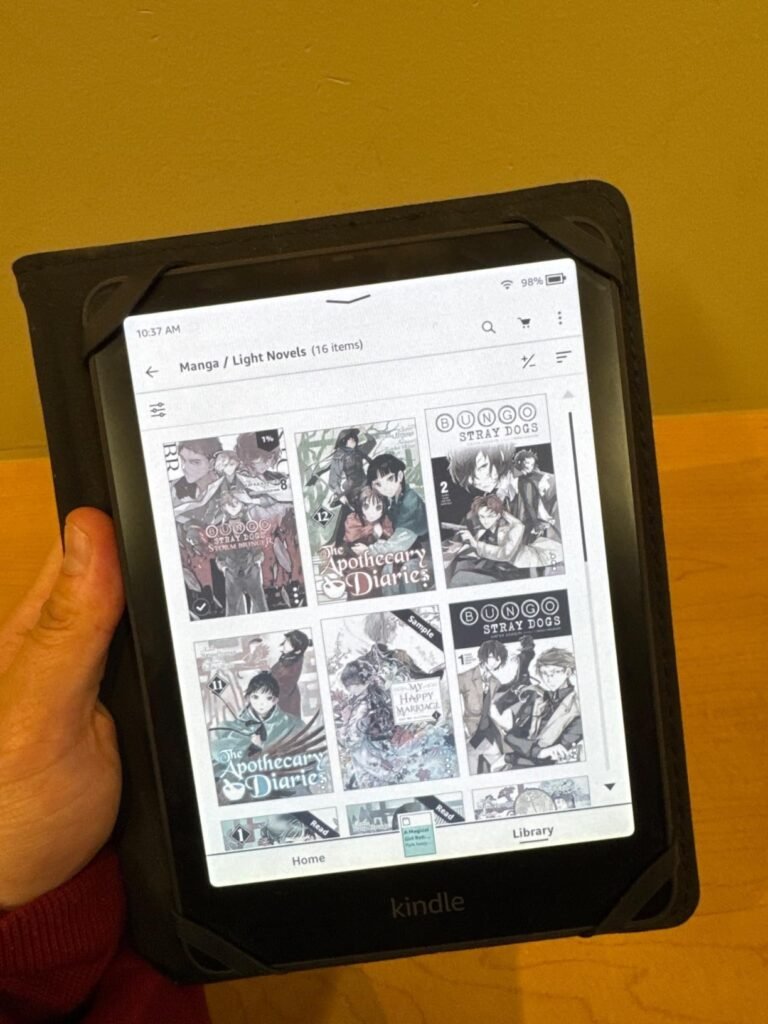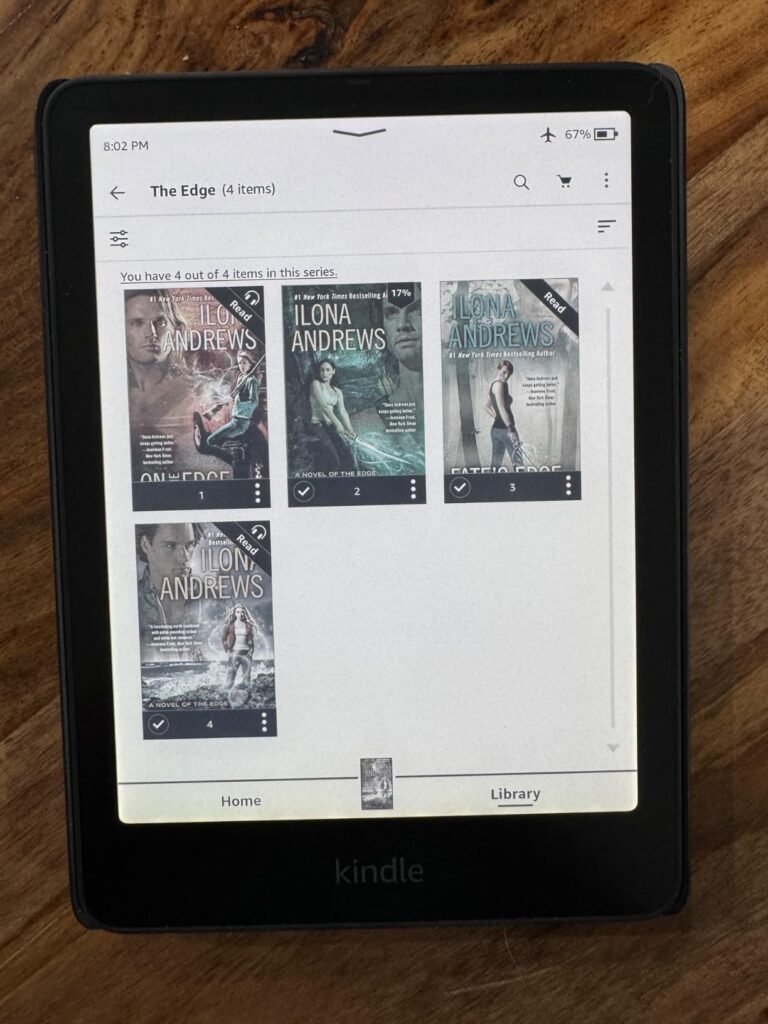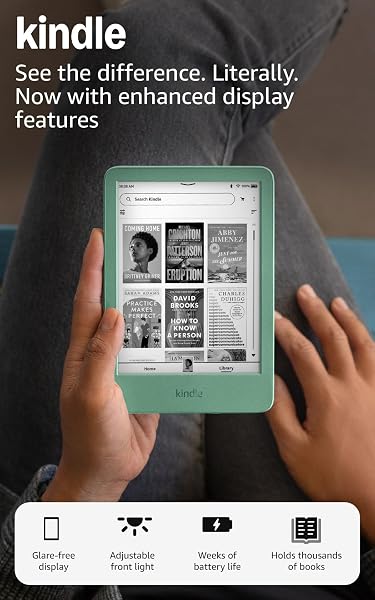
Kindle 16GB Matcha
9.0Editor score6 inch display
6 week battery
16GB storage capacity
Adjustable front light
Find the right e readers for 2026. We compare 10 standout options by build quality, useful features, owner feedback, value, and everyday trade-offs.
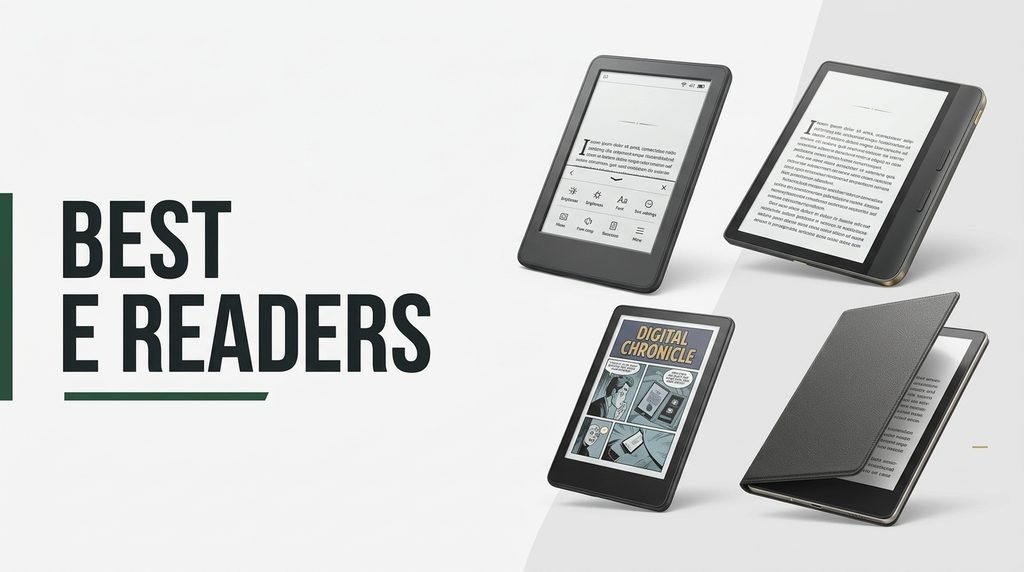
Choosing the right e reader in 2026 comes down to balancing display size, screen technology, battery reserve, waterproofing, storage, and ecosystem compatibility against how and where you actually read. We compare 10 standout options ranging from compact pocket devices to premium color displays, so you can match the right reader to your library preferences and daily routine.
The differences between these devices matter more than shared category names suggest. Kindle models lock you into Amazon’s massive bookstore with tight integration, while Kobo readers offer library lending through OverDrive and support more file formats. Color displays bring covers and comics to life but sacrifice some sharpness on plain text compared to traditional monochrome E Ink screens.
This guide breaks each option down by ideal reader profile, standout strengths, and honest limitations. Whether you want a distraction-free monochrome device for pure text reading, a color display for graphic novels and cookbooks, or a pocket-sized reader for on-the-go escapes, the reviews below deliver clear practical guidance.
We compared 10 e readers using the factors that actually shape daily reading experience: display size and screen technology, resolution and contrast, front light quality and color temperature, battery life between charges, waterproof rating, storage capacity, ecosystem and file format support, page turn speed, weight and one-handed comfort, price positioning, warranty coverage, and owner feedback. The notes focus on real trade-offs so each pick connects to how readers actually purchase, download, and enjoy books across different lighting conditions and environments.


Compare key features, scores, and current prices side by side. A shorter feature list means fewer details were available, not necessarily fewer capabilities.




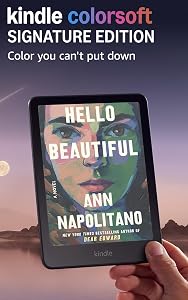
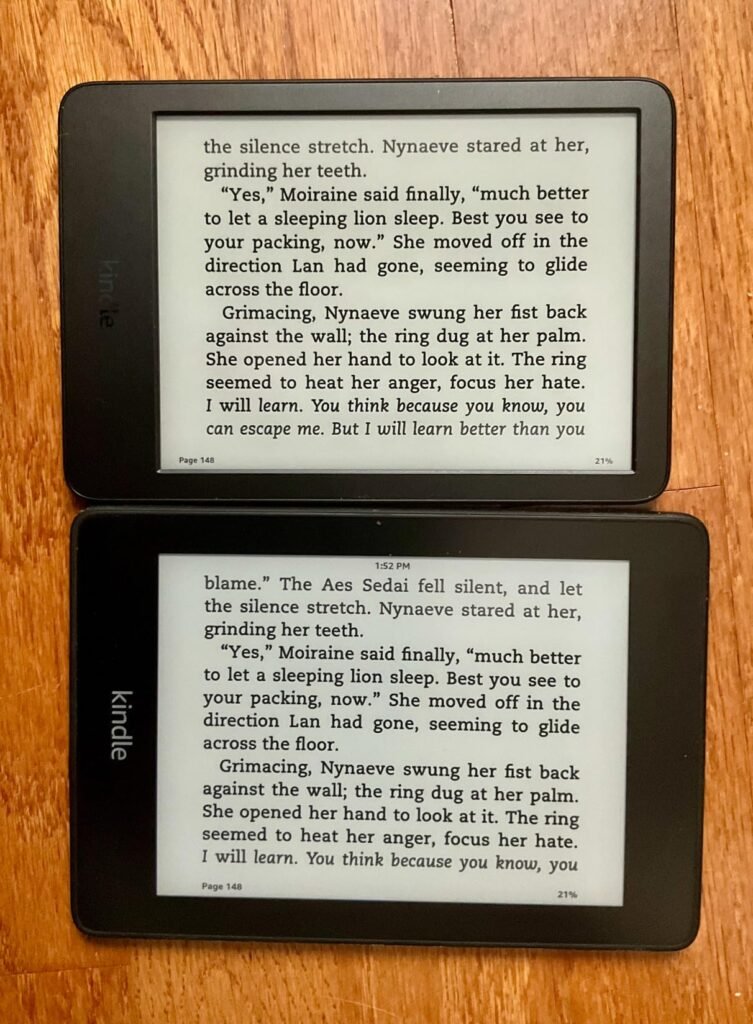
The Kindle Paperwhite 16GB targets serious readers who want Amazon's most refined black-and-white reading experience without paying premium Signature Edition prices. The latest generation delivers 25 percent faster page turns and a higher contrast ratio than previous Paperwhite models, which addresses the primary complaint about older e-ink devices. The larger 7-inch display provides comfortable text sizing without making the device feel bulky in one hand.
We may earn a commission when you buy through this link, at no additional cost to you.
The 12-week battery life on a single charge fundamentally changes how you relate to charging routines. Instead of nightly plug-ins like a phone, you can go through an entire summer or vacation season without thinking about power. USB-C charging brings the device in line with modern electronics standards, eliminating the need to hunt for older cables. The adjustable warm light from white to amber lets you read comfortably from bright sunlight to bedtime without disturbing your sleep cycle.
The waterproof design opens up reading scenarios that traditional e-readers can’t handle. Reading in the bath, poolside on vacation, or on a beach becomes worry-free rather than nerve-wracking. The distraction-free environment eliminates the pull of social media, email notifications, and other apps that fragment attention on tablets and phones. This focus benefit is genuinely valuable for readers who struggle to finish books on multi-purpose devices.
Kindle devices integrate tightly with Amazon’s bookstore of over 15 million titles, which is the largest e-book selection available. Purchases sync instantly across devices, so you can switch between your Kindle, phone app, and browser without losing your place. Kindle Unlimited subscription unlocks unlimited reading from a catalog of best sellers and popular titles for a monthly fee. This ecosystem convenience is a genuine advantage that competitors struggle to match.
Choose the Paperwhite 16GB if you want Amazon’s best black-and-white reading device at a reasonable price. The trade-off is that this model includes lock screen advertisements by default, which some readers find annoying enough to pay extra to remove. The lack of wireless charging and slightly smaller storage compared to the Signature Edition are minor for most users. For 90 percent of readers, this delivers the definitive Kindle experience without paying flagship prices.
Readers who want color displays for comics and graphic novels should choose the Kindle Colorsoft or Kobo Clara Colour instead.
We may earn a commission when you buy through this link, at no additional cost to you.
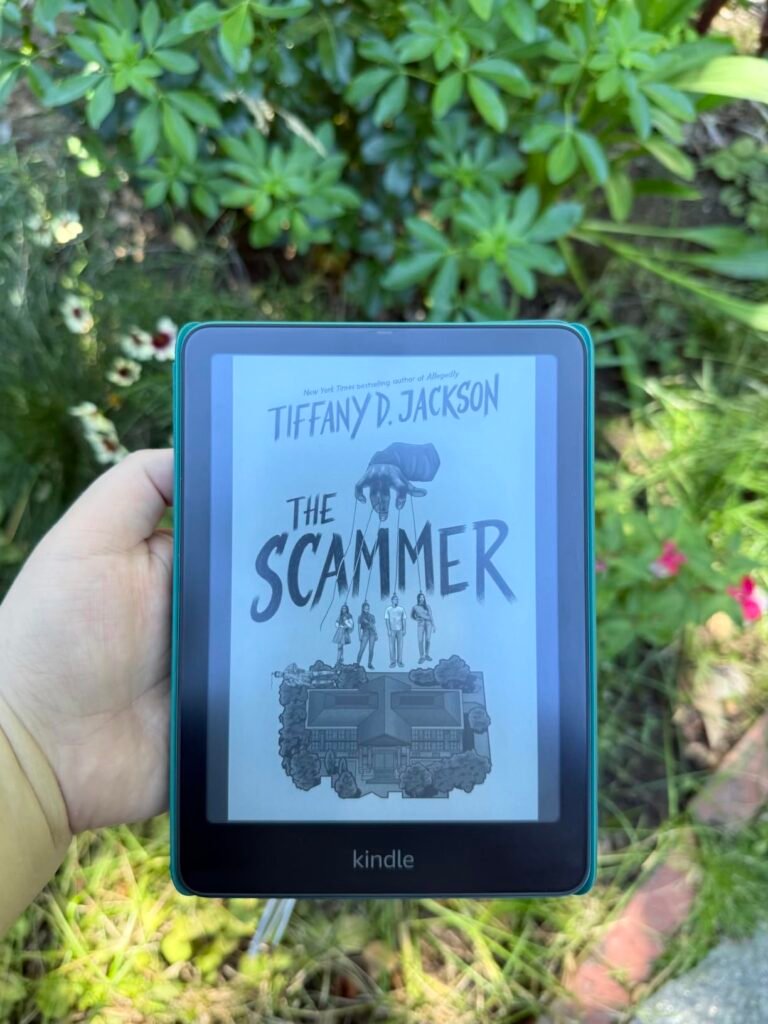
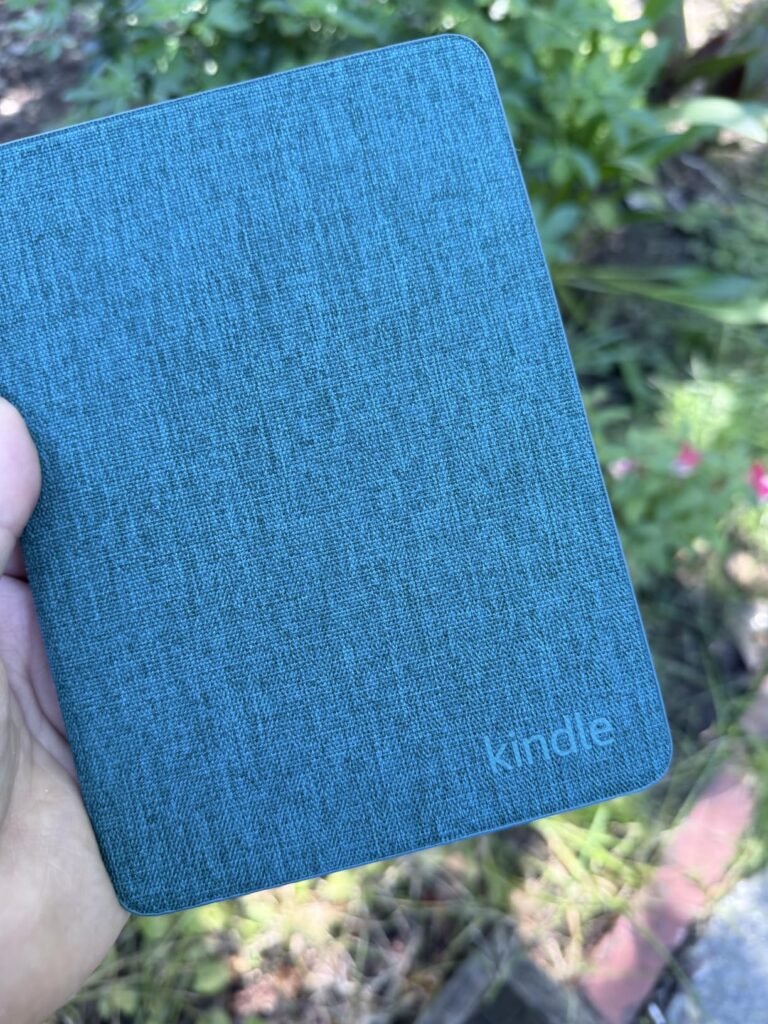
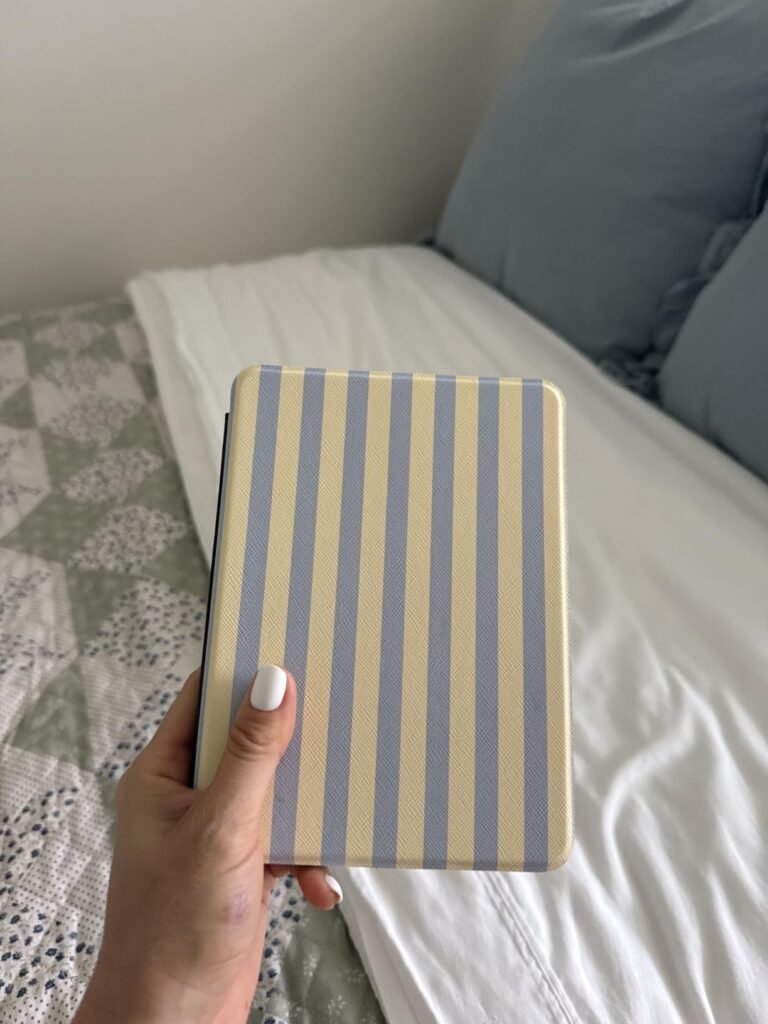
The Kindle 16GB in Matcha green targets budget-conscious readers and those who prioritize compact portability. As the lightest and most compact Kindle in the current lineup, this device excels for readers who commute daily, travel frequently, or simply prefer smaller devices that disappear into a pocket or small bag. The 6-inch display balances readability with pocketable dimensions.
We may earn a commission when you buy through this link, at no additional cost to you.
The updated model includes a brighter front light at maximum setting, higher contrast ratio, and faster page turns compared to previous entry-level Kindles. These improvements meaningfully close the gap between the base Kindle and pricier Paperwhite models for pure text reading. Dark mode support helps late-night readers avoid the jarring white background of traditional page displays.
The 6-week battery life on a single charge is exceptional for regular reading, easily covering a month of daily reading between charges. The 16GB storage holds thousands of books, effectively giving you a portable library for any reading trip or extended travel. The distraction-free interface tunes out messages, emails, and social media, creating the focused reading environment that makes e-readers so valuable over multi-purpose tablets.
The 6-inch display on the base Kindle provides comfortable text reading for most novels and standard books. It becomes less ideal for cookbooks, magazines, PDFs, or graphic content where more screen area helps. If you primarily read novels, biographies, and standard-length nonfiction, 6 inches works well and keeps the device more compact. If your reading includes technical PDFs, textbooks, or visual content, the 7-inch Paperwhite screens provide better usability.
Choose the Matcha Kindle if you want the most affordable, most portable Kindle option with the environmental benefits of recycled materials. The device uses 75 percent recycled plastics and 90 percent recycled magnesium, with 100 percent recyclable packaging. The trade-off is the smaller 6-inch screen compared to Paperwhite models and the lack of waterproof rating, which limits reading in wet environments. For casual readers on a budget, this delivers Kindle quality at the best price point.
Readers who need waterproof protection for pool or bath reading should upgrade to a Paperwhite or Kobo waterproof model.
We may earn a commission when you buy through this link, at no additional cost to you.
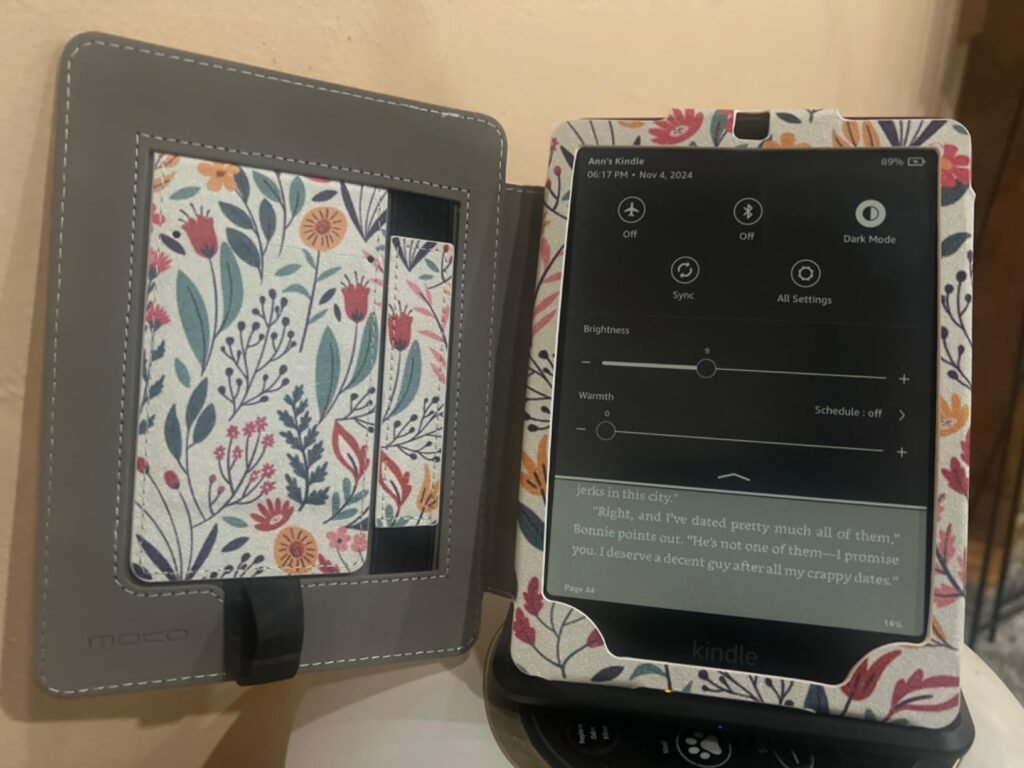
The Kindle Paperwhite Signature Edition targets serious readers who want every premium feature Amazon offers in their Paperwhite line. The auto-adjusting front light is the standout feature that differentiates this from the standard Paperwhite. Instead of manually adjusting brightness as ambient light changes throughout the day, the device automatically dims and brightens for optimal readability from morning to bedtime.
We may earn a commission when you buy through this link, at no additional cost to you.
The doubled 32GB storage is more than most readers will ever need for books alone, but it becomes valuable if you store audiobooks, PDFs, or extensive research libraries. Wireless charging via a compatible dock (sold separately) eliminates the need to plug in a cable, making bedside charging effortless. This convenience feature matters more than expected once you experience it, as it removes friction from the charging routine.
All the core benefits of the standard Paperwhite remain: 7-inch glare-free display, 25 percent faster page turns, 12-week battery life, waterproof design, and adjustable warm light. The Signature Edition adds premium finishing with a metallic black exterior that feels more substantial in the hand than the standard model. The distraction-free reading environment remains focused on books rather than notifications.
The auto-adjusting front light continuously monitors ambient conditions and adjusts brightness in real time. For readers who move between different lighting conditions throughout a reading session (from a sunny couch to a shaded corner to a lamp-lit bedroom), this eliminates the small distraction of manual adjustment. Readers who typically read in consistent lighting conditions may not notice the difference. Try to honestly assess whether you frequently adjust brightness manually before paying for this feature.
Choose the Signature Edition if you want the ultimate Kindle experience without stepping up to color displays. The trade-off is the higher price and the fact that the wireless charging dock is sold separately, which adds to the total investment. For dedicated readers who value every convenience feature and prefer no advertisements on the lock screen, this delivers Amazon’s most refined monochrome reading experience.
Budget-conscious readers or those who don’t mind manual brightness adjustment should choose the standard Paperwhite for meaningful savings.
We may earn a commission when you buy through this link, at no additional cost to you.
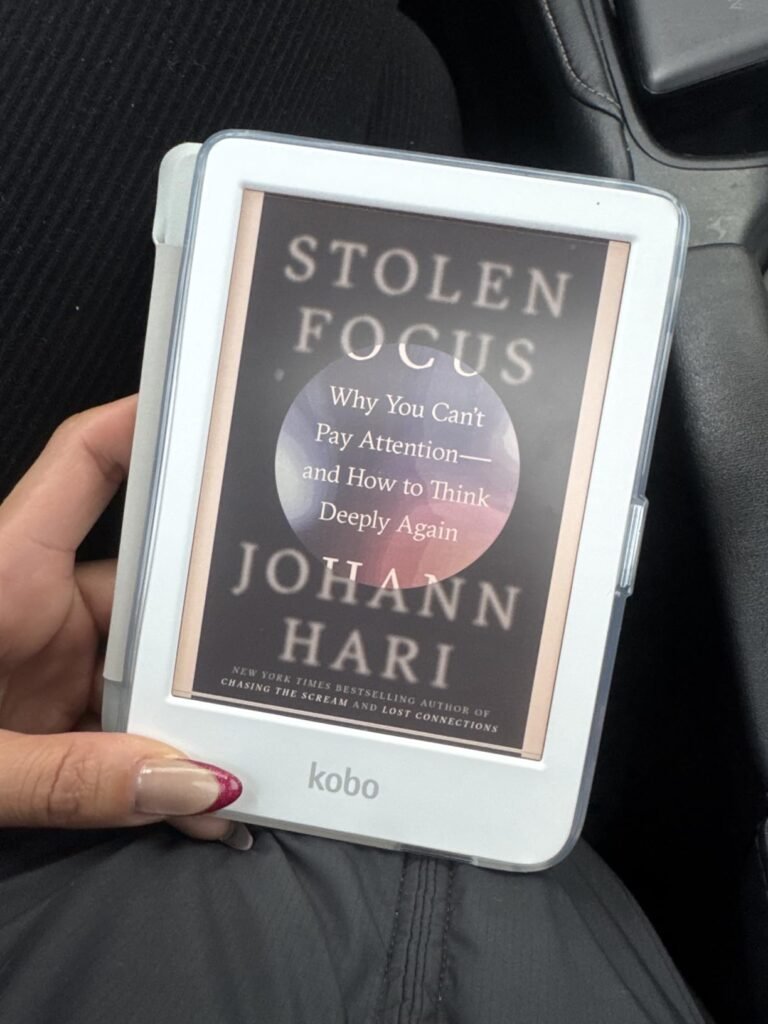
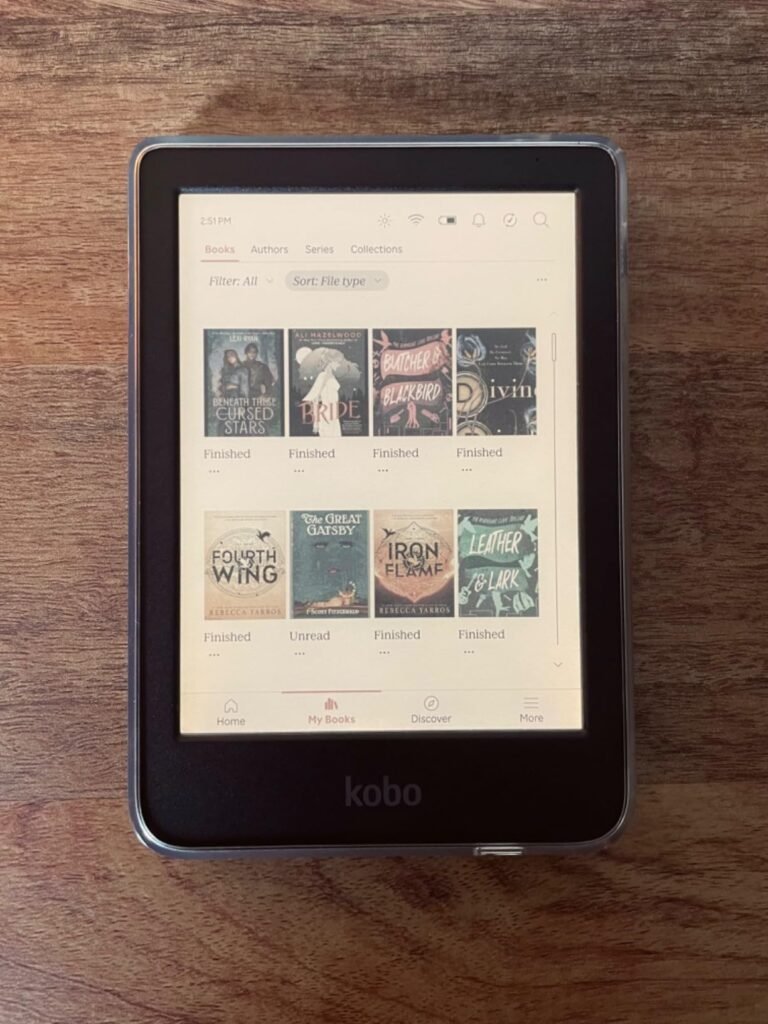
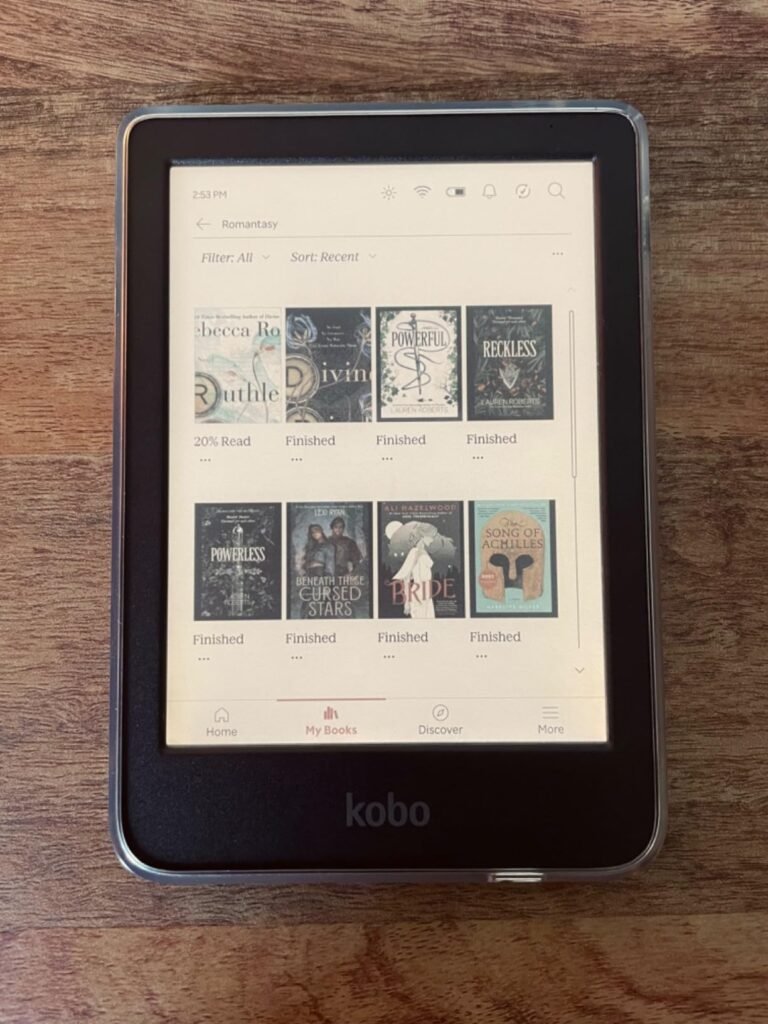
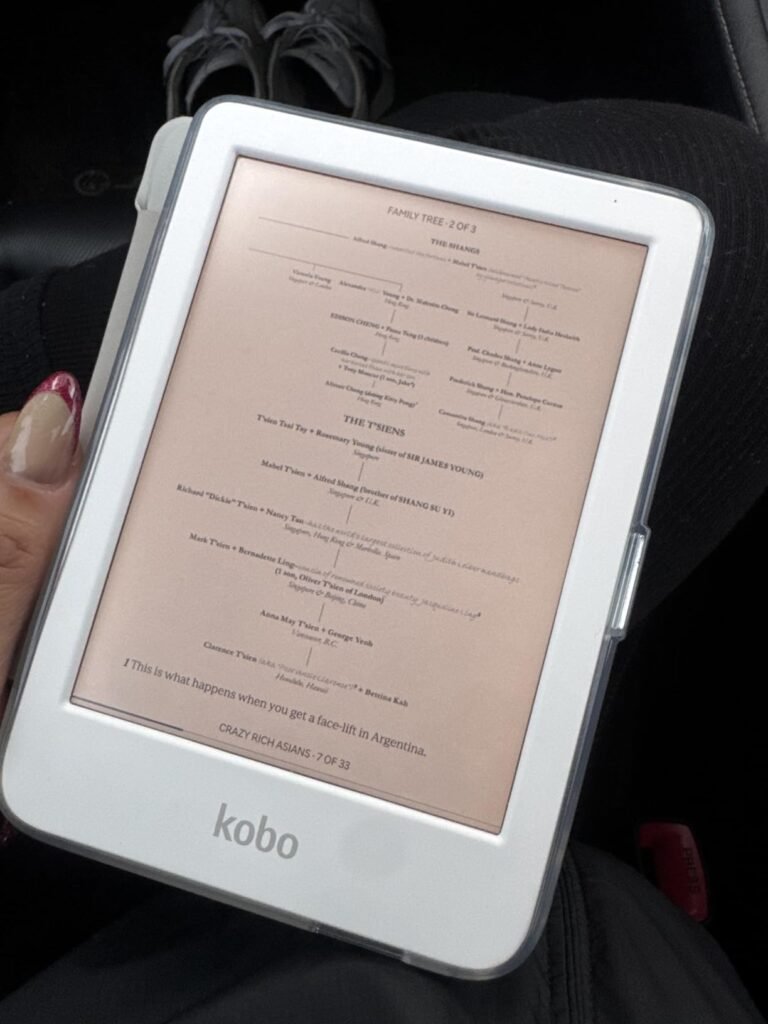
The Kobo Clara Colour targets readers who want color content without leaving the focused e-reader experience for a tablet. The E Ink Kaleido 3 display brings book covers, comics, graphic novels, illustrations, and cookbook photos to life while maintaining the paper-like readability that makes E Ink screens superior to LCD tablets for extended reading. This is genuinely useful for visual content that traditional monochrome e-readers can't showcase properly.
We may earn a commission when you buy through this link, at no additional cost to you.
The multi-color highlighting feature transforms how you interact with study materials, research reading, or heavily annotated books. Instead of relying on notation systems to distinguish highlight meanings, you can use different colors for main ideas, supporting details, questions, and quotes. This visual organization dramatically improves note review and information retention for academic reading or professional development.
The IPX8 waterproof rating protects the device in up to 2 meters of water for 60 minutes, providing more submersion protection than most e-readers. Combined with ComfortLight PRO that automatically reduces blue light throughout the day, this device supports comfortable reading in virtually any environment. The Dark Mode option adds late-night reading comfort by inverting the display to white text on black background.
Kobo devices include native OverDrive integration that lets you borrow eBooks and audiobooks directly from your local public library. Sign in with your library card, browse the available titles, and download them directly to your device without any additional apps or transfers. When the loan period ends, the book automatically returns. This feature can save readers hundreds of dollars annually compared to purchasing every book, especially for casual readers who want to try many titles before committing.
Choose the Kobo Clara Colour if you want library lending through OverDrive integration and prefer a color display in a compact 6-inch form factor. The Kobo ecosystem is smaller than Amazon’s but provides genuine advantages including native EPUB support, direct library integration, and Kobo Plus subscription for unlimited eBooks and audiobooks. The trade-off is fewer titles compared to Amazon’s massive catalog. For readers who value color content and library access, this delivers exceptional value.
Readers committed to the Amazon ecosystem or those who want the largest possible bookstore should choose a Kindle instead.
We may earn a commission when you buy through this link, at no additional cost to you.
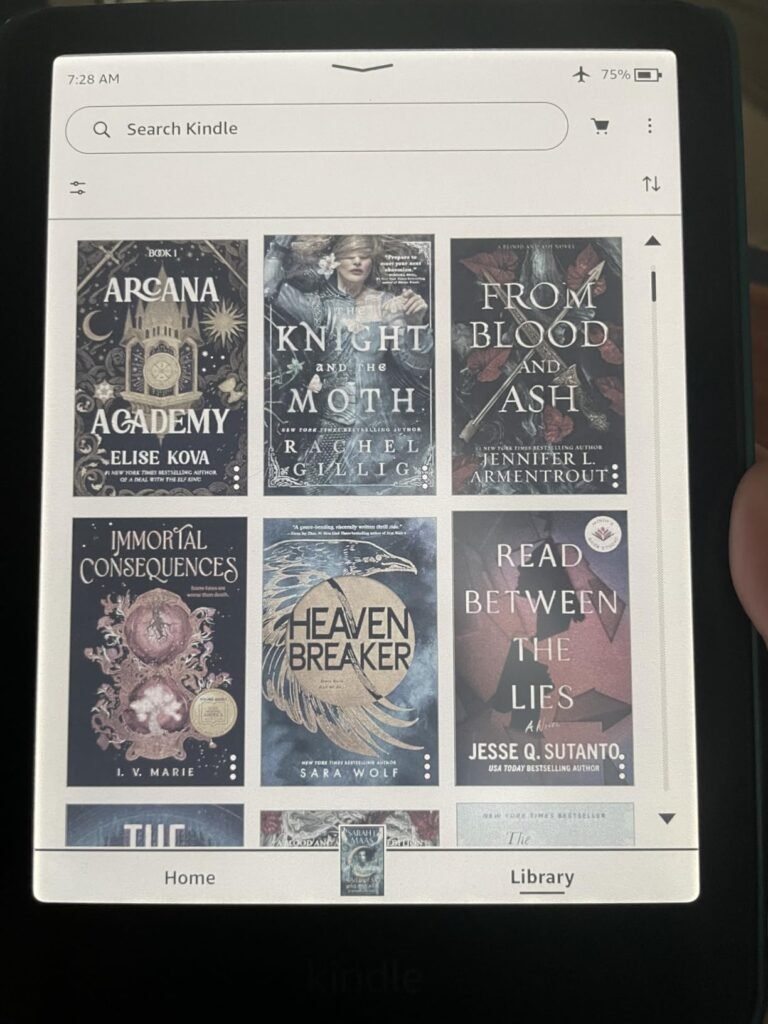
The Kindle Colorsoft 16GB represents Amazon's first color e-reader, targeting readers who want Amazon's vast bookstore combined with color content capabilities. The 7-inch color display brings book covers, comics, graphic novels, illustrations, and magazine content to life while maintaining the paper-like readability of traditional E Ink displays. This is Amazon's answer to readers who wanted color without leaving the Kindle ecosystem.
We may earn a commission when you buy through this link, at no additional cost to you.
The color highlighting feature lets you mark favorite scenes and important passages in yellow, orange, blue, and pink. This visual organization improves note-taking and passage review, particularly for academic reading, book clubs, or content that requires detailed annotation. The Kindle Colorsoft display is specifically optimized for color reading rather than being a hybrid device, which is different from the Paperwhite display optimized for pure black and white content.
The 8-week battery life on a single charge is shorter than the 12-week Paperwhite battery due to the additional demands of the color display, but it remains excellent by any standard. The waterproof design allows worry-free reading in wet environments. The new Dark Mode makes low-light reading comfortable by inverting to black backgrounds with white text while keeping highlights and pen strokes in their original colors.
Color E Ink displays like the Kindle Colorsoft and Kobo Kaleido 3 use a color filter layer over the traditional E Ink display, which produces muted colors compared to LCD or OLED tablets. The trade-off is significantly better battery life, reduced eye strain during extended reading, and no glare in sunlight. Colors work well for book covers, comics, and illustrations but won’t match the vibrancy of high-resolution tablet displays. Set realistic expectations before purchase.
Choose the Kindle Colorsoft if you’re committed to the Amazon ecosystem and want color content capability. The no-ads version eliminates lock screen advertisements that come with cheaper Kindle models. The trade-off is the higher price compared to monochrome Kindles and the color display trade-offs including slightly lower resolution on text compared to pure black-and-white displays. For Amazon loyalists who want color, this delivers the definitive Kindle color experience.
Readers who want the sharpest possible text display for pure novel reading should choose the monochrome Paperwhite instead.
We may earn a commission when you buy through this link, at no additional cost to you.
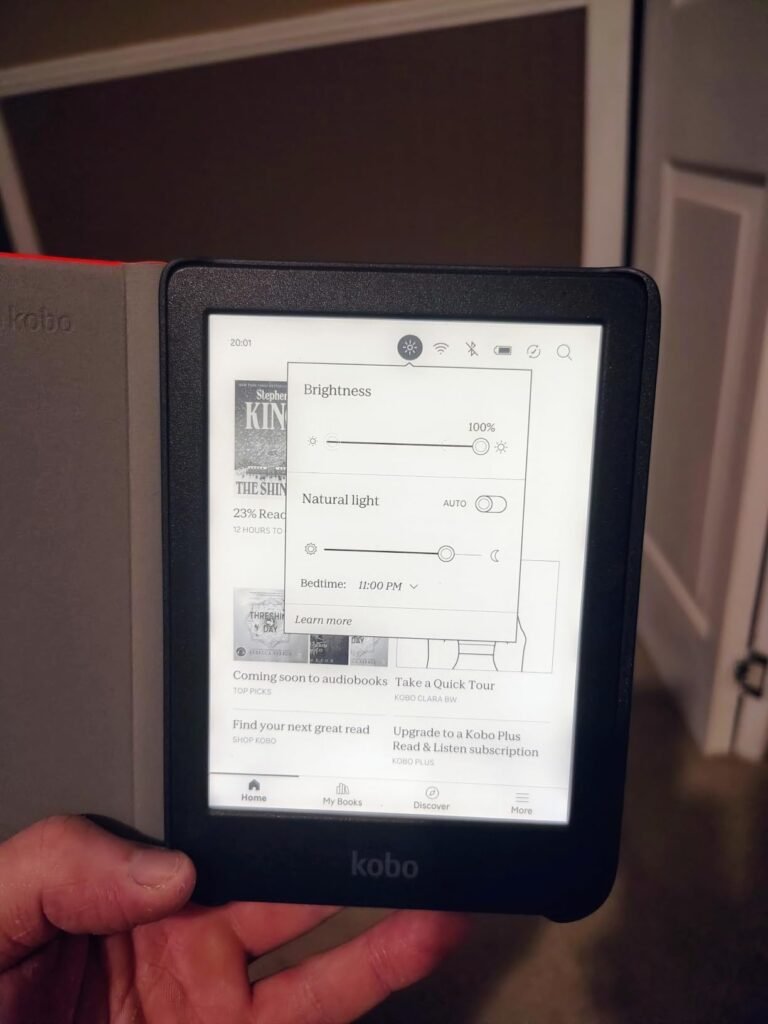
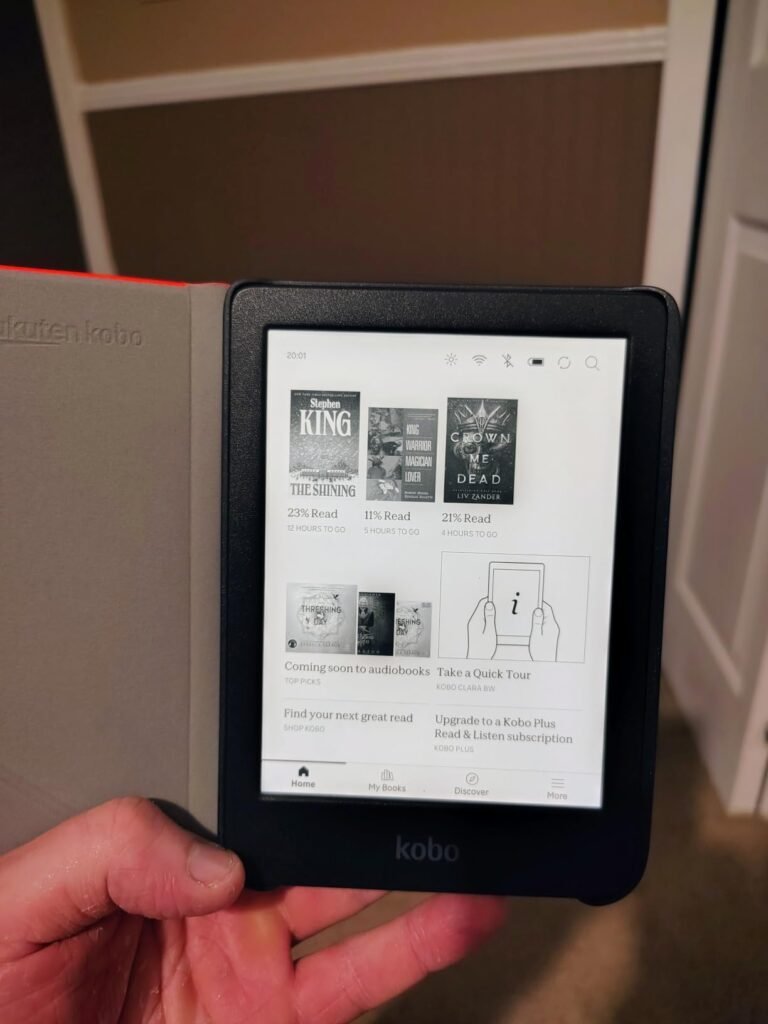
The Kobo Clara BW targets readers who want Kobo ecosystem benefits in a compact monochrome package. The 6-inch E Ink Carta 1300 HD display delivers fast page turns and excellent contrast in a form factor that easily fits in one hand. This is Kobo's answer to the base Kindle, offering similar core functionality with the added benefits of Kobo's more open ecosystem and native library support.
We may earn a commission when you buy through this link, at no additional cost to you.
ComfortLight PRO is the standout comfort feature, allowing you to adjust brightness, color temperature, and blue light independently throughout the day. The color temperature adjustment shifts from cool white during daytime reading to warm amber for evening use, which many readers find genuinely helpful for maintaining natural sleep rhythms. This feature-level customization exceeds what Amazon offers on comparable Kindles.
The IPX8 waterproof rating provides substantial protection in up to 2 meters of water for 60 minutes, exceeding the waterproof ratings on most competitors. This makes the Clara BW genuinely worry-free for bath reading, poolside sessions, or beach vacations. The 16GB storage holds up to 12,000 eBooks or 75 Kobo Audiobooks, providing effectively unlimited library capacity for most readers.
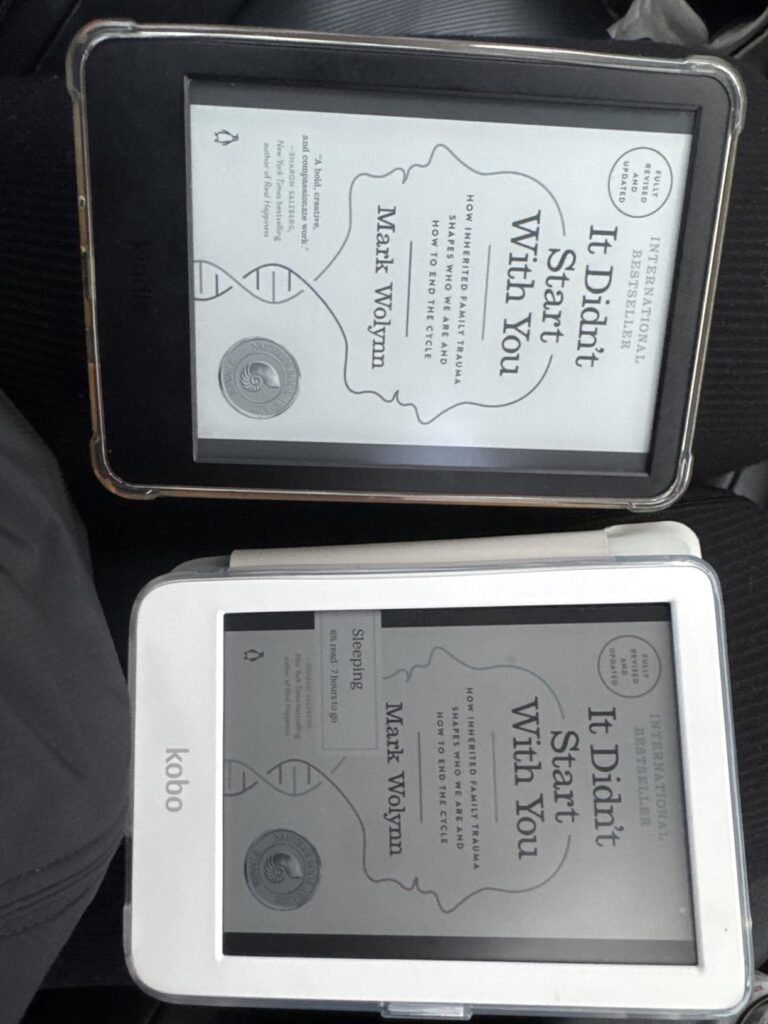
Kobo devices natively support EPUB, EPUB3, PDF, TXT, HTML, RTF, and various other formats without conversion. Kindle devices primarily use Amazon’s proprietary AZW format and require conversion for EPUB files. This matters if you buy books from independent publishers, download free books from Project Gutenberg, or have an existing library in non-Kindle formats. Kobo’s format flexibility is a genuine advantage for readers who use multiple book sources.
Choose the Kobo Clara BW if you want a compact waterproof reader with library lending capabilities. The device is thoughtfully made with recycled and ocean-bound plastic, plus repairability features that extend the useful life beyond throwaway consumer electronics. The trade-off is that Kobo’s ecosystem is smaller than Amazon’s, though the OverDrive integration and Kobo Plus subscription offer their own advantages. For value-conscious Kobo fans, this delivers essential features at a fair price.
Amazon Prime members who value integrated shopping and vast title selection should choose a Kindle instead.
We may earn a commission when you buy through this link, at no additional cost to you.
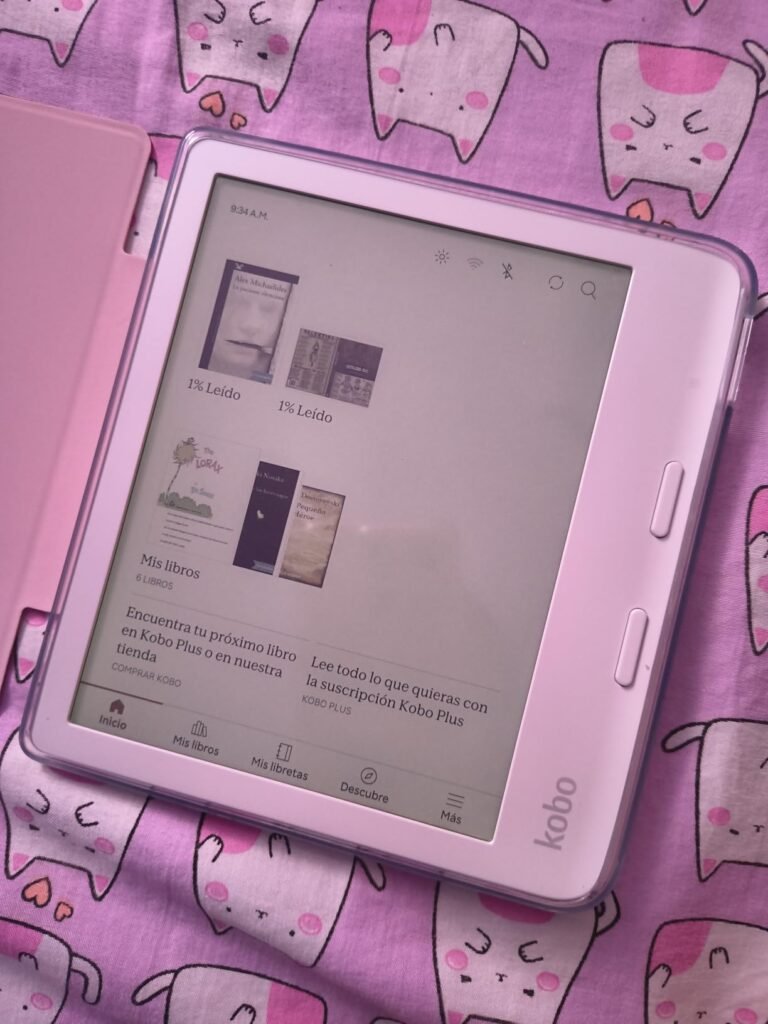
The Kobo Libra Colour targets readers who want a larger 7-inch color display with premium features including physical page turn buttons and stylus support. The asymmetric ergonomic design places the physical buttons on one side, allowing comfortable one-handed reading without stretching your thumb across the screen. This design detail matters more than expected during long reading sessions.
We may earn a commission when you buy through this link, at no additional cost to you.
The 7-inch color E Ink display brings book covers, comics, graphic novels, and illustrations to life while providing the paper-like readability that makes E Ink superior to LCD tablets for extended reading. Landscape mode support is particularly useful for cookbooks, technical documents, and wide-format content that benefits from horizontal orientation. Full font size and margin customization let you optimize the reading experience for your specific vision needs.
Kobo Stylus 2 compatibility (sold separately) transforms this device into a hybrid reader and note-taker. You can annotate, highlight, and take notes directly on eBooks with colorful markups. This capability makes the Libra Colour genuinely useful for students, professionals reviewing documents, and readers who engage deeply with their books through active annotation. The 32GB storage holds up to 24,000 eBooks or 150 audiobooks.
Physical page turn buttons offer tactile feedback and one-handed operation that pure touchscreen readers can’t match. This matters especially during longer reading sessions when tapping the screen becomes tedious, or when reading in bed on your side. The buttons also allow reading with wet or gloved hands where touchscreens become unreliable. Once you experience physical buttons on an e-reader, touch-only devices can feel like a step backward. The Libra Colour and Kindle Oasis (not in this guide) are among the few current options with dedicated buttons.
Choose the Kobo Libra Colour if you want the largest Kobo color display with premium ergonomics and stylus support. The IPX8 waterproof rating protects against water damage during bath or poolside reading. The trade-off is the higher price compared to smaller Kobo models and the fact that the stylus is sold separately, adding to total investment. For serious readers who want the best color Kobo experience with note-taking capabilities, this delivers exceptional value.
Budget-conscious readers or those who prefer compact 6-inch devices should choose the Kobo Clara Colour instead.
We may earn a commission when you buy through this link, at no additional cost to you.
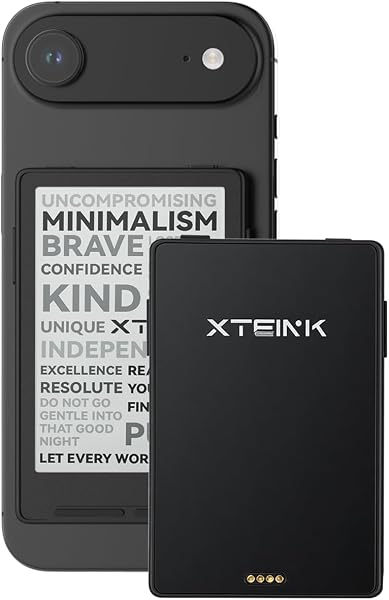
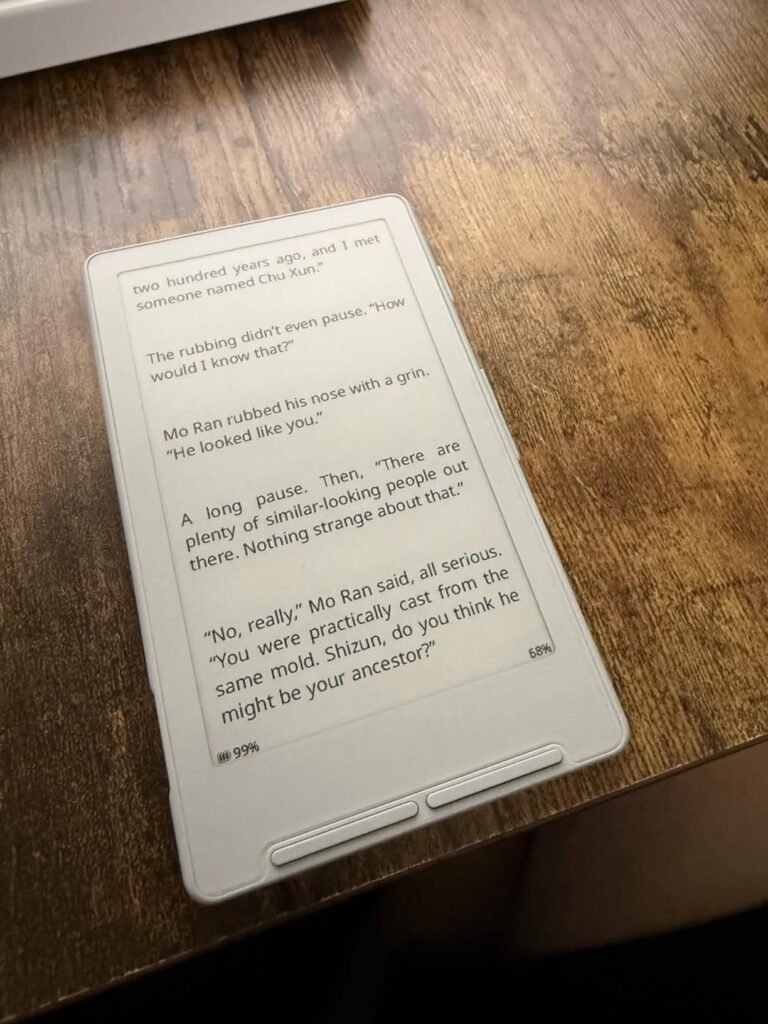
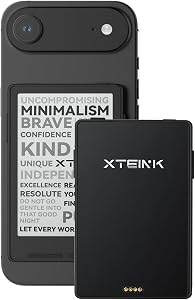
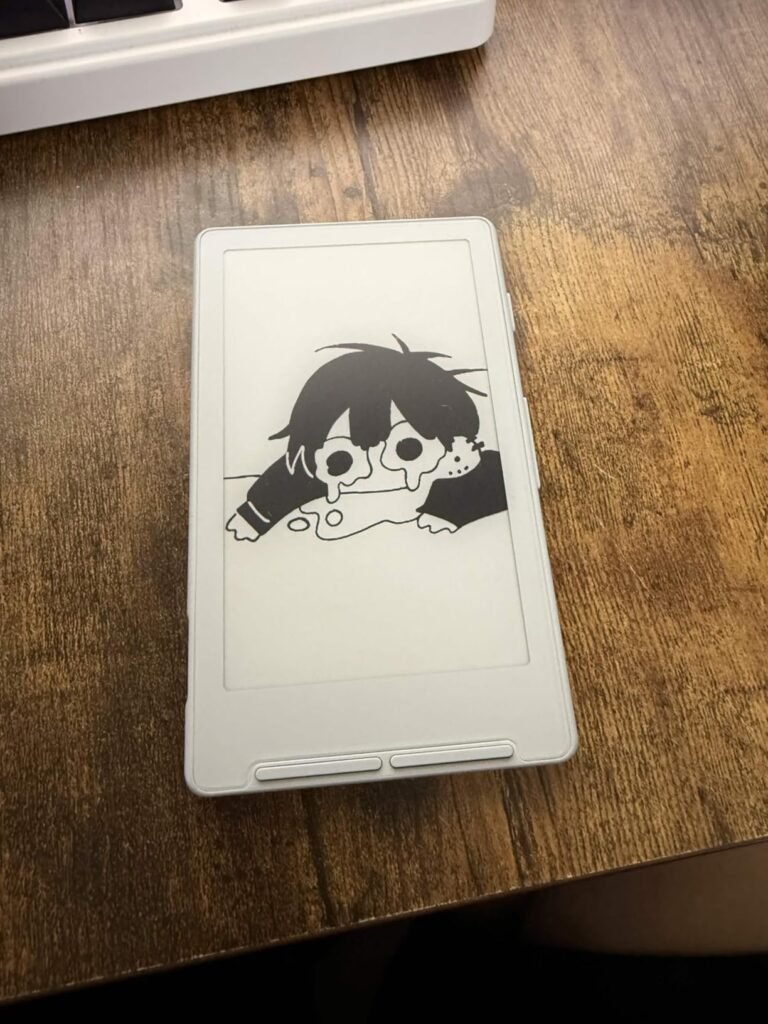
The XTEINK X3 targets readers who prioritize extreme portability above all other considerations. At just 58 grams and 5.1mm thin, this pocket eReader slips into a shirt pocket, small bag compartment, or clip onto a phone for genuinely always-with-you reading. This form factor enables reading during moments that traditional readers can't cover, like brief waits at coffee shops or short transit rides between activities.
We may earn a commission when you buy through this link, at no additional cost to you.
The paper-feel E-Ink display maintains the eye-friendly, glare-free reading experience that makes e-readers superior to phones for extended reading. The 3.7-inch screen requires more frequent page turns than larger devices, but the gyroscope page-turn feature and physical buttons make one-handed operation smooth and intuitive. You can read comfortably while standing on public transit or during quick coffee breaks.
The 16GB built-in storage plus support for up to 256GB expandable memory provides effectively unlimited capacity for books, manga, photos, and other content. The magnetic pogo-pin charging design keeps the device clean and minimalist while enabling convenient daily charging. The Adhesive Metal Ring allows magnetic attachment to compatible phone cases, keeping the eReader accessible alongside your phone.
Pocket eReaders like the XTEINK X3 excel at capturing reading moments that full-size devices can’t reach because they’re too bulky to carry constantly. However, the small screen requires more page turns, which some readers find disruptive to reading flow. Full-size 6-7 inch devices provide more comfortable extended reading but require dedicated carrying. Consider whether you want a primary reader for planned reading sessions (choose full-size) or a supplemental device for stolen reading moments (choose pocket).
Choose the XTEINK X3 if you want an eReader that goes everywhere without adding meaningful weight or bulk. The trade-off is significant: this device does not support Kindle DRM-protected books, Libby library loans, or third-party apps. You can only read DRM-free files transferred to the device. This limits you to public domain books, purchased DRM-free content, or converted files. For readers with existing DRM-free libraries who value extreme portability, this delivers unique value.
Readers who need Kindle or library book access should avoid this device due to its lack of DRM support.
We may earn a commission when you buy through this link, at no additional cost to you.
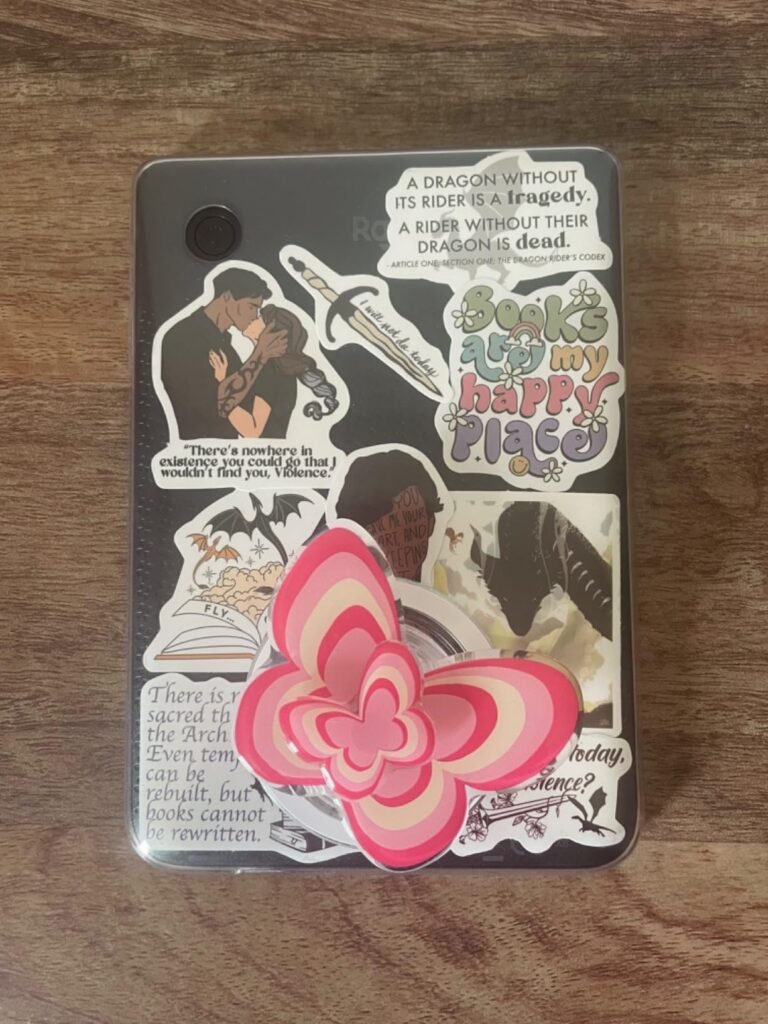
The Kobo Clara Colour in black provides the same core functionality as the white version, giving buyers a choice based on aesthetic preference or matching accessories. The E Ink Kaleido 3 display delivers full color for book covers, comics, graphic novels, illustrations, and highlighted passages. The sleek black finish offers a more discreet appearance that fades into professional environments better than the white variant.
We may earn a commission when you buy through this link, at no additional cost to you.
All Kobo Clara Colour features remain identical to the white model: multi-color highlighting for annotating eBooks with different colors for different meanings, ComfortLight PRO that automatically reduces blue light throughout the day, and personalized reading settings including font size, line spacing, and Dark Mode. The color highlighting feature particularly benefits students and researchers who use color coding for information organization.
The IPX8 waterproof protection allows worry-free reading in bath, poolside, or beach environments. Combined with the 16GB storage that holds thousands of books, this device supports any reading scenario from daily commutes to extended vacations. Native OverDrive integration lets you borrow eBooks from your local library directly on the device, and Kobo Plus subscription unlocks unlimited eBooks and audiobooks for a monthly fee.
The color of your e-reader case affects visual heat absorption in sunlight and how visible fingerprints and smudges appear. White cases stay cooler in direct sunlight but show dirt more prominently. Black cases show fewer fingerprints and smudges but absorb more heat during outdoor reading. For pool or beach reading, white may be more comfortable in hand. For office or evening reading, black looks more professional. This is primarily an aesthetic and personal preference choice.
Choose the Kobo Clara Colour Black if you prefer the black aesthetic over white and want Kobo ecosystem benefits. The trade-off is a slightly lower owner rating (4.3 vs 4.6) compared to the white version, which may reflect color variant availability or minor cosmetic issues rather than fundamental performance differences. For color-conscious buyers who prefer black finishes, this delivers the same core Kobo experience.
Buyers who prefer white finishes should choose the white version of the Kobo Clara Colour for better owner rating.
We may earn a commission when you buy through this link, at no additional cost to you.
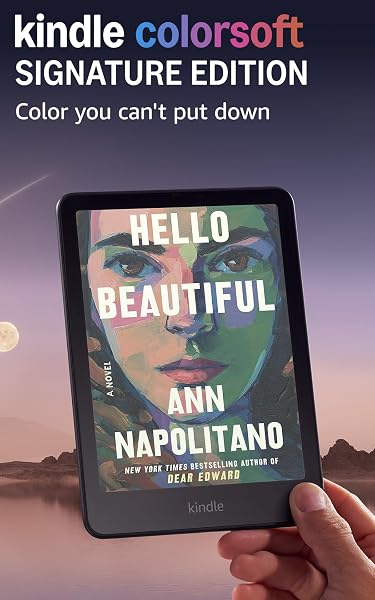
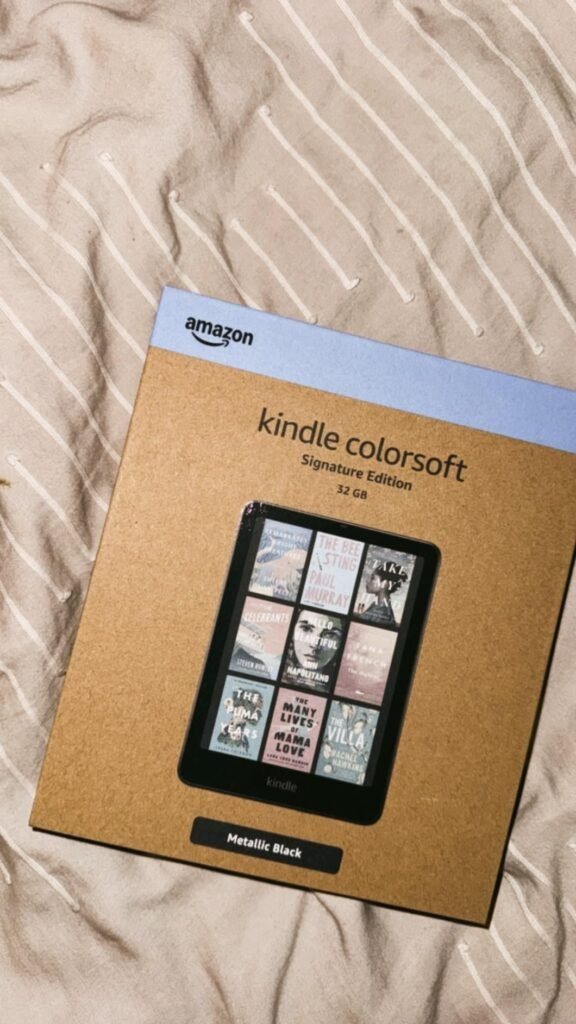
The Kindle Colorsoft Signature Edition targets Amazon loyalists who want every premium feature combined with color display capability. This model adds auto-adjusting front light, doubled 32GB storage, and wireless charging support to the standard Colorsoft's 7-inch color E Ink display. It represents Amazon's top-tier reading device for buyers who want no compromises in the Kindle lineup.
We may earn a commission when you buy through this link, at no additional cost to you.
The 7-inch high-contrast color display brings book covers, comics, graphic novels, magazines, and cookbook photos to life with paper-like color that’s easy on the eyes. The color highlighting feature lets you mark scenes and important passages in yellow, orange, blue, and pink for visual note organization. Dark Mode support turns backgrounds black and text white for comfortable low-light reading while keeping highlights and annotations in their original colors.
The auto-adjusting front light continuously adapts to ambient conditions, eliminating manual brightness adjustments throughout your reading session. Wireless charging via the compatible dock (sold separately) enables effortless bedside charging without cable management. The 8-week battery life on a single charge is exceptional for a color e-reader, though shorter than the 12-week monochrome Paperwhite due to color display power requirements.
The Signature Edition adds auto-adjusting front light, doubled storage (32GB vs 16GB), and wireless charging over the standard Colorsoft. These convenience features justify the price premium for readers who use their device intensively and value effortless operation. For casual readers or those who don’t mind manual brightness adjustment and USB-C charging, the standard 16GB Colorsoft delivers the same core color reading experience at meaningful savings.
Choose the Colorsoft Signature Edition if you want Amazon’s ultimate color reading device and don’t mind the higher price. The trade-off is the lower owner rating of 4.2 stars compared to other Kindles, which suggests some early adopters experienced issues with this newer color technology. Consider reading recent reviews before purchasing to understand current reliability. For committed Amazon users who want the most premium Kindle experience, this delivers class-leading features when it performs as intended.
Value-conscious buyers who don’t need wireless charging or auto-adjusting light should choose the standard Kindle Colorsoft 16GB.
We may earn a commission when you buy through this link, at no additional cost to you.
The right e reader depends on your reading habits, ecosystem preferences, budget, and how important color content is to you. The factors below break down what genuinely matters when narrowing your choice across Kindles, Kobos, and pocket alternatives.
The most important decision when choosing an e reader is which ecosystem you want to commit to for years of book purchases and reading. Amazon’s Kindle ecosystem offers over 15 million titles in the Kindle Store, the largest selection available anywhere. Kindle Unlimited subscription unlocks unlimited reading from a curated catalog of best sellers and popular titles for a monthly fee. Purchases sync instantly across Kindle devices, phone apps, and browsers.
Kobo’s ecosystem is smaller than Amazon’s but offers meaningful advantages including native EPUB support (no conversion needed), OverDrive integration for direct library eBook lending, and Kobo Plus subscription for unlimited eBooks and audiobooks. Kobo also supports more file formats natively, making it easier to read books from independent publishers, Project Gutenberg, or your existing library. The trade-off is fewer exclusive titles and no equivalent to Amazon Prime shipping benefits.
Choose Kindle if you value the largest book selection and Amazon ecosystem integration. Choose Kobo if you value library lending, format flexibility, and want to support an alternative to Amazon’s dominance. Consider that switching ecosystems later requires re-purchasing DRM-protected books.
Color E Ink displays represent the biggest recent innovation in e-readers, but they come with meaningful trade-offs. Color displays like the Kindle Colorsoft and Kobo Clara Colour bring book covers, comics, graphic novels, and illustrations to life while maintaining the paper-like readability that makes E Ink superior to LCD tablets. Multi-color highlighting adds new dimensions to note-taking and passage annotation.
The trade-offs of color displays include slightly lower resolution on plain text compared to pure monochrome displays, higher device prices, and somewhat shorter battery life (8 weeks vs 12 weeks on comparable Kindles). Colors are muted compared to LCD or OLED tablets, which surprises some buyers who expect tablet-like vibrancy. For pure novel reading, monochrome displays like the standard Paperwhite deliver sharper text at lower prices.
Choose color if you read graphic novels, comics, cookbooks, magazines, or want colorful highlighting for annotation. Choose monochrome for pure novel reading, better battery life, and sharpest possible text. Don’t pay for color capability you won’t actually use.
Display size affects reading comfort, portability, and content compatibility. The compact 6-inch displays on the base Kindle and Kobo Clara BW/Colour prioritize portability and one-handed reading, making them ideal for commuters and travelers. The 6-inch size handles standard novels comfortably but becomes less ideal for cookbooks, magazines, PDFs, or graphic content that benefits from more screen real estate.
The larger 7-inch displays on the Kindle Paperwhite line, Kobo Libra Colour, and Kindle Colorsoft provide more comfortable reading for extended sessions, better PDF viewing, and larger images for color content. The trade-off is slightly less pocketable dimensions, though these devices still fit easily in bags and backpacks. Pocket devices like the XTEINK X3 at 3.7 inches enable extreme portability but require more frequent page turns.
Choose 6-inch for maximum portability and one-handed reading. Choose 7-inch for comfortable extended reading and better handling of visual content. Consider pocket devices only if extreme portability outweighs reading comfort.
E-reader battery life is measured in weeks rather than hours, fundamentally different from phones and tablets. The Kindle Paperwhite provides up to 12 weeks on a single charge, while the base Kindle offers 6 weeks. The Kindle Colorsoft delivers 8 weeks due to color display power requirements. Kobo devices similarly deliver weeks of reading between charges. Actual battery life depends on how often you use the front light and page turn frequency.
Charging methods vary by device. All current Kindles and Kobos use USB-C, which is convenient for anyone with modern electronics. The Signature Edition Paperwhite and Colorsoft add wireless charging support via a compatible dock (sold separately), enabling effortless bedside charging without cable management. Pocket devices like the XTEINK X3 use proprietary magnetic charging systems that require the included cable.
Prioritize battery life if you travel frequently or dislike charging routines. Prioritize wireless charging convenience if you want the most effortless daily use. Both criteria contribute to the enjoyment of daily reading over years of ownership.
Waterproof ratings determine where you can safely read without damaging your device. Most current premium e-readers including the Kindle Paperwhite, Kindle Colorsoft, and Kobo waterproof models offer IPX8 protection that handles complete submersion in up to 2 meters of water for 60 minutes. This provides worry-free bath reading, poolside sessions, and beach vacations without stress about splashes or drops in water.
Basic devices like the standard Kindle (base model) lack waterproof rating, meaning any water exposure risks damage. If you never read in wet environments, this may not matter. If you enjoy bath reading, pool time, or beach vacations, waterproof rating becomes essential. The peace of mind alone is worth the upgrade for many readers who previously avoided reading in wet environments due to device concerns.
Prioritize waterproof rating if you read in any wet environments or want protection against accidental spills. Skip waterproof features only if you exclusively read in controlled indoor environments where water exposure is impossible.
Storage capacity determines how many books, audiobooks, and other content you can carry. The standard 16GB on current Kindles and Kobos holds thousands of books, effectively unlimited capacity for most readers. The 32GB upgrade on Signature Editions and the Kobo Libra Colour becomes valuable if you store many audiobooks, high-resolution PDFs, or extensive graphic novel collections.
Audiobooks consume significantly more storage than eBooks. A single audiobook can be 100-500MB or more, meaning even a few dozen audiobooks can fill a 16GB device. If audiobooks are important to your reading habits, 32GB provides meaningful additional headroom. Graphic novels and PDFs also consume more storage than plain text novels. Pocket devices like the XTEINK X3 with expandable storage up to 256GB accommodate massive libraries at low cost.
Choose 16GB if you primarily read text novels and don’t store many audiobooks. Choose 32GB if audiobooks or graphic content are important to your reading habits. Expandable storage options handle extreme library sizes but limit device choices.
Amazon offers most Kindle models in two versions: with lock screen advertisements at lower prices and without ads at higher prices. The ads appear only on the lock screen and don’t interrupt reading, but many readers find them annoying enough to pay the difference. The Kindle Colorsoft comes without ads as standard, and the Signature Edition Paperwhite includes ad removal in its higher price.
Kobo devices don’t include advertisements at all, which some readers appreciate as a fundamental difference from the Kindle experience. Consider whether the ad savings are worth the daily minor annoyance based on how often you unlock your device and how much visual advertising bothers you. Some readers barely notice ads while others find them intrusive.
If you value clean lock screens and are budget-conscious, choose Kobo devices that don’t include ads. If you want a Kindle and can afford the upgrade, pay for the no-ads version to avoid daily minor irritation. If budget matters most and you don’t mind lock screen ads, the standard Kindle versions save meaningful money.
Beyond core reading, e-readers offer additional features that matter to different readers. Physical page turn buttons on the Kobo Libra Colour provide tactile feedback and one-handed operation that pure touchscreen devices can’t match. Auto-adjusting front light on Signature Edition models eliminates manual brightness changes throughout the day. Stylus support on Kobo Libra Colour enables note-taking and annotation with a compatible pen (sold separately).
Consider accessory ecosystems when choosing your device. Amazon offers a wide range of Kindle cases, screen protectors, and other accessories through their marketplace. Kobo accessories are less widely available but include specialized items like the SleepCover cases that many users prefer. Third-party accessories exist for both platforms but vary in quality and compatibility.
Prioritize features you’ll actually use. Physical buttons matter for one-handed readers. Stylus support matters for annotators. Auto-adjusting light matters for readers who change environments frequently. Don’t pay for features you won’t use in daily reading.
Complete initial setup by connecting your device to Wi-Fi and signing in with your Amazon or Kobo account before your first reading session. For Kindle devices, sign in with your Amazon account to access purchased books, Kindle Unlimited titles, and library sync features. For Kobo devices, create a Kobo account to enable book purchases, library integration through OverDrive, and Kobo Plus subscription access. Adjust the front light brightness and color temperature to your preferences, and explore Dark Mode if you often read in low-light environments. Customize font size, line spacing, and margins to optimize readability for your specific vision needs.
Charge your e-reader when the battery reaches 20-30 percent rather than waiting until it’s completely dead. Lithium-ion batteries in modern e-readers benefit from moderate charging cycles rather than deep discharges. USB-C charging on current Kindles and Kobos brings devices to full charge in a few hours from empty. If you have a wireless charging dock for compatible Signature Edition models, place the device on the dock when not in use for automatic maintenance charging. Avoid leaving the device plugged in for weeks at a time in extreme heat, which can gradually degrade battery capacity over years of ownership.
Protect your investment by using a case or sleeve when carrying the device in bags with other objects. Screen protectors are less important for E Ink displays than LCD tablets because E Ink doesn’t scratch as easily and doesn’t crack from most impacts. Waterproof devices tolerate splashes and brief submersion, but avoid extended saltwater exposure or hot tub use, which can degrade seals over time. Clean the screen periodically with a soft microfiber cloth and mild solution if needed. Update device software when new versions become available, as Amazon and Kobo regularly add features and fix bugs that improve the reading experience over the device’s multi-year lifespan.
Choose Kindle if you value the largest book selection and Amazon ecosystem integration. Amazon's Kindle Store offers over 15 million titles, and Kindle Unlimited provides all-you-can-read access to a curated catalog. Choose Kobo if you want native library lending through OverDrive, better file format support including EPUB, or prefer to support an alternative to Amazon. Both platforms deliver excellent reading experiences with different strengths, so match your priorities to the ecosystem that fits.
Color e-readers like the Kindle Colorsoft and Kobo Clara Colour provide meaningful value if you read graphic novels, comics, cookbooks, magazines, or want colorful highlighting for annotation. The color adds enjoyment to book covers, illustrations, and visual content that traditional monochrome displays can't showcase. However, colors are muted compared to tablets, and pure text reading is slightly sharper on monochrome displays. Skip color if you primarily read text novels.
E-reader battery life is measured in weeks rather than hours, dramatically different from phones and tablets. The Kindle Paperwhite offers up to 12 weeks on a single charge, the base Kindle provides 6 weeks, and the Kindle Colorsoft delivers 8 weeks. Kobo devices similarly deliver weeks of reading between charges. Actual battery life depends on front light usage, page turn frequency, and wireless connectivity. Extended battery life is one of the primary advantages of e-readers over multi-purpose tablets.
Yes, but the process differs by platform. Kobo devices include native OverDrive integration that lets you borrow eBooks and audiobooks directly from your local public library. Kindle devices support library lending through the Libby app, which requires more steps: borrow the book in Libby, then transfer it to your Kindle. Both approaches work, but Kobo's native integration is more seamless. Check your local library's digital lending options before purchasing to ensure compatibility.
Most current premium e-readers including the Kindle Paperwhite, Kindle Colorsoft, and Kobo waterproof models offer IPX8 protection that handles complete submersion in up to 2 meters of water for 60 minutes. This enables worry-free reading in bath, poolside, or beach environments. The standard base Kindle lacks waterproof rating, meaning water exposure risks damage. If you read in any wet environments, waterproof rating is essential for peace of mind.
The standard 16GB on current Kindles and Kobos holds thousands of books, effectively unlimited capacity for most text readers. Upgrade to 32GB if you store many audiobooks (which are significantly larger than eBooks) or extensive graphic novel and PDF libraries. A single audiobook can consume 100-500MB, so audiobook-focused readers benefit from more storage. For pure novel reading, 16GB is genuinely unlimited for practical purposes.
The Signature Edition adds auto-adjusting front light, doubled 32GB storage, wireless charging support, and no lock screen advertisements over the standard Paperwhite. Both share the core 7-inch display, 12-week battery life, waterproof design, and adjustable warm light. The Signature Edition costs more but delivers the ultimate Kindle experience. Choose based on whether the auto-adjusting light, wireless charging, and ad removal justify the price premium for your reading habits.
Yes, but performance varies by device and PDF complexity. Larger 7-inch displays like the Kindle Paperwhite and Kobo Libra Colour handle PDFs more comfortably than compact 6-inch devices. Text-only PDFs work well on all e-readers, but complex layouts, large images, and technical documents may require zooming and panning on smaller screens. Kobo devices generally handle PDFs better than Kindles due to more flexible file format support and viewing options.
Quality e-readers from Amazon and Kobo typically last 5-7 years or longer with proper care. The rechargeable battery is usually the first component to show degradation, typically after 3-5 years of daily charging. Battery replacement services exist but often cost more than a new device. E Ink displays don't burn in or degrade like OLED screens. Software updates continue for many years after initial release, extending useful life beyond the physical device.
Choose the Paperwhite if you want the larger 7-inch display, longer 12-week battery life, waterproof rating, and adjustable warm light for evening reading. Choose the base Kindle in Matcha or other colors if you prioritize compact portability, lower price, and don't need waterproof capabilities. The Paperwhite offers meaningful upgrades that most readers appreciate, but the base Kindle provides excellent value for casual readers with tighter budgets.
The Kindle Paperwhite 16GB stands as the strongest overall choice for most readers thanks to its combination of features, performance, and price. It delivers Amazon's most refined monochrome reading experience with a 7-inch glare-free display, 12-week battery life, waterproof design, and 25 percent faster page turns than previous generations. The tight integration with Amazon's massive bookstore of over 15 million titles ensures you'll never run out of reading material, and the distraction-free environment eliminates the pull of notifications that fragment attention on multi-purpose devices.
For different priorities, the Kindle 16GB Matcha offers exceptional value as the lightest and most compact Kindle at a lower price point, ideal for commuters and casual readers. The Kobo Clara Colour delivers color content capabilities and native library lending through OverDrive integration in a compact 6-inch package. The Kindle Paperwhite Signature Edition adds auto-adjusting light, wireless charging, and doubled storage for readers who want every premium feature. Budget-conscious buyers should consider the pocket XTEINK X3 for extreme portability, though its lack of Kindle and library support limits appeal.
Your best decision starts with clarifying your ecosystem preference, whether you want color capability, and how important features like waterproof rating and physical buttons are to your reading habits. Amazon's Kindle ecosystem provides the largest book selection and tightest integration. Kobo's ecosystem offers library lending and format flexibility. Color displays enable graphic content but sacrifice some monochrome sharpness. Any of these 10 e-readers will deliver excellent focused reading experiences; the right one for you matches your specific reading habits, ecosystem preferences, and budget.