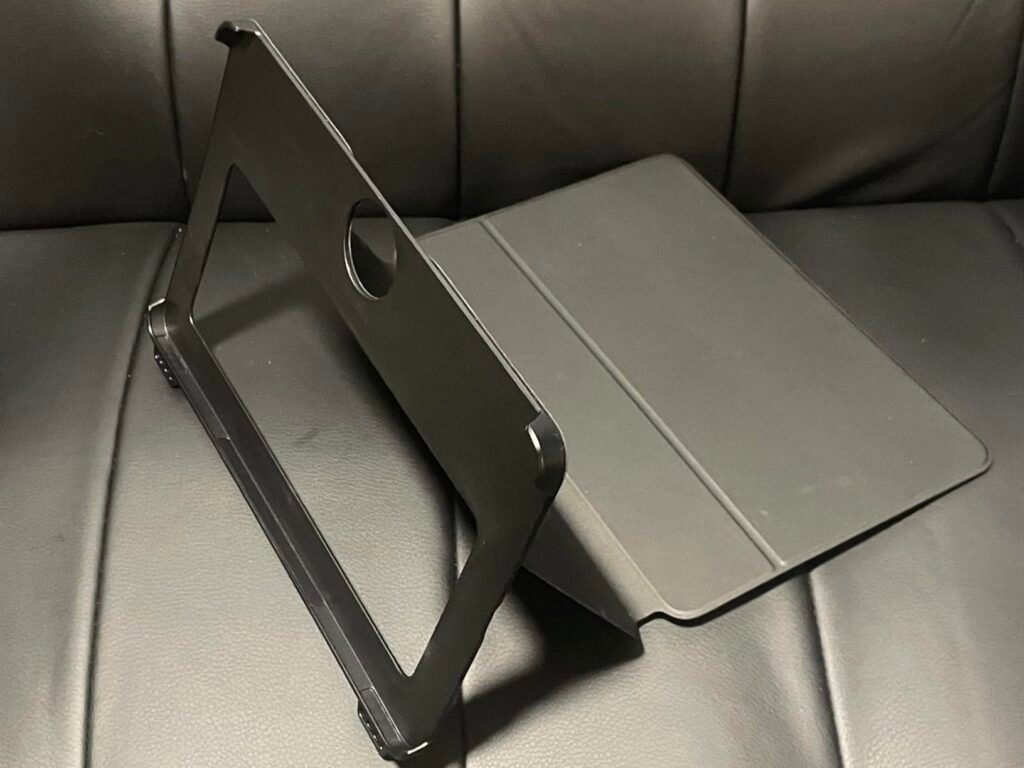
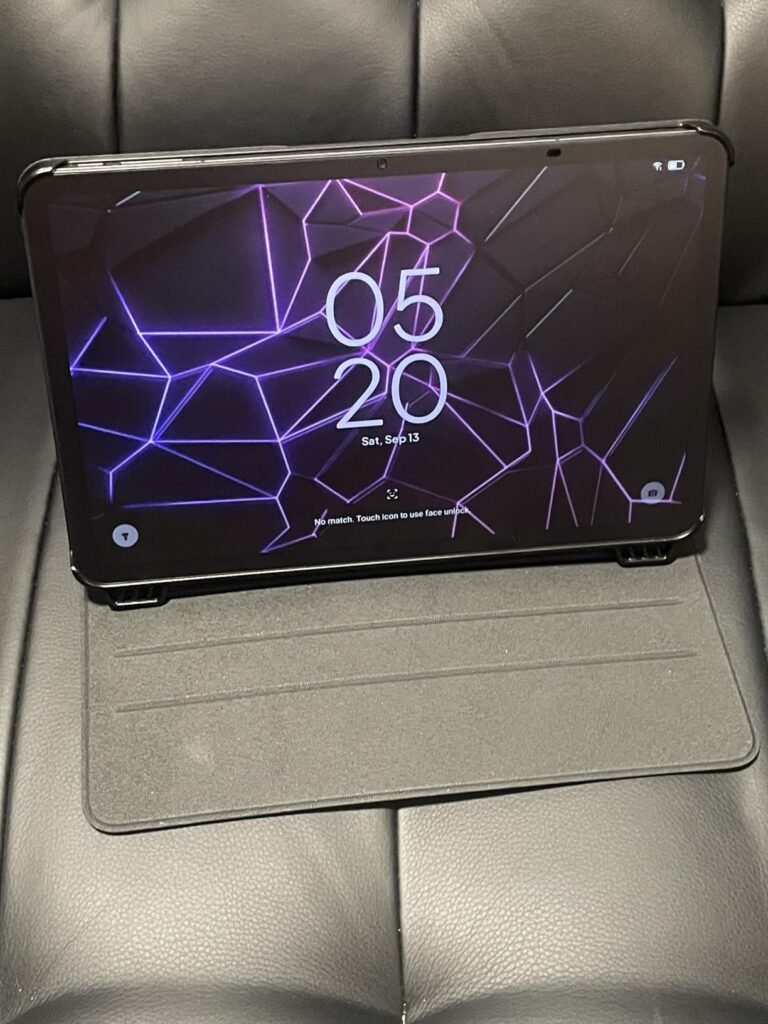
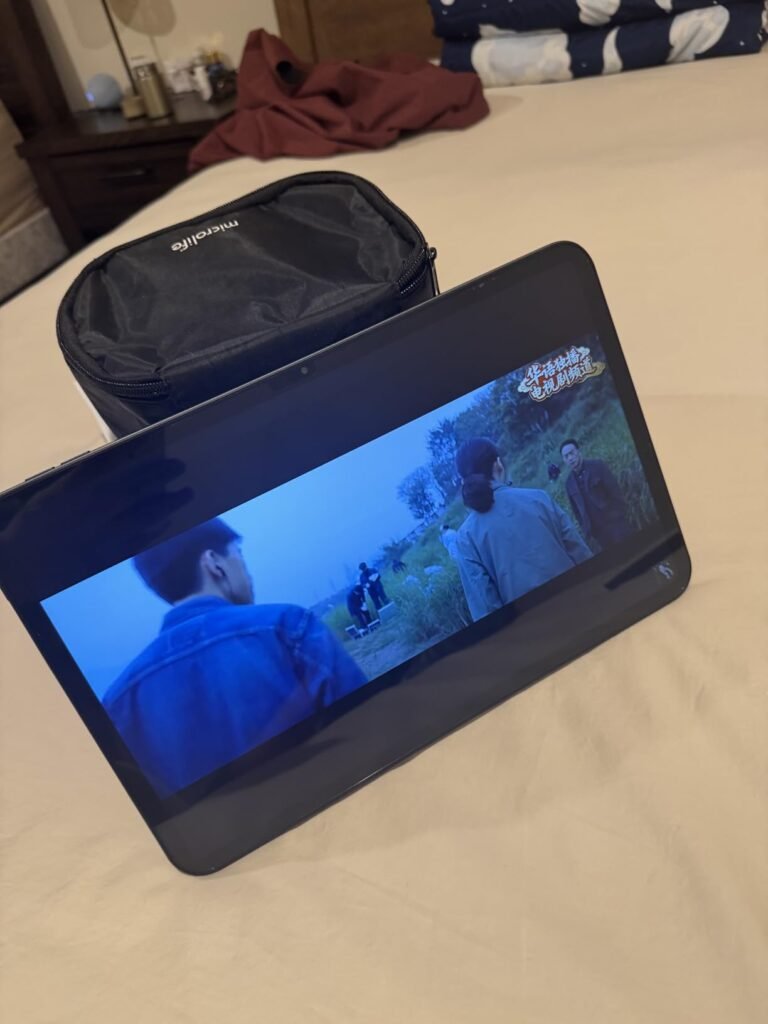
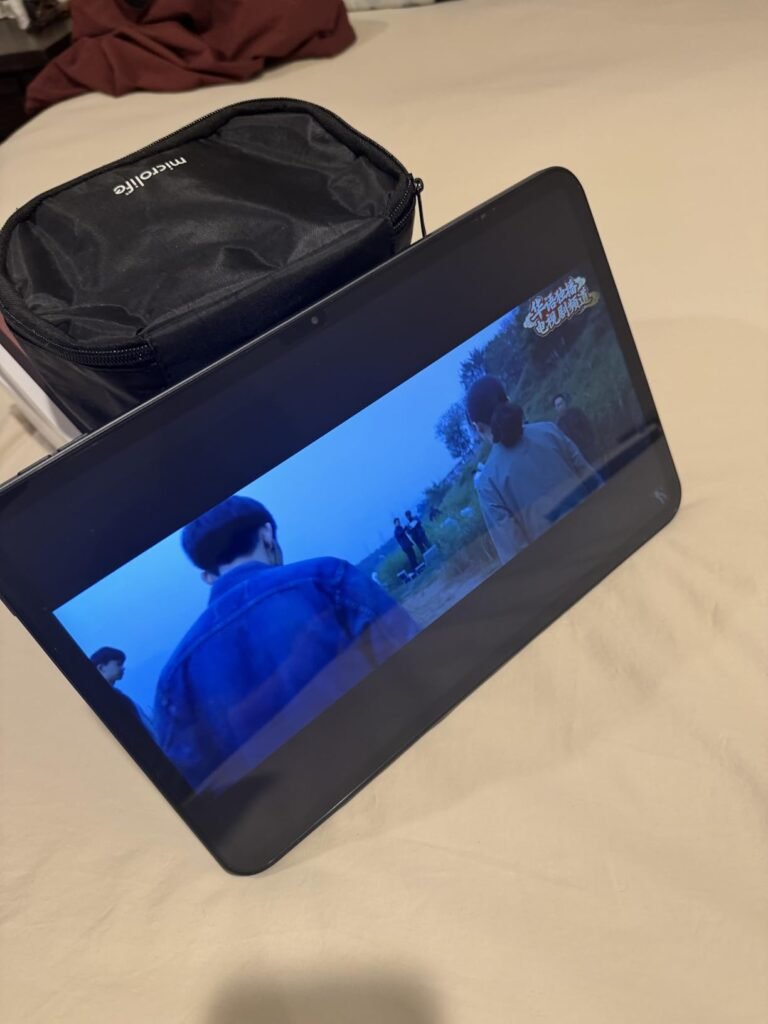
Galaxy Tab A11+
9.2Editor score11-inch 90Hz display
6GB RAM 128GB
Quad Dolby speakers
Expandable storage support
Find the right android tablets for 2026. We compare 10 standout options by build quality, useful features, owner feedback, value, and everyday trade-offs.
Picking the right Android tablet for 2026 means sorting through very different chipsets, display technologies, storage tiers, and software support windows hiding behind similar-looking screens. We compare 10 standout models by processor performance, display quality, battery life, stylus support, build quality, and everyday value.
The differences between these tablets go beyond screen size. Some prioritize raw performance and long software updates, others focus on note-taking with a bundled pen, and a few are built purely for affordable streaming and browsing. Matching the right tablet to your actual use case matters more than chasing the highest spec sheet.
This guide breaks down which tablets suit students, families, budget shoppers, and anyone who wants a premium daily driver. Reviews highlight real tradeoffs like RAM configuration, refresh rate, camera quality, and connectivity, while the buying guide explains exactly what to check before you commit to a purchase.
We compared these Android tablets using the details that actually shape daily use: chipset performance, RAM and storage configuration, display resolution and refresh rate, battery capacity, stylus and pen support, camera quality, build materials, software update commitment, and owner feedback. The notes focus on practical tradeoffs between budget tablets, mid-range study tablets, and premium models, so each pick connects to a specific type of buyer and use case.

Compare key features, scores, and current prices side by side. A shorter feature list means fewer details were available, not necessarily fewer capabilities.




The Galaxy Tab S10 FE sits at the top of this guide as the premium pick for buyers who want a genuine flagship experience without stepping up to Samsung's most expensive Ultra-tier tablets. The included S Pen alone represents real savings, since comparable styluses often cost extra on competing devices, and the pen's responsive, paper-like writing feel stands out even among tablets that support third-party pens.

We may earn a commission when you buy through this link, at no additional cost to you.
Water resistance rated for drops, splashes, and even full immersion sets this tablet apart from every other model in this guide, making it a genuinely practical choice for kitchens, poolside use, or households with young kids prone to spills. The 90Hz display delivers bright, detailed visuals for shows and games, and dual speakers add clarity to the audio experience. A powerful processor handles fast-paced gaming and multitasking without the slowdown that budget tablets show under similar loads.
Software features add genuine daily value rather than gimmicky extras. Handwriting Assist automatically straightens and evens out handwritten notes, and Math Solver converts handwritten equations into clean text using the S Pen. Circle to Search with Google lets users circle anything on the screen to search instantly, and an AI hotkey on the optional tablet keyboard puts assistant features one tap away. Battery life reaches up to 20 hours, and Super Fast Charging minimizes downtime.
Most tablets in this price range have no meaningful water resistance rating, which means a spilled drink or an accidental drop near a pool can end the device’s life instantly. The Tab S10 FE’s durability against drops, splashes, and full immersion removes that anxiety for households with kids, frequent travelers, or anyone who uses their tablet in the kitchen or bathroom. It is a subtle feature until the moment it saves an expensive device from disaster.
This is the strongest overall recommendation in this guide for buyers who want long-term software support, premium build quality, and genuinely useful productivity features bundled together. The price is meaningfully higher than the mid-range options here, and storage tops out at 256GB before requiring a microSD card. Buyers on a tighter budget who do not need water resistance or S Pen functionality will find excellent value in the Galaxy Tab A11+ instead.
Not the most economical choice for buyers who only need basic streaming and browsing without stylus or water resistance needs.
We may earn a commission when you buy through this link, at no additional cost to you.
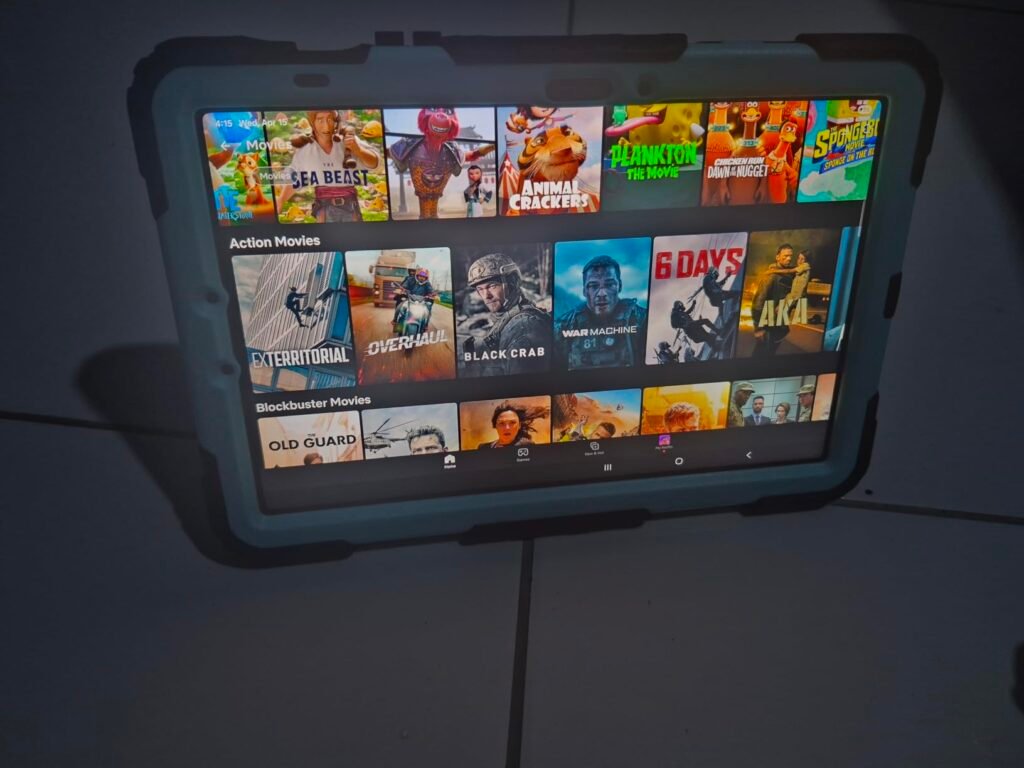
The Galaxy Tab A11+ is built for families who want a dependable, mid-range tablet that handles everyday streaming, browsing, and light gaming without a premium price tag. Samsung's reputation for consistent software updates and a polished interface makes this a safer long-term choice than many lesser-known budget brands, and the 11-inch display gives everyone in the household enough screen real estate to share comfortably.

We may earn a commission when you buy through this link, at no additional cost to you.
The 90Hz refresh rate is the standout performance feature here, delivering noticeably smoother scrolling and animation than the 60Hz panels still common at this price point. Combined with an upgraded chipset, the tablet handles multitasking between apps, video playback, and casual gaming without the stutter that plagues cheaper alternatives. Up to 8GB of memory and 256GB of storage in higher configurations give the tablet real staying power as app sizes grow.
Everyday usability benefits from small but meaningful touches. Quad speakers tuned with Dolby Atmos create a genuinely immersive audio experience for movie nights, and fast charging means less time waiting and more time using the device. The 5MP front camera handles video calls with solid clarity, and features like Circle to Search and Google Gemini integration add convenience without requiring a learning curve.
A 90Hz display refreshes more frequently than a standard 60Hz panel, which makes scrolling through social media, swiping between home screens, and playing casual games feel noticeably smoother. It is one of the most immediately noticeable upgrades a shopper can get without paying flagship prices, and the Tab A11+ brings this feature down to a genuinely affordable tier.
This tablet is an easy recommendation for households that want a reliable, well-supported Android tablet for streaming, browsing, and school or work tasks without spending on flagship features like a stylus or OLED display. Buyers who need precision note-taking or drawing should look at a model with a bundled pen instead, since the A11+ does not include one.
Not the right choice for buyers who need stylus support or heavy multitasking with professional creative apps.
We may earn a commission when you buy through this link, at no additional cost to you.
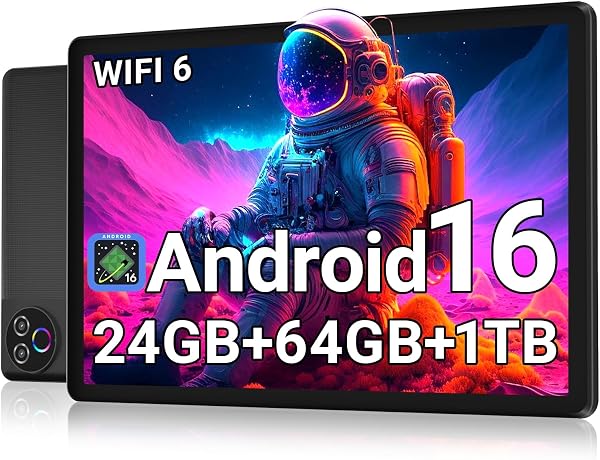
This Evermyth tablet is aimed squarely at budget-conscious buyers who want a functional Android tablet for casual browsing, video calls, and streaming without spending more than the cost of a nice dinner out. Running Android 16 with GMS certification means it can access the Google Play Store directly, which is a meaningful advantage over cheaper tablets that lack proper Google service licensing.

We may earn a commission when you buy through this link, at no additional cost to you.
The advertised 24GB of RAM is a combination of 3GB of physical memory and 21GB of virtual memory drawn from storage, so buyers should understand this is not equivalent to a genuine 24GB hardware configuration. Real-world multitasking performance will reflect the smaller physical RAM pool more than the marketing number suggests. The five-core processor at up to 1.8GHz handles basic tasks reasonably well but will show its limits under heavier multitasking.
Daily usability features are thoughtfully chosen for the price. The 1280×800 IPS screen is not sharp by modern standards, but low-blue-light technology helps reduce eye strain during long reading or video sessions. A 6000mAh battery delivers around eight hours of mixed use, and Wi-Fi 6 with Bluetooth 5.4 provide surprisingly modern connectivity for a tablet at this price point. The USB-C charging port is a welcome standard feature.
Many budget Android tablets advertise large total RAM figures that combine physical memory with a virtual memory extension borrowed from storage. This technique can help with light multitasking, but it does not perform identically to genuine hardware RAM, especially under sustained heavy use. When comparing specs across budget tablets, look specifically for the physical RAM figure rather than the combined total to get an accurate sense of real performance.
This tablet suits buyers who need a secondary device for kids, guests, or simple media consumption and do not want to invest heavily. Anyone planning to game seriously, multitask between demanding apps, or use the tablet as a primary work device should look at models with genuine higher RAM and sharper displays instead.
Not suitable for buyers who need sharp display resolution or heavy multitasking performance.
We may earn a commission when you buy through this link, at no additional cost to you.
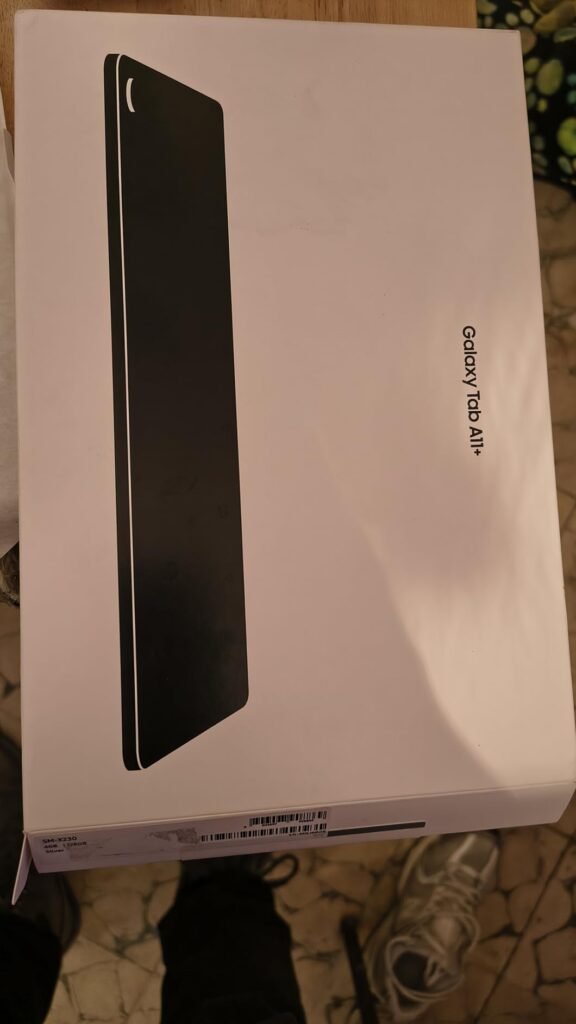
This international version of the Galaxy Tab A11+ Plus targets buyers who want Samsung's latest hardware at a lower price than the domestic retail model, accepting the tradeoff of no manufacturer warranty. The Mediatek Dimensity 7300 chipset, built on a 4nm process, is genuinely modern silicon that balances performance with power efficiency, and it pairs with a Mali-G615 MC2 GPU for smooth graphics handling.
We may earn a commission when you buy through this link, at no additional cost to you.
Battery capacity is a real strength at 7040mAh, noticeably larger than many competitors in this size class, and the bundled 20W fast charger cube means buyers do not need to purchase a separate charging brick. The 11-inch TFT LCD panel runs at 1920×1200 resolution with a 90Hz refresh rate, delivering the same fluid scrolling experience found on the standard A11+ while adding four Dolby Atmos speakers for fuller sound.
Setup requires a bit more patience than a standard domestic purchase. Because this is an international model, the United States may not appear during initial region selection, and buyers need to choose an available region and update it later after connecting to Wi-Fi. English language support is available throughout, and the tablet functions normally on U.S. Wi-Fi networks once set up, but there is no SIM card slot since this is a Wi-Fi-only device.
International models are often the same hardware sold in other markets at different pricing, but they typically come without the manufacturer’s domestic warranty and may require extra setup steps like manual region selection. If something goes wrong, support options are usually more limited than with a US retail unit. Buyers who prioritize savings and are comfortable troubleshooting minor setup quirks can find real value here, while those who want guaranteed support should stick with domestic models.
This tablet is a smart pick for buyers comfortable navigating an international setup process in exchange for meaningful savings and access to the newer Dimensity 7300 chipset before it reaches wider domestic availability. Buyers who want manufacturer warranty support and hassle-free setup should choose the standard Galaxy Tab A11+ model instead.
Not ideal for buyers who want manufacturer warranty coverage or a simple out-of-box setup experience.
We may earn a commission when you buy through this link, at no additional cost to you.
The TCL TAB 10 Gen 4 is designed for buyers who value a slim, premium-feeling build without paying flagship pricing. At just 0.30 inches thick and 0.87 pounds, the unibody metal construction feels sturdier than typical plastic budget tablets while remaining light enough to hold comfortably for long reading or streaming sessions.
We may earn a commission when you buy through this link, at no additional cost to you.
The 10.1-inch IPS FHD display runs at 1920×1200 resolution in a 16:10 aspect ratio, and TCL’s NXTVISION enhancement technology improves color and contrast for movies and shows. An octa-core processor paired with TCL’s NXTURBO software optimization keeps everyday tasks responsive while managing heat and power draw more efficiently than a raw spec sheet might suggest. Running Android 15 out of the box, the software experience stays current for typical daily tasks.
Family-friendly features set this tablet apart from similarly priced competitors. Kids Space and Family Link parental controls give parents real tools to manage content and screen time, which matters for households buying a shared or kid-facing device. Face Unlock adds convenience, and Eye Comfort mode helps reduce strain during longer sessions. The 6000mAh battery with 18W fast charging support keeps the tablet usable throughout a full day, though the charger itself is sold separately.
Kids Space and Family Link give parents granular control over app access, screen time limits, and content filtering directly on the device, which is more convenient than relying solely on third-party apps. For households buying a tablet primarily for children or shared family use, built-in parental controls like these are worth prioritizing over marginal spec bumps elsewhere.
This tablet suits buyers who want a stylish, portable tablet for reading, streaming, and family use, particularly households with children who benefit from built-in parental controls. The 4GB RAM configuration will feel constrained for heavy multitasking or demanding games, so buyers with those needs should look toward a higher-RAM alternative in this guide.
Not ideal for buyers who need heavy multitasking performance or the fastest available wireless connectivity.
We may earn a commission when you buy through this link, at no additional cost to you.
The TECLAST T65 is built for buyers who want the biggest possible screen for movies, reading, and browsing, paired with the flexibility of 4G LTE mobile data when Wi-Fi is not available. At 13.4 inches, this display is noticeably larger than the 10 to 12-inch tablets that dominate this guide, making it a strong choice for households that use a tablet as a shared living-room screen or for anyone who wants maximum immersion during video streaming.
We may earn a commission when you buy through this link, at no additional cost to you.
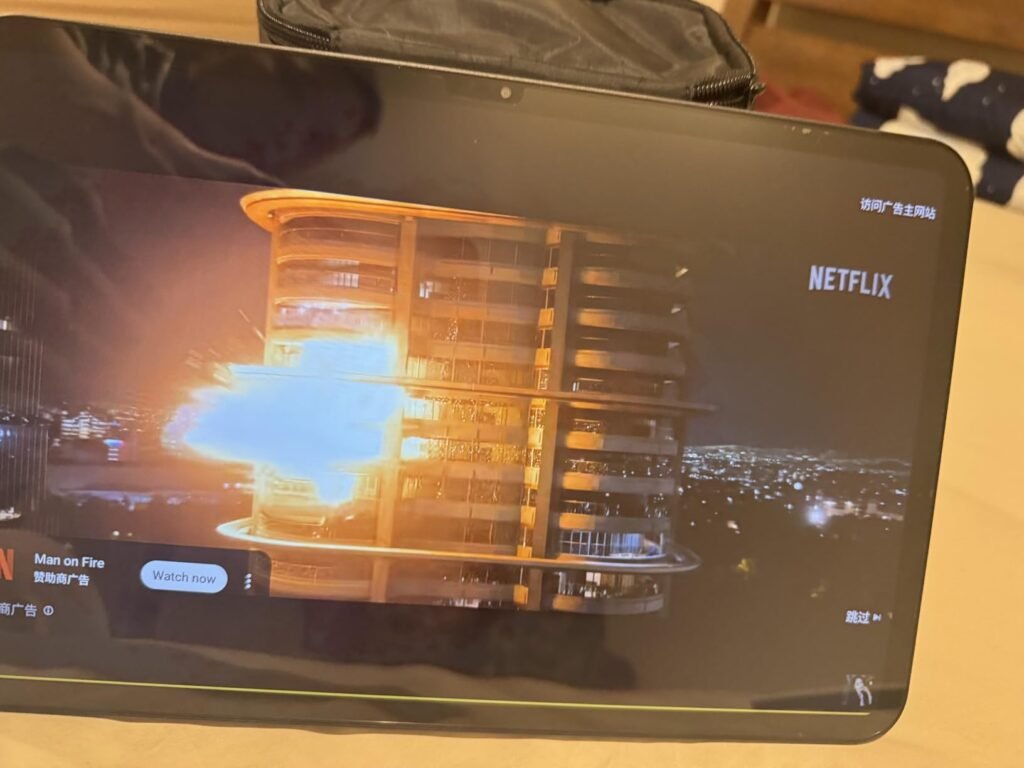
The 1920×1200 IPS display benefits from TDDI technology that reduces touch layers for brighter images and faster response, and the 120Hz refresh rate is the highest in this guide, delivering exceptionally smooth scrolling and animation. Netflix and YouTube streaming benefit noticeably from the combination of size and refresh rate. An octa-core A75 chip running at 2.2GHz handles everyday tasks and media playback capably, though it is not intended for demanding gaming.
Battery life and connectivity round out the practical picture. The 8000mAh battery supports extended use away from a charger, and built-in 4G LTE alongside dual-band Wi-Fi means the tablet can stay connected for navigation, work, or entertainment even without a nearby router. At 8.5mm thin and 720 grams, it remains reasonably portable despite its screen size, and OTG functionality adds flexibility for connecting accessories.
A built-in cellular connection lets a tablet stay online for maps, messaging, and browsing without relying on a nearby Wi-Fi network or a phone’s hotspot. This matters most for buyers who travel frequently, work in the field, or want a backup connectivity option during power or internet outages at home. For households that already have reliable Wi-Fi everywhere they use a tablet, this feature adds cost without much practical benefit.
This tablet is a strong pick for buyers who prioritize screen size and refresh rate above all else and want the added flexibility of cellular data. As with other budget tablets, the advertised 20GB RAM figure combines physical and virtual memory, so buyers expecting flagship-level multitasking should adjust expectations accordingly. Anyone who needs a compact, easily pocketable tablet should look elsewhere in this guide.
Not the right choice for buyers who want a compact, highly portable tablet or genuine flagship multitasking power.
We may earn a commission when you buy through this link, at no additional cost to you.
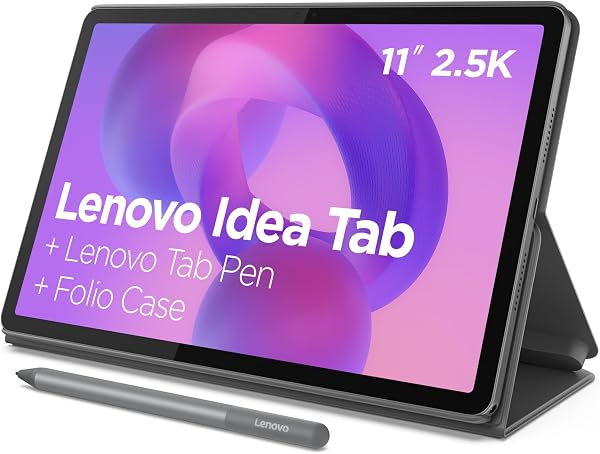
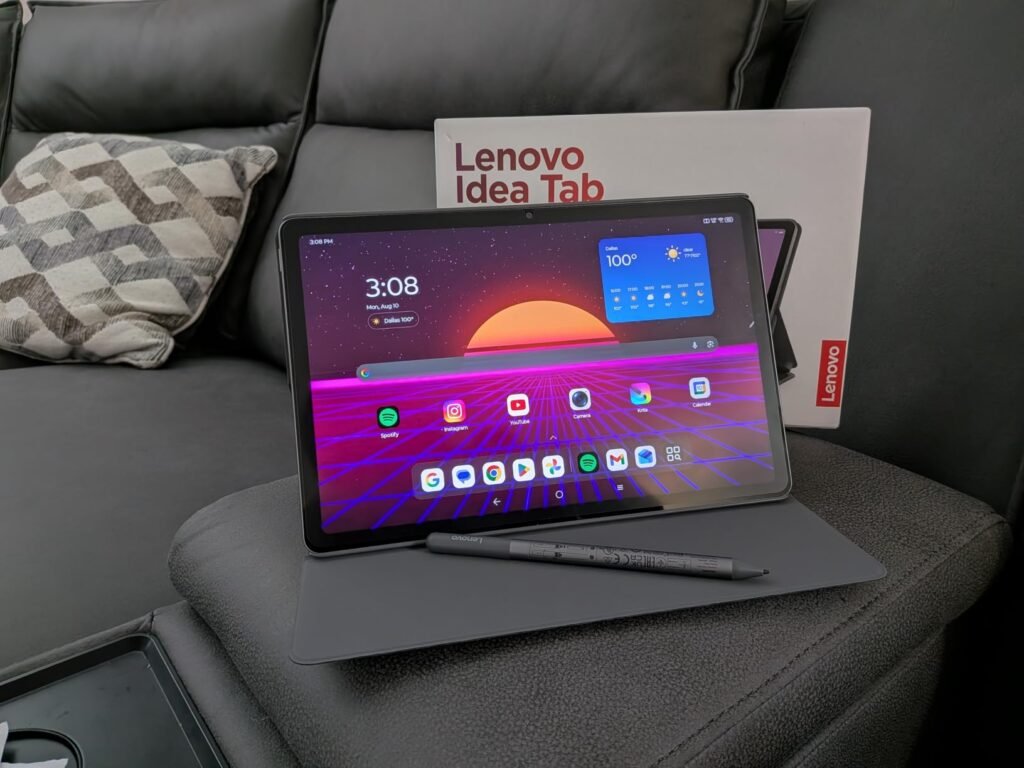
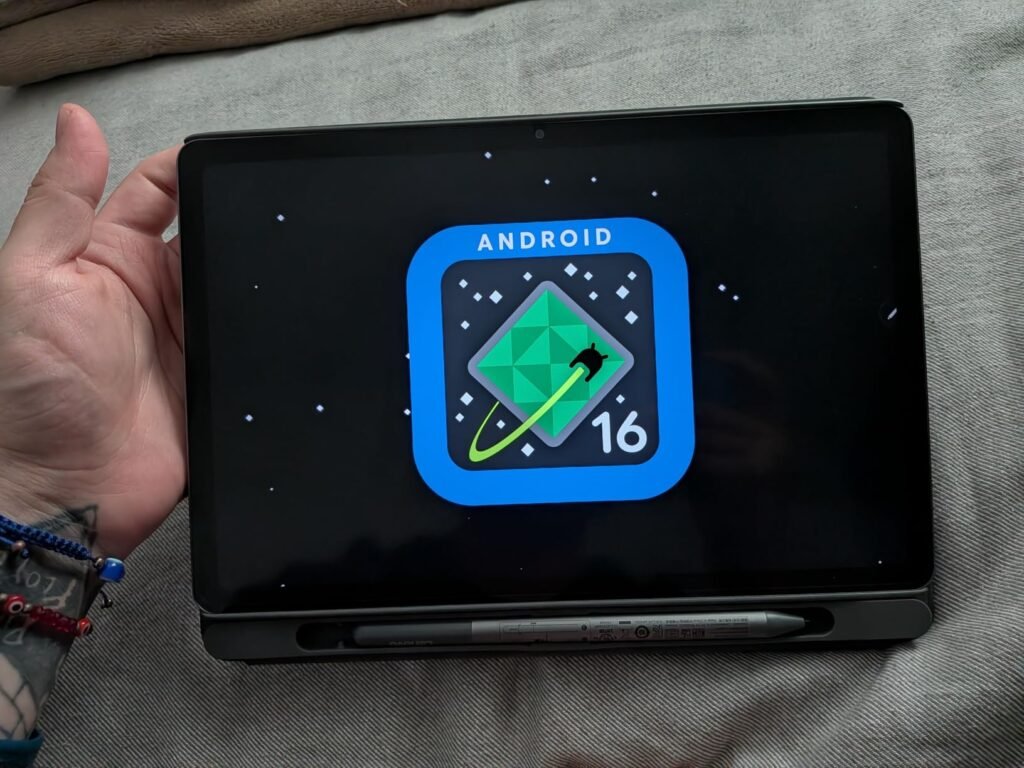
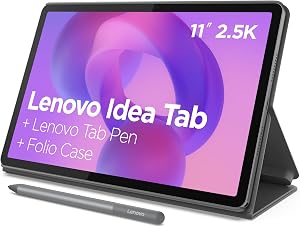
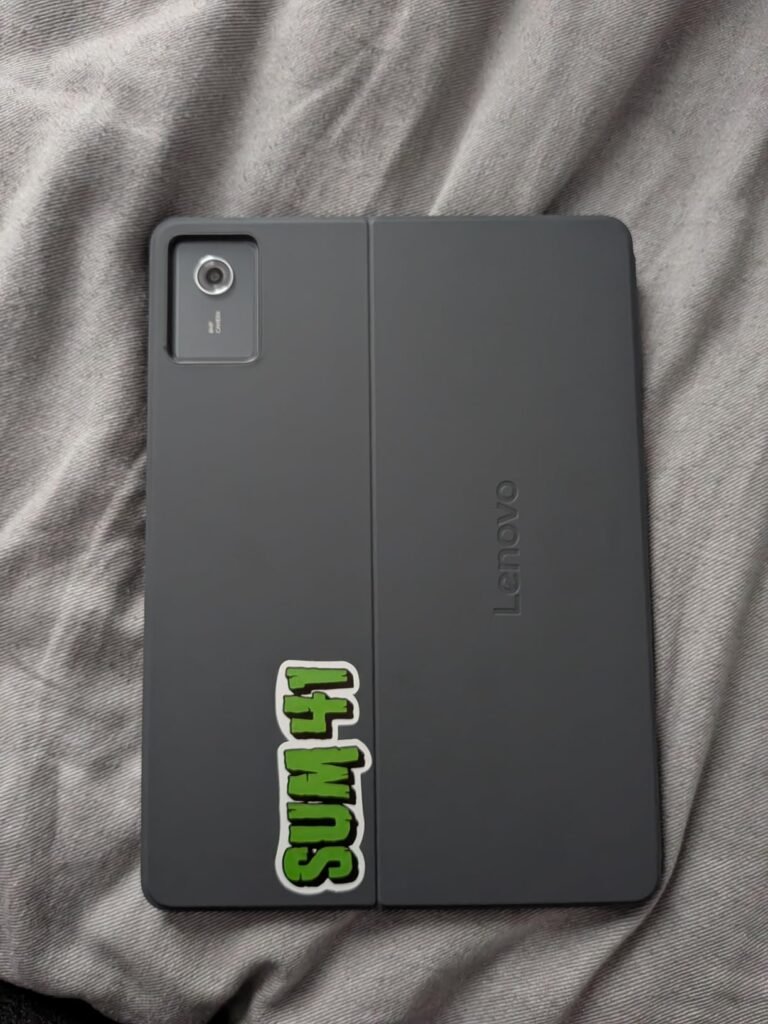
The Lenovo Idea Tab is positioned specifically for students who need a capable note-taking and study device without assembling separate accessories after the initial purchase. Both a Tab Pen and a folio case ship in the box, which removes a common hidden cost that catches buyers off guard with competing tablets that sell the stylus separately.
We may earn a commission when you buy through this link, at no additional cost to you.
Performance comes from the MediaTek Dimensity 6300 chipset paired with 8GB of memory and an Arm Mali-G57 MC2 GPU, a combination that handles note-taking apps, web research, video lectures, and casual entertainment smoothly. The 11-inch 2.5K IPS display at 90Hz delivers sharp text and fluid scrolling, both important for long study sessions and reading dense course material.
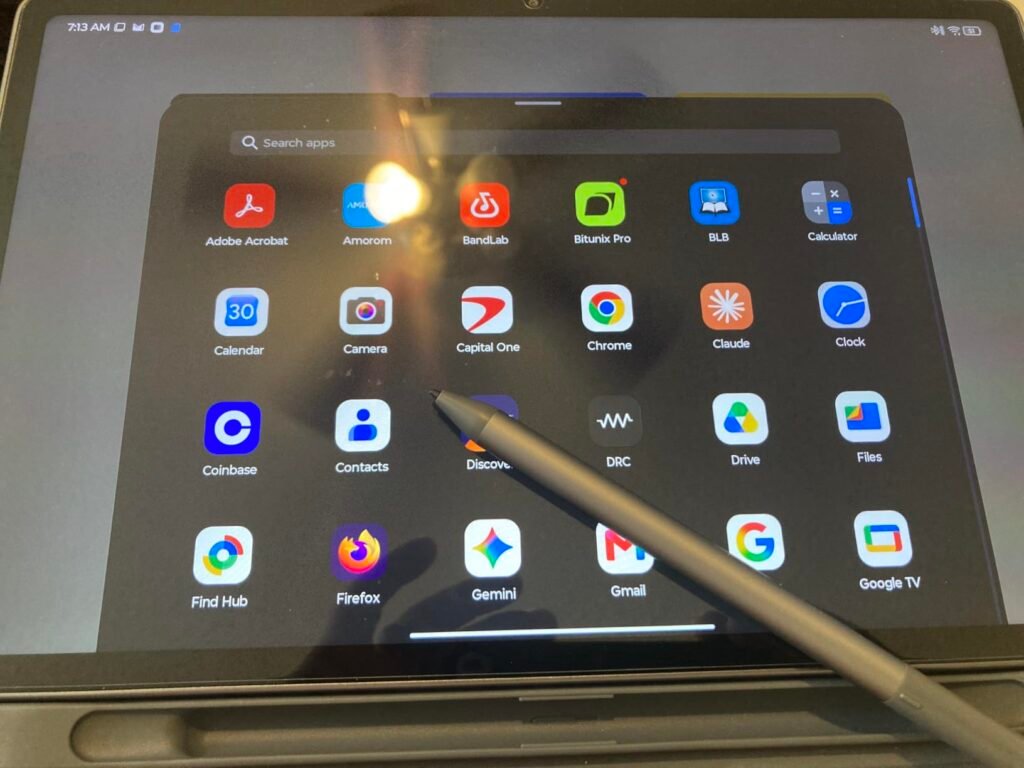
Four dedicated learning apps, including Lenovo AI Note, Squid, Nebo, and MyScript Calculator, give students real tools for handwriting recognition, organization, and math without needing to shop for third-party apps separately. TÜV Rheinland Low Blue Light certification helps reduce eye strain during late-night study sessions, and quad Dolby Atmos speakers add clarity during video lectures and study breaks. Battery life reaches up to 12 hours of YouTube streaming, and the 20W charger recharges the tablet quickly between classes.
Handwriting recognition apps like Nebo and Squid work best when given time to learn a user’s specific writing style, so spending the first week using the pen consistently for notes will improve conversion accuracy over time. Pairing these apps with the Tab Pen’s pressure sensitivity also makes diagram sketching and math work feel closer to writing on paper than typing on a keyboard.
This tablet is an excellent choice for college students and anyone who wants an integrated note-taking and study setup right out of the box. Buyers who do not need stylus functionality or the extra storage may find better value in the standard Galaxy Tab A11+ instead, and those wanting a lighter, slightly larger-screen alternative should consider the Idea Tab Plus.
Not necessary for buyers who do not plan to use a stylus or need built-in study-specific apps.
We may earn a commission when you buy through this link, at no additional cost to you.
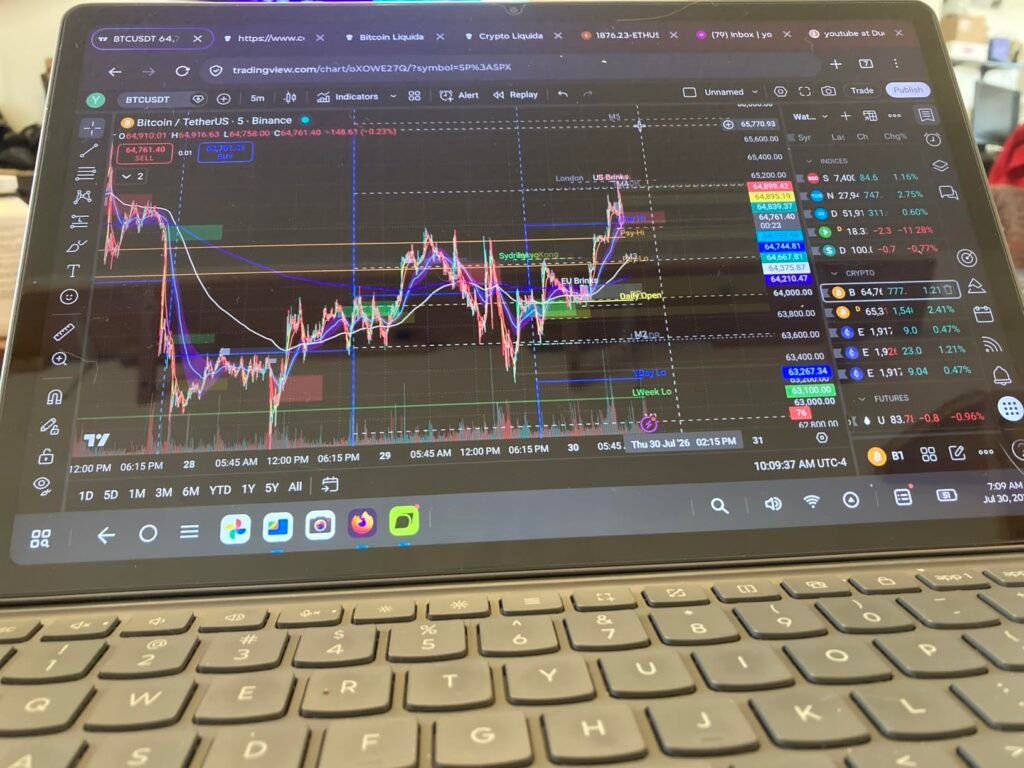
The Idea Tab Plus takes the same study-focused formula as the standard Idea Tab and stretches the display to 12.1 inches while somehow keeping the total weight just over a pound. That combination of a larger screen and reduced weight is unusual, and it makes this tablet genuinely comfortable to hold during long reading sessions or carry between classes tucked next to notebooks.
We may earn a commission when you buy through this link, at no additional cost to you.
Under the hood, the MediaTek Dimensity 6400 processor offers a step up in performance over the standard Idea Tab’s Dimensity 6300, which translates to smoother multitasking and slightly better handling of demanding apps. The 2.5K display reaches up to 800 nits of brightness, noticeably brighter than most tablets in this price range, which helps visibility in well-lit rooms or outdoor settings.
The same Tab Pen and folio case bundle found on the standard Idea Tab carries over here, along with the same four learning apps for handwriting, organization, and calculation. Quad Dolby Atmos speakers deliver rich audio for study breaks, and TÜV Rheinland Low Blue Light hardware certification protects eyes during extended sessions. Battery life edges up to 13 hours of YouTube streaming, and effortless file sharing between devices removes the friction of emailing documents to yourself.
Larger displays improve reading comfort and reduce eye strain during long sessions, but they also add bulk to a bag and can feel unwieldy for one-handed use. The Idea Tab Plus manages to offer a meaningfully bigger screen than the standard Idea Tab while actually reducing weight, which is a genuine engineering win. Buyers who split time between commuting and studying should weigh how often they will use the tablet one-handed versus propped up on a desk or table.
This tablet is the better pick over the standard Idea Tab for buyers who prioritize a larger, brighter display and lighter overall weight, provided the slightly larger footprint does not conflict with bag or backpack space. Anyone who wants maximum storage headroom should note that this configuration offers 128GB compared to the standard Idea Tab’s 256GB, so heavy media hoarders should plan accordingly.
Not the best fit for buyers who need maximum internal storage or prefer a more compact one-handed form factor.
We may earn a commission when you buy through this link, at no additional cost to you.
The Galaxy Tab A11 shrinks Samsung's reliable tablet formula down to a genuinely compact 8.7-inch size, making it one of the most portable options in this guide. For buyers who want a tablet that slips easily into a bag or purse for reading, browsing, and video calls, this smaller form factor is a real practical advantage over the 10 to 13-inch tablets that dominate the category.
We may earn a commission when you buy through this link, at no additional cost to you.
The 90Hz display at 1340×800 resolution keeps scrolling and animation smooth despite the tablet’s budget-friendly positioning, and the MediaTek Helio G99 chipset built on a 6nm process handles everyday apps without excessive battery drain. Samsung’s commitment to up to five major Android upgrades through One UI 7 is a genuine advantage over many competing budget tablets that receive little to no long-term software support.
Storage starts modest at 64GB with 4GB of RAM, but a microSD card slot supports up to 2TB of additional storage, which meaningfully extends the tablet’s practical lifespan for media and app storage. The included 20W fast charging cube is a nice inclusion that some competitors sell separately, and the 5100mAh battery delivers solid all-day performance for a tablet this size.
Not every buyer wants the largest possible tablet. An 8.7-inch screen is easier to hold with one hand, fits better in smaller bags, and feels less cumbersome for reading in bed or during travel. The tradeoff is a smaller canvas for split-screen multitasking or detailed creative work, so buyers should think honestly about whether portability or screen real estate matters more for their typical use.
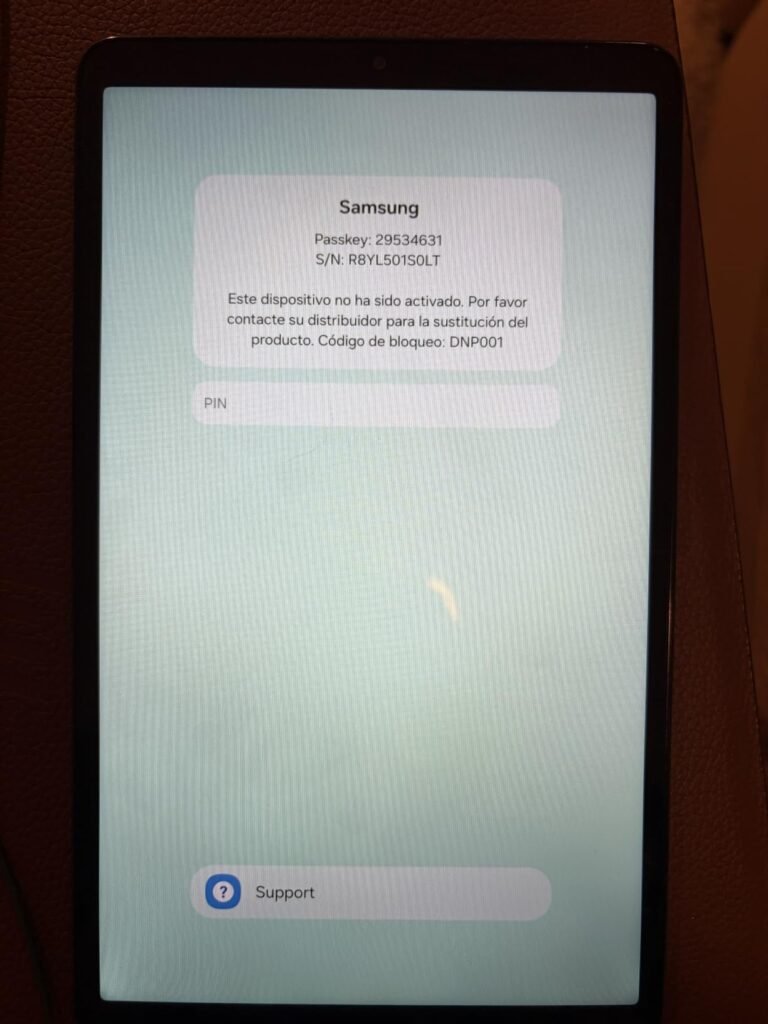
This is a smart pick for buyers who specifically want a small, easy-to-carry tablet rather than a larger media-consumption device, and Samsung’s long software update commitment adds real long-term value. As an international Latin American model, it ships without manufacturer warranty and requires a manual region selection during setup, so buyers should factor that tradeoff against the lower price.
Not the best fit for buyers who want a larger canvas for multitasking or need manufacturer warranty protection.
We may earn a commission when you buy through this link, at no additional cost to you.
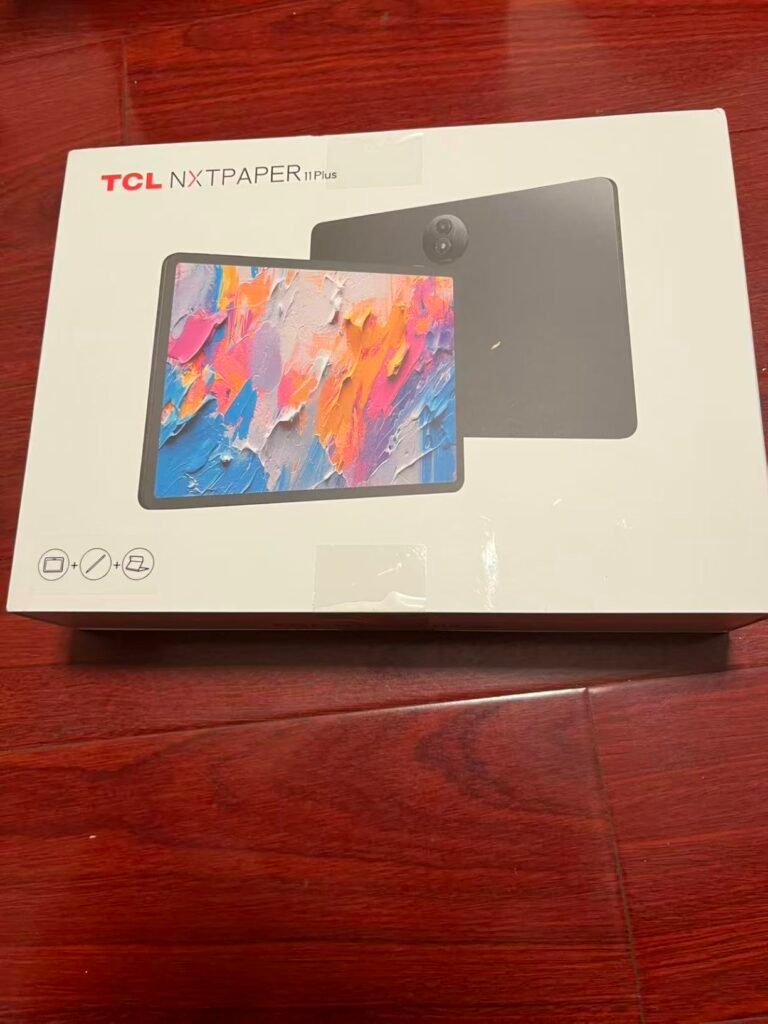
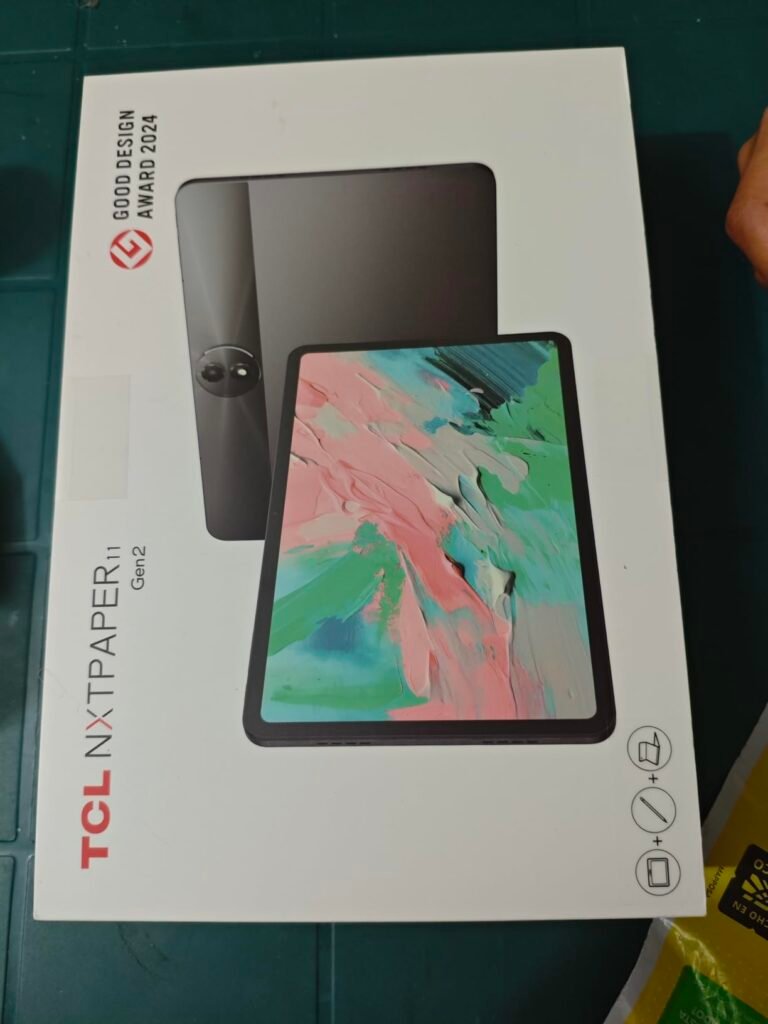
The TCL NXTPAPER 11 Gen 2 is built for a very specific type of buyer: someone who reads, writes, or draws for extended periods and wants a display that reduces eye strain compared to a standard glossy tablet screen. The NXTPAPER 4.0 display technology cuts blue light emission and adds an anti-reflective, flicker-free surface, which genuinely changes the experience of long reading or note-taking sessions compared to conventional IPS panels.
We may earn a commission when you buy through this link, at no additional cost to you.
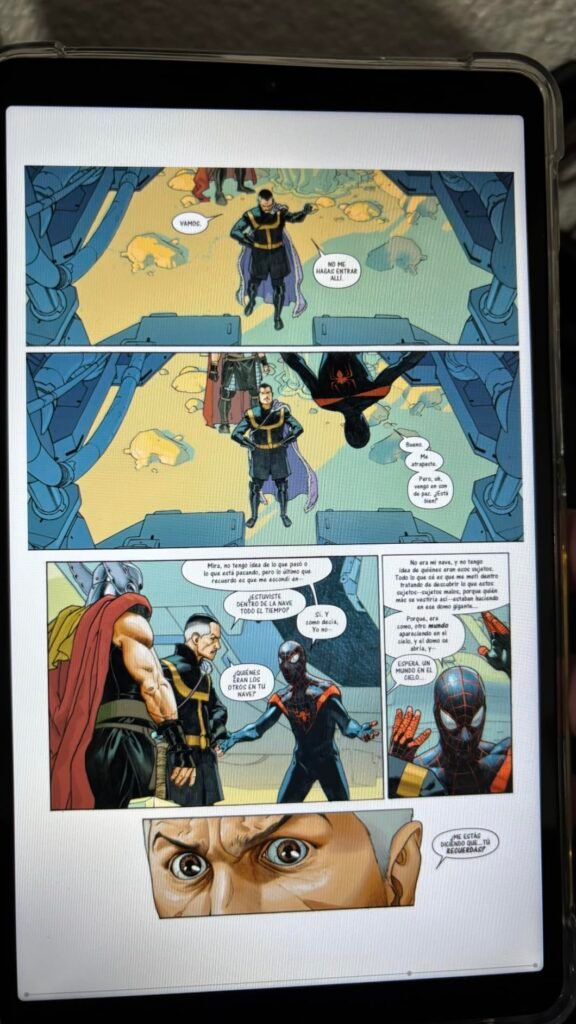
Three switchable display modes give this tablet real versatility. Regular Mode delivers standard crisp visuals for video and everyday browsing, Ink Paper Mode creates a paper-like texture ideal for reading and handwriting, and Color Paper Mode softens tones for comics and creative drawing work while preserving detail. The bundled T-Pen stylus supports 4096 levels of pressure sensitivity, putting it in a similar tier to styluses found on considerably more expensive tablets.
AI-enhanced productivity tools add practical value beyond the display technology. Smart voice memos, real-time bilingual subtitles, writing assistants, and a built-in translator handle tasks that would otherwise require separate apps. Circle to Search with Google rounds out the software feature set. An 8000mAh battery supports a full day of study or work, and reverse charging lets the tablet top up phones or earbuds in a pinch, a genuinely useful feature for anyone who forgets a charger.
Traditional tablet screens emit direct backlight that can cause fatigue during long reading sessions, especially in low light. Paper-like display modes simulate the diffused, non-reflective quality of printed paper by adjusting contrast, texture, and blue light output. For students, writers, and anyone who spends hours reading or annotating documents, this technology can make a meaningful difference in comfort over a full day of use.
This tablet earns its place for buyers who specifically value reading comfort and stylus-based note-taking over raw display sharpness or gaming performance. The 128GB base storage, expandable to 1TB, is adequate but not generous for buyers who plan to store large media libraries locally. Anyone whose primary use case is gaming or video-heavy consumption will get more value from a standard IPS tablet with a higher base resolution.
Not the ideal choice for buyers focused primarily on gaming performance or maximum display sharpness for video content.
We may earn a commission when you buy through this link, at no additional cost to you.
Choosing the right Android tablet means matching the display, performance, and software support to how you actually plan to use the device day to day. The factors below cover the specifications that make the biggest practical difference.
The processor and memory configuration determine how smoothly a tablet handles everyday multitasking, video streaming, and app switching. Budget tablets like the Evermyth model and TECLAST T65 often advertise large total RAM figures that combine a small amount of physical memory with a much larger virtual memory extension borrowed from storage. This approach can help with light tasks but will not match the responsiveness of tablets with genuine higher physical RAM, like the 8GB configurations found on the Lenovo Idea Tab models.
Mid-range chipsets like the MediaTek Dimensity 6300 and 6400 found in the Lenovo tablets, or the Helio G99 in the Galaxy Tab A11, strike a reasonable balance between cost and everyday performance for browsing, streaming, and note-taking. Flagship-adjacent chipsets, such as whatever powers the Galaxy Tab S10 FE, handle demanding multitasking and gaming with noticeably less lag. Buyers who primarily browse, read, and stream video can comfortably choose a mid-range chipset, while anyone doing serious multitasking or gaming should prioritize higher physical RAM and a more capable processor.
When comparing specs, look specifically for the physical RAM number rather than combined totals, and check whether reviews mention real-world slowdown under multitasking before committing to a budget model.
Display quality affects nearly every interaction with a tablet, from reading text to watching video to writing notes. Refresh rate is one of the most noticeable upgrades: a 90Hz panel, found on most tablets in this guide including the Galaxy Tab A11+ and both Lenovo Idea Tab models, delivers meaningfully smoother scrolling than a standard 60Hz screen. The TECLAST T65 pushes this further with a 120Hz panel, which is especially noticeable during fast scrolling or gaming.
Resolution and panel technology matter just as much as refresh rate. The Lenovo Idea Tab and Idea Tab Plus both use sharp 2.5K IPS displays that make text and fine details crisp, which benefits reading and note-taking. The TCL NXTPAPER 11 Gen 2 takes a different approach entirely, prioritizing eye comfort with paper-like display modes over raw sharpness, which matters most for buyers who read or write for extended periods. Budget tablets like the Evermyth model use lower 1280×800 resolution panels that are noticeably less sharp but keep costs down.
Prioritize refresh rate and resolution together if smooth video and gaming matter most, but consider a paper-like display option if you read or write for hours at a time and want to reduce eye strain.
Not every tablet needs a stylus, but for students, artists, and anyone who takes handwritten notes regularly, pen support changes the entire value proposition. Both Lenovo Idea Tab models include a Tab Pen and folio case in the box at no extra cost, along with four dedicated learning apps for handwriting recognition, organization, and calculation. The TCL NXTPAPER 11 Gen 2 includes a T-Pen with 4096 pressure levels, a genuinely capable stylus experience paired with paper-like display modes that make handwriting feel more natural.
The Samsung Galaxy Tab S10 FE includes an S Pen with software features like Handwriting Assist, which automatically straightens and evens out messy handwriting, and Math Solver, which converts handwritten equations into clean typed text. These software-level conveniences add real value beyond simply having a pen to write with. Tablets without stylus support, like the standard Galaxy Tab A11+ and A11, are better suited to buyers who do not plan to write or draw directly on the screen.
If note-taking, sketching, or annotating documents is part of your regular routine, prioritize a tablet with an included pen and dedicated software rather than planning to purchase a third-party stylus separately, since compatibility and pressure sensitivity vary widely across accessories.
Battery capacity varies significantly across this category, from the 5100mAh cell in the compact Galaxy Tab A11 up to the 8000mAh batteries found in the TECLAST T65 and TCL NXTPAPER 11 Gen 2. Larger tablets generally need bigger batteries to maintain similar screen-on time, so raw battery capacity should always be considered alongside screen size and resolution rather than in isolation.
Charging speed is an underrated factor that affects daily convenience more than most buyers initially realize. Fast charging support, like the 20W charging found on several Samsung and Lenovo models in this guide, meaningfully reduces the time spent waiting for a full charge compared to older or budget charging standards. Some tablets, like the TCL NXTPAPER 11 Gen 2, add reverse charging, letting the tablet’s battery top up a phone or earbuds when needed, which is a genuinely useful feature for travel.
For buyers who use a tablet away from an outlet for extended periods, prioritize both battery capacity and fast charging support together rather than choosing based on one specification alone.
Internal storage ranges widely across this category, from 64GB on entry-level models like the Galaxy Tab A11 up to 256GB on the Lenovo Idea Tab. Buyers who plan to download large apps, store offline video, or install many games should prioritize higher base storage or confirm microSD expansion is available, since not every tablet supports it.
Expandable storage via microSD card is common across many of these tablets, with capacities supporting up to 1TB or even 2TB depending on the model. This expandability is particularly valuable on lower-storage tablets like the Galaxy Tab A11, effectively future-proofing an otherwise modest base configuration. Tablets without expansion slots require more careful upfront planning about how much storage will actually be needed.
If your budget allows, choose a higher base storage tier upfront rather than relying entirely on microSD expansion, since some apps and games cannot be installed directly to external storage on Android.
How long a tablet continues to receive Android version upgrades and security patches significantly affects its usable lifespan. Samsung has committed to up to five major Android upgrades on the Galaxy Tab A11 and up to seven on the newer Galaxy Tab A11+ Plus 2026, which is an unusually strong commitment for tablets in this price range and helps protect the investment over several years of ownership.
Lesser-known budget brands often provide little visibility into long-term update plans, which means a tablet that feels current at purchase may fall behind on security patches or app compatibility within a year or two. This is a real consideration for buyers who plan to keep a tablet for several years rather than replacing it frequently.
When budget allows, favor tablets from manufacturers with a clearly stated update commitment, especially if the tablet will be used for banking, work, or other tasks where security patches matter.
Build materials affect both the feel of a tablet and its durability over years of daily use. The TCL TAB 10 Gen 4 uses a unibody metal construction that feels more premium than typical plastic-bodied budget tablets, while the Lenovo Idea Tab Plus manages to combine a larger 12.1-inch screen with a weight of just over a pound, making it unusually easy to carry for its size.
Water and drop resistance is rare in this price category, but the Samsung Galaxy Tab S10 FE stands out by offering genuine resistance to splashes, drops, and full immersion, which matters for buyers who use tablets in kitchens, near pools, or around young children. Most other tablets in this guide require more careful handling since a spill or drop could cause lasting damage.
Consider where and how the tablet will actually be used day to day. A slim, light build matters most for tablets that travel frequently, while water resistance is worth prioritizing for households with kids or anyone using a tablet in unpredictable environments.
When setting up a new tablet, connect to Wi-Fi early and allow the device to complete its initial system update before installing apps, since manufacturers frequently ship tablets with software that benefits from a fresh update. If you purchased an international model, follow the manual region selection steps carefully during setup and update the region again after connecting to Wi-Fi to ensure full access to region-specific app content. Set up parental controls immediately if the tablet will be used by children, since features like Family Link or Kids Space are far easier to configure before a child starts using the device.
During daily use, avoid letting the battery repeatedly drain to zero percent, since lithium batteries generally last longer when kept between 20 and 80 percent charge for routine use. Use the manufacturer-recommended charger when possible, especially for tablets with fast charging support, since off-brand chargers can charge more slowly or, in rare cases, degrade battery health over time. If your tablet includes a stylus, store it in the designated slot or folio pocket when not in use to avoid losing it, and keep the tip clean of dust or debris that could scratch the display.
For long-term maintenance, clean the screen regularly with a microfiber cloth to prevent oil buildup, which can affect touch responsiveness over time. Periodically review installed apps and clear unused ones to free up storage, particularly on tablets with lower base storage capacities. Keep the operating system and apps updated to maintain security and compatibility, and consider a protective case or folio, especially for tablets without water or drop resistance, to extend the usable life of the device.
For basic browsing, streaming, and reading, 4GB of physical RAM is generally sufficient. If you plan to multitask heavily between apps, use demanding productivity software, or play graphically intensive games, look for 6GB or 8GB of genuine physical RAM rather than combined figures that include virtual memory. Tablets like the Lenovo Idea Tab and Idea Tab Plus offer 8GB configurations that handle multitasking noticeably better than 4GB budget models.
Yes, for most buyers a 90Hz or 120Hz display is a worthwhile upgrade over standard 60Hz panels because it makes scrolling, animations, and casual gaming feel noticeably smoother. Most tablets in this guide, including the Galaxy Tab A11+ and both Lenovo Idea Tab models, already include 90Hz displays at reasonable prices, so it is rarely necessary to sacrifice this feature to stay within budget.
A stylus is valuable if you plan to take handwritten notes, sketch, or annotate documents regularly, but it adds little benefit if your primary use is streaming, browsing, or casual gaming. Tablets like the Lenovo Idea Tab models and the TCL NXTPAPER 11 Gen 2 include a pen and dedicated apps in the box, which is more cost-effective than buying a compatible third-party stylus separately for a tablet that does not officially support one.
Confirm that the tablet supports English language setup and functions properly on U.S. Wi-Fi networks, since some international models require selecting an alternate region during initial setup. Understand that international models typically ship without manufacturer warranty coverage, and factor that risk against the usual price savings. Also verify there is no expected need for a SIM card slot, since many international Wi-Fi-only models do not include cellular support.
Expandable storage via microSD card is very useful if your base tablet storage is 64GB or lower, since it lets you add substantial additional space affordably as your media and app library grows. Tablets like the Galaxy Tab A11 support up to 2TB of expansion, effectively future-proofing a modest starting configuration. If your tablet already includes 128GB or more of storage, expansion becomes less urgent but still useful for extensive media libraries.
Budget tablets can handle casual and mid-tier mobile games reasonably well, but they will struggle with graphically demanding titles compared to tablets with more capable chipsets and higher physical RAM. If gaming performance is a priority, prioritize tablets with genuine higher RAM configurations and modern chipsets, such as the Dimensity 6400 in the Lenovo Idea Tab Plus, rather than the lowest-priced options in this guide.
This varies significantly by manufacturer. Samsung has committed to as many as five to seven major Android upgrades on some of its recent tablet models, which is an unusually strong commitment in this category. Many budget and lesser-known brands provide little clear information about long-term update plans, so buyers who want to keep a tablet for several years should favor manufacturers with a stated update policy.
For extended reading and writing sessions, paper-like display technology, like that found on the TCL NXTPAPER 11 Gen 2, can genuinely reduce eye strain by cutting blue light and reducing screen glare and flicker. This comes with a tradeoff in color vibrancy and sharpness compared to standard IPS displays, which matters more for video-heavy or gaming use. Buyers should choose based on their primary use case rather than assuming one display type is universally better.
Smaller tablets around 8 to 9 inches, like the Galaxy Tab A11, are easier to carry in bags or hold one-handed but offer less room for multitasking or detailed work. Larger tablets in the 11 to 13-inch range, like the TECLAST T65, provide more immersive viewing and better multitasking space but are bulkier to transport. Choose based on whether portability or screen real estate matters more for your typical daily use.
The Samsung Galaxy Tab S10 FE stands out as the strongest overall choice for buyers who want a genuinely premium experience with an included S Pen, water resistance, and long-term software support. Its combination of durability, productivity features like Handwriting Assist and Math Solver, and dependable battery life justifies the higher price for anyone planning to use a tablet as a primary daily device for years.
Buyers with different priorities have strong alternatives throughout this guide. The Galaxy Tab A11+ offers excellent everyday value for families who want a smooth 90Hz display without stylus features, while the Lenovo Idea Tab and Idea Tab Plus deliver complete study bundles with an included pen for students. Budget-focused shoppers will find real value in the Evermyth tablet or the TECLAST T65, and anyone prioritizing reading comfort should strongly consider the TCL NXTPAPER 11 Gen 2's paper-like display modes.
Match your final choice to how you will actually use the tablet day to day rather than chasing the highest spec sheet. Prioritize genuine physical RAM and display refresh rate for smooth daily performance, confirm stylus support if note-taking matters to you, and factor in software update commitments if you plan to keep the tablet for several years. With the right match between use case and specifications, any of these ten tablets can deliver real everyday value.