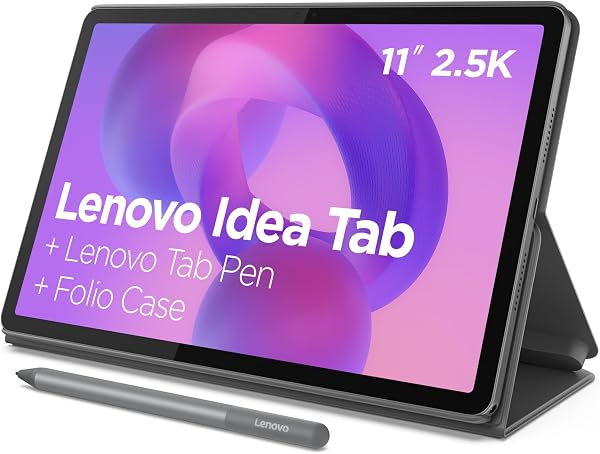
Lenovo Idea Tab
8.4Editor score11-inch 2.5K display
90Hz refresh rate
4GB RAM 128GB
Pen and case
Compare 10 top tablets for note taking by display, stylus quality, note apps, battery life, and eye comfort. Find the right device for students and profess...
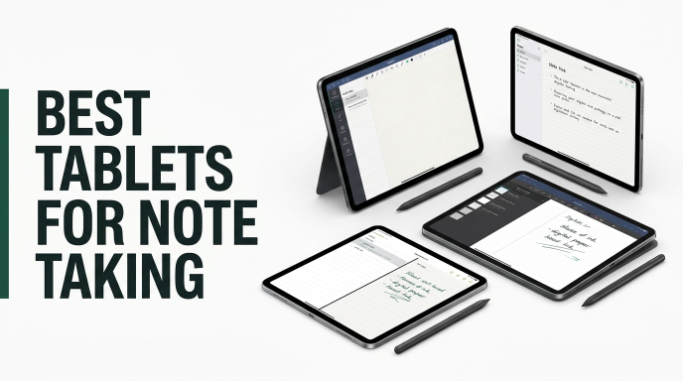
Find the right tablet for note taking in 2026 with a clear comparison of 10 standout devices. We break down what actually matters when you plan to write and study on glass or e-paper: display type, stylus responsiveness, note-taking software, palm rejection, screen refresh rate, storage, battery endurance, and how comfortable each device feels during long lecture blocks or extended meeting sessions.
The gap between a $193 Android tablet and a $679 dedicated paper tablet is significant and depends on how you actually take notes. Students who mix video, apps, and handwriting need a versatile LCD or Liquid Retina panel, while distraction-free writers benefit from e-ink displays. Matching device type to workflow is the key decision here.
This guide covers budget-friendly college tablets with bundled styluses, paper-textured NXTPAPER Android devices, premium iPads and Galaxy tablets, and dedicated e-ink notebooks from reMarkable, Kindle, and Penstar. Use the comparison table, reviews, and buying guide below to match a device to your note-taking style, ecosystem preferences, and daily reading and writing habits.
We compared 10 tablets for note taking using the specs that actually help a buyer decide: display type and refresh rate, stylus pressure levels and latency, native and third-party note apps, palm rejection quality, PDF markup capability, handwriting-to-text conversion, storage capacity, battery life, eye comfort features, ecosystem integration, and owner feedback. The notes focus on practical trade-offs so each pick connects to how students, professionals, and writers actually capture ideas, annotate documents, and organize handwritten notes over time.
Compare key features, scores, and current prices side by side. A shorter feature list means fewer details were available, not necessarily fewer capabilities.




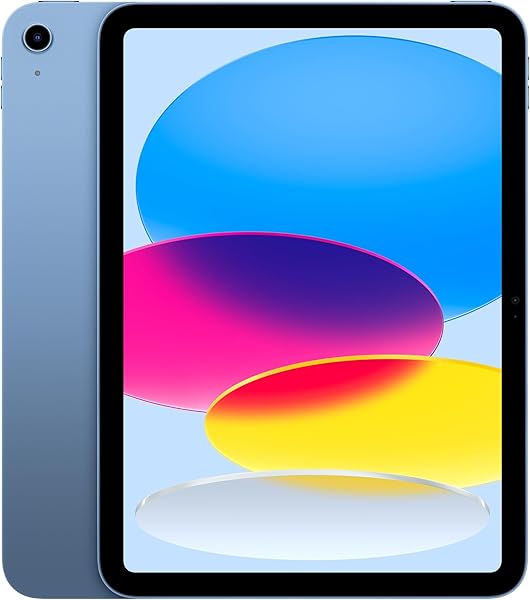
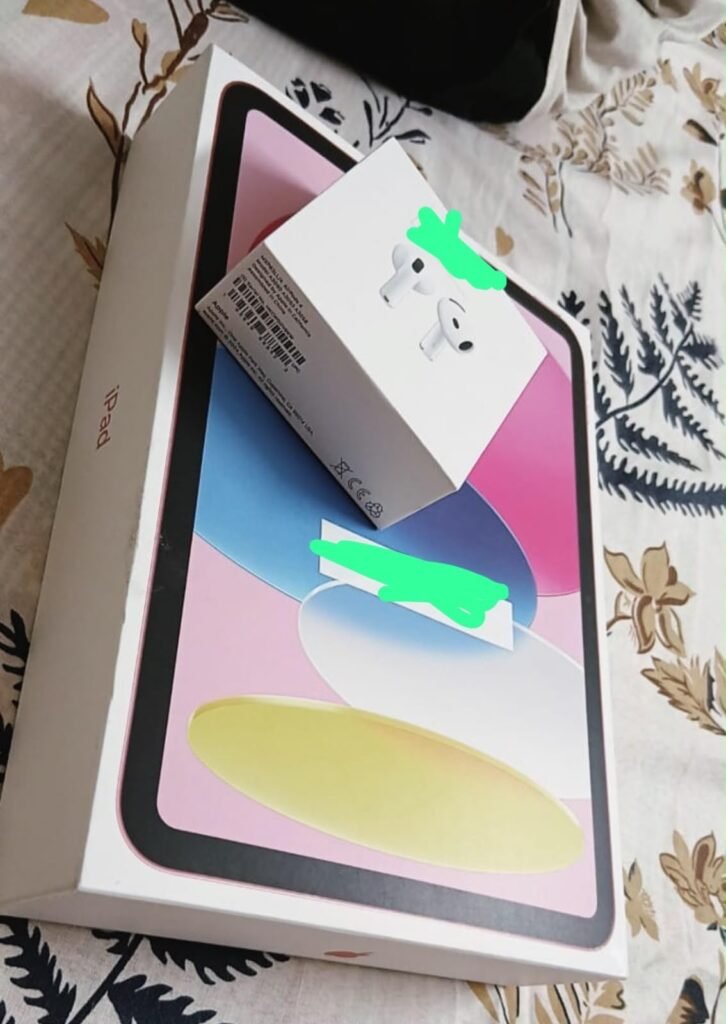
The Apple iPad 11-inch with A16 chip stands as the most refined note-taking platform available thanks to iPadOS, the mature Apple Pencil ecosystem, and access to the best selection of note-taking apps in the industry. For serious note-takers who prioritize software polish and long-term reliability, the iPad remains the platform to beat.
We may earn a commission when you buy through this link, at no additional cost to you.
The A16 chip delivers boost in performance that keeps the tablet responsive even years after purchase, and the Liquid Retina display provides exceptional color accuracy and smooth scrolling. True Tone adjusts the display to the room’s color temperature for comfortable viewing across lighting conditions. iPadOS with Scribble lets you write in any text field with Apple Pencil, converting handwriting to typed text seamlessly across the entire operating system.
The app ecosystem is where the iPad really separates from competitors. Note-taking apps like GoodNotes, Notability, Notes Plus, and Apple’s own Notes app are all mature, well-supported, and packed with features that Android note apps often lack. Over a million iPad-optimized apps ensure that any workflow you can imagine has quality software available. Wi-Fi 6 provides fast cloud sync, and Touch ID enables secure unlock and Apple Pay.
iPadOS has been optimized for stylus input longer than Android, resulting in better palm rejection, more consistent pen tracking, and a deeper ecosystem of dedicated note-taking apps. Apple Pencil’s low latency and pressure sensitivity are best-in-class, and Scribble handwriting recognition works system-wide rather than only in specific apps. For serious note-takers who spend hours writing daily, these software refinements add up to a meaningfully better experience over the years of ownership.
This is the strongest overall choice for most serious note-takers, especially those already invested in the Apple ecosystem with iPhone or Mac devices. The 4.7 owner rating is the highest in this comparison. The primary cost consideration is that Apple Pencil (USB-C or 1st generation) is sold separately, adding roughly $80 to $130 to the base price. Budget for the pencil when comparing total costs against bundled Android alternatives.
Budget-conscious buyers or users who want an all-in-one bundle that includes stylus and case in the base price.
We may earn a commission when you buy through this link, at no additional cost to you.
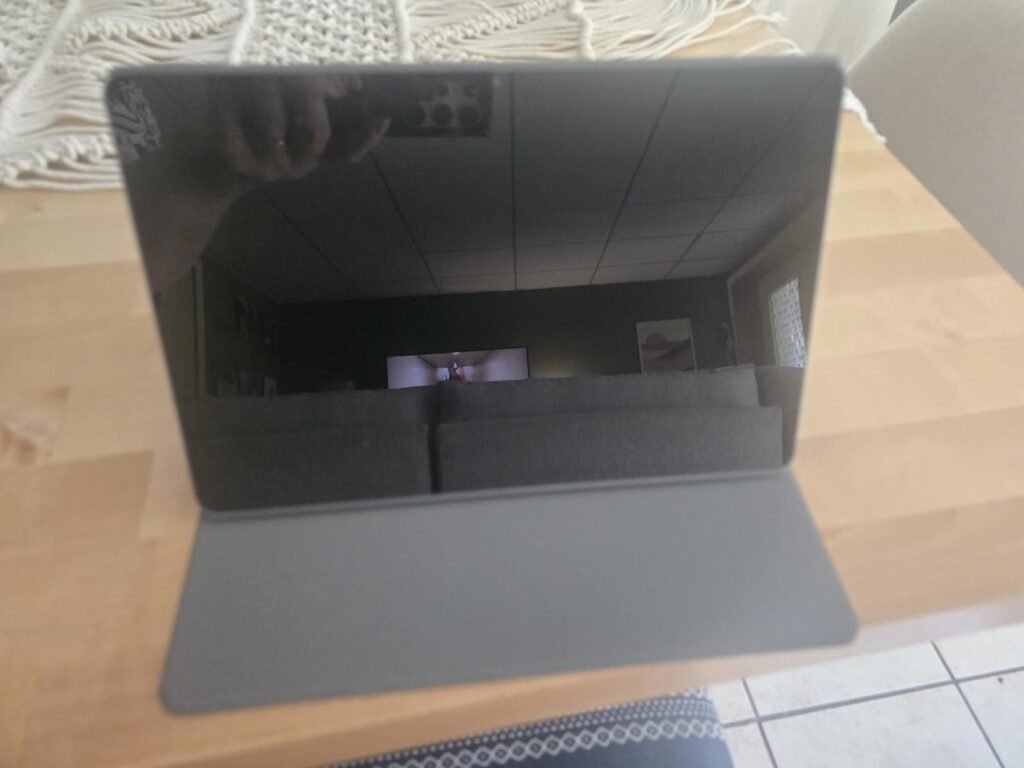
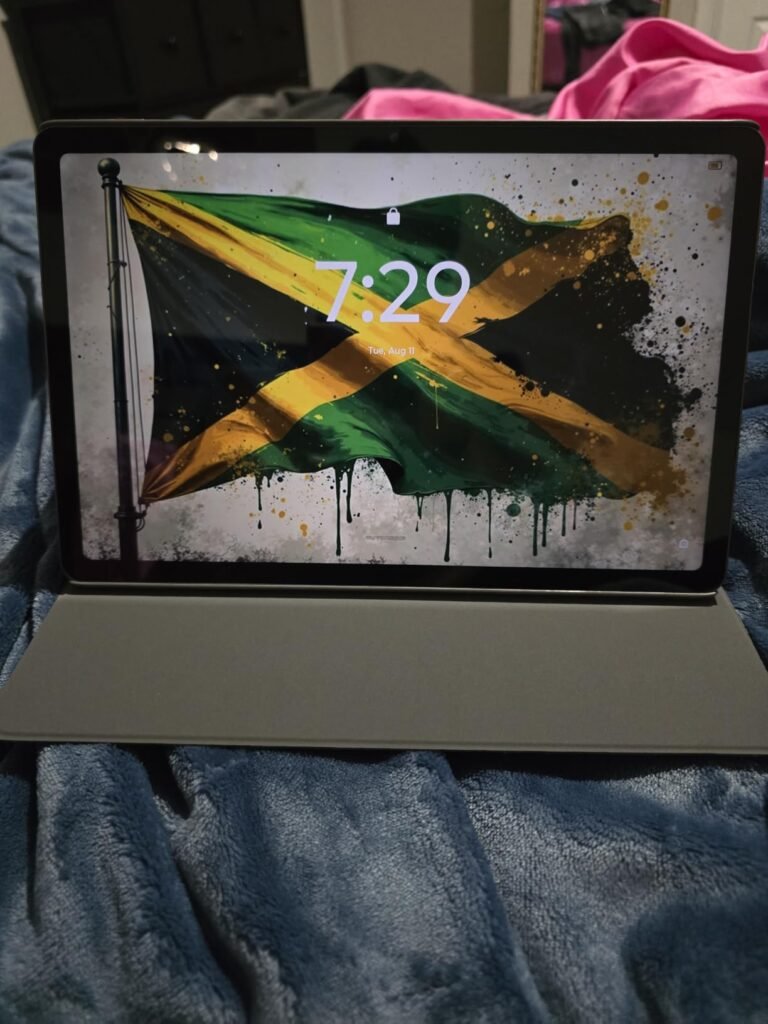
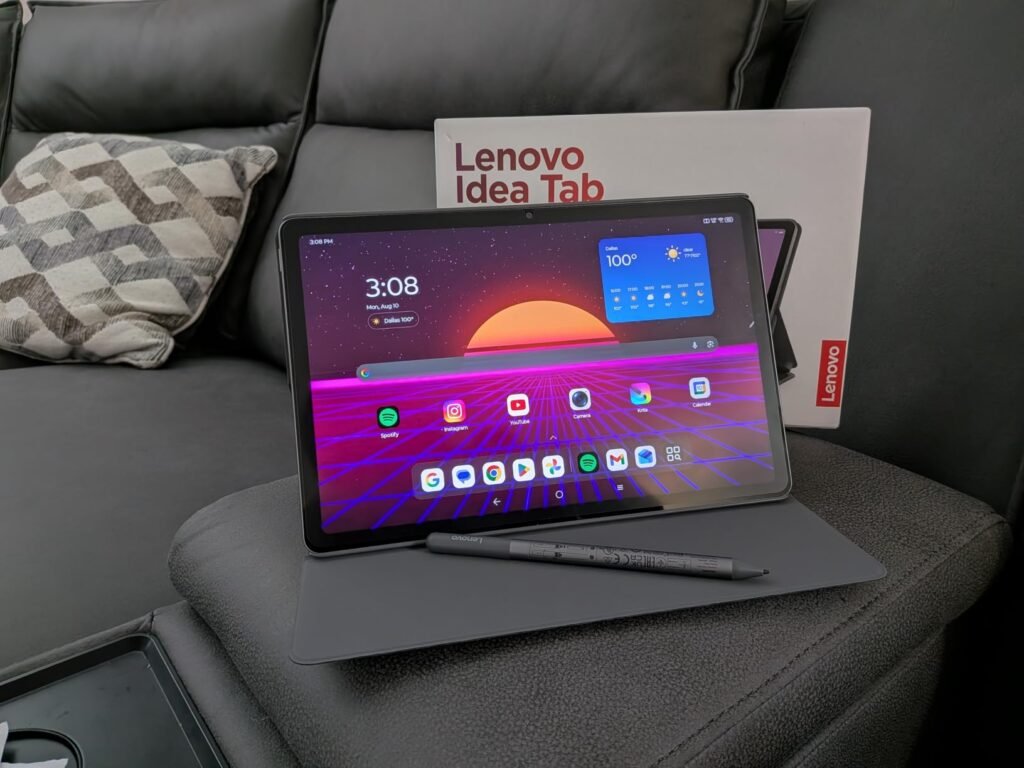
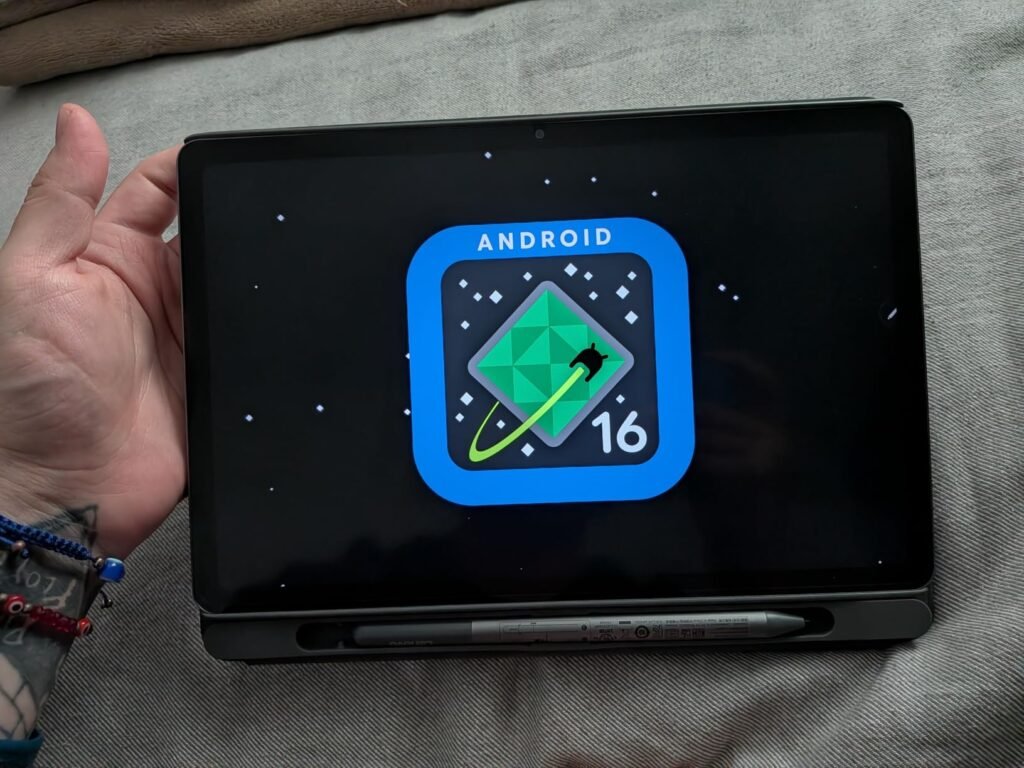
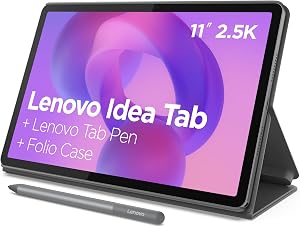
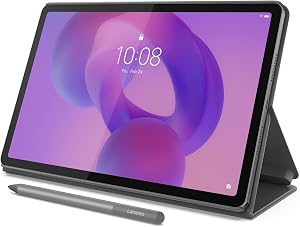
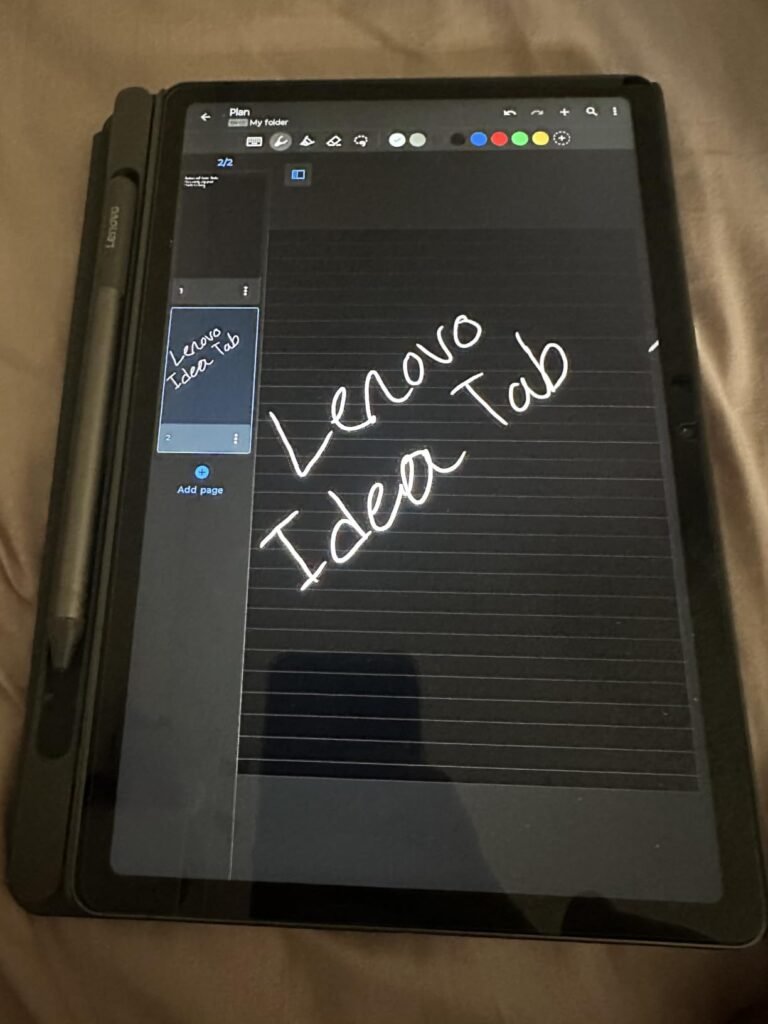
The Lenovo Idea Tab in the 4GB/128GB configuration targets students and casual note-takers who want a complete writing setup without spending $400 or more. At under $200 with the Tab Pen and folio case included, this bundle removes the accessory upcharges that often add 30 to 50 percent to the real cost of note-taking tablets.
We may earn a commission when you buy through this link, at no additional cost to you.
The 11-inch 2.5K IPS touchscreen at 90Hz provides sharp text rendering for reading textbook PDFs and smooth pen tracking during handwriting. The four bundled learning apps (Lenovo AI Note, Squid, Nebo, and MyScript Calculator) cover the main note-taking workflows out of the box, so buyers do not need to research or subscribe to third-party apps immediately. Circle to Search with Google speeds up quick lookups during study sessions.
The MediaTek Dimensity 6300 processor handles typical student workloads including note taking, video streaming, browser tabs, and basic photo editing without lag. Up to 12 hours of YouTube playback means you can go from morning lectures through afternoon study sessions on a single charge, and the 20W charger provides quick top-ups between classes. Quad Dolby Atmos-tuned speakers deliver clear audio for recorded lectures.
Premium tablets like iPads often require a separate stylus purchase costing $80 to $130 and a keyboard or folio case adding another $80 to $200. When you factor in these accessories, a $400 base tablet can easily become an $600 real-world purchase. Bundled configurations like this Lenovo Idea Tab include the pen and folio case in the base price, making the total cost of a complete writing setup significantly more predictable.
This tablet is the right choice for college students on a tight budget who need a complete note-taking package for under $200. The 4GB memory limits heavy multitasking, so if you plan to run many apps simultaneously or edit large PDFs regularly, step up to the 8GB/256GB version. For pure note-taking and light study use, this configuration hits the value sweet spot.
Heavy multitaskers or users who plan to run many apps simultaneously without slowdowns.
We may earn a commission when you buy through this link, at no additional cost to you.
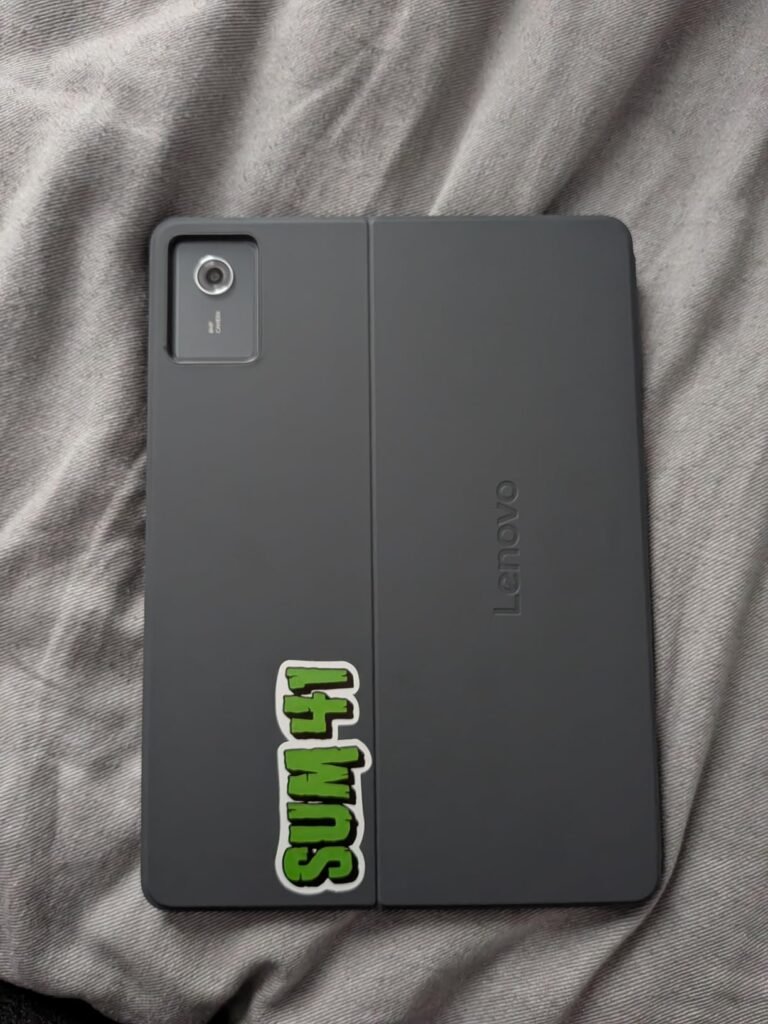
The 8GB/256GB version of the Lenovo Idea Tab addresses the primary limitations of the base model by doubling both memory and storage. For students and professionals who plan to keep multiple apps open, store years of notes and PDFs locally, or run more demanding workloads alongside note taking, this configuration provides meaningful headroom for a modest price increase.
We may earn a commission when you buy through this link, at no additional cost to you.
The 8GB of RAM makes a real difference when switching between a note-taking app, a PDF reader, a browser with research tabs, and video meeting software. On the 4GB base model, this kind of workflow can trigger app reloads and interrupt writing momentum. The 256GB of storage doubles the room for downloaded lecture videos, offline PDFs, sketch files, and installed apps, reducing the pressure to constantly manage storage.
The 11-inch 2.5K IPS display at 90Hz remains identical to the base model, providing the same excellent visual and writing surface. The same four bundled learning apps (Lenovo AI Note, Squid, Nebo, and MyScript Calculator) are preloaded, and the Tab Pen and folio case are still included in the price. Circle to Search, Smart Connect for cross-device workflows, and the TÜV Rheinland low blue light hardware carry over as well.
Modern note apps like Nebo, Squid, and Notion can consume 500MB to 1GB of RAM when working with large notebooks containing many pages of handwriting, embedded images, and PDFs. Combined with a browser holding research tabs, a PDF reader, and background video conferencing, memory pressure becomes a real productivity issue on 4GB devices. 8GB provides comfortable headroom for these workflows without forcing you to constantly close apps to keep the writing app responsive.
This is the best value pick for buyers who want a bundled note-taking setup with room to grow. The 4.6 owner rating is meaningfully higher than the 4.2 rating on the 4GB model, reflecting real-world satisfaction with the extra memory. If your workload is genuinely light, the 4GB version saves $52. For most students and professionals, the upgrade is worth the small premium.
Users on extremely tight budgets who only need basic single-app note taking.
We may earn a commission when you buy through this link, at no additional cost to you.
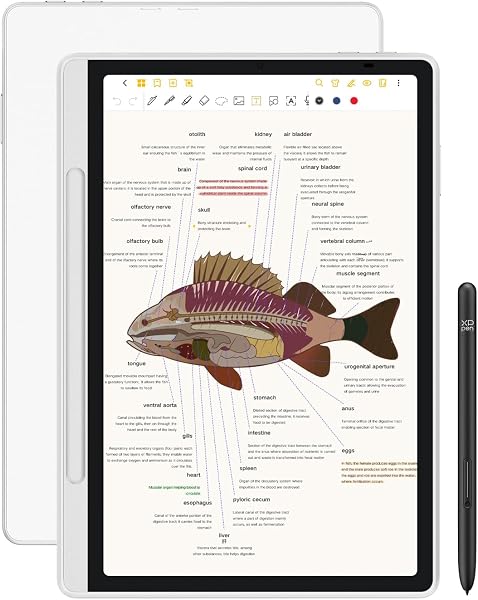
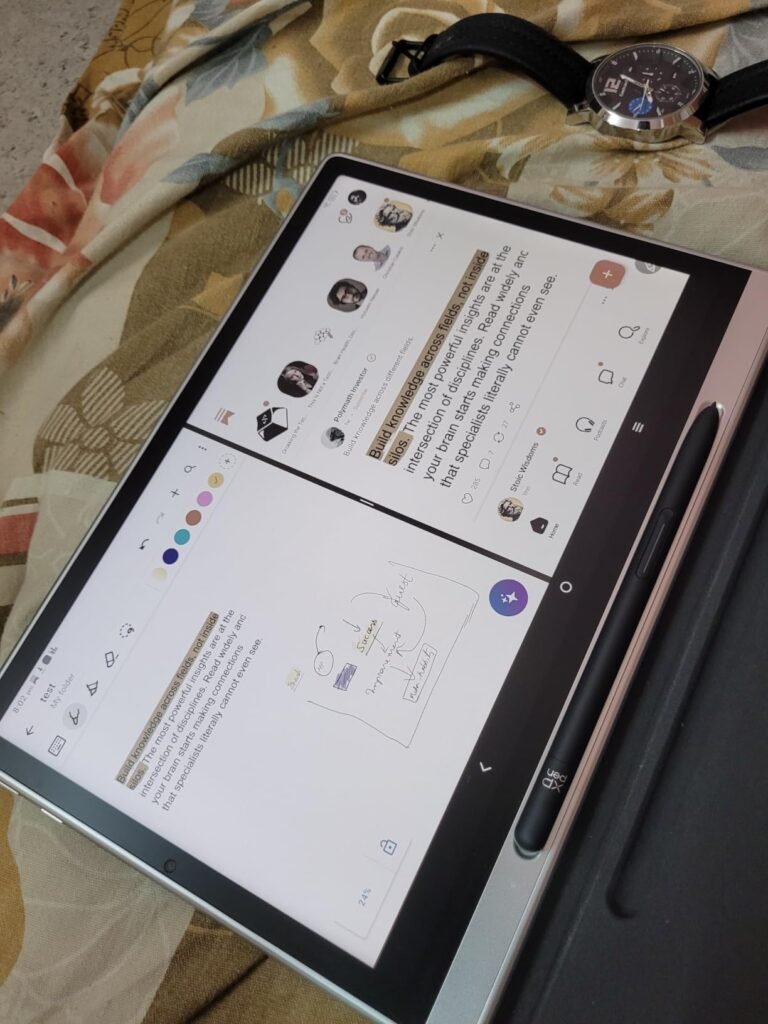
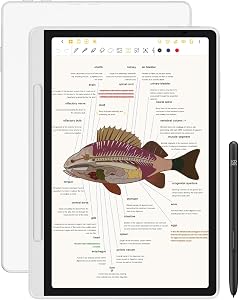
The XPPen Magic Note Pad bridges the gap between full-featured Android tablets and dedicated e-ink notebooks by combining a paper-like nano-etched glass surface with a full color LCD. For artists, note-takers, and readers who want the tactile satisfaction of writing on textured surfaces without giving up video, apps, and color, this hybrid approach delivers a unique middle ground.
We may earn a commission when you buy through this link, at no additional cost to you.
The 16384 pressure levels on the X3 Pro Pencil 2 are among the highest in this comparison and translate to precise variation in line thickness and opacity based on writing pressure. This matters most for sketching, calligraphy, and detailed annotation where subtle pressure changes carry meaning. The battery-free stylus design eliminates charging concerns, and the magnetic folio and customizable shortcut key add practical productivity features.
The AG nano-etched screen reduces ambient light interference by up to 95 percent, giving the display a distinctly paper-like appearance without the refresh limitations of e-ink. The dedicated X-key switches between Monochrome LCD, Light Color, and Nature Color modes depending on whether you are reading, writing, or viewing color content. The 90Hz refresh rate and 16.7 million colors keep video and interactive content smooth and vivid.
Third-party matte screen protectors add friction to glossy tablet surfaces but often reduce clarity and can wear down stylus tips faster. Factory-etched displays like the XPPen Magic Note Pad build the paper texture directly into the glass, providing consistent friction across the entire surface with no film to peel or replace. This integrated approach also maintains color accuracy and touch responsiveness better than aftermarket alternatives.
This tablet is the right choice for buyers who want paper-like writing texture and note-taking software without sacrificing the versatility of a full Android tablet. The narrow viewing angle is a deliberate design trade-off for the anti-glare surface, so plan to view the tablet from the front rather than at an angle. If you want a true e-ink experience with weeks of battery life, the Kindle Scribe or reMarkable Paper Pro deliver that instead.
Users who need wide viewing angles for shared content or prefer true e-ink readability outdoors.
We may earn a commission when you buy through this link, at no additional cost to you.
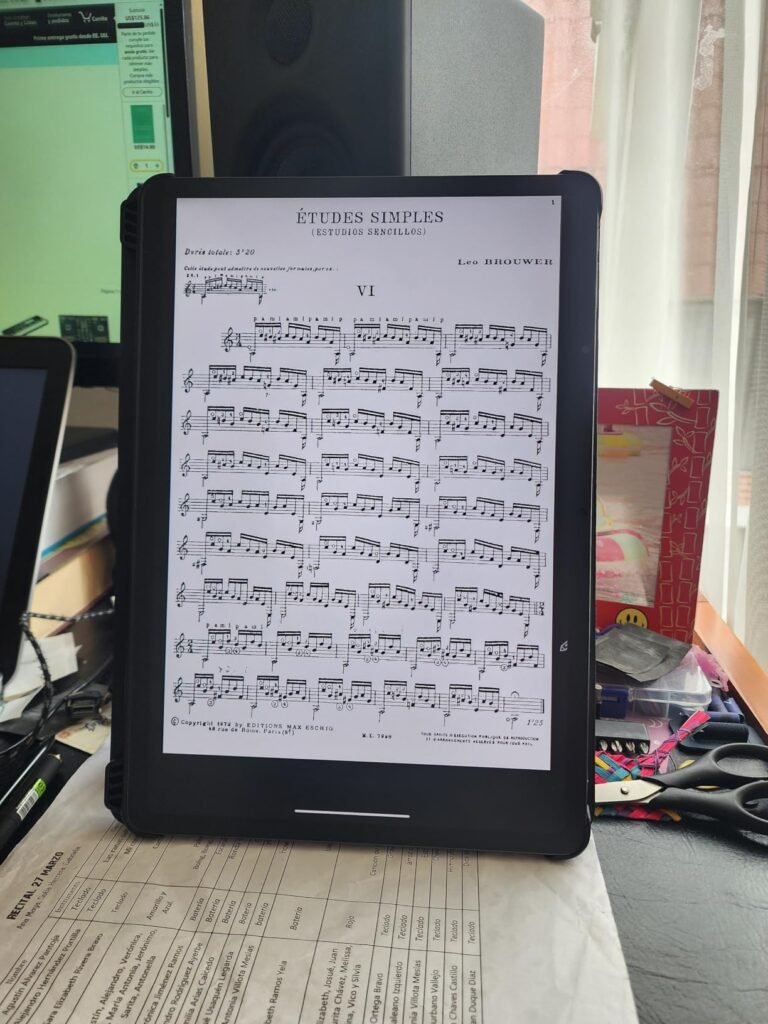
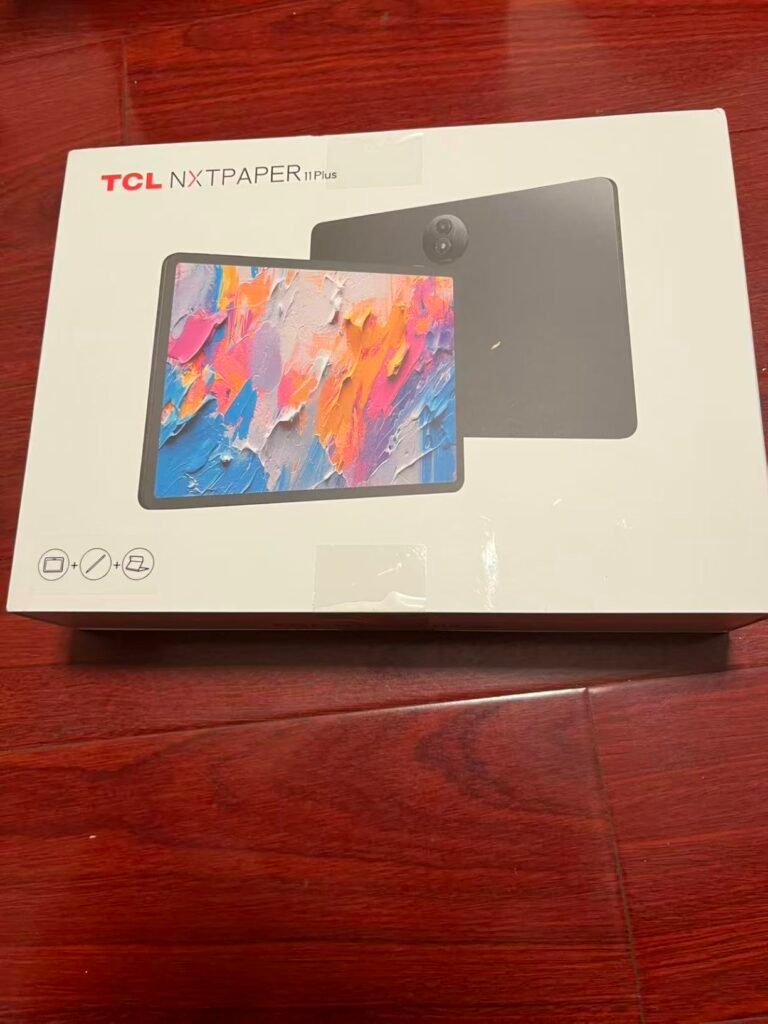
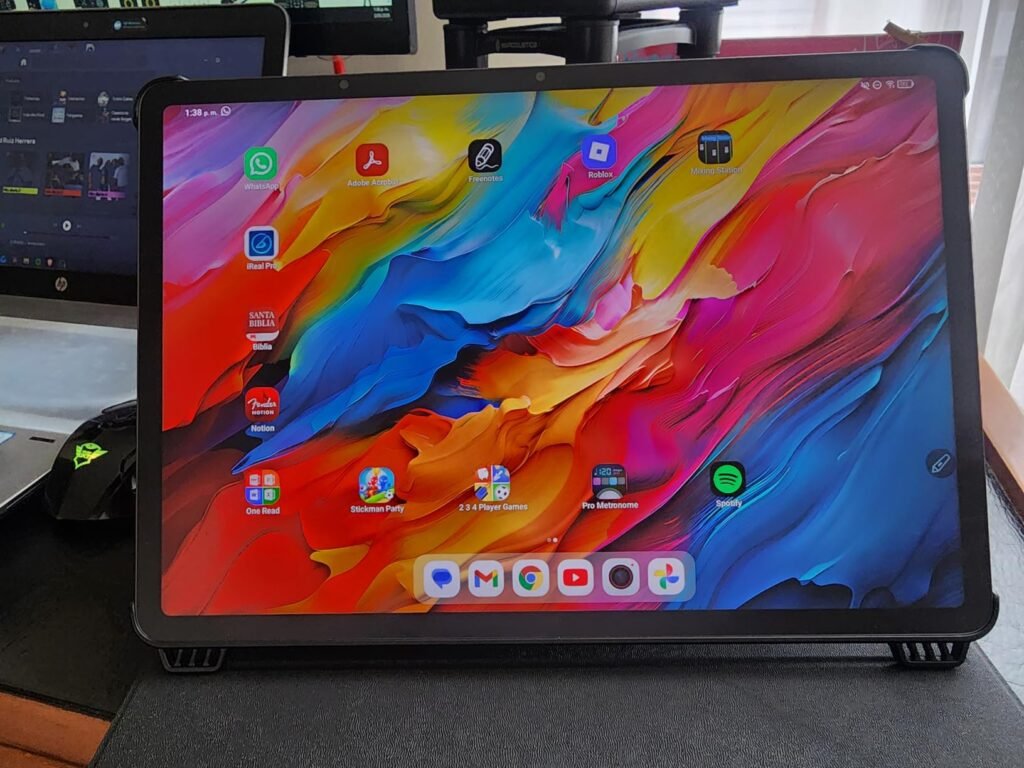
The TCL NXTPAPER 14 stands out for its 14.3-inch display, which is roughly 60 percent more surface area than typical 11-inch tablets. For musicians reading sheet music, professionals annotating engineering drawings, or students who prefer to see full textbook pages at readable sizes, this larger canvas fundamentally changes the tablet experience.
We may earn a commission when you buy through this link, at no additional cost to you.
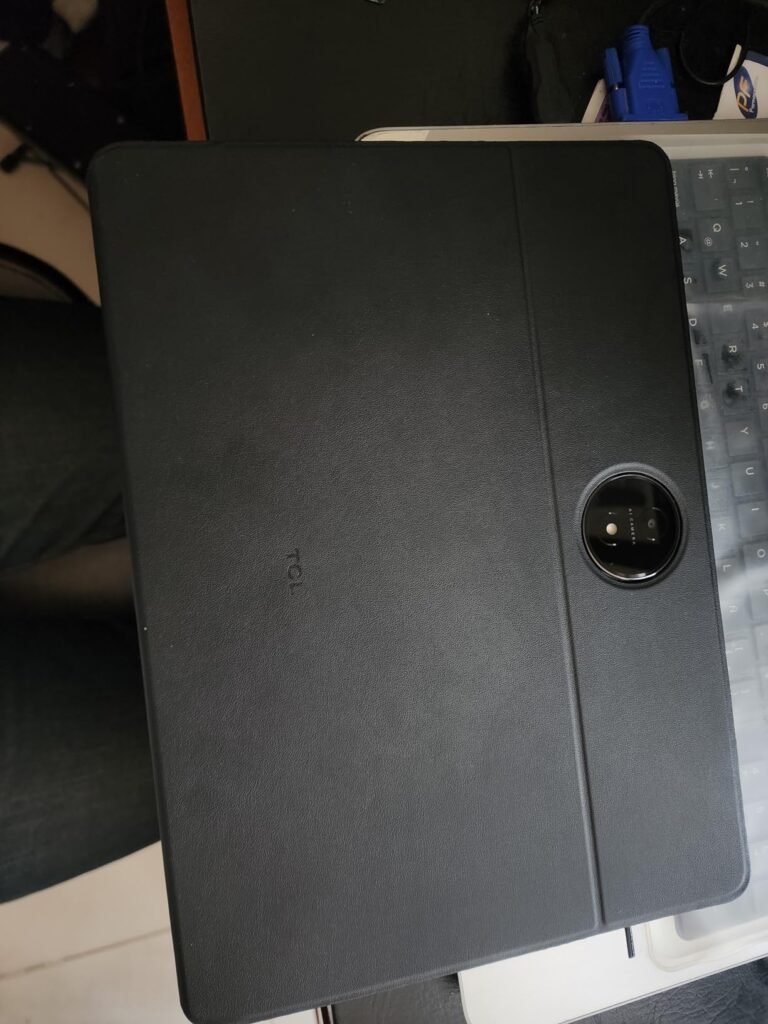
NXTPAPER 3.0 display technology combines TÜV-certified low blue light, anti-glare coating, and DC dimming to reduce eye strain during extended reading and writing sessions. The dedicated NXTPAPER Key switches between Standard Mode for crisp everyday tasks, Color Paper Mode for digital art and comics, and Ink Paper Mode for extended reading. The T-PEN stylus with 4096 pressure levels handles note taking and sketching effectively across all modes.
The 10000mAh battery is one of the largest in this comparison, providing all-day power for demanding creative work and multi-hour reading sessions. 33W fast charging refills the battery in 2 to 3 hours under optimal conditions, though buyers should note that the charger is sold separately. Dual front cameras (13MP + 5MP), an 8MP rear autofocus camera, and quad stereo speakers cover video meetings and media consumption well.
Musicians reading sheet music need enough screen area to display an entire page without shrinking text below readable size. Engineers and architects annotating technical drawings benefit from seeing detail at full scale. Students working with large PDFs of textbook chapters find that 14-inch displays reduce the need to constantly zoom and pan. For pure handwriting notes on lined pages, 11 inches is usually sufficient and much more portable.
This tablet is the right choice for musicians, engineers, and students who benefit from the extra screen space and don’t mind the increased size and weight. At 1.67 lbs and 0.27 inches thick, it remains portable but requires a larger bag than 11-inch alternatives. For everyday note taking on the go, the standard TCL NXTPAPER 11 Gen 2 or Lenovo Idea Tab provide better portability.
Portable-first users or those who primarily read short documents and take basic handwriting notes.
We may earn a commission when you buy through this link, at no additional cost to you.
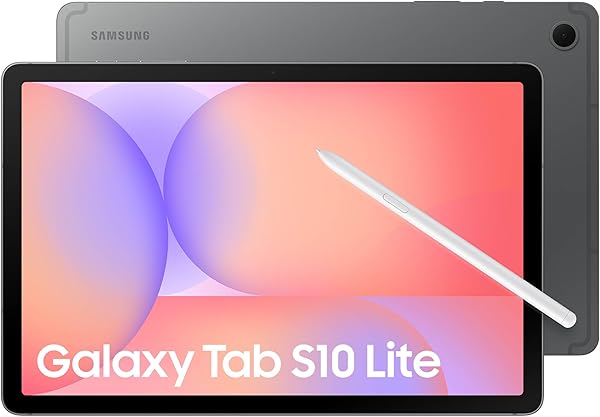
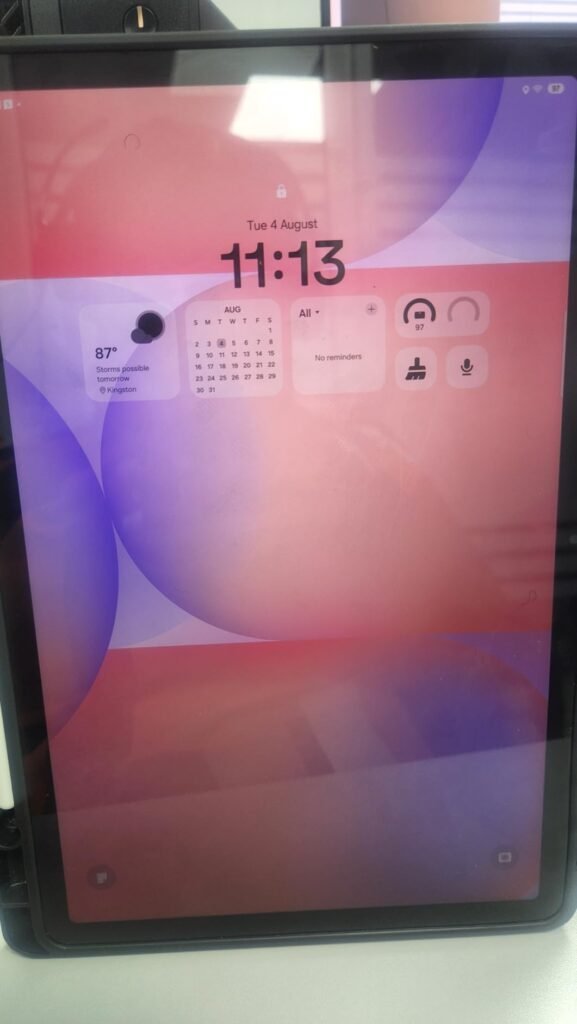
The Samsung Galaxy Tab S10 Lite brings Samsung's polished tablet experience and the excellent S Pen to a mid-range price point. For Android users who want a proven note-taking pen ecosystem without stepping up to the flagship Tab S10 series, this Lite variant delivers most of the essential capabilities at nearly half the price.
We may earn a commission when you buy through this link, at no additional cost to you.
The S Pen is included in the box (unlike Apple Pencil for iPad) and offers Samsung’s mature palm rejection, tilt sensitivity, and pressure response. Integration with Samsung Notes, Circle to Search, and Galaxy AI features like note cleanup and translation extends the utility beyond basic handwriting. The AI Hot Key on compatible keyboards provides one-tap access to intelligent features for scheduling, searching, and content creation.
The 10.9-inch LCD with Vision Booster brightness adjustment provides a comfortable viewing surface across lighting conditions. Battery life reaches up to 16 hours for video playback, and Super Fast Charging refills the battery in about two hours. Storage starts at 128GB with microSD expansion up to 2TB, which is generous headroom for users who accumulate large libraries of notes, media, and documents over time.
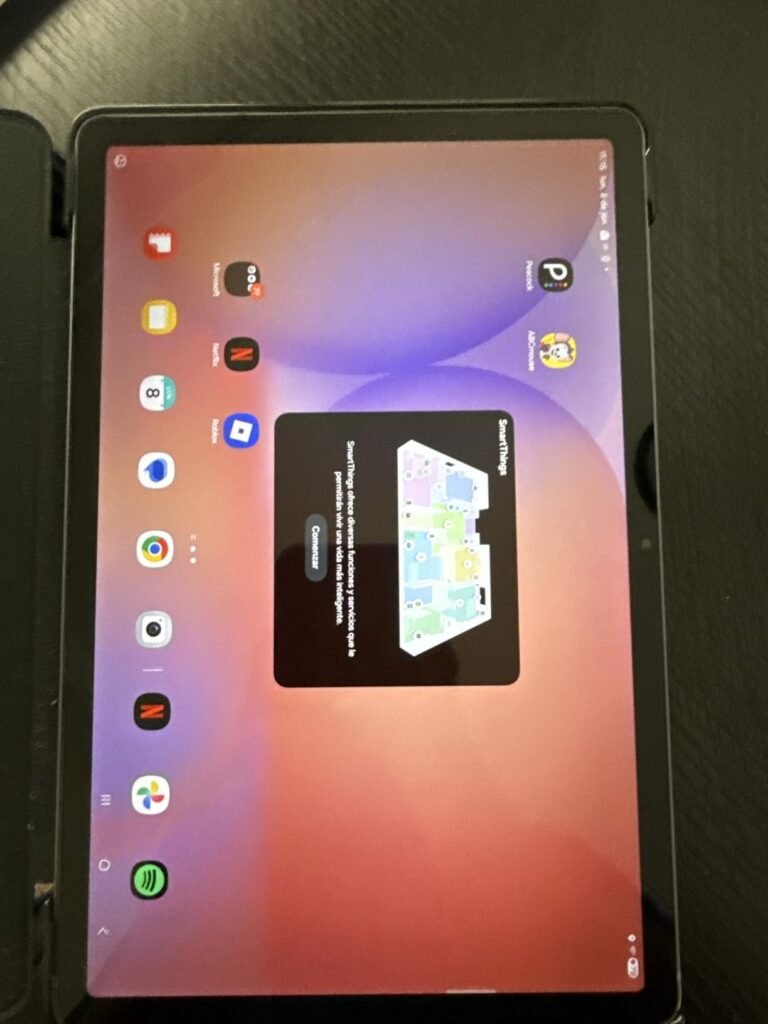
Samsung’s cross-device continuity lets you answer calls on your tablet, start a note on your phone and finish it on your Galaxy Book laptop, or use SmartThings Map View to control connected home devices. These integrations are meaningful for existing Samsung users but provide little benefit if you use mixed hardware from other brands. Match your tablet to your existing device ecosystem for the strongest overall workflow benefits.
This tablet is the right choice for Android users who want Samsung’s ecosystem, included S Pen, and 16-hour battery in a mid-range price. If you already own Galaxy phones, earbuds, or a Galaxy Watch, the connected device features add real productivity value. For users outside the Samsung ecosystem or those wanting maximum performance, the iPad or Tab S10 flagship variants are stronger alternatives.
Non-Samsung users or those who want AMOLED display quality and maximum RAM.
We may earn a commission when you buy through this link, at no additional cost to you.
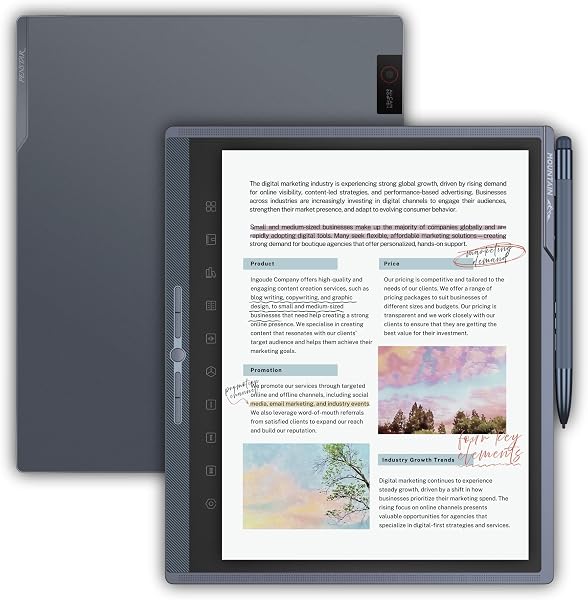
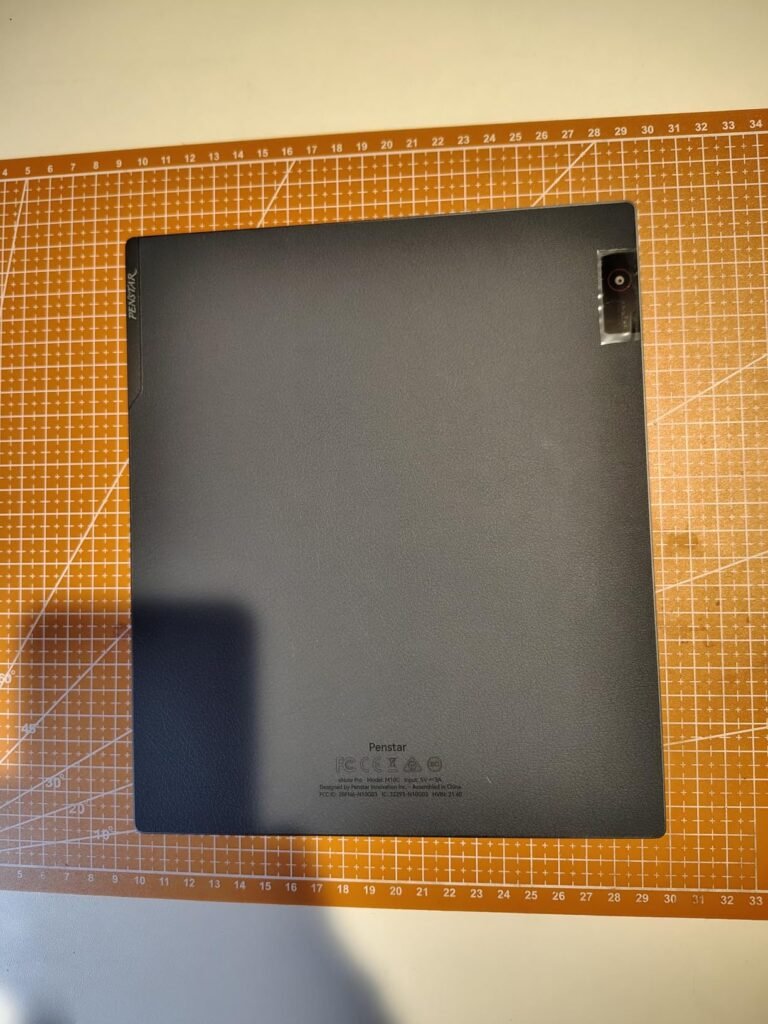
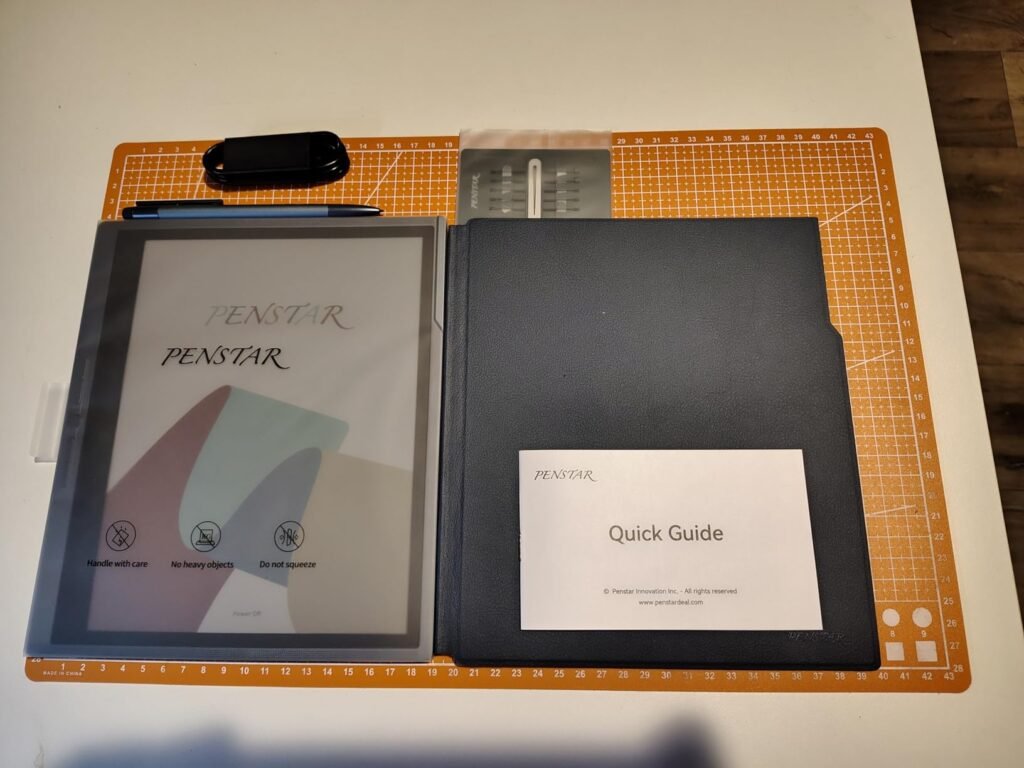
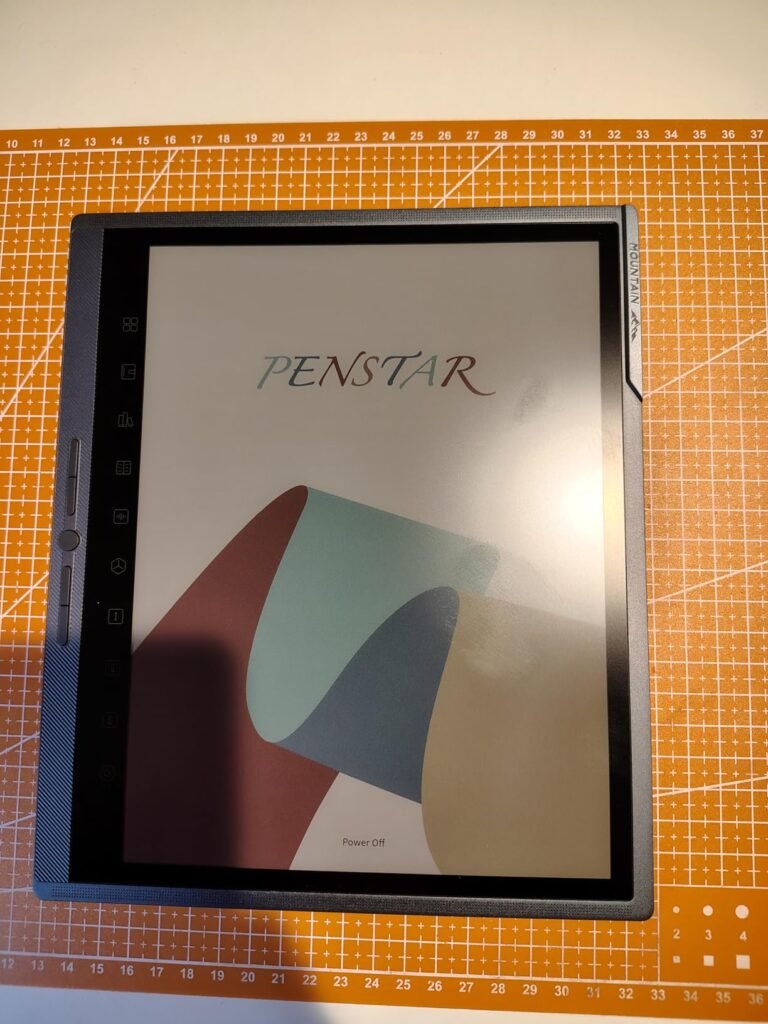
The Penstar eNote Pro C brings color e-ink technology to the note-taking category, combining the eye-friendly qualities of e-paper displays with the ability to render highlights, PDF annotations, and color-coded notes in actual color. For readers and note-takers who miss color capability from previous monochrome e-ink devices, Kaleido 3 technology fills that gap without abandoning the paper-like reading experience.
We may earn a commission when you buy through this link, at no additional cost to you.
The 10.3-inch Kaleido 3 display delivers 300 ppi in black-and-white and 150 ppi in color, with an adjustable warm and cold reading light for comfortable use in any lighting condition. The 8192 levels of pressure sensitivity on the included stylus provide precise control for handwriting, and AI-powered features like voice-to-text transcription, handwriting recognition, and note summarization streamline the digital workflow.
Battery life reaches up to 3 weeks per charge thanks to the low power draw of e-ink displays, and the Android 14 operating system supports third-party apps from beyond the native Penstar ecosystem. The 8-microphone array captures clear audio for lecture recordings, and the 8MP camera enables document scanning directly into notes. The device supports over 35 file formats including PDF, EPUB, MOBI, DOC, and image formats.
Standard e-ink displays show only shades of gray, which limits their usefulness for annotating color content like textbook diagrams, financial charts, or design drawings. Kaleido 3 adds a color filter layer over the e-ink display, enabling roughly 4,096 colors at reduced resolution compared to the black-and-white layer. Color e-ink refreshes slightly slower than monochrome, so choose Kaleido 3 for color needs and monochrome (like the Kindle Scribe) for maximum reading and writing responsiveness.
This tablet is the right choice for readers and academics who want color e-ink with distraction-free focus and multi-week battery life. E-ink is optimized for reading and note-taking rather than fast scrolling or video playback, so this is not a general-purpose tablet replacement. If you need color capability specifically for annotating engineering drawings or marking up multi-color PDFs, the color e-ink provides real value.
Users who need fast scrolling, video playback, or a highly rated device with proven long-term reliability.
We may earn a commission when you buy through this link, at no additional cost to you.
The TCL NXTPAPER 11 Gen 2 delivers TCL's signature paper-like display technology in a portable 11-inch form factor that weighs just 1.1 pounds. For students, professionals, and readers who want eye-friendly viewing without the large footprint of the 14-inch model, this size hits the sweet spot for daily carry in backpacks and messenger bags.
We may earn a commission when you buy through this link, at no additional cost to you.
NXTPAPER 4.0 display technology adds an upgraded anti-glare coating, TÜV-certified low blue light filtering, and DC dimming to reduce flicker and eye strain during extended use. The Eye Care Assistant automatically adjusts brightness and color temperature based on ambient conditions and provides break reminders. Three VersaView modes let you switch between Standard for video, Color Paper for art, and Ink Paper for reading and note-taking.
The T-PEN stylus with 4096 pressure levels handles handwriting and sketching with responsive feedback, and AI-powered features like voice memo transcription, real-time bilingual subtitles, and Circle to Search extend productivity beyond basic writing. The 8000mAh battery lasts through a full day of mixed use, and 18W PD fast charging provides quick top-ups. Reverse charging can power your phone or earbuds in a pinch.
At 1.1 pounds, this tablet is roughly 35 percent lighter than the 14-inch NXTPAPER 14 model. This weight difference becomes noticeable during extended one-handed reading, walking between classes with the tablet in your hand, or holding the device up for video calls. For daily portable use, lighter tablets significantly reduce arm fatigue and encourage more frequent use than heavier alternatives that stay in bags or on desks.
This tablet is the right choice for buyers who want the NXTPAPER paper-like display in a truly portable size. The MediaTek Helio G80 processor is adequate for note-taking, reading, and light multitasking but will slow down under heavy loads like advanced photo editing or demanding games. For maximum portability with paper-like readability, this hits an excellent balance at a moderate price.
Heavy multitaskers or users who need maximum performance for demanding creative applications.
We may earn a commission when you buy through this link, at no additional cost to you.
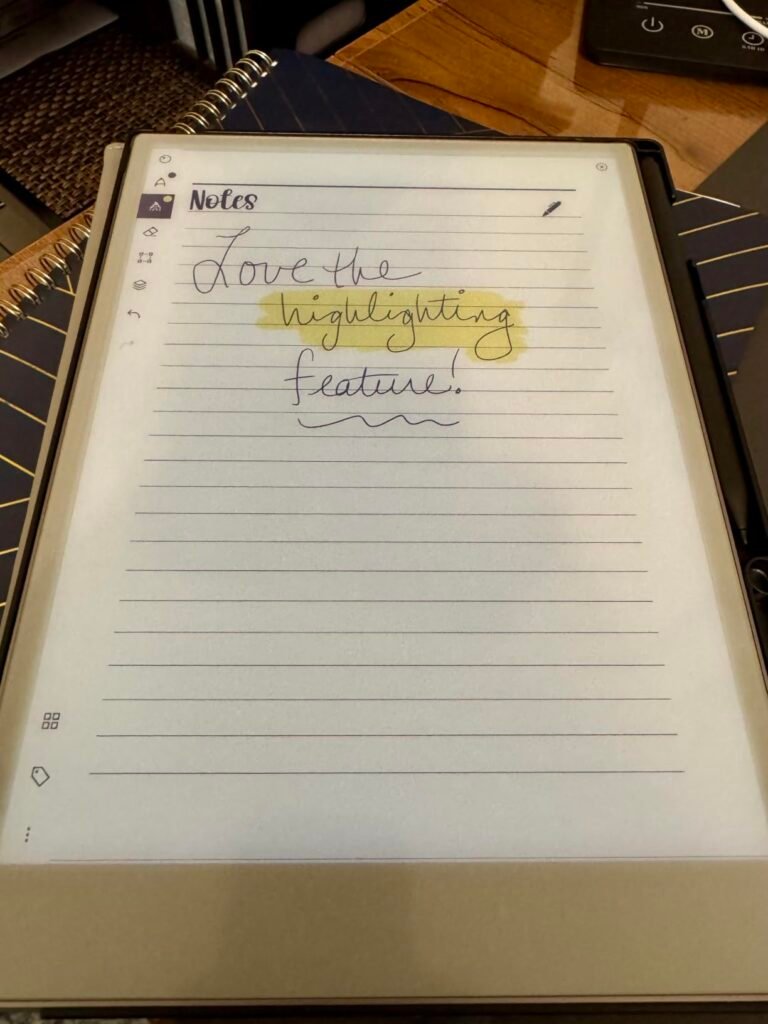
The reMarkable Paper Pro is engineered as the ultimate paper tablet, focusing exclusively on writing, sketching, and reading without the distractions of a full operating system with apps, notifications, and social media. For serious writers, researchers, and professionals who want to replace paper notebooks completely, reMarkable's focused approach delivers a distinctive experience.
We may earn a commission when you buy through this link, at no additional cost to you.
The 11.8-inch color display is one of the largest color e-ink screens available, providing generous canvas space for handwritten notes, sketches, and PDF annotations. The Marker Plus pen with built-in eraser feels natural on the textured writing surface, and the included 6 spare Marker tips extend the writing lifespan significantly. Handwriting-to-text conversion, folder and tag organization, and direct PDF writing keep everything organized and searchable.
The adjustable reading light means you can continue working after sunset without straining your eyes on a bright LCD, and the low-glare display reflects natural light like real paper for comfortable outdoor reading. The intentionally limited feature set is the point: no email, no browsers, no games, no distractions. This focus makes reMarkable the tool of choice for writers and thinkers who struggle with the constant pull of notifications on standard tablets.
Multi-purpose tablets constantly pull attention through notifications, app switching, and the temptation to check just one more thing. reMarkable’s deliberate limitation to writing, reading, and annotation eliminates these distractions entirely, creating a device that supports deep work. Users who struggle with focus on iPads or Android tablets often find that dedicated e-ink notebooks transform their productivity by simply removing the option to be distracted.
This tablet is the right choice for serious note-takers, writers, and readers who want a dedicated tool that respects their focus. The $679 price is significant, and the closed ecosystem means no third-party apps or downloading random utilities. For users who value focus above all else and process large volumes of handwritten notes and PDFs daily, the investment can genuinely change how they work.
Users who need apps, video, browsers, or want a multi-purpose tablet that also handles entertainment.
We may earn a commission when you buy through this link, at no additional cost to you.
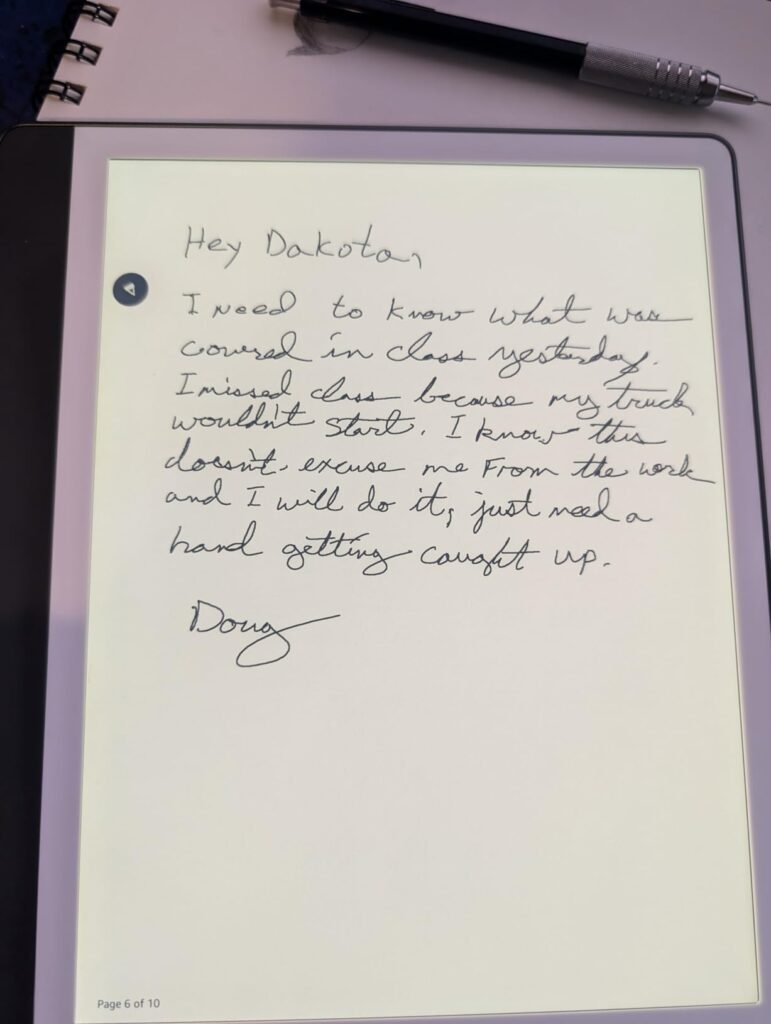
The Kindle Scribe combines the best-in-class Kindle reading experience with a dedicated writing surface, making it the natural choice for existing Kindle users who want to add note-taking capability. For readers who already have years of Kindle purchases and prefer the Amazon ecosystem for books, this device extends that library into an integrated reading and writing tool.
We may earn a commission when you buy through this link, at no additional cost to you.
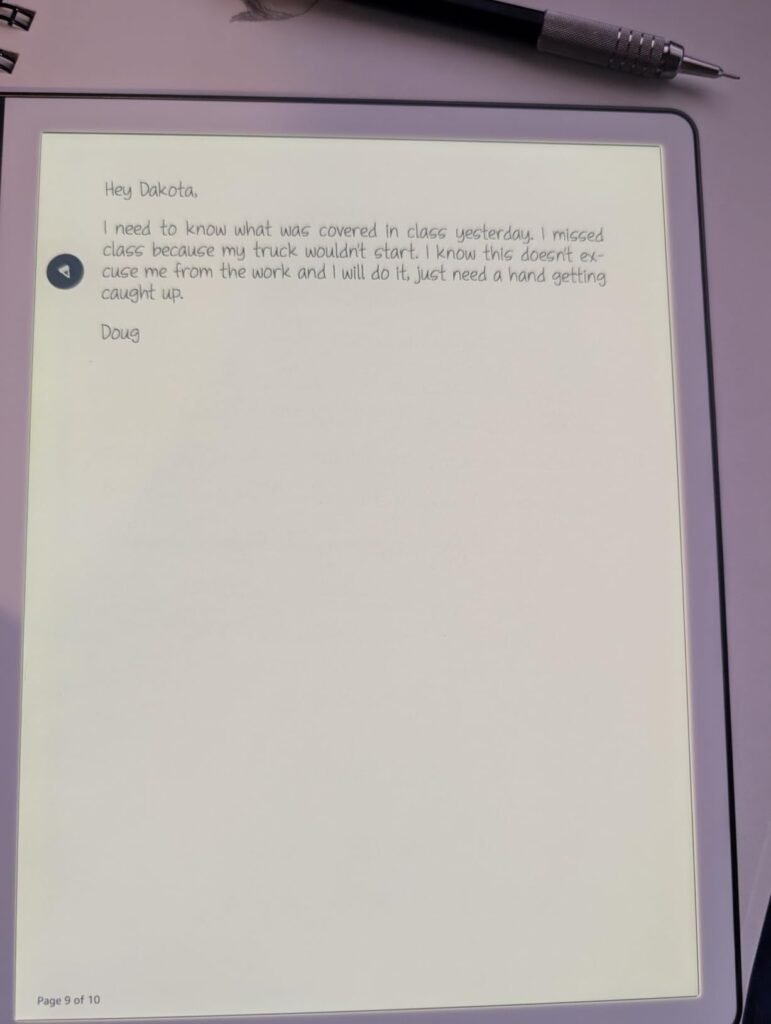
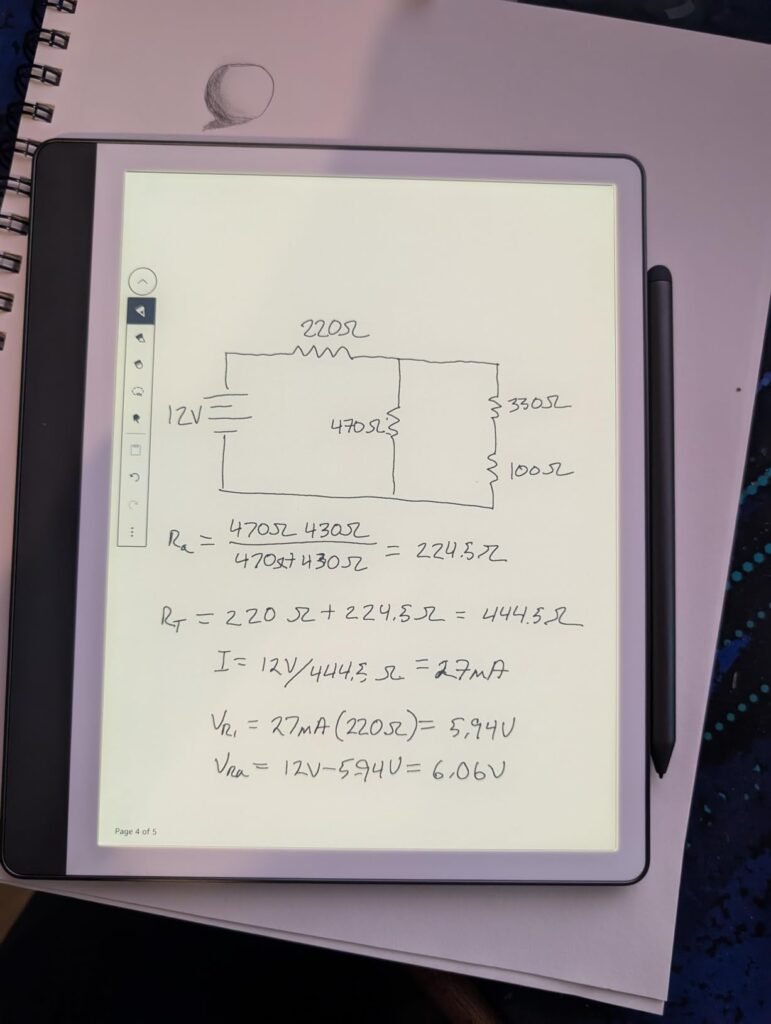
The 10.2-inch glare-free 300 ppi display is optimized for extended reading and writing, with the same paper-like clarity that has made Kindle devices popular for years. The Premium Pen is included in the price (unlike Apple Pencil for iPad) and requires no charging or setup, with the pen-on-paper feel that makes writing feel natural. AI notebook tools convert messy handwriting into readable font, summarize notes, and change the tone or length of written content.
Active Canvas creates space for notes directly on book pages, so you can capture insights as you read without switching devices or apps. Expand the margins for extended notes or collapse them to see the original page. Send to Kindle lets you import documents and PDFs for markup, extending the device beyond just Amazon-published content. Battery life measured in months on a single charge makes this a truly grab-and-go device.
Users who have accumulated Kindle purchases over years often struggle to leave that ecosystem because their entire reading library is tied to Amazon. The Kindle Scribe extends that library seamlessly, letting readers annotate books they already own without buying new versions or converting file formats. For deep Kindle users, this integration alone often justifies choosing the Scribe over the reMarkable Paper Pro or other e-ink notebooks that require separate library management.
This tablet is the right choice for existing Kindle users who want to add handwritten notes and PDF markup to their reading workflow. The 64GB storage version accommodates large libraries with room for note collections. If you don’t buy books from Amazon or need broader tablet capabilities beyond reading and writing, the reMarkable Paper Pro or an iPad may serve you better.
Users who don’t buy from the Kindle ecosystem or need color displays and third-party apps.
We may earn a commission when you buy through this link, at no additional cost to you.
A tablet for note taking is more than just a screen and stylus. The right choice depends on your primary use case, whether you value focus over versatility, and how much you’re willing to spend on stylus, apps, and accessories. Use the factors below to match a device to your actual note-taking workflow.
The display technology fundamentally shapes the note-taking experience. Standard LCD displays like those on the Apple iPad, Lenovo Idea Tab, and Samsung Galaxy Tab provide bright, colorful, high-refresh screens that handle everything from writing to video streaming without compromise. These are the most versatile choice but can cause eye fatigue during extended writing sessions and are less readable in bright outdoor light.
NXTPAPER displays from TCL and similar nano-etched glass from XPPen add a matte texture to LCD screens that reduces glare and provides a more paper-like writing feel while retaining color capability and fast refresh rates. E-ink displays like those on the Kindle Scribe, reMarkable Paper Pro, and Penstar eNote Pro C use electrophoretic technology that mimics the appearance of real paper, providing exceptional readability in any light with dramatically reduced eye strain, but with slow refresh rates that make them unsuitable for video or fast-scrolling content.
Choose LCD if you want maximum versatility and use the tablet for many tasks beyond note-taking. Choose NXTPAPER for a balance of paper-like writing feel and full color capability. Choose e-ink if you prioritize eye comfort, focus, and are willing to give up video and app flexibility for the reading and writing experience.
The stylus is arguably more important than the tablet itself for note-taking use. Modern styluses range from basic capacitive pens to high-precision instruments with thousands of pressure levels, tilt detection, and low latency. Apple Pencil (compatible with iPad) and Samsung S Pen set the benchmark for palm rejection, tracking accuracy, and responsiveness in the mainstream tablet market. Dedicated e-ink devices like reMarkable and Kindle Scribe include specialized styluses optimized for their paper-like writing surfaces.
Pressure sensitivity ranges from 2048 levels on entry-level styluses to 16384 levels on the XPPen X3 Pro Pencil 2. Higher pressure sensitivity matters most for sketching and calligraphy where subtle line variation carries meaning. For basic note-taking, 4096 levels (found on most modern styluses) is more than sufficient. Battery-free styluses like those from XPPen and reMarkable eliminate charging concerns, while battery-powered options like Apple Pencil require occasional recharging.
For serious note-taking, prioritize palm rejection quality and low latency over raw pressure levels. For artists who need precise variation in line weight and color, invest in styluses with 4096 or more pressure levels. Verify that your chosen stylus is compatible with your specific tablet model before purchasing.
Note-taking apps range from basic sketching tools to full-featured platforms with handwriting recognition, PDF markup, audio sync, and cloud storage. iPadOS has the deepest ecosystem with mature apps like GoodNotes, Notability, Notes Plus, and Concepts that offer polish and features Android alternatives often lack. Android note apps like Squid, Nebo, and Samsung Notes have improved significantly but still trail iPad options in some workflows.
Dedicated e-ink tablets typically use proprietary note apps rather than third-party marketplaces. reMarkable’s native software focuses on writing, sketching, and PDF markup without distractions. Kindle Scribe integrates with the Amazon ecosystem for reading and adds AI-powered notebook tools. Penstar and XPPen provide their own note apps with handwriting-to-text and voice recording features.
For maximum app choice and feature depth, iPad remains the leader. For Android, Samsung Galaxy Tab devices with S Pen provide the strongest ecosystem. For focused writing without distractions, dedicated e-ink notebooks eliminate the need to research and pay for third-party apps.
Tablet sizes range from compact 10-inch devices to expansive 14-inch canvases. Smaller tablets like the 10.2-inch Kindle Scribe and 10.3-inch Penstar are more portable and easier to hold one-handed for reading, while larger devices like the 14.3-inch TCL NXTPAPER 14 provide generous space for sheet music, engineering drawings, and side-by-side document viewing. The sweet spot for most note-takers is 10.9 to 11.8 inches, which balances writing space with backpack-friendly portability.
Weight matters more for tablets you carry daily. Devices like the 1.1-pound TCL NXTPAPER 11 Gen 2 stay comfortable during long carry sessions, while the 1.67-pound TCL NXTPAPER 14 requires a dedicated bag and more attention to weight distribution. E-ink tablets are typically lighter than LCD alternatives at similar screen sizes because they don’t require backlighting components.
For daily commuting and mobile note-taking, prioritize 10 to 11-inch devices under 1.3 pounds. For desk-based work with occasional travel, larger 11 to 14-inch devices provide better canvas space. Test the tablet’s weight in your typical carrying bag before committing to a larger size.
Storage requirements vary dramatically based on your usage. Basic note-taking on a few hundred pages requires only a few gigabytes, but if you plan to store years of notes with embedded images, download textbooks and PDFs offline, or install many apps, storage adds up quickly. 128GB is the practical minimum for most users, 256GB provides comfortable headroom for typical academic and professional use, and 512GB or more suits creative professionals with large asset libraries.
RAM affects how many apps you can run simultaneously without slowdowns. 4GB is minimum for basic use but shows limitations when switching between note apps, PDFs, browsers, and video calls. 8GB is the practical sweet spot for serious note-taking with multiple apps active. Devices like the Samsung Galaxy Tab S10 Lite offer expandable storage via microSD, which provides flexibility to add capacity as needed.
For casual note-taking, 128GB with 4-6GB RAM is sufficient. For serious daily use with multiple apps and large PDF libraries, prioritize 256GB with 8GB RAM. If your device supports microSD expansion, you can start with smaller internal storage and add capacity later at lower cost.
Battery life varies dramatically between LCD tablets and e-ink devices. LCD tablets like the Samsung Galaxy Tab S10 Lite offer up to 16 hours of video playback, while dedicated writing use typically drains faster due to constant screen updates during handwriting. E-ink devices like the reMarkable Paper Pro and Kindle Scribe can last weeks or months per charge because they only draw power when the screen updates, not during static display.
Fast charging speeds matter for quick top-ups between meetings or classes. The 33W fast charging on TCL NXTPAPER 14 and 20W chargers on Lenovo Idea Tabs provide meaningful battery gains during short breaks. Apple’s iPad supports USB-C charging with various speeds depending on the charger used. Always verify whether a charger is included in the box, as some manufacturers like TCL sell chargers separately.
For all-day mobile use, prioritize battery life over fast charging speed. For desk-based work with regular charging access, focus more on total battery capacity and screen-on time during writing. E-ink devices essentially eliminate battery anxiety for pure note-taking use.
Tablet ecosystems significantly impact overall productivity for users invested in specific brand hardware. iPad users benefit from Continuity features that let them start work on Mac, continue on iPhone, and finish on iPad seamlessly. Samsung Galaxy Tab devices integrate with Galaxy phones, Galaxy Book laptops, and Galaxy Watch through Samsung’s cross-device continuity. Amazon’s Kindle Scribe integrates with Kindle library and Amazon services.
Cross-platform apps like Google Drive, Microsoft OneDrive, Dropbox, and Notion work across all major tablet ecosystems, providing flexibility for users with mixed device brands. However, ecosystem-specific features like AirDrop, SmartThings, or Send to Kindle only work within their respective brand ecosystems. Consider your existing phone, laptop, and cloud service investments when choosing a tablet for note-taking.
If you already own Apple devices, iPad provides the strongest ecosystem synergy. Samsung users benefit most from Galaxy Tab devices. For users with mixed hardware, focus on the tablet’s individual capabilities rather than ecosystem integration, and rely on cross-platform cloud services for continuity across devices.
The advertised tablet price often represents only part of the true total cost. Premium tablets like iPad and Samsung Galaxy Tab typically require separate stylus purchases costing $80 to $130, plus optional keyboard and case accessories that can add another $100 to $200. Bundled tablets like the Lenovo Idea Tab include the pen and folio case in the base price, providing more predictable total spending.
Ongoing costs include app purchases, cloud storage subscriptions, and accessory replacements like stylus tips and screen protectors. Dedicated e-ink devices like reMarkable have subscription options for advanced cloud features, while Kindle Scribe integrates with existing Amazon services. Apple Pencil tips wear out with regular use and cost $19 for a pack of 4 replacements.
When comparing prices, calculate the total real-world cost including stylus, case, and any subscriptions you’ll actually use. Bundled options often provide better upfront value than premium tablets requiring separate accessory purchases. For users on tight budgets, this total cost comparison often makes value-focused options like the Lenovo Idea Tab more attractive than premium alternatives.
When setting up your new tablet for note-taking, invest time in choosing and configuring your primary note-taking app before diving into daily use. For iPad users, popular choices include GoodNotes, Notability, and Apple Notes with Scribble. For Android, Samsung Notes on Galaxy devices, Nebo, and Squid provide strong options. Configure the app’s paper templates, pen preferences, and cloud sync settings to match your workflow before your first serious writing session. Practice palm rejection by writing several pages to learn where your hand can rest naturally, and adjust stylus pressure curves if the app allows.
Protect your tablet with an appropriate case or folio, especially if you carry it daily in a backpack or messenger bag. Screen protectors add scratch resistance and can improve the writing feel by adding paper-like texture to smooth glass displays. Paper-like screen protectors like Paperlike or ESR Paper-Feel provide friction that some writers prefer over bare glass, though they can wear down stylus tips slightly faster. For dedicated e-ink devices, the writing surface texture is already built into the display, so third-party protectors are less common.
Maintain your tablet’s performance and longevity through regular software updates, periodic app cleanup, and stylus tip replacement when writing feel degrades. Most stylus tips need replacement every 6 to 12 months depending on writing volume and screen protector type. For LCD tablets, avoid leaving the device in extreme temperatures or direct sunlight, which can damage the display over time. E-ink tablets are more tolerant of temperature extremes but should still be stored appropriately. Back up important notes regularly to cloud services to prevent loss from device failure or accidental deletion.
The Apple iPad 11-inch with A16 chip offers the best overall note-taking experience thanks to iPadOS and the mature Apple Pencil ecosystem, but it requires purchasing the Apple Pencil separately. For a more affordable bundle, the Lenovo Idea Tab 8/256GB includes the Tab Pen and folio case in the price. Serious students who need distraction-free writing may prefer the reMarkable Paper Pro or Kindle Scribe for their focused e-ink experience.
E-ink tablets like the reMarkable Paper Pro and Kindle Scribe provide superior eye comfort during long writing sessions and eliminate distractions from apps and notifications. However, they lack video capability, color (except Kaleido 3 models), and third-party apps. LCD tablets like iPads and Samsung Galaxy Tabs provide more versatility for mixed use but can cause more eye fatigue during extended writing. Choose based on whether focused writing or versatile use is your priority.
It depends on the tablet. Bundled options like the Lenovo Idea Tab, TCL NXTPAPER series, Samsung Galaxy Tab S10 Lite, and dedicated e-ink notebooks like reMarkable and Kindle Scribe include the stylus in the base price. Premium tablets like Apple iPad require separate Apple Pencil purchase costing $80 to $130. Factor stylus cost into your total budget when comparing prices across bundled versus unbundled options.
For basic note-taking with occasional PDFs and apps, 128GB is sufficient. For serious daily use with large PDF libraries, downloaded lectures, and many apps, 256GB provides comfortable headroom. Devices like Samsung Galaxy Tab S10 Lite offer microSD expansion up to 2TB, letting you start smaller and add capacity as needed. If your device doesn't support expansion, err on the side of larger storage since you can't upgrade later.
Yes, LCD tablets like Apple iPad, Samsung Galaxy Tab S10 Lite, Lenovo Idea Tab, and TCL NXTPAPER series all handle both note-taking and entertainment well with their fast refresh rates and color displays. E-ink devices like reMarkable and Kindle Scribe are optimized purely for reading and writing, making them poor choices for video or interactive apps. Choose LCD tablets for dual-purpose use, e-ink for focused writing without distraction.
NXTPAPER displays add a nano-etched matte coating to standard LCD panels that reduces glare, provides paper-like writing texture, and includes eye-care features like reduced blue light and DC dimming. This provides many benefits of e-ink for eye comfort while retaining color capability and fast refresh rates. Standard LCD panels are brighter and offer better color accuracy but can cause more eye fatigue during extended writing sessions in bright environments.
It depends on the stylus type. Apple Pencil (USB-C) charges via USB-C and can last 12+ hours of continuous use per charge. Samsung S Pen uses a small internal battery that charges wirelessly through the tablet. Battery-free styluses from reMarkable, XPPen, and Penstar don't require charging at all, using electromagnetic induction from the tablet for power. Battery-free designs eliminate charging concerns for extended writing sessions.
Standard monochrome e-ink tablets like the Kindle Scribe display all content in grayscale, which limits usefulness for color-coded documents like engineering drawings or highlighted study materials. Color e-ink tablets using Kaleido 3 technology, like the Penstar eNote Pro C and reMarkable Paper Pro, can display roughly 4,096 colors at reduced resolution compared to their black-and-white layer. Choose color e-ink if color content matters, monochrome for maximum reading and writing crispness.
Most modern note-taking tablets support handwriting-to-text conversion through built-in features or third-party apps. iPadOS Scribble converts handwriting system-wide across all text fields, Nebo provides excellent conversion for Android and iOS, and dedicated e-ink devices like reMarkable and Kindle Scribe include built-in handwriting recognition. Accuracy varies by handwriting neatness and language support, with English typically achieving the highest accuracy across all platforms.
The Apple iPad 11-inch with A16 chip stands as the strongest overall choice for serious note-takers who want the most refined stylus experience, deepest note-taking app ecosystem, and long-term platform reliability. The 4.7 owner rating reflects consistent real-world satisfaction, and the combination of A16 performance, Liquid Retina display, and Apple Pencil compatibility makes it the versatile leader that works for students, professionals, and creatives alike.
For buyers with different priorities, the Lenovo Idea Tab 8/256GB delivers exceptional value with an included Tab Pen and folio case at under $250, the reMarkable Paper Pro provides distraction-free color e-ink writing for serious writers and thinkers, and the Samsung Galaxy Tab S10 Lite offers the best Android alternative with included S Pen and 16-hour battery life. TCL NXTPAPER tablets provide unique paper-like displays for eye comfort, while the Kindle Scribe integrates note-taking into the Amazon reading ecosystem.
Start by identifying whether you want a versatile multi-purpose tablet or a focused writing device, then match your budget to include stylus and accessory costs in the total. Consider your existing device ecosystem, primary use case, and whether eye comfort during extended writing matters more than color and video capability. Use the buying guide factors above to weigh trade-offs between LCD versatility and e-ink focus, and choose the tablet that will genuinely improve how you capture, organize, and revisit your notes for years to come.