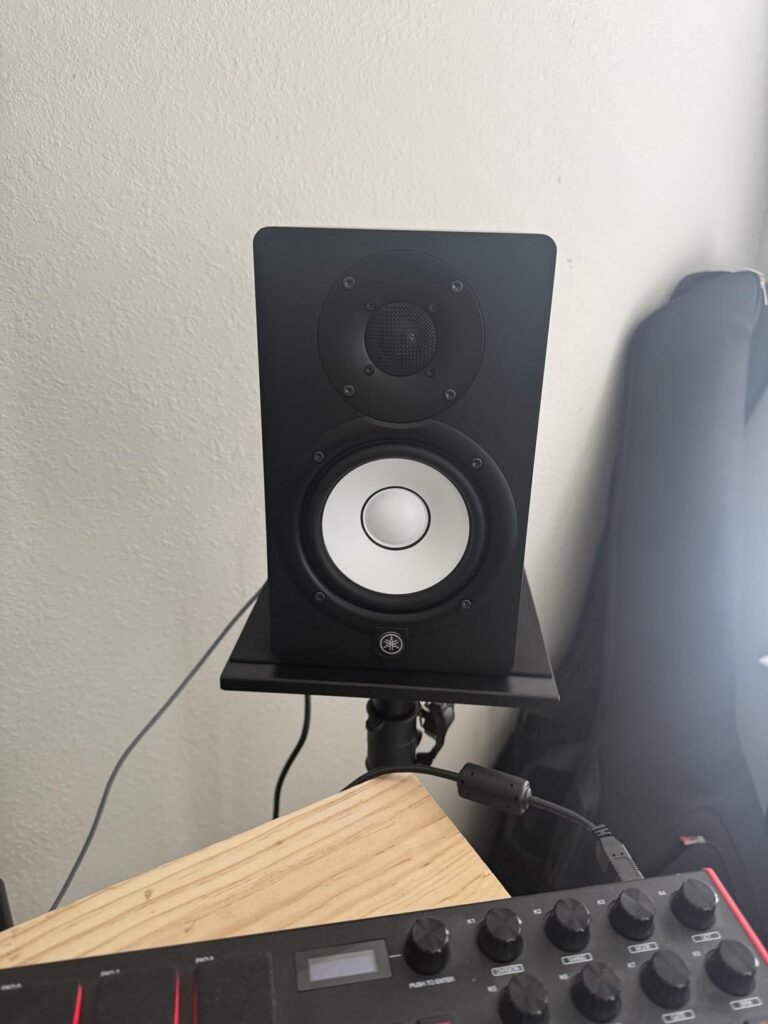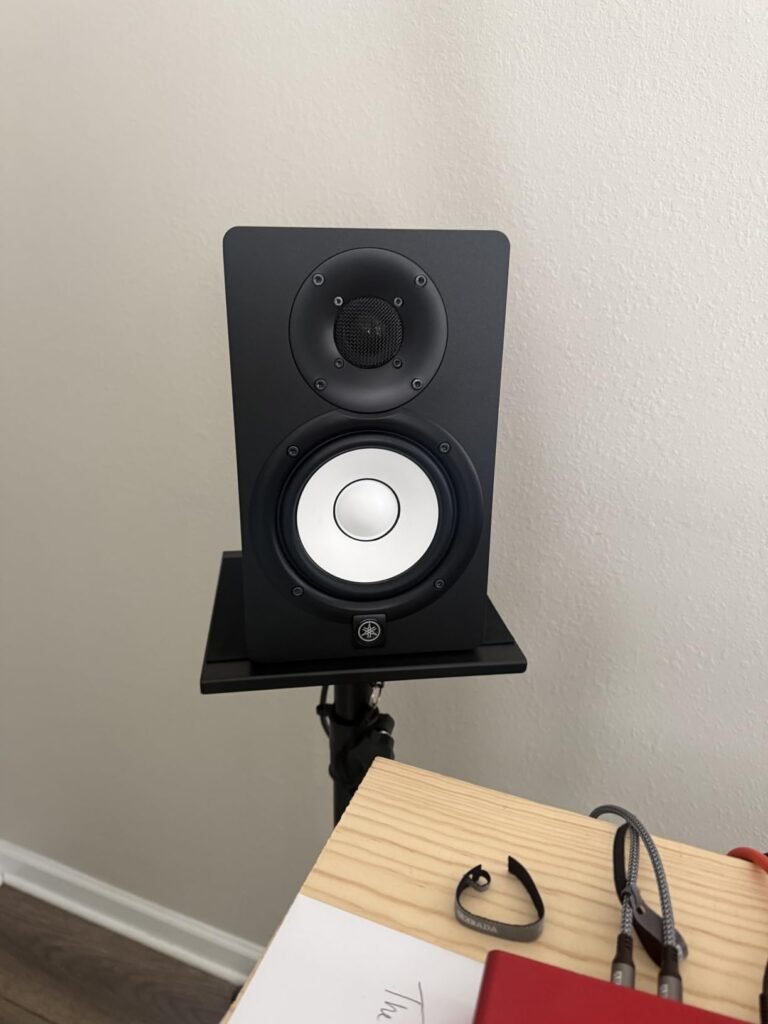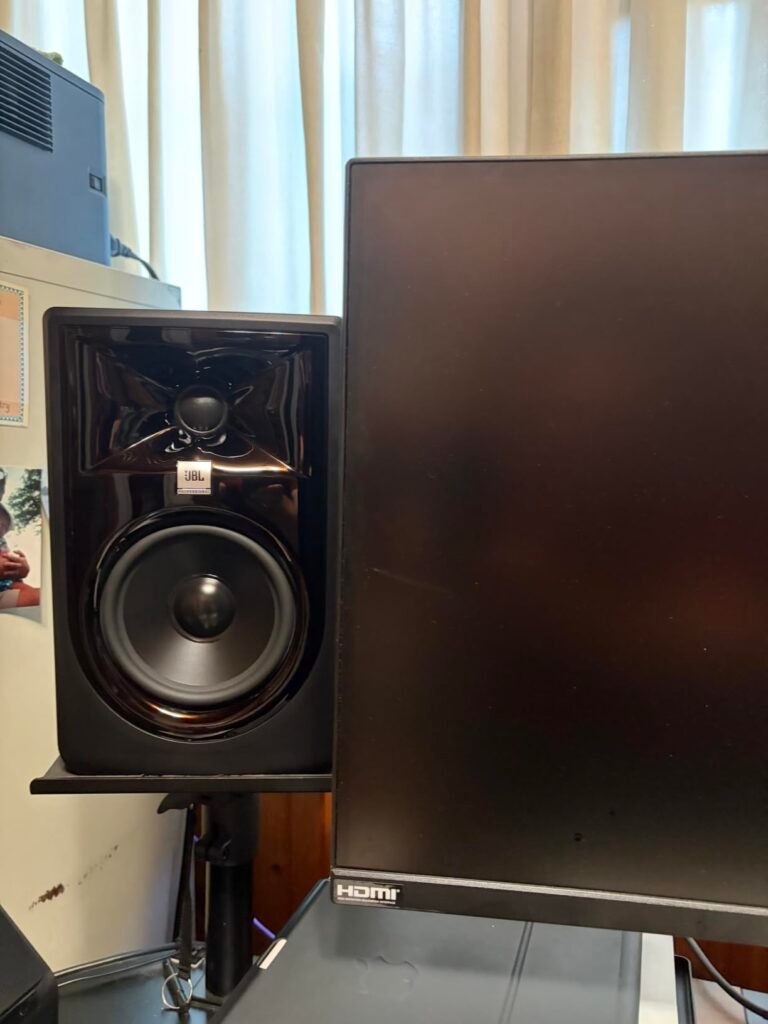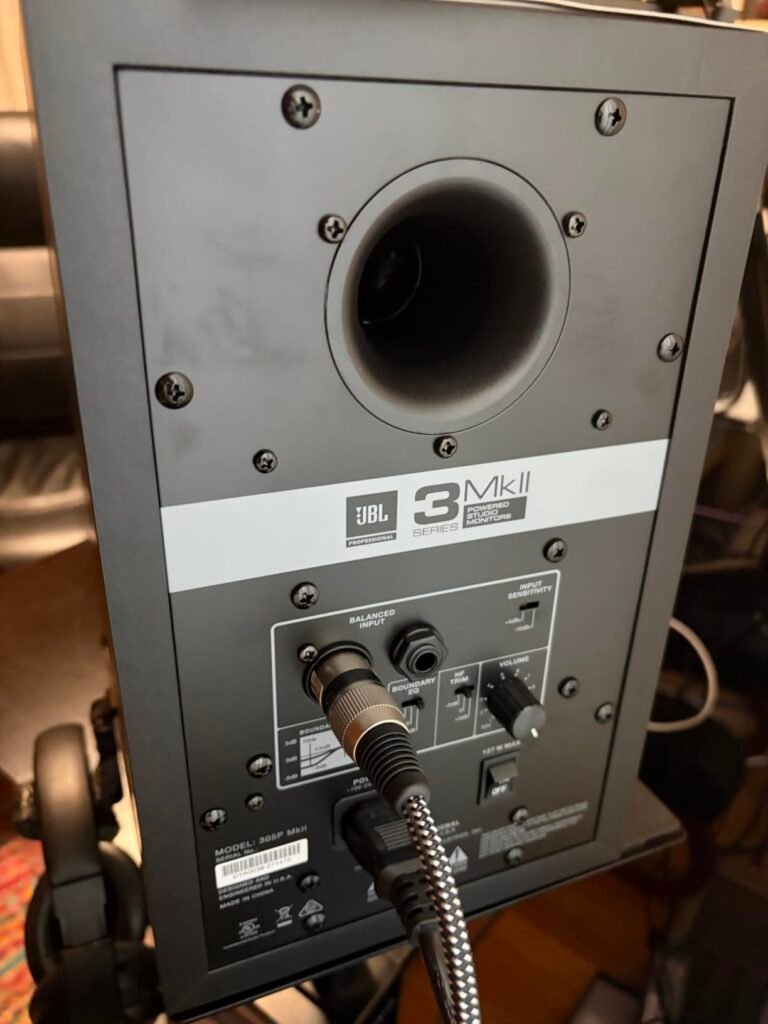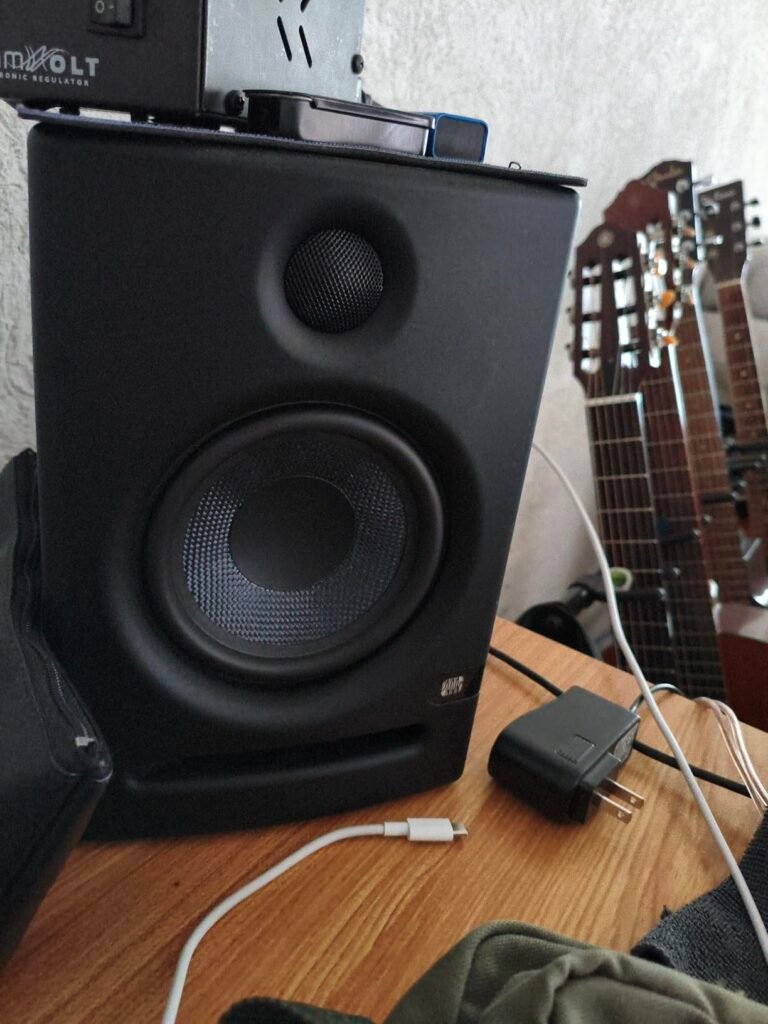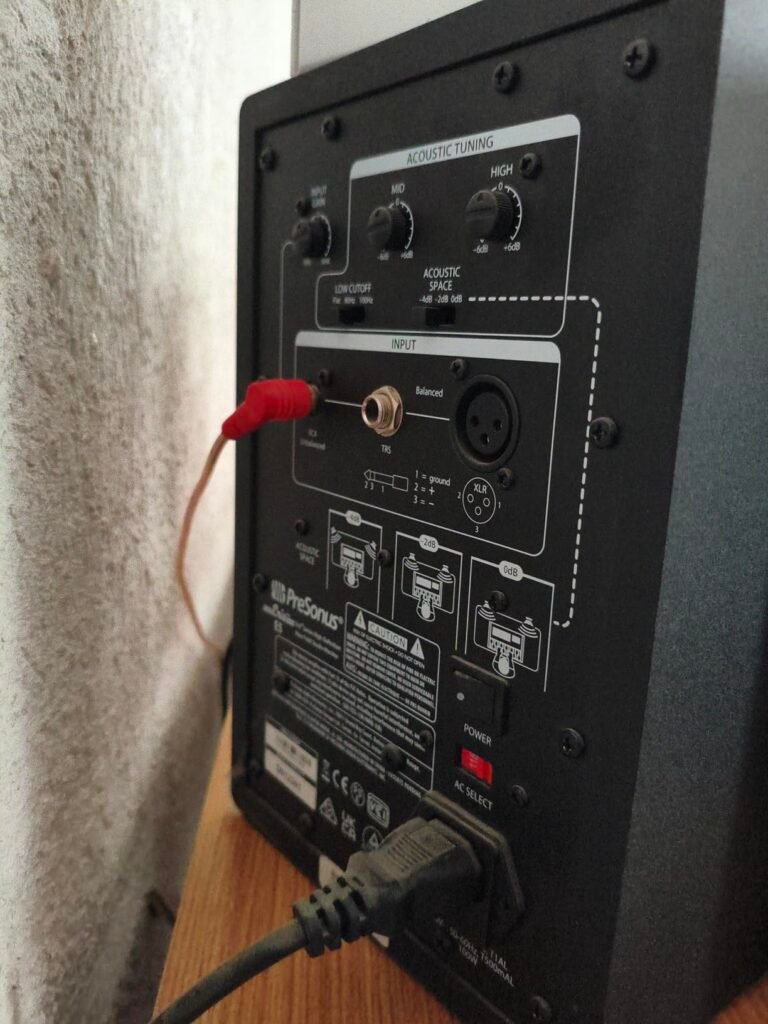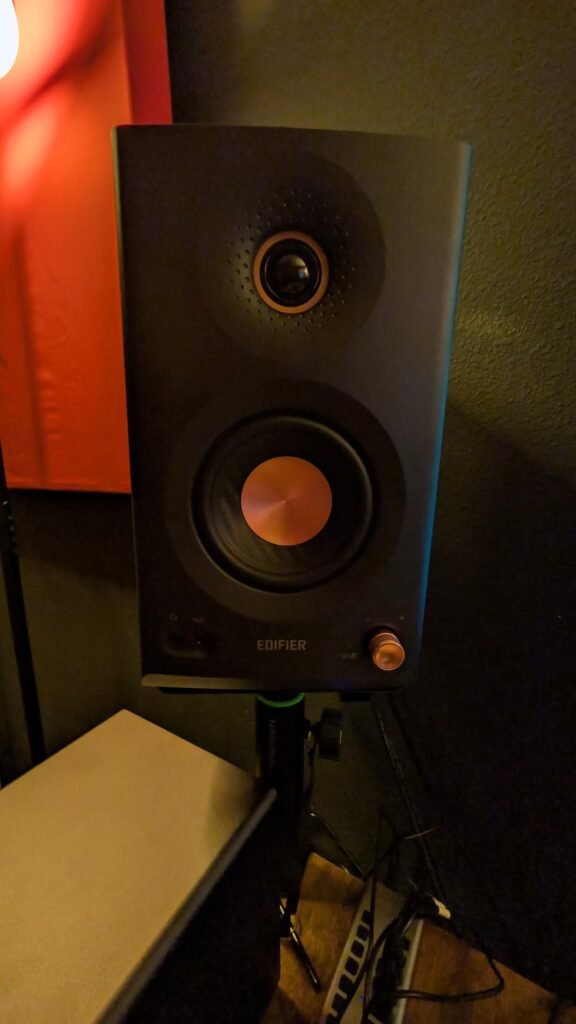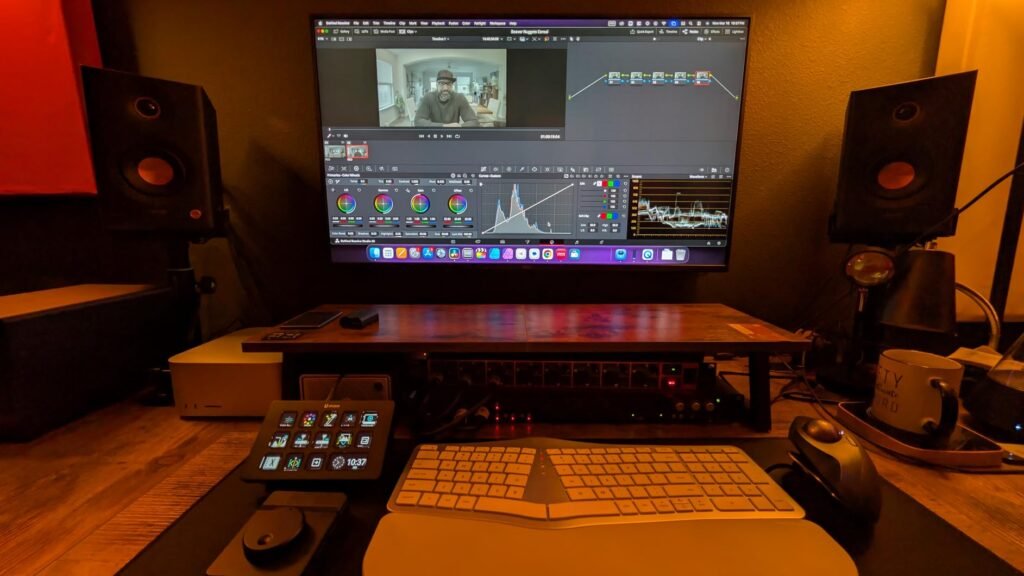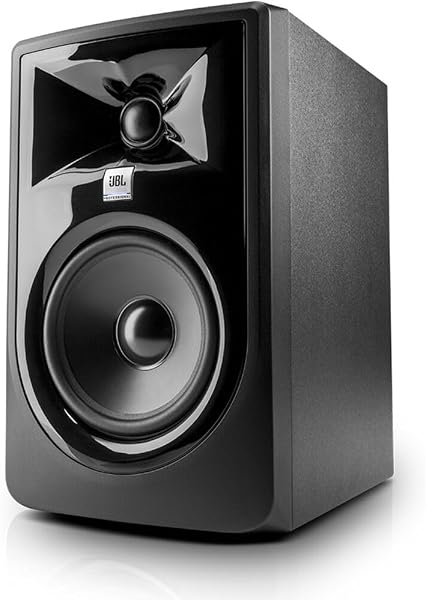
JBL 305P MkII
9.4Editor score5-inch woofer driver
41-watt Class-D amps
XLR and TRS inputs
Boundary EQ controls
Compare 10 studio monitors by driver size, frequency response, connectivity, and room tuning. Find the right reference speakers for mixing, podcasting, and...
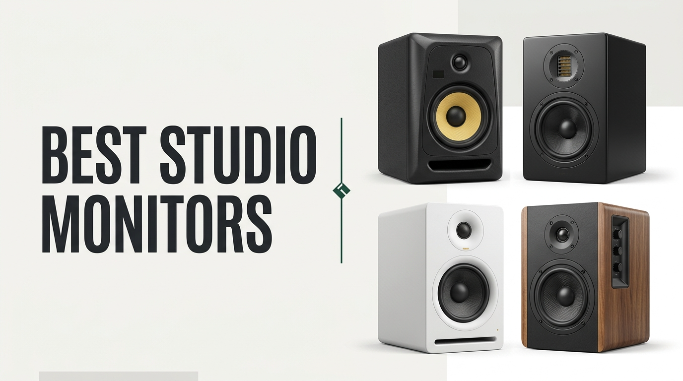
Find the right studio monitors for 2026. We compare 10 standout options by the factors that matter most in a production environment: driver configuration, frequency response range, amplifier power, input connectivity, room correction controls, cabinet construction, and value across nearfield mixing, podcasting, music production, and general desktop audio use.
Studio monitors differ fundamentally from consumer speakers in their goal: flat, uncolored reproduction that reveals the truth in your mix rather than flattering it. A 5-inch monitor that translates accurately in a treated room will outperform a larger consumer speaker for critical listening, and understanding driver size, amplifier type, and input options helps you match a pair to your space and workflow.
This guide breaks down each option by acoustic design, connectivity, and practical usability so you can pick monitors that fit your desk, your budget, and your production needs. Whether you are mixing tracks, recording podcasts, editing video, or simply want more honest sound from your computer, the right reference monitors change how you hear everything.
We compared 10 studio monitors using the details that actually help a buyer decide: woofer size and material, tweeter type, amplifier wattage and class, frequency response range, input connectivity options, room correction controls, cabinet construction, maximum SPL, included accessories, and value per dollar. The notes focus on practical trade-offs so each pick connects to how people actually use monitors for mixing, podcasting, video editing, and general desktop listening in small to mid-sized rooms.

Compare key features, scores, and current prices side by side. A shorter feature list means fewer details were available, not necessarily fewer capabilities.




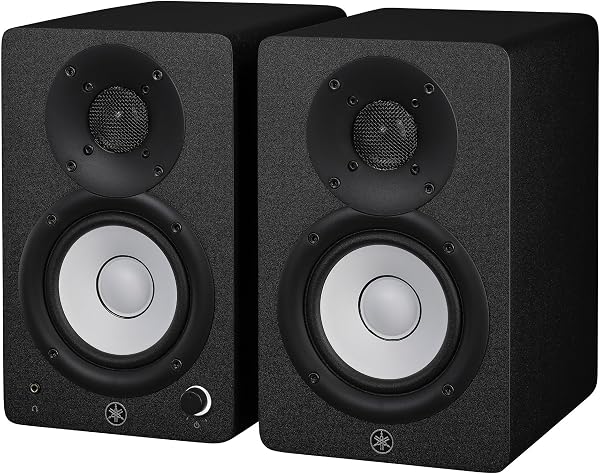
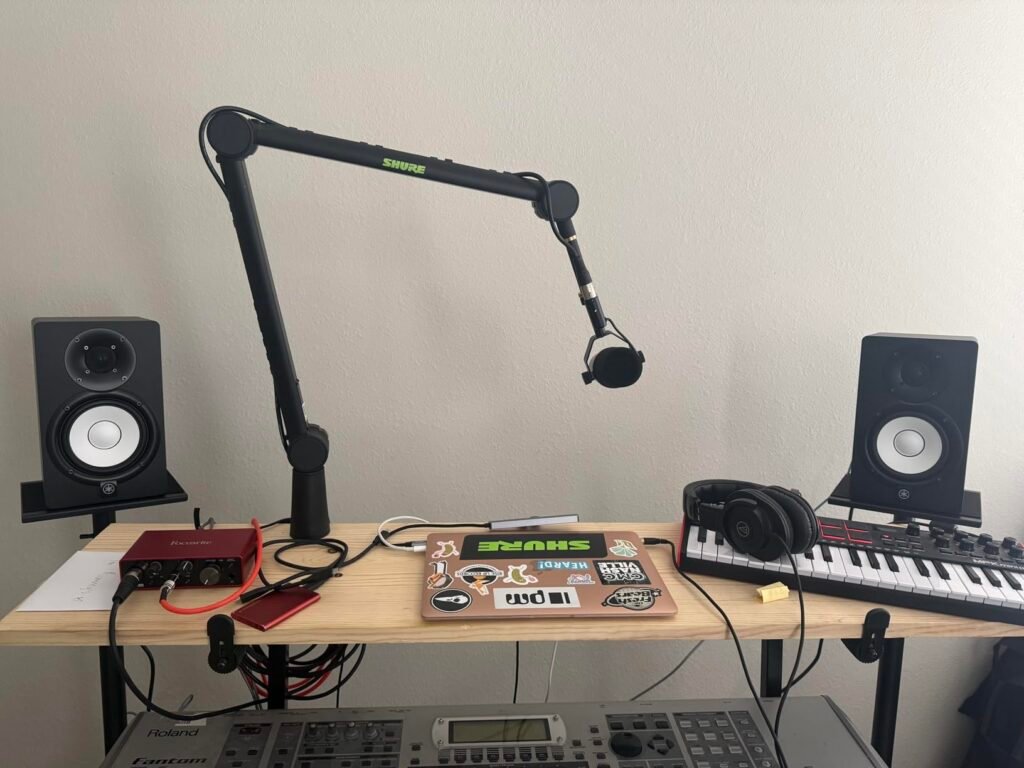
The Yamaha HS5 has become the default recommendation for home studio monitoring, and the 4.8 rating reflects consistent satisfaction across producers, podcasters, and audio engineers who rely on it for critical listening. The design philosophy is simple: reproduce the source material as accurately as possible without adding or subtracting frequency content. What you hear through the HS5 is what is in the mix, which is exactly what you need when making mixing decisions.
We may earn a commission when you buy through this link, at no additional cost to you.
The 2-way bass reflex design pairs a 5-inch cone woofer with a 1-inch dome tweeter, driven by a 45-watt low-frequency and 25-watt high-frequency bi-amp system totaling 70 watts. The frequency response spans 54 hertz to 30 kilohertz, covering the full audible range and beyond. The bi-amp architecture means each driver gets its own dedicated amplifier, reducing intermodulation distortion and keeping the low and high frequencies clean and independent.
The XLR and TRS phone jack inputs accept both balanced and unbalanced signals, connecting directly to audio interfaces, mixing consoles, and professional line-level sources. There are no room correction EQ controls, which is a deliberate design choice: Yamaha wants you to treat your room rather than compensate for it electronically. The black cone woofer and minimal front baffle reduce visual reflections, and the overall build quality feels substantial and durable.
Consumer speakers boost bass and treble to make music sound exciting on first listen. Studio monitors do the opposite, presenting a flat frequency response that reveals problems in your mix that a colored speaker would hide. A mix that sounds good on flat monitors will translate well to car speakers, phone speakers, headphones, and club systems. A mix that only sounds good on bass-boosted speakers will fall apart everywhere else.
This is the top pick for serious producers and podcasters who want the most honest, uncolored monitoring experience at a mid-range price. If you need room correction controls to compensate for an untreated room, or you want RCA inputs for simpler connectivity, the JBL 305P MkII or PreSonus Eris E5 will suit you better.
Beginners who want built-in room correction or RCA inputs for direct computer connection without an audio interface.
We may earn a commission when you buy through this link, at no additional cost to you.
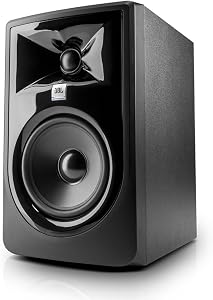
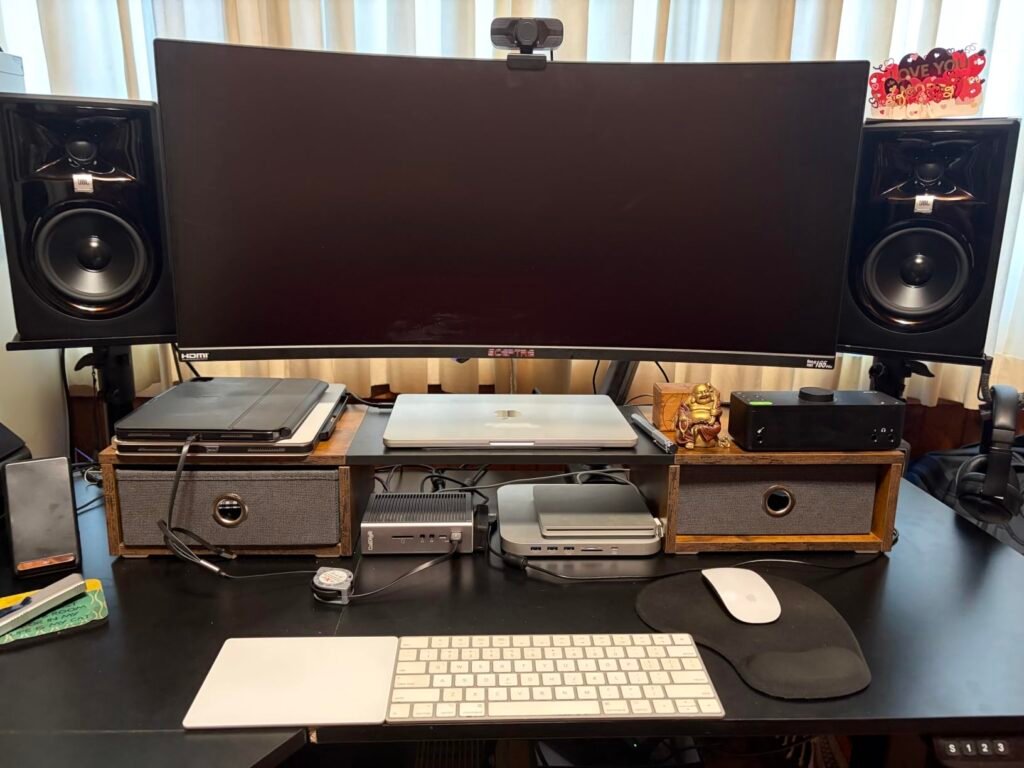
The JBL 305P MkII targets producers and podcasters who need accurate stereo imaging across a wider listening area than typical nearfield monitors provide. The patented Image Control Waveguide shapes the tweeter's dispersion pattern, creating a broader sweet spot where the stereo image stays coherent even if you shift a few inches from center. This matters in a home studio where you move around your desk between checking a mix and grabbing a coffee.
We may earn a commission when you buy through this link, at no additional cost to you.
The dual 41-watt Class-D amplifiers drive a 5-inch woofer and a high-frequency driver with efficiency that keeps power consumption low while maintaining dynamic range. The Slip Stream port design minimizes air turbulence at the port opening, which reduces the chuffing noise that can mask quiet passages in a mix. Together, these design choices produce a clean, detailed sound that reveals the nuances in a recording without adding coloration.
The Boundary EQ and HF Trim controls on the rear panel let you adjust low and high frequencies to compensate for your room’s acoustic characteristics. If your monitors sit close to a wall, the Boundary EQ reduces the bass buildup that occurs at boundaries. The XLR and TRS inputs accept both balanced and unbalanced signals, connecting directly to audio interfaces, mixing consoles, and line-level sources without adapters.
In a professional studio, monitors are positioned with precise geometry and the engineer sits at a fixed point. In a home studio, you shift position constantly. A waveguide-controlled tweeter maintains a consistent stereo image across a wider angle, so the mix sounds the same whether you are centered, leaning left to check a plugin, or standing back to assess overall balance. This reduces the temptation to over-adjust your mix based on a single listening position.
This is the top pick for producers who prioritize stereo imaging accuracy and need a monitor that stays coherent across a wider listening area. If you want RCA inputs for connecting a turntable or phone directly, or Bluetooth for wireless streaming, other options in this guide will serve you better.
Users who need RCA inputs for direct phone or turntable connection, or who want Bluetooth for wireless streaming.
We may earn a commission when you buy through this link, at no additional cost to you.
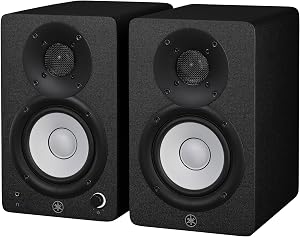
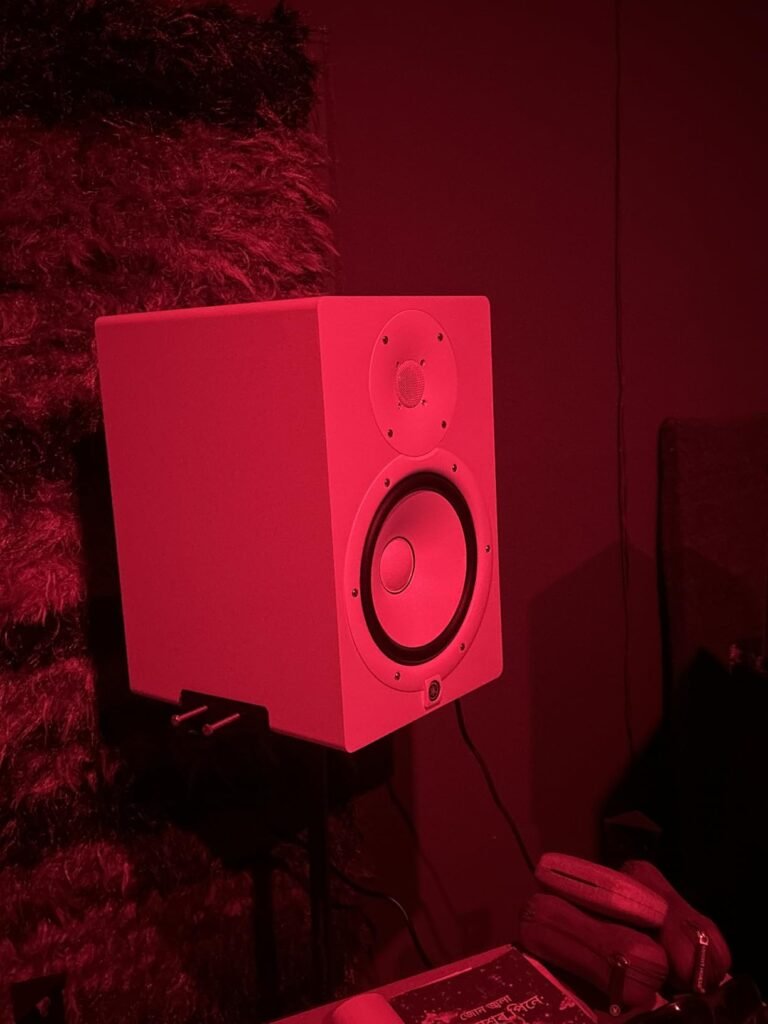
The Yamaha HS4 brings the same flat, uncolored reference philosophy of the HS5 into a smaller 4.5-inch package that fits more easily on compact desks and in small home offices. If your workspace is tight or your room is under 12 feet, the HS4's smaller woofer and lower output prevent the bass buildup that can occur when a 5-inch monitor overpowers a small space.
We may earn a commission when you buy through this link, at no additional cost to you.
The 60 hertz to 22 kilohertz frequency response covers most of the audible range, with the low end rolling off below 60 hertz. This means you will not hear the deepest sub-bass content in electronic music or film soundtracks, but for vocal production, podcasting, and most pop, rock, and acoustic mixes, the range is more than sufficient. The 26-watt output per band provides adequate volume for nearfield monitoring at arm’s length.
The HS4 adds room control and high-frequency trim adjustments that the HS5 lacks, giving you a simple way to compensate for boundary bass buildup or harsh reflections without full acoustic treatment. The input selection is generous, including XLR/TRS combo, RCA, and stereo mini inputs, so you can connect an audio interface, a phone, a laptop, or a turntable without adapters. Anti-slip pads and a stereo mini-to-RCA cable are included in the box.
In rooms under 12 feet, a 5-inch woofer can produce more low-frequency energy than the room can absorb, creating standing waves that make your bass sound boomy or uneven. A 4.5-inch monitor produces less total low-end output, which paradoxically gives you a more accurate bass picture in a small room. You will still need to listen to your mix on headphones for the sub-60 hertz content, but the mid-bass and mids will be more reliable.
This is the smart pick for podcasters, vocal producers, and home office users who want reference-quality monitoring in a compact package with flexible connectivity. If you mix bass-heavy electronic music or need the full low-end extension of a 5-inch woofer, step up to the HS5 or Eris E5.
Producers mixing bass-heavy electronic, hip-hop, or film soundtracks who need full sub-bass extension below 60 Hz.
We may earn a commission when you buy through this link, at no additional cost to you.
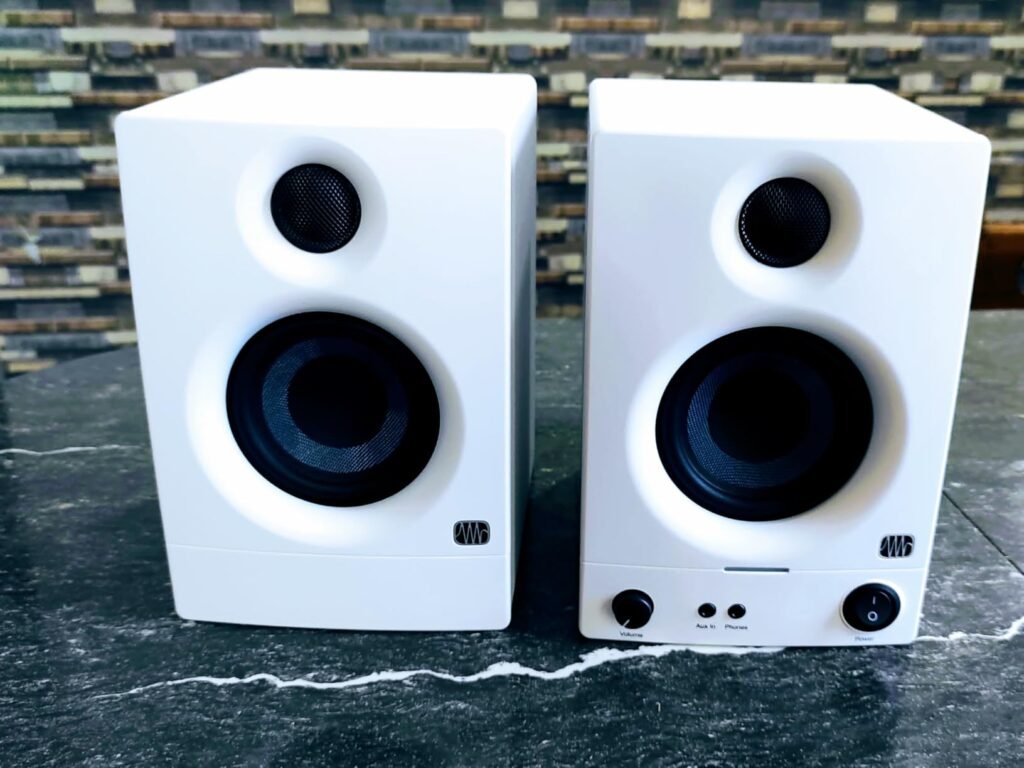
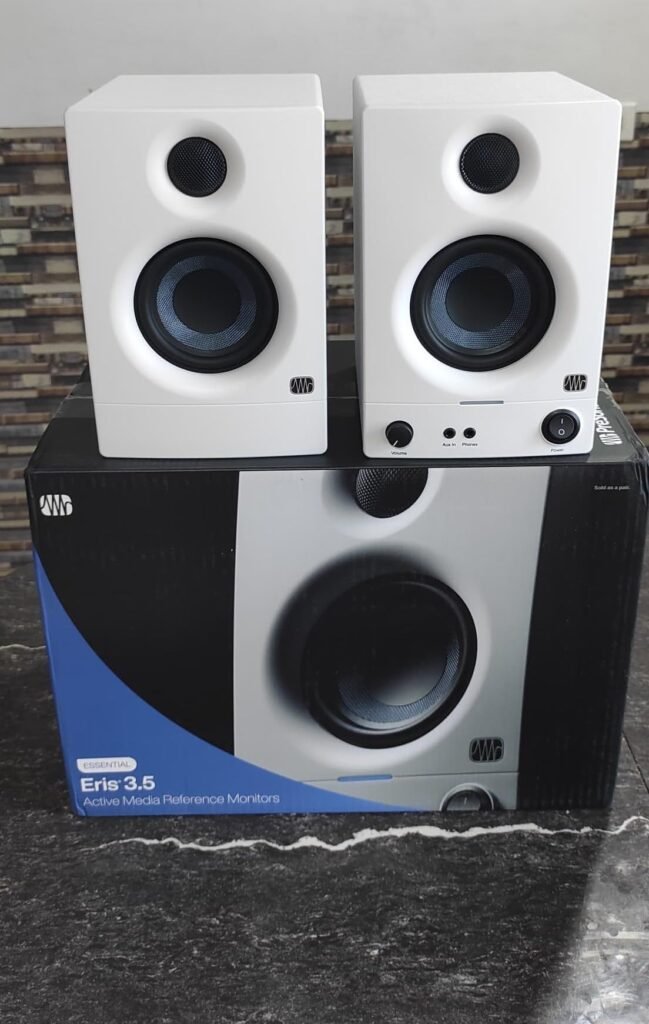
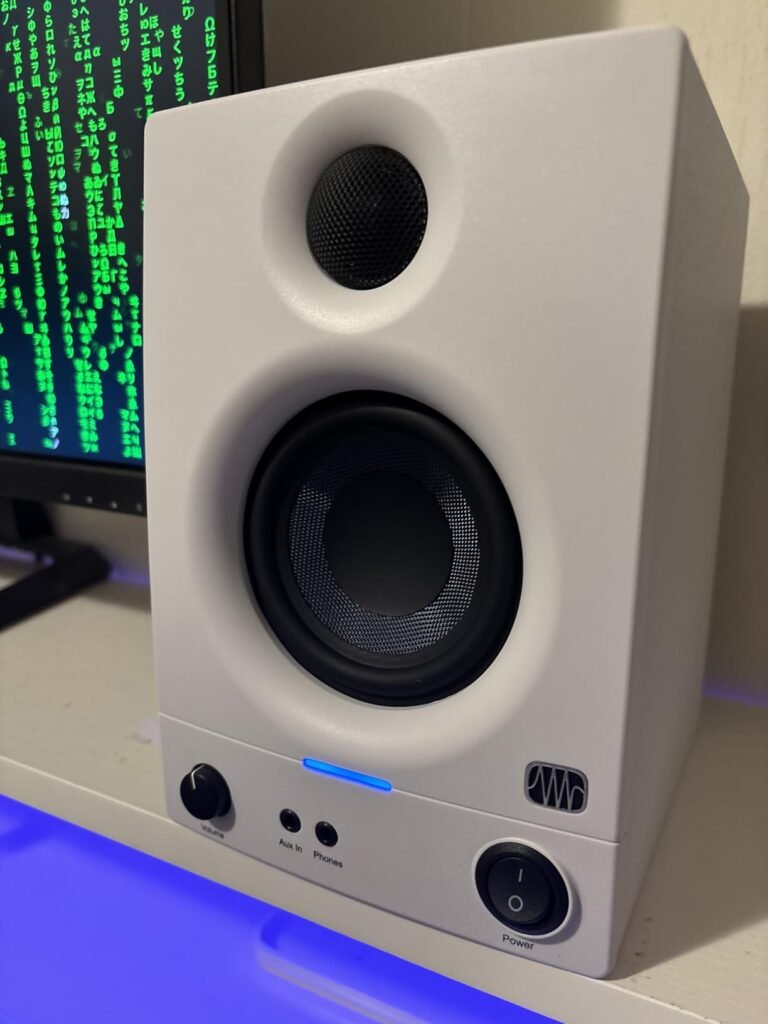
The PreSonus Eris 3.5 is the most accessible entry point into studio monitoring in this guide, priced under $100 for a complete stereo pair. It is designed for people who want to upgrade from laptop speakers or basic computer speakers and get a more honest, detailed sound for music production, podcasting, video editing, or general desktop listening without a large investment.
We may earn a commission when you buy through this link, at no additional cost to you.
The 3.5-inch woven-composite woofers and 1-inch silk-dome tweeters cover 80 hertz to 20 kilohertz, which handles the vast majority of content you will produce or listen to at a desk. The 50 watts of built-in amplification provides clean, distortion-free sound at moderate volumes, enough to fill a small room without breaking up. The silk-dome tweeters smooth out the harshness that smaller drivers can produce, keeping high frequencies listenable during long sessions.
The connectivity is the standout feature at this price point. Balanced TRS, RCA, and a front-panel aux input let you plug in a computer, audio interface, mixer, game console, phone, or turntable without adapters. The front headphone jack lets you switch to private listening without unplugging and reconnecting cables. The built-in high- and low-frequency tuning controls let you adjust the sound to your room without buying acoustic panels first.
A front-panel headphone output is a small feature that saves real time and frustration. When a client sits down to approve a mix, or when you want to check a detail in a quiet room, you can plug in headphones without reaching behind the monitor, unplugging a cable, and reconnecting it. For podcasters who alternate between monitoring and recording, this convenience adds up over hundreds of sessions.
This is the right pick for first-time buyers, students, podcasters on a budget, or anyone who wants a meaningful upgrade from laptop speakers without spending more than $100. If you need deeper bass extension or more midrange detail for critical mixing, step up to the Eris E5 or Yamaha HS4.
Serious music producers who need full-range response below 80 Hz or the detailed midrange of a 5-inch driver.
We may earn a commission when you buy through this link, at no additional cost to you.
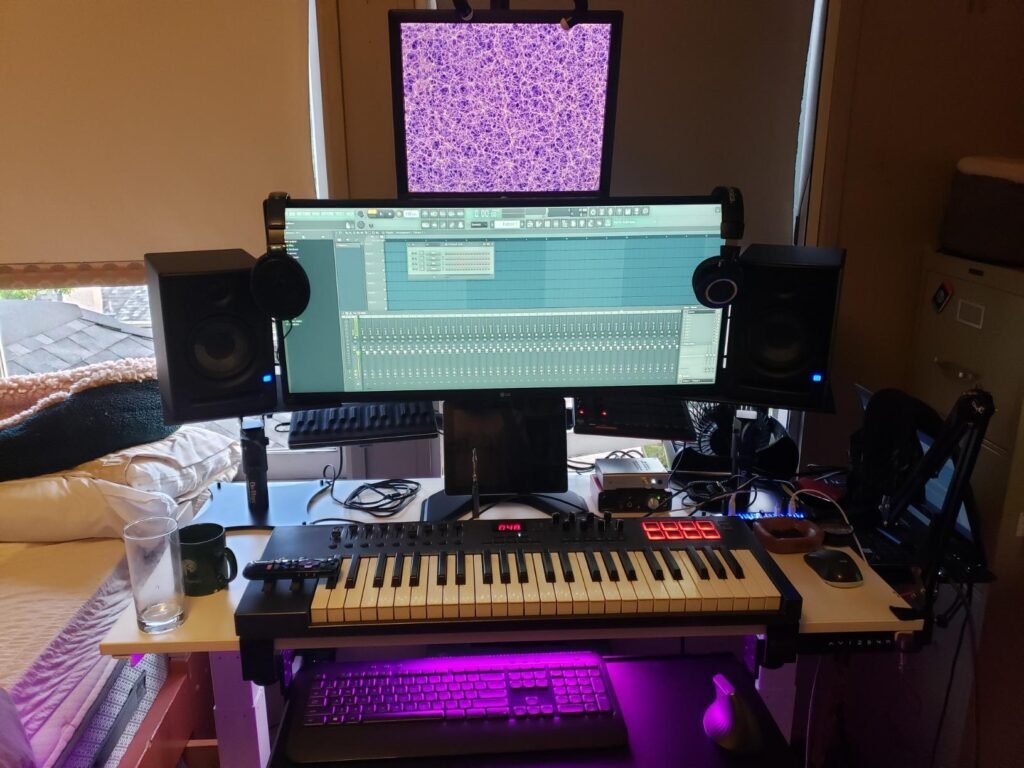
The PreSonus Eris E5 steps up from the 3.5-inch model with a 5.25-inch woven-composite woofer that extends the low end further and adds more midrange authority. The 80-watt Class AB bi-amplification provides ample headroom for nearfield monitoring, and the 102 dB maximum continuous SPL means you can push these monitors to higher volumes without distortion, which matters when you are checking how a mix holds up at party volume.
We may earn a commission when you buy through this link, at no additional cost to you.
The front-firing acoustic port is a design choice that reduces the boundary interaction problems that rear-ported monitors create when placed close to a wall. In a small home studio where you cannot always position monitors 3 feet from the back wall, a front-firing port minimizes the bass boost that occurs at the boundary, giving you a more accurate low-end picture without extensive room treatment.
The built-in protection circuits including RF interference filtering, output current limiting, over-temperature shutdown, transient protection, and subsonic protection extend the life of the internal amplifiers and drivers. These protections matter over years of daily use, preventing the gradual degradation that occurs when amplifiers are pushed beyond their safe operating range. The balanced XLR and 1/4-inch inputs plus unbalanced RCA inputs cover all common studio connections.
Rear-ported monitors direct bass energy toward the back wall, where it reflects and interferes with the direct sound, creating peaks and nulls in the low frequency response. Front-firing ports direct that energy toward the listener, reducing the boundary interaction and producing a smoother low-end response in rooms where you cannot move the monitors far from the wall. This is a meaningful advantage in apartments and home offices where wall distance is limited.
This is the top pick for small studio producers who want 5-inch-class bass extension with the protection and power to handle long mixing sessions. If your desk is very tight or your room is under 10 feet, the smaller HS4 or Eris 3.5 will be a better spatial fit.
Users with very small desks or rooms under 10 feet where the larger 5.25-inch cabinet will overpower the space.
We may earn a commission when you buy through this link, at no additional cost to you.
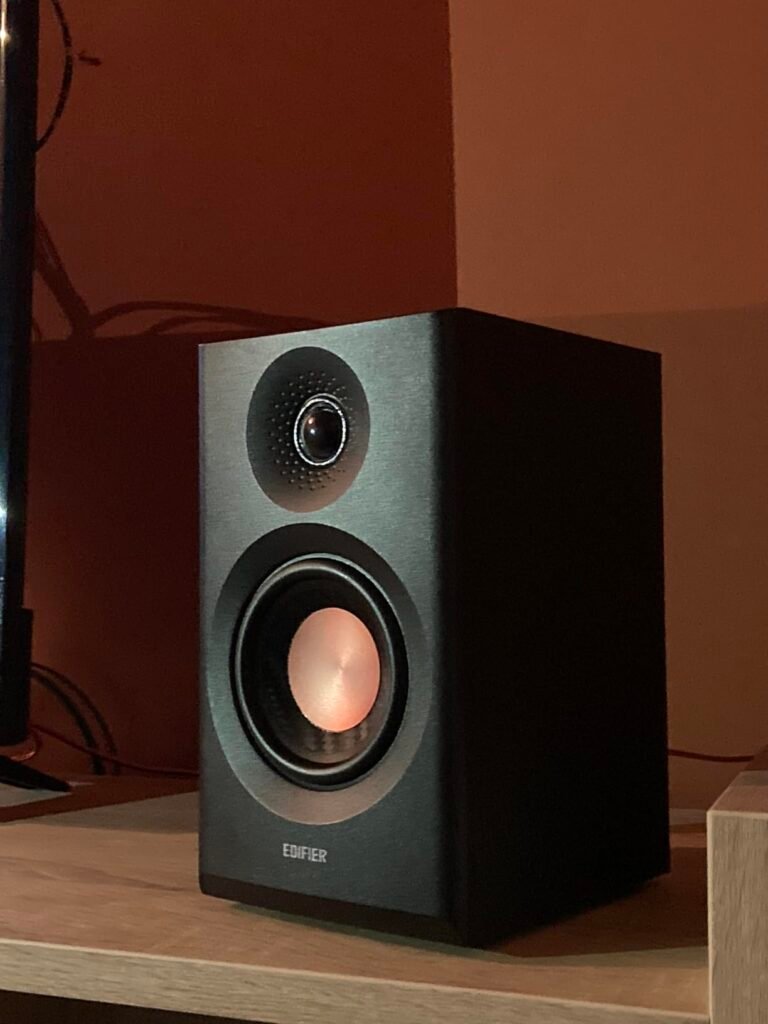
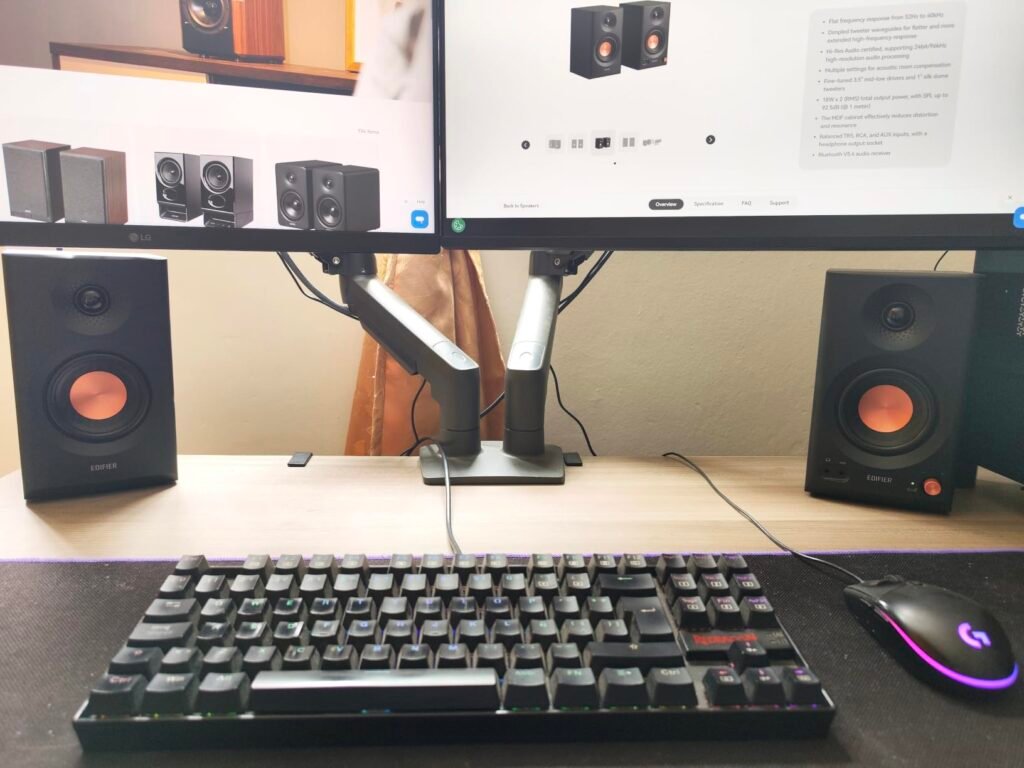
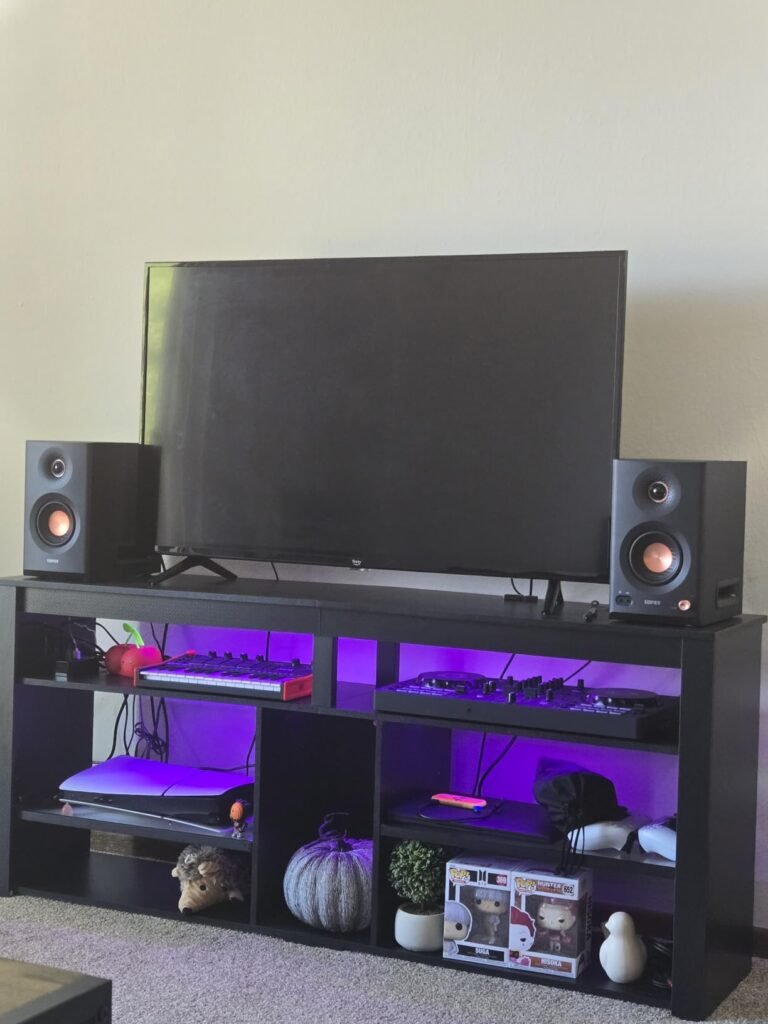
The Edifier MR5 takes a three-way approach to studio monitoring, separating the low, mid, and high frequencies into dedicated drivers: a 5-inch long-throw woofer, a 3.75-inch mid driver, and a 1-inch silk dome tweeter. This architecture allows each driver to operate in its optimal frequency range, reducing distortion and improving detail retrieval compared to a 2-way design where the woofer must handle both bass and midrange.
We may earn a commission when you buy through this link, at no additional cost to you.
The frequency response spans 46 hertz to 40 kilohertz, extending well beyond the audible range for hi-res audio content. The 110-watt RMS Class-D amplifier delivers 101 dB peak SPL, providing ample volume for nearfield monitoring or filling a mid-sized room. The dimpled tweeter waveguide ensures consistent sound quality across a wider listening area, reducing the narrow sweet spot that plagues smaller monitors.
Bluetooth 6.0 with LDAC codec support enables high-resolution wireless streaming from a phone or laptop, and the multi-point connection lets you pair two devices simultaneously. The EDIFIER ConneX app adds advanced room compensation with low cut-off, desktop control, and acoustic space presets, going beyond the simple high/low trim knobs found on most monitors. XLR, TRS, RCA, and AUX inputs plus a front-panel 3.5mm headphone output cover all connectivity needs.
In a two-way monitor, the woofer handles both bass and midrange, which means it must be large enough for bass but light enough for mids. A dedicated mid driver in a three-way design can be optimized specifically for the 500 Hz to 4 kHz range where most vocal and instrumental detail lives. The result is cleaner, more separated midrange with less coloration from the woofer’s motion, which is most noticeable on acoustic instruments and vocal recordings.
This is the top pick for producers who want three-way accuracy, hi-res audio support, and wireless connectivity in a single package. If you prefer a simpler two-way design or do not need Bluetooth, the Yamaha HS5 or JBL 305P MkII offer comparable accuracy at a lower price.
Buyers who prefer a simpler two-way design or do not need Bluetooth and app-based room tuning features.
We may earn a commission when you buy through this link, at no additional cost to you.
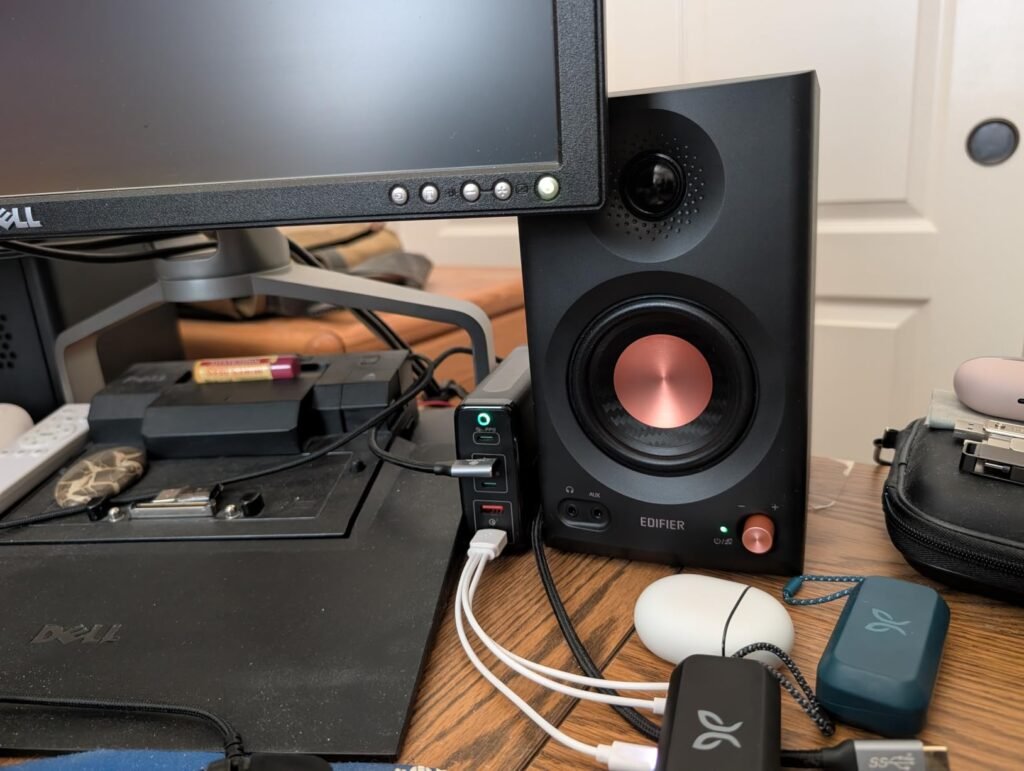
The Edifier MR3 brings Hi-Res Audio certification and Bluetooth connectivity to the budget studio monitor segment, offering features that were previously reserved for monitors twice the price. The 52 hertz to 40 kilohertz frequency response covers the full hi-res audio range, and the 36-watt RMS output provides adequate volume for nearfield monitoring at arm's length in a typical home office.
We may earn a commission when you buy through this link, at no additional cost to you.
The 3.5-inch mid-low drivers and 1-inch tweeters deliver a flat response across the stated range, with the MDF cabinet reducing internal resonance that would color the sound. The three listening modes, Music, Monitor, and Custom, let you switch between a slightly warmed sound for casual listening and a flat reference response for critical monitoring without adjusting physical knobs. The EDIFIER ConneX app provides in-depth EQ adjustments for further customization.
Bluetooth multi-point connection lets you pair two devices simultaneously, switching between a laptop for production work and a phone for reference listening without re-pairing. The balanced TRS, RCA, and AUX inputs plus a headphone output cover all common connectivity scenarios. The compact size fits easily on a desk alongside a keyboard and monitor without crowding the workspace.
Hi-Res Audio certification indicates the speaker can reproduce frequencies beyond the 20 kilohertz limit of CD audio, typically extending to 40 kHz or higher. While human hearing tops out around 20 kHz, the extended range affects the harmonic content and spatial cues that give hi-res recordings their perceived openness and detail. For most listeners, the difference is subtle, but it becomes more apparent on well-recorded acoustic and classical material.
This is the smart pick for budget-conscious producers, podcasters, and content creators who want hi-res audio capability and wireless convenience without spending more than $110. If you need deeper bass extension or more power for a larger room, the Eris E5 or Yamaha HS4 will serve you better.
Producers mixing bass-heavy content who need extension below 52 Hz or who need more power for larger rooms.
We may earn a commission when you buy through this link, at no additional cost to you.
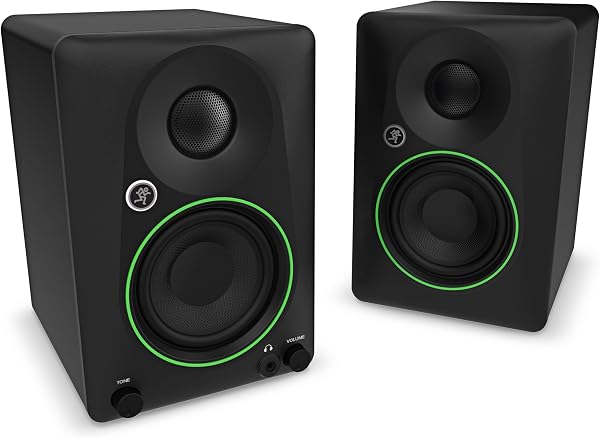
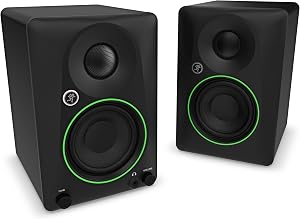
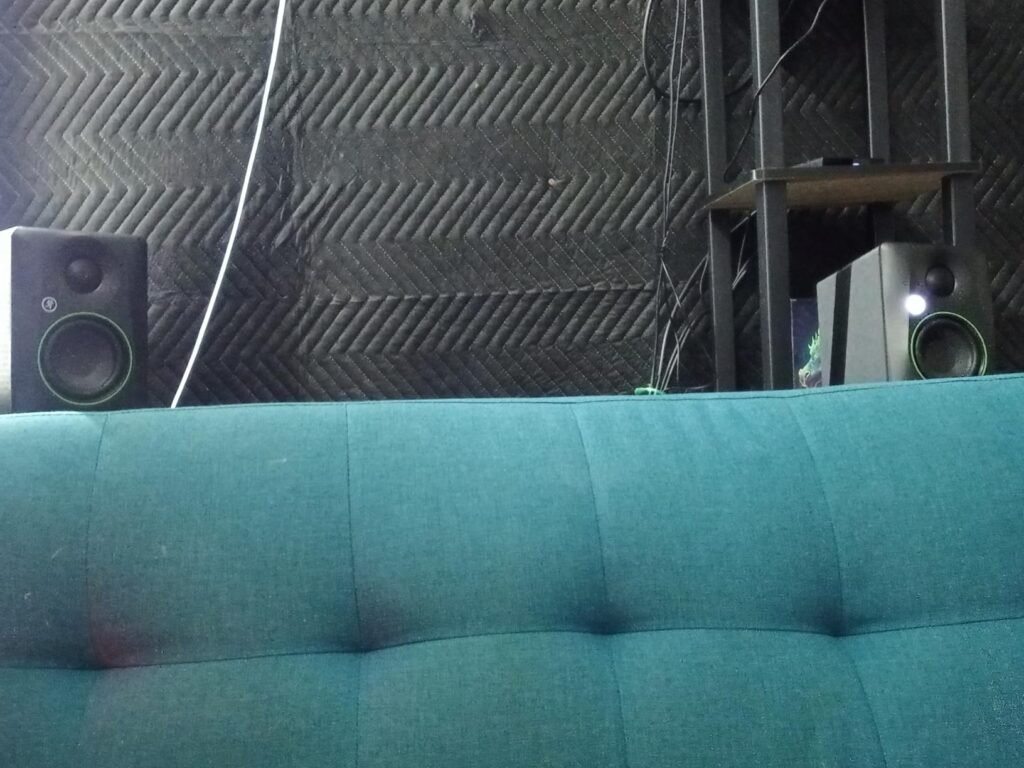
The Mackie CR3.5 takes a practical, no-frills approach to studio monitoring, focusing on the features that matter most for a quick setup on a desk: a tone knob for instant voicing, a location switch that corrects bass response based on whether the monitors sit against a wall or in free space, and isolation pads included in the box so you can start monitoring immediately without buying accessories separately.
We may earn a commission when you buy through this link, at no additional cost to you.
The 3.5-inch woofers handle the midrange and upper bass, with the low end rolling off below the range where most desk monitoring occurs. The tone knob lets you dial in the voicing from your desk without navigating menus or adjusting multiple controls, which is useful when you are switching between a bright vocal mix and a warm instrumental track. The location switch is a genuinely useful feature that addresses the most common problem with small monitors: bass buildup when placed near a wall.
The included isolation pads reduce the vibration transfer from the monitors to your desk surface, which can add a rumbly coloration to the low end if the cabinet resonates against a wooden desk. All necessary cables are included, so you can unbox, plug in, and start monitoring within minutes. The compact size fits on a desk alongside a keyboard, mouse, and monitor without crowding the workspace.
When a speaker cabinet sits directly on a wooden desk, the mechanical vibration from the woofer transfers into the desk surface, which acts as a secondary soundboard and adds a rumbly, indistinct coloration to the low end. Isolation pads break this mechanical connection, allowing the cabinet to vibrate freely and produce a cleaner low-end response. The effect is subtle but noticeable, particularly in the 80 to 200 Hz range where most vocal and bass guitar content lives.
This is the smart pick for podcasters, streamers, and home office users who want a quick, no-fuss monitoring setup with practical room correction features. If you need deeper bass extension, Bluetooth, or the detailed midrange of a larger driver, other options in this guide will serve you better.
Music producers who need full-range response below 80 Hz or who want Bluetooth and app-based room tuning.
We may earn a commission when you buy through this link, at no additional cost to you.
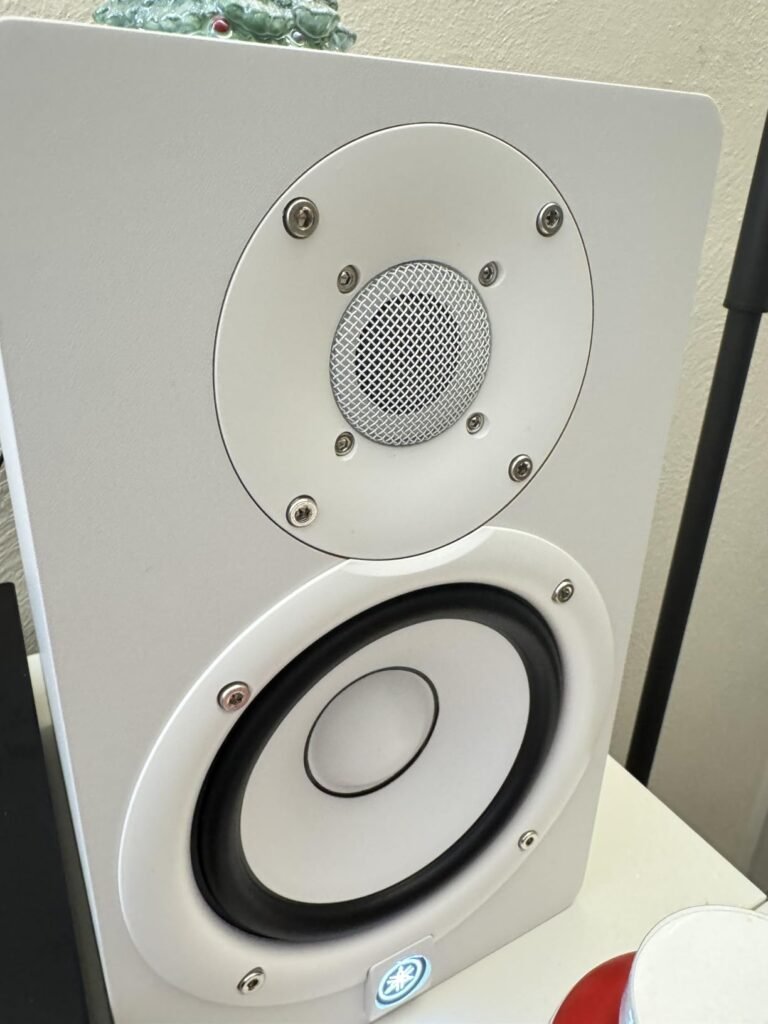
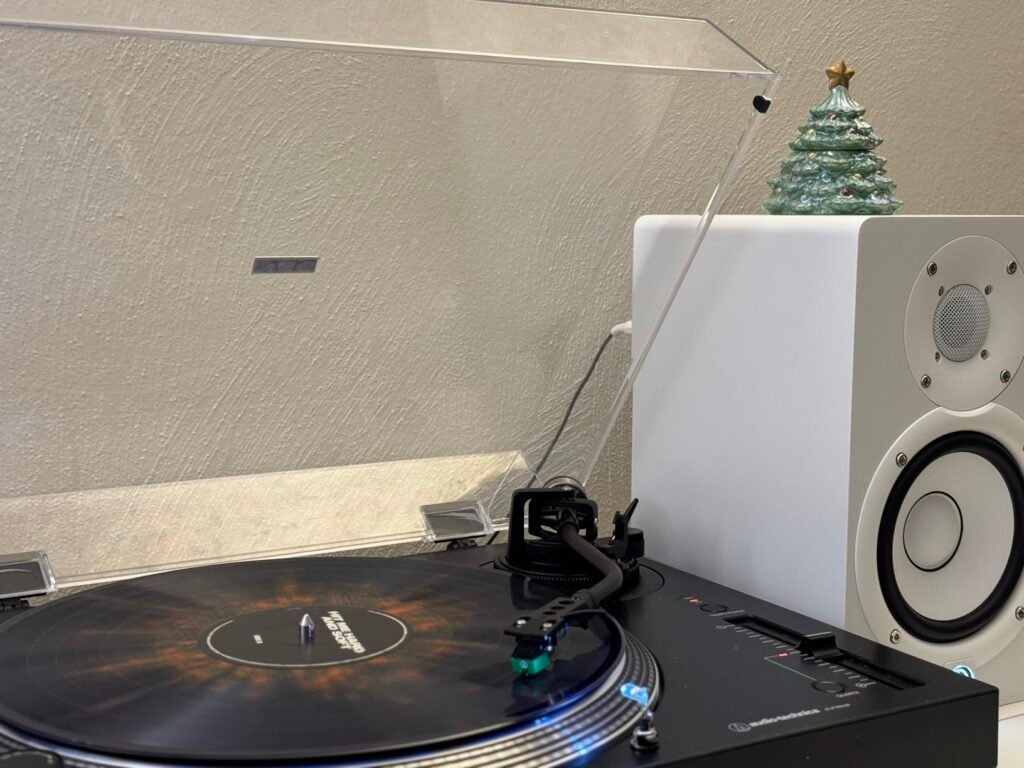
The Yamaha HS5 in white offers the identical acoustic performance of the black HS5 in a finish that suits modern studio aesthetics, bright home offices, and minimalist desk setups. The white cabinet and black cone woofer create a clean visual contrast that complements white desks, light wood surfaces, and modern interior design without the visual weight of an all-black monitor pair.
We may earn a commission when you buy through this link, at no additional cost to you.
The acoustic specifications are identical to the black HS5: a 5-inch cone woofer and 1-inch dome tweeter driven by a 70-watt bi-amp system, with a frequency response from 54 hertz to 30 kilohertz. The flat, uncolored reference response ensures that what you hear is an accurate representation of your mix, and the XLR and TRS inputs connect to any standard audio interface or mixing console.
The white finish requires slightly more attention to keep looking clean, as dust, fingerprints, and minor scuffs are more visible on a light surface than on black. In a studio environment with regular dust from construction, renovation, or high-traffic use, the white finish will show wear faster. For a home office or treated studio with controlled access, the white finish maintains its appearance well.
Monitor color is a practical consideration, not just an aesthetic one. In a bright, white-walled studio, black monitors create a strong visual contrast that can be distracting during long sessions. White or light-colored monitors blend into the environment, reducing visual distraction. In a dark studio or home office with dark furniture, black monitors disappear into the background. Match the finish to your dominant surface color for the least visual distraction.
This is the pick for producers and podcasters who want the proven accuracy of the HS5 in a white finish that matches their studio or office aesthetic. If you do not care about color or want to save a few dollars, the black HS5 is acoustically identical.
Buyers in high-dust environments or those who prefer the visual weight of an all-black monitor pair.
We may earn a commission when you buy through this link, at no additional cost to you.
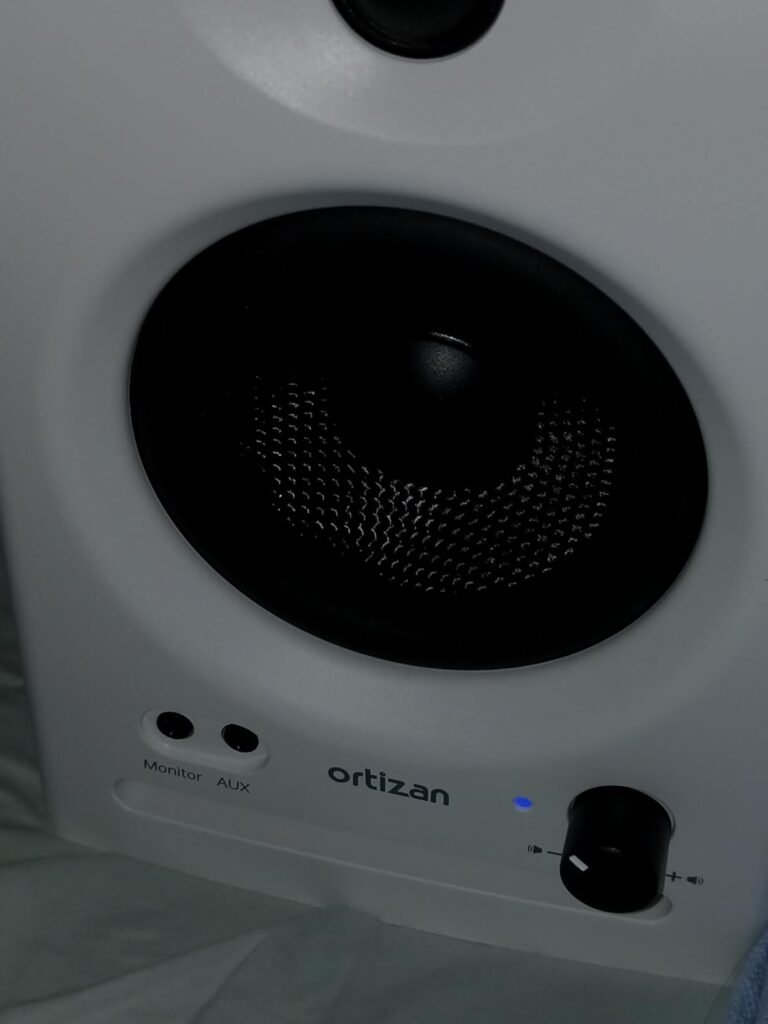
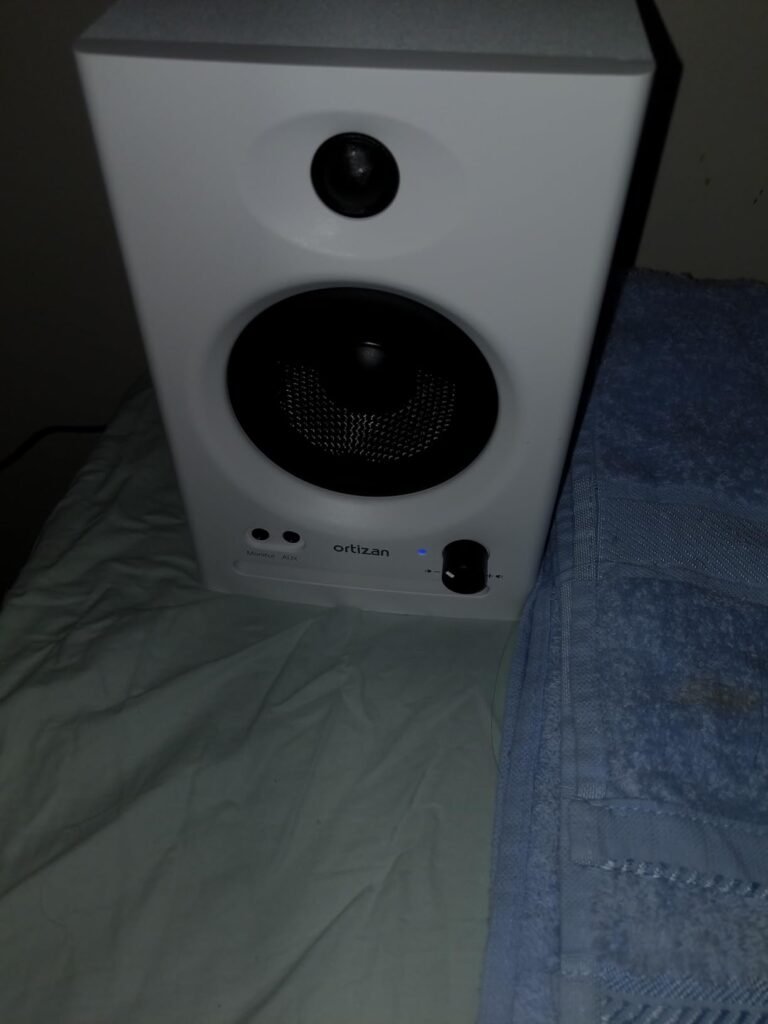
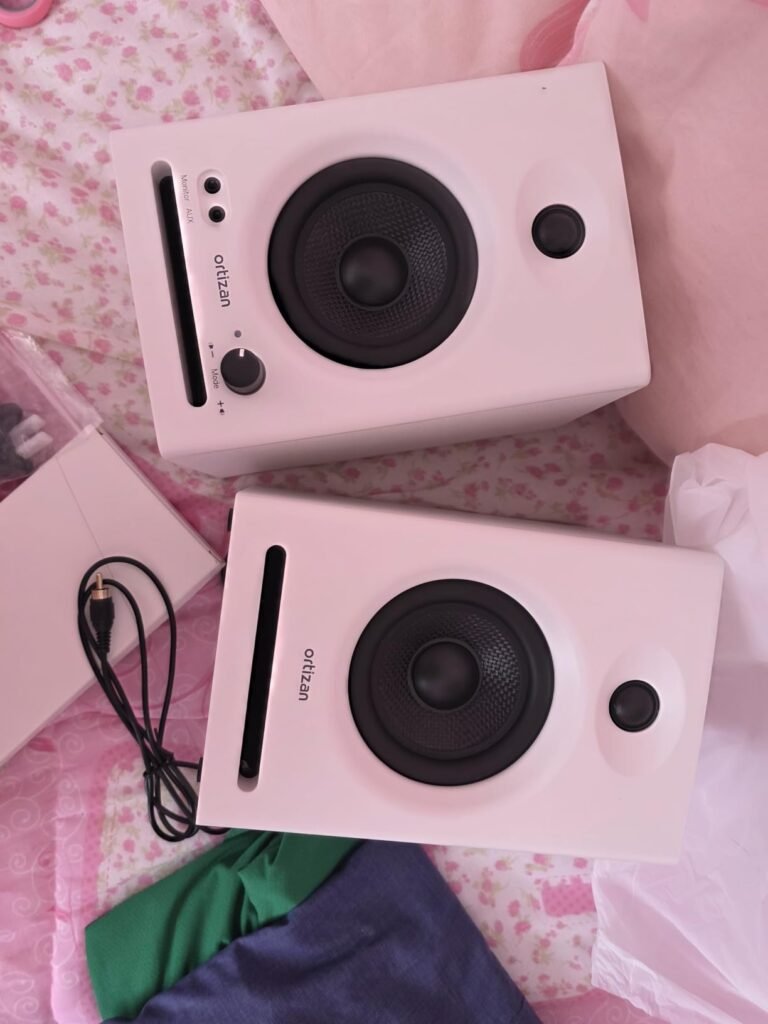
The Ortizan C7 delivers an impressive feature set at the lowest price point in this guide, under $76 for a complete stereo pair. The 24-bit DAC onboard handles digital-to-analog conversion internally, meaning you can connect a USB audio source directly and get clean, high-resolution conversion without a separate DAC. Bluetooth 5.3 with multi-device pairing lets you stream wirelessly from a phone or laptop without dealing with cables.
We may earn a commission when you buy through this link, at no additional cost to you.
The 3.5-inch carbon fiber mid-bass drivers and 0.75-inch silk dome tweeters are tuned for a flat response curve through laboratory adjustment, aiming for balanced reproduction without the bass boost or treble sparkle of consumer speakers. The electronic two-way crossover separates the frequency bands cleanly, and the suspended sound structure reduces cabinet resonance for a cleaner midrange. The 92.5 dB peak SPL provides adequate volume for nearfield monitoring.
The connectivity is generous for the price: 6.35mm TRS balanced input for professional gear, two AUX unbalanced inputs, RCA for TV or console, and a front-panel headphone output for private listening. The TRS input connects directly to mixing consoles, audio interfaces, and instruments with TRS outputs like electric guitars. The front headphone jack lets you switch to private monitoring without unplugging cables.
A $76 monitor pair is not going to replace a $400 reference monitor for critical mixing decisions. But for podcasting, video editing, streaming, casual music production, and general desktop listening, the difference between a $76 and a $400 monitor is smaller than the price gap suggests. If you are building your first home studio or upgrading from laptop speakers, a well-tuned budget monitor is a meaningful improvement that does not strain the budget.
This is the top value pick for budget-conscious users who want Bluetooth, a built-in DAC, and professional-grade inputs at a price under $76. If you need the brand support, long-term reliability, and acoustic refinement of Yamaha, JBL, or PreSonus, the higher-priced options in this guide are the safer long-term investment.
Professional producers who need the long-term reliability, brand support, and acoustic refinement of established reference monitor brands.
We may earn a commission when you buy through this link, at no additional cost to you.
Selecting the right studio monitor depends on your room size, production needs, connectivity requirements, and budget. This section covers the key factors that separate a monitor that serves your workflow from one that limits it.
Woofer size determines how much low-frequency energy the monitor can produce and how well it matches your room. A 3.5-inch woofer produces less total bass output, which works well in small rooms under 10 feet where a larger driver would create excessive low-frequency buildup. A 5-inch woofer extends the low end further and provides more midrange authority, making it suitable for rooms between 10 and 20 feet. A 5.25-inch woofer like the PreSonus Eris E5 pushes even more low-end energy and needs a room large enough to absorb it without creating standing waves.
The relationship between woofer size and room size is not absolute, but it is a strong starting point. In a 10-foot bedroom, a 5-inch monitor can produce more bass than the room can handle, creating a boomy, uneven low end that makes your bass decisions unreliable. In a 20-foot living room, a 3.5-inch monitor may not produce enough low-end energy to be useful, leaving you dependent on headphones for bass checking. Match the woofer size to your room volume for the most accurate low-end picture.
For rooms under 10 feet, choose 3.5 to 4.5-inch monitors. For rooms between 10 and 20 feet, 5-inch monitors work well. For larger spaces or dedicated studios, 5.25-inch or larger drivers provide the low-end extension and power you need. Always consider your room dimensions before defaulting to the largest monitor in your budget.
Frequency response indicates the range of frequencies the monitor can reproduce, typically stated as the range within plus or minus 3 dB of the nominal level. A wider range like 54 Hz to 30 kHz covers more of the audible spectrum than 80 Hz to 20 kHz, but the shape of the response matters more than the stated range. A flat, uncolored response is the goal for studio monitoring, meaning the monitor does not boost or cut any frequency band to make the sound more pleasing.
The low end cutoff is particularly important for music production. If your monitor rolls off at 80 Hz, you will not hear the sub-bass content in electronic music, hip-hop, or film soundtracks, and your mixing decisions in that range will be unreliable. A 54 Hz cutoff like the Yamaha HS5 gives you a more complete picture, though you will still want to check sub-40 Hz content on headphones or a subwoofer. The high end extension beyond 20 kHz affects the perceived air and detail in hi-res audio content.
Prioritize a flat response over a wide range. A monitor that is flat from 60 Hz to 20 kHz is more useful for mixing than one that is wide but colored. Check the manufacturer’s frequency response graph if available, and look for reviews that mention the monitor’s tonal balance. The Yamaha HS series and JBL 305P are known for their flat, uncolored responses, while consumer-oriented monitors often boost bass and treble.
Amplifier power determines how loudly the monitor can play before distortion, and amplifier class affects efficiency, heat, and sound character. Class AB amplifiers like those in the PreSonus Eris E5 provide 80 watts with a smooth, musical sound but generate more heat. Class D amplifiers like those in the JBL 305P and Edifier MR5 are more efficient, generate less heat, and can deliver high wattage in a compact package, though some listeners perceive a slight digital character at very low volumes.
For nearfield monitoring at arm’s length, 30 to 50 watts per channel is sufficient for most home studio applications. 70 to 80 watts provides more headroom for checking how a mix holds up at higher volumes, which is useful for translating to car speakers and club systems. 100 watts or more is overkill for most home studios but provides maximum headroom for larger rooms or louder monitoring preferences. The maximum SPL rating, such as the 102 dB on the Eris E5, is a more useful indicator of real-world volume capability than raw wattage.
Match amplifier power to your room size and monitoring volume. For a small home office, 30 to 50 watts is plenty. For a dedicated studio or larger room, 70 to 110 watts provides the headroom to check your mix at realistic listening levels. Avoid underpowering your monitors, as an amplifier driven to its limits produces distortion that colors your monitoring.
Input connectivity determines what sources you can connect directly to your monitors without adapters. Balanced XLR and TRS inputs are the professional standard, accepting signals from audio interfaces, mixing consoles, and professional line-level sources. Unbalanced RCA inputs connect to consumer devices like phones, game consoles, and turntables. A front-panel aux or 3.5mm input provides a convenient connection for a laptop or phone without reaching behind the monitor.
Most serious production workflows use an audio interface as the connection between your computer and monitors, and the interface provides balanced XLR or TRS outputs that connect directly to the monitor inputs. If you are connecting a phone, tablet, or game console directly, you need RCA or 3.5mm inputs. Having multiple input types on the same monitor, like the Yamaha HS4 with XLR, TRS, RCA, and mini inputs, provides flexibility for different sources without switching cables.
Identify your primary signal source before choosing a monitor. If you use an audio interface, XLR or TRS inputs are essential. If you connect a phone or laptop directly, RCA or 3.5mm inputs are necessary. If you use multiple sources, a monitor with multiple input types saves you from buying adapters or switching cables. A front headphone output is a useful bonus for private listening without unplugging the main source.
Room correction controls on the monitor let you adjust the frequency response to compensate for your room’s acoustic characteristics without buying full acoustic treatment. High and low frequency trim knobs, found on the JBL 305P, Yamaha HS4, and PreSonus Eris series, let you reduce bass buildup near walls or tame harsh reflections in the upper mids. These are simple, effective tools for getting a more balanced sound in an untreated room.
More advanced room correction, like the app-based system on the Edifier MR5 with low cut-off, desktop control, and acoustic space presets, offers more granular adjustments. However, no electronic correction can fully replace physical acoustic treatment. Absorption panels on first reflection points, bass traps in room corners, and diffusion on the rear wall address the root causes of room problems that EQ controls only partially mask.
If your room is untreated and you cannot add acoustic panels, prioritize monitors with room correction controls. If you can treat the room, the controls become less critical, and you can focus on monitors with the flattest natural response. The Yamaha HS5, which has no room correction controls, is designed on the assumption that you will treat your room rather than compensate electronically.
Studio monitors are a long-term investment that you will use daily for years. The cheapest option is not always the best value if it lacks the build quality, amplifier headroom, or input flexibility you need. However, spending more than your workflow requires is also wasteful. A podcaster who records once a week does not need the same monitor as a full-time producer who mixes eight hours a day, six days a week.
Consider the total cost of ownership, including the audio interface you will need to connect your computer, isolation pads to reduce desk resonance, and potential acoustic treatment. A $100 monitor pair paired with a $200 audio interface and $50 in isolation pads is a $350 total investment. A $400 monitor pair that requires the same interface and pads is a $650 total investment. Factor in the full setup cost, not just the monitor price, when comparing options.
For a first home studio, a $100 to $250 monitor pair with a basic audio interface provides a functional setup. For a serious production environment, a $300 to $500 monitor pair with a quality interface and basic room treatment delivers the accuracy you need for professional work. Avoid buying the most expensive monitor you can afford if your room is untreated, as the room problems will mask the monitor’s capabilities.
Position your studio monitors at ear height when you are seated, with the tweeters pointing directly at your ears. Place them equidistant from your head, forming an equilateral triangle where the distance between the monitors equals the distance from each monitor to your head. Aim for a separation of 2 to 3 feet between the monitors, with the fronts angled slightly inward toward your listening position. Keep the monitors at least 1 foot from the back wall to reduce bass buildup at the boundary, and use the included isolation pads or monitor stands to decouple the cabinets from your desk surface.
Connect your audio source to the monitors using the appropriate cable type: balanced XLR or TRS cables for audio interfaces and mixing consoles, RCA cables for consumer devices, or 3.5mm aux cables for laptops and phones. Set the monitor volume to a moderate level, around 50 to 70 percent of maximum, to leave headroom for loud passages. Use the room correction controls to adjust the low and high frequencies based on your room’s characteristics: reduce bass if the monitors are close to a wall, and reduce highs if you hear harsh reflections from bare walls.
Maintain your studio monitors by keeping them clean and protected from environmental damage. Wipe the cabinet surfaces with a soft, dry cloth to remove dust, and avoid using abrasive cleaners that can scratch the finish. Keep the monitors away from direct sunlight, which can fade the cabinet and degrade internal components over time. Avoid placing them near heat sources or in areas with extreme temperature swings. If you store the monitors for an extended period, cover them with a dust cover and store them in a cool, dry location. Periodically check the cable connections for tight, corrosion-free contact to maintain signal integrity.
Studio monitors are designed for flat, uncolored frequency response that reveals the truth in your audio without boosting bass or treble to make it sound exciting. Regular consumer speakers are tuned to flatter the listener, adding bass and sparkle that mask problems in a mix. For critical listening and mixing decisions, studio monitors give you an honest picture that translates accurately to other playback systems.
It depends on your source. If you are connecting a computer, you need an audio interface or USB DAC to convert the digital signal to analog. If you are connecting a phone, game console, or turntable with RCA or 3.5mm outputs, you can connect directly to monitors with those inputs. Most serious production workflows use an audio interface for the best signal quality and additional input options.
For rooms under 10 feet, 3.5 to 4.5-inch monitors work best because they produce less low-frequency energy that a small room cannot absorb. For rooms between 10 and 20 feet, 5-inch monitors are the sweet spot. For larger dedicated studios, 5.25-inch or larger drivers provide the low-end extension and power you need. Match the woofer size to your room volume for the most accurate low-end picture.
Yes, but they will sound different from consumer speakers. Studio monitors present a flat, honest sound that may seem less exciting than bass-boosted consumer speakers, especially for pop, hip-hop, and electronic music. Many producers find that after a few weeks, they prefer the honest sound of studio monitors for all listening because it reveals more detail and nuance in the music.
Aim for at least 1 foot from the back wall, with 2 to 3 feet being ideal. The closer the monitors are to the wall, the more bass buildup occurs at the boundary, making your low end sound boomy and uneven. If you cannot move the monitors far from the wall, use the low-frequency trim control to reduce the bass by 2 to 4 dB to compensate for the boundary effect.
A balanced connection uses three conductors (hot, cold, ground) to cancel out noise picked up along the cable, making it essential for cable runs longer than 10 feet or in electrically noisy environments. XLR and TRS are the standard balanced connectors for studio monitors. For short cable runs under 6 feet in a quiet home office, unbalanced RCA or 3.5mm connections work fine without noticeable noise.
Acoustic treatment significantly improves the accuracy of your monitoring, but it is not strictly necessary to get started. Room correction controls on the monitors can partially compensate for basic room problems. However, for serious mixing work, adding absorption panels at first reflection points and bass traps in the room corners will improve your monitoring accuracy more than any monitor upgrade in the same price range.
Yes, studio monitors work well for gaming and movies, providing clear dialogue and detailed sound effects. However, they will not produce the same bass impact as a dedicated home theater system with a subwoofer. For gaming and movies, the flat response means sound effects and dialogue will be clear and well-defined, but the overall experience will be less immersive than a dedicated entertainment system.
Quality studio monitors can last 10 to 20 years with normal use. The main failure points are the internal amplifiers, the tweeter surround, and the woofer surround, all of which degrade over time. Avoid exposing the monitors to extreme temperatures, direct sunlight, and excessive volume levels to maximize their lifespan. Most major brands offer 5 to 7 year warranties on their studio monitor lines.
Always buy monitors in a matched pair from the same brand and model. Mixing brands or even mixing left and right from different production batches can result in subtle tonal differences that make the stereo image uneven. A matched pair ensures that the left and right channels have identical frequency response, which is critical for accurate stereo panning and imaging in your mix.
The Yamaha HS5 stands out as the strongest overall choice for serious producers and podcasters who want the most honest, uncolored monitoring experience at a mid-range price. The 4.8 rating reflects its status as an industry standard, and the flat reference response, 70-watt bi-amp power, and 54 Hz to 30 kHz range make it the default recommendation for home studio monitoring across the production community.
For budget-conscious buyers, the Ortizan C7 delivers impressive features including Bluetooth, a 24-bit DAC, and TRS inputs at under $76, while the PreSonus Eris 3.5 offers the most accessible entry point with a front headphone jack and flexible connectivity. Producers who need 5-inch-class bass extension and power should consider the PreSonus Eris E5 or JBL 305P MkII, while those who want three-way accuracy and wireless connectivity will find the Edifier MR5 compelling.
Your best choice ultimately depends on your room size, production needs, and budget. Match the woofer size to your room, prioritize flat response over flattering sound, and ensure your connectivity matches your signal source. The right studio monitors are a long-term investment that will serve your creative work for a decade or more, making the initial selection one of the most important decisions in building a home studio.