Skytech Azure RX
9.0Editor scoreRyzen 7 9850X3D CPU
RX 9070 XT 16GB
32GB DDR5 5600 RAM
2TB Gen4 NVMe SSD
Compare 10 top prebuilt gaming PCs across RTX 5080, RTX 5070, and budget builds. Practical research on cooling, CPU specs, RAM, and upgrading potential.
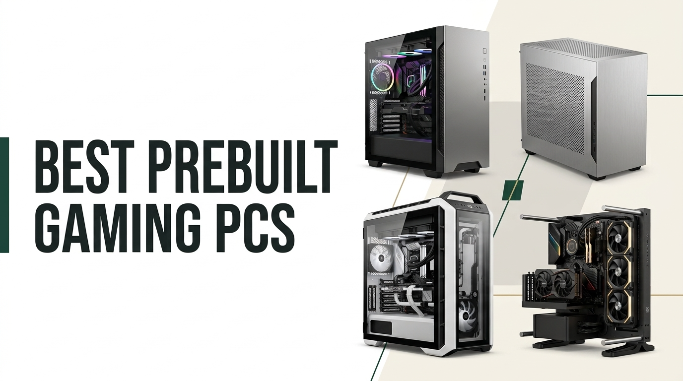
Shopping for prebuilt gaming PCs in 2026 means navigating new processor generations, fresh graphics architectures, and varied cooling configurations. We compare 10 standout desktops by graphics horsepower, CPU performance, system memory, thermal management, component upgradeability, warranty coverage, and real-world value for 1080p, 1440p, and 4K gaming.
The desktop market spans entry-level 1080p machines under $1,000 to liquid-cooled flagship towers exceeding $3,500. Choosing the right system depends heavily on your monitor resolution, target frame rates, and whether you plan to stream, edit video, or upgrade components in the coming years.
This guide evaluates prebuilt systems from Skytech, MSI, CyberPowerPC, KOTIN, STORMCRAFT, YAWYORE, and specialized boutique builders. Each review highlights practical tradeoffs in power supplies, cooling design, memory speed, and case airflow so you can invest confidently in a system that fits your gaming needs.
We compared 10 prebuilt gaming PCs using the details that genuinely impact daily gameplay and long-term ownership: GPU performance tier, CPU architecture and cache, RAM capacity and generation, storage technology, thermal design, power supply efficiency, case airflow, component standard compliance, warranty terms, and total value. Our notes focus on practical tradeoffs like 1440p versus 4K capability, noise levels under heavy load, and future upgrade headroom.


Compare key features, scores, and current prices side by side. A shorter feature list means fewer details were available, not necessarily fewer capabilities.

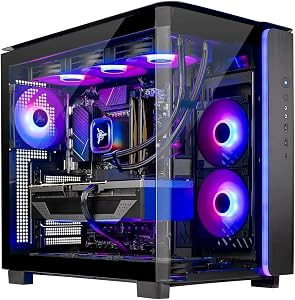


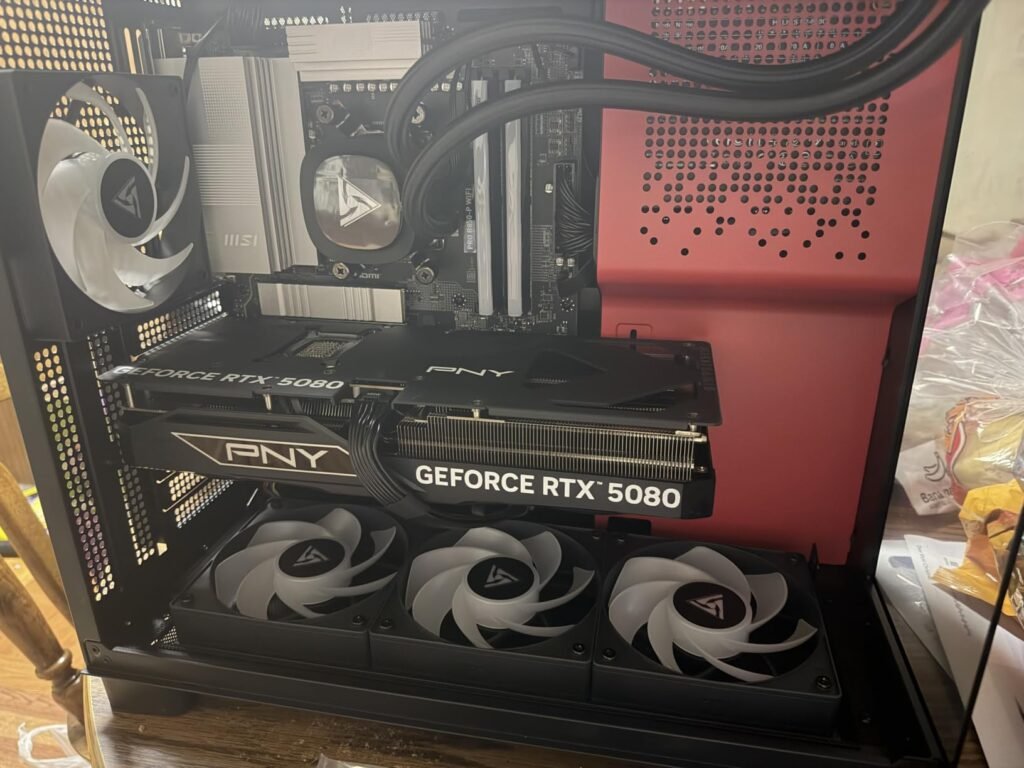
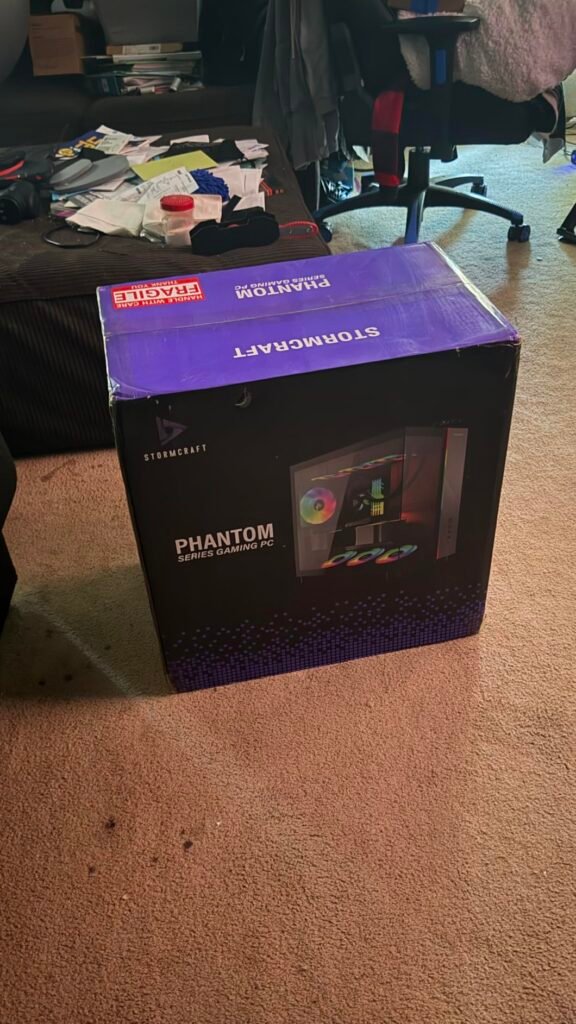
The STORMCRAFT Phantom is built for gamers who demand uncompromised 4K performance, extreme ray tracing, and ultra-high framerates. Outfitted with Nvidia's flagship GeForce RTX 5080 16GB GDDR7 graphics card and AMD's Ryzen 7 9800X3D processor, this machine handles demanding titles like Black Myth: Wukong, Cyberpunk 2077, and Call of Duty: Warzone at maximum settings without breaking a sweat.
We may earn a commission when you buy through this link, at no additional cost to you.
Thermal management is aggressive: a 360mm AIO liquid CPU cooler works alongside seven customizable ARGB case fans to pull cool air through the chassis and dissipate heat efficiently. Core specs include 32GB of high-speed DDR5 6000MHz RGB RAM, a 2TB PCIe 4.0 NVMe SSD, an AMD B850 chipset motherboard, and a premium 850W 80 Plus Gold power supply.
STORMCRAFT builds and tests these systems in California, USA, backing them with an impressive warranty tier comprising two years on parts, three years on labor, and lifetime technical support. The chassis features clean cable routing and dual tempered glass panels for an impressive desktop presentation.
A three-year labor warranty means that if a component fails or needs upgrading in the future, the boutique builder will replace or service the parts without charging hourly technician fees, making long-term ownership far less stressful.
This level of computing power carries a high price tag, but it offers complete peace of mind for buyers wanting a top-tier 4K gaming machine with long-term warranty support. It is built to maintain high performance for years without needing upgrades.
Not suitable for budget-conscious shoppers or gamers playing on standard 1080p 60Hz monitors.
We may earn a commission when you buy through this link, at no additional cost to you.
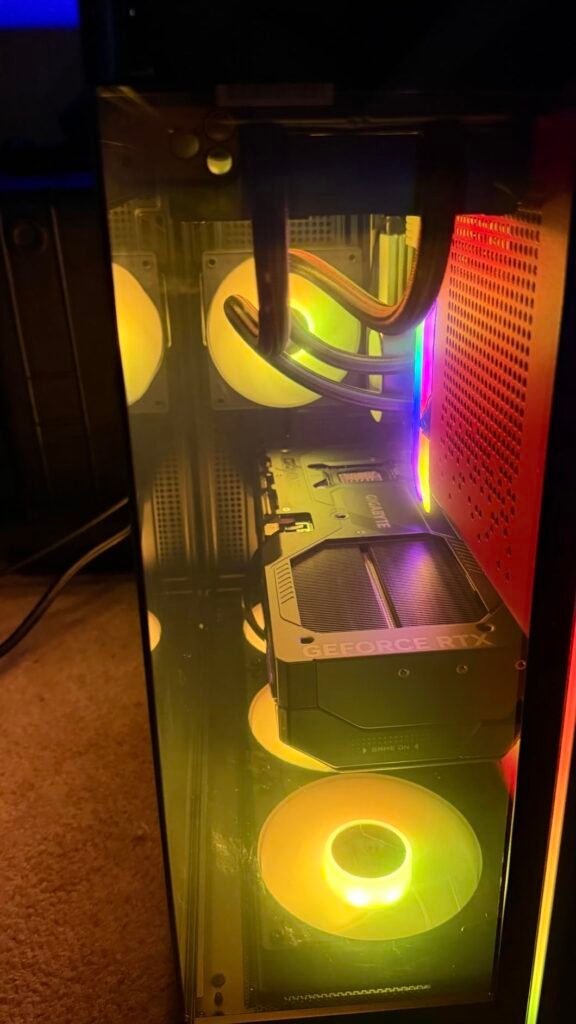
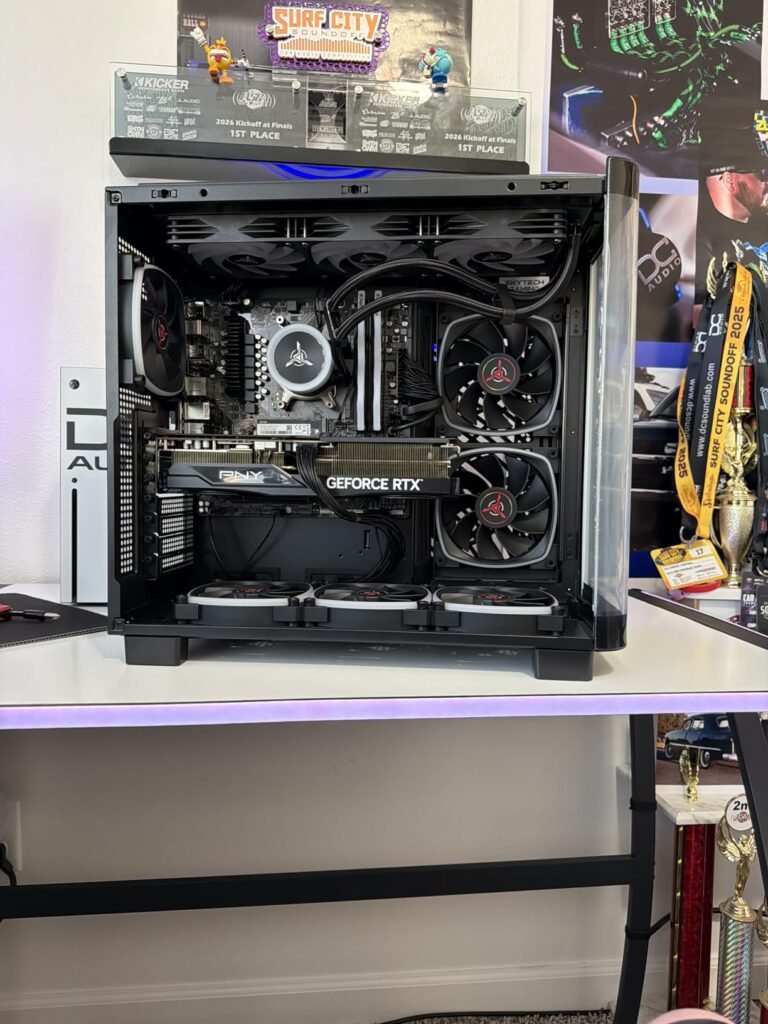
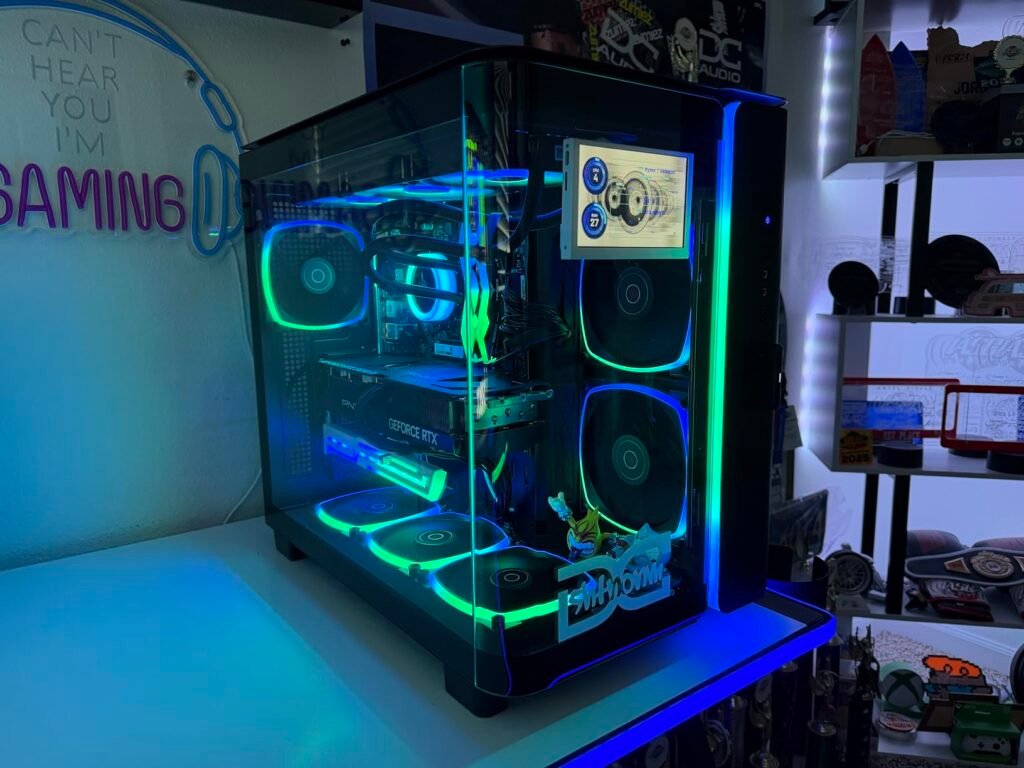
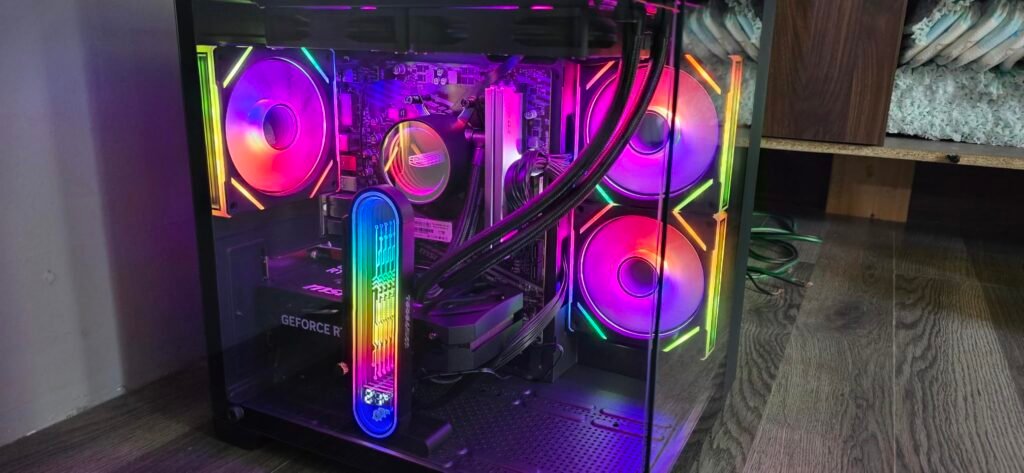
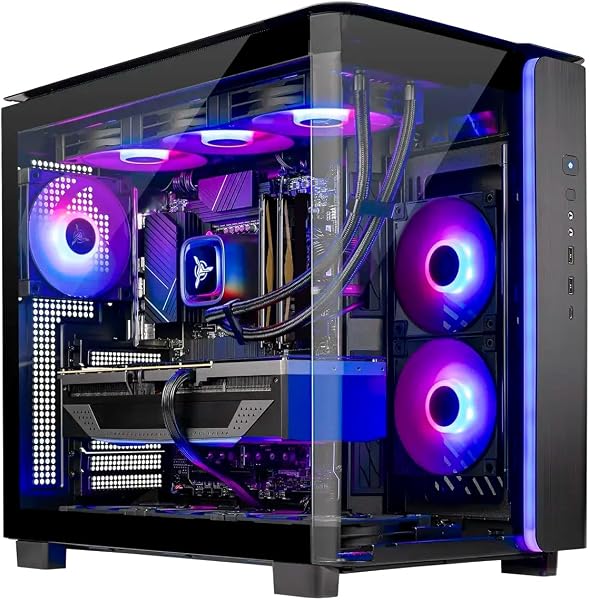
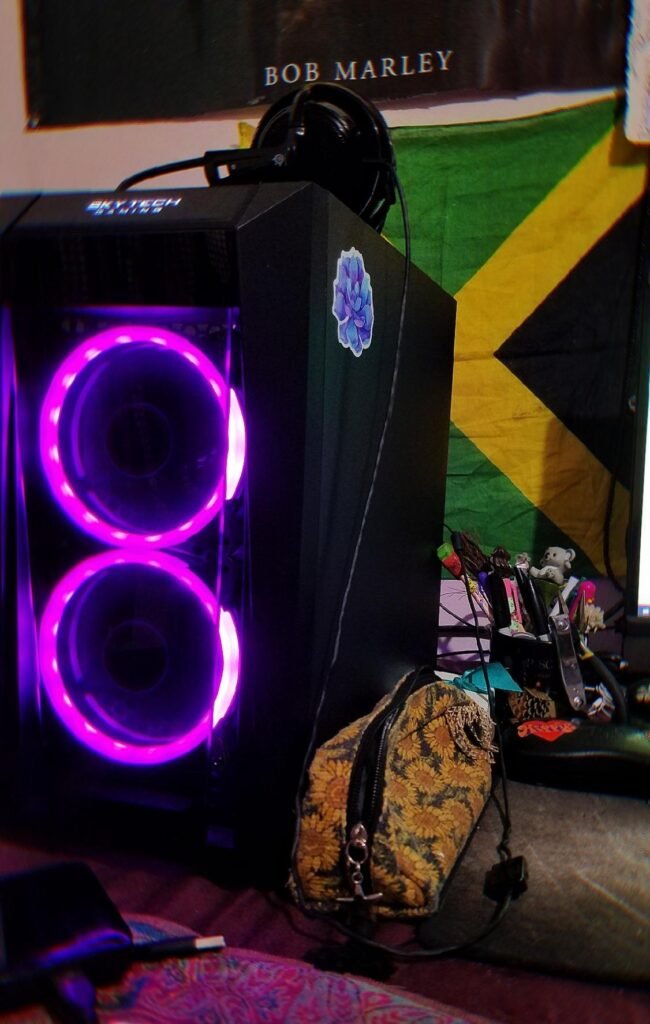
The Skytech Azure configuration pairs AMD's flagship gaming CPU with the high-capacity Radeon RX 9070 XT 16GB graphics card. Designed explicitly for gamers targeting maximum settings at 1440p and 4K, this system leverages AMD's 3D V-Cache technology on the Ryzen 7 9850X3D to push high framerates in cache-sensitive titles like simulation games, massive open-world RPGs, and competitive esports titles.
We may earn a commission when you buy through this link, at no additional cost to you.
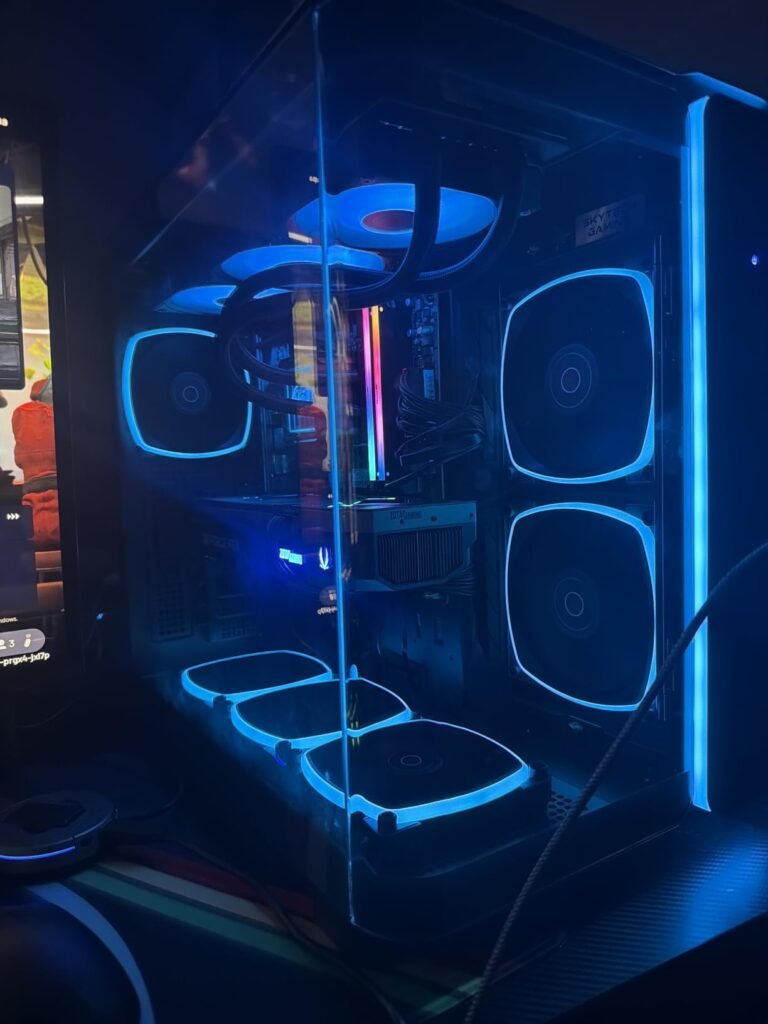
Equipped with 32GB of DDR5 memory and a 2TB Gen4 NVMe solid-state drive, boot times and level loading are nearly instantaneous. Thermal management is handled by a 360mm all-in-one liquid cooler mounted in the Skytech Azure tempered glass case. The massive radiator surface area keeps CPU core temperatures well below thermal limit thresholds, allowing the processor to maintain its 5.6GHz boost clock under extended gaming loads.
In practical use, the 16GB frame buffer on the Radeon RX 9070 XT eliminates texture swapping stutter in modern VRAM-heavy titles. The inclusion of clean Windows 11 Home without bloatware ensures system resources remain dedicated entirely to active applications. The chassis layout allows for easy access when cleaning dust filters or adding secondary storage drives.
AMD’s 3D V-Cache technology places additional L3 cache directly on top of the processor die. In complex gaming scenarios with heavy AI calculations, physics simulations, or dense player populations, the massive cache reduces the frequency at which the CPU must pull data from system RAM, preventing harsh 1% low framerate drops.
While this rig represents a serious financial investment, it avoids proprietary motherboard or power supply connectors, making future upgrades simple. It is ideal for enthusiast gamers who want top-tier rasterization performance and high VRAM capacity without building a PC from scratch.
Not recommended for buyers seeking budget entry-level 1080p machines or those who heavily prioritize Nvidia DLSS ray-tracing features.
We may earn a commission when you buy through this link, at no additional cost to you.
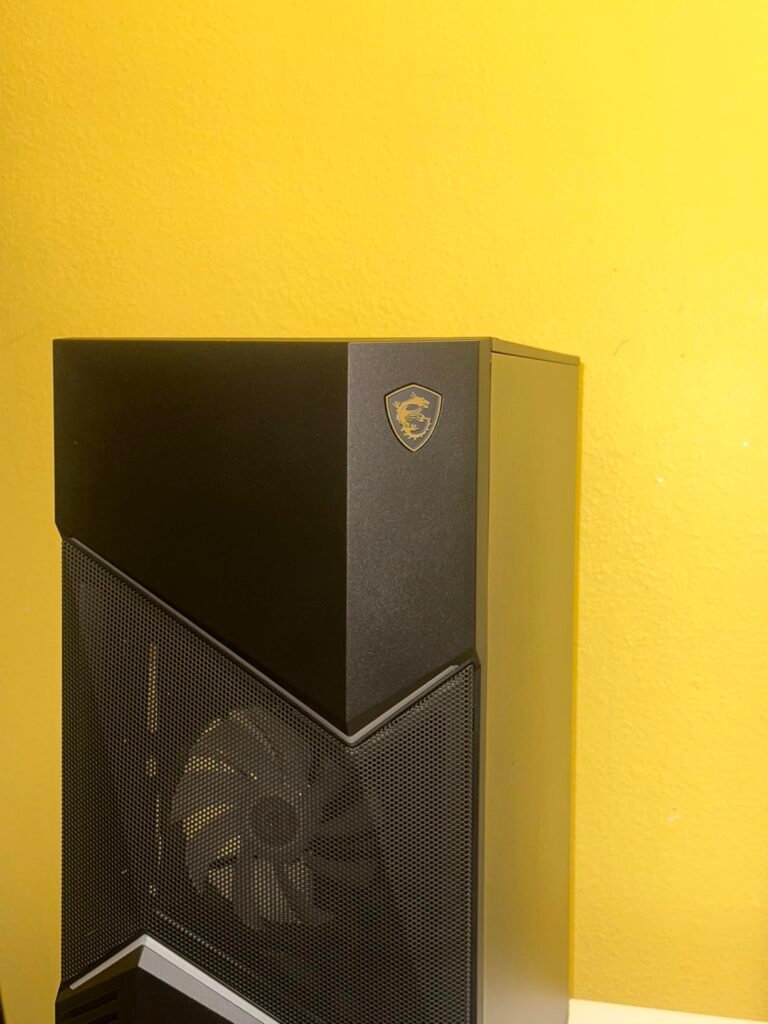
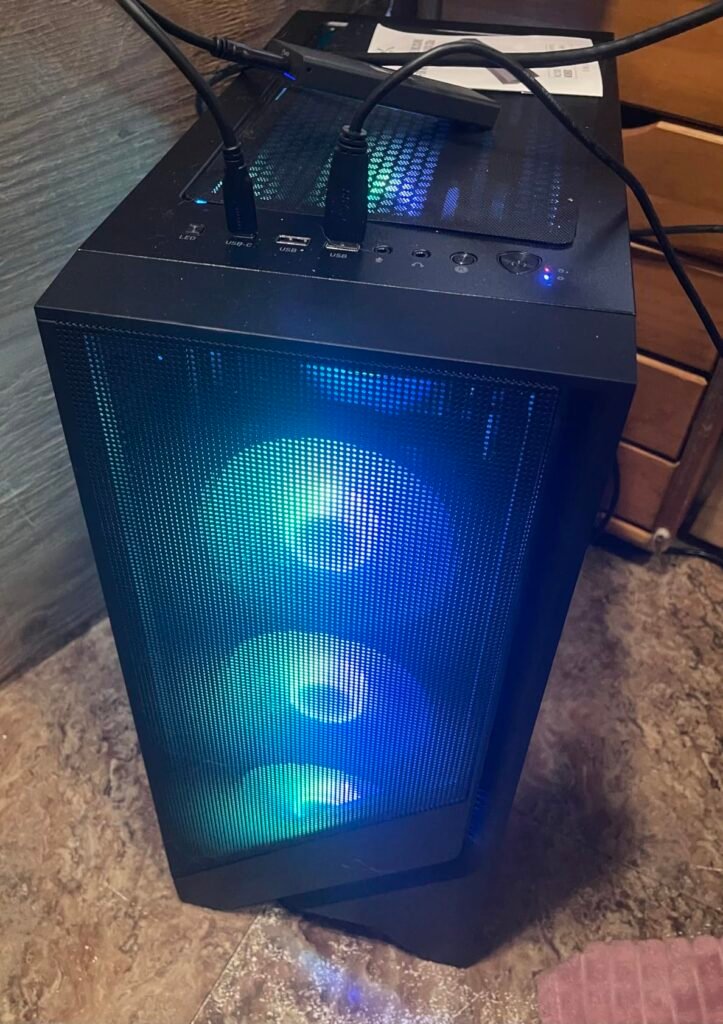
The MSI Codex Z2 targets mainstream gamers who want current-generation graphics architecture in a clean, standard mid-tower chassis. Powered by the Nvidia GeForce RTX 5070 based on the Blackwell GPU architecture, this machine delivers advanced rasterization and ray-tracing performance alongside frame generation capabilities that excel on high-refresh-rate 1440p monitors.
We may earn a commission when you buy through this link, at no additional cost to you.
The system pairs the RTX 5070 with an 8-core AMD Ryzen 7 8700F processor, 32GB of DDR5 memory, and a spacious 2TB NVMe SSD. While the processor uses air cooling rather than a liquid AIO loop, MSI equips the Codex chassis with four system fans (three intake, one exhaust) to maintain positive air pressure and sweep warm air out of the enclosure during marathon sessions.
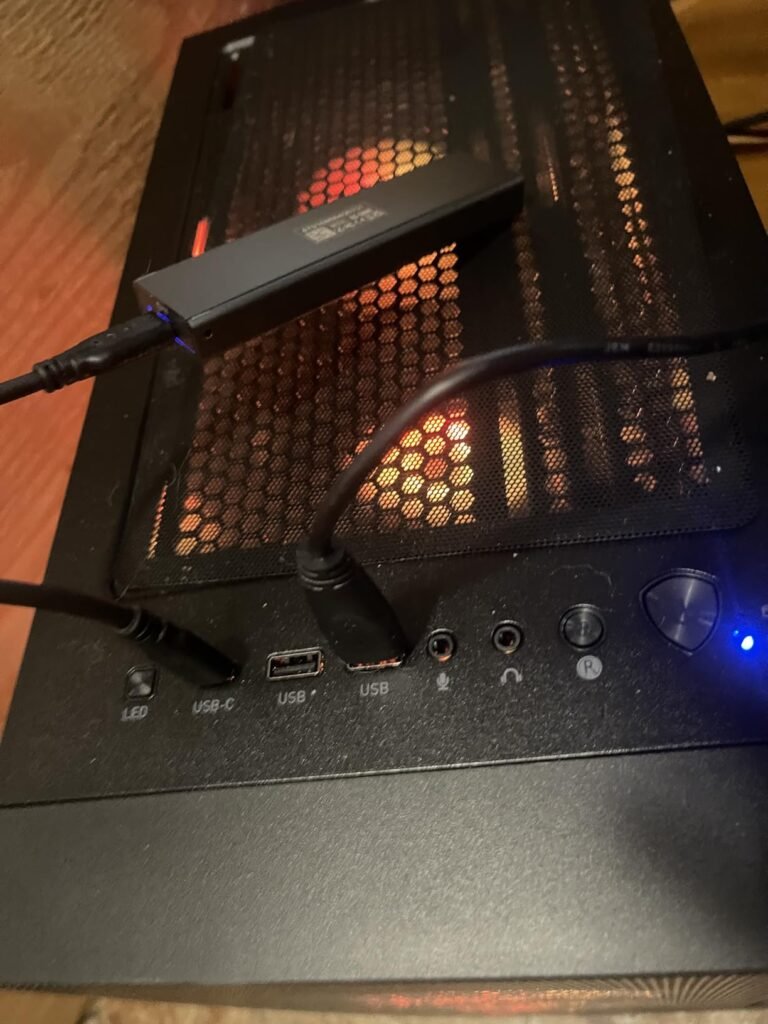
Usability features include a dedicated top-panel LED button that lets you cycle through lighting presets instantly without opening software, although deeper customization is available through MSI Center. Standard off-the-shelf component sizes mean replacing the power supply, upgrading storage, or fitting a larger CPU cooler years down the road requires no special adapters.
A well-designed four-fan air cooling setup provides consistent thermal performance with fewer moving parts than liquid coolers. Air coolers eliminate pump noise, evaporation risks, and potential fluid leaks while delivering more than enough thermal dissipation for 65W to 105W processors.
The Ryzen 7 8700F processor does omit integrated graphics, meaning video output relies entirely on the dedicated GPU. For gamers seeking a reliable, high-performance 1440p prebuilt backed by a major global brand, the Codex Z2 strikes an excellent balance of component quality and thermal performance.
Not suited for users who require an integrated GPU for troubleshooting or those demanding silent liquid-cooled CPU operation.
We may earn a commission when you buy through this link, at no additional cost to you.
The KOTIN prebuilt gaming PC sets itself apart visually and functionally with an integrated 11.3-inch smart screen built directly into the front panel. This display provides real-time telemetry including CPU temperatures, GPU utilization, memory usage, and local weather updates without requiring overlay software on your main gaming monitor.
We may earn a commission when you buy through this link, at no additional cost to you.
Under the hood, the system is equipped with an AMD Ryzen 7 9700X processor, Nvidia GeForce RTX 5070 12GB graphics card, 32GB of DDR5 6000MHz RAM, and a 360mm AIO liquid cooling loop. An 850W 80 Plus Gold power supply delivers clean energy with plenty of wattage overhead for future component upgrades, while onboard WiFi 7 ensures low-latency wireless networking.
Setup requires attention to detail: display cables must be plugged into the horizontal GPU ports at the bottom of the rear I/O panel rather than the vertical motherboard ports. The 1TB PCIe 4.0 NVMe SSD offers fast read and write speeds, though heavy gamers with vast digital libraries may want to add a second drive over time.
Having a dedicated hardware monitor on the case allows you to spot thermal spikes or unexpected background CPU usage instantly without interrupting full-screen games or running resource-heavy monitoring overlays that can lower framerates.
The combination of current-gen computing hardware and built-in hardware monitoring makes this system especially appealing to enthusiasts who enjoy tracking thermal metrics during intensive sessions. It delivers strong 1440p gaming performance alongside a unique desk aesthetic.
Not ideal for minimalists who prefer understated cases without internal displays or RGB lighting.
We may earn a commission when you buy through this link, at no additional cost to you.
This Skytech configuration targets competitive players and enthusiasts who demand ultra-high framerates at 1440p and 4K resolutions. By combining AMD's benchmark-dominating Ryzen 7 9800X3D processor with Nvidia's GeForce RTX 5070 Ti 16GB graphics card, this prebuilt eliminates processor bottlenecks across intensive competitive shooters and ray-traced AAA blockbusters alike.
We may earn a commission when you buy through this link, at no additional cost to you.
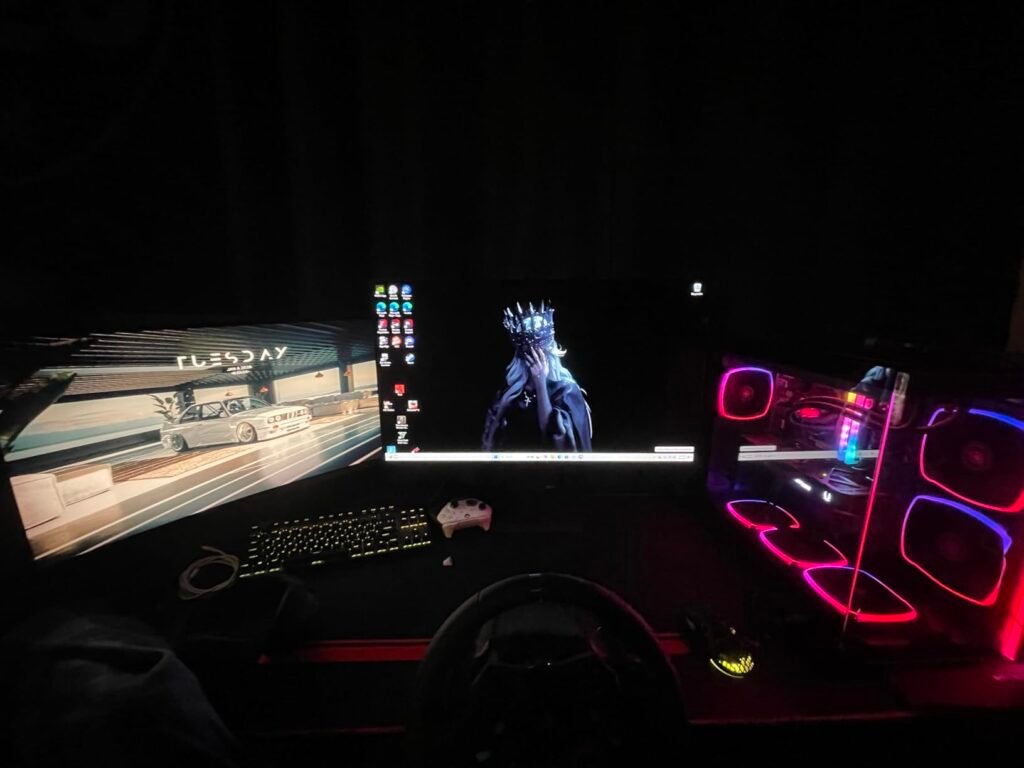
The components are housed inside the Montech King 95 dual-chamber chassis, featuring curved panoramic glass panels that showcase the interior hardware and ARGB lighting. System cooling is handled by a 360mm liquid cooler, while 32GB of low-latency DDR5 6000MHz RAM and a fast 2TB Gen4 NVMe SSD ensure smooth multitasking, quick game boot times, and zero bloatware out of the box.
In practical gameplay, the 16GB GDDR7 frame buffer on the RTX 5070 Ti provides longevity for upcoming game releases that require heavy texture budgets. The dual-chamber case design isolates the power supply and cable management behind the motherboard tray, improving direct airflow over the GPU and CPU radiator.
Dual-chamber cases separate heat-generating power supplies and storage drives from the main compartment. This design allows intake fans to push unheated air directly across the graphics card and motherboard, reducing overall internal ambient temperatures.
Although it carries a premium price tag, the combination of top-tier X3D processor tech, 16GB of video memory, and premium dual-chamber aesthetic makes it one of the most capable 1440p and 4K prebuilts available. It arrives fully assembled in the USA with a bundled keyboard and mouse.
Not suited for casual gamers playing basic 1080p titles where its high processing power would remain largely unutilized.
We may earn a commission when you buy through this link, at no additional cost to you.
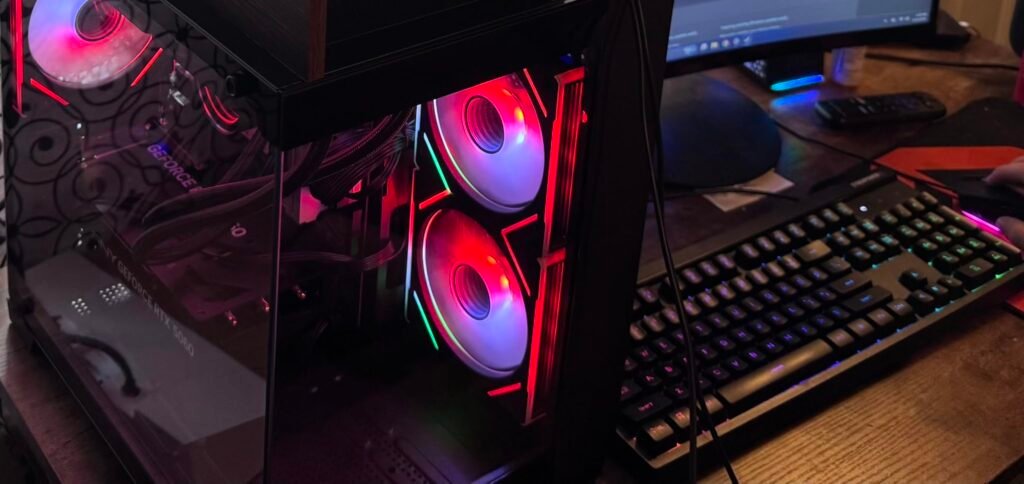
The YAWYORE desktop brings current-generation RTX 50-series graphics into an affordable price tier. Featuring the Nvidia GeForce RTX 5060 8GB graphics card, this prebuilt grants budget-conscious gamers access to modern features like DLSS 4 frame generation, ray tracing, and Nvidia Reflex latency reduction for smooth 1080p and entry 1440p gaming.
We may earn a commission when you buy through this link, at no additional cost to you.
To keep prices reasonable while maintaining strong multi-core performance, YAWYORE pairs the RTX 5060 with an 8-core AMD Ryzen 7 5700X processor on an MSI B550M-A PRO motherboard. Rather than skimping on memory, the system includes 32GB of DDR4 RAM along with a 1TB M.2 NVMe SSD for fast boot times and ample space for popular competitive titles.
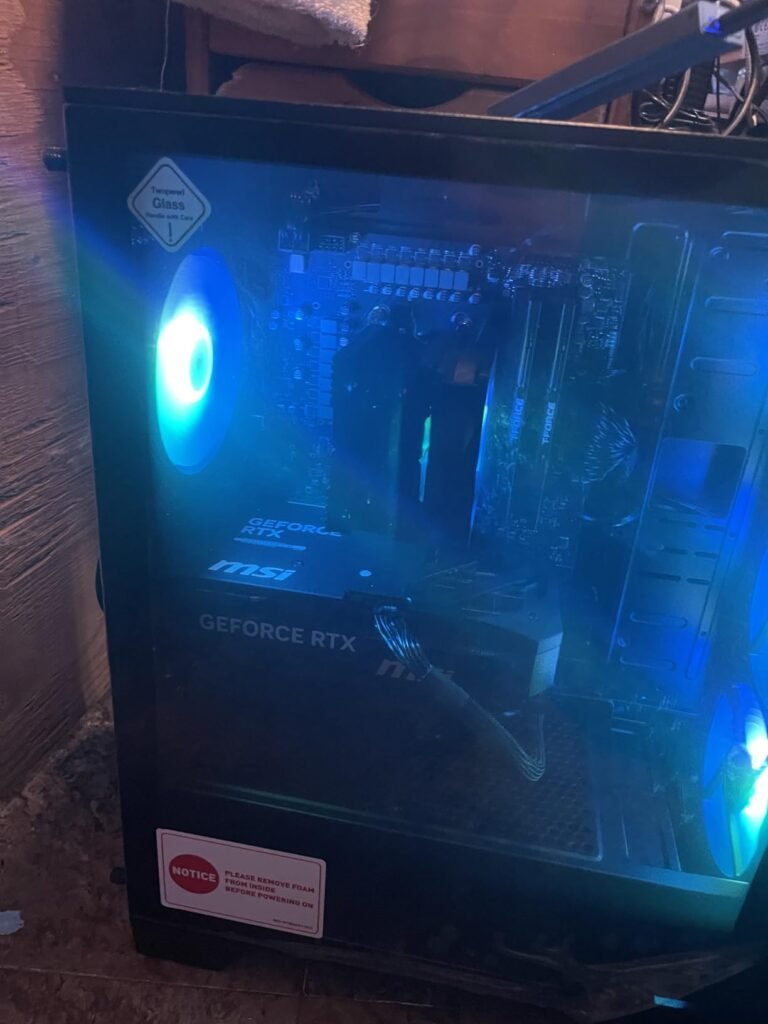
Packaging includes internal protective foam to safeguard the graphics card during shipping, which must be removed before powering on the system. Built-in WiFi and Bluetooth make connecting wireless headsets, controllers, and network connections effortless right out of the box.
Many prebuilt PCs ship with expanding foam cushions inside the glass side panel to keep heavy GPUs from flexing in transit. Always remove the side panel and carefully take out all internal packaging foam before plugging in the power cable.
While the AM4 platform uses DDR4 memory rather than DDR5, the 8-core CPU and 32GB RAM capacity ensure smooth performance in everyday tasks and multi-threaded gaming. It is a smart purchase for gamers wanting current-gen Nvidia features at a budget-friendly price point.
Not intended for enthusiasts planning immediate CPU upgrades to next-gen DDR5 platforms without replacing the motherboard.
We may earn a commission when you buy through this link, at no additional cost to you.
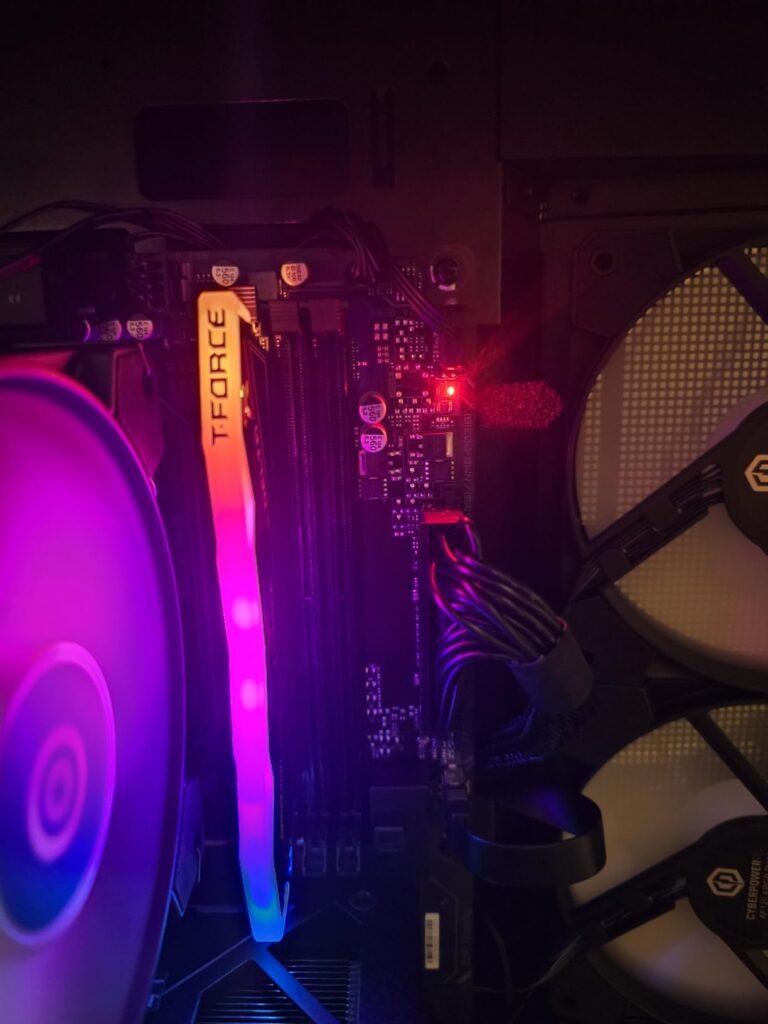
CyberPowerPC offers a sweet-spot mid-range gaming desktop built around the Nvidia GeForce RTX 5060 Ti 8GB graphics card and the AMD Ryzen 7 8700F processor. Positioned on an updated AMD B850 chipset motherboard with DDR5 memory support, this PC delivers crisp 1080p and 1440p gameplay across modern competitive shooters and open-world titles.
We may earn a commission when you buy through this link, at no additional cost to you.
System specifications include 16GB of DDR5 RAM, a fast 1TB PCIe 4.0 NVMe SSD, and Windows 11 Home pre-installed. Rear and front connectivity is comprehensive, offering two USB-C 3.2 ports, six USB-A ports, Gigabit LAN, integrated WiFi 6, and Bluetooth 5.3 for wireless peripherals.
The tempered glass side panel highlights customizable internal RGB lighting, while the included keyboard and mouse bundle gets you up and running immediately. The standardized micro-ATX/ATX chassis layout provides open expansion slots for adding secondary hard drives or expanding system memory to 32GB or 64GB in the future.
If you start with a 16GB DDR5 system, upgrading to 32GB later is as simple as inserting a matching RAM stick into the open DIMM slot on the motherboard, instantly improving memory bandwidth for heavy multitasking and background applications.
While heavy multitaskers or video editors may eventually want to add a second 16GB stick of RAM, this desktop serves as an exceptional ready-to-game option for players focusing on 1080p and 1440p performance. It includes a 1-year parts and labor warranty with lifetime technical support.
Not recommended for extreme 4K gaming enthusiasts or heavy video editors needing 32GB+ RAM out of the box.
We may earn a commission when you buy through this link, at no additional cost to you.
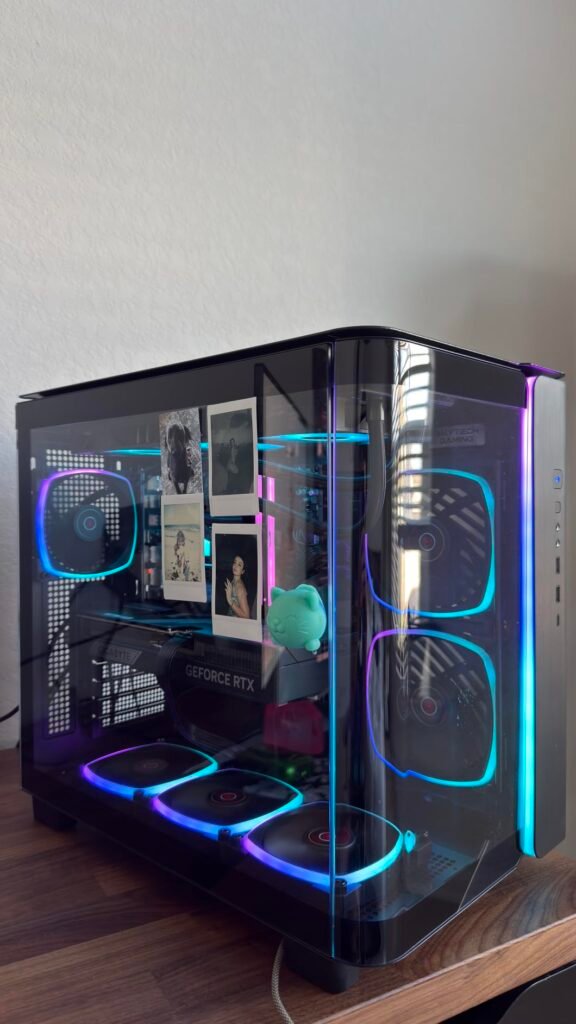
For gamers seeking absolute pinnacle performance without compromises, this Skytech King 95 configuration represents the gold standard in prebuilt desktops. Featuring the formidable AMD Ryzen 7 9850X3D processor alongside Nvidia's GeForce RTX 5080 16GB GDDR7 graphics card, this system easily handles maxed-out 4K gaming, path tracing, and high-bitrate streaming.
We may earn a commission when you buy through this link, at no additional cost to you.
The PC uses the Montech King 95 showcase case, offering panoramic glass views, pre-installed ARGB fans, and a 360mm AIO liquid CPU cooler. Core components include 32GB of DDR5 6000MHz low-latency RGB memory and a 2TB NVMe M.2 SSD, delivering swift load times and plenty of storage for massive AAA game installs.
In everyday operation, the system remains whisper-quiet during casual desktop use while maintaining strict thermal control during demanding 4K gameplay. Assembled in the USA, Skytech ships this system clean with Windows 11 Home, an included gaming keyboard and mouse, a 1-year parts/labor warranty, and free lifetime tech support.
Boutique prebuilts with zero bloatware run fewer background processes out of the box. This preserves CPU cycles and system RAM for your games, preventing random frame hitches caused by pre-installed trialware.
It is an uncompromising gaming rig built for hardware enthusiasts, content creators, and competitive players who want the fastest consumer CPU and GPU combination available. It delivers exceptional framerates on high-refresh 4K monitors.
Not suitable for buyers seeking modest 1080p machines or those working within strict budget limits.
We may earn a commission when you buy through this link, at no additional cost to you.
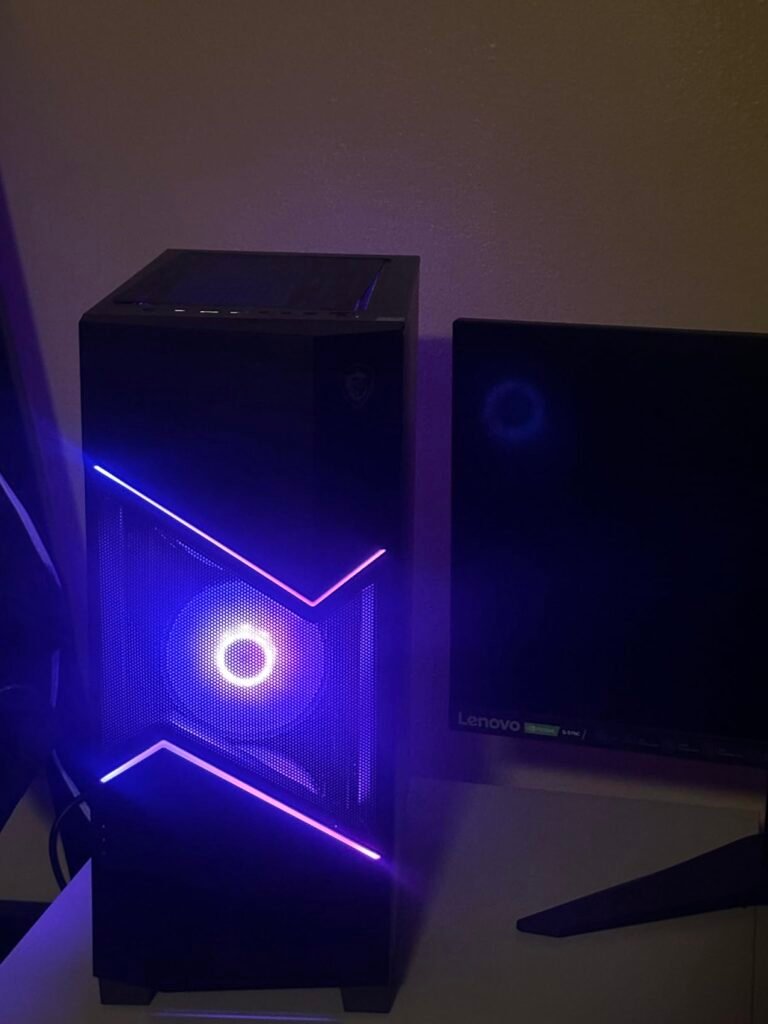
The MSI Codex R2 D14NVP5-613US combines Intel processing with Nvidia's RTX 50-series graphics in a standardized mid-tower build. Featuring the 10-core Intel Core i5-14400F processor and the Nvidia GeForce RTX 5070 12GB graphics card, this prebuilt desktop delivers smooth ray-traced gaming and VR readiness for entry-level to intermediate PC gamers.
We may earn a commission when you buy through this link, at no additional cost to you.
MSI builds the Codex R2 line exclusively with standard, non-proprietary components. This means the motherboard, power supply, RAM, and graphics card can all be upgraded or swapped in the future using off-the-shelf retail parts, extending the desktop’s functional lifespan significantly compared to prebuilts with custom proprietary motherboards.
System cooling relies on an RGB CPU air cooler paired with four 120mm chassis fans to maintain continuous air movement. The desktop comes with 32GB of DDR5 RAM, a 1TB NVMe M.2 SSD, Wi-Fi 6E connectivity, and Windows 11 Home pre-installed alongside MSI Center software for RGB and fan curve management.
Desktops built with standard ATX power supplies and motherboards allow you to upgrade individual components years later. Proprietary systems often use custom power connectors and non-standard shapes, forcing you to replace the entire computer when one part falls behind.
While its owner rating score is lower than some boutique alternatives, its standardized layout and RTX 5070 graphics core make it a compelling option for buyers who want an accessible, brand-name desktop that can evolve over time through simple home upgrades.
Not ideal for shoppers looking for liquid-cooled systems or higher-rated boutique builds out of the box.
We may earn a commission when you buy through this link, at no additional cost to you.
This budget prebuilt gaming PC hits an impressive value point under $1,000 by pairing the proven Nvidia GeForce RTX 3060 Ti 8GB graphics card with AMD's 8-core Ryzen 7 5700X processor. Rather than using cut-down processors with reduced cache, the 5700X includes a full 32MB L3 cache, delivering smooth, stutter-free performance in popular 1080p and 1440p titles like Black Myth: Wukong and Fortnite.

We may earn a commission when you buy through this link, at no additional cost to you.
The system is housed in a compact dual-chamber mid-tower chassis with panoramic dual tempered glass panels. Six adjustable RGB case fans and an RGB CPU tower cooler create positive airflow through ventilated top and side panels, while integrated dust filters keep internal hardware clean over time.
Hardware includes 16GB of DDR4 memory, a 512GB NVMe solid-state drive, pre-installed Windows 11, high-speed Ethernet, and multi-monitor output via HDMI and DisplayPort connections. The raw rasterization power of the RTX 3060 Ti continues to beat many newer entry-level graphics cards in raw 1080p and 2K framerates.
Budget processors often trim L3 cache to save manufacturing costs, leading to sudden framerate dips during chaotic gameplay. Opting for a processor with a full 32MB L3 cache ensures much smoother 1% low framerates in competitive titles.
While the 512GB storage drive will require adding a second SSD as your game library grows, the combination of a full 32MB cache Ryzen 7 CPU, strong 1440p graphics performance, and stylish dual-chamber glass case makes this one of the best value-for-money entry-level gaming PCs available.
Not recommended for gamers wanting massive out-of-the-box storage or access to Nvidia’s newest RTX 50-series DLSS 4 features.
We may earn a commission when you buy through this link, at no additional cost to you.
Choosing the best prebuilt gaming desktop involves balancing current performance needs with long-term upgradeability. Rather than focusing solely on flashy RGB lighting or chassis aesthetics, evaluating graphics architecture, processor cache, cooling efficiency, and power supply headroom ensures your investment delivers smooth gameplay for years to come.
The graphics card is the single most critical component determining your gaming performance, resolution limit, and visual settings. Current-generation options like the Nvidia GeForce RTX 5080, RTX 5070 Ti, and RTX 5070 introduce advanced ray tracing, improved rasterization, and DLSS 4 multi-frame generation. For competitive 1080p and 1440p gaming, graphics cards like the RTX 5060, RTX 5060 Ti, or previous-gen RTX 3060 Ti provide excellent frame rates, while high-VRAM options like the AMD Radeon RX 9070 XT 16GB offer raw rasterization power for high-resolution textures.
Video memory (VRAM) capacity has become increasingly vital as modern AAA games utilize detailed 4K textures and expansive open-world assets. An 8GB frame buffer is suitable for 1080p and standard 1440p gaming, but 12GB to 16GB of GDDR6 or GDDR7 VRAM is highly recommended if you intend to play at 4K resolution, enable ray tracing, or keep the PC for four to five years without lowering texture settings. Systems like the Skytech Azure RX 9070 XT or STORMCRAFT Phantom RTX 5080 offer 16GB of VRAM, giving them significant headroom for future game titles.
When deciding on a GPU, match the card to your monitor’s native resolution. Spending extra money on a 4K-capable RTX 5080 is wasteful if you play on a standard 1080p 60Hz display, whereas driving a 4K 144Hz monitor with an entry-level 8GB card will force severe graphics compromises.
The central processing unit manages game logic, physics calculations, AI routines, and frame delivery to the GPU. Modern multi-core chips like AMD’s Ryzen 7 9850X3D, 9800X3D, 9700X, and Intel’s Core i5-14400F handle heavy multitasking, background streaming, and Discord chats effortlessly. However, for gaming performance specifically, processor architecture and L3 cache capacity often matter far more than total core count alone.
AMD’s 3D V-Cache processors, such as the Ryzen 7 9850X3D and 9800X3D featured in premium Skytech and STORMCRAFT builds, stack additional memory directly on the processor die. This massive L3 cache drastically reduces frame drops in simulation games, strategy titles, and dense multiplayer shooters. Even in budget builds, choosing a processor with a full 32MB L3 cache (like the Ryzen 7 5700X) over budget models with cut-down 16MB cache variants prevents frustrating mid-game micro-stutters.
Prioritize processors with high single-core clocks and generous L3 cache if high-framerate competitive gaming is your primary focus. If your workflow includes heavy video rendering or 3D modeling alongside gaming, look for higher core counts like 10-core or 12-core chips.
System memory acts as the short-term workspace for active games and applications. In 2026, 32GB of RAM has firmly replaced 16GB as the ideal standard for smooth prebuilt PC gaming. Games like Baldur’s Gate 3, Cyberpunk 2077, and Hogwarts Legacy frequently consume over 14GB of memory on their own, leaving little room for web browsers or background software on a 16GB system.
Memory generation also plays a role in overall responsiveness. Newer platforms utilize DDR5 RAM running at speeds between 5600MHz and 6000MHz, offering significantly higher memory bandwidth than older DDR4 3200MHz memory. While DDR4 systems like the YAWYORE RTX 5060 PC offer excellent budget value, DDR5 platforms like the KOTIN Smart Display PC provide faster asset streaming and better future-proofing.
If your budget limits you to a 16GB prebuilt today, ensure the motherboard includes open DIMM slots so you can easily install a second matching memory stick later as games become more demanding.
Modern games rely heavily on fast solid-state drives to stream world assets seamlessly without hitching. All quality prebuilt gaming PCs now utilize NVMe M.2 SSDs connected directly to PCIe buses, offering load speeds up to 30 times faster than old mechanical hard drives and significantly quicker than legacy SATA SSDs. PCIe 4.0 Gen4 NVMe drives represent the current sweet spot for speed and stability.
Drive capacity is an immediate practical concern. With single game downloads like Call of Duty, Black Myth: Wukong, and Starfield exceeding 100GB to 150GB each, a 512GB SSD fills up after installing just three or four major titles. A 1TB drive provides acceptable breathing room for a moderate library, while a 2TB NVMe SSD (found in Skytech and STORMCRAFT builds) provides stress-free storage for dozens of titles alongside media files.
Always verify whether the prebuilt’s motherboard includes extra M.2 or SATA slots. Having open expansion slots makes adding a second 2TB SSD a five-minute task down the road.
High-performance CPUs and GPUs generate significant heat under full load. If a prebuilt PC lacks adequate cooling or airflow, components will automatically throttle their clock speeds to prevent thermal damage, resulting in sudden performance drops during long gaming sessions. Effective thermal design relies on a combination of intake fans, exhaust fans, ventilated case panels, and capable CPU coolers.
Liquid cooling systems, specifically 360mm All-In-One (AIO) liquid coolers, use liquid coolant circulated through a large radiator to pull heat away from the processor. They offer exceptional thermal headroom for high-wattage CPUs like the Ryzen 7 9850X3D. Air cooling setups, such as tower coolers with four-fan chassis layouts seen in the MSI Codex R2, are simpler, highly reliable, and more than adequate for 65W to 105W processors, though they operate slightly louder under heavy stress.
Avoid completely sealed solid glass front panels that lack ventilation mesh. Cases with side intakes, mesh fronts, or dual-chamber designs ensure continuous fresh air reaches the graphics card and CPU cooler.
The power supply unit converts wall AC electricity into clean DC power for your sensitive microprocessors. A high-quality PSU ensures system stability, prevents random power-off crashes, and protects components against voltage spikes. Look for power supplies carrying 80 Plus Bronze or 80 Plus Gold efficiency certifications.
Wattage capacity determines both current stability and future upgrade potential. Entry-level systems with an RTX 5060 perform safely on 650W power supplies, while high-end setups featuring an RTX 5070 Ti or RTX 5080 require 850W power supplies to handle GPU power transient spikes smoothly.
A 850W Gold certified power supply, such as those included in KOTIN and STORMCRAFT builds, provides clean energy and guarantees you won’t need to replace the power unit if you install a faster graphics card three years down the line.
When your prebuilt gaming PC arrives, carefully inspect the shipping box for exterior damage before opening it. Unpack the tower and remove the glass side panel to check for expanding internal foam packaging. Many builders insert dense foam inside the chassis to support heavy graphics cards during transit. You must carefully peel away and remove all internal shipping foam, protective plastic films, and cable ties before plugging the computer into an electrical outlet.
During physical setup, ensure you connect your monitor’s HDMI or DisplayPort cable directly into the dedicated graphics card ports located horizontally lower down on the rear I/O panel. Plugging your monitor into the motherboard’s vertical ports at the top will result in a blank screen or force the system to run on weak integrated graphics instead of your powerful GPU. Always plug the PC into a quality surge protector rather than directly into a wall outlet to guard against electrical spikes.
To maintain peak gaming performance and low noise levels, clean your PC’s dust filters every two to three months using canned compressed air or an electric anti-static blower. Keep the tower elevated off thick carpets on a desk or hard stand to prevent the power supply intake fan from vacuuming up floor dust. Periodically update your graphics card drivers through Nvidia GeForce Experience or AMD Adrenalin software to maintain optimal stability and framerates in newly released games.
Buying a prebuilt PC saves time, includes a single comprehensive system warranty, and eliminates the risk of damaging expensive components during assembly. Modern prebuilt systems from reputable brands use standard off-the-shelf parts, giving you the same upgradeability as custom-built PCs without the assembly hassle.
The ports on the motherboard connect to the CPU's basic integrated graphics (if available), which cannot handle demanding 3D games. The horizontal ports located lower on the case connect directly to your dedicated graphics card (like an RTX 5070 or RX 9070 XT), which provides the actual processing power for high framerates.
32GB of DDR5 RAM is the recommended target for modern gaming PCs in 2026. While 16GB is adequate for standard 1080p gaming, modern AAA games, background Discord voice chats, web browsers, and game launchers quickly push total memory usage beyond 16GB, making 32GB the sweet spot for smooth multitasking.
Air coolers use metal heatsinks and fans to blow heat away from the CPU, making them reliable, durable, and budget-friendly. Liquid AIO (All-In-One) coolers circulate fluid through a radiator and 360mm fans, delivering superior thermal dissipation for high-wattage CPUs, lower operating noise under load, and a sleeker case aesthetic.
Desktops built with standard ATX/micro-ATX components, standard power supplies, and open DIMM slots are very easy to upgrade. You can easily swap graphics cards, add secondary SSD storage, or upgrade RAM sticks over time using off-the-shelf retail computer parts.
A 1TB or 2TB NVMe M.2 SSD is ideal. Modern AAA games often range from 80GB to 150GB each, so a smaller 512GB drive will fill up quickly after installing Windows and just a handful of major games.
An RTX 5060 or 5060 Ti system runs comfortably on a 650W power supply. Higher-tier cards like the RTX 5070, RTX 5070 Ti, and RTX 5080 require an 750W to 850W 80 Plus Gold power supply to handle brief power spikes safely.
3D V-Cache stacks additional L3 memory directly on top of the CPU die. This massive memory pool allows the processor to store critical game data closer to the computing cores, dramatically reducing framerate drops in complex simulation, strategy, and high-refresh competitive games.
Windows 11 Home includes all features, DirectX 12 support, and optimizations required for PC gaming. Windows 11 Pro adds enterprise-level network security and BitLocker encryption features that are generally unnecessary for pure home gaming setups.
The Skytech King 95 RTX 5080 configuration stands out as the ultimate flagship choice for serious enthusiasts, pairing AMD's top-tier Ryzen 7 9850X3D 3D V-Cache processor with Nvidia's powerful RTX 5080 16GB graphics card inside a stunning liquid-cooled dual-chamber glass case. It delivers uncompromised 4K frame rates, whisper-quiet operation, and long-term hardware headroom.
For gamers seeking maximum value in the mid-range and entry categories, options like the msi Codex R2 RTX 5070 deliver smooth 1440p ray-traced gameplay on standard upgradeable components, while the Panoramic Glass RTX 3060 Ti prebuilt provides high-frame 1080p performance and stylish dual-chamber glass aesthetics for buyers operating under $1,000.
When making your final decision, align your choice with your monitor's resolution and frame rate targets. Prioritize systems with 32GB of RAM, adequate NVMe SSD storage, clean airflow cases, and standard component layouts to ensure your prebuilt gaming PC remains fast, reliable, and easy to maintain for years to come.