havit HV-F2056
8.8Editor scoreThree ultra-quiet fans
15.6 to 17-inch
Two-height ergonomic stand
Extra USB port
Compare 10 laptop cooling pads by fan design, cooling power, ergonomics, and value. Find the right cooler for gaming, work, or everyday use.
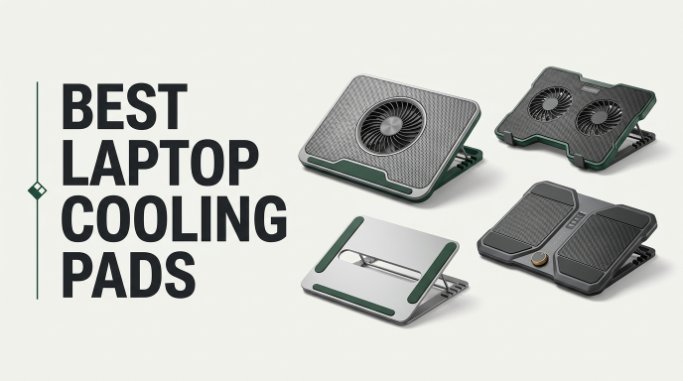
Find the right laptop cooling pads for 2026. We compare 10 standout options by the factors that matter most for thermal performance: fan count and size, airflow design, noise level, height adjustability, USB pass-through ports, laptop size compatibility, dust protection, and everyday build quality across gaming, work, and travel use cases.
Cooling pads range from slim, quiet mesh trays with a few small fans to turbo-powered gaming stations with software control, RGB lighting, and dedicated power adapters. The right pick depends on whether you need mild airflow for a thin ultrabook or aggressive pressurized cooling for a thick gaming rig that thermal throttles under load.
This guide breaks down each option by cooling design, ergonomics, and practical usability so you can match a cooler to your laptop and workflow. Whether you want a portable pad for coffee-shop work or a dedicated cooling station for marathon gaming sessions, the right choice keeps your CPU and GPU running at their intended clock speeds.
We compared 10 laptop cooling pads using the details that actually help a buyer decide: fan count, fan diameter, airflow direction, noise output, height and tilt adjustability, USB pass-through options, power source, laptop size compatibility, dust filtration, cable connections, and owner feedback. The notes focus on practical trade-offs so each pick connects to how people actually use cooling pads to prevent thermal throttling, extend laptop lifespan, and stay comfortable during long work or gaming sessions.


Compare key features, scores, and current prices side by side. A shorter feature list means fewer details were available, not necessarily fewer capabilities.


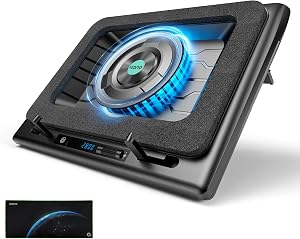


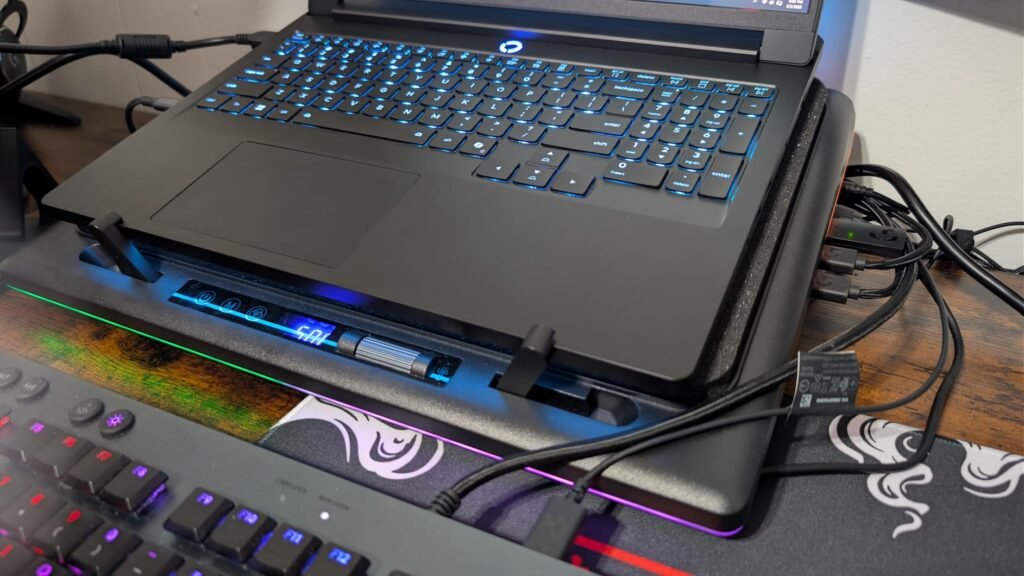
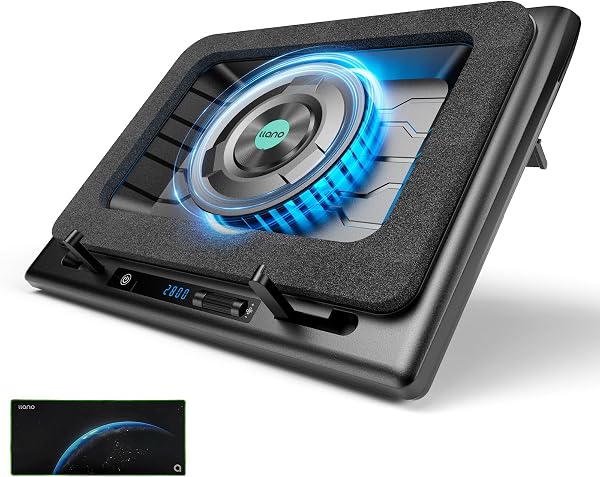
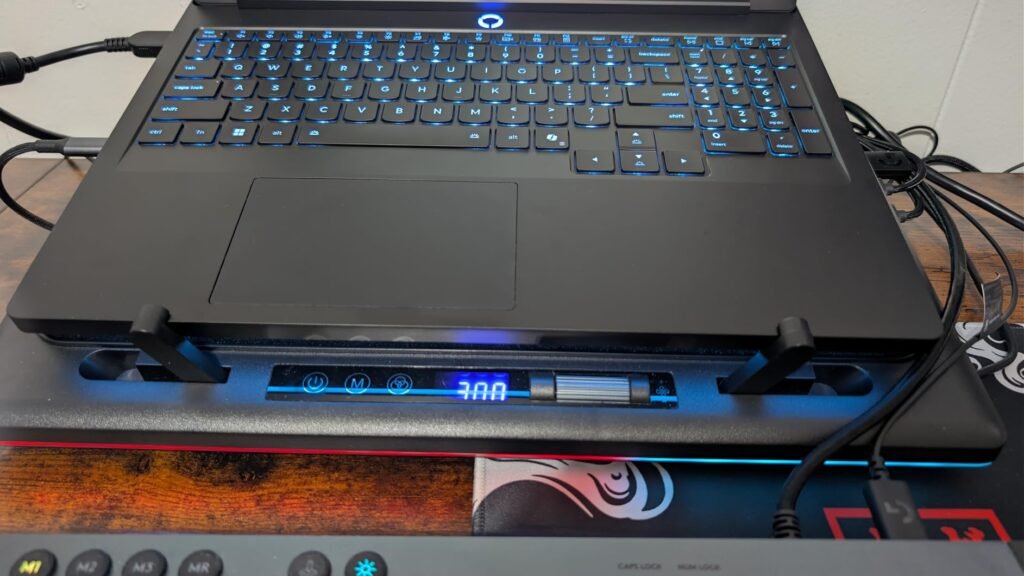
The llano V12 Ultra is the most sophisticated turbo cooler in the llano lineup, adding intelligent AI temperature control through Myth.cool software that automatically adjusts fan speed based on your laptop's workload. Three smart modes labeled Low, Medium, and High let the software manage cooling in the background, or you can take manual control through the built-in scroller when you want specific behavior.
We may earn a commission when you buy through this link, at no additional cost to you.
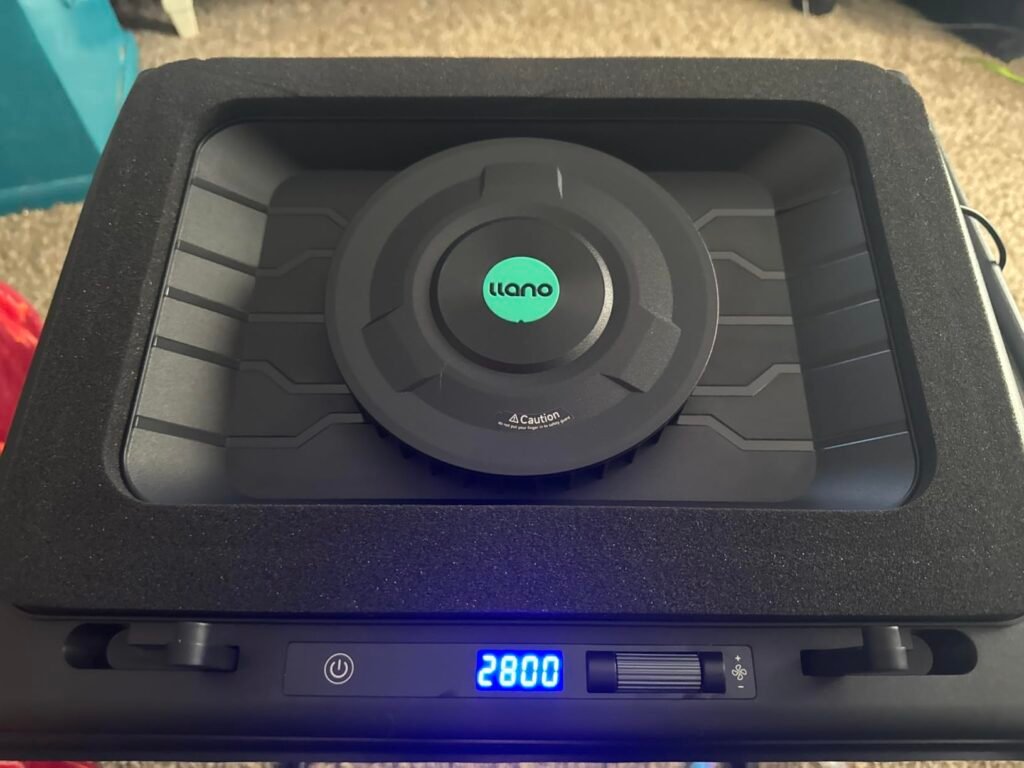
Lab-tested cooling performance shows this design can drop CPU and GPU temperatures by up to 22 degrees Celsius within 90 seconds, thanks to the combination of a 5.5-inch turbo fan spinning at up to 2800 RPM and a memory foam edge seal that pressurizes airflow into the laptop’s bottom intake. This kind of thermal relief translates directly to sustained clock speeds during long gaming sessions or heavy productivity workloads.
The built-in USB 3.0 hub with 5 Gbps data transfer connects a mouse, keyboard, or external drive at speeds that older USB 2.0 hubs cannot match. A dedicated 36W power adapter runs the turbo fan at full speed without drawing from the laptop’s battery, and the removable dust filter protects both the cooler and the laptop from long-term dust accumulation.
Manual fan control means constantly adjusting speeds based on what you are doing. Software-controlled fans automatically ramp up during heavy loads like gaming or rendering and quiet down during idle periods like reading or writing. This saves you from either running the fans at max all the time and dealing with constant noise, or forgetting to increase cooling during heavy loads and thermal throttling.
This is the top choice for serious gamers and creative professionals who want the best sustained cooling with intelligent automation. If you prefer completely offline hardware without software dependencies, a manual-control turbo cooler will suit you better.
Buyers who prefer completely offline hardware without software installation requirements.
We may earn a commission when you buy through this link, at no additional cost to you.
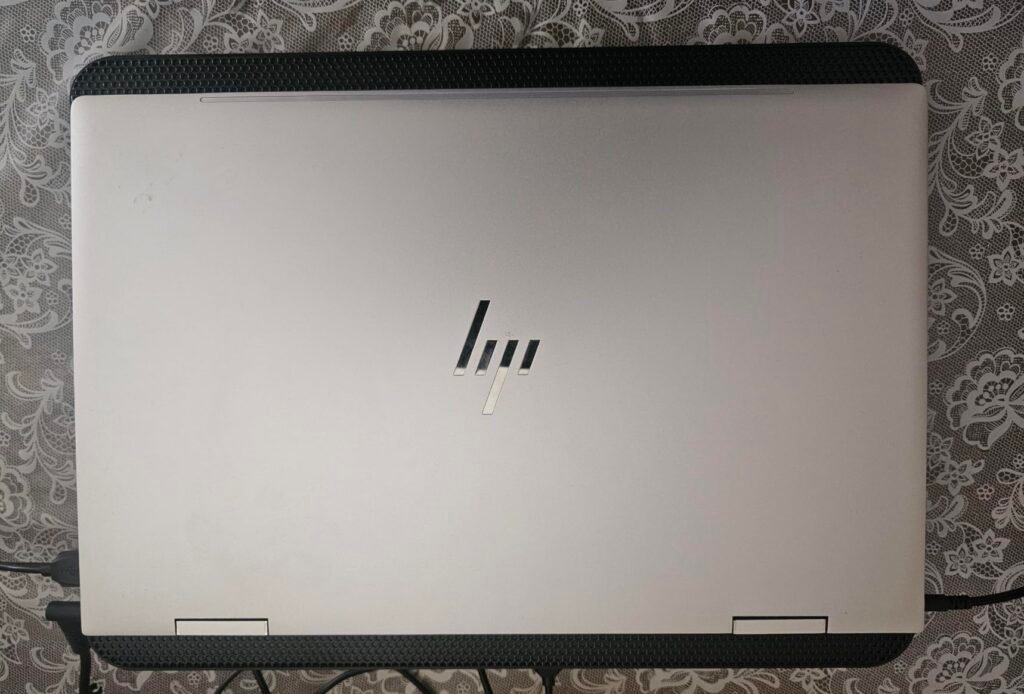
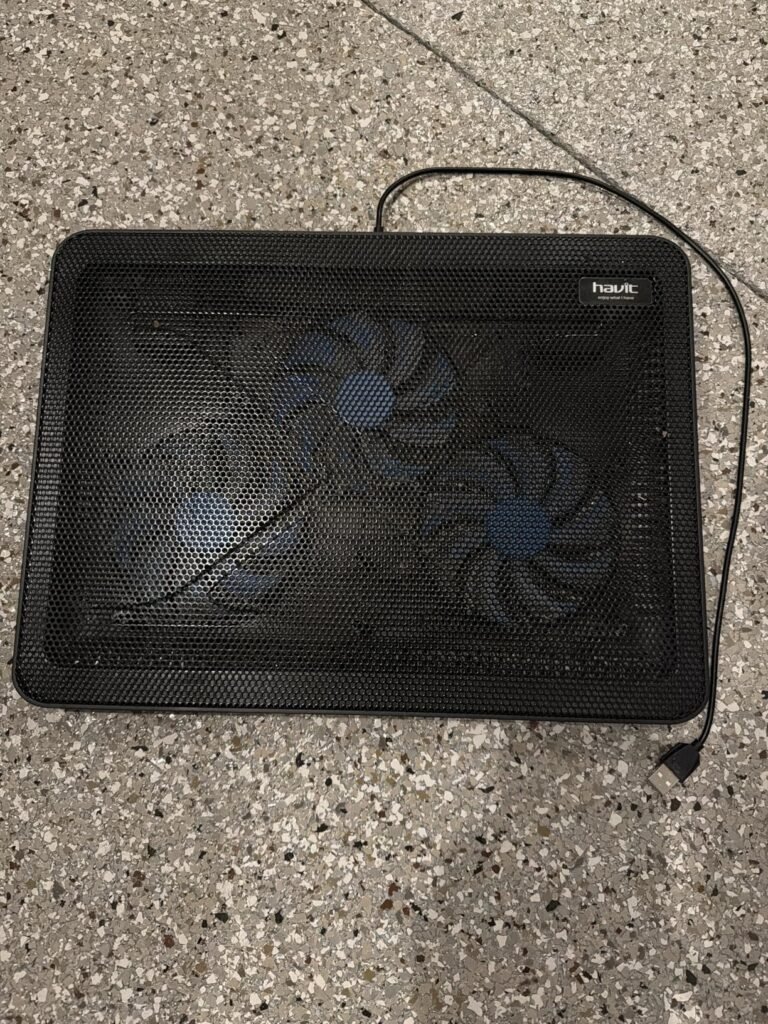
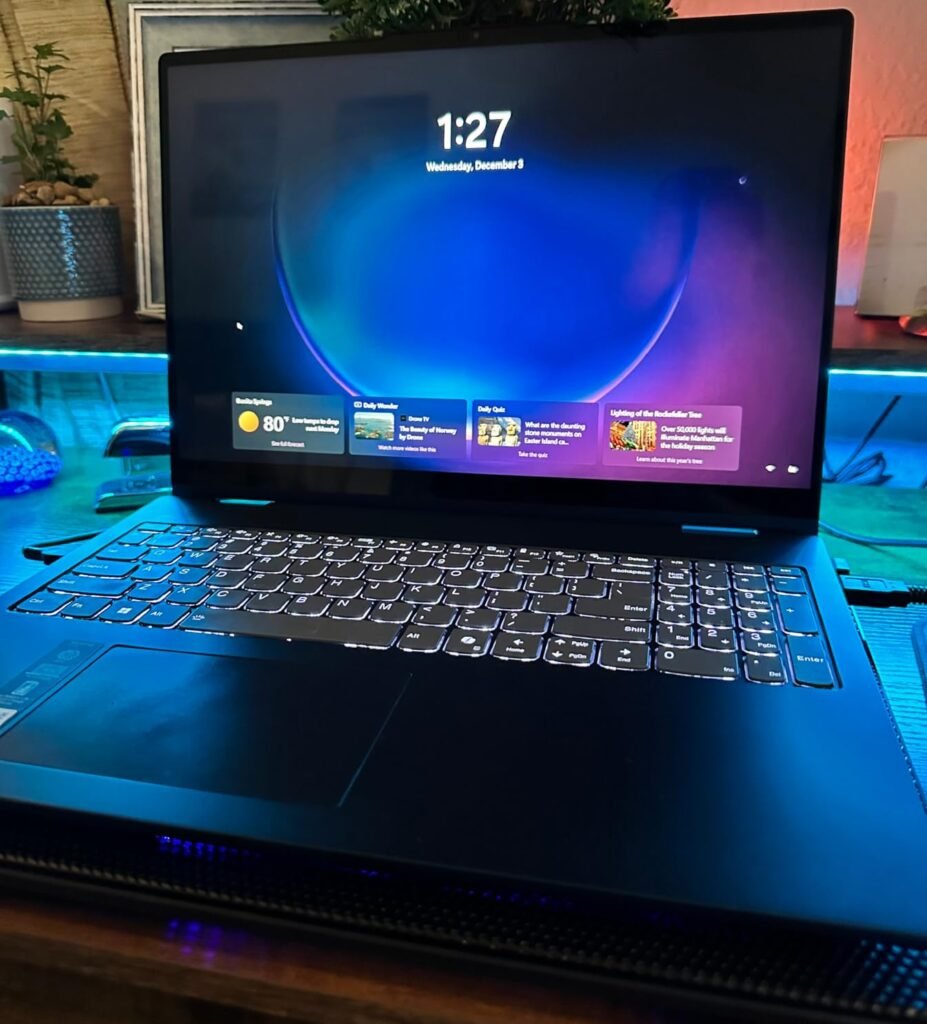
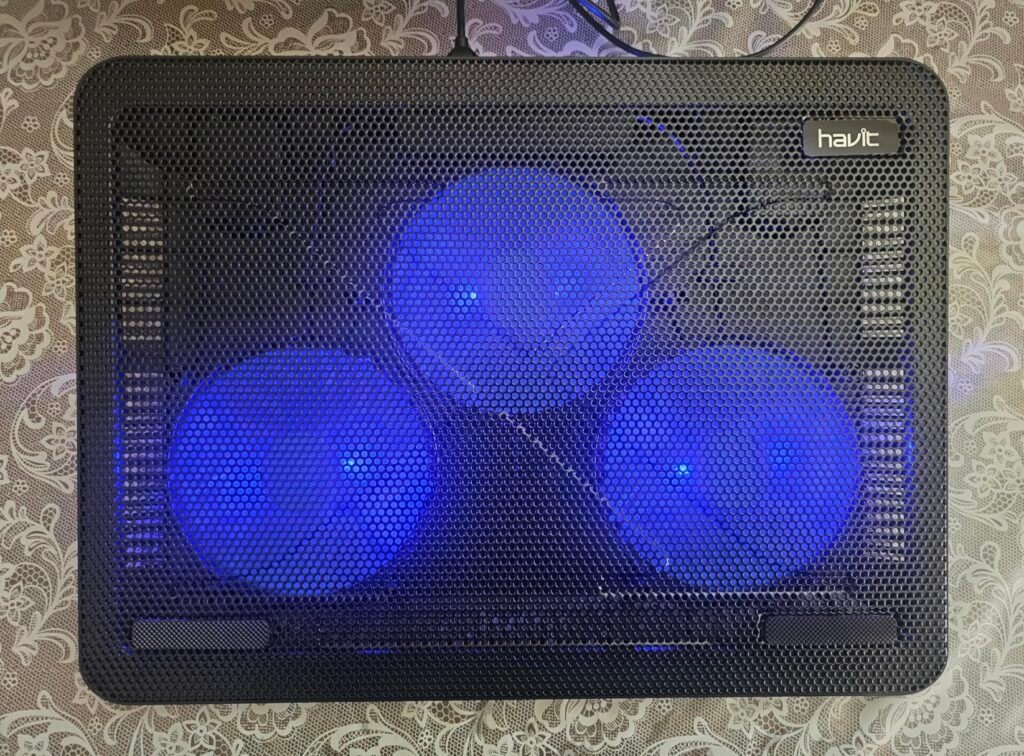
The havit HV-F2056 is the go-to choice for laptop owners who want reliable, no-nonsense cooling in a slim, portable package. Three ultra-quiet fans move air across the full metal mesh surface, keeping temperatures in check during work sessions, streaming, and light gaming without adding significant noise to your workspace. The pad accommodates 15.6-inch and 17-inch laptops, which covers most productivity and thin-and-light gaming machines.
We may earn a commission when you buy through this link, at no additional cost to you.
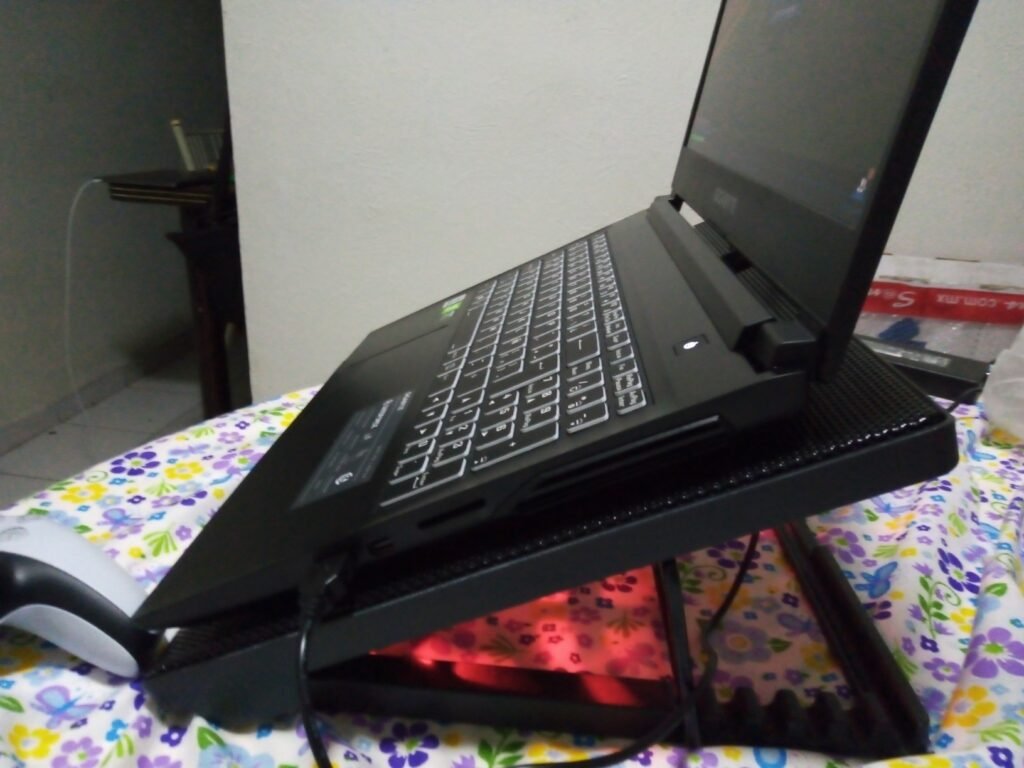
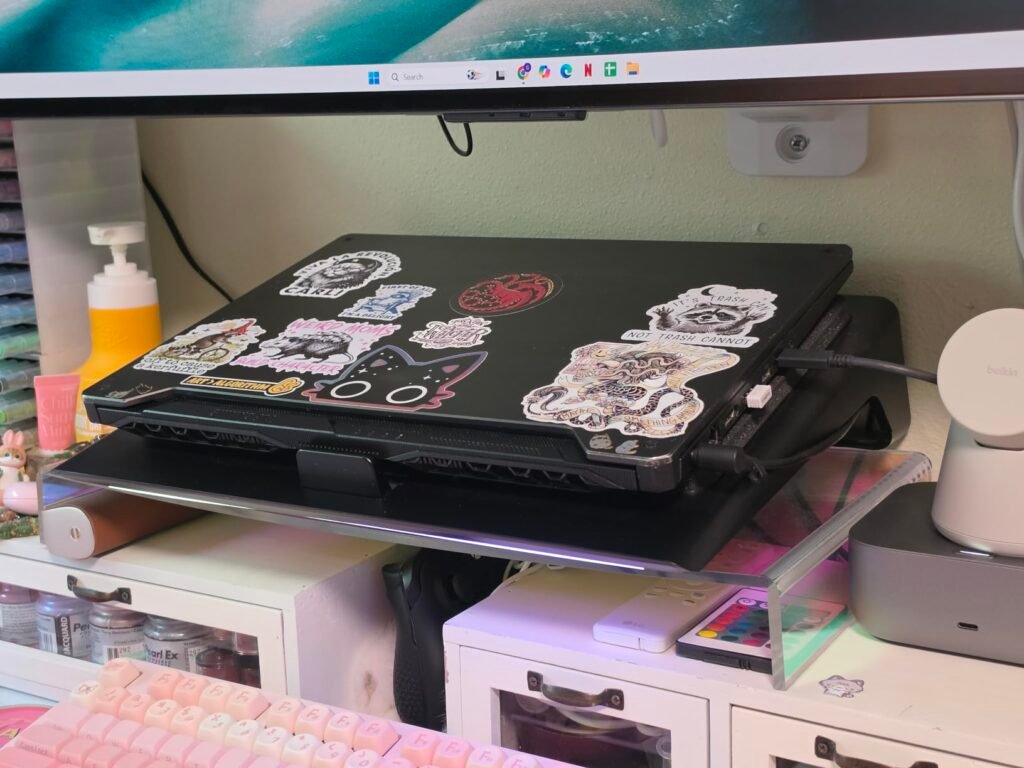
The ergonomic stand doubles as a two-position height adjuster, tilting your laptop for a more natural typing angle that reduces wrist strain during long sessions. The metal mesh top provides a stable surface that will not flex under a heavy laptop, and the fan grilles are angled to direct airflow upward through the laptop’s bottom intake vents. Two rubber stops on the front edge prevent the laptop from sliding off when tilted.
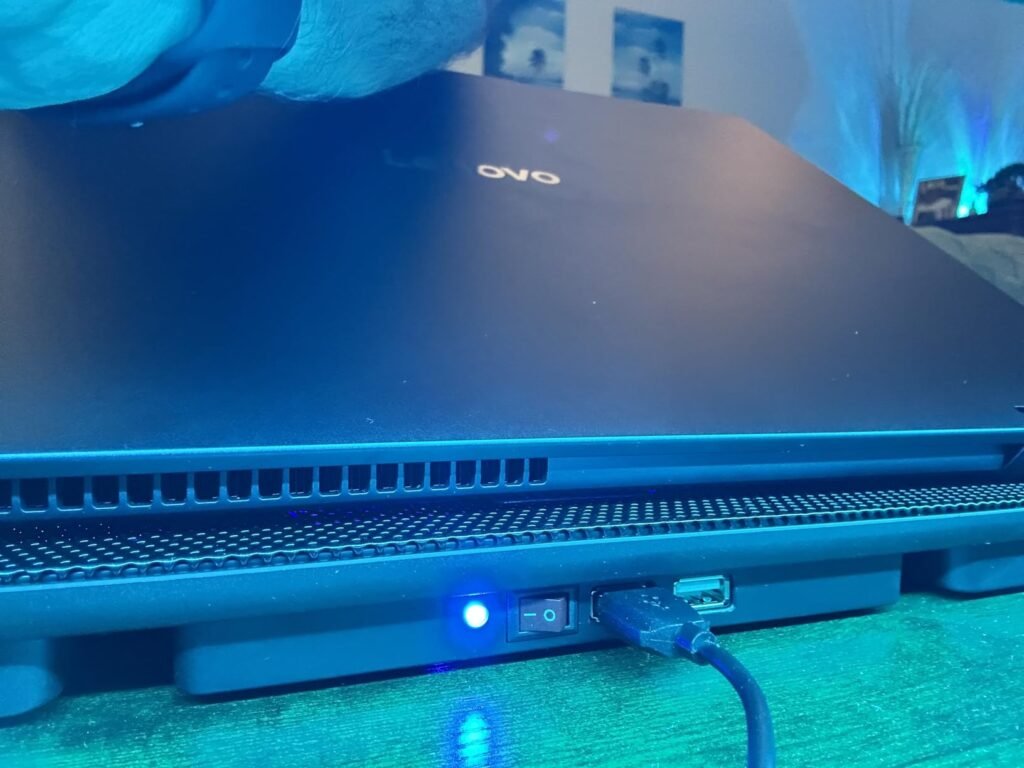
USB power comes from your laptop or a wall charger, with an additional USB pass-through port so you do not lose access to a port when the cooler is plugged in. The included cable is USB-A to USB-A, so USB-C-only laptops need a small adapter. An on-off switch lets you disable the fans when you want silence, which is useful for meetings or quiet-room work.
A cooling pad that hums loudly can undermine the very focus you are trying to protect. Ultra-quiet fans running at moderate RPMs move enough air to keep a typical productivity laptop from thermal throttling without adding noticeable noise. For office use, video calls, and coffee-shop work, this matters more than raw airflow numbers.
This is the top pick for buyers who want a proven, well-reviewed cooler that handles everyday tasks without complications. If you need aggressive cooling for a high-end gaming laptop under sustained load, a turbo-fan design will provide more thermal headroom.
Buyers with heavy gaming laptops that thermal throttle under load and need aggressive turbo-fan cooling.
We may earn a commission when you buy through this link, at no additional cost to you.
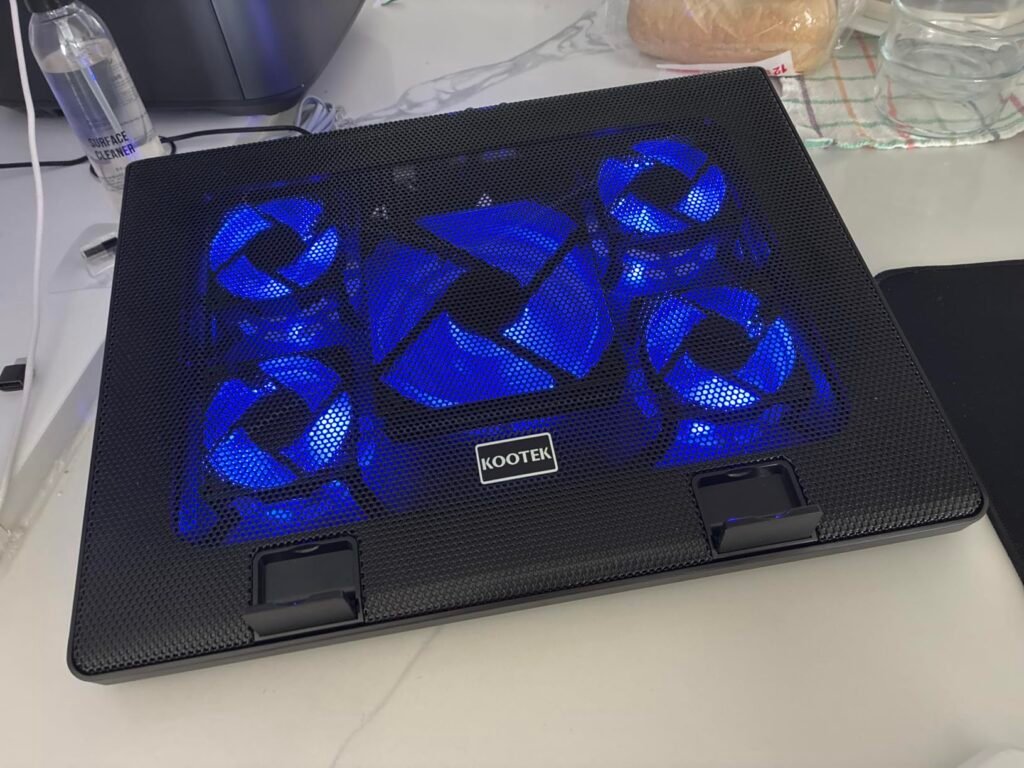
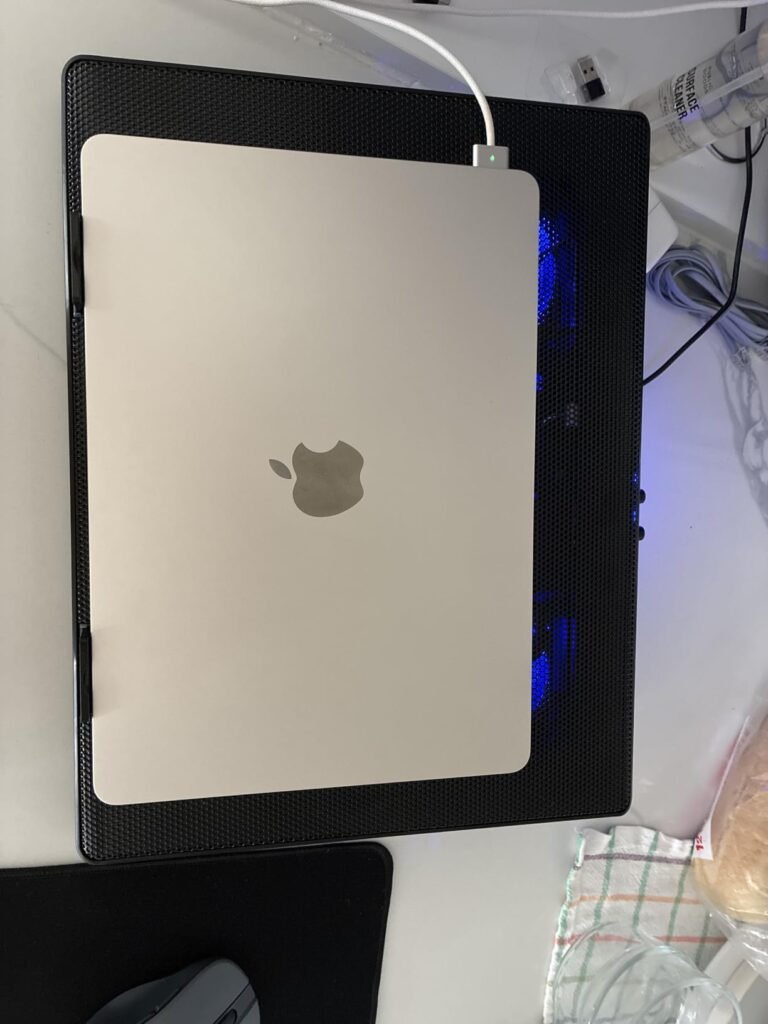
The Kootek 5-Fan Cooler stands out for its comprehensive airflow coverage, using one large 4.72-inch fan flanked by four smaller 2.76-inch fans to distribute cool air across a wide area under your laptop. This design works particularly well when your laptop's heat sources are spread across different areas of the chassis rather than concentrated in one spot, which is common for gaming laptops with dedicated GPUs.
We may earn a commission when you buy through this link, at no additional cost to you.
Two on-off switches let you control the fans in groups, giving you three cooling modes: just the central big fan, only the four surrounding fans, or all five running together. This flexibility matters when you want to conserve laptop battery power or reduce noise during less demanding tasks while still keeping some airflow going. Blue LED indicators show which fans are active.
Six adjustable height settings offer more ergonomic flexibility than most competitors, letting you dial in the exact viewing angle that works for your posture and monitor arrangement. The dual USB hub provides pass-through connectivity for a mouse, external drive, or other USB device, and the front stoppers keep your laptop firmly in place at higher tilt angles.
Different laptop models have heat sources in different locations. Gaming laptops often place CPUs and GPUs on opposite sides of the chassis, while thin laptops concentrate heat near the hinge. A cooling pad with multiple fans across the surface has a better chance of aligning airflow with your specific laptop’s intake vents, regardless of where they are positioned.
This is the smart pick for buyers who want more cooling capacity than a basic three-fan design without stepping up to turbo-fan pricing. If you primarily use an ultra-portable laptop that runs cool, a simpler two- or three-fan pad will save money and desk space.
Buyers who want a completely silent, LED-free cooling pad for quiet environments or dark bedrooms.
We may earn a commission when you buy through this link, at no additional cost to you.
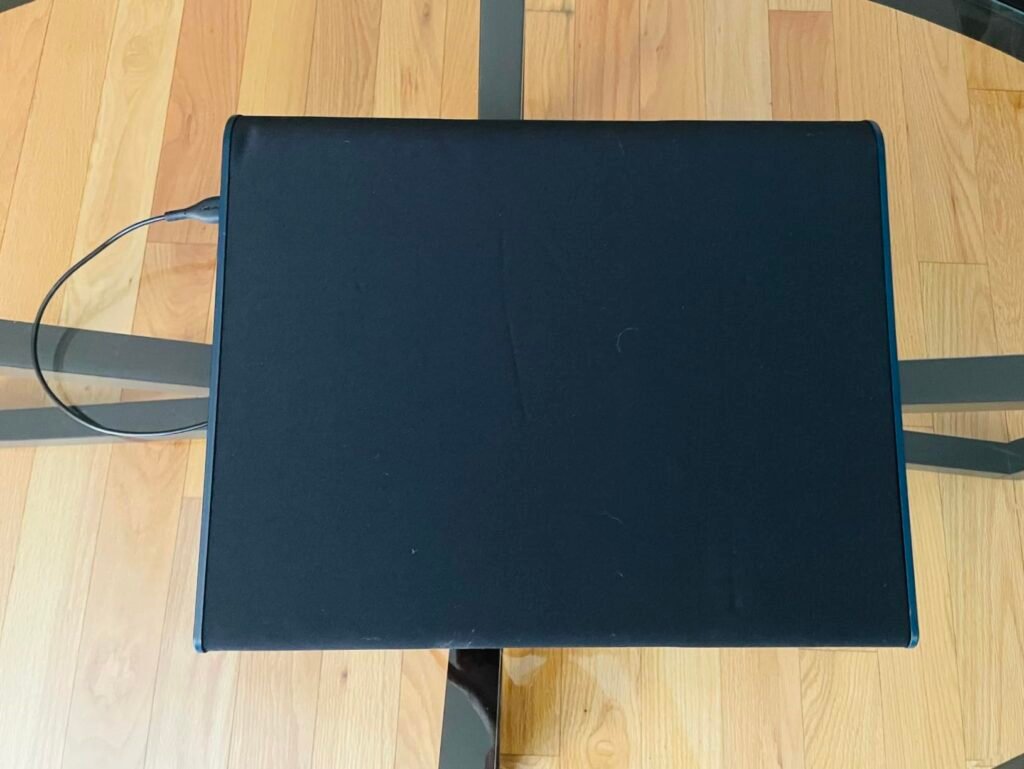
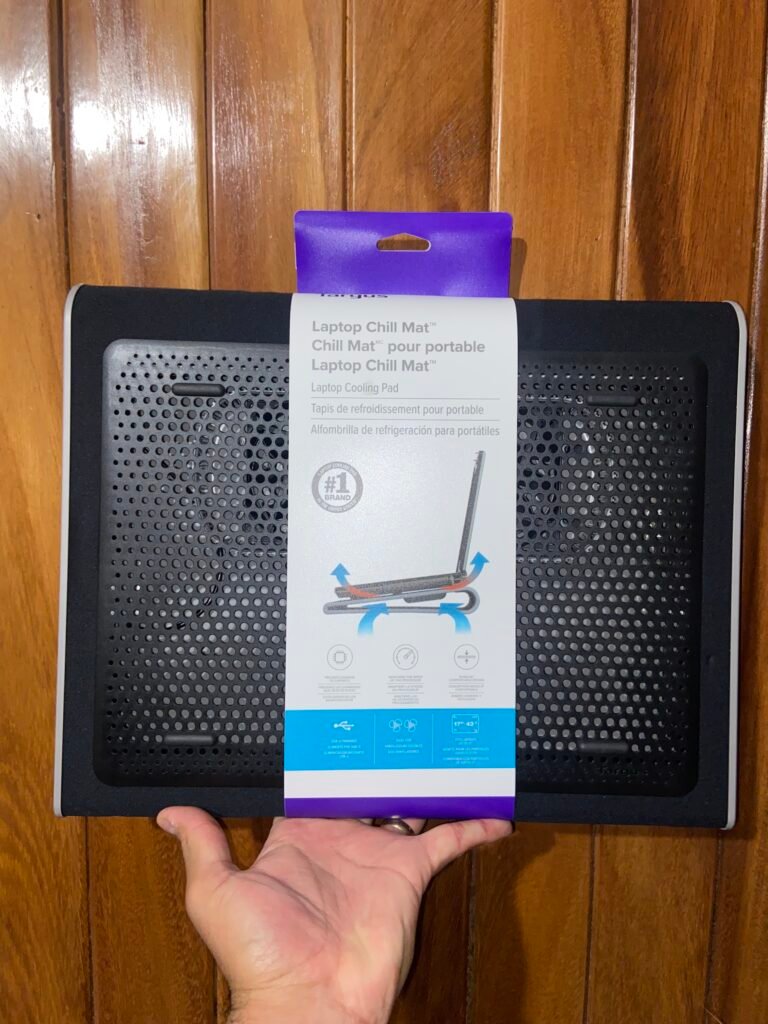
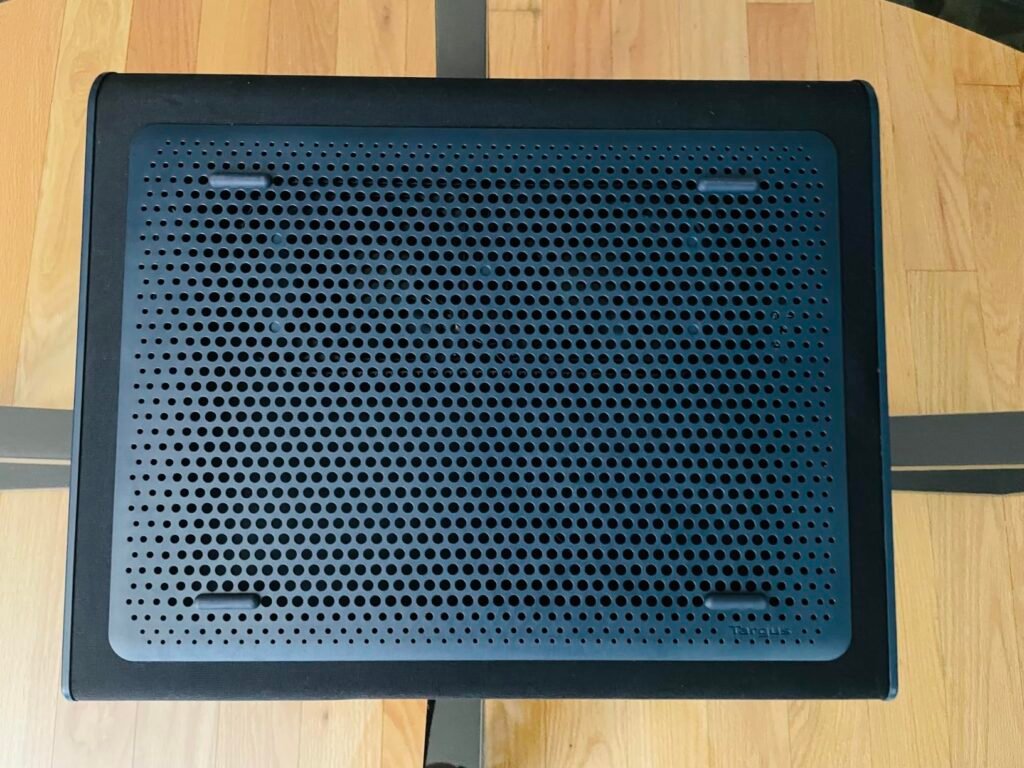
The Targus Lap Chill Mat solves a specific problem that most cooling pads ignore: how to comfortably use a laptop on your lap without cooking your legs or straining your wrists. The soft neoprene bottom provides a cushioned, insulating layer between the pad and your legs, while the dual fans on top pull heat away from your laptop's underside.
We may earn a commission when you buy through this link, at no additional cost to you.
The ergonomic tilt built into the mat raises the back of your laptop for a more natural typing angle, which reduces wrist fatigue during extended use. The open mesh top allows heat to escape efficiently rather than being trapped between the laptop and the pad, and four rubber stops on the face keep the laptop from sliding off during use on your lap or on a soft couch surface.
USB-A power keeps things simple, drawing from your laptop or any USB source without the need for a separate wall adapter. This makes the mat particularly well-suited for travel and mobile work scenarios where you cannot always count on wall outlets. The 17-inch size accommodates most laptops, including larger gaming and workstation models.
Hard plastic cooling pads can dig uncomfortably into your legs and transfer heat rather than blocking it. Neoprene is naturally insulating and conforms slightly to your leg shape, distributing weight more evenly and preventing pressure points. For anyone who spends significant time using a laptop away from a desk, this material difference is more meaningful than fan count.
This is the right choice for anyone who works from a couch, bed, or other lap setting and wants a comfortable, non-conductive surface with real cooling capability. If you use your laptop primarily on a desk, a taller stand-style cooler will provide better ergonomics for typing at desk height.
Buyers who need adjustable height settings for desk use or aggressive cooling for gaming laptops.
We may earn a commission when you buy through this link, at no additional cost to you.
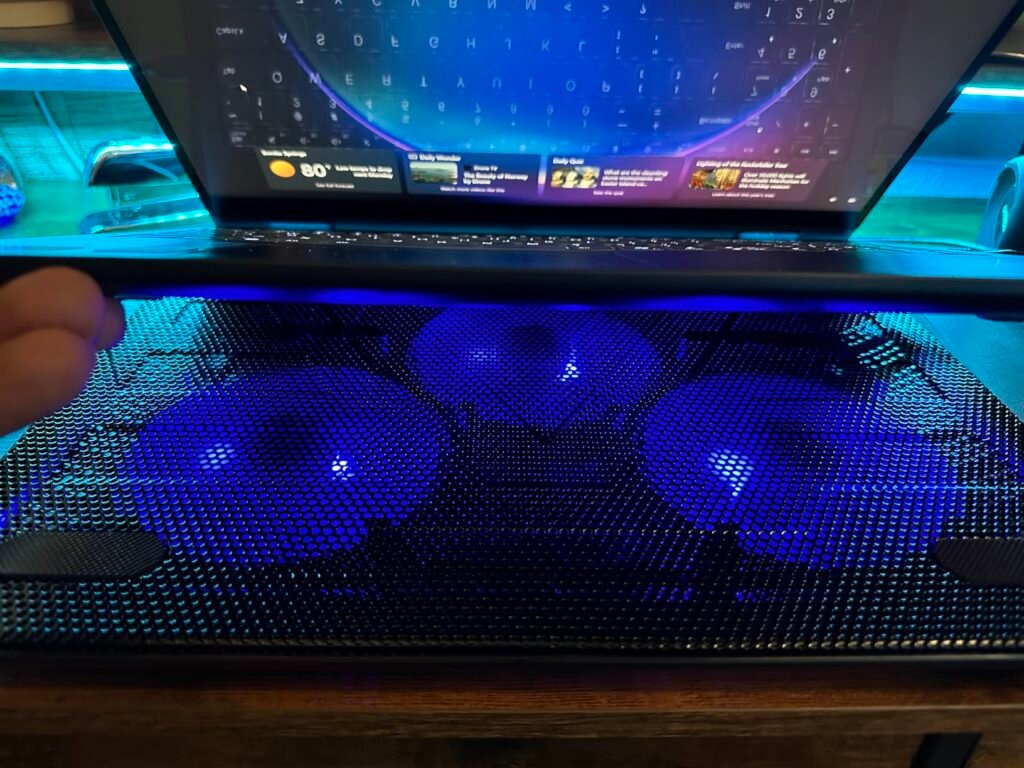
The TECKNET Slim Cooler brings three 110mm fans running at 1200 RPM into a portable form factor that packs easily into a backpack or laptop bag. The 110mm fan size hits a practical sweet spot: large enough to move meaningful airflow at low RPMs, small enough to keep the overall footprint compact. This design works well for owners of thin-and-light laptops that get warm during video calls or extended browsing sessions.
We may earn a commission when you buy through this link, at no additional cost to you.
The dedicated on-off switch and USB power draw eliminate the need for a wall adapter, making this cooler as portable as the laptop it supports. Two USB ports let you power the cooler with one and connect an accessory like a mouse or external drive with the other, preserving your laptop’s native USB ports for other uses. Blue LED indicators confirm the fans are running.
Rubber pads on both the top surface and base keep the laptop from sliding while also preventing the cooler itself from moving on your desk. Two adjustable height settings provide a modest ergonomic tilt that improves typing comfort without adding significant bulk. The cooler also works well for tablets, routers, and game consoles when your laptop is not the priority.
A cooling pad that stays home defeats its purpose. Slim, USB-powered coolers like this one weigh little and add minimal bulk to a laptop bag, so you can bring cooling with you to coffee shops, libraries, or travel destinations where you plan to use your laptop for hours at a time. This flexibility often matters more than raw cooling power for productivity users.
This is the smart pick for mobile workers and students who need lightweight cooling that travels well. If you plan to use your laptop for serious gaming or want more aggressive airflow, a larger-fan or turbo-fan design will provide better cooling under sustained load.
Gamers running demanding titles that need maximum airflow to prevent thermal throttling.
We may earn a commission when you buy through this link, at no additional cost to you.
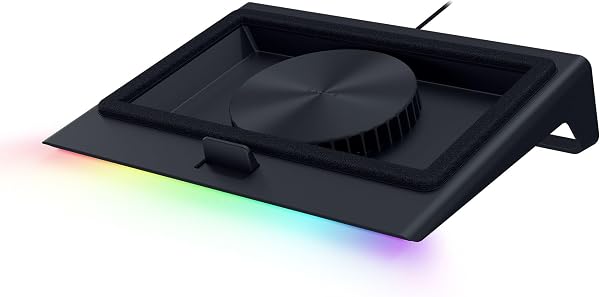
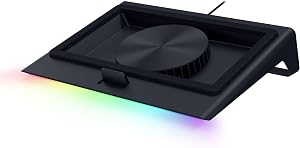
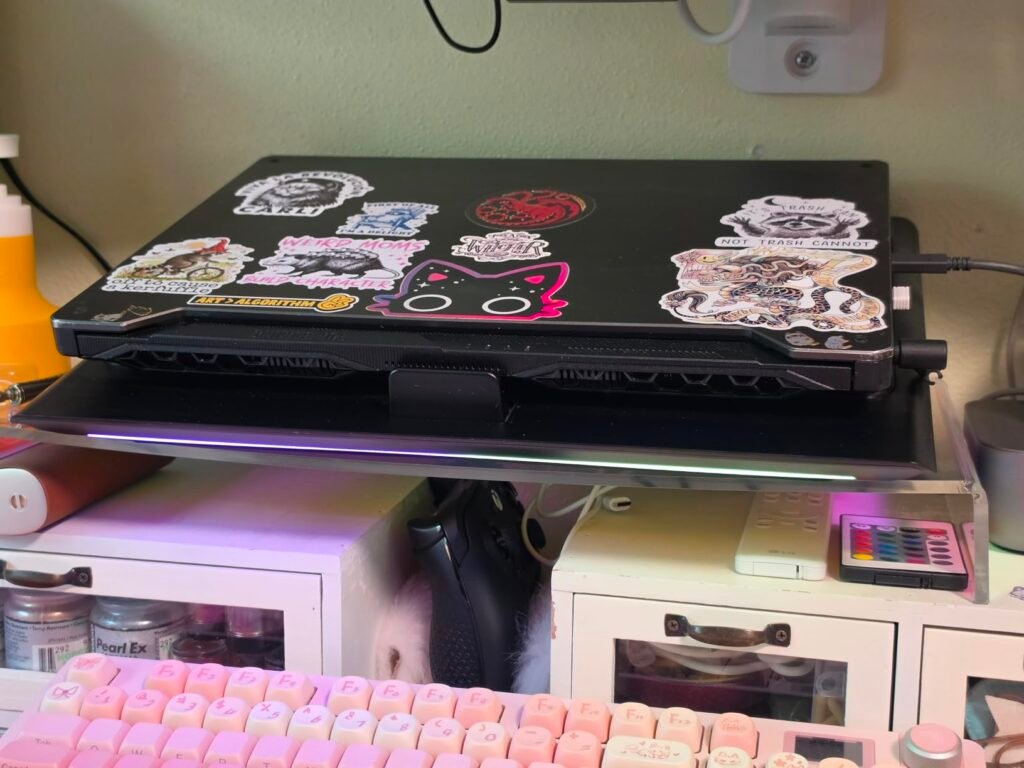
The Razer Laptop Cooling Pad takes a fundamentally different approach than most competitors by combining a large 140mm brushless fan with software-controlled adaptive cooling. Razer Synapse software monitors your system temperatures and adjusts fan speeds automatically, ramping up during heavy loads and quieting down during idle periods to balance cooling with noise.
We may earn a commission when you buy through this link, at no additional cost to you.
The airtight pressure chamber design is the standout engineering feature. Foam seals around the fan create a sealed cool-air pocket that pressurizes airflow into your laptop’s bottom intake vents rather than letting cool air escape around the edges. Three magnetic frame options let you match the seal shape to your specific laptop’s footprint, whether you have a compact 14-inch ultrabook or an 18-inch gaming machine.
The 3-port USB-A hub adds practical value by extending your laptop’s connectivity, which matters for gaming laptops that often skimp on native USB ports. Remappable multi-function buttons let you control fan speed, RGB lighting, volume, or launch apps directly from the cooling pad. Razer HyperBoost integration on compatible Blade laptops takes advantage of the improved thermals to sustain higher power limits for better sustained performance.
Open-air cooling pads let much of their airflow escape sideways rather than being forced into the laptop. A sealed pressure chamber design directs almost all the fan’s output into the laptop’s intake vents, delivering meaningfully more cool air to the internal components. This is why 140mm pressurized designs can outperform cooling pads with more but less-directed fans.
This is the top choice for owners of high-end gaming laptops who want the best possible sustained cooling without manual adjustment. If you use a modest laptop for productivity, the smart features and premium price will exceed what you actually need.
Budget-conscious buyers or owners of basic productivity laptops that do not need aggressive cooling.
We may earn a commission when you buy through this link, at no additional cost to you.
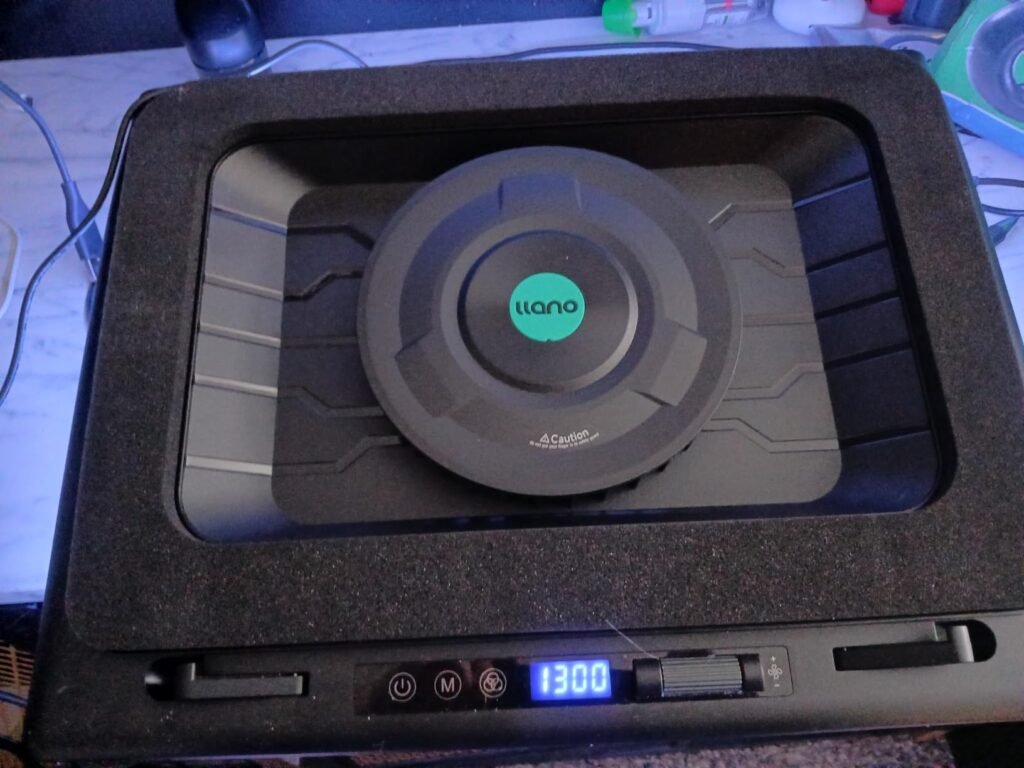
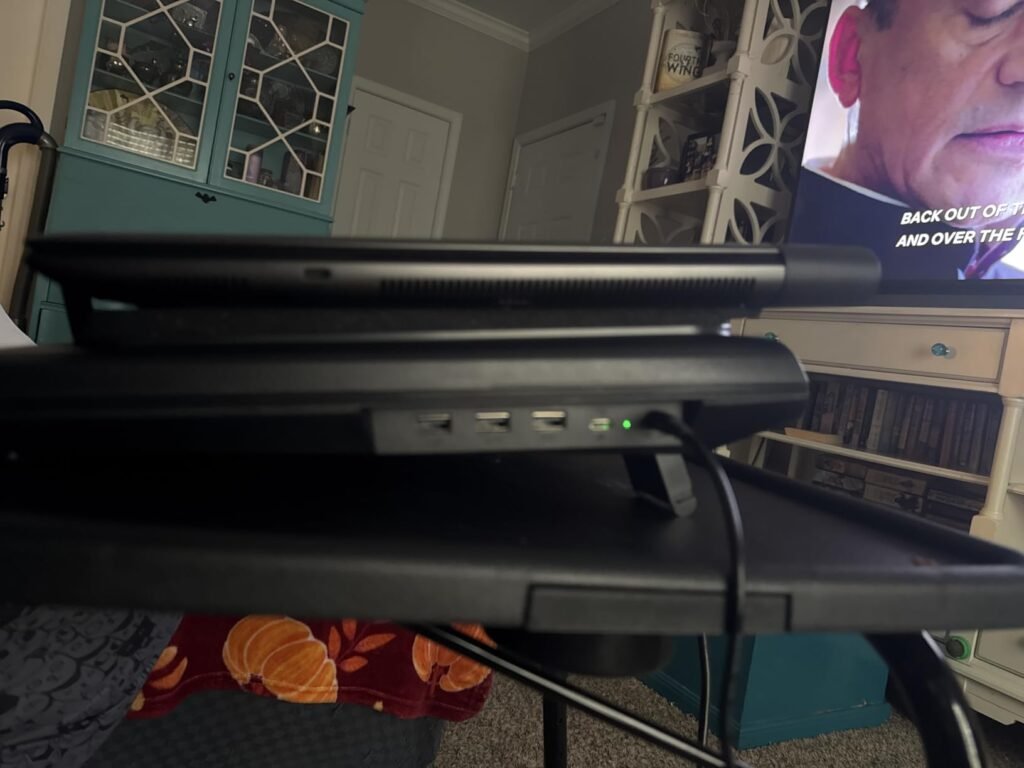
The llano V12 Gaming Cooler represents the turbo-fan school of laptop cooling, using a single powerful 5.5-inch fan to move much more air than a bank of smaller fans. This design targets serious gaming laptops that thermal throttle under load, delivering the kind of aggressive cooling that can drop CPU and GPU temperatures by significant amounts during intense sessions.
We may earn a commission when you buy through this link, at no additional cost to you.
The included mouse pad extends the surface for a coordinated setup, and the 36W power adapter provides the current that the turbo fan needs to run at full speed without draining your laptop’s battery through USB power delivery. Touch-sensitive buttons and a real-time LED display let you monitor and adjust fan speed instantly, balancing cooling efficiency against noise depending on the situation.
The removable dust filter is a genuinely useful feature that most competing cooling pads lack. Dust accumulation inside a laptop is one of the leading causes of long-term thermal degradation, and a dust filter on the cooling pad captures particles before they can be blown up into the laptop’s intake vents. An additional dust filter comes in the box for easy replacement.
Every laptop cooling pad blows air up into your laptop’s intake vents. Without a dust filter, that air brings dust, pet hair, and debris directly into your laptop’s internal cooling system, where it accumulates on heatsinks and reduces thermal performance over time. A dedicated dust filter on the cooling pad catches these particles before they reach your laptop, extending its useful cooling life.
This is the right pick for gaming laptop owners who need real thermal relief during demanding titles or extended sessions. If you use a productivity laptop that runs cool during normal work, the turbo fan will be more airflow and noise than you need.
Owners of quiet office environments where the turbo fan noise would be distracting.
We may earn a commission when you buy through this link, at no additional cost to you.
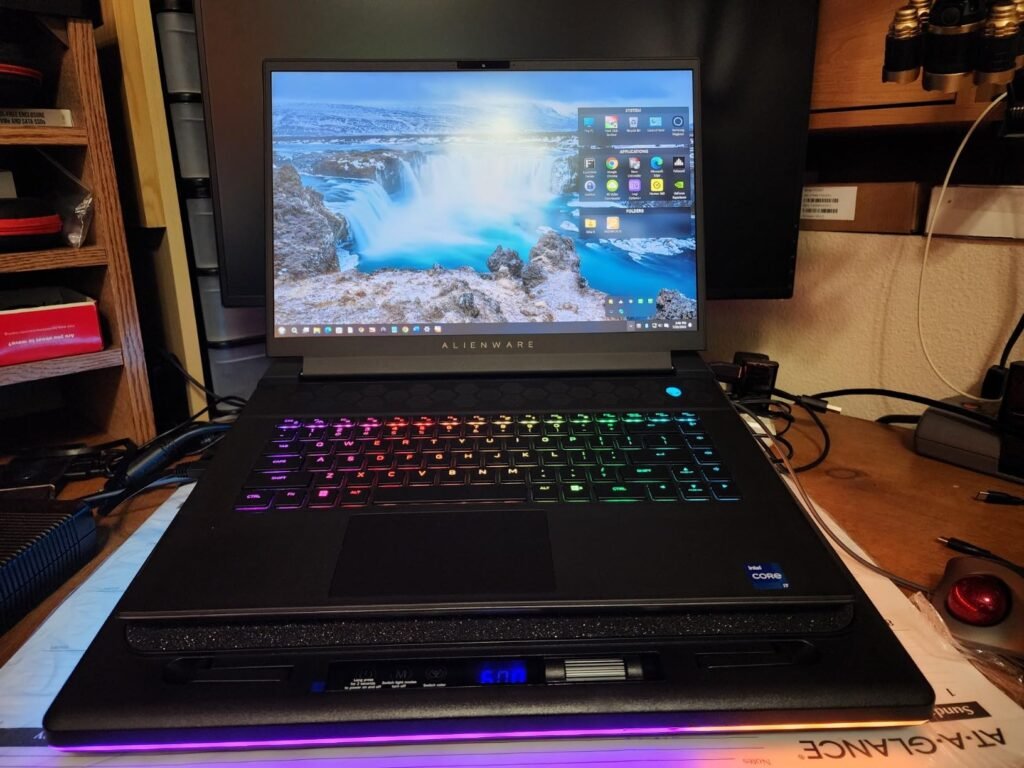
The llano V12 RGB variant adds significant desk-station functionality to the core turbo-cooling design, integrating a 3-port USB 2.0 hub and 10-mode RGB lighting into the same 5.5-inch turbo fan platform. This turns the cooling pad into a workstation centerpiece that handles thermal management, peripheral connectivity, and aesthetic customization from one unit.
We may earn a commission when you buy through this link, at no additional cost to you.
The scroll wheel airflow control is a smart interface choice that lets you adjust fan speed with a natural, intuitive motion rather than pressing buttons repeatedly. Three USB 2.0 ports connect a mouse, keyboard, and external drive simultaneously, solving the common problem of limited ports on modern gaming laptops. Just note that these ports are for peripherals only and do not charge devices at high current.
The high-density removable dust filter and memory foam seal work together to maximize the cooling effect while protecting the laptop’s internal fans from dust buildup. Three tilt angles at 3, 12, and 15 degrees let you match the viewing height to your monitor arrangement, and the reinforced chassis handles heavy gaming laptops from 15.6 to 19 inches without flex.
Turbo-fan cooling pads generate more noise than multi-fan designs because they push more air through a single large fan. Operating noise around 70dB is roughly comparable to a vacuum cleaner and is noticeable in quiet rooms. For gaming with headphones or in rooms with ambient noise, this is generally acceptable. For quiet work environments, a multi-fan design at lower RPMs will be more pleasant.
This is the smart pick for gamers who want an RGB-integrated setup and value the extra USB connectivity. If you prefer minimal aesthetics or work in a professional environment where RGB lighting would be inappropriate, a plainer cooling pad will suit you better.
Quiet office workers who need silent cooling for video calls and focused reading tasks.
We may earn a commission when you buy through this link, at no additional cost to you.
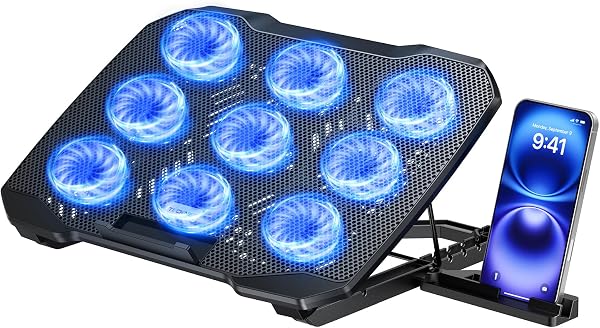
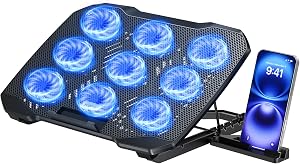
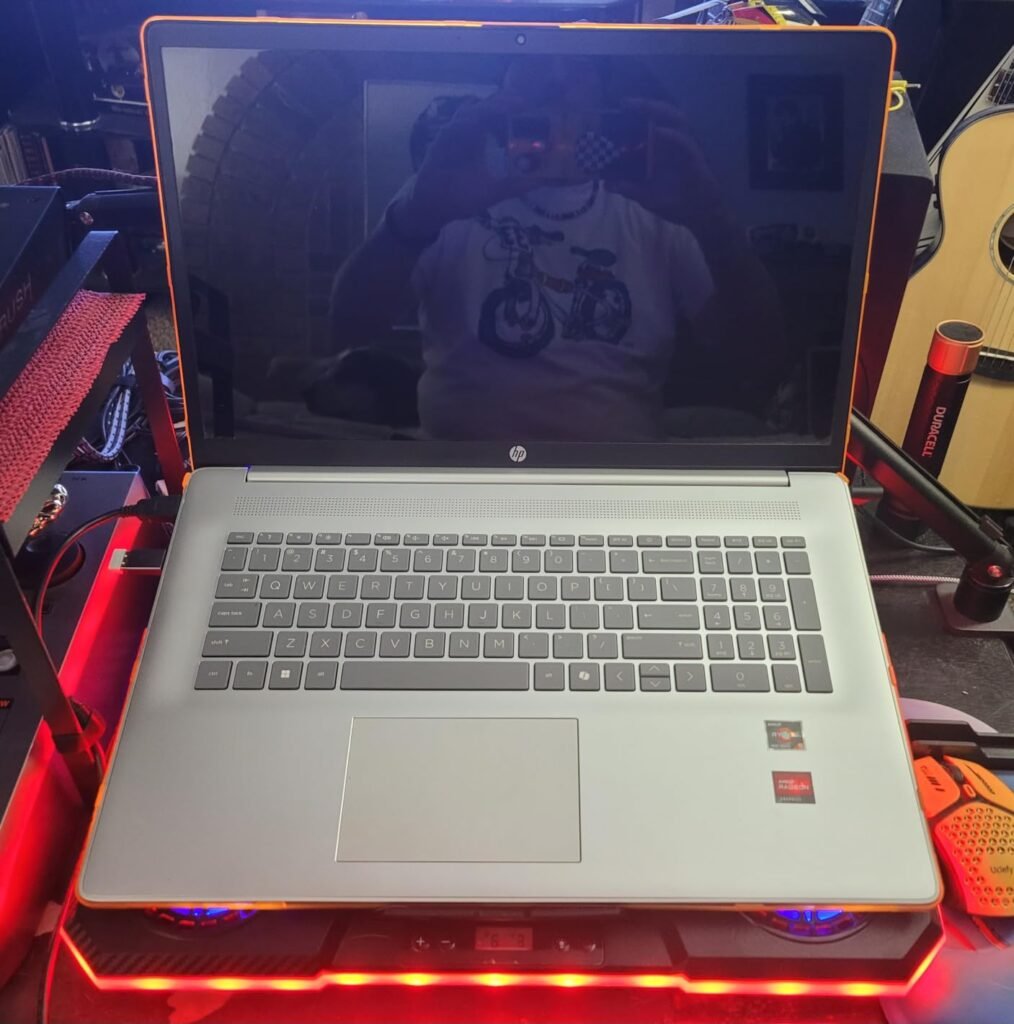
The ChillCore A21 takes the multi-fan approach to its logical conclusion with nine cooling fans distributed across the top surface, providing broad airflow coverage that works well for large gaming laptops with heat sources scattered across the chassis. The design targets the 15.6 to 19.3-inch laptop segment where thermal management is most critical.
We may earn a commission when you buy through this link, at no additional cost to you.
Eight height adjustment positions give this cooler more ergonomic flexibility than most competitors, letting you fine-tune the exact tilt angle for your workspace. The LCD display shows current fan speed at a glance, and touch-sensitive buttons control fan speed and RGB lighting independently. Air vents on both the top and bottom of the case let you configure airflow patterns that work with your laptop’s specific intake and exhaust design.
Ten RGB light modes and capacitor-equipped fans that reduce operating noise round out the feature set. The nine fans work quietly enough at low speeds to remain unobtrusive during work sessions, though pushing them to maximum speed does add noticeable noise. The blue LED accent lighting suits gaming setups well but may not match every desk aesthetic.
More fans do not automatically mean better cooling. USB-powered fans have limited RPM and static pressure compared to turbo fans powered by dedicated adapters. A single 5.5-inch turbo fan can move more directed airflow into a laptop than nine small USB fans spreading their output across a wide area. Consider your laptop’s actual thermal needs before assuming more fans is better.
This is the smart pick for budget-conscious gamers who want RGB features and broad airflow coverage without paying premium prices. If cooling performance is your top priority, a turbo-fan design with pressurized airflow will move more cool air into your laptop than nine smaller USB-powered fans.
Owners of high-end gaming laptops that need pressurized turbo-fan cooling to prevent thermal throttling.
We may earn a commission when you buy through this link, at no additional cost to you.
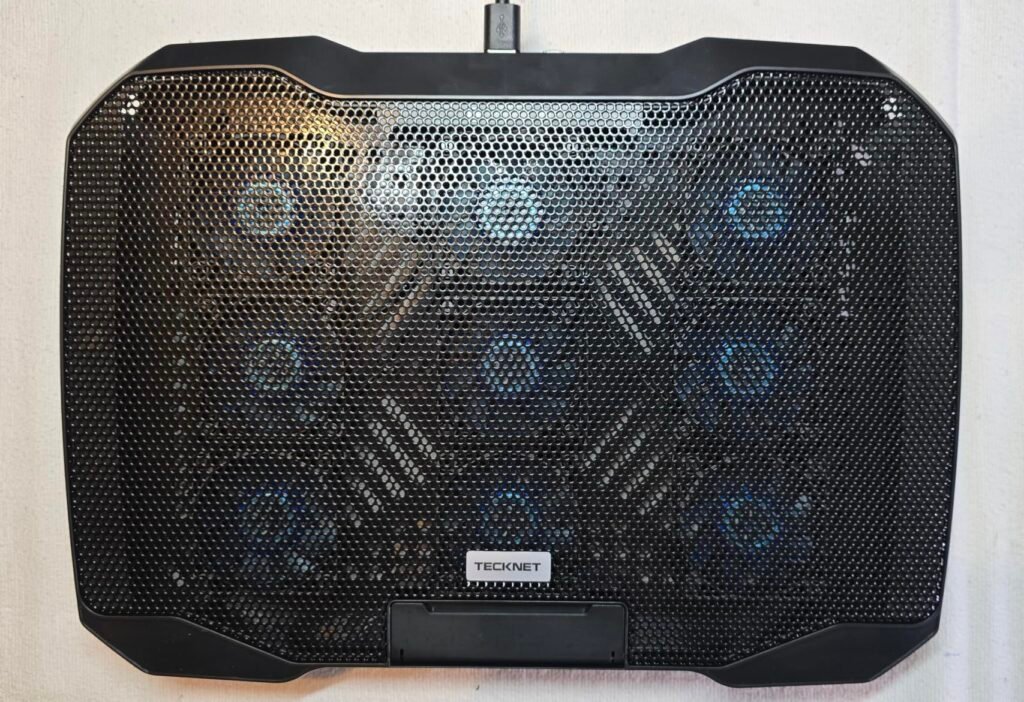
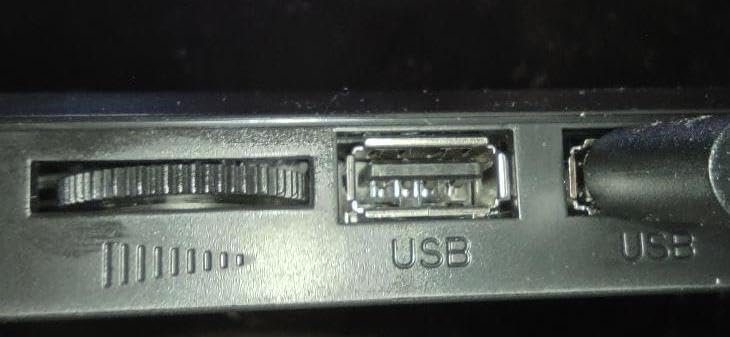
The TECKNET 9-Fan Cooler is built specifically for the 12 to 15.6-inch laptop segment, which covers most ultrabooks and mid-size laptops used for productivity and light gaming. Nine high-performance fans with stepless speed control up to 2600 RPM deliver 360-degree surround airflow, and the alloy material mesh top provides excellent heat dissipation across the full laptop footprint.
We may earn a commission when you buy through this link, at no additional cost to you.
The whisper-quiet operation under 40 decibels is a genuine advantage for anyone who works in shared spaces, on video calls, or values a quiet environment. Nine smaller fans running at moderate speeds move meaningful airflow while staying below the noise threshold where fan hum becomes distracting. The LED brightness automatically syncs with fan speed, giving you a visual indicator of cooling intensity.
Five height settings raise the cooler up to 6 inches with tilt angles up to 34 degrees, which is enough range to accommodate most desk heights and monitor arrangements. The built-in phone holder is a thoughtful addition that keeps your phone visible for notifications, calendar checks, and music control without cluttering your desk with a separate stand.
A cooling pad that is too small for your laptop leaves parts of the chassis unsupported and may not align fans with the intake vents. A cooler that is too large wastes desk space and airflow. For best results, choose a cooler rated for your laptop’s screen size or one size larger, and check that the fan positions roughly line up with your laptop’s bottom vents.
This is the smart pick for productivity users with mid-size laptops who value quiet operation and integrated phone visibility. If you have a larger 17-inch or 18-inch gaming laptop, this cooler will be too small for proper support.
Owners of 17-inch or larger gaming laptops that need bigger cooling pads for full support.
We may earn a commission when you buy through this link, at no additional cost to you.
Selecting the right cooling pad depends on your laptop size, thermal needs, desk environment, and how much you care about extras like RGB lighting and USB hubs. This section covers the key factors that separate a genuinely useful cooler from one that just adds desk clutter.
Laptop cooling pads fall into two main camps: multi-fan designs that use several small fans to spread airflow across a wide area, and turbo-fan designs that use one large fan with a sealed edge to pressurize a concentrated airflow into the laptop’s intake vents. Multi-fan designs work well for laptops with heat sources spread across the chassis and tend to be quieter, while turbo-fan designs deliver more aggressive cooling for demanding gaming laptops that need concentrated airflow at the intake.
Fan size matters more than fan count in most cases. A single 140mm or 5.5-inch fan can move more air than four or five 80mm fans, especially when paired with a sealed pressure chamber design. However, the airflow direction and alignment with your laptop’s intake vents matter as much as raw fan capacity. A poorly aligned turbo fan will underperform a well-placed multi-fan design for your specific laptop model.
For basic productivity laptops that run warm during video calls or heavy browsing, a quiet multi-fan design like the havit HV-F2056 provides sufficient cooling with minimal noise. For serious gaming laptops that thermal throttle under load, a turbo-fan design like the llano V12 Ultra or Razer Cooling Pad will deliver meaningfully better results.
Cooling pads are sized for specific laptop ranges, and matching your laptop’s screen size to the cooler’s rated compatibility ensures proper support and fan alignment. A cooling pad that is too small will leave portions of your laptop unsupported and may not align fans with the intake vents, while a pad that is too large wastes desk space and disperses airflow away from your laptop’s chassis.
Small laptops in the 12 to 14-inch range work well with compact coolers like the TECKNET 9-Fan or the smaller-sized options. Mid-size 15.6-inch laptops fit most cooling pads in this guide, giving you the widest selection. Large gaming laptops in the 17 to 19-inch range need specifically-rated coolers like the llano V12 or ChillCore A21 that provide adequate surface area and support for the heavier chassis.
Before buying, check both your laptop’s screen size and its physical footprint. Some 15.6-inch gaming laptops have thicker chassis than typical productivity laptops, which can affect how the cooler’s edge seals or stoppers engage. Reading owner reviews from people with your specific laptop model can reveal compatibility issues that specs alone will not.
Cooling pad noise varies dramatically between designs, from whisper-quiet multi-fan pads under 40 decibels to turbo-fan coolers approaching 70 decibels at maximum speed. The right noise level depends entirely on your environment. In a quiet office or shared apartment, a fan hum can quickly become distracting, and lower-RPM multi-fan designs are far more comfortable for extended use.
For gaming sessions with headphones on, high fan noise is largely irrelevant since your audio drowns it out. In this case, prioritizing maximum cooling performance makes sense even if the fan is loud. For hybrid users who game sometimes and work quietly other times, adjustable fan speed with a physical control or software curve lets you match the noise level to the situation.
Test your cooler in the environment where you actually plan to use it. A pad that seems quiet in a busy office may be too loud in a quiet bedroom for late-night work. Software-controlled coolers like the Razer or llano V12 Ultra give you the most flexibility to adapt noise to context.
Cooling pads draw power either from your laptop’s USB port or from a dedicated wall adapter. USB-powered coolers are simpler and more portable but limited in maximum fan output, since USB provides limited current. Wall-powered coolers like the llano V12 models include a 36W or similar adapter that runs turbo fans at their full potential without draining your laptop’s battery.
Most cooling pads include a USB pass-through port or hub so you do not lose access to a USB port when the cooler is plugged in. Premium coolers like the Razer include a 3-port USB hub that adds significant connectivity, which matters for gaming laptops that often have few native USB ports. Basic coolers typically include one or two pass-through ports, which is fine for connecting a mouse or external drive.
For portable use, prioritize USB-powered coolers with efficient designs. For desk-based gaming or workstation use, wall-powered turbo coolers deliver better sustained performance and typically include better USB hubs.
Height and tilt adjustment turn a cooling pad into a functional laptop stand that improves posture during long sessions. Elevating the back of your laptop by even a few inches brings the screen closer to eye level, reducing neck strain, while the angled surface positions the keyboard for a more natural wrist angle. This ergonomic benefit is often as valuable as the cooling itself for daily comfort.
The number of height settings varies from two positions on basic coolers up to eight positions on more sophisticated designs like the ChillCore A21. More positions let you dial in the exact angle that works for your monitor height and typing preferences, though most users find that two or three well-chosen positions cover their needs. Front stoppers that keep the laptop from sliding at higher angles are essential for safety.
If you plan to use your laptop as your primary work setup for hours at a time, prioritize a cooler with substantial height adjustment. If you only need occasional cooling for gaming sessions where you already have a proper monitor setup, minimal or no height adjustment is fine.
Dust filters are one of the most underappreciated features in laptop cooling pads. Every cooling pad blows air up into your laptop’s intake vents, and without a filter, that air carries dust, pet hair, and debris directly into your laptop’s internal cooling system. Over months and years, this accumulation degrades your laptop’s thermal performance and eventually requires professional cleaning.
Cooling pads with removable, washable dust filters like the llano V12 models capture these particles before they reach your laptop. This extends both the effective life of the cooler and the internal cooling system of your laptop. For gaming laptops that already run hot and struggle with thermal management, dust protection can meaningfully extend the useful life of the machine.
If you have pets, live in a dusty environment, or plan to use the cooler for years with an expensive gaming laptop, invest in a design with a proper dust filter. For occasional use with less expensive laptops, the dust protection is a nice-to-have rather than essential.
Set up your cooling pad on a flat, stable surface with the fan intakes unobstructed. Position your laptop so its bottom intake vents align roughly with the pad’s fan grilles. Most cooling pads have their strongest airflow toward the back where the largest fans sit, which is convenient because most gaming laptops also have their primary intake vents in that area. Connect the USB cable to a laptop USB port or, for wall-powered models, plug in the included adapter and turn on the fans before starting demanding tasks to give the cooler time to build airflow.
Clean the cooling pad regularly to maintain performance. Dust the fan grilles, top mesh surface, and fan blades gently with a soft brush or compressed air every few weeks, and more frequently if you have pets or work in dusty environments. If your cooler has a removable dust filter, wash it with warm water and mild soap, allow it to dry completely, and reinstall it before using the cooler again. This simple maintenance can double the effective life of both the cooler and your laptop’s internal cooling system.
Manage your fan speeds according to the task at hand. For light work like word processing or web browsing, running the fans at low speed or turning them off entirely conserves USB power and eliminates noise. For gaming, rendering, or other demanding tasks, ramp the fans to full speed before starting the workload so the cooling pad is ready when the laptop begins generating heat. Software-controlled coolers handle this automatically, but manual coolers require you to plan ahead.
Yes, cooling pads meaningfully reduce laptop temperatures during demanding tasks, especially for gaming laptops that thermal throttle. Turbo-fan designs with sealed edges can drop CPU and GPU temperatures by 10 to 22 degrees Celsius during heavy loads. Multi-fan designs provide more modest cooling but still help prevent thermal throttling during extended productivity sessions.
No, cooling pads are designed to work with laptops safely. They blow room-temperature air into the laptop's intake vents, which is exactly what the laptop's internal cooling system expects. The main risk is dust accumulation over time, which is why cooling pads with dust filters offer a long-term advantage for laptop health.
Even laptops that do not thermal throttle can benefit from a cooling pad. Lower operating temperatures extend component lifespan, reduce fan noise from the laptop's internal fans, and improve typing comfort by keeping the chassis cooler. However, if you never notice heat or performance issues, a cooling pad is more of a preventive measure than an urgent need.
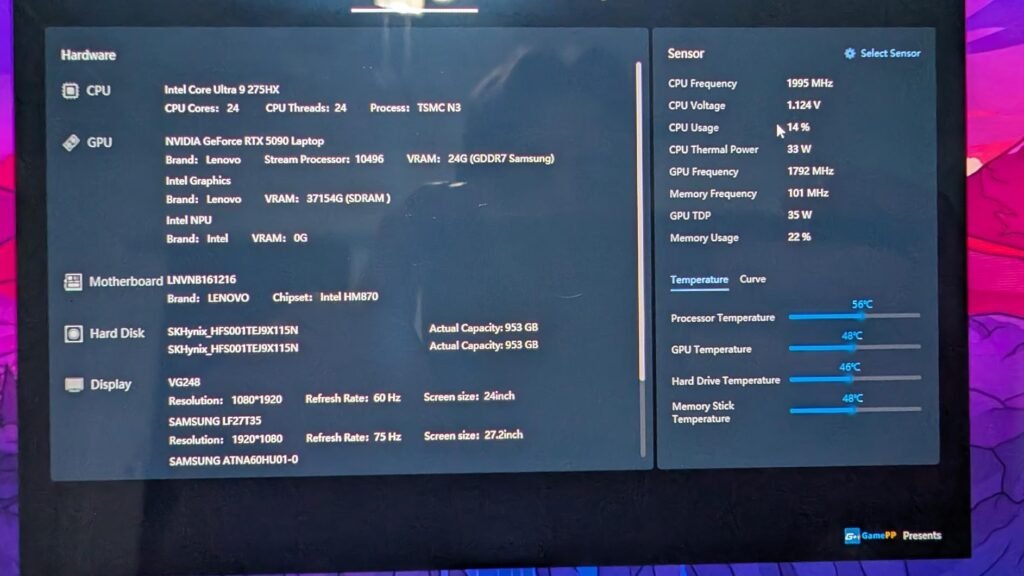
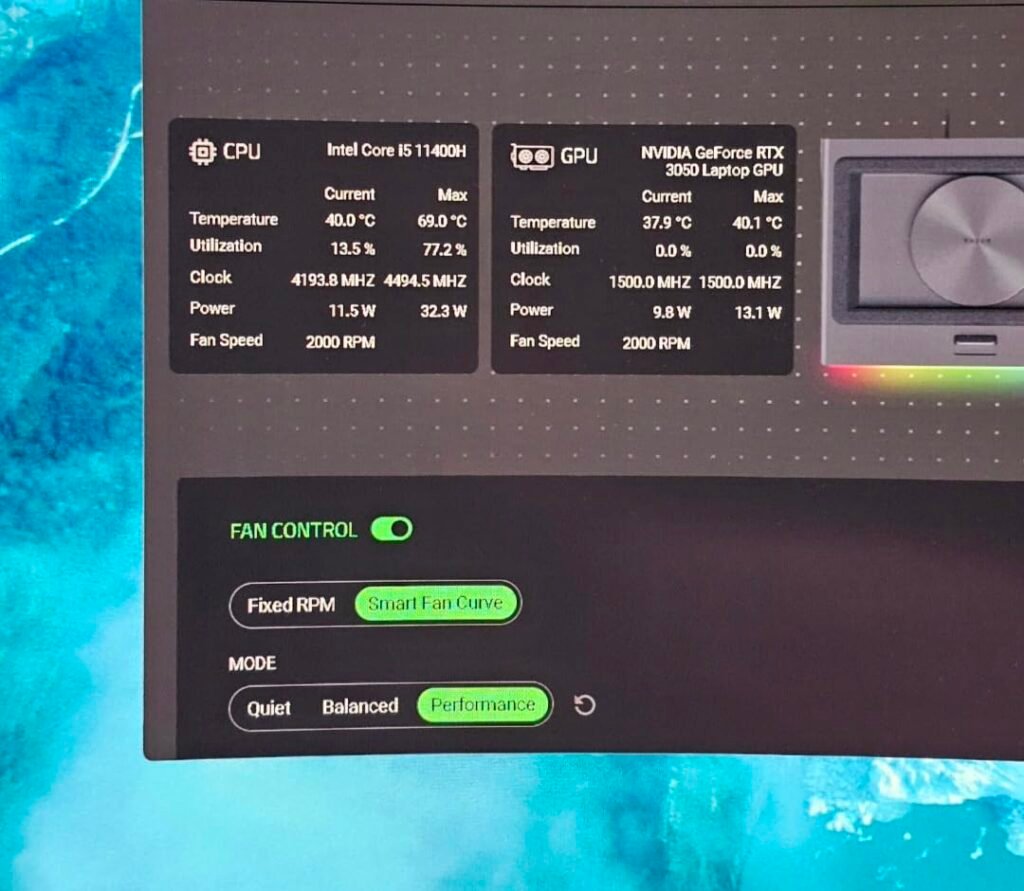
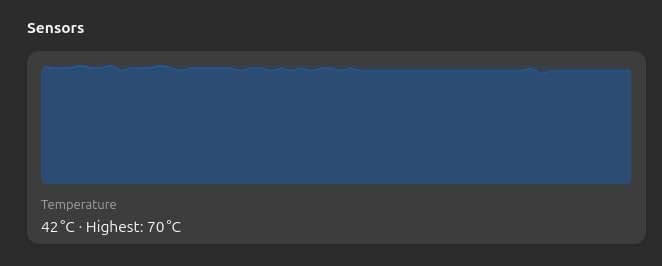
Download a free monitoring tool like HWMonitor or Core Temp to check your CPU and GPU temperatures with and without the cooling pad during the same task. A drop of 5 to 15 degrees Celsius during heavy loads indicates meaningful cooling. You may also notice your laptop's internal fans running less aggressively, since the cooler is helping dissipate heat.
Some cooling pads are specifically designed for lap use, like the Targus Lap Chill Mat with its soft neoprene bottom. Rigid cooling pads with metal or plastic bases can be uncomfortable on bare legs and may not distribute weight evenly. If you regularly work from a couch or bed, choose a cooler designed for lap use rather than a rigid desk-style pad.
Yes, especially for laptops that thermal throttle during extended gaming. When a CPU or GPU reaches its thermal limit, it reduces clock speed to prevent damage, which lowers frame rates. A good cooling pad keeps temperatures below the throttle threshold, allowing the laptop to sustain higher performance for longer periods. Turbo-fan designs offer the biggest gaming benefit.
Noise varies significantly between designs. Quiet multi-fan pads produce less than 40 decibels, which is barely noticeable in a normal room. Turbo-fan cooling pads can reach 70 decibels at maximum speed, which is comparable to a vacuum cleaner. Most cooling pads offer speed control so you can balance cooling with noise depending on the situation.
Match the cooling pad to your laptop's screen size. Most cooling pads specify compatible ranges like 12 to 17 inches or 15 to 19 inches. A pad slightly larger than your laptop is fine, but a pad too small leaves parts of the chassis unsupported. Check both screen size and laptop thickness before buying, especially for gaming laptops with thick chassis.
USB-powered pads work well for most productivity and casual gaming use, providing modest airflow that is sufficient for typical thermal management. Wall-powered pads like the llano V12 series run turbo fans at higher speeds for aggressive cooling of demanding gaming laptops. If your laptop struggles with heat under heavy loads, invest in a wall-powered turbo design.
Quality cooling pads with brushless fans can last five years or more of regular use. The main failure points are fan bearings and USB connectors, both of which degrade gradually rather than failing suddenly. Keeping the cooler clean and using it at moderate speeds rather than maximum all the time extends its useful life significantly.
The havit HV-F2056 stands out as the strongest overall choice for most laptop users, offering reliable three-fan cooling in a slim, portable design at a reasonable price. Its ultra-quiet operation, two-position ergonomic stand, and extra USB pass-through port cover the essentials without unnecessary complexity, and the 4.4 rating reflects consistent satisfaction across a wide range of users.
For serious gamers who need aggressive cooling, the llano V12 Ultra with its AI-controlled turbo fan and memory foam pressure seal delivers the best sustained performance in this guide. The Razer Cooling Pad offers premium software integration and a 3-port USB hub for buyers who value ecosystem features. Budget-focused buyers should consider the Kootek 5-Fan or TECKNET Slim Cooler for solid cooling at lower prices, while lap-based workers will appreciate the Targus Lap Chill Mat's neoprene comfort.
Your best choice ultimately depends on your laptop's thermal demands and your working environment. Match fan design to your cooling needs, prioritize quiet operation for office and shared spaces, and invest in dust protection if you plan to use the cooler with an expensive laptop for years. The right pad extends laptop lifespan, prevents thermal throttling, and improves daily comfort in ways that justify the modest investment.