Garmin Approach R10
8.4Editor scorePortable launch monitor
10-hour battery life
42,000+ virtual courses
IPX7 waterproof rating
Compare 10 top golf launch monitors by accuracy, metrics, simulator features, portability, and value to find the right practice tool for your game.
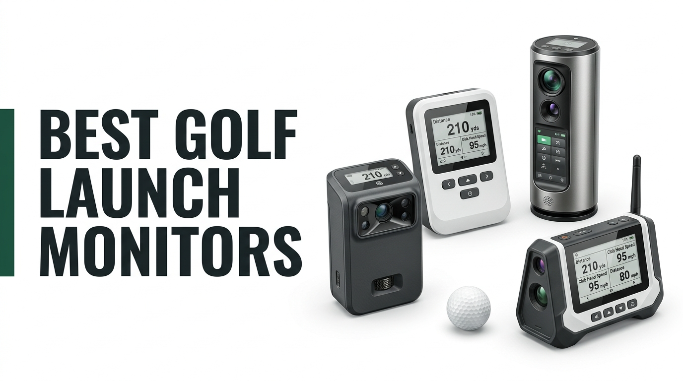
Choosing the right golf launch monitor in 2026 is about matching technology to how you actually practice. We compare 10 standout options by the factors that matter most in this category: measurement accuracy, tracked metrics, radar versus camera technology, indoor and outdoor performance, simulator integration, subscription requirements, portability, battery life, and how well each unit fits your practice budget.
The gap between a $200 portable radar unit and a $5,000 camera-based simulator is enormous. Entry-level models deliver ball speed, club speed, and carry distance for range work. Mid-tier units add spin, launch angle, and simulator courses. Premium camera systems capture face angle, path, and Tour-grade accuracy that supports serious fitting and instruction, so knowing what you actually need is essential.
This guide covers portable radar monitors, mobile-app-based systems, all-in-one units with built-in displays, and full simulator-grade devices. Whether you want to sharpen distances at the range, build a home simulator setup, or fine-tune swing mechanics with data, one of these picks should match your goals, your space, and your budget without any guesswork.
We compared 10 launch monitors using the details that genuinely help a buyer decide: measurement accuracy, ball and club metrics captured, radar versus camera technology, indoor and outdoor performance, simulator course access, subscription requirements, app quality, battery life, portability, mobile device compatibility, warranty coverage, owner feedback, and value at each price tier. The notes focus on real practice trade-offs so each pick reflects how golfers actually train at the range, in the backyard, or in a home simulator.


Compare key features, scores, and current prices side by side. A shorter feature list means fewer details were available, not necessarily fewer capabilities.


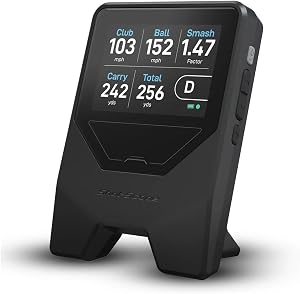

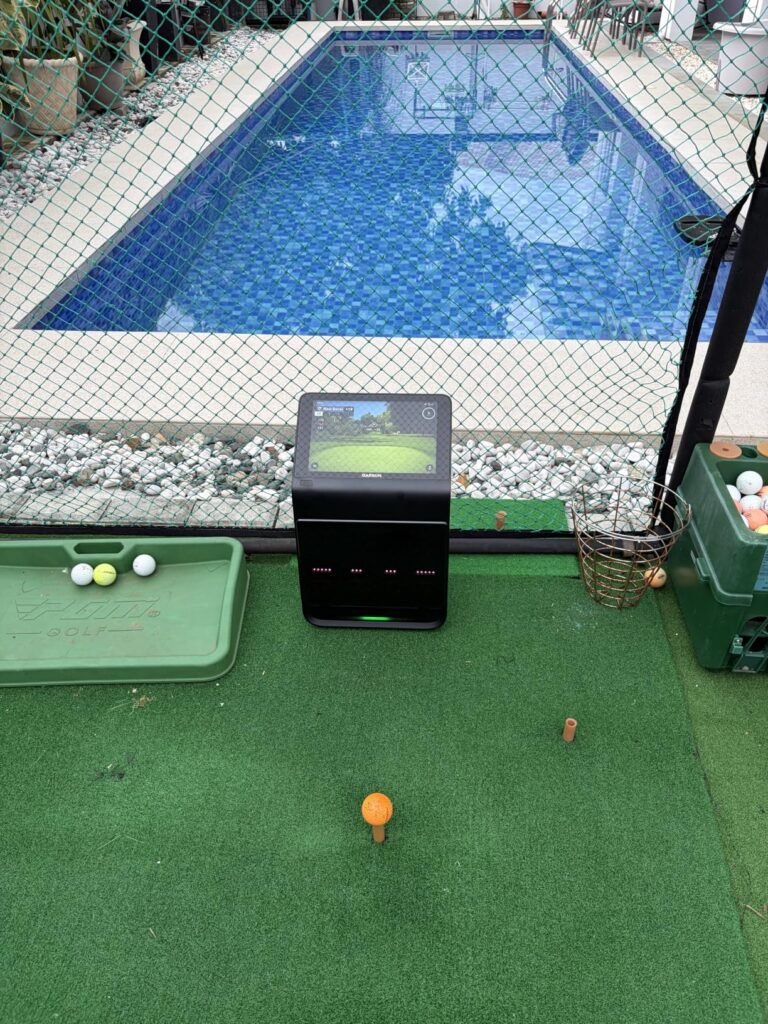
The Approach R50 is Garmin's flagship launch monitor and combines premium camera-based measurement with all-in-one convenience. A 3-camera system captures ball and club data with precision, and the built-in 10-inch color touchscreen means you can review data, watch impact videos, and even play virtual rounds without any external device.
We may earn a commission when you buy through this link, at no additional cost to you.
Advanced measurements include ball speed, launch angle, spin rate and axis, and face-to-path angle when using the included tracking sticker. That level of club face data is what serious instruction and fitting sessions rely on, and having it in an all-in-one unit that works both indoors and outdoors is genuinely valuable.
A built-in barometer adjusts carry distance calculations based on atmospheric pressure, which improves outdoor accuracy compared to units that rely on default values. HDMI output connects the R50 to monitors or projectors for full simulator setups, and up to four players can share virtual rounds on Home Tee Hero. Battery life is up to four hours with a portable carrying case included.
Face-to-path is the difference between where the club face points at impact and where the club is actually moving. This is the single most important measurement for understanding curve. A club face that matches the path produces a straight shot, while any mismatch creates side spin. Coaches and fitters rely on this data for meaningful swing analysis and equipment fitting.
Choose the R50 if you want the most complete premium experience Garmin offers and value a large integrated display. It is a serious investment aimed at dedicated golfers, home simulator builders, and instructors. Casual range users are better served by the more affordable R10, and buyers focused strictly on camera-based Tour accuracy without touchscreen features might consider Bushnell alternatives.
Not for casual users or anyone with a modest launch monitor budget.
We may earn a commission when you buy through this link, at no additional cost to you.
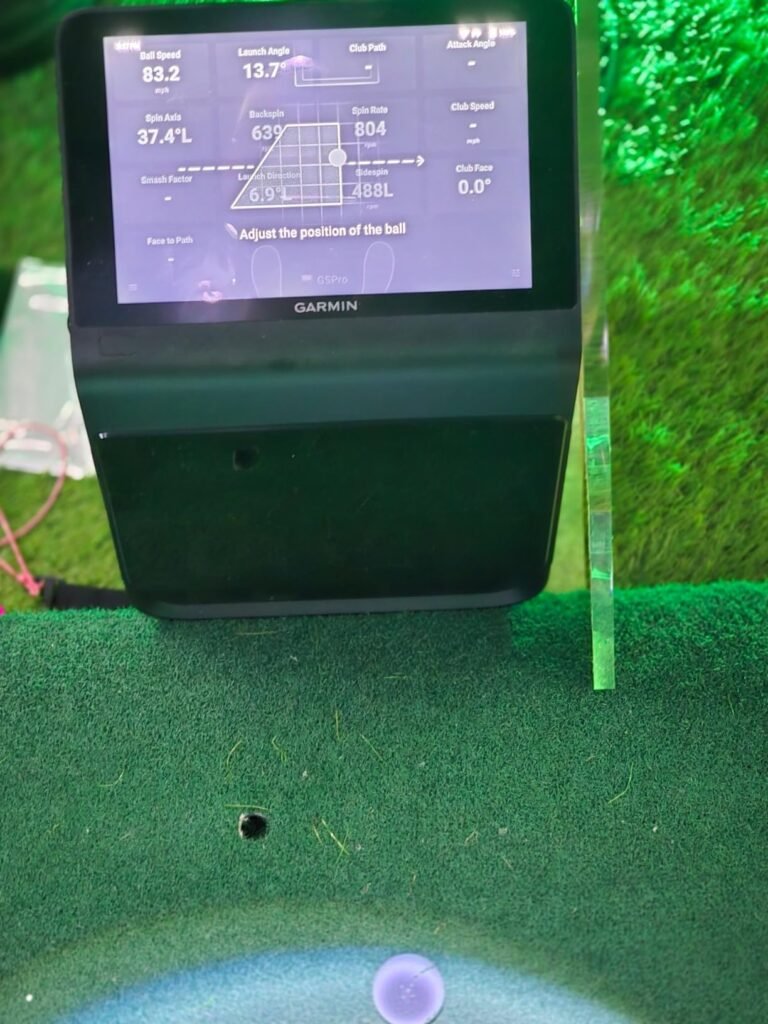
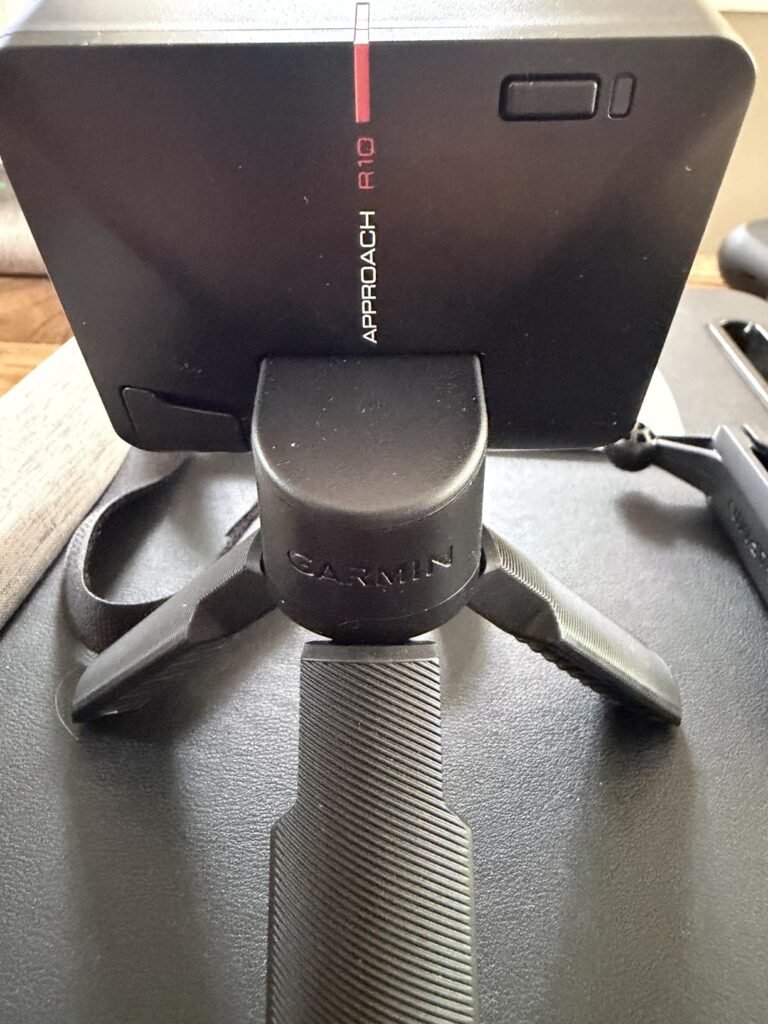
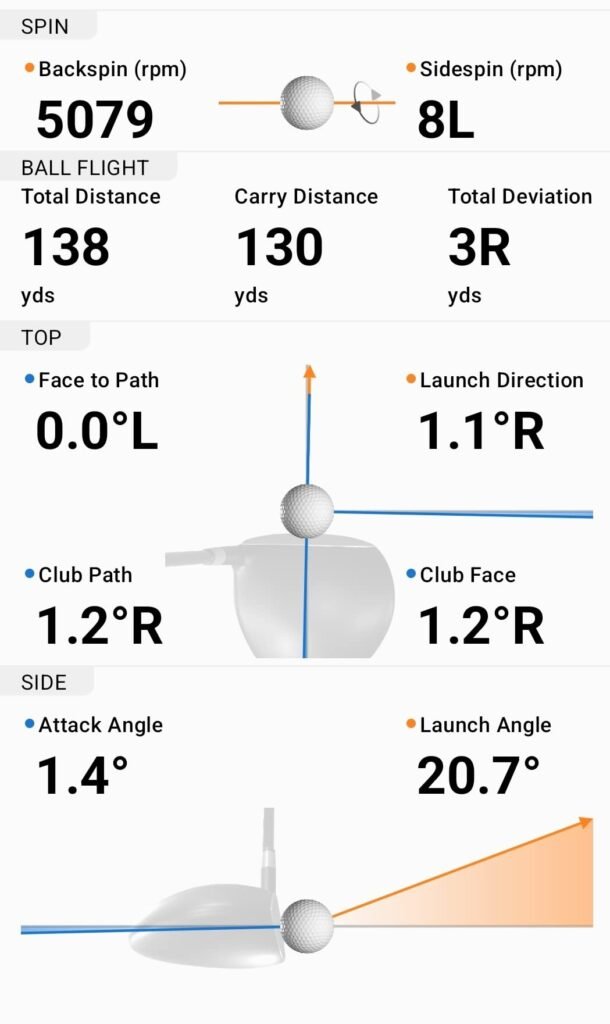
The Approach R10 hits the sweet spot for golfers who want serious feedback without spending simulator-level money. This compact radar unit tracks the metrics most amateurs actually need to improve, including club head speed, ball speed, swing tempo, ball spin, and launch angle, and does it in a package small enough to toss in a golf bag.
We may earn a commission when you buy through this link, at no additional cost to you.
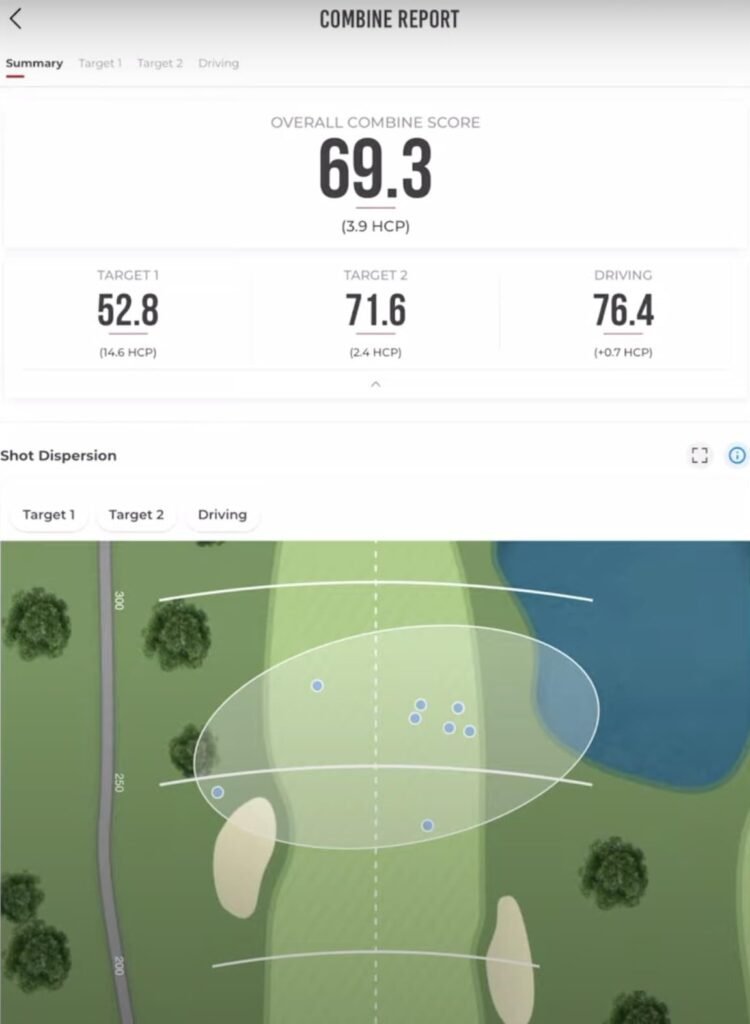
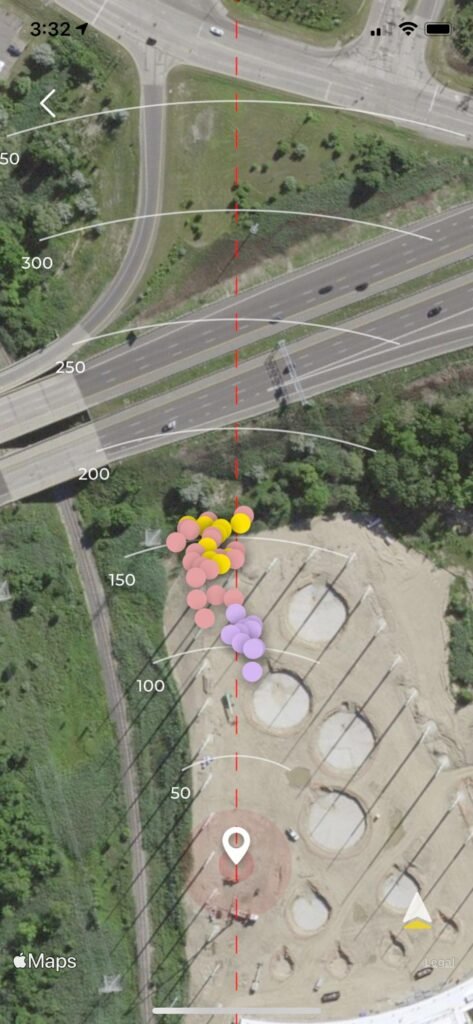
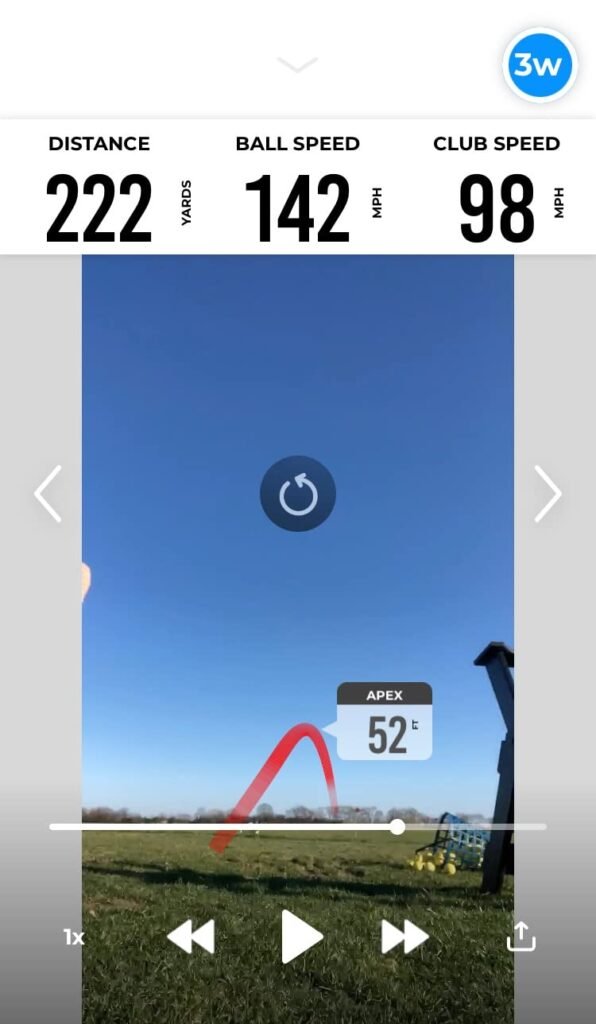
Accuracy figures include club head speed within about 3 mph and ball speed within about 1 mph, which is more than sufficient for practice, distance calibration, and identifying club gap issues. The system pairs with a compatible smartphone via the Garmin Golf app to display shot data, track dispersion, and record video clips of each swing with metrics overlaid.
Battery life reaches up to 10 hours, comfortably covering multiple range sessions or an all-day practice day. The IPX7 waterproof rating means occasional rain or wet grass will not damage the unit. Voice and app control add convenience, and the included phone mount attaches to a golf bag for easier access during practice.
Radar-based monitors like the R10 track ball flight using Doppler frequency shifts, which works well outdoors with unlimited flight distance. Camera-based systems photograph the ball at impact for direct measurement, which excels indoors where ball flight is truncated. Radar units are typically more affordable and portable, while camera systems offer higher raw accuracy for indoor simulator setups.
Choose the R10 if you want reliable data at a reasonable price and value portability. It pairs strong feature depth with the flexibility to use at the range, in the backyard, or in a home hitting bay. Golfers seeking Tour-level accuracy for professional fitting or club face metrics like face angle and path should consider camera-based systems instead.
Not the pick for golfers needing Tour-level face angle and path metrics.
We may earn a commission when you buy through this link, at no additional cost to you.
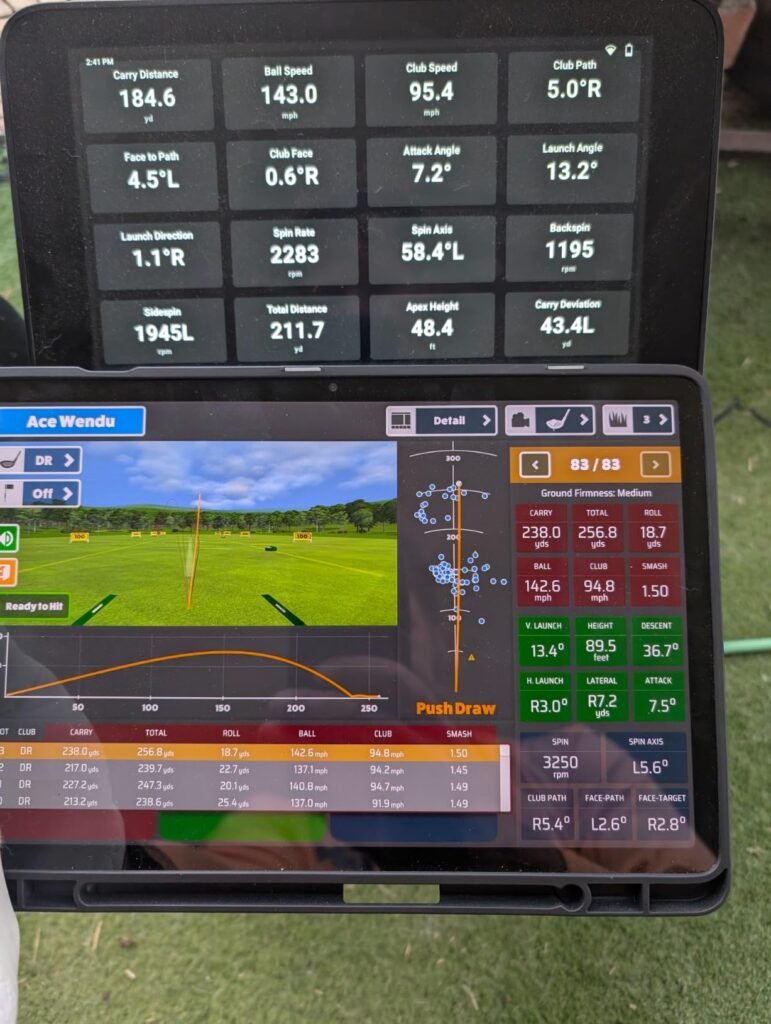
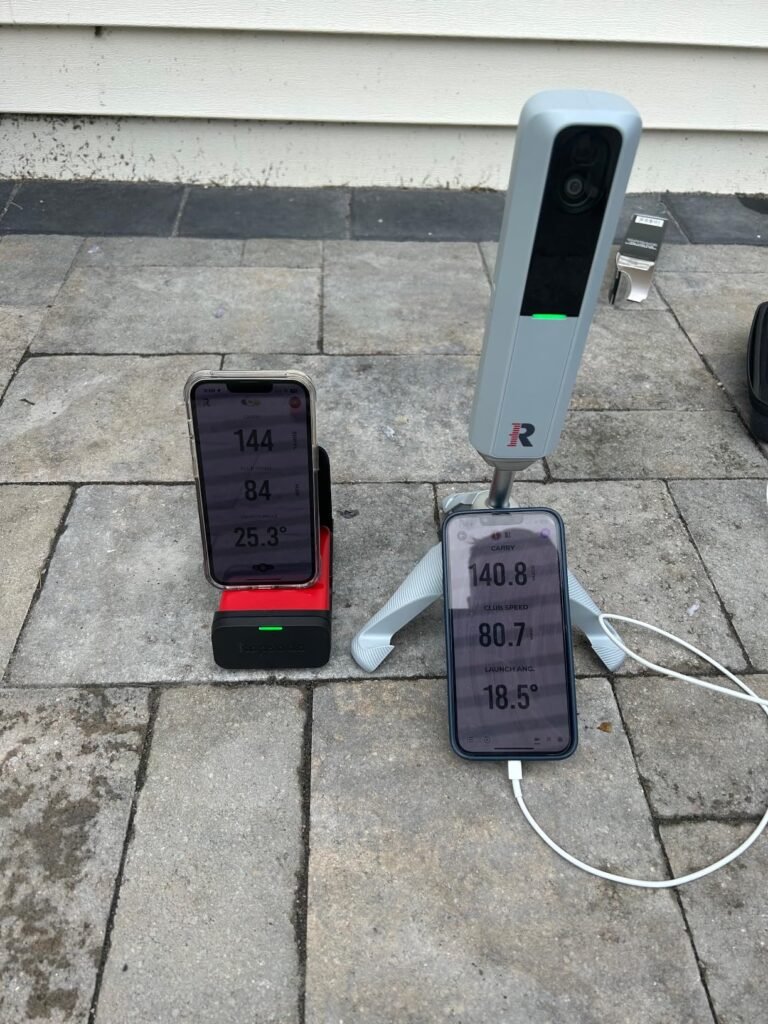
The MLM2PRO steps beyond entry-level portable units by combining Doppler radar with a dual-camera setup for more detailed measurement. That hybrid approach lets it capture 15 metrics including spin rate, spin axis, club path, and launch angle, which is the level of data serious practice players want to identify swing patterns.
We may earn a commission when you buy through this link, at no additional cost to you.
The included 45-day premium trial unlocks the full simulator experience: over 30,000 courses, third-party app integration, target ranges, and speed training modes. That trial period is generous enough to let you decide whether the ongoing membership is worth it for your practice routine, rather than committing sight unseen.
Impact vision captures slow-motion video of club-to-ball contact, giving visual context to the numerical data. Combined with swing capture from any angle, this makes the MLM2PRO useful as both a launch monitor and a swing analysis tool. Three chrome tour balls are included, which helps ensure clean radar readings.
Spin axis is one of the most useful metrics for diagnosing shot shape. A negative axis produces draws, a positive axis produces fades, and extreme values result in hooks or slices. Tracking spin axis session over session helps identify whether swing changes actually produce more consistent shot patterns, or whether the results depend heavily on strike quality.
Choose this unit if you want the deepest data set at a mid-range price and value the included simulator content. Understand that premium features rely on continued subscription, so factor that into long-term cost. If you primarily want simple range feedback, a more basic radar unit may suit you better.
Not for golfers who dislike subscription-based feature unlocks.
We may earn a commission when you buy through this link, at no additional cost to you.
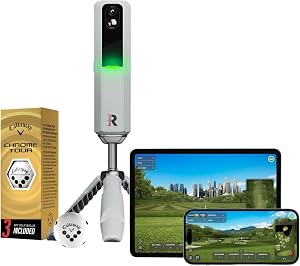
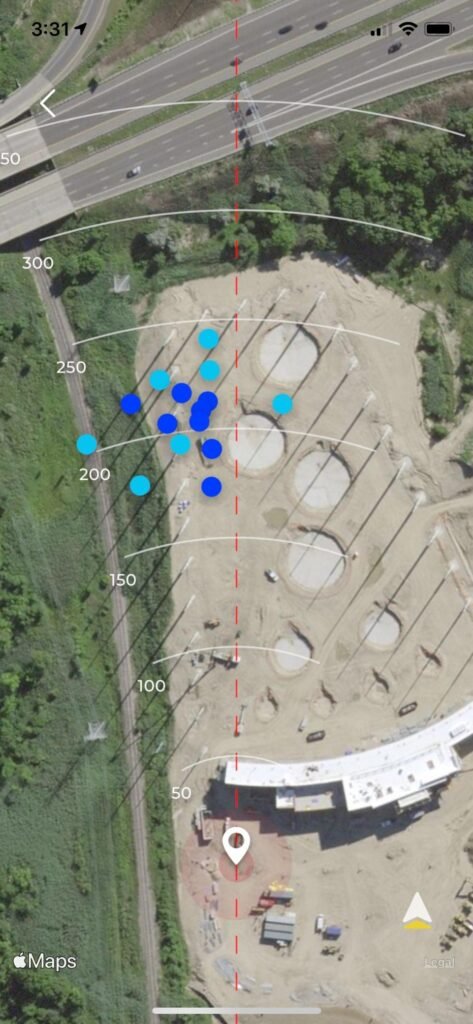
The original Rapsodo Mobile Launch Monitor remains a strong pick for iPhone and iPad users who want practical feedback at a modest price. It captures ball speed, club speed, launch angle, carry distance, and shot shape on every swing, which is enough data to genuinely improve distance control and identify swing tendencies.
We may earn a commission when you buy through this link, at no additional cost to you.
The standout feature is video replay with an on-screen shot tracer. Being able to see your actual swing paired with the ball flight tracer helps connect what you feel during the swing with what actually happens to the ball. That visual feedback loop is often more useful for improvement than raw numbers alone.
Portability is a real strength. The lightweight unit packs easily into a golf bag or backpack, works at the range, in the backyard, or against an indoor net, and pairs quickly with the free Rapsodo app. Premium features like simulator courses and game modes require an upgraded subscription tier, but the base feedback is fully functional without it.
Seeing your ball flight traced across a video makes it much easier to identify start line and curve tendencies. Consistent left-to-right curve suggests an open club face at impact, while consistent right-to-left indicates the opposite. This visual pattern recognition is often more actionable than trying to interpret raw spin axis numbers, especially for developing players.
Choose this monitor if you use iOS devices, want a compact and affordable entry point into launch monitor practice, and value video-based feedback. Android users need to look elsewhere, and buyers wanting deep metrics like spin axis or club path should consider the MLM2PRO or higher-tier units.
Not for Android users or anyone needing highly detailed swing metrics.
We may earn a commission when you buy through this link, at no additional cost to you.
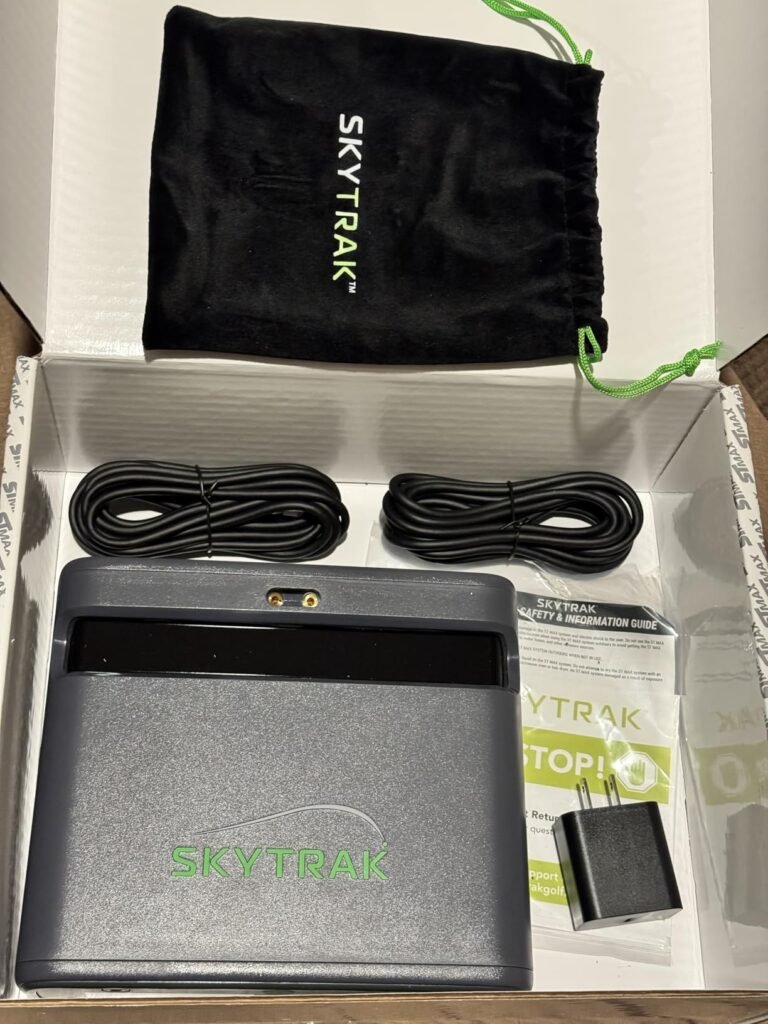
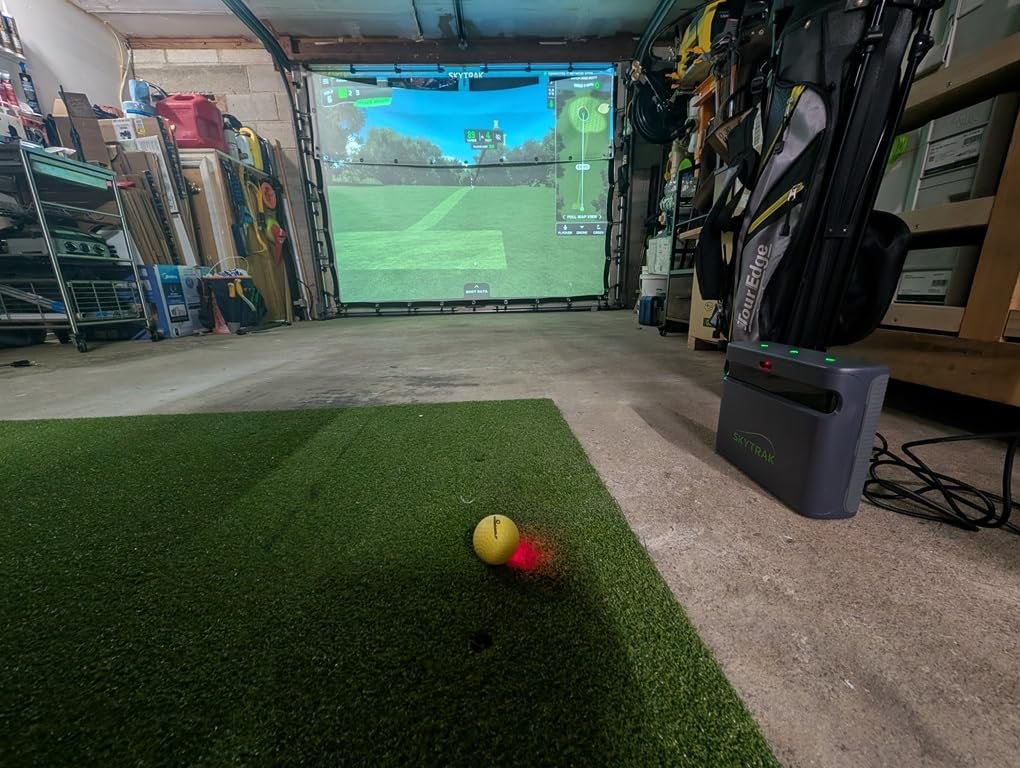
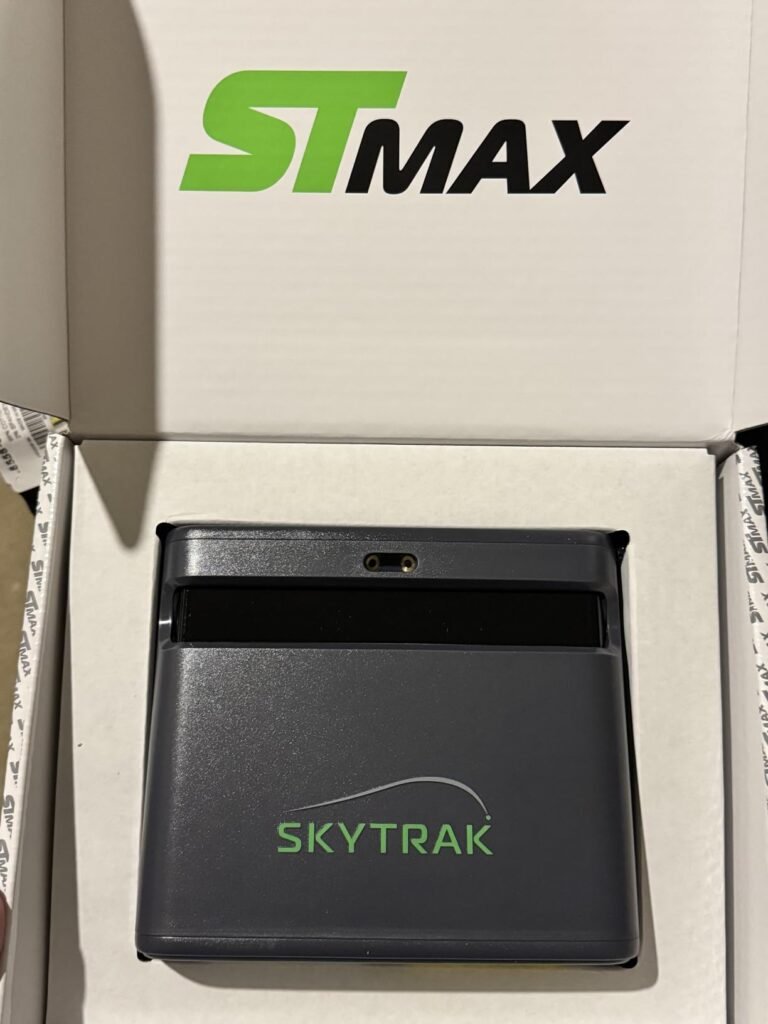
The SkyTrak ST MAX targets home simulator builders who want camera-based accuracy without stepping into the premium Bushnell or Garmin R50 price bracket. Camera systems excel indoors because they measure the ball directly at impact rather than tracking ball flight, which is especially valuable in confined spaces where the ball hits a screen quickly.
We may earn a commission when you buy through this link, at no additional cost to you.
The one-year Foresight software subscription bundled with the hardware is a significant value add. Foresight is one of the most respected names in launch monitor software, and having a year included gives you time to build out and enjoy a home simulator without immediate additional software costs.
For golfers designing a garage, basement, or dedicated room simulator setup, this unit fits the ecosystem cleanly. It provides the accurate ball data needed to make virtual rounds and skills challenges feel realistic. Outdoor use is possible, but the ST MAX shines in controlled indoor environments where lighting and ball placement are consistent.
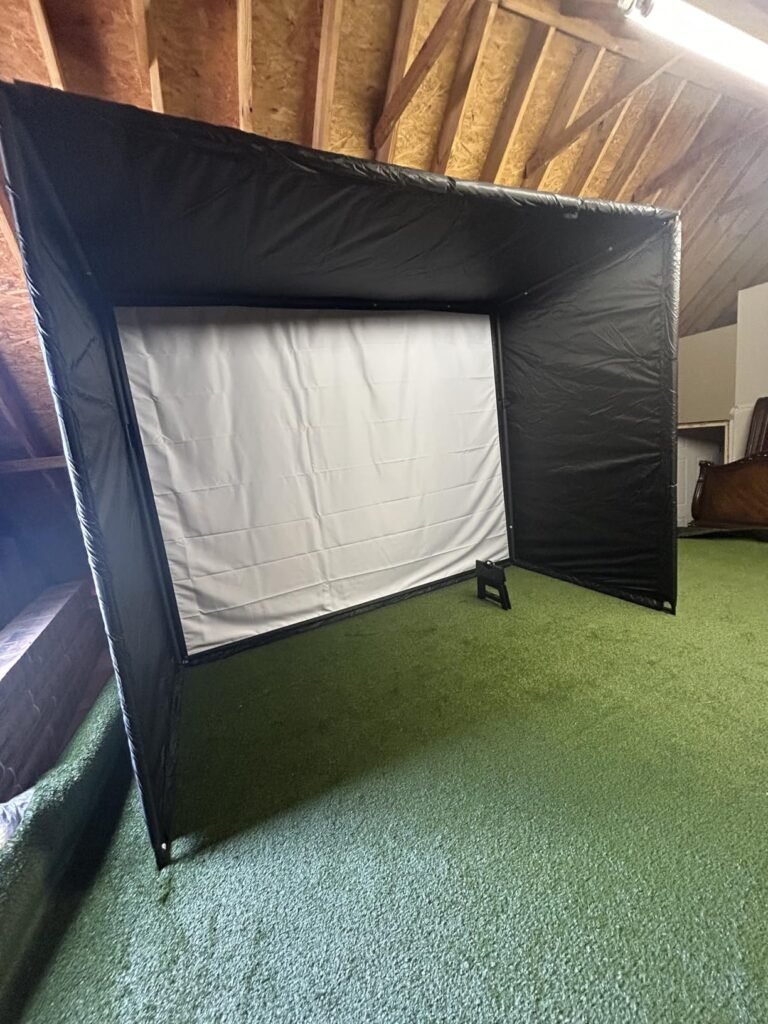
A functional home simulator needs a hitting mat, impact screen or net, projector or large TV, and adequate ceiling clearance for full swings. Budget for space of at least 10 by 15 feet with ceilings above 9 feet for driver swings. The launch monitor is one part of a larger system, so plan accordingly before purchasing.
Choose this monitor if you are committing to a home simulator build and want camera-based accuracy at a reasonable price for that class of device. If you primarily practice outdoors at the range, a portable radar unit will be more convenient. Long-term users should also budget for continued software subscription after the included year.
Not for golfers who primarily practice outdoors or on a tight budget.
We may earn a commission when you buy through this link, at no additional cost to you.
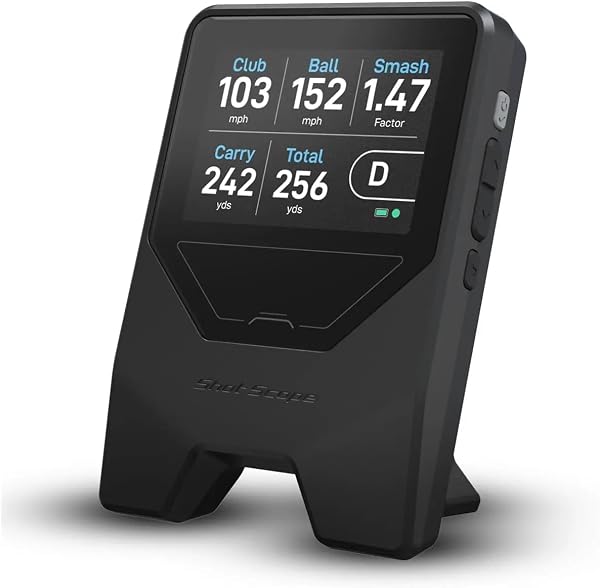
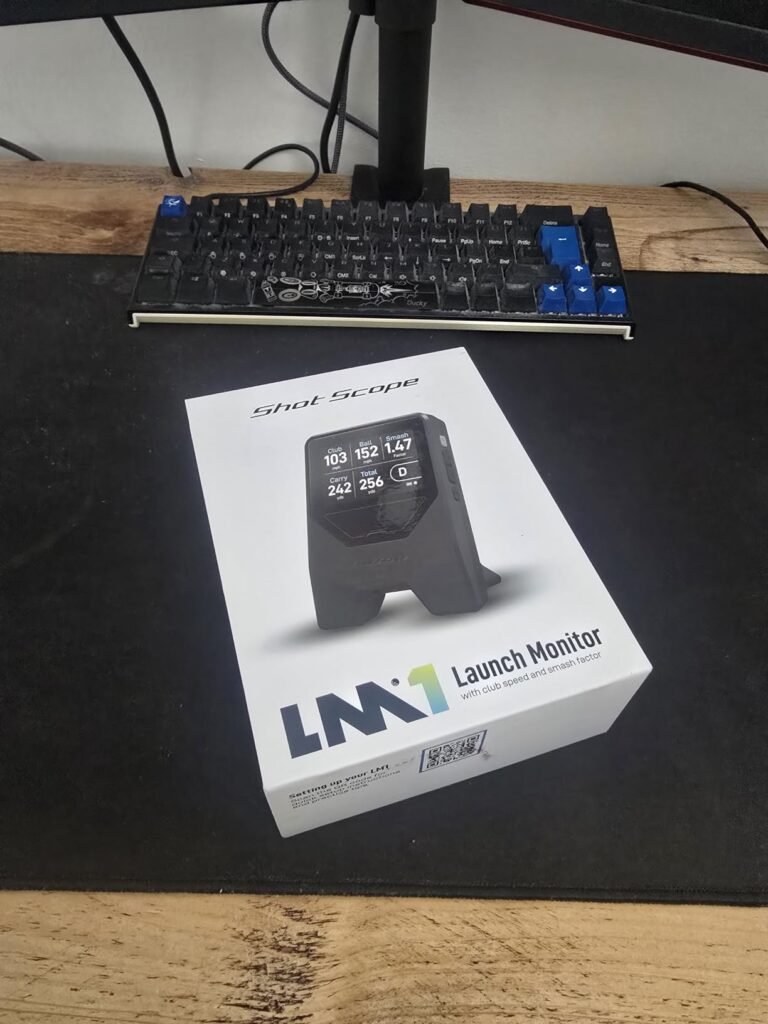
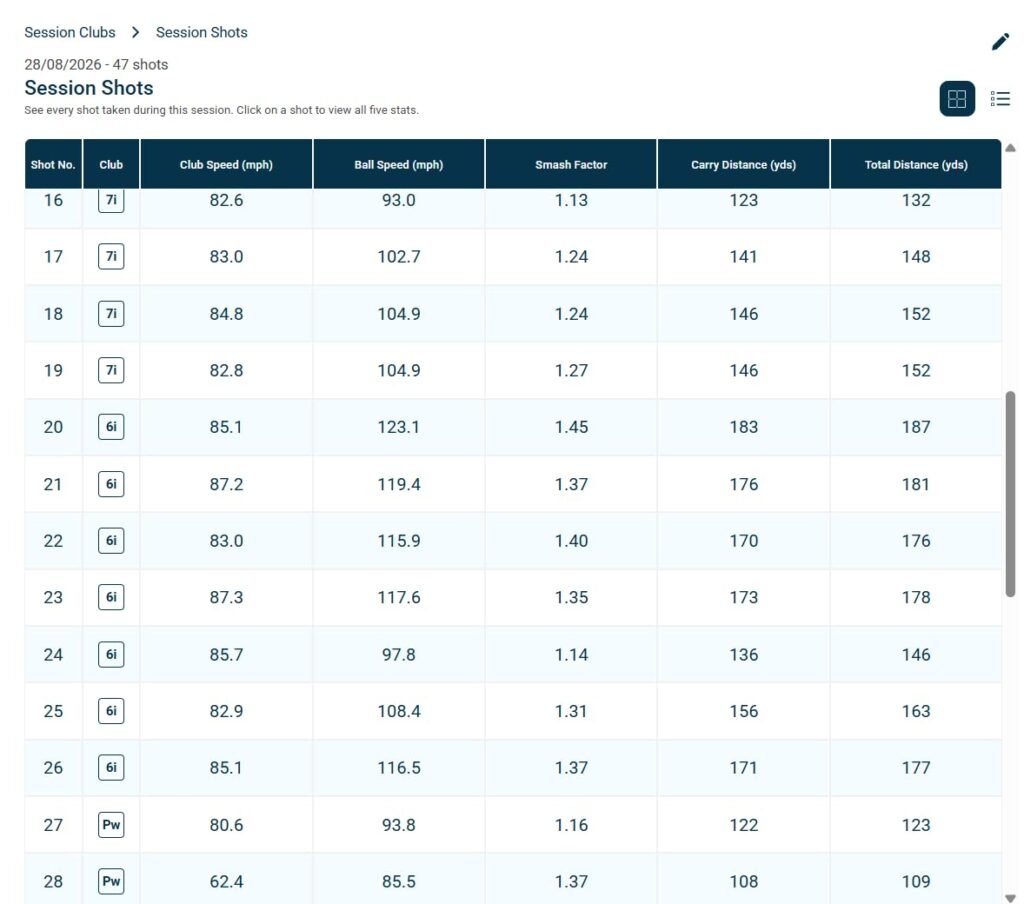
The Shot Scope LM1 delivers the essentials that most range-going golfers actually use: ball speed, club speed, smash factor, and carry and total distance. What sets it apart is the complete lack of subscription fees. The included GPS app and lifetime session history are yours forever, with no recurring costs.
We may earn a commission when you buy through this link, at no additional cost to you.
Multiple session types accommodate different practice styles. On-course, practice range, and speed training modes each configure the unit for the appropriate context, and speed training in particular works well with both clubs and dedicated speed sticks for building clubhead speed over time.
The 5+ hour battery is USB-C rechargeable, and the flexible unit display supports both imperial and metric measurements. IPX3 weather resistance handles light rain and dew, though it is less robust than the IPX7 rating on some competing units. Build quality is designed for practical range use rather than harsh outdoor conditions.
Many premium launch monitors charge $10 to $30 monthly for full software features, which can easily add hundreds of dollars per year to the total cost of ownership. Subscription-free options like the LM1 provide predictable long-term value. Weigh feature depth against ongoing costs before committing to a particular ecosystem.
Choose the LM1 if you value fee-free data access and prefer to avoid recurring subscriptions. It is a great fit for range regulars who want reliable numbers without paying for simulator features they will not use. If you want detailed spin data or simulator course play, look at the MLM2PRO or the Garmin R10 instead.
Not for golfers wanting detailed spin data or simulator courses.
We may earn a commission when you buy through this link, at no additional cost to you.
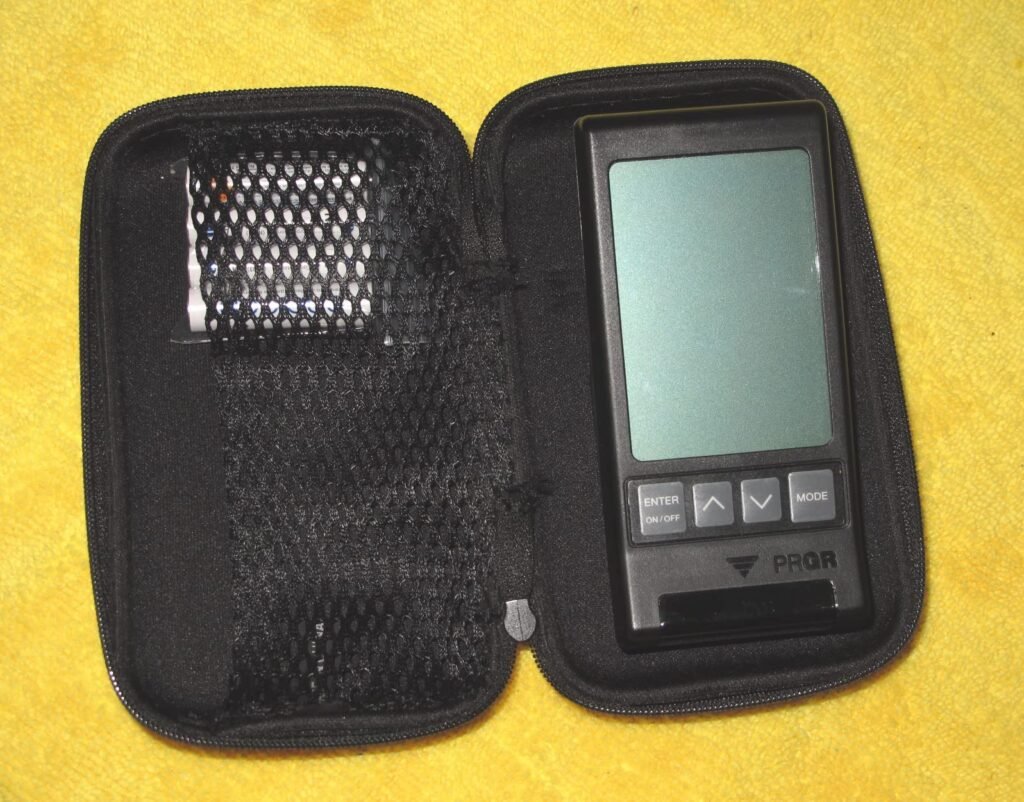
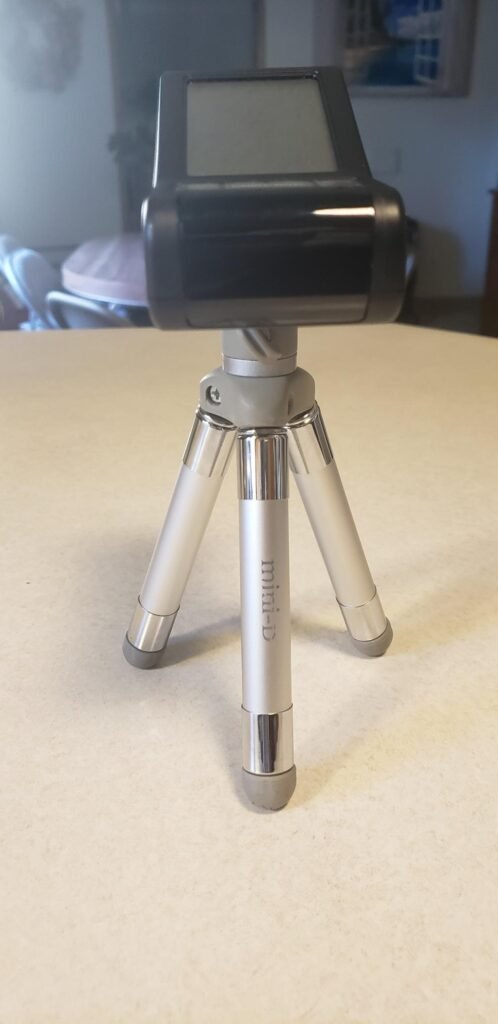
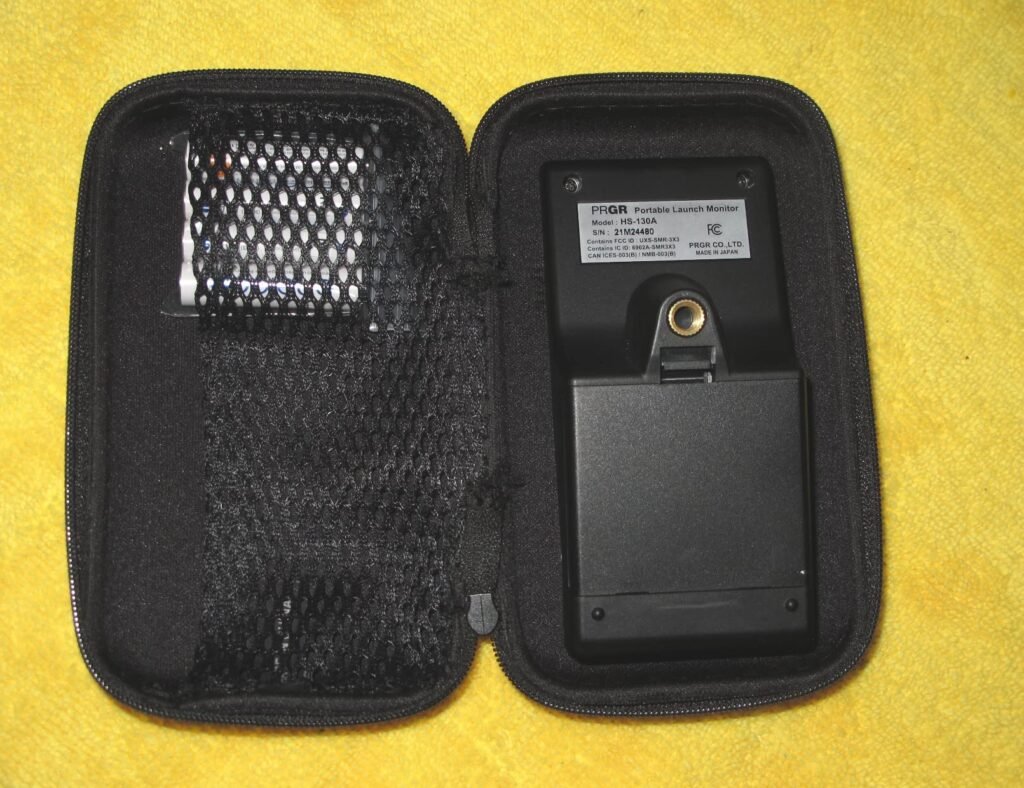
The PRGR HS 130-A takes a minimalist approach that appeals to golfers who just want the numbers without any app pairing, subscriptions, or smartphone fuss. Turn it on, place it behind the ball, and get instant readings for club head speed, ball speed, smash factor, and distances directly on the built-in display.
We may earn a commission when you buy through this link, at no additional cost to you.
Doppler radar accuracy is the core strength. The unit measures reliably enough that even Padraig Harrington reportedly uses it for speed training. That endorsement carries weight because pros have access to any launch monitor they want, and the choice reflects the practical value of a simple, portable tool that just works.
AAA batteries mean you can grab a fresh set anywhere without hunting for a specific charger. The unit stores 500 past swings in memory for review, and one of its unusual capabilities is measuring club head speed without a ball, which makes it ideal for speed training with weighted sticks or when you cannot hit balls at all. It also works with other sports like baseball and tennis.
Not every golfer wants to fumble with a phone during practice. An app-free monitor lets you focus entirely on the swing without checking screens, waiting for connections, or dealing with battery drain on your phone. For pure speed and distance training, that simplicity is a real feature rather than a limitation.
Choose this monitor if you want no-nonsense data at a budget price and value speed training over simulator features. It is the pick for golfers focused on swing speed development or those who simply want reliable numbers without smartphone dependency. Skip it if you want video capture, spin data, or virtual course play.
Not for golfers who want spin data, video capture, or virtual courses.
We may earn a commission when you buy through this link, at no additional cost to you.
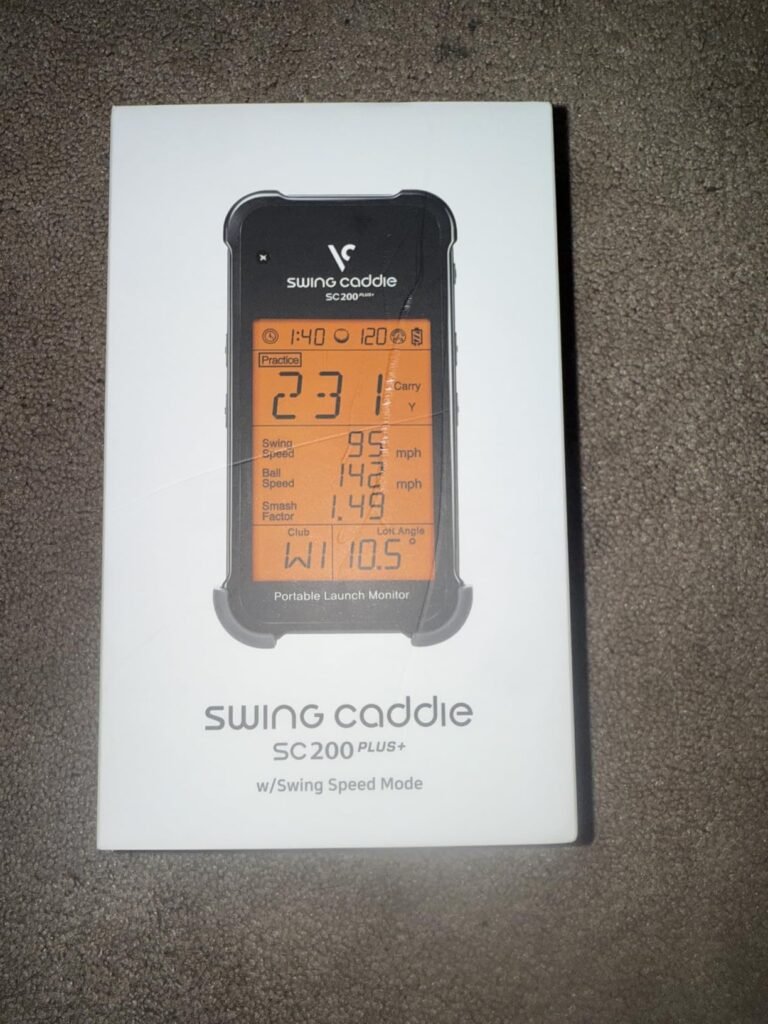
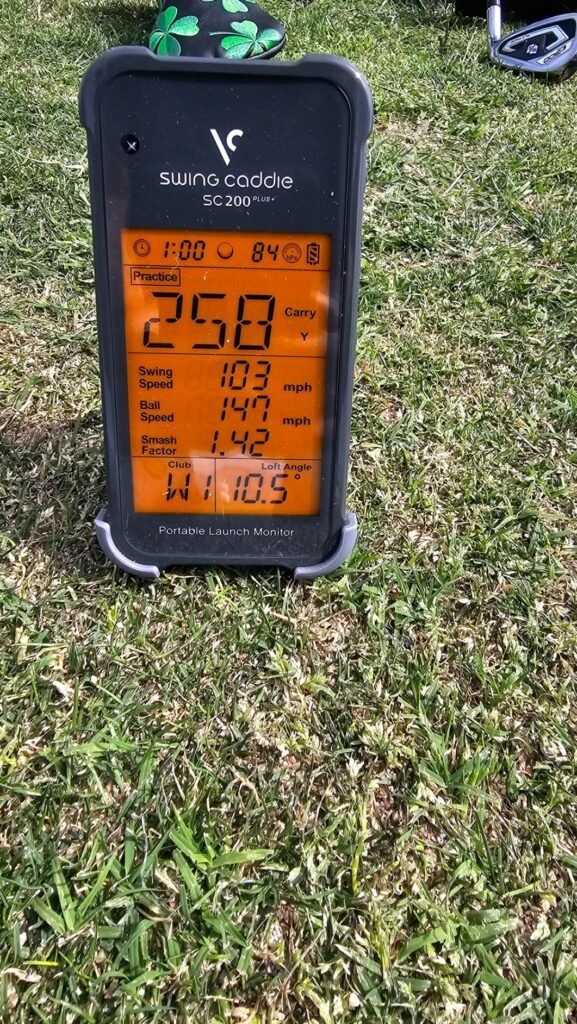
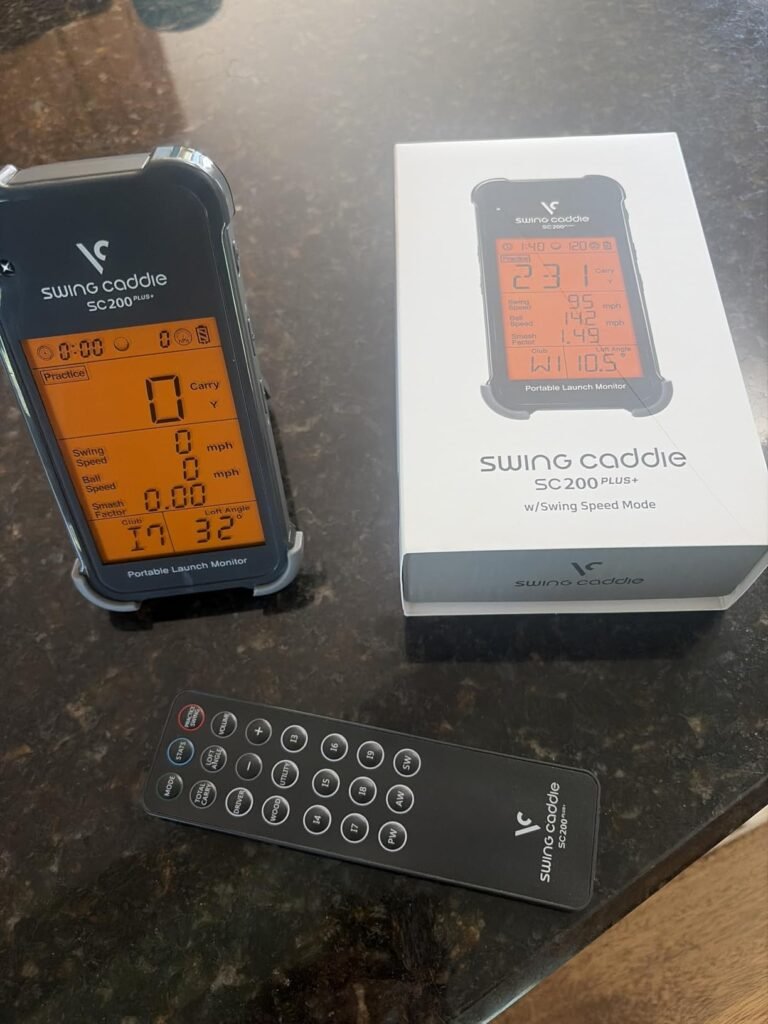
The Voice Caddie SC200Plus stands out with battery life measured in the tens of hours rather than a single session. Up to 20 hours of runtime means you can leave it in a bag for weeks of practice sessions without worrying about charging, which is a genuine convenience for anyone who practices frequently but occasionally.
We may earn a commission when you buy through this link, at no additional cost to you.
Voice output is one of the more useful features. The unit announces shot data audibly, letting you keep your focus on the next swing rather than glancing at a display after each ball. Combined with the LCD screen, it delivers information in whichever format suits your current practice flow.
Adjustable loft angle settings let you simulate different clubs to get more realistic distance data across your bag. Doppler radar with calibrating atmospheric pressure sensors provides solid accuracy for the price. Swing speed mode works without a ball, useful for indoor speed training or when you cannot hit shots but still want to work on tempo.
Voice output frees your eyes to stay on the target line and next ball. It also lets you practice while wearing a hat brim or in bright sunlight when screen visibility is poor. Some golfers find the audible data more memorable than glanced numbers, helping them internalize distance patterns more naturally over time.
Choose this monitor if you value convenience features like voice feedback and marathon battery life over cutting-edge metrics or app integration. It is a great fit for practice range regulars and anyone who dislikes tethering their phone to their launch monitor. Users wanting spin data, video, or simulator courses will need to look elsewhere.
Not for golfers wanting deep metrics, video, or simulator features.
We may earn a commission when you buy through this link, at no additional cost to you.
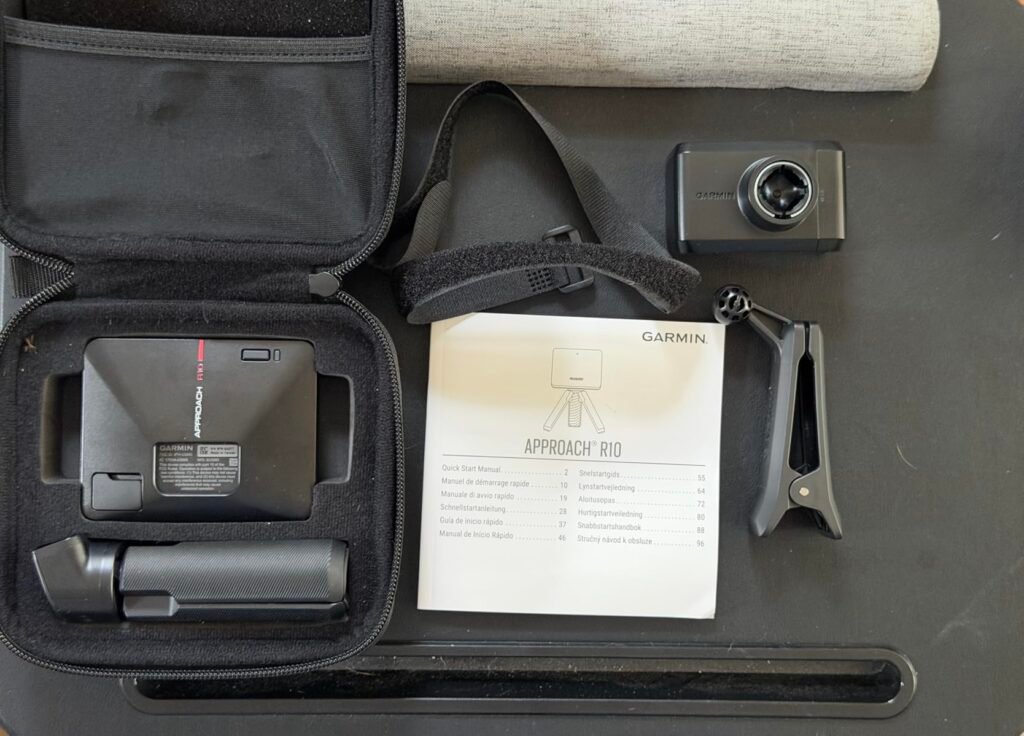
For buyers who want the Garmin R10 experience at a lower price, the renewed option is worth considering. These are inspected units offered at a discount and provide access to the same radar technology, feature set, and Garmin Golf app ecosystem as the new model.
We may earn a commission when you buy through this link, at no additional cost to you.
The core capabilities carry over completely: portable radar design, IPX7 waterproof rating, and up to 10 hours of battery life. Metrics including club head speed, ball speed, launch angle, and swing tempo work identically. Compatibility with the 42,000+ virtual courses on Garmin Golf is unchanged, though the subscription for that feature remains a separate consideration.
Renewed products vary in cosmetic condition depending on the seller, so purchasing from a reputable outlet with clear warranty terms is important. Most renewed units function identically to new models but may show minor signs of previous use. When new-in-box pricing on the R10 rises, the renewed discount becomes especially attractive.
Look for renewed listings backed by return windows and clear warranty language. Amazon Renewed products typically include some level of quality guarantee. Check current pricing on both new and renewed versions before deciding; sometimes new-in-box sales narrow the gap to just a few dollars, at which point new becomes the smarter buy.
Choose this option if you want the R10 feature set but prefer to spend less. Verify seller condition guarantees and warranty coverage before purchasing. Buyers who value the peace of mind of full manufacturer warranty and pristine condition should stick with the new unit.
Not for buyers who want pristine condition or full new-product warranty.
We may earn a commission when you buy through this link, at no additional cost to you.
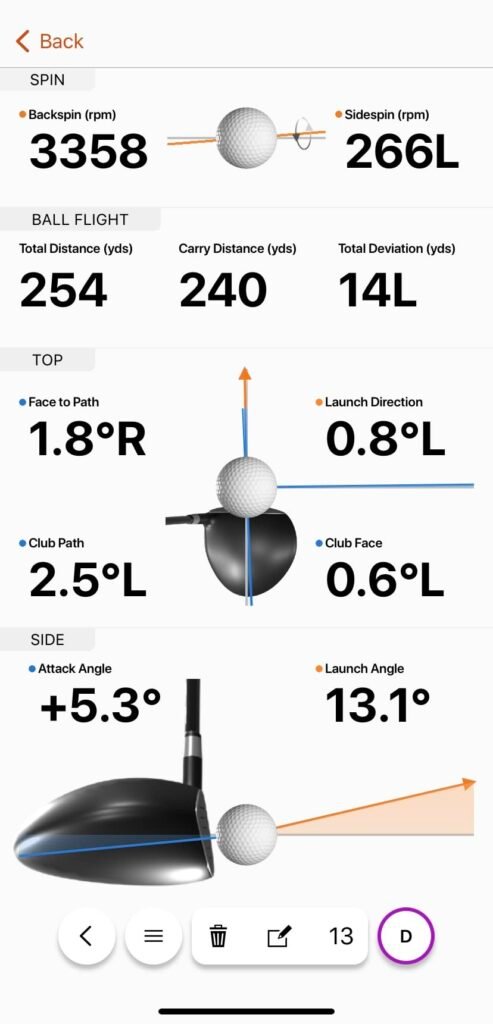
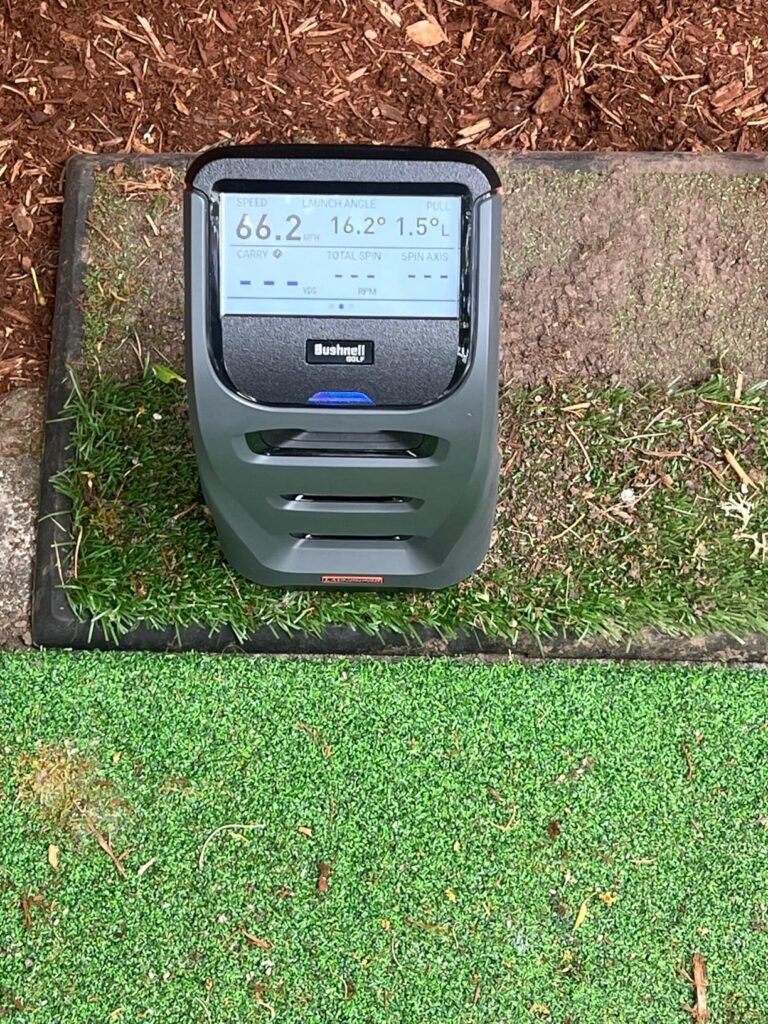
The Bushnell Launch Pro Circle B Edition brings Tour-level camera-based measurement to serious practice environments. A proprietary three-camera infrared imaging system measures ball and club performance directly at impact, avoiding the reliance on algorithms that radar-based units use to calculate certain data points from ball flight.
We may earn a commission when you buy through this link, at no additional cost to you.
Performance is strong both indoors and outdoors, which sets it apart from many camera systems that struggle outside controlled environments. Exact carry distance, launch, spin, and club head speed measurements support serious practice, and LINK-enabled club recommendations feed directly into compatible Bushnell laser rangefinders for smarter on-course decisions.
The package includes a 30-day trial of Foresight Plus membership, providing access to their software ecosystem. Note that ball data is included in the base unit, but club data requires an active subscription, which affects long-term cost calculations. The partnership with Foresight brings professional-grade software backing to the hardware.
Camera-based systems photograph the ball and club at impact, providing direct measurement rather than inferring data from ball flight patterns. This approach delivers Tour-grade accuracy that professional fitters and instructors rely on. The trade-off is typically higher price and, in some cases, more setup requirements than portable radar units.
Choose this launch monitor if you want camera-based Tour accuracy, are building or refining a serious practice environment, and are comfortable with an ongoing subscription for full functionality. Casual users and budget-conscious buyers should look at radar-based portable units like the Garmin R10 for a better price-to-value match.
Not for casual users or those uncomfortable with ongoing subscription costs.
We may earn a commission when you buy through this link, at no additional cost to you.
Selecting the right launch monitor comes down to matching technology, feature depth, and budget to how you actually practice. The following factors will help you narrow the field with confidence.
Launch monitors use two primary technologies: Doppler radar and photometric cameras. Radar units track the ball’s speed and trajectory after impact using microwave signals reflected off the ball. They work best outdoors where the ball can travel freely for the sensor to capture meaningful flight data. Camera systems photograph the ball at the moment of impact, providing direct measurement of ball speed, spin, and launch conditions.
Each technology has clear strengths. Radar is typically more affordable, portable, and well-suited to outdoor range use. It excels at capturing full ball flight in unconstrained environments. Camera systems shine indoors where the ball hits a screen or net within a few feet, since they measure at impact rather than needing ball flight distance. Camera systems typically provide more accurate club face data like face angle and face-to-path.
For outdoor range practice, radar systems like the Garmin R10 or PRGR HS 130-A are usually the smart choice. For indoor simulator setups, camera systems like the SkyTrak ST MAX or Bushnell Launch Pro deliver superior accuracy. Hybrid units like the Rapsodo MLM2PRO combine both technologies for flexibility.
Entry-level monitors typically provide the fundamentals: ball speed, club speed, smash factor, and carry distance. This is enough for range practice focused on distance calibration and gap analysis between clubs. Mid-tier units add launch angle, spin rate, and shot shape, which help identify swing patterns and equipment issues. Premium units go further with spin axis, club path, face angle, and face-to-path, which are the metrics serious instruction and club fitting depend on.
More data is not always better. Extra metrics only matter if you know how to interpret and apply them. A beginner or casual golfer benefits more from clean ball speed and distance data than from complicated club face measurements they cannot yet act on. Serious players working with a coach or investing in a simulator setup benefit meaningfully from the deeper data sets.
Match metric depth to your practice sophistication. If you are just learning distances and improving consistency, stick with an affordable unit like the PRGR or Shot Scope LM1. If you work with data-driven instruction, invest in a unit that captures spin, path, and face angle.
Think carefully about where you will actually use the launch monitor. Outdoor range use favors radar units with strong battery life and weather resistance. IPX7 waterproof ratings, like the Garmin R10, allow use in wet conditions without damage. Long battery life becomes important when you cannot easily recharge during a range trip.
Indoor use favors camera-based systems since the ball flight is quickly interrupted by the impact screen or net. Cameras measure at the moment of impact and can extrapolate flight from that data. Adequate ceiling clearance is essential for indoor setups, generally 9 feet or more for full driver swings. Lighting conditions can affect camera performance, so be mindful of glare and shadows.
Hybrid users who split time between range and home simulator should consider units that perform reasonably well in both environments, such as the Bushnell Launch Pro or Rapsodo MLM2PRO. Dedicated indoor users should prioritize camera systems, while dedicated outdoor users should prioritize portable radar.
Many launch monitors rely on subscription services for full functionality. Garmin’s virtual courses require a Garmin Golf membership, Rapsodo’s premium features require a subscription, and the Bushnell Launch Pro requires an active subscription for club data. These monthly or annual fees add meaningfully to the true cost of ownership over time.
Some units, like the Shot Scope LM1 and PRGR HS 130-A, provide their core functionality with no ongoing fees. That is a genuine advantage for buyers who dislike subscription models or want predictable long-term costs. Factor subscription costs into total ownership calculations, especially when comparing units at similar hardware prices with different fee structures.
Decide whether the subscription features add real value for your usage. If you will genuinely use simulator courses and premium analytics, the fees may be worthwhile. If you only want basic feedback, choose a subscription-free unit to save money over time.
Portability matters more for range-going golfers than for home simulator builders. Compact units like the Garmin R10, Rapsodo MLM, and PRGR HS 130-A slip easily into a golf bag pocket and set up in seconds. Larger systems designed for permanent simulator use may require dedicated space, careful positioning, and calibration.
Setup complexity varies widely. Basic radar units usually need only positioning behind the ball and a quick power-on. Camera systems may require alignment, height adjustment, and lighting considerations. All-in-one systems like the Garmin R50 include integrated displays and reduce setup fuss but are physically larger.
Match portability to your primary use case. Frequent range golfers need compact, quick-to-deploy units. Home simulator builders can accept larger permanently-installed hardware. Casual users who might use the unit in multiple locations benefit from portable designs.
Battery life varies dramatically across units. The Voice Caddie SC200Plus offers a class-leading 20 hours of runtime, while the Garmin R10 provides around 10 hours. The Garmin R50 offers roughly 4 hours due to its larger display and camera system. Some units use AAA batteries for easy swapping, while others rely on built-in rechargeable batteries that need USB charging.
For range use, longer battery life reduces the risk of running out mid-session. For home use, shorter battery life matters less since you can charge between sessions. AAA-powered units offer the convenience of instant swaps but ongoing battery costs. Rechargeable units eliminate battery waste but require charging discipline.
Choose based on your usage patterns. Occasional range users benefit from AAA batteries or long-life rechargeables. Home users can accept shorter battery life. Heavy range users should prioritize the longest battery life available.
Most modern launch monitors pair with a smartphone or tablet app to display detailed data, video, and shot tracing. iOS support is nearly universal, but Android compatibility varies. The original Rapsodo MLM is iOS-only, while most others support both platforms. Verify compatibility with your specific device before purchasing.
App quality affects the entire user experience. Well-designed apps make data easy to review, spot trends, and understand progress. Poorly designed apps can make even great hardware frustrating to use. Read recent reviews focused on app performance and stability before committing.
App-independent units like the PRGR HS 130-A or Voice Caddie SC200Plus provide direct on-device displays and avoid smartphone hassles entirely. That simplicity appeals to some users but limits data depth and video features.
Home simulator features have become a major selling point for many launch monitors. Access to virtual courses lets you play iconic golf destinations from your garage or basement. Garmin offers over 43,000 courses through Home Tee Hero, while Rapsodo provides 30,000+ courses through its ecosystem. Both typically require active subscriptions.
Simulator features go beyond course play. Skill challenges, target ranges, and speed training modes add practice variety and gamification. For golfers stuck indoors during winter or bad weather, these features can be genuinely valuable in maintaining engagement and improvement.
Match simulator features to your interest level. Golfers building dedicated simulator rooms should prioritize this heavily. Casual users primarily practicing outdoors may find simulator features nice but not essential. Understand the required hardware for full simulator setups before committing to a launch monitor primarily for that use case.
Setup starts with proper positioning. Radar-based units typically sit behind the ball, roughly 6 to 8 feet back, aligned with the target line. Camera-based systems usually sit beside or behind the ball at specific distances defined by the manufacturer. Check the user manual for exact placement, since correct positioning is essential for accurate readings. Alignment matters too; even a few degrees off can affect shot direction readings. Take a minute at setup to verify alignment with a club shaft or alignment stick before starting your session.
During practice, focus on consistent ball placement and lie conditions. Radar units perform best when the ball has a clear flight path with minimal obstruction. Camera units perform best with consistent lighting and ball positioning. Warm up your body before recording data, since early swings often show artificially low speeds and inconsistent strikes that skew your averages. When practicing with a specific club, take at least 5 to 10 shots to build a reliable data set rather than relying on individual swings. Filter out obvious mishits when reviewing session data.
Care for the hardware by keeping the sensor lens or camera windows clean and free of dust, moisture, or debris that could affect readings. Wipe with a soft microfiber cloth as needed. Store the unit in its case or a protected location between uses, avoiding extreme heat or cold. For rechargeable units, avoid leaving the battery fully depleted for long periods. Charge fully before extended storage. Update the companion app and device firmware when new versions become available, since updates often improve accuracy, add features, or fix bugs. With basic care, a quality launch monitor should provide reliable service for many years.
Yes, even entry-level launch monitors provide accurate enough data to meaningfully improve your game. Distance calibration, gap analysis between clubs, and swing speed tracking are all useful applications well within the capabilities of affordable units. Higher-end monitors add precision that matters for professional instruction and club fitting, but you do not need Tour-level accuracy to see practical improvement in your practice sessions.
Most launch monitors work with standard golf balls, though some radar and camera units perform best with balls that have clear markings for the sensor to detect. Camera-based systems may recommend or require specific ball types for accurate spin readings. Radar units generally accept any ball but may suggest marked or premium balls for the most consistent data. Check your specific monitor's guidance.
Yes, but the technology matters. Camera-based systems like the SkyTrak or Bushnell Launch Pro excel indoors since they measure at impact and do not need full ball flight. Radar units can work indoors with adequate space, typically at least 8 to 10 feet of ball flight room. For dedicated indoor simulator setups, camera systems provide the best results, while radar works for indoor net practice with more limited space.
Smash factor is the ratio of ball speed to club head speed, representing how efficiently your strike transfers energy to the ball. A perfect strike with a driver produces a smash factor near 1.50. Values below that indicate off-center hits or poor contact. Tracking smash factor helps identify strike quality independent of swing speed, which is often the most direct path to added distance.
A functional home simulator generally needs at least 10 feet wide by 15 feet deep, with ceiling clearance of at least 9 feet for driver swings. Taller players may need more overhead room. You also need space for the launch monitor, projector or TV, hitting mat, and impact screen or net. Measure carefully before purchasing, since inadequate space limits both safety and enjoyment.
It depends on the unit and how you use it. Some monitors like the Shot Scope LM1 provide full functionality without subscription. Others like the Garmin R10 use subscriptions to unlock virtual course play and advanced features while providing core data for free. Bushnell Launch Pro requires subscription for club data. Read subscription terms carefully and factor ongoing costs into your buying decision.
Yes, particularly units that capture spin rate, launch angle, and club face data. This information helps fitters or self-fitters identify optimal shaft weight, loft, and lie angle for your swing. Camera-based systems with detailed club face metrics are best for serious fitting work. Radar units can still help identify basic gaps and general fitting needs, especially for driver launch conditions.
Rain, snow, or heavy moisture can interfere with radar signals and reduce accuracy. Waterproof ratings like IPX7 protect the unit from damage but do not eliminate weather effects on readings. Wind can also affect ball flight measurements. For consistent data, practice in dry conditions with minimal wind when possible. Indoor use eliminates weather variables entirely.
Neither is universally better; each has strengths. Radar excels outdoors, offers better portability, and typically costs less. Cameras excel indoors, provide more accurate club face data, and support serious simulator setups better. Choose based on where you will practice most and what data matters most for your goals. Hybrid units offer flexibility but cost more.
A quality launch monitor should provide 5 to 10 years of reliable service with proper care. Rechargeable batteries eventually degrade after hundreds of charge cycles, and internal electronics can fail with heavy use. Software support and firmware updates from the manufacturer are also important for long-term usability. Buying from established brands with strong support history helps ensure longer effective lifespan.
For most golfers seeking a meaningful practice upgrade in 2026, the Garmin Approach R10 stands out as the strongest all-round choice. It combines portable radar accuracy, a substantial 10-hour battery, comprehensive metrics through the Garmin Golf app, and access to virtual courses at a price that undercuts most premium alternatives. Few units match its balance of features, portability, and value for range and casual home practice.
Different practice goals point to different picks. Serious home simulator builders should look at the SkyTrak ST MAX for camera-based accuracy with bundled Foresight software, or step up to the Garmin R50 or Bushnell Launch Pro for the most complete premium experience. Budget-conscious buyers get outstanding value from the PRGR HS 130-A for pure speed and distance work, or the Shot Scope LM1 for subscription-free comprehensive data. The Rapsodo MLM2PRO provides the deepest hybrid feature set at a mid-range price for golfers wanting maximum metrics and included simulator content.
Start by identifying where you will actually use the monitor most, then consider which metrics genuinely matter for your goals and how comfortable you are with ongoing subscriptions. Radar units suit outdoor range regulars, while camera systems suit indoor simulator builders. Any product on this list can meaningfully improve your practice when matched thoughtfully to your goals, space, and budget. Consistent use with structured practice will always deliver better results than the specific hardware you choose.