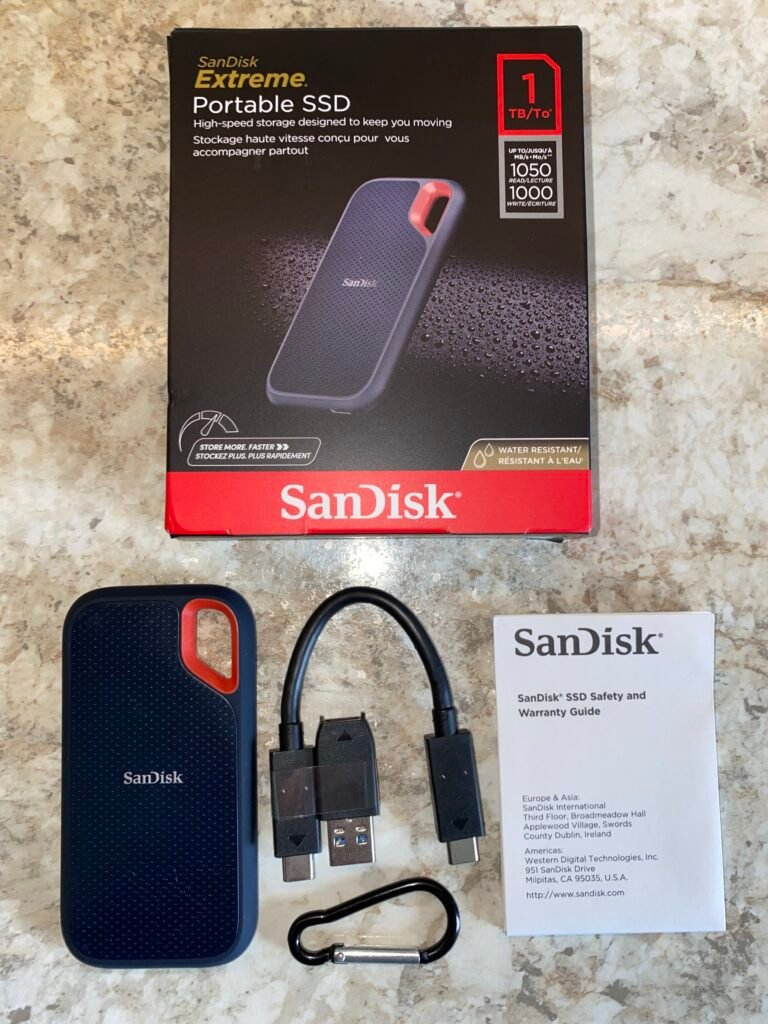
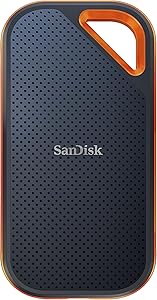
SanDisk Extreme 2TB
9.2Editor score1050 MB/s read speed
USB 3.2 Gen 2
IP65 water dust rating
3-meter drop protection
Compare 10 top external SSDs for backup, creative work, and gaming. Fast USB-C drives from Samsung, SanDisk, Lexar, and Corsair with specs and buying tips.
Find the right external SSD for your 2025 storage needs. We compare 9 standout portable drives by the factors that matter most, including sequential read and write speeds, USB interface generation, capacity options, rugged protection ratings, encryption features, and real-world value for backup, creative work, and gaming.
Choosing between USB 3.2 Gen 2, Gen 2×2, and USB4 interfaces directly affects how quickly you can move large video files, game libraries, and photo archives. The drive’s controller, NAND flash, and thermal design also shape whether advertised speeds hold up during sustained transfers or drop off partway through.
This guide breaks down specifications, practical strengths, and honest limitations for every drive. Whether you need a rugged pocket SSD for field work, a high-capacity vault for 4K video editing, or a compact backup drive for everyday use, the comparisons below should help you decide with confidence.
We compared 9 portable SSDs using the specifications that actually influence a buying decision: sequential read and write speeds, USB interface generation, storage capacity options, drop and water resistance ratings, hardware encryption support, cable and connector type, warranty coverage, and price per terabyte. The notes focus on practical trade-offs so each pick connects to how people actually back up files, edit video, transfer game libraries, and carry data between devices.

Compare key features, scores, and current prices side by side. A shorter feature list means fewer details were available, not necessarily fewer capabilities.





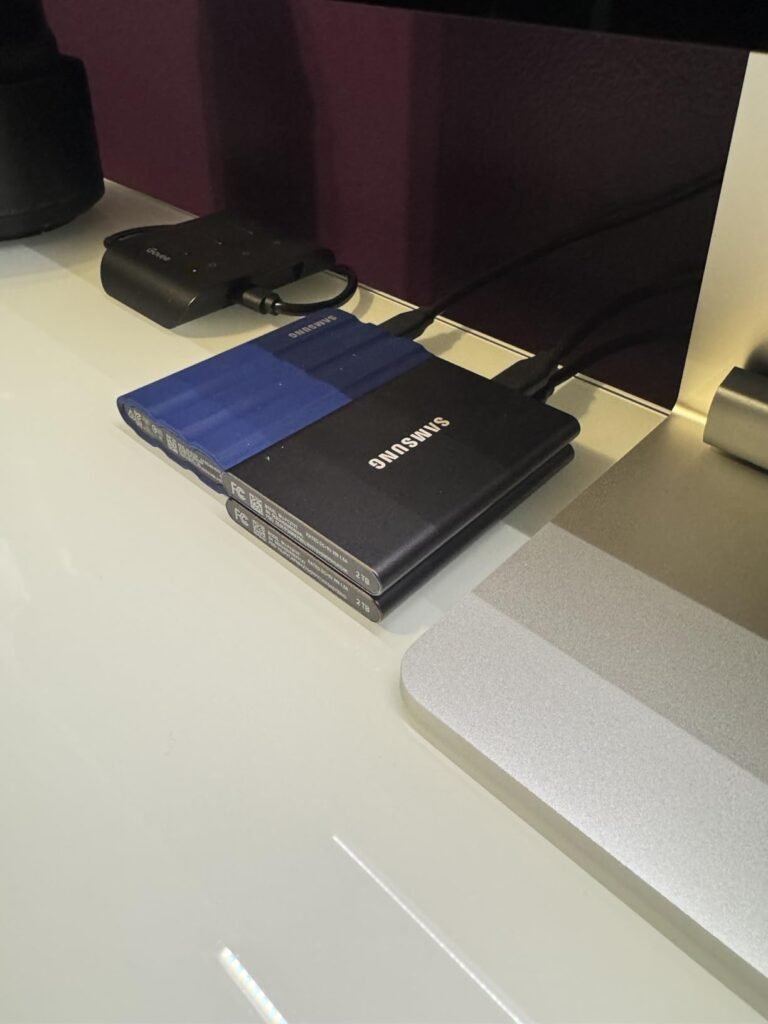
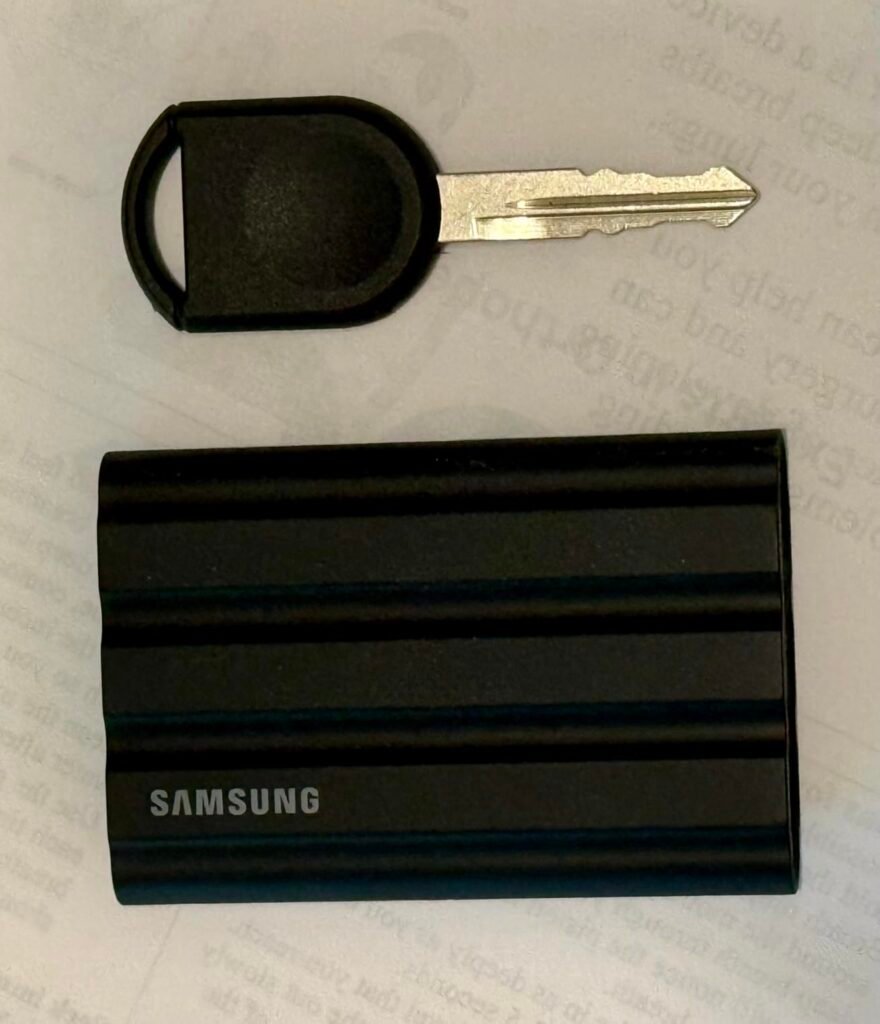
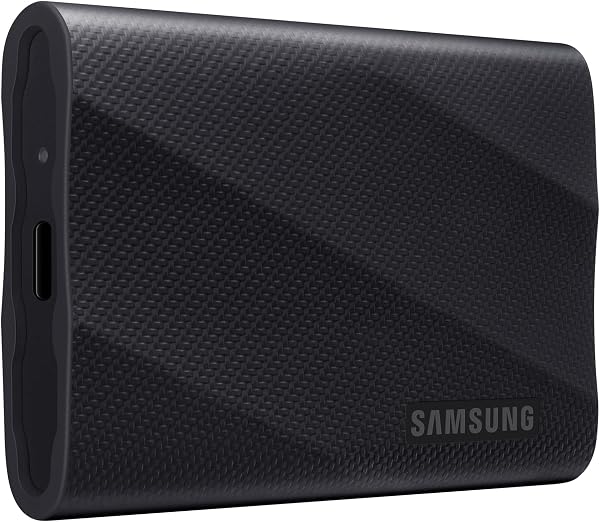
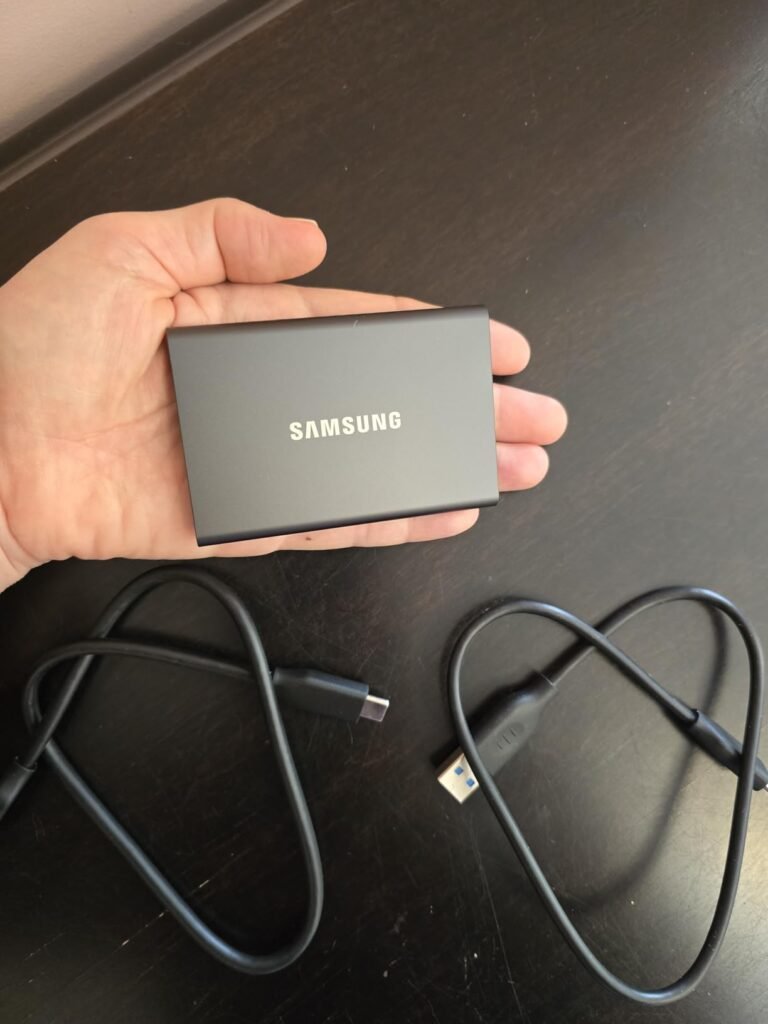
The Samsung T7 has become one of the most recognizable portable SSDs on the market, and the 1TB Titan Gray version continues to be a solid choice for anyone who wants fast storage in a genuinely pocketable form factor. The solid aluminum unibody construction feels premium in hand, dissipates heat effectively during longer transfers, and provides shock resistance without the bulk of a rubberized rugged case.
We may earn a commission when you buy through this link, at no additional cost to you.
Performance is where the T7 stands out at this size. PCIe NVMe technology inside the drive delivers sequential read and write speeds up to 1050 and 1000 MB/s over USB 3.2 Gen 2, which is nearly twice as fast as the previous-generation T5. For everyday tasks like backing up a laptop, transferring photo libraries, or working with 4K video footage, this speed class removes the storage bottleneck that plagues traditional external hard drives.
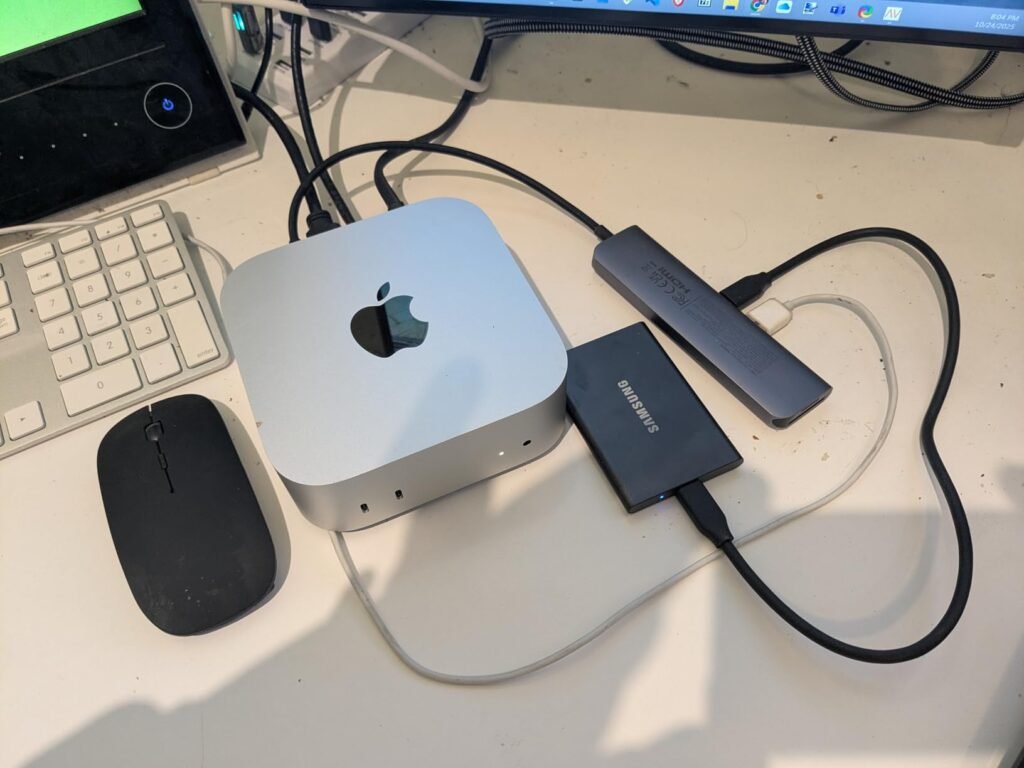
Compatibility is broad. The T7 works with Windows PCs, Macs, Android devices, and even supports direct 4K 60fps video recording on iPhone 15 Pro and similar mobile devices when connected with the appropriate cable. Fall protection up to 6 feet handles the drops that happen when a drive slips off a desk or falls out of a bag, though the T7 lacks the formal IP-rated water and dust sealing found on the Shield version.
One of the more useful modern features of drives like the T7 is the ability to record video directly to the SSD from compatible cameras and mobile devices. This bypasses the storage limitations of your phone or camera and eliminates the need to transfer footage before continuing to shoot. For iPhone 15 Pro users recording 4K 60fps ProRes, connecting a T7 via USB-C means you can capture much longer clips than internal storage would allow. Just be sure to use a high-quality cable rated for the required data rate.
This drive is ideal for users who prioritize a slim, elegant design and reliable performance over rugged protection. The trade-off is that if you regularly work outdoors or in environments where dust and moisture are concerns, the T7 Shield offers meaningful protection for a modest price increase. For indoor use, laptop backup, and general creative work, the standard T7 remains a highly refined option.
Not ideal for buyers who need formal dust and water sealing for outdoor or industrial environments.
We may earn a commission when you buy through this link, at no additional cost to you.
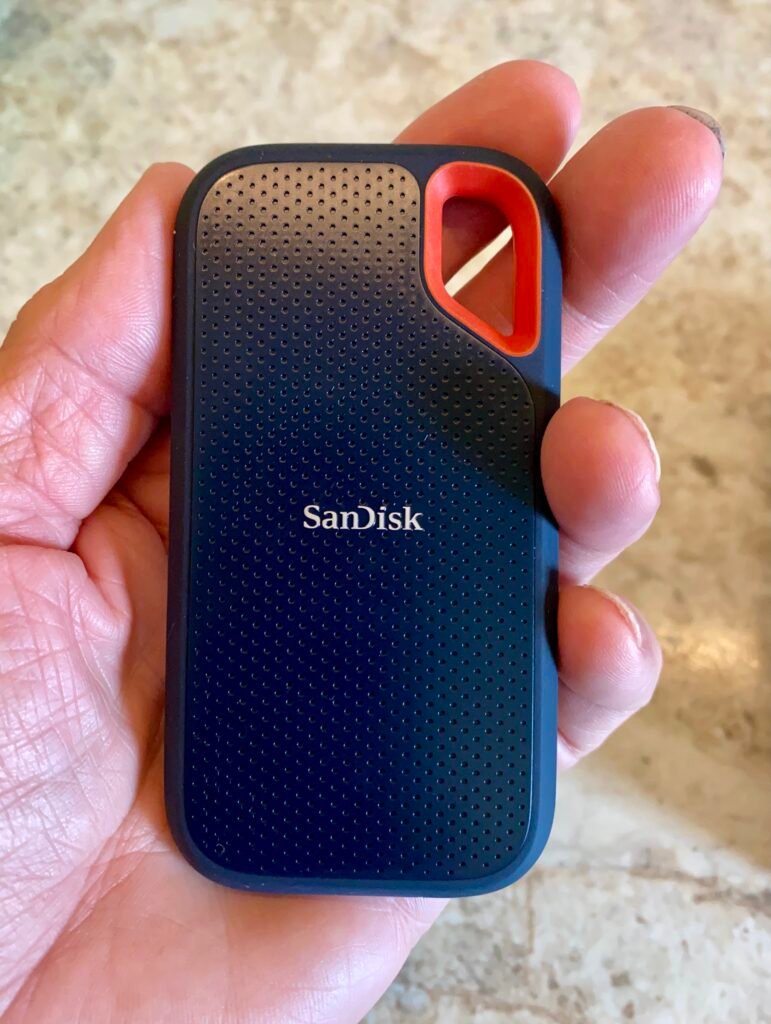
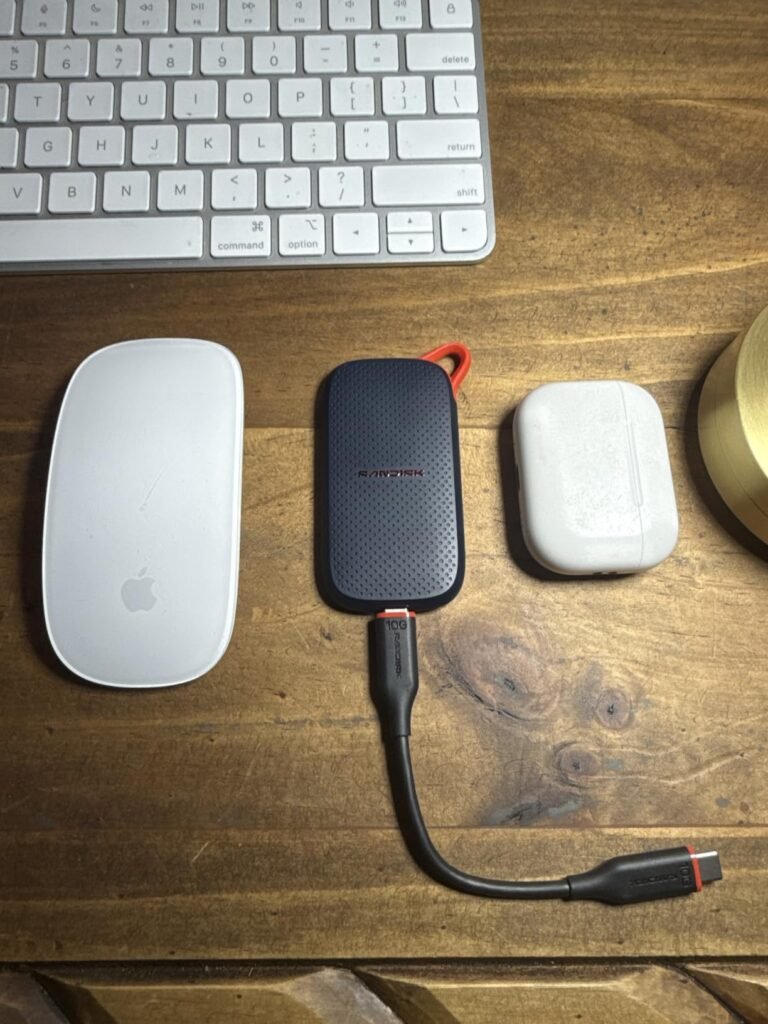
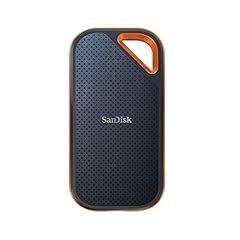
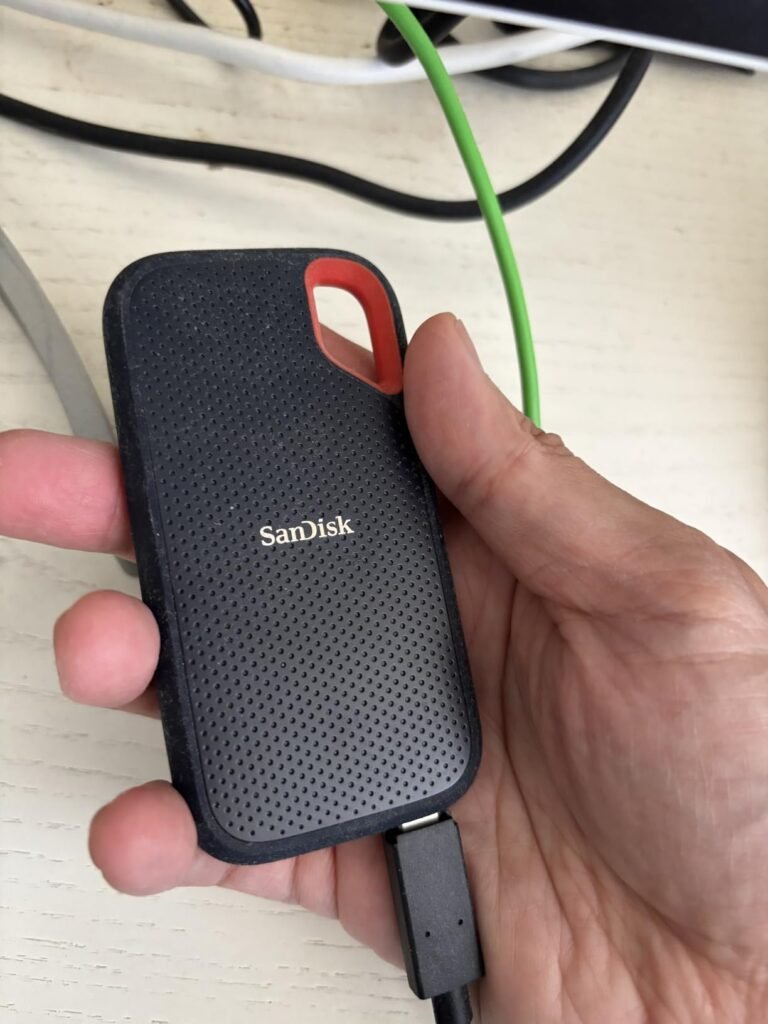
The SanDisk Extreme 2TB is a popular choice for photographers, videographers, and outdoor professionals who need reliable storage that can survive the conditions of a real job site. Its NVMe-based design delivers read speeds up to 1050 MB/s and write speeds up to 1000 MB/s over a USB 3.2 Gen 2 connection, which is fast enough to offload a full memory card of RAW photos or 4K video clips in minutes rather than the long waits associated with older mechanical drives.
We may earn a commission when you buy through this link, at no additional cost to you.
The rugged construction is where this drive really earns its reputation. An IP65 rating means the enclosure resists both dust ingress and low-pressure water jets, which is genuinely useful when you are working on a beach shoot, in a dusty workshop, or in unpredictable weather. Drop protection up to 3 meters provides insurance against the accidental slips that happen when you are moving between locations with gear in hand.
Beyond the physical durability, SanDisk includes 256-bit AES hardware encryption with password protection through the SanDisk Memory Zone app. This keeps client work, personal archives, or sensitive documents secure if the drive is lost or stolen, without relying on operating system encryption that may not transfer between platforms. The integrated carabiner loop is a small touch that makes it easy to clip the drive to a bag or belt loop for quick access.
The IP65 designation breaks down into two parts. The first digit indicates complete protection against dust ingress, meaning fine particles cannot enter the enclosure and reach the internal components. The second digit means the drive can withstand low-pressure water jets from any direction without harmful effects. This is not the same as being waterproof for submersion, so avoid dropping the drive into a pool or leaving it submerged in standing water. For rain, splashes, and dusty environments, IP65 is a meaningful and practical rating.
This drive is a strong fit for content creators and mobile professionals who need a balance of speed, durability, and reasonable capacity. The main trade-off is that faster USB 3.2 Gen 2×2 and USB4 drives now exist for buyers with compatible hosts. If your laptop or desktop tops out at USB 3.2 Gen 2, the Extreme delivers essentially all the performance your connection can carry.
Not the best choice for buyers with USB4 or Thunderbolt hosts who want to unlock the absolute fastest transfer speeds.
We may earn a commission when you buy through this link, at no additional cost to you.
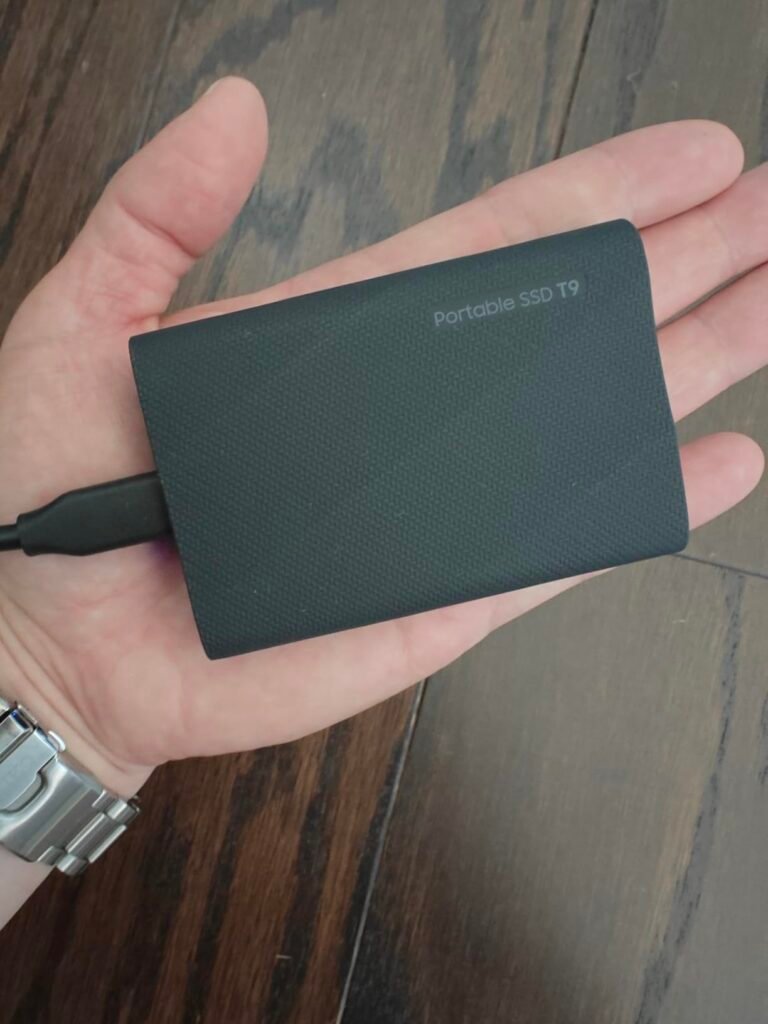
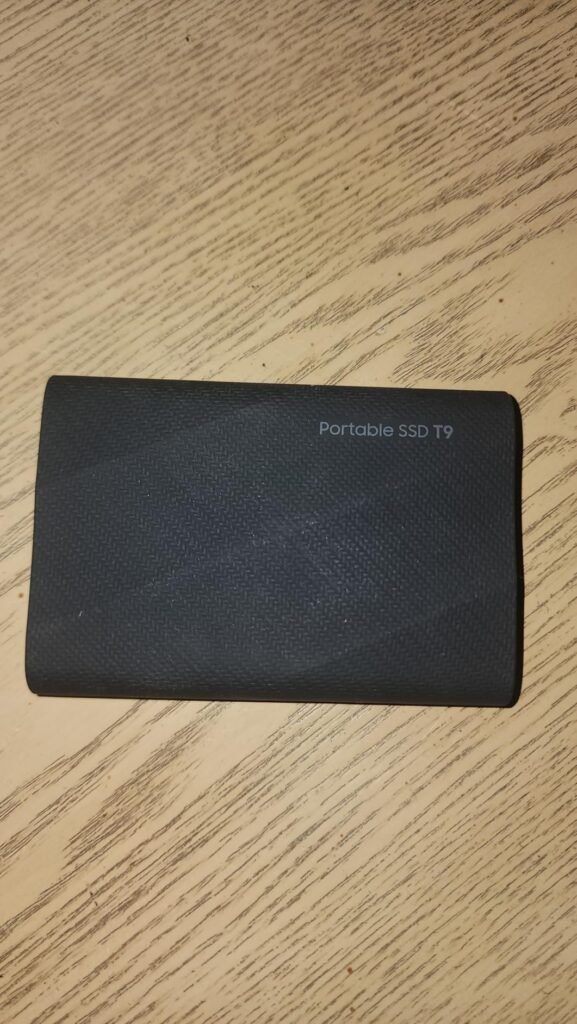
The Samsung T9 steps up to the USB 3.2 Gen 2×2 interface, effectively doubling the theoretical bandwidth of USB 3.2 Gen 2 and enabling sequential read and write speeds up to 2000 MB/s. For video editors working with high-bitrate 4K and 6K footage, photographers moving massive RAW libraries, and anyone whose workflow is bottlenecked by drive speed, this is a meaningful upgrade over the standard 1050 MB/s class.
We may earn a commission when you buy through this link, at no additional cost to you.
The Dynamic Thermal Guard is one of the T9’s most important features because it addresses a common problem with high-speed portable SSDs. When drives push large amounts of data continuously, internal temperatures rise and controllers throttle performance to protect the NAND flash. Samsung’s advanced thermal solution keeps the T9 running at ideal temperatures during longer transfers, which means the advertised speeds are more likely to hold up during real-world workloads rather than dropping off partway through a large copy.
Compatibility is broad, covering Windows, Mac, Android, gaming consoles, and iPhone 15 Pro for direct 4K 60fps ProRes video recording. Samsung Magician software adds value by providing firmware updates, encryption setup, and drive health monitoring in a single application. The included USB-C to USB-C cable is designed to support the full data rate, which is important because not all USB-C cables are rated for high-speed data transfer.
USB 3.2 Gen 2×2 uses two lanes of 10 Gbps to reach a combined 20 Gbps bandwidth, but it is not universally supported. Many laptops labeled as having USB 3.2 ports actually offer only Gen 2 single-lane speeds of 10 Gbps. Check your computer’s specifications for the specific USB 3.2 Gen 2×2 designation, or look for a 20 Gbps rating on the port. On desktops, this interface is more commonly found on newer motherboards, often marked with a specific icon or color coding near the port.
This drive is best for creators and professionals whose hosts include a USB 3.2 Gen 2×2 port and whose workflows genuinely benefit from doubled transfer speeds. The critical caveat is that USB 3.2 Gen 2×2 is less common than standard Gen 2, and connecting the T9 to a Gen 2 port will limit it to 1050 MB/s. Verify your computer’s port specification before paying the premium for this speed class.
Not cost-effective for users whose computers only support USB 3.2 Gen 2 or slower interfaces.
We may earn a commission when you buy through this link, at no additional cost to you.
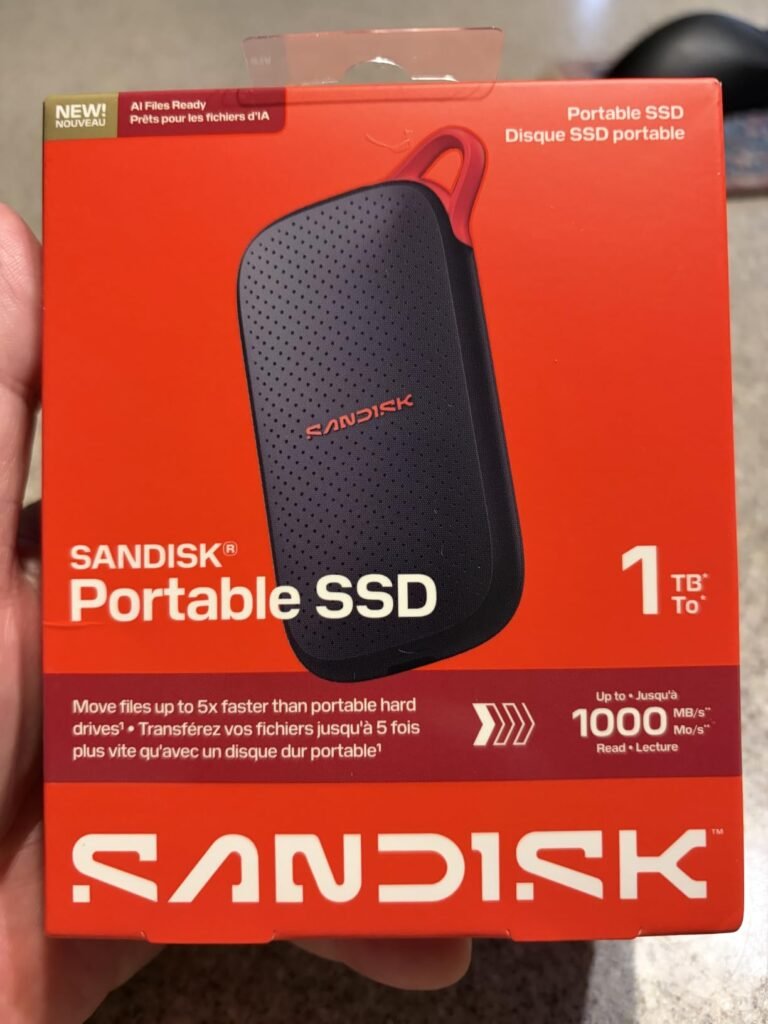
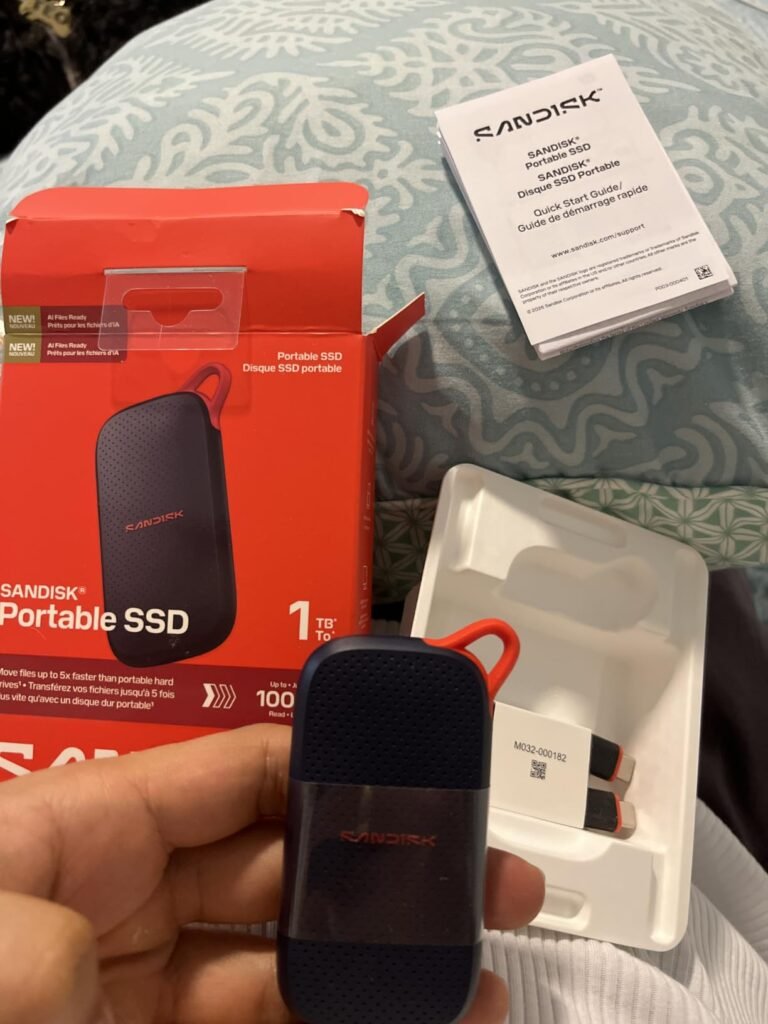
The SanDisk 1TB Portable SSD is aimed at buyers who want a legitimate speed upgrade over old-school USB hard drives without paying premium prices for features they may not need. Read speeds up to 1000 MB/s are roughly five times faster than typical portable hard drives, which transforms the experience of backing up a laptop or moving a large photo collection from a coffee break into a matter of seconds.
We may earn a commission when you buy through this link, at no additional cost to you.
The design prioritizes portability. The slim, lightweight enclosure genuinely fits in a pocket without adding noticeable bulk, and the USB-C interface allows instant plug-and-play use on any modern laptop, tablet, or phone with a compatible port. No drivers, formatting utilities, or setup software are required for basic use, which makes this drive approachable for users who just want storage that works out of the box.
Drop protection up to 2 meters covers the typical accidents that happen during daily use, though this rating is lower than the 3-meter protection found on the SanDisk Extreme or the 9.8-foot rating on the Samsung T7 Shield. There is no formal IP rating for water or dust resistance either, so this drive is best suited to indoor and moderate-condition use rather than field work in harsh environments.
A traditional portable hard drive typically transfers data at around 100 to 150 MB/s, which means backing up 500 GB of files can take well over an hour. At 1000 MB/s, the same backup completes in roughly 10 minutes under ideal conditions. This speed difference becomes especially valuable during full system backups, when copying large video projects, or when time-sensitive deadlines require quick file movement. Even for casual users, the reduction in waiting time makes routine backups more likely to actually happen.
This drive is an excellent match for students, casual creators, and anyone who wants fast portable storage at a reasonable price. The trade-off compared to premium alternatives is reduced ruggedness and slightly slower peak speeds, but the value proposition is strong for buyers whose primary need is quick file transfers rather than survival in demanding conditions.
Not the best choice for outdoor professionals or users who need formal IP-rated dust and water resistance.
We may earn a commission when you buy through this link, at no additional cost to you.
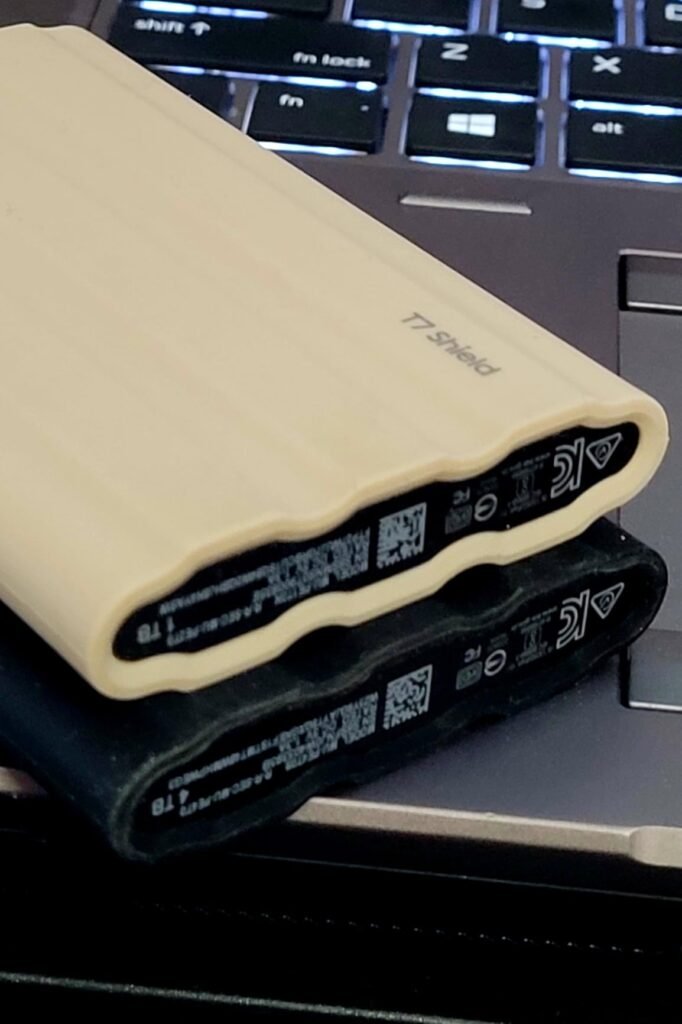
The Samsung T7 Shield takes the proven performance of the standard T7 and wraps it in a rugged rubberized housing designed for the kind of environments that would damage a slimmer aluminum drive. With an IP65 rating for dust and water resistance plus drop protection up to 9.8 feet, this is the T-series option built specifically for photographers, filmmakers, and field workers who need their storage to survive real-world conditions.
We may earn a commission when you buy through this link, at no additional cost to you.
Performance remains identical to the standard T7 at 1050 MB/s read and 1000 MB/s write over USB 3.2 Gen 2, which is fast enough for demanding creative workflows including 4K video editing directly from the drive. The full range of capacities from 1TB to 4TB means you can size the drive to match your project scale, whether that means a single active shoot or a multi-terabyte archive of past work.
Compatibility spans PC, Mac, Android, gaming consoles, and iPhone 15 Pro for direct 4K 60fps ProRes recording. Samsung Magician software provides firmware updates, drive health monitoring, and the ability to configure LED color combinations for personalization. The rubberized exterior is grippy in wet or gloved hands, and the reinforced construction protects the internal SSD from the shocks that inevitably occur when working outside of a controlled office environment.
If your typical workflow involves indoor use, transporting the drive in a padded bag, and controlled environments, the standard T7 provides essentially the same performance at a lower price. The Shield’s premium becomes justified when you regularly work outdoors, in dusty or wet conditions, or when the drive travels loose in a bag with other gear that could cause impacts. Wedding photographers, documentary filmmakers, and field researchers are the archetypal buyers who see clear value in the rugged housing.
This drive is the right choice for creators who need Samsung’s proven performance and software ecosystem combined with genuine field durability. The trade-off compared to the standard aluminum T7 is a slightly bulkier profile and a modest price premium, both of which are easy to justify if you regularly work in demanding environments. For studio-only use, the standard T7 offers similar performance in a slimmer form factor.
Not necessary for users who primarily work in offices or controlled indoor environments where basic drop protection is enough.
We may earn a commission when you buy through this link, at no additional cost to you.
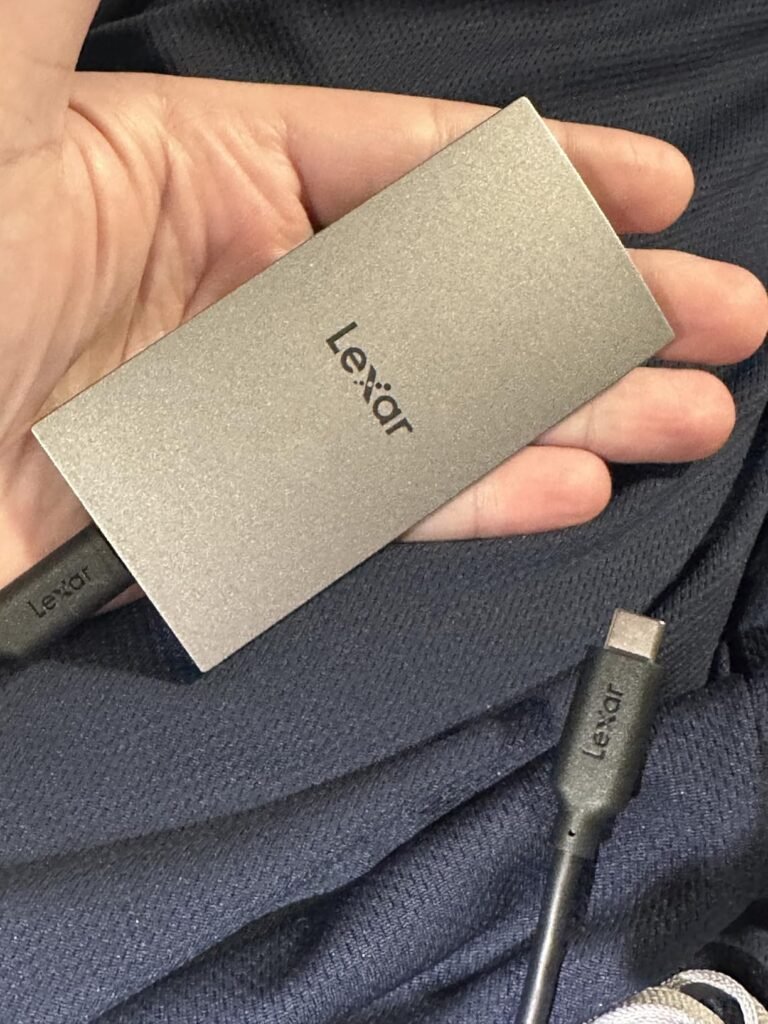
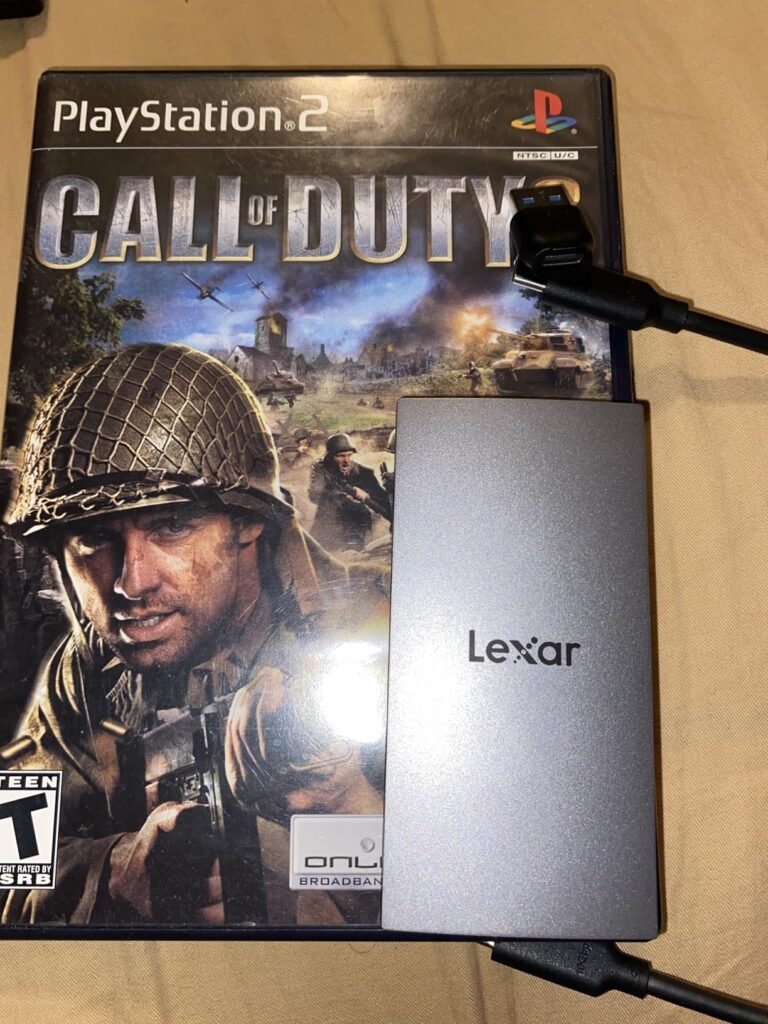
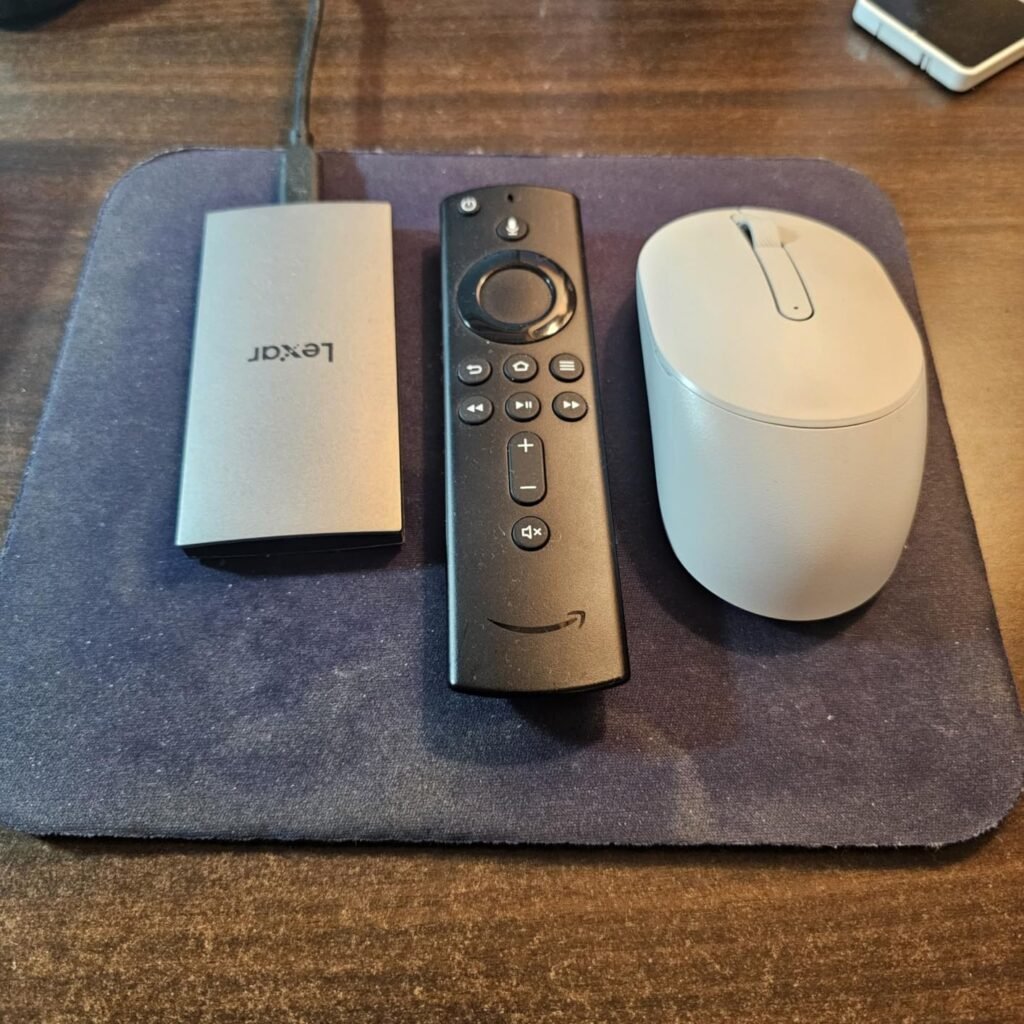
The Lexar ES3 is one of the most portable SSDs currently available, weighing just 42 grams and measuring only 10.5 millimeters thick. Its footprint is smaller than a credit card, which makes it easy to slip into a shirt pocket or the small pocket of a laptop sleeve without adding meaningful bulk. Despite this ultra-compact form factor, the drive still delivers the full USB 3.2 Gen 2 speed class at up to 1050 MB/s read and 1000 MB/s write.
We may earn a commission when you buy through this link, at no additional cost to you.
Compatibility is genuinely broad, covering iPhone 17 series, Android mobile devices, laptops, cameras, Xbox X and S, PlayStation 4, PlayStation 5, and other USB-C hosts. Note that this version does not include MagSafe attachment, and iPhone 14 and older models are not supported. The included Type-C cable allows plug-and-play operation without drivers or setup, which simplifies use across multiple devices.
Data security is addressed through Lexar DataShield 256-bit AES encryption software, which lets you password-protect the contents of the drive. This is particularly valuable for a drive this small, since ultra-portable designs are inherently more likely to be misplaced or lost. The silver aesthetic and slim profile give the drive a premium look that fits well with modern laptops and phones.
A 42-gram drive may not sound significantly different from a 60 or 80-gram alternative, but the cumulative effect matters when you carry storage every day. Photographers and journalists who already haul heavy camera gear, laptops, and cables notice the difference when accessories are lighter. The ES3’s thin profile also means it fits into card slots, pen loops, and small pockets that would not accommodate a chunkier drive, expanding the range of bags and organizers that can accept it.
This drive is ideal for users who prioritize absolute portability above all else, such as travelers, journalists, and mobile professionals who need fast storage that disappears in a bag. The trade-off is that Lexar is a less prominent name in the SSD market compared to Samsung and SanDisk, and the drive does not carry a formal IP rating for dust and water resistance. For controlled environments and everyday carry, however, the ES3 is a compelling option.
Not the best choice for buyers who prioritize rugged field protection over minimum size and weight.
We may earn a commission when you buy through this link, at no additional cost to you.
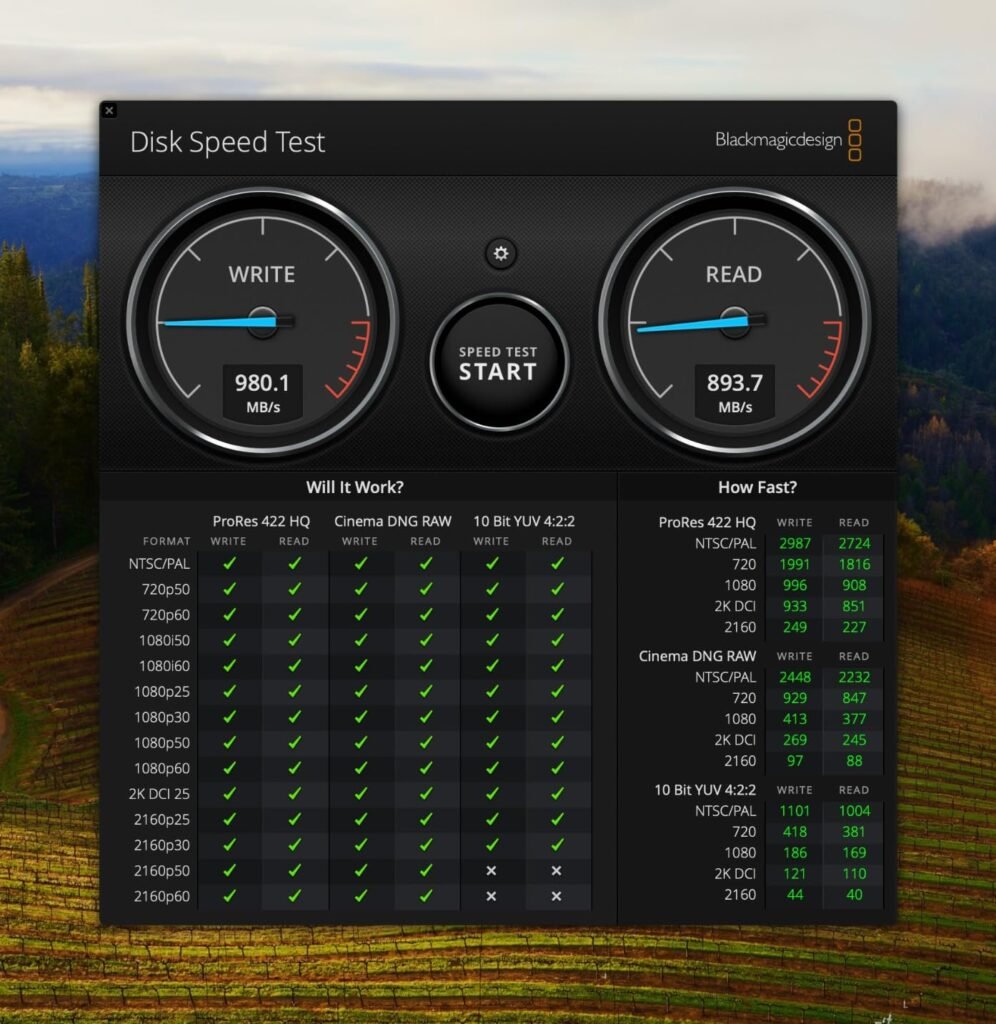
The SanDisk Extreme PRO 4TB is a serious storage tool aimed at professional creators who need both massive capacity and sustained high speeds in a single portable package. With sequential read and write speeds up to 2000 MB/s over a USB 3.2 Gen 2×2 connection, the Extreme PRO can handle high-bitrate 4K and 6K video workflows, large photo libraries, and multi-terabyte project files without becoming the bottleneck in your workflow.
We may earn a commission when you buy through this link, at no additional cost to you.
The forged aluminum chassis serves a dual purpose. Aesthetically, it gives the drive a premium feel that matches the professional workflows it targets. Functionally, the aluminum acts as a heatsink that pulls heat away from the internal NVMe SSD, allowing the drive to sustain its advertised speeds during longer transfers rather than throttling under thermal load. A silicone shell wraps the aluminum for added grip and impact protection.
Durability specifications include drop protection up to 3 meters and an IP65 rating for dust and water resistance, matching or exceeding most rugged portable drives on the market. The integrated carabiner loop provides a secure attachment point for bags or belts. A 5-year limited warranty backs the drive, which is longer than the industry-standard 3-year warranty on many competing models and reflects SanDisk’s confidence in the Extreme PRO’s build quality.
A 4TB drive can quickly become disorganized without a clear filing strategy. Establish a folder structure before you start moving data, such as organizing by year and project, and stick to consistent naming conventions. Consider using separate top-level folders for active work, archived projects, and personal files. Periodically back up the drive to a secondary location, as even the most durable SSD is not immune to failure or accidental loss. For irreplaceable client work, a 3-2-1 backup approach with multiple copies in different locations is standard professional practice.
This drive is the right choice for professional videographers, photographers, and creative studios that need to move and store large amounts of data quickly and reliably. The trade-offs are a higher cost per terabyte compared to lower-capacity options and the requirement for a USB 3.2 Gen 2×2 or better host to unlock the full 2000 MB/s speeds. For serious professional use, the combination of capacity, speed, durability, and warranty coverage is difficult to beat.
Not cost-effective for casual users or those who only need to back up a modest amount of personal data.
We may earn a commission when you buy through this link, at no additional cost to you.
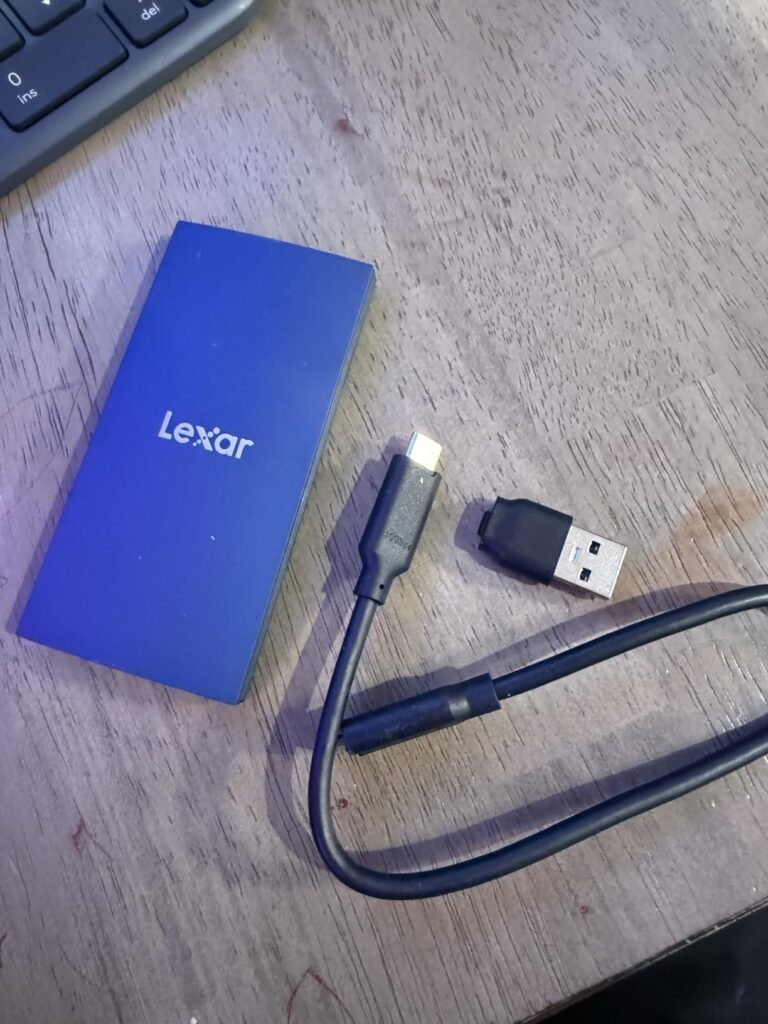
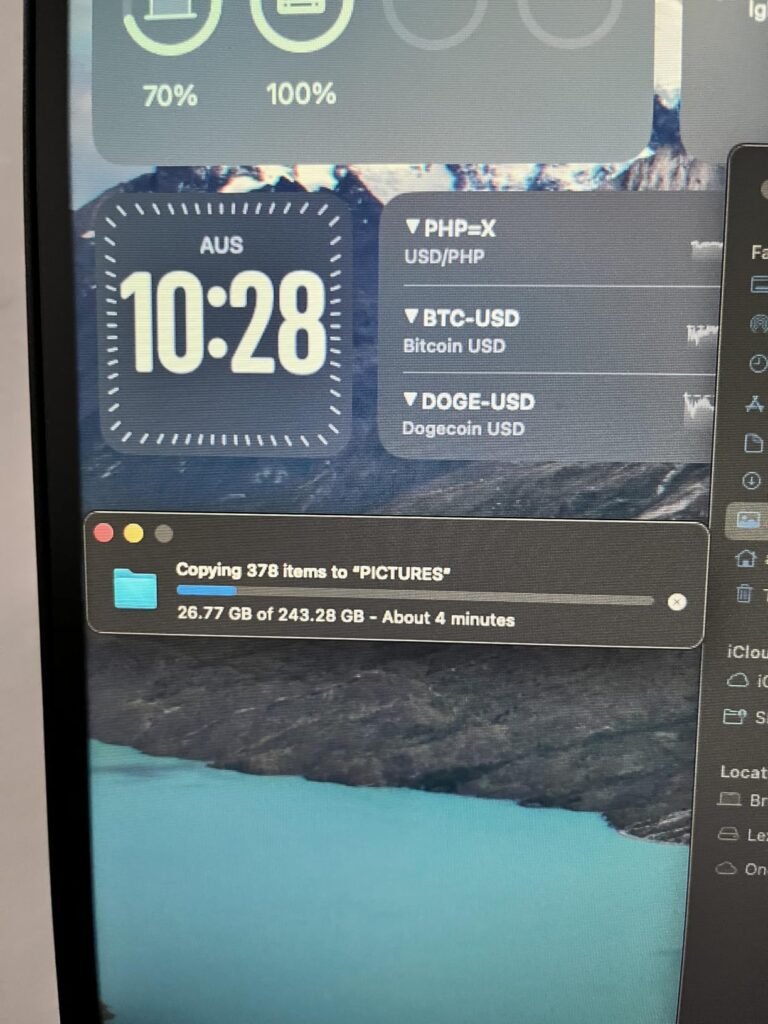
The Lexar ES3 2TB extends the compact design philosophy of the 1TB ES3 into a higher-capacity offering that suits users who need more room without giving up portability. Sequential read speeds up to 1050 MB/s and write speeds up to 1000 MB/s over USB 3.2 Gen 2 deliver roughly 9.5 times the performance of a typical portable hard drive, which makes routine backups and large file transfers dramatically faster.
We may earn a commission when you buy through this link, at no additional cost to you.
Thermal management is addressed through built-in double-layer graphite sheets that conduct heat away from the internal SSD components. This is a genuinely useful feature in a compact drive, as small enclosures have less surface area to dissipate heat and are more prone to throttling during sustained transfers. The graphite cooling helps the ES3 2TB maintain its rated speeds during longer copies rather than slowing down as temperatures rise.
The included 2-in-1 USB-C to USB-A cable is a thoughtful practical touch. It means the drive can connect to older laptops and desktops that still rely on USB-A ports, as well as modern USB-C hosts, without requiring you to carry a separate adapter. Drop resistance up to 2 meters covers everyday accidents, and the sleek aesthetic works well as an everyday carry storage solution.
Graphite sheets have very high thermal conductivity and are commonly used in modern smartphones and laptops to spread heat away from concentrated hot spots. In a portable SSD, the internal NVMe controller and NAND flash generate heat during data transfers, and if that heat is not moved away efficiently, the drive throttles its speed to protect the components. Passive graphite cooling adds no weight or moving parts but meaningfully improves the drive’s ability to sustain high-speed transfers over longer periods.
This drive is a strong pick for users who want the ES3 form factor with more capacity, whether that means storing a larger photo library, keeping a portable game library, or backing up a laptop with substantial user data. The trade-off compared to premium options is the absence of formal water and dust resistance and a slightly less established brand presence. For controlled environments and everyday portable use, however, the ES3 2TB offers meaningful value.
Not the best choice for buyers who need formal IP-rated dust and water resistance or the fastest available USB4 speeds.
We may earn a commission when you buy through this link, at no additional cost to you.
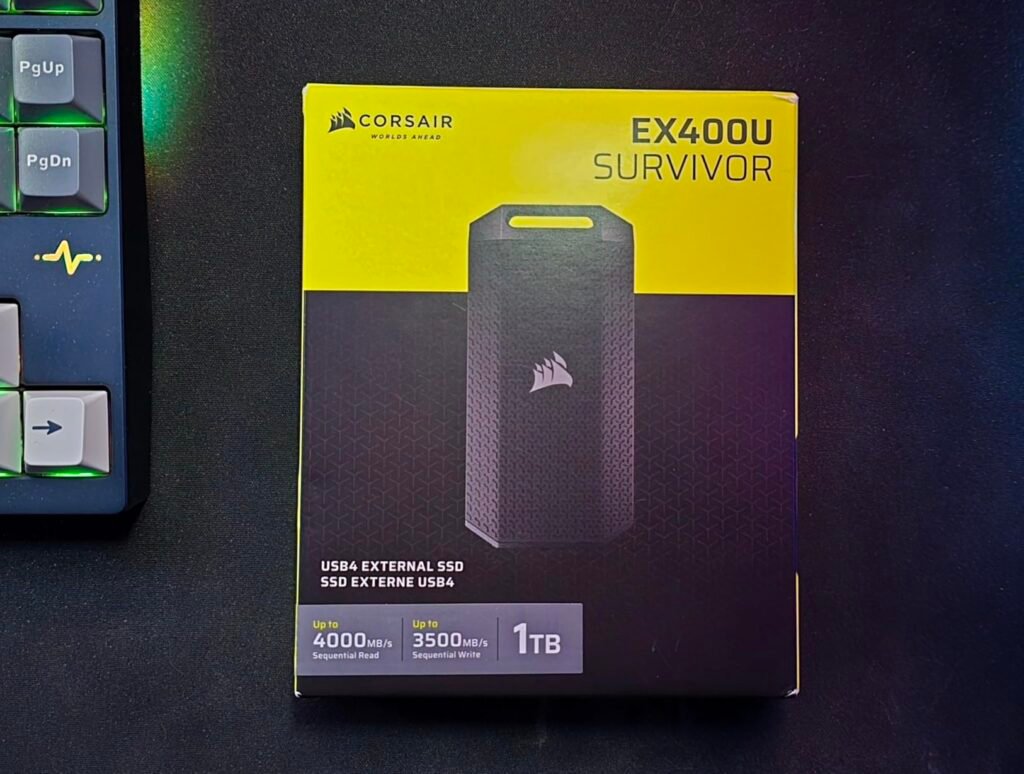
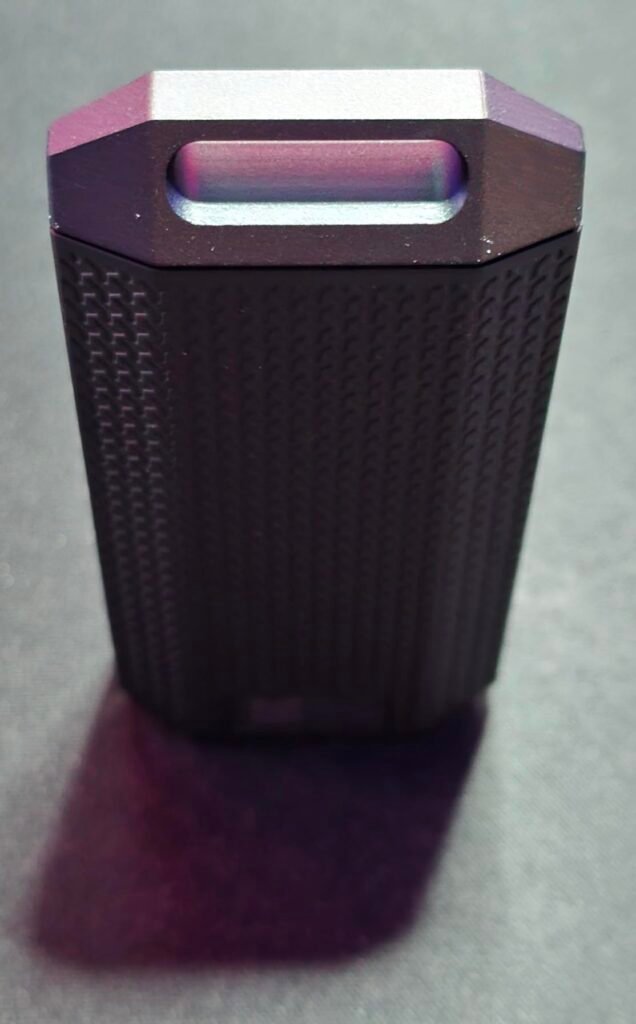
The Corsair EX400U Survivor 2TB pushes portable SSD performance into a new tier with USB4 support and sequential read speeds up to 4000 MB/s alongside write speeds up to 3600 MB/s. These numbers rival many internal NVMe drives and effectively eliminate storage as a bottleneck for even the most demanding creative workflows, including uncompressed 8K video editing, large virtual machine files, and massive game libraries that need to load quickly.
We may earn a commission when you buy through this link, at no additional cost to you.
The rugged, environmentally sealed housing is built for real-world abuse. An IP55 rating provides protection against dust ingress and low-pressure water jets, and the heavy-duty enclosure stands up to the impacts and rough handling that come with field work. This combination of extreme speed and genuine durability is unusual in the portable SSD market, where most rugged drives sacrifice performance and most high-speed drives sacrifice ruggedness.
Setup is refreshingly simple. A single USB Type-C cable handles both power and data, and no drivers or configuration software are required. The drive achieves maximum performance when connected to USB4 or Thunderbolt 4 hosts, and it maintains backward compatibility with USB Type-C 3.2 ports at reduced speeds. Support extends to iPad models with USB-C ports running iOS or iPadOS 13 or later, opening up mobile workflows that were previously impractical with slower drives.
USB4 and Thunderbolt 4 share the same underlying protocol and both support 40 Gbps transfer speeds, which is what enables the EX400U Survivor to reach its full performance. Any laptop or desktop with a certified USB4 or Thunderbolt 4 port will unlock the drive’s maximum speeds. Older Thunderbolt 3 ports also support 40 Gbps and are generally compatible, though verification against the specific device is recommended. If your computer only has USB 3.2 Gen 2 ports at 10 Gbps, the drive will still work but will be limited to roughly one-quarter of its potential speed.
This drive is the right choice for professional creators, video editors, and power users whose computers have USB4 or Thunderbolt 4 ports and whose workflows genuinely benefit from doubled speeds over USB 3.2 Gen 2×2 drives. The trade-off is that USB4 support is still relatively new and less common than USB 3.2 Gen 2, so the full speed benefit requires a specific host configuration. For those who have compatible hardware, the EX400U Survivor represents the current cutting edge of portable storage performance.
Not necessary for users whose computers only support USB 3.2 Gen 2 or older interfaces, since the full speed cannot be utilized.
We may earn a commission when you buy through this link, at no additional cost to you.
Selecting a portable SSD involves matching the drive’s speed class, capacity, durability, and interface to your specific workflow and host computer. The factors below cover the most important decision points so you can identify the best fit without overpaying for features you cannot use.
The USB interface generation directly determines the maximum theoretical speed of your external SSD. USB 3.2 Gen 2 supports up to 10 Gbps, which translates to real-world speeds around 1050 MB/s in the fastest drives. USB 3.2 Gen 2×2 doubles that bandwidth to 20 Gbps and enables speeds up to 2000 MB/s. USB4 and Thunderbolt 4 push the ceiling to 40 Gbps, allowing drives like the Corsair EX400U Survivor to reach 4000 MB/s.
The critical practical consideration is that your computer must support the same interface generation to unlock the drive’s full speed. A USB 3.2 Gen 2×2 drive connected to a USB 3.2 Gen 2 port will operate at Gen 2 speeds, effectively cutting its performance in half. Similarly, a USB4 drive on a USB 3.2 Gen 2 port loses roughly three-quarters of its potential speed. Check your laptop or desktop specifications carefully before paying a premium for a drive that exceeds your host’s capabilities.
Match the drive interface to your fastest available port, but do not pay for speeds you cannot use. If your primary computer has USB 3.2 Gen 2, a 1050 MB/s drive delivers all the speed your connection can carry. Only step up to Gen 2×2 or USB4 drives if you have compatible ports and genuinely benefit from the higher throughput.
Portable SSDs commonly come in 500GB, 1TB, 2TB, and 4TB capacities, and the cost per terabyte varies significantly across the range. Smaller drives tend to be less efficient in dollars per terabyte, while larger drives offer better value if you can use the full capacity. However, buying substantially more storage than you need ties up money that could go toward faster drives or better ruggedness features.
Consider your actual storage needs based on your workflow. A photographer shooting RAW files may generate 30 to 60 GB per event, which makes 1TB or 2TB drives practical for active projects. Video editors working with 4K or 6K footage can easily consume terabytes per project, making 2TB or 4TB drives more appropriate. For laptop backups and general file storage, 1TB is often the sweet spot between capacity and cost.
Right-size your capacity based on how much data you actually work with in an active state. It is generally better to buy a slightly larger drive than you currently need to leave room for growth than to hit the capacity ceiling and need to buy a second drive within months.
The advertised peak speed of an SSD is measured under ideal conditions and short burst transfers. Real-world performance during long file copies depends heavily on how the drive manages heat. As NAND flash and controller chips warm up during sustained transfers, drives without effective cooling throttle their speed to prevent damage. This can cause a drive rated at 2000 MB/s to drop to half or a quarter of that speed during a large copy, which significantly extends transfer times.
Drives with advanced thermal management, such as the Samsung T9’s Dynamic Thermal Guard, the SanDisk Extreme PRO’s forged aluminum heatsink chassis, and the Lexar ES3’s double-layer graphite sheets, are designed to sustain their rated speeds for longer during real-world workloads. This matters most for video editors, backup workflows, and any use case involving continuous transfers of tens of gigabytes at a time.
If your workflow involves long, continuous transfers, prioritize drives with documented thermal management features. For short bursts and occasional file copies, thermal throttling matters less and standard drives may be perfectly adequate.
Portable SSDs are inherently more durable than mechanical hard drives because they contain no moving parts, but individual drives vary widely in their formal ruggedness ratings. Drop protection ratings range from 2 meters on entry-level drives to 3 meters on rugged models like the SanDisk Extreme and up to 9.8 feet on the Samsung T7 Shield. IP ratings for dust and water resistance are separate specifications that indicate resistance to environmental hazards.
IP55 and IP65 are the most common ratings on portable SSDs. IP55 provides protection against dust and low-pressure water jets, while IP65 offers complete dust ingress protection and the same water jet resistance. Neither rating means the drive is fully submersible or waterproof, so avoid dropping rugged drives into water or leaving them submerged. For most field workflows, IP55 or IP65 is sufficient protection against rain, splashes, and dusty environments.
Match the ruggedness rating to your actual use environment. Studio and office users can safely choose drives without formal IP ratings, while photographers, videographers, and outdoor professionals should prioritize drives with both IP protection and higher drop ratings.
Portable drives are easy to lose or steal, which makes hardware encryption an important consideration for anyone storing sensitive data. 256-bit AES encryption is the current industry standard and provides strong protection when properly configured with a password. Hardware-based encryption is generally faster and more transparent than software encryption, since the drive controller handles the cryptographic operations without impacting host CPU performance.
Several drives in this guide, including the SanDisk Extreme series and Lexar ES3, include 256-bit AES encryption with password protection through companion apps like SanDisk Memory Zone and Lexar DataShield. Samsung drives support encryption through the Magician software. If you carry client work, financial documents, medical records, or any other sensitive data, enabling encryption is a straightforward precaution that adds meaningful security.
For general personal files and public data, encryption is optional but low-effort insurance. For any sensitive or professional data, choose a drive with hardware encryption support and take the time to configure it properly during initial setup.
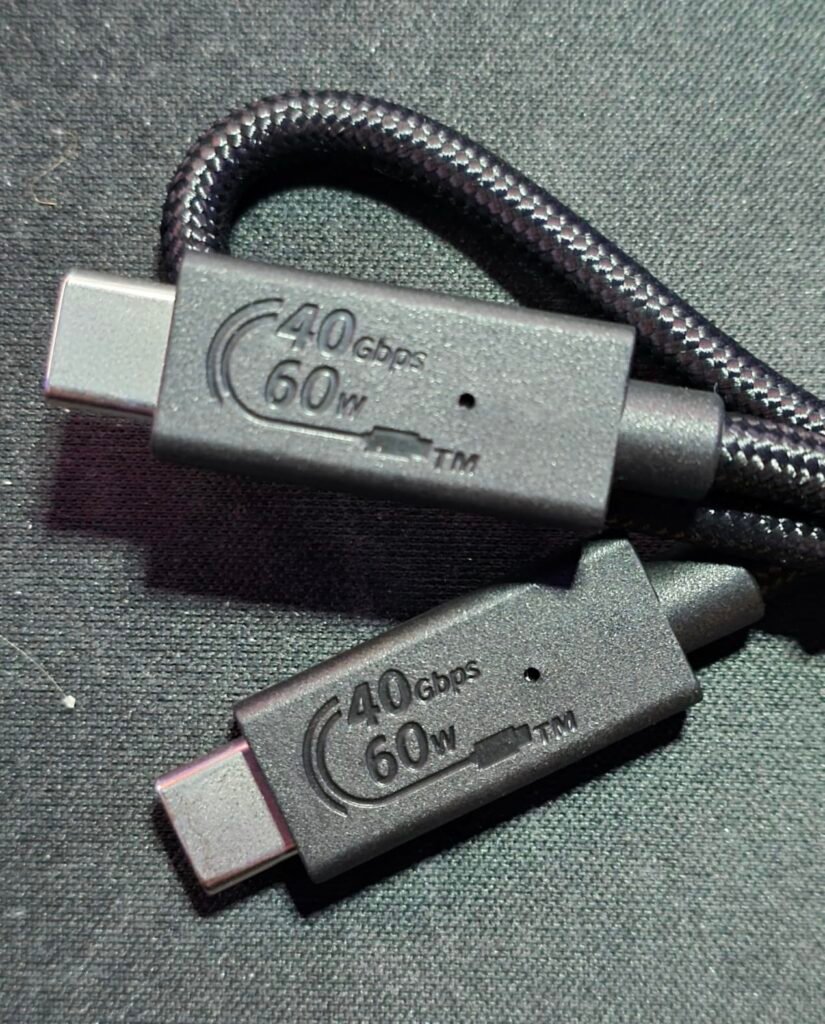
The included cable often determines whether you can achieve the drive’s rated speeds. High-speed interfaces like USB 3.2 Gen 2×2 and USB4 require cables certified for the corresponding data rate, and using an inferior cable can bottleneck an otherwise capable drive. Most quality SSDs ship with an appropriate cable, but replacement cables should always be selected based on the required speed class.
Connector types also matter for compatibility. USB-C to USB-C cables work with modern laptops, tablets, and phones, while USB-C to USB-A cables extend compatibility to older desktops and laptops. Some drives include 2-in-1 cables with adapters that cover both scenarios, which is convenient when moving between newer and older systems. Verify that the drive ships with the cables you need before purchasing, or budget for additional cables if not.
Prioritize drives that ship with high-quality cables rated for the drive’s full speed. If you need to connect to a mix of USB-C and USB-A hosts, look for drives that include both cable options or plan to purchase a certified USB-C to USB-A adapter separately.
Setting up a new portable SSD is generally straightforward. Connect the drive to your computer with the included cable, and the operating system should recognize it automatically without requiring drivers. Most drives come pre-formatted with exFAT, which works across Windows, Mac, and many other systems but has some file size limitations. If you plan to use the drive exclusively with one operating system, reformatting to NTFS for Windows or APFS for Mac can offer better performance and features, though this will erase any existing data on the drive.
During daily use, always eject the drive properly through your operating system before disconnecting it. Pulling the cable while data is being written can corrupt files or, in rare cases, damage the drive’s file system. Keep the drive away from extreme temperatures, as sustained exposure to heat above the specified operating range can accelerate wear on the NAND flash. Rugged drives with IP ratings can handle moisture and dust in normal outdoor conditions, but they should not be intentionally submerged or exposed to conditions beyond their rated specifications.
For long-term reliability, periodically back up important data from your portable SSD to a secondary location, whether that means another drive, a network storage device, or a cloud service. SSDs are highly reliable, but no storage medium is immune to failure or accidental loss. If your drive supports firmware updates through manufacturer software like Samsung Magician or SanDisk Memory Zone, apply them periodically to benefit from bug fixes and performance improvements. When storing the drive for extended periods, keep it in a cool, dry location and consider connecting it to a computer every few months to refresh the stored data.
USB 3.2 Gen 2 uses a single data lane at 10 Gbps, while Gen 2×2 uses two lanes to reach a combined 20 Gbps. This directly affects the maximum speed of your external SSD, with Gen 2 drives topping out around 1050 MB/s and Gen 2×2 drives reaching up to 2000 MB/s. Gen 2×2 support is less common on laptops and requires a specifically labeled port to unlock the full speed.
If you work primarily in offices or controlled indoor environments and transport the drive in a padded bag, a standard SSD without formal IP ratings is generally sufficient. If you work outdoors, in construction settings, in wet or dusty environments, or carry the drive loose in a bag with other gear, a rugged drive with IP55 or IP65 protection and higher drop ratings provides meaningful additional protection. The premium for rugged drives is usually modest and worth paying for demanding use cases.
Yes, most modern portable SSDs with USB-C connections work with iPhone 15 Pro, newer iPad models, and other USB-C mobile devices. Drives like the Samsung T7, T9, and T7 Shield explicitly support 4K 60fps ProRes video recording directly to the drive on compatible iPhones. Always use the cable recommended by the drive manufacturer, as some third-party cables may not support the required data rates for reliable operation.
Modern portable SSDs are rated for hundreds of terabytes of data written and typically last many years under normal use. Most manufacturers back their drives with warranties of 3 to 5 years, which reflects reasonable confidence in longevity. Actual lifespan depends on how much data you write, the ambient temperature, and how you handle the drive physically. For long-term data preservation, always maintain backup copies on secondary storage.
This depends on your workflow. If you regularly work with large files or need to store multi-terabyte project libraries, capacity is often more important than raw speed above the 1000 MB/s class. If you frequently move large amounts of data and have compatible high-speed ports, a faster drive can significantly reduce waiting time. For most users, a 1TB or 2TB drive at 1050 MB/s offers the best balance of capacity, speed, and cost.
External SSDs work well for storing PC and console game libraries, offering much faster load times than traditional external hard drives. On PlayStation 5 and Xbox Series X and S, PS4 and Xbox One games can be played directly from external SSDs, while current-generation console games can be stored but must be moved to internal storage for gameplay. USB 3.2 Gen 2 drives are typically fast enough for gaming use, so paying extra for USB4 speeds is rarely necessary for this purpose.
Most drives come pre-formatted with exFAT, which is compatible with both Windows and Mac systems. If you use the drive exclusively with one operating system, reformatting to NTFS for Windows or APFS for Mac can improve performance and enable features like file journaling. Be aware that reformatting erases all data on the drive, so back up any existing files first. For cross-platform use, exFAT is the simplest and most compatible choice.
For most everyday tasks like laptop backups, photo transfers, and general file storage, the difference between these speed classes is less noticeable than the specifications suggest. Where the faster speeds really matter is with sustained large-file workflows such as 4K and 6K video editing, database work, and moving multi-terabyte project files. If your host computer supports USB 3.2 Gen 2×2 or USB4 and your workflow includes these demanding tasks, the faster drives are worth the premium.
Yes, most external SSDs with USB-C connections can be used as boot drives on Macs and modern Windows PCs, though the process requires specific setup steps and the drive should be reasonably fast to provide a good user experience. USB 3.2 Gen 2 or faster drives work well for this purpose. Booting from an external drive is useful for portable operating system installations, running specialized environments, or troubleshooting a computer with a failed internal drive.
The Samsung T7 Shield 2TB stands out as the strongest overall choice for most buyers who want a balance of speed, capacity, and genuine ruggedness. Its 1050 MB/s NVMe performance, IP65 dust and water resistance, and 9.8-foot drop protection cover the vast majority of real-world use cases, and Samsung's mature Magician software adds meaningful long-term value through firmware updates and drive health monitoring.
For buyers with different priorities, the SanDisk 1TB Portable SSD offers excellent everyday value at an approachable price, the Samsung T9 delivers doubled speeds for creators with USB 3.2 Gen 2×2 hosts, and the Corsair EX400U Survivor pushes USB4 performance to 4000 MB/s for users with compatible Thunderbolt 4 or USB4 ports. The SanDisk Extreme PRO 4TB serves professionals who need massive capacity paired with sustained high speeds and comprehensive durability.
The right drive depends on your host computer's fastest available port, the amount of data you actually work with, your environment, and your budget. Match the interface generation to your ports, size the capacity to your workflow, and pay for ruggedness only if you genuinely need it. Following this approach ensures you get real value from your purchase rather than paying for specifications that your setup cannot use.