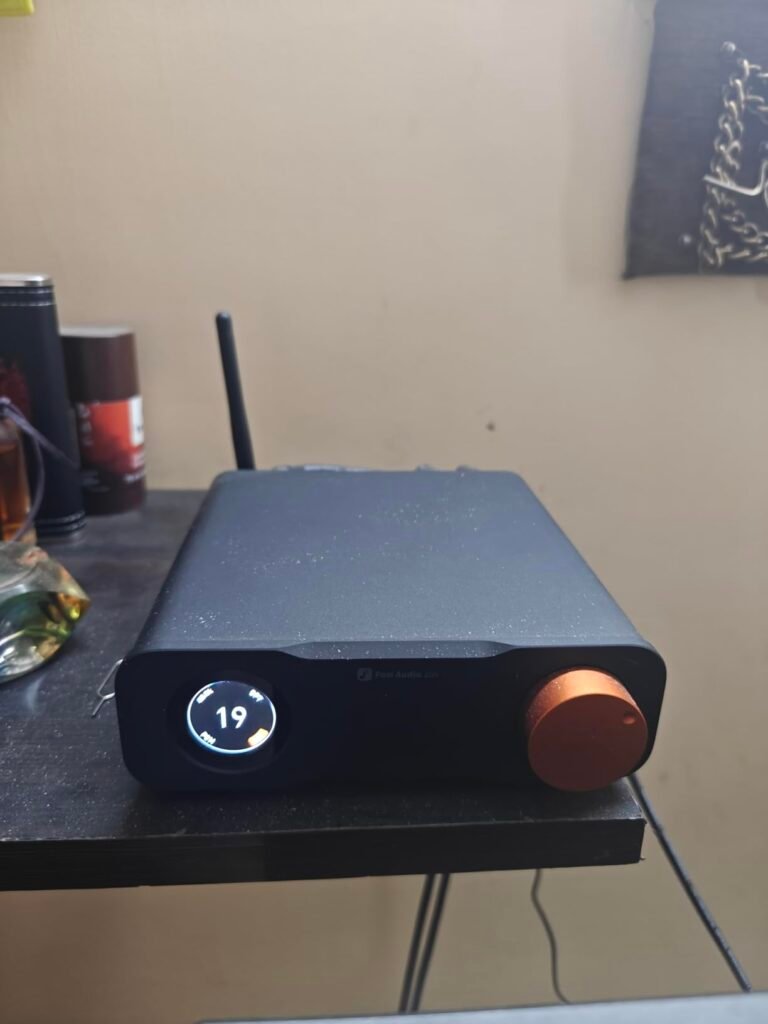
Fosi Audio Q4
8.8Editor score24-bit/192kHz support
USB optical coaxial
3.5mm headphone out
RCA line output
Compare 10 top desktop DACs by chip type, output power, inputs, and value. Find the right digital-to-analog converter for your PC or home audio setup.

Find the right desktop DACs for 2026. We compare 10 standout options by the factors that matter in this category, such as DAC chip architecture, output power, input connectivity, headphone amplification, build quality, owner feedback, value, and everyday trade-offs between desktop convenience and audiophile performance.
Desktop DACs range from compact USB-powered converters to full-featured preamps with balanced outputs and remote controls. Key differences include sampling rate support, balanced versus single-ended headphone jacks, input versatility for PCs and consoles, and whether the unit can drive power-hungry headphones or serve strictly as a line-level preamp.
This guide focuses on the specifications and practical realities that shape daily listening. Use the comparisons below to understand where each DAC excels, which input array fits your source gear, and how features like R2R architecture, delta-sigma chips, and gain switching translate to real-world desktop audio.
We compared 10 desktop DACs using the details that actually help a buyer decide: DAC chip type, maximum sampling rate, output power, balanced and single-ended outputs, input selection, build materials, remote control, compatibility with headphones and powered speakers, and value. The notes focus on practical trade-offs so each pick connects to how listeners actually integrate a DAC into a desktop music, gaming, or home stereo setup.


Compare key features, scores, and current prices side by side. A shorter feature list means fewer details were available, not necessarily fewer capabilities.




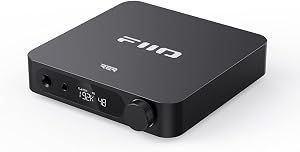


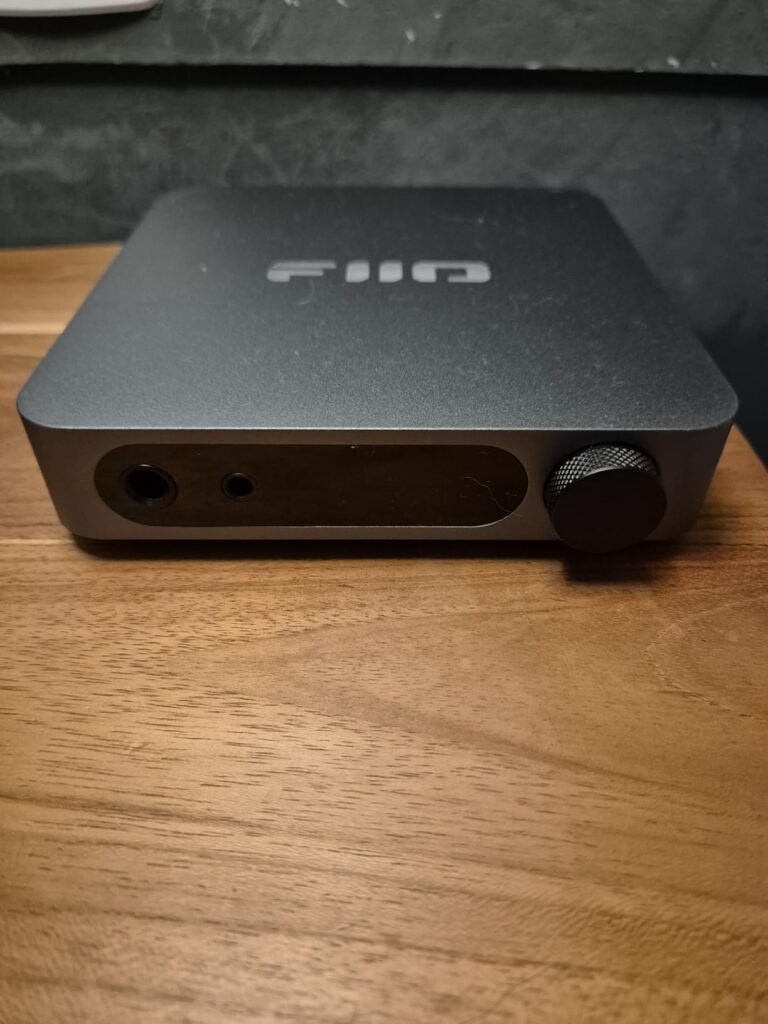
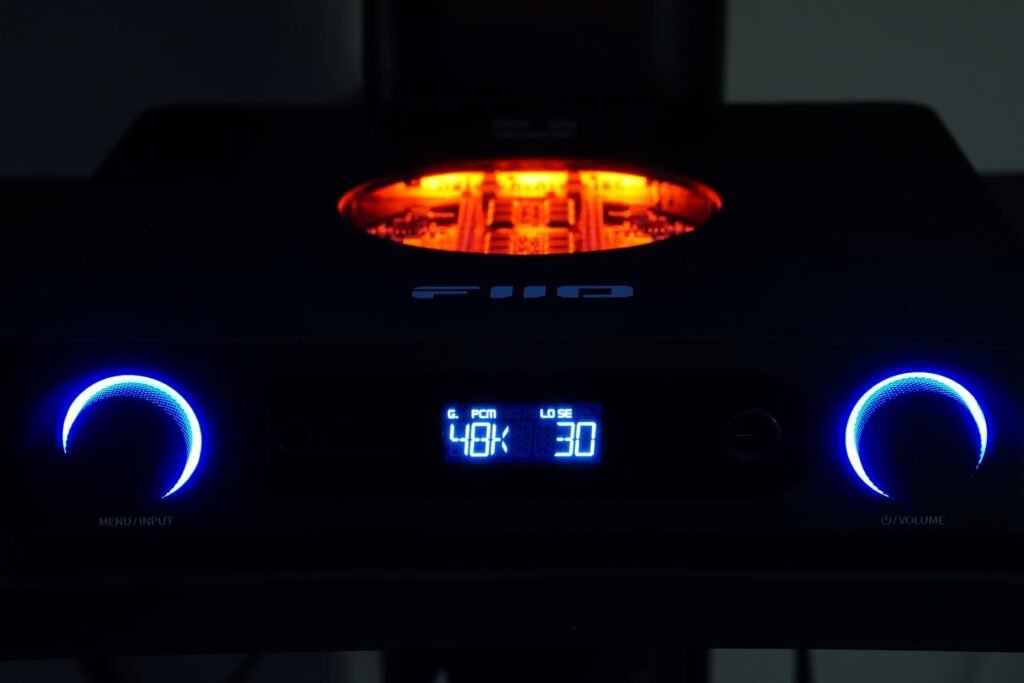
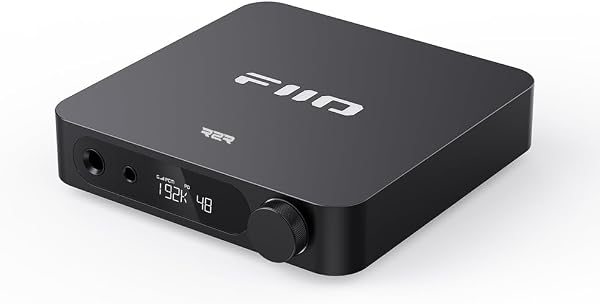
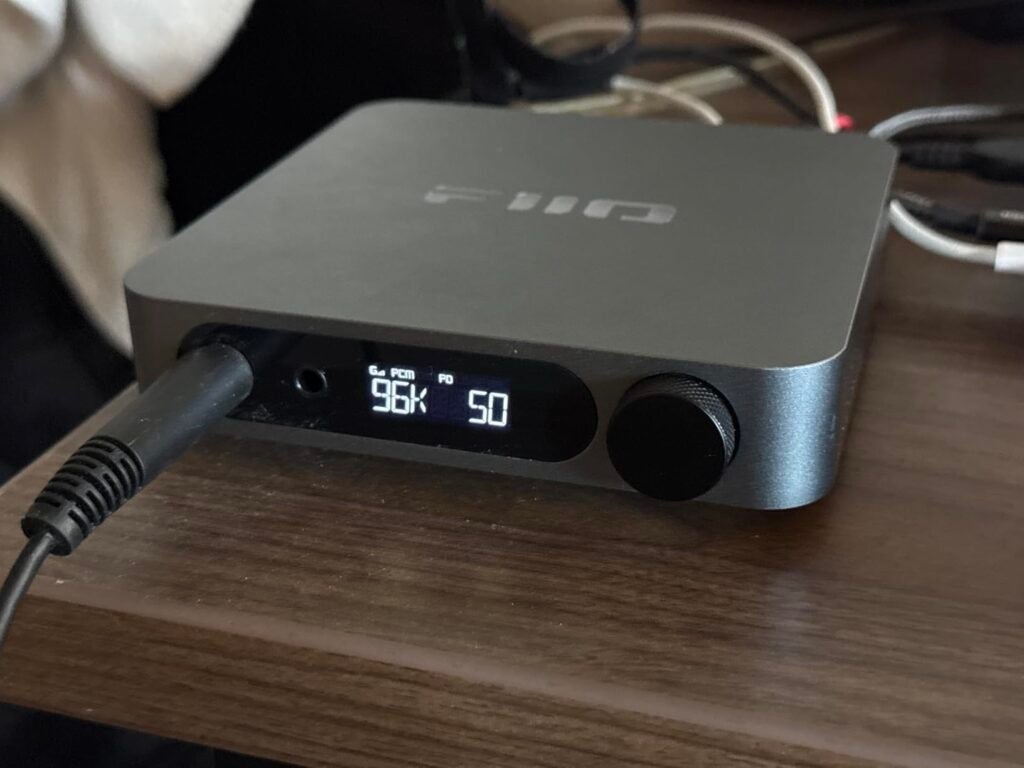
The FiiO K11 Desktop is aimed at listeners who need serious headphone amplification and balanced output on the desk. It can deliver up to 1400mW into a 32-ohm balanced load and 250mW at 300 ohms balanced, which makes it capable of driving demanding full-size headphones. Multiple low-noise LDOs and an external 12V power supply provide a clean, stable power source for high-quality audio.
We may earn a commission when you buy through this link, at no additional cost to you.
A high-definition VA display shows the current sampling rate, volume, gain, and output mode, which simplifies operation. Inputs include USB, coaxial, and optical, with optical and coaxial supporting up to 192kHz. Outputs include 4.4mm balanced, 6.35mm single-ended, RCA line-out, and coaxial out, giving you options for headphones, active speakers, or external amplifiers.
The RCA line-out is adjustable up to 2Vrms, so the K11 can work with a range of powered speakers and external amplifiers. It handles both low- and high-impedance headphones with ease, and the titanium finish gives it a premium desktop presence. There is no Bluetooth, so all audio comes through wired digital inputs.
Balanced output sends separate positive and negative signals to each ear, which can reduce crosstalk and provide more power to the drivers. This is especially helpful for high-impedance or planar magnetic headphones that need extra voltage to reach their best dynamics. If you own full-size headphones, a balanced desktop amp can make a noticeable difference in control and volume headroom.
This is the strongest overall pick for desktop audiophiles who own power-hungry headphones and want balanced output plus a clear status display. The tradeoff is a larger footprint than mini DACs and no wireless streaming, but the output power and input versatility justify the size for a dedicated listening station.
Buyers who want wireless Bluetooth audio or an ultra-portable USB stick DAC.
We may earn a commission when you buy through this link, at no additional cost to you.
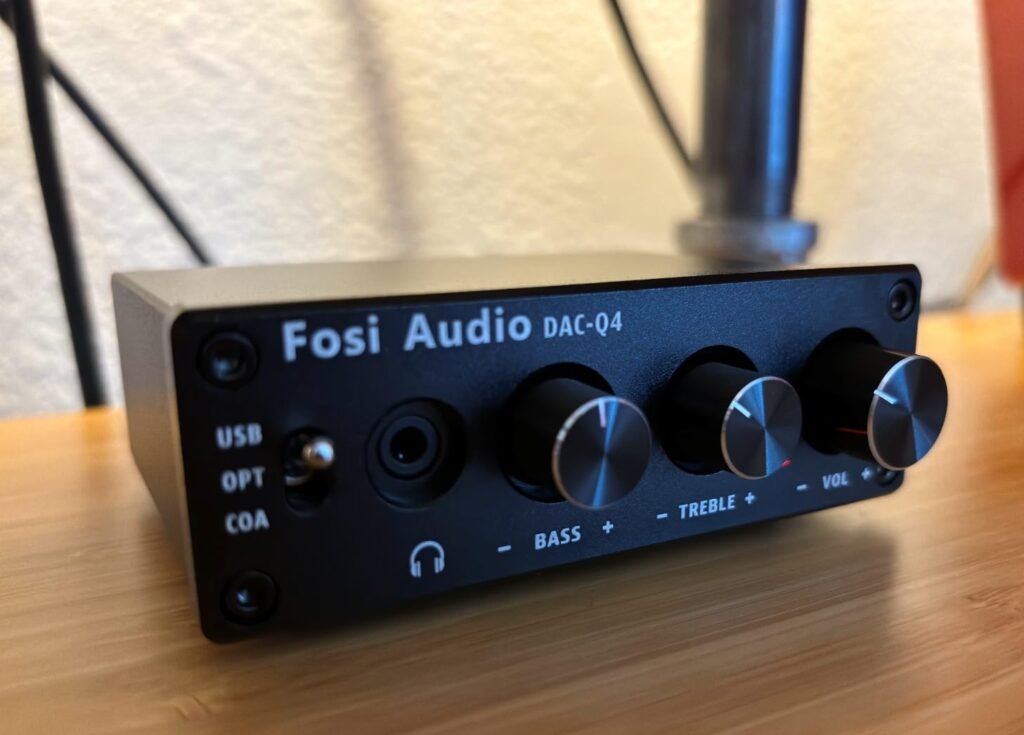
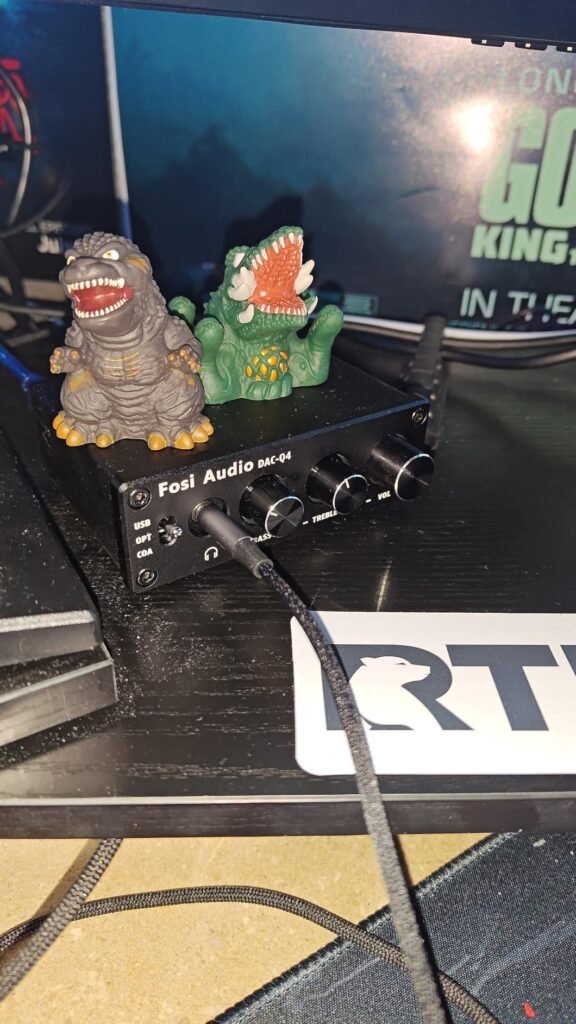
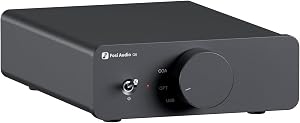
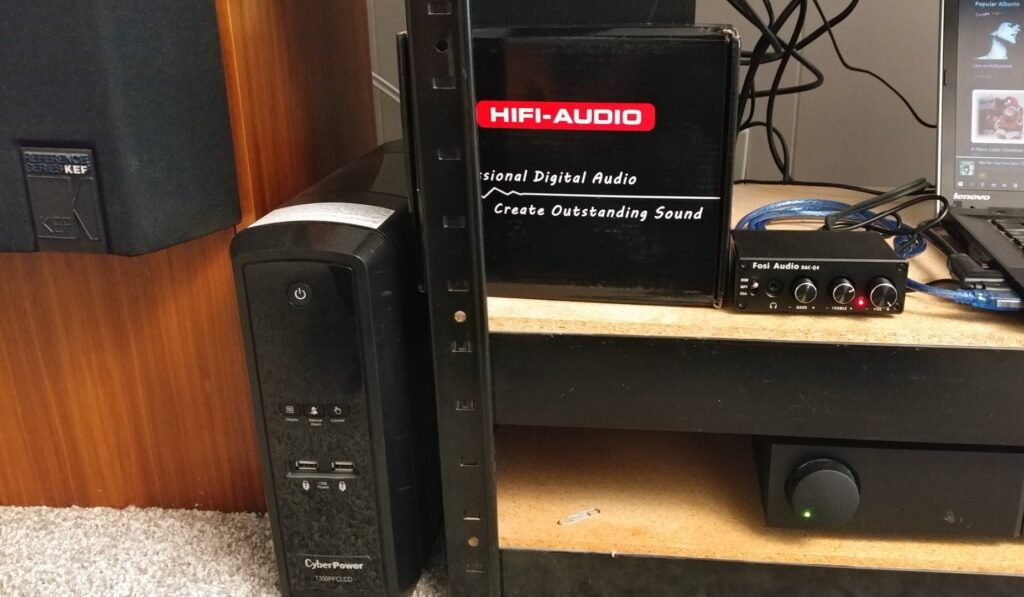
The Fosi Audio Q4 is built for buyers who want a straightforward desktop DAC without driver installation or a high price. It accepts USB, optical, and coaxial inputs, making it simple to connect a PC, TV, or DVD player. RCA and 3.5mm outputs let you send audio to powered speakers, an amplifier, or headphones, which gives the Q4 flexibility in small desktop systems.
We may earn a commission when you buy through this link, at no additional cost to you.
Performance features include 24-bit/192kHz support, adjustable bass and treble knobs, and a full metallic shell that helps with shielding and durability. The unit can drive headphones from 16 to 200 ohms, so it works with many common IEMs and over-ear models. An output protection circuit adds a layer of system safety for connected gear.
Setup is plug-and-play, and the package includes a USB charging cable, optical cable, and PC-USB to Type-B cable. Smooth volume adjustment and high-quality metal knobs give the unit a tactile feel. The compact size fits easily on a crowded desk, though there is no microphone input and no Bluetooth for wireless streaming.
Having USB, optical, and coaxial inputs on one device means you can connect a computer, television, and optical source without constantly swapping cables. This is useful in shared desktop spaces where different family members use different source devices. It also future-proofs the purchase if you add a TV or console later.
This DAC is best suited for entry-level buyers who want an affordable improvement over built-in computer audio and need multiple wired inputs. The tradeoff is the absence of wireless connectivity and a microphone jack, so it is less ideal for gaming headsets that require mic passthrough or for users who want to stream from a phone without cables.
Buyers who need Bluetooth streaming or a built-in microphone input for gaming headsets.
We may earn a commission when you buy through this link, at no additional cost to you.
The Fosi Audio ZD3 is a fully balanced desktop DAC preamp designed for home stereo integration rather than direct headphone driving. It uses an ES9039Q2M DAC chip alongside an XMOS XU316 processor, QCC3031 Bluetooth module, and LME49720 components, supporting DSD512 and PCM 32-bit/768kHz sampling. This makes it suitable for high-resolution music sources and home theater audio.

We may earn a commission when you buy through this link, at no additional cost to you.
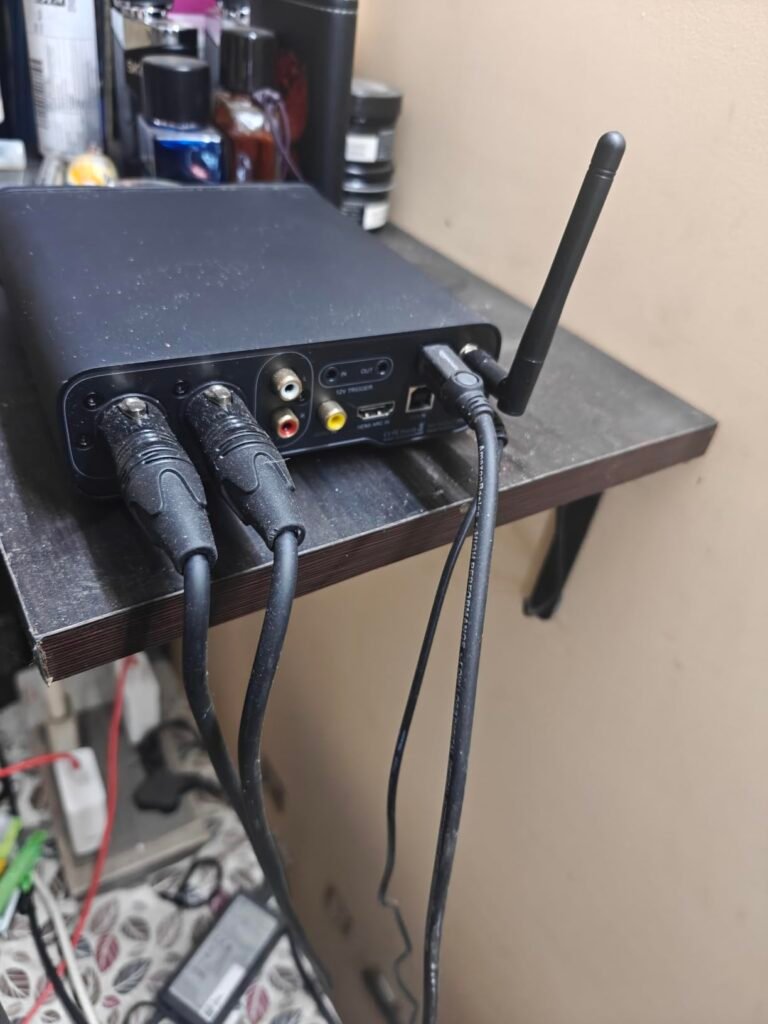
Connectivity is extensive, with Bluetooth, USB, optical, coaxial, and HDMI ARC inputs, plus balanced XLR and RCA outputs. A 1.5-inch OLED display, remote control, preamp bypass switch, and 12V trigger in/out interfaces allow synchronized power with other home audio devices. The design language matches the Fosi ZA3 amplifier, so the two can be paired into a compact home system.
The remote control and preamp bypass make daily operation convenient, and the HDMI ARC input simplifies getting TV audio into a desktop stereo setup. The unit is compact and uses audiophile-grade components, but it does not include a headphone jack, so it is not a headphone amplifier on its own.
HDMI ARC lets the DAC receive audio from a television over a single HDMI cable, eliminating the need for a separate optical converter or analog adapter. This is practical for desktop setups near a TV or for using a computer monitor with ARC support as a display for streaming apps.
This DAC is best for buyers building a home stereo or desktop amplifier system who want remote control, balanced line outputs, and TV integration. The tradeoff is the higher price and lack of headphone output, which makes it less suitable for listeners who primarily use headphones at their desk.
Headphone-focused listeners who need a built-in headphone amplifier output.
We may earn a commission when you buy through this link, at no additional cost to you.
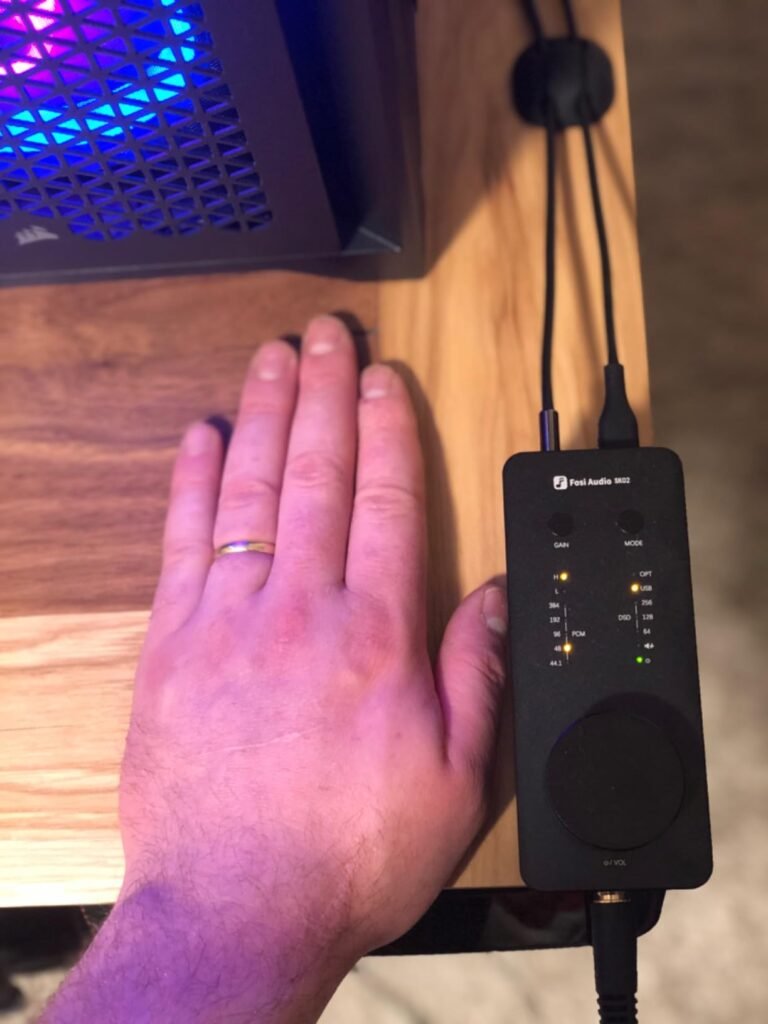
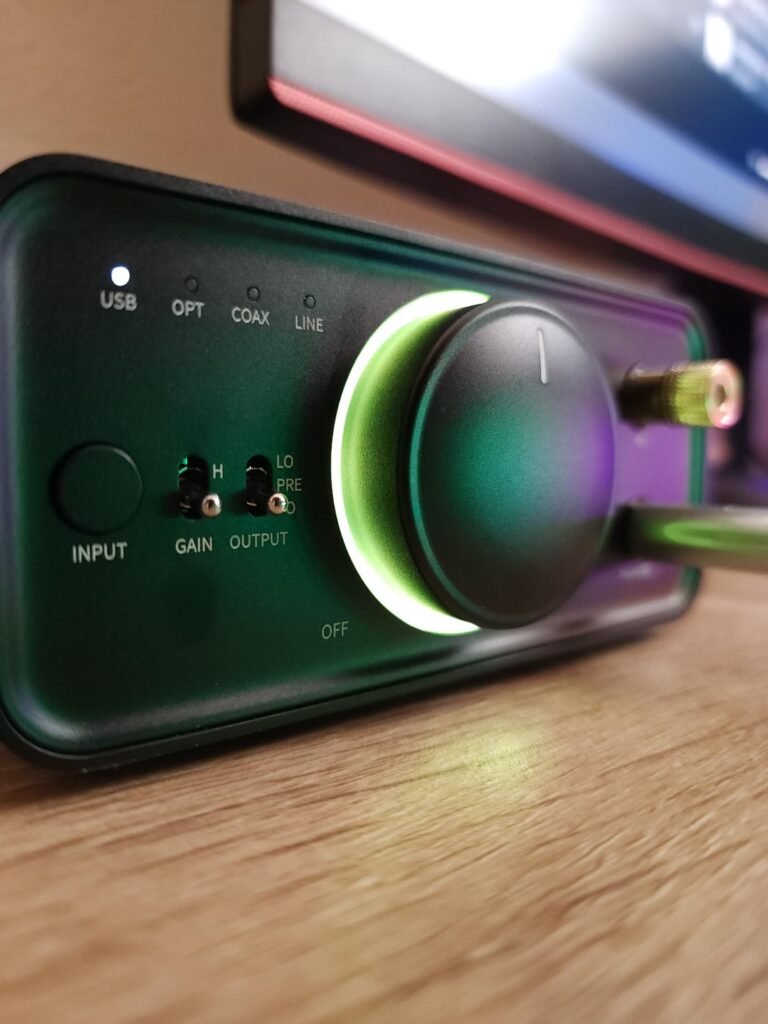
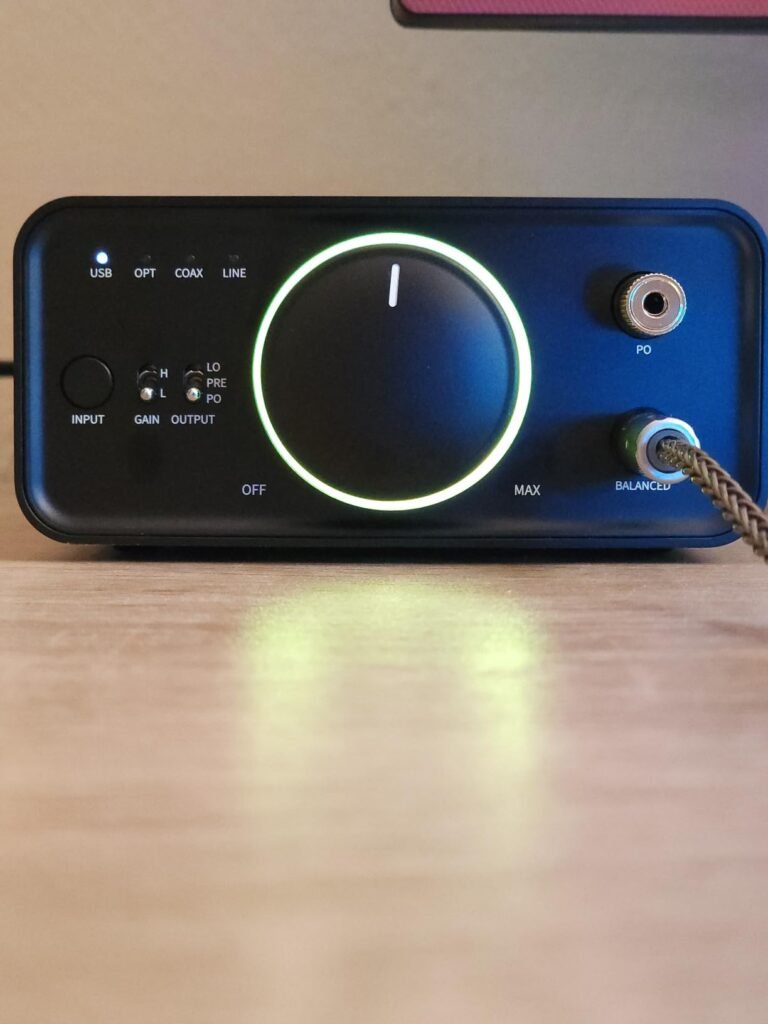
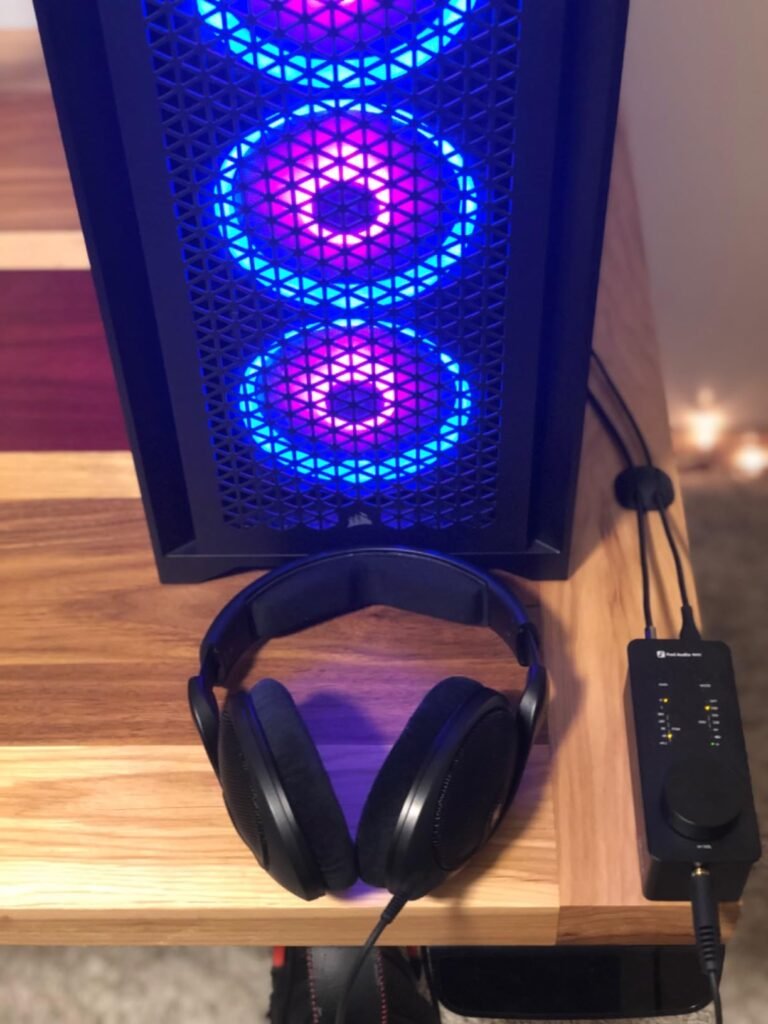
The Fosi Audio SK02 is a minimalist desktop DAC built from a single piece of CNC-machined aluminum alloy with a sandblasted finish. Despite its small size, it supports DSD256 and PCM 32-bit/384kHz high-resolution decoding, and it offers both 3.5mm single-ended and 4.4mm balanced headphone outputs. It can drive headphones and IEMs across a 16 to 300 ohm impedance range.
We may earn a commission when you buy through this link, at no additional cost to you.
Performance is backed by an ESS SABRE ES9038Q2M DAC and SGM8262 op-amps, with a signal-to-noise ratio as high as 120dB, a noise floor of 3.7 microvolts, and THD of 0.001%. The 4.4mm balanced output reaches 1100mW at 32 ohms, giving it enough power for many sensitive and demanding headphones. It connects through USB and optical inputs, working with computers, laptops, CD players, TVs, and projectors.
Operation is plug-and-play with no drivers required. A large multi-function knob controls power, play/pause, and volume, while quick-switch buttons handle high and low gain and input modes. Colorful indicator lights show the current working mode and sampling rate. The SK02 can also serve as a preamp, pairing with active speakers or an amplifier for a desktop or home audio system.
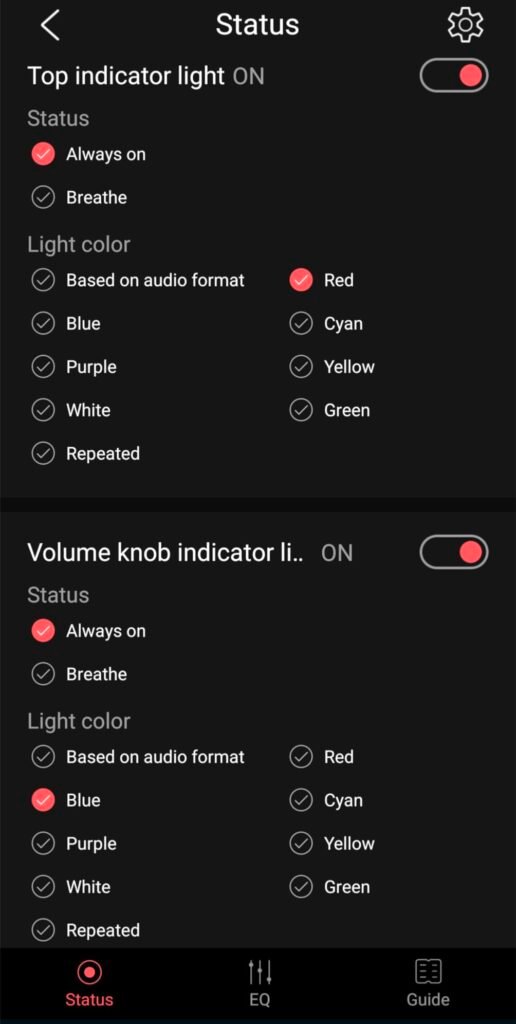
Color-coded indicator lights let you confirm the current sampling rate and operating mode at a glance without opening software. This is useful when switching between music files, streaming sources, or different digital inputs, so you know the DAC is running at the expected resolution.
This model is ideal for buyers who want balanced headphone output in a compact, well-built chassis. The tradeoff is the lack of coaxial input and a small control surface, which may feel cramped for users who prefer larger knobs and displays. It fits well on small desks where space is at a premium.
Buyers who need coaxial input or a large display for detailed status information.
We may earn a commission when you buy through this link, at no additional cost to you.
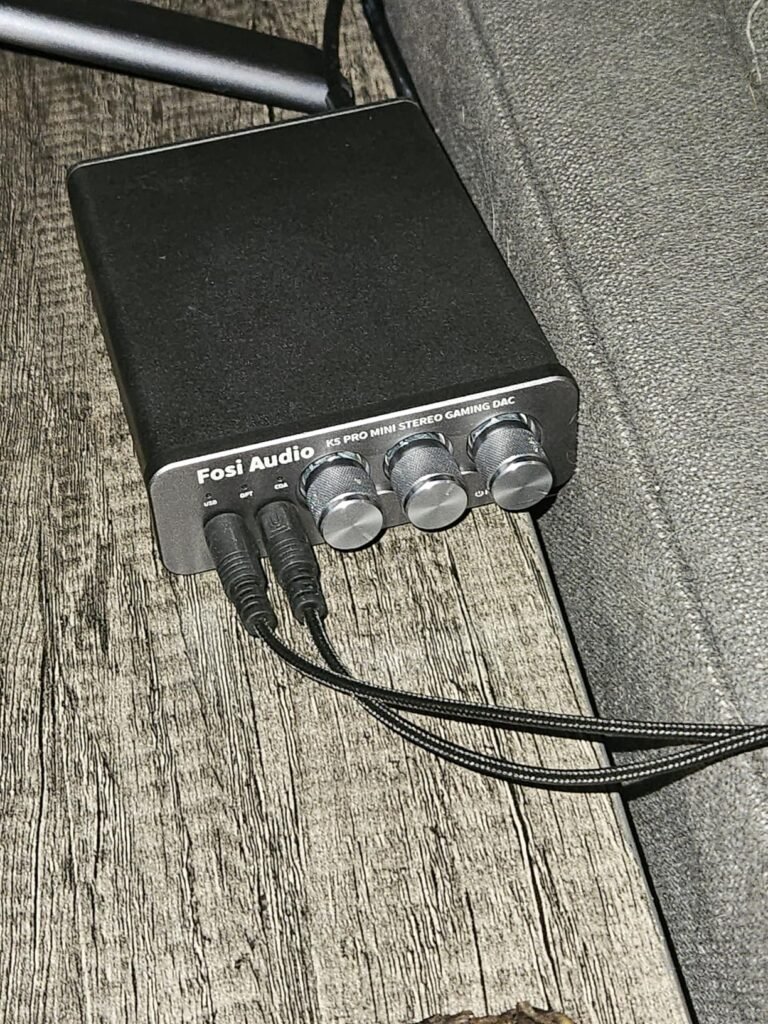
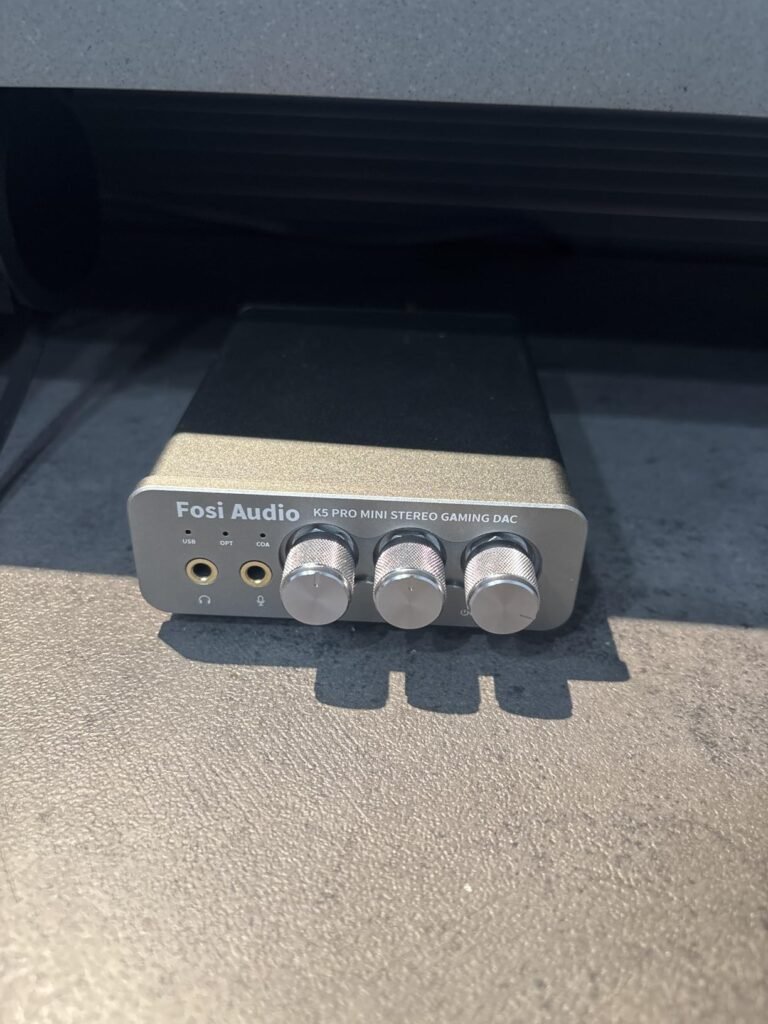
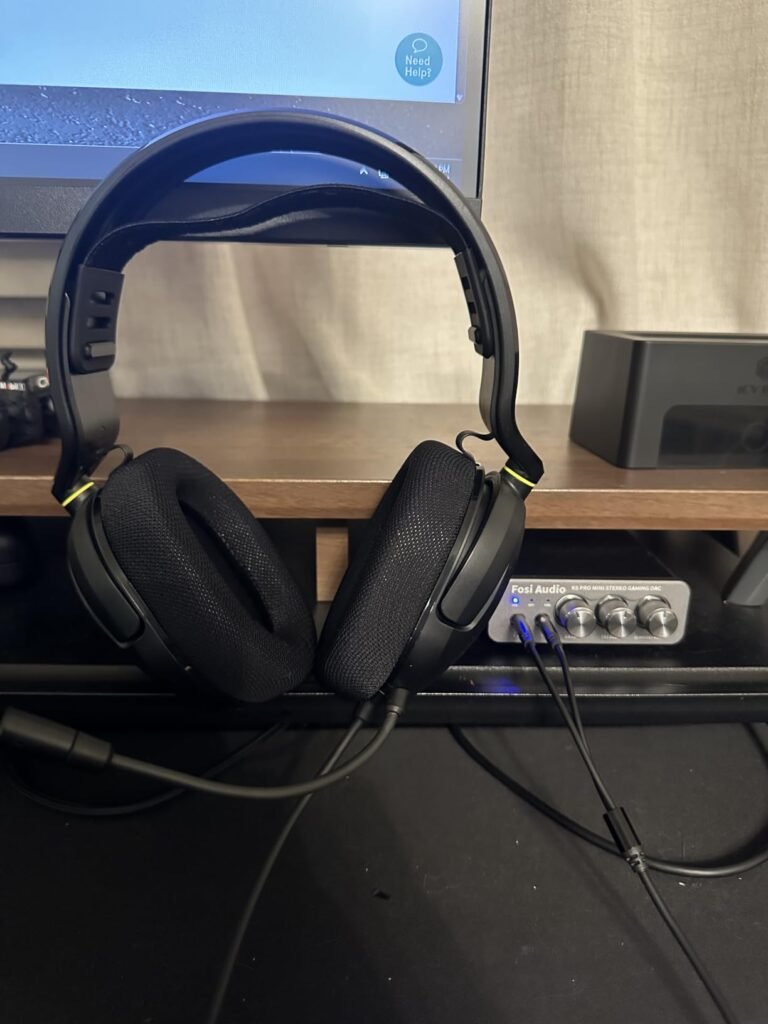
The Fosi Audio K5 Pro is an upgraded version of the Q4 with an added microphone function, positioned as a gaming DAC and headphone amplifier. It works as an external sound card for PS5, computers, PC, Mac, and active speakers. A 2-in-1 USB Type-C interface serves as both charging port and audio input, and it is compatible with phones when the audio source connects to the USB-A or USB-C port.
We may earn a commission when you buy through this link, at no additional cost to you.
The K5 Pro converts USB Type-C, optical, and coaxial signals to 3.5mm AUX and RCA signals with low distortion and strong dynamic range. It uses a Texas Instruments NE5532 op-amp chip in a circuit optimized for a low-noise floor and clean sound. The 3.5mm AUX and microphone interface drives headphones from 16 to 300 ohms, and RCA output can connect to an amplifier or powered speakers.
Controls include master volume, bass, treble, and input mode switching. USB Type-C supports up to 24-bit/96kHz, while optical and coaxial support up to 24-bit/192kHz. THD is under 0.003% and SNR is at least 110dB. Output power varies by impedance, from 1000mW at 16 ohms down to 80mW at 300 ohms. The package includes a headphone splitter, USB cable, optical cable, and manual.
A built-in microphone input lets you use a gaming headset with an attached mic through the DAC, keeping chat audio and game audio on the same device. This simplifies cabling on consoles and PCs where you would otherwise need a separate sound card or mixer for voice communication.
This DAC is a good fit for gamers who need microphone input and console compatibility at a reasonable price. The tradeoff is the lack of a balanced headphone output and a less premium chassis than some audiophile models, so it is not the first choice for pure music listening or high-impedance planar headphones.
Audiophiles who want balanced headphone outputs and premium chassis materials.
We may earn a commission when you buy through this link, at no additional cost to you.
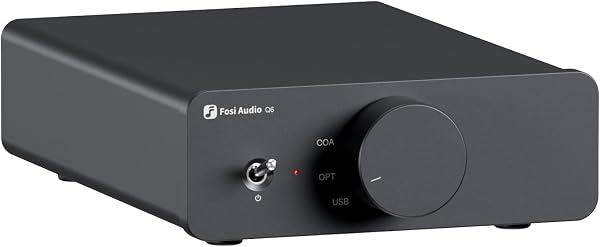
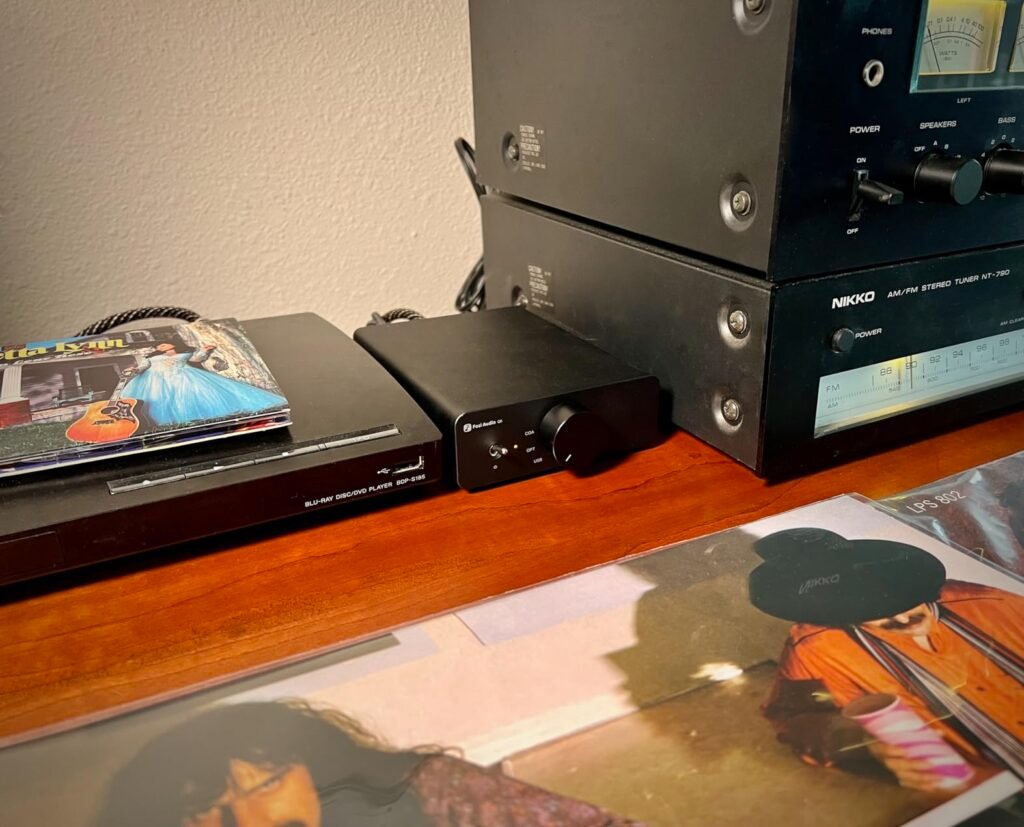
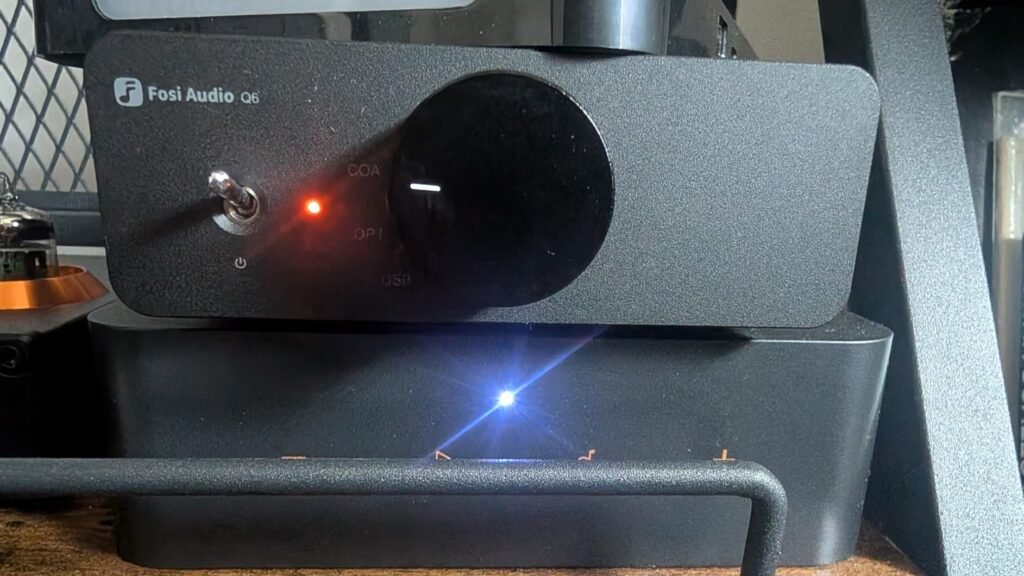
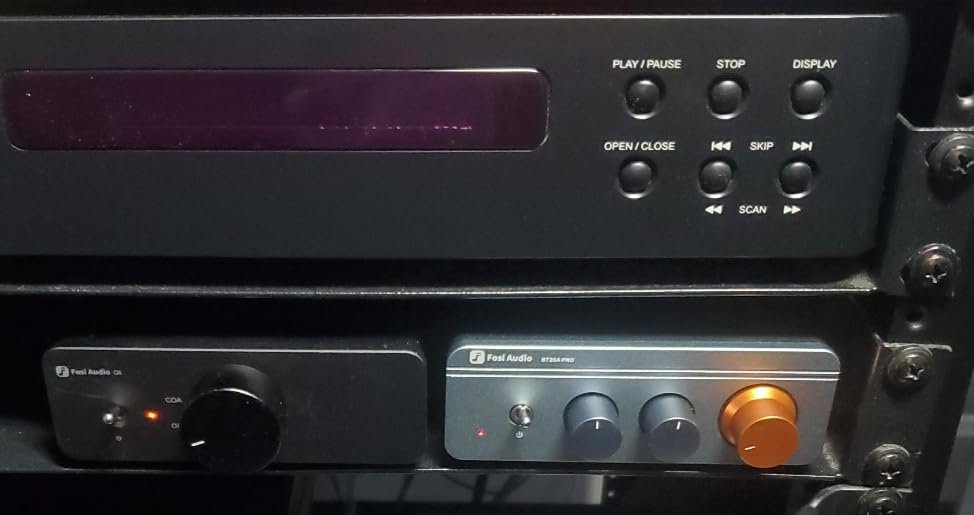
The Fosi Audio Q6 is a mini desktop DAC intended as an external digital-to-analog converter for streamers, CD players, computers, TVs, and tablets. It cannot drive headphones or passive speakers directly, so it is best paired with a home audio amplifier, headphone amp, or powered speakers. It uses an AKM AK4493S DAC, XMOS XU316 audio processor, and OPA1612 op-amp, supporting PCM 32-bit/768kHz and DSD512.
We may earn a commission when you buy through this link, at no additional cost to you.
Inputs include optical, coaxial, and USB-C, while outputs consist of RCA and Sub-Out, making it easy to connect to stereo amplifiers, powered speakers, or a subwoofer. The compact aluminum alloy chassis is stylish, durable, and space-saving, blending neatly into most desktop environments. With at least 121dB SNR and less than 0.00012% THD, it is engineered for clean, accurate signal conversion.
The Q6 is a strong choice for users who already own an amplifier or powered speakers and want to add high-resolution DAC conversion without buying a headphone amp. Its small footprint keeps the desk tidy, and the subwoofer output allows for extended bass in a 2.1-style desktop setup.
A subwoofer output lets you connect a powered subwoofer to handle low frequencies while your main speakers or amplifier handle mids and highs. This can improve bass impact for movies and music without replacing your current desktop speakers.
The tradeoff is that it is not a standalone headphone solution, so headphone listeners will need a separate amplifier. It is best suited for desktop audio systems where the DAC feeds an existing amplifier or active speaker pair.
Headphone listeners who need a built-in headphone amplifier.
We may earn a commission when you buy through this link, at no additional cost to you.
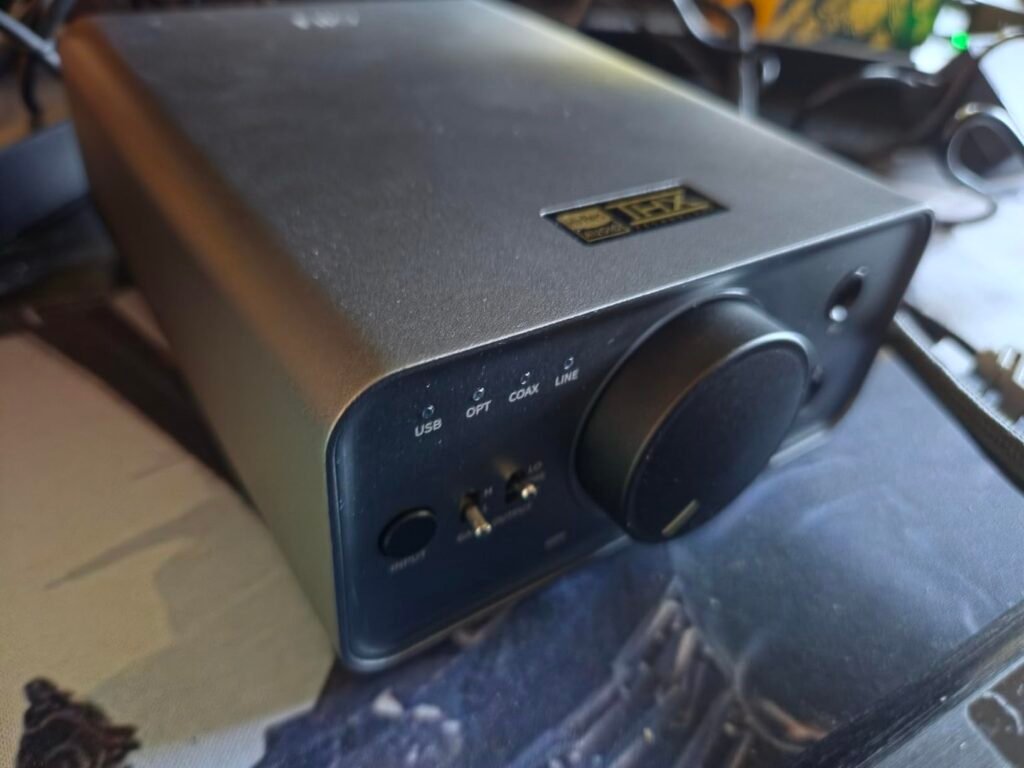
The FiiO K7 is a desktop balanced DAC and amplifier positioned as a cost-effective option in the under-$300 range. It uses a six-stage audio circuit derived from FiiO's high-end devices, featuring two AK4493SEQ DACs and dual THX AAA 788+ amplifiers. This combination provides 2000mW of stable balanced output power, enough to drive most headphones, including full-size models.
We may earn a commission when you buy through this link, at no additional cost to you.
Outputs include 4.4mm balanced, 6.35mm, and 3.5mm single-ended jacks, while inputs cover USB, optical, coaxial, and AUX. The unit offers input selection, two gain levels, and three output levels, giving you flexibility for different headphones and sources. RGB indicator lights show the working state and help differentiate sampling rates.
The K7 is designed for desktop use where maximum headphone control and power are priorities. It lacks Bluetooth, so it is a wired-only solution, and its desktop footprint is larger than portable stick DACs. However, the THX amplification and dual DAC architecture make it a strong contender for listeners with demanding headphones.
THX AAA amplification is designed for low distortion and high stability, which helps headphones maintain control during complex musical passages. For full-size or planar magnetic headphones, this can translate to tighter bass and clearer separation between instruments.
This model is best for buyers who want balanced power and THX amplification without spending at the very top of the market. The tradeoff is no wireless streaming and a larger desk presence, but the output capability and input range make it practical for serious desktop headphone use.
Buyers who want wireless Bluetooth streaming or an ultra-compact USB DAC.
We may earn a commission when you buy through this link, at no additional cost to you.
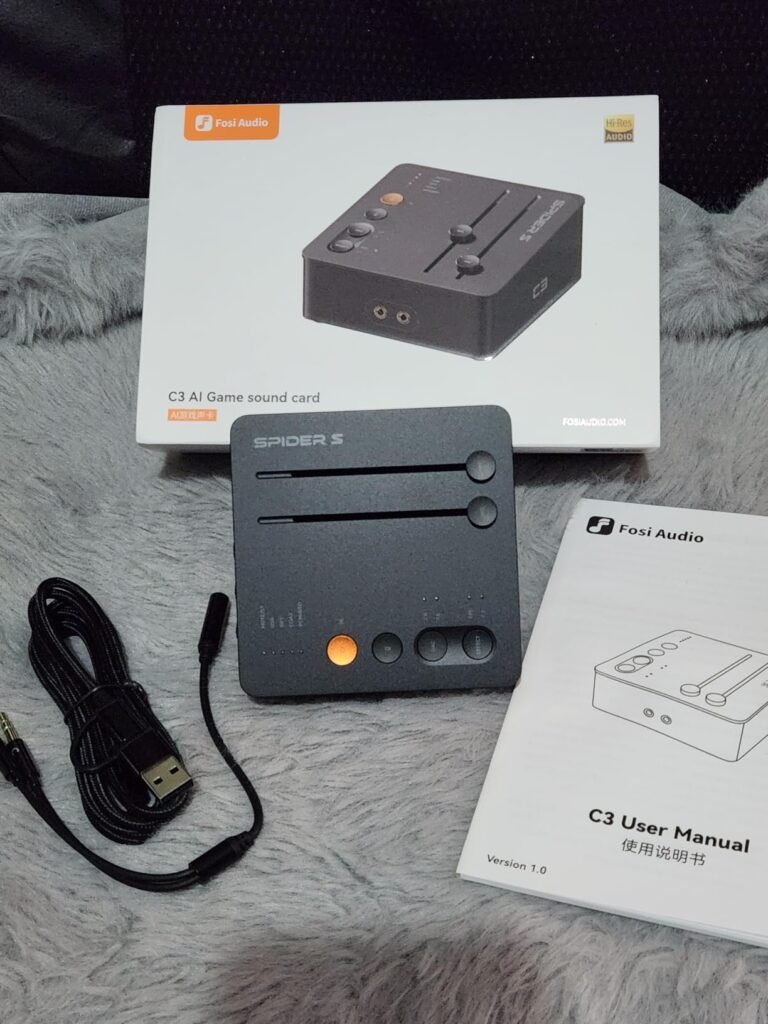
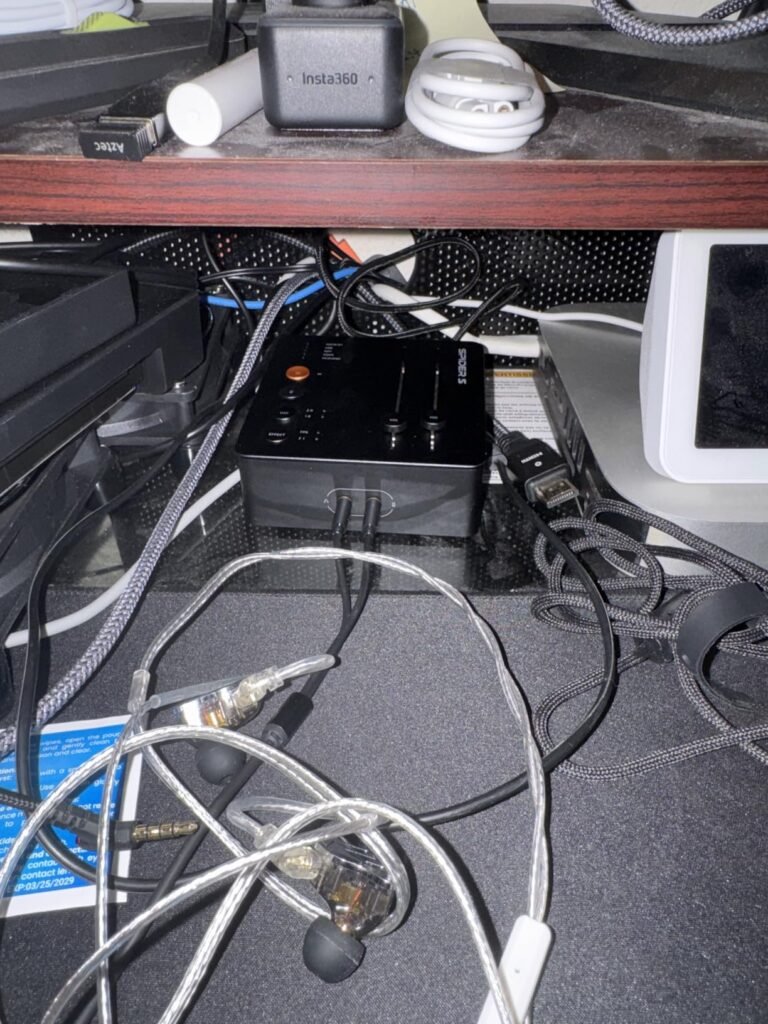
The Fosi Audio C3 is a gaming-oriented USB DAC amplifier built around StepSense technology, which enhances footsteps to help players react faster in FPS matches. It provides native 7.1 surround sound with HRTF processing, creating immersive 360-degree audio through any stereo headset. This makes it useful for pinpointing footsteps, vehicles, and enemy locations on PC, PS5, Switch, and Mac.
We may earn a commission when you buy through this link, at no additional cost to you.
It features a flagship CS43131 DAC supporting 32-bit/384kHz PCM and DSD256, delivering 320mW times two to drive 16 to 300 ohm headphones. Intelligent noise cancellation reduces keyboard and background noise for the microphone, and browser-based controls allow custom EQ profiles for gaming, music, and streaming. The compact CNC aluminum body uses a single USB-C connection for a clean desktop setup.
UAC mode switching lets you choose UAC 1.0 at 16-bit/48kHz for plug-and-play console compatibility with PS5 and Switch, or UAC 2.0 at 32-bit/384kHz for full HiFi decoding on PC and Mac. This flexibility makes the C3 practical across multiple platforms without needing separate drivers for consoles.
UAC 1.0 is a basic USB audio class that consoles like PS5 and Switch recognize without special drivers, while UAC 2.0 enables higher-resolution audio on computers. A switch between the two lets you use the same DAC on a console and a PC without reconfigured settings each time.
This DAC is best for competitive gamers who want surround sound, footstep enhancement, and cross-platform compatibility. The tradeoff is a gaming-focused tuning that may not suit neutral music listening, and there is no balanced headphone output for high-end audiophile headphones.
Music purists who want neutral, uncolored sound without gaming enhancements.
We may earn a commission when you buy through this link, at no additional cost to you.
The FiiO K13 R2R is a high-fidelity desktop DAC and headphone amp built around a self-developed fully differential 24-bit R2R DAC using 192 ultra-precise 0.1% thin-film resistors. This resistor-ladder architecture is intended to deliver a unique, analog-like timbre with strong musicality. It offers 2400mW of output power, making it capable of driving a wide range of headphones.
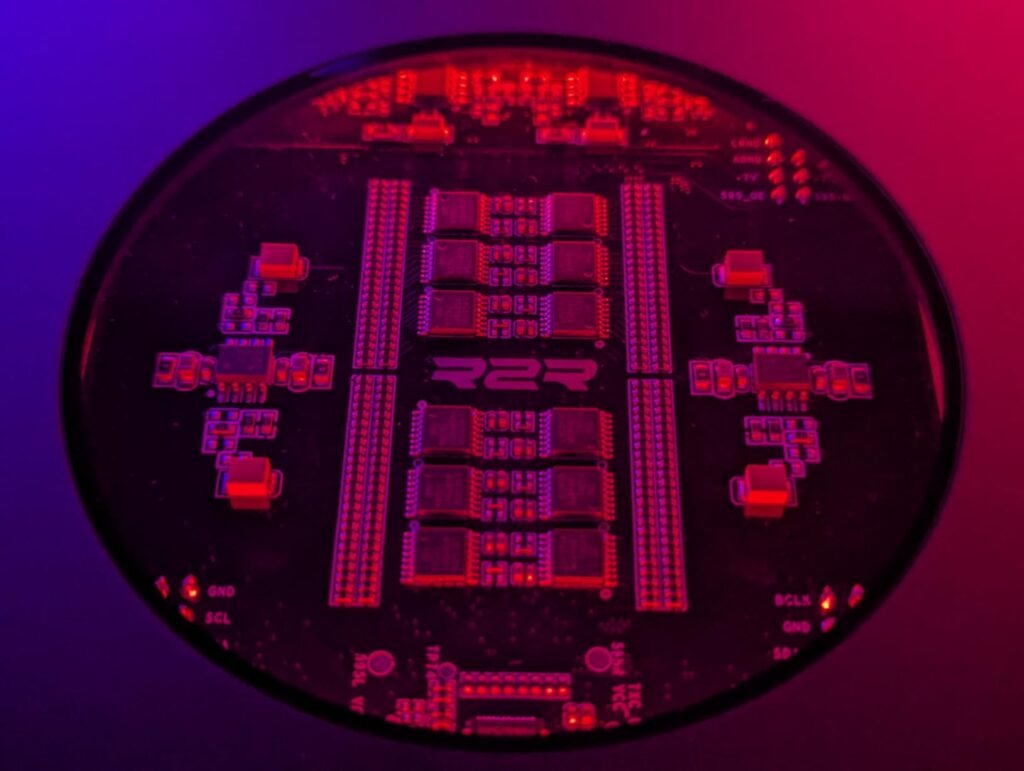
We may earn a commission when you buy through this link, at no additional cost to you.
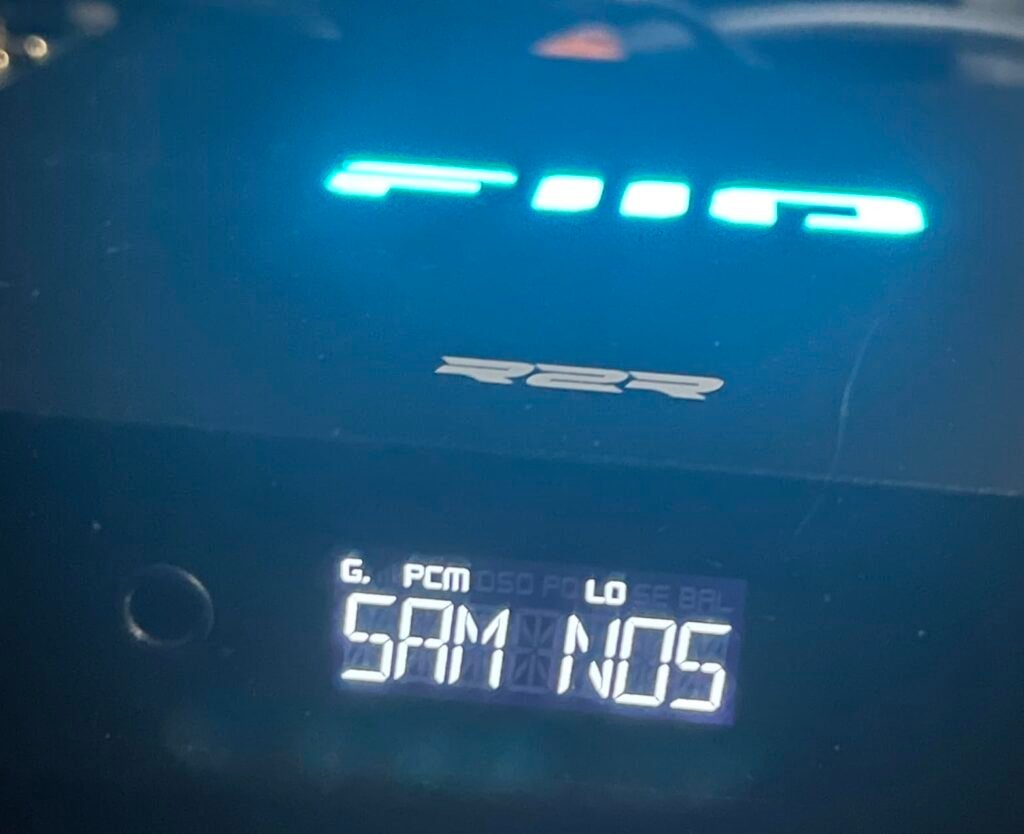
The K13 supports NOS and OS dual modes. NOS preserves the original sampling rate for a pure, natural sound, while OS upsamples to 384kHz for finer detail and clarity. It decodes PCM up to 384kHz/32-bit and DSD256. Connectivity includes XLR balanced line out, dual RCA outputs, 4.4mm balanced headphone out, and 6.35mm single-ended headphone out. It also supports LDAC, AAC, and SBC over Bluetooth 5.4 for wireless HiFi streaming.
A 10-band high-precision parametric EQ is available through FiiO’s app and web interface, with presets such as vintage PEQ and the ability to simulate or correct headphone response. Dual power supply design helps keep the output clean. The silver chassis and extensive connectivity make it a centerpiece for a desktop audiophile setup.
NOS mode avoids upsampling and keeps the original sampling rate, which some listeners prefer for a more natural presentation. OS mode upsamples to 384kHz, which can improve measured detail and clarity. Having both lets you choose the sound that suits different recordings and personal taste.
This is the top pick for buyers who want R2R sound character, extensive EQ customization, and wireless HiFi streaming in one desktop unit. The tradeoff is the premium price and larger size, which may be more than casual listeners need. It is best suited for enthusiasts who value sound-shaping tools and balanced line outputs.
Budget buyers or those who want a minimal plug-and-play DAC without EQ software.
We may earn a commission when you buy through this link, at no additional cost to you.
The FiiO K11 Compact R2R brings resistor-ladder DAC architecture to a smaller desktop frame. It uses a four-channel fully differential 24-bit R2R resistor array with 48 resistors per channel and 192 total 0.1% precision ultra-thin film resistors. This design promises clean, crisp output with a dark background, and it supports PCM and DSD processing up to 32-bit/384kHz and DSD256.
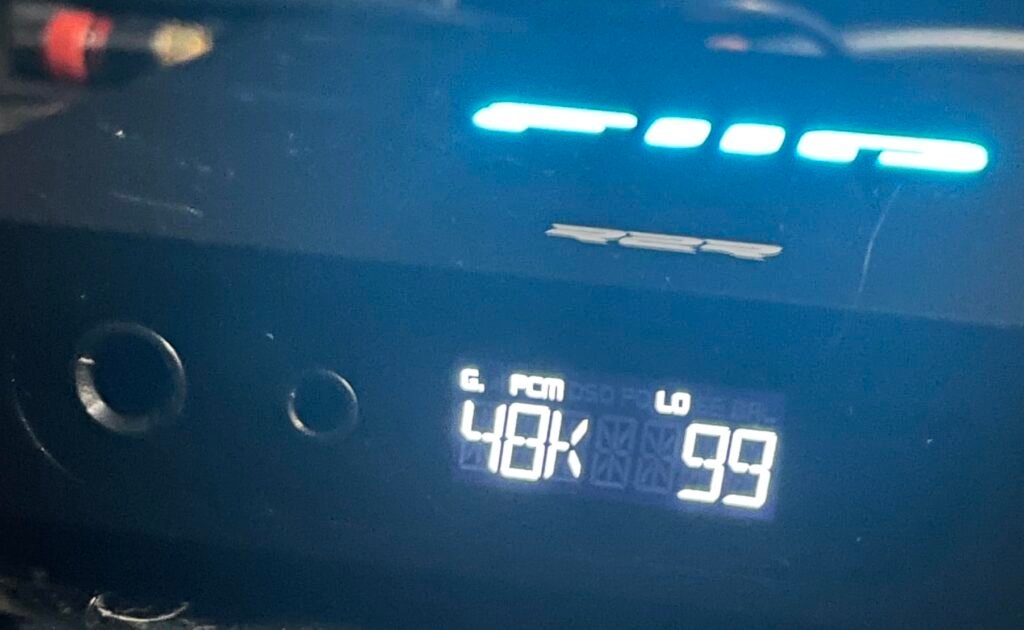
We may earn a commission when you buy through this link, at no additional cost to you.
The amp section uses Ti OPA1642 low-pass filters and dual SGM8262 operational amplifiers, delivering up to 1300mW times two. It has three-level gain modes for pairing with sensitive or power-hungry headphones, and an NJW1195A digital volume chip for precise channel-matched adjustment. Dual headphone outputs include a single-ended 6.35mm port and a balanced 4.4mm port, so you can connect different IEMs and headphones.
The unit features NOS and OS dual operating modes, with NOS maintaining the original sampling rate and OS oversampling to 384kHz. DSD256 requires native DSD output mode and is internally converted to PCM for R2R processing. The low-noise power supply uses 17 LDO precision voltage regulator ICs and two DC-DC converters, plus an external 12V supply for clean output.
Having both single-ended 6.35mm and balanced 4.4mm outputs means you can use the same DAC with different headphones without buying adapters or a second amplifier. This is helpful if you own both IEMs and full-size headphones with different termination types.
This model is ideal for buyers who want R2R sound in a compact desktop package with dual headphone outputs. The tradeoff is no Bluetooth and a smaller display compared to larger desktop units, but the resistor array and gain flexibility make it a strong choice for headphone-focused listeners with limited desk space.
Buyers who need Bluetooth connectivity or a large color display.
We may earn a commission when you buy through this link, at no additional cost to you.
Selecting a desktop DAC involves more than choosing the highest sampling rate or the lowest price. The right model depends on your headphones, source devices, desk space, and whether you want to drive headphones directly or feed an existing amplifier. This section breaks down the factors that genuinely shape day-to-day satisfaction with desktop digital-to-analog conversion.
The DAC chip is the core component that converts digital audio from your computer or streamer into an analog signal your headphones or speakers can play. Most desktop DACs use delta-sigma chips such as ESS ES9038Q2M, AKM AK4493S, or Cirrus CS43131, which are known for high resolution and low distortion. A smaller number of models, including the FiiO K13 R2R and K11 Compact R2R, use R2R resistor-ladder architecture, which some listeners prefer for a more analog-like and musical presentation.
R2R and delta-sigma designs can sound different, but neither is universally better. Delta-sigma chips often excel at measured precision and high sampling rates, while R2R designs may emphasize tonal texture and natural timbre. If you value technical specifications and high-resolution file support, a delta-sigma DAC may suit you. If you enjoy tonal warmth and want to experiment with NOS versus oversampling modes, an R2R model is worth considering.
Match the chip architecture to your listening preferences. Choose delta-sigma for resolution and measurement performance; choose R2R if you want a distinct analog-style character and dual operating modes.
Output power determines how well a DAC can drive your headphones, especially high-impedance or planar magnetic models that need more voltage. Products like the FiiO K11 Desktop and FiiO K7 offer 1400mW and 2000mW balanced output respectively, making them suitable for demanding full-size headphones. Smaller units such as the Fosi Audio SK02 provide 1100mW balanced at 32 ohms, which is plenty for many IEMs and efficient over-ear headphones.
It is also important to check whether a DAC can drive headphones at all. Some desktop DACs, like the Fosi Audio Q6, are designed strictly as preamps and cannot power headphones directly. If you plan to plug headphones into the DAC, confirm the output impedance range and power rating match your headphone requirements. Low-impedance IEMs need clean, low-noise output, while high-impedance headphones benefit from higher voltage and gain options.
Choose a high-power desktop amp if you own full-size or high-impedance headphones. Choose a preamp-only DAC if you already have a separate headphone amplifier or powered speakers.
Input options determine which devices you can connect without adapters. USB is standard for computers, while optical and coaxial inputs allow connections to TVs, CD players, and consoles. Bluetooth adds wireless convenience for phones and tablets, though it may not match wired quality for critical listening. Some models, such as the Fosi Audio ZD3, even include HDMI ARC for simplifying TV audio integration.
Having multiple inputs is useful in shared desks or multi-device setups where you switch between a PC, laptop, and console. The Fosi Audio Q4 and K5 Pro offer USB, optical, and coaxial inputs, while the FiiO K13 R2R adds Bluetooth 5.4 with LDAC for high-resolution wireless streaming. If you only use one computer, a single USB input may be enough, but multiple inputs add flexibility for future gear.
Choose multiple wired inputs if you connect several sources. Choose Bluetooth if you want to stream from a phone or tablet without cables, but prioritize wired connections for critical desktop listening.
Outputs determine how the DAC connects to the rest of your audio system. Single-ended outputs such as 3.5mm and 6.35mm headphone jacks are common and work with most headphones. Balanced outputs such as 4.4mm and XLR can provide more power and lower crosstalk for compatible headphones and amplifiers. RCA line outputs let you connect powered speakers or an external amplifier, while a subwoofer output supports extended bass in a 2.1 desktop setup.
Models like the FiiO K13 R2R and Fosi Audio ZD3 include XLR balanced line outputs, which are useful if you own balanced amplifiers or powered speakers with XLR inputs. The Fosi Audio Q6 includes RCA and subwoofer outputs, making it a good match for powered speaker systems. If you only use headphones, focus on the headphone jack type and power; if you use speakers, confirm the DAC has the right line-level outputs.
Choose balanced outputs if you have balanced headphones or amplifiers. Choose RCA outputs if you want to connect powered speakers or a subwoofer.
Daily usability depends on how easily you can adjust volume, switch inputs, and check sampling rates. Physical knobs, such as the large multi-function knob on the Fosi Audio SK02, offer tactile control, while remote controls on the Fosi Audio ZD3 let you adjust volume from a distance. Displays vary from simple indicator lights to VA screens on the FiiO K11 Desktop and OLED screens on the ZD3, showing volume, gain, input, and sampling rate.
Some DACs include gain switches, bass and treble controls, or preamp bypass switches, which give you more control over the sound without software. App-based EQ, like the 10-band PEQ on the FiiO K13 R2R, allows detailed sound shaping but requires a phone or computer. If you prefer a minimal desk, a unit with fewer buttons and indicator lights may be less distracting than one with a large screen and RGB lighting.
Choose physical knobs and displays if you adjust settings often. Choose app-controlled EQ if you want to fine-tune sound from your phone and prefer a cleaner front panel.
Desktop DACs come in sizes from small stick-like converters to larger boxy preamps. Compact aluminum units such as the Fosi Audio SK02 and FiiO K11 Compact R2R save desk space and are easy to move, while larger models like the FiiO K7 and K13 R2R offer more controls, outputs, and power circuitry at the cost of desk footprint. Materials matter too: CNC aluminum chassis can feel more durable and provide better shielding than plastic enclosures.
Placement affects both convenience and cable management. A DAC with a front headphone jack is easier to reach than one with rear-only outputs. If you have a small desk, a compact unit or a preamp that feeds existing powered speakers may be better than a large system with a separate subwoofer. Consider whether the DAC will sit permanently on your desk or be moved between a laptop and desktop computer.
Choose a compact DAC for small desks and portability. Choose a larger desktop unit if you need multiple outputs, high power, and hands-on controls.
Connect your DAC to your computer or source device using the appropriate digital cable, then connect headphones or powered speakers to the analog outputs. If your DAC has a USB-C or USB-B port, plug it directly into your computer rather than through an unpowered hub to ensure stable power and data. Select the DAC as the default playback device in your operating system’s audio settings, and choose the correct sampling rate if your software allows manual selection.
Start with a low volume and increase gradually to avoid sudden loud output, especially when using high-power balanced outputs or sensitive IEMs. Use gain switches to match your headphones: low gain for efficient IEMs and high gain for power-hungry full-size headphones. If your DAC has a remote control or physical knob, use it for daily volume adjustments rather than maxing out software volume and controlling level only at the DAC.
Keep the DAC in a dry, ventilated area away from direct sunlight and heat sources. Wipe the chassis with a soft, dry cloth; avoid liquids near inputs, outputs, or control knobs. Unplug the unit during long periods of inactivity, and check cables periodically for wear. If you use an external power supply, keep it away from foot traffic to prevent accidental disconnection or damage.
A desktop DAC converts digital audio signals from your computer, phone, or streamer into analog signals that headphones or speakers can play. It bypasses the lower-quality audio circuitry built into many computers, which can improve clarity, reduce noise, and provide better control over volume and output power. Most desktop DACs also include a headphone amplifier to drive headphones directly.
Not everyone needs an external DAC, but it can help if you hear hiss, hum, or distortion from your computer's built-in jack, or if your headphones require more power than the computer can provide. A desktop DAC also offers better inputs, outputs, and controls for a dedicated listening setup. If you are satisfied with your current sound, an external DAC may not be necessary.
Delta-sigma DACs are the most common type and are known for high resolution, low distortion, and support for high sampling rates. R2R DACs use a resistor-ladder architecture that some listeners describe as more analog-like or musical, and they often offer NOS and oversampling modes. Neither type is objectively better; the choice depends on your preferred sound signature.
Efficient IEMs often need less than 100mW, while full-size or high-impedance headphones may need 1000mW or more, especially in balanced mode. Check your headphone impedance and sensitivity, then choose a DAC with enough power to drive them comfortably at your preferred volume. Extra power headroom helps with dynamic music and prevents distortion at high volumes.
Balanced outputs such as 4.4mm or XLR can deliver more power and reduce crosstalk, which benefits high-impedance and planar magnetic headphones. Single-ended outputs such as 3.5mm and 6.35mm work with virtually all headphones and are simpler for everyday use. Choose balanced if your headphones support it and you want maximum output; choose single-ended for broader compatibility.
Yes, if the DAC has RCA, XLR, or subwoofer line outputs, you can connect it to powered speakers or an external amplifier. Some models, like the Fosi Audio Q6, are designed specifically as preamps for this purpose. Make sure the output level and connector type match your speaker or amplifier inputs.
Most modern desktop DACs are plug-and-play over USB and use the built-in audio drivers in Windows, macOS, or Linux. Some high-resolution models may offer optional drivers or control software for advanced settings, but they are not required for basic playback. Check the product details if you plan to use an older operating system.
HDMI ARC lets a DAC receive audio from a television over a single HDMI cable, simplifying connections for desktop setups near a TV. It eliminates the need for a separate optical converter or analog adapter when you want to send TV audio to your desktop stereo system. Not all DACs include this feature, so check the input list if you need it.
Gaming DACs often include features like surround sound, footstep enhancement, microphone inputs, and console compatibility, which help in competitive play. Audiophile DACs focus on clean conversion, high-resolution support, balanced outputs, and sound-shaping tools like EQ. Choose a gaming model if you play competitive FPS games and use a headset; choose an audiophile model if music fidelity is your main priority.
The FiiO K11 Desktop stands out as the strongest overall choice for buyers who want high output power, balanced operation, and a clear VA display in one desktop unit. With 1400mW balanced output, USB, optical, and coaxial inputs, and the ability to drive demanding headphones, it serves as a versatile centerpiece for a desktop audio station. Its 4.7 rating and flexible input array make it a dependable pick for serious headphone listeners.
For buyers with different priorities, the Fosi Audio Q4 offers strong value with triple inputs and tone controls at a low price, while the FiiO K13 R2R delivers premium R2R architecture, LDAC Bluetooth, and a 10-band PEQ for enthusiasts. Compact options like the Fosi Audio SK02 and FiiO K11 Compact R2R fit small desks, and the Fosi Audio C3 targets competitive gamers with surround sound and footstep enhancement.
Start by identifying your headphones, source devices, and desk space. Choose a DAC with enough output power for your headphones, the inputs you need for your computer and other gear, and a form factor that fits your workspace. Whether you prioritize gaming features, R2R sound, or simple plug-and-play convenience, the right desktop DAC will improve your listening without adding unnecessary complexity.