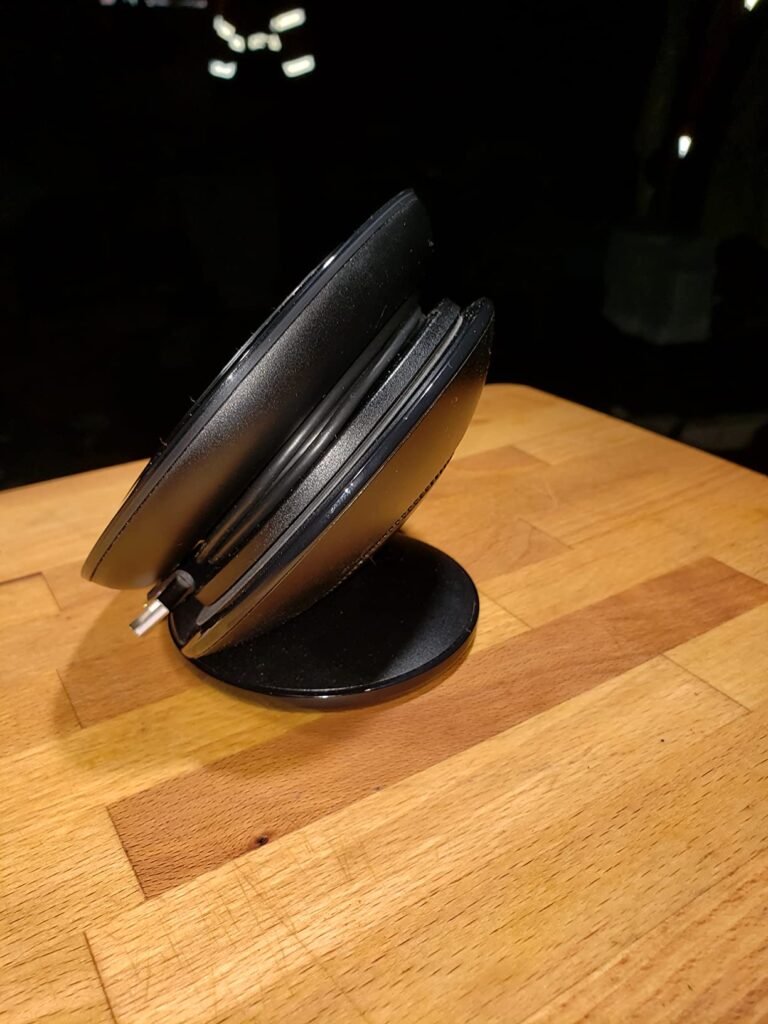
Anker PowerConf
8.8Editor scoreSix-microphone 360 array
24-hour call time
5200mAh integrated battery
Bluetooth and USB-C
Find the right conference speakers for 2026. We compare 10 standout options by build quality, useful features, owner feedback, value, and everyday trade-offs.
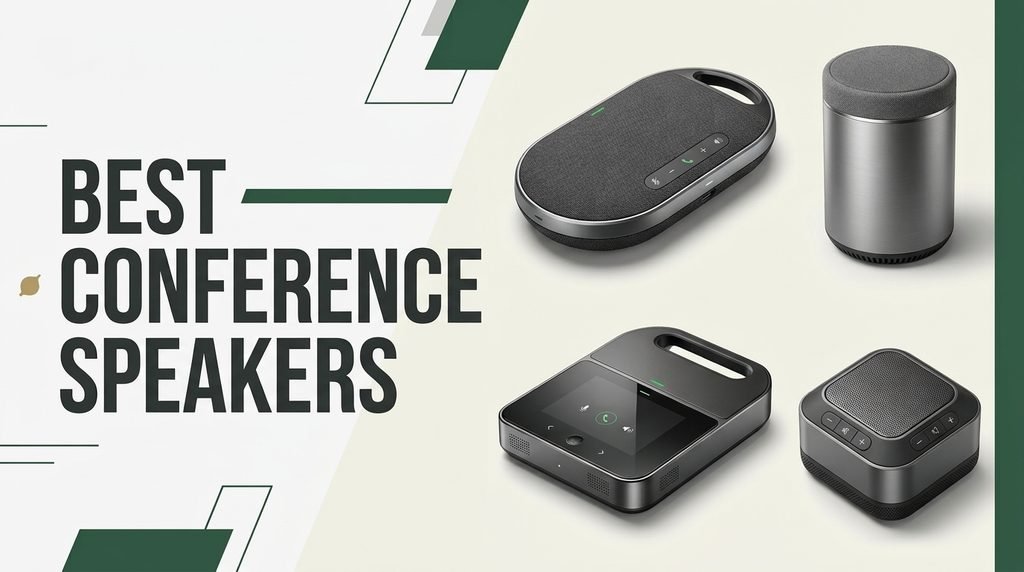
Find the right conference speakers for 2026 hybrid meetings. We compare 10 standout speakerphones by the details that matter most: microphone array design, 360-degree voice pickup, AI noise cancellation, room coverage, battery runtime, connectivity options, daisy-chain expansion, platform certifications, and real-world value for home offices, huddle rooms, and larger meeting spaces.
The right speakerphone depends on your typical meeting size, the acoustics of your space, and how much you travel with the device. Small home offices often need something compact and USB-powered, while conference rooms benefit from wider pickup radius, daisy-chain expansion, and stronger noise suppression for keyboard clatter and HVAC hum.
Certification matters too. Zoom, Microsoft Teams, and Google Meet compatibility ensures echo cancellation and volume balancing work as intended without driver headaches. This guide breaks down the tradeoffs across ten popular models so you can match the right speakerphone to your actual meeting workflow, room size, and budget.
We compared 10 conference speakerphones using the factors that shape real meeting quality: microphone count and pickup radius, AI noise reduction, echo cancellation, full-duplex performance, battery life, connectivity options like USB-C and Bluetooth, daisy-chain expansion for larger rooms, platform certifications, portability, and overall value. The notes focus on practical tradeoffs so each pick reflects how people actually use these devices for home offices, huddle rooms, and traveling meeting setups.


Compare key features, scores, and current prices side by side. A shorter feature list means fewer details were available, not necessarily fewer capabilities.


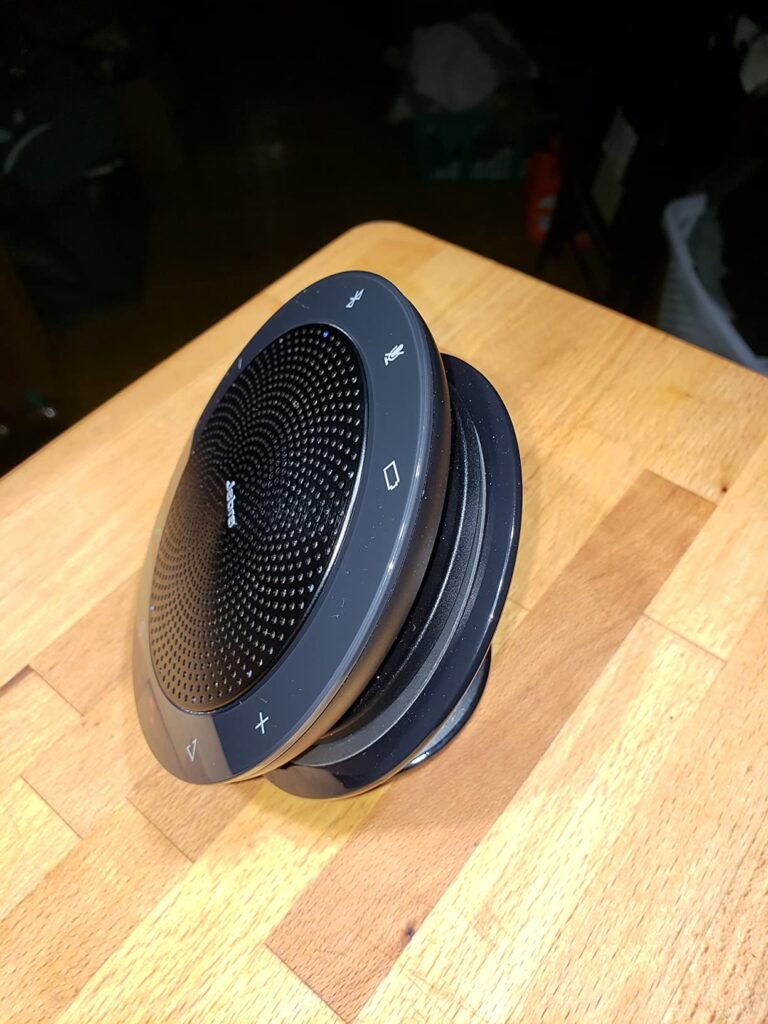
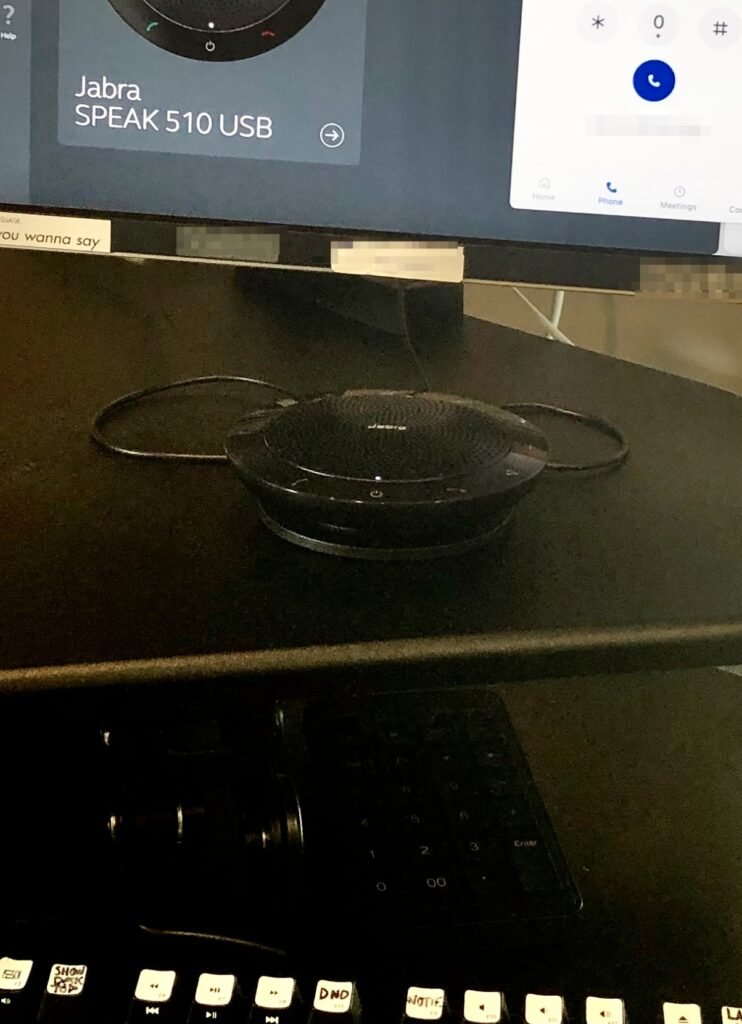
The Jabra Speak 510 has earned its 4.7 star rating through years of reliable performance in business environments, making it one of the most trusted names in this comparison. Jabra built its reputation on professional audio equipment, and the Speak 510 reflects that heritage with dependable performance, broad compatibility, and thoughtful design details that show the product was built for people who take meetings seriously.
We may earn a commission when you buy through this link, at no additional cost to you.
The 360-degree omnidirectional microphone captures voices from every angle around the device, and the outstanding sound quality ensures that everyone on the call hears speech clearly regardless of where they sit. This is particularly valuable for group meetings where participants may lean back, walk around, or turn away from the device. Certification for Avaya, Cisco, Skype for Business, and other unified communications platforms means the device works reliably with the systems most likely to be deployed in professional settings.
Setup is genuinely simple with no IT support required. Connect via Bluetooth for wireless use with phones and tablets, or plug in via USB for laptop connections. The slim, compact design paired with a convenient carrying case and integrated cable management makes this an easy grab-and-go option for travel between offices, client sites, or home. The device is compatible with desk phones, mobile phones, softphones, and other communication devices.
Unified communications platform certification means the manufacturer has worked directly with software companies like Zoom, Google, and Cisco to ensure the device works reliably with their platforms. This includes native support for mute buttons, volume controls, call answering, and echo cancellation optimized for each platform. Non-certified devices may work most of the time but occasionally exhibit issues that certified products avoid, which matters for professionals who cannot afford meeting interruptions.
The tradeoffs are that this is an older design and does not include some of the newer AI noise cancellation features found in the latest premium models. The price also runs higher than some newer competitors with more modern feature sets. For buyers who value a proven track record, reliable performance, and the peace of mind that comes from a well-established brand, the Speak 510 remains a solid choice even years after its initial release.
Buyers who want the latest AI noise cancellation algorithms and largest battery capacity.
We may earn a commission when you buy through this link, at no additional cost to you.
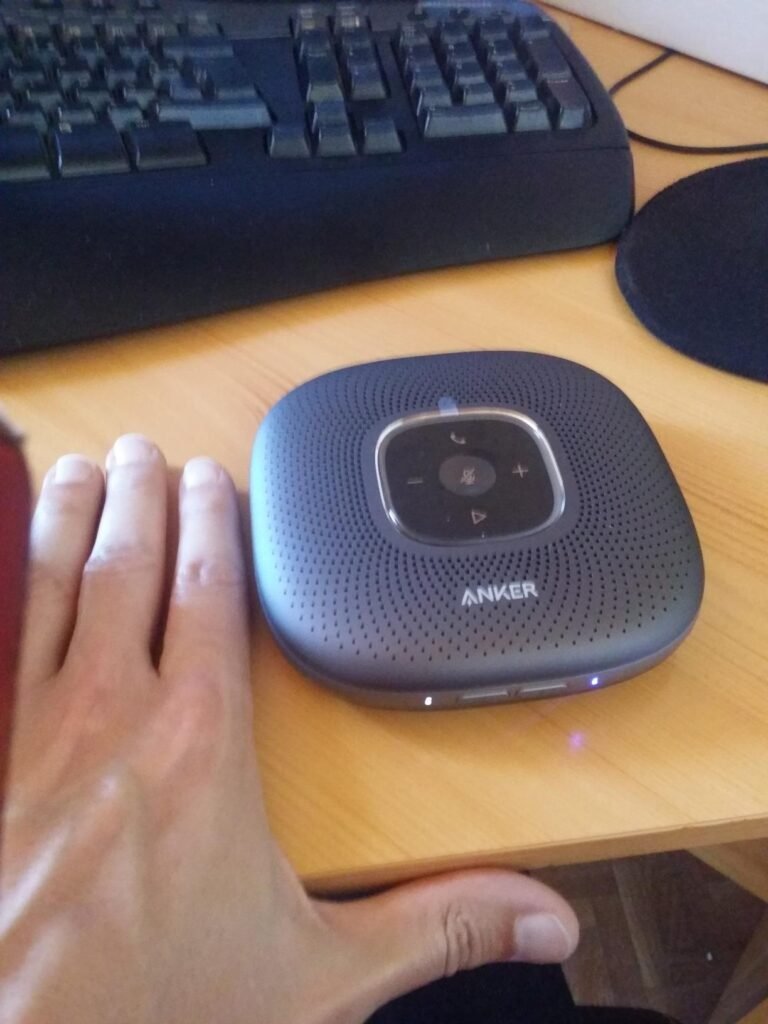
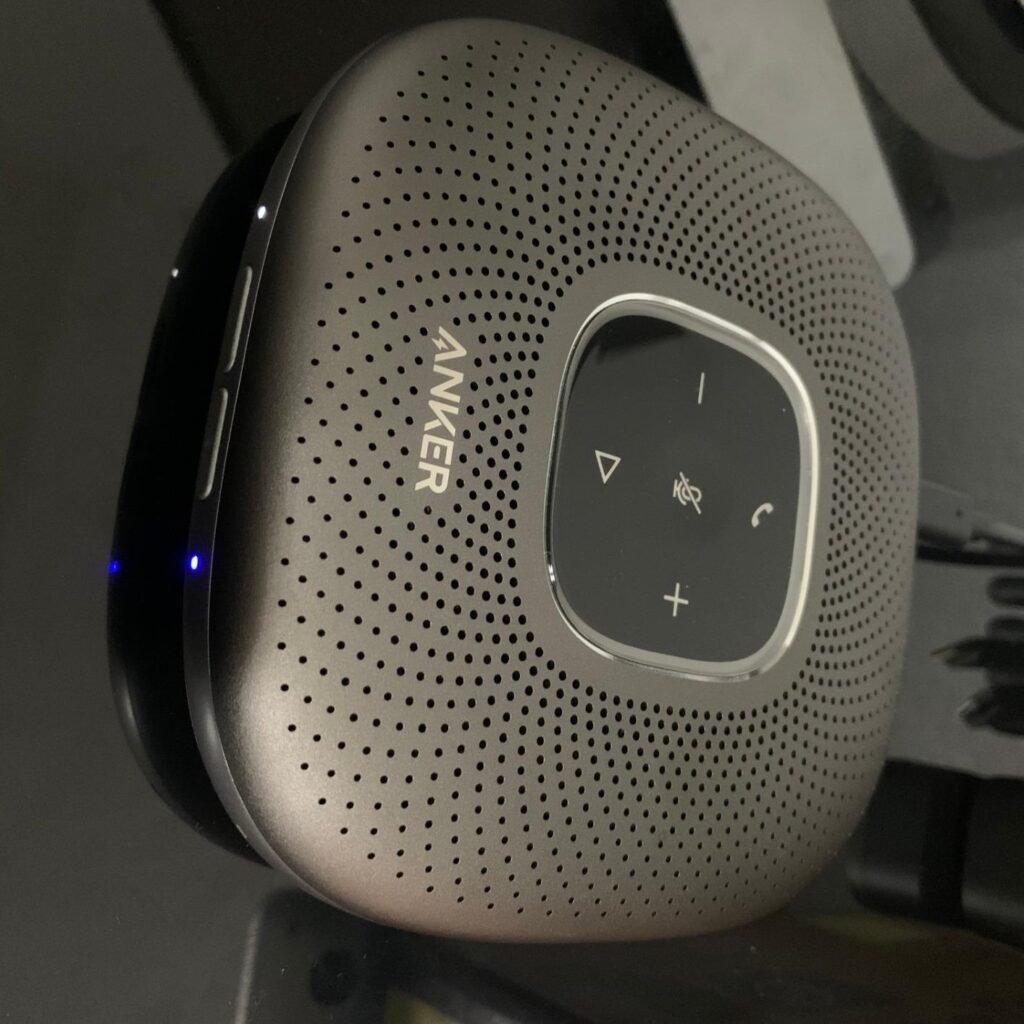
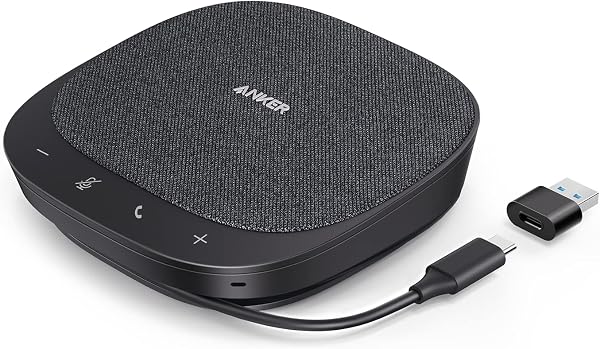
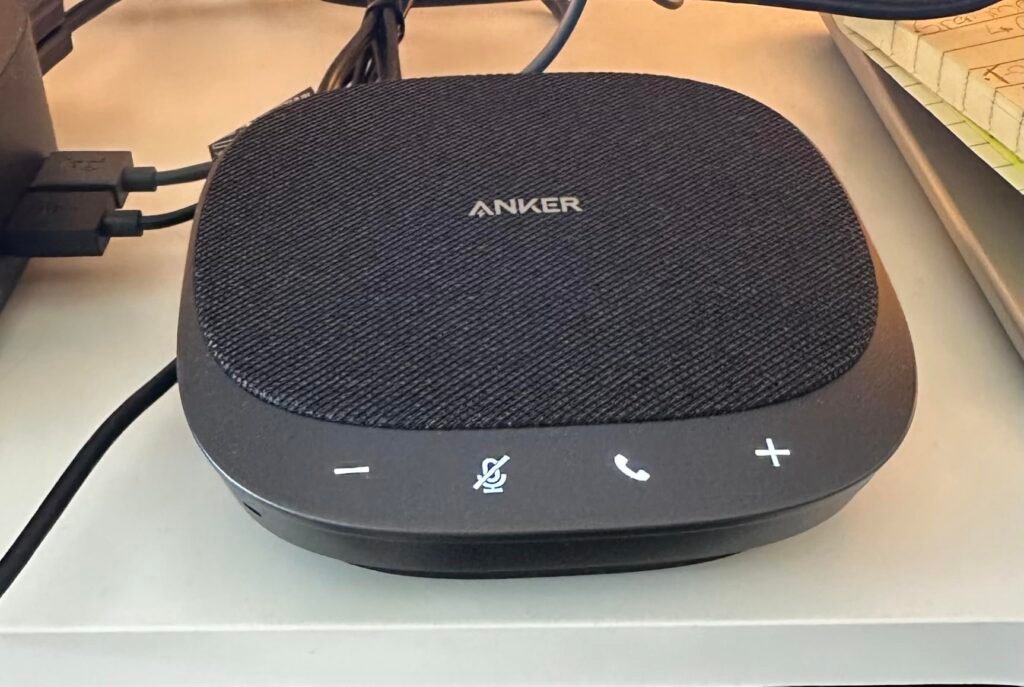
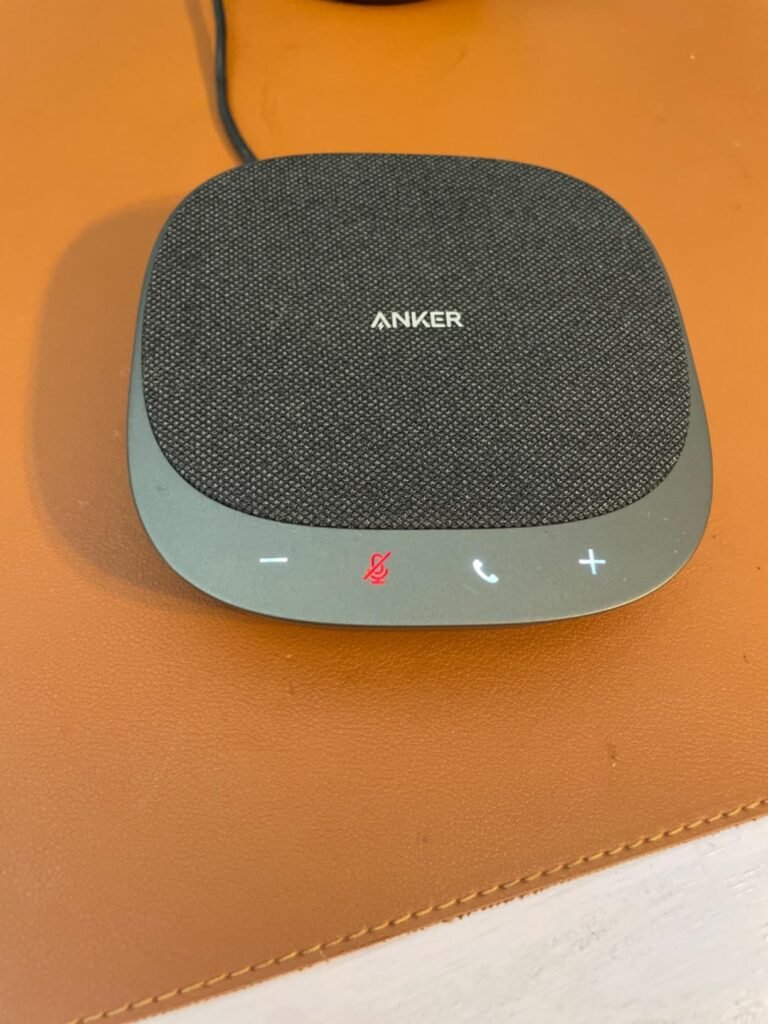
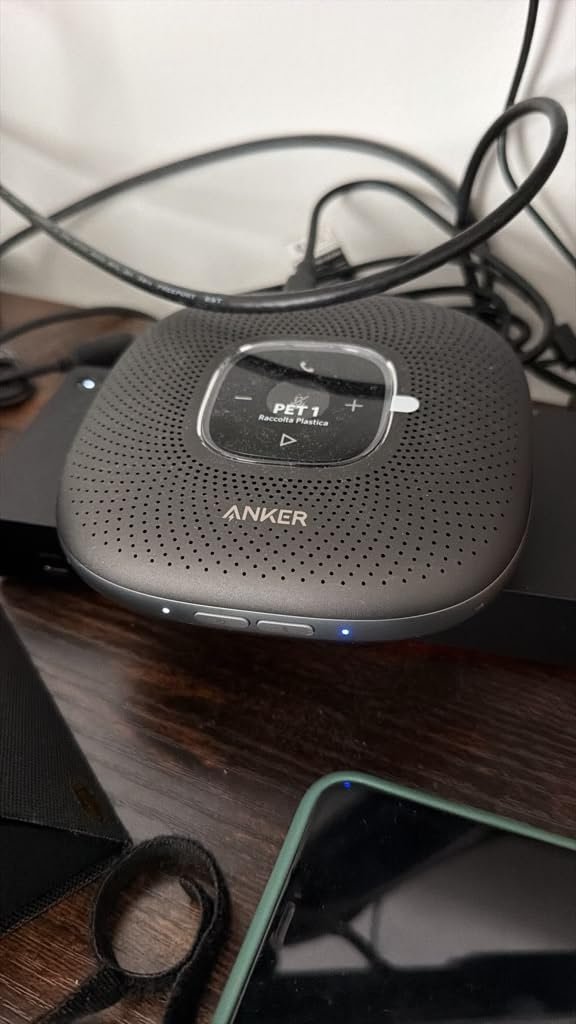
The Anker PowerConf targets professionals who spend most of their workday in video calls and need a speakerphone that can move between the home office, a coffee table, or a shared meeting room without fuss. The six-microphone array captures voices evenly from every direction, which matters when multiple people are gathered around a conference table or when you tend to move around your office during longer calls.
We may earn a commission when you buy through this link, at no additional cost to you.
Voice Radar 3.0 uses AI processing to reduce background noise, cancel echo, and automatically detect who is speaking. In practical terms, that means the person sitting further from the speakerphone will not sound distant or muffled because the device balances volume based on distance. Keyboard taps, HVAC hum, and other ambient noise are filtered out before the audio reaches the far end of the call, which produces a cleaner meeting experience for everyone.
The 5200mAh battery delivers up to 24 hours of call time on a single charge, which is genuinely useful for anyone working from home without needing to keep the device tethered. Connectivity covers both Bluetooth for phones and USB-C for laptops, and no drivers are required on any major platform. A thoughtful extra is that the built-in PowerIQ technology lets you use the speakerphone as a passthrough charger for your phone during long meetings.
Most laptop speakers rely on one or two microphones near the screen, which struggle to pick up voices from across a room. A six-microphone array arranged in a 360-degree pattern captures sound from every direction simultaneously, then uses beamforming to focus on the active speaker while suppressing noise from other angles. This is particularly valuable for group meetings where multiple people contribute, since everyone sounds clear without needing to lean toward the device.
The main tradeoff is size. This is a larger, more substantial device than the ultra-portable options in this comparison, so it works best if you have a designated meeting spot rather than throwing it into a laptop bag daily. For remote workers, hybrid team leads, and small offices that hold frequent group calls, the PowerConf strikes an excellent balance of audio quality, battery life, and platform compatibility.
Frequent travelers who need the smallest possible device to slide into a laptop sleeve.
We may earn a commission when you buy through this link, at no additional cost to you.
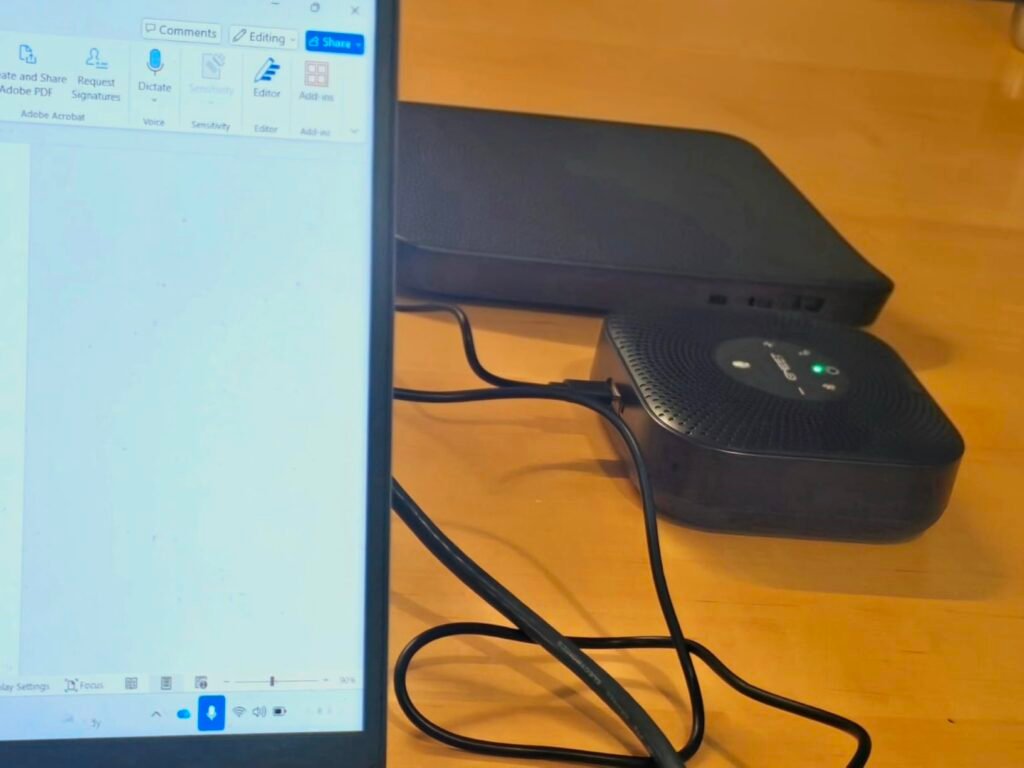
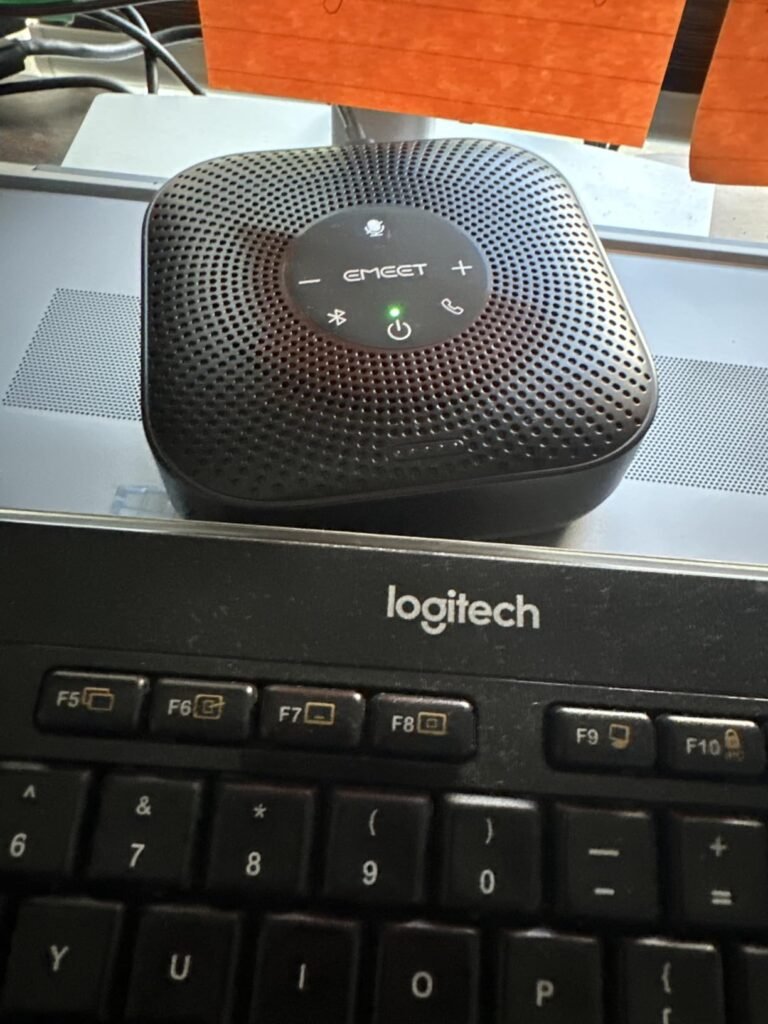
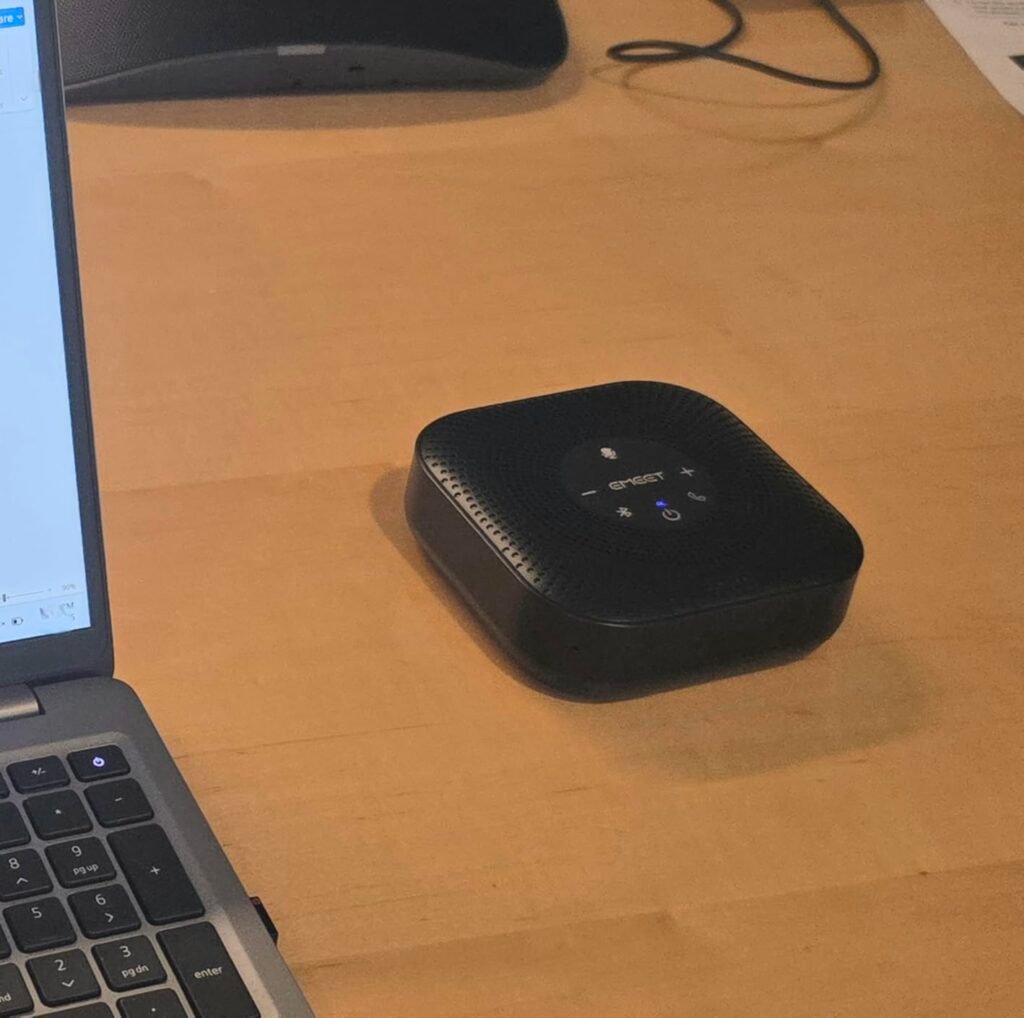
The EMEET M0 Plus makes professional-grade conference audio accessible at a price that fits nearly any home office budget. The four-microphone array with EMEET's VoiceIA algorithm handles the essentials well: it picks up voices from every direction and filters out common background noise like fans, keyboard clicks, and street sounds coming through a window. For solo remote workers or small teams, this delivers a meaningful upgrade over built-in laptop microphones without stretching the budget.
We may earn a commission when you buy through this link, at no additional cost to you.
One of the more interesting features at this price point is daisy chain expansion. If your meeting space grows or you need to accommodate a larger group, you can link two M0 Plus units together to extend the pickup area and support up to 16 attendees. This makes the M0 Plus a flexible starting point that can scale with your needs rather than forcing a full replacement later. Full duplex audio also means people on both ends can speak simultaneously without cutting each other off.
Setup is refreshingly simple. USB-C plug-and-play works on any modern laptop without driver installation, and Bluetooth 5.0 pairs quickly with phones or tablets. The device supports dual-device Bluetooth connections, which is handy if you want to keep it paired with both your work laptop and personal phone. Battery life comes in around 10 hours of talk time, enough for a full day of meetings without needing to charge midway.
Daisy chaining means physically linking two speakerphones with a special cable so they operate as a single, larger audio system. This effectively doubles the microphone coverage area and speaker output, which is critical when a single unit cannot reach everyone in a wider room. For growing teams or offices that occasionally host larger meetings, starting with one M0 Plus and adding a second later can be more cost-effective than replacing a small unit with an expensive large-room system.
The 3W speaker is adequate for small rooms and personal use, but it will feel underpowered if you try to fill a larger conference room without daisy chaining a second unit. For anyone shopping in the entry-level segment who wants credible audio quality, useful expansion options, and broad platform compatibility, the M0 Plus is one of the strongest value picks available.
Executives who need premium build quality, longer battery runtime, and higher speaker output.
We may earn a commission when you buy through this link, at no additional cost to you.
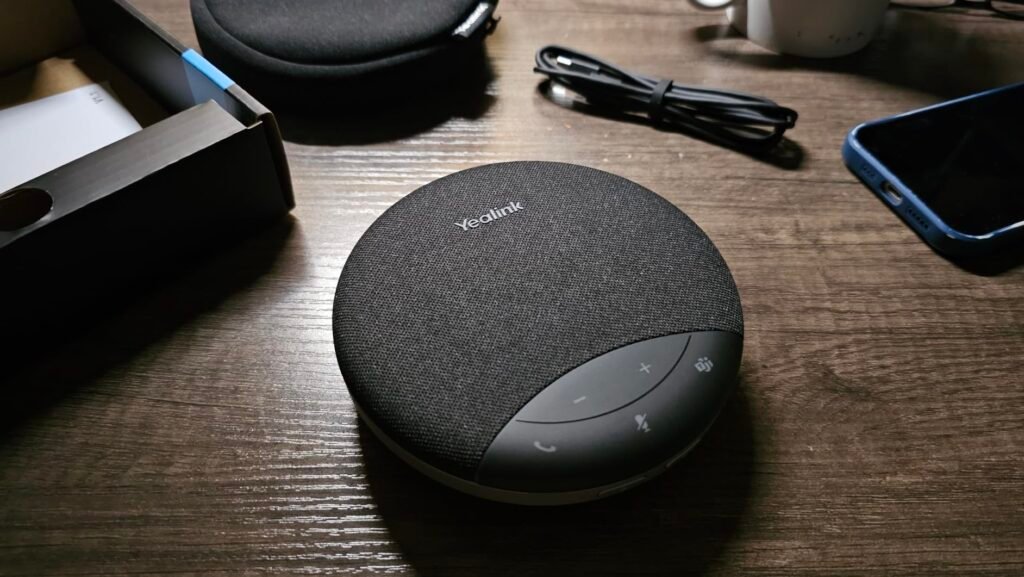
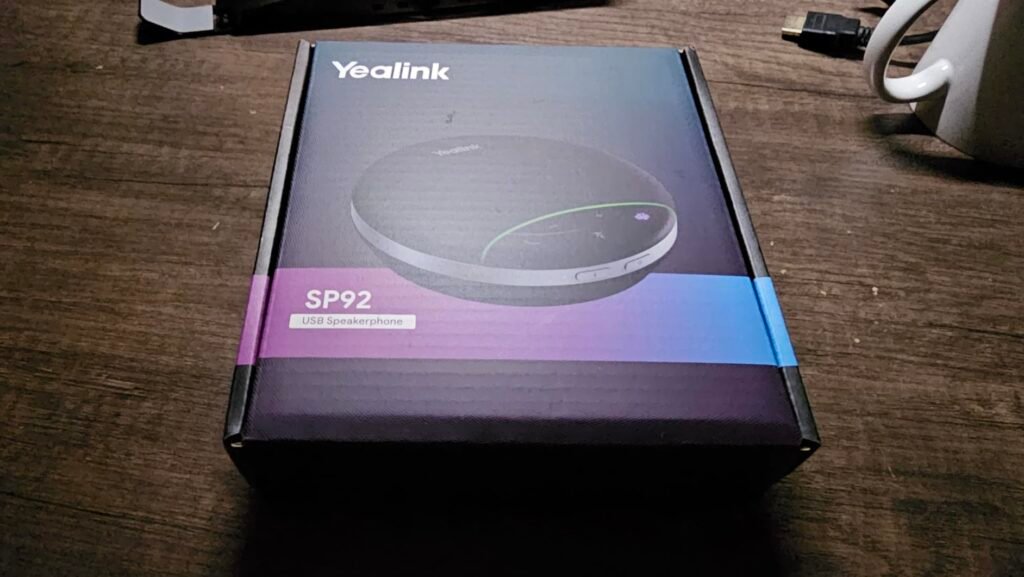
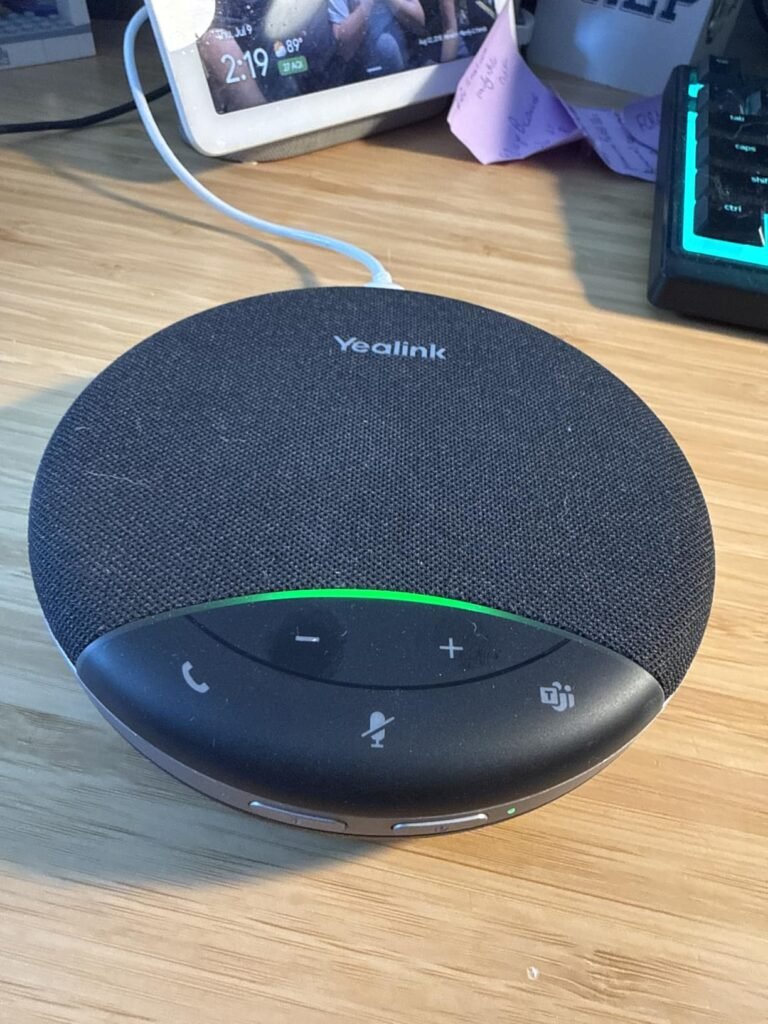
The Yealink SP92 is built for professionals who move between offices, coffee shops, and hotel rooms and need reliable meeting audio wherever they land. At just 276 grams and roughly the size of a small coaster, it slips easily into a laptop bag alongside your notebook and charger. The included carrying case protects the device during transit and keeps the USB-C cable organized so nothing goes missing between trips.
We may earn a commission when you buy through this link, at no additional cost to you.
Despite the compact size, the SP92 delivers serious meeting-grade audio. The omnidirectional microphone provides a 13-foot pickup radius, which is enough to cover a small conference room with four to eight people comfortably. Yealink’s real-time AI noise cancellation filters over 1,000 common sounds including keyboard taps and air conditioning hum, so your voice comes through cleanly even in busy shared spaces. The 50mm speaker produces surprisingly clear playback for something this small.
Connectivity is where the SP92 really shines. Bluetooth 5.3 offers a 30-meter range for pairing with phones and laptops, USB-C with an included USB-A adapter handles wired connections, and an optional BT51C dongle adds a plug-and-play option for computers without built-in Bluetooth. Certification for Microsoft Teams ensures the mute button, volume controls, and call answering work natively, and compatibility extends to Zoom, Google Meet, and Cisco Webex.
Bluetooth 5.3 improves connection stability, reduces latency, and offers better power efficiency compared to older Bluetooth versions. For conference calls, that means fewer dropouts if you walk between rooms with your phone, less audio lag between what people say and what you hear, and longer battery life during wireless use. The 30-meter range also gives you flexibility to move around a larger space without losing your call.
The 20-hour battery life comfortably covers multiple travel days between charges, and a 2.5-hour recharge time means you can top up during lunch. The main tradeoff is that a single-speaker design cannot fill a large conference room the way a device with a bigger driver can. For frequent travelers and hybrid workers who want premium meeting audio in the smallest possible package, the SP92 is one of the most practical options in this lineup.
Larger conference rooms that need multiple speakers and a stronger audio output for 10+ attendees.
We may earn a commission when you buy through this link, at no additional cost to you.
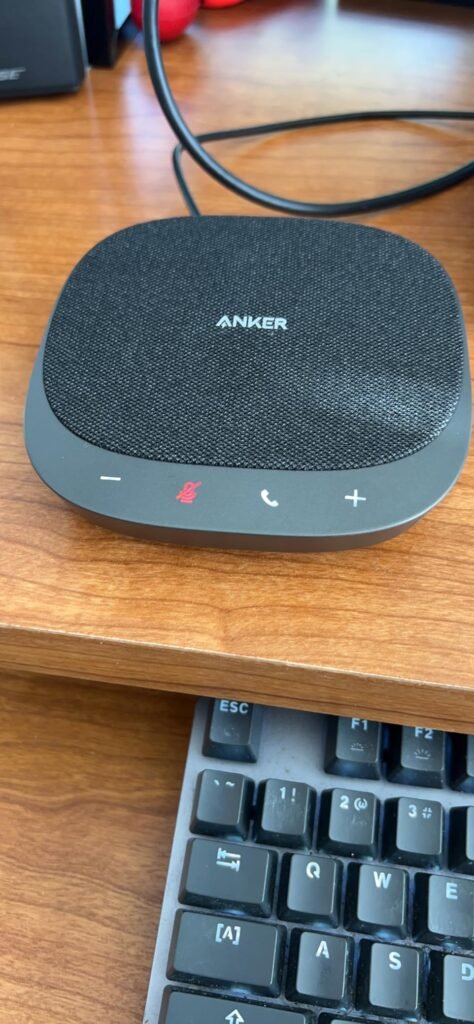
The Anker PowerConf S330 focuses on doing one thing exceptionally well: reliable USB conference audio for people who work from a fixed home office setup. By skipping wireless connectivity entirely, Anker delivers rock-solid performance without the pairing hassles, battery management, or occasional dropouts that can plague Bluetooth speakerphones. If your speakerphone lives on the same desk day after day, the wired approach makes a lot of sense.
We may earn a commission when you buy through this link, at no additional cost to you.
The four-microphone array picks up voices clearly within a three-meter radius, which is well suited to a desk setup or a small huddle room. Smart voice enhancement processes your speech in real time to reduce background noise while amplifying your voice, so home office distractions like a nearby air purifier or a family member in another room stay out of your meetings. The 360-degree coverage also means the person on the other end hears you clearly whether you are seated directly in front of the device or moving around the room.
Audio quality on the playback side is a genuine strength. A 1.75-inch driver paired with two passive bass radiators produces fuller, more natural sound than most speakerphones in this price range, which matters when you are listening to a colleague present slides or watching a shared video during a meeting. The passive radiators add depth without requiring extra power, keeping the device compact.
Bluetooth speakerphones are convenient but occasionally suffer from pairing issues, latency, or unexpected disconnects during important calls. A USB-only device eliminates these variables by drawing power and transmitting audio through a single physical connection. For dedicated home office setups where the speakerphone never moves, this simplicity translates directly to fewer meeting interruptions and less time spent troubleshooting.
The obvious tradeoff is the lack of Bluetooth and battery, which rules out mobile use with phones or tablets and prevents you from taking calls away from your desk. For anyone who wants a set-it-and-forget-it USB speakerphone that consistently delivers clear audio for daily calls, the S330 is one of the most reliable choices in this lineup. Just make sure you are comfortable being tethered by USB-C for the entire meeting.
Travelers or mobile workers who need wireless Bluetooth pairing and battery power for calls on the go.
We may earn a commission when you buy through this link, at no additional cost to you.
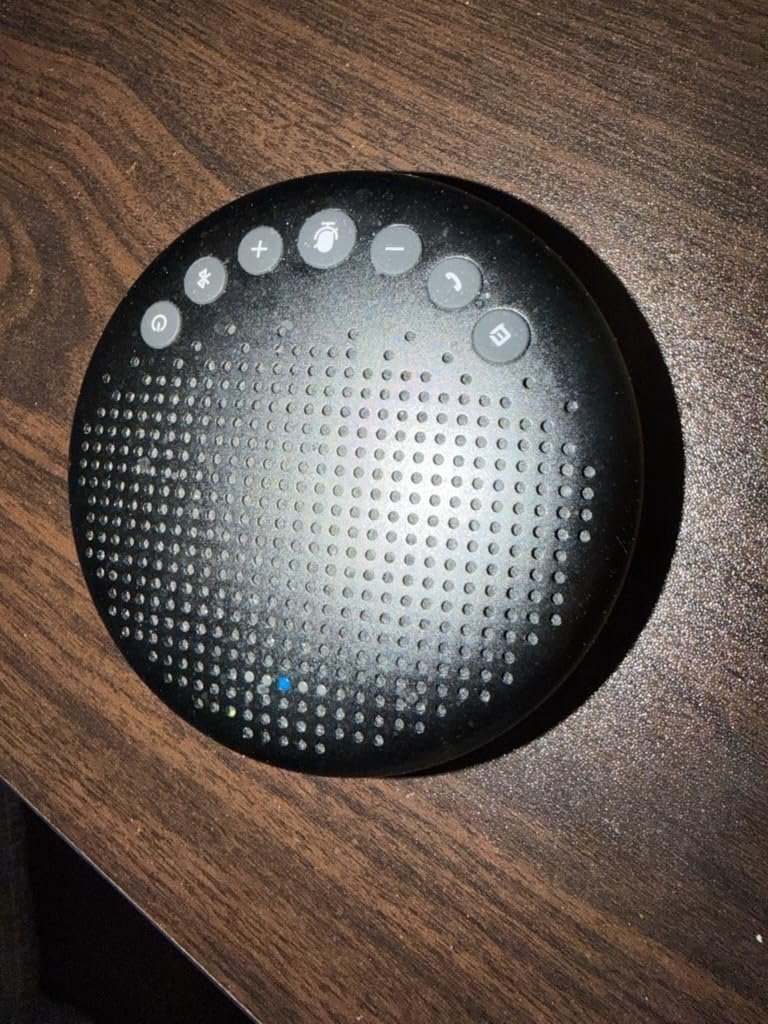
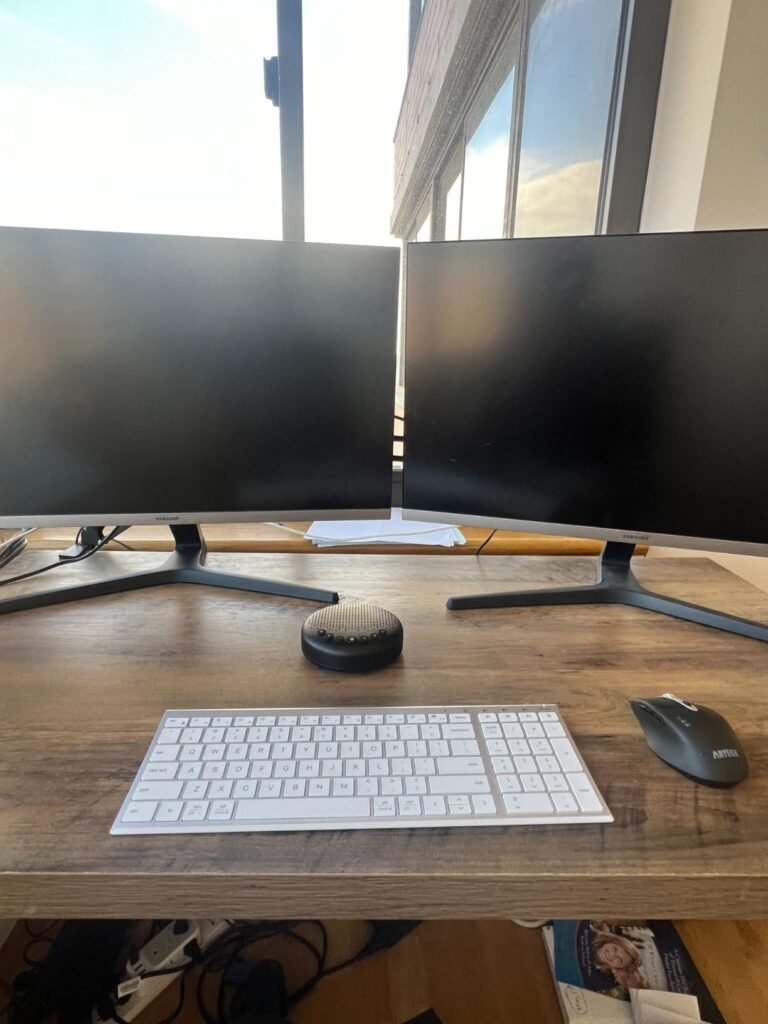
The EMEET Luna stands out for its premium construction and versatile connectivity options, making it a strong pick for buyers who want a speakerphone that feels as good as it sounds. The full-metal casing with a sandblasted matte finish resists fingerprints and gives the device a professional look that fits well in either a home office or a client-facing meeting room. This kind of build quality is unusual in the mid-price segment.
We may earn a commission when you buy through this link, at no additional cost to you.
The three-microphone array delivers 360-degree voice pickup and the auto-vocal-increase function automatically adjusts output based on how far each speaker is from the device, which keeps voices consistent even when people move around the room. Maximum output reaches 85dB, which is genuinely loud for a portable speakerphone and lets the Luna comfortably fill medium-sized conference rooms without straining. VoiceIA noise reduction handles typical office distractions like keyboard clicks and air conditioning.
Connectivity is where the Luna really pulls ahead. In addition to USB and Bluetooth, it supports AUX input and can work with an optional wireless dongle, giving you four different ways to connect depending on your setup. Daisy chain support extends the pickup area for larger meetings up to 16 attendees, though you will need to purchase the special cable separately. Compatibility spans Zoom, Skype for Business, WebEx, and other standard conferencing platforms.
Having USB, Bluetooth, AUX, and dongle connectivity in a single device means you can adapt to almost any meeting environment. USB works with any laptop, Bluetooth handles phones and tablets, AUX supports legacy devices or dedicated audio systems, and a wireless dongle provides plug-and-play with computers that lack Bluetooth. This flexibility is particularly valuable for people who move between different offices or work with clients using varied hardware.
The one-hour automatic shutoff during inactivity helps preserve battery life but can be annoying if you step away briefly and return to find the device off. For hybrid teams that want a durable, versatile speakerphone that looks premium and delivers strong audio in medium rooms, the Luna offers an appealing combination of build quality, connectivity, and expansion potential.
Budget shoppers who only need basic USB connectivity for a single home office setup.
We may earn a commission when you buy through this link, at no additional cost to you.
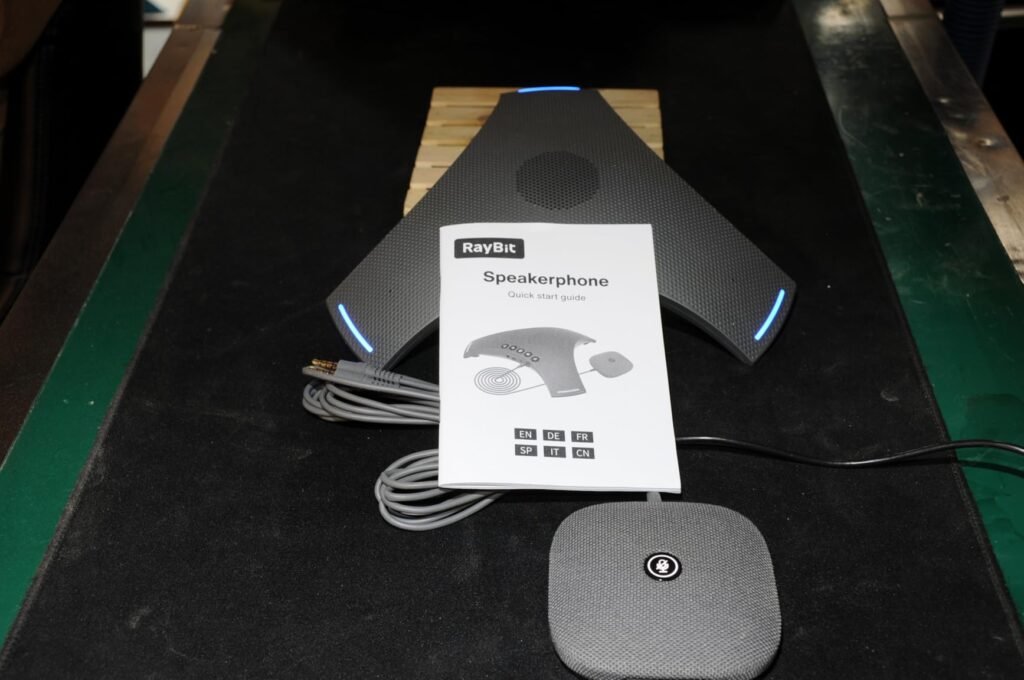
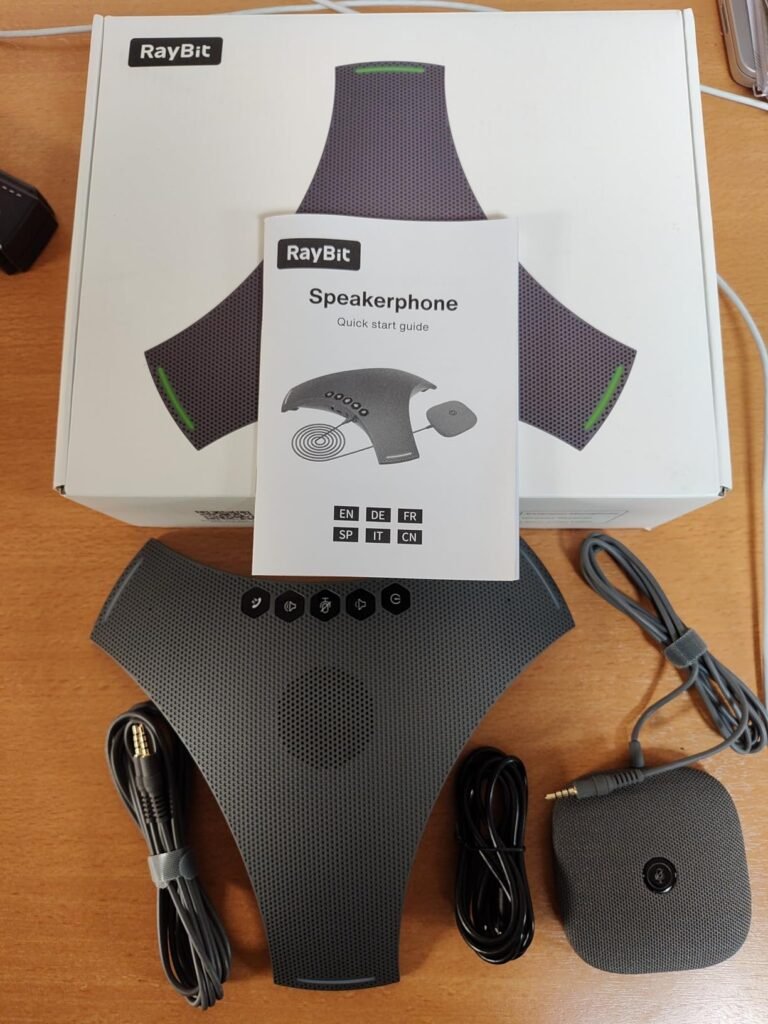
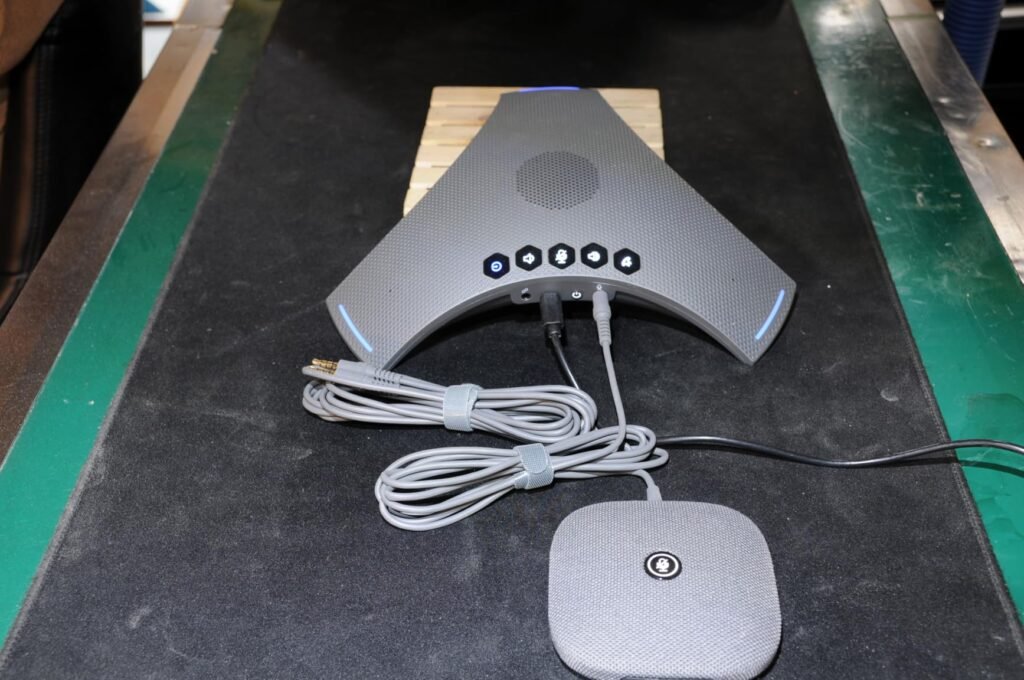
The RayBit POD4 arrives as a complete meeting kit rather than a single device, which makes it particularly attractive for buyers who want everything they need to equip a conference room in one purchase. The package includes the main speakerphone, a 1.8-meter expansion microphone, a wireless dongle, a 3-meter daisy chain cable, and a USB-C to USB-A cable. This comprehensive approach eliminates the need to hunt for compatible accessories separately.
We may earn a commission when you buy through this link, at no additional cost to you.
The exclusive DSP algorithm handles echo cancellation, voice enhancement, and full duplex communication with deep learning to isolate your voice from background noise. In practice, this means the far end of your calls hears clean speech even when multiple people are talking or when ambient noise levels are high. The expansion microphone has the same 360-degree pickup and noise reduction as the host unit, effectively extending your coverage to reach speakers who would otherwise be too far from the main device.
Daisy chaining multiple speakerphones lets you configure the system for different room sizes, from small huddle spaces up to extra-large conference rooms. The wireless dongle provides plug-and-play USB connectivity with computers that lack Bluetooth, and standard Bluetooth pairing handles phones and other wireless devices. Compatibility spans Zoom, Teams, Skype, GoToMeeting, and other major platforms without requiring additional software.
A single centrally placed speakerphone works well for meetings where everyone sits within a few feet, but longer conference tables can leave people at the ends sounding distant or unclear. An expansion microphone placed at the far end brings those voices back to full clarity while the main unit continues handling the closer participants. For rooms longer than about 12 feet, this extra pickup point can dramatically improve meeting audio without requiring a completely different system.
The main tradeoff is complexity. A kit with multiple components and cables requires more thoughtful setup and maintenance than a single-unit speakerphone, and the price reflects the inclusive contents. For businesses equipping medium to large conference rooms or teams that need flexible expansion options for varied meeting configurations, the POD4 offers real value by bundling everything into one purchase.
Solo home office workers who only need a compact single-unit speakerphone for one-on-one calls.
We may earn a commission when you buy through this link, at no additional cost to you.
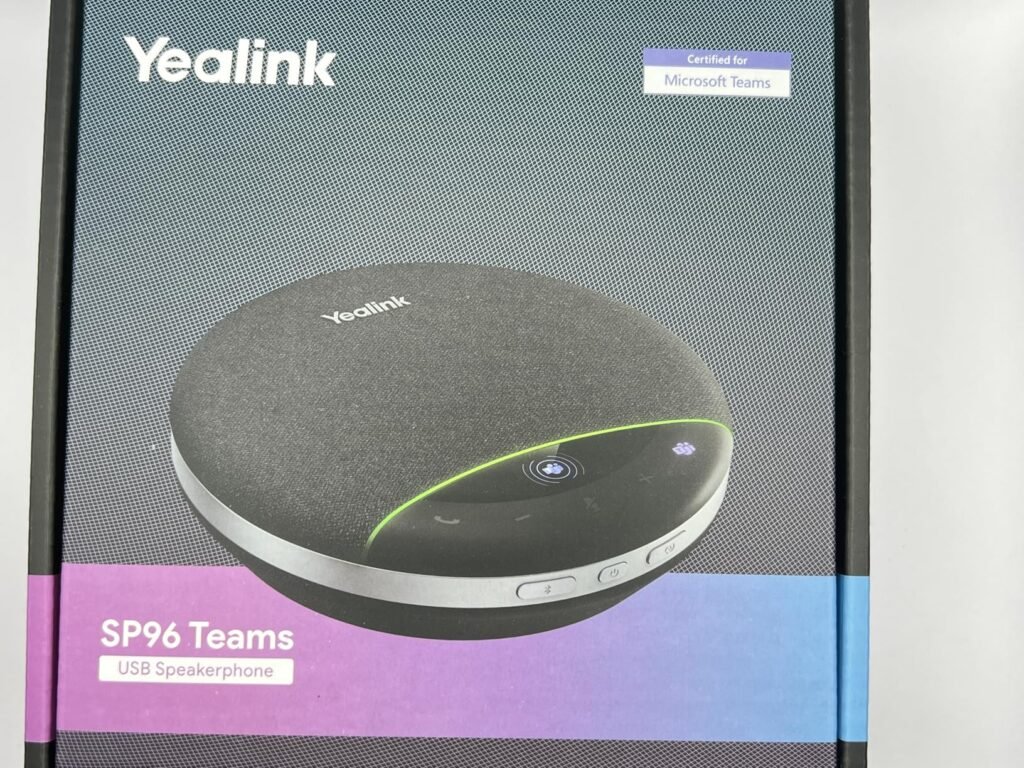
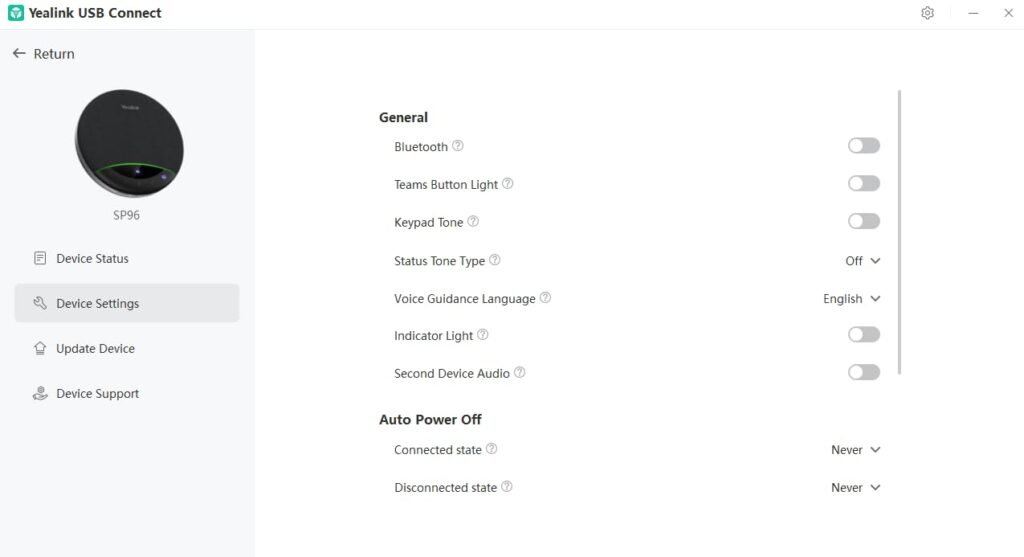
The Yealink SP96 sits in the premium tier of this comparison and earns that position with genuinely impressive specifications across every category. Six microphones with 360-degree pickup cover a 16.4-foot radius, making it suitable for 8-to-12-person conference rooms without needing expansion. The 65mm speaker driver produces louder, fuller sound than the smaller drivers found in portable units, which matters when you need to fill a room without asking people to lean in.
We may earn a commission when you buy through this link, at no additional cost to you.
Yealink’s self-developed AI noise reduction algorithm filters over 1,000 different ambient sounds in real time, from keyboard taps to HVAC hum. Ultra-wideband calling technology delivers speech with more detail and warmth than standard voice codecs, and premium duplex communication lets multiple people speak simultaneously without cutting each other off. Virtual bass technology adds low-frequency depth to both voice and music playback, creating a more natural listening experience.
The 26-hour battery life is among the longest in this lineup, supporting up to 35 hours of music playback and a full week of standby time. Fully recharging takes 2.5 hours from a 5V/2A source. The liquid crystal display shows connection status, battery level, and mute state at a glance, which is genuinely useful during multi-hour meetings when you want quick confirmation that everything is working correctly. Daisy chain expansion doubles the coverage area from about 215 square feet to over 430 square feet by wirelessly linking two units.
Standard telephone voice codecs cover a narrow frequency range that captures speech intelligibility but loses much of the natural warmth and detail. Ultra-wideband calling extends the frequency range significantly, preserving more of the tonal qualities that make voices sound natural rather than tinny. In practice, this translates to less listener fatigue during long meetings and easier comprehension of speakers with softer voices or accents.
The tradeoff is that the BT51C wireless dongle is not included in this version, so if you need dongle connectivity you will pay extra. The SP96 also has a larger footprint than the ultra-portable travel-focused speakerphones, though its 400-gram weight is still manageable. For teams that hold serious meetings in medium to large rooms and want top-tier audio quality, the SP96 delivers professional-grade performance.
Buyers on a tight budget who only need basic call quality for one-on-one meetings.
We may earn a commission when you buy through this link, at no additional cost to you.
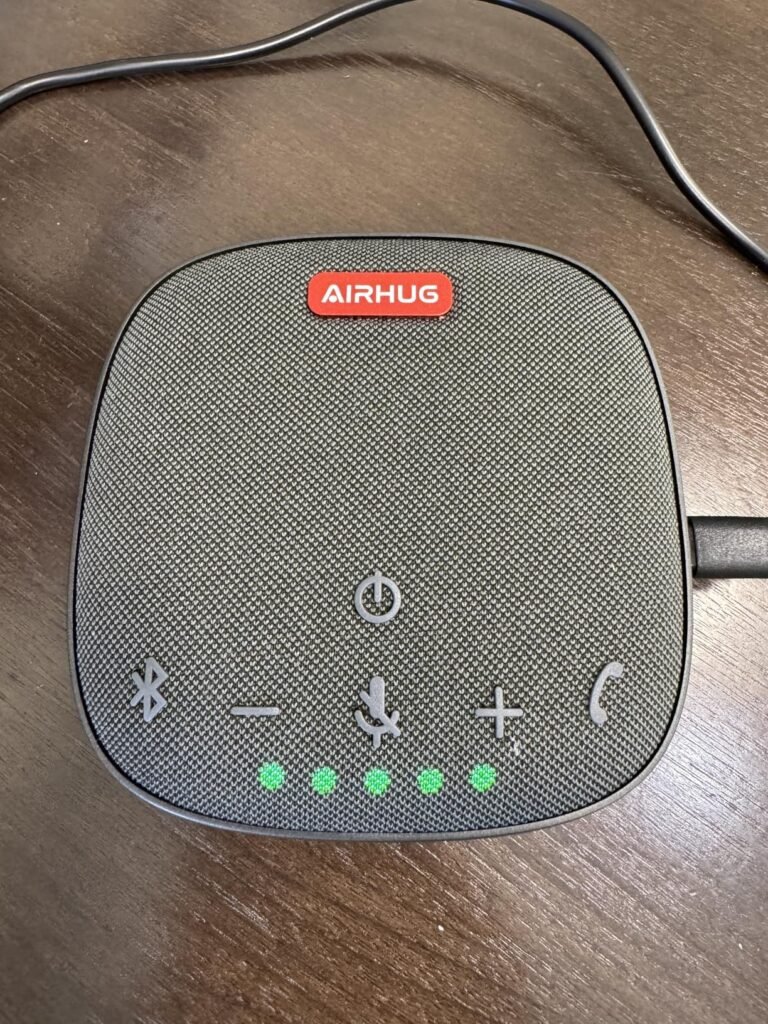
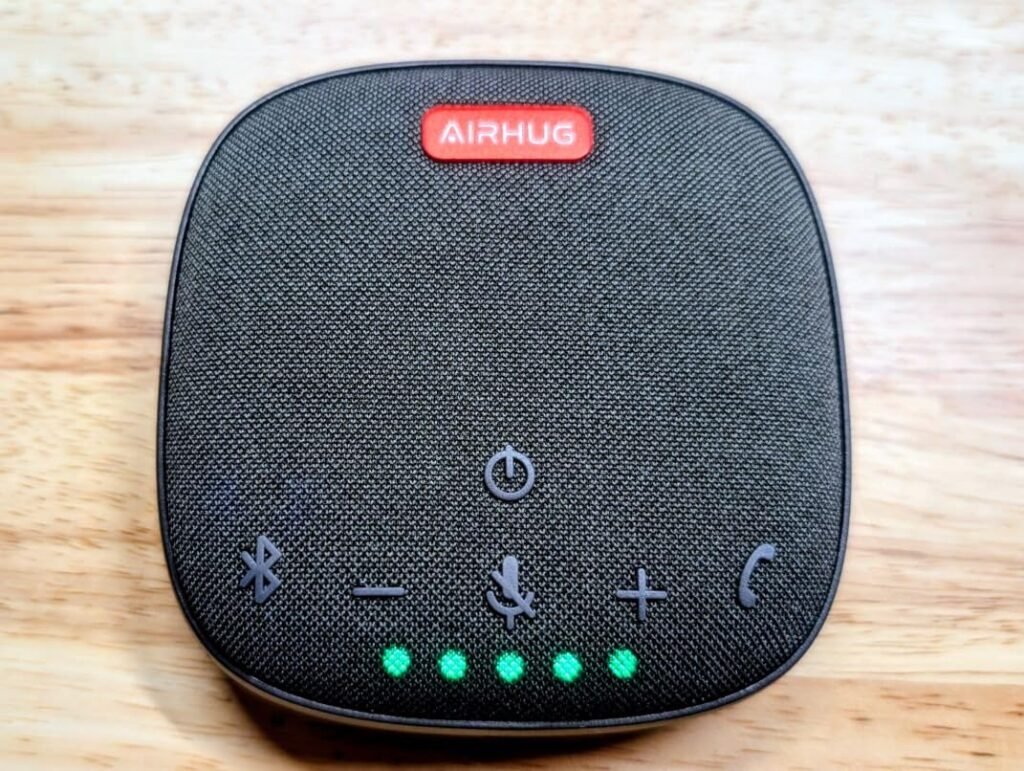
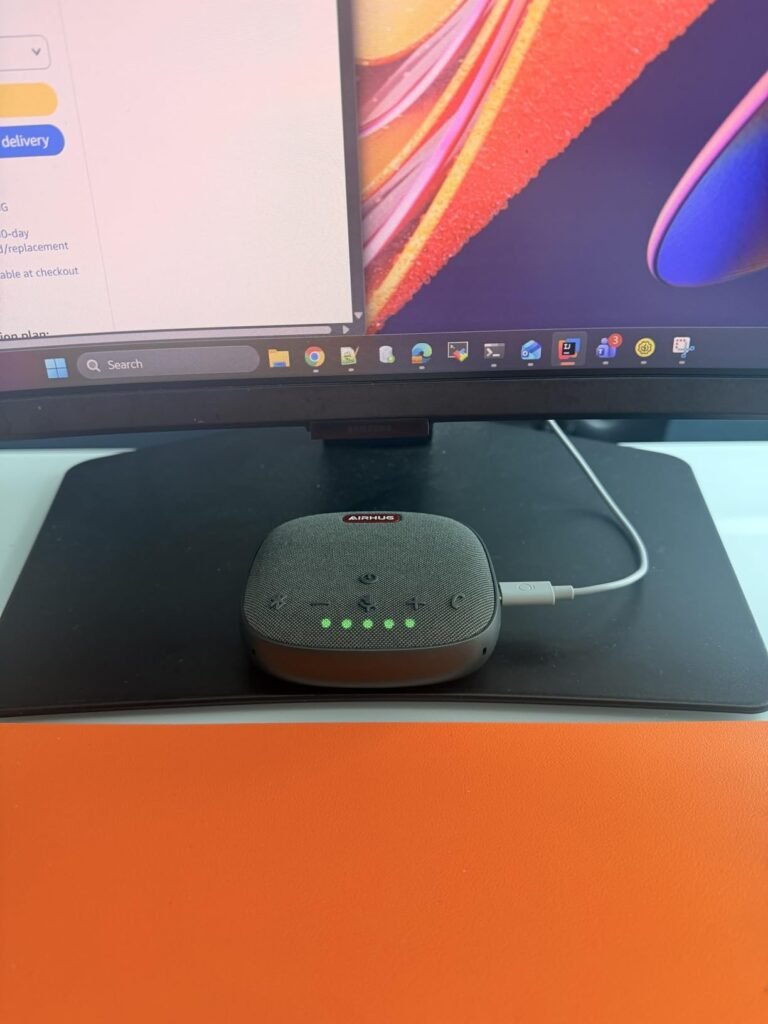
The AIRHUG 01 focuses on absolute portability and simplicity for people who need basic conference audio in the smallest possible package. The pocket-size form factor with an included carry bag makes it easy to keep in a laptop sleeve, backpack pouch, or even a jacket pocket. For frequent travelers who occasionally need to host or join calls from hotel rooms, airports, or coworking spaces, this level of portability is genuinely useful.
We may earn a commission when you buy through this link, at no additional cost to you.
The upgraded full-duplex digital microphone picks up voices within about six feet, which is enough for small huddles of four to six people. The 48,000 sample per second rate delivers DVD-quality audio for both music playback and voice calls, so speech comes through clearly without the muffled quality that plagues cheaper portable devices. Full 360-degree pickup ensures that voices from any angle around the device are captured evenly.
The onboard DSP chip handles echo cancellation and noise reduction, targeting common problems like engine noise from nearby traffic, HVAC howling, and general office chatter. A useful design touch is simultaneous USB and Bluetooth connectivity, which lets you keep the device paired to your phone via Bluetooth while also connected to your laptop by USB-C. Broad platform compatibility spans Zoom, Skype, Microsoft Teams, Google Meet, WebEx, FaceTime, and other common apps.
Being able to connect via USB and Bluetooth at the same time means you can join a Teams call on your laptop while keeping your phone paired for potential incoming calls or notifications. This dual connectivity is particularly useful for professionals who need to seamlessly switch between platforms without repairing devices. It also lets you use the speakerphone for laptop-based conference calls while streaming music from your phone during breaks.
The 4.0 rating suggests some inconsistency in owner experiences, and the smaller pickup radius makes this unsuitable for larger meetings. Some users have reported that the device automatically turns off after full charging, which requires a restart to resume use. For solo travelers and budget-conscious remote workers who need a small, no-fuss speakerphone for occasional use, the AIRHUG 01 covers the basics affordably.
Medium and large conference rooms where wider pickup radius and stronger speaker output are essential.
We may earn a commission when you buy through this link, at no additional cost to you.
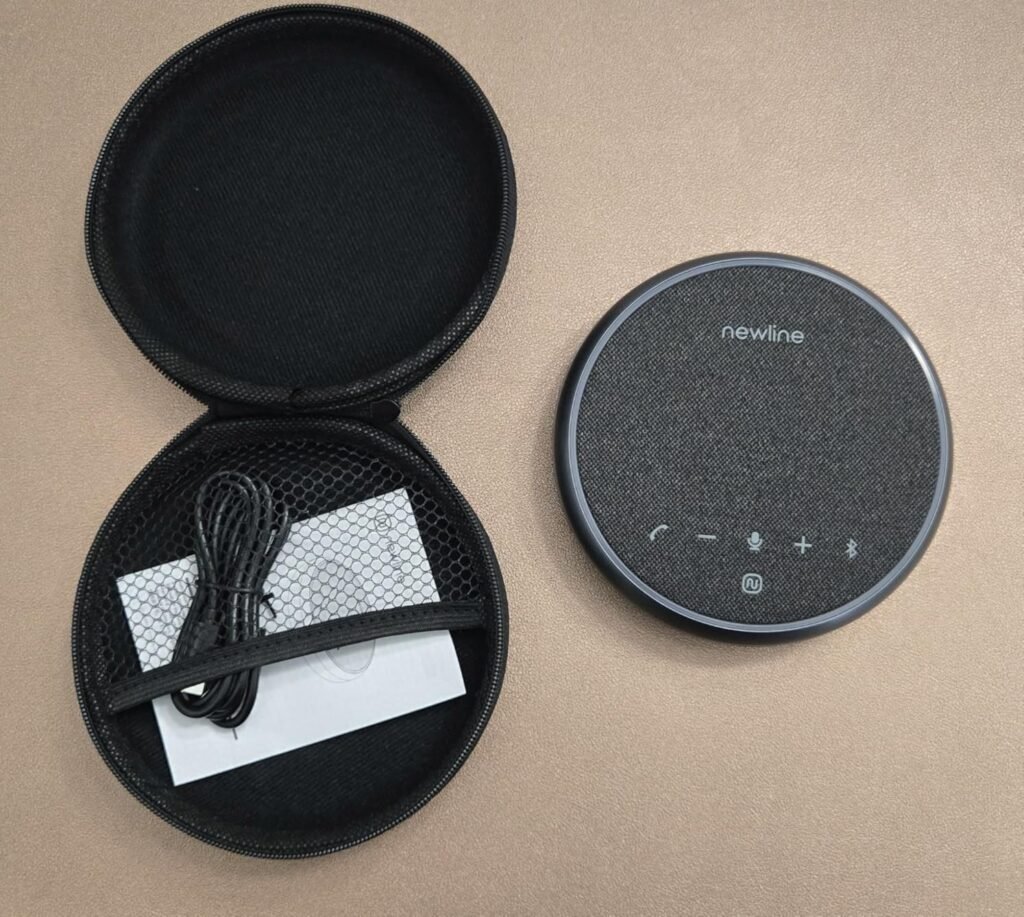
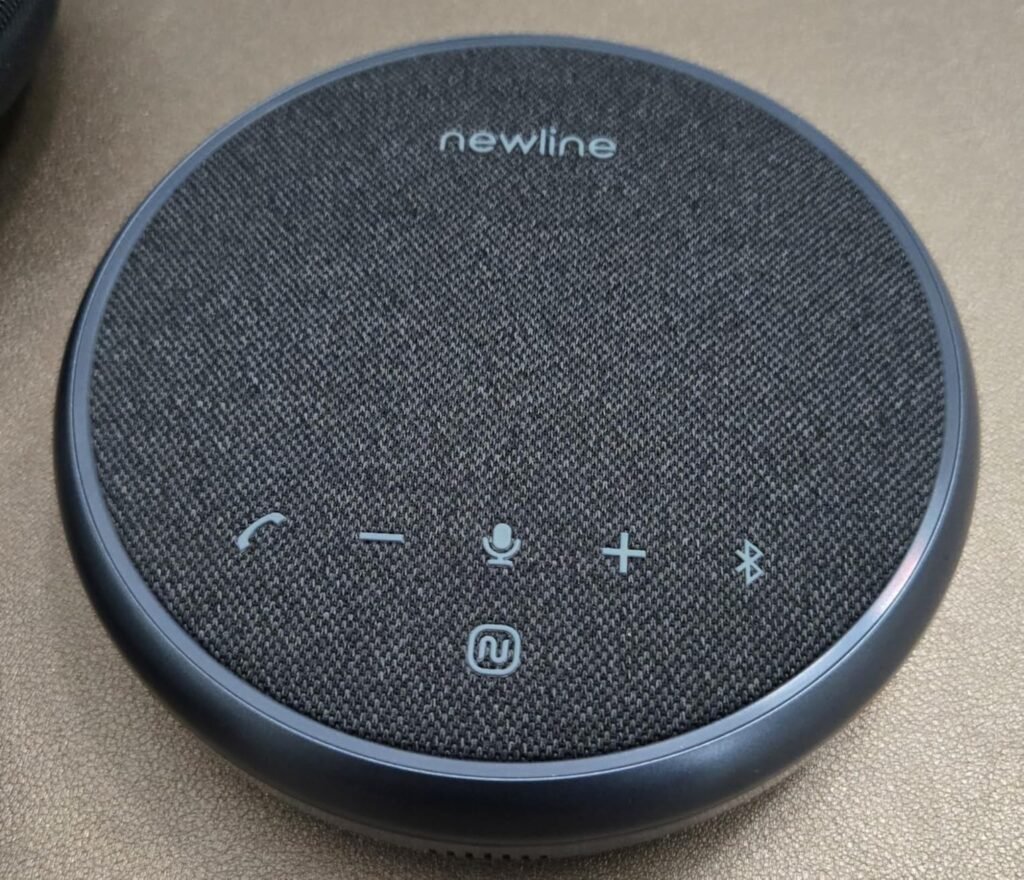
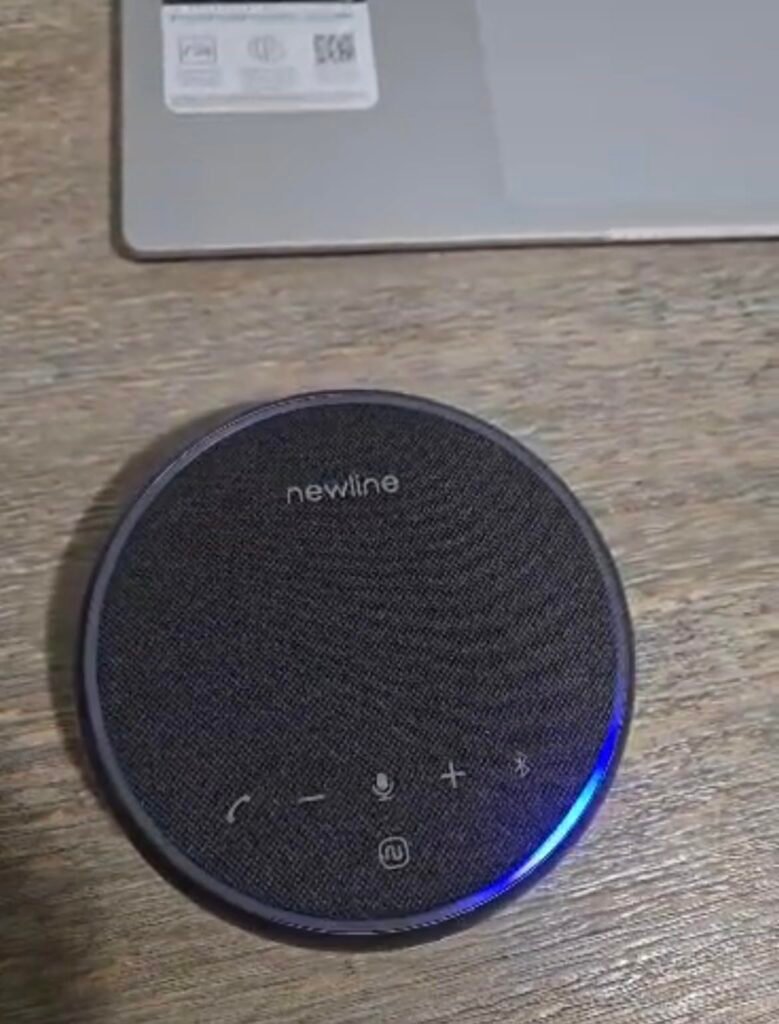
The N newline NewPie strikes an appealing middle ground for home offices and small conference rooms that occasionally host mid-sized meetings. The 16-foot pickup range is impressive for a device this compact, and the AI noise reduction algorithm handles common background sounds while eliminating echo in real time. This makes it a solid step up from laptop microphones without moving into premium price territory.
We may earn a commission when you buy through this link, at no additional cost to you.
Audio playback quality is a genuine highlight thanks to the high-power speaker unit and unique sound cavity design that produces HIFI-level output. This matters more than many buyers realize when your meetings include shared music, video content, or presentations with embedded audio. Double talk communication also means both parties can speak simultaneously without one voice cutting off the other, which supports more natural conversation flow.
The 12-hour battery life covers a full workday of meetings, and both Bluetooth 5.1 and USB-C connectivity provide flexibility for different setups. At 300 grams and measuring roughly 6.3 by 5.9 by 2 inches, the NewPie is light enough to move between rooms or slip into a bag when needed. The premium mesh-wrapped exterior gives it a professional appearance that fits well in either a home office or a client-facing meeting space.
The internal chamber design of a speakerphone shapes how sound resonates and projects into the room. A well-engineered sound cavity can produce fuller, richer audio from a smaller driver than a poorly designed one, which is why some compact devices sound significantly better than others with similar specs on paper. For meetings that include music, video content, or shared presentations, this design detail translates directly to a more engaging listening experience.
The main limitation is the two-microphone array, which is less capable than four or six-mic arrays for capturing voices from multiple speakers scattered around a large room. For solo home office use and small team meetings with two to four participants, this is not a meaningful drawback. For medium to large conference rooms with more participants, one of the six-mic options in this lineup will serve you better.
Large conference rooms with many participants where a multi-mic array is needed for full coverage.
We may earn a commission when you buy through this link, at no additional cost to you.
Selecting the right conference speakerphone means balancing audio quality against room size, connectivity needs, portability, and budget. The sections below break down the factors that actually influence meeting quality so you can match the right device to your workflow.
The microphone array determines how well your speakerphone captures voices from different positions around the device. A two-microphone setup works fine for solo home office use where you sit directly in front of the device, but larger meetings need four-microphone or six-microphone arrays with 360-degree coverage. More microphones allow the device to use beamforming, which focuses on the active speaker while suppressing sound from other directions. This produces cleaner audio for the far end of the call and reduces the muffled quality that comes from picking up too much ambient noise.
Pickup radius is equally important. A three-meter radius covers a small huddle table with three or four people comfortably, while a five-meter radius accommodates larger conference tables with eight to twelve participants. Manufacturers typically specify the maximum distance at which voices can be captured clearly, and going beyond that range results in soft, distant-sounding speech. If you plan to use a speakerphone in multiple room sizes, choose one that either exceeds your largest space or supports daisy chain expansion to add coverage later.
For solo home office use, a smaller two-mic or four-mic device with three-meter pickup is usually sufficient. For dedicated conference rooms with regular multi-person meetings, prioritize a six-microphone array with at least a five-meter pickup radius.
Modern speakerphones use digital signal processing and AI algorithms to filter out background noise and eliminate echo. Common noise sources include keyboard typing, HVAC hum, computer fans, street traffic, and nearby conversations. High-quality noise cancellation identifies these patterns in real time and suppresses them without affecting speech clarity. The best implementations can filter over 1,000 different noise types simultaneously while preserving natural voice quality.
Echo cancellation is a related but distinct feature. Without proper echo suppression, the sound coming out of the speaker gets picked up by the microphone and sent back to the far end, creating an unpleasant loop that makes conversation difficult. Full-duplex audio combined with echo cancellation lets both parties speak simultaneously without cutting each other off, which supports more natural conversation flow. This becomes especially important in group meetings where multiple people may contribute at once.
If you work in a noisy environment or share space with others, prioritize a device with explicit AI noise cancellation and full-duplex support. For quiet dedicated home offices, basic echo suppression is usually sufficient.
Most modern speakerphones offer USB-C for wired connections and Bluetooth for wireless pairing, though the specific implementations vary significantly. USB-C provides the most stable connection with no pairing hassles or battery concerns, but it tethers you to the device. Bluetooth adds flexibility to move around and connect phones or tablets, though older Bluetooth versions may occasionally drop or introduce latency. Bluetooth 5.0 or newer generally provides the best balance of range, stability, and power efficiency.
Some devices add wireless dongles for plug-and-play USB connectivity with computers that lack Bluetooth, or AUX inputs for legacy hardware. Daisy chain support lets you link multiple units for larger rooms. Platform certification for Zoom, Microsoft Teams, and Google Meet ensures the device works natively with those platforms, including proper mute button function, volume control integration, and optimized echo cancellation.
Choose a device with the connectivity options that match your actual workflow. If you primarily work from one desk, USB-C is fine. If you switch between devices or move around, prioritize Bluetooth and platform certifications.
Battery life matters if you plan to use your speakerphone away from a power outlet or travel with it between locations. Runtimes in this category range from about 10 hours on entry-level models to 26 hours on premium units. For most workflows, 12 to 20 hours covers a full day of meetings with margin to spare. Longer battery life reduces the anxiety of running out mid-call and lets you go multiple days between charges when traveling.
Physical size and weight determine how easily you can carry the device. Ultra-portable models weighing under 300 grams slip easily into a laptop bag, while larger conference room units can weigh 400 grams or more. Consider whether the device includes a carrying case, since throwing a bare speakerphone into a backpack alongside your laptop and other gear can lead to scratches or damage over time. Integrated cable management also helps keep everything organized during transport.
Frequent travelers should prioritize weight under 300 grams and 20-plus hours of battery life. Home office users who never move the device can prioritize audio quality and features over portability.
Matching your speakerphone to your typical room size prevents both overspending on features you cannot use and underbuying a device that struggles in your actual space. Small home offices and one-on-one calls work fine with entry-level devices offering three-meter pickup. Small conference rooms with four to eight people need mid-tier speakerphones with four-meter to five-meter pickup radius. Larger rooms with 10 or more people benefit from premium units with six-microphone arrays and 16-foot pickup radius.
Daisy chain expansion is an important consideration for growing teams. Some devices let you wirelessly or physically link two units to double the coverage area, effectively turning a small conference room system into a large room setup. This provides a growth path without requiring a full replacement, though you should verify that the daisy chain cable is included since some manufacturers sell it separately. Expansion microphones on cables can also extend pickup for longer conference tables where a single central unit cannot reach the ends.
If your team is growing or you may need to accommodate larger meetings occasionally, buy a device with daisy chain support even if you only need one unit today. This future-proofs your purchase without paying for capacity you do not currently need.
Speaker output determines how clearly the far-end audio reaches everyone in the room. A small 3W speaker works fine for personal use but can feel underpowered in a larger conference room where multiple people need to hear clearly. Larger drivers, such as the 65mm speakers found in premium units, project sound more effectively and produce fuller audio. Some devices use passive bass radiators or virtual bass technology to add depth without requiring more power.
Maximum volume in decibels indicates how loud the device can get, with 85dB being genuinely loud for a portable speakerphone. Sound quality also depends on the frequency range the device can reproduce. Ultra-wideband voice calling preserves more of the natural warmth and detail in speech compared to standard telephone codecs, which reduces listener fatigue during long meetings and improves comprehension.
For personal and small huddle use, standard speakers work well. For medium to large conference rooms, prioritize larger drivers, 85dB output, and ultra-wideband calling support.
Build quality affects both durability and how the device looks in your workspace. Metal casings resist scratches and feel more premium than plastic, while matte finishes hide fingerprints better than glossy surfaces. Weight can be a proxy for build quality since heavier devices often use denser materials and more substantial internal components. However, weight also affects portability, so there is a genuine tradeoff between premium construction and travel-friendliness.
Design details like LCD displays showing connection status, physical mute buttons, and clearly labeled controls improve day-to-day usability. An LCD screen that shows battery level, mute state, and connection type at a glance saves time during meetings when you need quick confirmation that everything is working. Physical mute buttons that light up when active provide reassurance that your microphone is actually off when you step away.
For daily use in a professional setting, invest in a device with metal construction and clear physical controls. For occasional home use, plastic build quality is perfectly adequate and often more affordable.
Conference speakerphones range from under fifty dollars to nearly two hundred dollars, and the right investment depends on how much you rely on the device. Budget models under seventy-five dollars provide basic conference audio suitable for occasional use or solo home offices. Mid-range devices between seventy-five and one hundred fifty dollars add better microphone arrays, longer battery life, and stronger noise cancellation. Premium units above one hundred fifty dollars offer six-mic arrays, extended battery runtime, LCD displays, and daisy chain expansion.
Consider the total cost of ownership rather than just the sticker price. A cheap speakerphone that produces poor audio can lead to miscommunication, meeting fatigue, and lost productivity that quickly exceeds the price difference of a better device. On the other hand, buying a premium unit for occasional use may leave features unused. Match your budget to your actual meeting frequency and importance.
For daily meeting-heavy workflows, a mid-range or premium device pays for itself in better audio and fewer meeting interruptions. For occasional use, an entry-level unit is perfectly adequate.
Set up your speakerphone in a central location on the meeting table where it has clear line-of-sight to all participants. Avoid placing it near walls, corners, or reflective surfaces that can cause audio reflections and reduce voice pickup quality. Keep it at least a few inches away from laptops, phones, and other electronics that could introduce electromagnetic interference. If you use Bluetooth, position the device within the recommended range of your paired computer or phone, typically 10 meters or less for reliable performance.
For daily use, connect via USB-C when possible since wired connections offer the most stable audio and eliminate battery concerns during long meetings. Use Bluetooth when you need mobility or want to pair with a phone. When using battery power, monitor the charge level and top up during breaks rather than letting the device fully discharge, which can gradually reduce battery capacity over time. Update firmware when the manufacturer releases new versions, since these updates often improve noise cancellation algorithms and platform compatibility.
Clean the speaker grille and microphone openings periodically with a soft dry cloth or a can of compressed air to remove dust that can dampen sound and voice pickup quality. Avoid using liquid cleaners that could seep into the electronics. Store the device in its included carrying case during transport to prevent scratches and impact damage. If you travel with the speakerphone, keep it in your carry-on rather than checked luggage to avoid rough handling. With proper care, a quality conference speakerphone should provide reliable service for many years.
Headphones work well for solo meetings but become impractical when multiple people are in the room. A speakerphone lets everyone contribute naturally without passing headphones around or dealing with feedback from multiple audio devices. If you regularly meet with colleagues in shared spaces or want the freedom to move around during long calls, a dedicated speakerphone provides significant convenience. Headphones remain useful for private calls or noisy environments where you need audio isolation.
The right microphone count depends on your typical meeting size. Two microphones work fine for solo home office use, four microphones handle small huddle groups of three or four people, and six microphones with 360-degree coverage suit larger conference rooms with eight or more participants. More microphones allow beamforming that focuses on active speakers while suppressing background noise, which improves audio quality for the far end of the call.
USB provides the most stable connection with no pairing issues or battery management concerns, making it ideal for dedicated desk setups. Bluetooth adds flexibility to move around during calls and pair with phones or tablets, though older Bluetooth versions may occasionally introduce latency or dropouts. Many modern speakerphones support both, letting you choose based on the specific meeting. For maximum reliability during important calls, wired USB is generally the safer choice.
Daisy chain lets you physically or wirelessly link two speakerphones together to extend microphone coverage and speaker output. This effectively doubles the room size a single device can handle, making it useful for larger conference rooms or growing teams. The two units work as one system, capturing voices from a wider area and playing back audio consistently across both speakers. Not all speakerphones support daisy chain, and some require a separately purchased cable.
Certified devices have been tested and optimized to work with specific platforms, ensuring reliable mute button function, volume controls, and echo cancellation. Non-certified speakerphones usually work fine but may occasionally exhibit issues that certified products avoid. If you rely heavily on a specific platform like Zoom or Teams for business-critical meetings, choosing a certified device provides peace of mind. Casual users can generally save money by choosing non-certified options that still work with major platforms.
Look for at least 10 to 12 hours of battery life if you plan to use the device wirelessly for a full workday of meetings. Premium models offer 20 to 26 hours, which comfortably covers multiple days between charges. Battery life is most important for travelers and people who move between rooms, while home office users who keep the device plugged in via USB can prioritize other features. Keep in mind that using high volume levels or continuous Bluetooth connection drains the battery faster than moderate use.
Yes, most conference speakerphones can play music via Bluetooth or wired connection, though audio quality varies significantly. Devices with larger drivers, passive bass radiators, or virtual bass technology produce fuller music playback than basic units optimized purely for voice. However, dedicated Bluetooth speakers still generally sound better for music since they prioritize audio fidelity over voice clarity. Use your speakerphone for background music or occasional listening rather than as your primary music system.
AI noise cancellation uses machine learning algorithms to identify and filter out background sounds like keyboard typing, HVAC hum, and street traffic while preserving voice clarity. Modern implementations can identify over 1,000 different noise types and suppress them in real time. In practice, this genuinely improves meeting audio quality, especially in shared or noisy environments. The technology is not perfect and may occasionally struggle with unusual sounds, but it makes a meaningful difference compared to devices without AI processing.
Check the manufacturer specified pickup radius and speaker output. Small rooms with four to six people need at least three-meter pickup, medium rooms with six to eight people need four to five meters, and large rooms need six meters or more plus a stronger speaker driver. If your room is larger than a single unit can handle, look for devices with daisy chain support so you can add a second unit for full coverage. Testing in your actual space is always the best way to confirm performance.
For daily meeting-heavy workflows, premium speakerphones deliver noticeably better audio quality, longer battery life, and more useful features like LCD displays and daisy chain expansion. The improvements pay for themselves through clearer communication, fewer misunderstandings, and less meeting fatigue. For occasional use or solo home office setups, entry-level or mid-range devices provide adequate performance at a much lower price. Match your investment to how much you rely on the device during a typical week.
The Anker PowerConf earns our top overall recommendation by combining a six-microphone 360-degree array, 24-hour battery life, and Zoom certification at a price that remains reasonable for regular business use. Its ability to pass through charging to your phone, work seamlessly across Bluetooth and USB-C, and reliably handle both small huddles and medium meetings makes it the most versatile choice for hybrid workers who need consistent performance across different meeting scenarios.
For premium requirements, the Yealink SP96 delivers exceptional 16-foot pickup coverage, 26-hour battery life, and an LCD display that makes multi-hour meetings easier to manage. Budget-conscious buyers should consider the EMEET M0 Plus, which brings four AI microphones and daisy chain expansion at a genuinely accessible price. Frequent travelers will appreciate the Yealink SP92 for its 276-gram weight and included carrying case, while home office workers who want rock-solid wired reliability should look at the Anker PowerConf S330.
Match your choice to your actual meeting frequency, typical room size, and travel patterns. Solo home office workers with occasional calls can save money with entry-level options, while hybrid team leads who run daily meetings will get better long-term value from a mid-range or premium device. Prioritize microphone count and pickup radius for larger rooms, battery life and portability for travel, and platform certification for business-critical calls on Zoom, Teams, or Google Meet.