Amazon Basics 2.0
8.8Editor scoreUSB powered stereo
3.5mm aux input
In-line volume knob
Two speaker set
Compare 10 top computer speakers by connectivity, sound quality, desk size, and value. Find the right desktop speaker system for your PC or laptop.
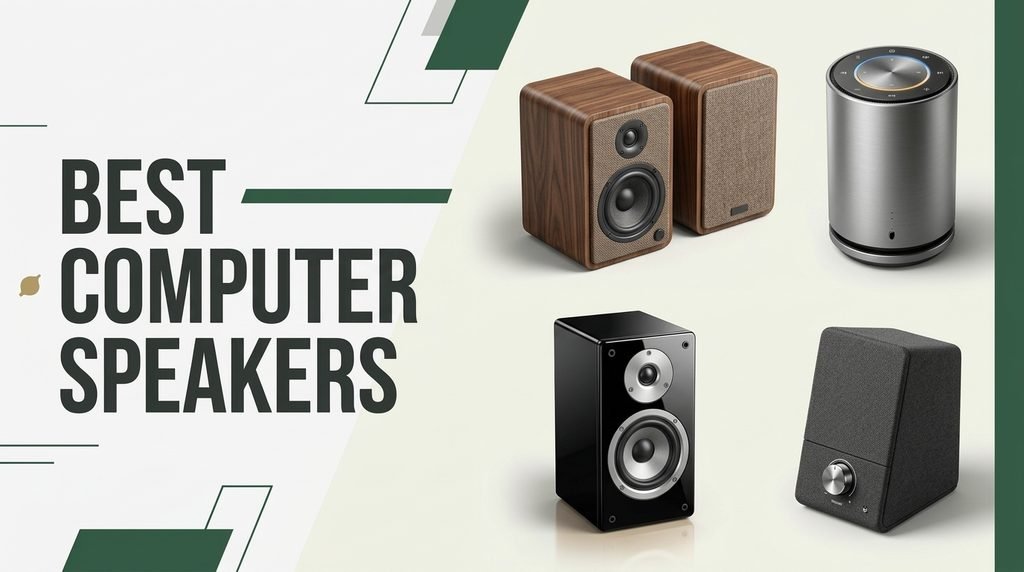
Find the right computer speakers for 2026. We compare 10 standout options by the factors that matter in this category, such as driver size, connectivity type, form factor, desk footprint, wired versus wireless convenience, and everyday value trade-offs.
Desktop speakers range from tiny USB-powered bars to full 2.1 systems with dedicated subwoofers. Key differences include Bluetooth support, input versatility, bass extension, and whether the design clips to a monitor or sits on the desk, all of which shape how the speakers fit your workspace.
This guide focuses on the specifications and practical realities that affect daily listening. Use the comparisons below to understand where each model excels, which setup suits your desk, and how features like control pods, remote controls, or sound modes translate to real-world use.
We compared 10 computer speakers using the details that actually help a buyer decide: driver configuration, connectivity options, output power, physical size, desk footprint, control convenience, wireless support, owner feedback, and value. The notes focus on practical trade-offs so each pick connects to how people actually use desktop audio for music, video, gaming, and work across different room sizes and budgets.

Compare key features, scores, and current prices side by side. A shorter feature list means fewer details were available, not necessarily fewer capabilities.






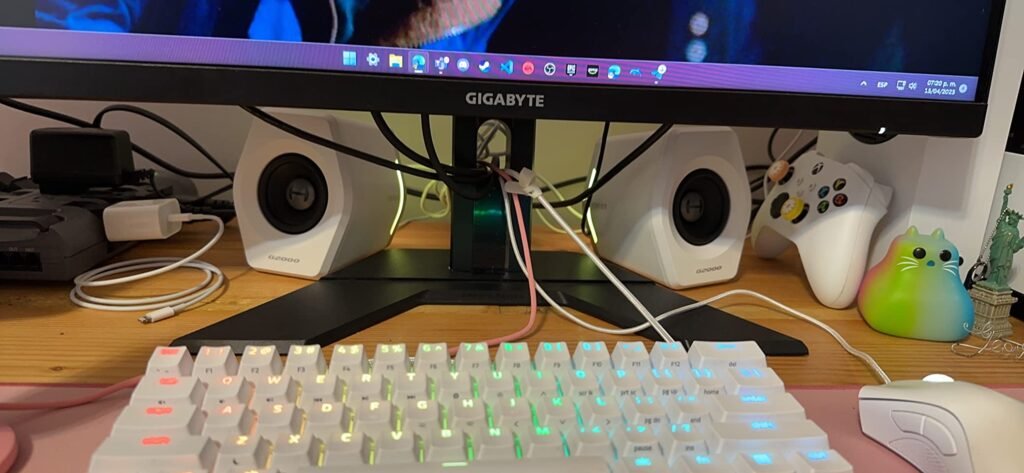
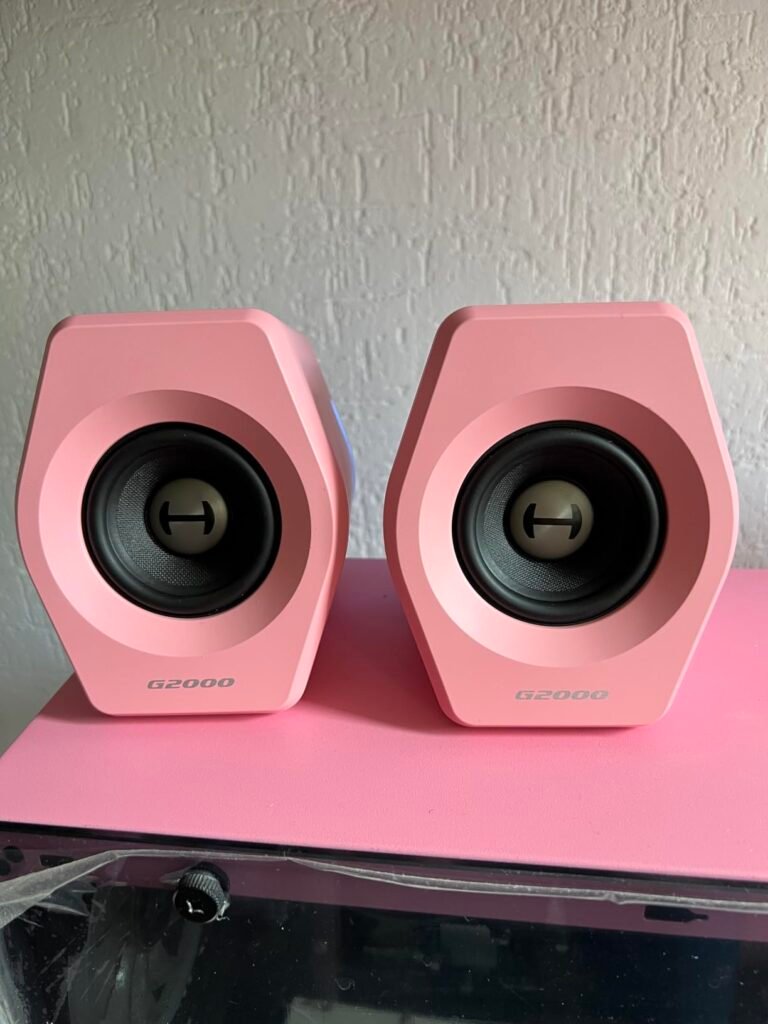
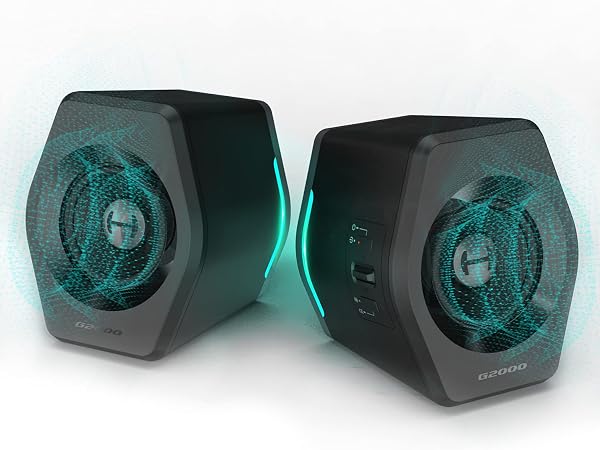
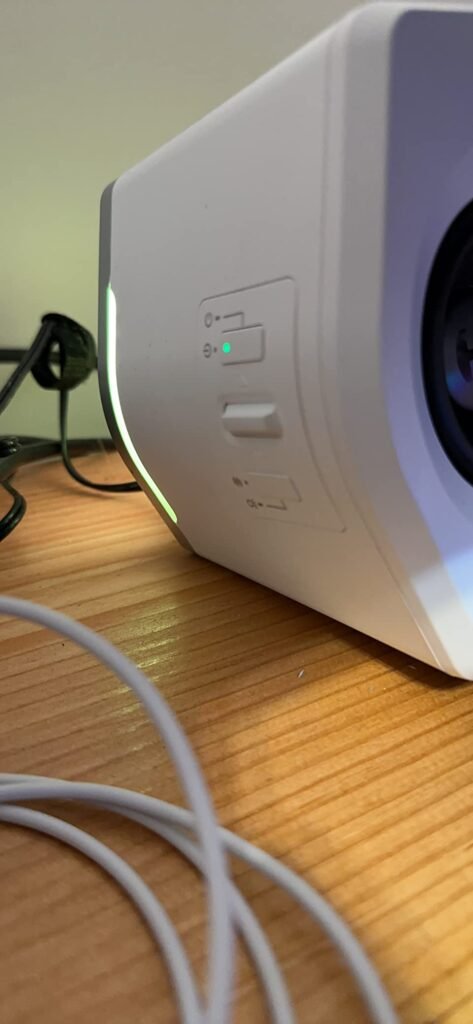
The Edifier G2000 is a gaming-oriented desktop speaker pair with 32 watts of peak power and 2.75-inch full-range drivers. It is built for PC, Mac, and console gamers who want an all-in-one desktop audio solution with visual flair. The column-shaped cabinets sit at a 10-degree angle, directing sound toward the listener's ears.
We may earn a commission when you buy through this link, at no additional cost to you.
Three preset sound modes—Game, Music, and Movie—adjust the EQ for different content, and a subwoofer output jack allows the user to add an external subwoofer for deeper bass. Connectivity includes Bluetooth, USB sound card input, and 3.5mm AUX, covering most modern and legacy devices. Twelve RGB lighting effects add desktop ambiance for gamers who care about aesthetics.
The multiple input options make the G2000 versatile, but the RGB lighting may not appeal to buyers who prefer a minimalist office look. The speakers are larger than minimalist USB bars, so they need more desk real estate. Controls are accessible on the speaker, and the matte finish with metal engraving gives the pair a distinct appearance.
A subwoofer output lets the user connect a powered subwoofer to handle low frequencies while the satellite speakers focus on mids and highs. This can significantly improve bass impact for movies and games without replacing the main speakers. It is a useful upgrade path for buyers who start with a compact pair but want more low-end later.
This model is ideal for gamers and multimedia users who want preset EQ modes, RGB lighting, and the option to expand with a subwoofer. It is less suited for buyers who want a small, invisible speaker pair or those who do not care about lighting effects and gaming-centric tuning.
Buyers who want a minimalist, lighting-free design or a very small desktop footprint.
We may earn a commission when you buy through this link, at no additional cost to you.
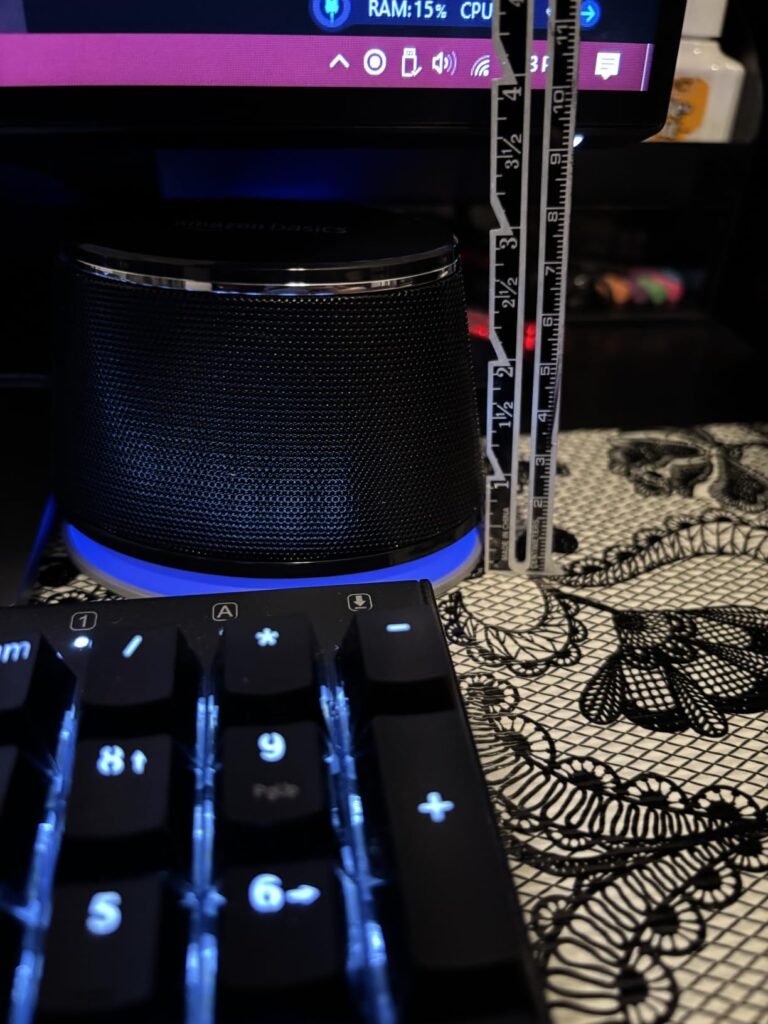
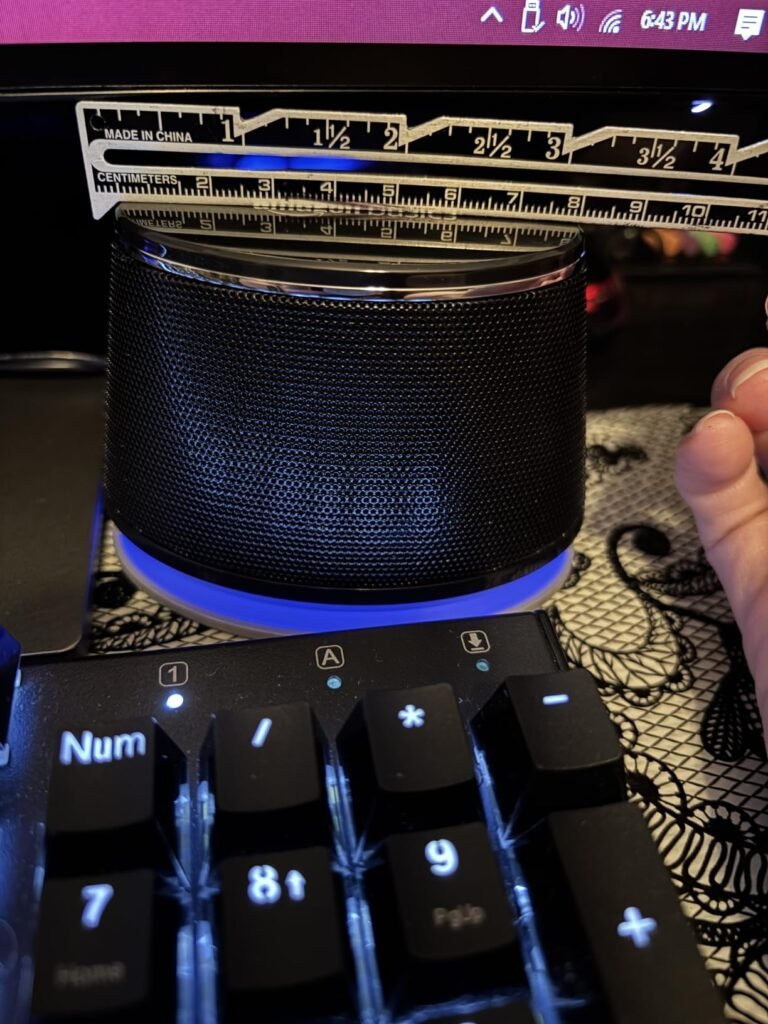
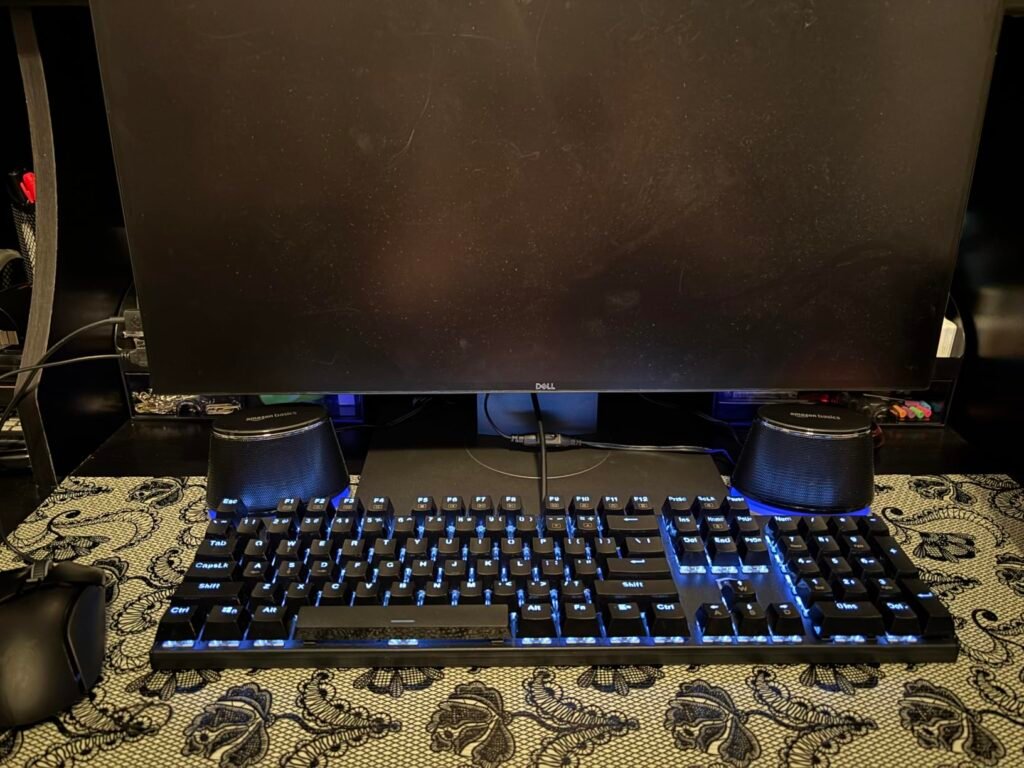
The Amazon Basics Stereo 2.0 speakers are built for buyers who want computer audio without complexity or a high price. This two-piece set connects through a standard 3.5mm aux jack and draws power from a USB port, so there is no separate power brick to manage. It is a practical first speaker pair for students, home offices, or anyone who needs basic stereo sound for video calls, YouTube, and background music.
We may earn a commission when you buy through this link, at no additional cost to you.
The in-line volume control sits on the cable for quick adjustments without reaching for the computer. A bottom radiator is designed to add some spring to the bass, though expectations should stay modest for a pair this small and inexpensive. The black finish and metal accents give the speakers a simple look that blends into most desk setups.
Setup is essentially plug and play. Because the speakers are USB-powered, they work with most laptops and desktops that have an available USB port and a 3.5mm audio jack. The padded base helps keep the speakers from sliding on smooth desk surfaces, and the compact footprint leaves room for other peripherals.
USB-powered speakers draw electricity from the same port that carries data or from a separate USB port, eliminating the need for a wall outlet near the desk. This makes them easy to move between computers and keeps cable clutter to a minimum, though it does mean the speakers will not work if the computer is asleep or the USB port does not provide enough power.
The tradeoff is that there is no Bluetooth, no subwoofer, and no advanced equalization. This is strictly a wired stereo pair for casual listening. It is best suited for buyers who prioritize low cost and simplicity over wireless convenience or deep bass.
Buyers who want wireless Bluetooth streaming or deep subwoofer bass for movies and music.
We may earn a commission when you buy through this link, at no additional cost to you.
The Klipsch ProMedia 2.1 is a complete three-piece system built for listeners who want desktop audio that can fill a room. The THX certification indicates the system meets specific performance standards for clarity and output, while the 200-watt peak power rating suggests it can handle gaming, movies, and music at high volumes without straining. This is a performance-oriented choice rather than a background-music option.

We may earn a commission when you buy through this link, at no additional cost to you.
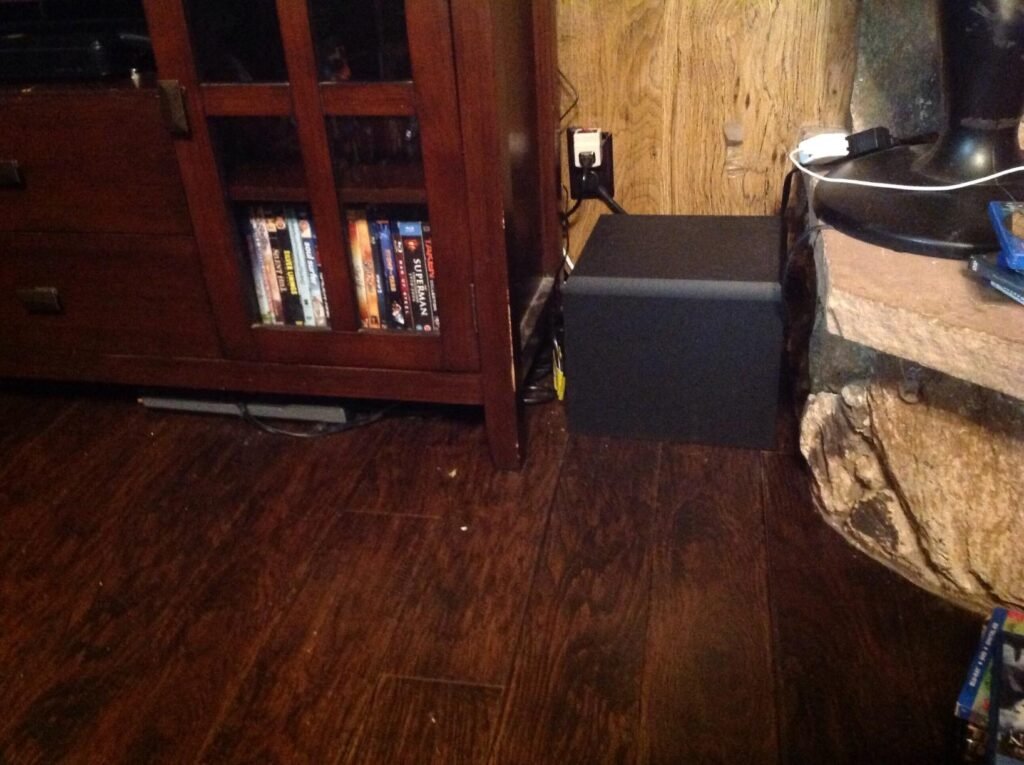
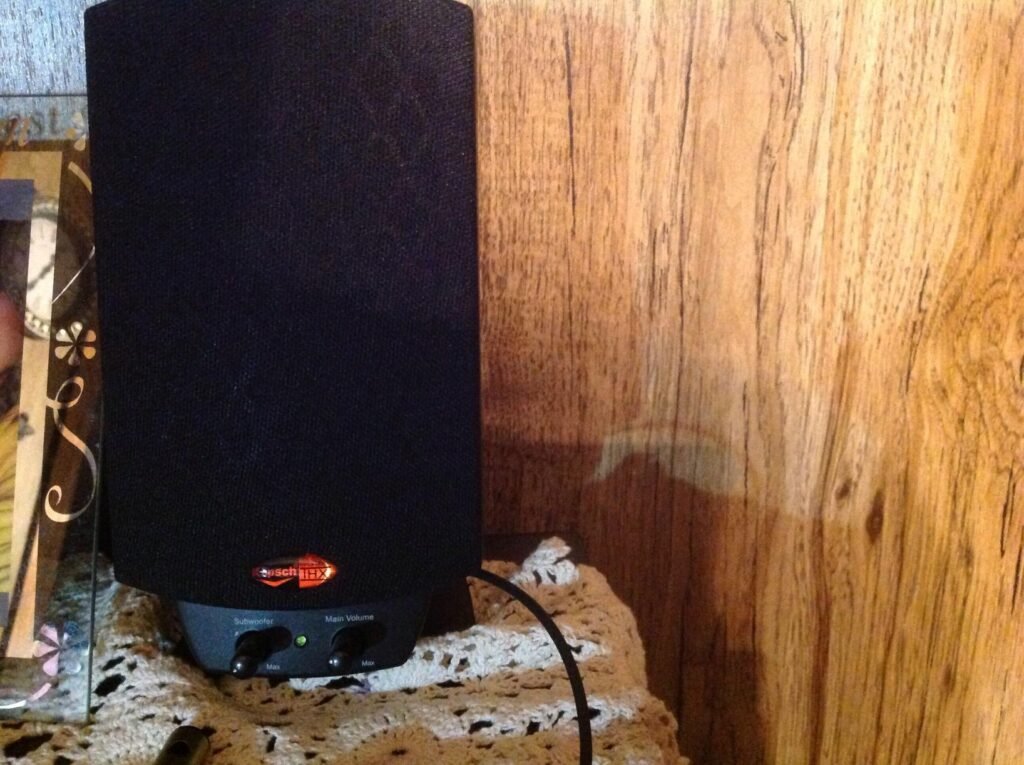
The system uses Klipsch MicroTractrix horn technology on the two-way satellite speakers, which is designed to direct sound efficiently toward the listener. The 6.5-inch side-firing ported subwoofer handles low frequencies, providing bass you can feel during action scenes or bass-heavy tracks. The control pod offers main volume and subwoofer gain adjustment, giving the user direct control over the balance between satellites and sub.
Connectivity is straightforward with a 3.5mm input, making it compatible with computers, TVs, music players, and gaming consoles. The plug-and-play setup means no software installation is required. However, the subwoofer is relatively large, so buyers need to find floor or under-desk space for it, and the wired design limits placement flexibility compared to wireless systems.
THX certification is a performance standard that evaluates frequency response, output level, and distortion. For computer speakers, it suggests the system has been tuned to deliver consistent sound at reference levels. While certification does not guarantee personal preference, it does indicate the manufacturer targeted a measurable benchmark for clarity and power.
This system is best for buyers who prioritize raw output and cinematic bass on the desktop. The higher price and larger footprint make it less suitable for small apartments or minimalist workspaces, but for a dedicated PC gaming or media station, it delivers a level of power and clarity that most two-piece USB speakers cannot match.
Buyers with very small desks or those who need a portable, wireless speaker solution.
We may earn a commission when you buy through this link, at no additional cost to you.
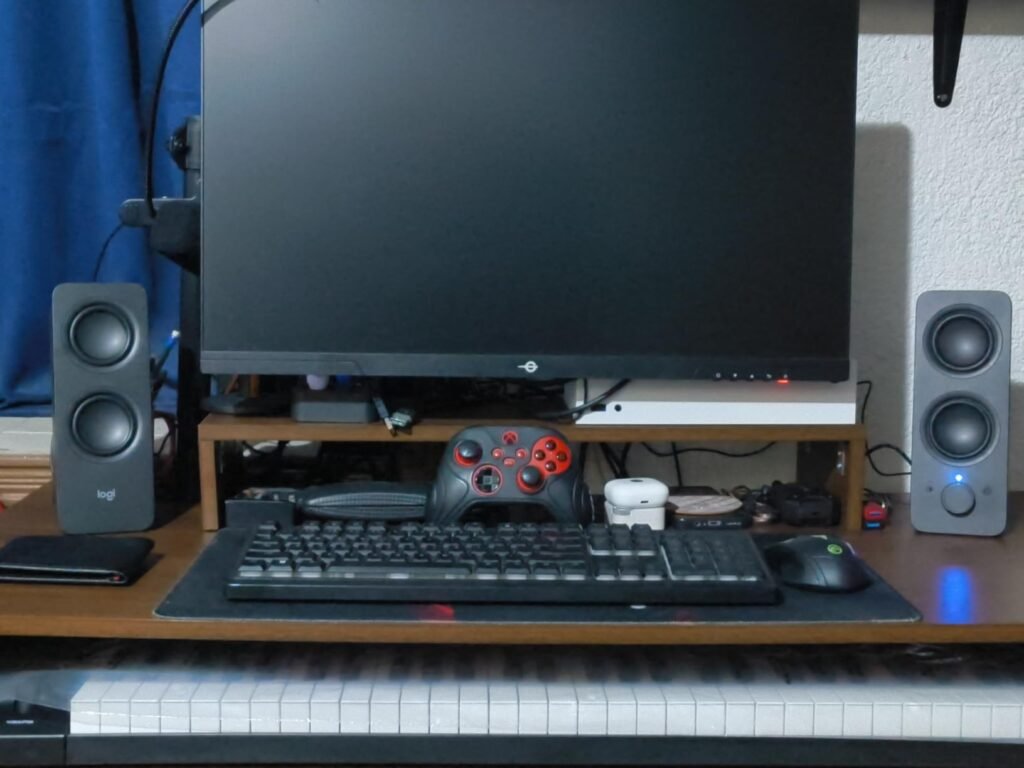
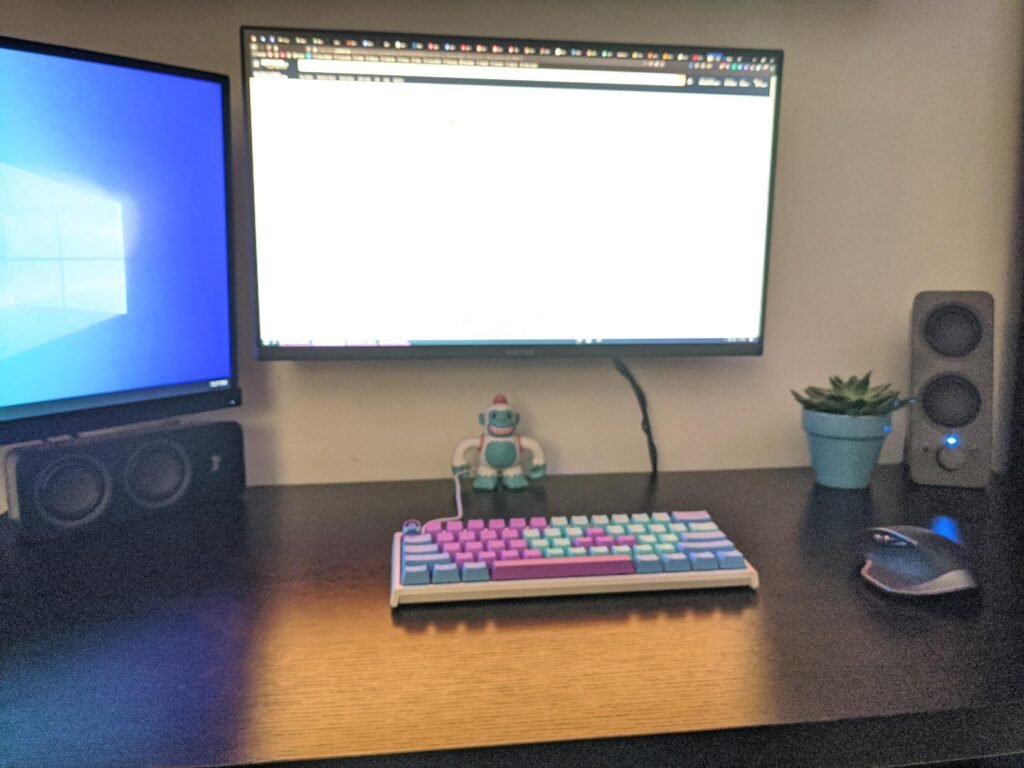
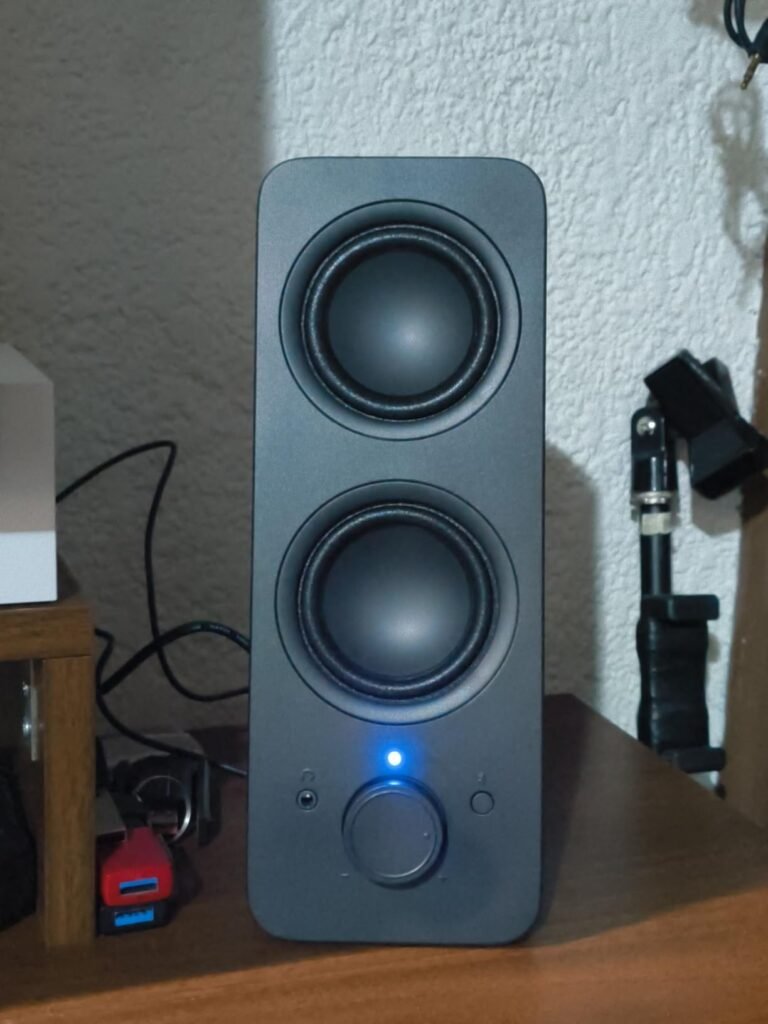
The Logitech Z207 is a two-piece stereo pair built around flexibility. It connects over Bluetooth 4.2 or a standard 3.5mm cable, so it can serve a laptop, phone, tablet, or TV without swapping wires. Logitech Easy-Switch lets the user pause audio on one device and resume on another, which is handy for shared desks or anyone who moves between a phone and computer throughout the day.
We may earn a commission when you buy through this link, at no additional cost to you.
Each speaker contains one active driver and one passive radiator, a design intended to extend bass response without adding a separate subwoofer. On-speaker controls include Bluetooth pairing, power, and volume, and there is a headphone jack for private listening. The compact size makes the pair easy to position on either side of a monitor.
Bluetooth 4.2 is functional but not the newest version, so range and pairing speed may not match newer Bluetooth 5.0 or 5.3 devices. There is no dedicated subwoofer, so bass is present but limited by the small cabinet size. The speakers appear to be powered through the connected device or an external supply rather than USB alone, so cable management should be considered.
Easy-Switch technology allows the speakers to stay paired with two Bluetooth devices simultaneously. Instead of unpairing a phone to connect a laptop, the user can simply pause playback on one device and start on the other. This removes friction for households or offices where more than one person uses the same speakers.
This is the strongest pick for buyers who want wireless convenience without giving up a wired backup. It suits shared workspaces, dorm rooms, and anyone who streams from multiple devices. Audiophiles or bass-focused listeners will likely want a system with a dedicated subwoofer or newer wireless technology.
Buyers who want the latest Bluetooth version or a dedicated subwoofer for deep low-end extension.
We may earn a commission when you buy through this link, at no additional cost to you.
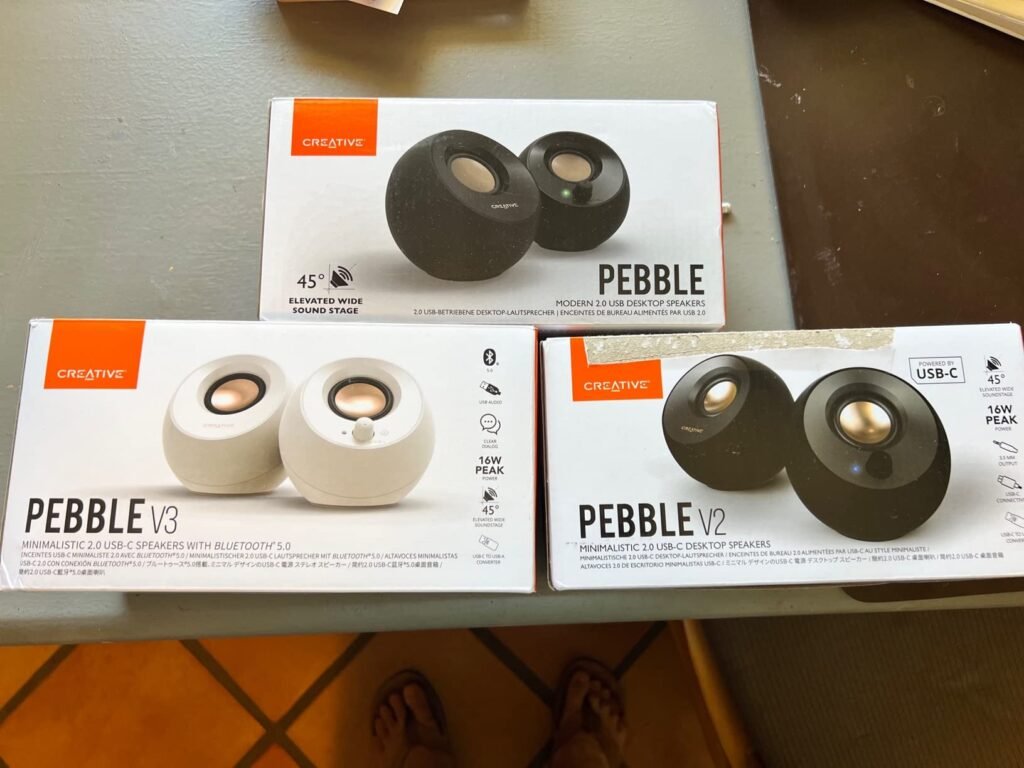
The Creative Pebble 2.0 is a minimalist two-piece USB speaker pair designed for small desks and clean workspaces. A single USB cable carries both power and audio, removing the need for a power adapter or separate audio jack on systems that support USB audio. The 45-degree elevated drivers aim sound directly at the listener rather than at the desk surface.
We may earn a commission when you buy through this link, at no additional cost to you.
Custom-tuned far-field drivers with rear-facing passive radiators are intended to improve audio projection and bass reproduction despite the compact enclosure. Front-facing volume controls make adjustments easy, and the black finish fits modern home and office decor. The frequency response is listed from 100 Hz to 17 kHz, which covers most speech and music but omits the deepest sub-bass.
Because there is no Bluetooth, the Pebble 2.0 is strictly a wired computer speaker. It works best with laptops and desktops that have a USB port and support USB audio. The small size means it will not fill a large room, but it is well-suited for personal listening at arm’s length.
Drivers angled at 45 degrees project sound upward toward the listener’s ears instead of straight forward at desk level. This can improve clarity and stereo imaging for someone sitting directly in front of the monitor, especially when the speakers are placed low on the desk.
This is the top choice for buyers with limited desk space who want a tidy, affordable wired pair. It is not ideal for large rooms, parties, or anyone who needs wireless streaming from a phone or tablet.
Buyers who need Bluetooth wireless or room-filling sound for large spaces.
We may earn a commission when you buy through this link, at no additional cost to you.
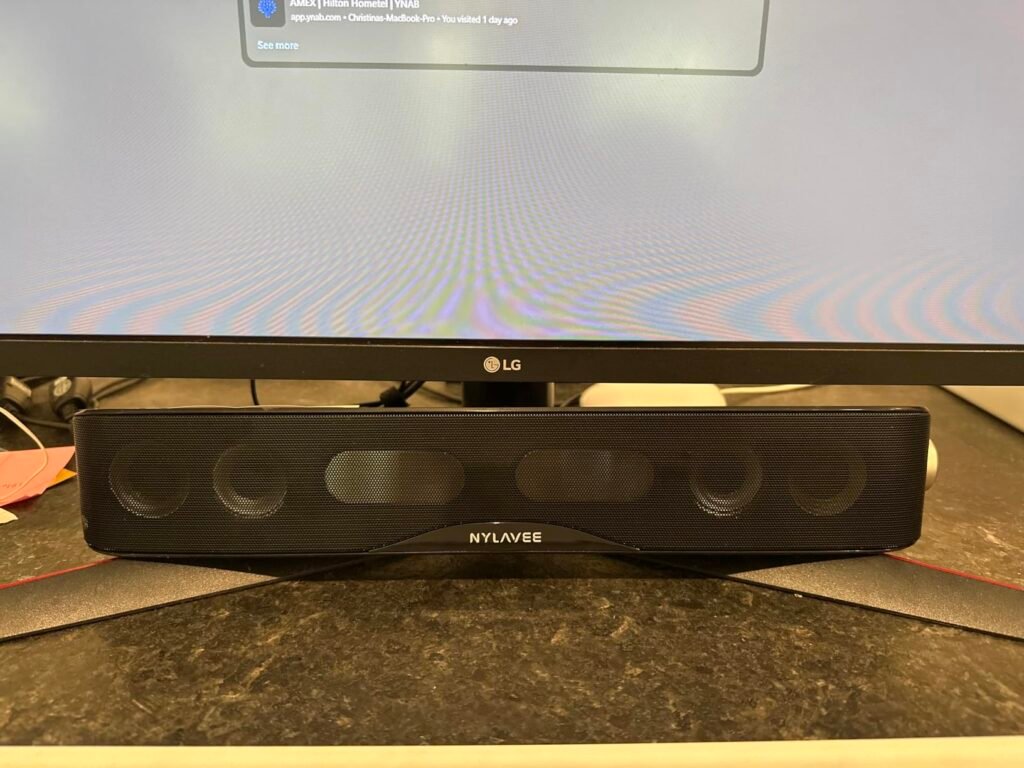
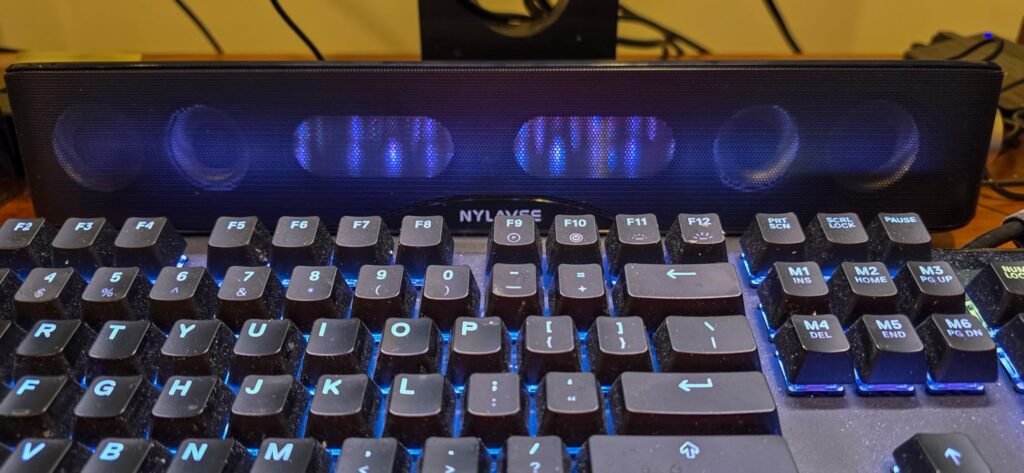
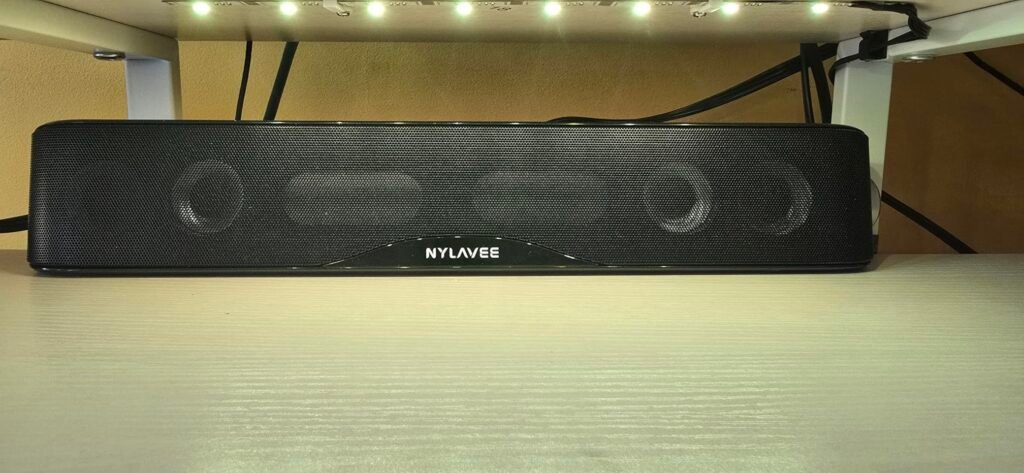
The Nylavee computer soundbar is a single elongated speaker that sits beneath a monitor, saving desk space compared to two separate speakers. It houses four speaker units and two independent bass diaphragms, with a cavity design intended to maximize loudness and bass. Bluetooth 5.0 and 3.5mm AUX give it two connection methods for laptops, desktops, phones, tablets, and consoles.
We may earn a commission when you buy through this link, at no additional cost to you.
The speaker is USB-powered and has no built-in battery, so it turns on when plugged into a USB power source. All functions are operated by a single side knob, keeping the interface simple. Double-layer neodymium magnets and mica fiber diaphragms are used in the driver units, and the enclosure is made from non-toxic materials.
As a one-piece soundbar, it cannot deliver the stereo separation of a two-piece pair placed wide apart. It is best centered under a monitor for personal desktop listening. The lack of a battery means it must remain plugged in during use, which limits portability.
A soundbar’s horizontal form factor allows it to sit directly below a display without taking up space on either side. This is useful for small desks or multi-monitor setups where two separate speakers would be awkward to place. The tradeoff is a narrower stereo image compared to widely spaced satellite speakers.
This model suits buyers who want a compact, one-piece speaker for a monitor setup and appreciate simple one-knob operation. It is less appropriate for those who want true left-right stereo placement or a portable battery-powered speaker.
Buyers who want wide stereo separation or a battery-powered portable speaker.
We may earn a commission when you buy through this link, at no additional cost to you.
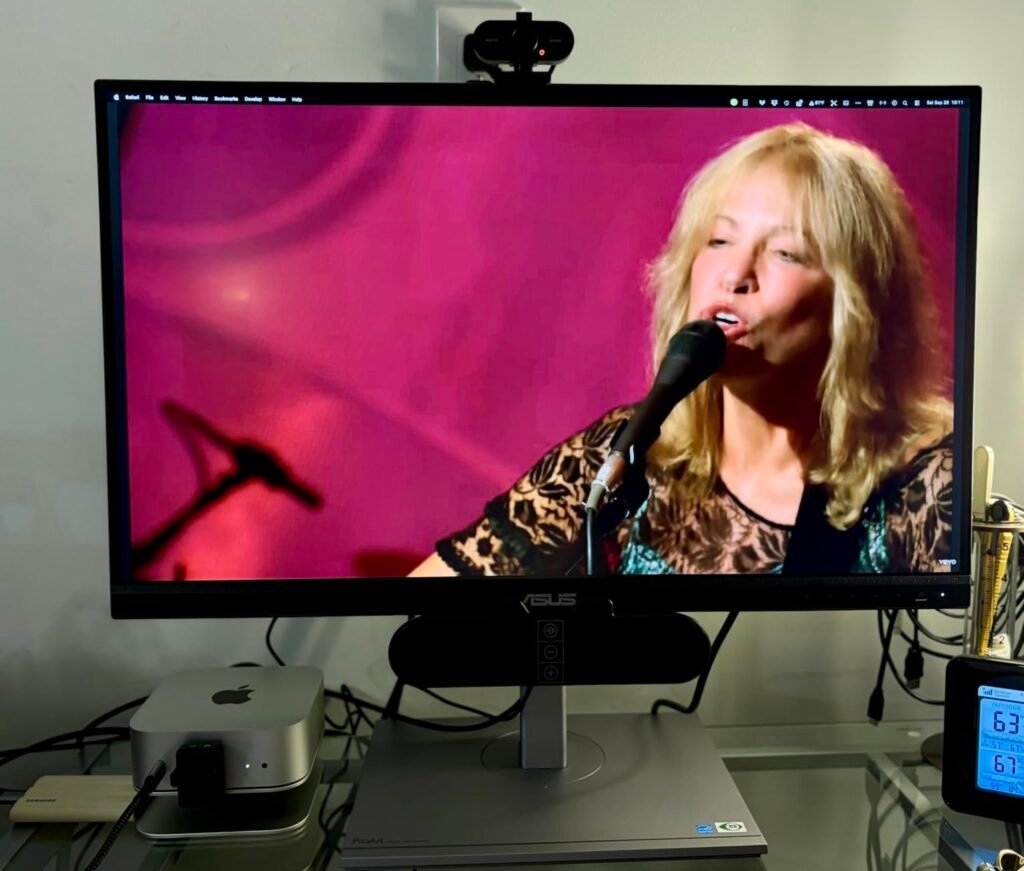
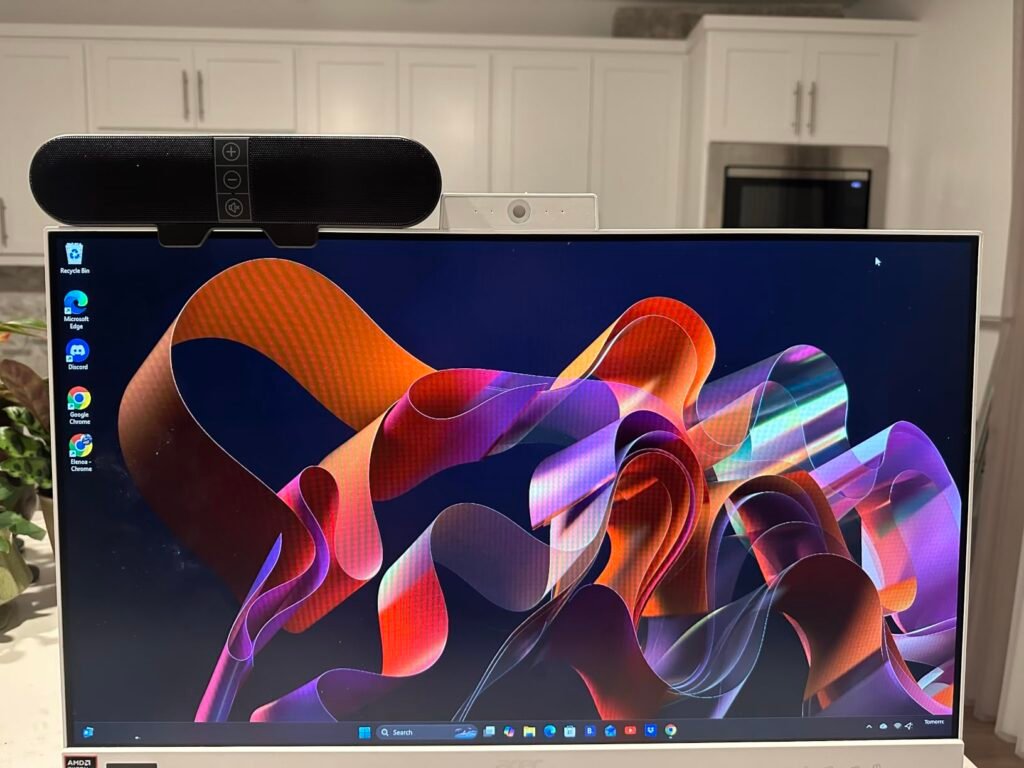
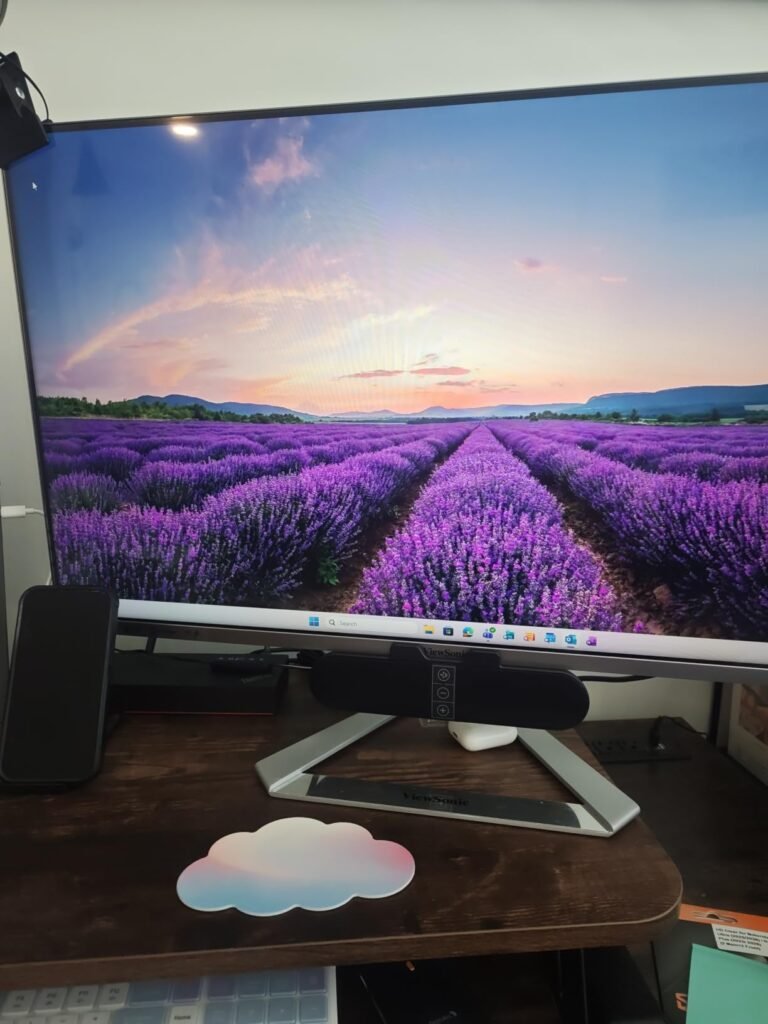
These computer speakers are designed to clamp onto the top, side, or bottom of a monitor, keeping the desktop surface clear for keyboards, notebooks, or other gear. A built-in USB-C to USB adapter expands compatibility to newer MacBooks, iPads, and Android devices, while dual ultra-magnetic drivers and passive radiators aim to deliver loud sound with deep bass in a small enclosure.
We may earn a commission when you buy through this link, at no additional cost to you.
Adaptive-channel-switching with a G-sensor keeps the left and right audio channels correct whether the speaker is mounted above or below the screen. Three front touch buttons handle muting and volume. The patented clamp also allows the unit to rest on a desk if monitor mounting is not preferred. Compatibility includes Windows, macOS, ChromeOS, and Linux.
The speakers are wired USB only, so there is no Bluetooth or 3.5mm option. They rely on the computer’s USB audio output and require the audio driver to be current. The clamp design means they are tied to a monitor or desk edge rather than being freely placeable.
Adaptive-channel-switching detects the physical orientation of the speaker and adjusts the left and right audio channels accordingly. This prevents the stereo image from being reversed if the speaker is clipped below the monitor instead of above it, which is a practical detail for mountable desktop audio.
This is the best option for buyers with extremely limited desk space who want audio without sacrificing work surface. It is not suitable for users without a compatible monitor edge or those who want wireless convenience.
Buyers without a monitor to clip to or those who want wireless Bluetooth speakers.
We may earn a commission when you buy through this link, at no additional cost to you.
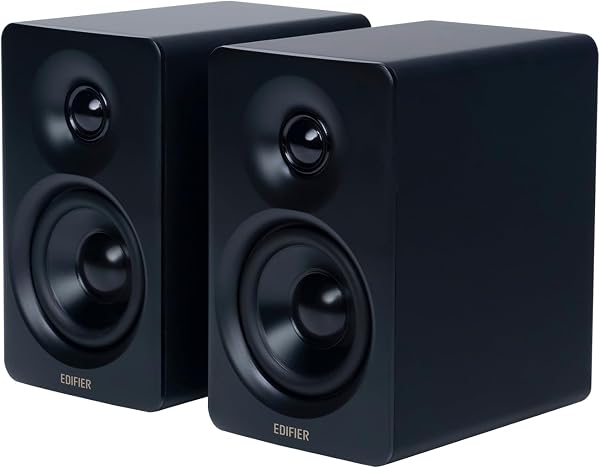
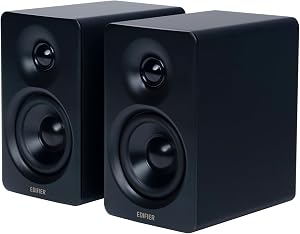
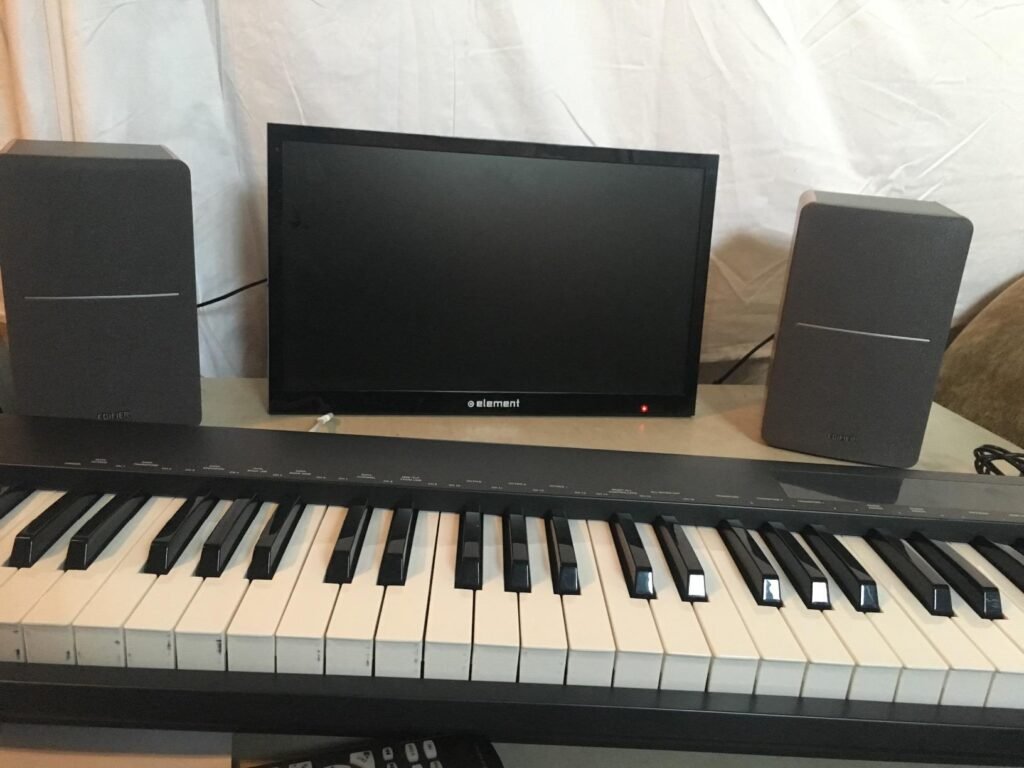
The Edifier R1280T is a powered bookshelf speaker pair styled as a near-field studio monitor. It uses a 13mm silk dome tweeter and a 4-inch full-range driver for natural sound reproduction, housed in an MDF wood cabinet with a wood-effect vinyl finish. This design is aimed at music listeners and desktop users who value tonal accuracy over gaming features.
We may earn a commission when you buy through this link, at no additional cost to you.
Two AUX inputs allow two devices to stay connected simultaneously without plugging and unplugging cables. Bass and treble controls are located on the side of the active speaker, and a remote control lets the user adjust volume from a distance. The classic wood finish helps the speakers blend into home decor and office environments.
There is no Bluetooth, so all connections are wired. The bookshelf form factor is larger than typical computer speaker bars, requiring more desk or shelf space. The near-field design means it performs best when the listener sits close to the speakers, which is typical for desktop use.
MDF is denser and less resonant than thin plastic, which helps reduce cabinet vibration and coloration of the sound. For music listening, a rigid enclosure can produce cleaner bass and more accurate midrange. This is one reason bookshelf speakers often sound fuller than small plastic computer speakers.
This pair is well-suited for music-focused buyers who want a traditional bookshelf sound with tone controls and remote convenience. It is less ideal for small desks or anyone who requires wireless streaming from mobile devices.
Buyers who want Bluetooth connectivity or a very compact desktop speaker.
We may earn a commission when you buy through this link, at no additional cost to you.
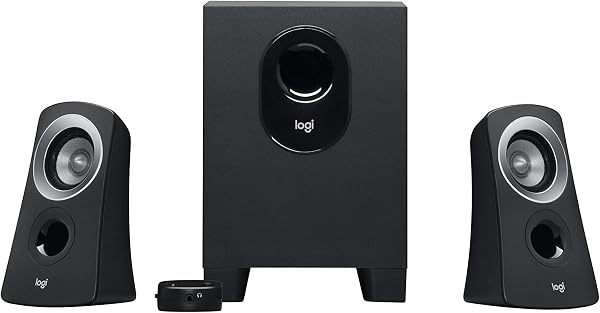
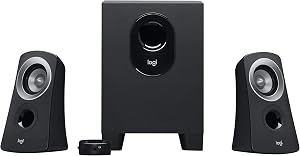
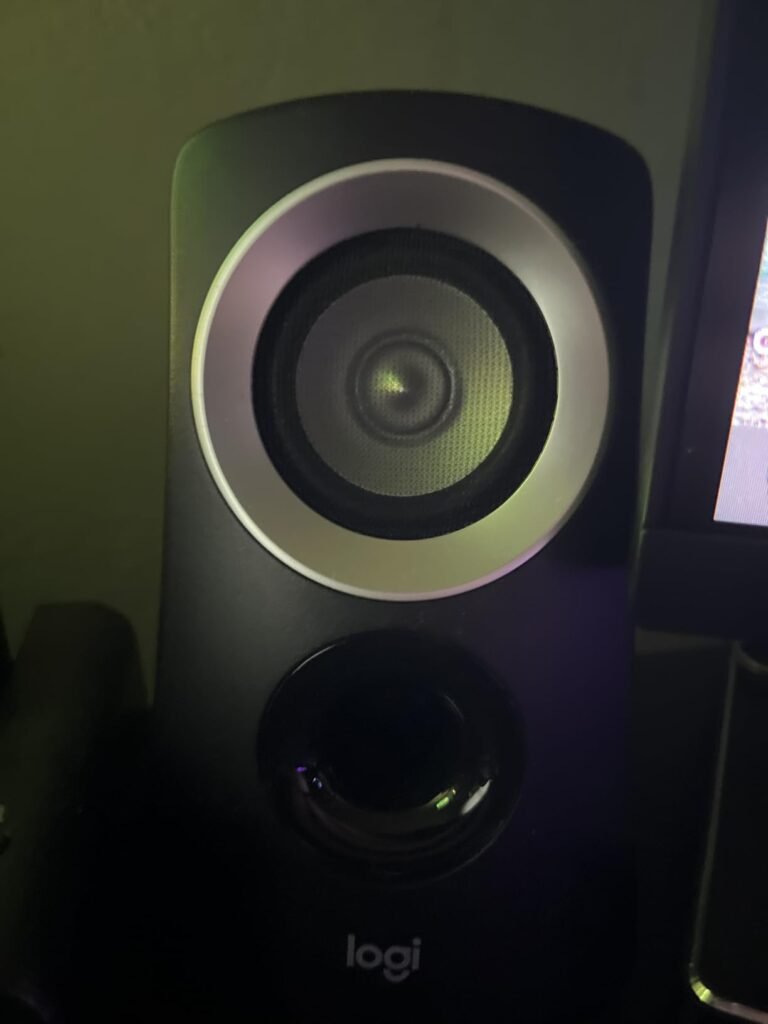
The Logitech Z313 is a 2.1 multimedia speaker system with 25 watts of RMS output and a compact subwoofer. The dedicated subwoofer handles low frequencies, giving music, movies, and games more impact than a two-piece stereo pair can typically provide. A convenient control pod provides volume and power access within easy reach.
We may earn a commission when you buy through this link, at no additional cost to you.
The system is designed for multimedia use with computers and other devices, and the black compact design fits most desktop environments. The subwoofer is small enough to sit on or under a desk, though it still requires dedicated space. Wired connectivity keeps setup simple without pairing or wireless interference.
Because it is wired only, there is no Bluetooth option for phones or tablets unless they have a 3.5mm output or appropriate adapter. The subwoofer adds bass but also adds a third component to manage, which may not suit minimalist setups. The control pod simplifies daily volume adjustments.
A 2.1 system includes two satellite speakers and a separate subwoofer. The subwoofer handles low bass frequencies, allowing the satellites to focus on mid and high frequencies. This separation usually results in fuller sound for movies and music compared to a 2.0 pair of similar size.
This is the strongest pick for buyers who want deeper bass than a 2.0 pair can offer without spending on a premium THX system. It works well for dorm rooms, home offices, and media desks where subwoofer placement is possible.
Buyers who want wireless Bluetooth or have no room for a subwoofer.
We may earn a commission when you buy through this link, at no additional cost to you.
The Edifier M60 is a premium multimedia speaker pair with 66 watts of RMS output and Hi-Res Audio certification for both wired and wireless transmission. It features 1-inch silk dome tweeters and 3-inch long-throw aluminum diaphragm mid-low drivers, powered by a high-efficiency Class-D amplifier with built-in DSP for precise crossover and dynamic range control.
We may earn a commission when you buy through this link, at no additional cost to you.
Connectivity includes Bluetooth 5.3 with the LDAC codec, supporting high-resolution audio up to 24-bit/96kHz from compatible Android devices, plus USB-C and AUX inputs for wired connections. A cap-sensitive touch panel with automatic backlight provides intuitive control, and the Edifier ConneX mobile app extends functionality. The pair includes aluminum speaker stands angled at 15 degrees to direct audio to ear level.
The premium price reflects the advanced audio processing and build quality, which may be more than a casual user needs. The compact dimensions make the speakers suitable for most desktops, but the feature set is clearly aimed at listeners who want high-fidelity desktop audio. The bundled stands add to the desktop footprint slightly but improve listening angle.
LDAC is a Bluetooth codec that can transmit up to 990 kbps, significantly higher than standard SBC Bluetooth. This allows near-lossless wireless audio quality from compatible source devices. For desktop listeners who want wireless convenience without sacrificing much fidelity, LDAC is a meaningful advantage.
This model is for buyers who want reference-quality desktop sound and are willing to pay for high-resolution codecs, DSP tuning, and quality drivers. It is overkill for basic system sounds or background music, but ideal for music enthusiasts and creators who need accurate desktop monitoring.
Buyers on a tight budget or those who only need basic computer audio for calls and videos.
We may earn a commission when you buy through this link, at no additional cost to you.
Selecting computer speakers involves more than picking the cheapest pair or the most powerful wattage number. The right choice depends on your desk size, device connectivity, listening habits, and how much bass or clarity you need. This section breaks down the factors that genuinely shape day-to-day satisfaction with desktop audio.
The way a speaker connects to your computer determines which devices it can serve and how flexible your setup can be. Common options include 3.5mm AUX, USB, Bluetooth, USB-C, and optical inputs. A 3.5mm jack is universal and works with nearly any computer, TV, or gaming console, while USB-powered models draw electricity from the computer and often carry audio over the same cable. Bluetooth adds wireless convenience for phones and tablets but introduces pairing steps and potential latency.
Some models, like the Edifier G2000 and Edifier M60, offer multiple inputs simultaneously, letting you keep a computer and phone connected without swapping cables. Others, such as the Amazon Basics pair, keep it simple with USB power and a single AUX input. If you switch between a laptop and a phone throughout the day, Bluetooth or dual-input models save time. If you only use one desktop computer, a straightforward wired connection is often more reliable.
Choose Bluetooth or multiple inputs if you use several devices. Choose a single wired input if you want simplicity and do not plan to move the speakers between devices.
Computer speakers generally come in 2.0, 2.1, or soundbar configurations. A 2.0 system has two satellite speakers and no dedicated subwoofer, which is enough for speech, music, and system sounds but may lack deep bass. A 2.1 system adds a subwoofer to handle low frequencies, making it better for movies, gaming, and bass-heavy music. Soundbars combine all drivers into a single horizontal unit, which saves desk space but can limit stereo separation.
Models like the Klipsch ProMedia 2.1 and Logitech Z313 include dedicated subwoofers for noticeable low-end impact. Compact options like the Creative Pebble 2.0 and Amazon Basics pair rely on small passive radiators for bass extension, which is adequate for close-up listening but not room-filling sound. If you sit near your speakers and listen at moderate volumes, a 2.0 pair is often sufficient. If you want cinematic impact or play music with heavy bass, a 2.1 system is worth the extra desk space.
Choose 2.0 for small desks and casual listening. Choose 2.1 if you want deeper bass and have room for a subwoofer. Choose a soundbar if you want a single unit centered under your monitor.
Wattage indicates how much electrical power the speakers can use to produce sound, but it is not the only measure of loudness or quality. RMS watts represent continuous power, while peak watts represent short bursts. A higher RMS rating generally means the speaker can play louder and cleaner without distortion, especially in larger rooms. The Edifier M60 offers 66 watts RMS, the Klipsch ProMedia lists 200 watts peak, and budget models like the Amazon Basics pair do not emphasize high output.
Higher wattage matters more if you sit far from the speakers, play in a large room, or want to fill the space with sound for movies or parties. For personal desktop use at arm’s length, lower-wattage models can sound perfectly clear. Efficiency and driver quality also affect perceived loudness, so a well-designed 25-watt system can outperform a poorly designed 60-watt system at close range.
Match wattage to your room size and listening distance. High wattage is unnecessary for close desktop use but valuable for larger spaces or shared rooms.
Physical size and placement options affect how well speakers fit into your existing workspace. Two-piece stereo pairs need space on both sides of the monitor, which works well for wide desks but can crowd smaller setups. Soundbars and monitor-clipped speakers save surface area by sitting under or on the display. The Nylavee soundbar and the clip-on monitor speakers are examples of designs built to minimize desk footprint.
Larger bookshelf speakers like the Edifier R1280T offer richer sound but require more room and are best suited to dedicated desktop spaces or shelves. Subwoofers in 2.1 systems need floor or under-desk space, which can be a constraint in small apartments. Before buying, measure your available desk width and consider whether you want the speakers visible or tucked away.
Choose compact or monitor-mounted speakers for small desks. Choose bookshelf or 2.1 systems if you have ample space and want fuller sound.
Control placement and type affect daily usability. On-speaker knobs, touch panels, remote controls, and in-line volume controls each offer different trade-offs. A remote control, like the one included with the Edifier R1280T, lets you adjust volume without leaving your seat. On-speaker touch panels, found on the Edifier M60, look modern but can be less intuitive than physical knobs. In-line controls on the cable are convenient for wired models but require reaching for the speaker cable.
Some models add software or app support, such as the Edifier ConneX mobile app, while others rely purely on hardware controls. Headphone jacks on the speaker, present on the Logitech Z207, allow private listening without unplugging anything. RGB lighting, found on the Edifier G2000, adds visual style but may distract in a professional office. Think about whether you want quick physical access, remote convenience, or a minimalist look.
Choose remote or on-speaker controls if you adjust volume often. Choose app-enabled models if you like fine-tuning sound from your phone. Skip RGB lighting if you want a professional, distraction-free desk.
Not all computer speakers sound the same, even at similar price points. Some are tuned for clarity and vocal intelligibility, making them suitable for video calls and podcasts. Others emphasize bass and excitement for gaming and movies. Models like the Edifier G2000 include Game, Music, and Movie modes that adjust the equalizer automatically, while bookshelf speakers like the Edifier R1280T offer bass and treble knobs for manual adjustment.
If you mostly listen to music, look for balanced tuning with separate bass and treble controls. If you watch movies or play games, a system with a subwoofer and preset sound modes can add impact. If you need speech clarity for meetings, a neutral 2.0 pair with good midrange is often better than a bass-heavy system. Consider your primary content before prioritizing one sound signature over another.
Choose balanced tuning for music and speech. Choose bass-emphasized or multi-mode systems for movies and gaming.
Place your speakers at ear level and angled slightly toward your listening position for the best stereo imaging. If you use a two-piece set, keep an equal distance between each speaker and your seat. For monitor-mounted or soundbar models, center the audio source below or above the display so the sound appears to come from the screen. Avoid placing speakers directly against walls or in corners, as this can exaggerate bass and make the sound muddy.
Keep cables organized and avoid straining the connectors where they enter the speaker or computer. If your speakers are USB-powered, plug them into a port that provides consistent power, and avoid cheap unpowered hubs that may cause audio dropouts. Clean the cabinets and grilles with a soft, dry cloth, and avoid liquids near the drivers or control panels. For fabric grilles, gentle dusting with a soft brush is usually enough.
If you notice distortion at high volumes, lower the volume on the speaker and adjust the software volume instead of maxing out the hardware. Store speakers in a dry, temperature-stable environment when not in use, and unplug them during long periods of inactivity. Check the audio driver on your computer periodically if you experience connectivity issues with USB or Bluetooth models.
Not necessarily. A 2.0 stereo pair is enough for voice calls, podcasts, and most music at a desk. A subwoofer adds deep bass for movies, games, and bass-heavy music, but it also takes up extra space. Choose a 2.1 system only if you want more low-end impact and have room for the subwoofer.
Bluetooth offers wireless convenience for phones and laptops, but it requires pairing and can introduce slight audio delay. Wired speakers with 3.5mm or USB connections are usually simpler and more reliable for desktop use. If you stream from multiple devices, Bluetooth helps; if you use one computer, wired is often easier.
RMS wattage measures the continuous power a speaker can handle, which is a better indicator of real-world loudness than peak wattage. Higher RMS generally means louder, cleaner sound at higher volumes. For desktop use, lower RMS is often sufficient, while larger rooms benefit from higher ratings.
Many computer speakers with 3.5mm AUX or Bluetooth inputs work with TVs and consoles, but compatibility depends on the available outputs on your device. Some models list compatibility with TVs, music players, and gaming consoles. Check the input options on both the speaker and your device before buying.
USB-powered speakers reduce the need for separate power adapters, and Bluetooth models eliminate audio cables entirely. Monitor-clipped speakers and soundbars keep components off the desk surface. Use cable clips or ties to route wires along the monitor stand or desk edge.
Premium models often include better drivers, digital signal processing, high-resolution Bluetooth codecs, and sturdier cabinets. These improvements matter for music enthusiasts and creators who want accurate desktop audio. For basic system sounds, video calls, and background music, a budget pair is usually sufficient.
Use a soft, dry cloth to wipe the cabinets and grilles. Avoid spraying liquids directly onto the speakers. For dusty fabric grilles, a soft brush or compressed air can help. Keep drinks and moisture away from the drivers and control panels.
LDAC is a Bluetooth codec that transmits audio at higher bitrates than standard SBC, allowing near-lossless wireless sound from compatible devices. It is found on premium models like the Edifier M60. You need a source device that supports LDAC to benefit from it.
The Klipsch ProMedia 2.1 stands out as the strongest overall choice for buyers who want powerful, room-filling desktop audio with a dedicated subwoofer and THX certification. Its 200-watt peak output, control pod, and broad device compatibility make it a natural centerpiece for a PC gaming or media station, provided you have space for the subwoofer and a higher budget.
For buyers with different needs, the Amazon Basics 2.0 offers the lowest-cost entry point for simple wired audio, while the Edifier M60 delivers premium features like LDAC Bluetooth, Hi-Res Audio certification, and aluminum stands. The Creative Pebble 2.0 and Nylavee soundbar are ideal for small desks, and the Logitech Z207 adds wireless convenience for shared workspaces.
Start by measuring your desk, listing your devices, and deciding whether you prioritize bass, wireless convenience, or compact size. Match those priorities to the connectivity, configuration, and power of each model. The right computer speaker will improve your daily listening without overwhelming your workspace or budget.